

There are 369 new plugins, 1369 plugin updates and 48 new themes during the week 2026-10-18 to 2026-10-24.
You can start with the notes you already write. From 2026-10-18 to 2026-10-24, there are 369 new plugins and 48 new themes to browse, alongside 1369 plugin updates. The download ranking below covers that week.
New Plugins
There are 369 new plugins: see them all at /new.
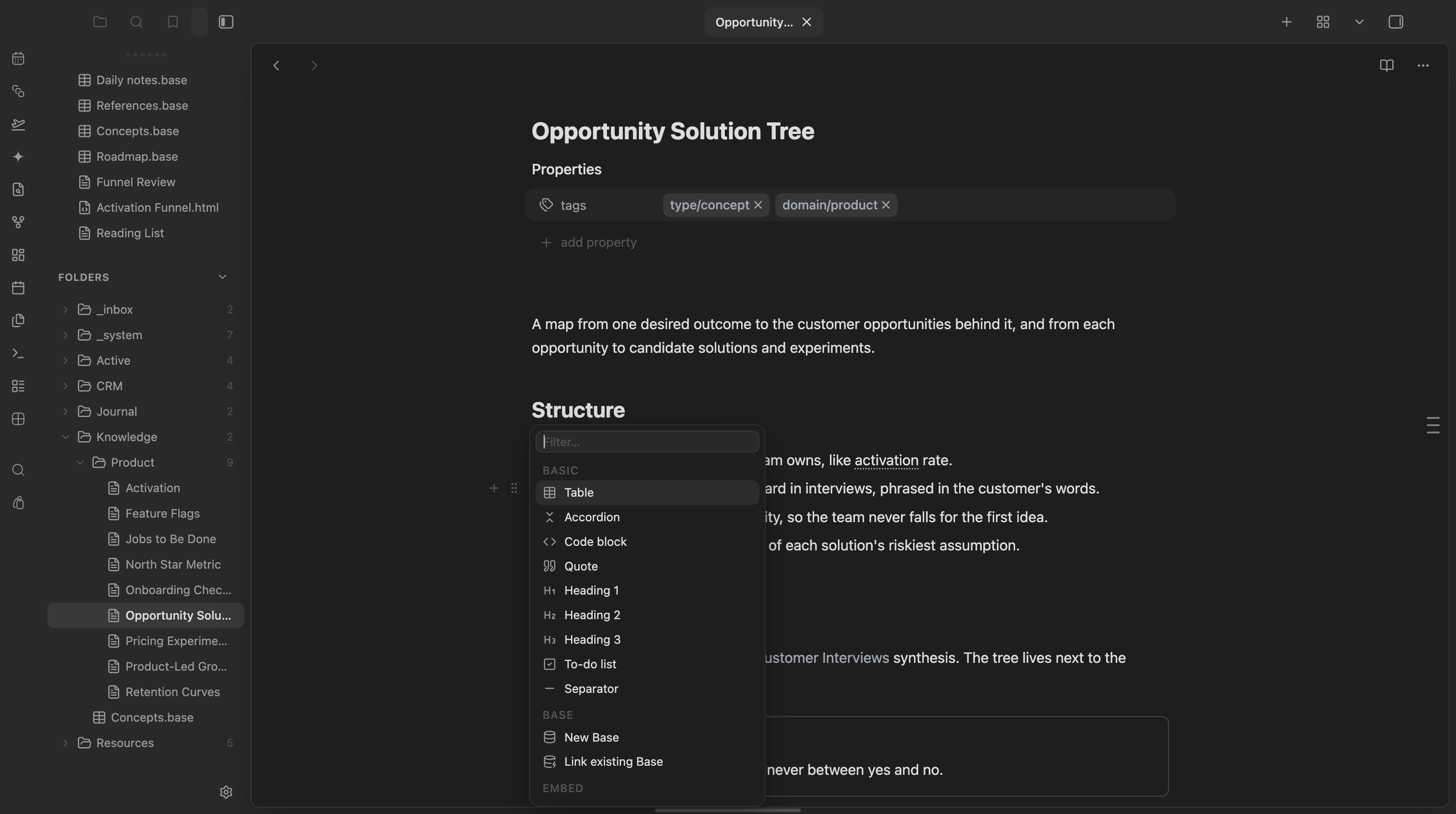
Keep your own vocabulary handy. Wordlist Autocomplete offers suggestions from JSON wordlists you supply, useful for project terminology without relying on a bundled dictionary. Native Notes adds Apple-inspired styling and editing tools with portable settings, giving you appearance controls in one plugin. For block editing, Composer puts an insert menu and block actions beside your text in desktop Live Preview.
The Grid Note plugin displays Markdown documents as an interactive tree of cards, with headings from H1 to H6 becoming foldable sections. Cards support inline editing through CodeMirror and stay in sync with the source document. Arrow keys move between parent, sibling and child cards, while full text search highlights matches across the document and shows match counters. A file tree browser provides navigation between vault files without relying only on the card hierarchy within a document. Individual cards or entire subtrees can be exported as Markdown, rich text or PNG. The plugin runs on desktop and requires Obsidian 0.15.0 or later.
The Graphene plugin adds a semantic graph that connects notes by content similarity using vector embeddings. Dotted lines show semantic relationships alongside solid wikilinks, with a D3.js physics layout and adjustable connection thresholds. Embeddings can be generated locally through Ollama or through OpenAI with an API key. Word limits, initial word skipping and heading exclusion control which text is embedded. The plugin tracks new and modified files so updates can process only changed notes. Graph controls cover forces, text fading, tags, arrows and animations. Filters handle attachments, unresolved links and orphans, while search matches file names, paths and contents. Color groups use plain text matching rather than advanced search syntax. Semantic controls include links per note and adaptive pruning. Display changes use cached embeddings without regenerating vectors.
The Wordlist Autocomplete plugin suggests words from enabled JSON wordlists, with domain and category labels on each result. Matching prioritises prefixes, followed by shorthand with vowels removed after the first letter, then matches anywhere within a word. Each keystroke produces up to 10 suggestions. Ranking also considers optional personal learning, word length and a configurable global order. Wordlists can be enabled individually, reordered and given their own category priorities. Personalisation is off by default and learns from accepted words and their surrounding context when enabled. A correction command presents likely misspellings for review before applying selected changes. Other commands convert an entire note to lowercase, uppercase or sentence case. Trigger length, case preservation and accepting suggestions with Space are configurable. No vocabulary is bundled, and accepting a suggestion always appends a trailing space.
4. Native Notes
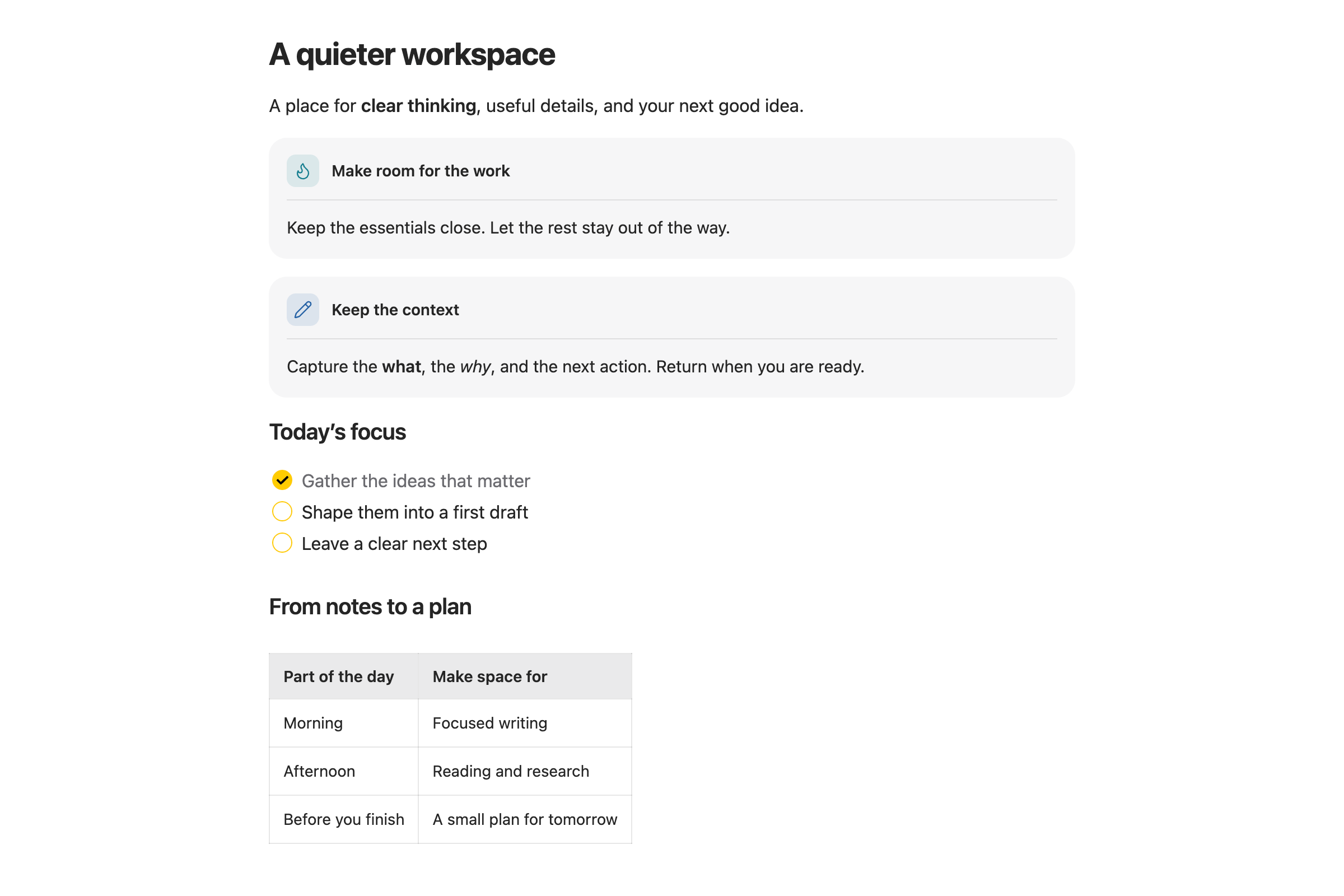
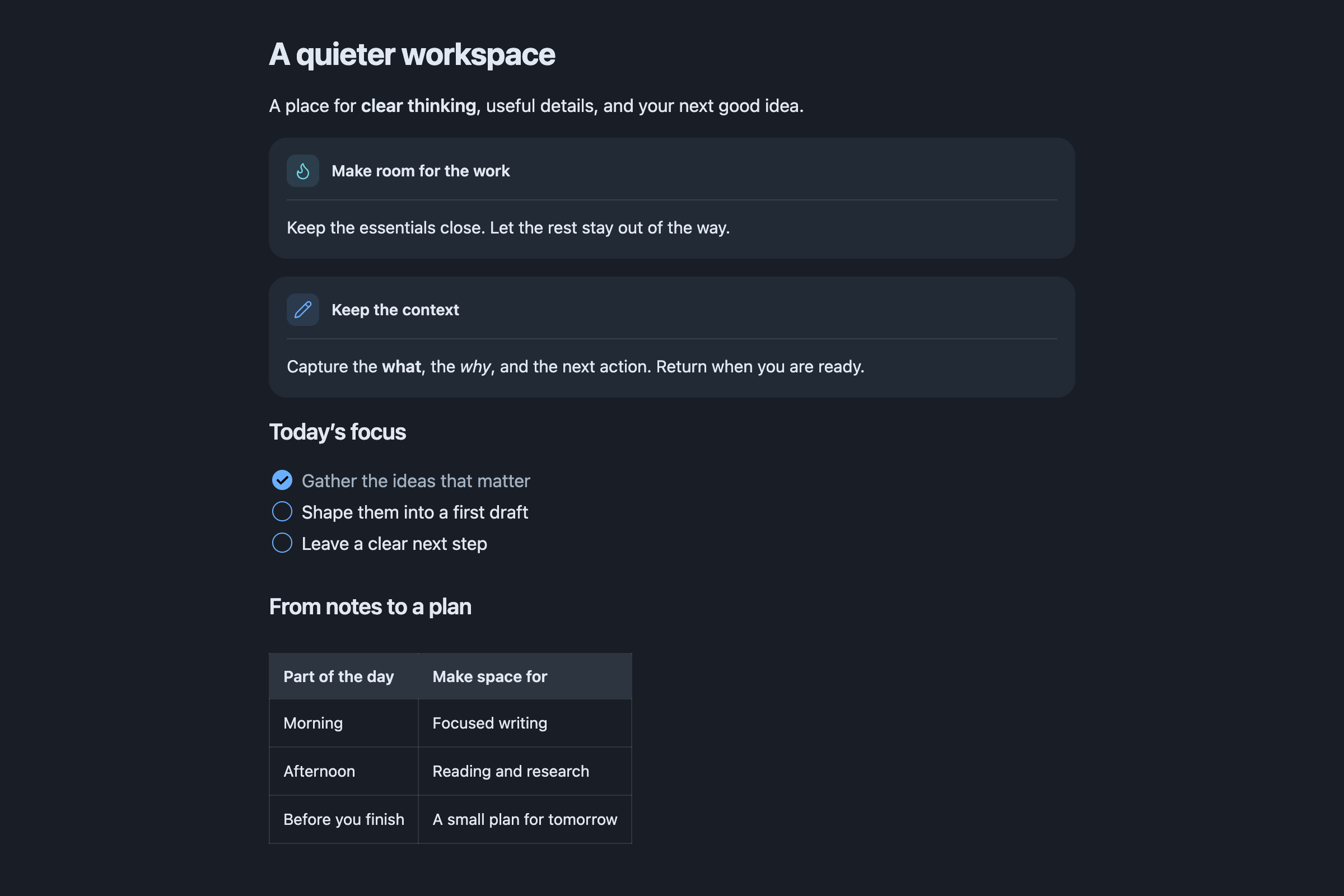
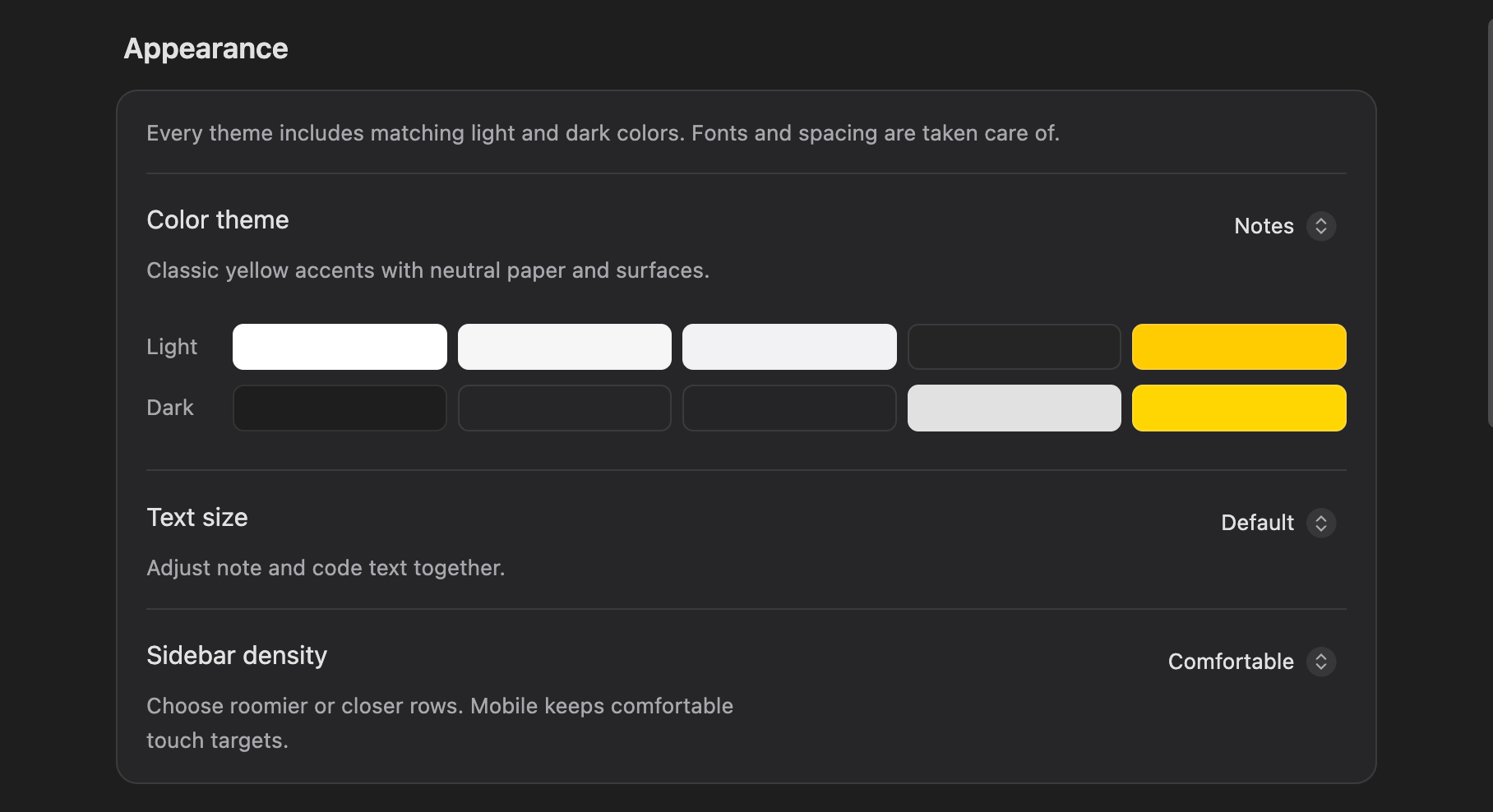
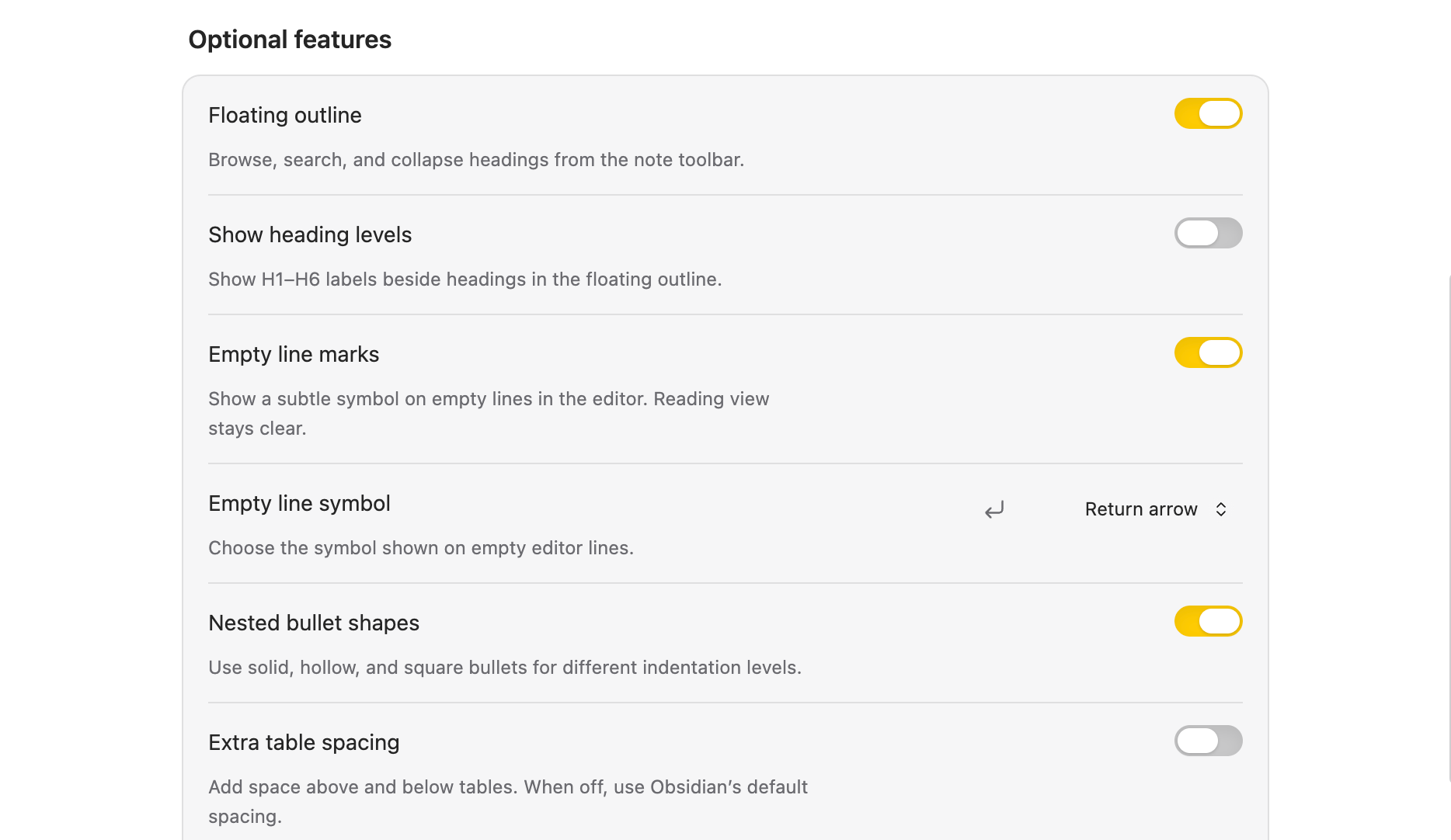
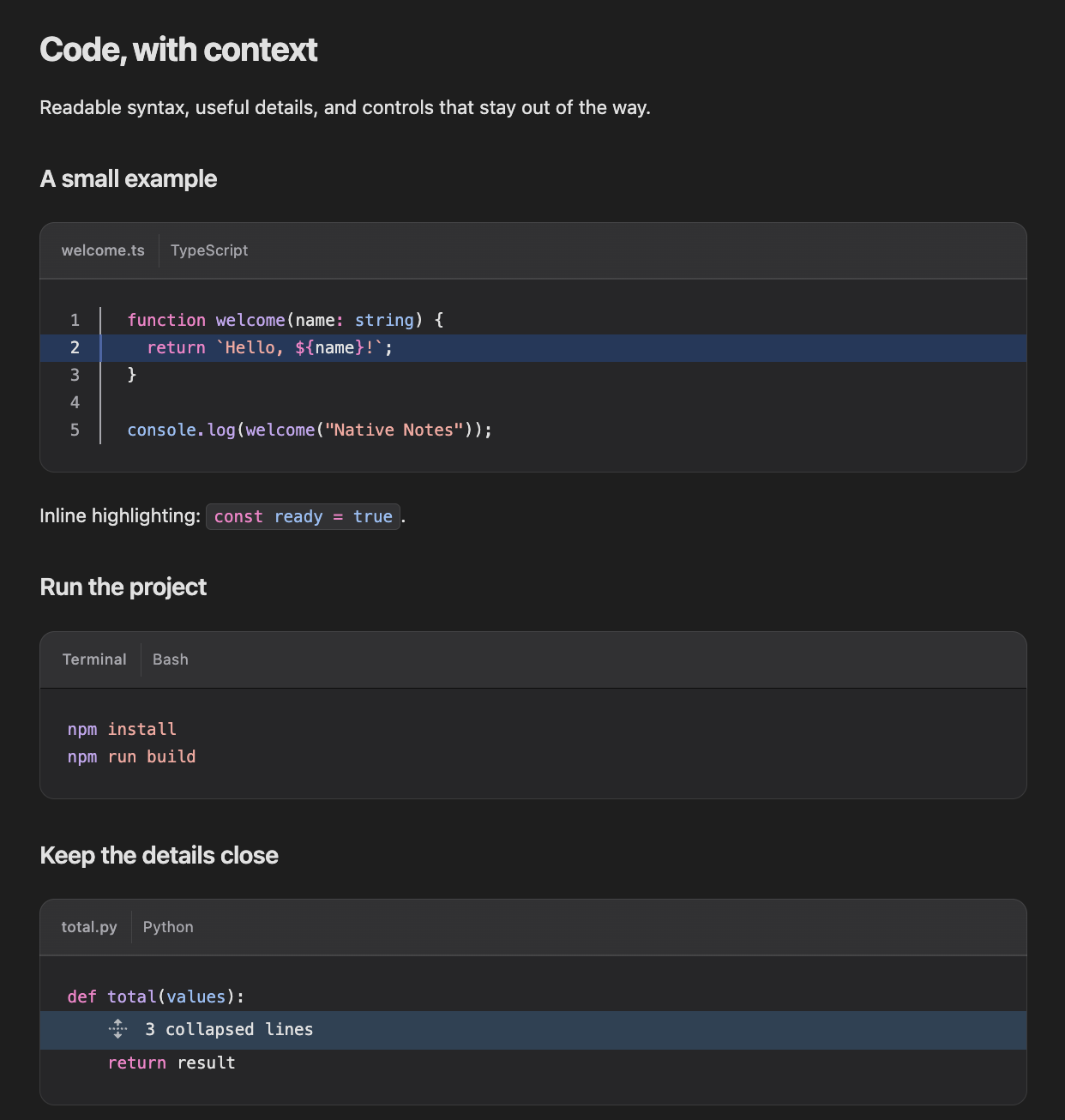
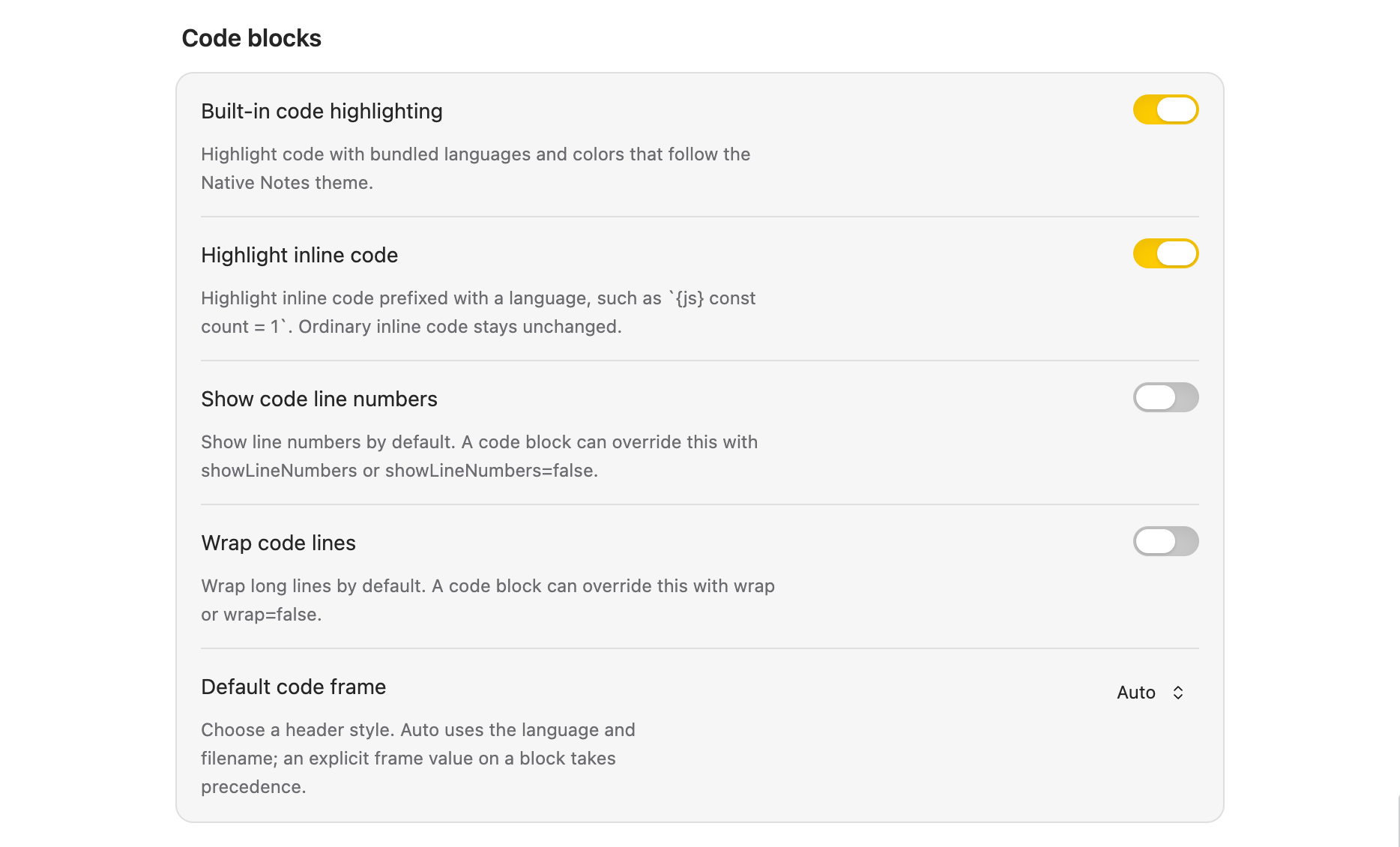
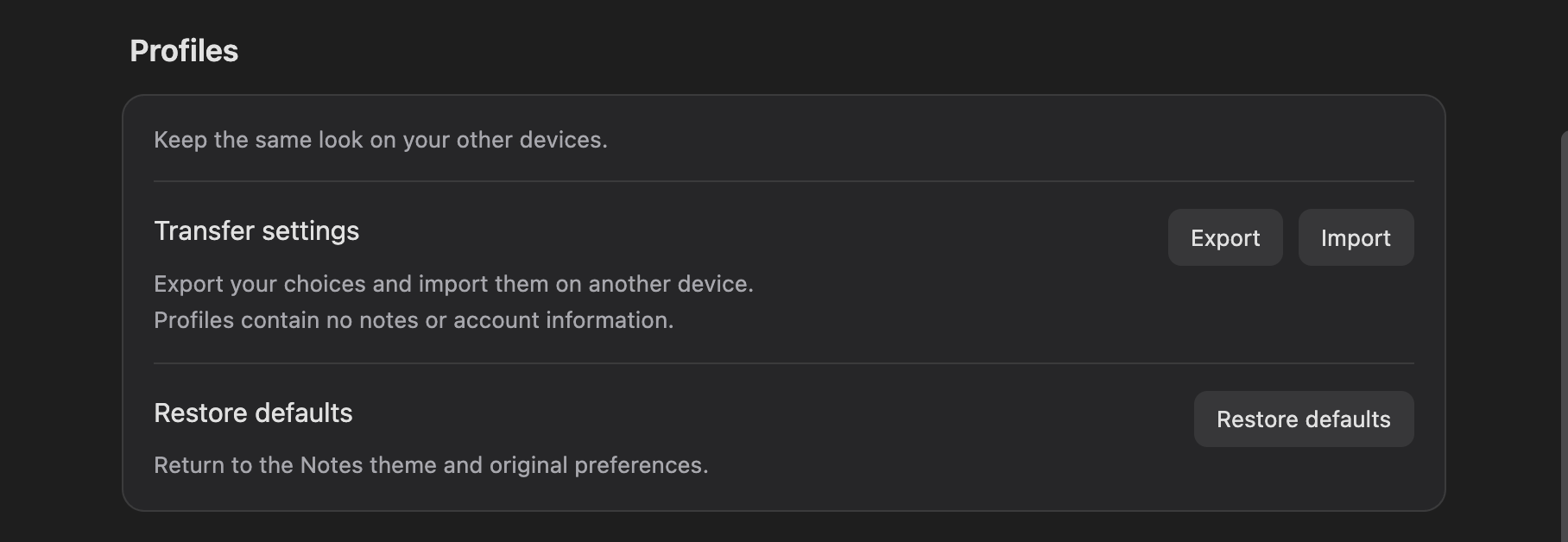
The Native Notes plugin adds an Apple inspired appearance with five colour presets, light and dark palettes, adjustable text size and sidebar density. Its styling covers notes, navigation, callouts, tables, code blocks and diagrams. A floating outline supports heading search, collapsible sections and current section highlighting. Optional editing controls mark empty lines, vary nested bullet shapes and align standalone images or Mermaid diagrams. Bundled code highlighting includes line numbers, copy controls, collapsible sections and editable filenames and languages in Live Preview. Preferences can be exported and imported as profile text or JSON files without including notes. Fonts and icons stay local, with no telemetry or plugin network requests. Appearance changes leave Markdown untouched, while alignment and code header edits persist in notes after disabling the plugin.
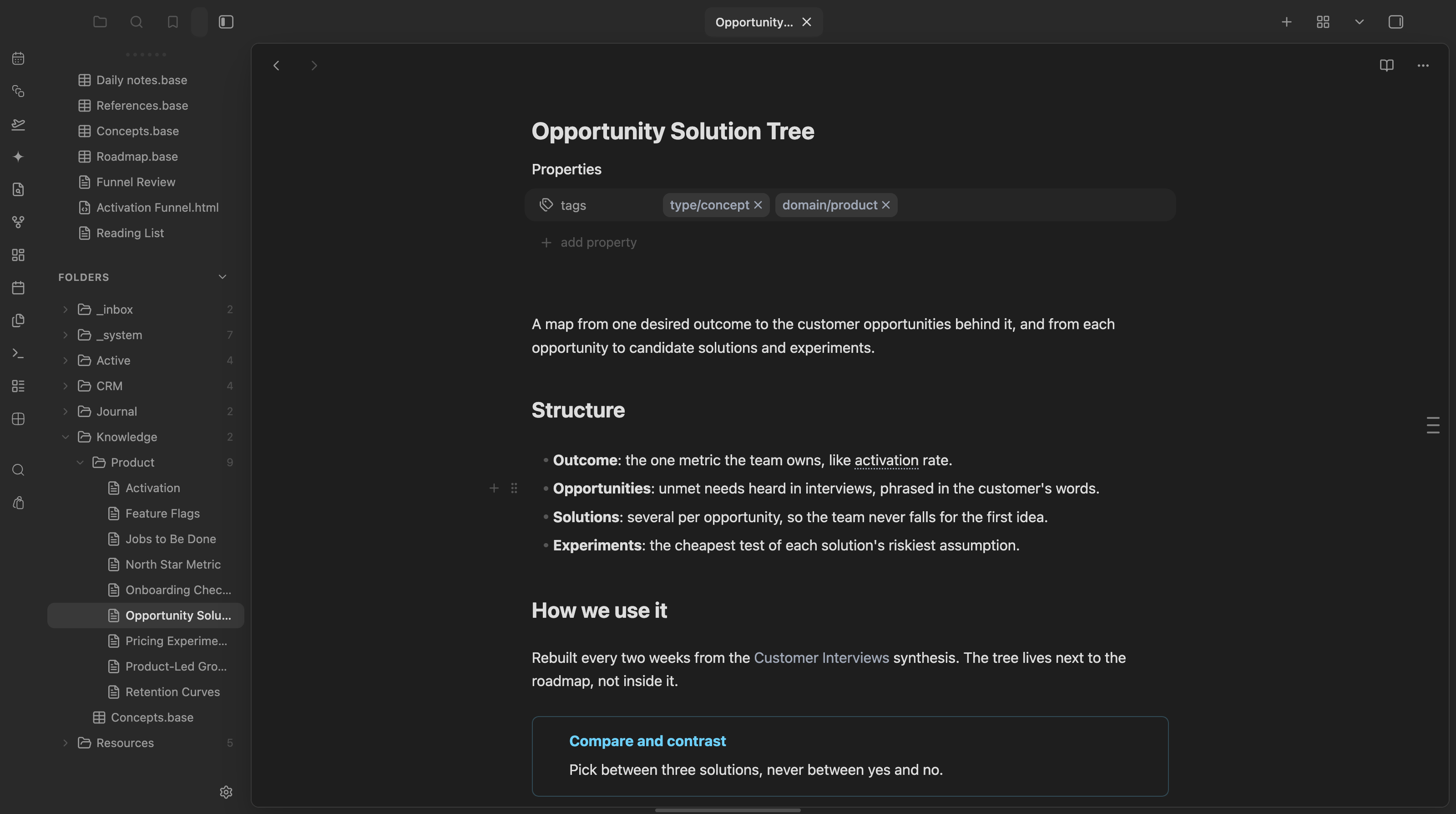
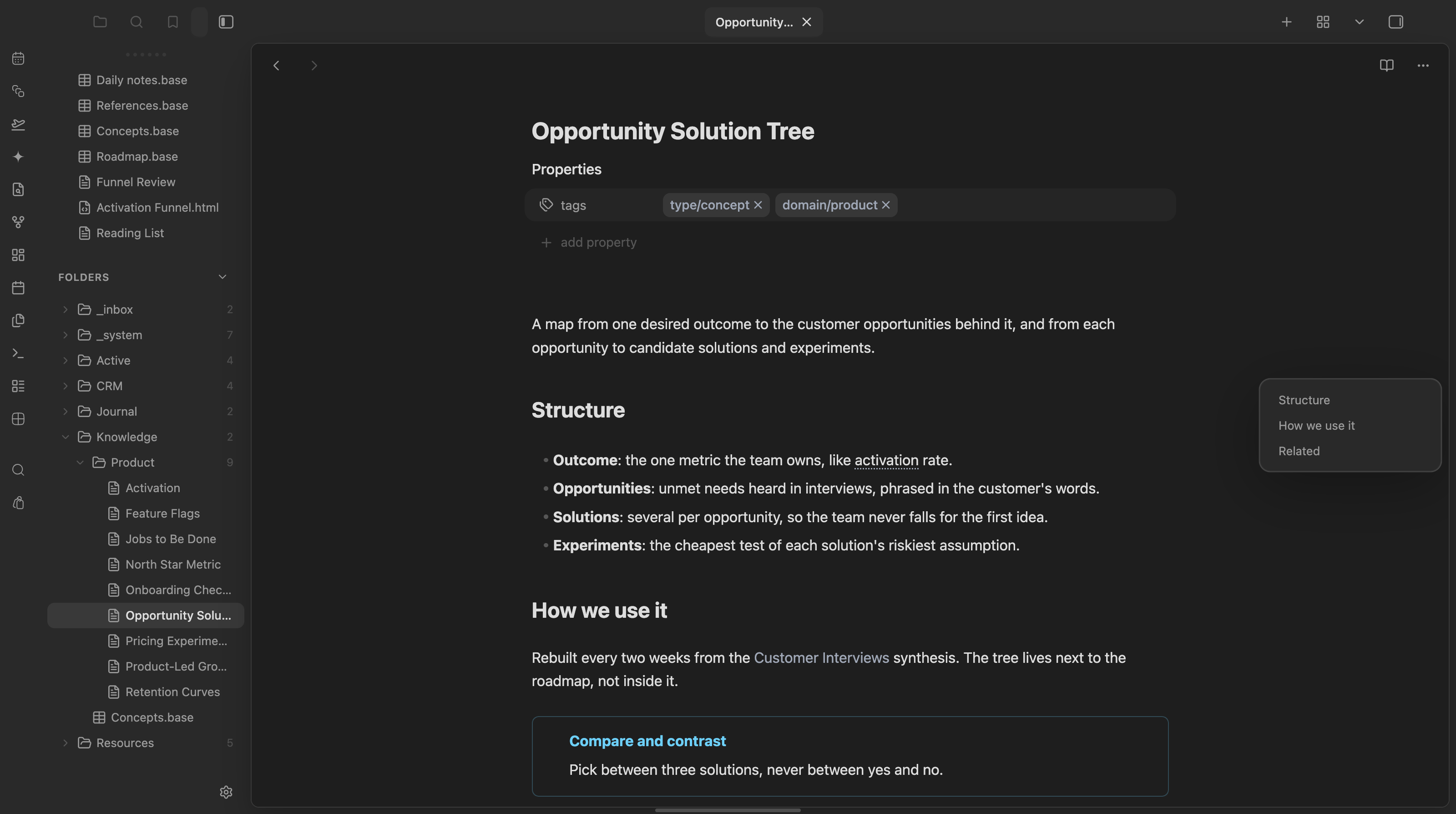
The Composer plugin adds a Notion style block handle with separate menus for inserting content and acting on existing blocks. Hovering over a block reveals controls to change its type, move it, duplicate it, copy its link or delete it. The insert menu offers tables, callouts, headings, embeds, templates and options to create or link Bases. Both menus support fuzzy filtering and keyboard navigation, with each insertion treated as a single undo step. A heading outline sits along the note's right edge and expands into a panel for navigation, highlighting the current heading as you scroll. The outline works in Live Preview, Source mode and Reading view, including on phones and tablets. The block handle is limited to desktop Live Preview.
The Coherence Wizard plugin combines bulk file operations with optional AI processing through Ollama. It splits notes at headings, dates or dividers, merges related notes and combines files into one document. Folder moves preserve existing destination files by adding numeric suffixes to conflicting filenames. Other tools apply frontmatter templates, reformat date filenames, copy matching content into category folders and find duplicate files for review. AI tools generate summaries, filenames, rewritten notes and frontmatter ratings. Categories can be added as tags or backlinks, with optional moves and copies. AI requests send note content and relevant prompt data to the configured Ollama endpoint, which can be local or remote. File operations work without Ollama. It requires desktop version 1.13.0 or later and does not support mobile. There is no plugin wide undo or automatic backup and failed batches can leave some operations completed.
7. Vault Code
The Vault Code plugin adds a code editor and broader file access alongside notes. It reveals hidden and extensionless files, creates nested paths and uses ignore rules to filter the explorer. The editor supports syntax highlighting, folding, line numbers and Markdown source editing, with multiline search and regex replacement. Previews render HTML, SVG, MJML, Mermaid diagrams, structured data and diffs. Supported table cells can be edited, while invalid or ambiguous data stays read only. Desktop Git tools compare changes, revert individual hunks and commit single files. Agent chat connects coding CLIs, hosted APIs or local model servers, with attached note context and saved Markdown histories. Safe mode prevents edits, while API and local model changes require review in edit mode. File management and code editing also work on mobile and tablets, but Git and agent chat require desktop.
8. French Typos
The French Typos plugin applies French typography while typing in Live Preview. It converts straight apostrophes into curved ones, alternates opening and closing French quotation marks and replaces dash sequences with en or em dashes. Nonbreaking spaces accompany quotation marks and dialogue dashes. An optional setting converts paired apostrophes into English curly quotes, while a command replaces straight apostrophes throughout an existing note. Presentation controls add first line indentation in Live Preview and Reading mode, adjust the visible height of blank lines without changing Markdown and enable French hyphenation in Reading mode. Another option inserts two line breaks per Enter press. Nonbreaking spaces and long dashes can be highlighted, with a status bar button to toggle highlighting. Obsidian 1.14 or later is required, and changing blank line display or hyphenation settings requires reloading the vault.
The EzIndex plugin turns a folder and its nested contents into a single index note, with Markdown headings reflecting subfolder depth and links to every included file. You can exclude files or folders by name and filter out file extensions. The index filename supports a folder name placeholder, while the output can go inside the target folder, at the vault root or in a custom folder. A settings preview shows the exact output path and whether generation will create, overwrite or skip the note. Generation is available through settings, a modal or a folder's context menu. Existing indexes can be left untouched to preserve manual edits, and generated links can show or hide Markdown extensions. Processing stays local with no network requests or telemetry.
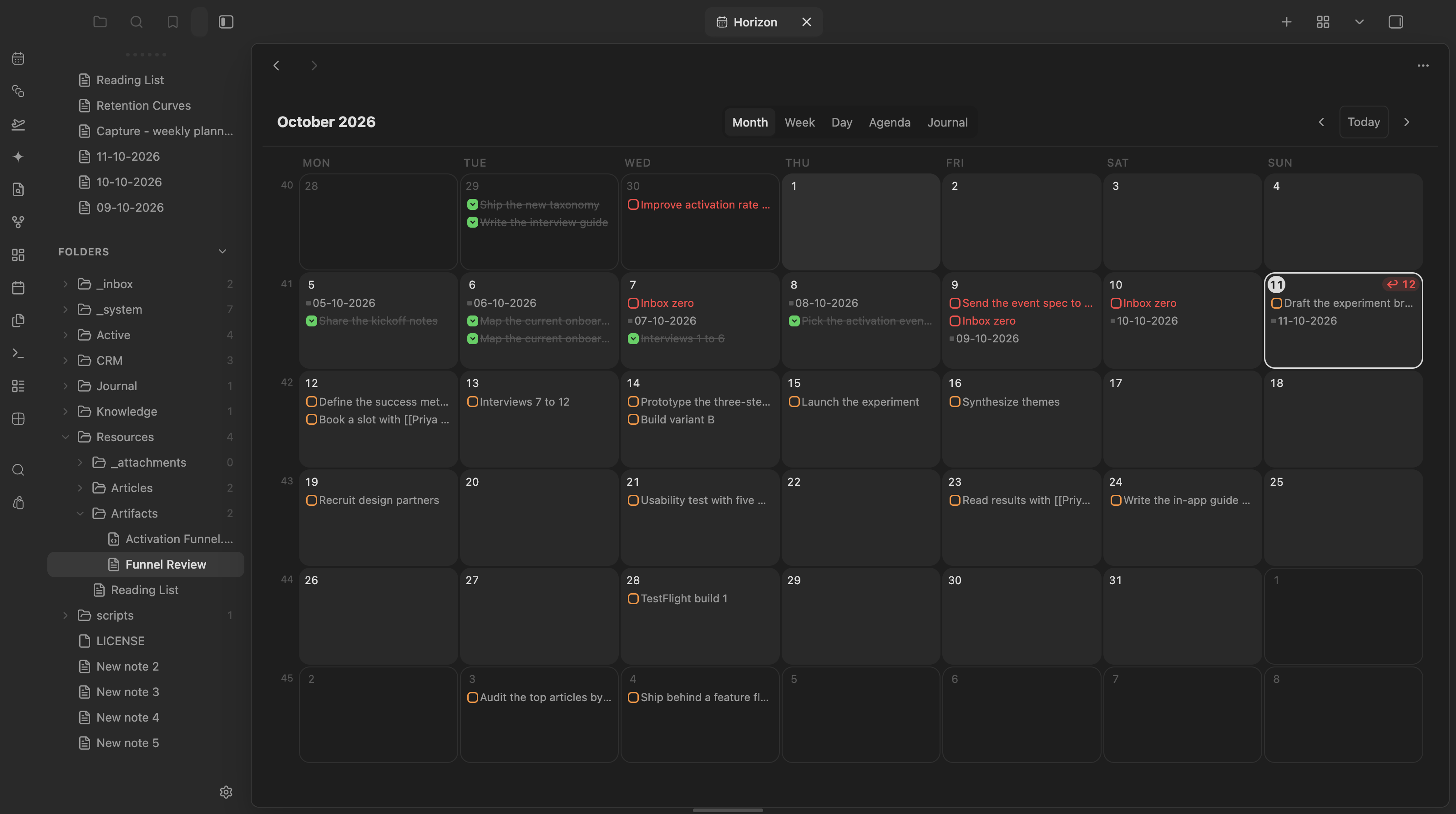
The Horizon plugin brings periodic notes, dated notes and tasks into a calendar with a sidebar mini calendar and month, week, day, agenda and journal views. Clicking a date opens or creates its daily note, while week numbers open weekly notes. Tasks support completion toggles, drag to reschedule, snooze presets and overdue triage with an undo option. Recurring tasks open at their source line because completion requires the Tasks recurrence engine. Notes can appear as cards with excerpts and cover images and Bases can display filtered notes on a month calendar using a chosen date property. Optional Google Calendar integration displays events without writing to Google and provides meeting note actions, but events currently remain unavailable on mobile. Periodic templates support agenda and weekly digest tokens. An agent API supports agenda access and task changes, with proposals accepted or dismissed through calendar chips.
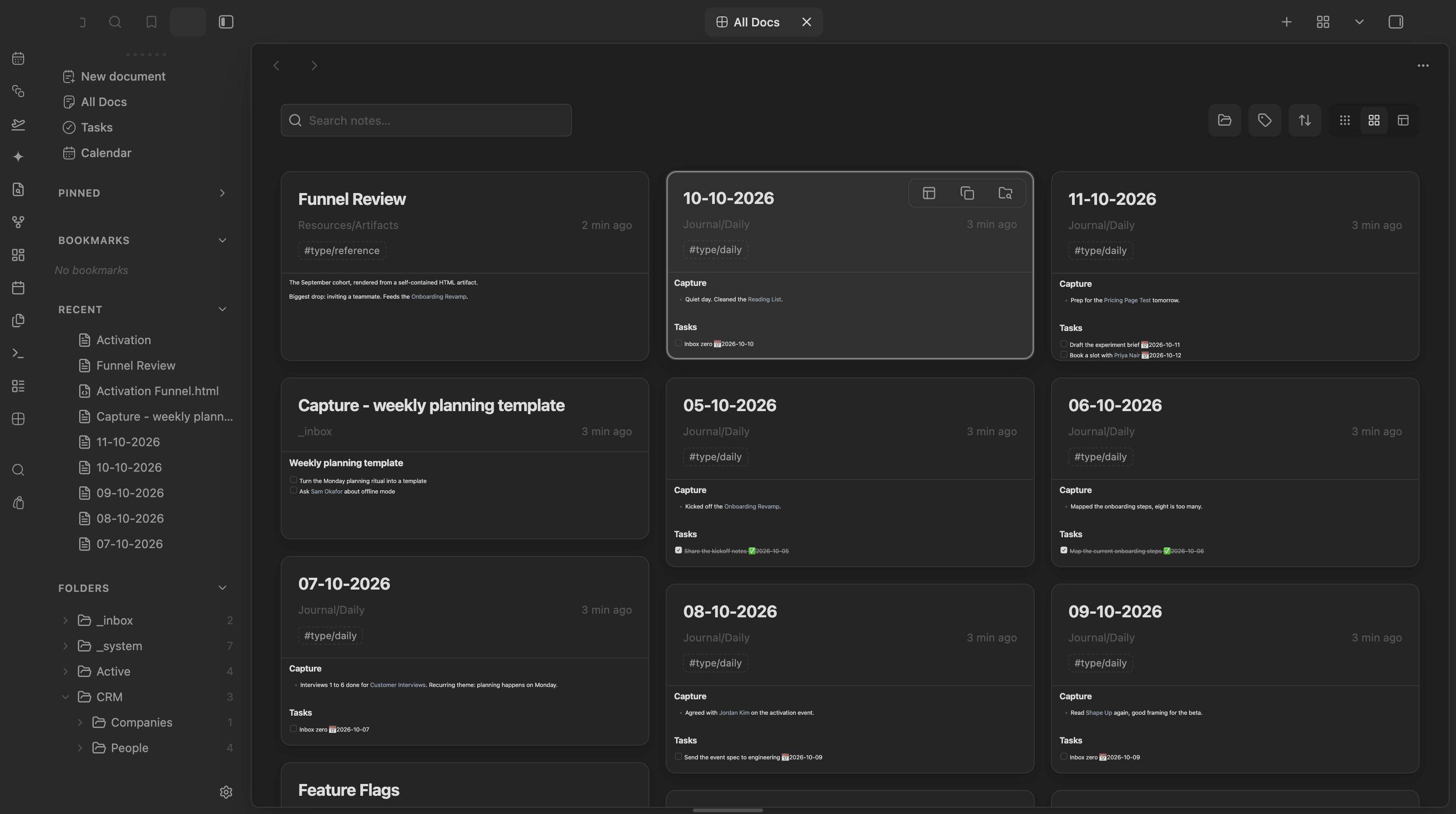
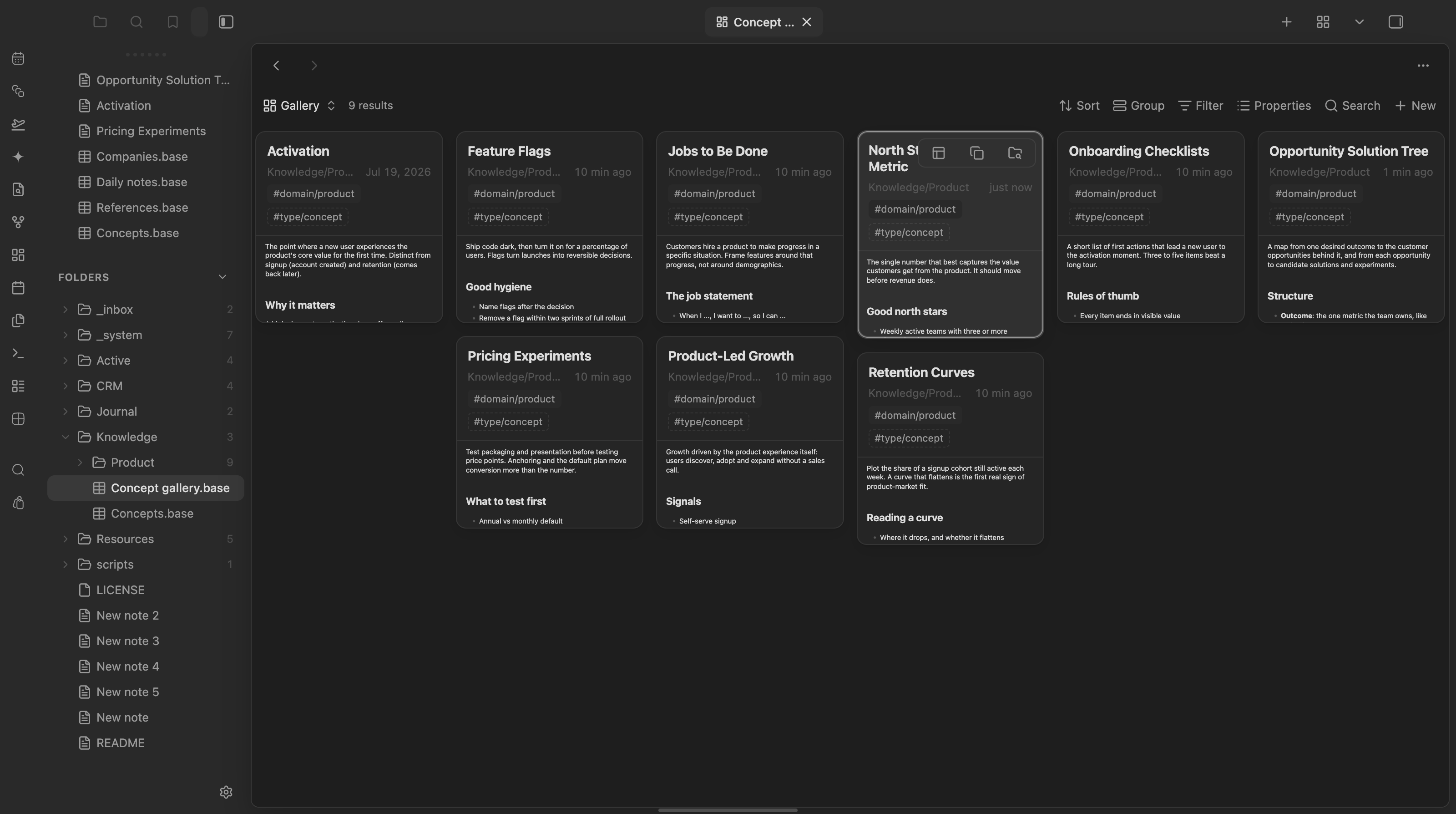
The Masonry plugin displays notes in a visual browser with card, list and table layouts. Its All Docs tab covers the whole vault with search, folder and tag filters, saved sort orders and progressive loading. A custom Bases view keeps native filtering, sorting, grouping and the Base toolbar while adding rendered note previews. Cards can show covers from frontmatter or image embeds and offer actions to open notes, copy wikilinks or reveal files. Open tabs appear in a sidebar rail or a searchable card gallery, with optional tab bar hiding and horizontal scrolling. Keyboard navigation and native hover previews are supported. Each Base view can adjust preview length and folder or tag visibility. Notes stay local, no account is required and remote images remain disabled unless explicitly enabled.
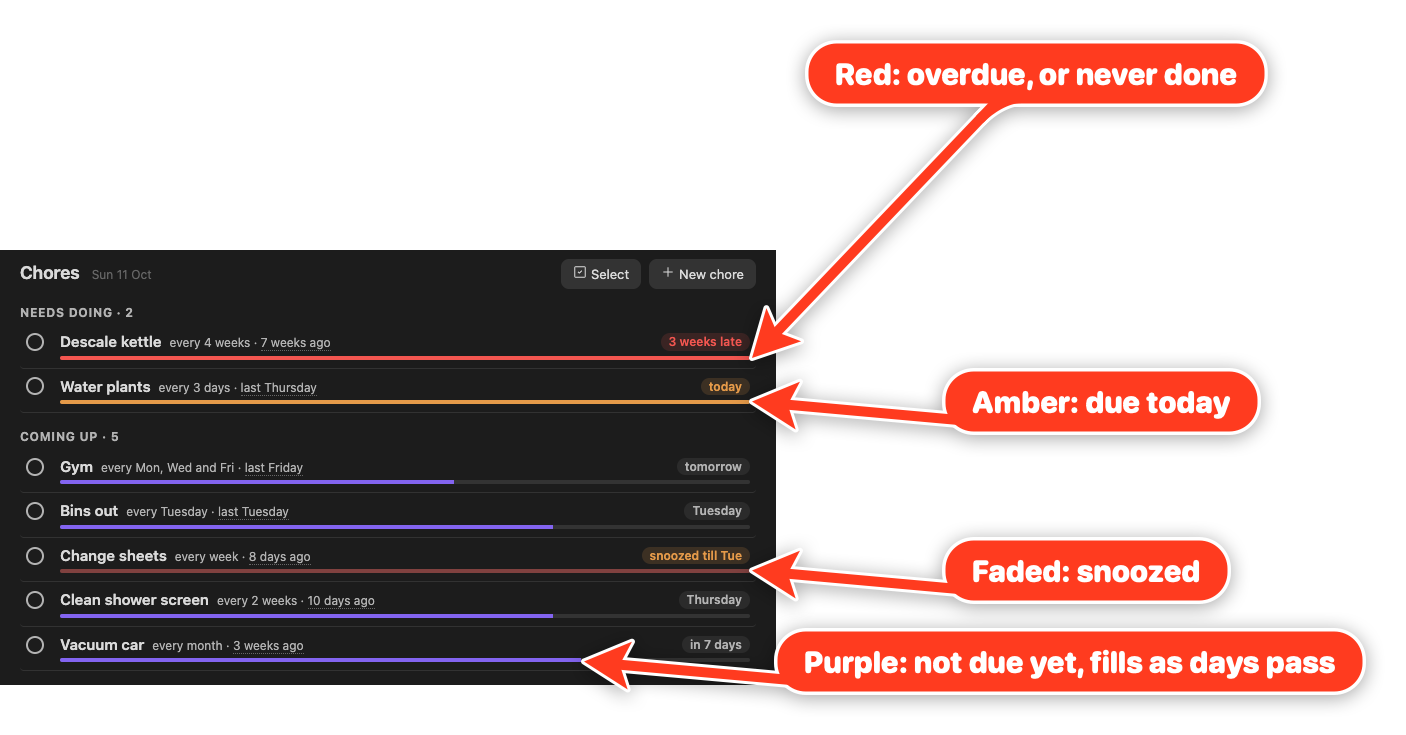
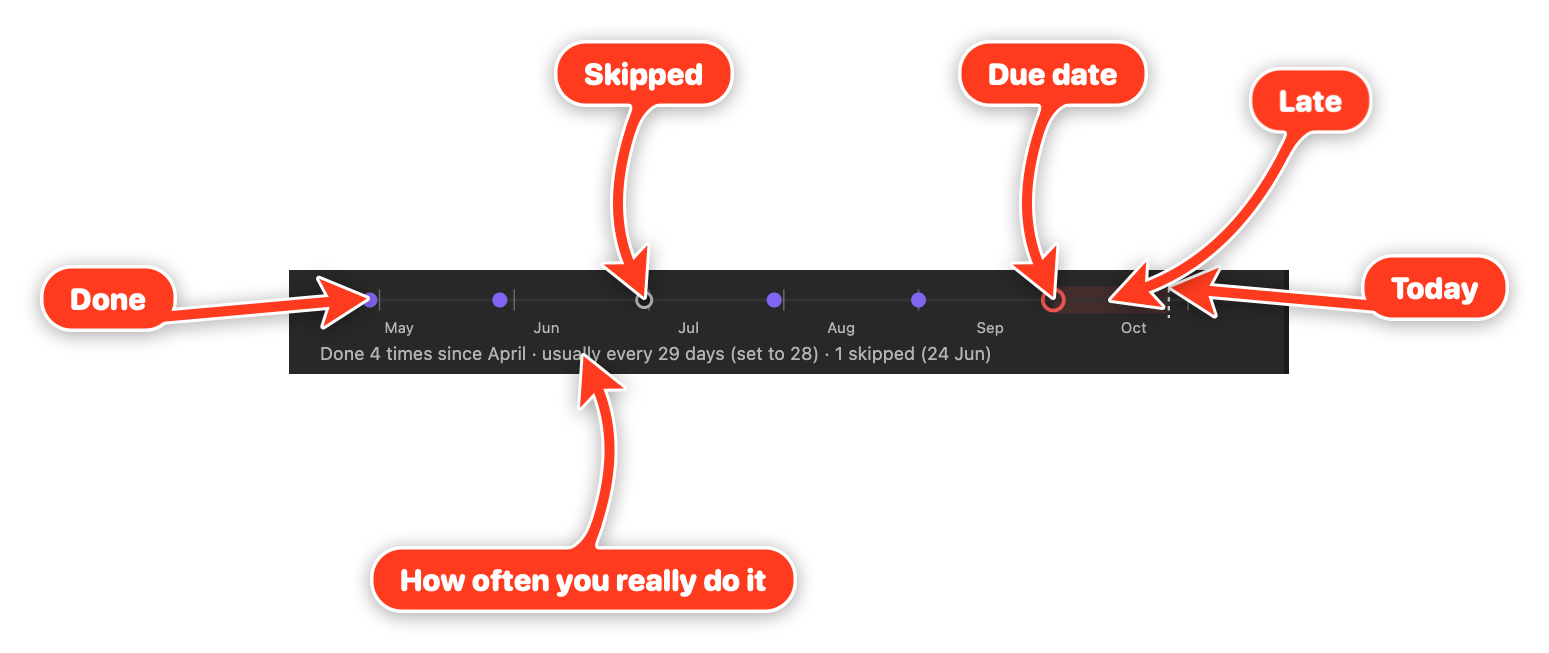
The Choreday plugin tracks recurring household chores as notes, keeping schedules and completion history in frontmatter. Its Chores view separates work into Needs doing, Coming up and Later, with urgency bars showing how close each chore is to its next due date. Schedules can repeat from the last completion or follow selected weekdays. You can record past completions, snooze chores or skip a cycle without logging a false completion, including snoozing and skipping several chores together. Expandable history strips show completions, skips and missed scheduled days alongside how often a chore actually gets done. Embedded chore rows let you tick things off within notes. Changes preserve note bodies and existing frontmatter comments. History defaults to 12 completions per chore, and calendar schedules support weekly recurrence rather than fixed monthly dates.

13. Cool Bases
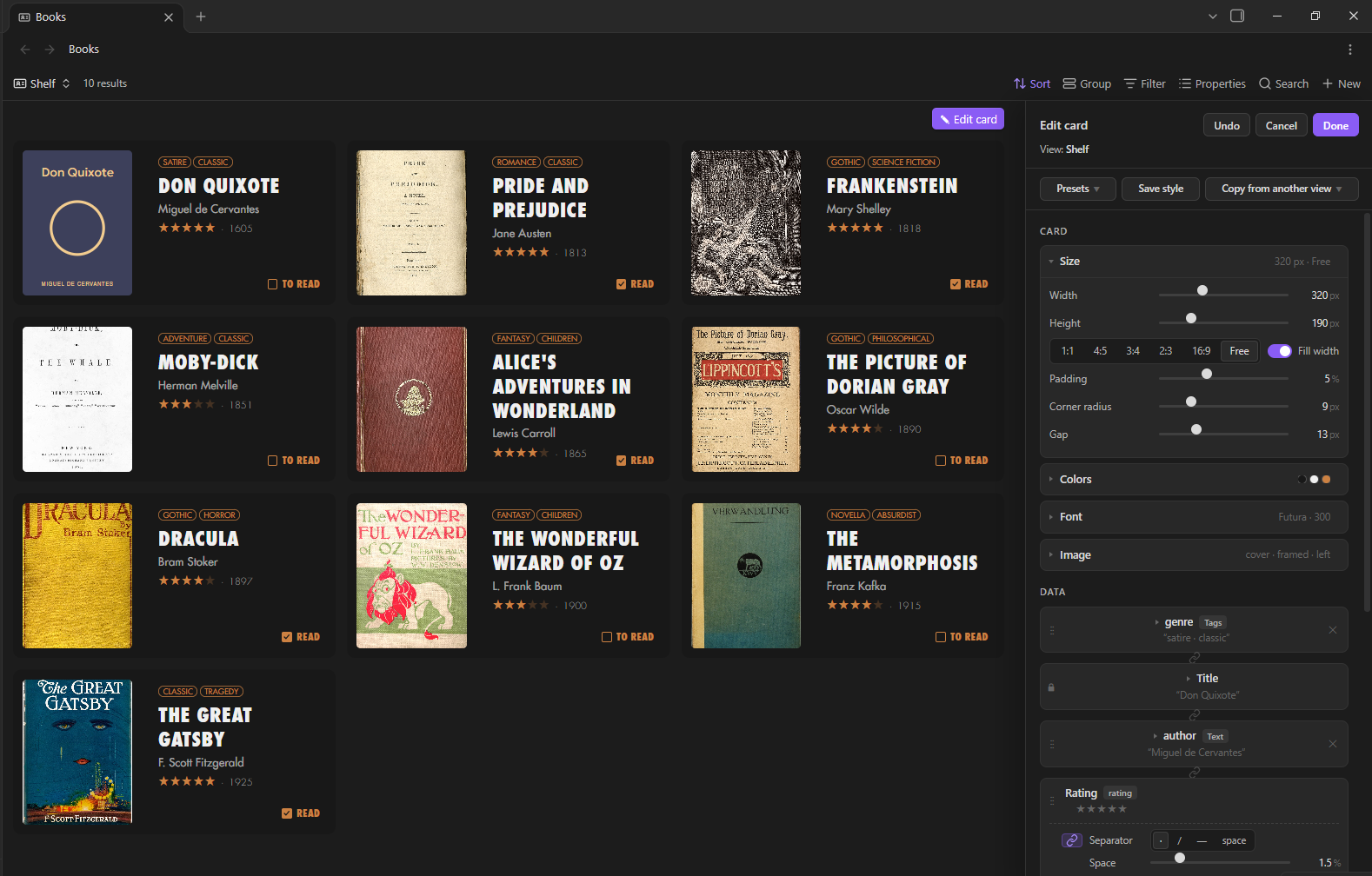
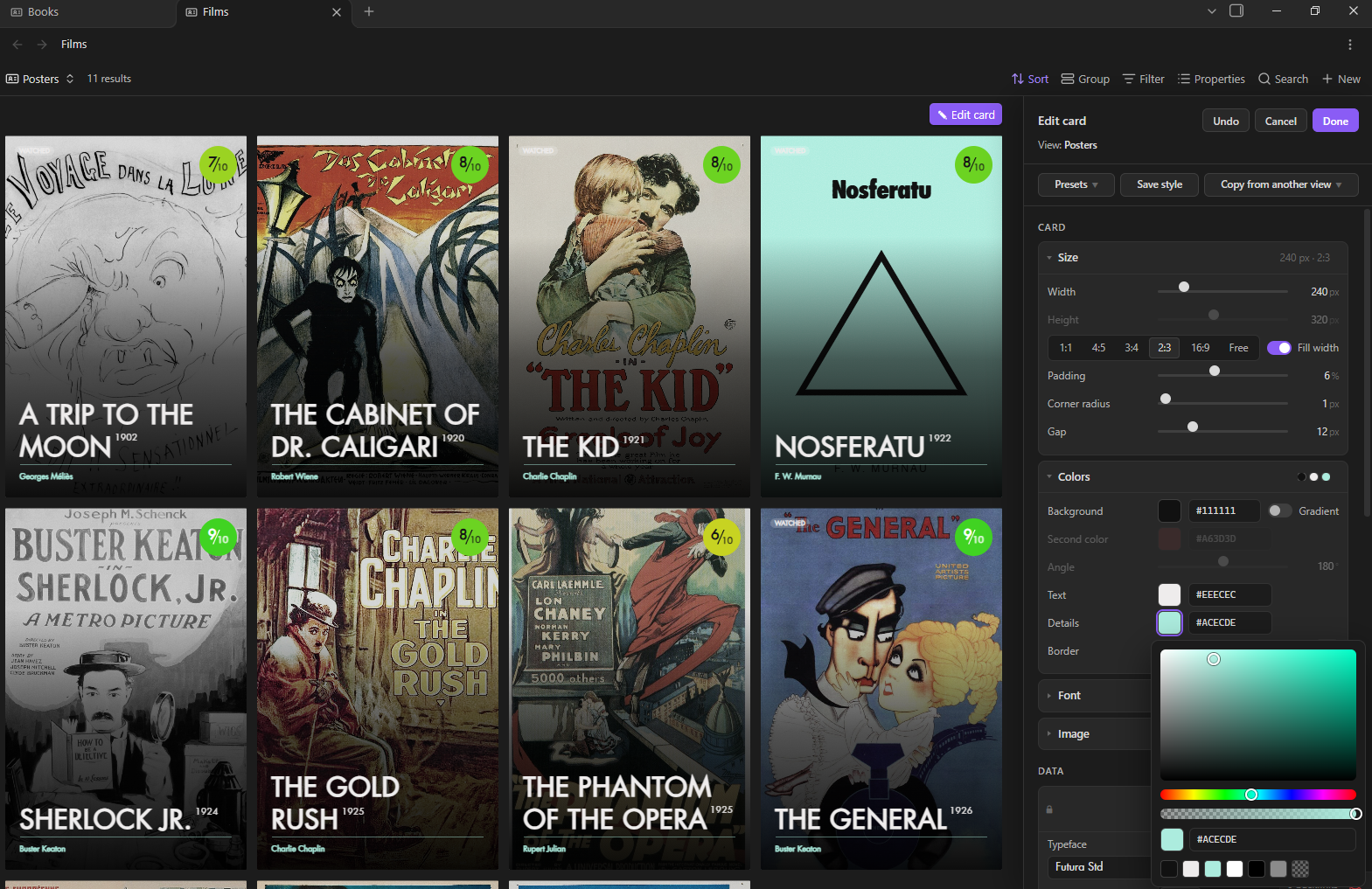
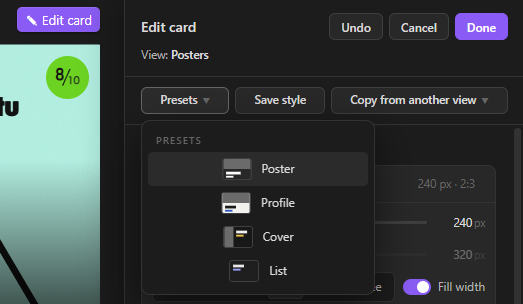
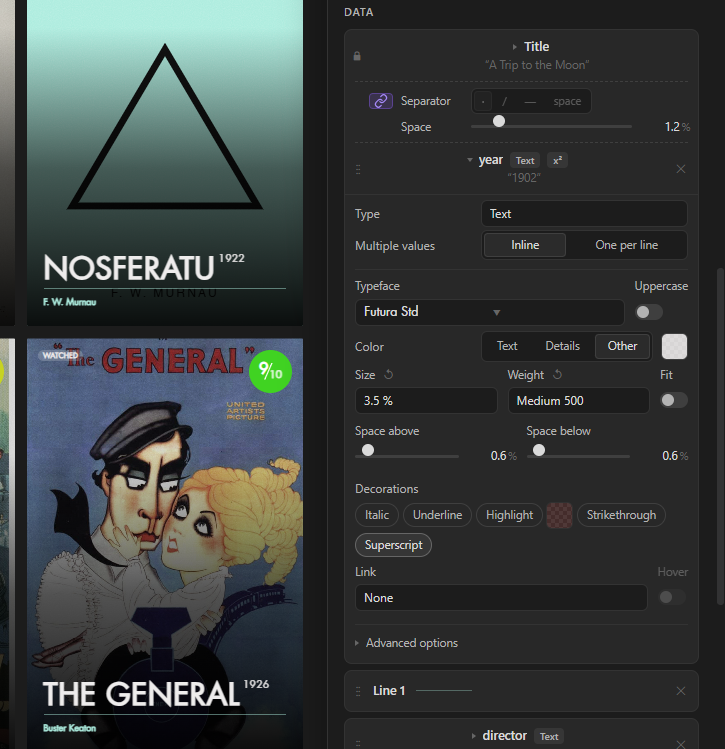
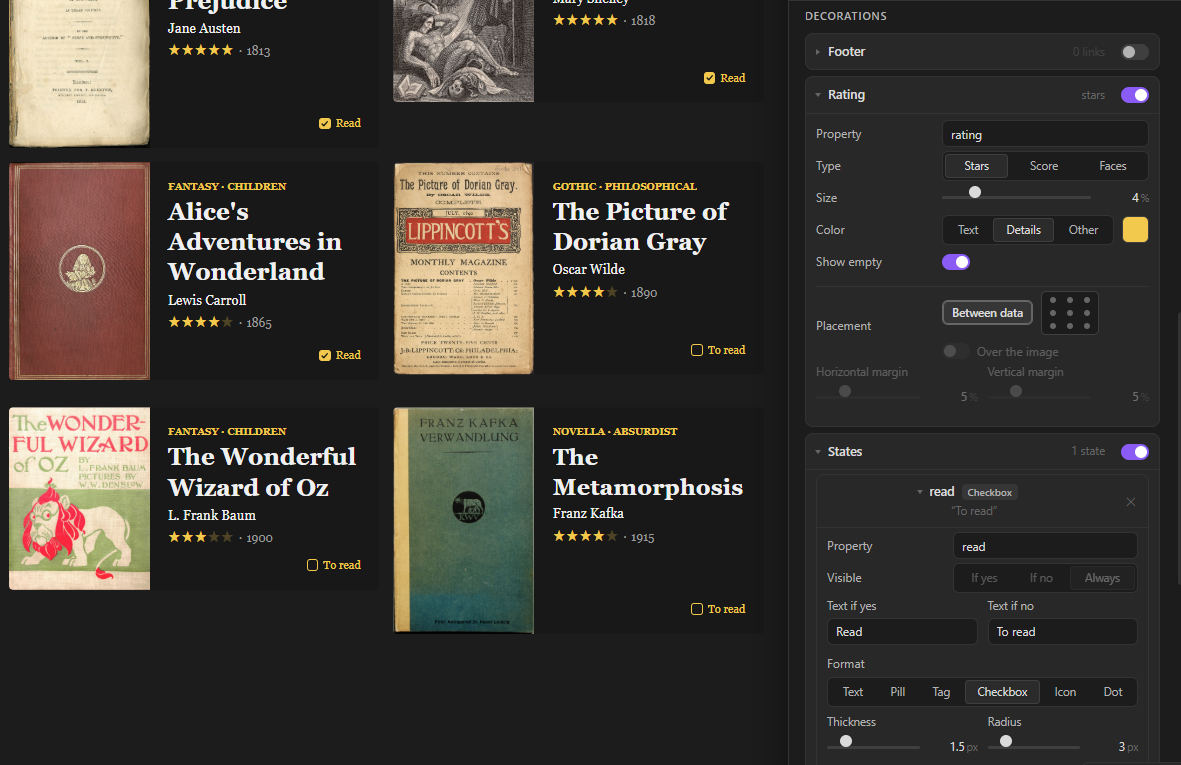
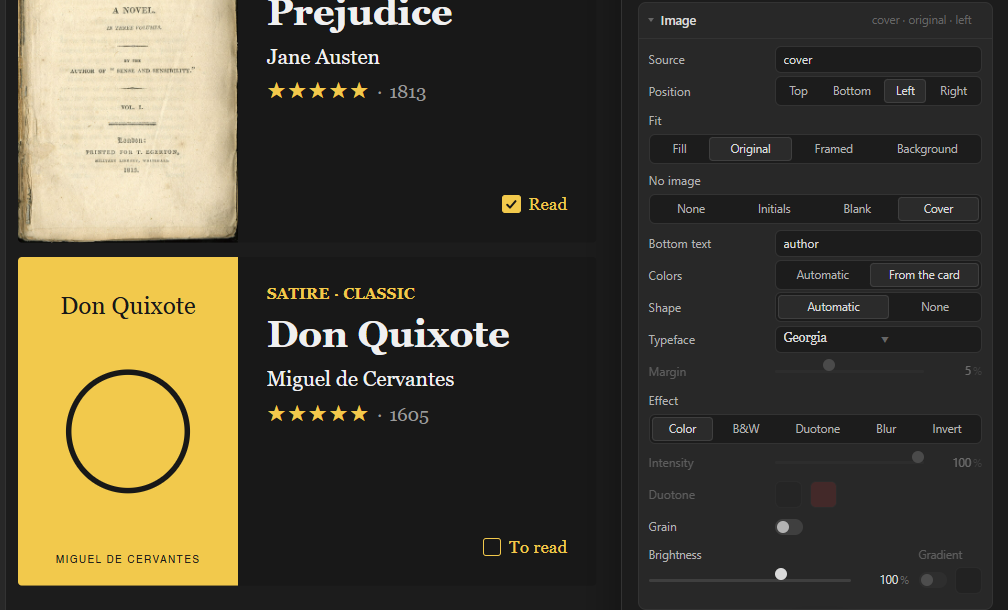
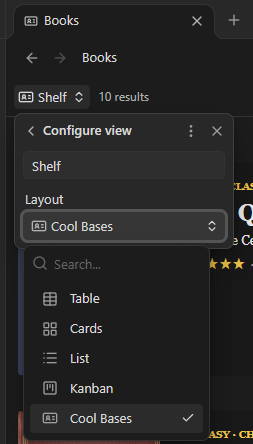
The Cool Bases plugin adds a card view to Bases with a visual side panel for editing the whole view. Changes appear immediately but are saved only when confirmed. Four starting styles cover poster, profile, cover and list layouts, with options to save designs or copy them from another view. Card dimensions, colours, typography and image effects are configurable. Properties can be reordered, joined on one line or positioned over images, while ratings appear as stars, scores or faces. Boolean properties support several display formats, including checkboxes that update the note directly. Notes without images can receive generated typographic covers. Each view stores its design in the .base file and accepts its own CSS. It works on desktop and mobile with Obsidian 1.10 or later and Bases enabled.
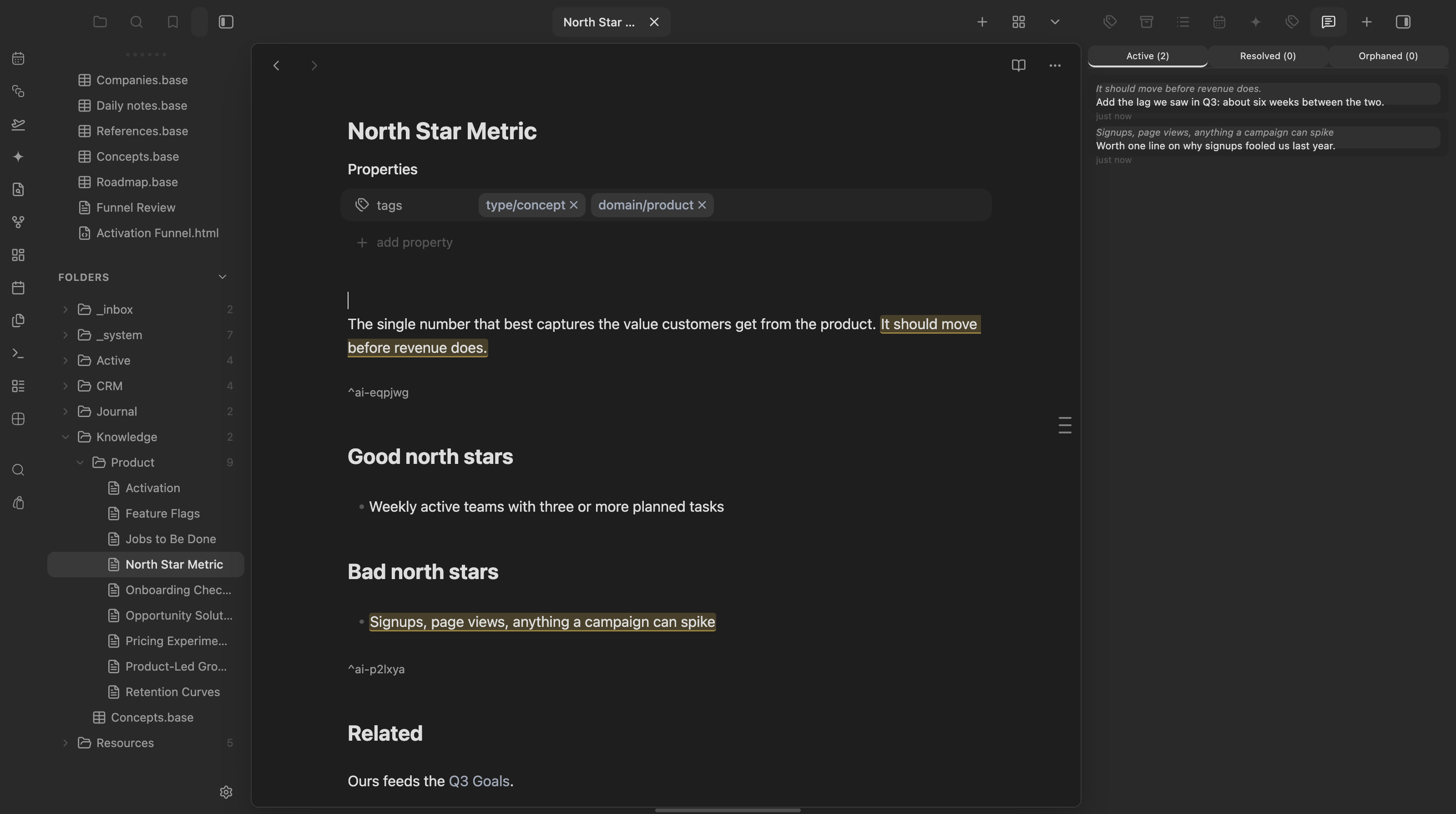
The AIditor plugin attaches margin annotations to individual blocks without rewriting their prose. Block references anchor comments inside notes, while annotation data stays in a central JSON file in the vault. Comments survive edits, sync and reopening. Resolving an annotation archives it rather than deleting it and resolved comments can be reopened. If an anchor disappears, the annotation becomes orphaned and retains a text quote for rebinding to a new selection. A sidebar panel filters the current note's active, resolved and orphaned annotations. Gutter markers and the hover control work only in Live Preview, not Reading view. A public method lets other plugins create annotations, but no AI workflow is included. The plugin makes no network requests and requires no account or API key.
15. Markdown Tasks
The Markdown Tasks plugin treats Markdown notes as tasks and arranges them into ordered chains. Tasks are identified through a configurable frontmatter key and value, with support for creating new task notes from a template in a chosen folder. A note can appear in several chains, each recording its position and ready, current or done status in frontmatter. The active chain appears in a status bar strip as filenames or dots with drag support. A separate side panel lets you browse and reorder a chain. Commands advance chains, set the current task and reconcile statuses. Optional Linear integration imports workspace issues as notes and syncs status in both directions. It requires a Linear API key and sends nothing to Linear until configured.
Most Downloaded (2026-10-18 to 2026-10-24)
| Rank | Plugin | Downloads | Links |
|---|---|---|---|
| 1 | Copilot | 208,180 | Details / GitHub |
| 2 | TaskNotes | 151,669 | Details / GitHub |
| 3 | Excalidraw | 116,661 | Details / GitHub |
| 4 | Claudian | 73,017 | Details / GitHub |
| 5 | Templater | 64,945 | Details / GitHub |
| 6 | Tasks | 52,612 | Details / GitHub |
| 7 | Dataview | 39,648 | Details / GitHub |
| 8 | Git | 39,485 | Details / GitHub |
| 9 | Importer | 29,227 | Details / GitHub |
| 10 | Editing Toolbar | 27,937 | Details / GitHub |
| 11 | Self-hosted LiveSync | 27,735 | Details / GitHub |
| 12 | Linter | 22,979 | Details / GitHub |
| 13 | Omnisearch | 21,398 | Details / GitHub |
| 14 | Advanced Tables | 19,800 | Details / GitHub |
| 15 | Kanban | 19,641 | Details / GitHub |
Plugin Updates
There are 1369 plugin updates this week. You can see all the plugin updates on Obsidian Plugin Stats webapp.
Notable Updates
- Copilot - v4.0.16 - Changelog
- TaskNotes - v4.14.0 - Changelog
- Claudian - v2.3.29 - Changelog
- Tasks - v8.6.0 - Changelog
- Git - v2.42.0 - Changelog
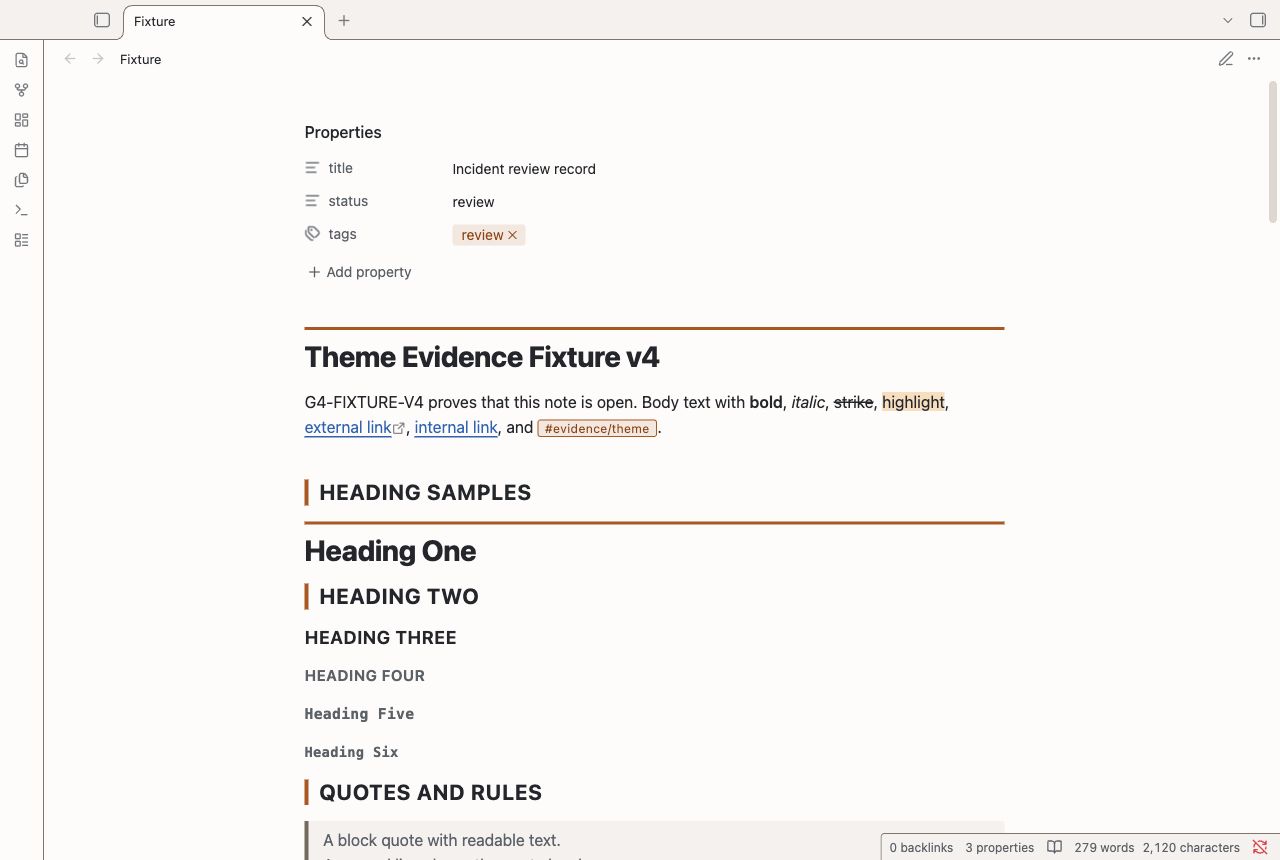
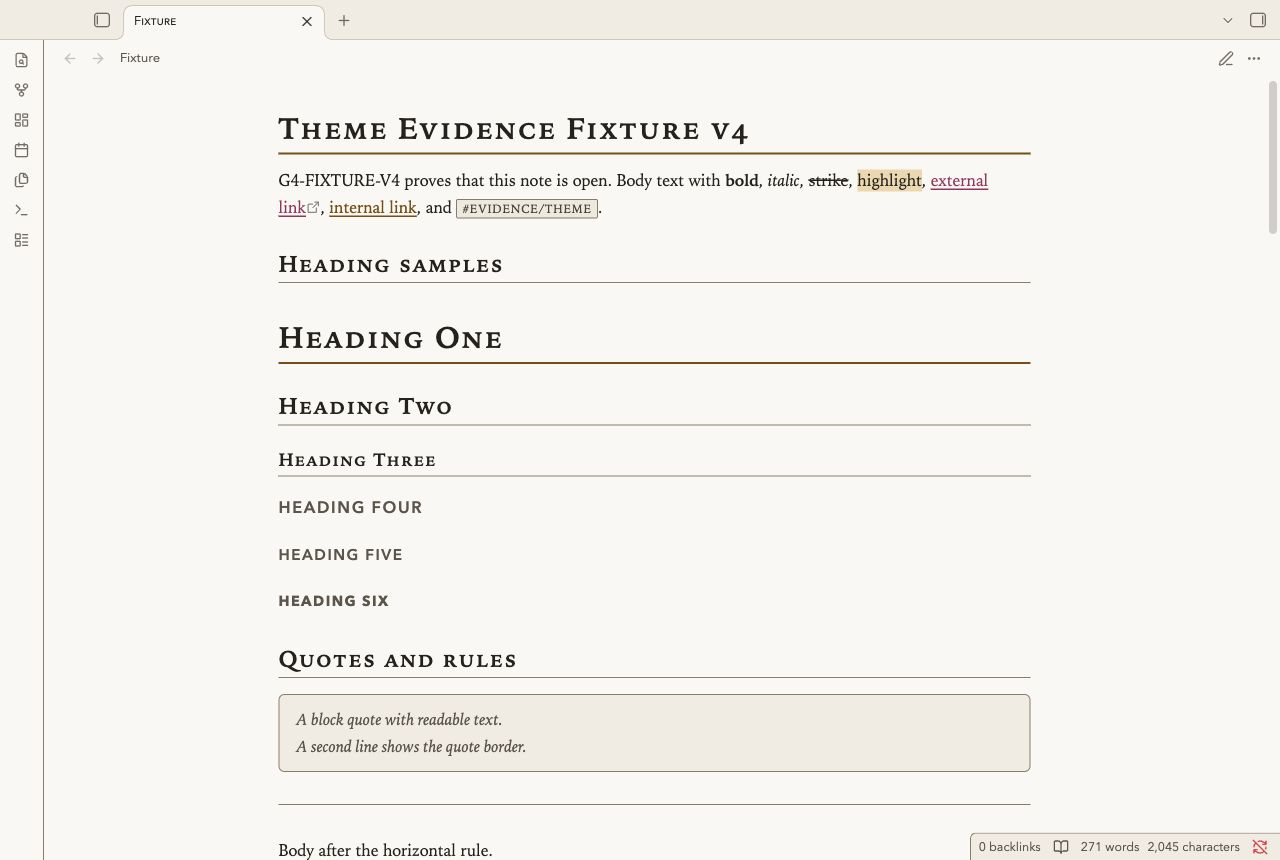
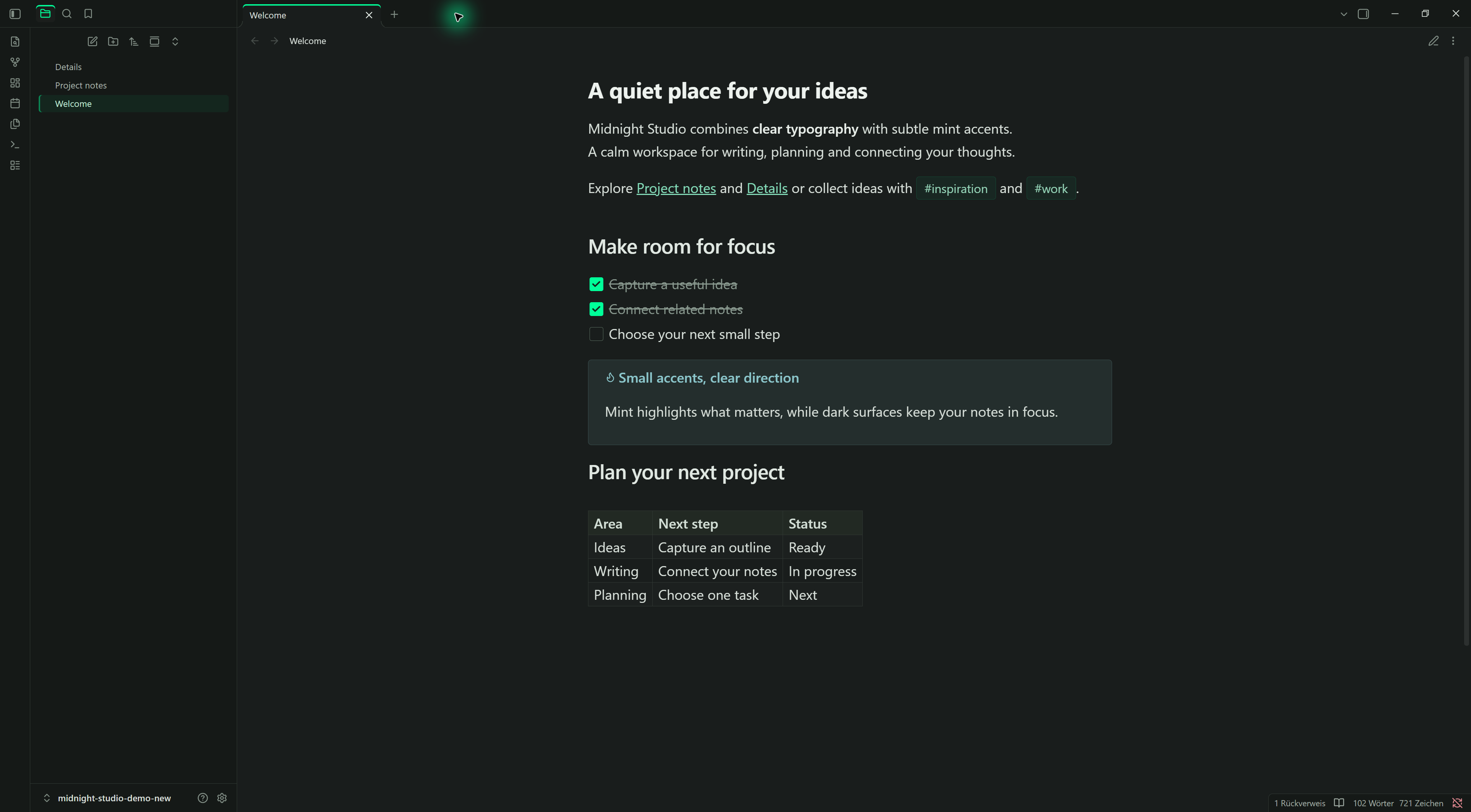
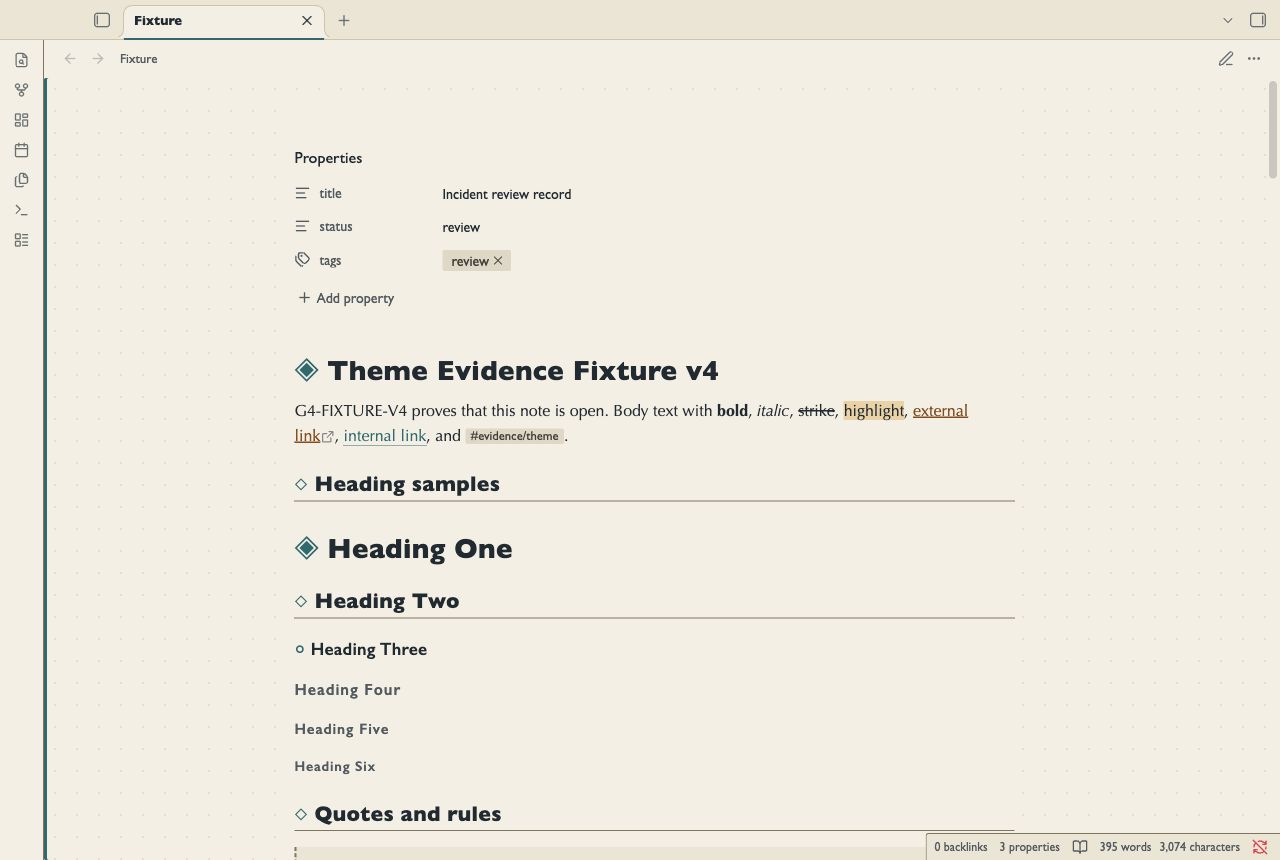
New Themes
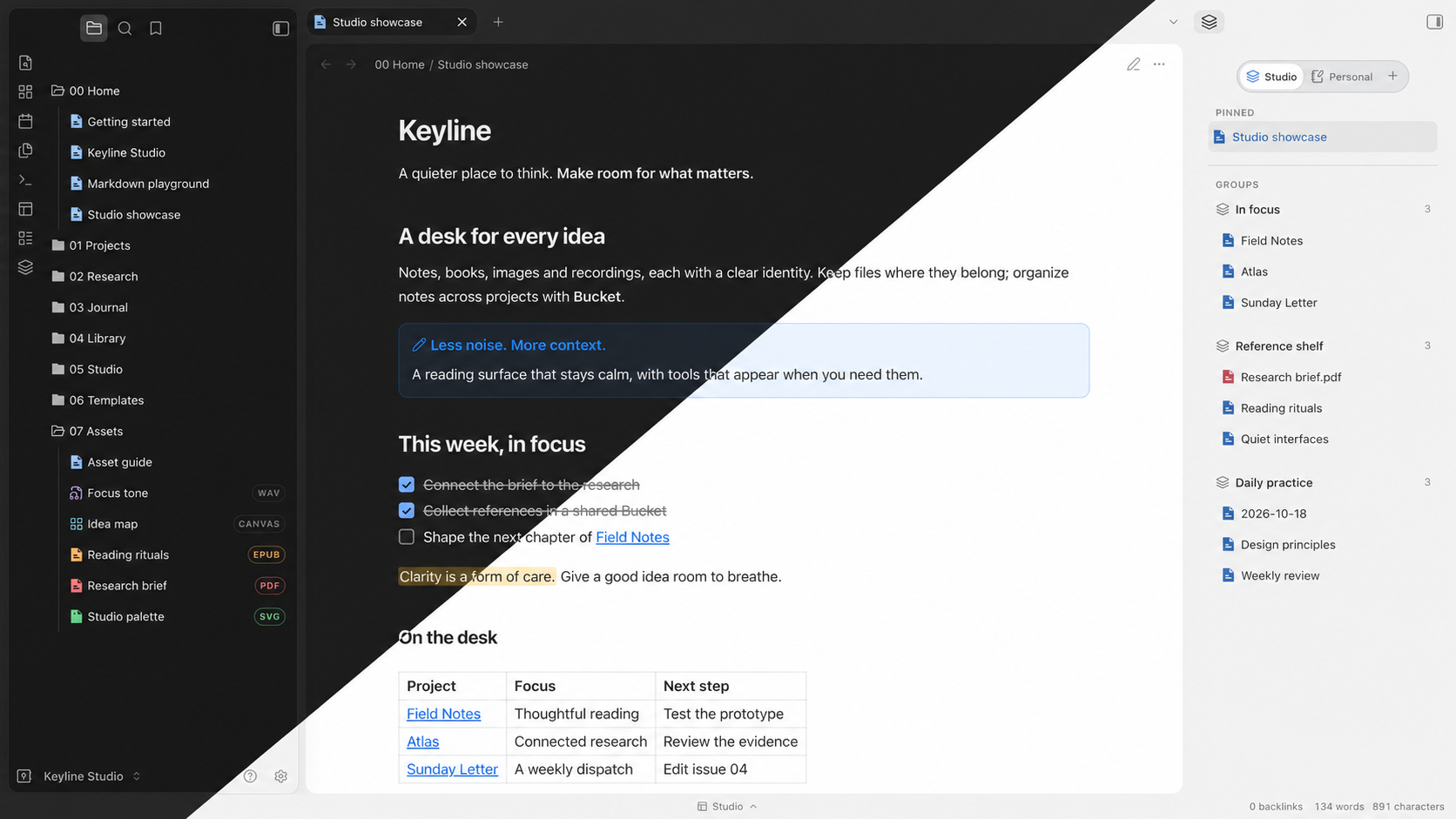
1. Keyline
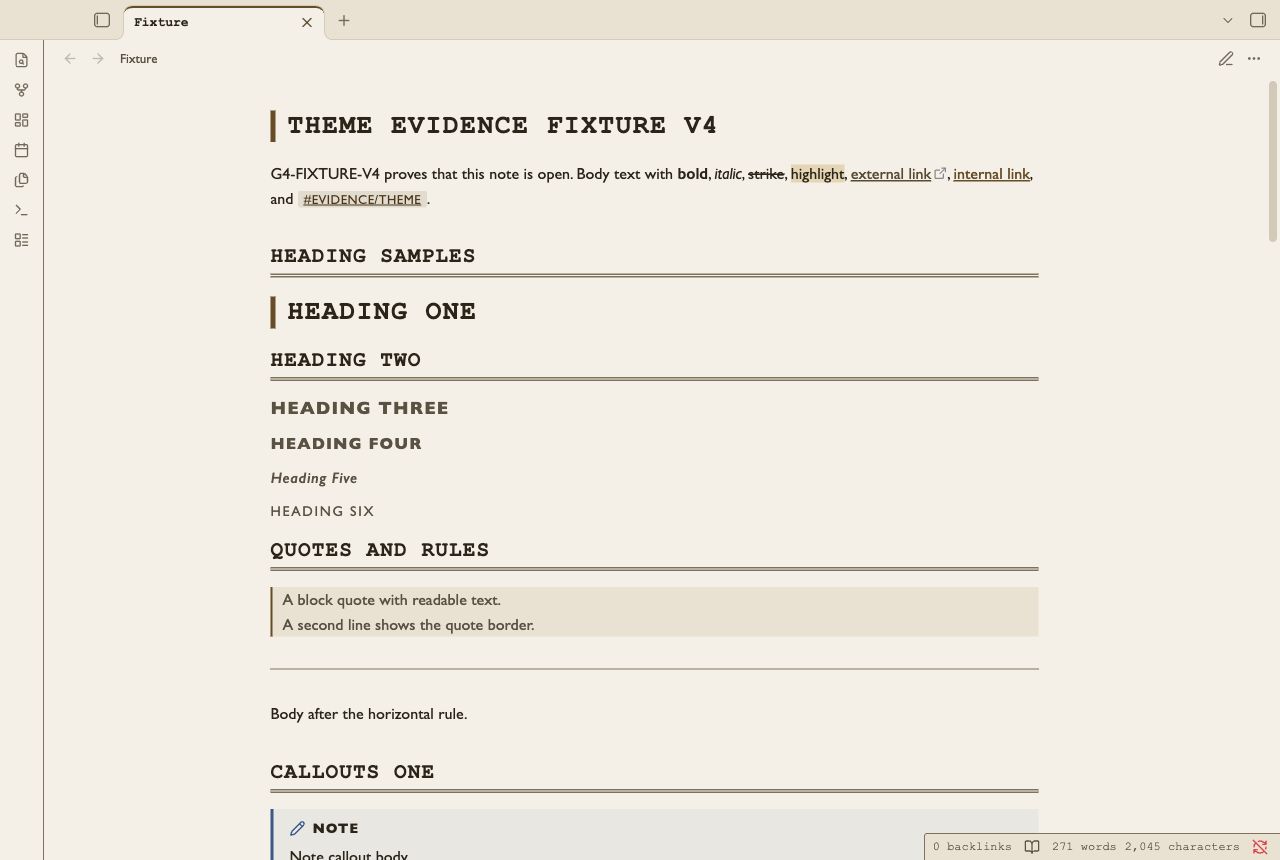
2. Finding Aid
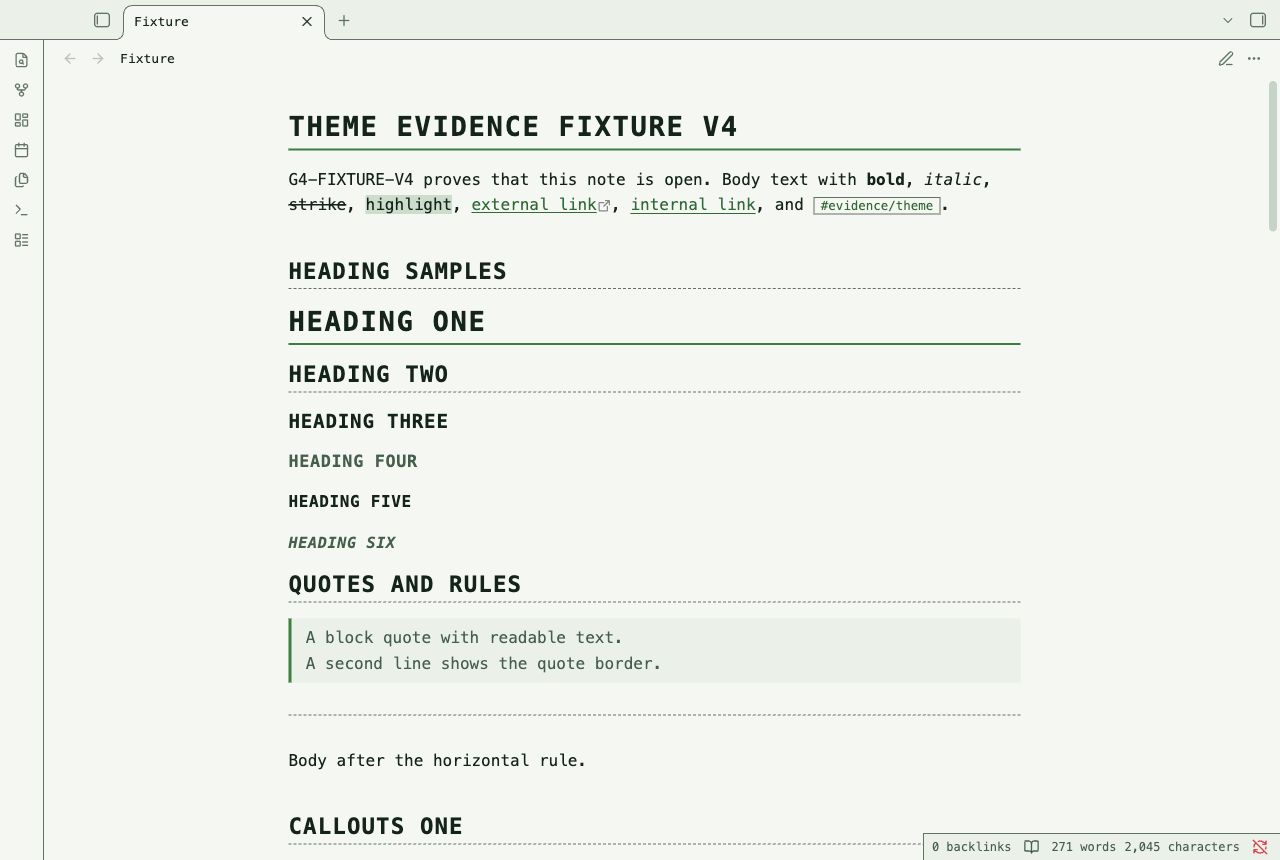
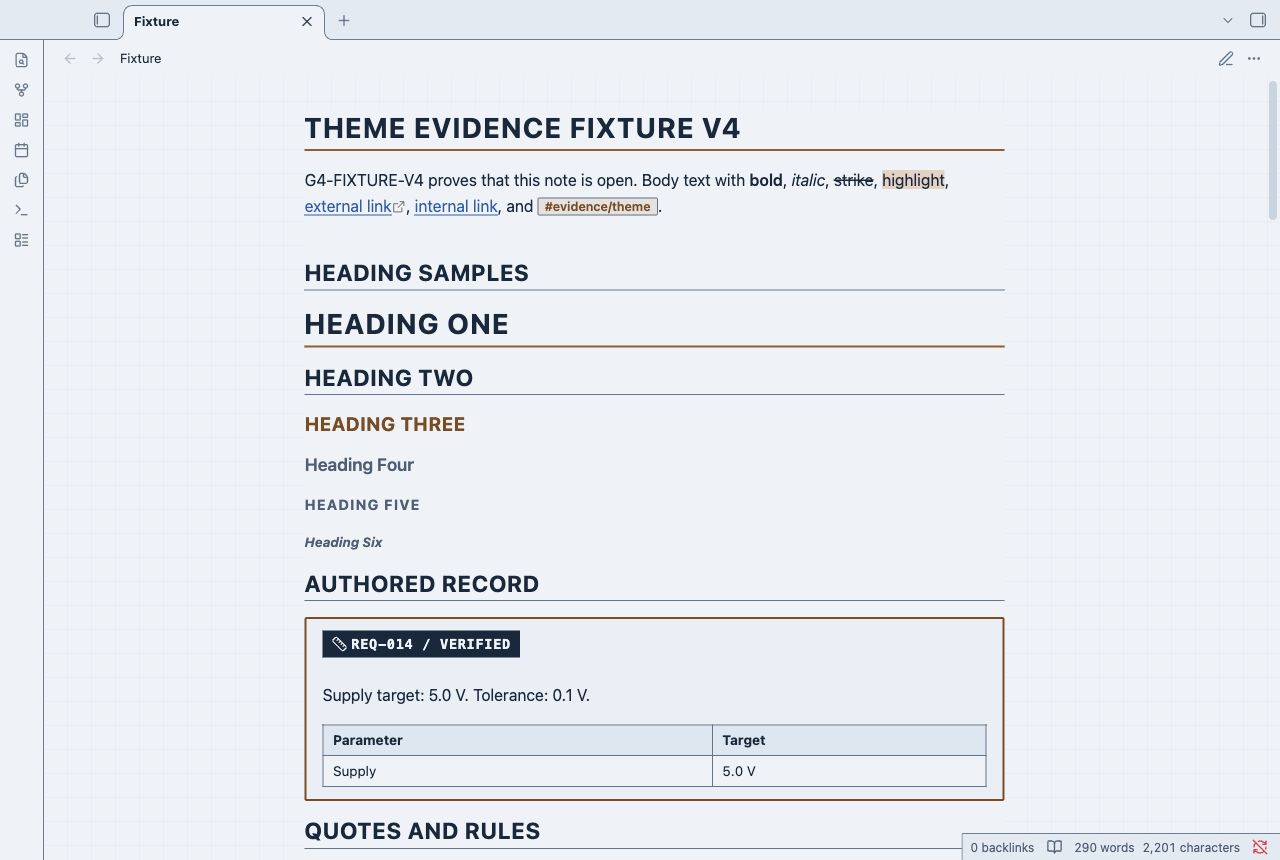
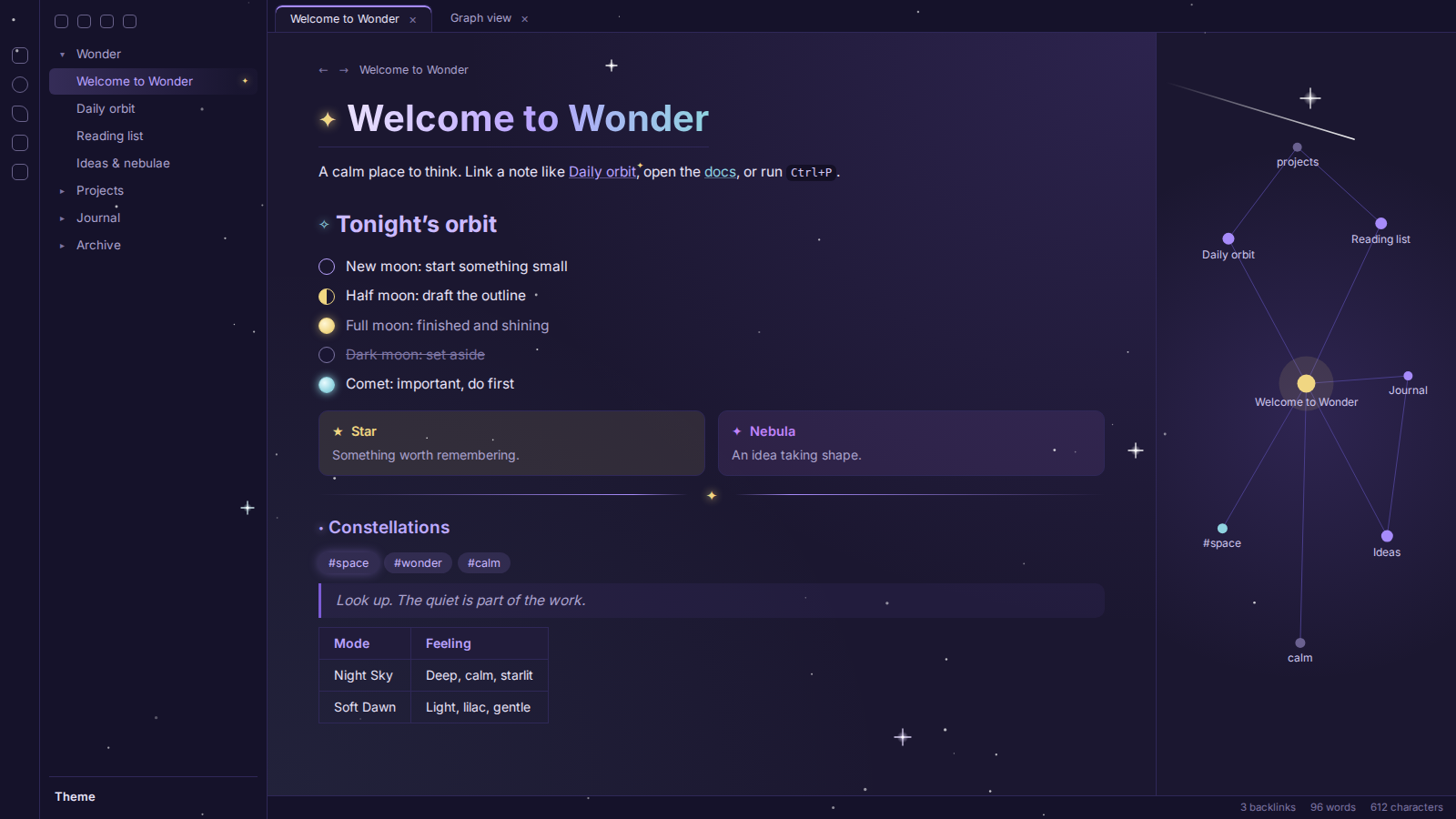
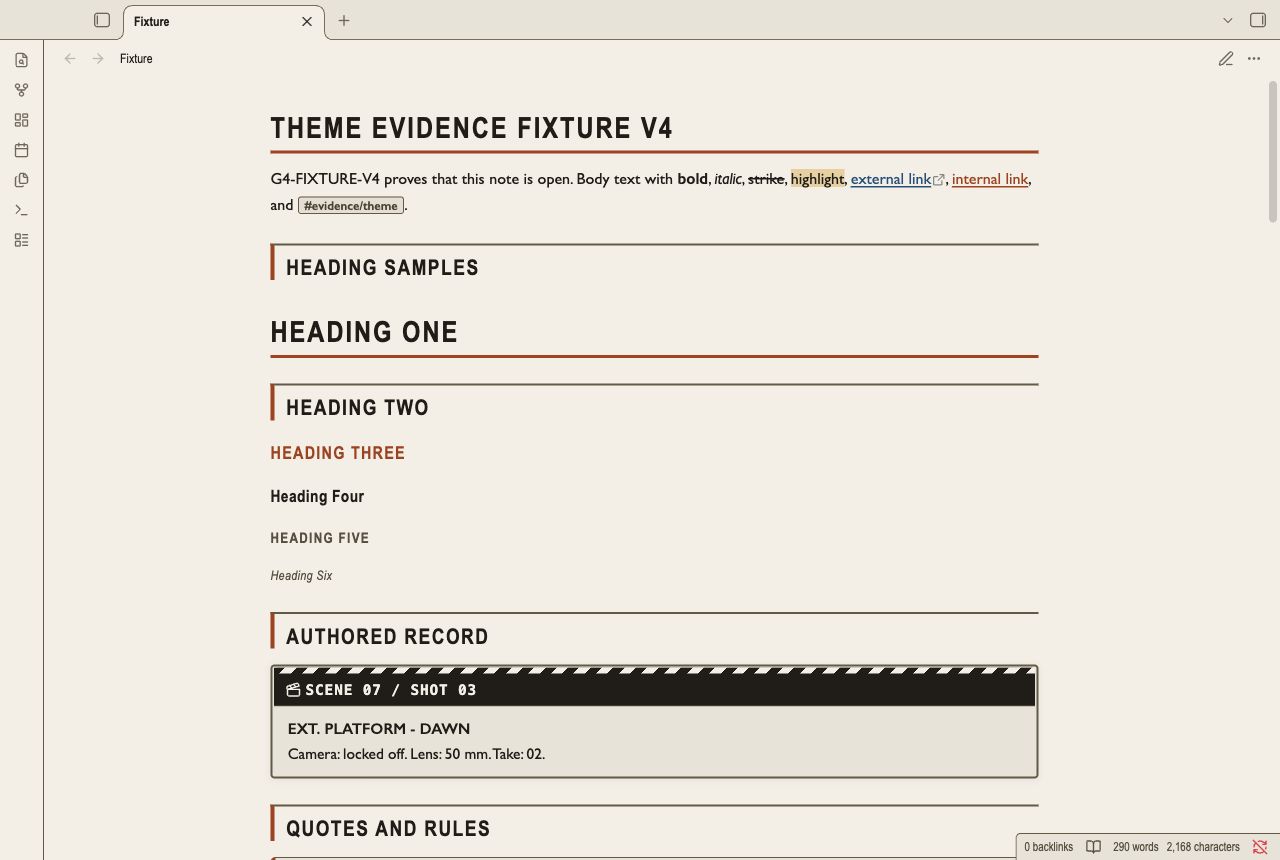
11. DrosmazTheme
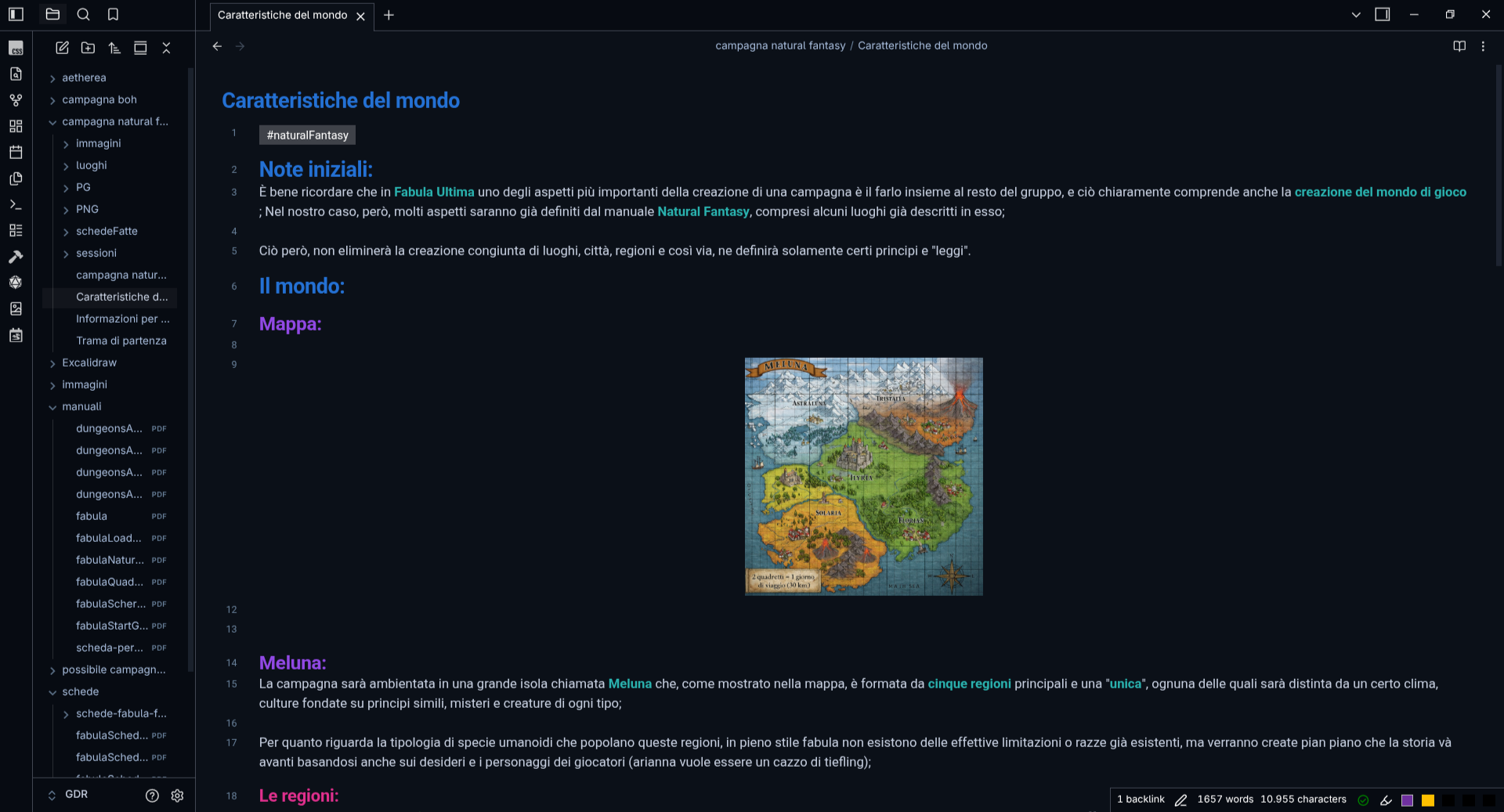
12. EncorePpuccin
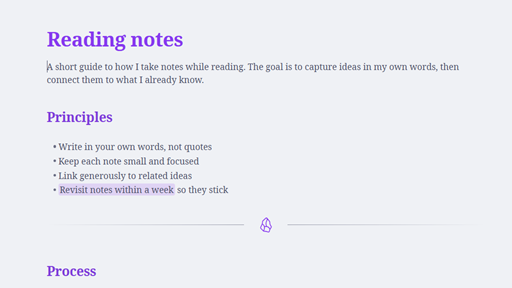
13. Night404
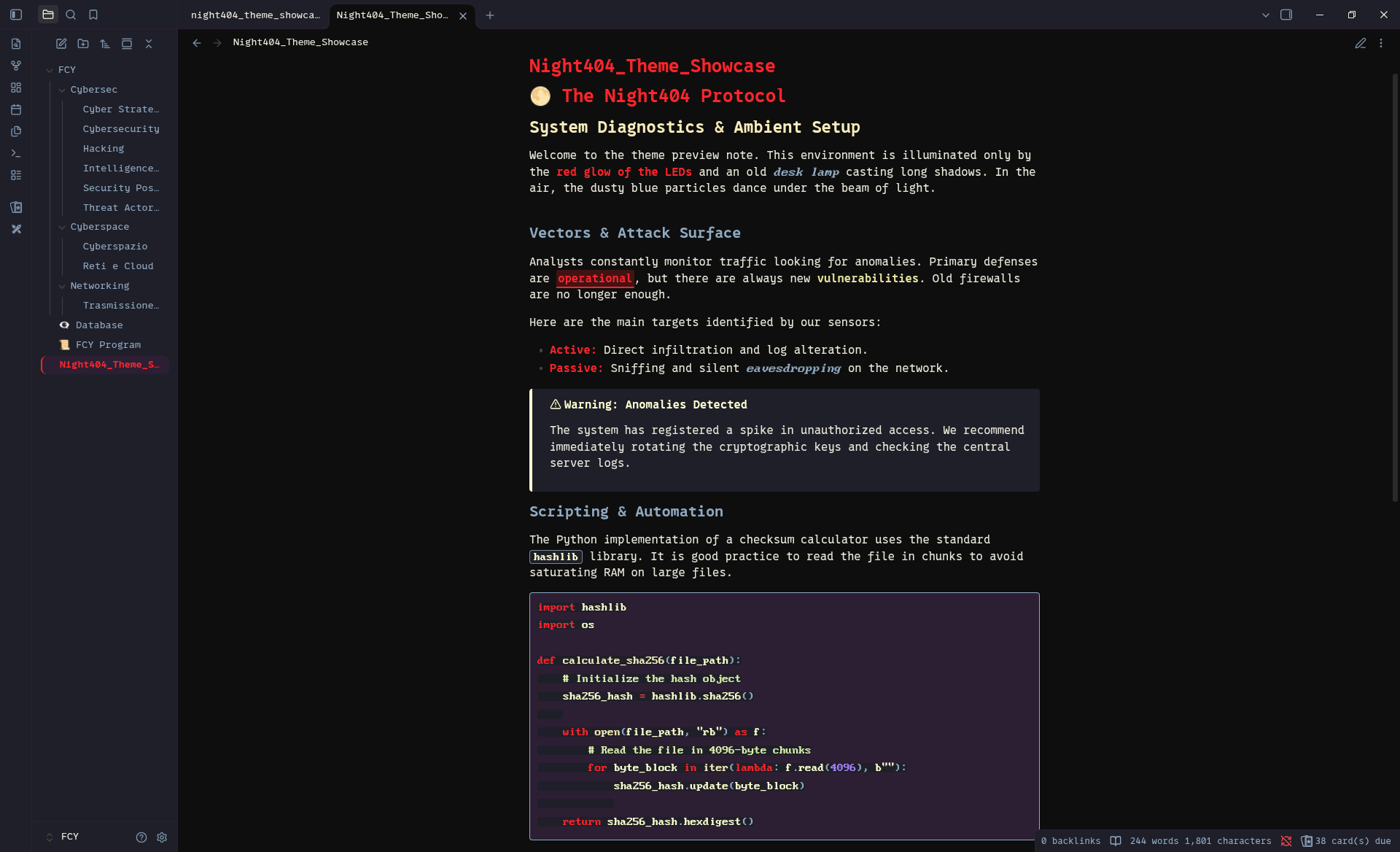
14. Folio

15. Overworld
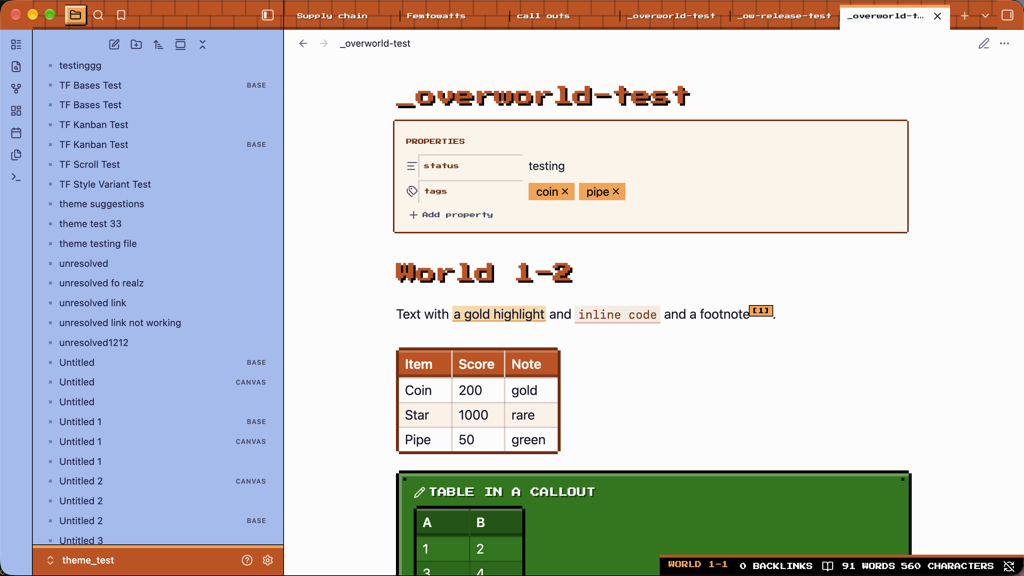
16. Tokyo Rain
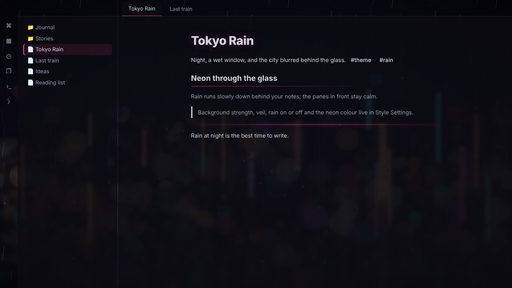
17. Morandi
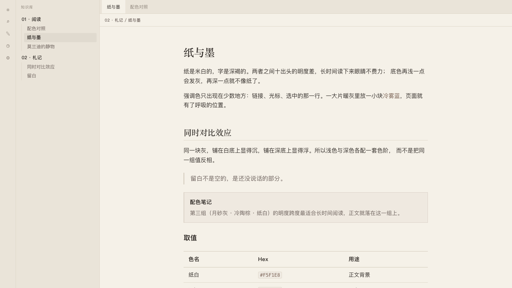
18. Horo
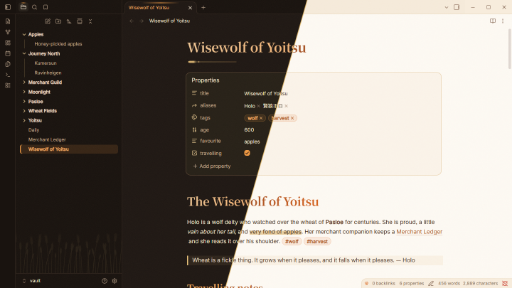
19. Moonpetal
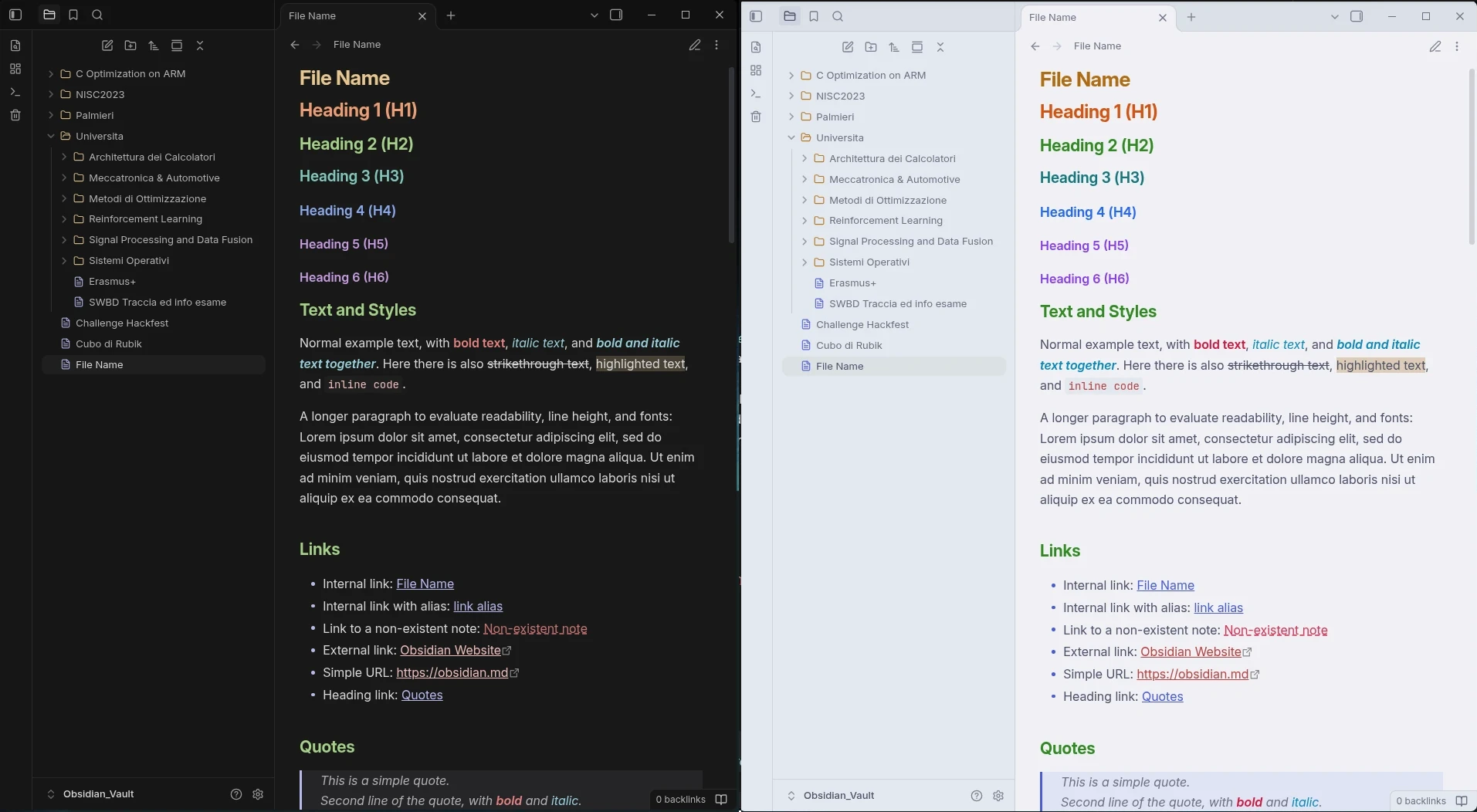
20. Octavo
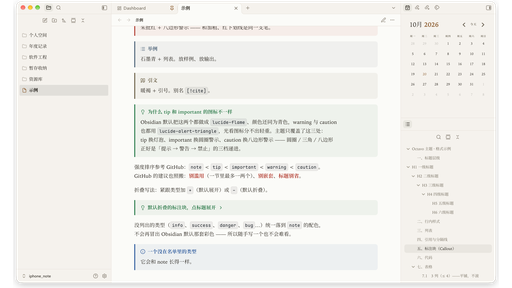
21. Kanso
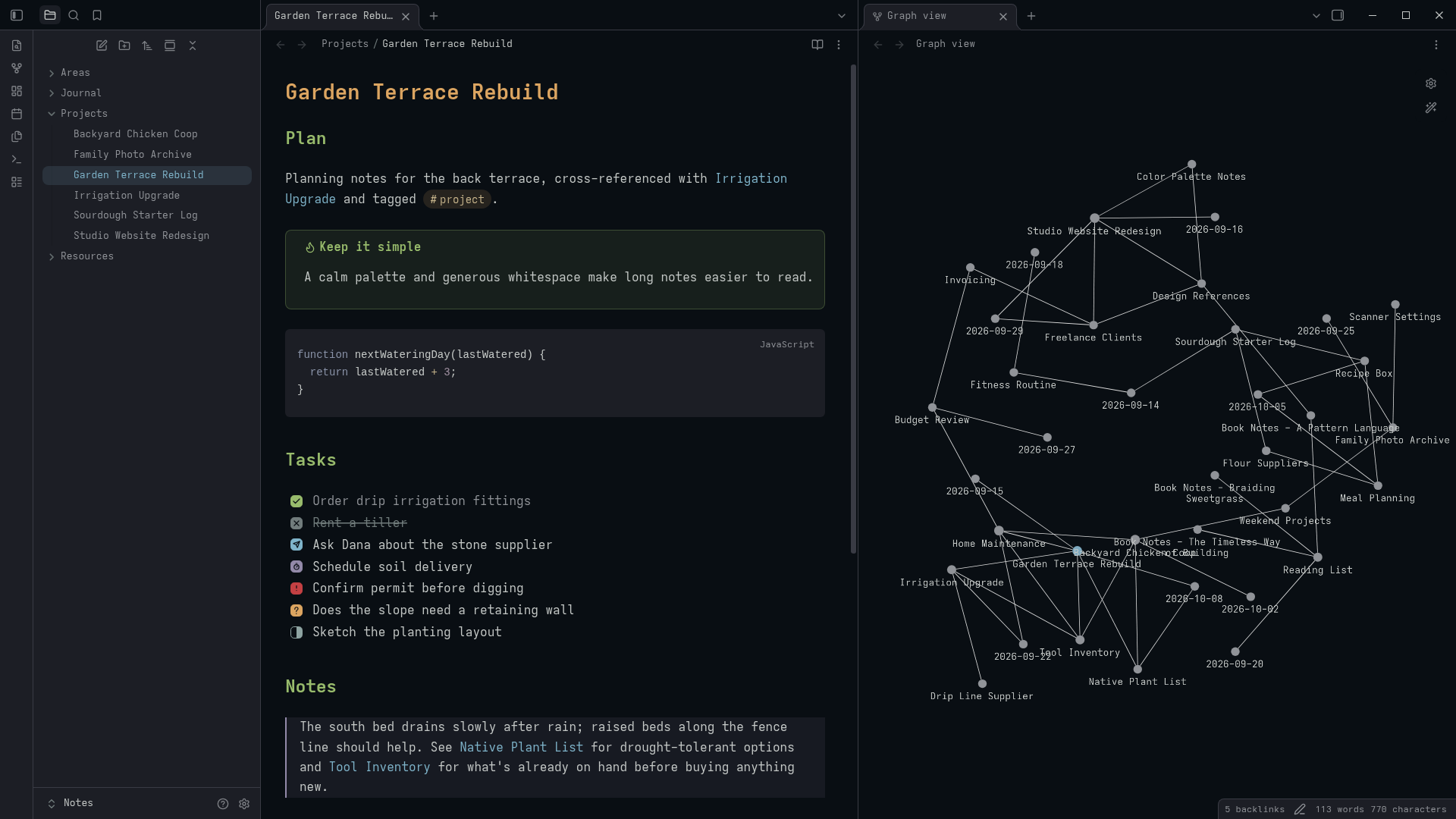
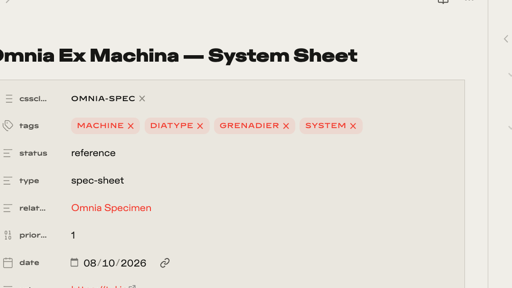
22. Omnia Ex Machina
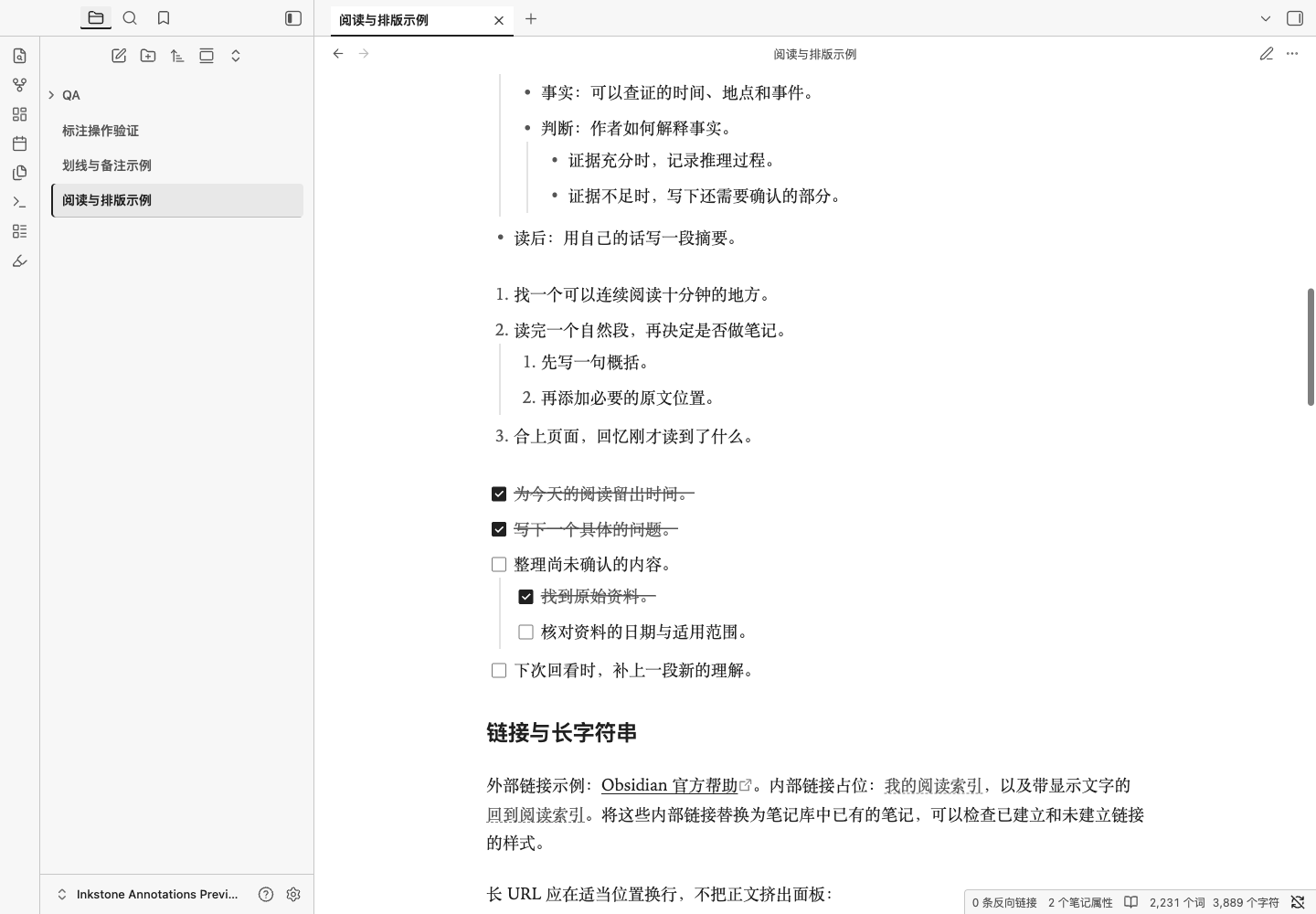
23. Inkstone
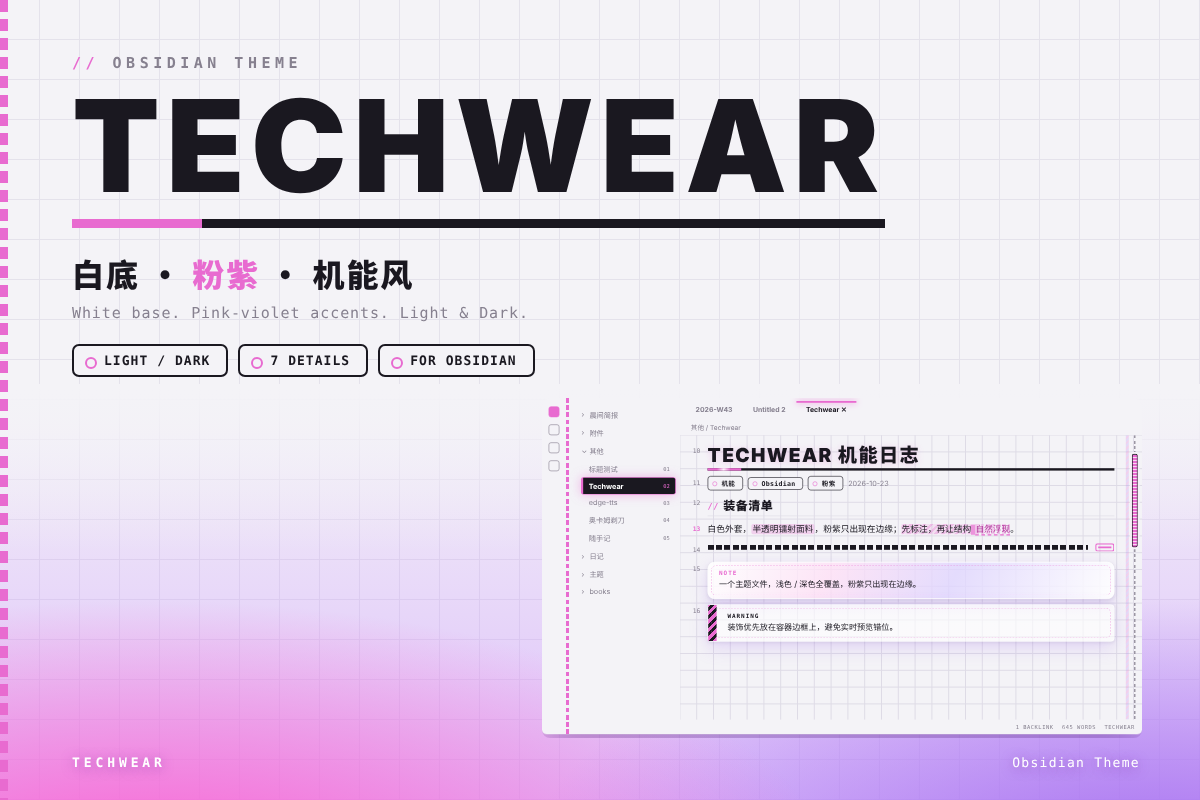
24. Techwear
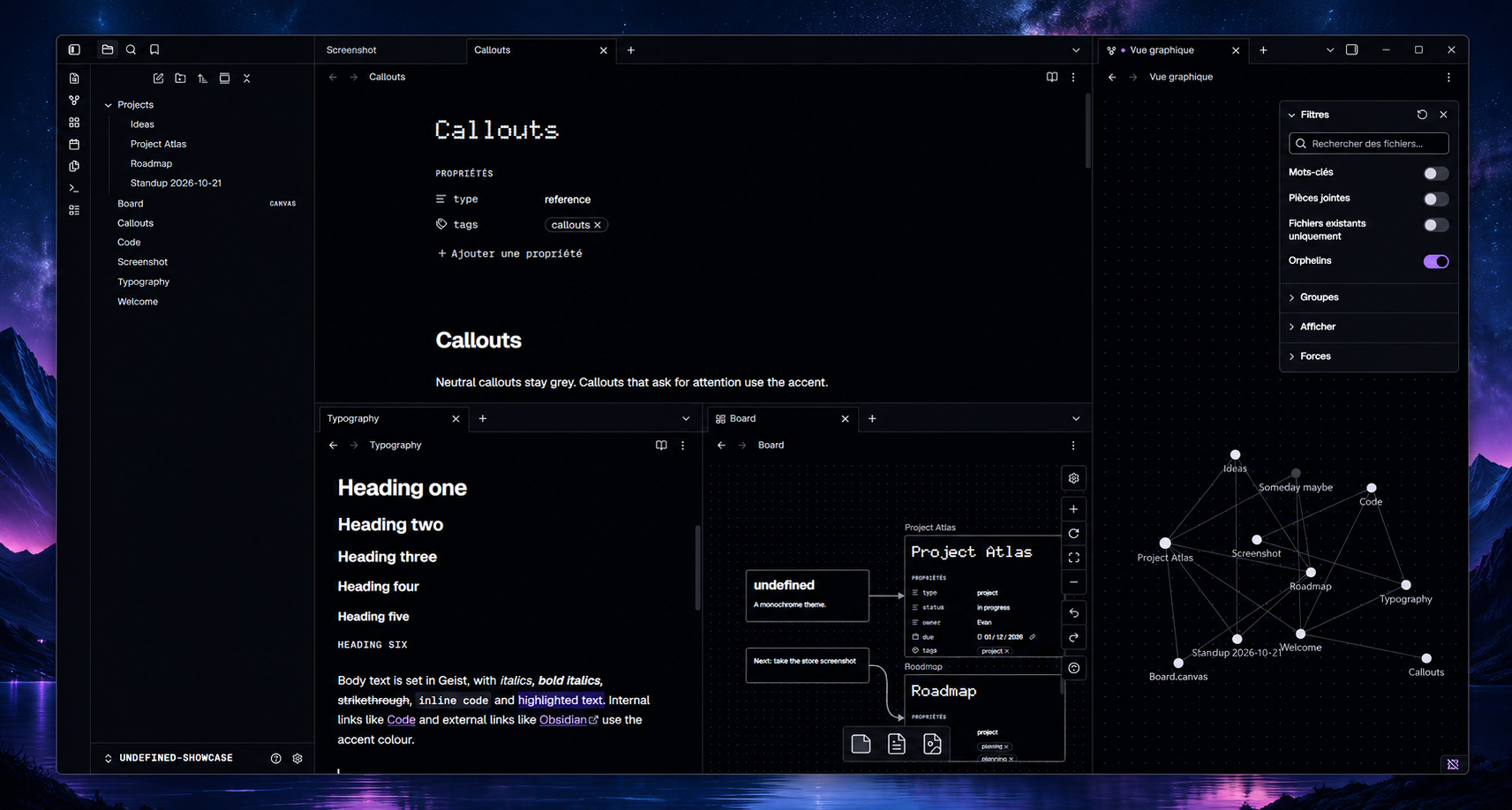
25. Undefined
26. Fireplace
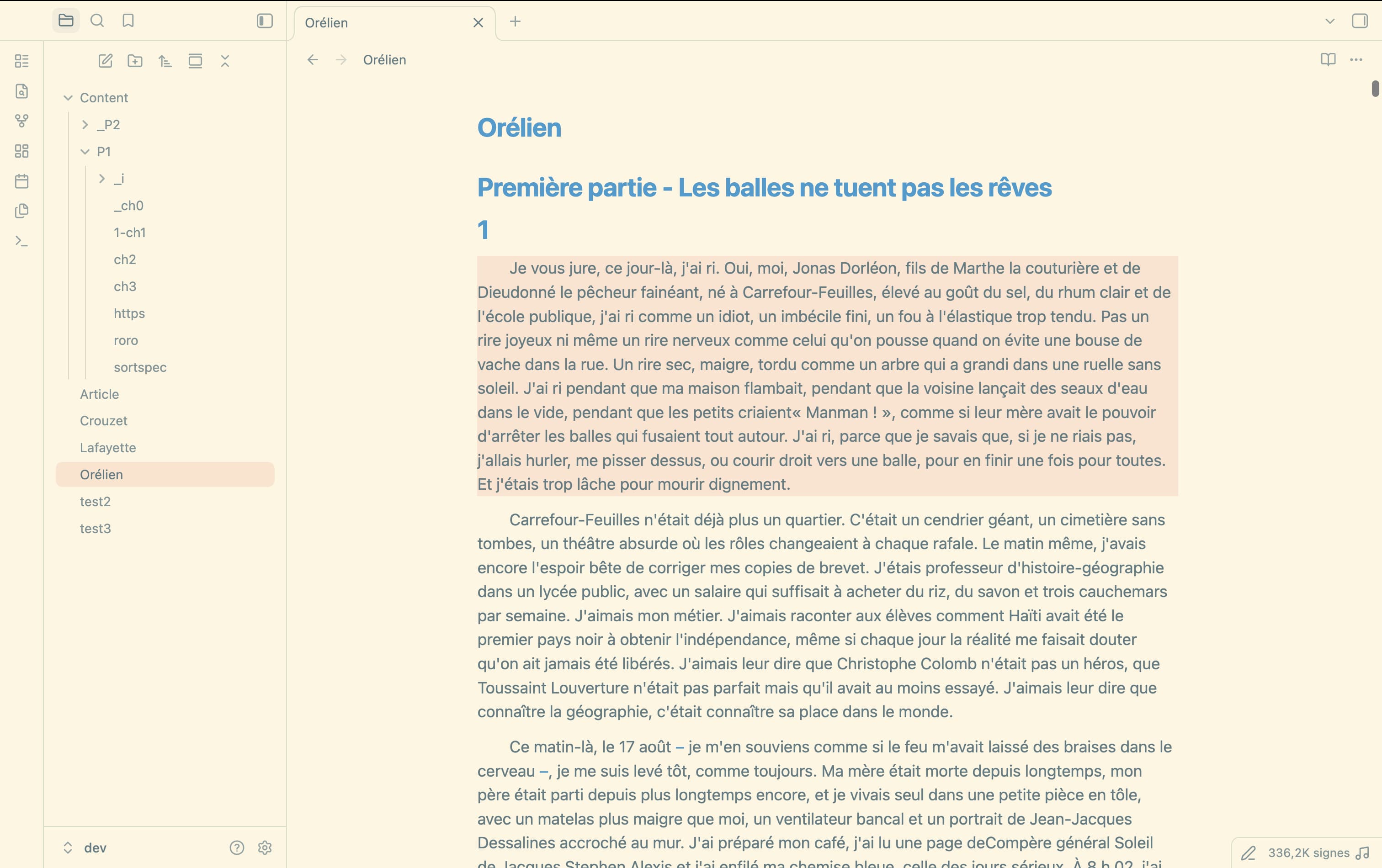
27. CrouzetTheme
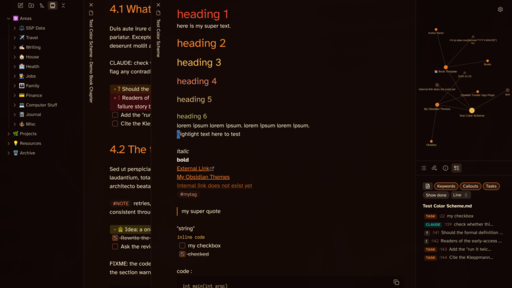
28. Asia Neon
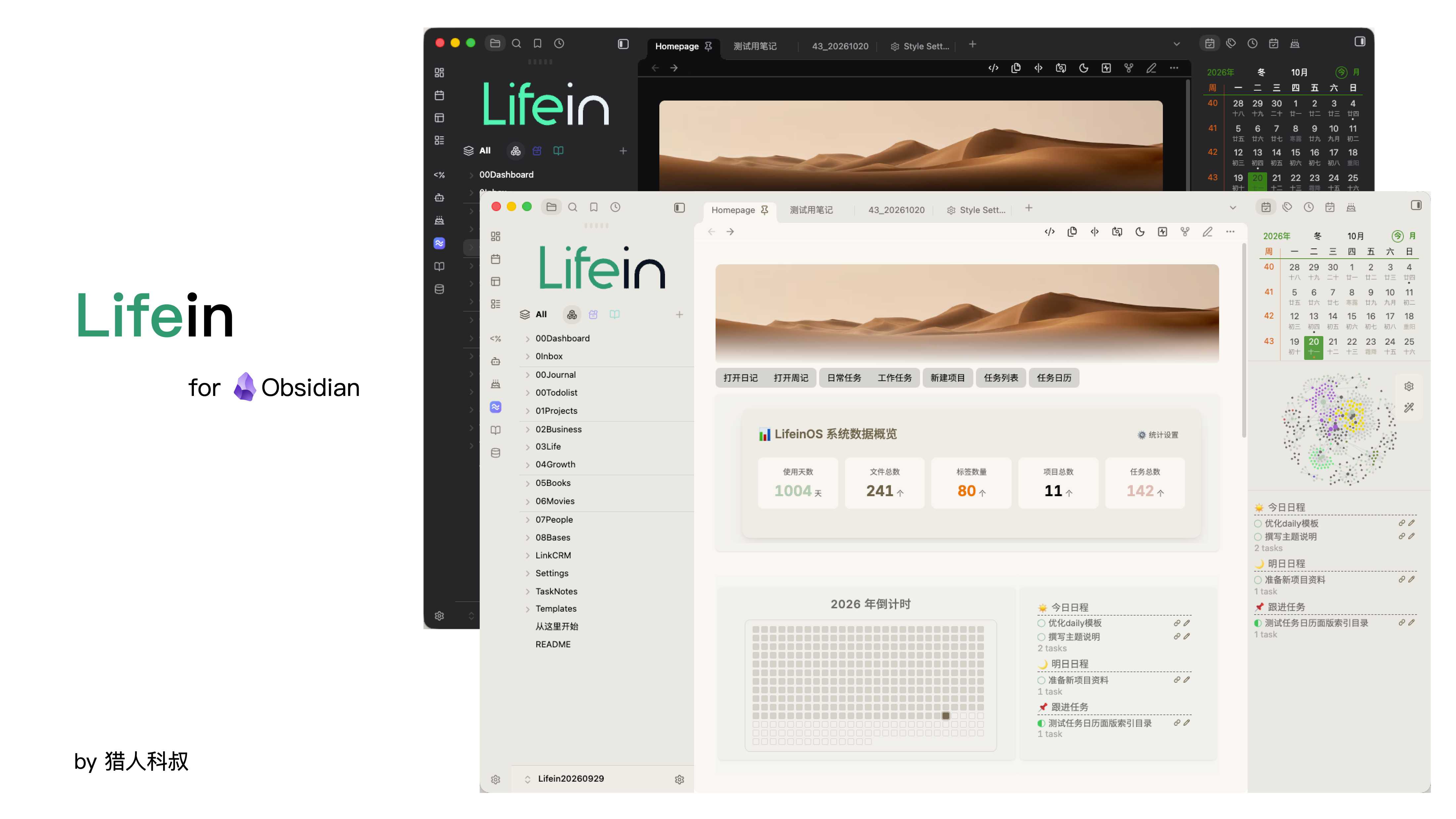
29. Lifein
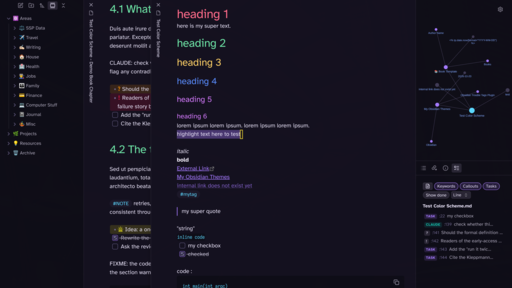
30. Living Code
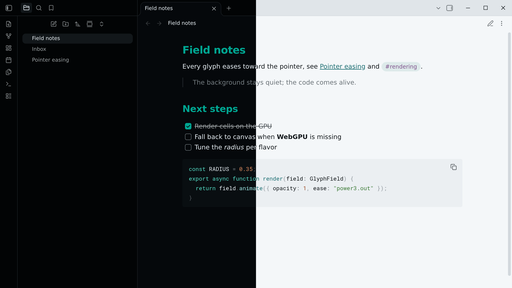
31. Ginnungagap
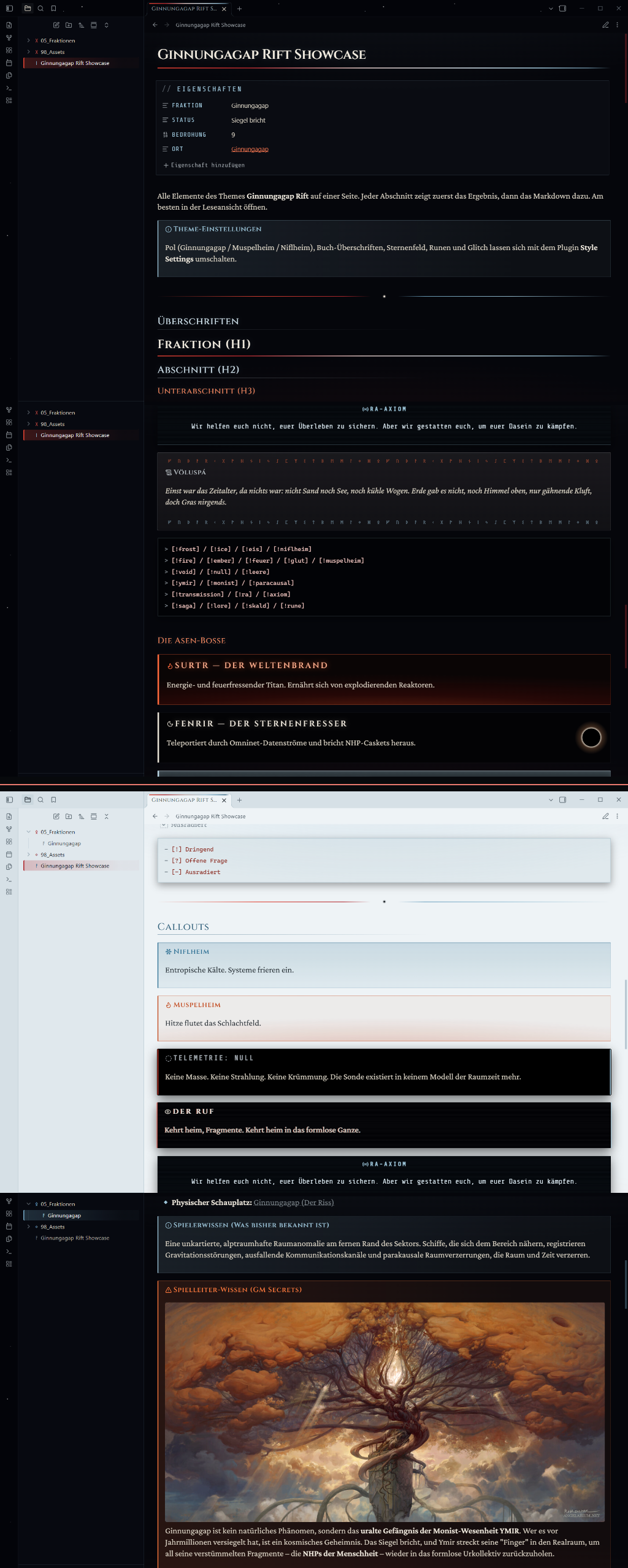
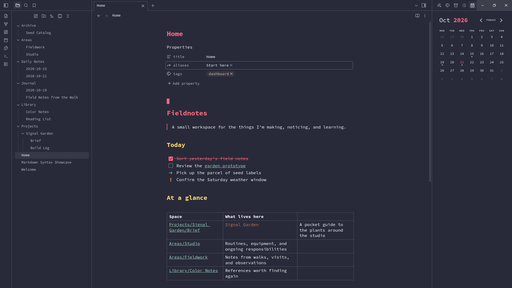
33. Suliworld
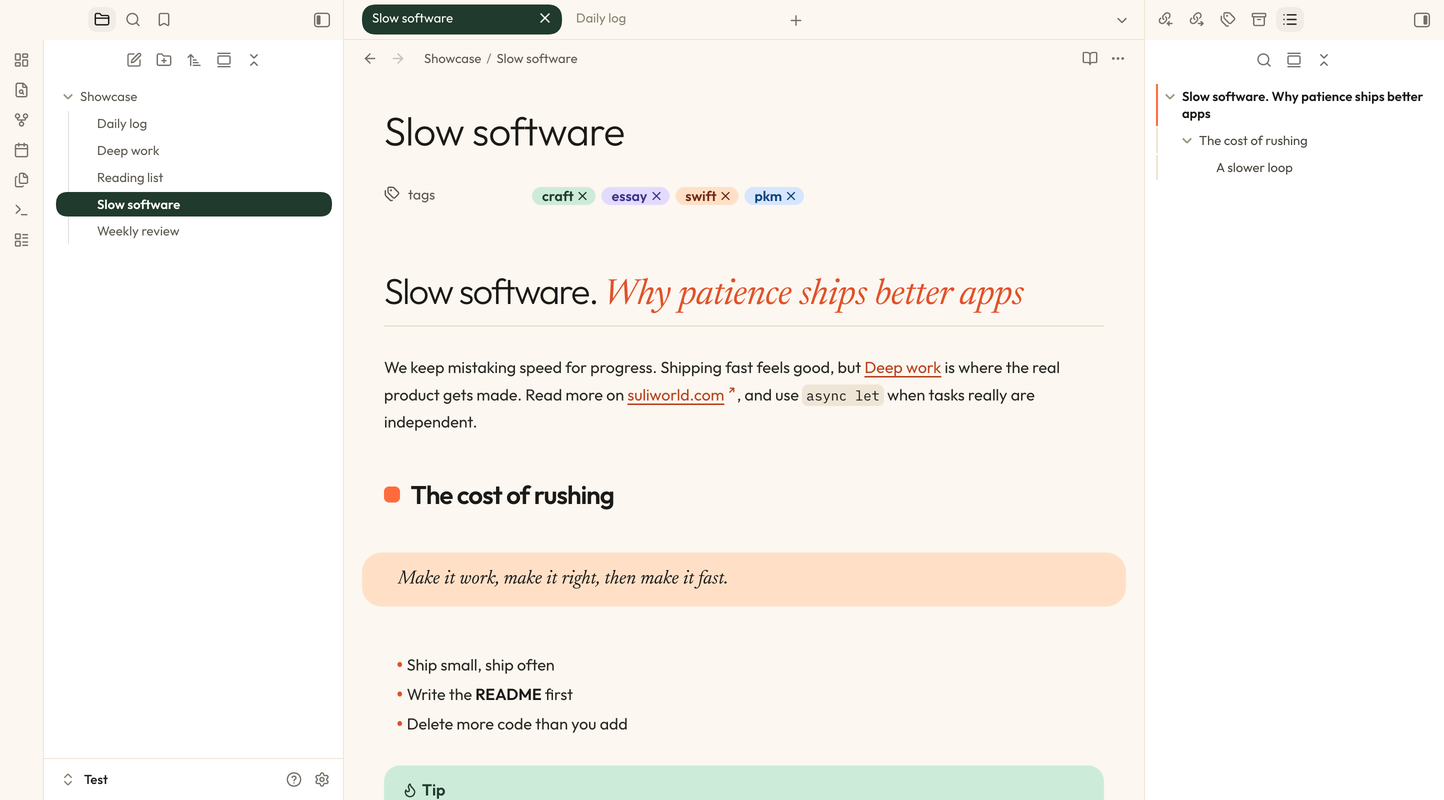
34. Adwaita Flexoki
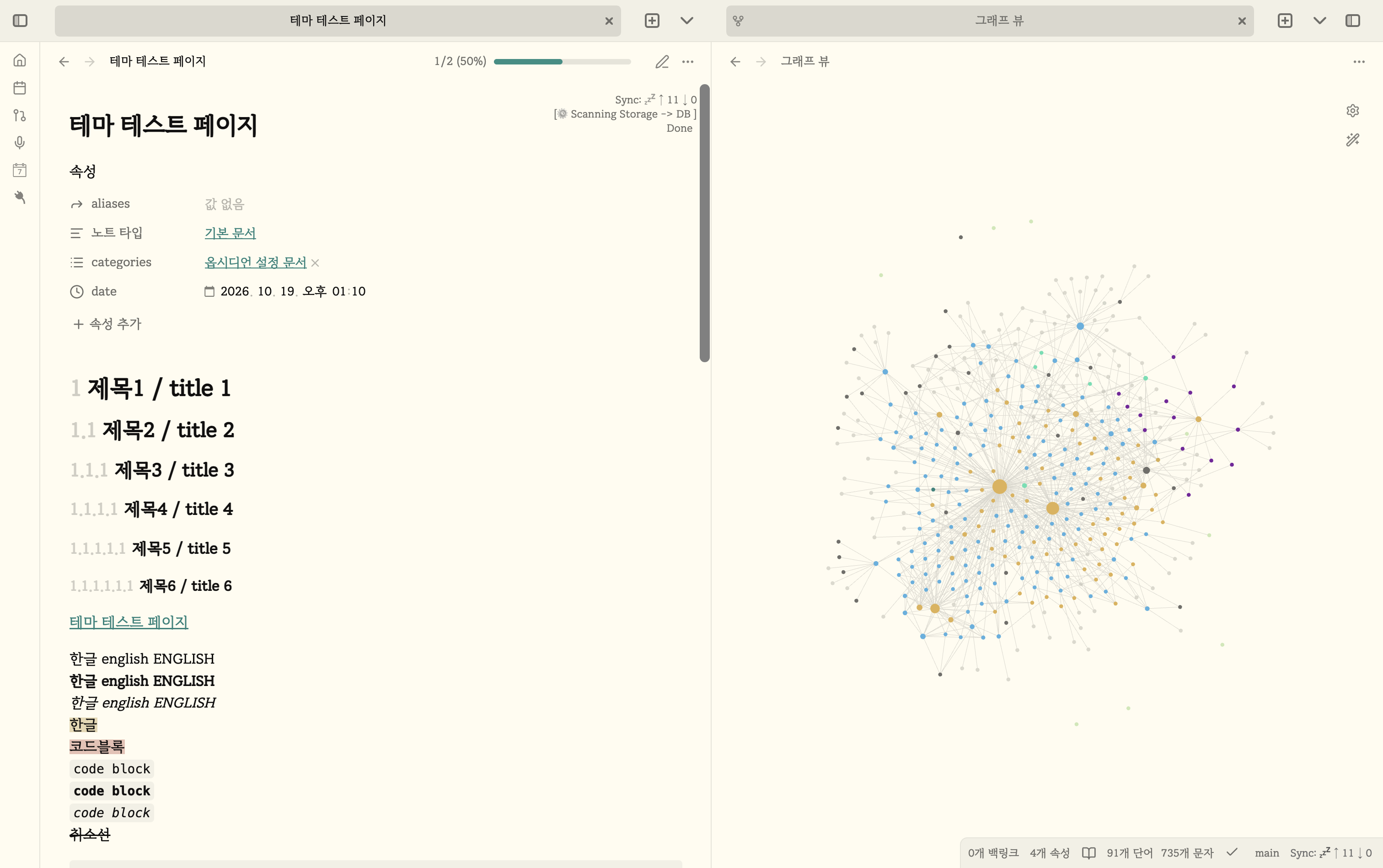
35. Academic-Vibes
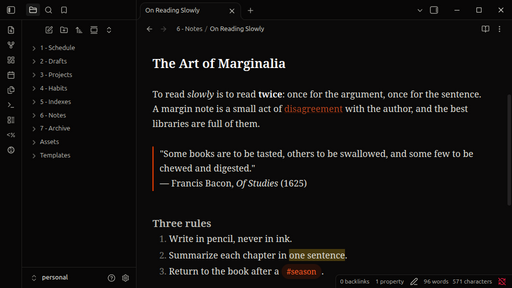
36. Nox Aeterna
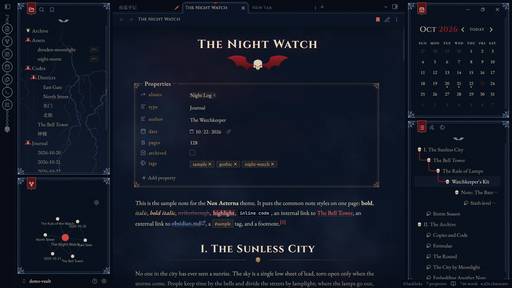
37. Azeroth
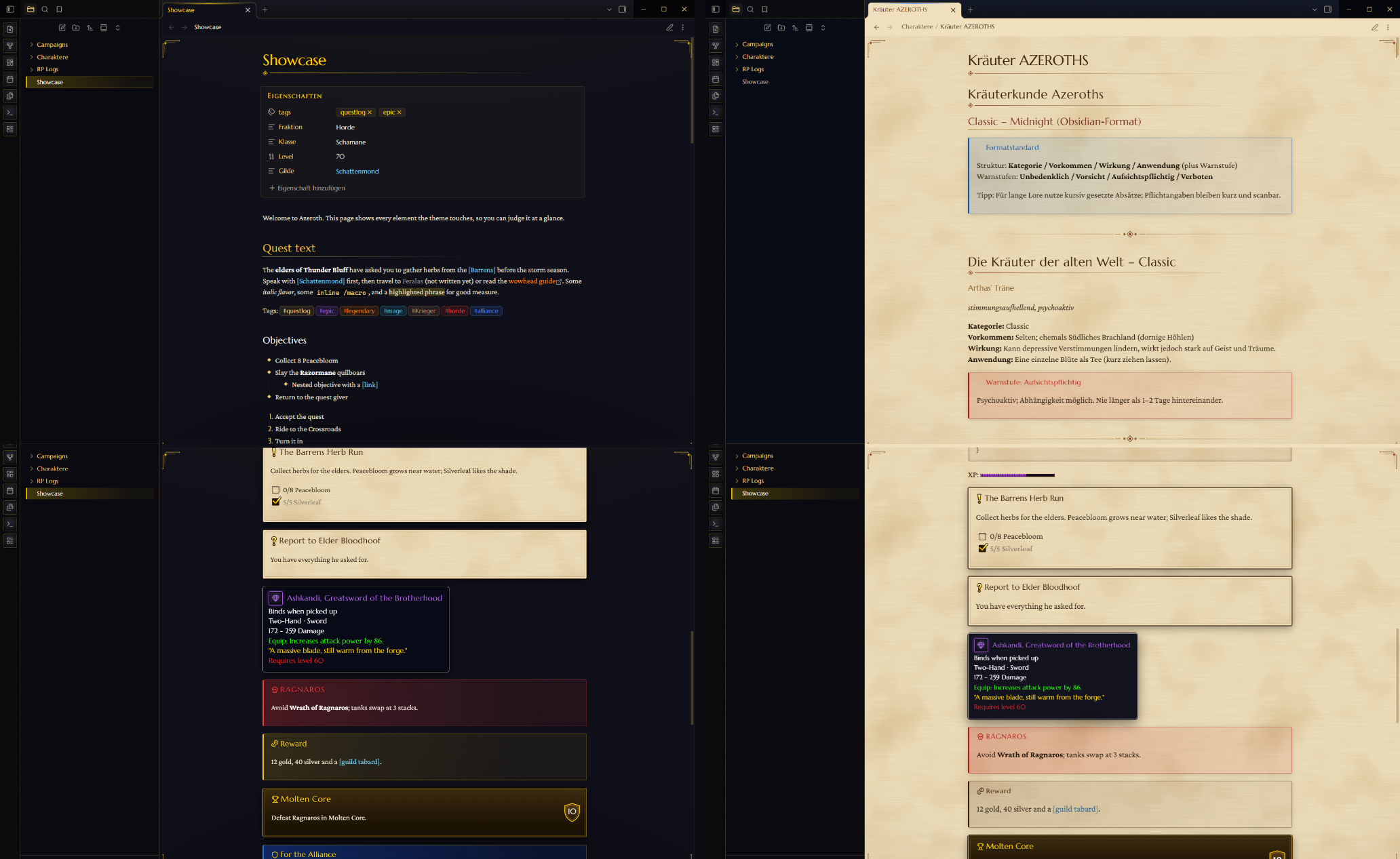
38. minilite-flat
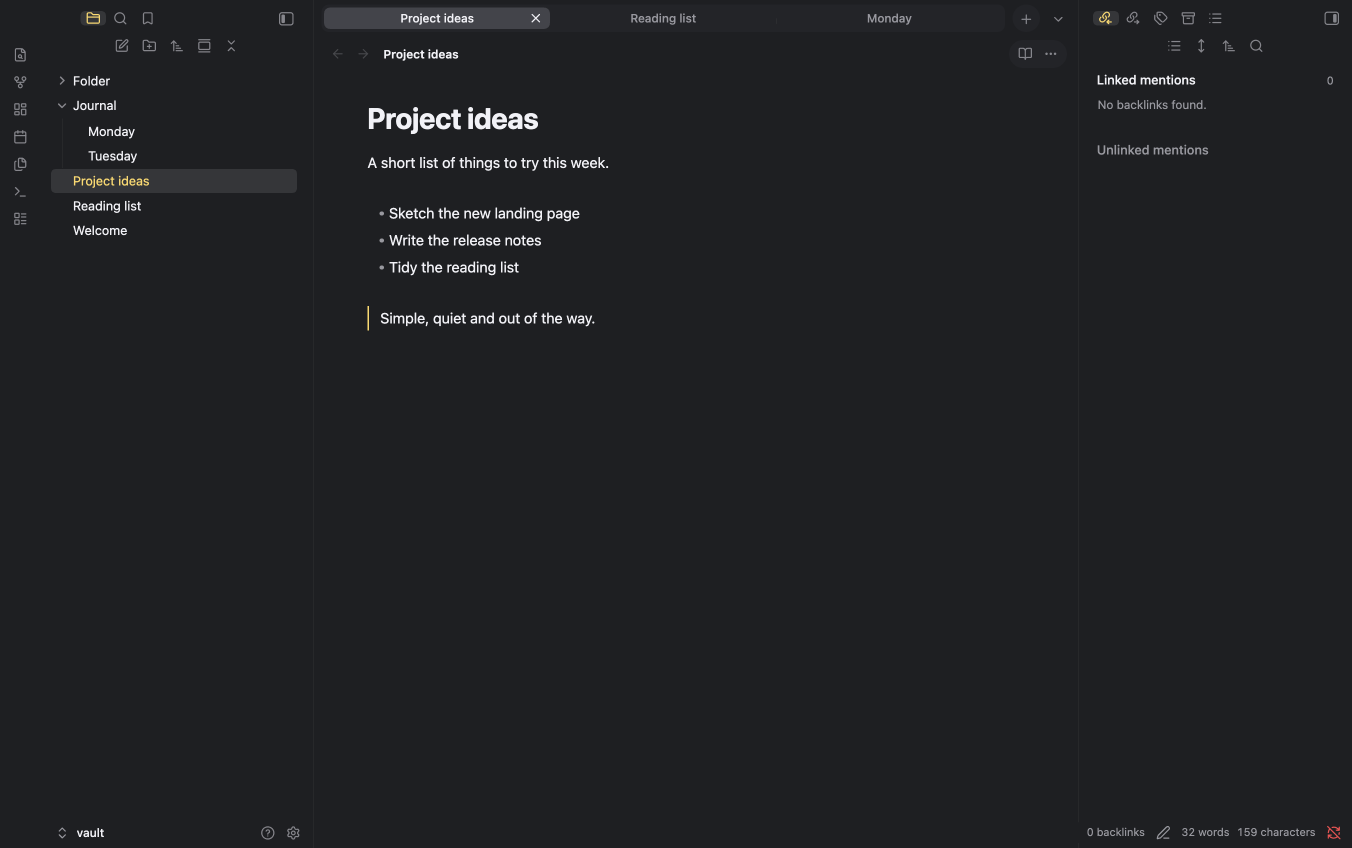
39. Neobrutalism
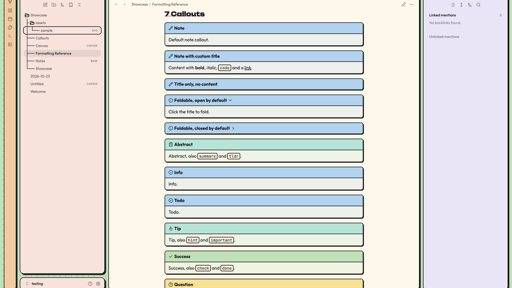
40. Damascene
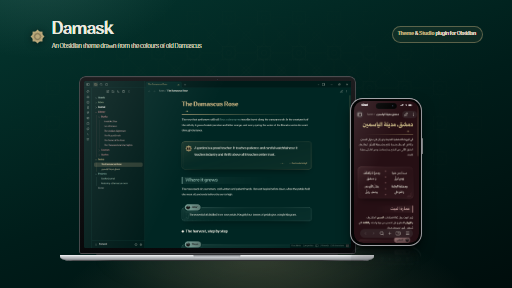
41. paper-lite
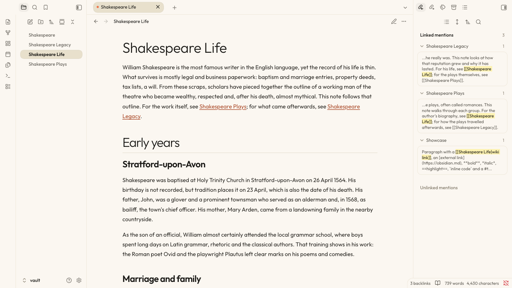
42. Moonshade
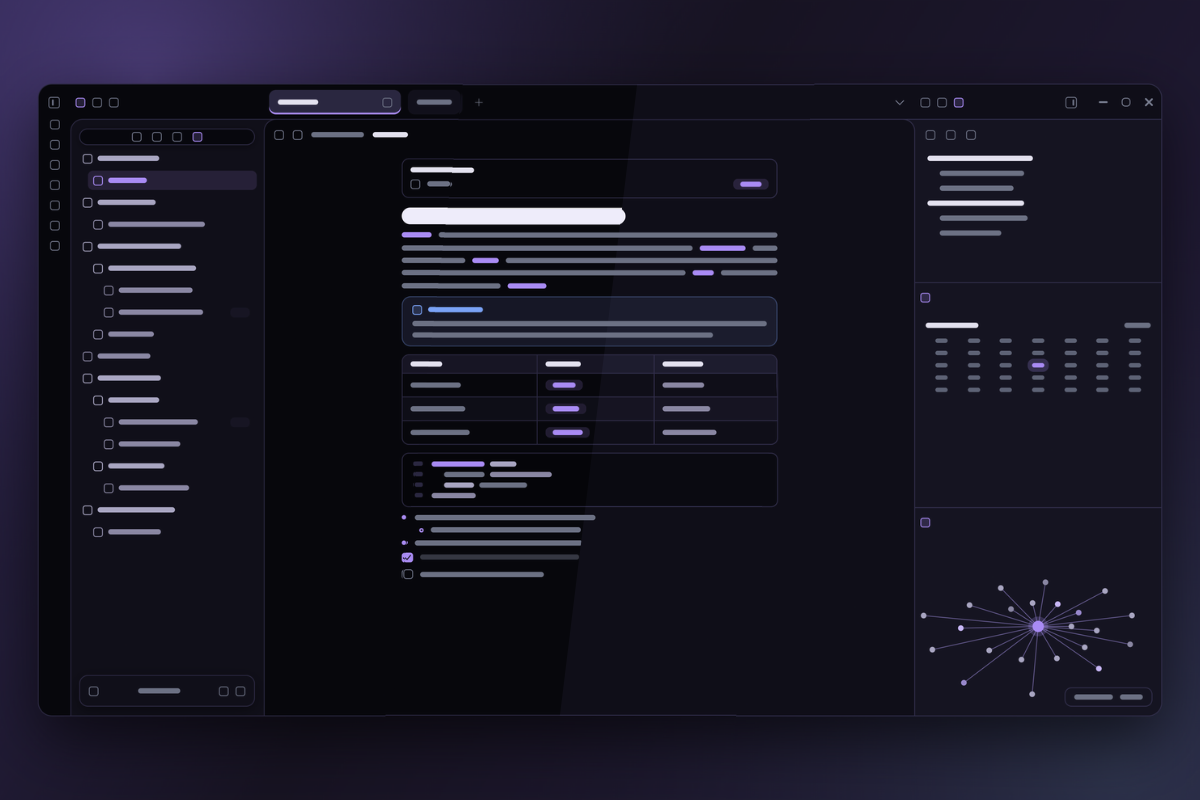
43. Seashell
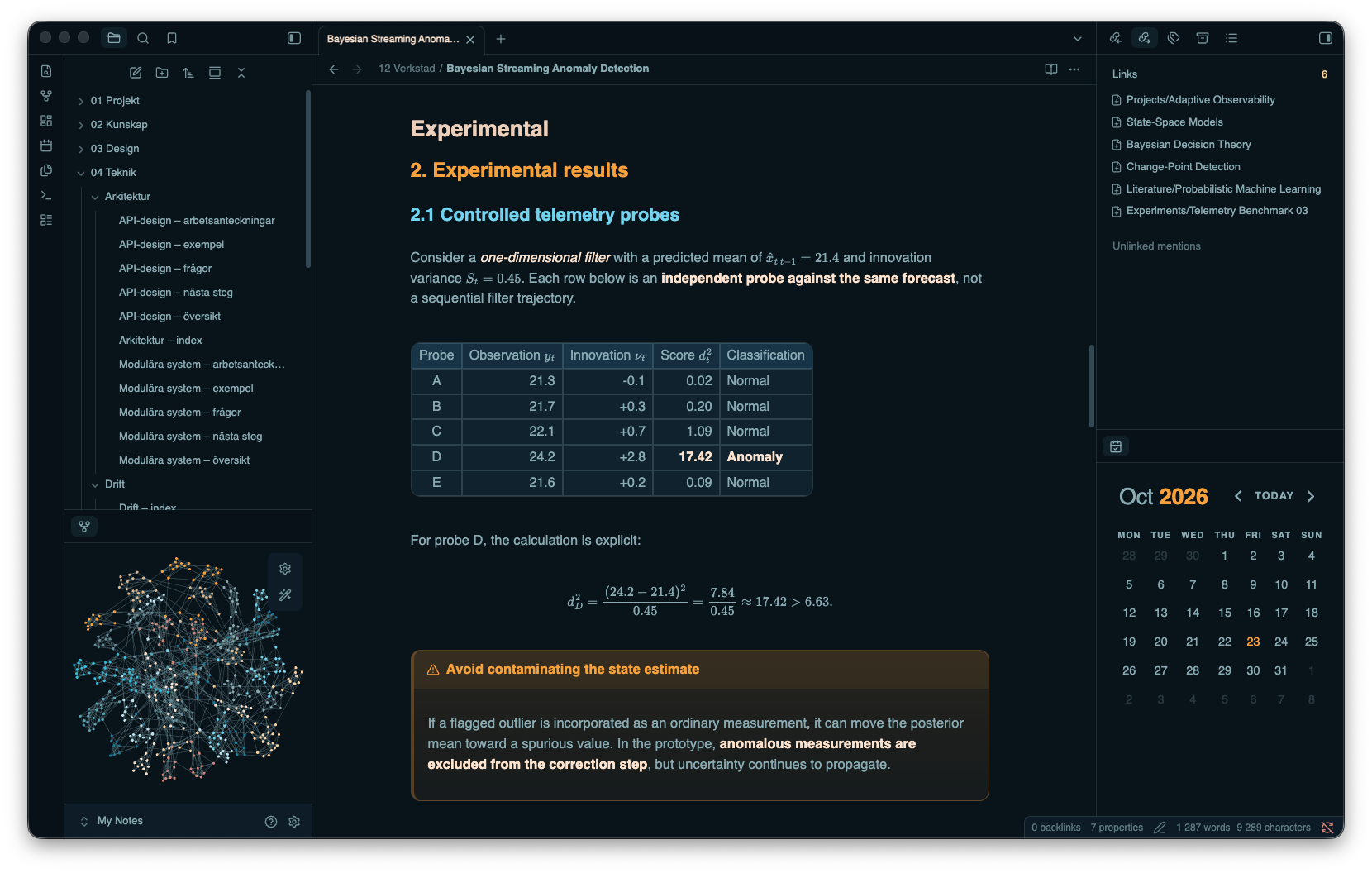
44. Raunak Noir
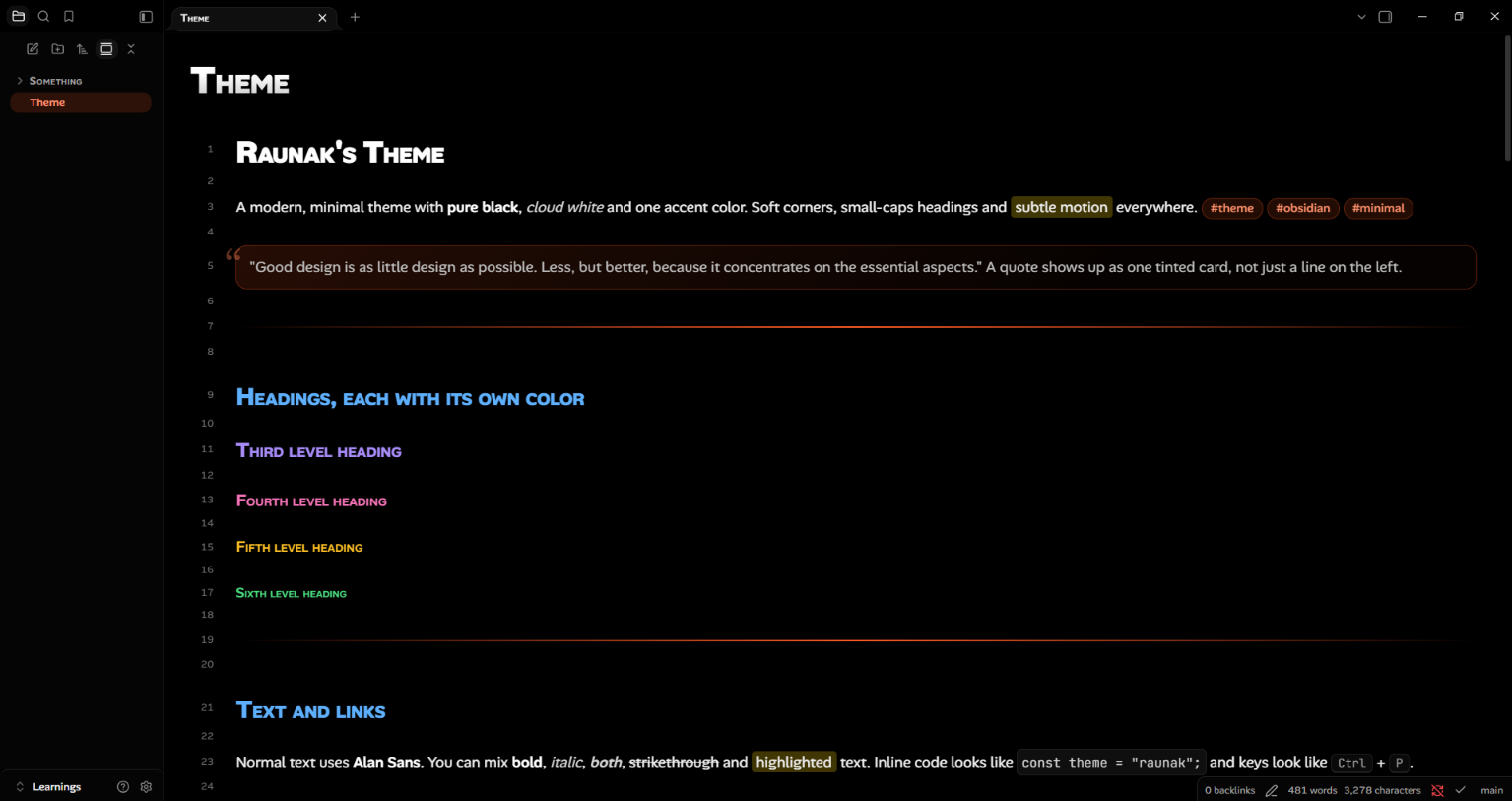
45. Buba
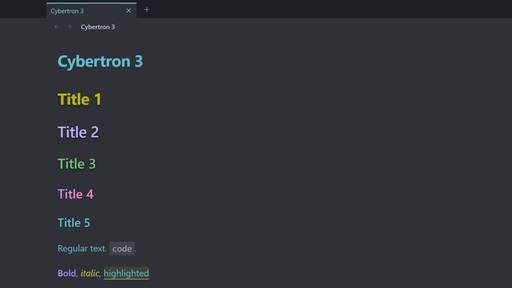
46. Cybertron 3
Give one idea a closer look. You can browse /new for more plugins or check /updates for releases from the tools already in your vault.
Until next week, happy note-taking!