
README file from
GithubBuba theme for Obsidian
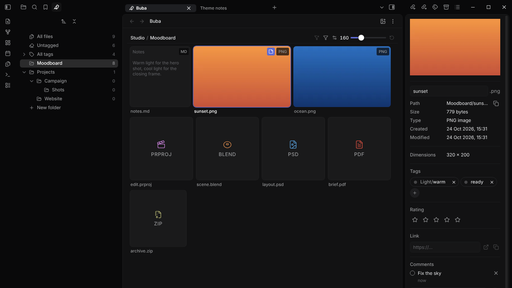
A calm dark theme for Obsidian, made to go with the Buba plugin and inspired by Linear.
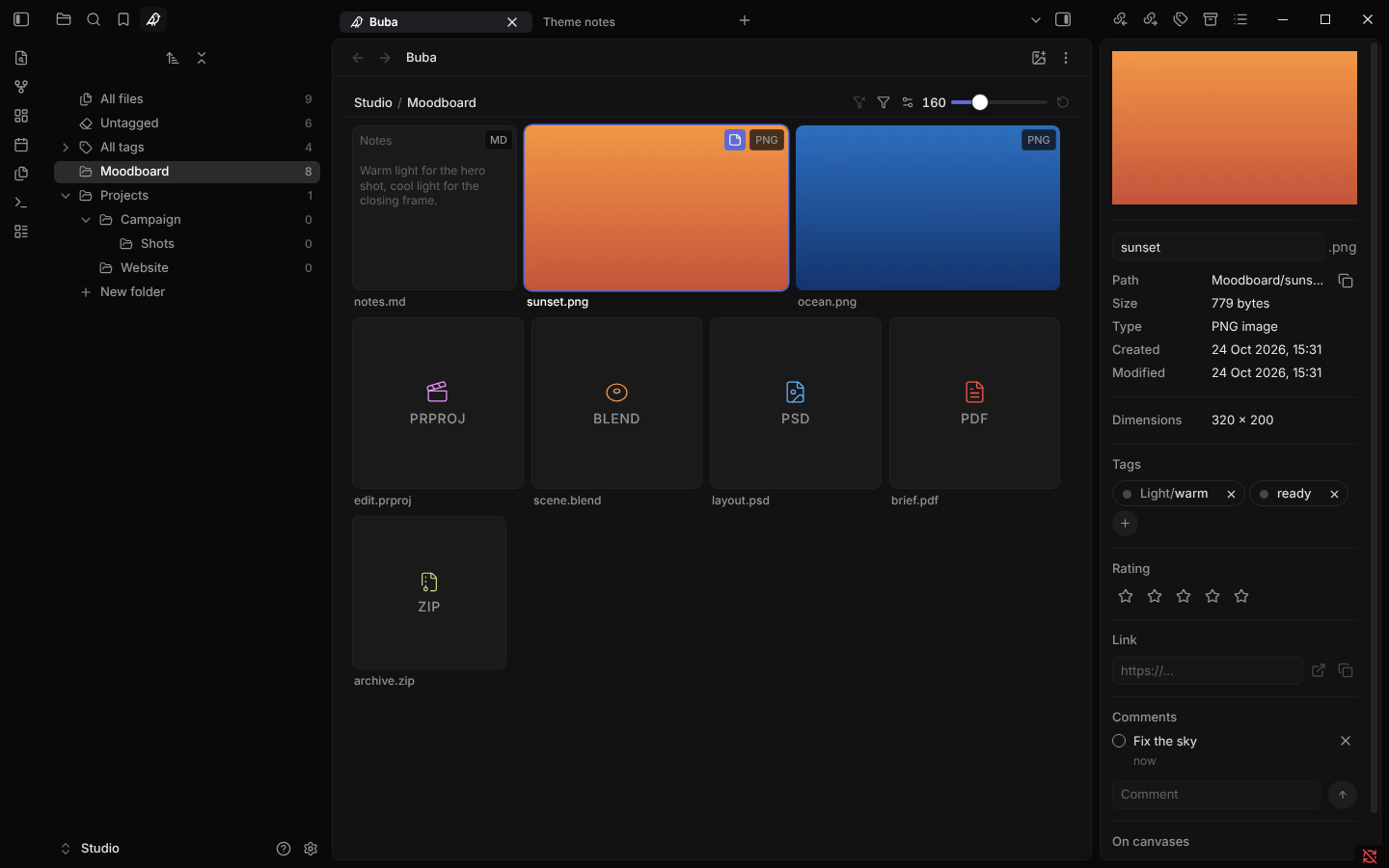
- Quiet text. Labels and sidebar items are grey and turn white under the pointer or when open, so the content stands out and the interface does not.
- Frame and panel. A near-black window frame holds a slightly lighter rounded panel for your notes and views. Tabs are small pills, menus are rounded and dark.
- Inter for the interface and for notes: the copy that ships with Obsidian, so the theme stays small and loads nothing from the internet.
- Made for Buba. Grid tiles are quiet cards, tags are round pills, the file panel reads like a property list. The theme works without Buba too.
- Core views and popular plugins. Canvas controls, graph, Bases, properties, callouts, tables, search and link previews share the same look, and so do Excalidraw, Tasks, Omnisearch, Notebook Navigator, TaskNotes, Editing Toolbar, Advanced Canvas and Git.
- Desktop, phone and tablet. Dark mode only: in light mode Obsidian's own look stays.
Install
In Obsidian open Settings → Appearance → Themes → Manage, find Buba and select Install and use. Switch Base color scheme to Dark.
Excalidraw
Excalidraw colors its toolbars itself while its Dynamic styling setting is on. To get the theme's dark toolbars, open Excalidraw's settings, go to Theme and styling, set Dynamic styling to Dynamic Styling OFF and turn on New drawing to match Obsidian theme and Existing drawings to match Obsidian theme.
License
MIT, see LICENSE.