
README file from
Github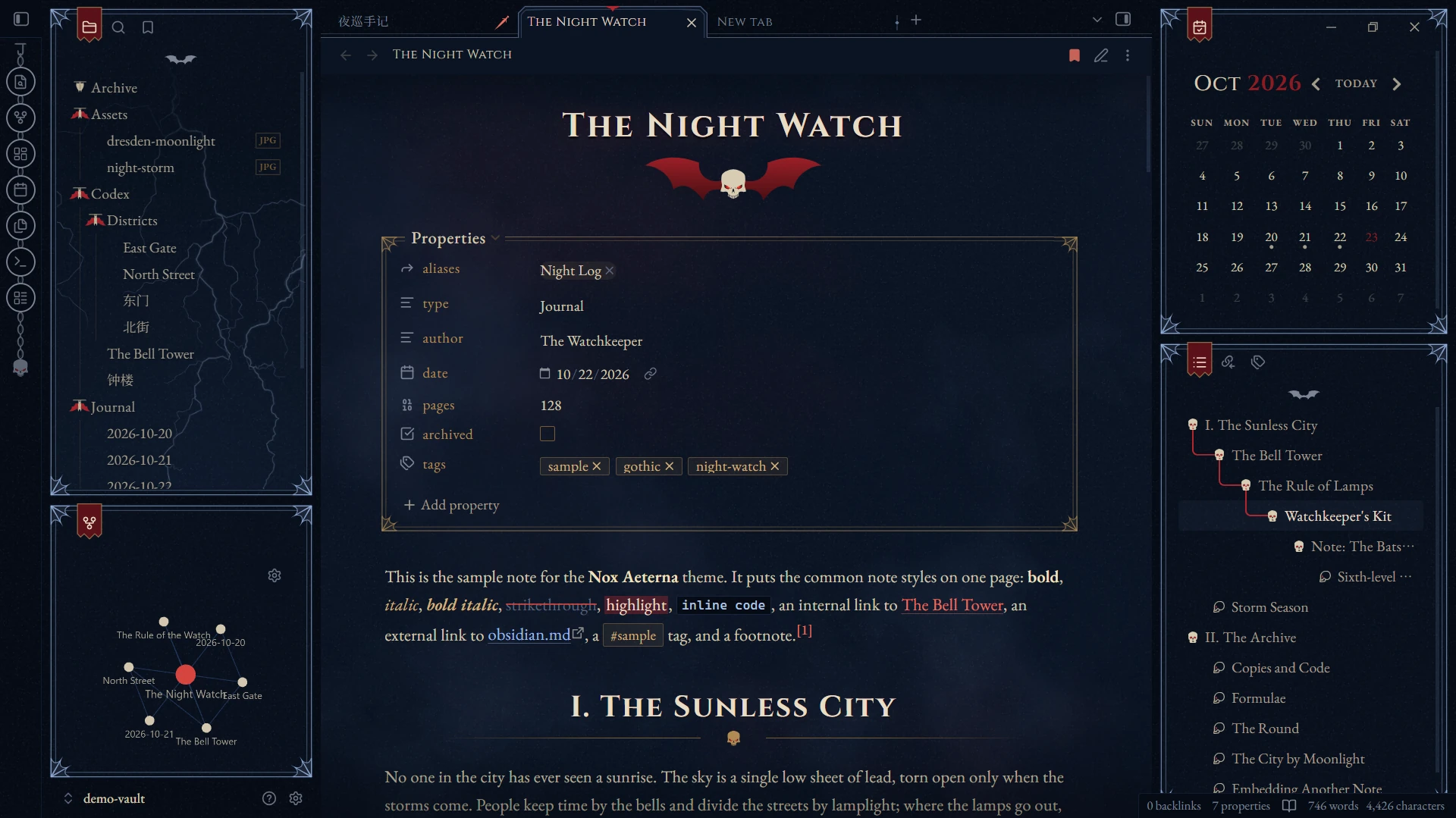
Features
- Dark only.
- Typography for English and Simplified Chinese, with automatic CJK–Latin spacing.
- Fonts are embedded, so the theme works offline and makes no network requests.
- 35 Style Settings options, with a settings page in English or Chinese. Most decorations can be turned off.
- Built for the desktop app and tested on Obsidian 1.14 (Windows).
Screenshots
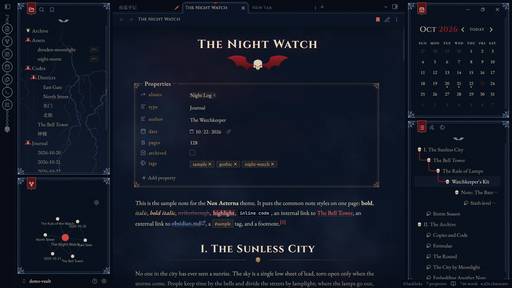
Taken with the sample vault in demo-vault/. Open that folder as a vault to try the theme.
Notes
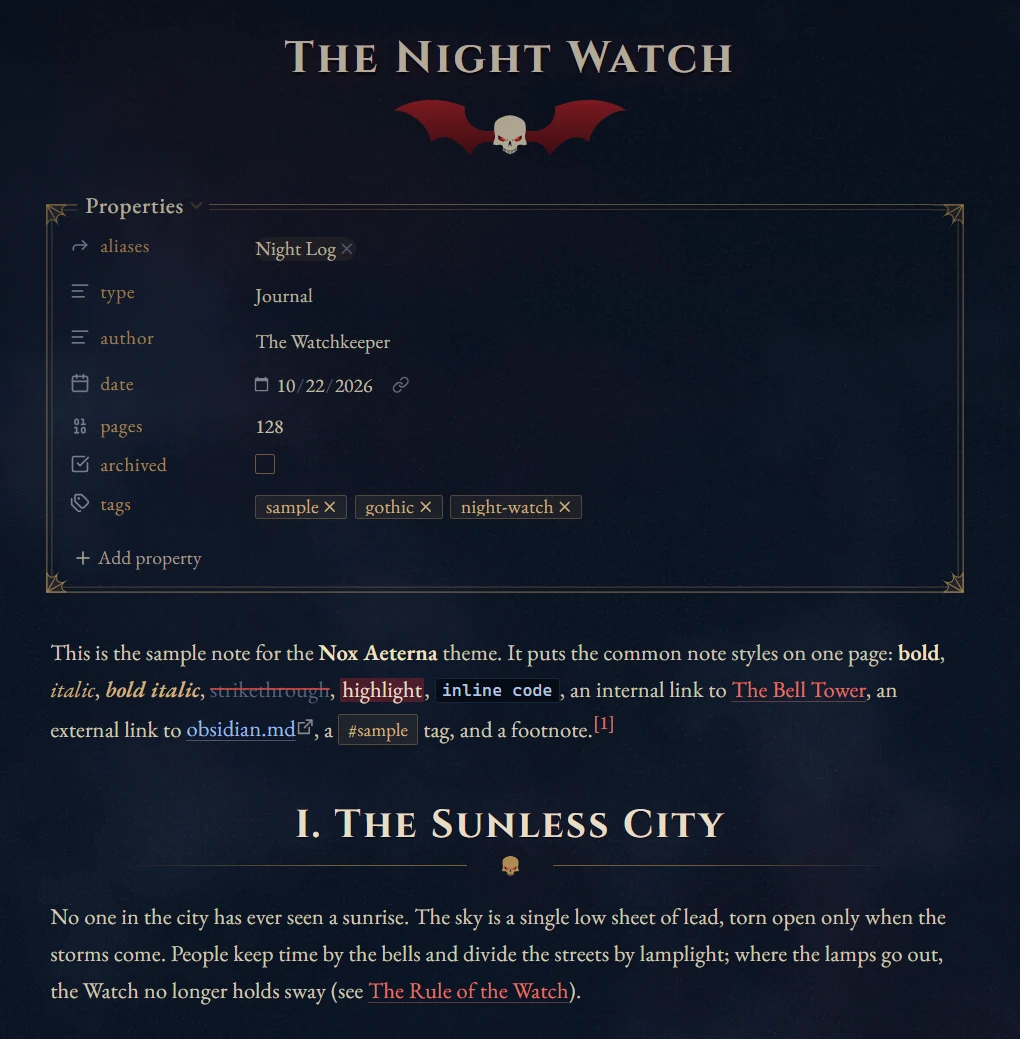
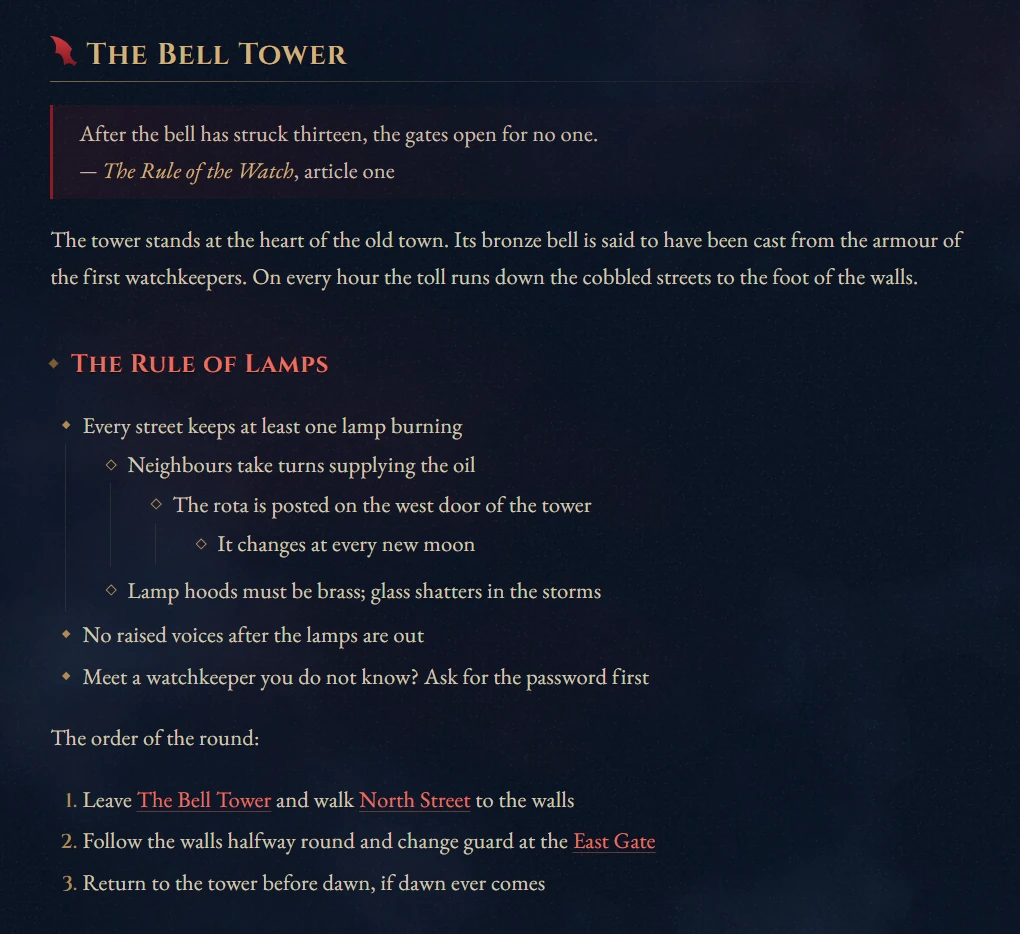
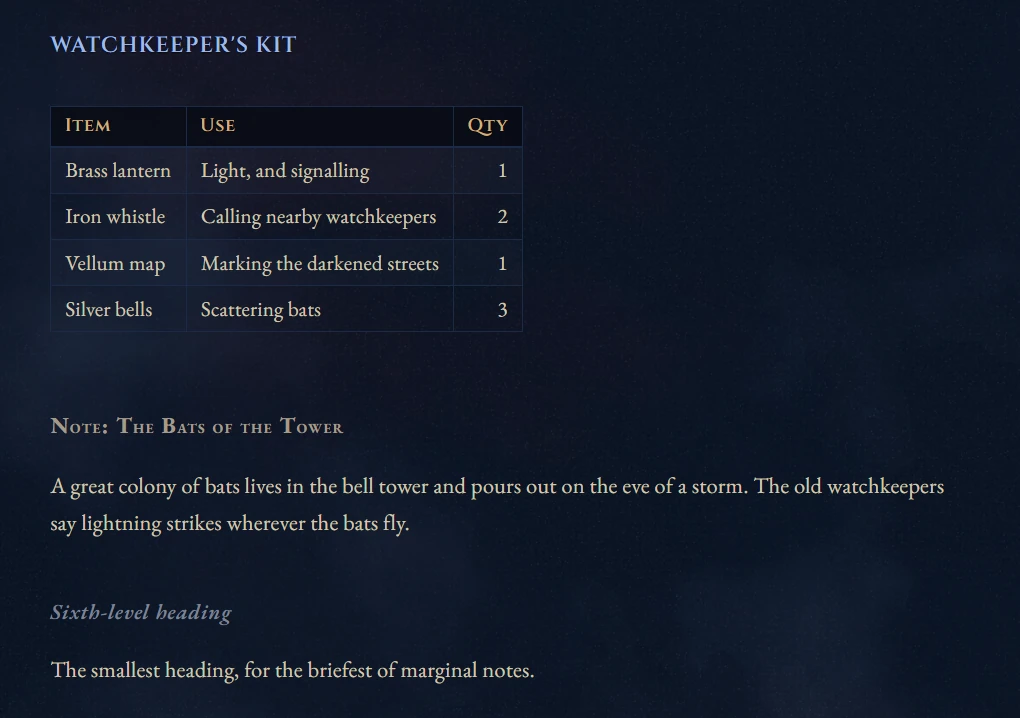
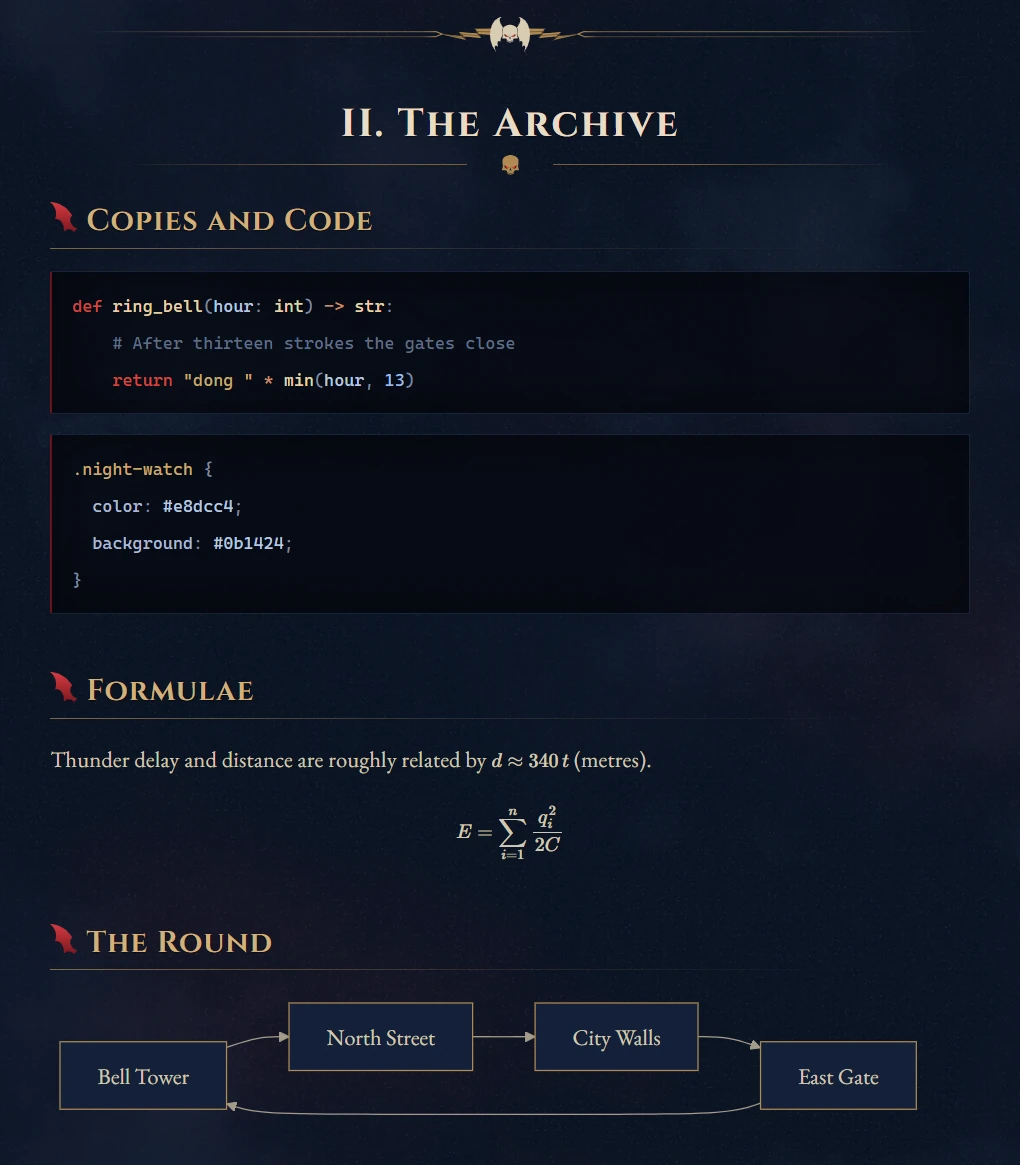
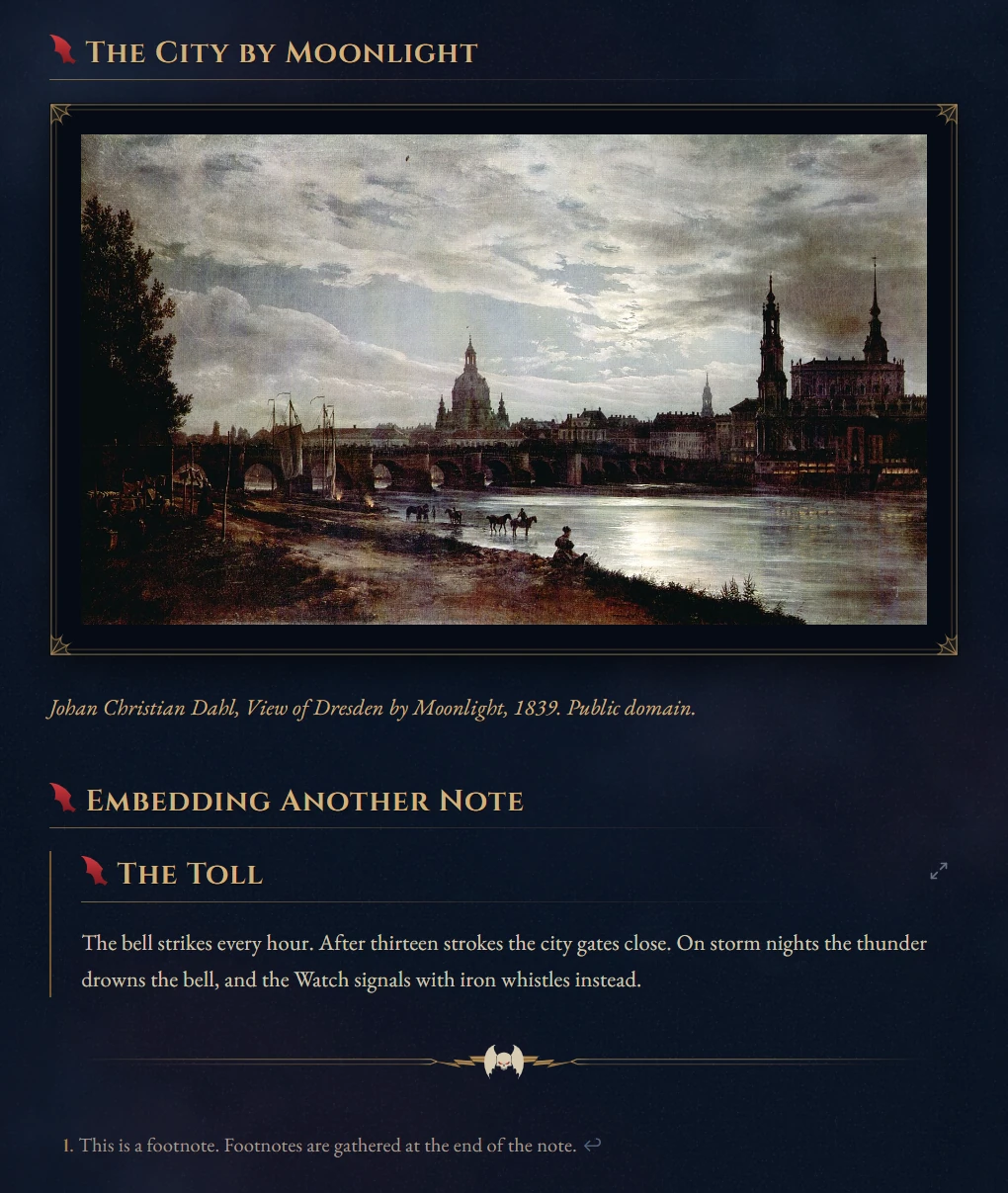
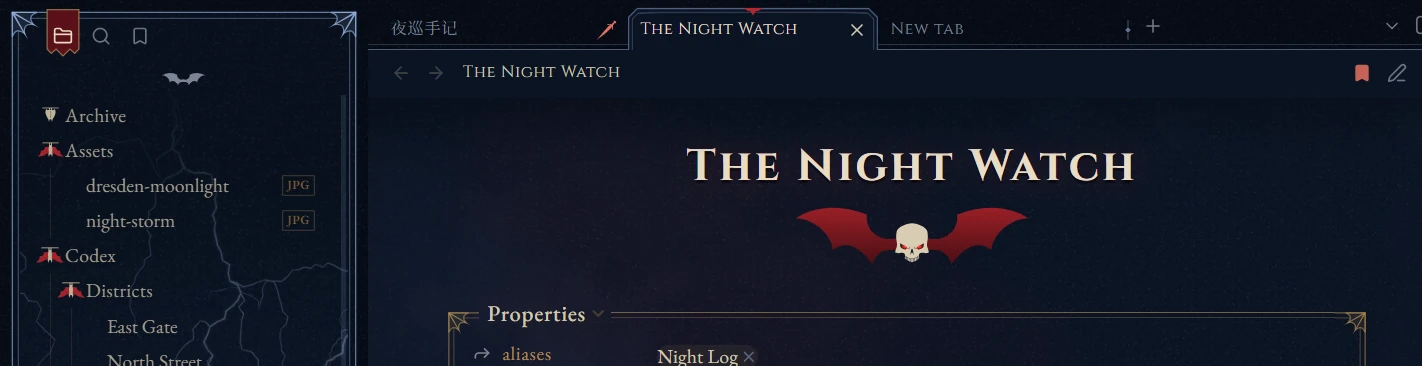
Add |noframe after an image to leave that image unframed.
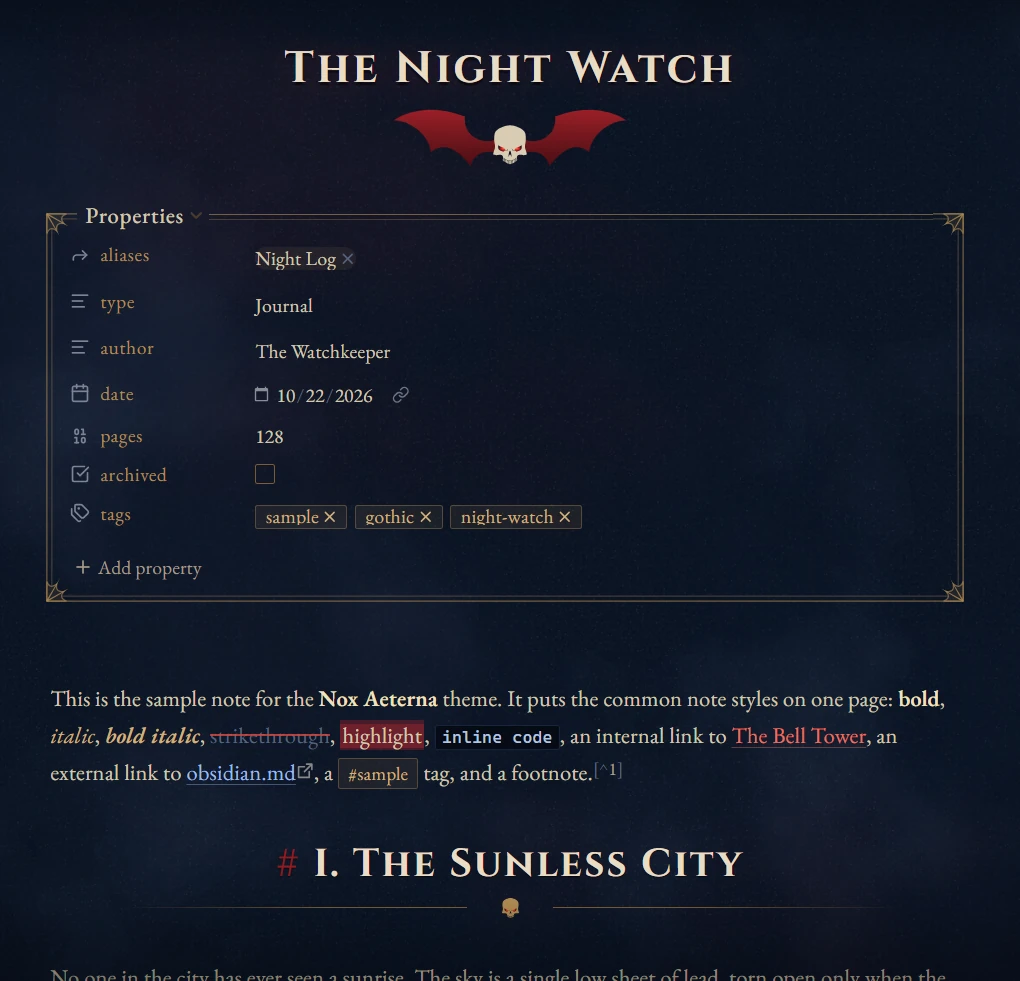
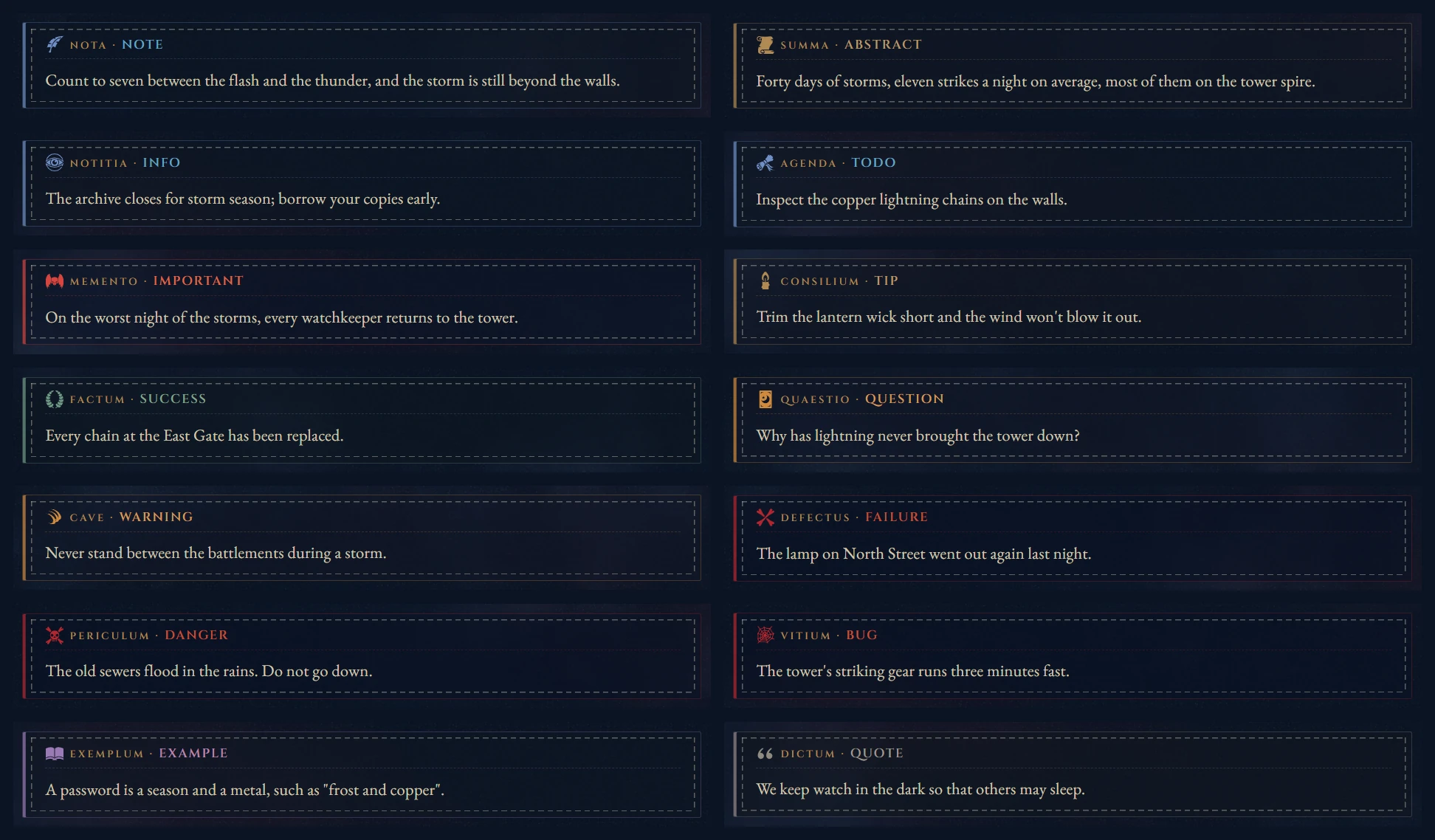
Callouts
Sidebars and tabs
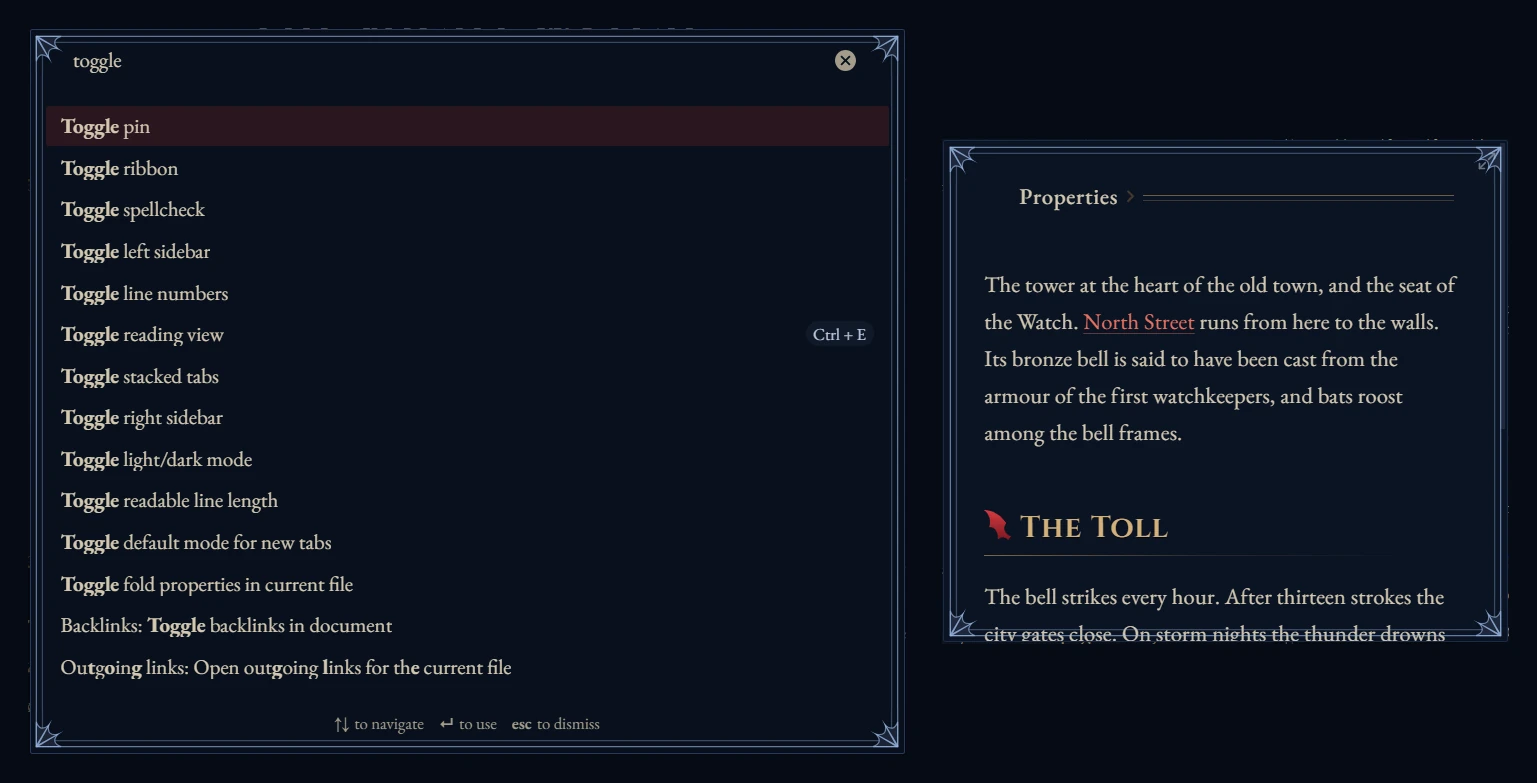
Dialogs and empty tabs
Installation
From Obsidian: go to Settings → Appearance → Themes → Manage, search for Nox Aeterna, then choose Install and use.
Manually: copy theme.css and manifest.json into <your vault>/.obsidian/themes/Nox Aeterna/, then select the theme in Settings → Appearance.
Recommended:
- Install the Style Settings plugin. All options live there; without it the theme uses its defaults.
- Set Settings → Appearance → Base color scheme to Dark, which plugins such as Excalidraw follow.
Style Settings
Settings language at the top of the page switches it between English and Chinese. Defaults are in parentheses.
| Group | Options |
|---|---|
| Atmosphere | Texture and its strength (1) · Lightning under the file list and its brightness (0.45) · Vignette and its strength (0.62) |
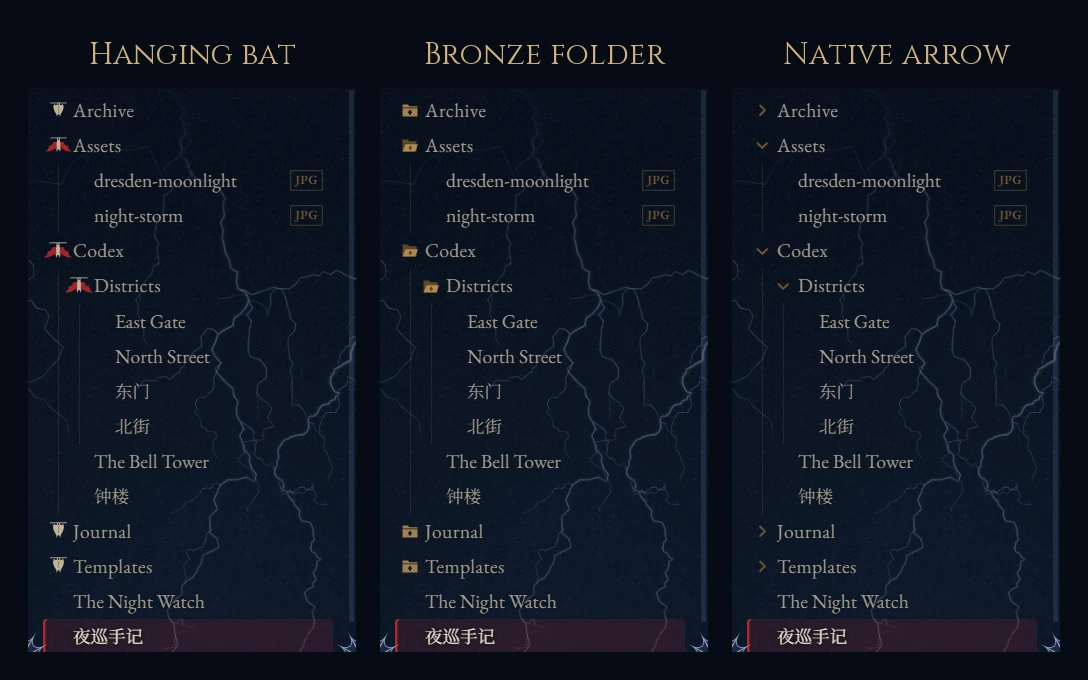
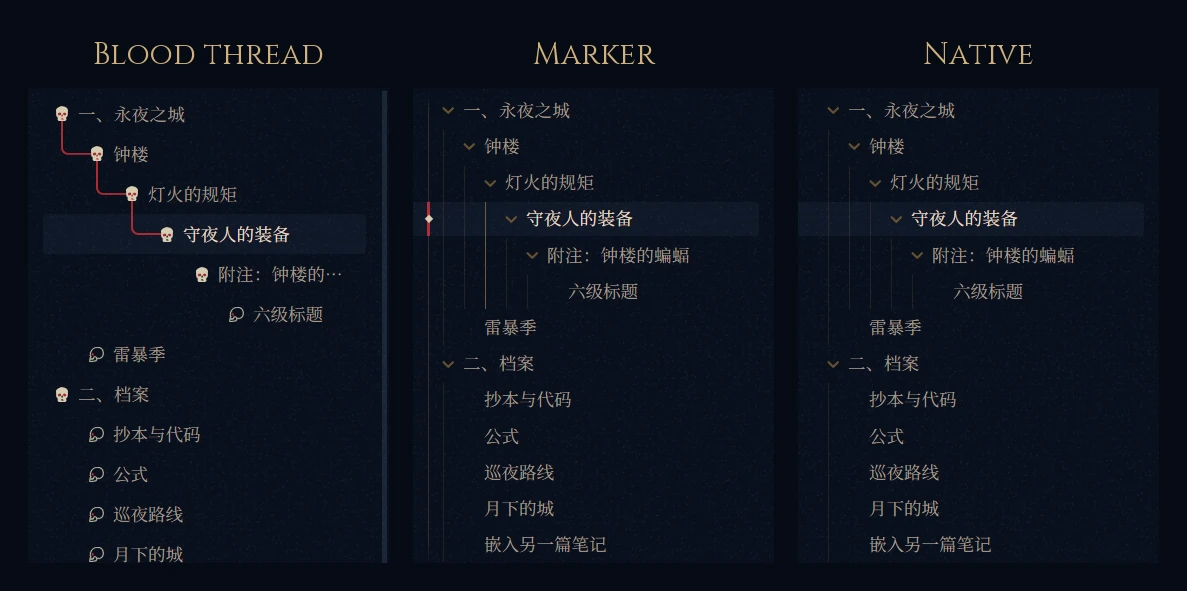
| Ornaments | Title ornament · Heading ornaments · Ornamental horizontal rule · Callout decoration · Callout Latin labels · Card frames · Sidebar card spacing (8 px) · Themed or native callout icons · Folder icons (3 styles) · Outline style (3 styles) · Image style (3 styles) · Themed or native task checkboxes · Left-aligned H1 and note title |
| Interface | Auto-hide view header · Auto-hide ribbon · Auto-hide vault switcher · Auto-collapse sidebar buttons (on). Hidden items reappear on hover. |
| Typography | Chinese heading font (Noto Serif SC / Huiwen Mincho, installed separately / STSong) · Body line height (1.85) · Body alignment · CJK–Latin spacing · Latin curly quotes · Sans-serif interface |
| Colours | Accent #b3262e · Links #e8705f · Brass #d2b07a · Lightning blue #9dbbe8 · Note background #0b1424 |
Compatibility
- Desktop only. Mobile has not been tested.
- Chinese text uses Noto Serif SC / Source Han Serif if installed, otherwise an embedded subset of 6,763 common characters.
- A few effects need Chromium 135 or later, which comes with the Obsidian 1.12 installer or newer (see Settings → About). Older installers get simpler fallbacks.
- Common Mermaid diagram types are recoloured. Colours you set with
classDeforstylestill take precedence. theme.cssis about 5 MB because the fonts are embedded.
Credits
- Inspiration: Fancy-a-Story, Baseline, Maple.
- Icons by Lorc from game-icons.net, CC BY 3.0, modified: batwing-emblem, quill, scroll-unfurled, semi-closed-eye, tied-scroll, candle-light, laurels, claw-slashes, crossed-bones, skull-crossed-bones, spider-web, open-book, stiletto.
- Artwork: Heritage Library (HTC Heritage Type) for the outline skull; ICOOON MONO for the tarot card and the hollow skull; the community "wh_icons" set for the Night Lords emblem.
- Fonts (SIL Open Font License 1.1): EB Garamond, Cinzel, Manufacturing Consent, Noto Serif SC.
Disclaimer
This is an unofficial fan work. Warhammer 40,000, the Night Lords and their emblem are trademarks of Games Workshop Ltd. The theme is not endorsed by or affiliated with Games Workshop.
License
The theme code is released under the MIT License. Third-party material keeps its own licenses; see THIRD-PARTY-NOTICES.md.