
README file from
GithubSuliworld
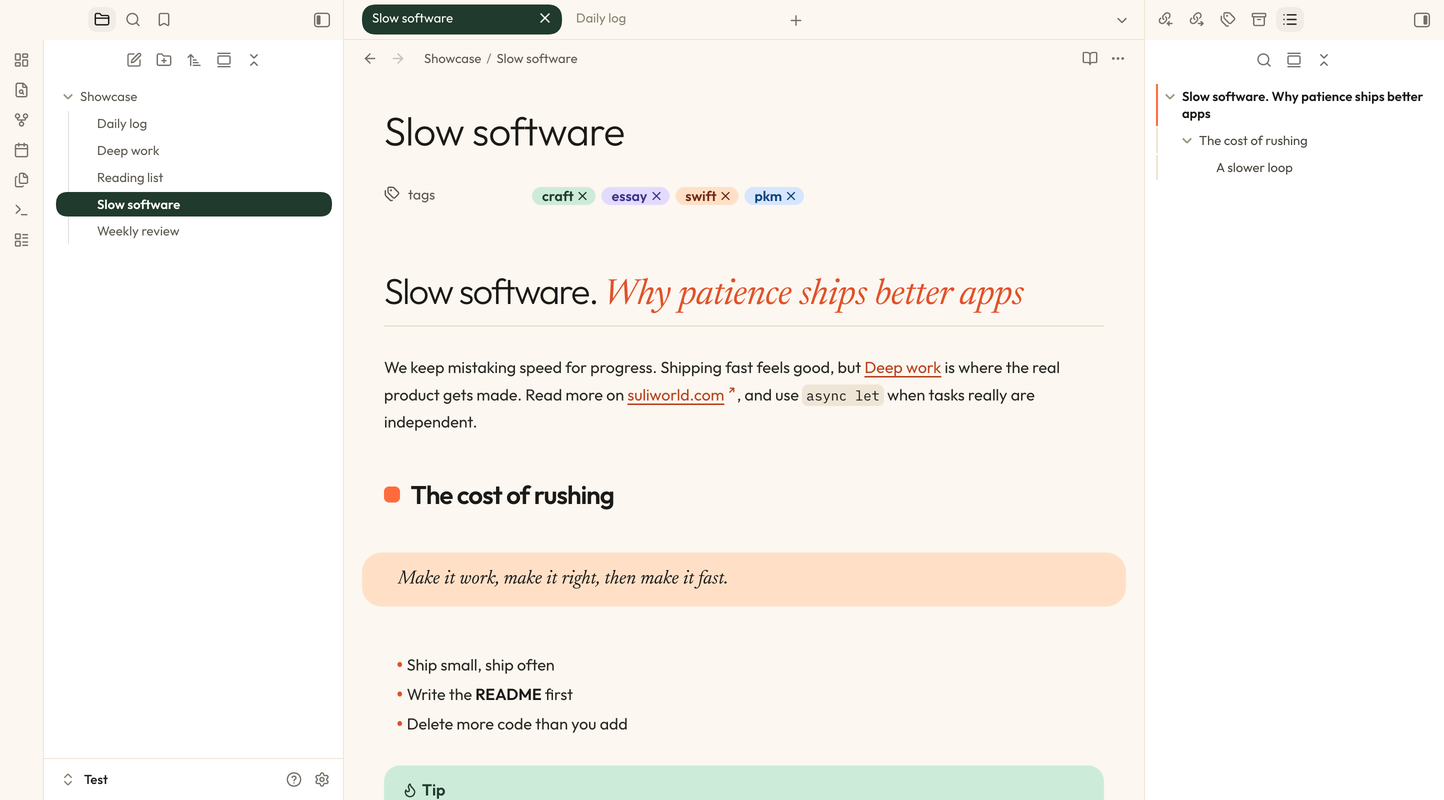
A warm, editorial theme for Obsidian, based on the design of suliworld.com: cream paper, forest green, a touch of orange, and serif accents.
Features
- Two light variants. Cream (white sidebars, pill tabs) and Forest (deep green ribbon and sidebars, orange-underlined tabs).
- Dark mode with floating cards. Rounded panes float on a near-black canvas (desktop only).
- Editorial headings. Each level has its own look: a large light H1 over a hairline, an orange mark before H2, forest green H3, a peach chip for H4, an orange dash for H5, and small caps for H6.
- Accent titles. Italic text inside a heading is set in the display serif, in orange:
# Slow software. *Why patience ships better apps* - Tinted callouts. Note in blue, tip in mint, warning in peach, question in lavender, quote in yellow.
- Peach blockquotes in the display serif, dark code blocks in iA Writer Duo, and embedded notes shown as a dark green card.
- Pill highlights.
==Highlighted text==sits in a rounded pill with room around the words, in a warm yellow (deep ochre in dark mode). A highlight that wraps gets one pill per line. - Folder colors. Each folder in the file explorer gets a colored mark and a tinted guide line, automatically or by folder name (see below).
- Bullet journal signifiers for tasks (see below).
- Five font pairings, all bundled: no network access is needed.
- Mobile-friendly. Heading sizes scale down on phones.
| Forest variant | Dark mode |
|---|---|
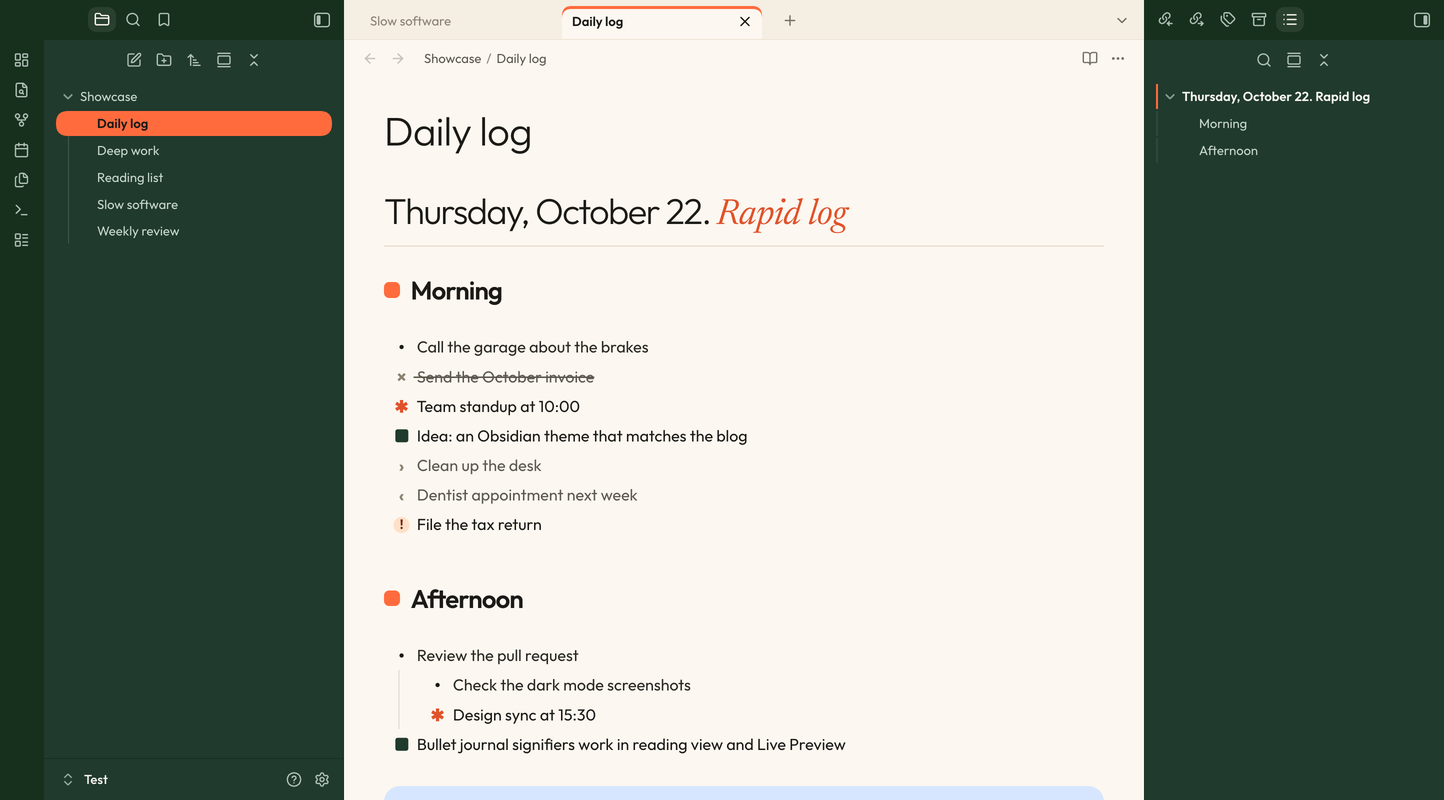 |
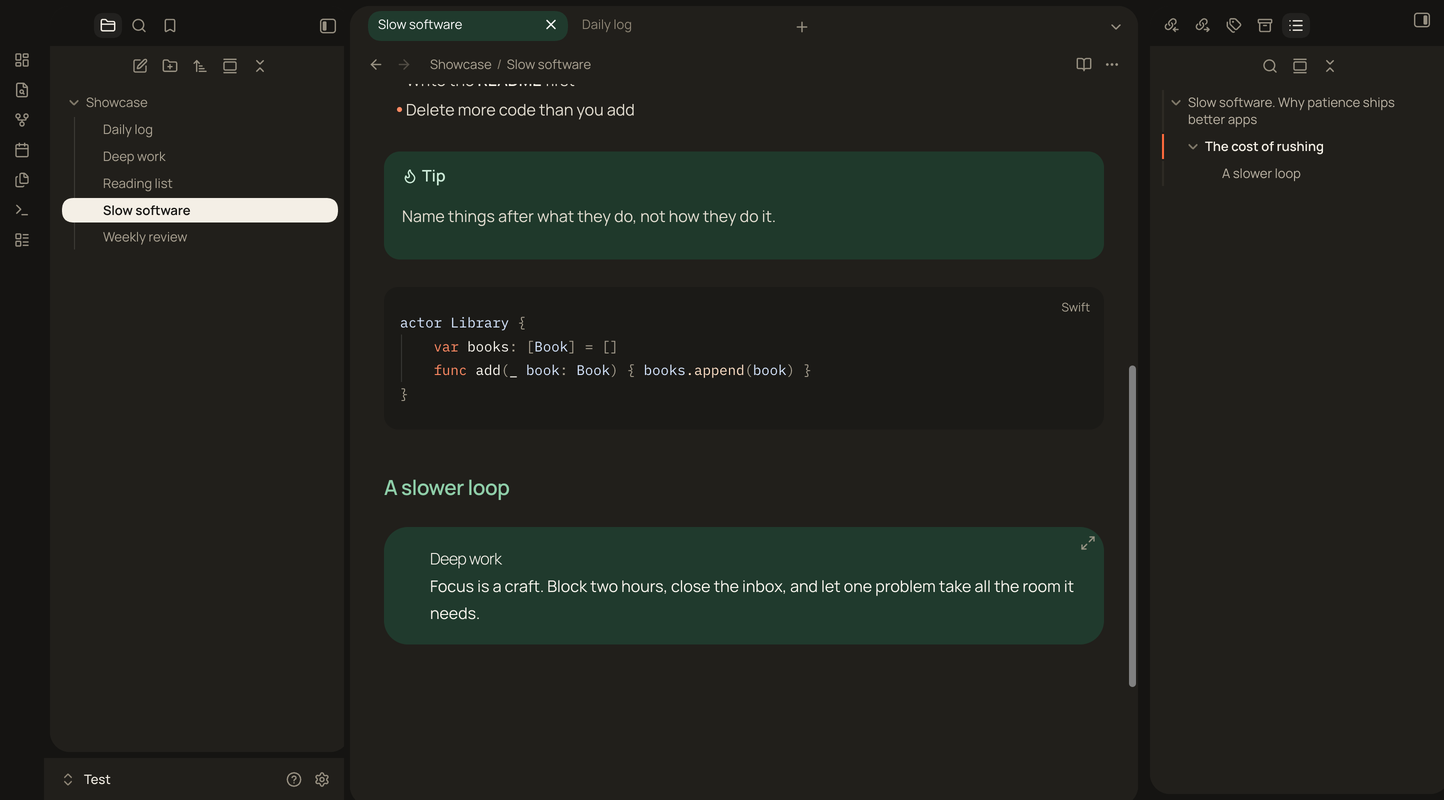 |
Video
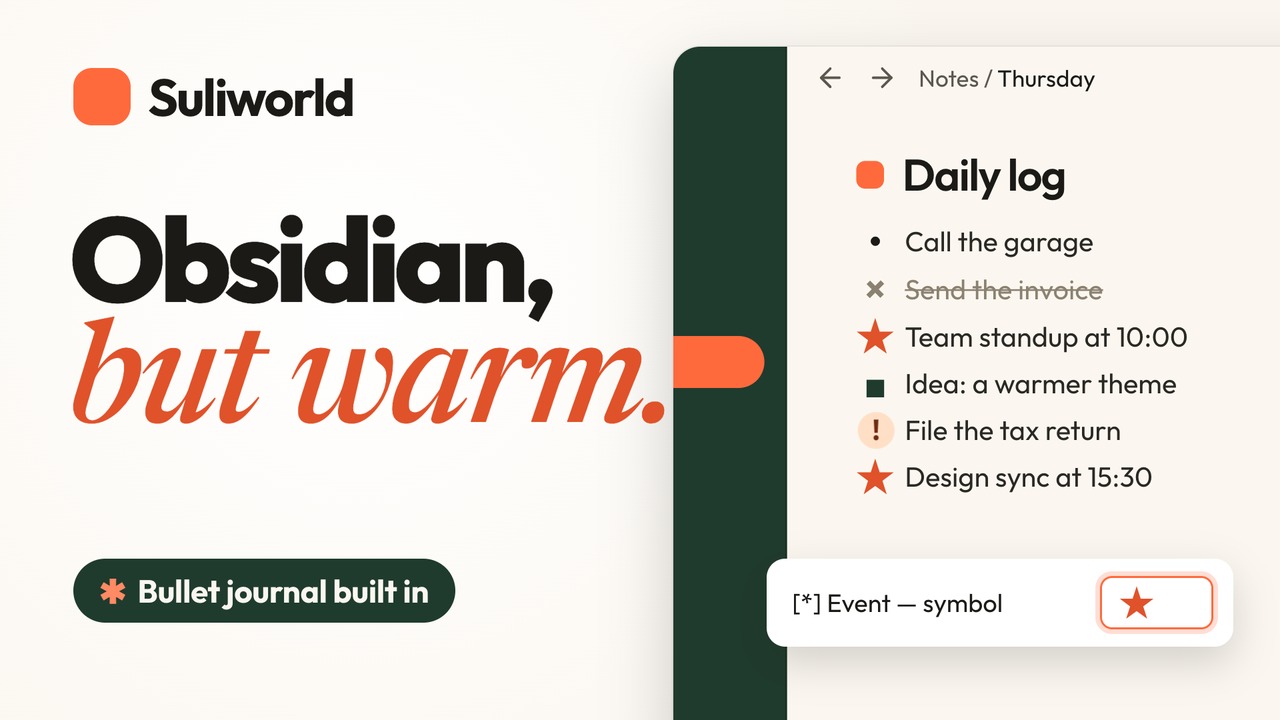
A 30-second tour of the theme: the warm paper, the headings, and the bullet journal signifiers you make your own.
Bullet journal signifiers
The character between a task's brackets picks the symbol shown in place of the checkbox:
| Markdown | Meaning | Default symbol |
|---|---|---|
- [ ] |
Task | • |
- [x] |
Done | × (struck through) |
- [*] |
Event | ✱ orange |
- [n] |
Note | ■ forest green |
- [>] |
Migrated | › |
- [<] |
Scheduled | ‹ |
- [!] |
Important | ! on a peach disc |
Events and notes aren't clickable, so a stray click can't turn them back into tasks. Any other character keeps Obsidian's standard checkbox.
Folder colors
Folders show a small colored mark before their name, and the guide line under an open folder takes the same tint. Subfolders inherit their parent's color, a little lighter. The colors adapt to each variant: deeper on the white Cream sidebar, lighter on the Forest sidebar and in dark mode.
By default, top-level folders take the theme tints in turn: mint, lavender, orange, blue, yellow. To pick a color by folder name instead, add a CSS snippet (Settings → Appearance → CSS snippets) such as:
.nav-folder:has(> .nav-folder-title:is([data-path="Projects"], [data-path="Archive"])) {
    --sw-folder-mark: "";
}

.nav-folder:has(> .nav-folder-title[data-path="Projects"]) { --sw-folder-color: var(--sw-fc-orange); }
.nav-folder:has(> .nav-folder-title[data-path="Archive"]) { --sw-folder-color: var(--sw-fc-grey); }
Available colors: --sw-fc-mint, --sw-fc-lavender, --sw-fc-orange, --sw-fc-blue, --sw-fc-yellow, --sw-fc-forest, --sw-fc-grey. Folders the snippet doesn't name keep their automatic color.
Settings
Install the Style Settings plugin to customize the theme:
- Font pairing for light mode and for dark mode:
- A · Outfit × Newsreader (light default)
- B · Manrope × Instrument Serif (dark default)
- C · Plus Jakarta Sans × Young Serif
- D · Hanken Grotesk × Gloock
- E · Albert Sans × DM Mono
- Light mode variant: Cream or Forest
- Floating cards: dark mode only, always, or never
- Folder colors: automatic or off
- External link icon: ↗ arrow in the link color, none, or Obsidian's default
- Drop cap in reading view
- Plain blockquotes and plain embeds
- Bullet journal signifiers: on/off, size, and a symbol and color for each type
Without Style Settings, the theme uses the defaults listed above.
Building from source
theme.css is generated. Edit src/theme.css, then run:
./build.sh
The script embeds the fonts from fonts/ as base64, because Obsidian themes can't load font files stored next to them. To build and install into one or more vaults at once:
./build.sh ~/path/to/vault
Releasing
Bump version in manifest.json, rebuild, commit, then push a tag with the same version (for example 1.0.1). The release workflow attaches manifest.json and theme.css to a GitHub release.
Changelog
1.0.1
- Highlights are rounded pills with padding around the text, in stronger colors (warm yellow in light mode, ochre in dark mode). In Live Preview, a highlight containing bold or italic text stays one pill.
- Folder colors in the file explorer: automatic by position, or set by folder name with a snippet. New Style Settings option to turn them off.
1.0.0
- First release.
License
The theme is released under the MIT License.
The bundled fonts are licensed under the SIL Open Font License 1.1. See fonts/OFL.txt for their copyright notices: Outfit, Newsreader, Manrope, Instrument Serif, Plus Jakarta Sans, Young Serif, Hanken Grotesk, Gloock, Albert Sans, DM Mono, and iA Writer Duo.