
README file from
Github🌕 Night404 Theme for Obsidian
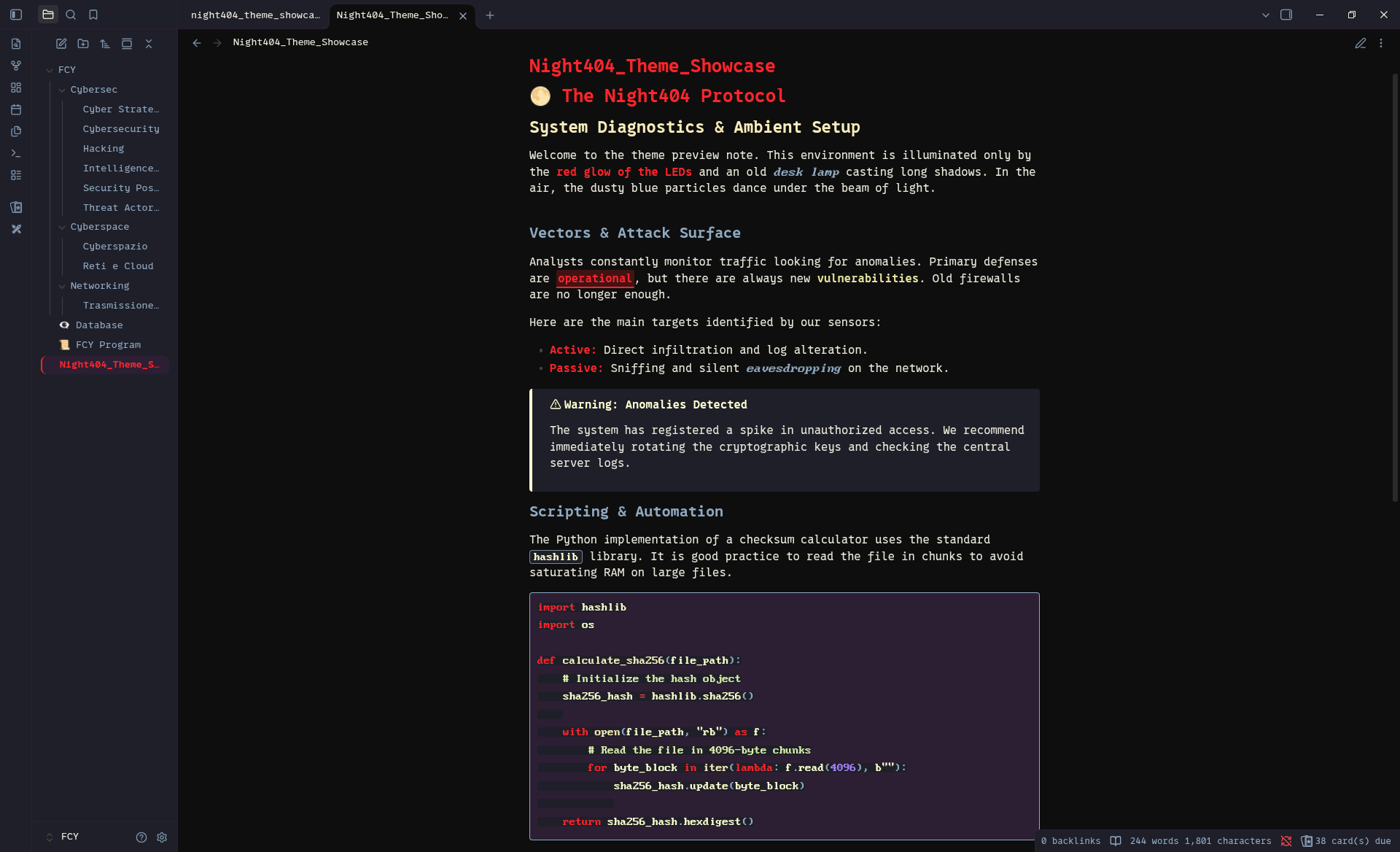
A dark theme inspired by nighttime ambient lighting: the red glow of keyboard LEDs, the warm yellow of a classic desk lamp, and the dusty light blue of floating particles caught in direct light.
🎉 Available on Obsidian Community Store!
Night404 is now officially available for free in the Obsidian community theme store!
👉 View Night404 on the Obsidian Community Store
You can install it directly from within Obsidian:
- Open Settings > Appearance
- Click Manage under the Themes section
- Search for Night404
- Click Install and then Use
🎨 The Palette & Inspiration
Night404 is designed to be easy on the eyes while keeping a distinct, atmospheric cyberpunk/hacker vibe.
| Color | Hex | Inspiration |
|---|---|---|
#0e0e0e |
Deep Night - The pitch-black room | |
#d3181c |
Keyboard LED - Striking, glowing red accents | |
#f7ecb9 |
Desk Lamp - Warm, comforting yellow for highlights | |
#8ea8c1 |
Floating Dust - The dusty blue of particles in the light | |
#eae8db |
Terminal Cream - Soft main text to prevent eye strain |
🔤 Typography
To achieve the exact look seen in the screenshots, the following fonts are used:
- Proto Nerd Font for the main interface and standard text.
- BigBlueTerm Nerd Font Mono for inline code and code blocks.
Note: You will need to install these fonts on your system or add them via CSS snippets if you want an identical setup.
✨ Features
- Fully compatible with Obsidian's modern UI and Live Preview.
- Custom stylized blockquotes and callouts.
- Neon-style Canvas elements.
- Optimized for monospace coding fonts.
🚀 Manual Installation
Until the theme is officially available in the Obsidian community store, you can install it manually:
- Download
theme.cssandmanifest.jsonfrom this repository. - Open your Obsidian vault and go to
.obsidian/themes/. - Create a folder named
Night404and paste the two files inside. - Open Obsidian Settings > Appearance > Themes and select Night404.