
README file from
GithubAcademic-Vibes
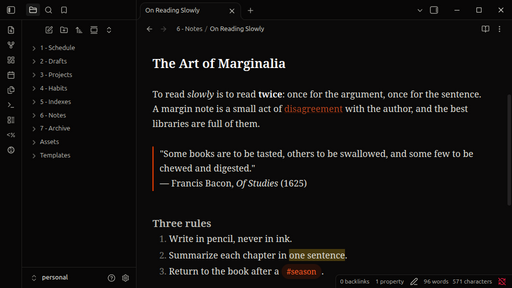
A near-black Obsidian theme set in Noto Serif. Your notes won't get smarter, but they'll look like they did.
Features
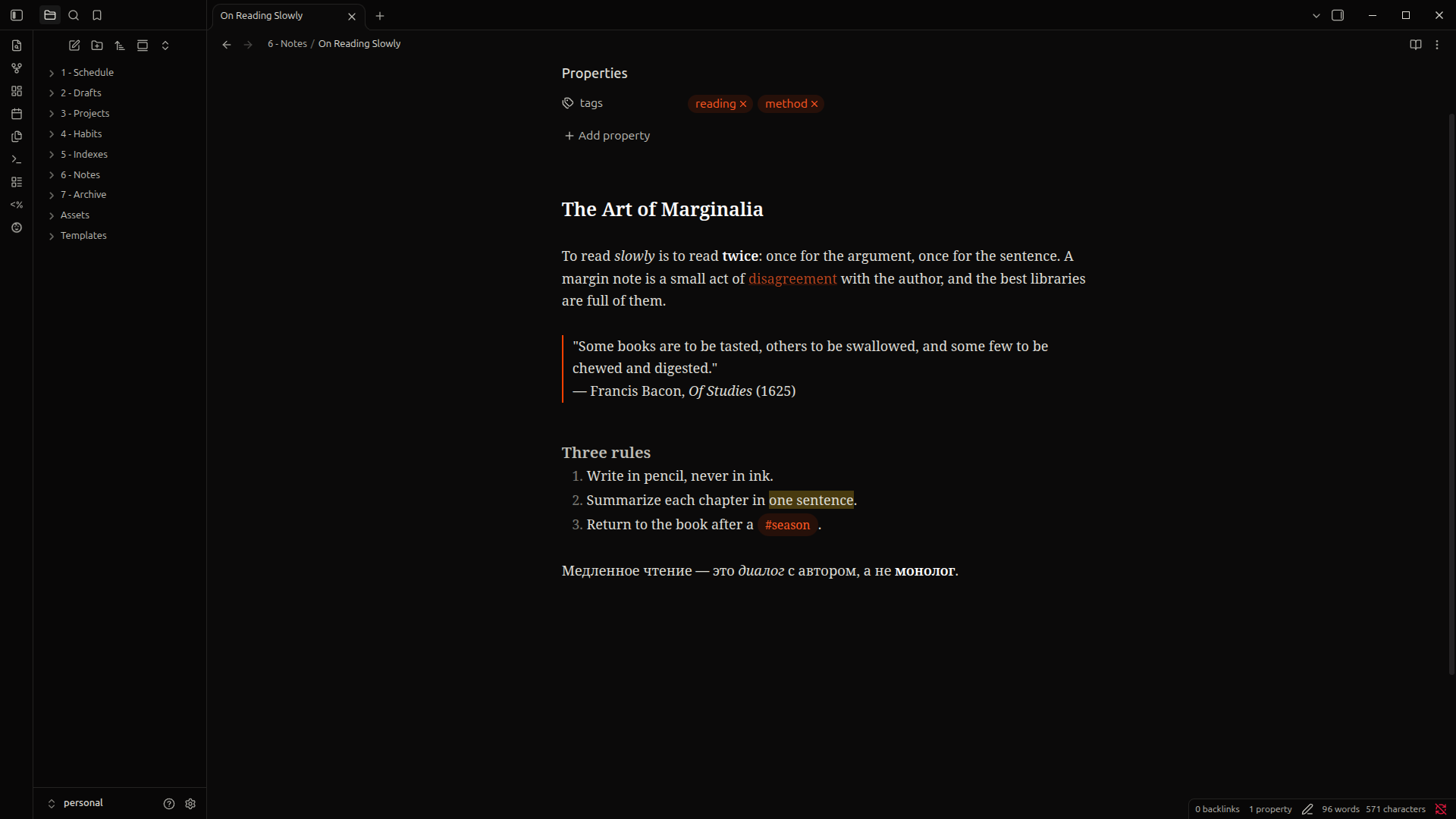
- Noto Serif for notes, titles and headings, bundled inside the theme. Nothing to install, and it works offline.
- Full Latin and Cyrillic support, with variable weights from regular to bold and a true italic.
- A near-black background, with sidebars a shade darker than the editor and soft hairline borders.
- A burnt-orange accent and the Flexoki palette for colored text, callouts and highlights.
- The interface and code blocks keep Obsidian's default fonts, so the app stays crisp and familiar.
[!note] Academic-Vibes is designed for dark mode. In light mode only the fonts change.
Installation
From Obsidian
- Open Settings → Appearance → Themes → Manage.
- Search for Academic-Vibes, then click Install and use.
With BRAT (beta versions)
- Install the BRAT community plugin.
- In BRAT's settings, choose Add beta theme and enter
FLEYreal/academic-vibes-theme.
Manually
- Download
theme.cssandmanifest.jsonfrom the latest release. - Put them in
<your vault>/.obsidian/themes/Academic-Vibes/. - Select Academic-Vibes in Settings → Appearance → Themes.
Credits
- Noto Serif by the Noto Project Authors, under the SIL Open Font License 1.1.
- Accent colors from Flexoki by Steph Ango.
License
The theme is released under the MIT License. The bundled Noto Serif font is not covered by the MIT License. It stays under the SIL Open Font License 1.1.