
README file from
GithubTokyo Rain
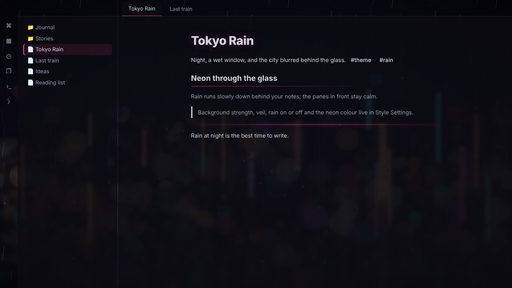
A dark, rainy-night theme for Obsidian. Your notes sit on calm panes in front of a wet window, with the city's neon blurred behind the glass and rain running slowly down it. The light mode turns the same scene into a misty grey morning.
Features
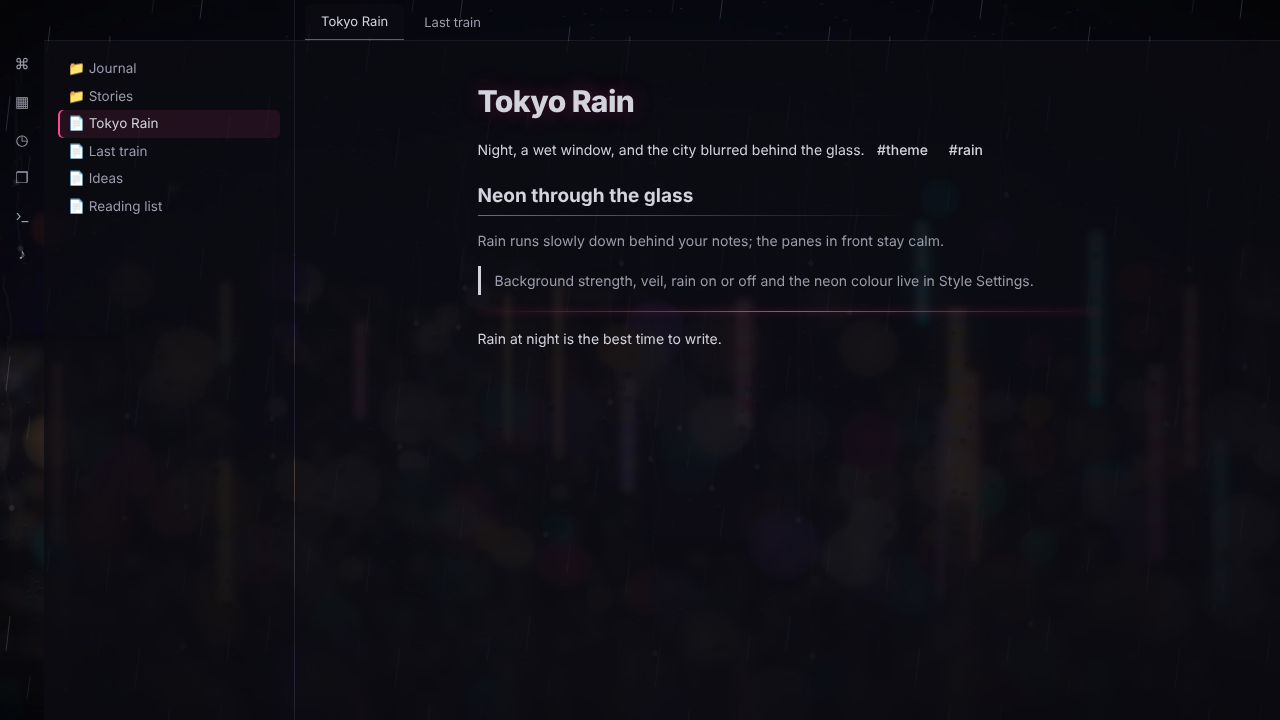
- The city behind the glass: an original painted night scene (indigo sky, blurred neon and bokeh, a wet street) behind your workspace, softly veiled so text stays easy to read.
- Falling rain: slow, gentle streaks over the background. Switch it off any time with Stop the rain (also a command), and it stops by itself if your system asks for reduced motion.
- Neon accents: headings with a soft neon glow, a gradient underline under H2, outline tags, frosted-glass callouts with a neon edge, a neon-tube divider and a neon strip on the active file.
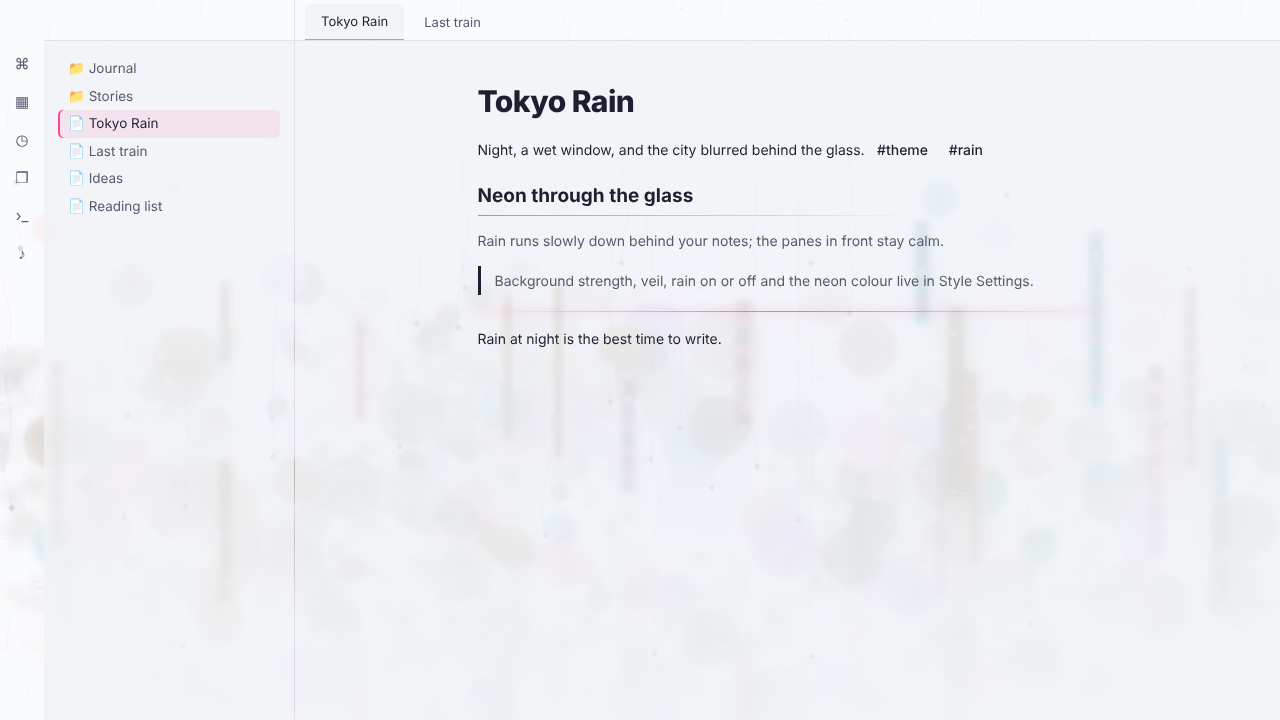
- Light mode: the same scene as a misty grey morning.
Settings
With the Style Settings plugin:
- Background strength: how strongly the city shows.
- Veil strength: how much the file list, notes and right sidebar quieten the city.
- Stop the rain
- Solid note background: a plain background behind the note you're writing.
- Neon: Pink (default), Cyan, Amber or Violet.
Install
Settings → Appearance → Themes → Manage, search for Tokyo Rain, then Install and use.
Credits
The background art is original, painted for this theme. No photos or third-party images are used.
Support
If you enjoy it, you can buy me a coffee. Found a bug or have an idea? Open an issue. It's the best way to reach me, and every report gets read.
Licence
GNU AGPL v3 or later © AshOtis