
README file from
GithubTechwear
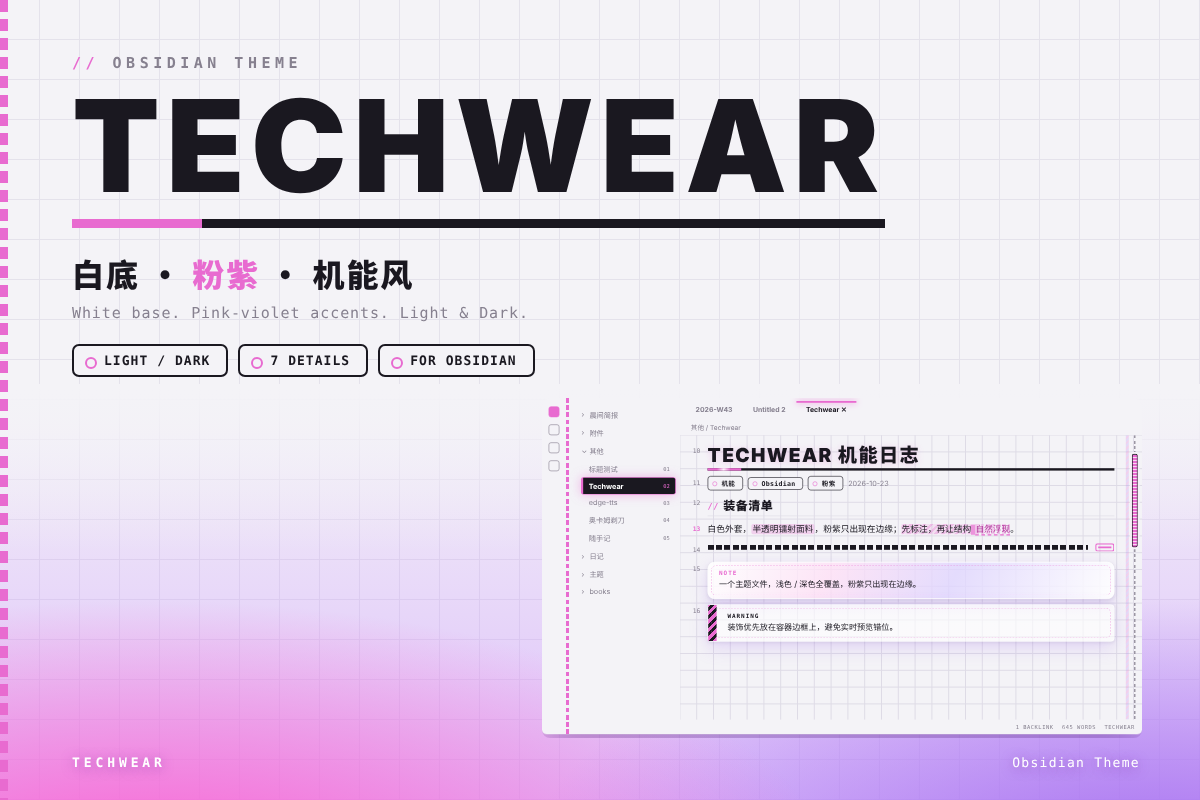
WTCC 2026 海报灵感的机能风 Obsidian 主题:织带 · 吊牌 · 半透明镭射外套 · 方格底纹,粉紫点缀,浅色 / 深色双模式。
A techwear-style Obsidian theme inspired by the WTCC 2026 poster: woven straps, hang tags, translucent holographic shells and a subtle grid texture, with pink-purple accents in light / dark modes.
截图 / Screenshots
特色 / Features
- 方格底纹:编辑器背景细方格,随内容滚动
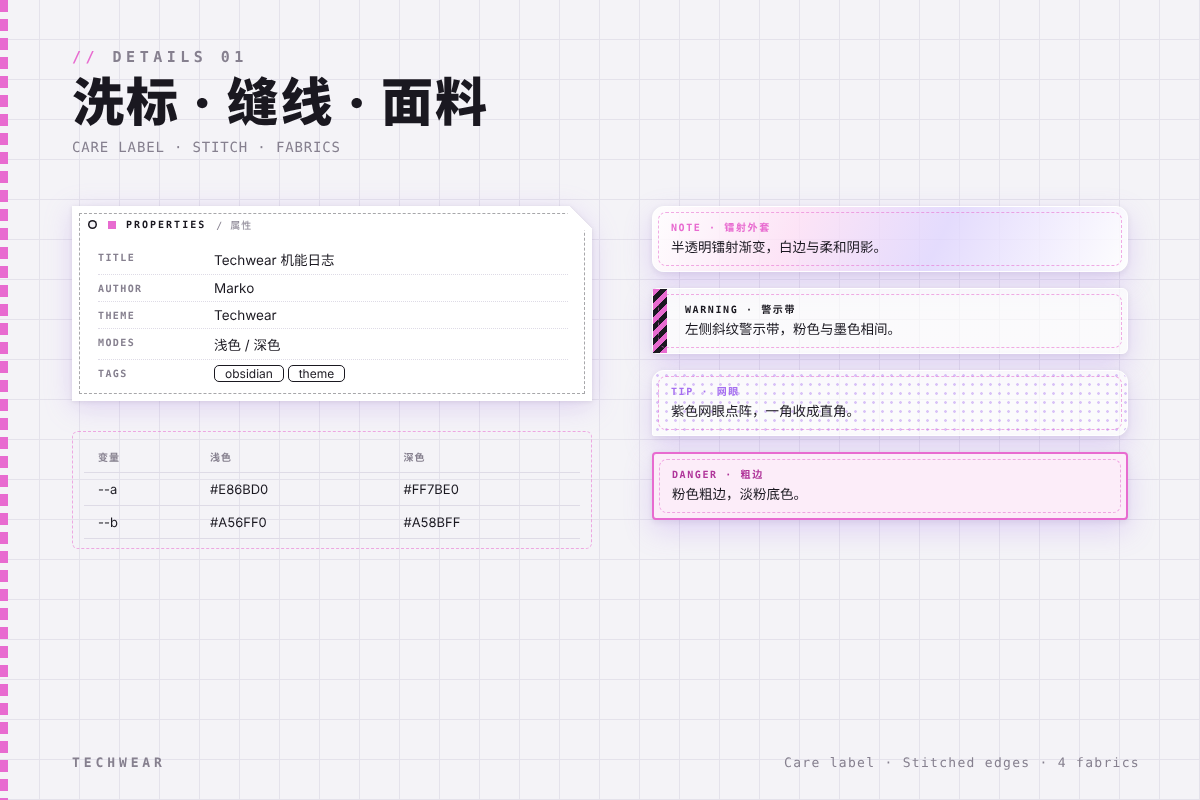
- 洗标 Properties:属性面板做成服装洗标样式
- 面料 Callout:Note 镭射外套 / Warning 警示带 / Tip 网眼 / Danger 粗边,四种面料
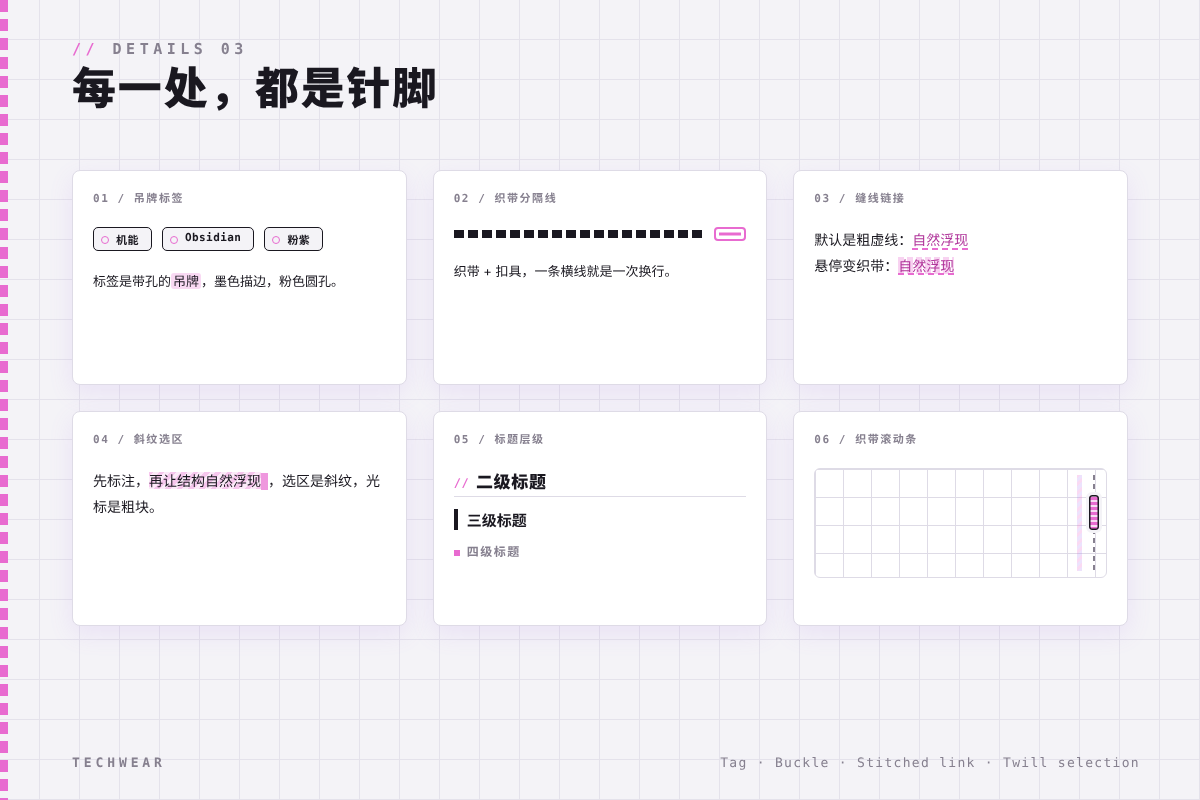
- 吊牌标签:标签带孔,墨色描边、粉色圆孔
- 织带分隔线 + 滚动条:织带 + 扣具,一条横线就是一次换行
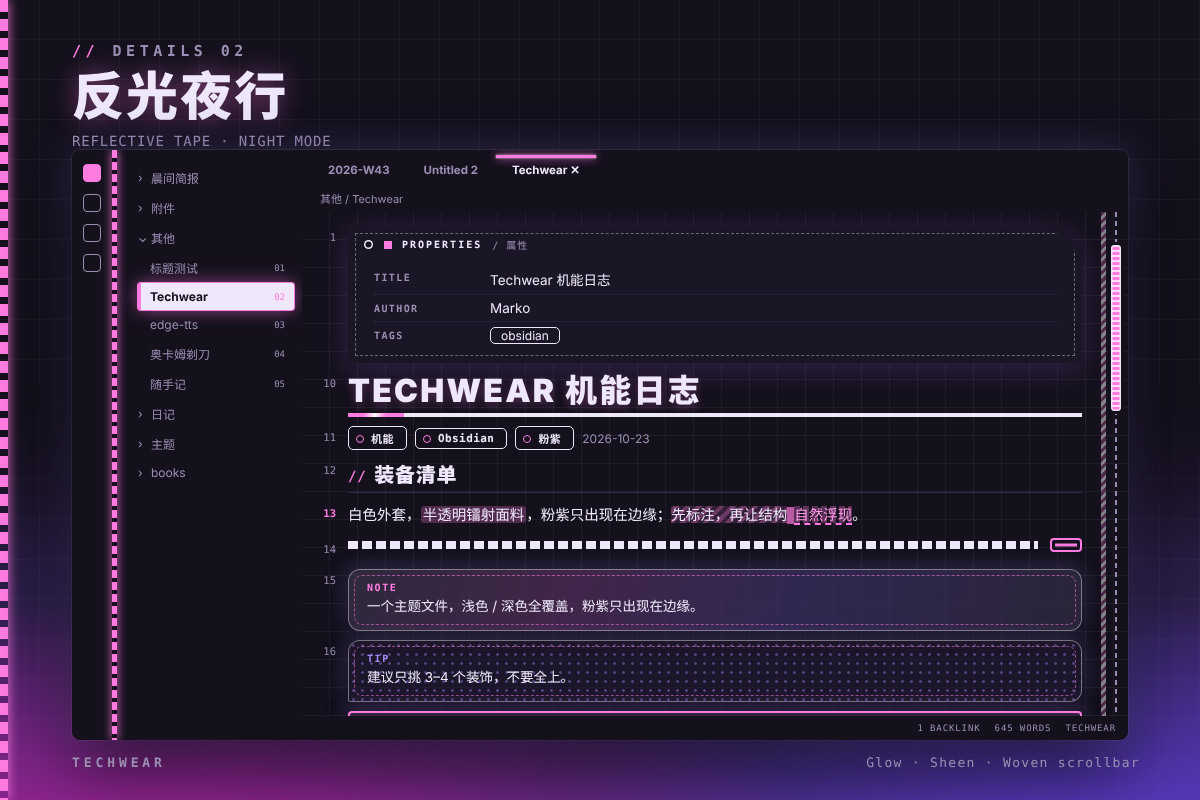
- 反光条 · 缝线链接 · 斜纹选区:反光高亮、虚线缝线链接、斜纹选区与粗块光标
- JetBrains Mono 等宽字体,代码块深底高对比
- Grid texture: subtle grid background that scrolls with content
- Care-label Properties: properties panel styled as a garment care label
- Fabric callouts: holographic shell / hazard tape / mesh / bold edge
- Hang-tag tags: tags with a punched hole, ink outline and pink eyelet
- Woven strap dividers & scrollbar: strap + buckle, one rule per line break
- Reflective tape, stitched links, twill selection: glow highlights, dashed stitched links, twill selection and block cursor
- JetBrains Mono monospace, high-contrast dark code blocks
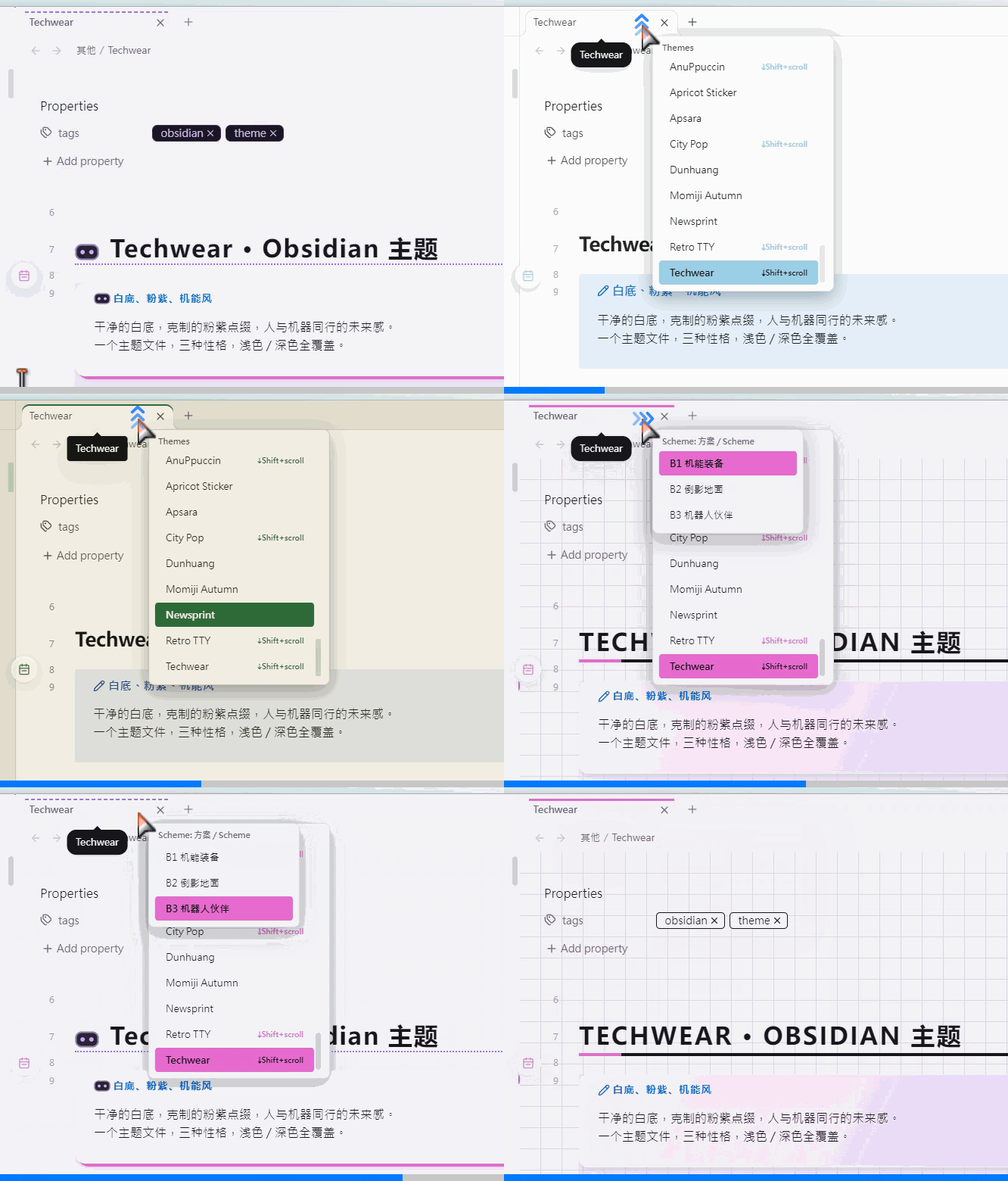
插件推荐 / Recommended Plugin
SwiftSwitch — quickly switch themes and color schemes right from the tab bar
安装 / Installation
- 下载
manifest.json与theme.css放入.obsidian/themes/Techwear/ - 设置 → 外观 → 主题选择 Techwear
- Drop
manifest.jsonandtheme.cssinto.obsidian/themes/Techwear/- Settings → Appearance → Theme → Techwear