
README file from
Githubminilite-flat
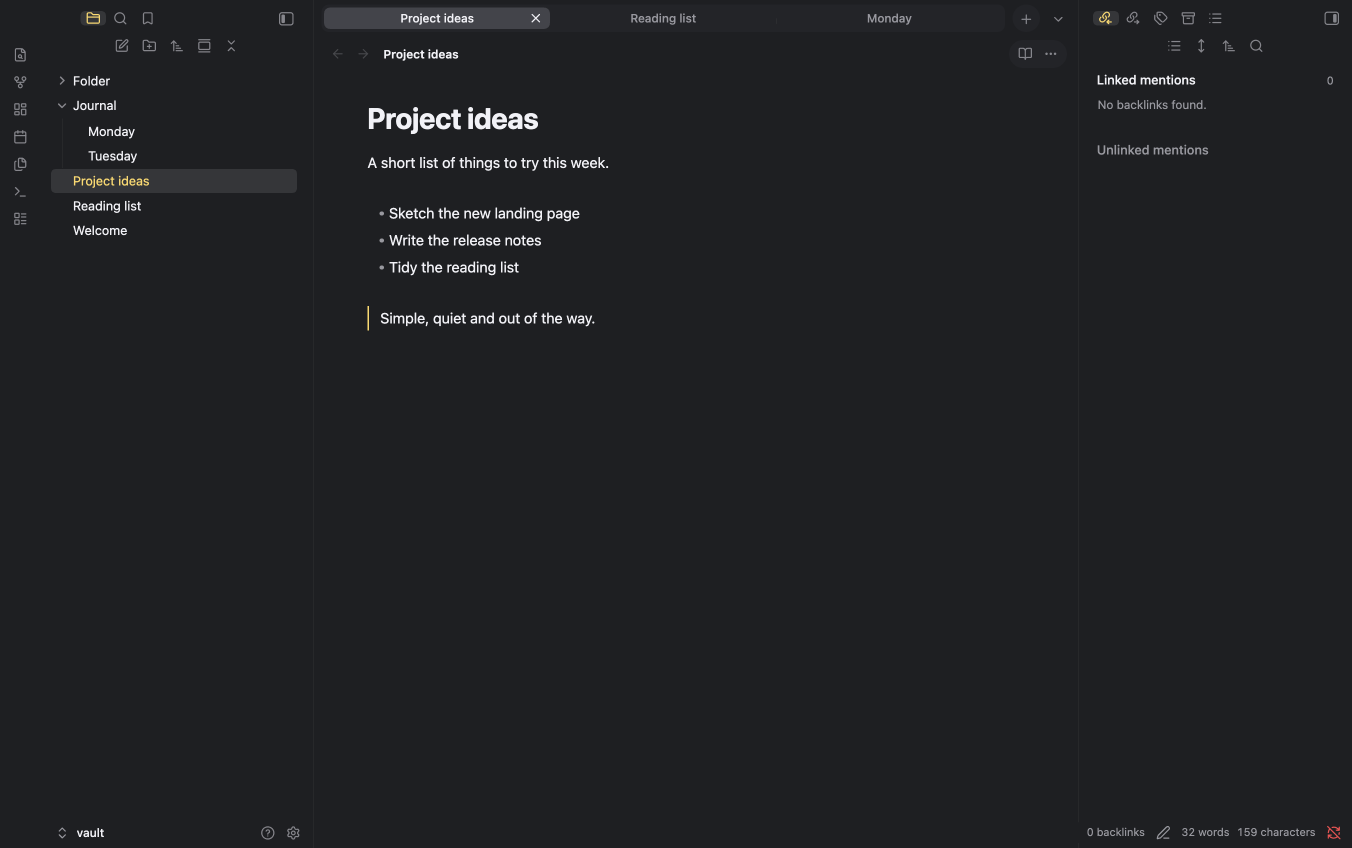
A flat, Apple-inspired, minimal Obsidian theme. Both sidebars sit edge to edge with no inset container, separated from the editor by a single hairline.
Parent theme: minilite-flat is a derivative of minilite by the same author. It keeps minilite's palette, tab strip and typography, and removes the inset, rounded sidebar panels. If you prefer the panels, use the parent theme.
What is different from minilite
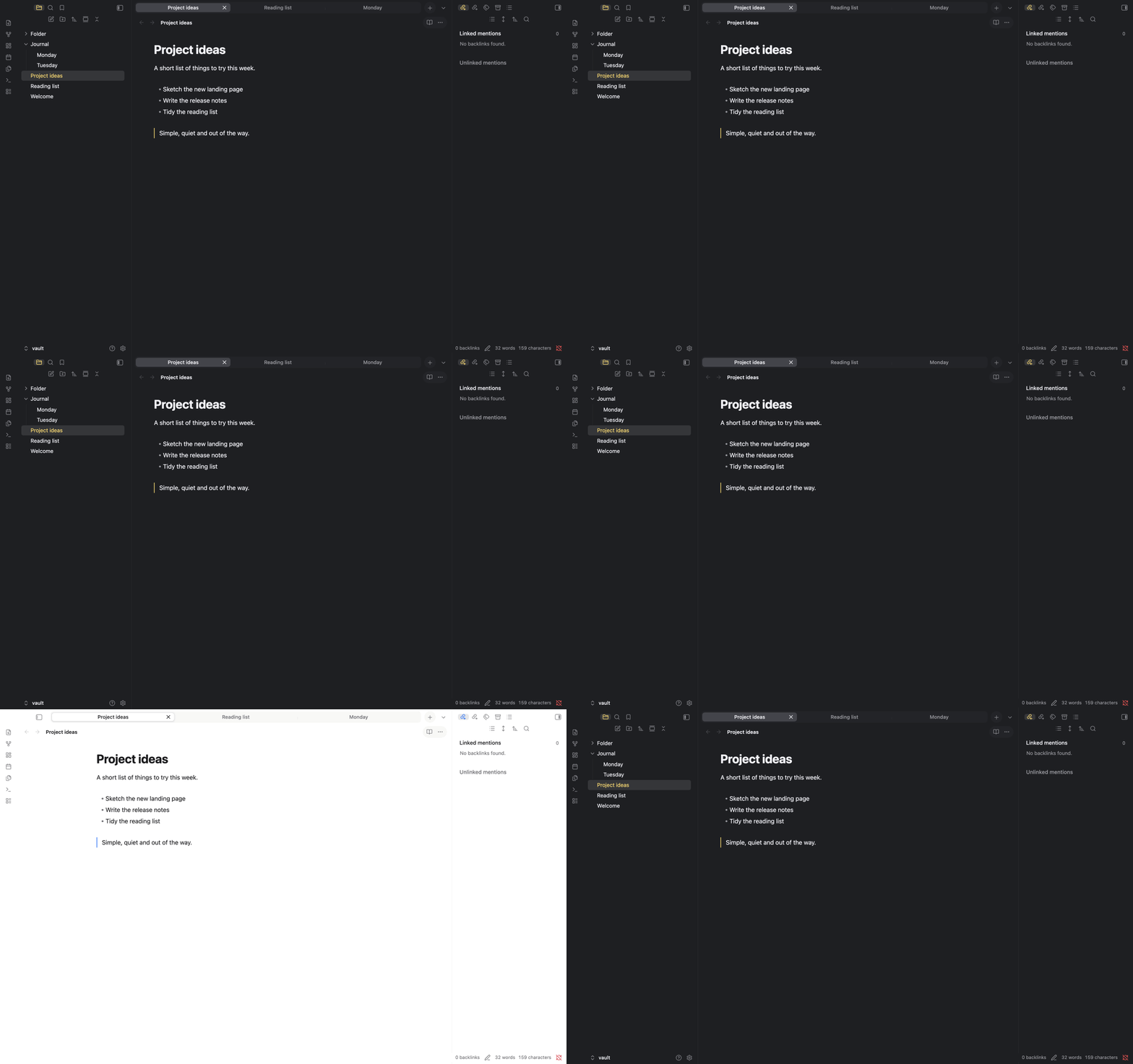
- No inset, rounded container around the left and right sidebars.
- No margin, border or separate fill on the sidebar panels; they share the editor background.
- A thin divider line on the inner edge of each sidebar.
- Everything else (tab strip, accents, toolbar capsules, file explorer rows) is inherited from minilite.
Install
- Copy this folder (
minilite-flat) into<Vault>/.obsidian/themes/. - In Obsidian, open Settings → Appearance → Themes and choose minilite-flat.
Light and dark mode
Settings → Appearance → Base color scheme: choose Light, Dark, or Adapt to system.
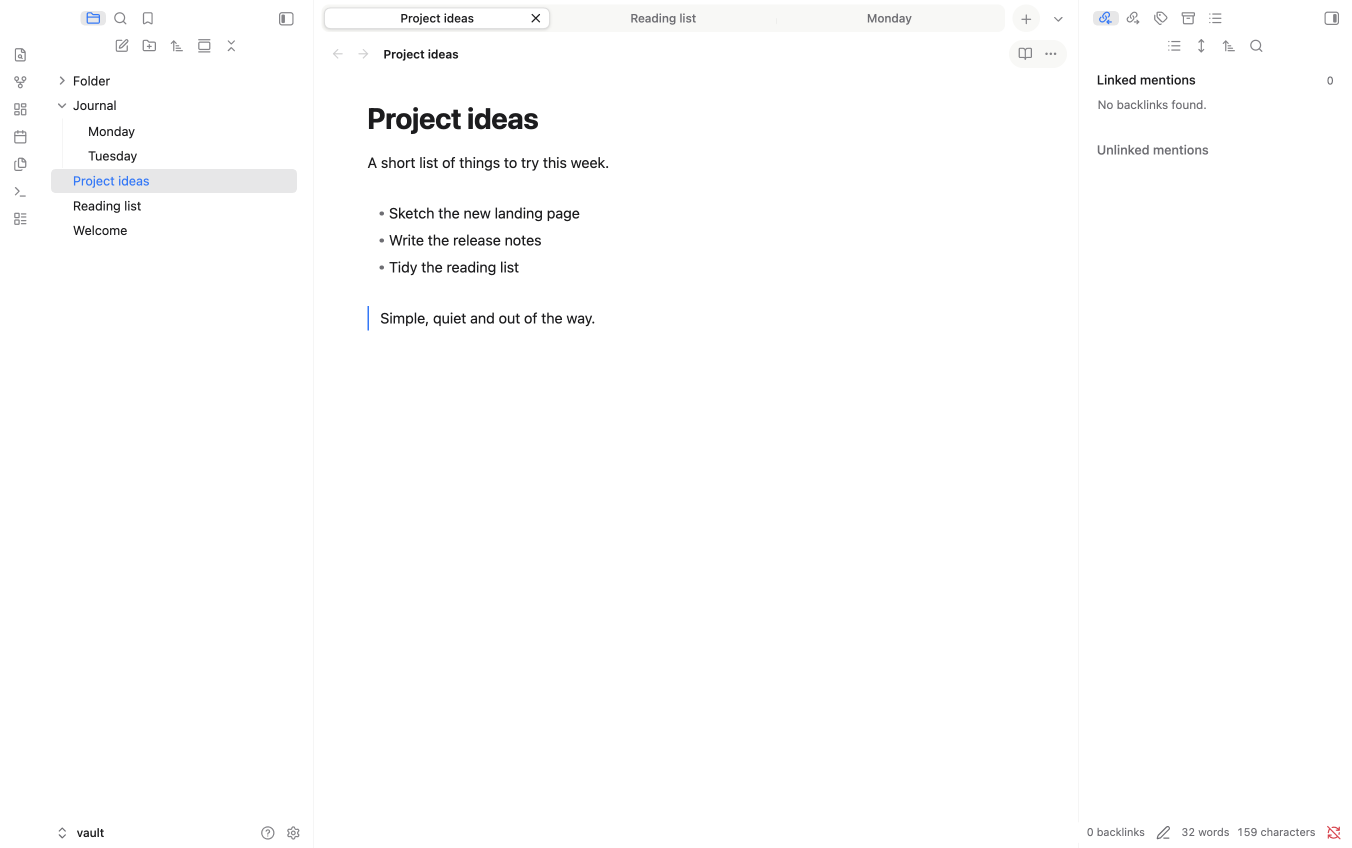
- Light: Finder blue (
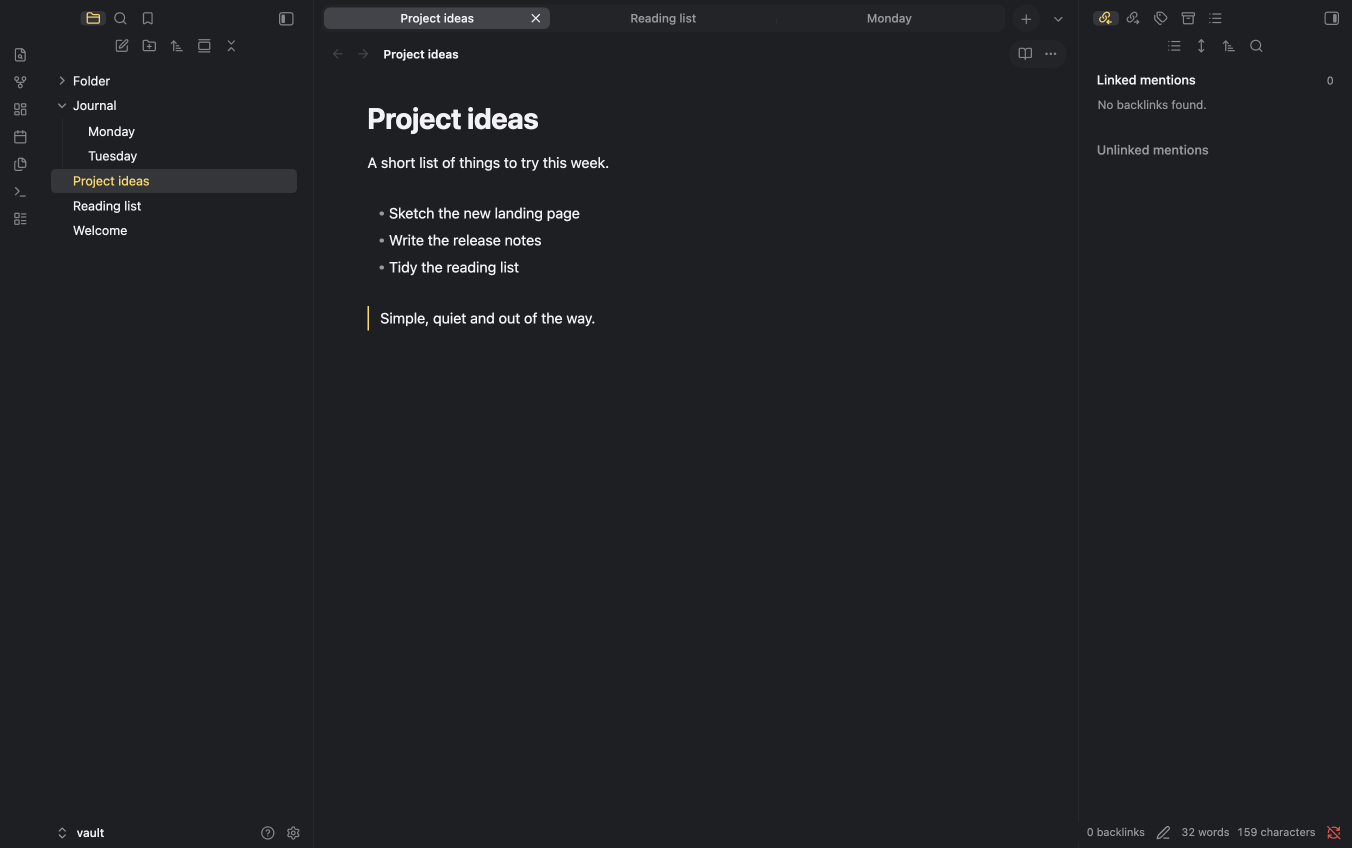
#007aff) accent, milk-white tab strip. - Dark: Notes yellow (
#ffd75e) accent.
Accent colours (optional)
Install the Style Settings community plugin, then open Settings → Style Settings → minilite. You can choose the default, yellow in both modes, yellow with blue links, blue, green or purple. Without the plugin the default applies.
Customising
Colours are CSS custom properties at the top of theme.css. The side panel (--ans-side-*), tabs (--ans-tab-*), breadcrumb path (--ans-crumb-*) and the reading-mode and three-dots capsule (--ans-actions-*) each have their own hover and selected colours.
Known limitations
- Tested on macOS with Obsidian 1.14.4 only. Windows, Canvas, Graph view and narrow windows have not been checked.
- The divider line between sidebar and editor can be removed by deleting the two
border-leftandborder-rightrules in section 5 oftheme.css.
Credits and licence
Based on minilite. Released under the MIT licence (see LICENSE).