
README file from
GithubMoonpetal
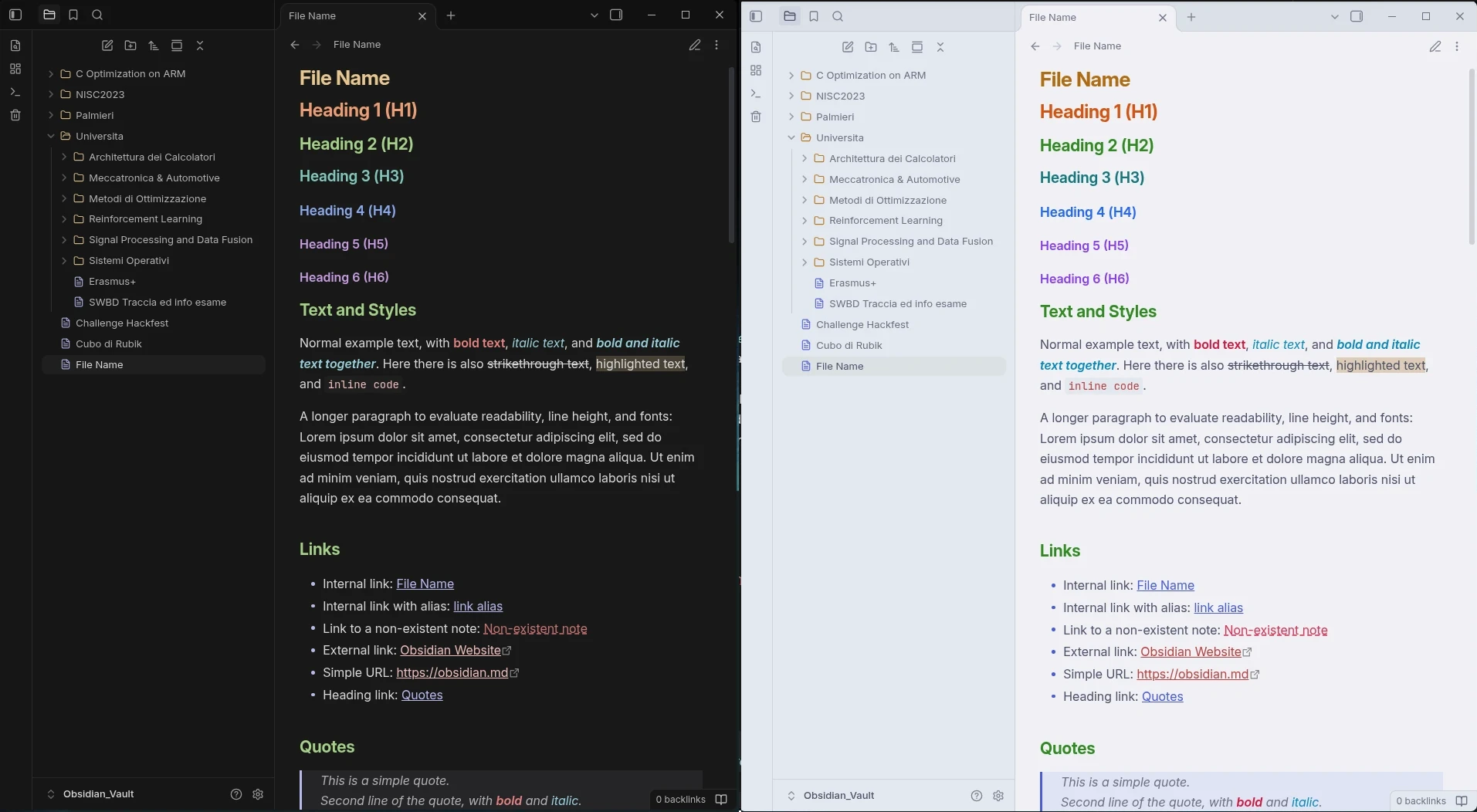
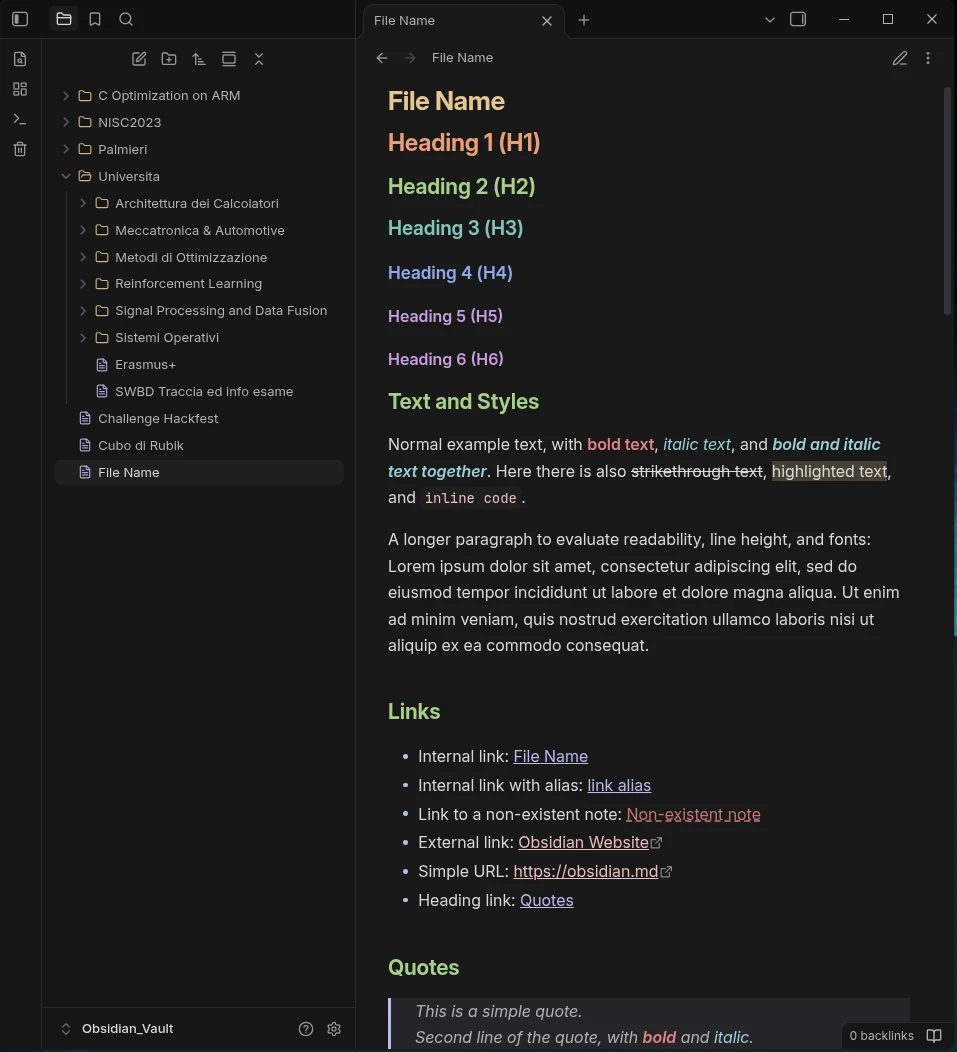
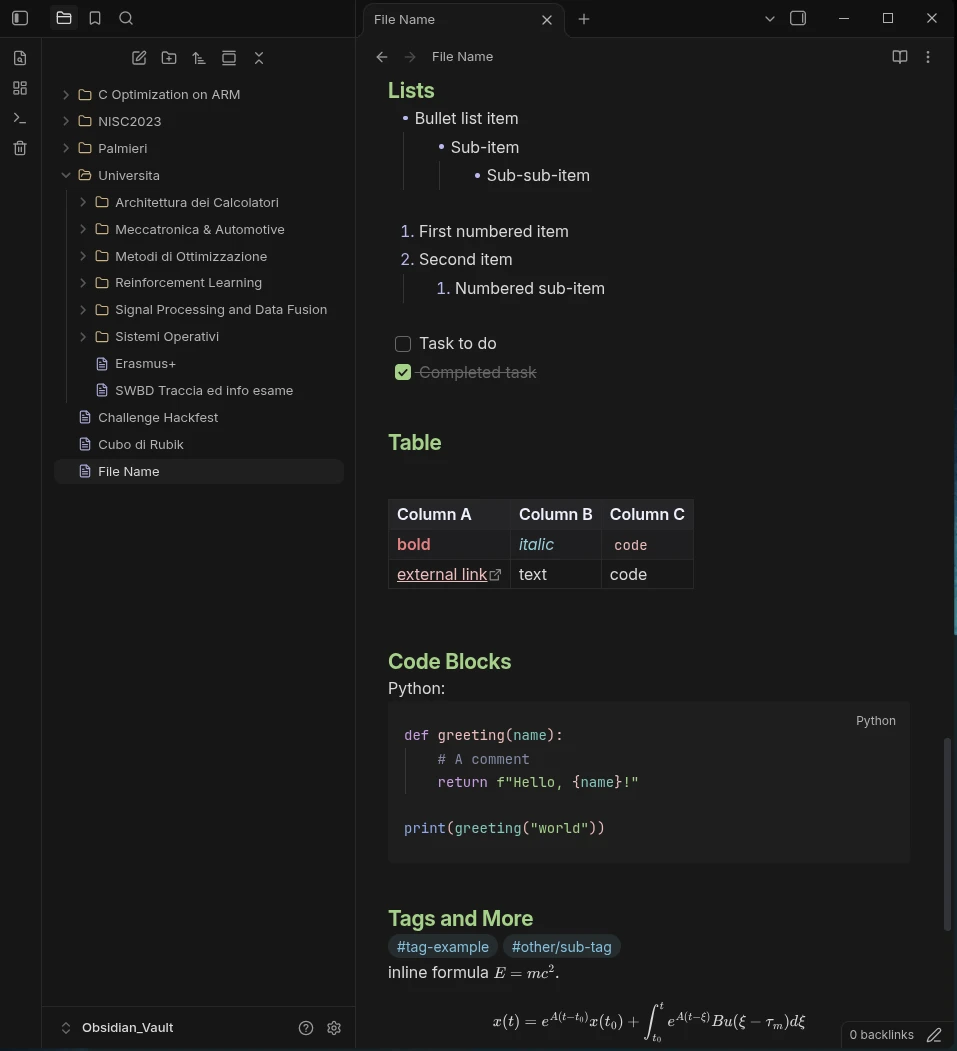
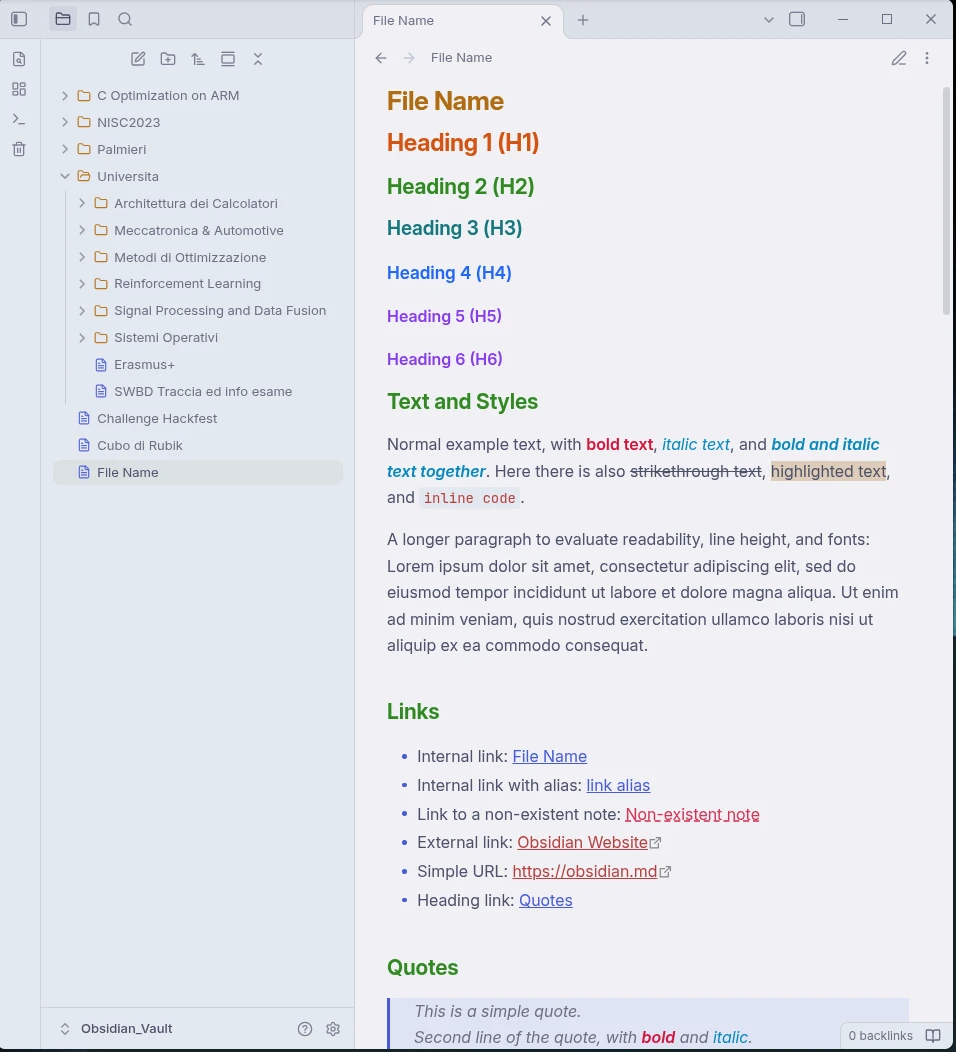
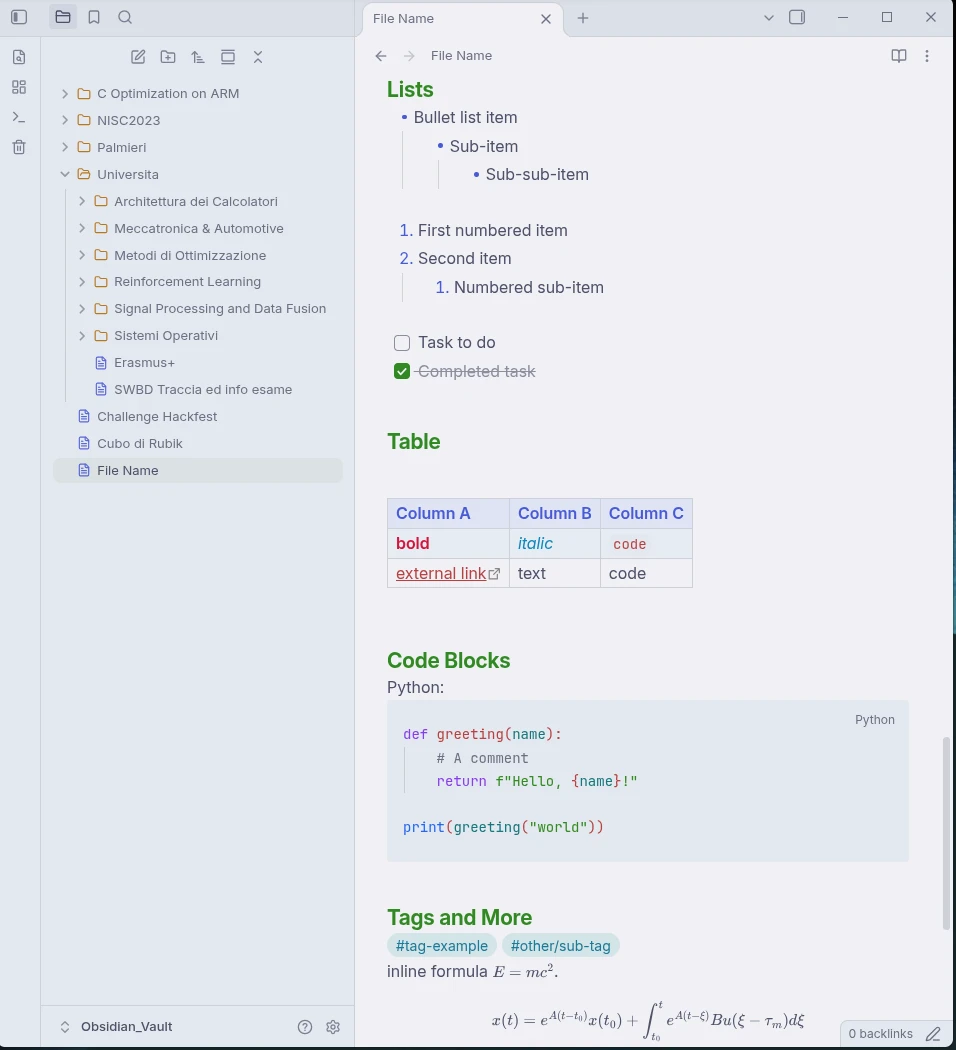
A soft, eye-friendly theme for Obsidian featuring pastel text colors on a soft dark background or a warm paper light background. The color palette is adapted from Catppuccin (Frappé and Latte).
This theme and its CSS files were generated with the assistance of AI.
Features
- Carefully tuned pastel palette designed to reduce eye strain.
- Pure CSS with zero bloat.
- Custom styling for headings, inline formatting, code blocks, lists, and tables.
- Integrated file explorer icons with custom color-coded indicators.
- Fully supports both Obsidian Dark and Light modes.
Showcase
Dark Mode
Light Mode
Installation
Via Obsidian (Recommended)
Use this link or follow the following instruction:
- Open Obsidian and go to Settings > Appearance > Themes > Manage.
- Search for Moonpetal.
- Click Install and Use.
Manual Installation
Install as a Theme
- Clone this repository into
your_vault_path/.obsidian/themes/, you only needtheme.cssandmanifest.json; - Open Obsidian, go to Settings > Appearance, and select Moonpetal.
Install as a CSS snippet
- Copy
theme.cssintoyour_vault_path/.obsidian/snippets/. - Open Obsidian, go to Settings > Appearance > CSS snippets, and enable the snippet.
License
Distributed under the MIT License. See LICENSE for details.