
README file from
GithubChoose your agent
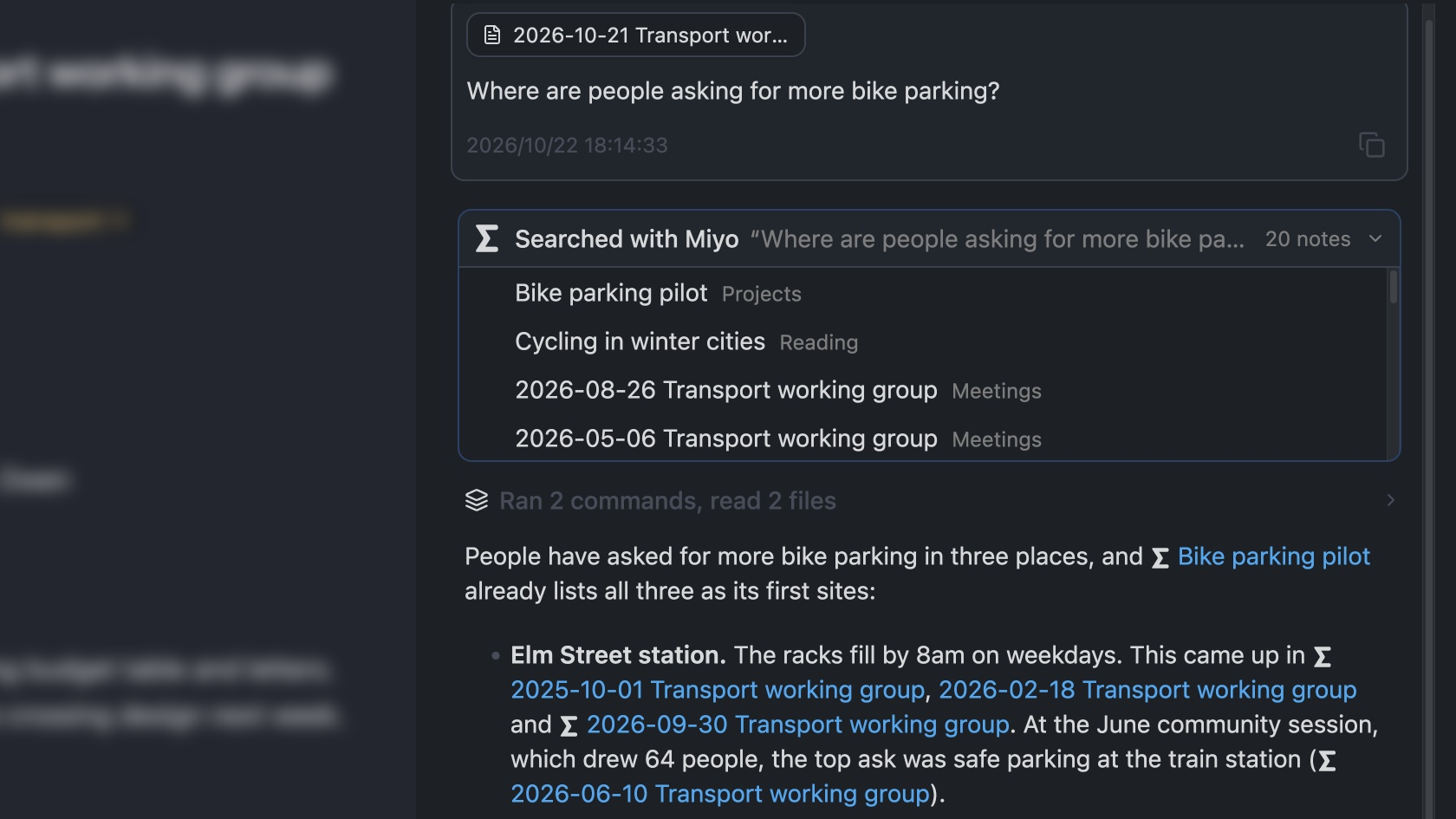
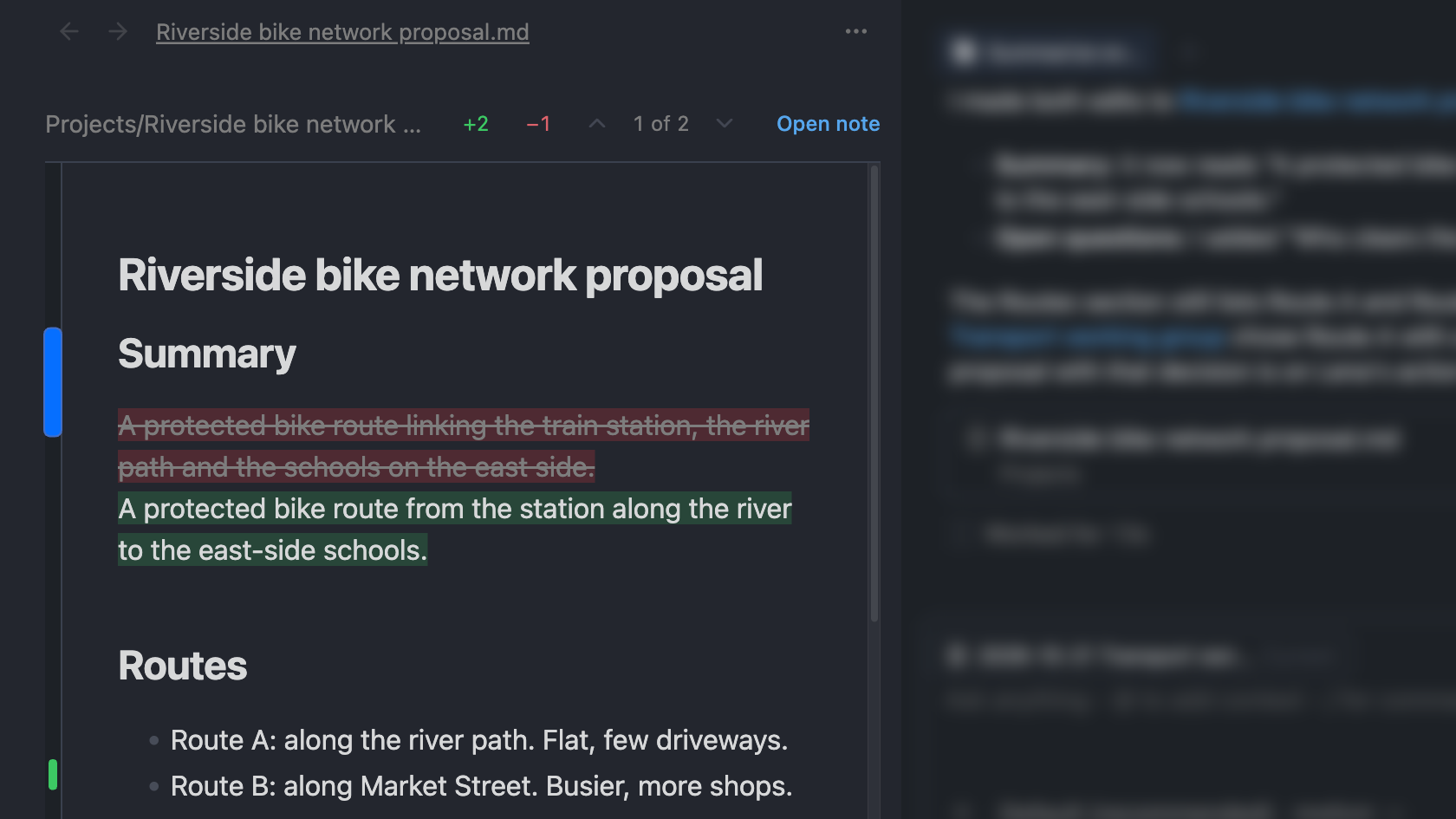
Agent is the main Copilot experience for multi-step work. It can inspect notes, use tools, create Obsidian files, and continue across several turns with permissions you control.
- OpenCode (recommended): Let Copilot download and manage it, then use Copilot-hosted models, your own provider key, or a local model.
- Claude Code: Connect an existing installation. Copilot detects common install locations and uses your Claude Code login.
- Codex: Connect Codex through the
@agentclientprotocol/codex-acpadapter and use your existing Codex login.
Already pay for Claude or ChatGPT, or already have model API access? You can bring that access to Copilot without buying a Copilot plan. Provider terms and usage limits still apply.
Set up Copilot
- Install Copilot from Obsidian Community Plugins.
- Open Settings → Copilot → Basic → Agents.
- Select Download OpenCode, connect Claude Code with Auto-detect, or let Copilot install its tested Codex adapter.
- Select the Agent ribbon icon, or run Open Copilot Agent Chat window.
The Getting Started guide covers each setup path, including managed and custom Codex adapters.
Built around your vault
- Projects: Give ongoing work its own instructions, reusable context, and chat history. A project works with OpenCode, Claude, or Codex. Learn about Projects.
- Skills shared across agents: Add a skill once, then enable it for each installed agent. Copilot also includes skills for Obsidian Markdown, Bases, Canvas, and the Obsidian CLI. Learn about Skills.
- Commands: Save repeatable prompts, run them with
/in Agent, or expose them in the editor and Command palette. Create a Command. - Quick Ask: Ask about a selection without leaving the note. Continue the conversation, replace text, insert the answer, or copy it. Quick Ask uses your Quick Chat model. Set up Quick Ask.
- Multiple sessions: Keep separate Agent tabs open for different tasks. With active Plus access, mention multiple installed agents with
@for one read-only research or review request.
For a short conversation that does not need an agent, use Quick Chat.
Use hosted, BYOK, or local models
- Copilot-hosted: Add a Copilot license, then choose an available hosted model for OpenCode or Quick Chat. The model picker and dashboard show current access.
- Bring your own key: Add a cloud, local, or OpenAI-compatible provider under Settings → Copilot → BYOK. Keys are stored in this device's Obsidian Keychain, not in the vault's
data.json. - Claude and Codex accounts: These agents use their own CLI login rather than a key from Copilot's BYOK settings.
- Models reported by OpenCode: OpenCode routes them to their backing provider. Free OpenCode Zen models show a warning because that provider may log or train on prompts; review its terms before sending sensitive content.
Your chosen route determines where prompts and included context are processed. Read LLM Providers for setup and Copilot Plus and Self-Host for privacy and routing details.
Plans
The Copilot plugin is open source and works without a Copilot license when you use your own agent account, provider key, or local model. Free use includes normal single-agent Agent chats, Projects with Markdown context, custom Skills and Commands, Quick Chat, Quick Ask, and local Miyo search.
Paid access can include Copilot-hosted models and cloud-backed tools. Multi-agent requires active Plus access; check your dashboard for the current entitlement. Model availability and service limits can change, so the pricing page and in-app model pickers are the current source of truth.
Trusted by people who think for a living
"The first tool that truly unifies how I search, organize, and retrieve knowledge without ever leaving Obsidian. My workflow is faster, deeper, and more connected. I can't imagine working without it."
Jason Zhang, Investor & Research Analyst
"I drop meeting transcriptions, personal notes, and architecture ideas into my vault. Copilot gives me a personal assistant that finds missing puzzle pieces and surfaces relevant info during live calls, no manual searches."
Brad Decker, CTO, Concierge Auctions
"Since discovering Copilot, my writing process has been completely transformed. Conversing with my own articles and thoughts is the most refreshing experience I've had in decades."
Mat QV, Professional Writer
Frequently asked questions
Yes. Connect Claude Code or Codex with its existing account, or use OpenCode and Quick Chat with your own API key or local model. Your provider may charge for its own usage.
Agent is a desktop feature because its backends run local processes. Quick Chat, custom Commands, and Quick Ask remain available on mobile.
Your notes remain files in your vault, and local Miyo indexes stay on your device. Prompts and any included context go to the model or service you choose. Copilot-hosted models and hosted features send the required input to Brevilabs for processing. See the disclosure below and the privacy policy.
Help and links
Documentation · YouTube · Report a bug · Request a feature · Join Discord · Privacy
To report a bug with its evidence attached, use Settings → Copilot → Advanced → Debugging & support → Report an issue. It packs a screenshot and recent logs into a zip you review before anything is sent, uploads it privately, and opens a prefilled issue carrying the report ID.
Support the project
If Copilot is useful to you, consider sponsoring the project on GitHub or buying us a coffee.
Thank you to our GitHub Sponsors
Special thanks to our top sponsors: @mikelaaron, @pedramamini, @Arlorean, @dashinja, @azagore, @MTGMAD, @gpythomas, @emaynard, @scmarinelli, @borthwick, @adamhill, @gluecode, @rusi, @timgrote, @JiaruiYu-Consilium, @ddocta, @AMOz1, @chchwy, @pborenstein, @GitTom, @kazukgw, @mjluser1, @joesfer, @rwaal, @turnoutnow-harpreet, @dreznicek, @xrise-informatik, @jeremygentles, @ZhengRui, @bfoujols, @jsmith0475, @pagiaddlemon, @sebbyyyywebbyyy, @royschwartz2, @vikram11, @amiable-dev, @khalidhalim, @DrJsPBs, @chishaku, @Andrea18500, @shayonpal, @rhm2k, @snorcup, @JohnBub, @obstinatelark, @jonashaefele, @vishnu2kmohan
Paid Plan Disclosure
Copilot is a product of Brevilabs LLC and is not affiliated with Obsidian. Visit obsidiancopilot.com for current plan details.
- An account and payment are required for paid access.
- Preview features ship inside the official release and require a Believer or Supporter license. Without one, they show a hint that links to the pricing page.
- Hosted models and cloud-backed features require network access.
- Privacy and data handling:
- Free use: Messages and note context go to the LLM provider, local endpoint, or CLI agent you configure. Brevilabs does not receive them unless you invoke a Brevilabs-hosted feature, or upload a diagnostic report yourself.
- Paid hosted services: Brevilabs's backend and its vetted enterprise model providers process the full request. Hosted features receive the inputs they need, such as search queries, URLs, and files used by Quick Chat tools, or the web and YouTube links saved as Agent project context. The privacy policy says request content is processed transiently, not retained, and not used for training.
- Diagnostic reports: The zip you review under Report an issue reaches Brevilabs only when you choose to upload it. Unlike the requests above it is deliberately retained, so a maintainer can look it up later: it is stored privately, referenced only by an opaque report ID, carries no license key or account identity, and is deleted automatically after 60 days. The public issue carries the ID, never the bundle. The copy on your own machine is yours and is not part of that deletion.
- User ID: Hosted feature requests include a randomly generated UUID for service delivery, license abuse prevention, and rate limiting. It is not used for tracking, profiling, or analytics.
- See the privacy policy for full terms.
- The Copilot plugin frontend is fully open source. The backend services that support hosted features are closed source and proprietary.
- We offer a full refund within 14 days of purchase if you are not satisfied.
Authors
Brevilabs Team · [email protected] · @logancyang