
There are 421 new plugins, 1310 plugin updates and 42 new themes during the week 2026-10-11 to 2026-10-17.
Looking for something new? You have 421 new plugins and 42 new themes to browse from 2026-10-11 to 2026-10-17, alongside 1310 plugin updates. I have kept the download ranking tied to that window, so you can compare the week's activity without mixing in all-time totals.
New Plugins
There are 421 new plugins: see them all at /new.
Pick a task first. TTRPG UI Toolkit builds interactive character sheets from YAML blocks and remembers tracker state between sessions, so you can keep character records beside your campaign notes. Home Cards gives your vault a start page with sections for recent notes or notes matching a tag or property, useful when you want a way back into those notes. For notebook work, Jupyter Notebook lets you edit .ipynb files and run Python locally on desktop, keeping code and results in their original notebook format.
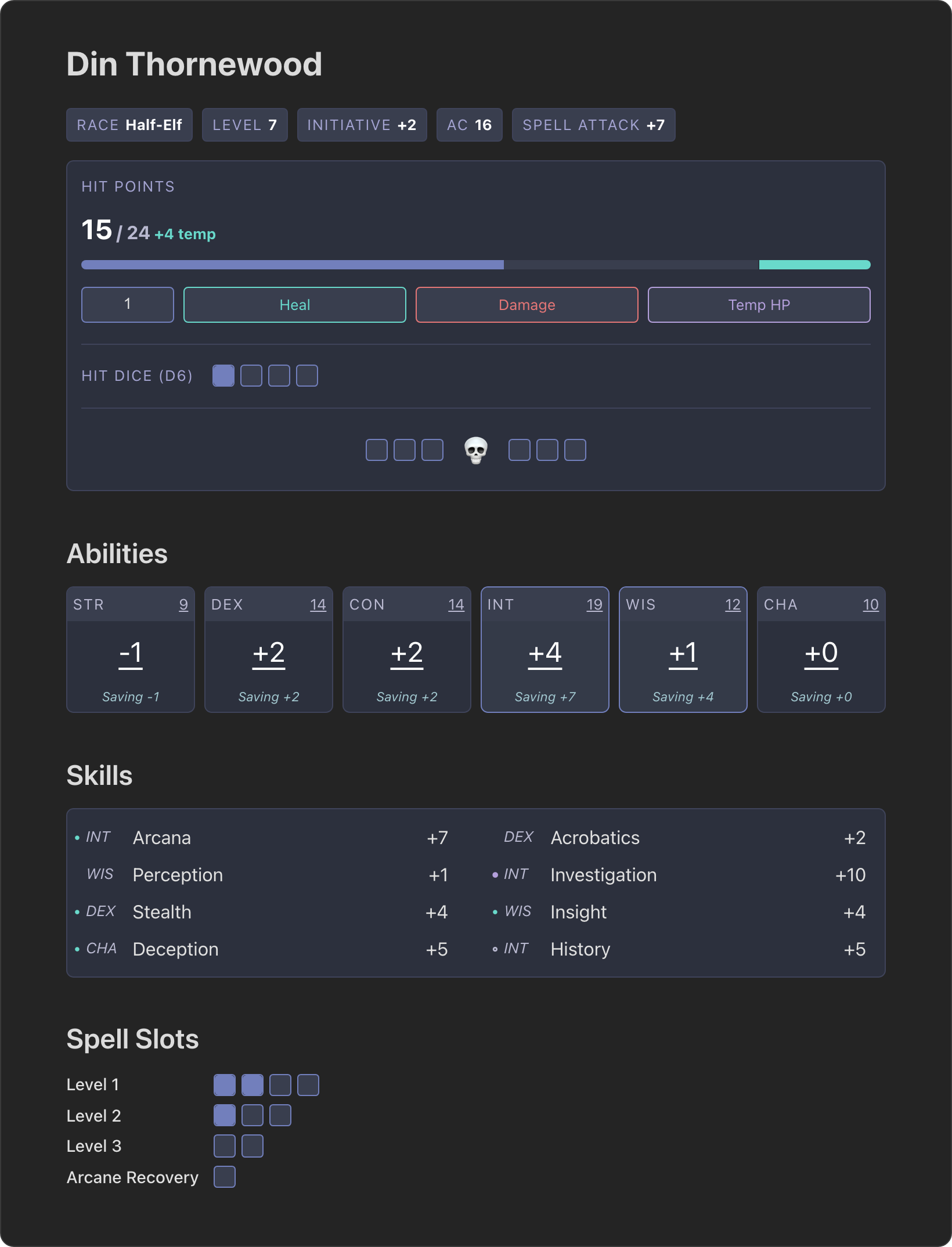
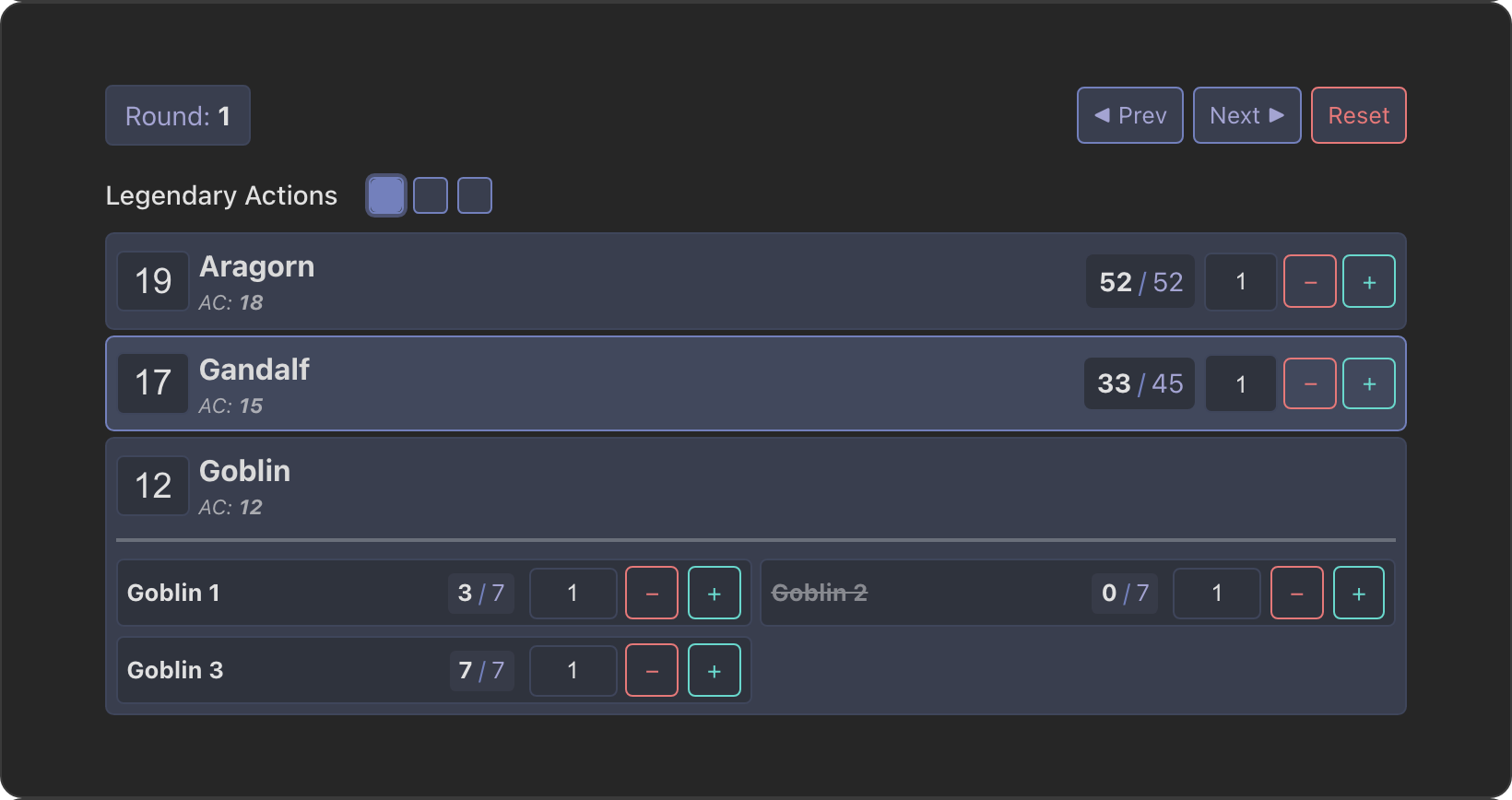
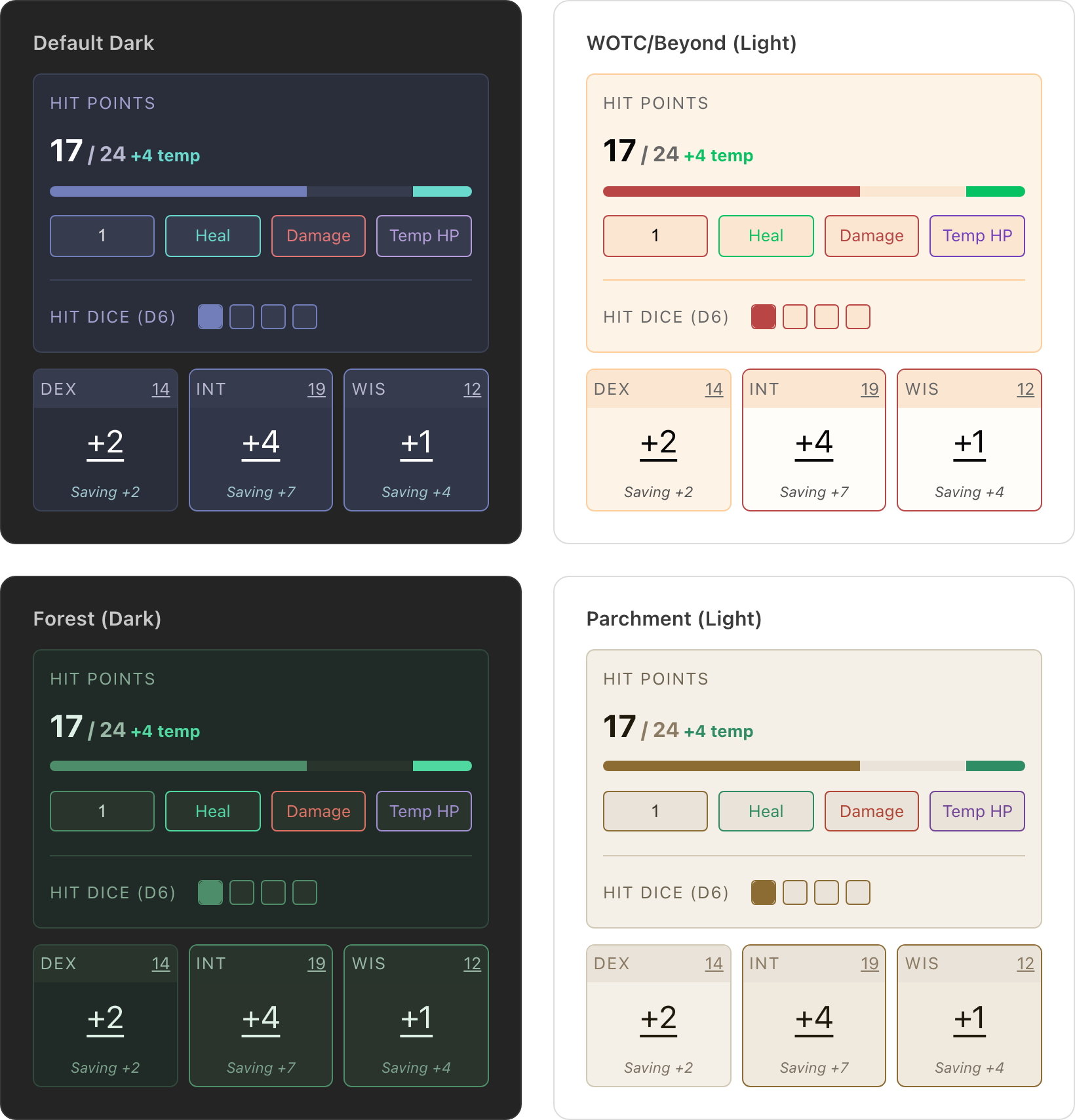
The TTRPG UI Toolkit plugin builds interactive character sheets and game master tools from YAML code blocks in markdown notes. Health components track HP, temporary HP, hit dice and death saves, while D&D 5e ability scores and skills calculate modifiers, saving throws, proficiency and expertise. Consumable trackers cover spell slots and other limited resources. Rest buttons reset health and consumables within the same note. An initiative tracker manages turn order, rounds, combatant HP and resources, with links to character or monster notes. Stat cards and spell panels display character values and casting details. Text fields can reference frontmatter, ability scores and skills through templates. Cards also support Daggerheart and other systems. There are 21 adjustable light and dark themes. Tracked state persists in a configurable vault JSON file, with each tracker requiring a unique state key.
2. MCP Server
The Obsidian MCP Server plugin runs a local Model Context Protocol server that connects external AI tools to your vault through Streamable HTTP. Agents can inspect the active note, retrieve metadata and backlinks and manage notes through creation, editing, moving or deletion. Search supports note filters based on dates, tags and frontmatter alongside full text or regex queries with line number snippets. Attachment tools return images to AI clients and save binary files into the vault. Daily note capture follows your Daily Notes settings. The plugin also exposes folder listings and vault statistics while tracking active sessions and persistent tool usage counts. Local token authentication is enabled by default and can be disabled for development. All tools enforce access rules based on blacklisted paths and tags.
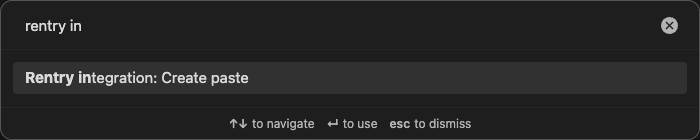
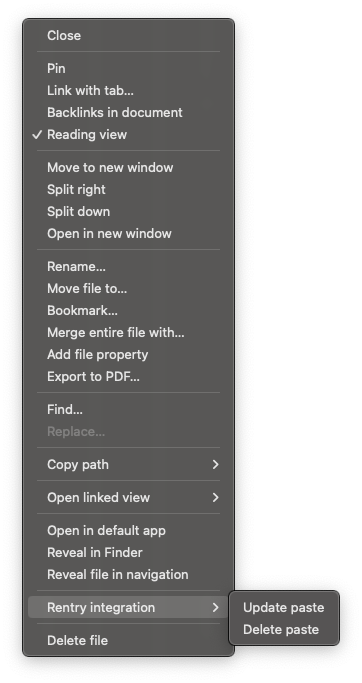
The Rentry integration plugin creates, updates and deletes pastes on Rentry from notes. Updates work in one direction, sending changes to Rentry rather than syncing them back into the vault. Actions are available through the command palette and file context menu. It stores each paste's ID, public URL and website edit code in frontmatter. Experimental image embed uploads use Cloudinary and require Cloudinary credentials, with an additional frontmatter cache mapping embed paths to uploaded URLs. New pastes use default Rentry metadata that disables search engine indexing and view counts. Custom Rentry metadata is not supported within the plugin, but metadata changes made directly on Rentry persist when the paste is updated because updates use Rentry's upsert metadata mode.
The Vtable plugin adds editable tables with merged cells, line breaks and checkable task lists inside code blocks. Cells support Markdown formatting, image embeds, inline math and HTML, with content rendered when editing focus moves away. You can reorder rows and columns by dragging, format selected cells together or copy a rectangular selection as a Markdown table. Pasting can either overwrite existing cells or extend the grid to fit. Formulas calculate sums, averages, counts and minimum or maximum values. Table data can also become bar, pie and line charts, including combined bar and line charts. Display options cover wrapping, horizontal scrolling and fixed dimensions, alongside configurable borders and zebra stripes. Tables convert to and from Markdown or HTML, with edits automatically saved as JSON in the source block. Desktop supports dragging to fill number and calendar series.
5. Pantalytics
The Pantalytics plugin syncs an entire vault with Pantalytics while keeping local notes as plain markdown. A CRDT copy on the service lets two people edit the same note at once, merging changes as they type without conflict copies or overwriting one person's edits with another's. Offline edits catch up when the device reconnects. Folder creation, moves and deletions sync across devices, along with attachments such as images and PDFs. It works on desktop, iOS and Android, with browser sign in returning through an obsidian:// link. Each local vault links to one cloud vault. Unlinking stops sync without deleting either copy, while signing out revokes that device's access. There is no telemetry or option to connect a different server. Sync covers the whole vault, so notes kept off the cloud need a separate vault.
6. Home Cards
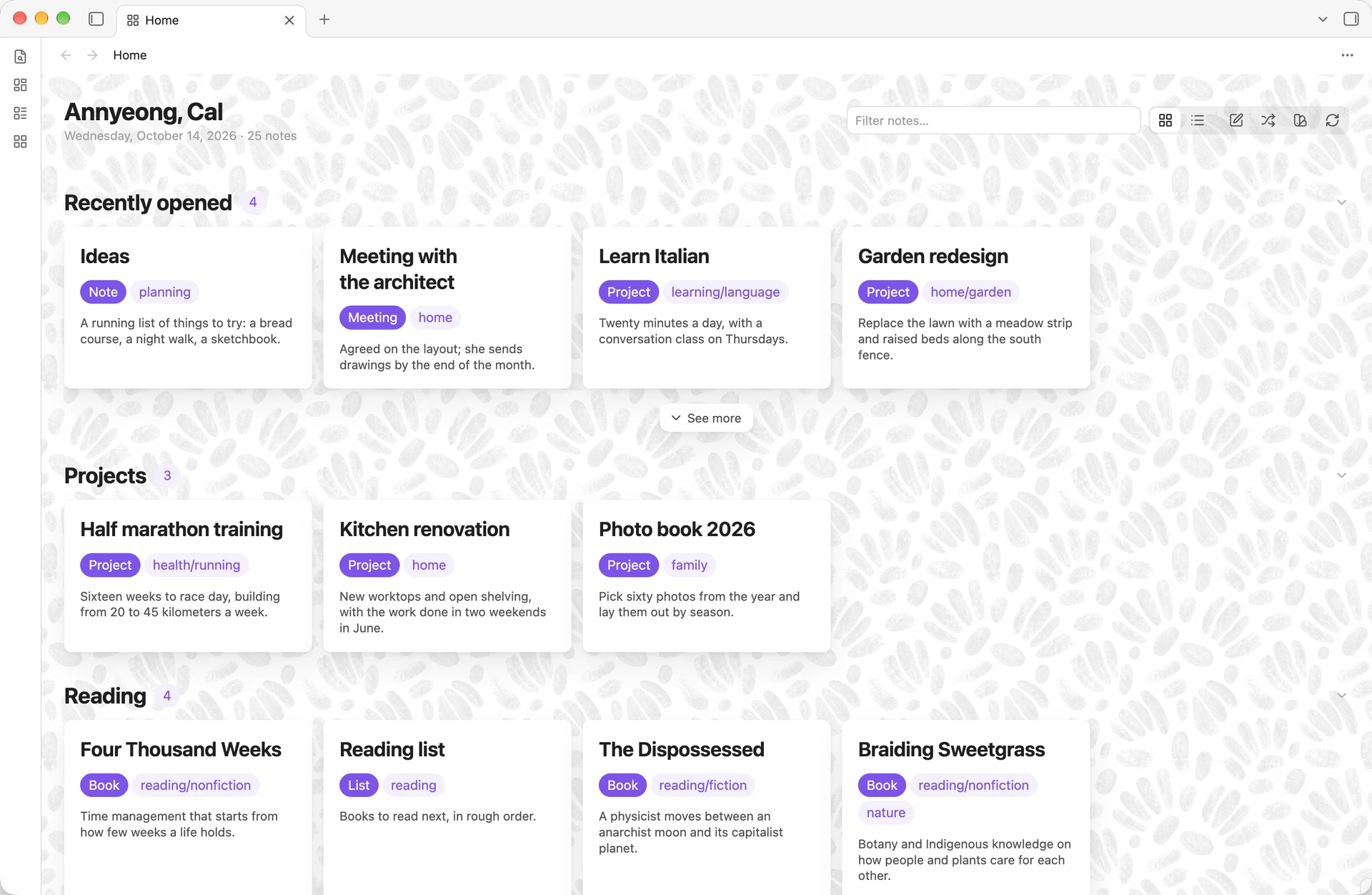
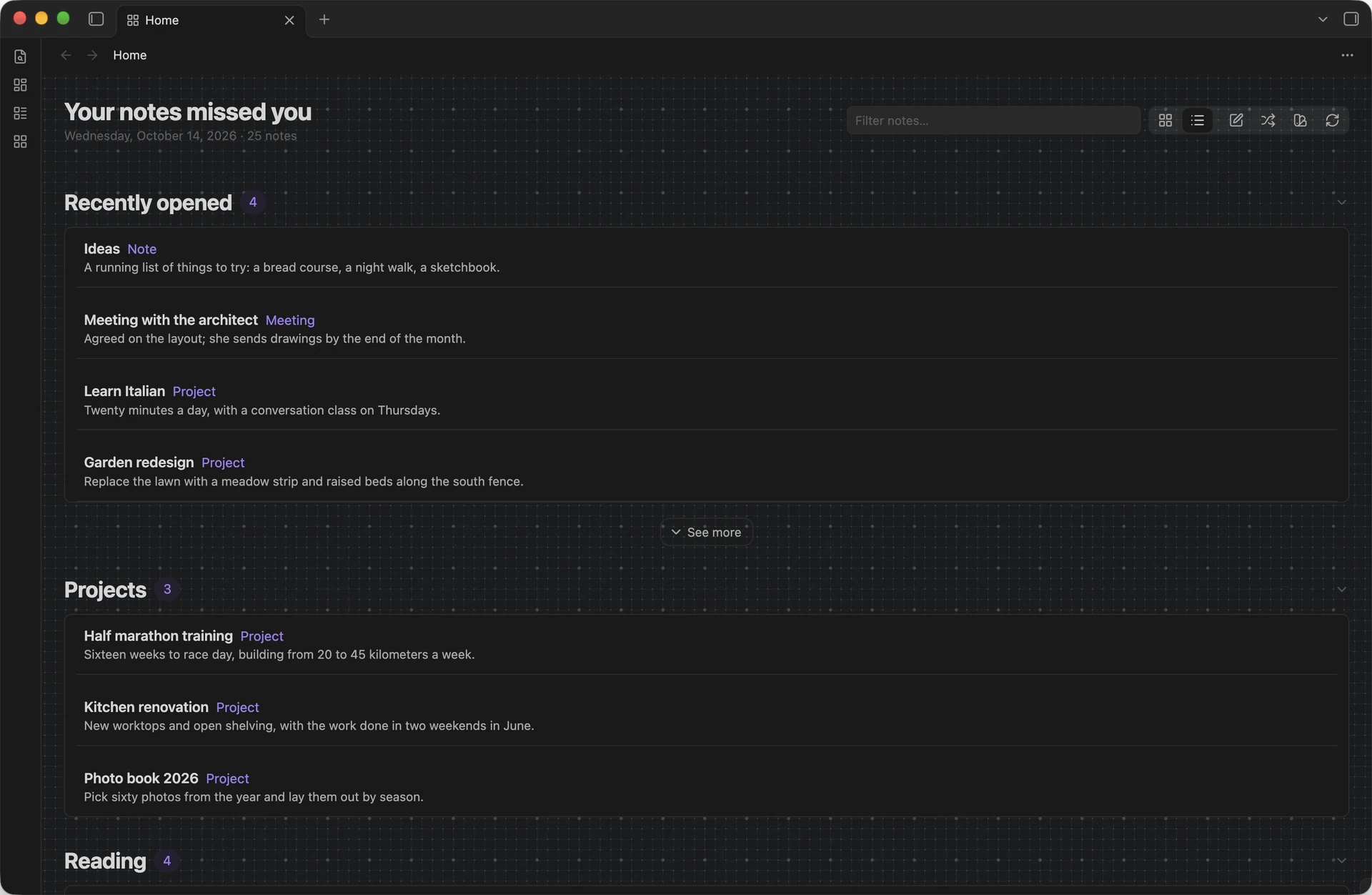
The Home Cards plugin creates a start page with note cards arranged into configurable sections. Sections can show recent activity, notes matching tags or properties, link counts and a daily Rediscover sample of notes untouched for months. Each has its own filters, sorting and card count. By default, a note appears only in the first matching section. Cards display titles, types, tags and either an opening sentence or a summary property. Switch between a grid and compact rows, fold sections or reveal more matches. Separate pages can cover a folder, tag, property or the whole vault, with commands and URI links to open them. A Bases view groups results into sections. Theme colours, card styles and custom backgrounds control appearance. It works on desktop and mobile, makes no network requests and requires Obsidian 1.13.1 or later.
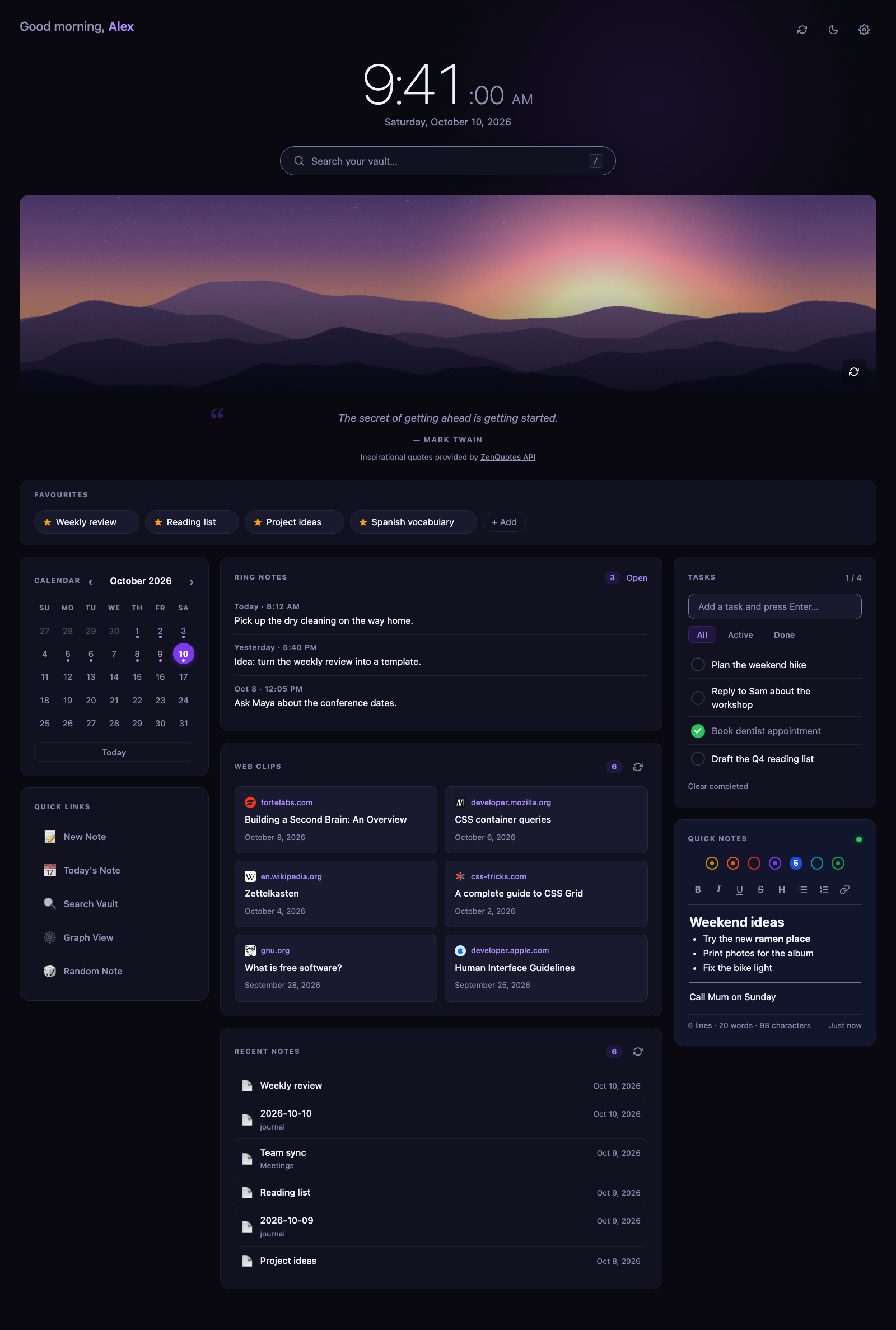
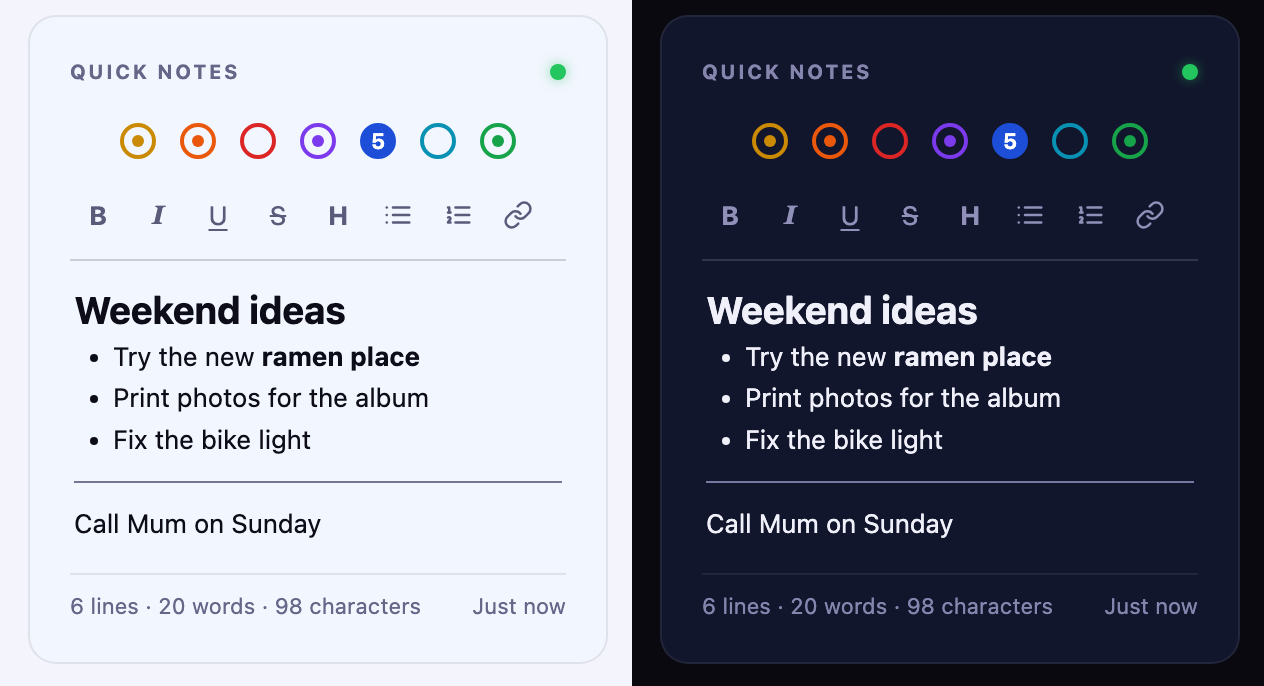
The Genkan plugin adds a dashboard homepage with vault search, favourite note shortcuts, tasks and seven quick notes. A calendar opens or creates daily notes using existing Daily Notes or Periodic Notes settings. Web clips and recent notes sit alongside configurable links to commands, notes or web pages. Quick notes support rich text editing while remaining plain Markdown files, with word counts and the last saved time shown below the editor. Content that cannot be preserved unchanged opens as plain text instead. Favourites use wikilinks that stay updated when notes are renamed. The dashboard follows the current theme and adapts to a single column on phones. Optional cards show Pebble Index ring notes, a daily photo and a quote. It reads and writes vault files locally through Obsidian's API without requiring a server, account or API key.


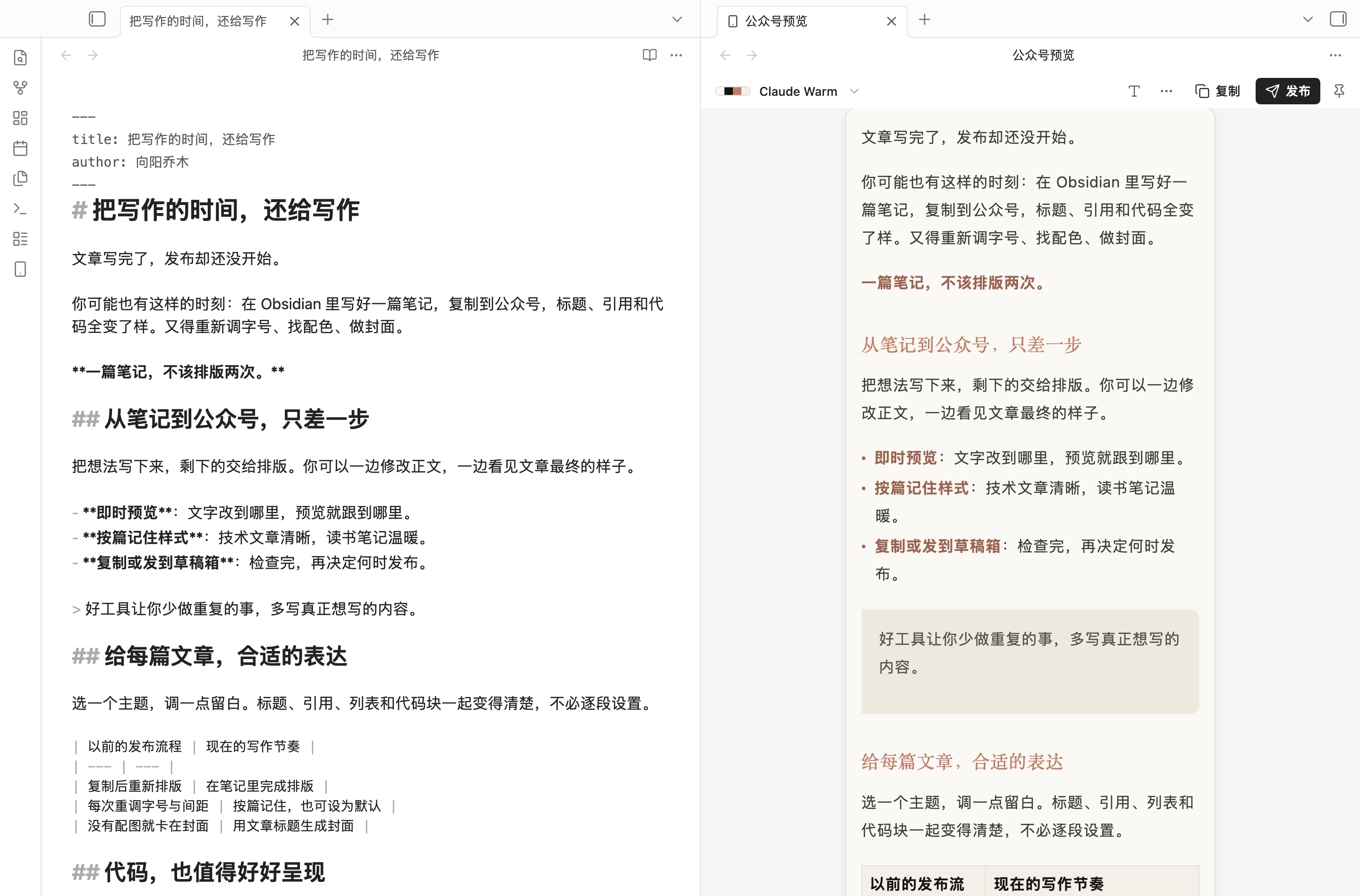
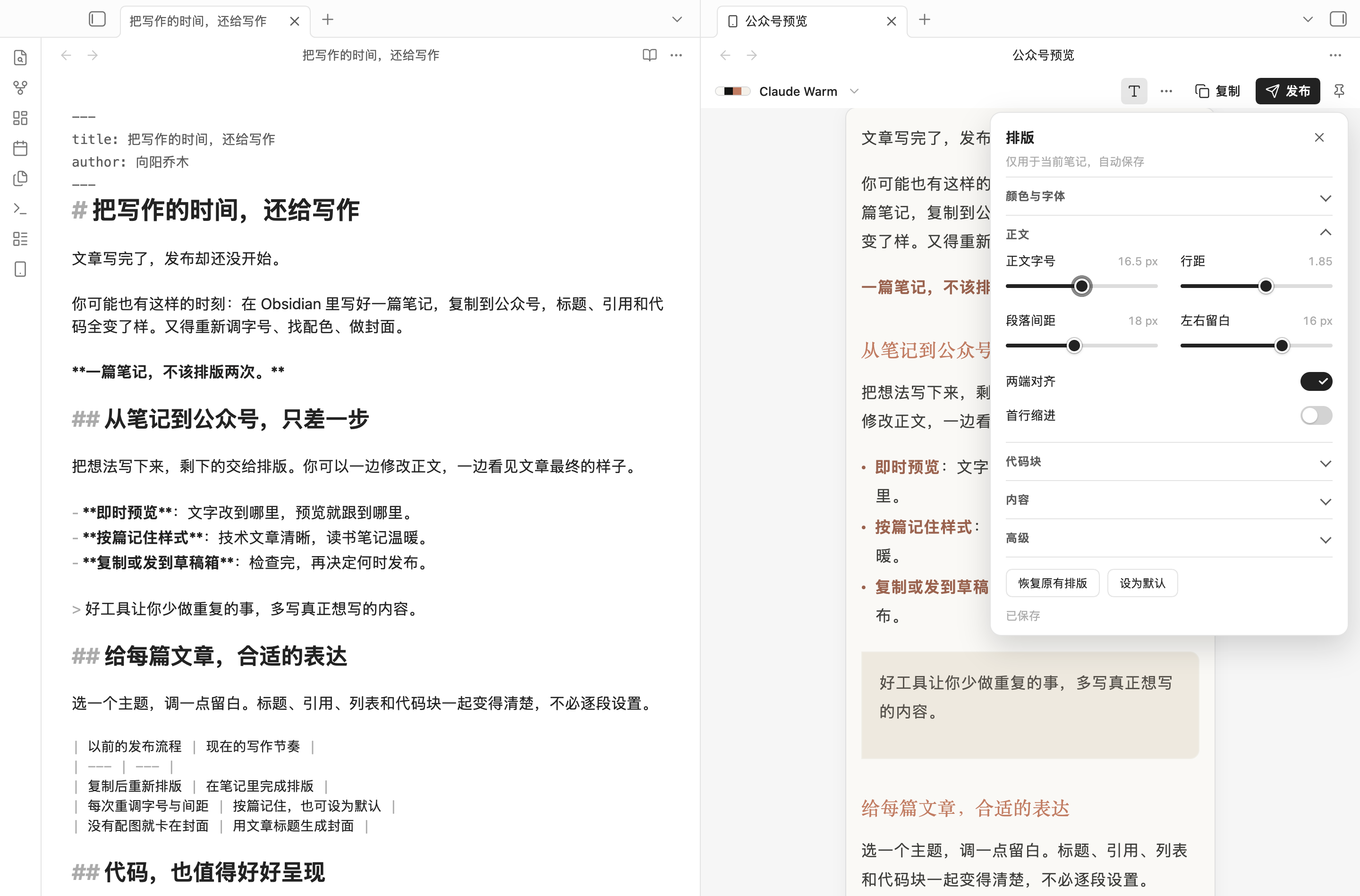
The Qiaomu Publish plugin formats Markdown notes for WeChat Official Account articles with a live preview while keeping the source in the vault. It offers 42 searchable themes, styles saved per note and reusable typography defaults. Formatted copying, standalone HTML and long PNG exports work without an account. Code highlighting includes line numbers, while formulas and Mermaid diagrams become images. Covers can use a specified image, the first article image or generated title artwork. With account credentials, API permissions and IP allowlisting, it sends WeChat drafts through direct access, a relay or qmblog Bridge. Direct and relay connections can update existing drafts, but Bridge creates new ones only. Desktop handoffs to X Articles, Zhihu and Xiaohongshu require Qiaomu Clipper in Chrome and signing into the platform. The interface is Chinese. Public publication remains manual and missing images block copying, export and draft submission.

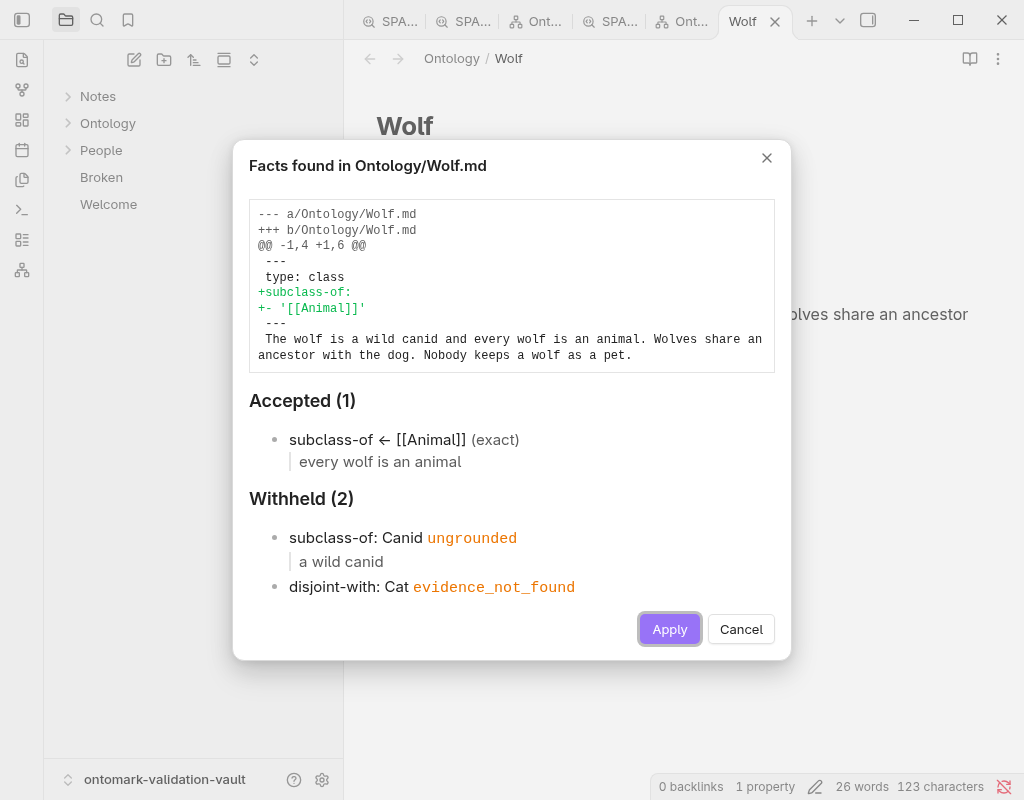
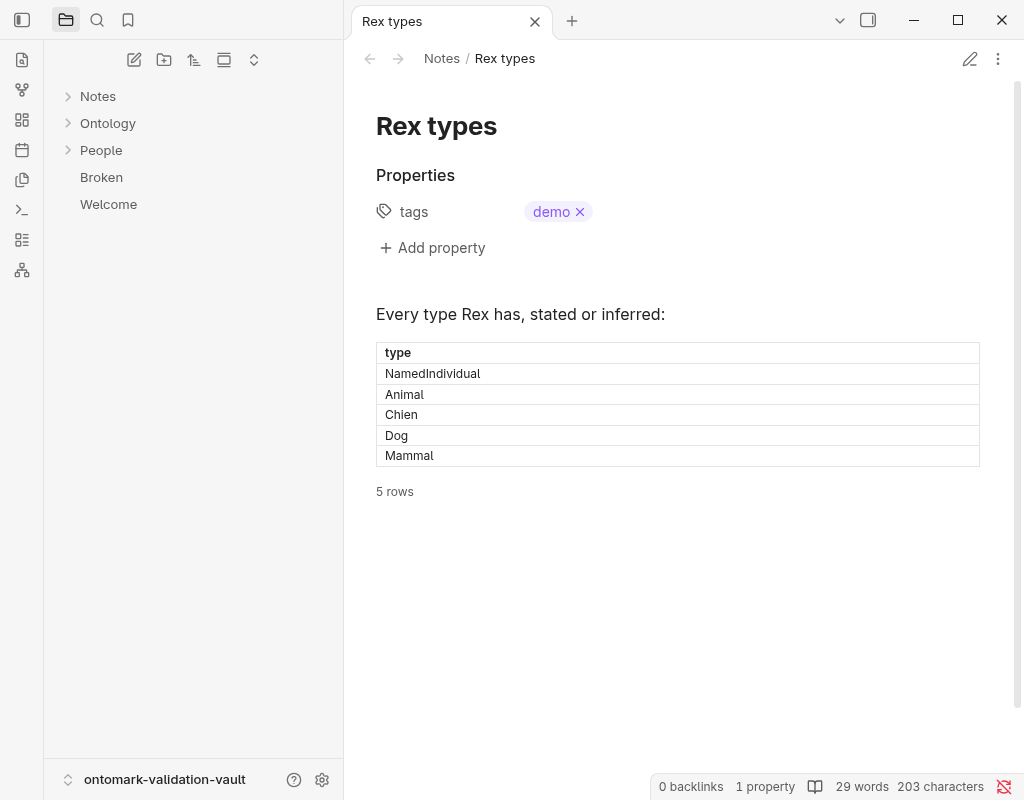
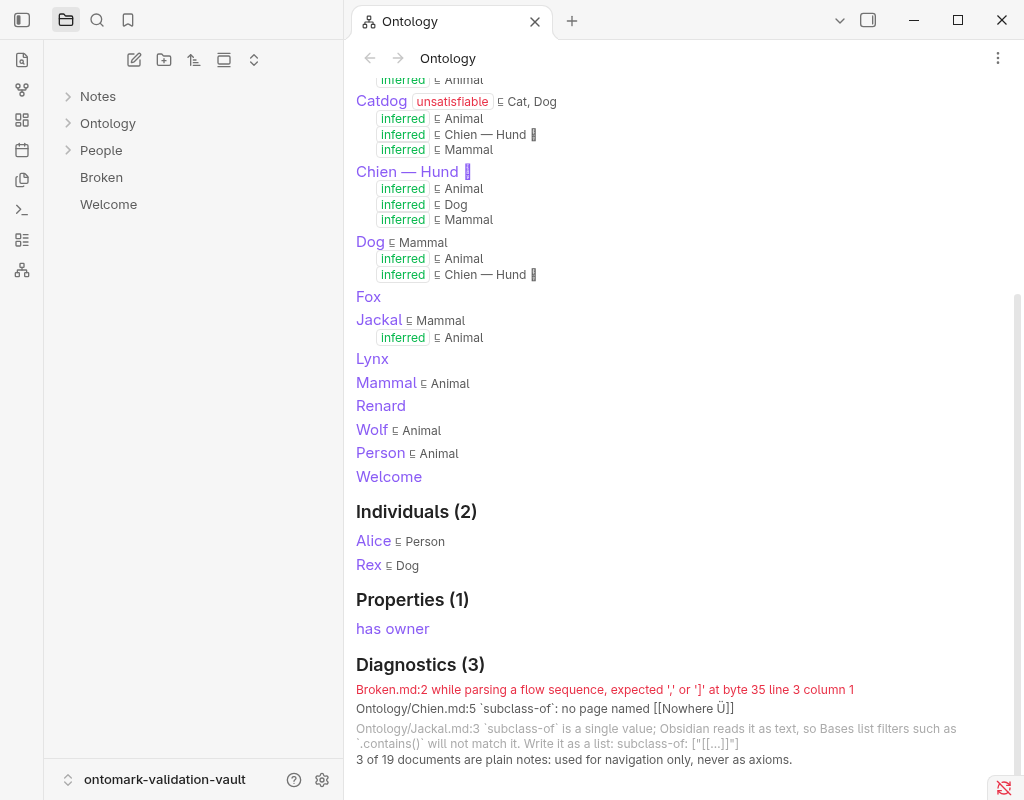
The Ontomark plugin builds an ontology from typed frontmatter while keeping notes as plain Markdown. Its graph distinguishes stated relationships from inferred edges, with search, zoom and neighbourhood focus. An ontology panel lists classes, individuals and properties alongside reasoning diagnostics. A local OWL 2 EL reasoner updates as notes change and reports unsupported constructs rather than approximating them. SPARQL queries can use stated facts, inferred facts or both, including live results rendered inside notes. Changes to entity types and parents appear as diffs for review before being applied. Optional assisted ingest sends a note to a chosen model endpoint, then checks suggested facts against existing vocabulary and quoted evidence. It runs offline until an endpoint is configured. The plugin is desktop only, reads assertions from frontmatter rather than inline fields and implements only part of OWL 2 EL.
10. gogoga Mind Map
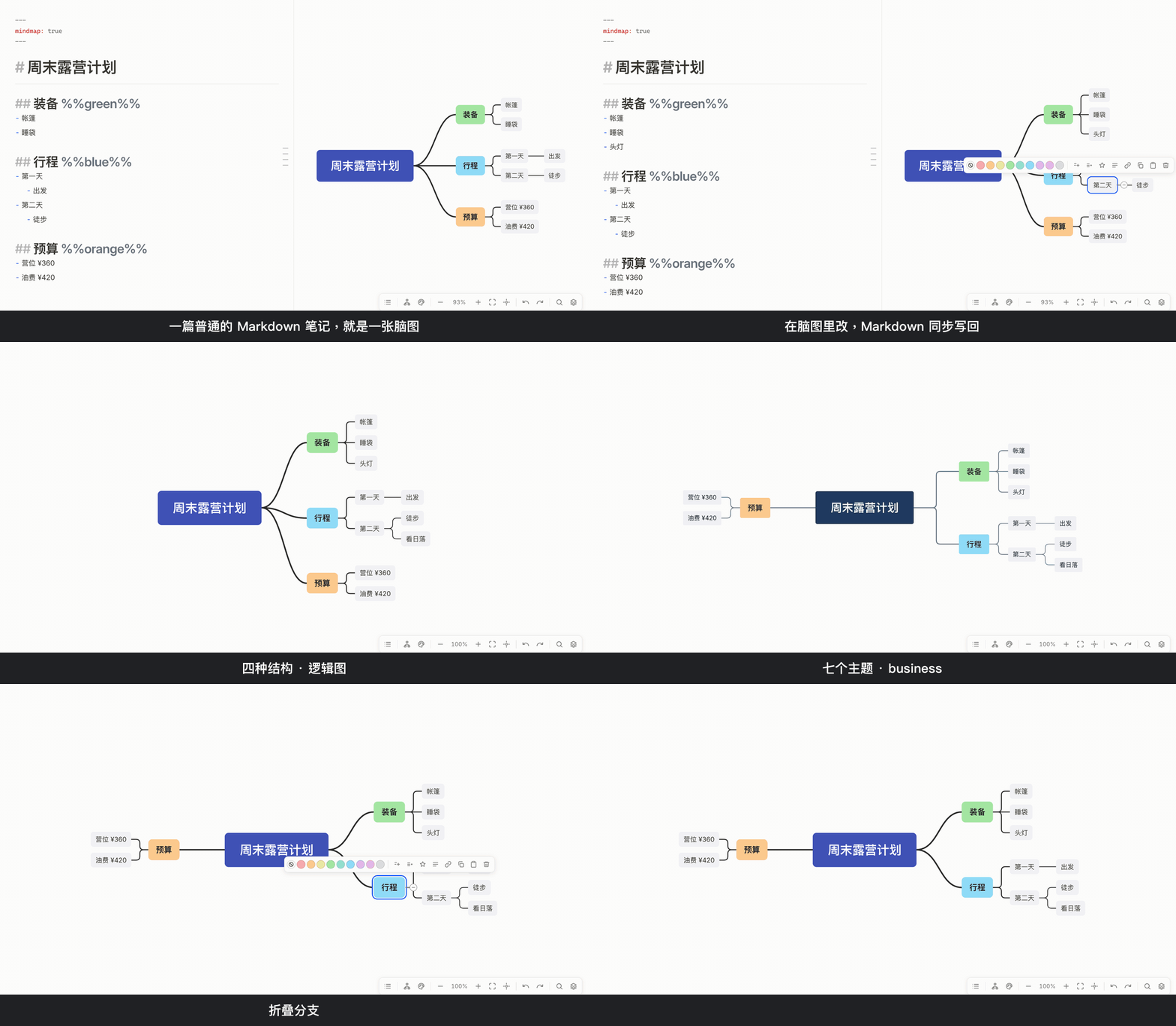
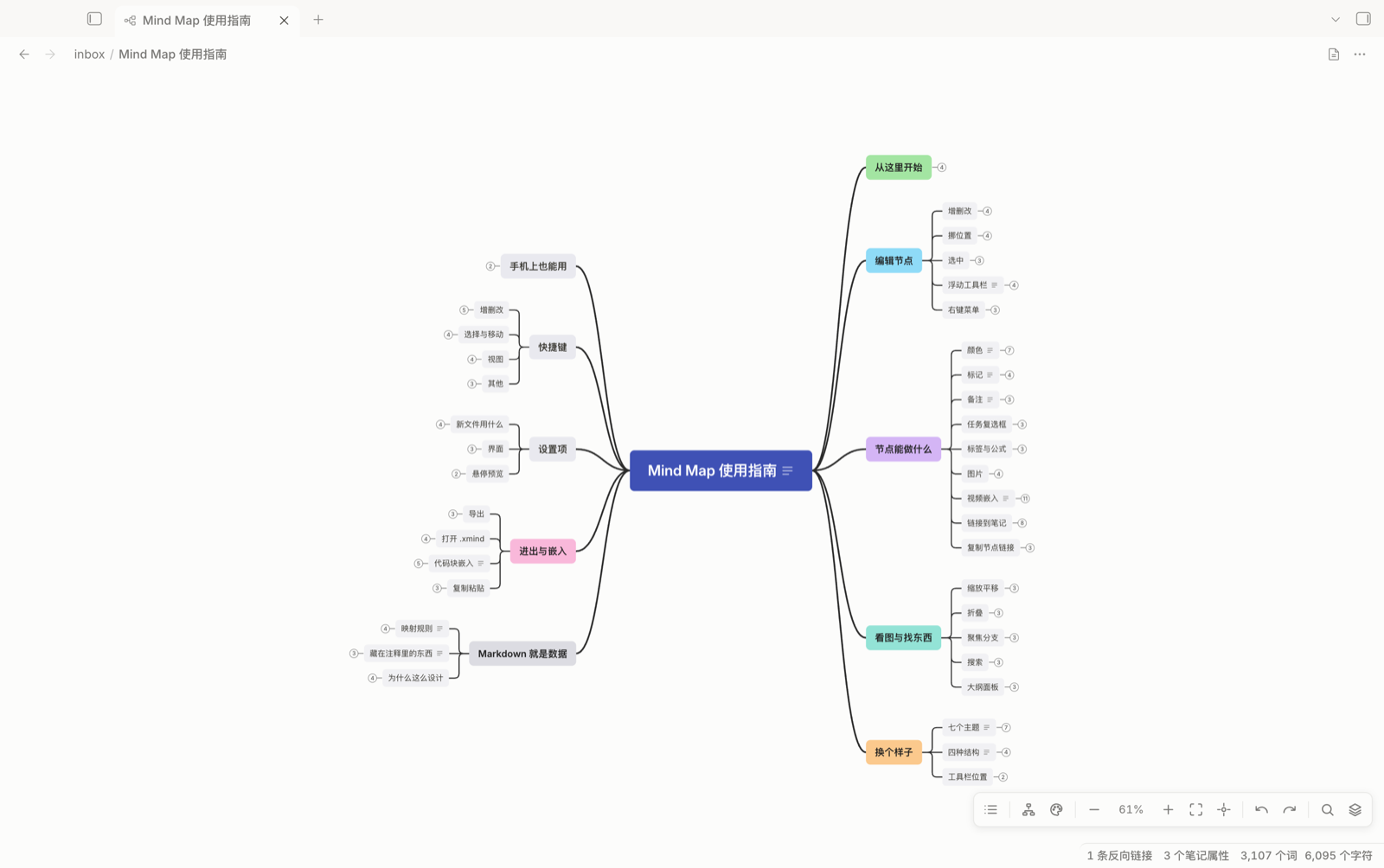
The gogoga Mind Map plugin turns Markdown headings and lists into editable mind maps while keeping the same note as the underlying file. Changes flow between the map and Markdown, including a split preview that follows typing without changing the file. Four layouts and seven themes control the view. Nodes support dragging, folding, branch focus, search, linked notes, task checkboxes, math and images. An outline panel provides another way to navigate and rearrange the tree, and editable mindmap code blocks embed maps inside regular notes. It runs on desktop and mobile without runtime dependencies. XMind 8 and newer formats open as read only maps with sheet switching and conversion to Markdown. Exports include PNG at twice the resolution and SVG, with fonts embedded.
11. Note Pulse
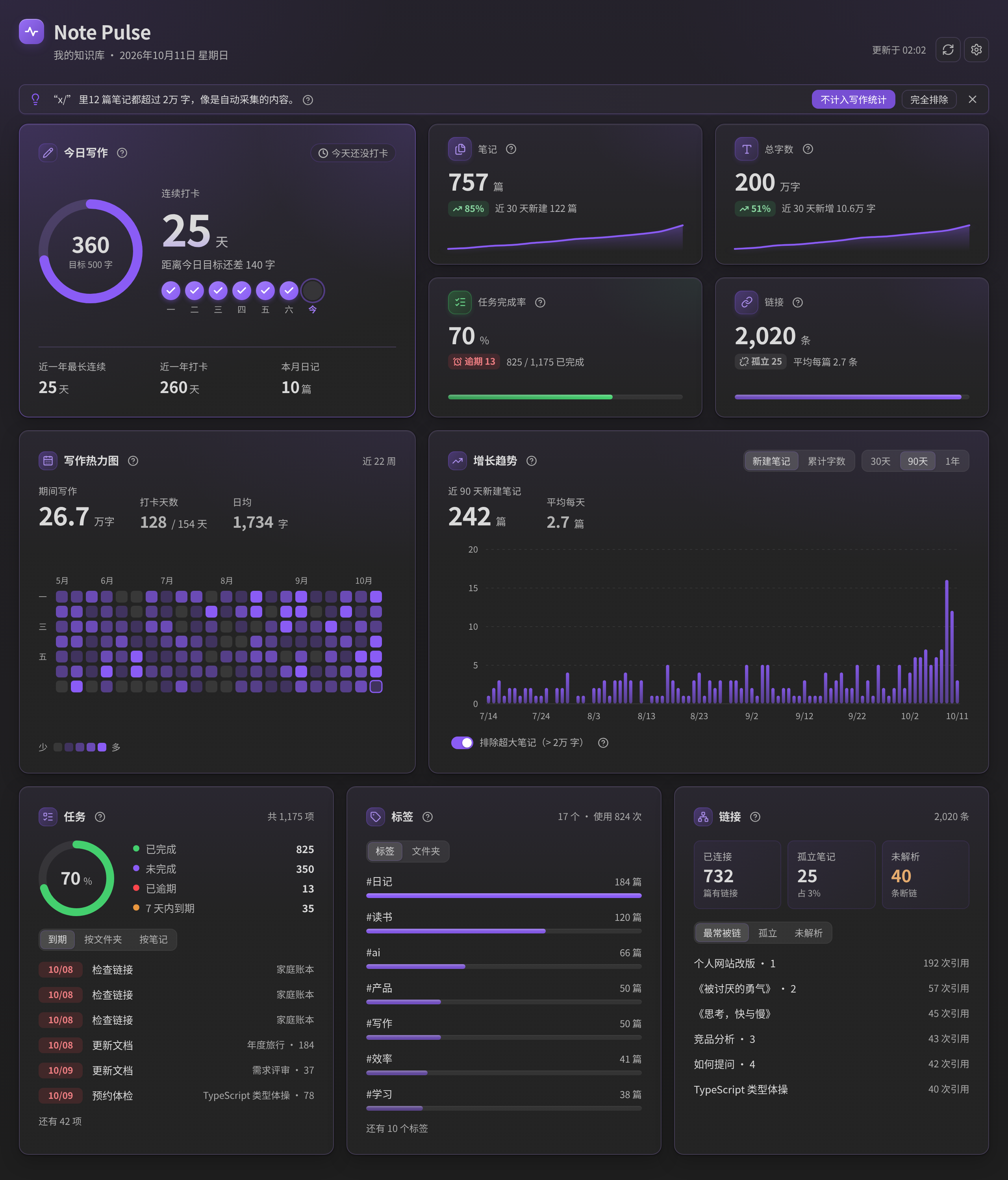
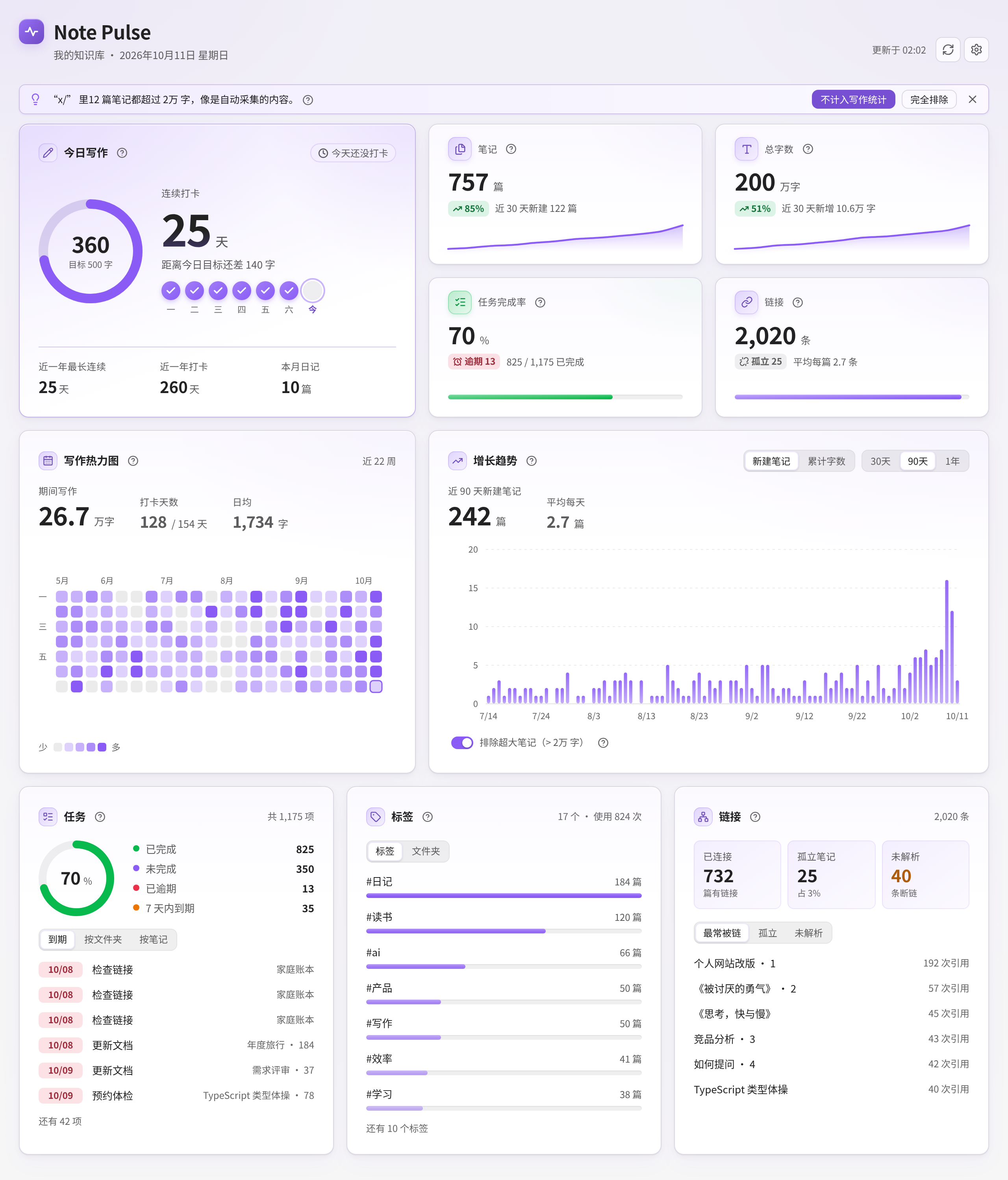
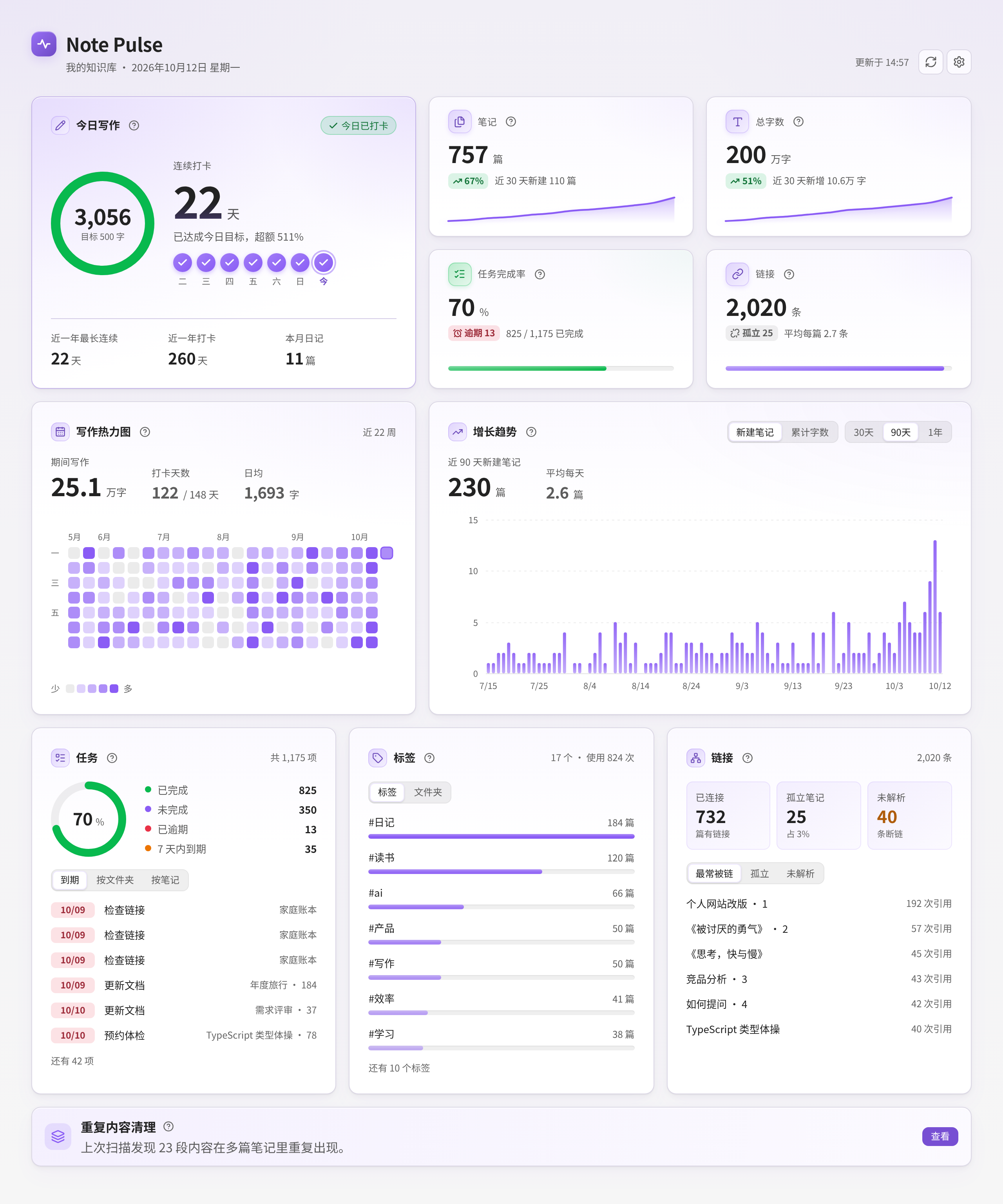
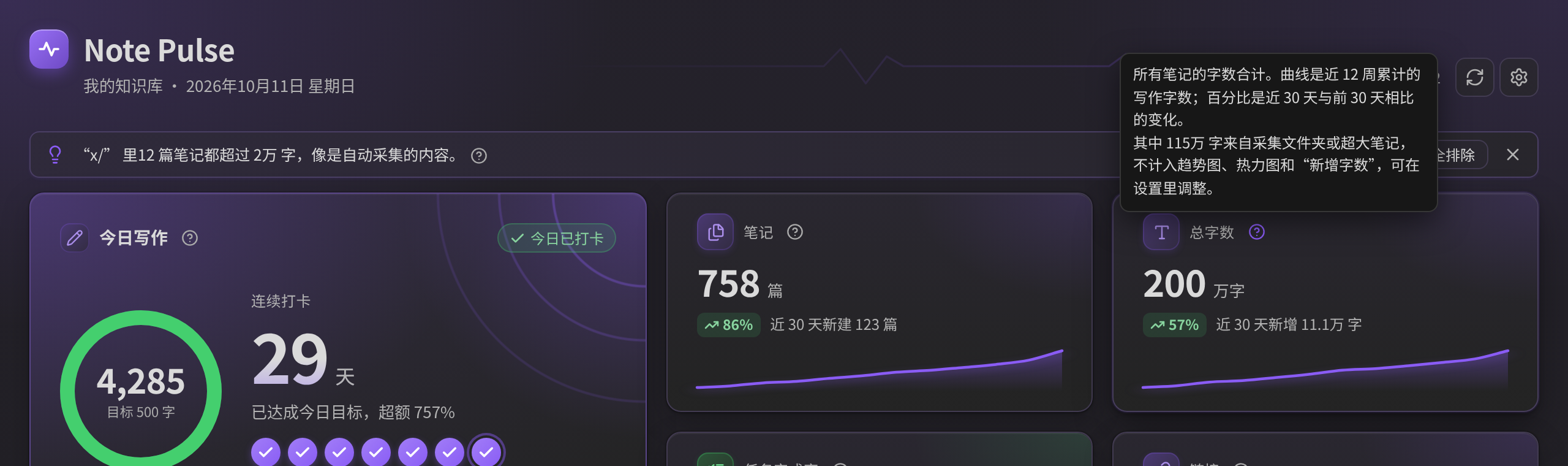
The Note Pulse plugin brings vault statistics into a dashboard with daily writing goals, streaks, a writing heatmap and note growth charts. Task panels separate completed, open and overdue items, with links that jump to the task line. Tag rankings, folder totals and link statistics include orphan notes and unresolved links. Oversized notes and clipping folders can be excluded from writing statistics. An optional mode writes word counts and estimated reading time into note properties for Bases, but changes notes and is disabled by default. Duplicate cleanup scans for repeated passages, previews changes and can mark later copies, replace them with links or delete them, with backups and undo. The dashboard follows light and dark themes on desktop and mobile. Processing stays local without network requests. Its interface is Chinese only, and cumulative word trends use current counts rather than historical snapshots.




12. Magical Cards
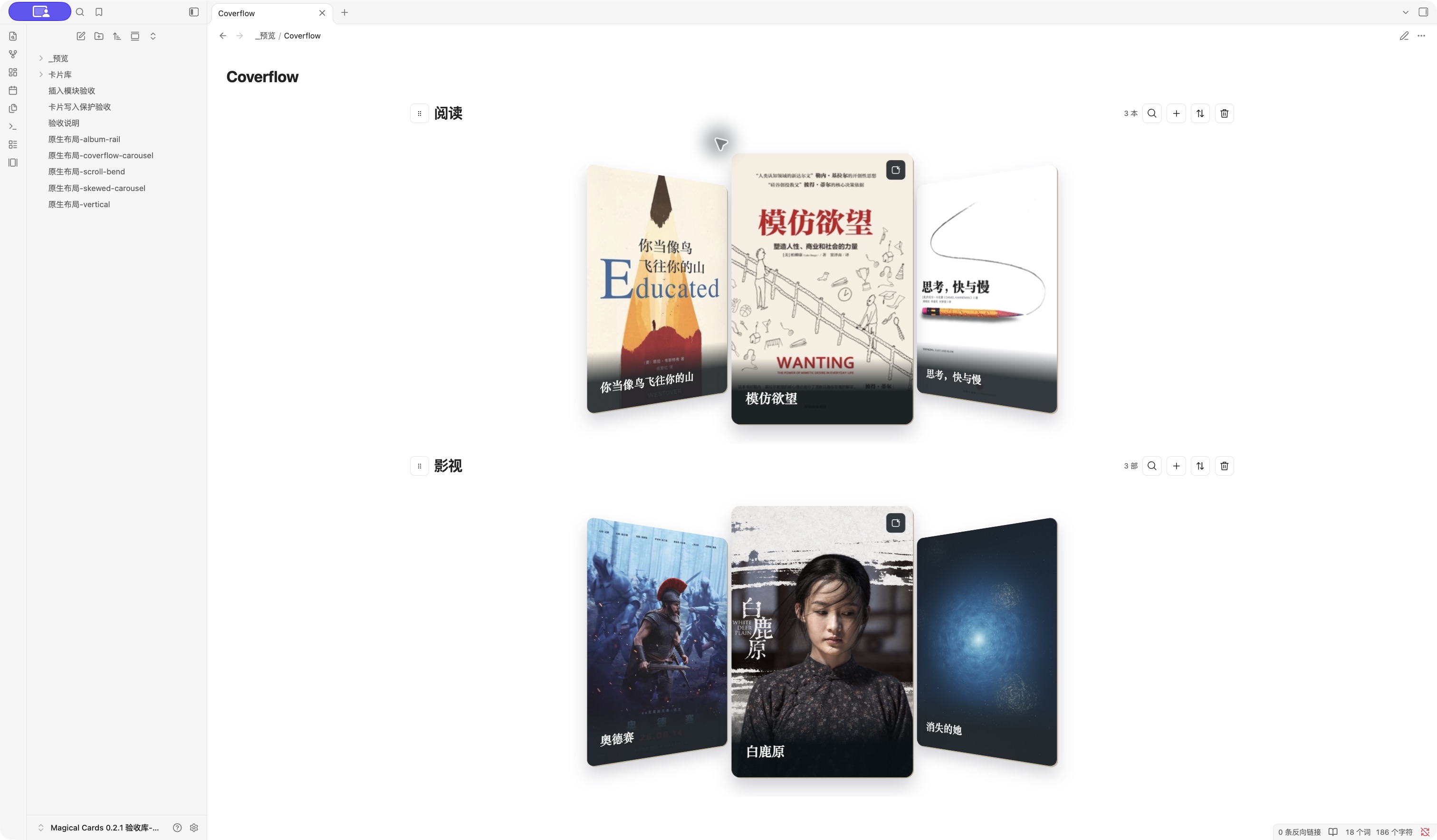
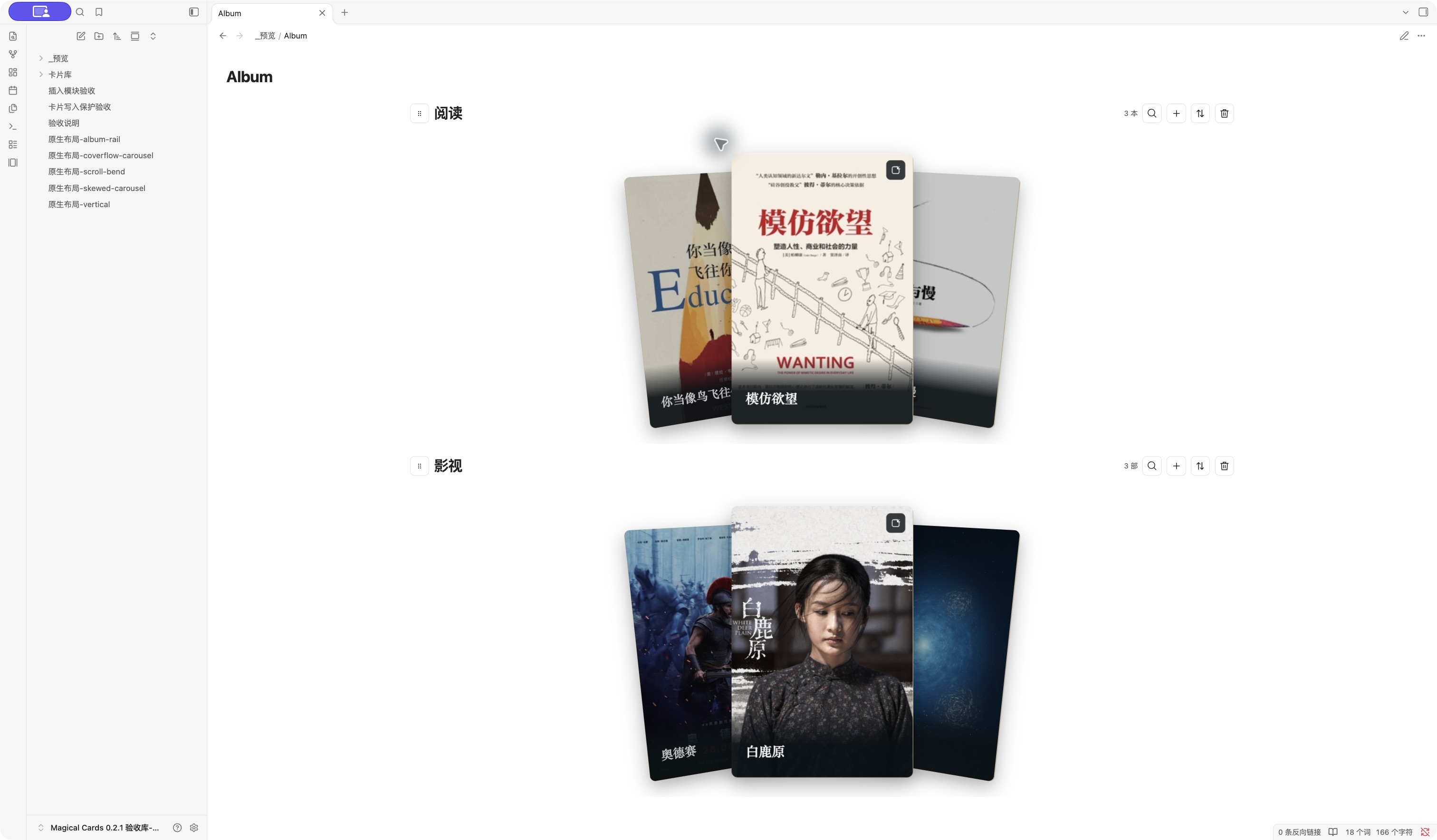
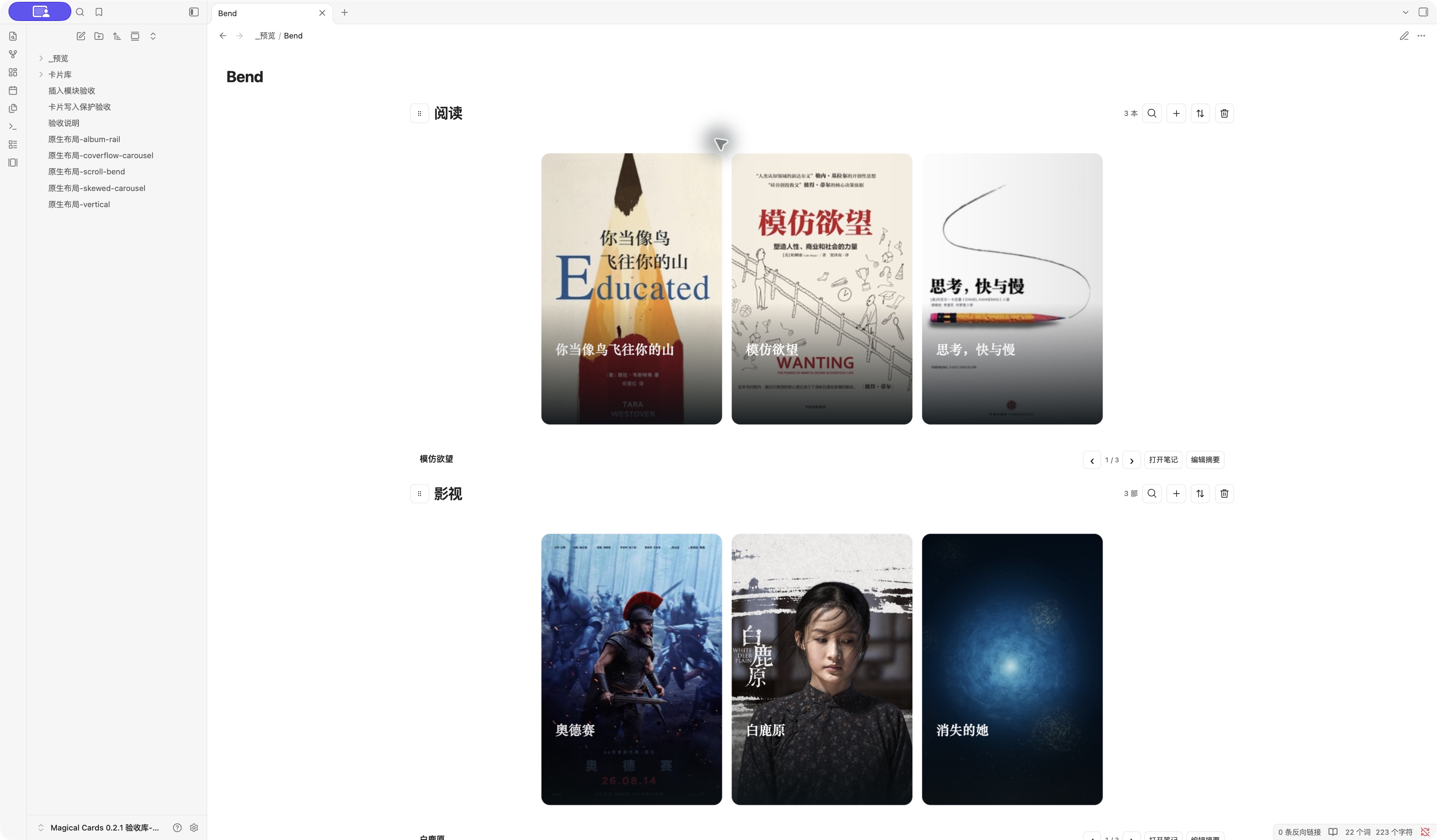
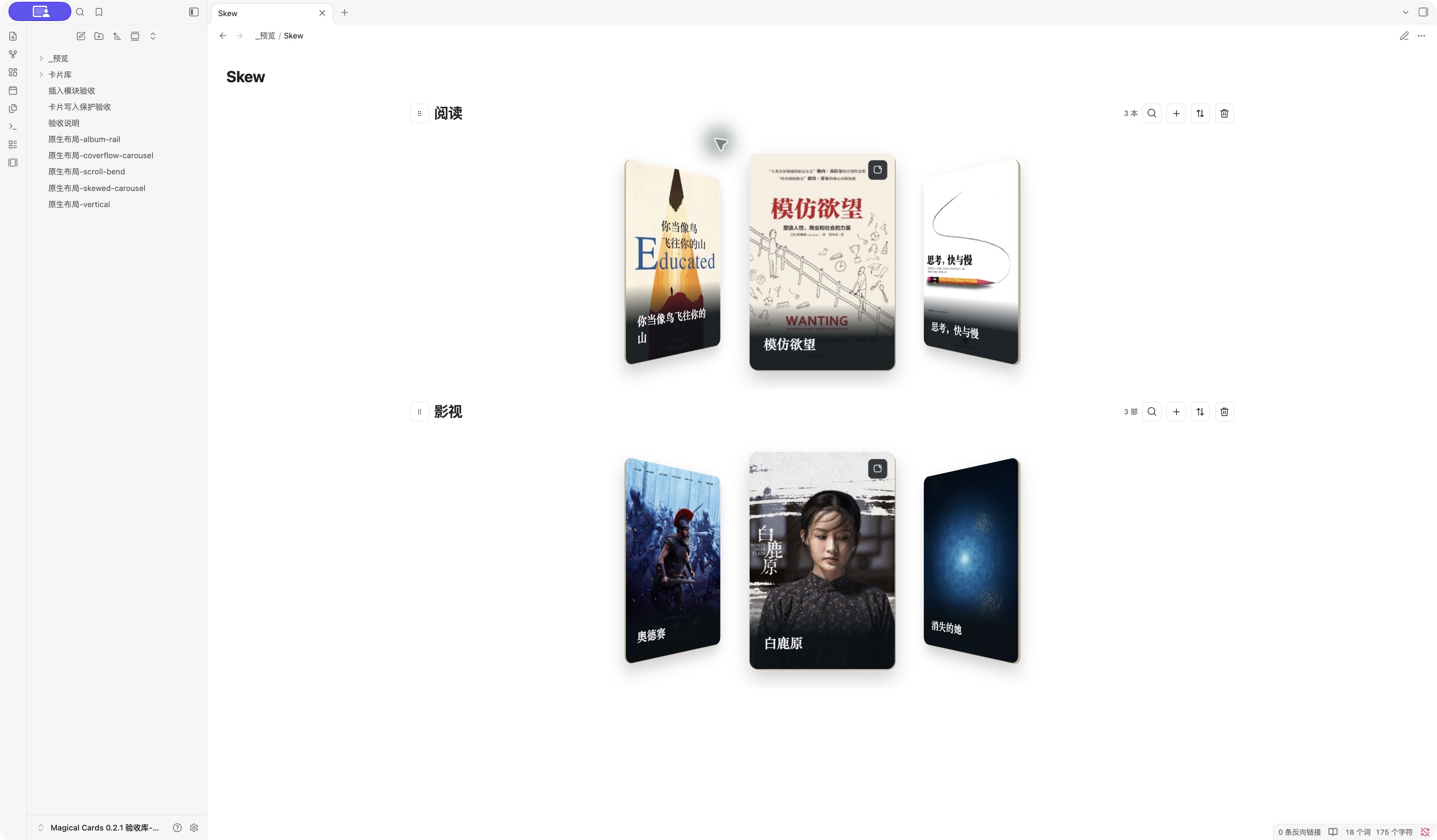
The Magical Cards plugin presents books, films and image collections as browsable cards backed by Markdown notes. Cards support editable covers and details, linked notes, manual ordering and summaries on their reverse side. Collections can appear in multiple dashboard categories or be embedded in notes in reading mode and live preview. Five animated layouts come with adjustable proportions, cover cropping and materials. Image showcases store their collection in one shared note and support batch imports with optional names and descriptions. Individual module dashboards provide statistics, search, filters and temporary sorting without changing the saved order. Optional WeRead imports bring selected ebooks and audiobooks into book modules using an API key, skipping existing source entries within that module. Desktop and mobile interfaces are supported, although physical device testing remains unverified on the listed platforms. The interface is currently Chinese.
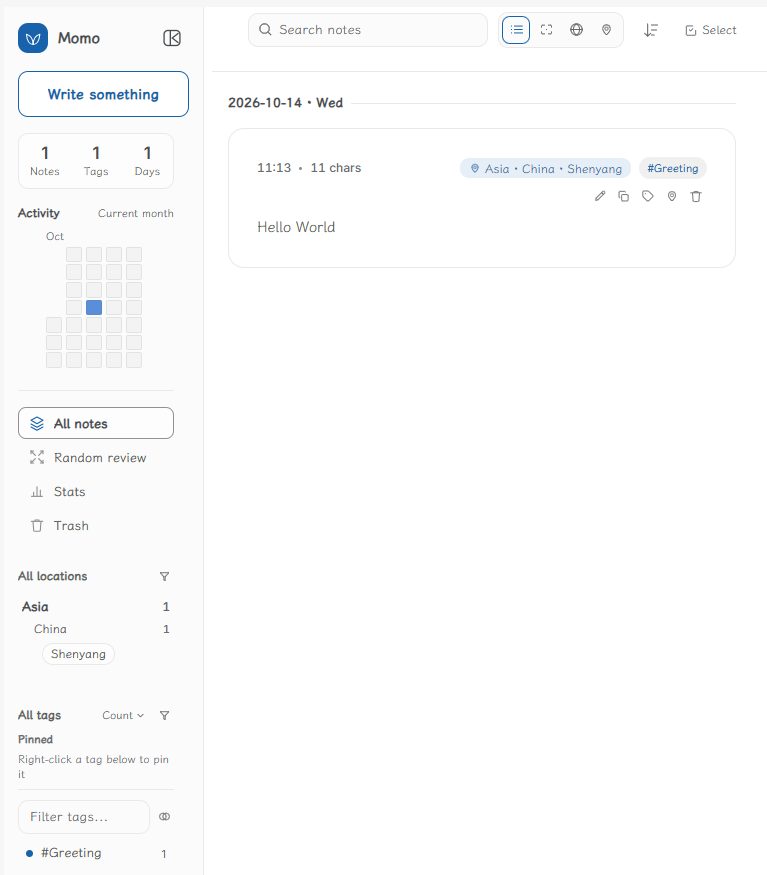
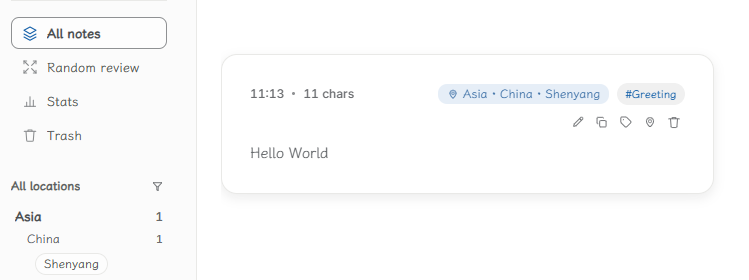
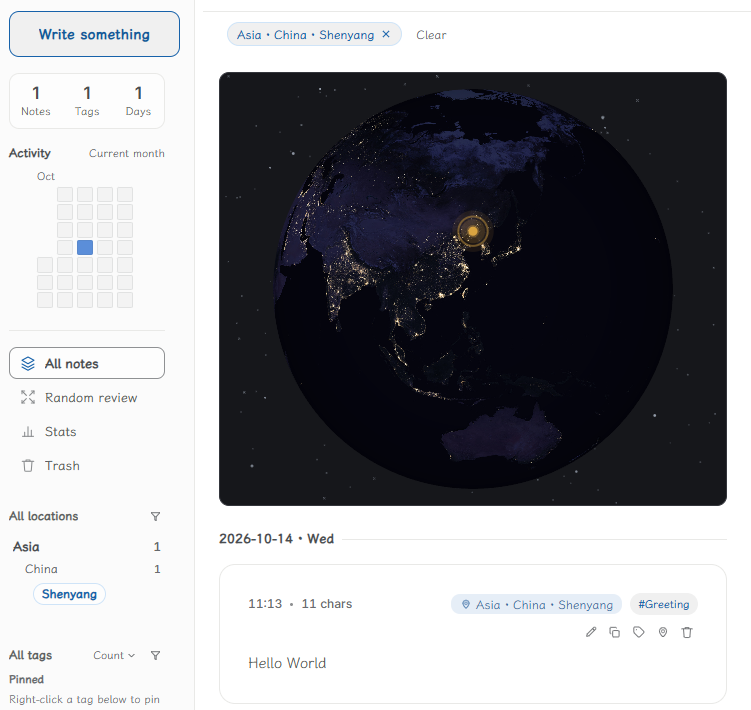
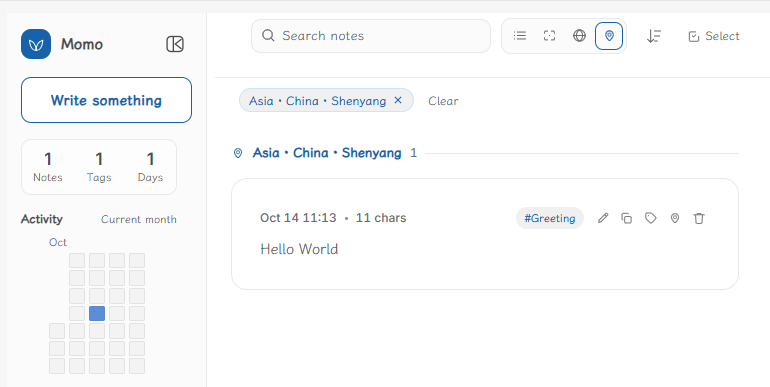
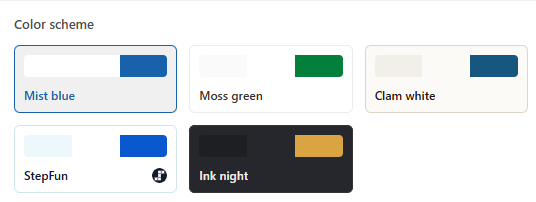
The Momo plugin provides card style notes while handling file names, titles, storage locations and formatting automatically. Writing a few lines in its input box and pressing Enter creates a note. Tags and locations organise entries, with several ways to browse them. The list view supports scanning, filtering and bulk organisation, while focus view presents one note at a time with surrounding cards faded into the background. A rotating globe displays recorded locations that open their associated notes when selected. Location view groups entries in a continent, country and place hierarchy. Random review resurfaces older notes, and selectable colour schemes change the interface. Notes remain ordinary files in the vault that can be opened, edited and synced normally. Uninstalling the plugin leaves those files untouched.
14. Jupyter Notebook
The Jupyter Notebook plugin's specific features, supported workflows and external requirements are not detailed.
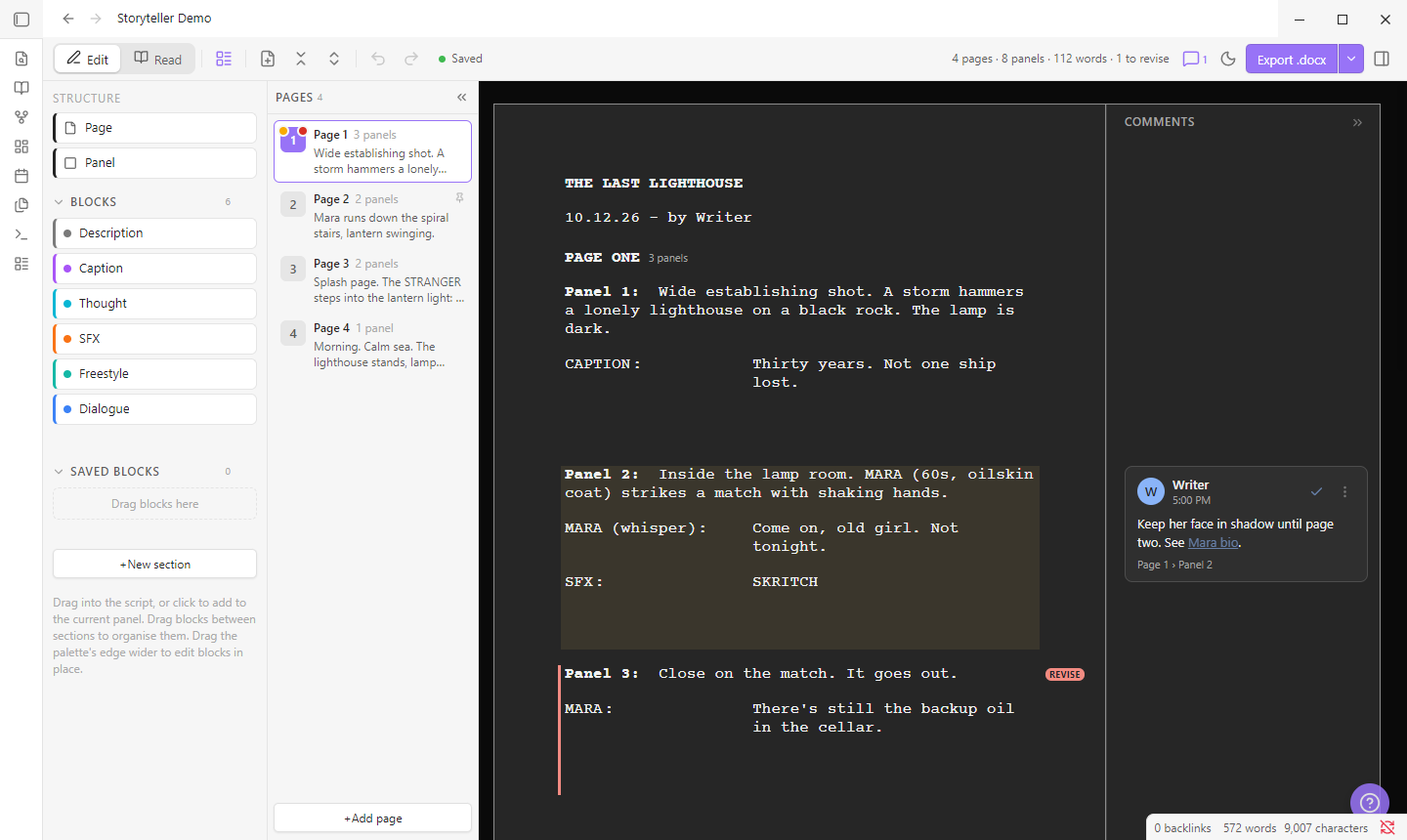
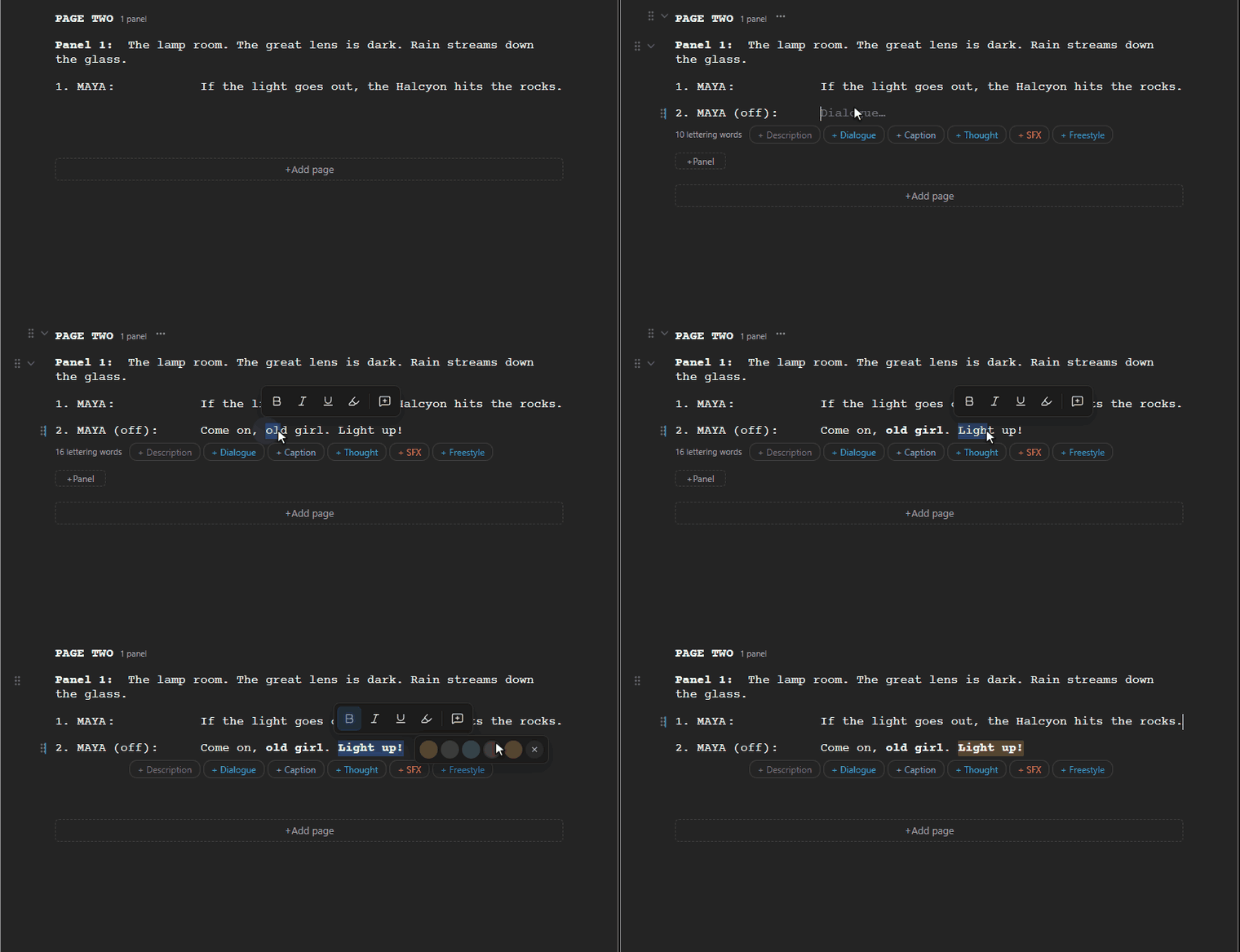
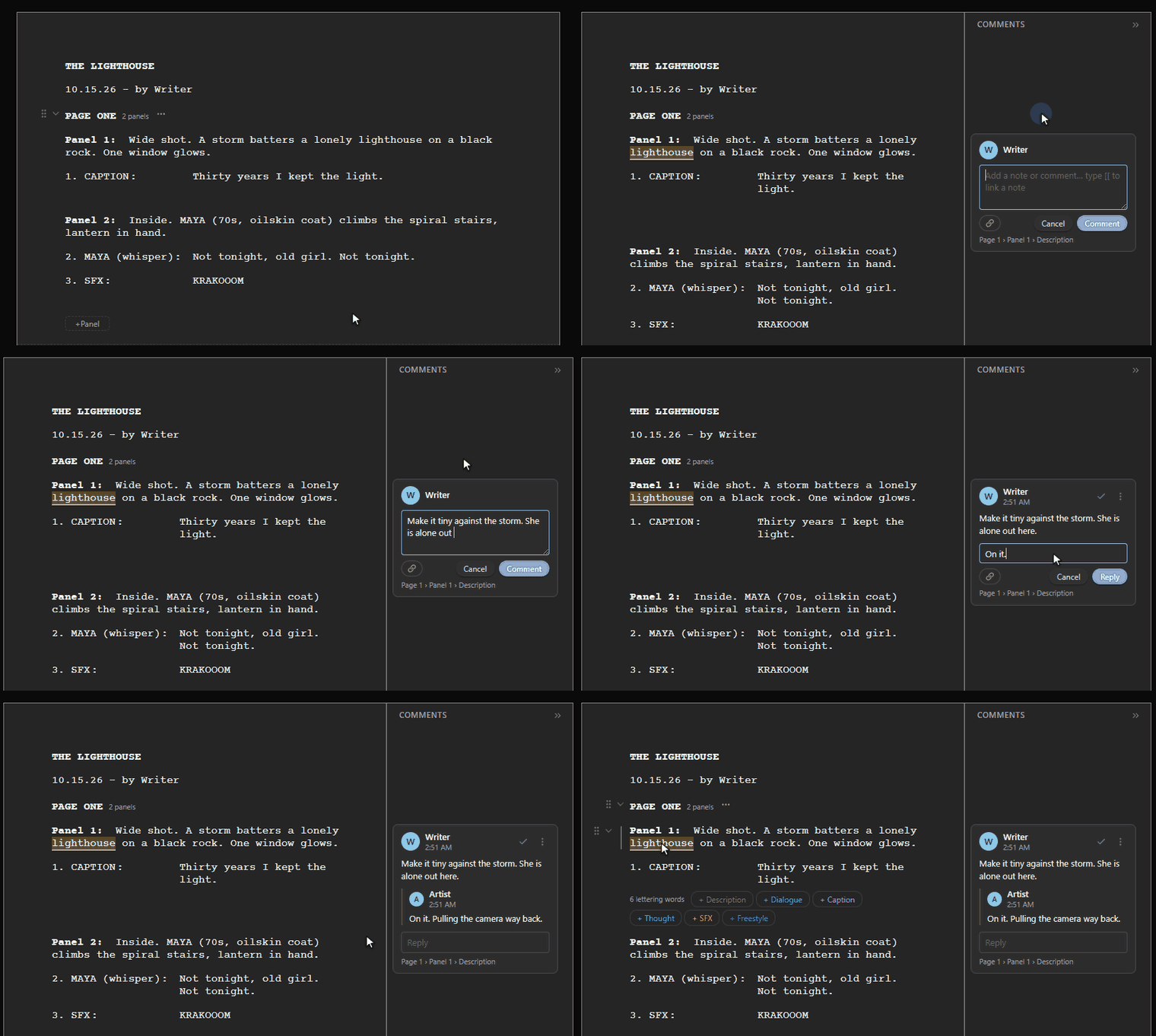
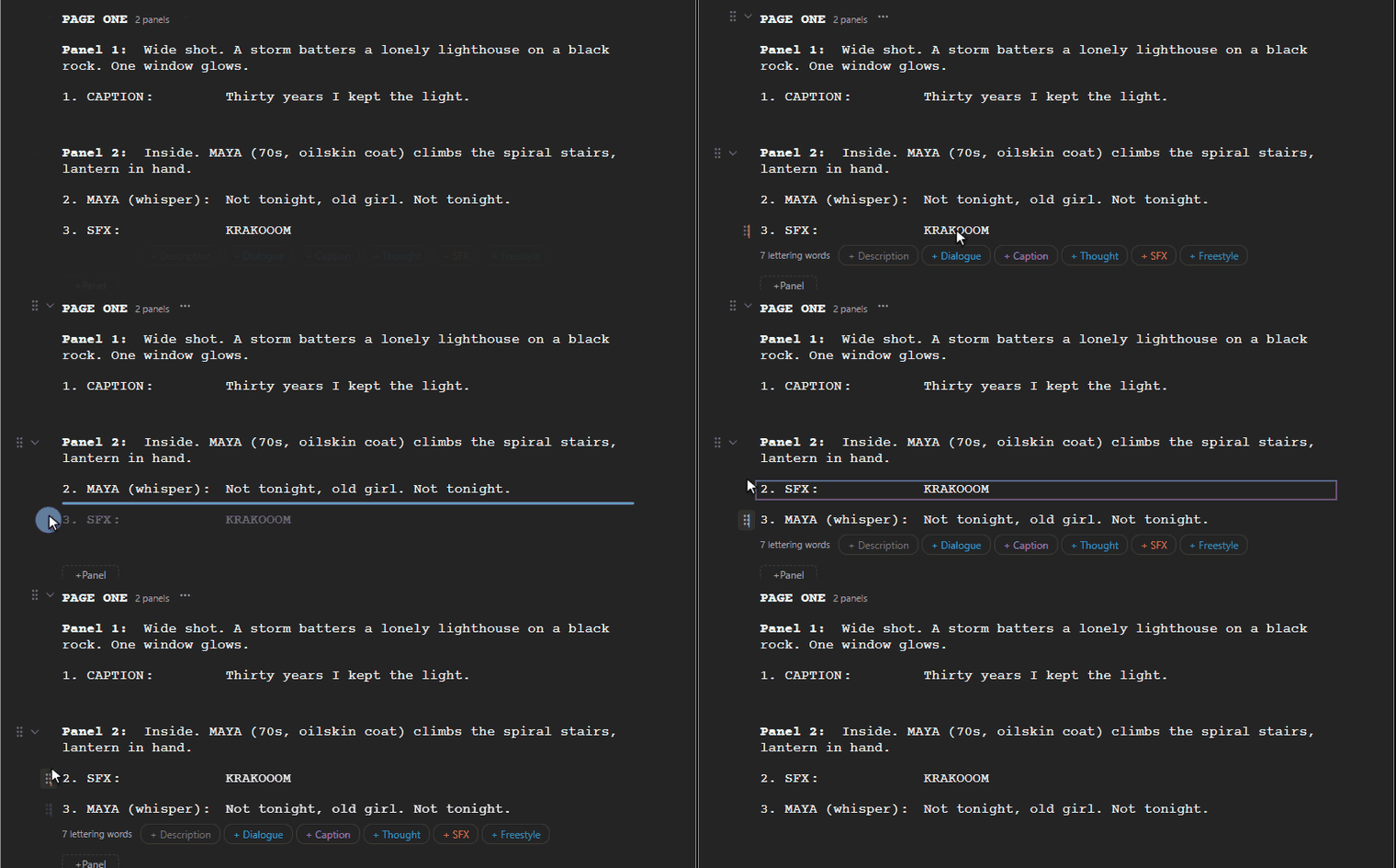
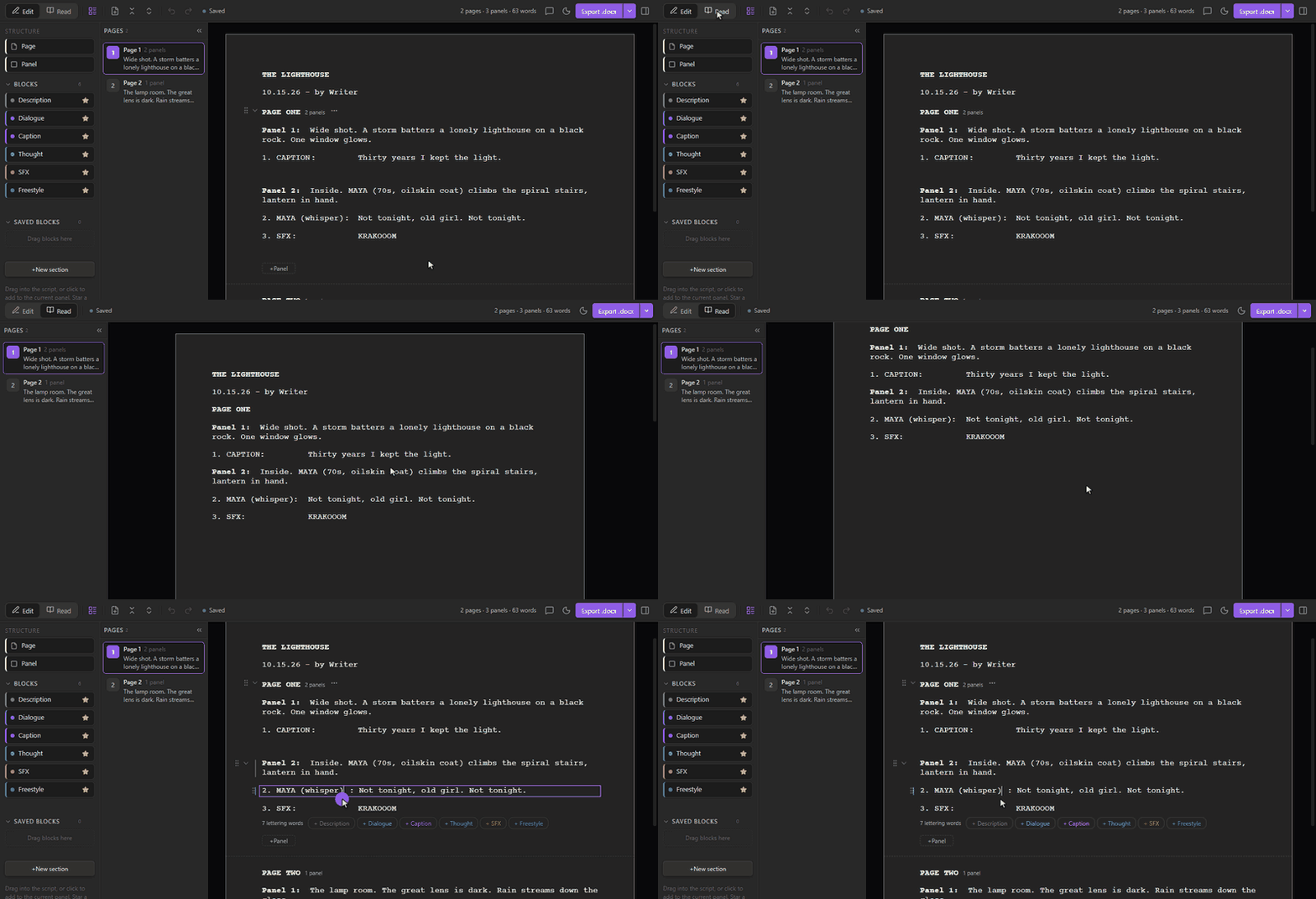
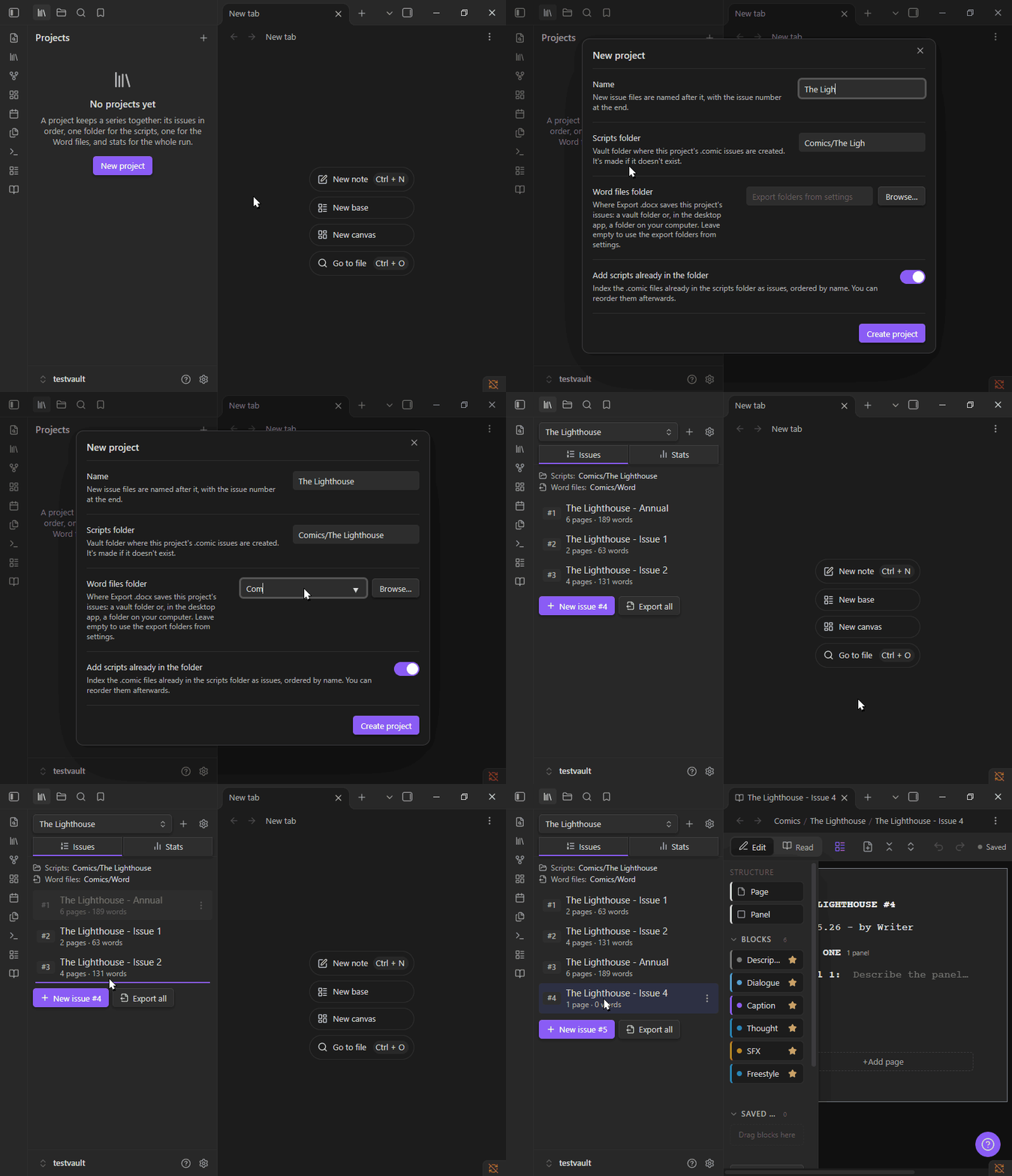
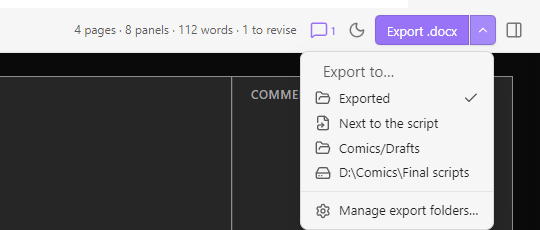
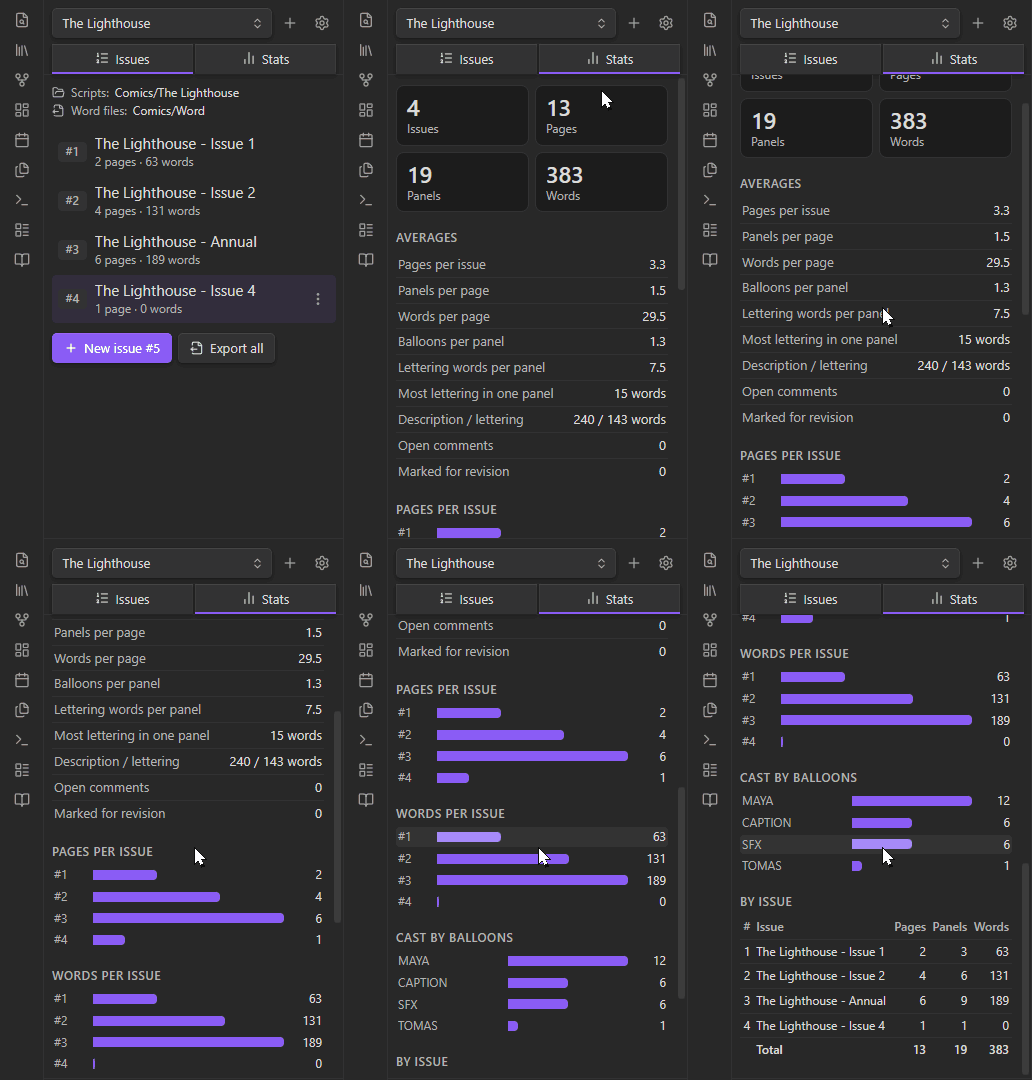
The Storyteller Comic Drafter plugin provides a dedicated editor for `.comic` scripts, with pages, panels and lettering blocks that can be rearranged by dragging. Page, panel and balloon numbers update automatically. Its block palette includes dialogue, captions, thoughts and sound effects, alongside custom types and reusable blocks. Text supports combined formatting and coloured highlights, while margin comments allow threaded replies and links to notes. Read mode displays a clean script and lets you return to editing by double clicking a line. Projects keep issues in reading order and show live statistics for pages, words, panels and speakers. Word exports preserve page breaks, comments, highlights and revision markers, with batch export available for projects. Each issue belongs to only one project. The plugin makes no network requests and requires Obsidian 1.5.7 or newer.
Most Downloaded (2026-10-11 to 2026-10-17)
| Rank | Plugin | Downloads | Links |
|---|---|---|---|
| 1 | Copilot | 197,243 | Details / GitHub |
| 2 | TaskNotes | 152,358 | Details / GitHub |
| 3 | Excalidraw | 134,272 | Details / GitHub |
| 4 | Templater | 80,760 | Details / GitHub |
| 5 | Claudian | 77,604 | Details / GitHub |
| 6 | Tasks | 57,849 | Details / GitHub |
| 7 | Dataview | 42,869 | Details / GitHub |
| 8 | Editing Toolbar | 37,641 | Details / GitHub |
| 9 | Git | 35,369 | Details / GitHub |
| 10 | QuickAdd | 28,978 | Details / GitHub |
| 11 | Abyss Tasks | 28,917 | Details / GitHub |
| 12 | TTRPG UI Toolkit | 27,890 | Details / GitHub |
| 13 | Importer | 27,333 | Details / GitHub |
| 14 | Breadcrumbs | 26,802 | Details / GitHub |
| 15 | Linter | 26,177 | Details / GitHub |
Plugin Updates
There are 1310 plugin updates this week. You can see all the plugin updates on Obsidian Plugin Stats webapp.
Notable Updates
- Copilot - v4.0.15 - Changelog
- Excalidraw - v2.29.0 - Changelog
- Templater - v2.26.0 - Changelog
- Claudian - v2.3.22 - Changelog
- Tasks - v8.5.0 - Changelog
New Themes
1. Bog Oak
2. PaperK
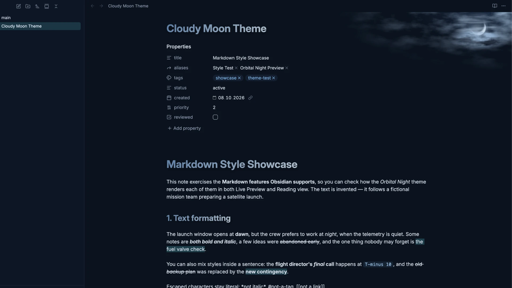
3. Cloudy Moon
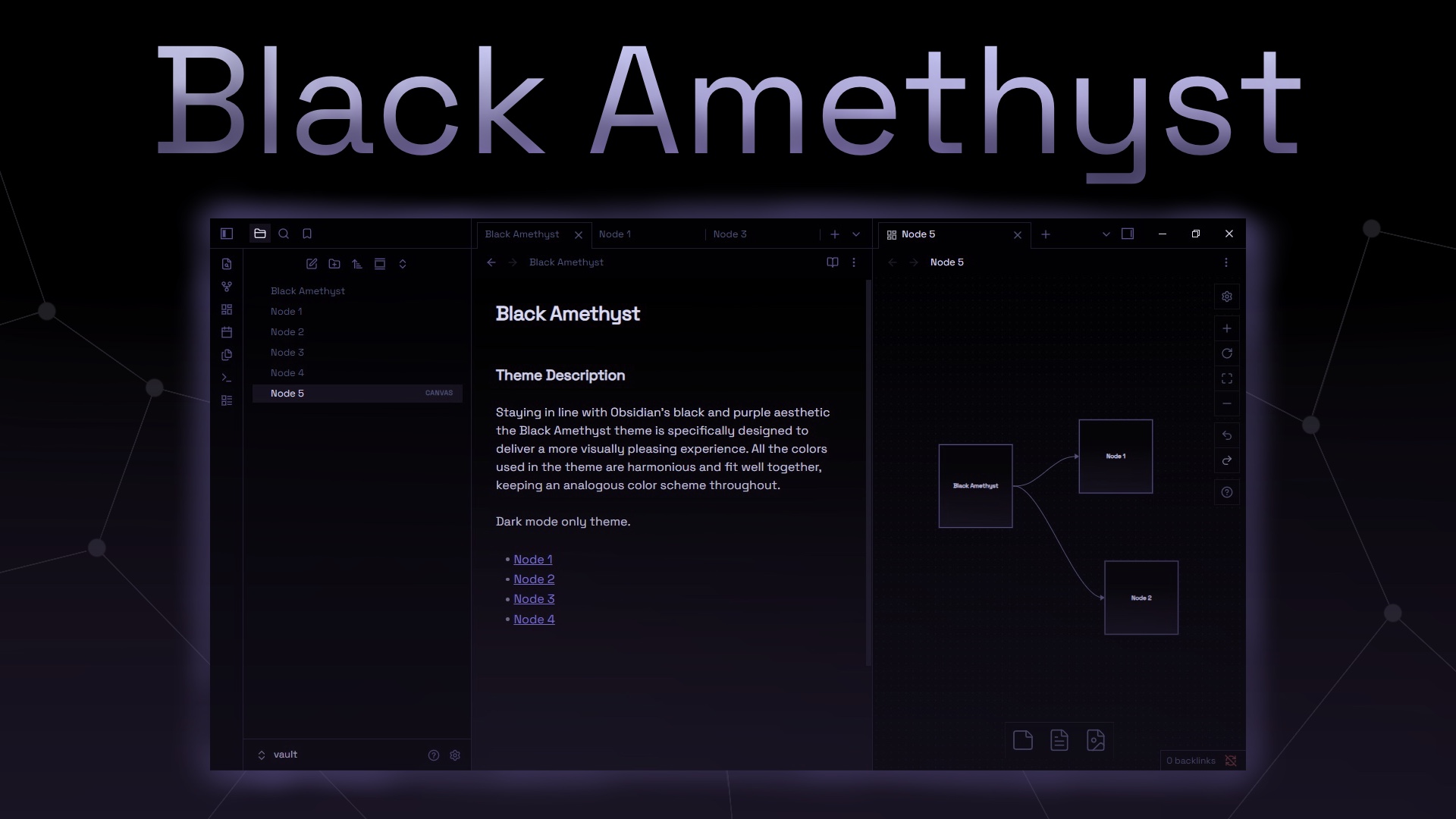
5. Semiotic
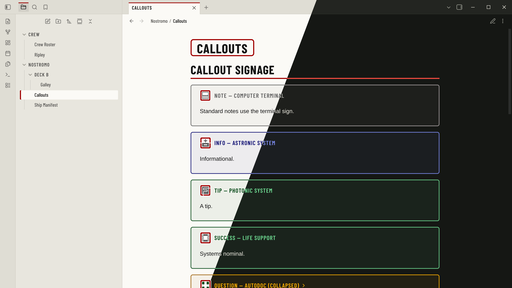
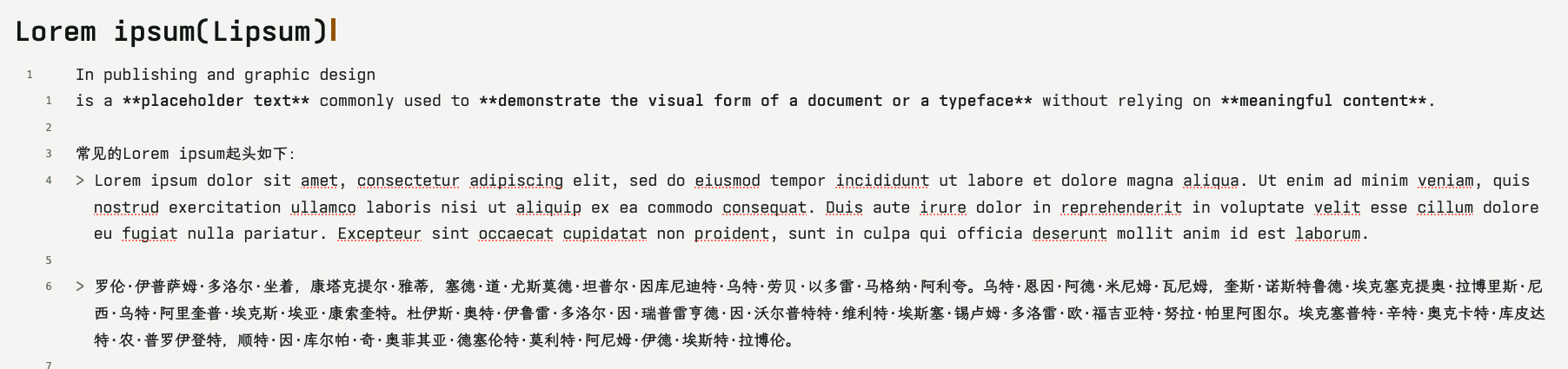
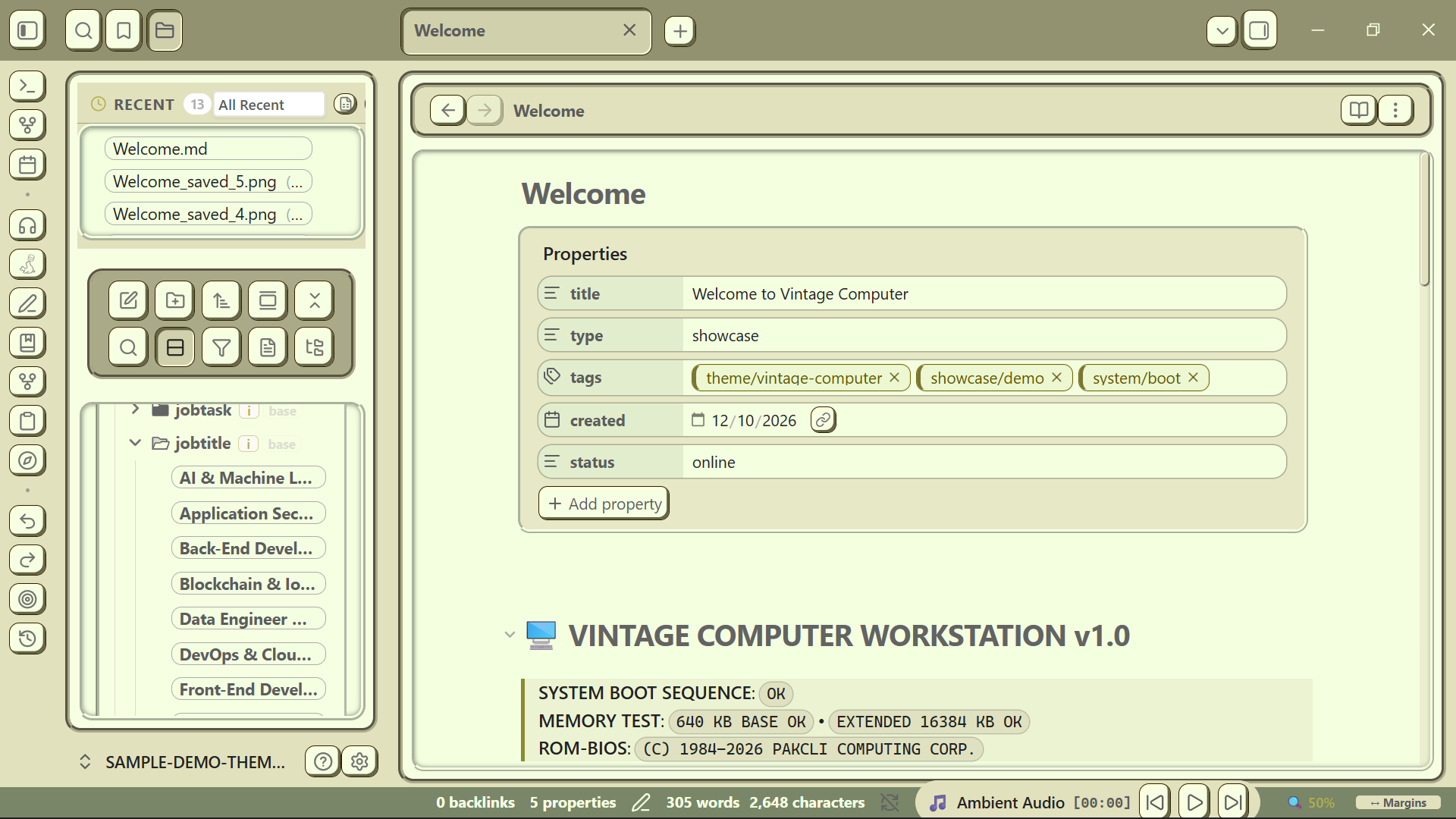
8. Lathe
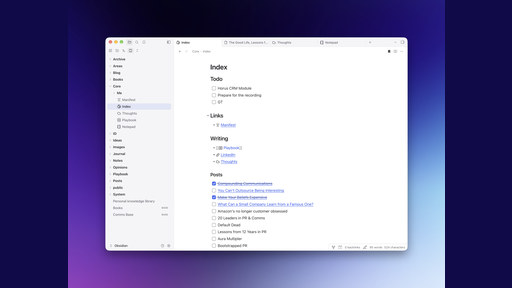
9. Gitsidian
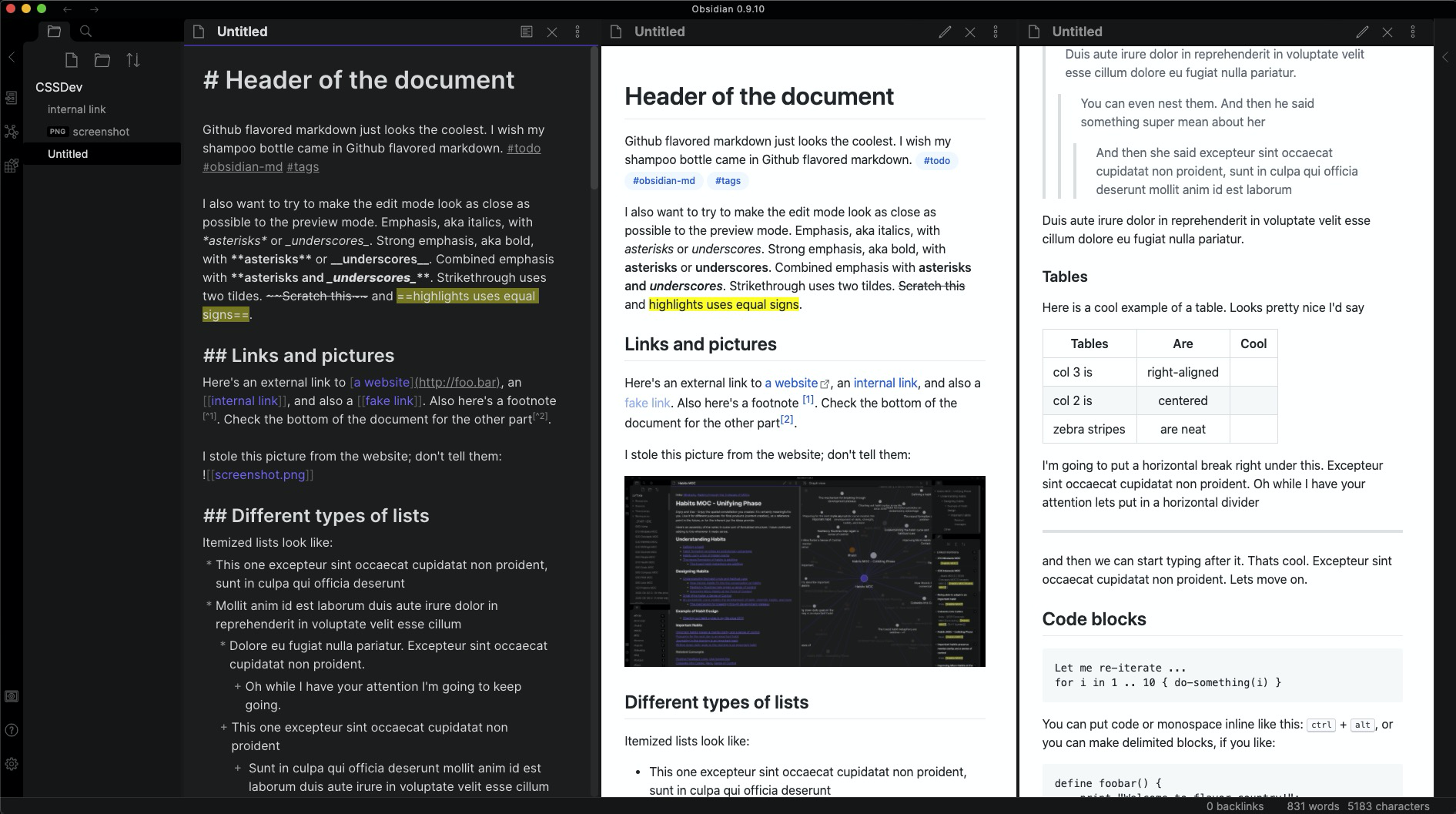
10. Newsprint
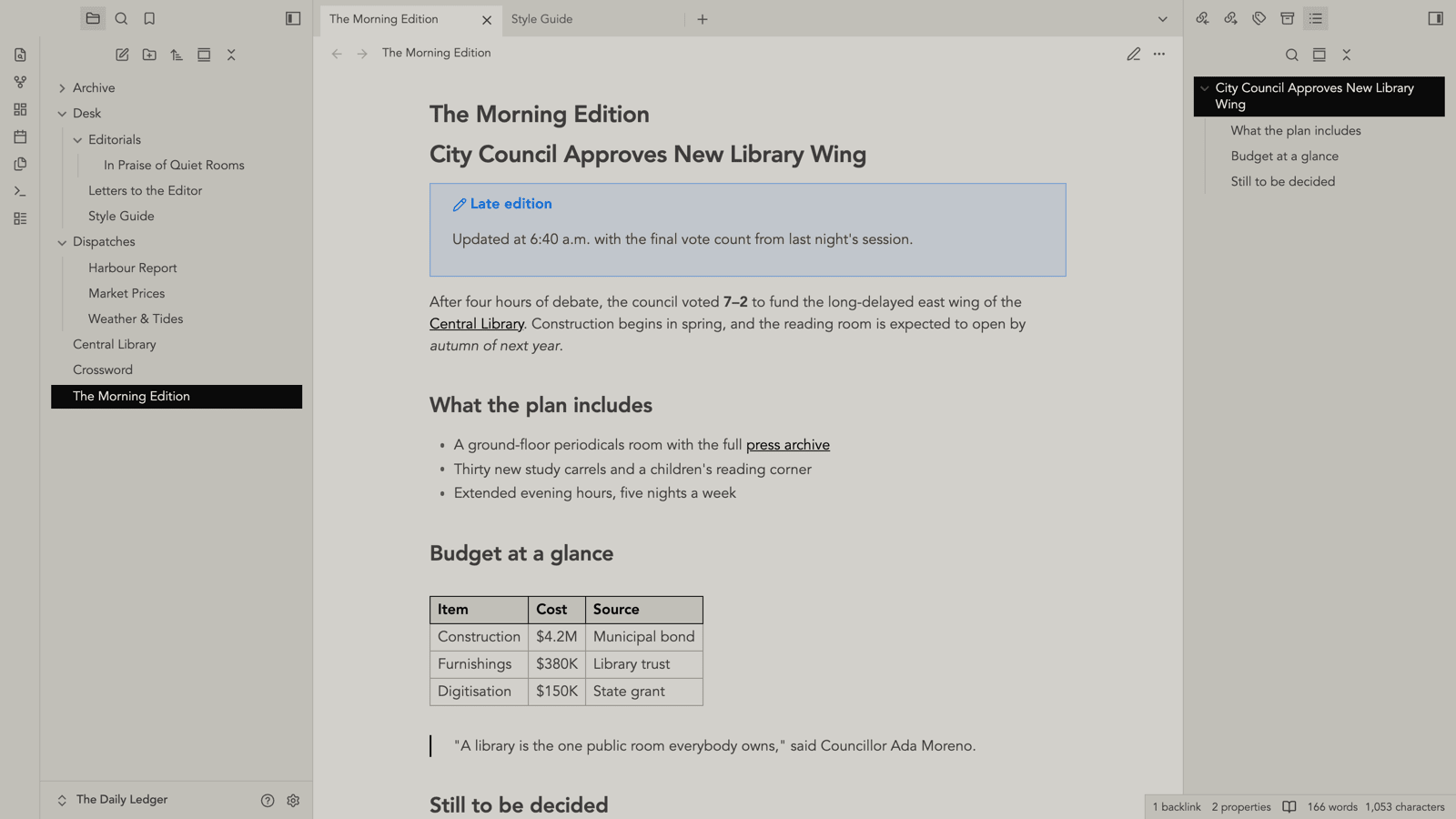
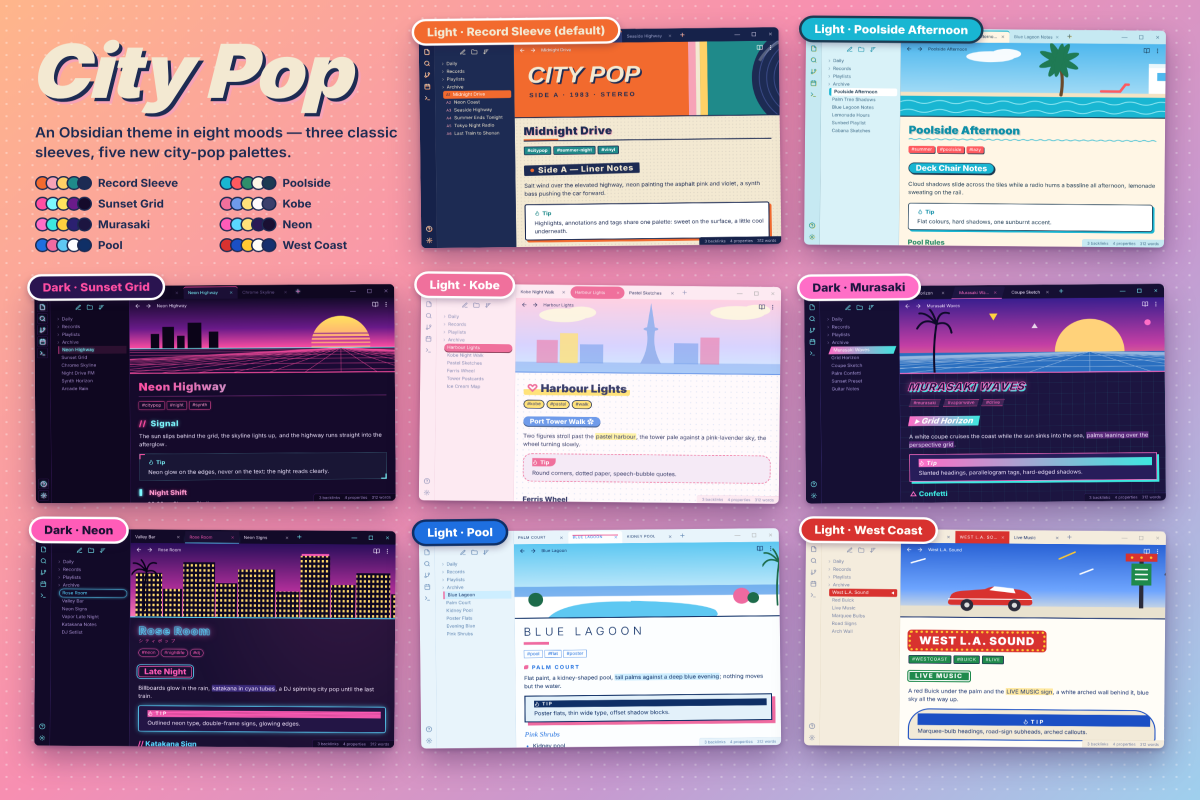
11. City Pop
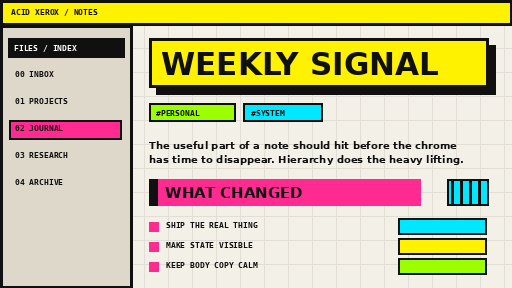
12. Acid Xerox
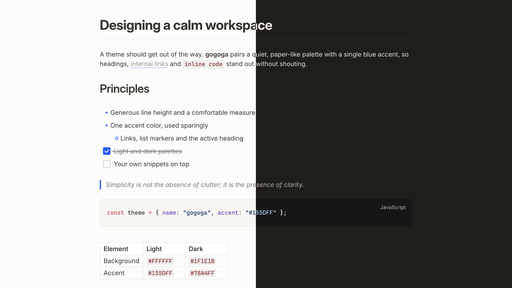
13. gogoga
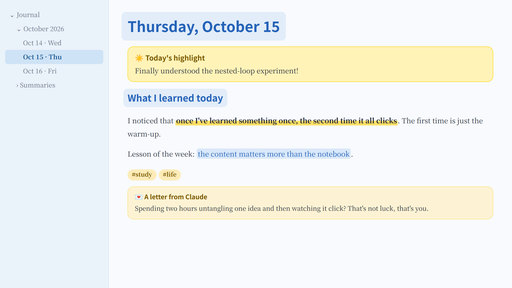
14. Cozy Journal
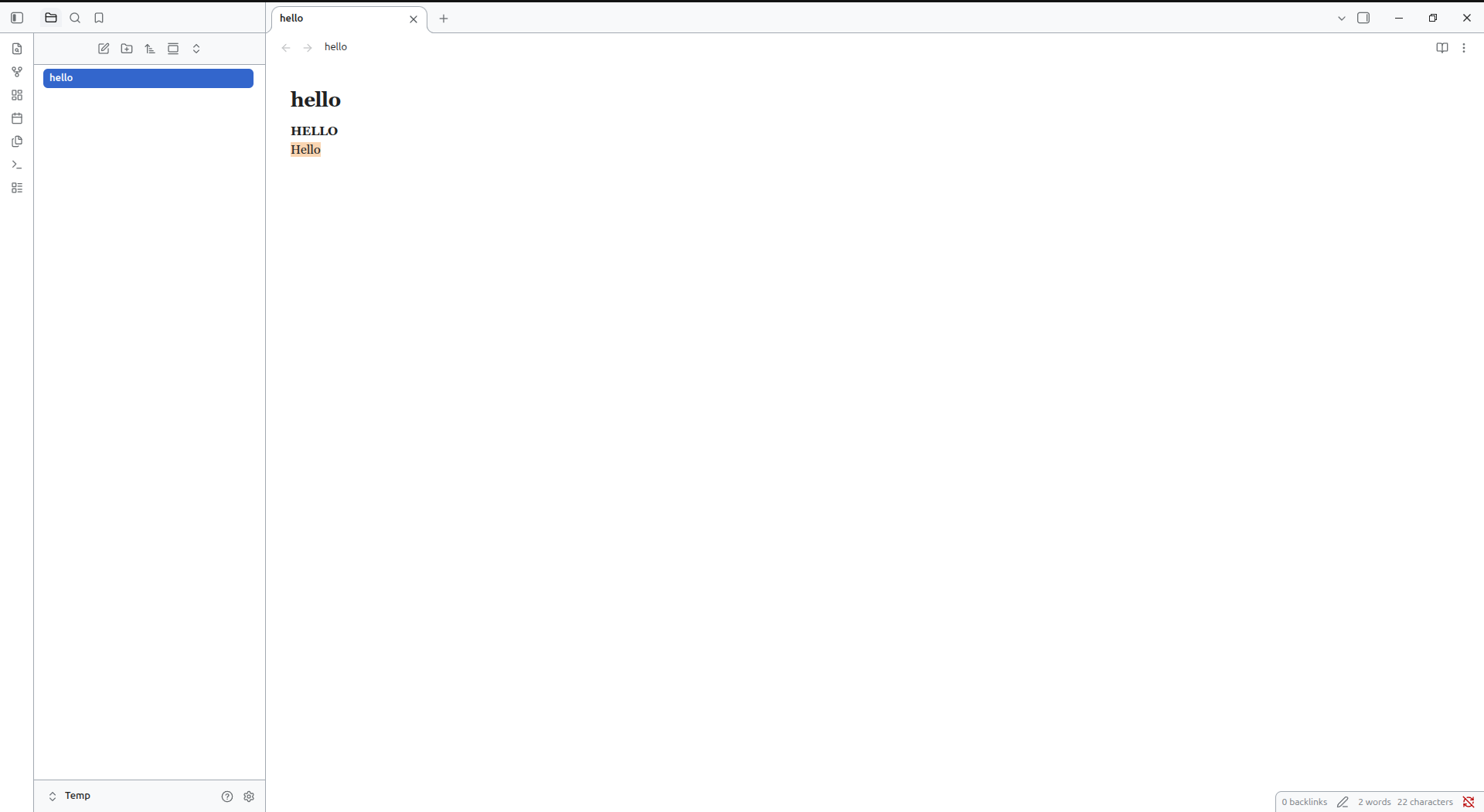
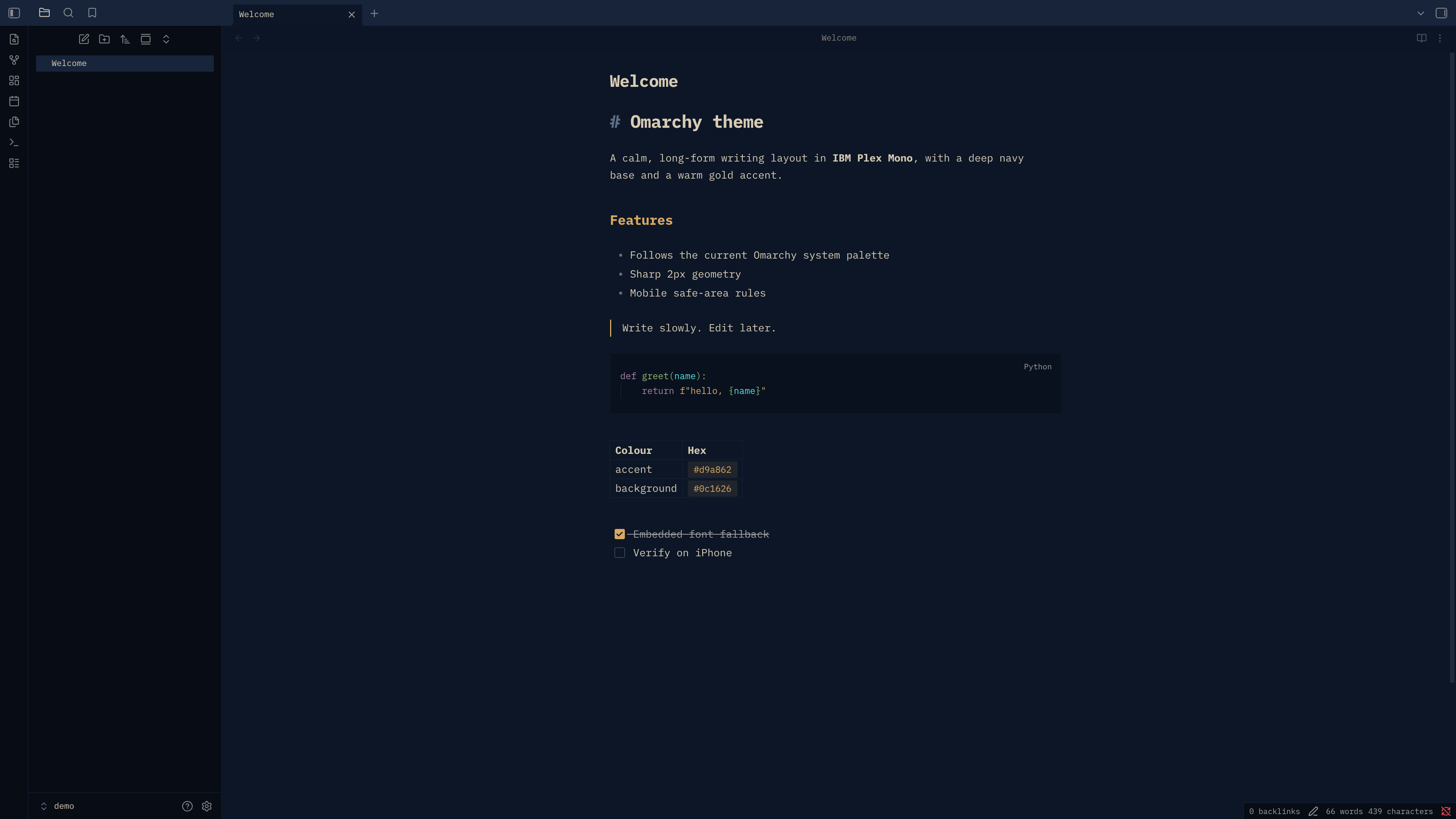
15. Omarchy
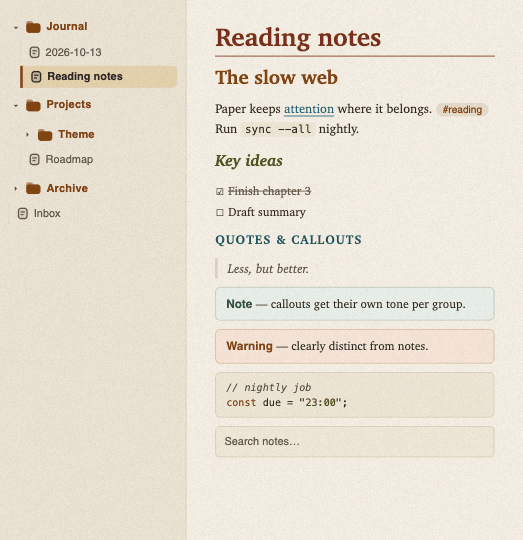
16. Paper feel
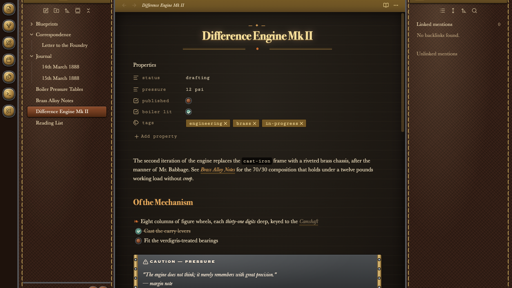
17. Aether Works
18. Sumi
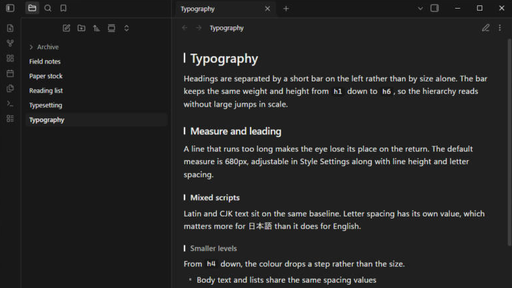
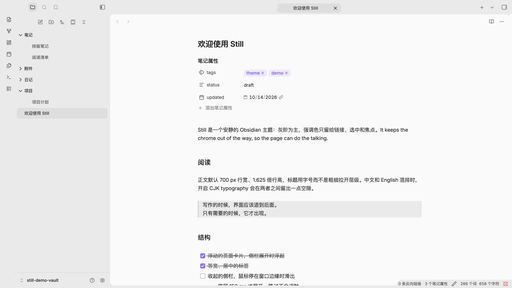
19. Still
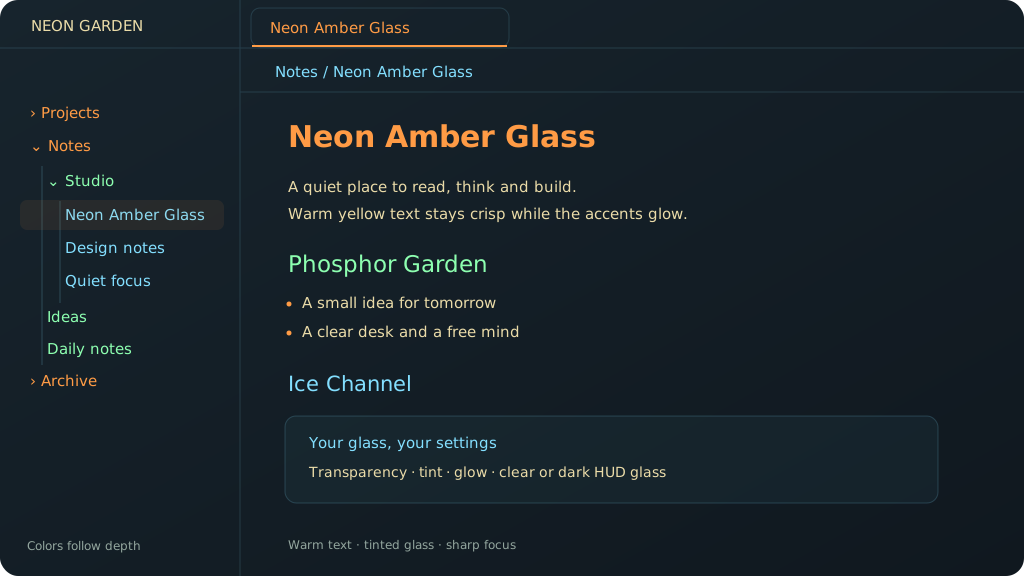
20. Neon Amber Glass
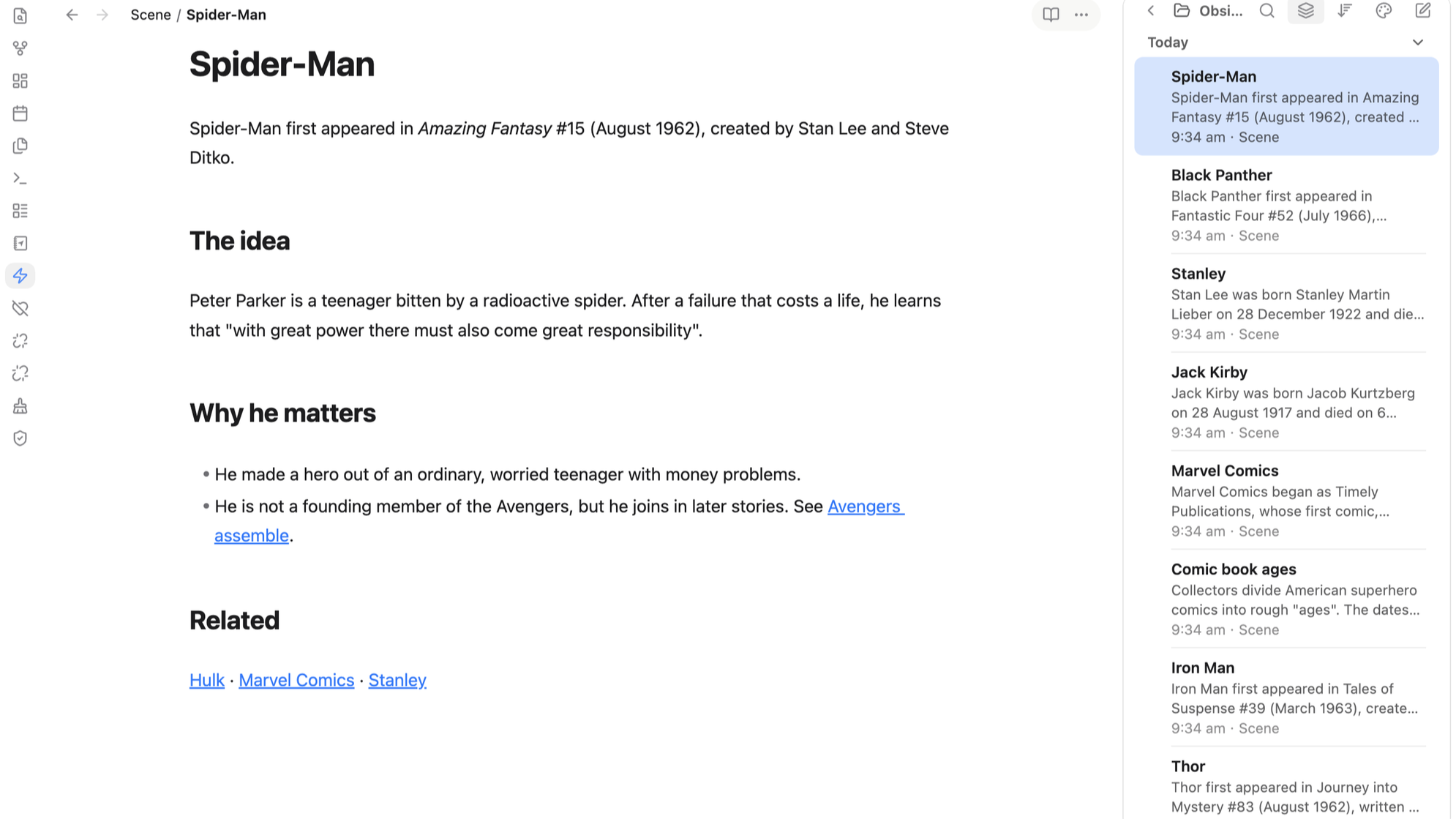
21. minilite
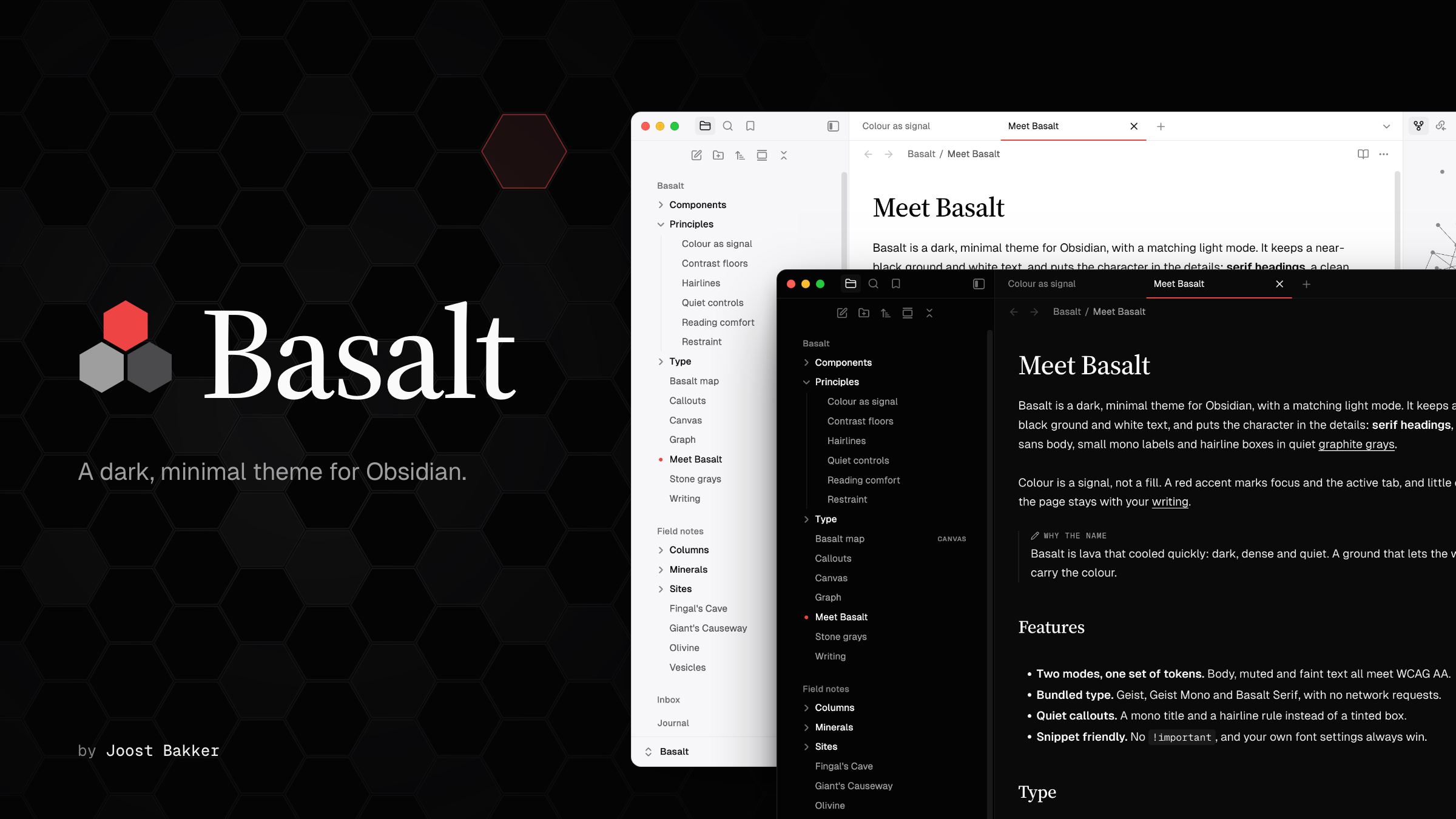
22. Basalt
23. Istari
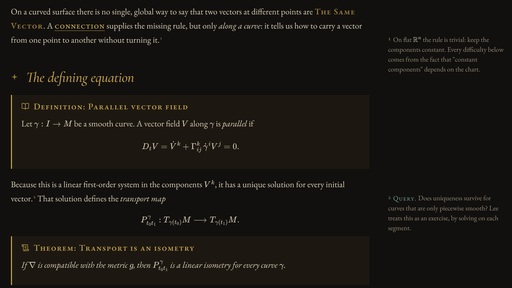
24. Zacess
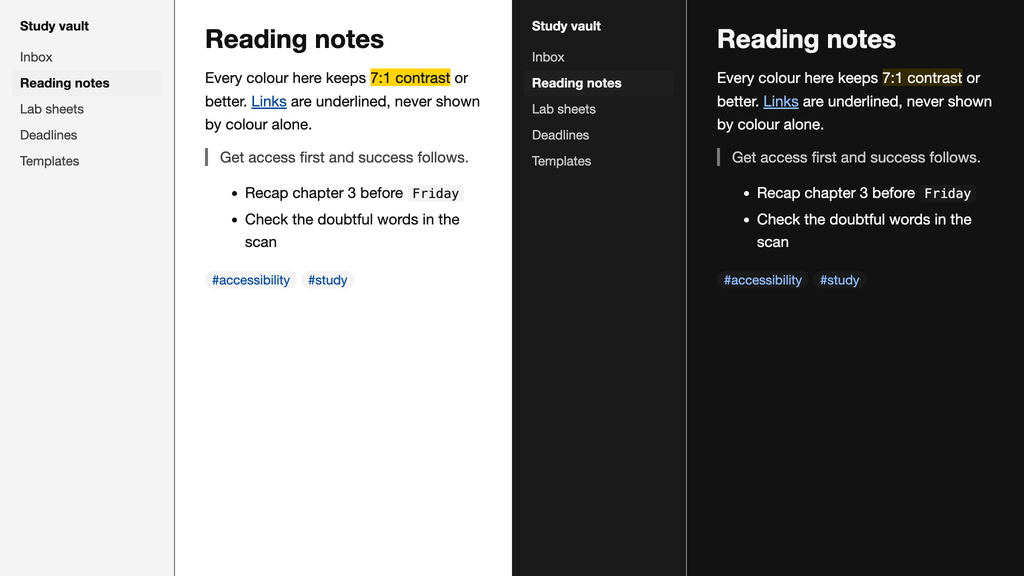
25. Space to think
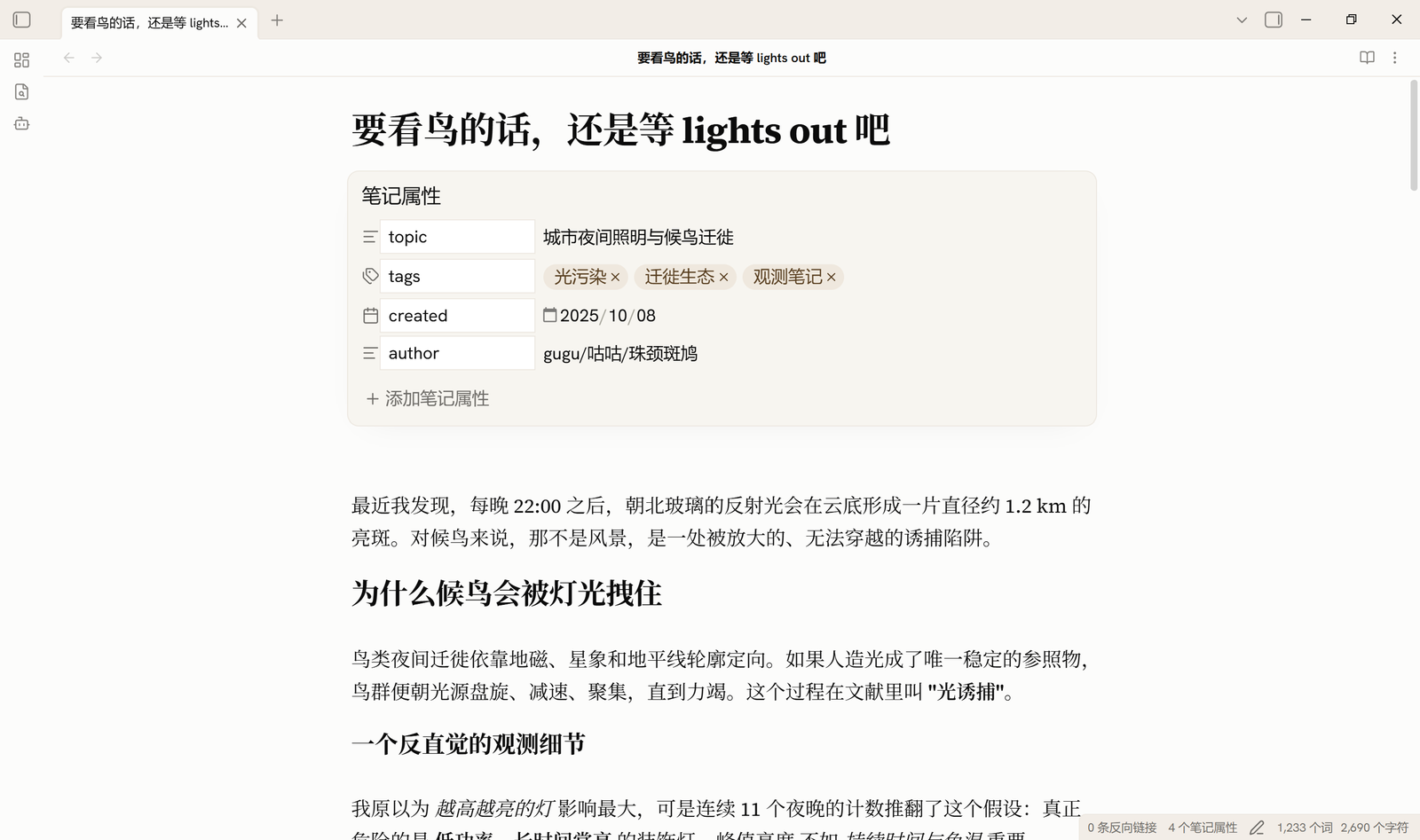
26. Brutato
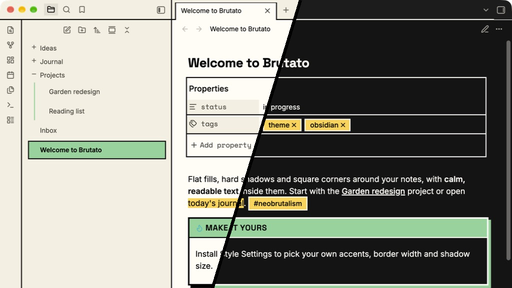
27. SIL-UI
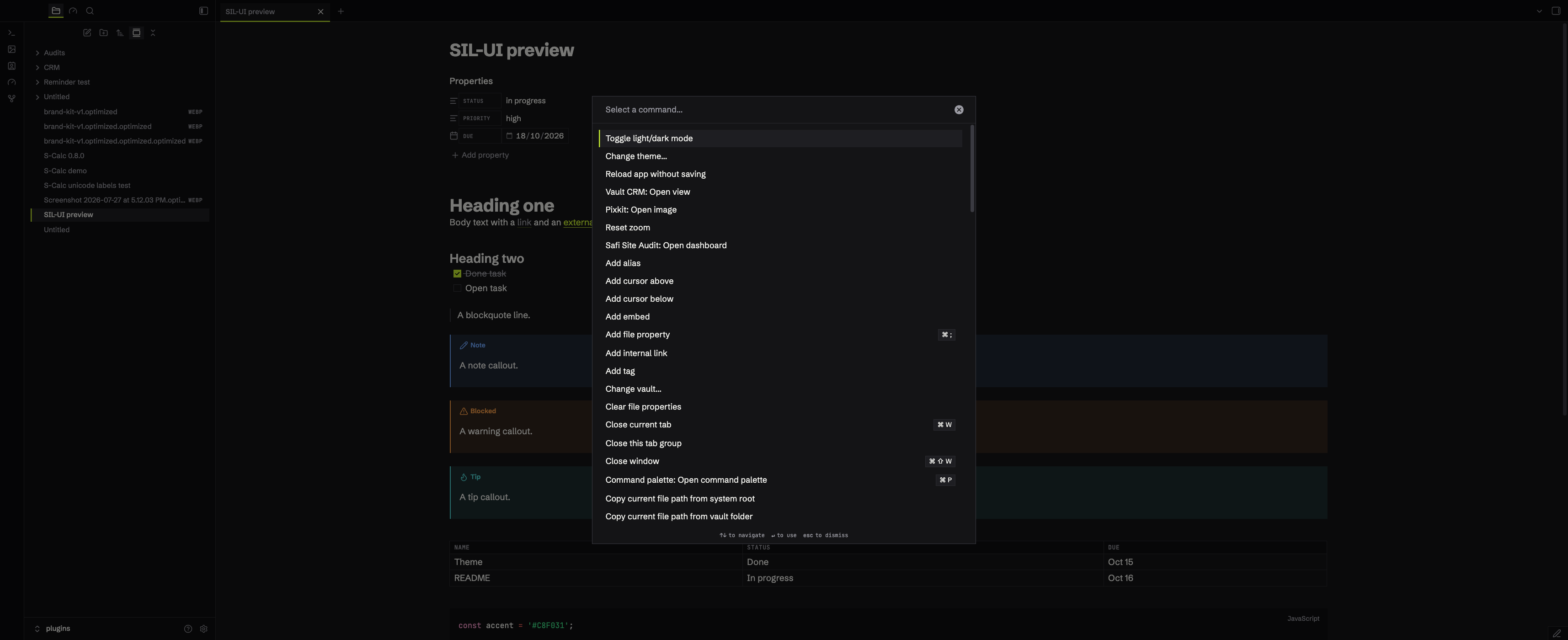
28. Ordo

29. Slate
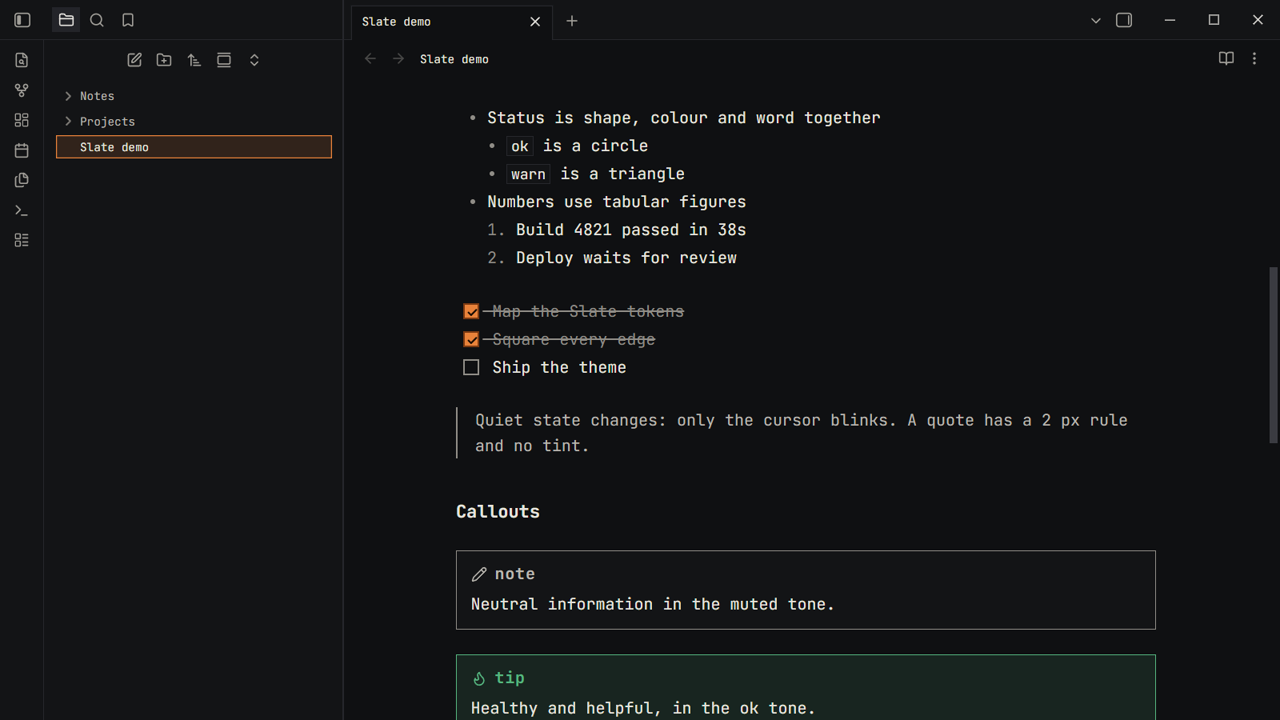
30. Matsuba
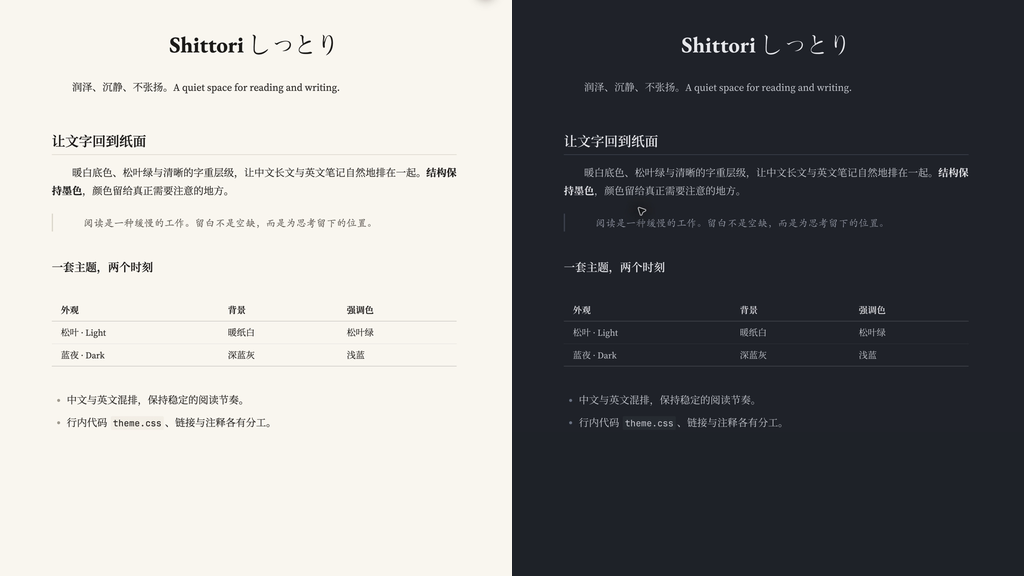
31. Tahoe
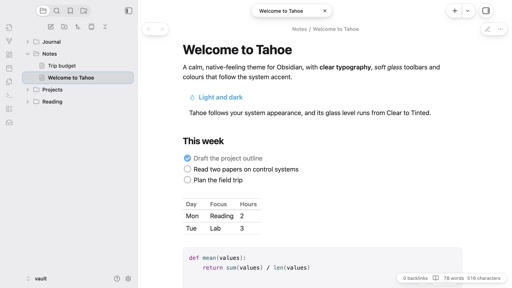
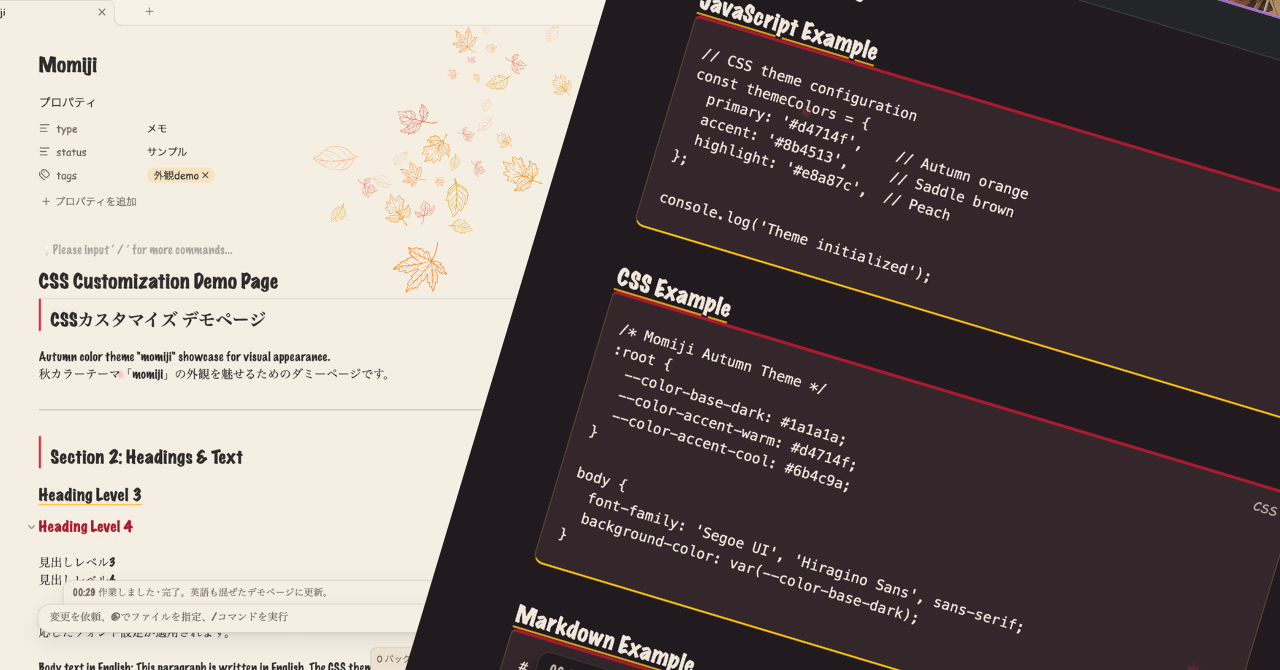
32. Momiji Autumn
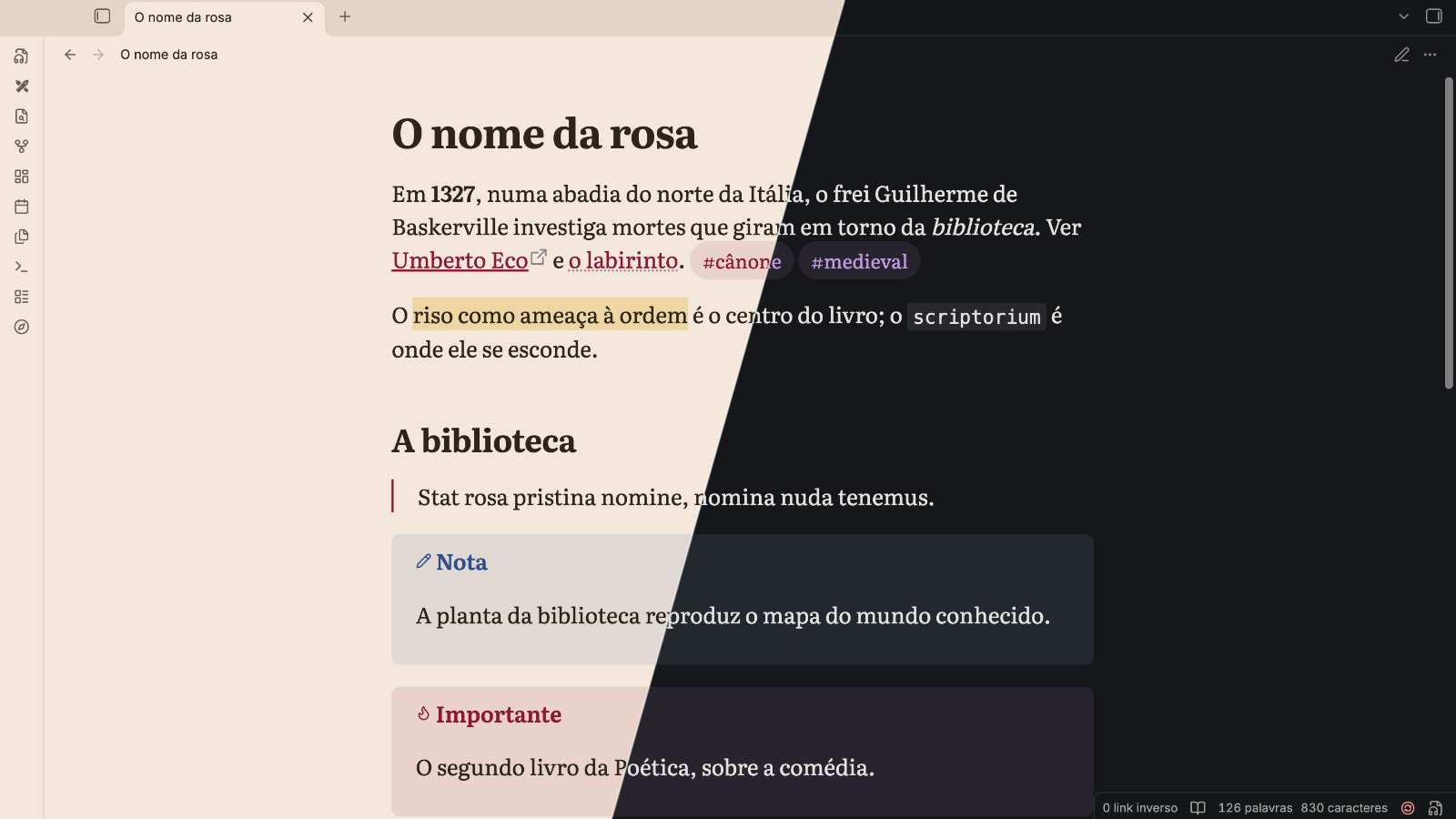
33. Lareia
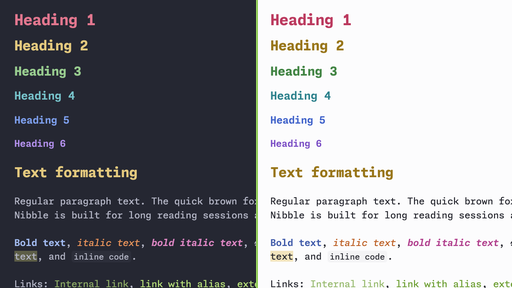
34. Nibble
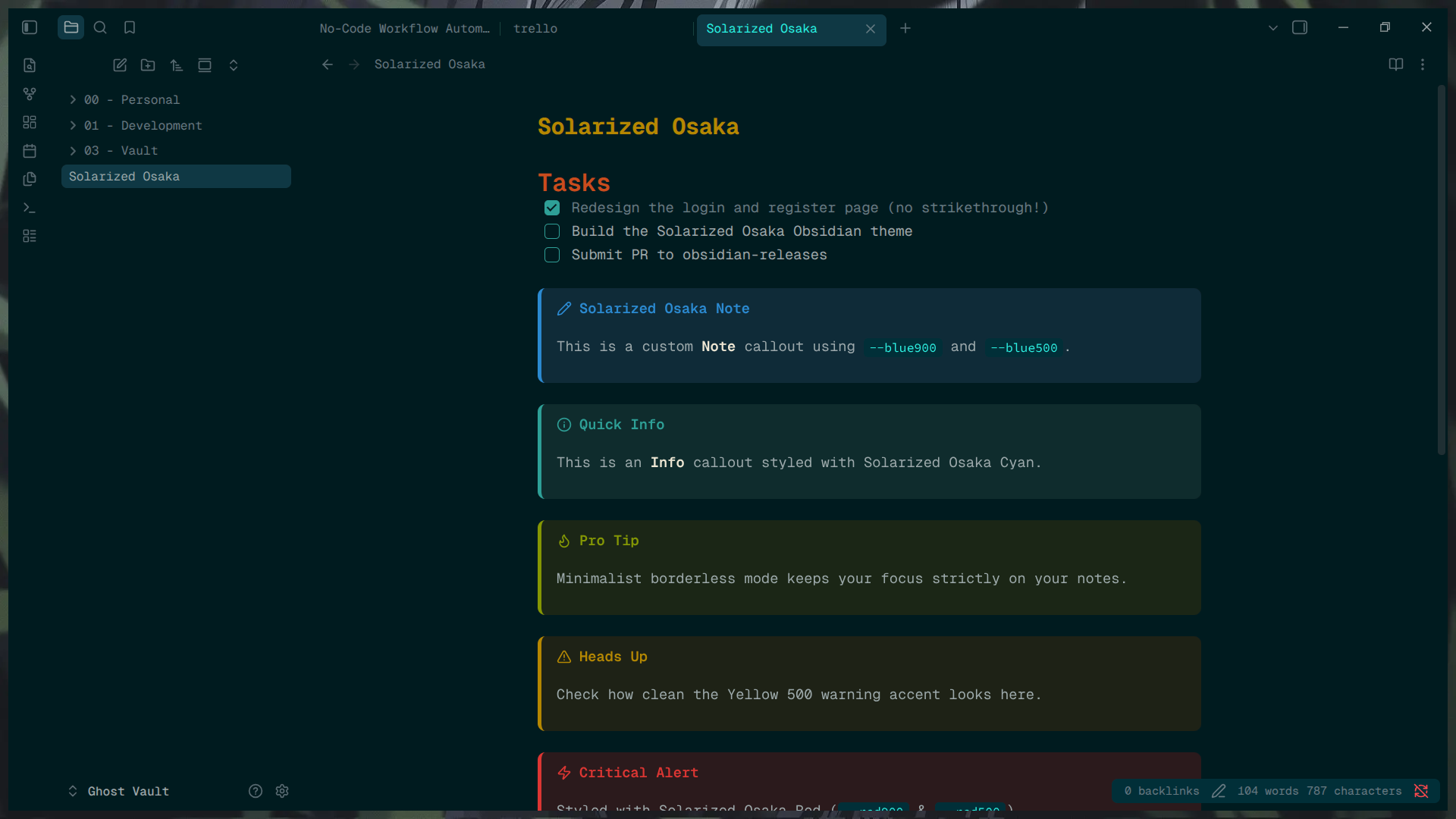
35. Solarized Osaka
36. Honey Sky
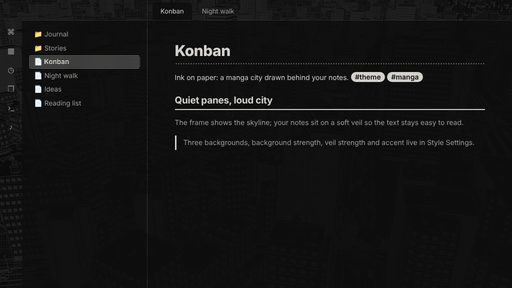
38. Konban
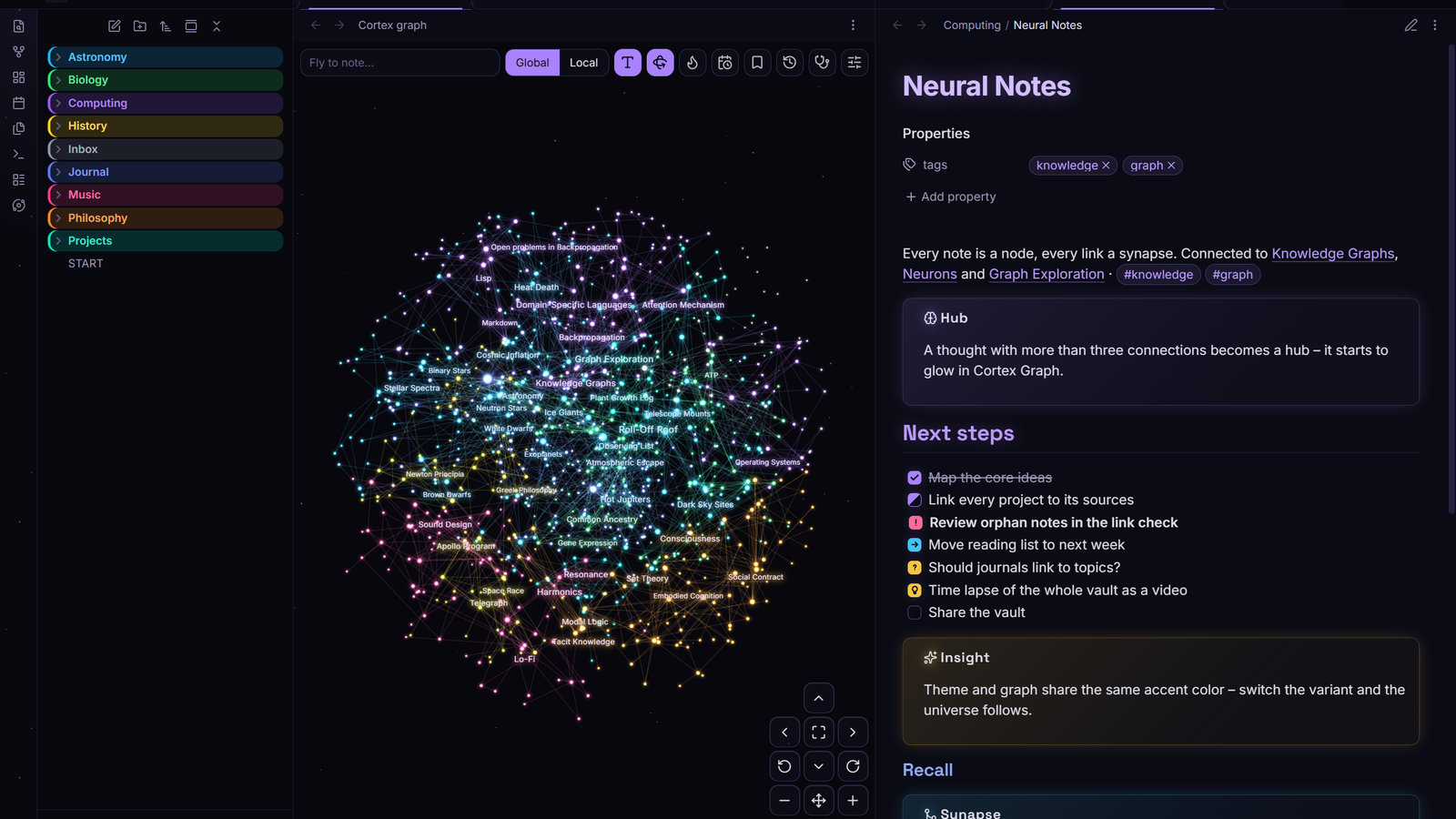
39. Cortex
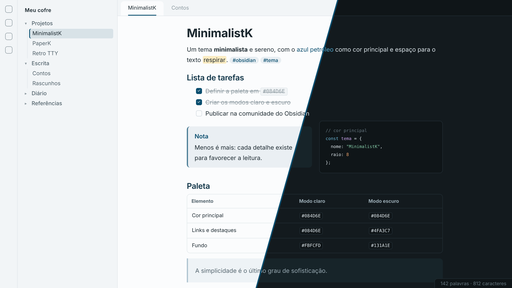
40. MinimalistK
If something here fits your notes, take a closer look at its details before adding it to your vault. Browse /new for more newcomers or /updates for releases from plugins you already use.
Enjoy your next note!