
There are 284 new plugins, 952 plugin updates and 31 new themes during the week 2026-09-13 to 2026-09-19.
Between 2026-09-13 and 2026-09-19 the community shipped 284 new plugins and 31 new themes, alongside 952 plugin updates. Here are the entries that caught my eye.
New Plugins
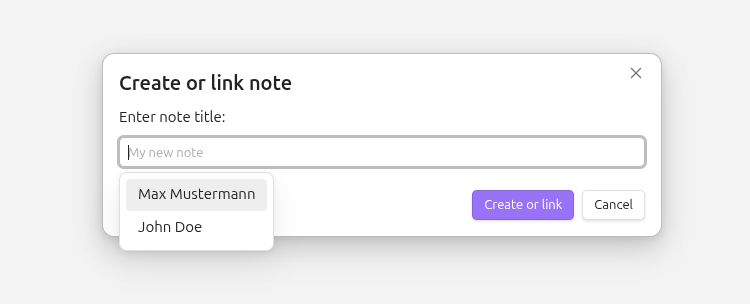
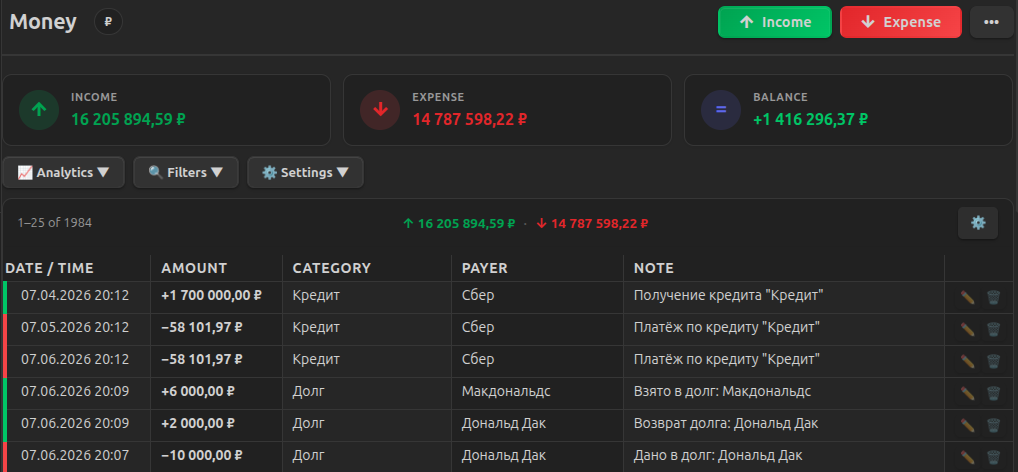
There are 284 new plugins - see them all at /new. A few earned a closer look. Objects creates structured notes from simple triggers, routes them to the right folders and links to an existing note instead of creating a duplicate. Finance Manager tracks income and expenses directly in your notes, with support for debts, credits, deposits and analytics. BrainCore LifeOS puts capture, tasks, weekly work, habits and vault statistics into one sidebar console. The list is varied this week.
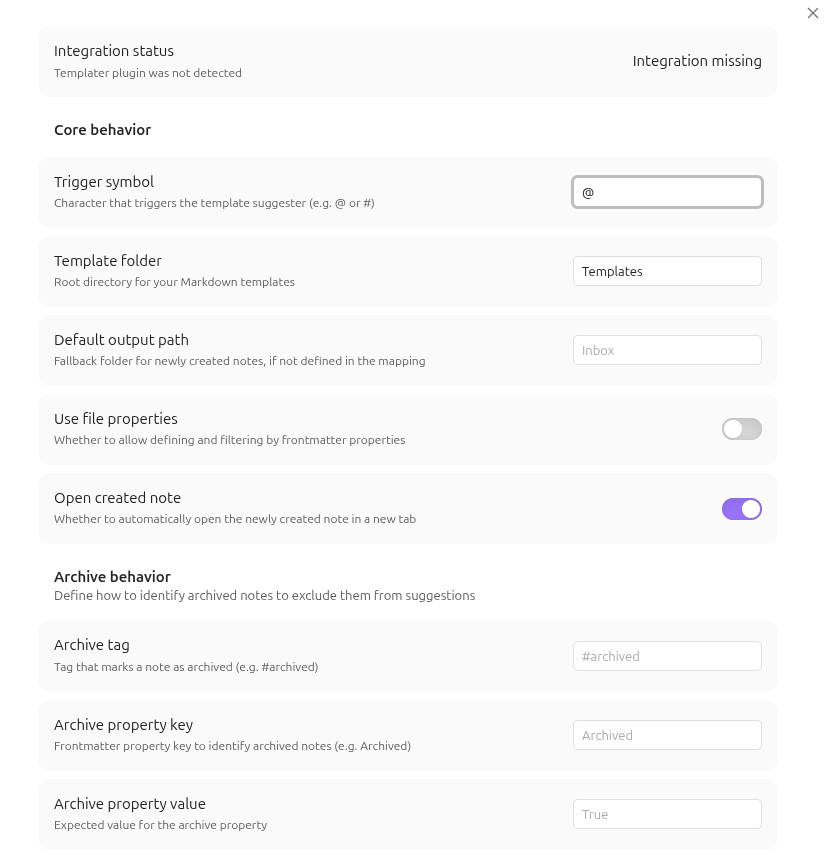
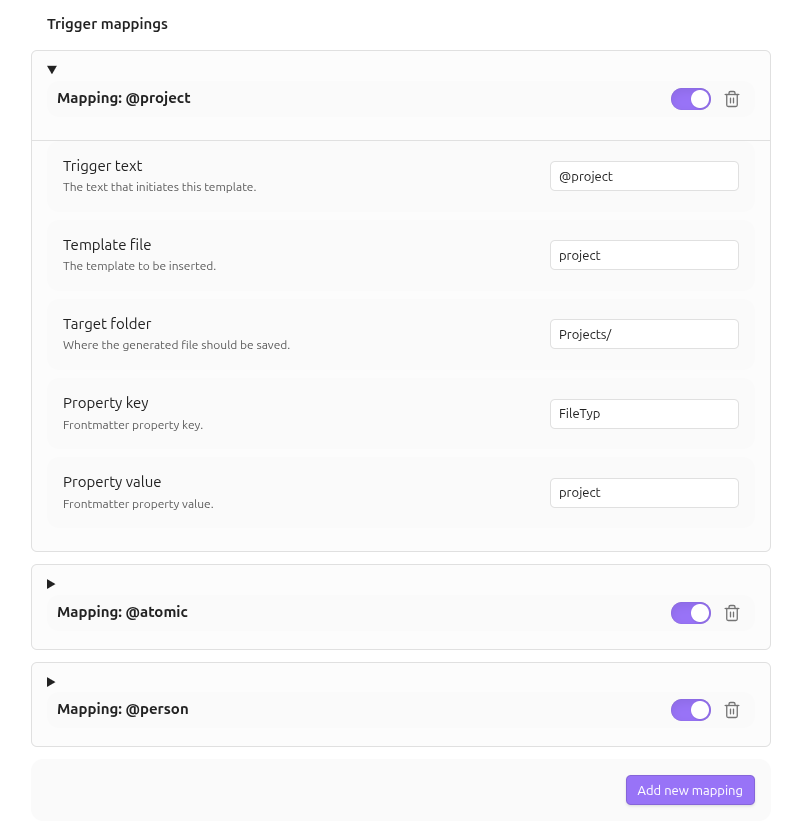
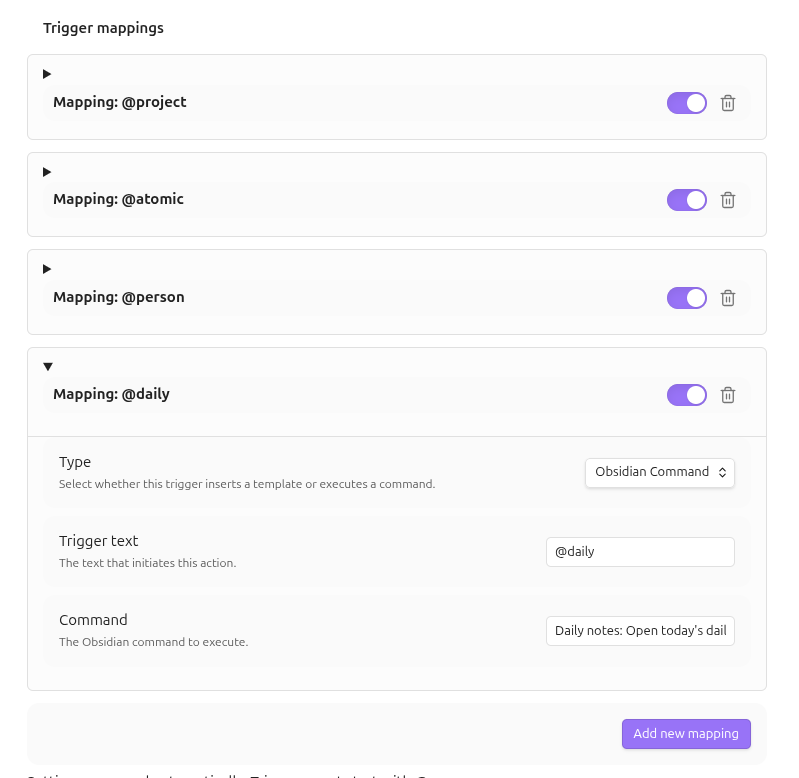
The Objects plugin turns typed triggers into structured note actions inside the editor. You can map symbols such as @project or @meeting to templates, folders, properties or Obsidian commands, then create or link notes without leaving the current line. It routes notes to configured locations, fills fallback values like title, date and time and can hand off template rendering to Templater. The creation modal suggests existing notes in real time so repeated names resolve to links instead of duplicates. It can also write frontmatter fields, filter suggestions by those fields, exclude archived notes through tags or properties and optionally open newly created notes after insertion. Desktop and mobile support is documented, with live checks for Templater integration.

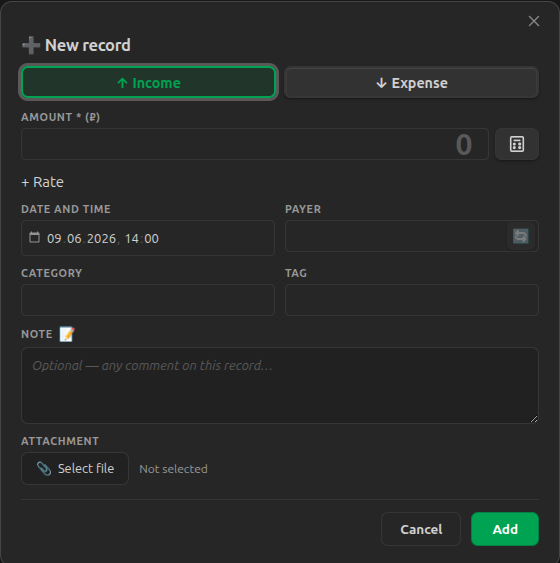
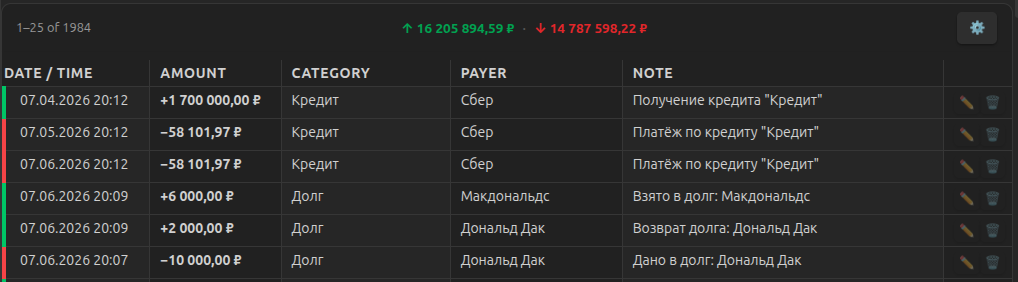
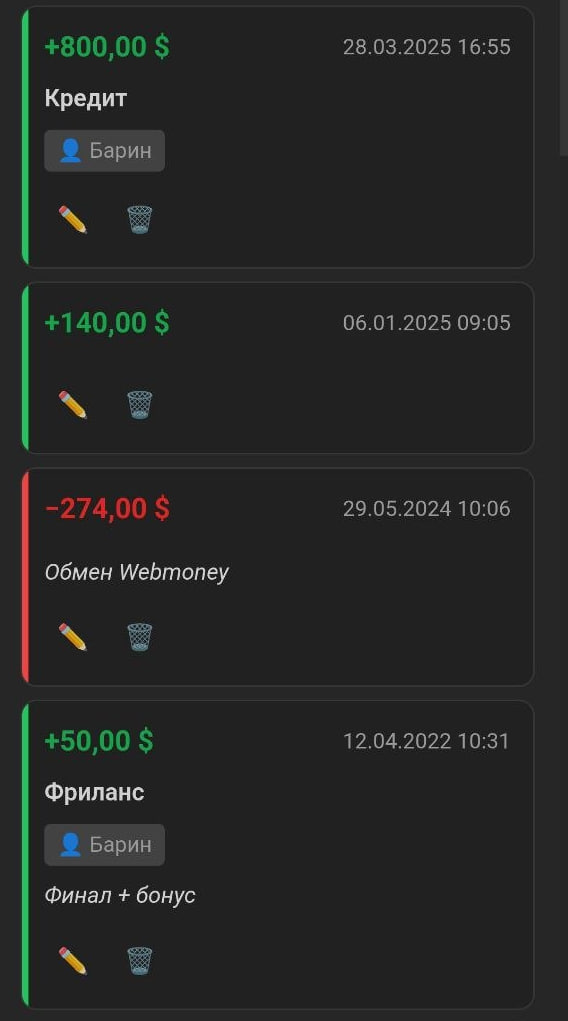
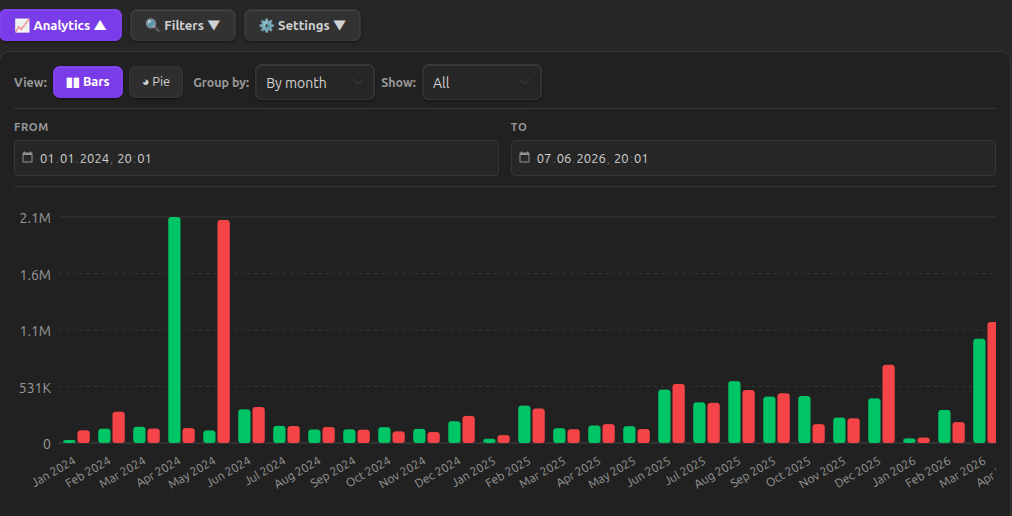
The Finance Manager plugin turns a note into a financial account and stores transactions in separate JSON data files linked by an inserted account id. It supports income and expense records with date, time, categories, tags, payers, attachments, internal transfer marking and smart autocomplete that reuses values from matching entries. The account view includes persistent filters, sorting, pagination and desktop or mobile layouts, plus summaries and charts for income, expenses and balances. It also adds dedicated flows for debts, credits and deposits, including schedules, interest handling and status tracking. Data can be imported from CSV, JSON or XML with field mapping, then exported back in the same formats. It auto detects English or Russian from the app settings.
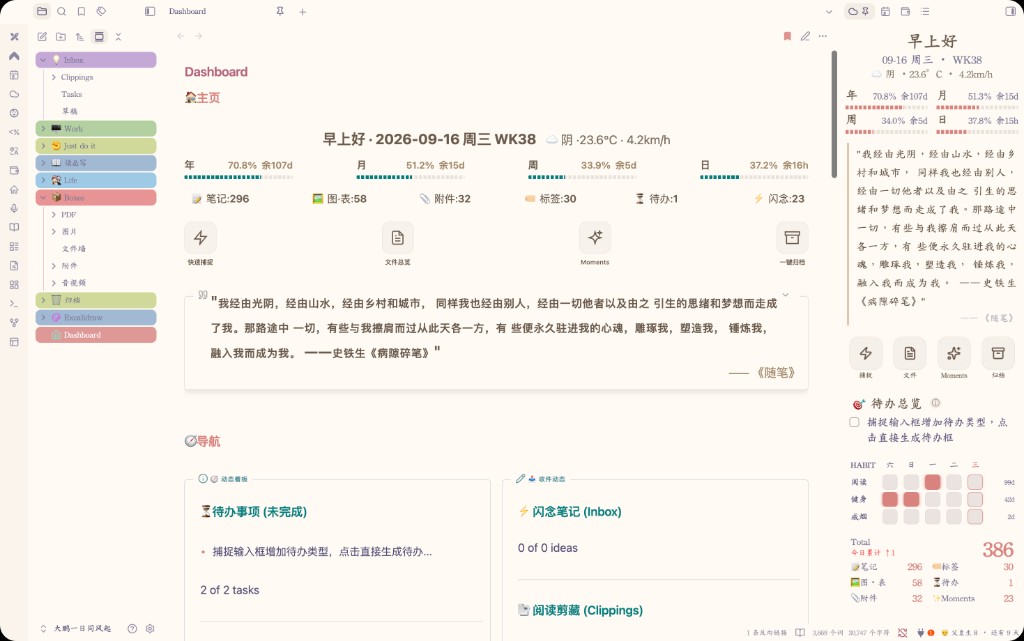
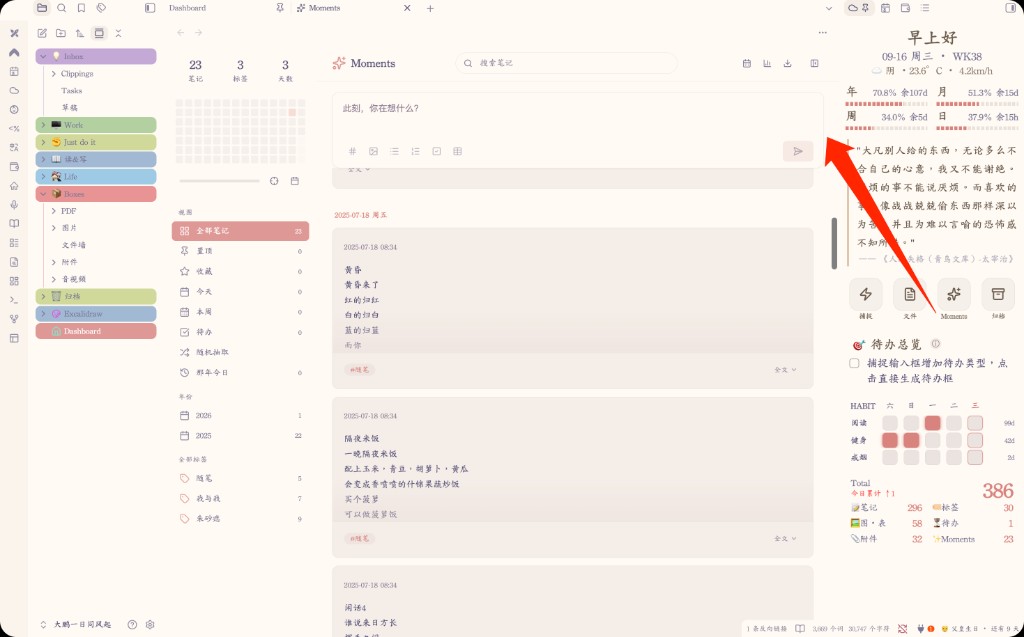
The BrainCore LifeOS plugin puts a sidebar console at the centre of the vault with capture, task overview, weekly work, habit check ins, Moments notes and vault statistics in one screen. It shows greeting, weather, daily quotes and progress across the day, week, month and year, while settings let you reorder or disable modules. Capture routes entries into Work, Life, Moments, essays, clippings, materials or drafts and `Cmd/Ctrl + Enter` sends without accepting empty input. Moments stores entries in yearly files, supports search, filters, pinning, favourites, share images and annual reports, while images go into a dedicated folder. Weekly Work carries unfinished items forward and habits stay separate from one time tasks. Dataview is optional, with DataviewJS recommended for fuller statistics.

4. Vault Shelf

The Vault Shelf plugin turns the vault into a browsable library where the same note can appear in multiple books and shelves without moving the file. It starts with Favourites, Encyclopedia, Years, Months, People and Tags and the shelf builder can group notes by the whole vault, a tag, person or folder, then shape books by title, year, month, ISO week, person, tag, folder or another property. Notes open as a two page spread with contents, search, rendered links, embeds, callouts, tasks, tables and code. It keeps ribbons, reading history, activity counts and manual collections, supports keyboard controls, reduced motion and a plain list mode and it works locally without network requests.

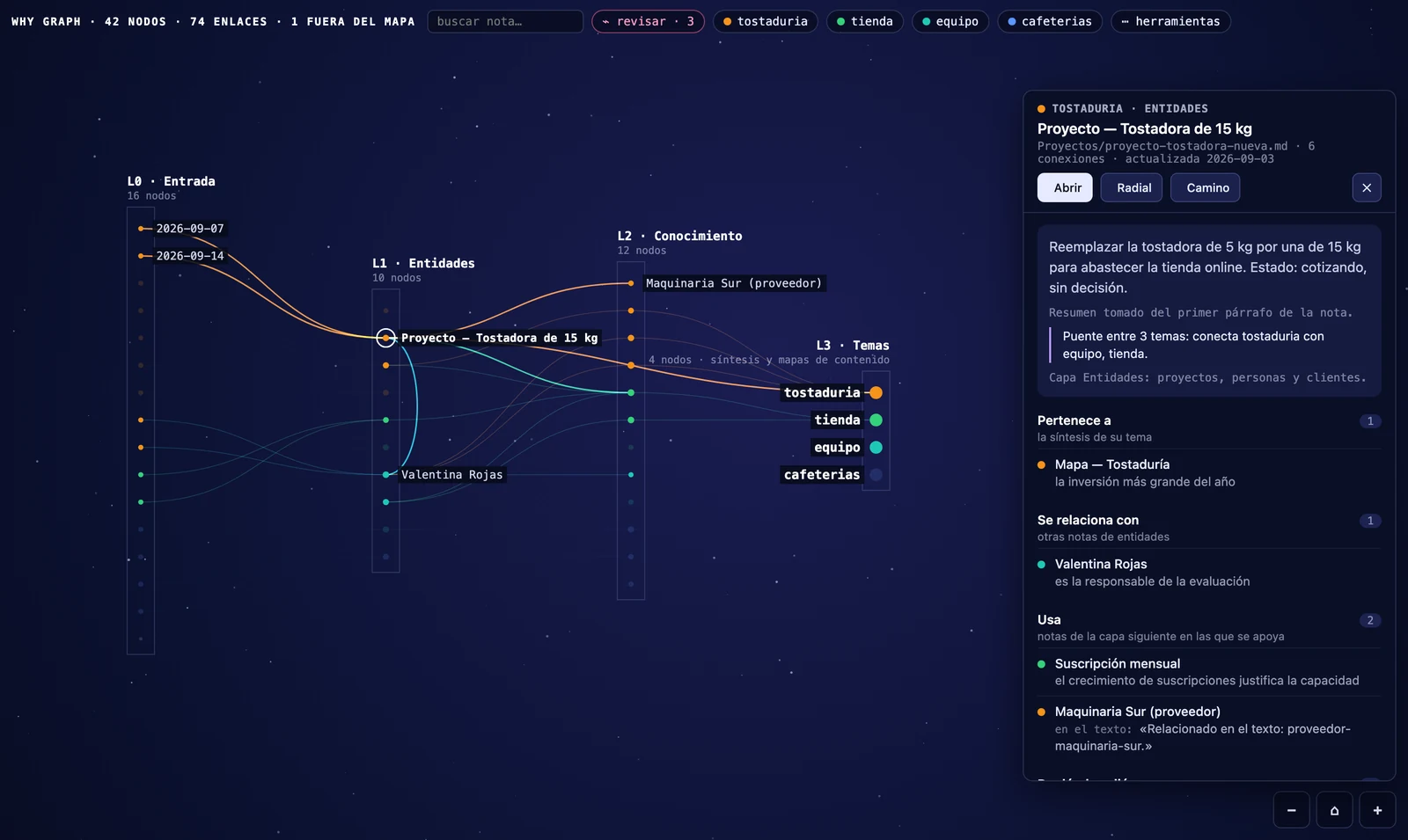
The Why Graph plugin turns the graph into a layered map that shows not just which notes connect but why they connect. It assigns folders to layers, groups notes by a frontmatter topic property and adds side panels that show a note's layer, topic, short summary and the reason behind each link. The tool can trace paths between notes, surface missing connections between topics, collapse topics, highlight long range links, export graph data to JSON and CSV and treat cited source folders as first layer inputs. It works fully offline for mapping, navigation, counting and export. Optional AI suggestions can fill missing link reasons and short summaries through Anthropic, OpenAI, Gemini or a local OpenAI compatible server, but every suggestion must pass quote verification and manual approval.
The OsyC plugin combines a local note workspace with an AI assistant and optional LiveSync based synchronization. It can organize notes, summarize content and generate Markdown when you send an AI task, while still reading and writing Vault files through the Vault API. Local editing does not depend on a network connection, but AI requests, task status, account activation and optional sync use the backend URL you configure. When a task is sent, selected Vault content and editing context may be transmitted to that service for processing. The plugin keeps the public client source auditable, preserves legacy `obsidian-livesync` settings during the `osyc` migration and prevents two synchronization instances from running together.
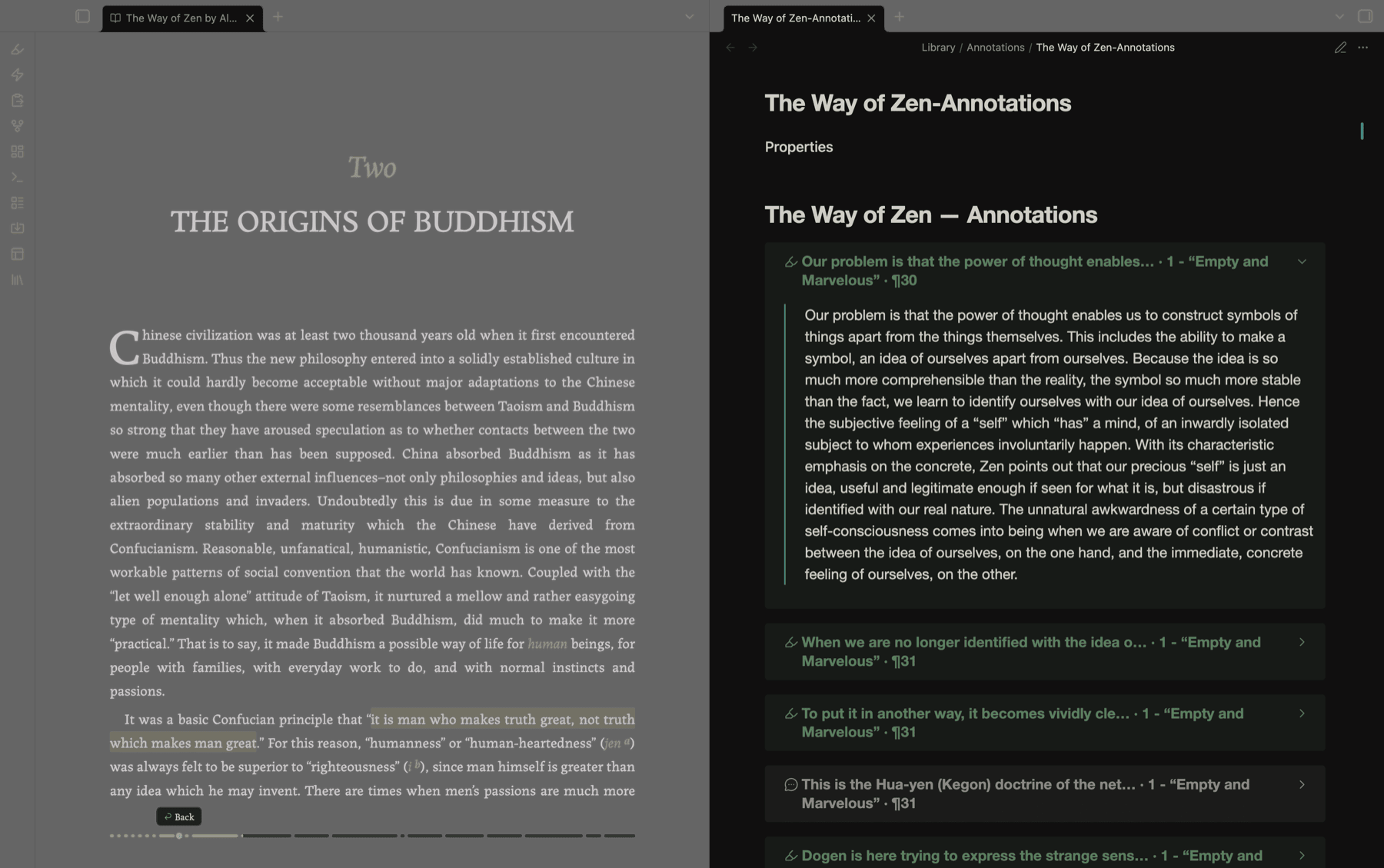
The Third Mind Reader plugin adds an EPUB and PDF reader that opens books as tabs and writes every highlight into a companion Markdown note in your vault. It keeps reading, annotation and note linking in one flow with chapter navigation, in book search, progress tracking, bookmarks and per book position memory. Selected text opens the Gloss toolbar, which can save plain highlights or, when you configure a provider, run Explain, Examine and chat style AI actions beside the passage. Companion notes store quotes, notes and full AI exchanges as normal vault files with links back to the source. PDFs use the same toolbar through the built in viewer, while deferred AI lets mobile reading hand off local inference to desktop.
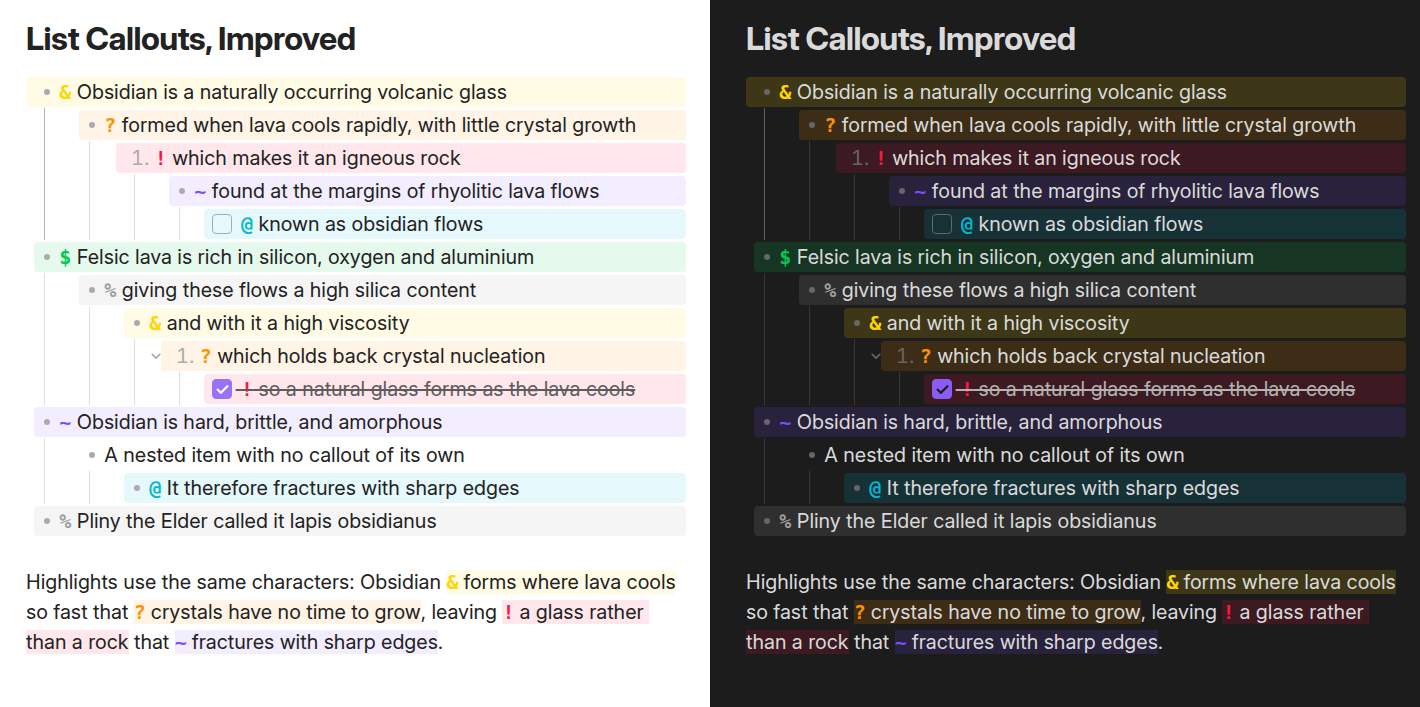
The List Callouts, Improved plugin turns list items and inline highlights into configurable callouts by prefixing them with a trigger character and space. Each callout can use its own character, icon, background colour and marker colour and the settings list lets you add, edit, reorder, delete or reset callouts, including the built in set. It renders the full band across wrapped and nested list items in Live Preview and reading view, while source mode stays plain markdown. The same triggers work inside ==highlights==, including across line breaks, inside callout blocks and inside tables. Commands let you step forward, step back or remove a callout on every selected list item, with one undo to revert the batch.
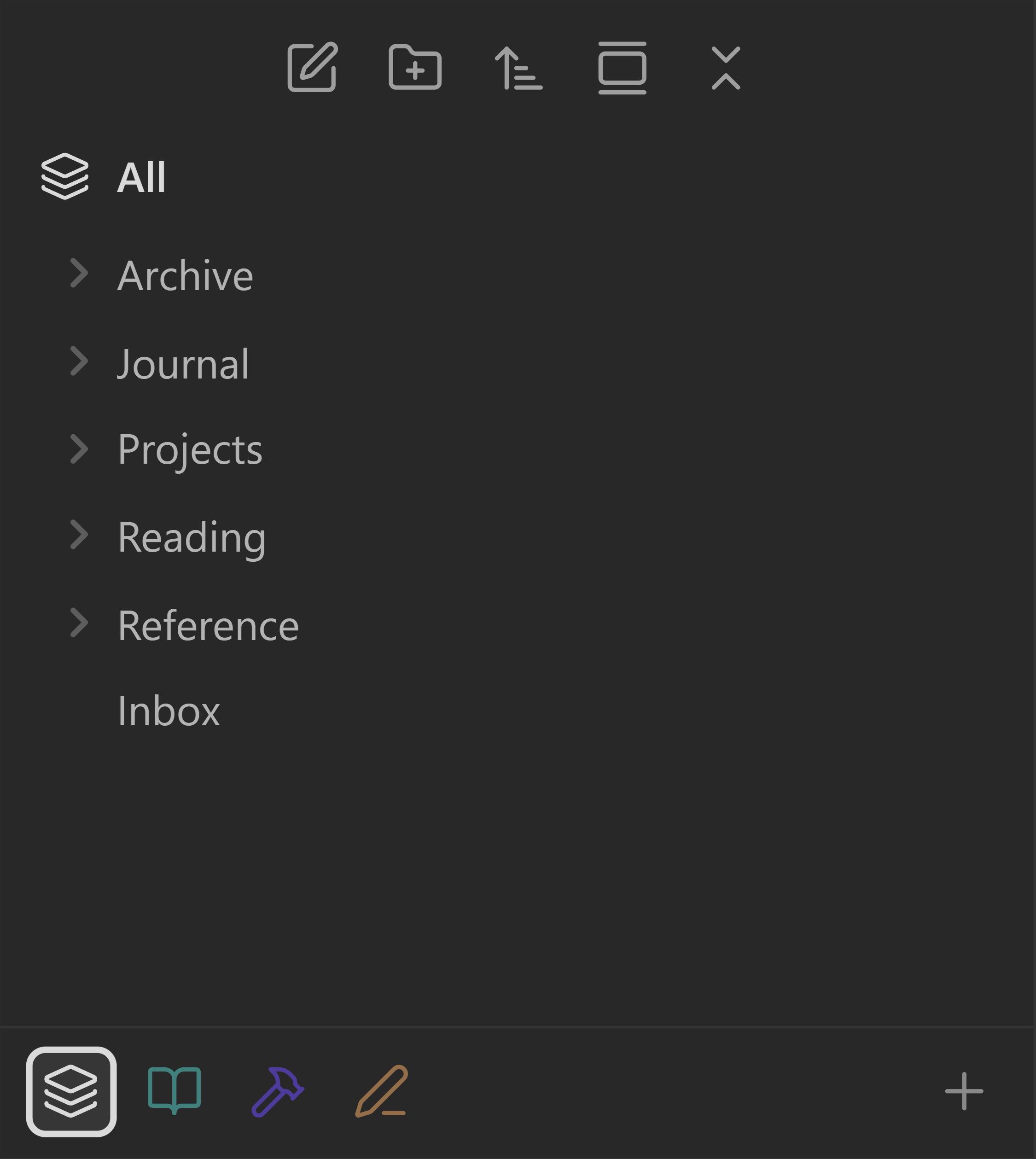
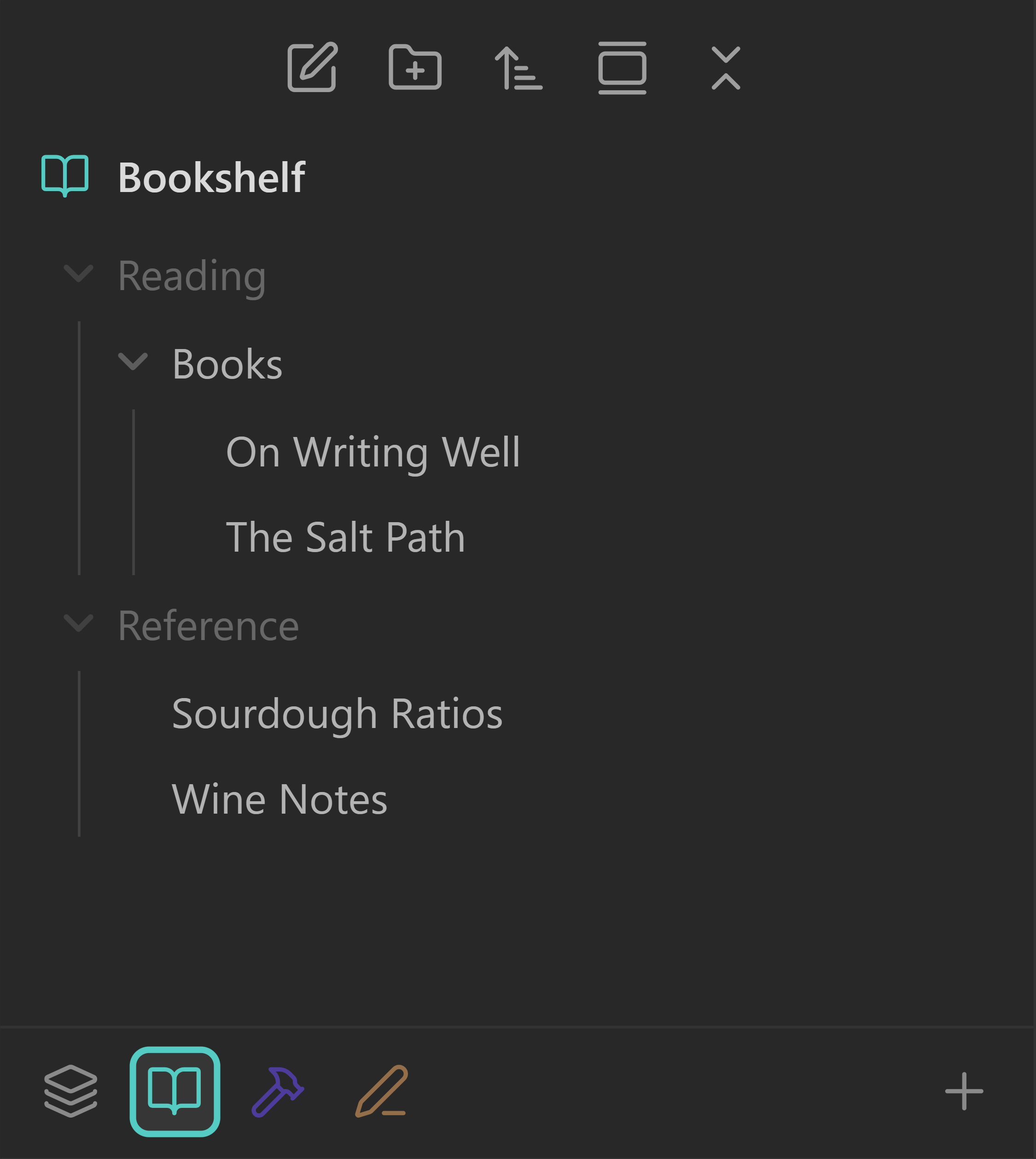
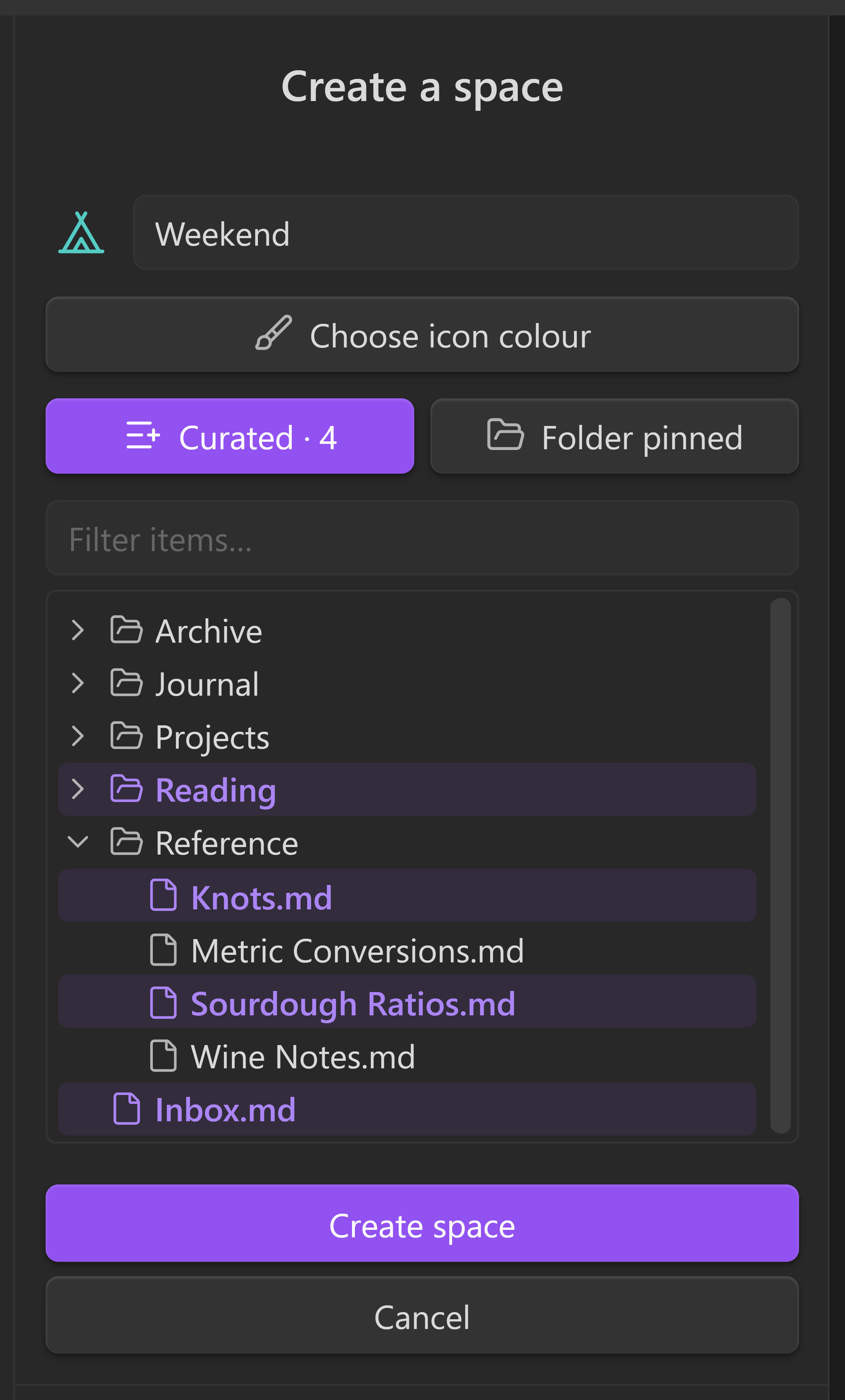
The Spaces plugin turns the file explorer into switchable views called spaces, so the same vault can appear as a hand picked collection or as the live contents of one pinned folder. It does not move, rename or delete files. Curated spaces can include notes and folders with dimmed parent scaffolding, while folder pinned spaces surface one folder's children at the top level and send new notes or folders to that real path. It can remember tabs and sidebars per space, show out of space notes as dimmed visitors and store custom row ordering for both items and space icons. When Workspaces is enabled, explorer filtering stays active but tab restoration steps aside and the plugin remains desktop only.
10. Print Studio
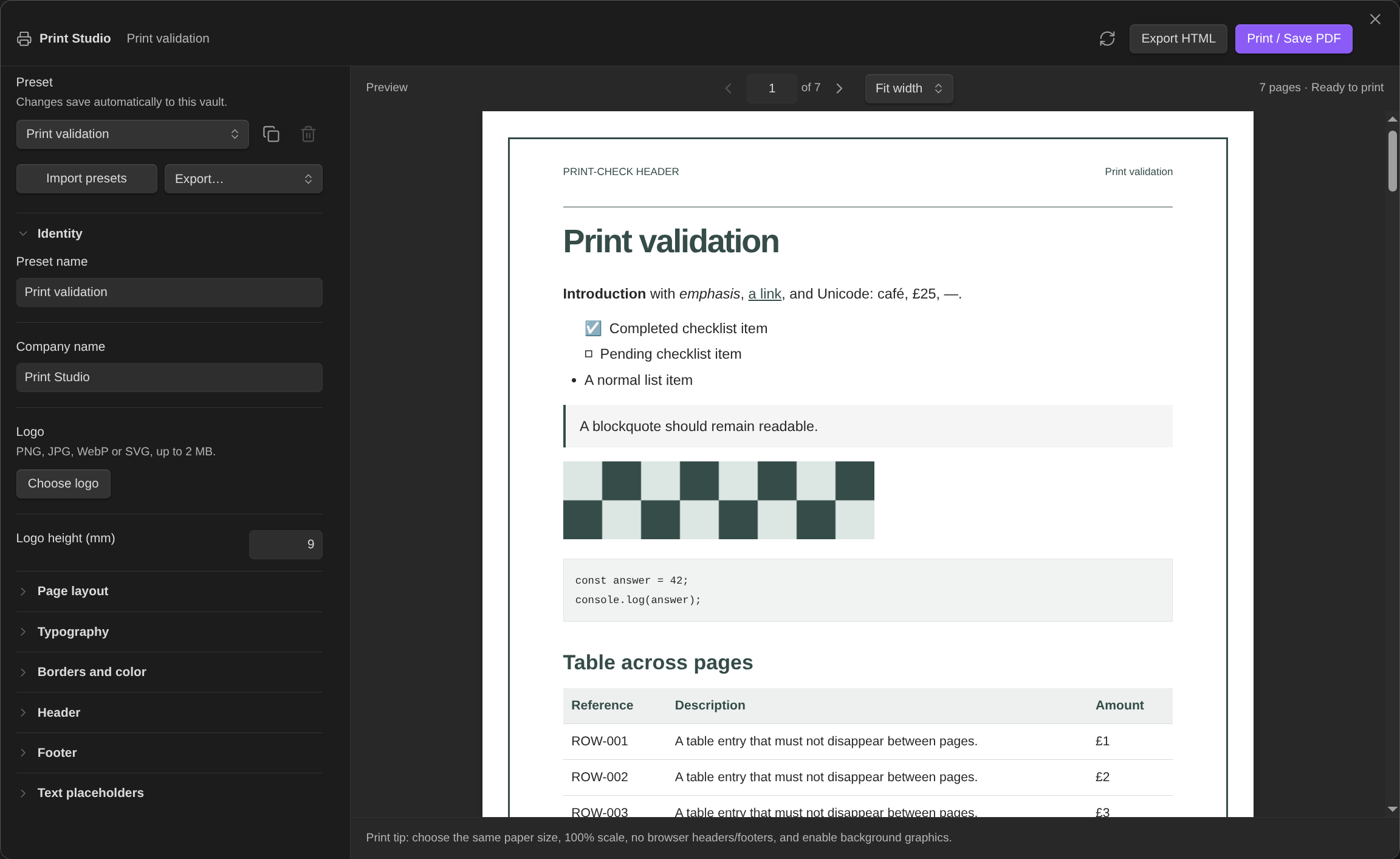
The Print Studio plugin turns notes into paginated documents with configurable paper size, orientation, margins, typography, colors, borders, logos, headers and footers. It keeps reusable presets in the vault, supports duplicate, import and export of those presets and includes undo and redo for layout changes within a session. The preview lets you move page by page, zoom, retain the current position after layout edits and surface warnings for clipped content or oversized table rows. Header and footer fields can pull placeholders from note metadata, page numbers, dates and vault details, while embedded note titles and properties can be hidden from output. It can also force page breaks before top level headings, honour manual break markers, export self contained HTML and print or save PDF, but it only works on desktop Obsidian 1.13.0+.
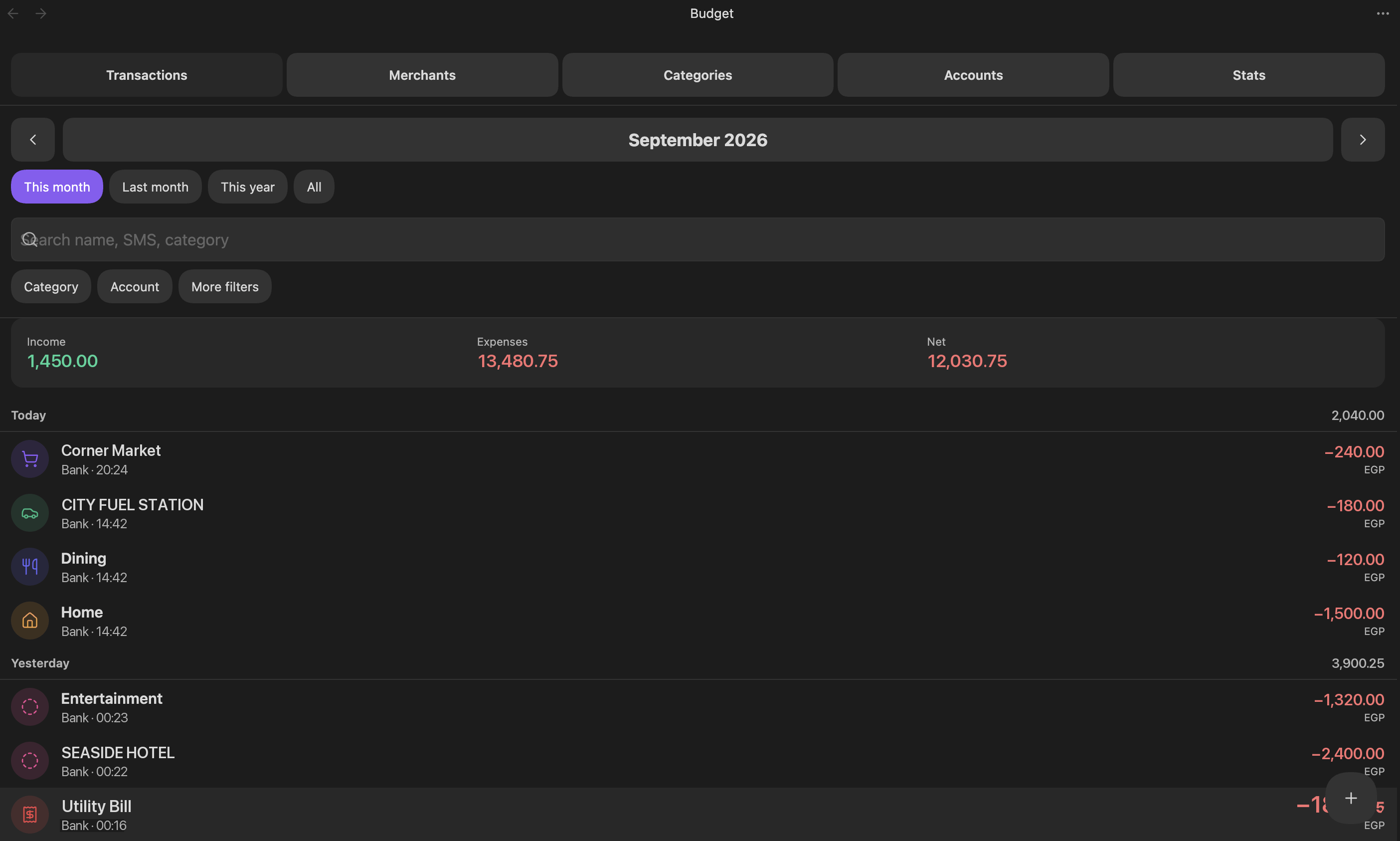
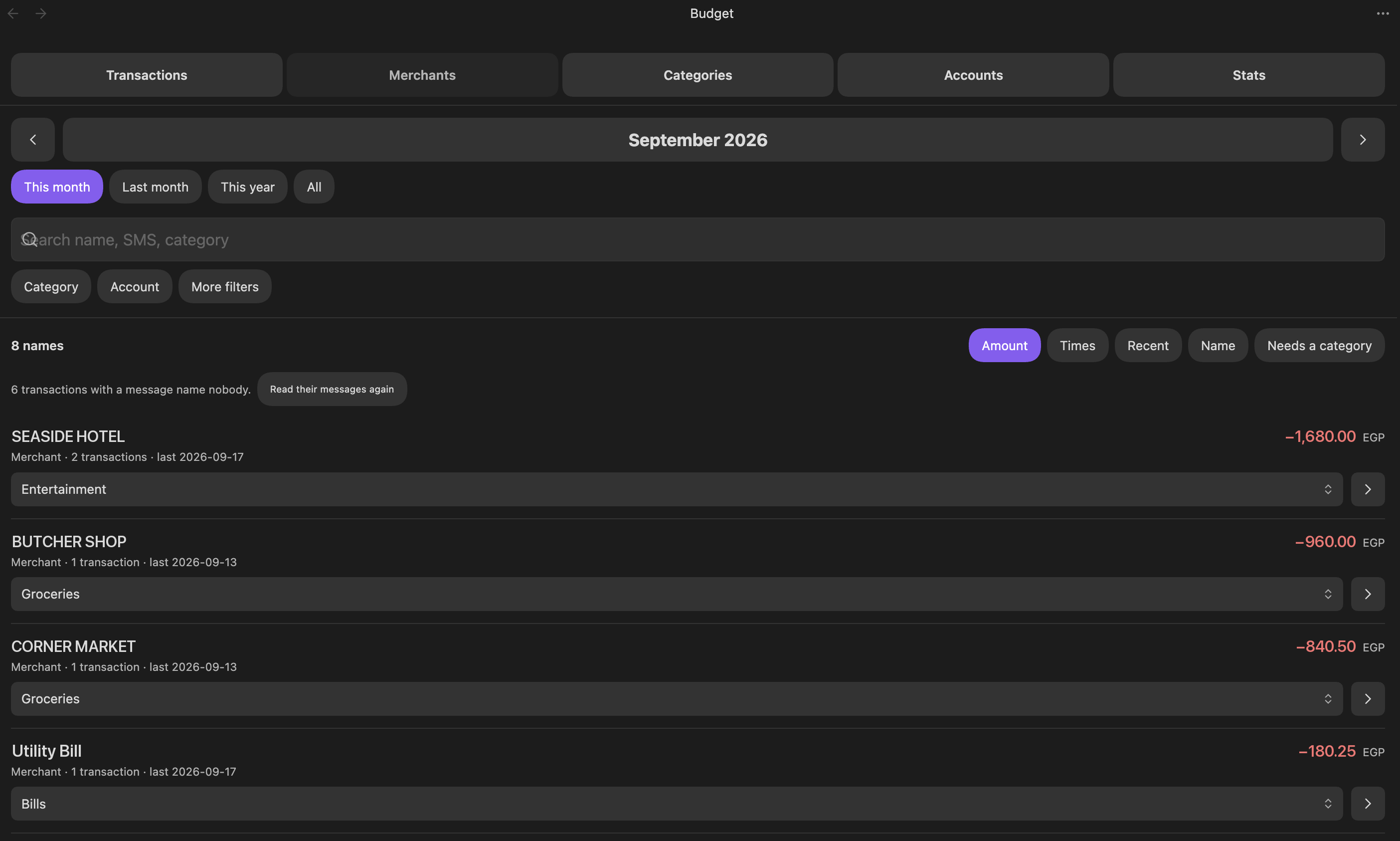
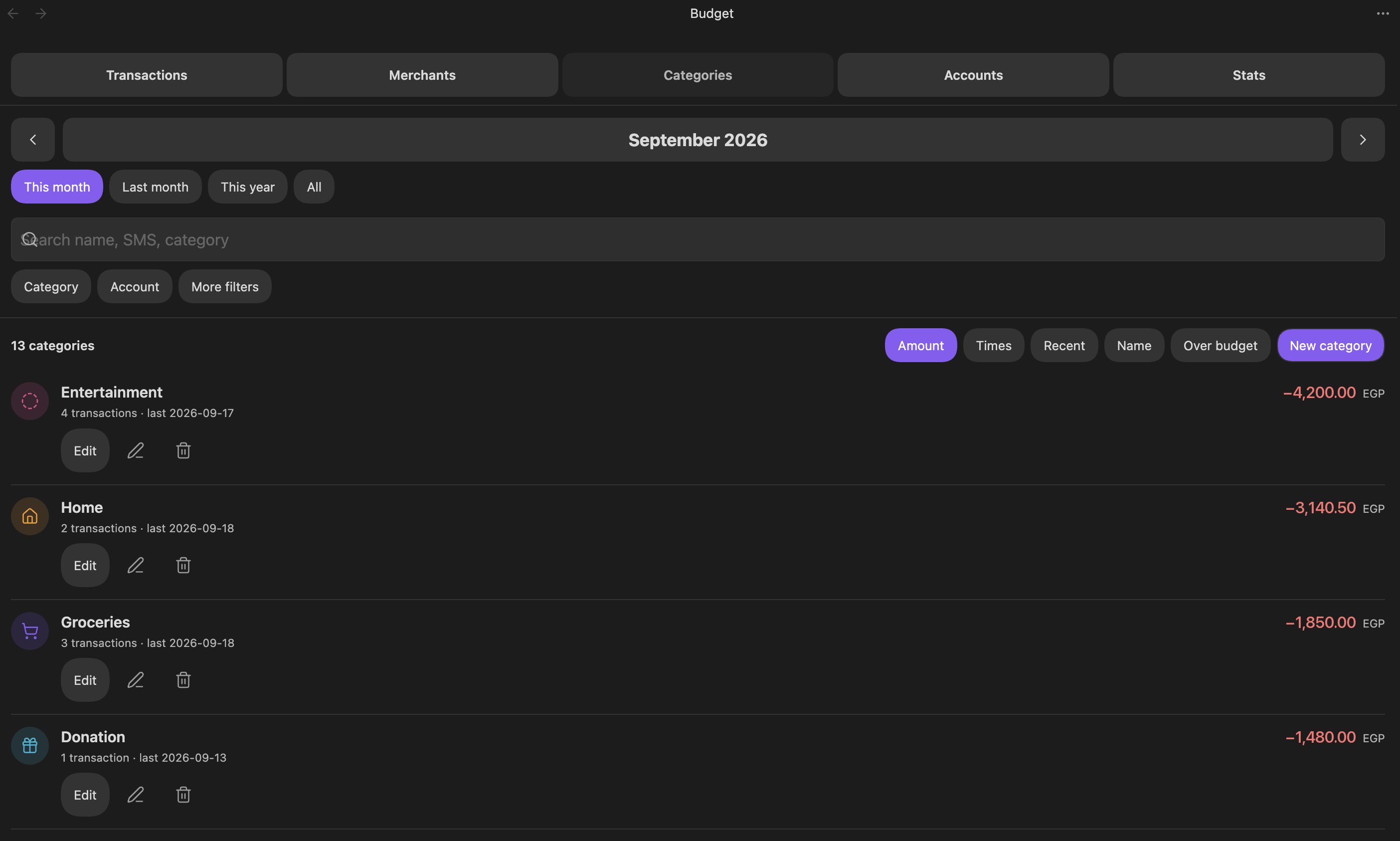
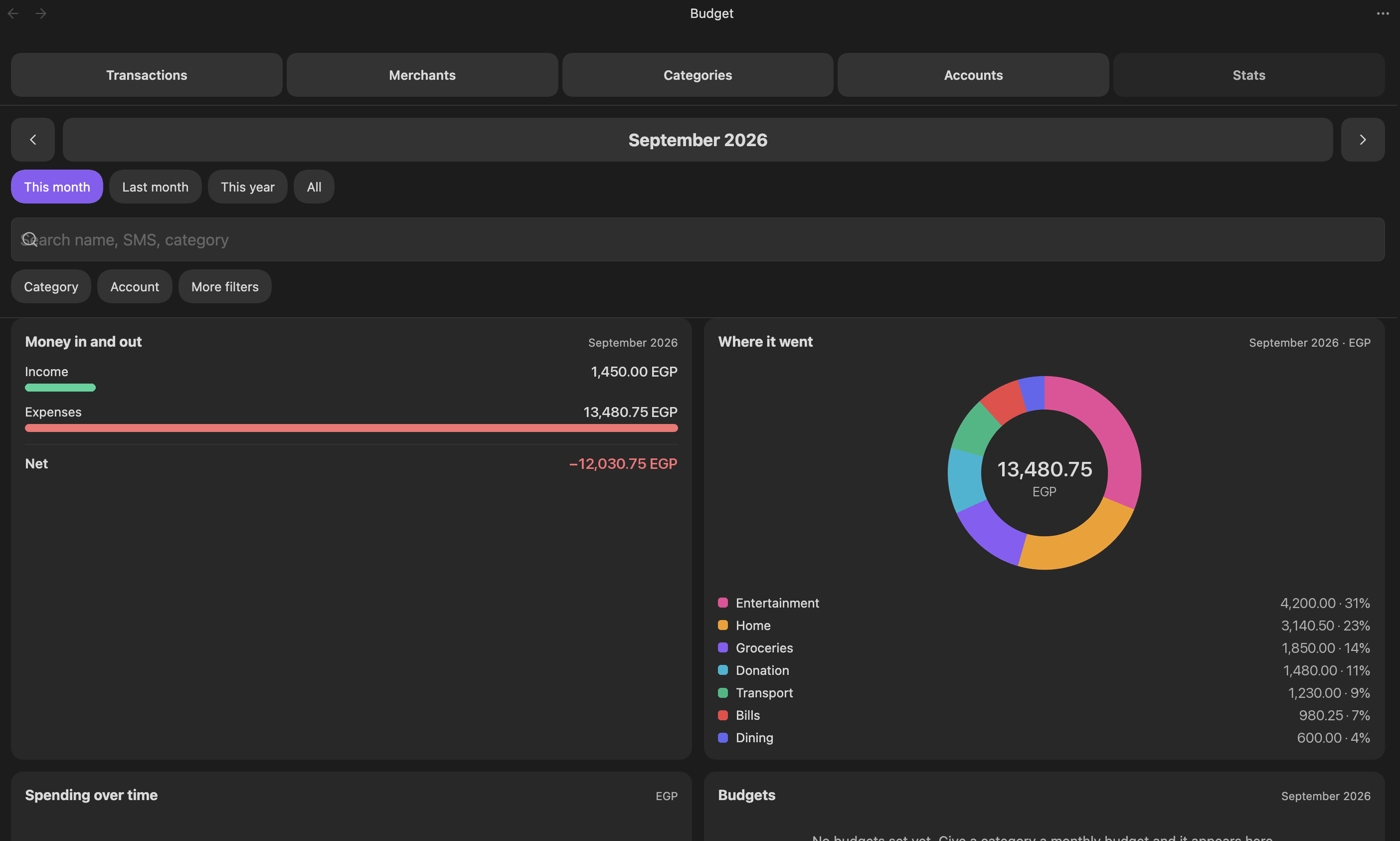
The Ultra Budget Tracker plugin turns bank SMS messages saved into `Budget/Inbox` into transaction notes and shows balances, budgets and charts inside a five tab budget view. It parses English and Arabic transaction text on the device, ignores reminders, codes and offers and stores everything as plain Markdown under a `Budget/` folder. Categories can be learned from the merchants you file by hand, while accounts, budgets, colours, exclusion rules and parser patterns stay editable as notes with JSON blocks. The plugin also supports manual transactions, derived account balances, filtered CSV export and embedded finance summaries in notes. Pending messages are retried until they have an amount, currency, type and account and excluded transactions stay visible but never count toward totals.
12. Qiaomu Radio
The Qiaomu Radio plugin adds a native radio player view with a global live station directory, station search, mood based channels and playback controls inside one focused interface. It can reorder recommendations from your likes, skips and recent listening, keeps favorites and history in the current vault and supports command palette access, a ribbon entry, theme aware styling and keyboard focus. For catalogue data it queries Radio Browser and falls back to `radio.qiaomu.ai` when needed, then connects directly to the chosen broadcaster's stream during playback. It does not require an account, includes no client telemetry and does not read, modify or upload Markdown notes. If a stream fails, it retries the same station once and then stops instead of switching away on its own.

13. Notion Suite
The Notion Suite plugin brings several familiar Notion style workflows into plain markdown notes and folders. It adds a slash menu, database creation and view blocks, table, board, gallery, list, calendar and timeline layouts, inline property editing, filtering, sorting, sub items, unique IDs and bulk edits. Relations and rollups work across note based databases, while formulas stay limited to arithmetic. It also adds charts, dashboard style widgets, page icons, covers, breadcrumbs, toggle headings and columns. Data stays in frontmatter and normal note content, with no sync service, account, telemetry or remote assets and charts render locally as SVG. It requires Obsidian 1.13.0 or later.
14. Antigravity
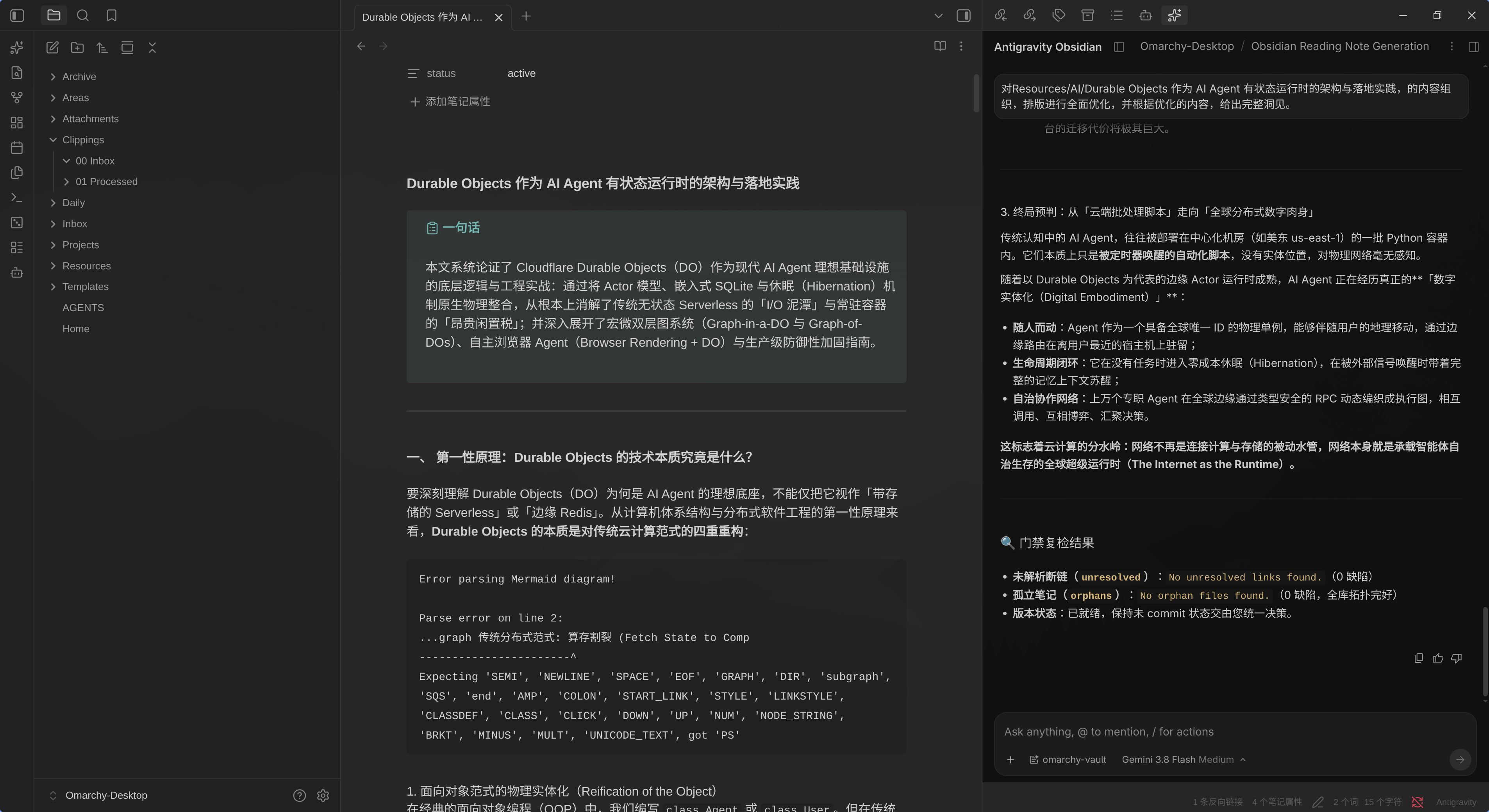
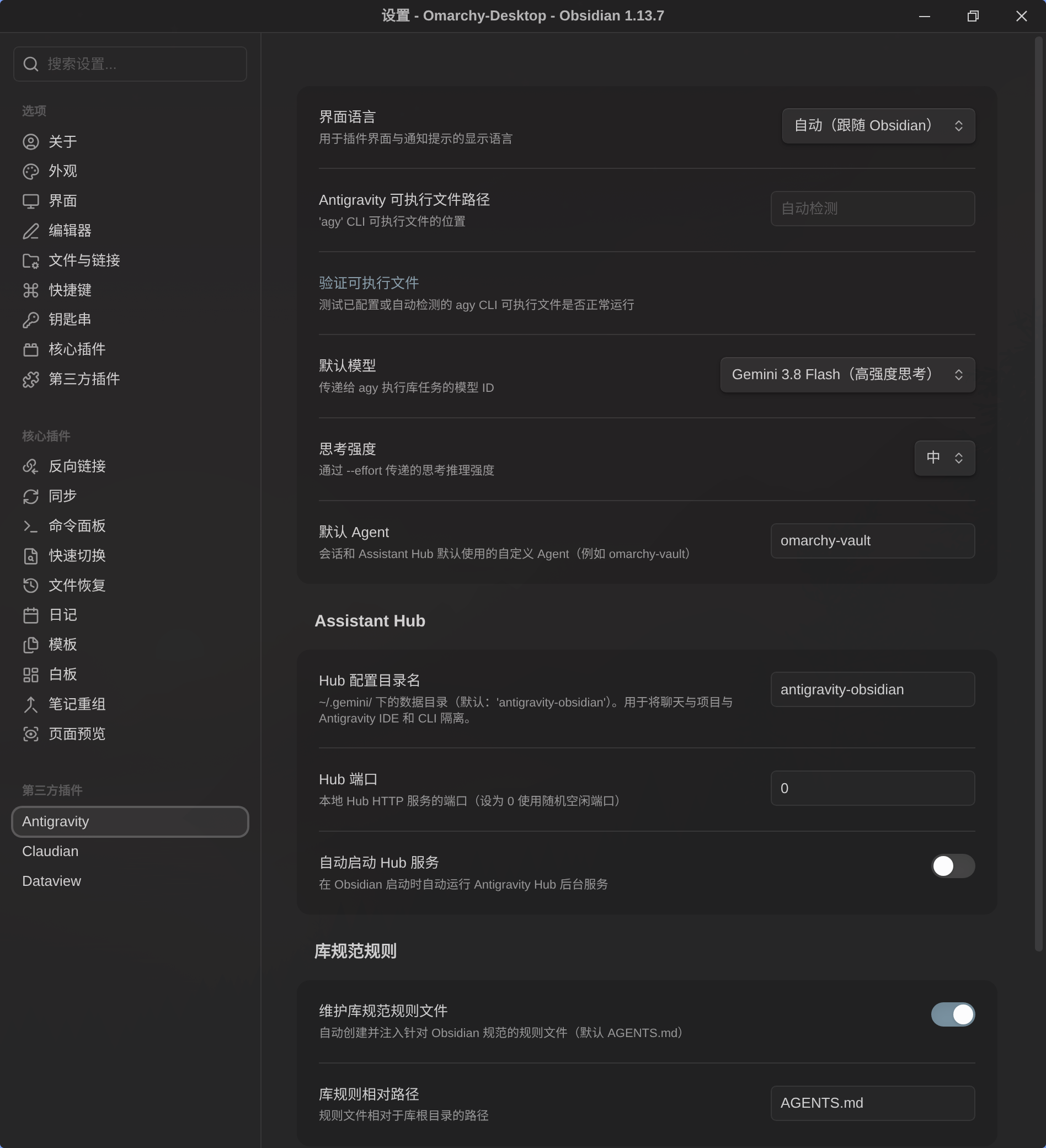
The Antigravity plugin connects your vault to Google Antigravity's `agy` CLI and exposes that agent as task driven actions plus an optional embedded hub view. It can run refactoring, wikilink audits, frontmatter cleanup and folder MOC generation from the command palette, while passing the active note, selection or folder context automatically. The hub tab runs `agy --hub` inside Obsidian and the status bar shows progress with a cancel control for the current task. It can create an `AGENTS.md` rules file so the agent follows vault conventions like wikilinks and YAML frontmatter. Tasks stay in restricted approval mode by default and unrestricted execution needs separate confirmations for background tasks and hub sessions. The plugin is desktop only and depends on an installed, authenticated `agy` CLI.
The Mermaid Link Navigator plugin renders Mermaid flowcharts with clickable wikilink nodes, so a Ctrl or Command click on a node opens the linked note, heading or alias target. It also adds a visual editor that can add, edit and delete nodes, change shapes, build decision branches and write every change back into the source block. The view supports zoom, pan and saved viewport state, can mark and recenter the current node, exports full diagrams as SVG or high resolution PNG and shows missing note targets with dashed borders while optionally creating them in a chosen folder. It can turn a note outline into a flowchart, updates links when notes are renamed, works offline with built in Mermaid 11 and plain clicks do not navigate.
Most Downloaded (2026-09-13 to 2026-09-19)
| Rank | Plugin | Downloads | Links |
|---|---|---|---|
| 1 | Excalidraw | 142,297 | Details / GitHub |
| 2 | TaskNotes | 131,002 | Details / GitHub |
| 3 | Copilot | 106,029 | Details / GitHub |
| 4 | Claudian | 72,716 | Details / GitHub |
| 5 | Templater | 62,057 | Details / GitHub |
| 6 | Tasks | 45,130 | Details / GitHub |
| 7 | Dataview | 42,034 | Details / GitHub |
| 8 | Editing Toolbar | 37,216 | Details / GitHub |
| 9 | Git | 30,860 | Details / GitHub |
| 10 | Omnisearch | 30,027 | Details / GitHub |
| 11 | Importer | 29,469 | Details / GitHub |
| 12 | Chinese Market | 29,400 | Details / GitHub |
| 13 | Notebook Navigator | 27,149 | Details / GitHub |
| 14 | Kanban | 21,839 | Details / GitHub |
| 15 | Calendar | 21,236 | Details / GitHub |
Plugin Updates
We got 952 plugin updates in the last one week's time. You can see all the plugin updates on Obsidian Plugin Stats webapp.
Notable Updates
- TaskNotes - v4.13.1 - Changelog
- Copilot - v4.0.9 - Changelog
- Claudian - v2.2.7 - Changelog
- Editing Toolbar - v4.1.4 - Changelog
- Git - v2.40.0 - Changelog
New Themes
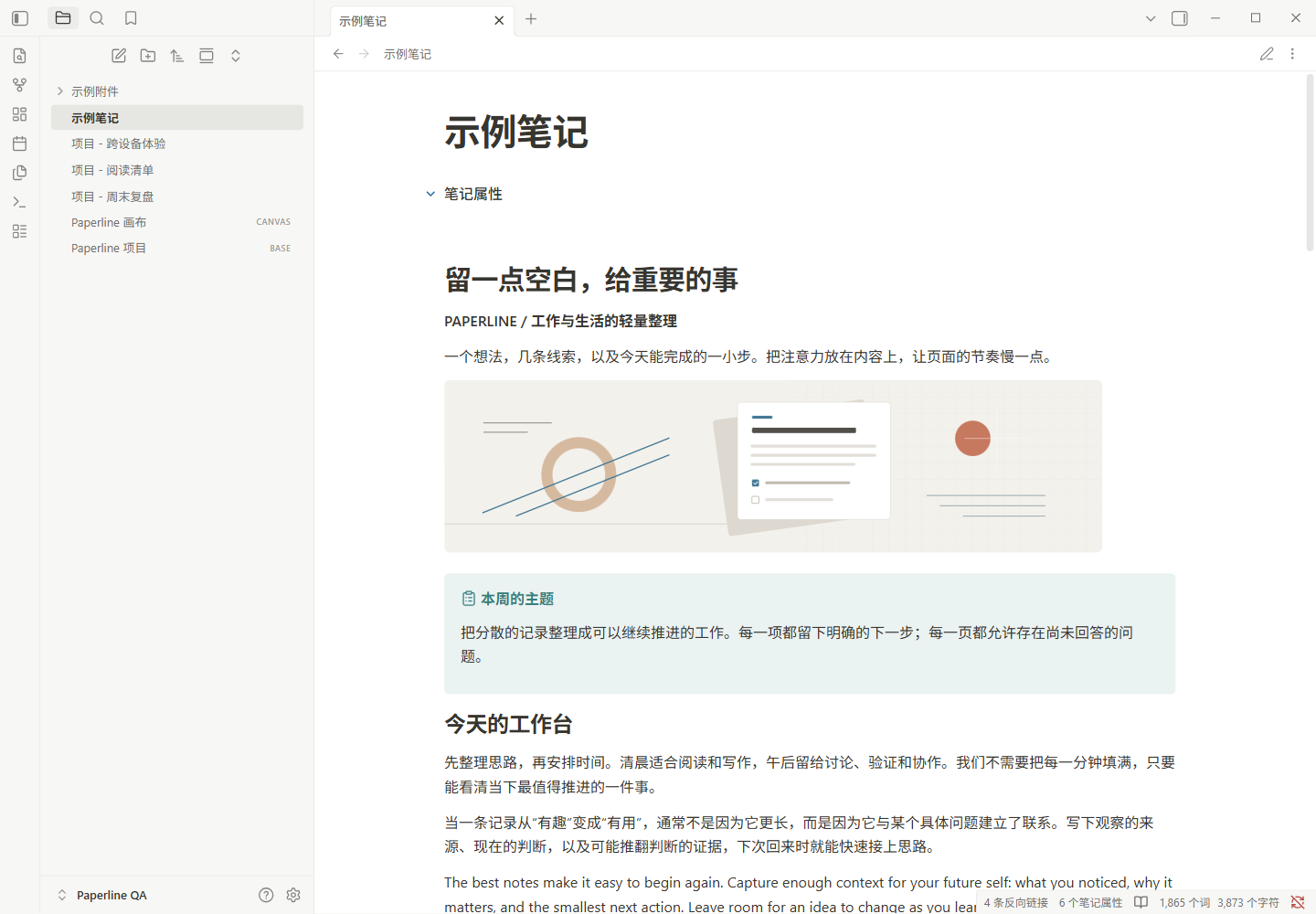
2. Paperline
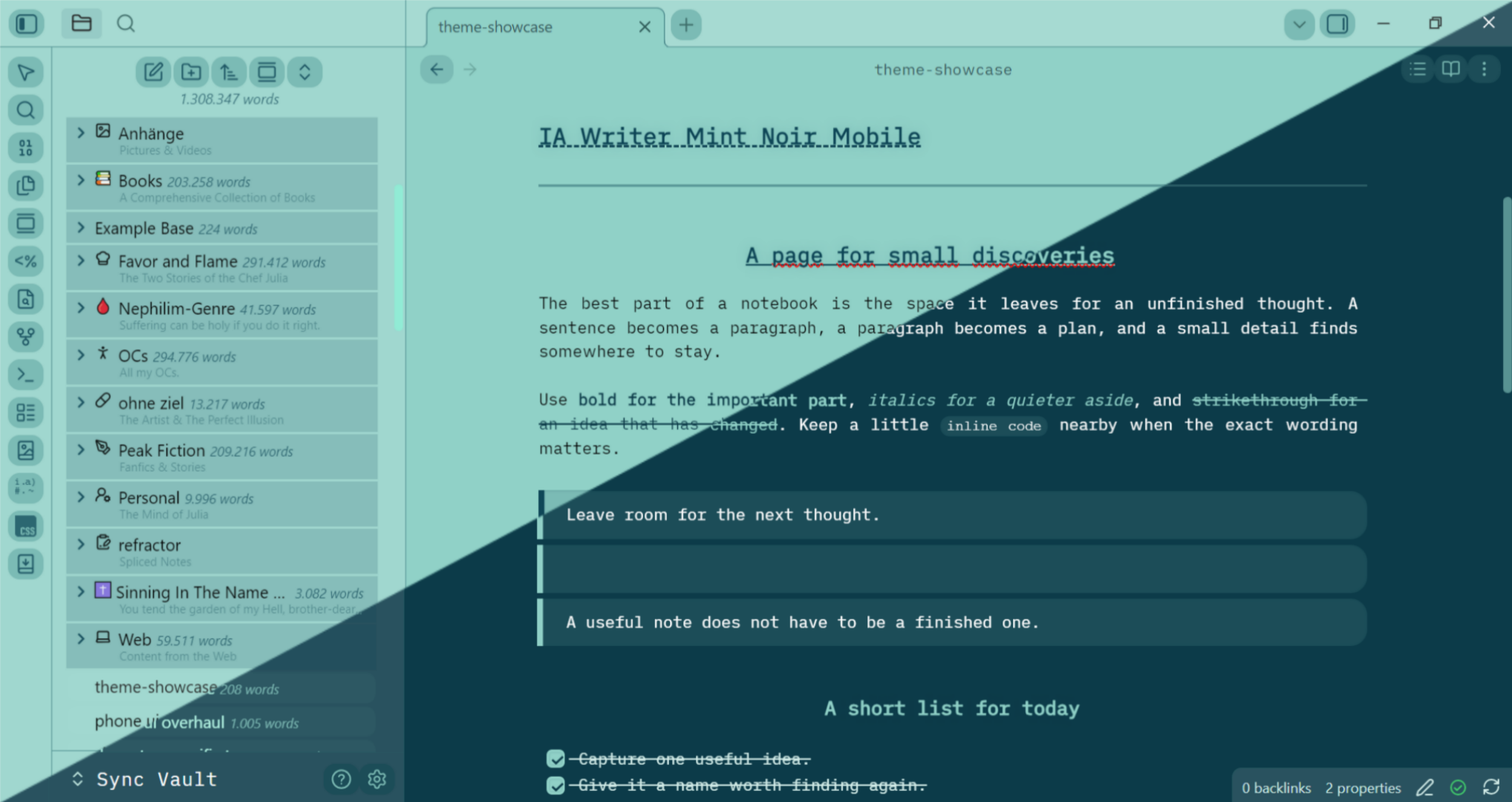
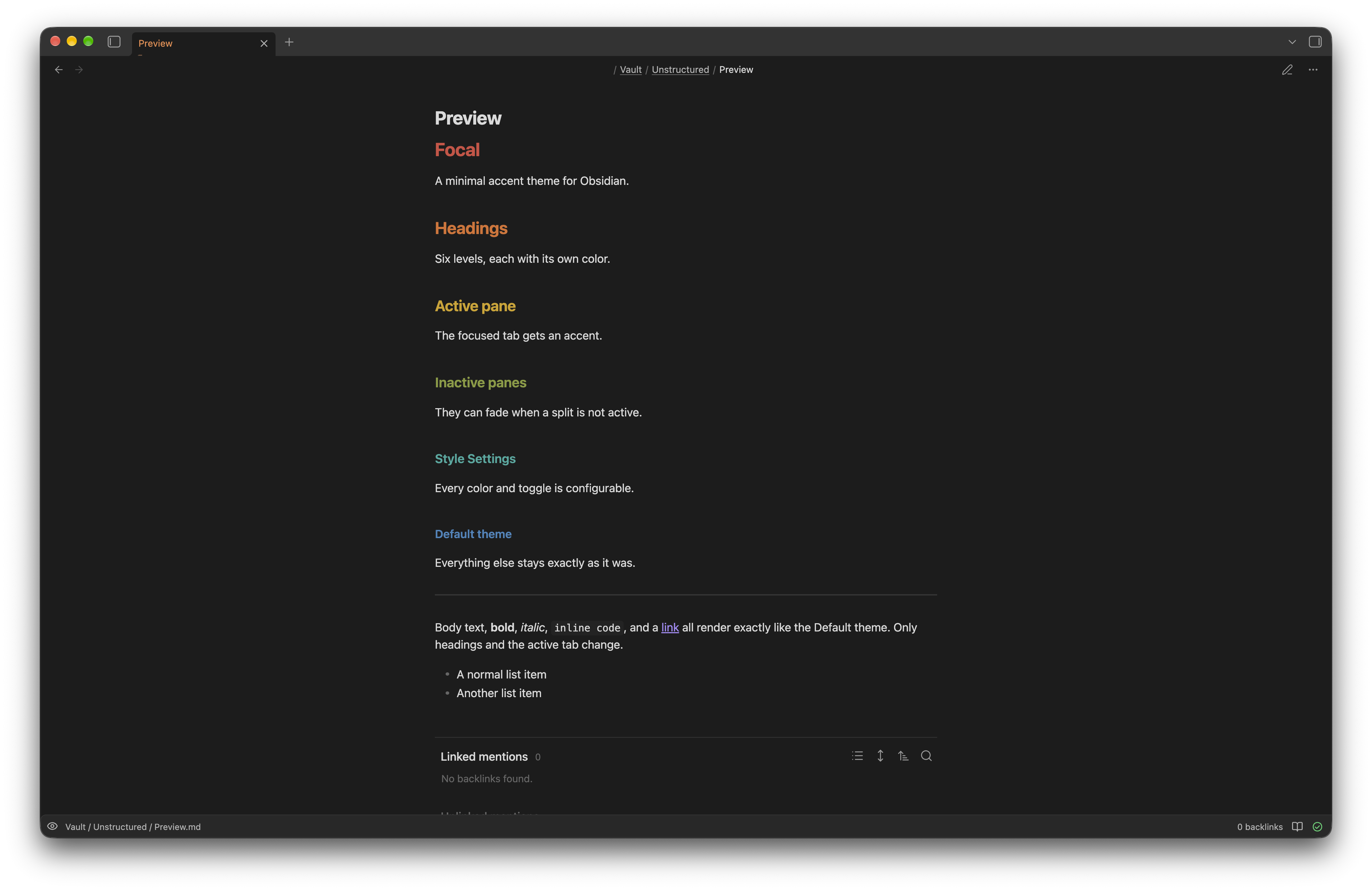
4. Focal
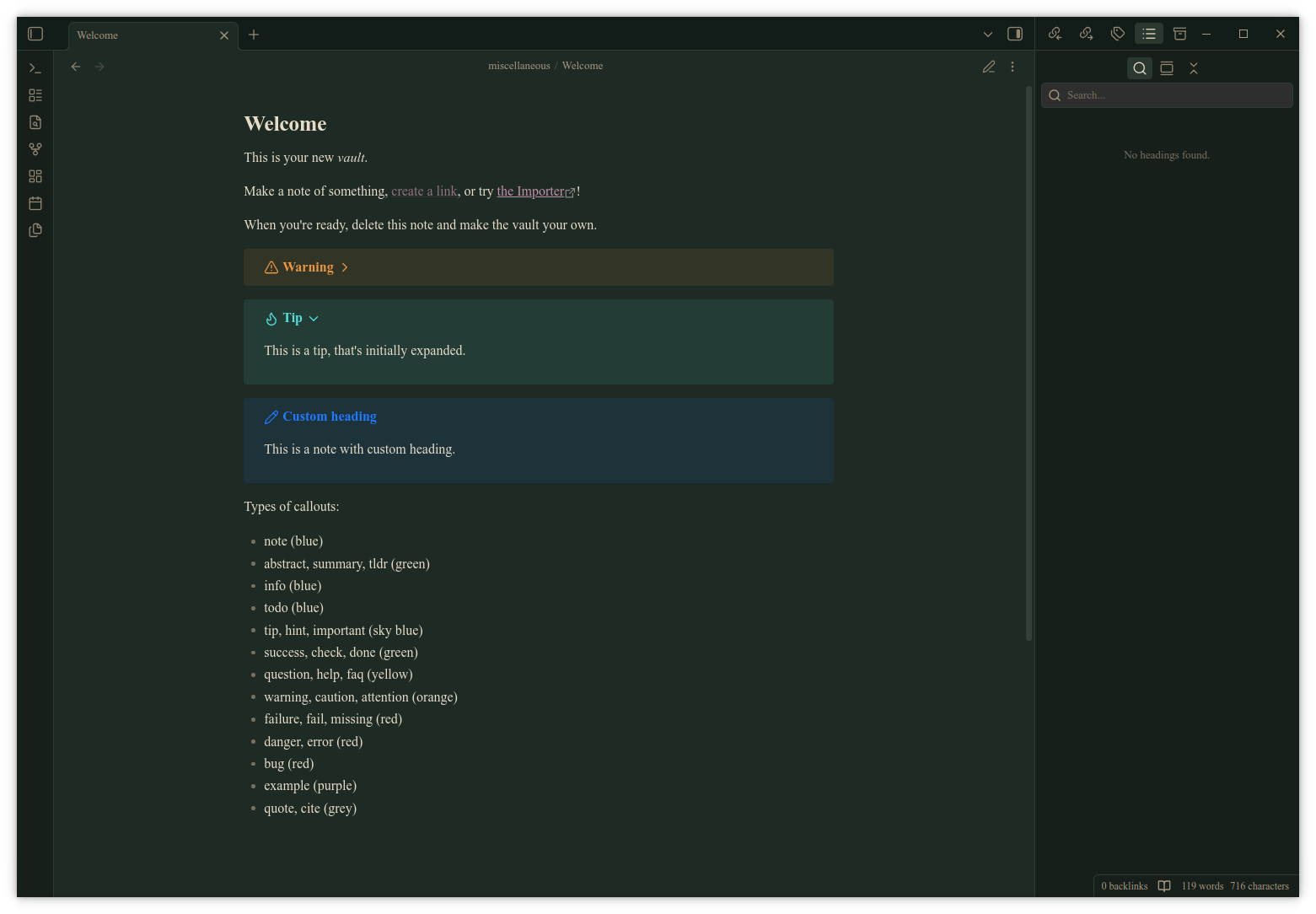
6. Foreglow
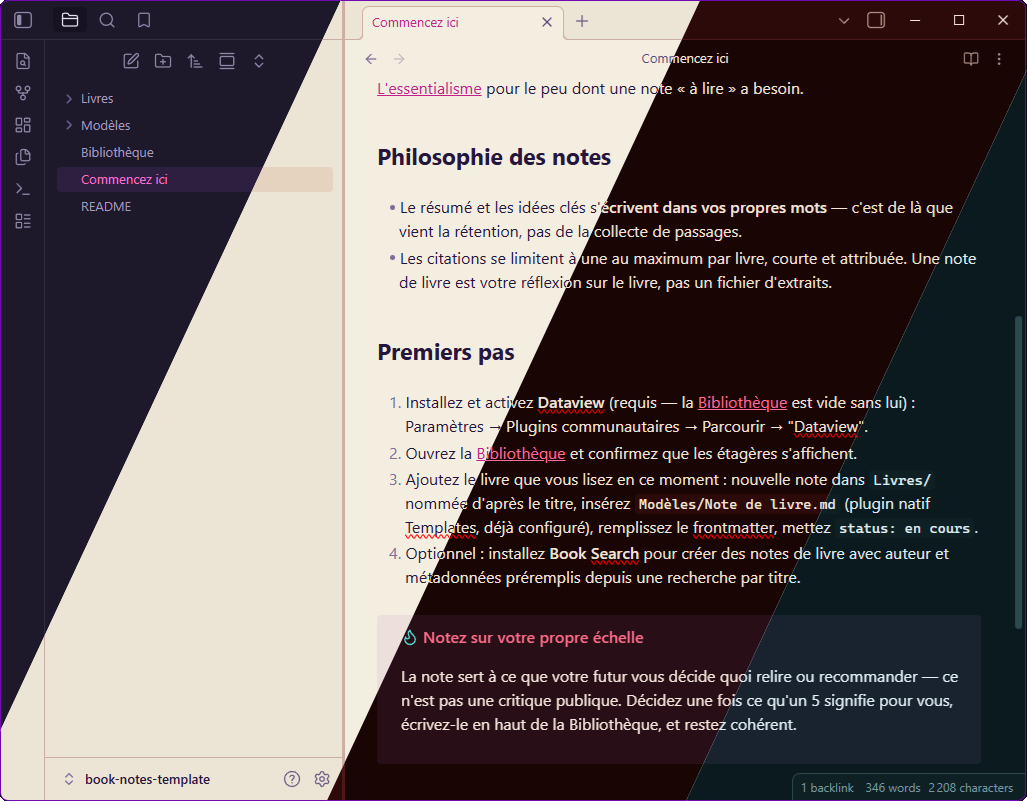
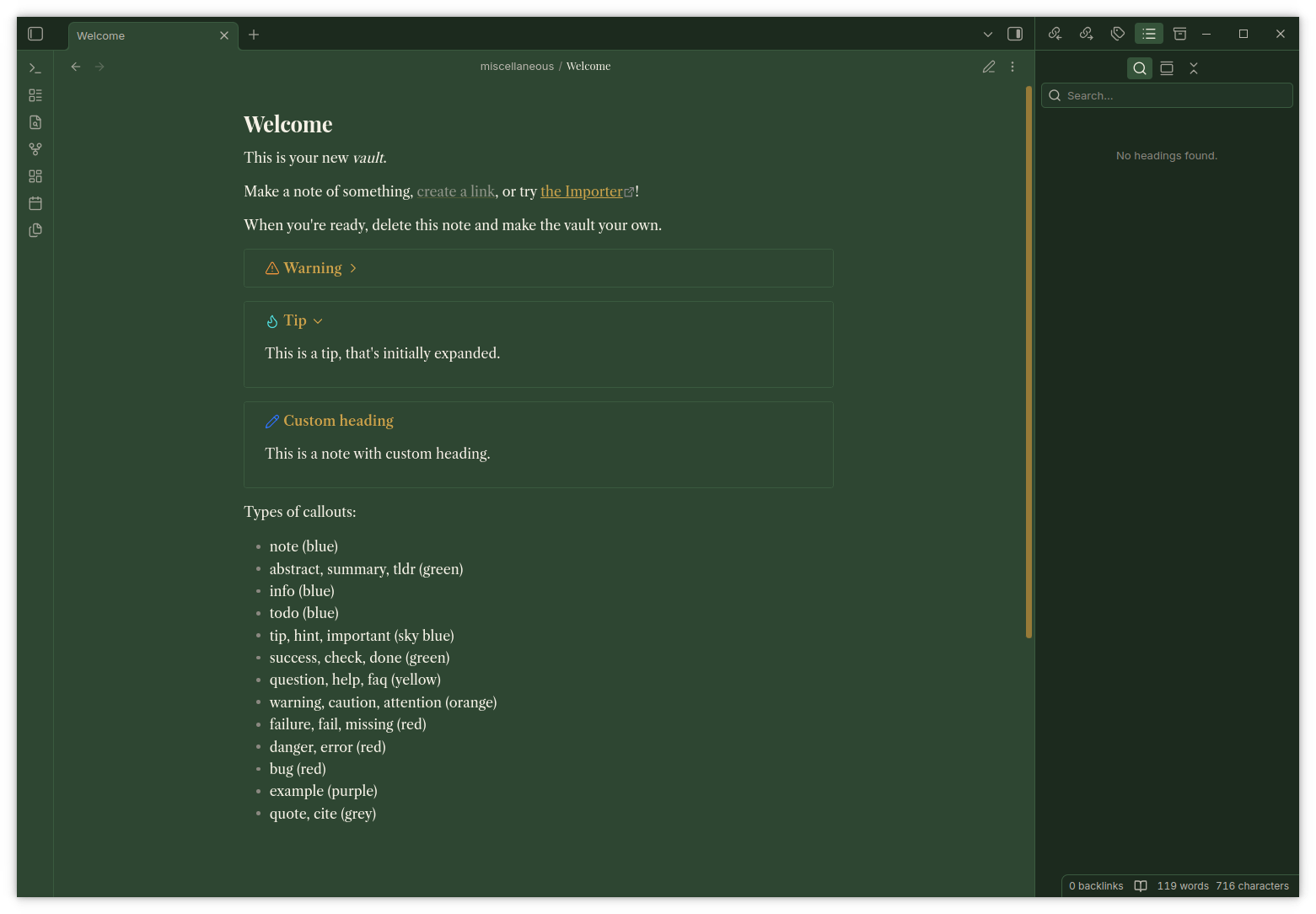
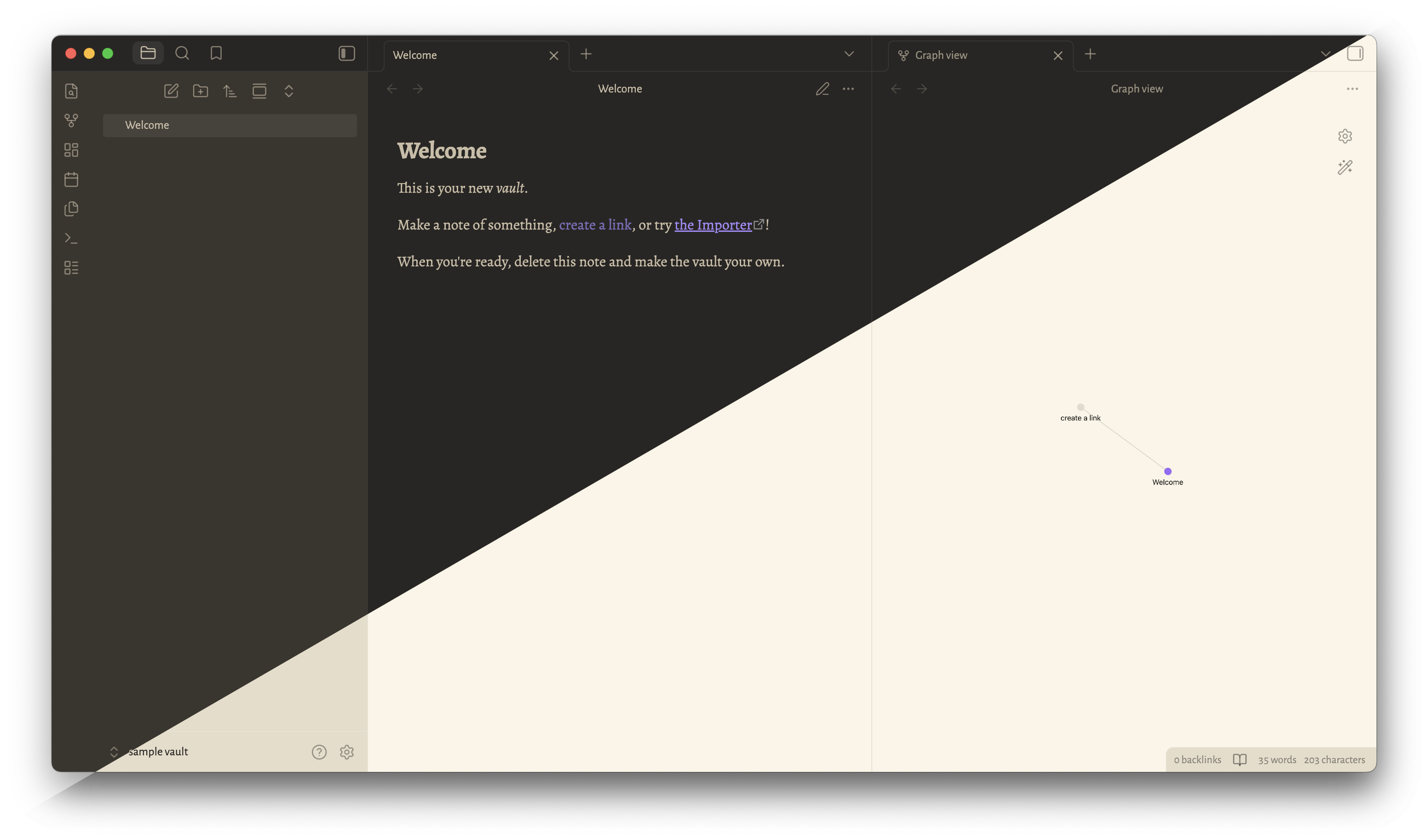
9. MIT Dark
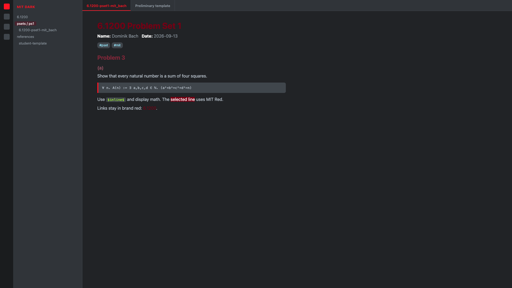
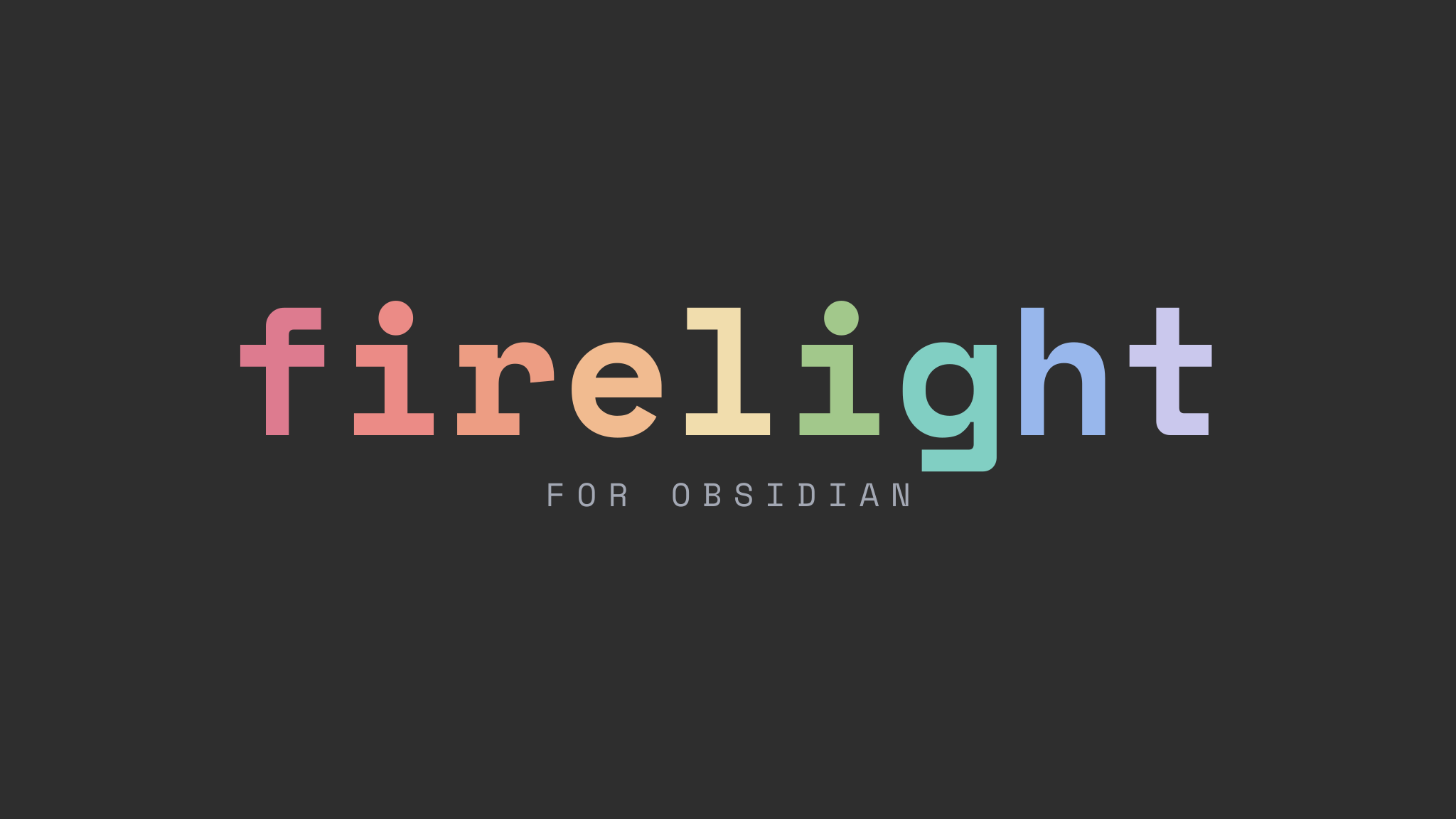
10. Firelight
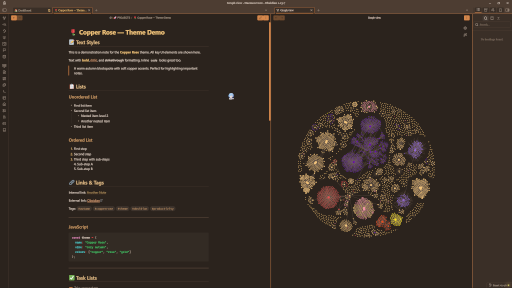
11. Copper Rose
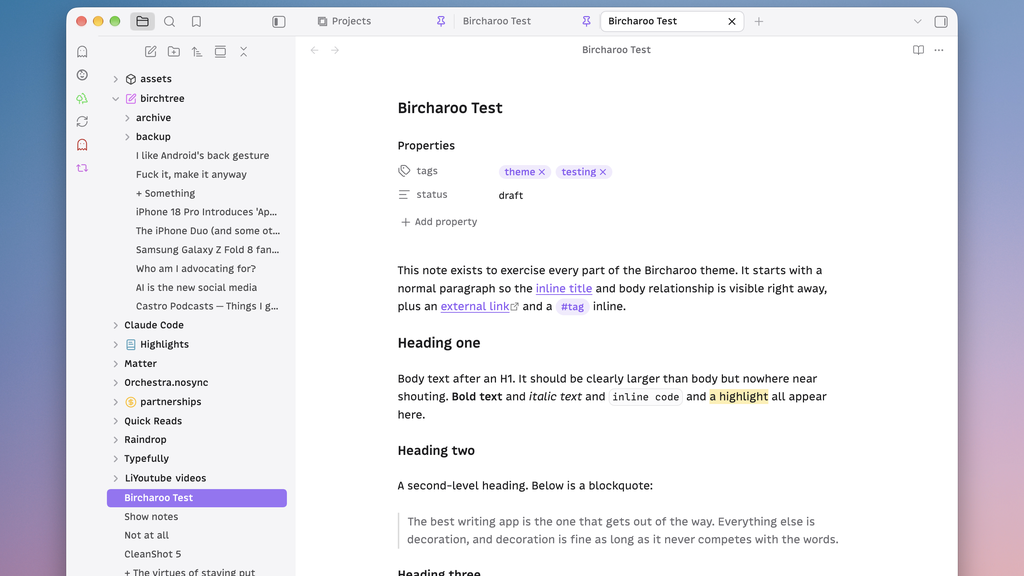
12. Bircharoo
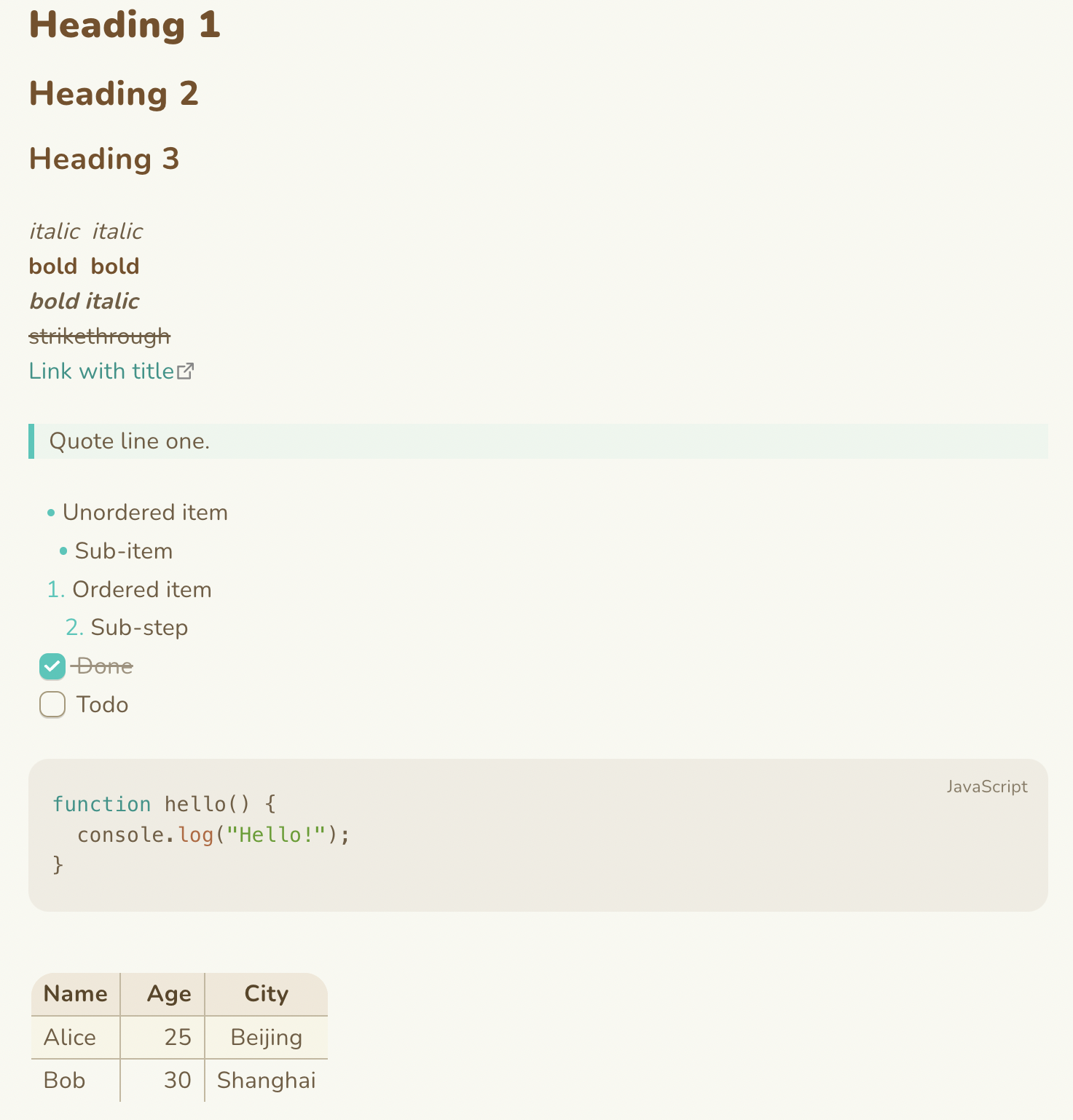
13. Animal Island
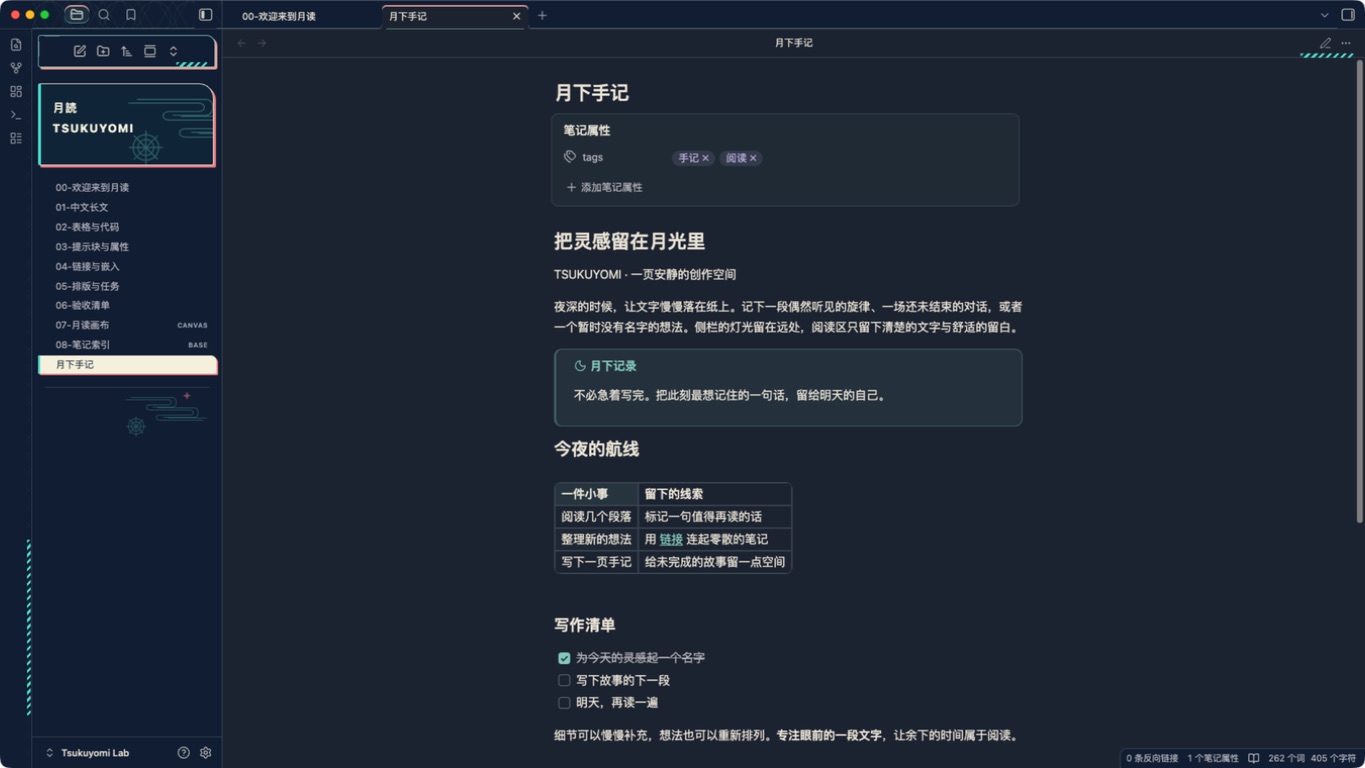
14. Tsukuyomi
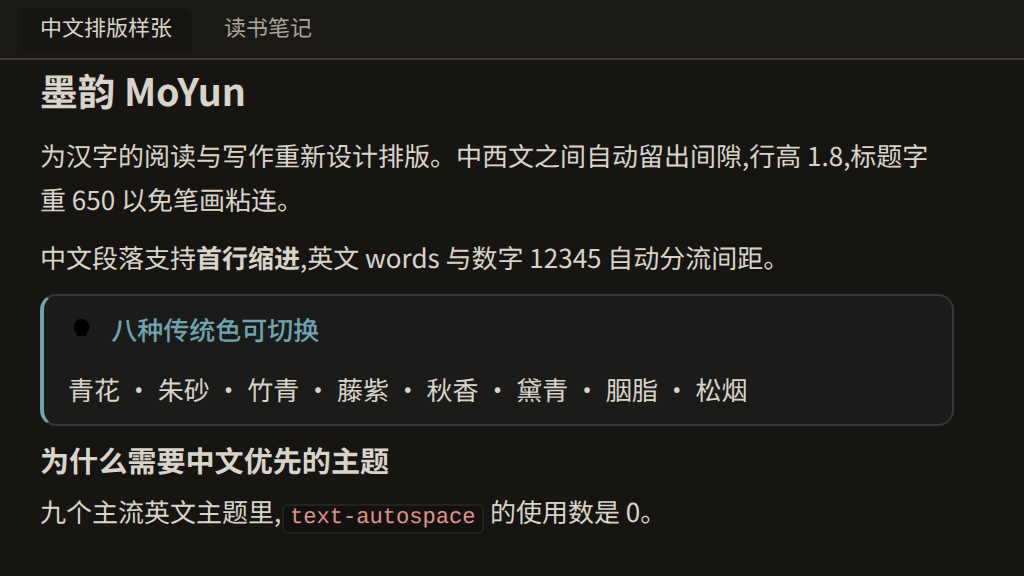
15. MoYun
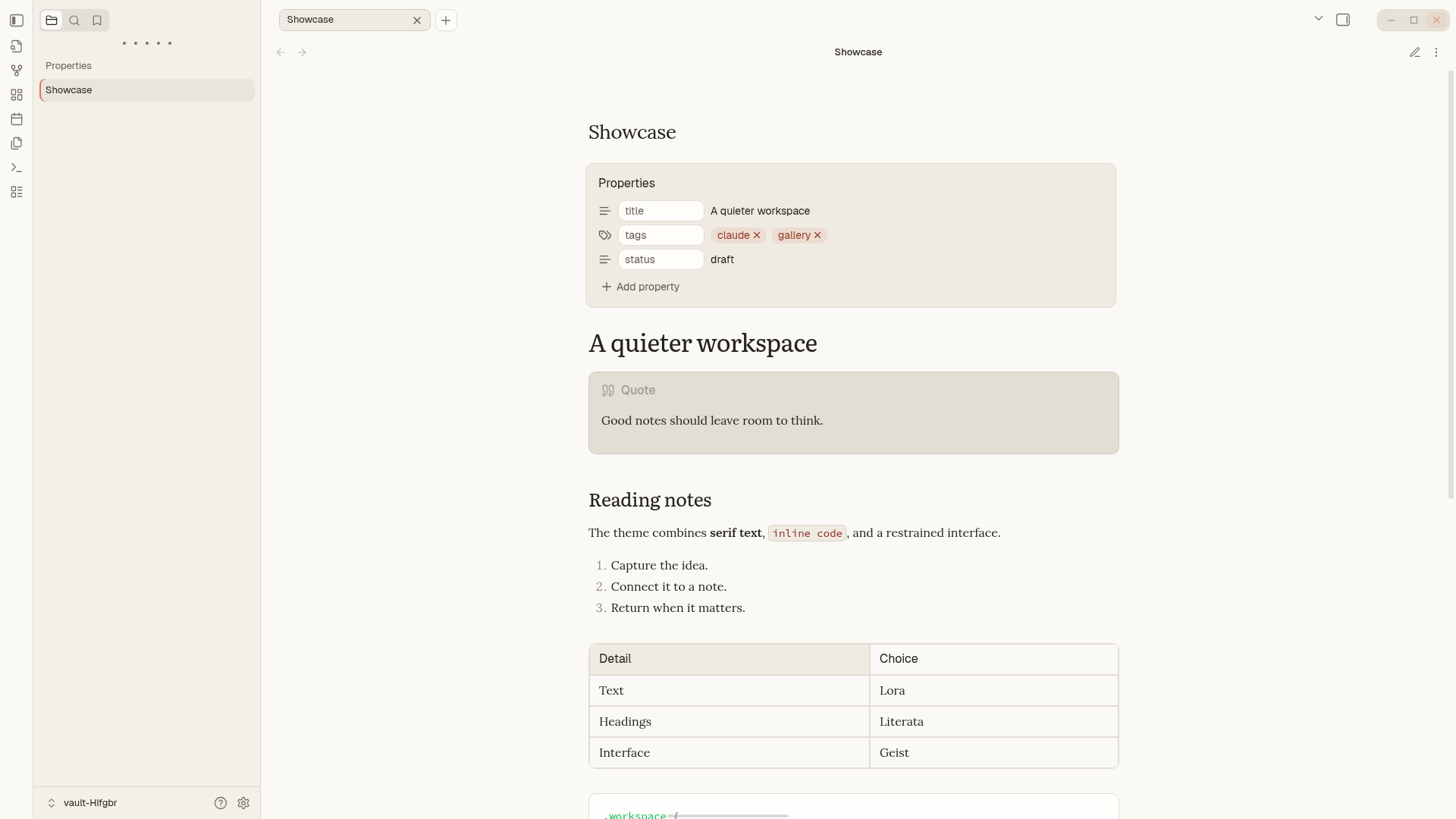
16. Claude.md
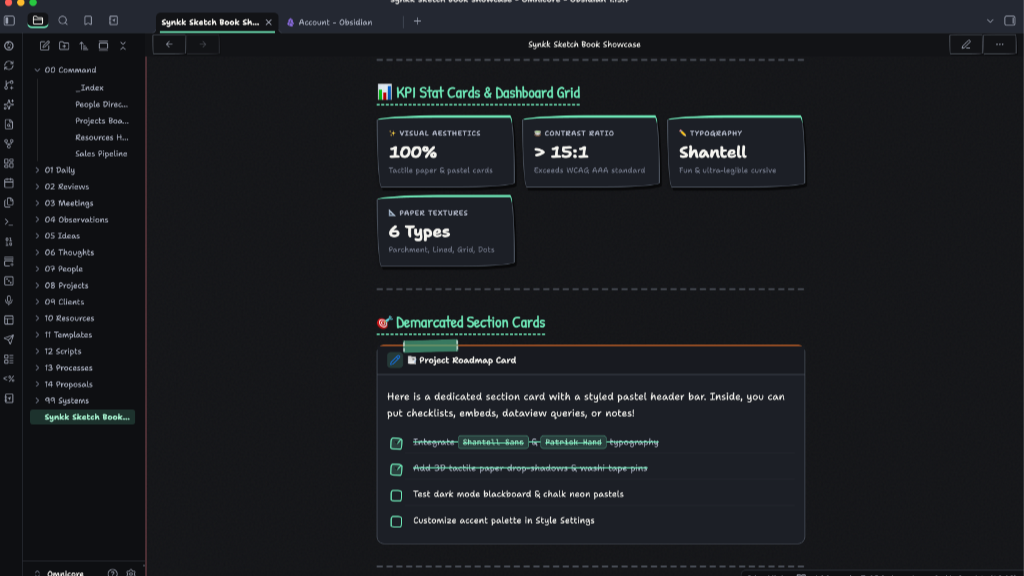
18. Mimir
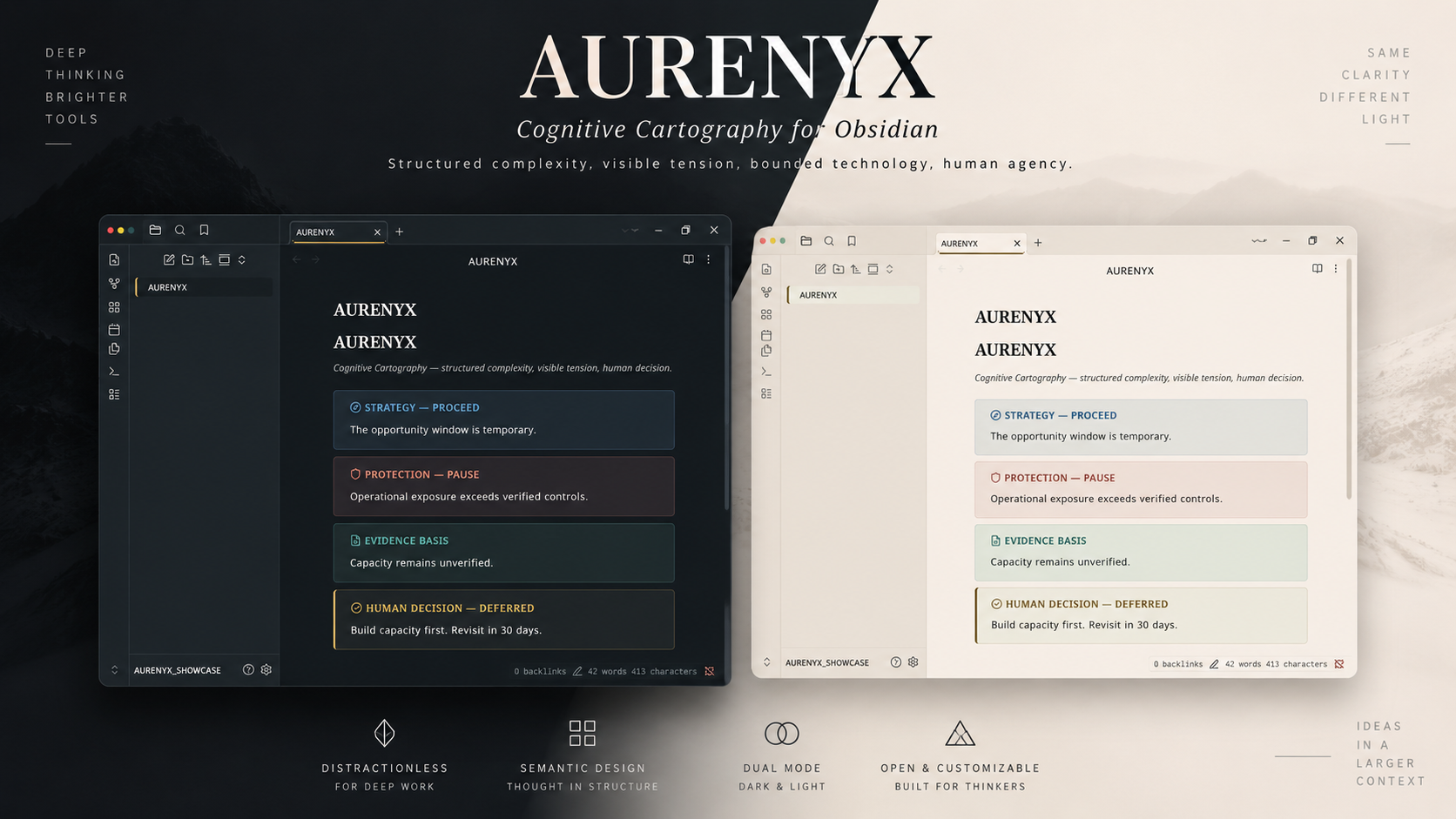
19. AURENYX
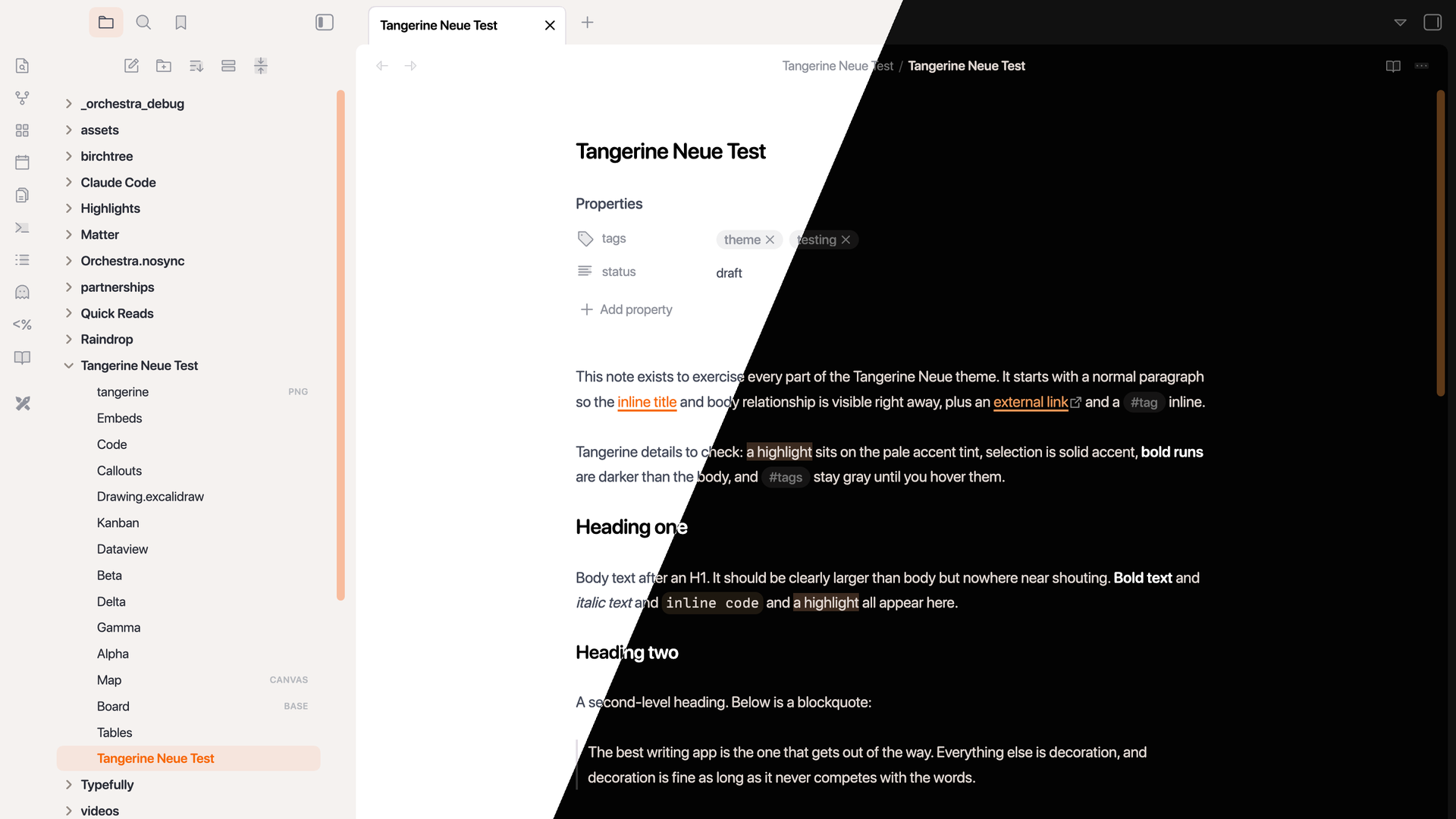
20. Tangerine Neue
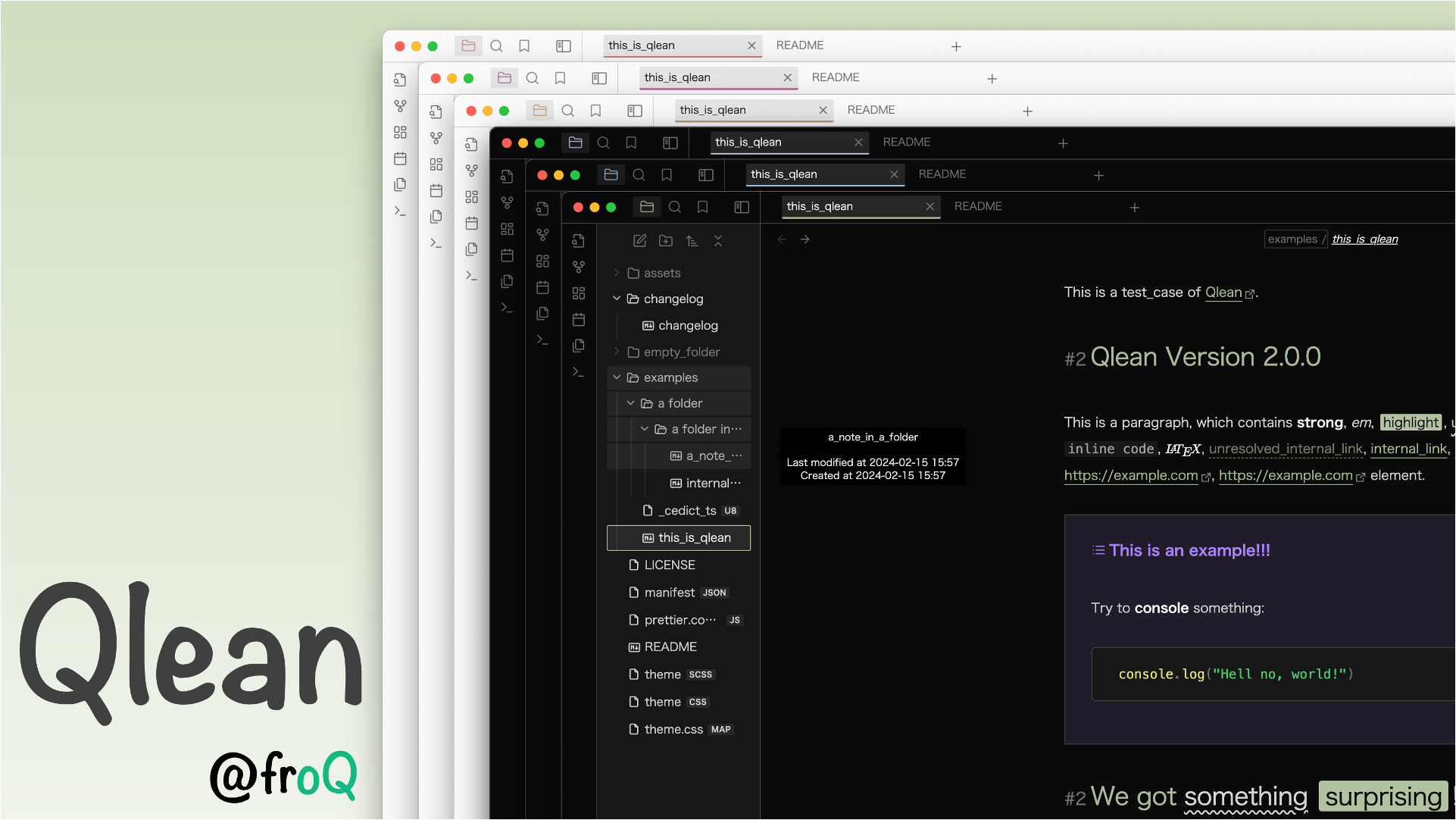
21. Qlean
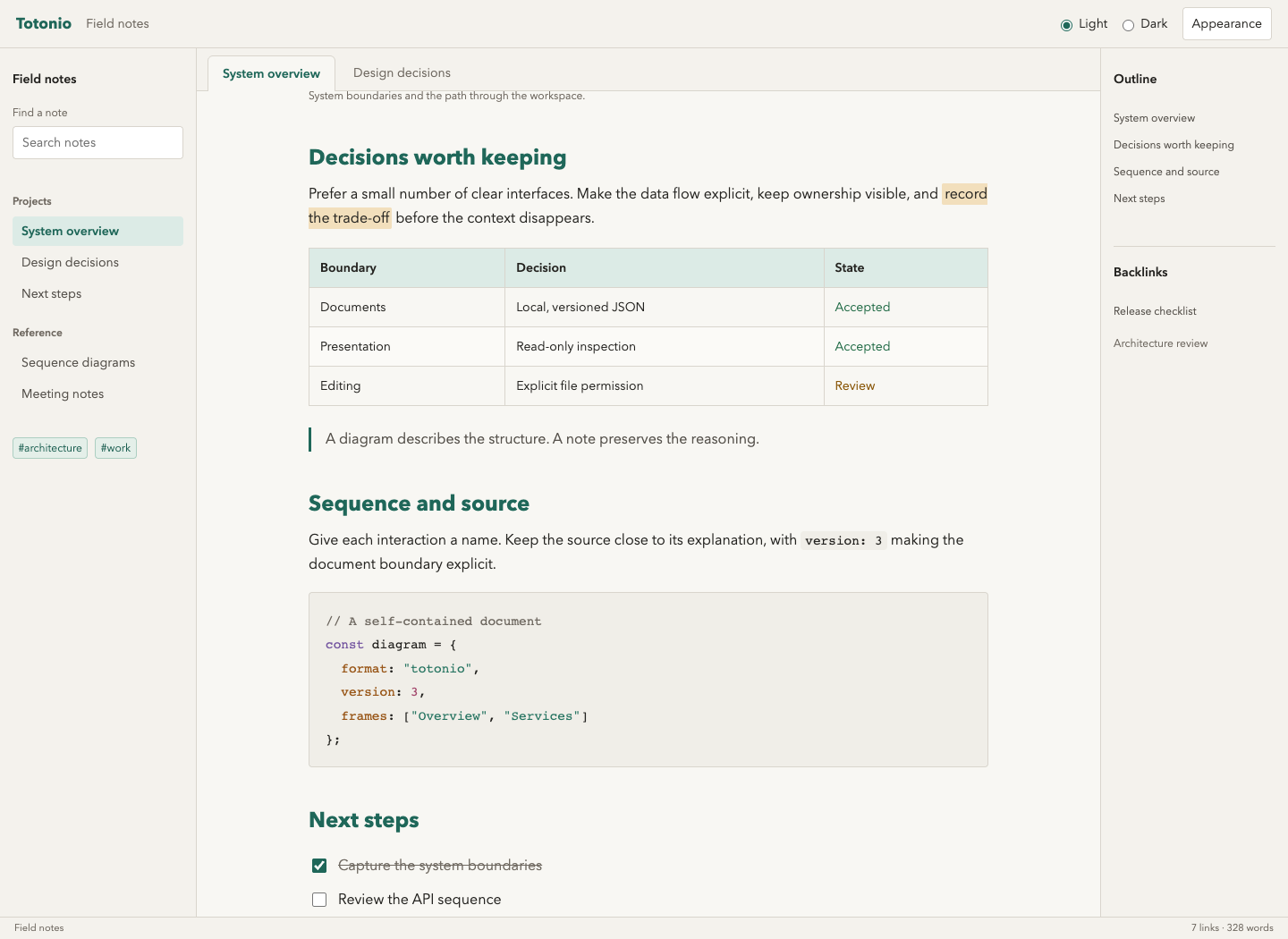
22. Totonio
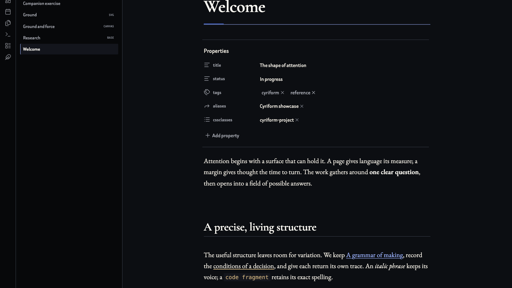
23. Cyriform
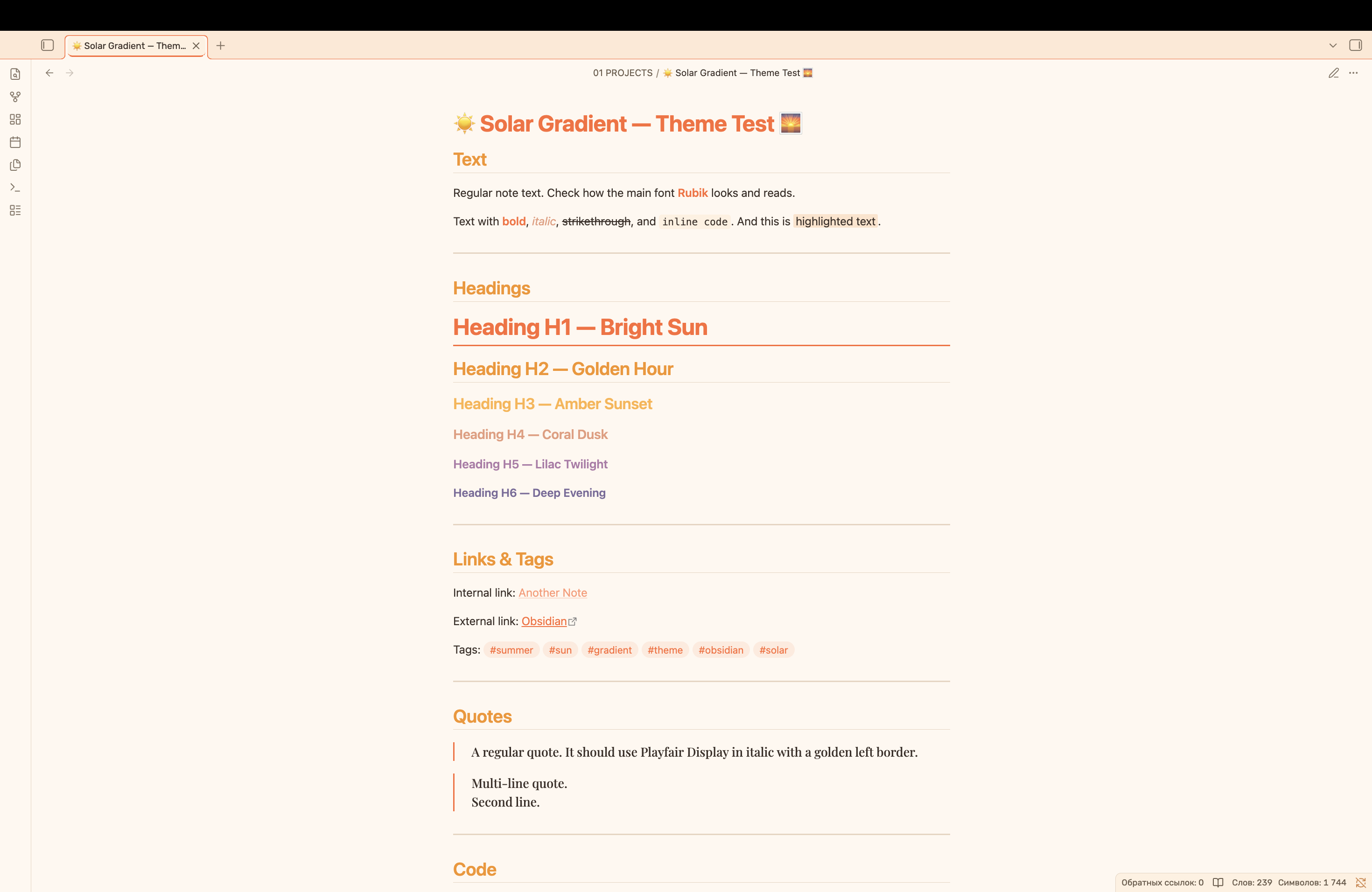
24. Solar Gradient
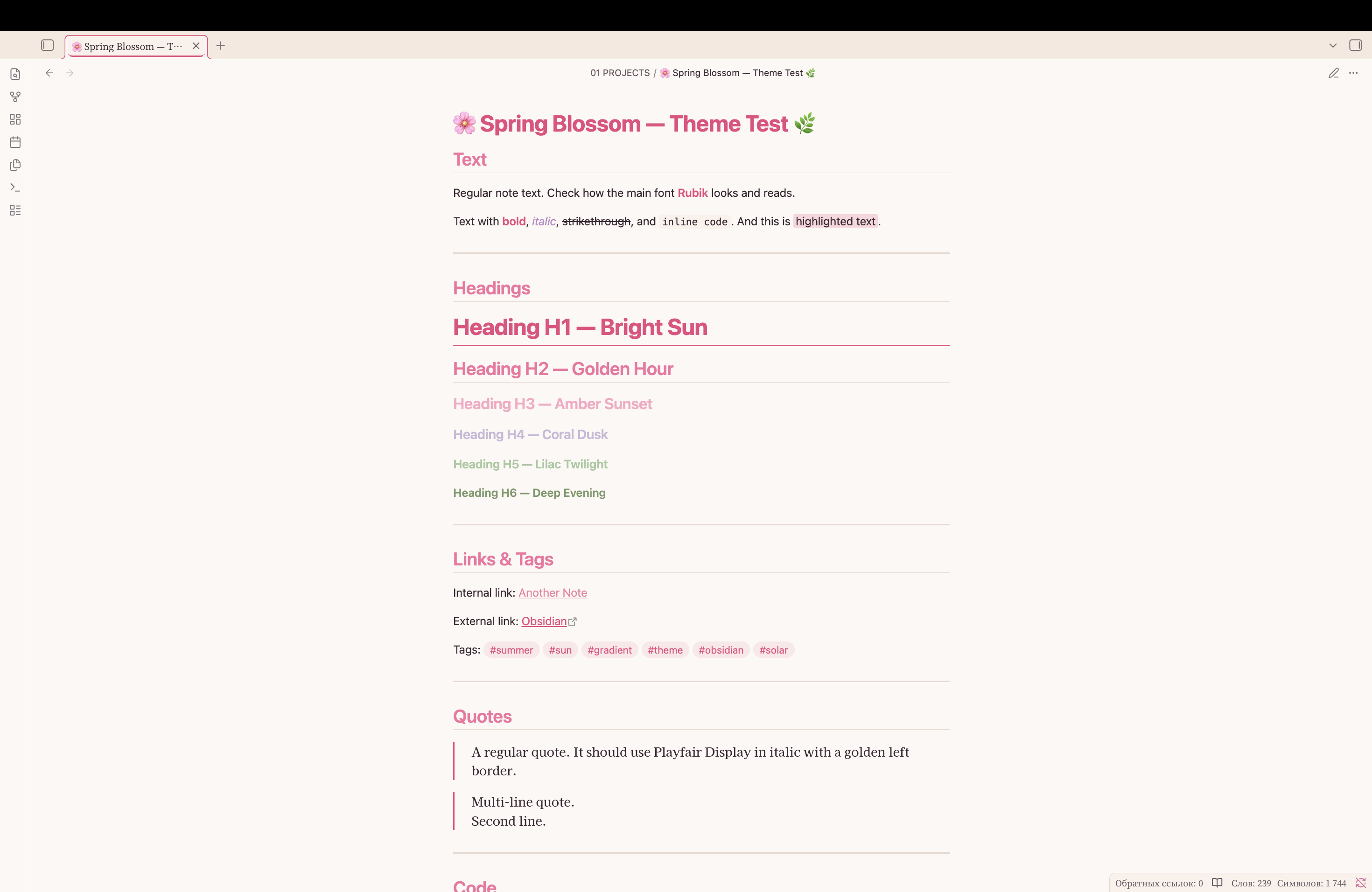
25. Spring Blossom
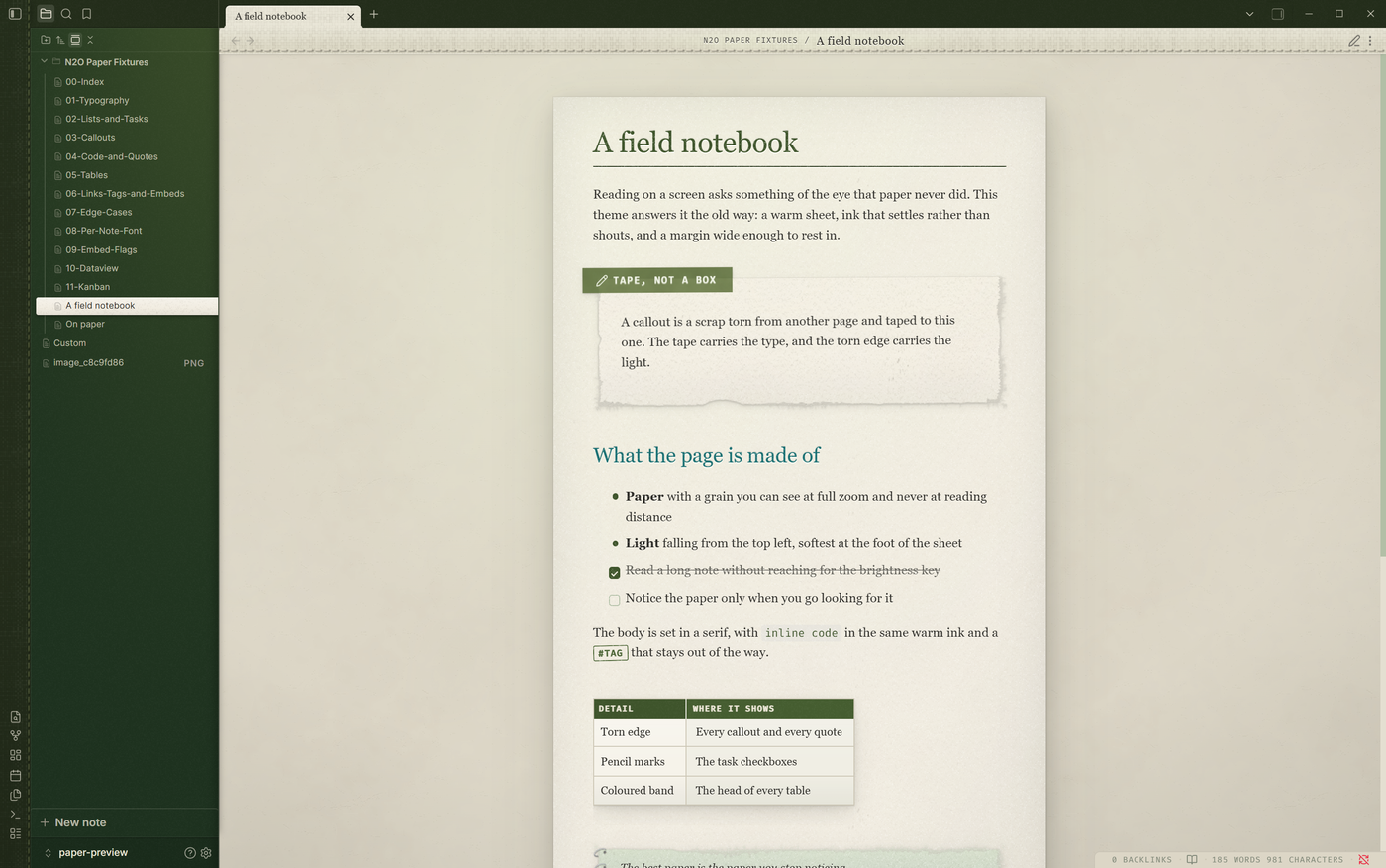
26. N2O Paper
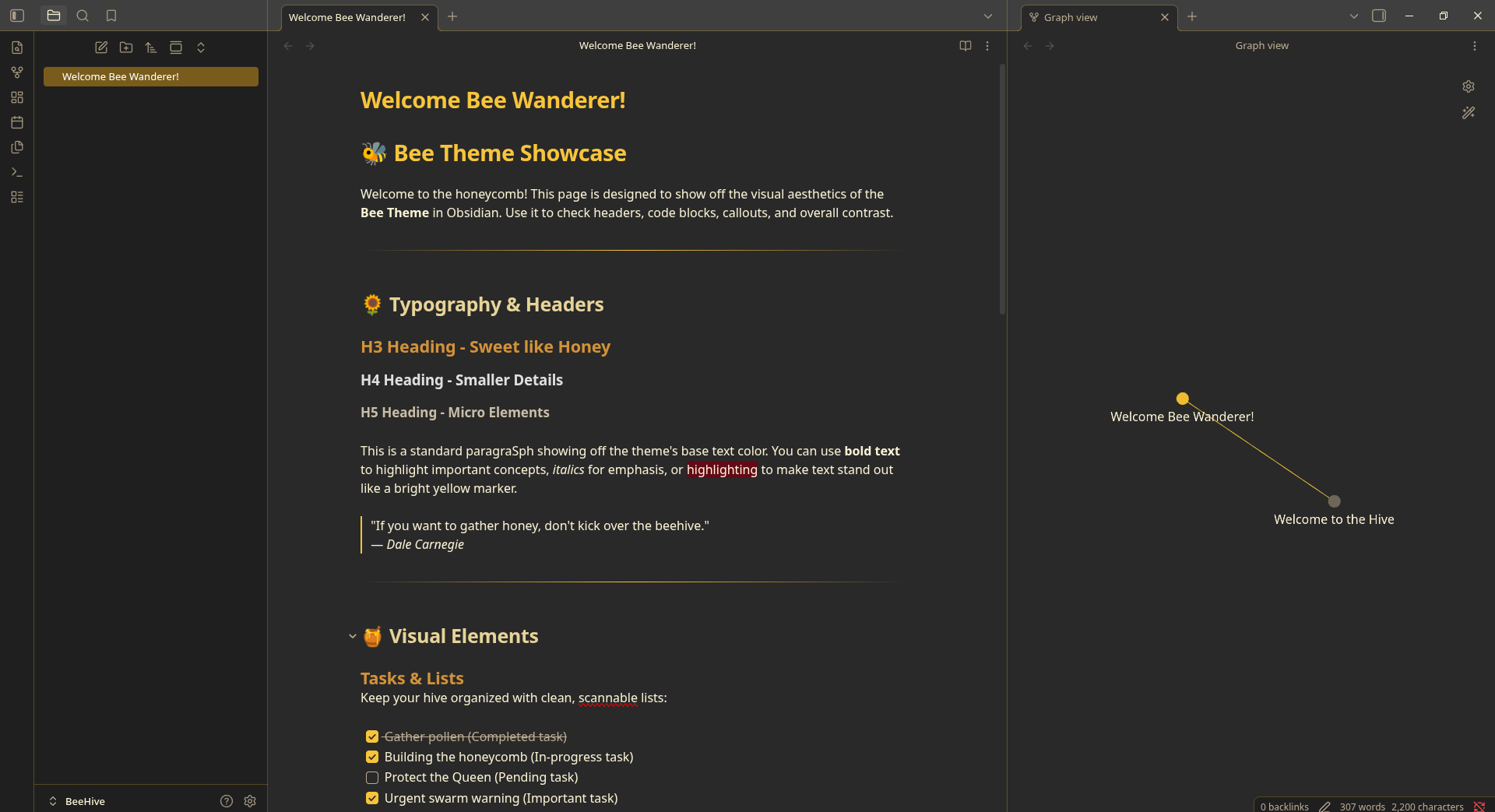
27. Bee
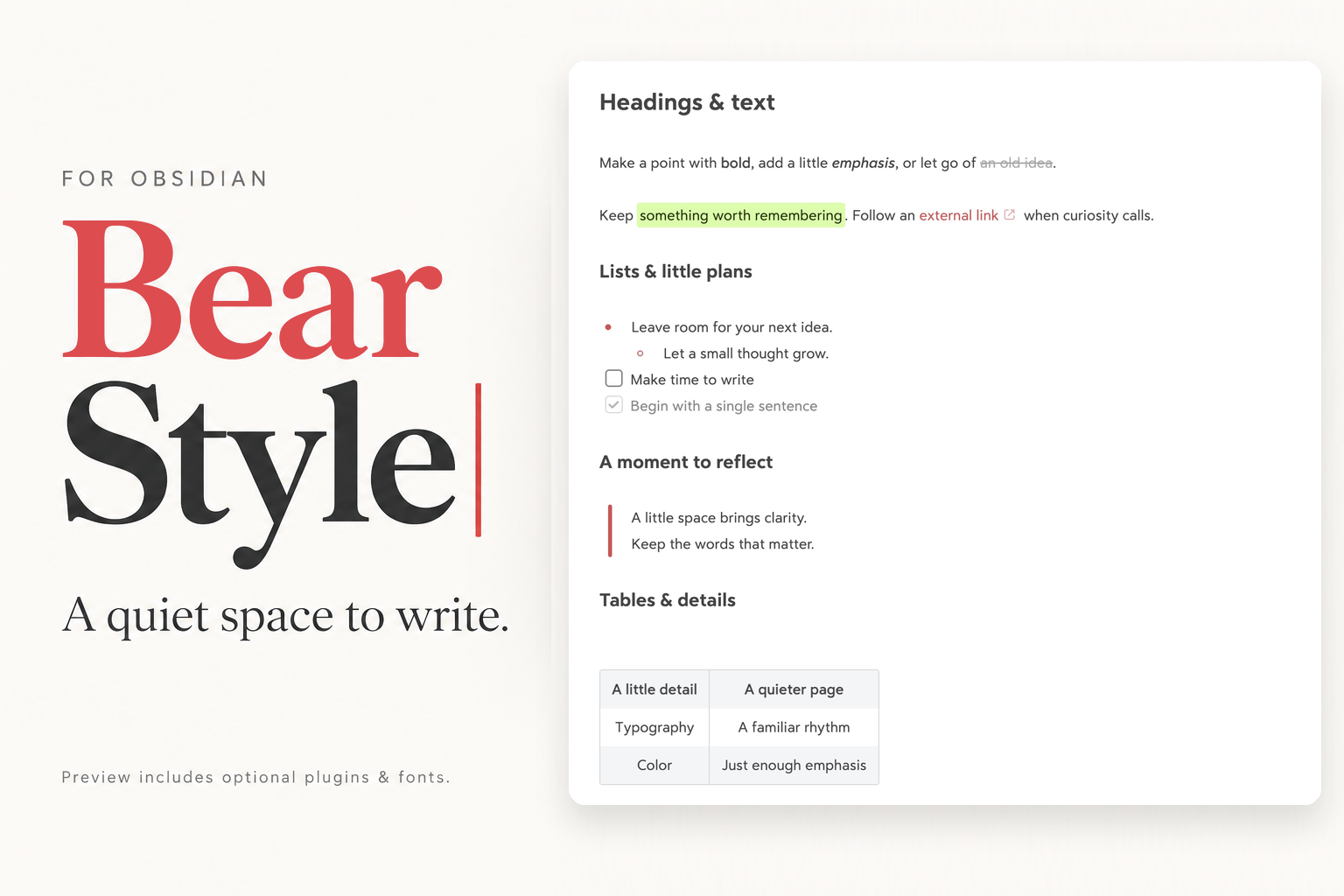
28. Bear Style
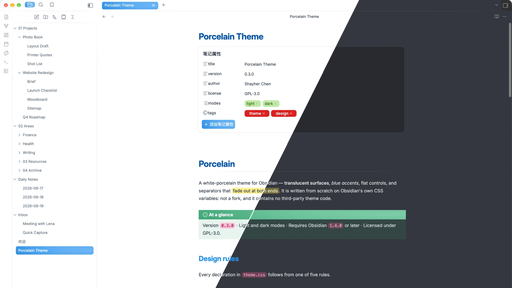
29. Porcelain
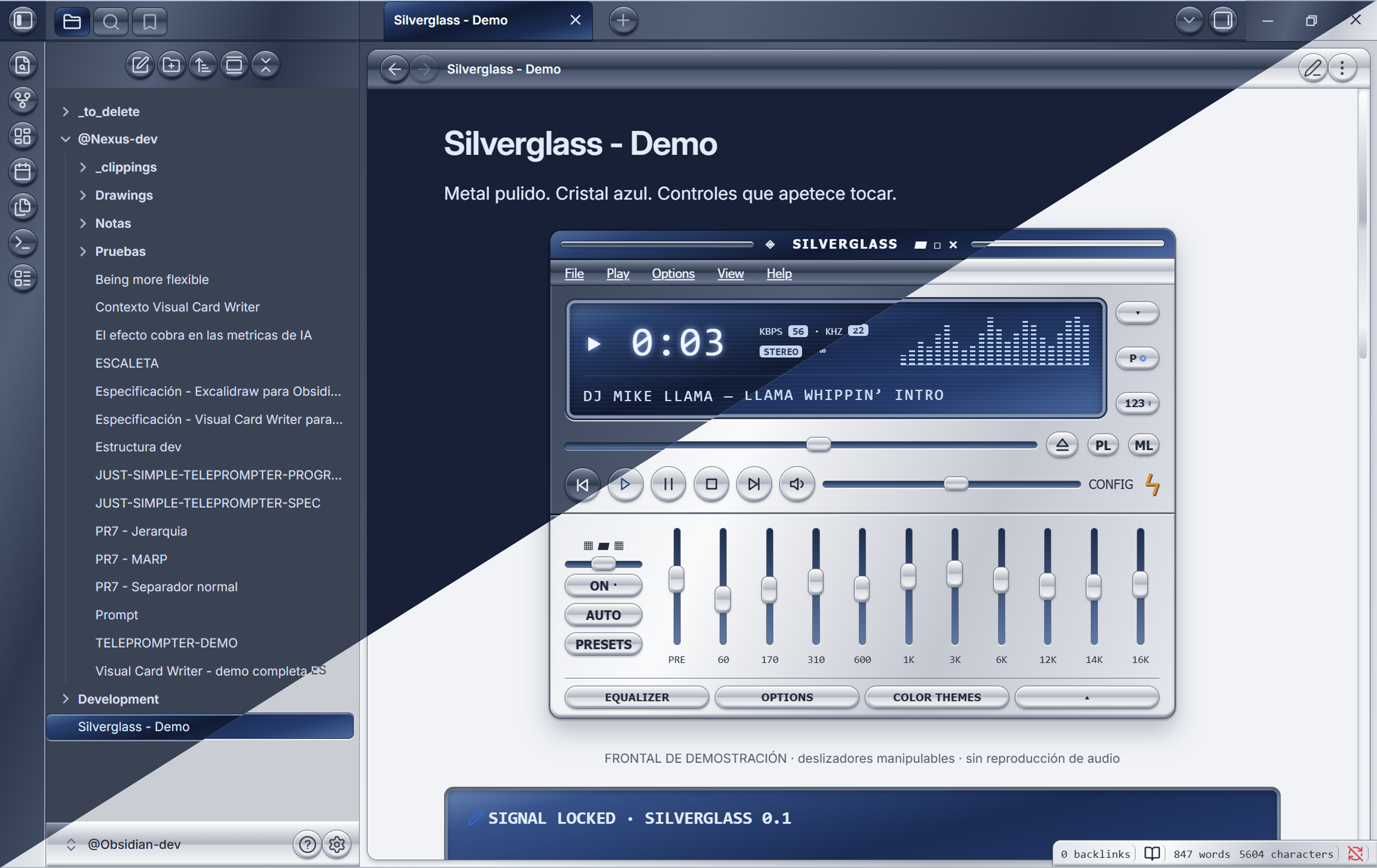
30. Silverglass
That is a wrap for this week. Browse the newest plugins on /new and the latest updates on /updates, and I will see you in the next roundup. Happy note-taking!