
README file from
GithubMIT Dark
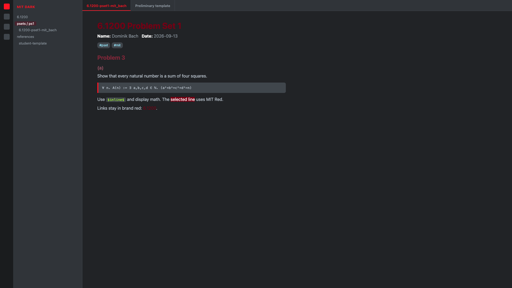
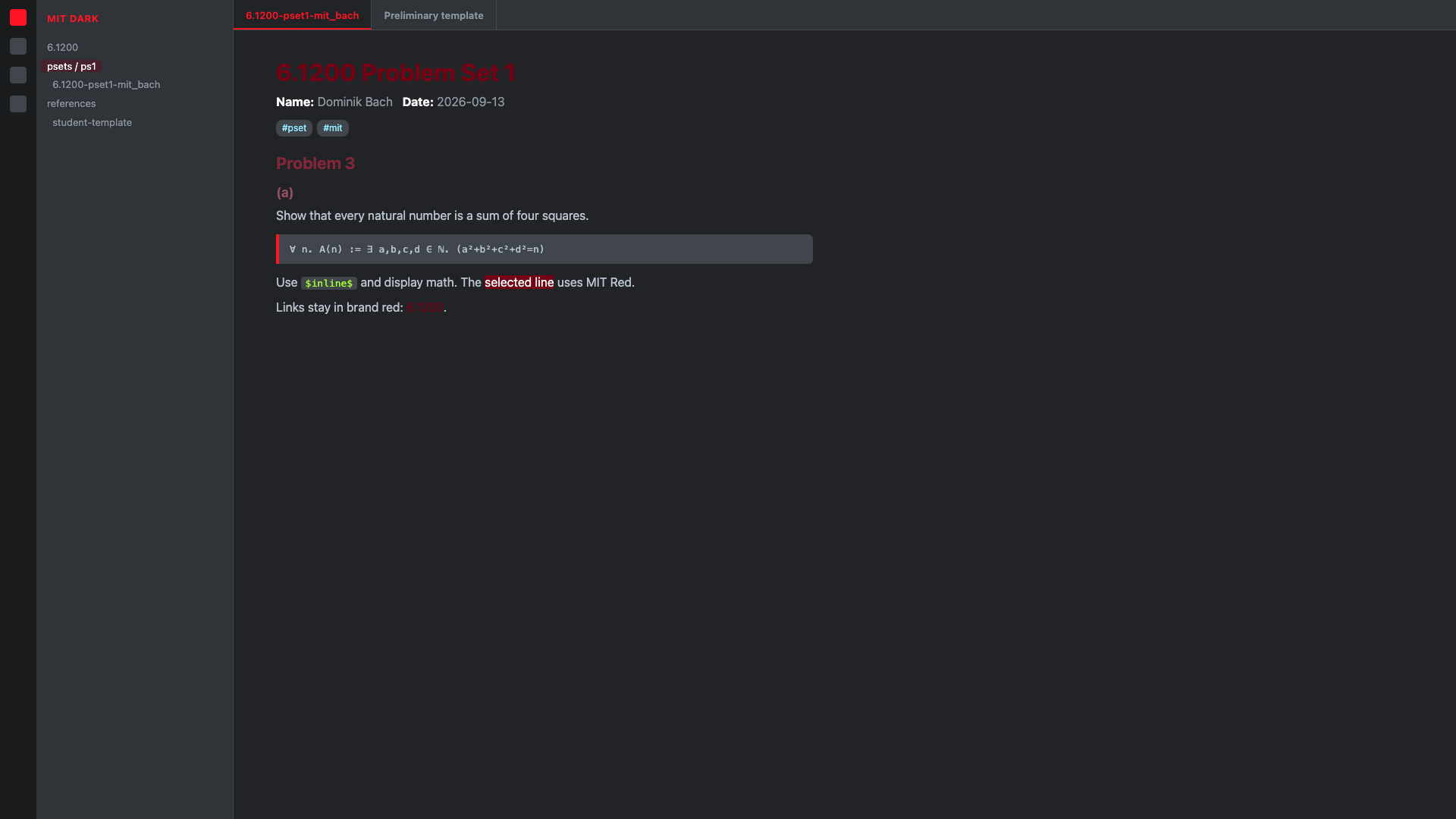
A dark theme using official MIT brand colors. Surfaces are Dark Gray. Accents are MIT Red and Bright Red. Body text is Light Silver Gray.
Forked from Obsidian Nord (layout and selectors). The palette is MIT, not Nord frost.
Install
Community themes
Settings → Appearance → Themes → Manage and search for MIT Dark. Use dark mode.
Manual
The theme folder name must match the manifest name exactly: MIT Dark.
<vault>/.obsidian/themes/MIT Dark/theme.css
<vault>/.obsidian/themes/MIT Dark/manifest.json
A folder named mit-dark will not appear in the theme list.
Then Settings → Appearance → Themes → MIT Dark. Set the color scheme to dark.
Palette
| Token | Hex | Use |
|---|---|---|
| MIT Red | #750014 |
H1, links, selection, cursor line |
| Bright Red | #ff1423 |
Accent, current tab |
| Dark Gray 2 | #212326 |
Note background |
| Dark Gray 1 | #40464c |
Sidebar, code |
| Silver Gray | #8b959e |
Muted chrome |
| Light Silver Gray | #b8c2cc |
Body text |
Modes
Dark only.
Credit
- Theme structure: insanum, Obsidian Nord
- Colors: MIT Brand Guide