
There are 263 new plugins, 1,031 plugin updates and 22 new themes during the week 2026-09-06 to 2026-09-12.
The list is long. Between 2026-09-06 and 2026-09-12 the community released 263 new plugins and 22 new themes, alongside 1,031 plugin updates. Here are the entries I would look at first.
New Plugins
There are 263 new plugins - see them all at /new.
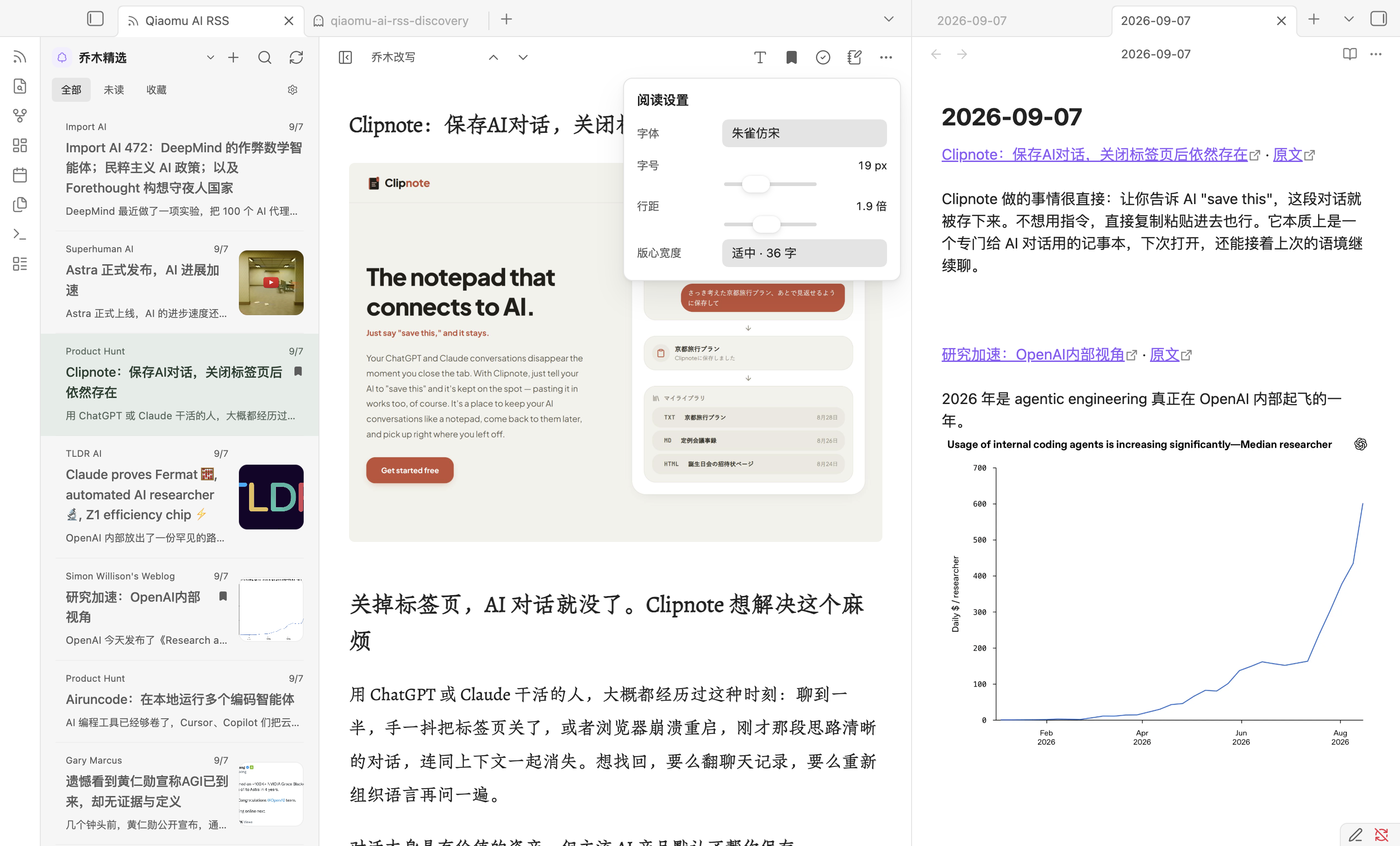
Four stood out. Simple Reminder handles one-time and recurring reminders with system notifications, which gives scheduled tasks a place inside Obsidian. Qiaomu AI RSS reads RSS and Atom feeds in Obsidian and can add article links to your Daily Note, making it useful when reading should lead into writing. Auto Move File moves or copies files according to frontmatter properties or filenames, which can take repetitive filing out of a vault. Floating Quick Note opens a detached note above other apps, so you can capture notes without switching back to Obsidian.
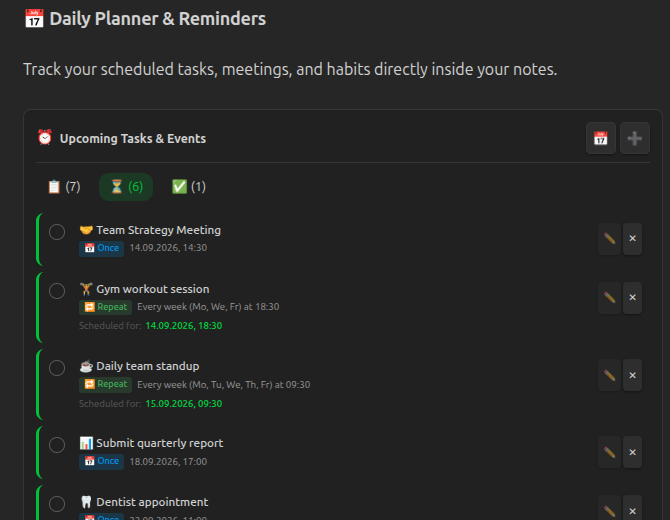
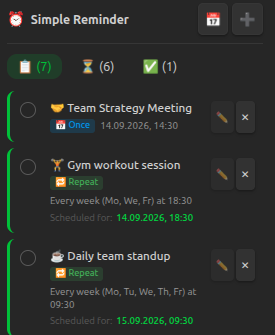
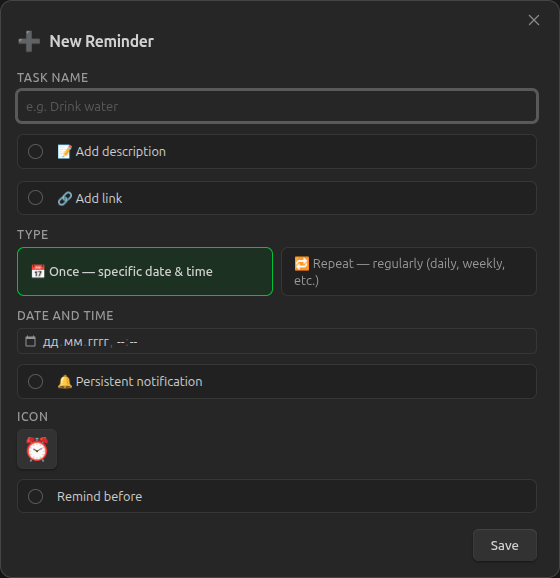
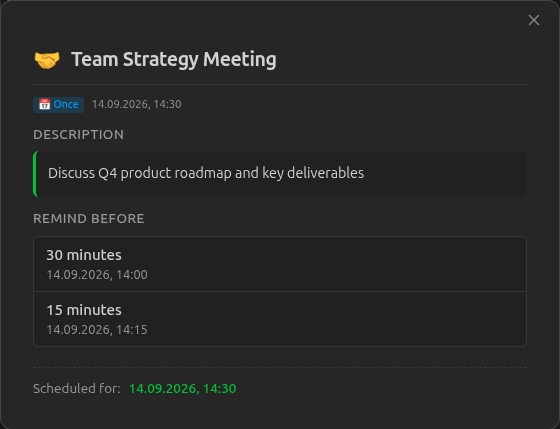
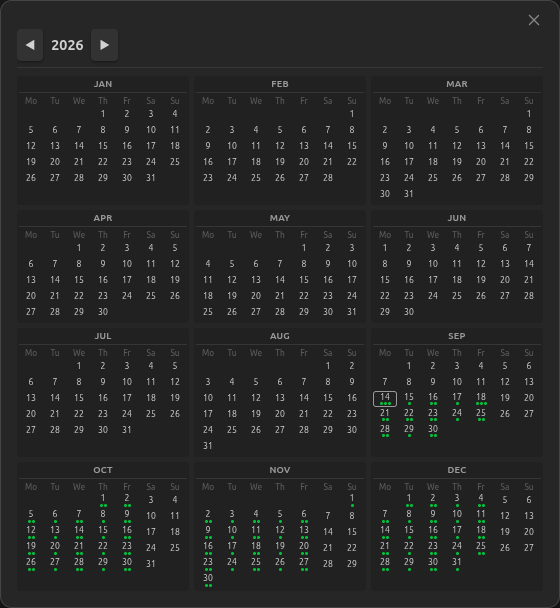
The Simple Reminder plugin manages reminders in a dedicated sidebar panel and inside notes through a simple-reminder code block. It supports one time and recurring reminders, including fixed times and interval based schedules within a chosen time window. Notifications use the desktop Web Notification API and fall back to in app notices on mobile or when permission is denied. You can add pre alerts, reopen completed reminders, attach external URLs or note links and keep persistent nag mode alerts running until a reminder is checked off. The plugin also exposes an API for other plugins and includes English and Russian interfaces. On iOS and Android, notifications work only while the app is open and active on screen.
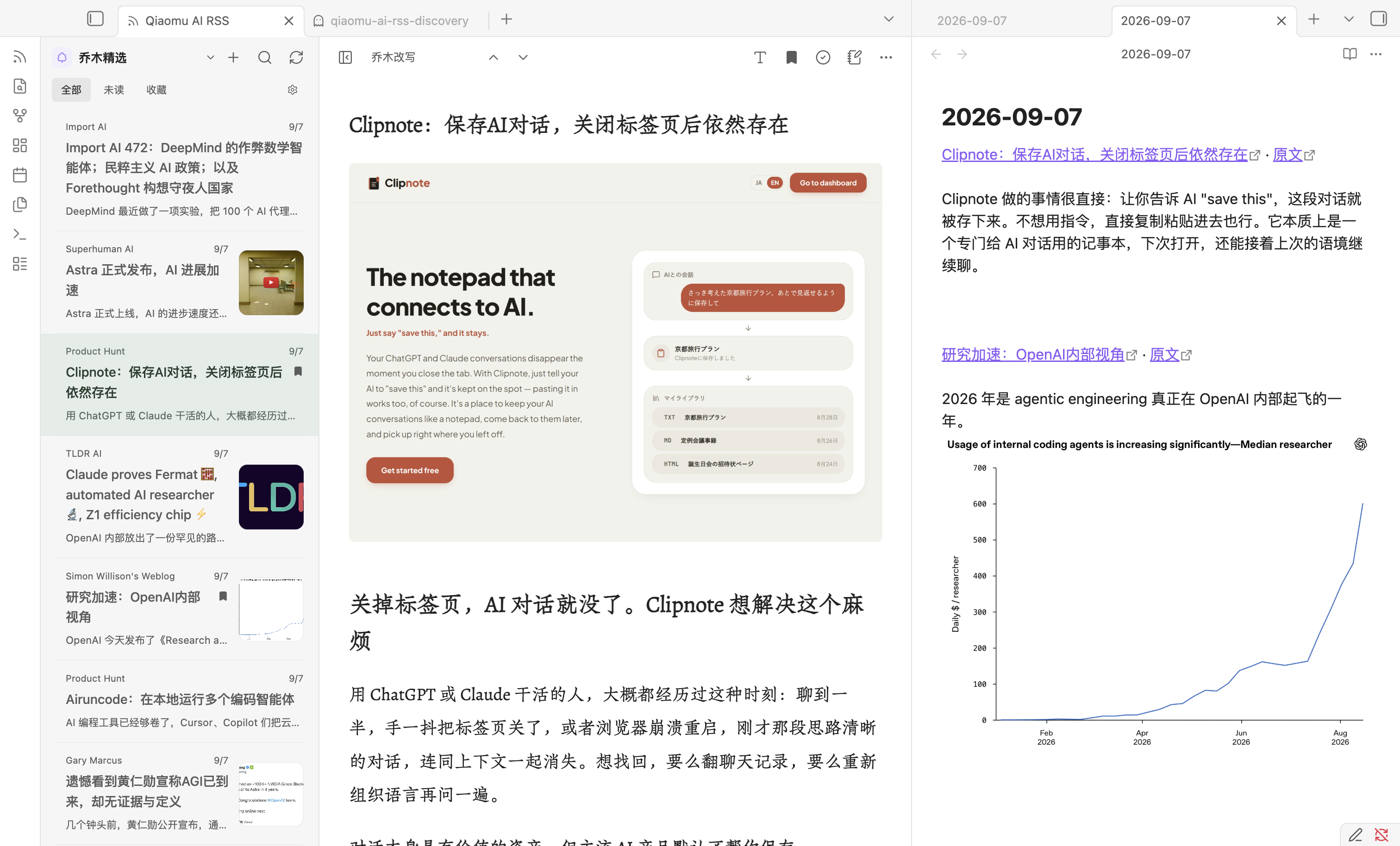
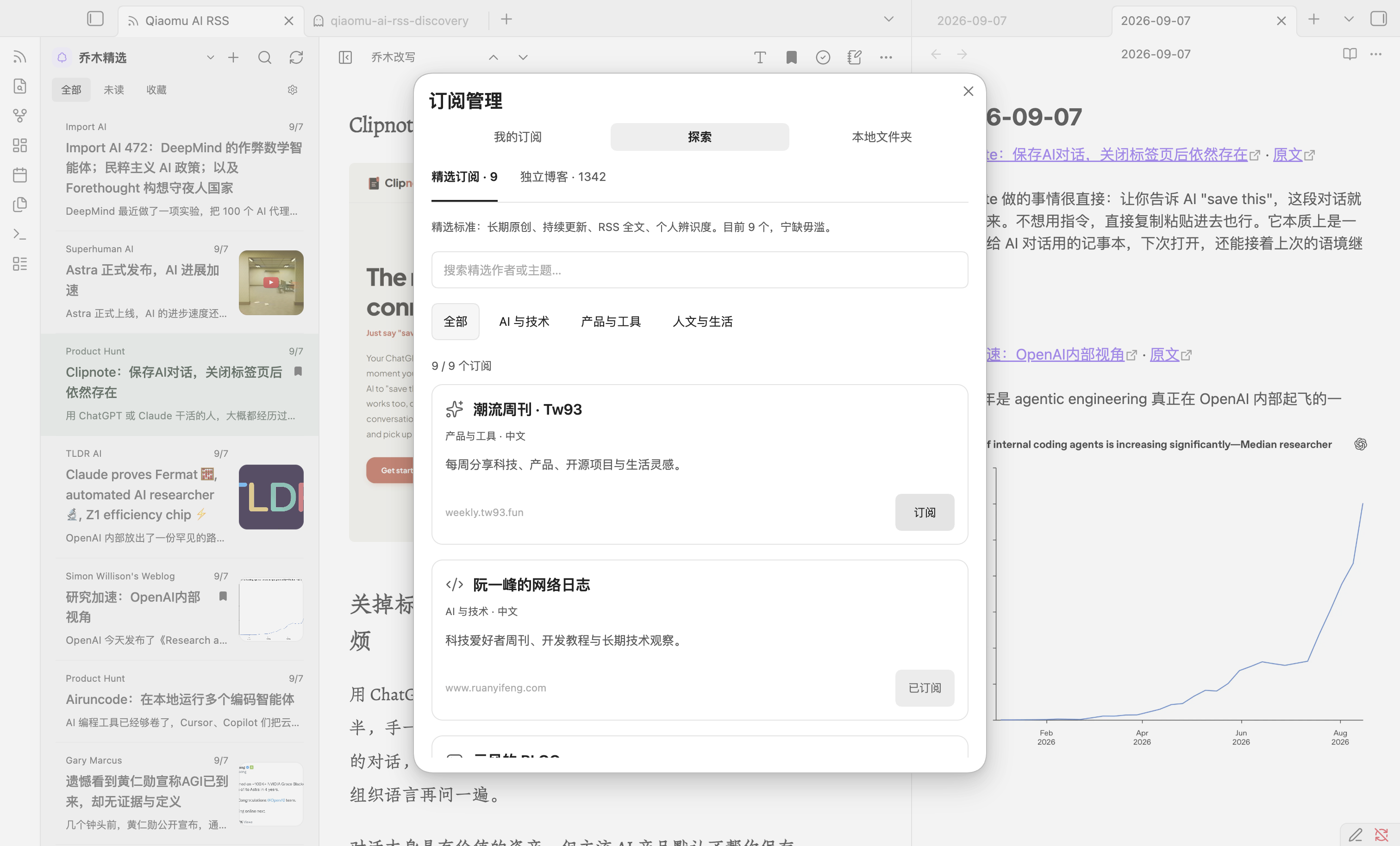
The Qiaomu AI RSS plugin brings RSS and Atom reading into Obsidian with a native two pane reader for Qiaomu feeds, personal subscriptions and selected Markdown folders inside the vault. It lets you switch between original articles, Chinese translations and Qiaomu rewrites when those versions already exist, then save links or excerpts to today's Daily Note without duplicate entries. The reader keeps per channel state, supports unread and favourite filters, local image handling and OPML import and export. It also includes a discovery view with curated authors plus 1,342 Chinese independent blogs. Personal subscriptions are fetched on device and do not require a Qiaomu account, while cached articles, favourites and read markers stay in local plugin storage. It requires Obsidian 1.13.0 or later.
The Auto Move File plugin automates moving or copying notes and folders when frontmatter properties or file names match user defined rules. It supports multiple rules, exact and fuzzy matching, property based and filename based monitoring and priority control either by rule order or by the order of properties in frontmatter. Global settings let you restrict the watch scope to specific folders, set required filename keywords, choose delay units and switch real time monitoring on or off. Rules can block moves when another value is present, archive whole folders instead of single files and copy files while keeping the original. Manual commands are included to check the current file or scan all matching files.
The Floating Quick Note plugin opens a small detached note window that stays above other apps, so you can capture notes without switching back to the main workspace. It adds a sidebar button for quick access and also exposes a command palette action, with optional keyboard shortcuts for faster opening. The plugin lets you choose where quick notes are stored, control the title format and set default text for new notes. You can also decide whether the window stays on top and adjust its size and opacity from settings. It requires Obsidian Desktop 1.4.0 or newer.
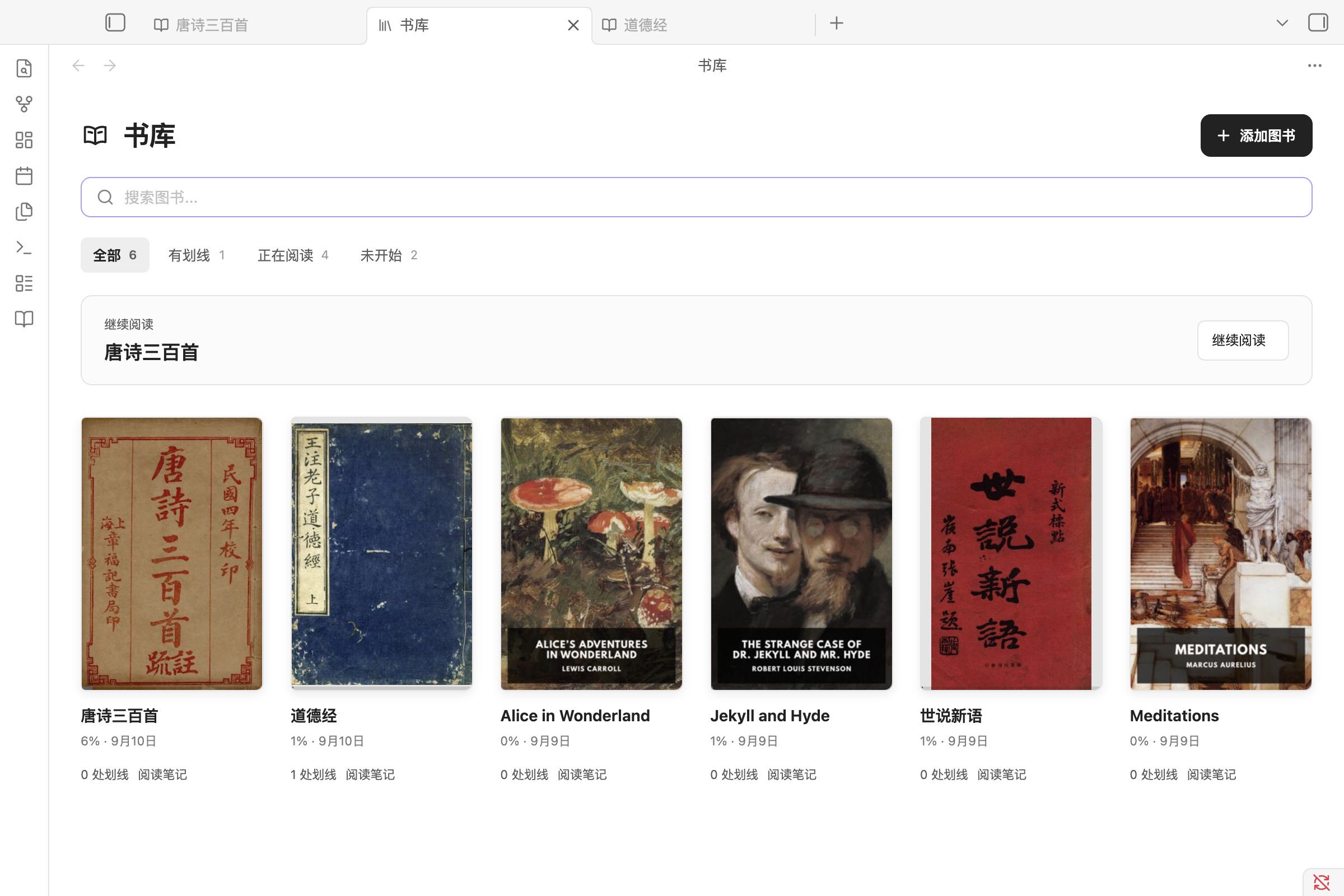
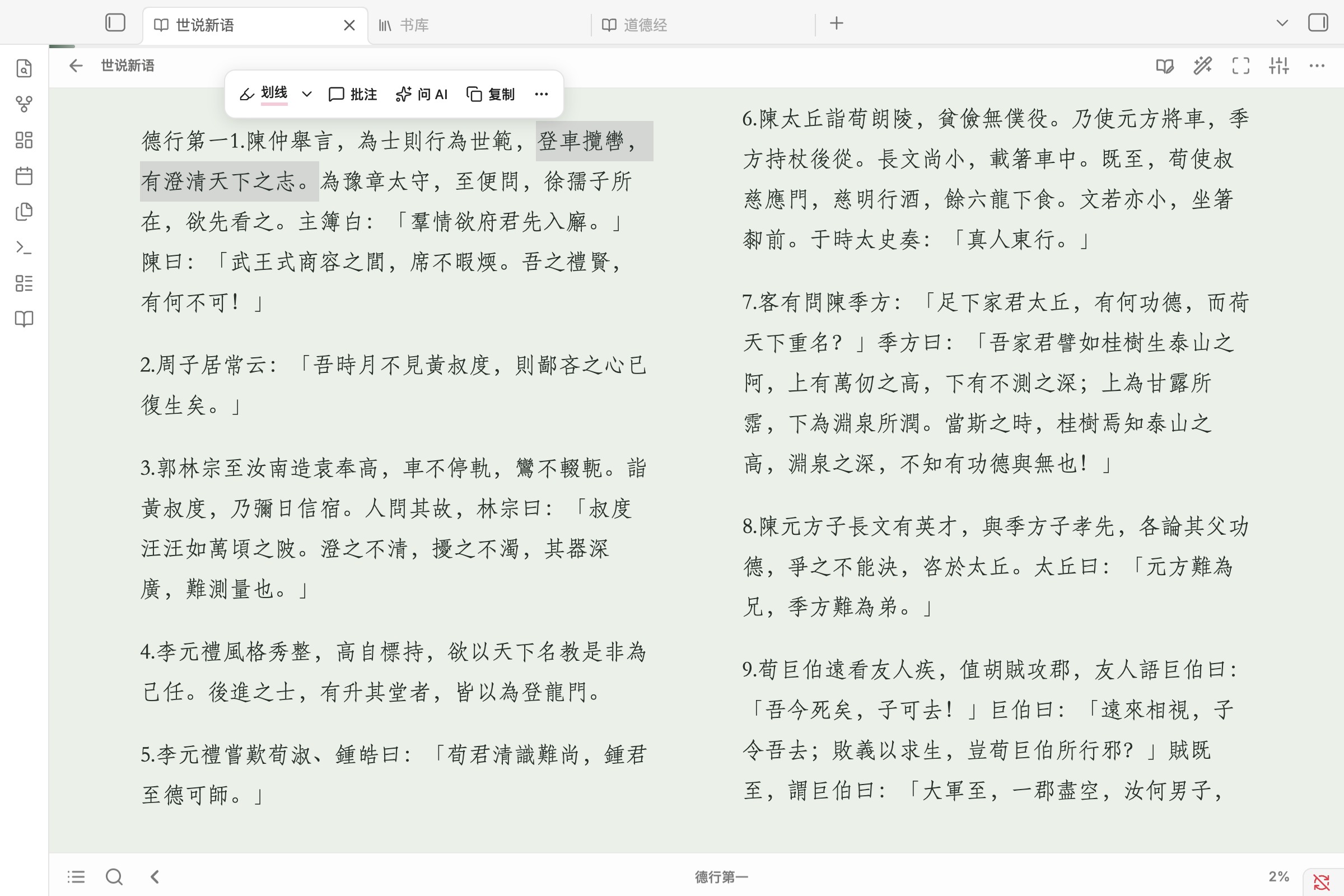
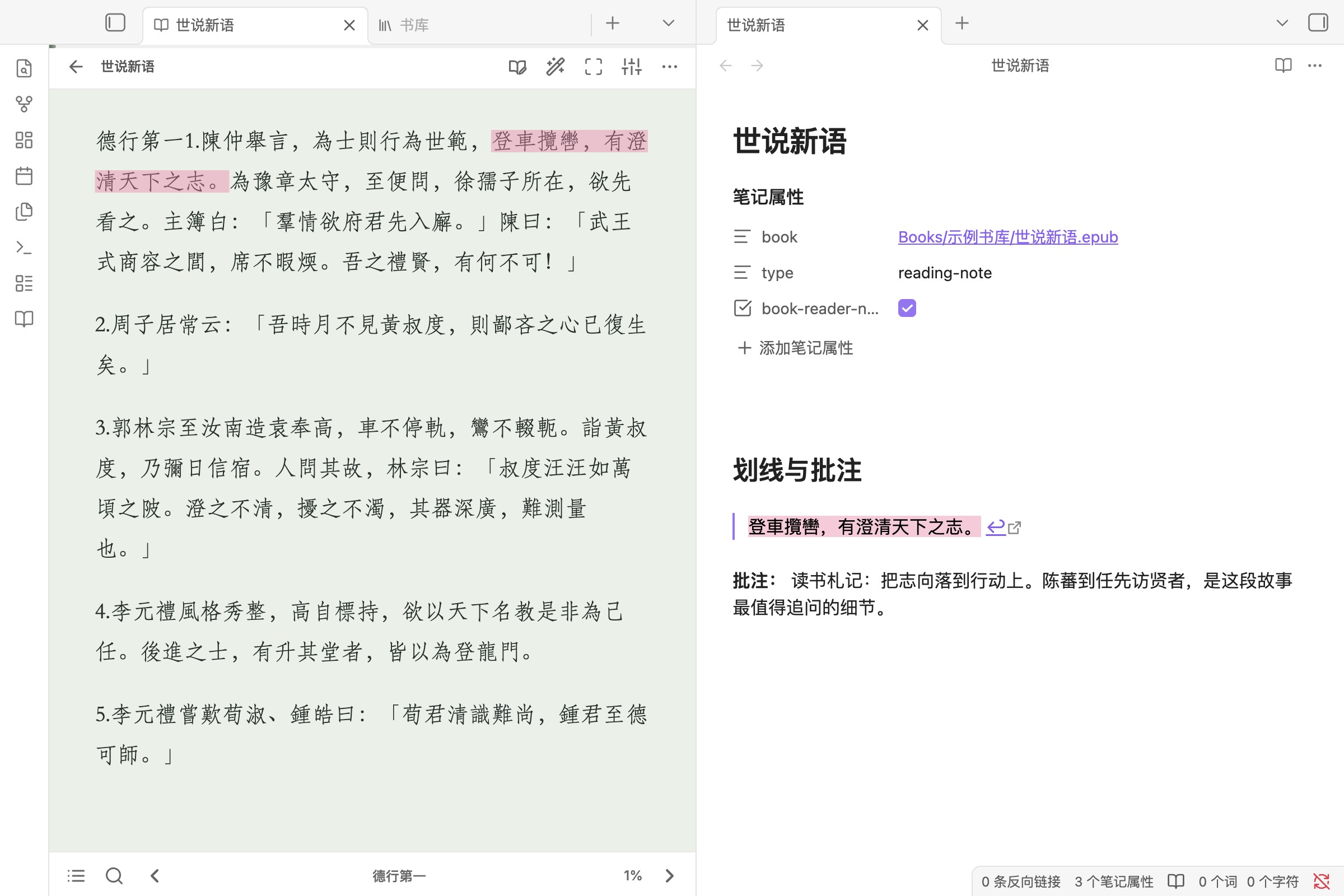
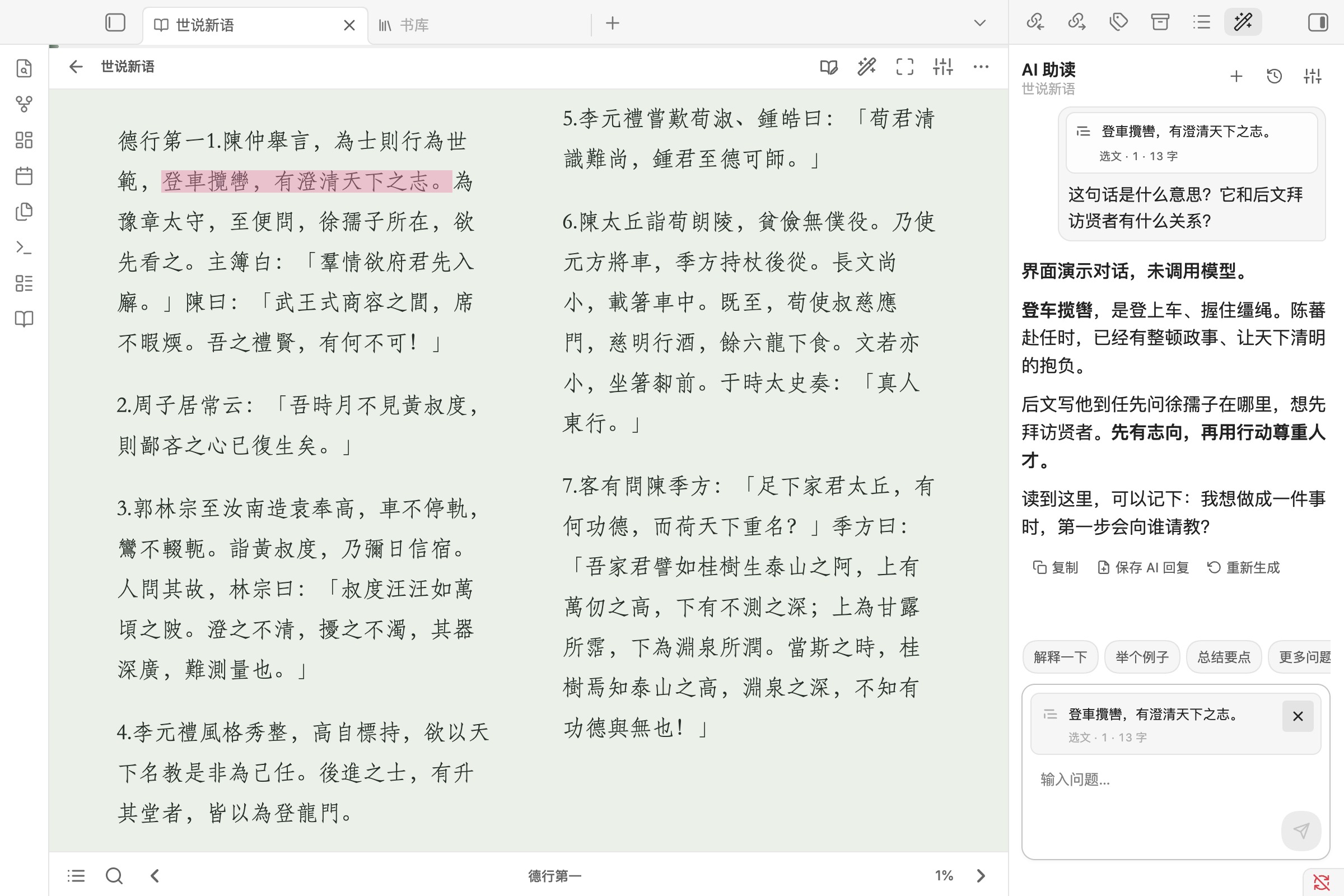
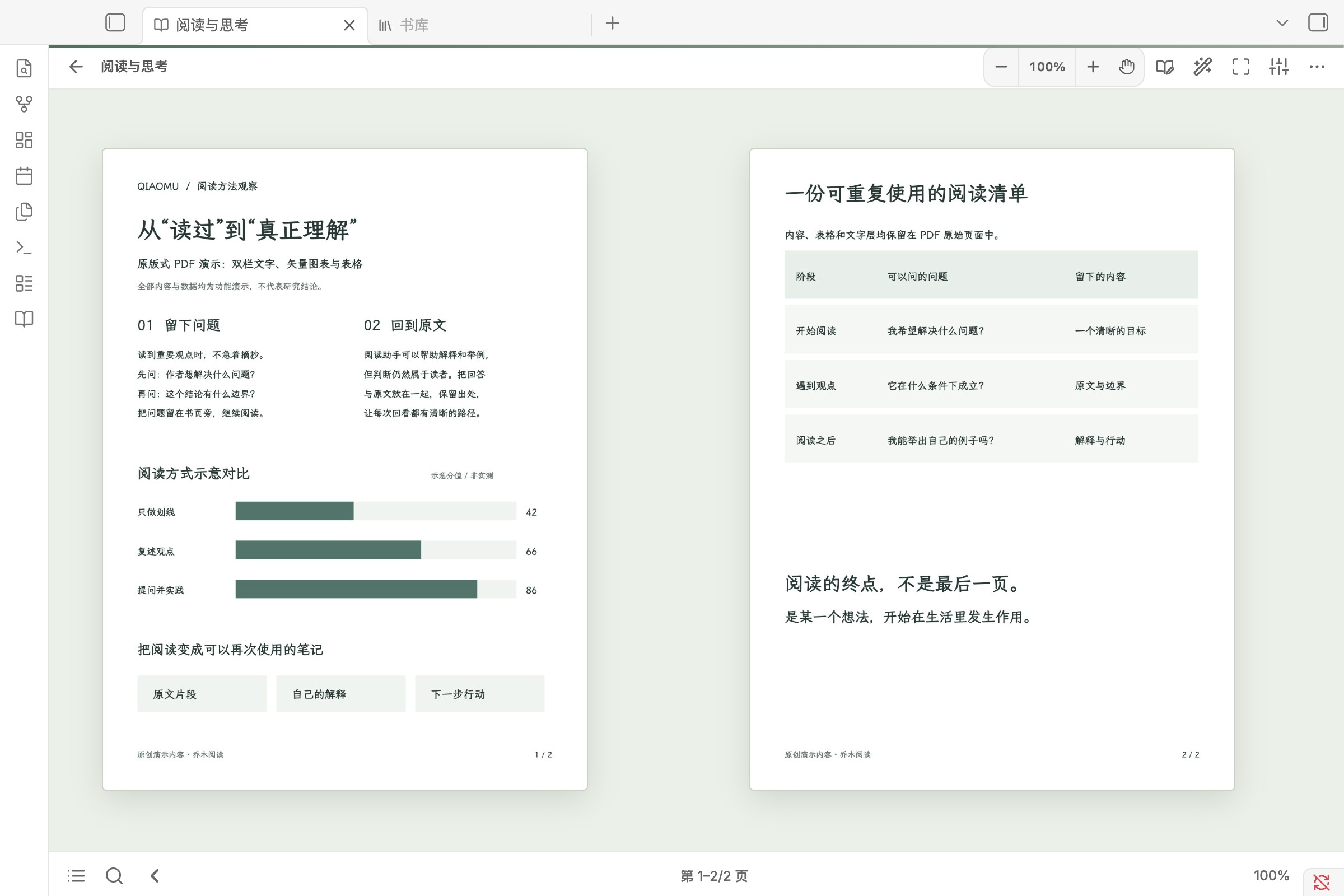
The Qiaomu Reader plugin turns long form reading into a single workflow with an in app library, in place highlights, linked annotations and one Markdown reading note per book. It supports EPUB, PDF, FB2, MOBI, AZW3 and CBZ, keeps PDF pages in their original layout and stores reading position, named bookmarks and search return points. Selected text can be copied, commented on or sent to an optional side by side AI panel that keeps source context with each question and can save full replies back into notes. The plugin includes six bundled public domain books for first use, offers themes, font controls and single or double page layouts and works offline for reading, highlights, notes and progress, while scan only PDFs do not provide text search or text based AI questions.
The Add Attachment plugin lets you attach several files to the current note in one batch and inserts all links in a single edit, so the whole batch stays as one undo step. It uses Obsidian's default attachment location, can rename files to match the note with a collision safe index, and can resize jpg, jpeg, png and webp images to a longest side threshold with configurable quality. A second command skips renaming and resizing and keeps original files unchanged. It works on desktop and mobile without Node.js or native dependencies, processes files one at a time to limit memory use, and falls back to copying large photos at original size when image decoding fails.
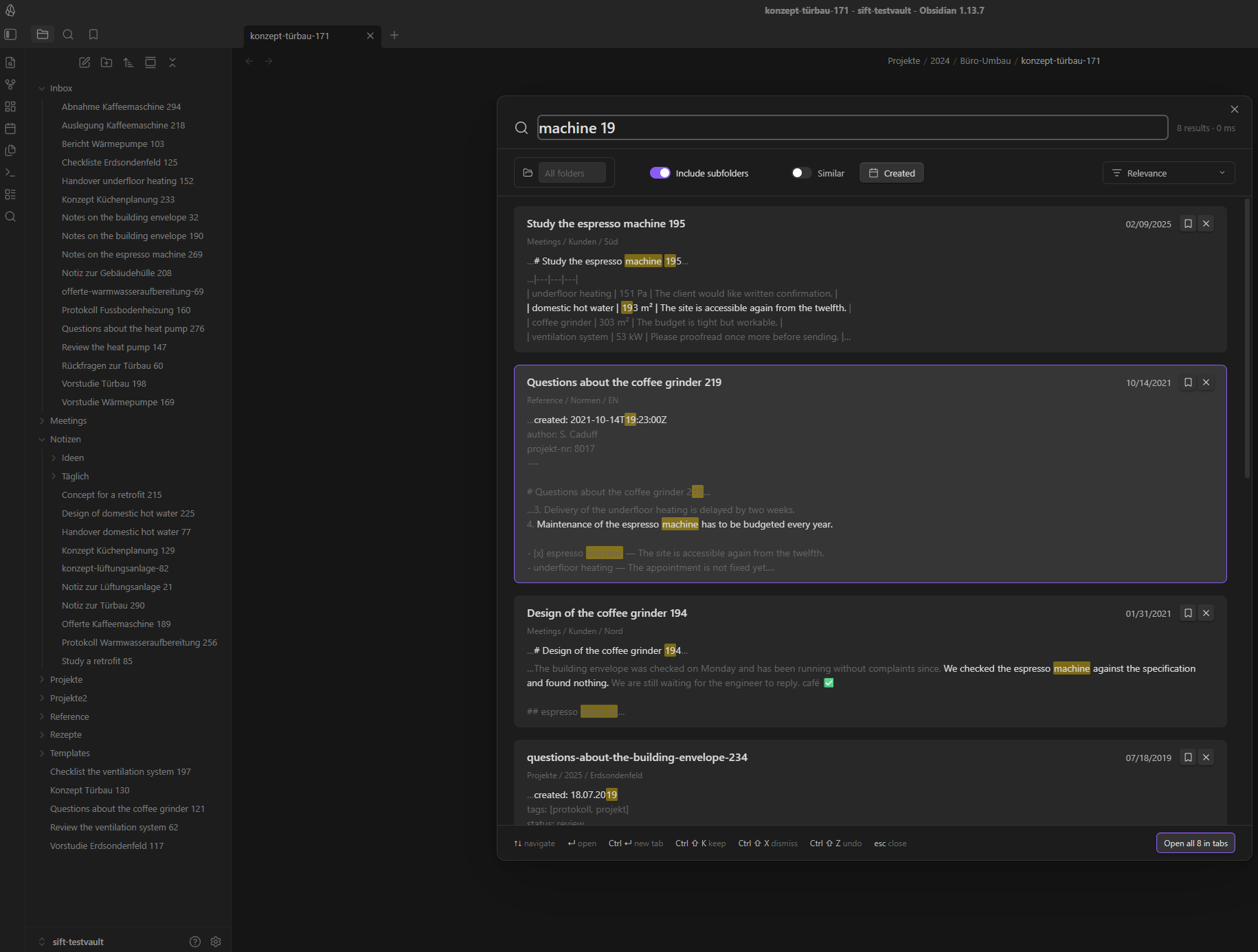
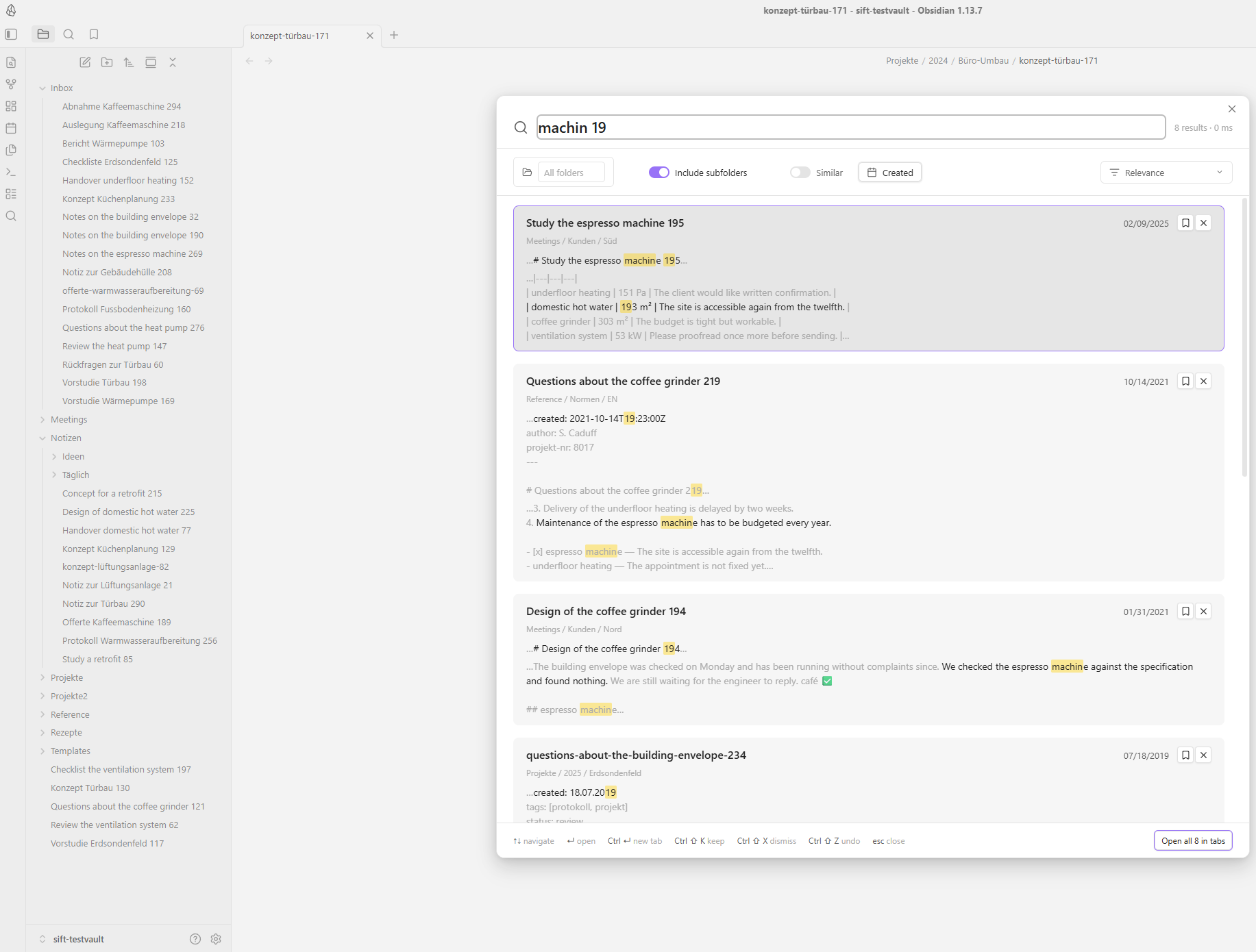
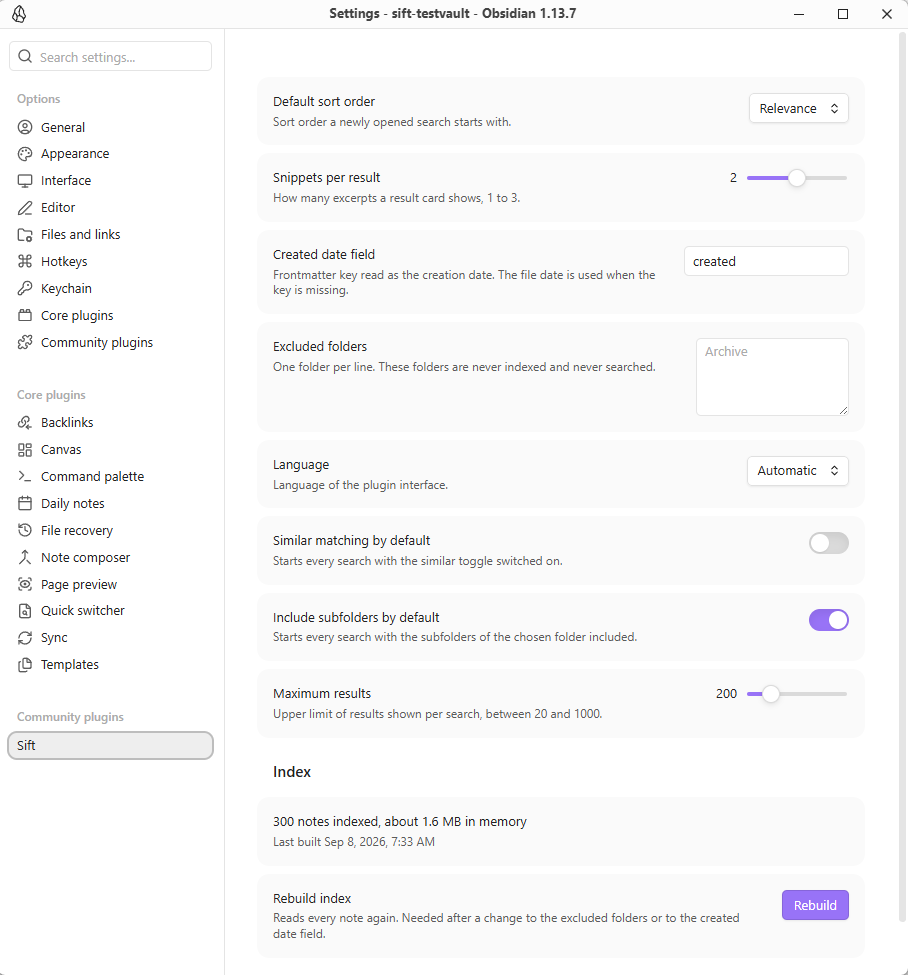
The Sift plugin adds a local search overlay that matches text inside words instead of only at the start, then ranks results with excerpts around each hit. It supports AND queries, exact phrases, exclusions, OR and field prefixes for path, tag, title and properties. Searches can be narrowed by folder, property, created or modified date, open todos, or the note that was active when the overlay opened. Result cards can be kept or dismissed for the current run, sorting can switch between relevance and file metadata, and opening a hit jumps to the exact match. Sift also offers optional typo tolerance, English and German interface text, and it makes no network requests.
The Feishu Importer plugin imports Feishu and Lark cloud documents into your vault as local Markdown files through a browser OAuth flow. It can pull one document from a pasted URL, track imported documents, and sync the last item or every tracked item by checking revision IDs before rewriting. The importer handles headings, lists, quotes, callouts, code blocks, images, file attachments, sheet and bitable link cards, embed cards and Markdown tables, while adding frontmatter with the source URL, document token, revision ID and import time. It can also download images and attachments into configured vault folders and link them locally. Some nested layouts, merged table cells and newer block types may still be simplified, and browser OAuth currently assumes a desktop environment.
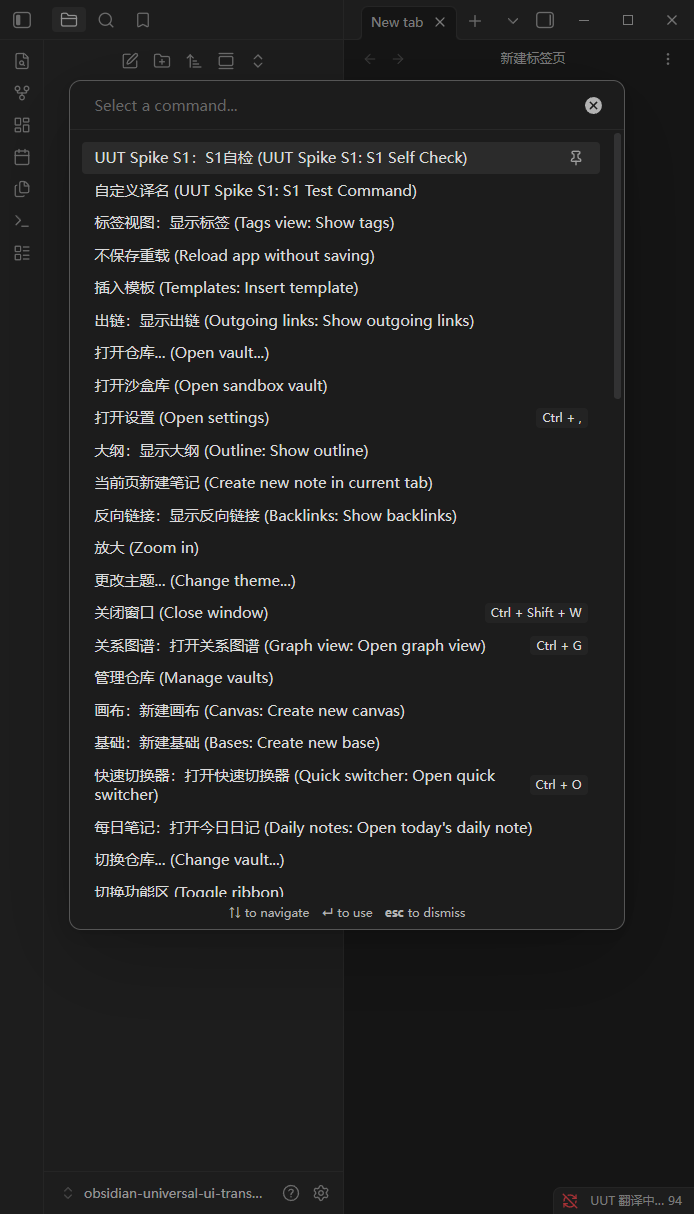
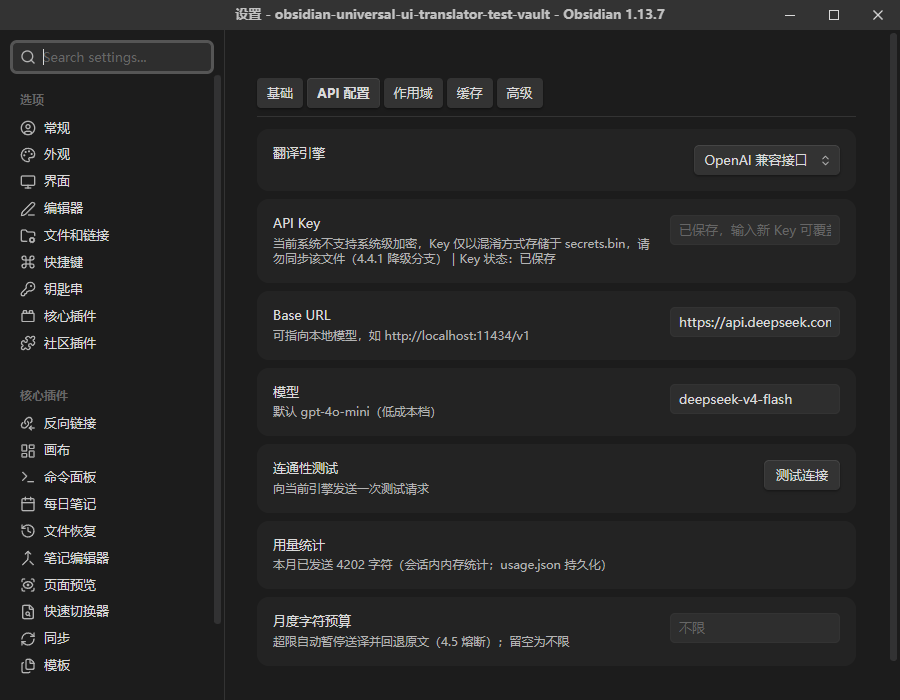
The Universal UI Translator plugin intercepts interface text from core features and community plugins, sends it through a translation provider you configure and writes the translated text back into the UI. It covers command palette entries, context menus, settings panels and a DOM fallback for notices, status bar text, modals and custom views. It supports OpenAI compatible endpoints, DeepL, Google Cloud Translation, Azure Translator and custom HTTP endpoints, with local cache, bilingual or translated display modes, skip rules, glossary overrides and per plugin scope controls. The plugin also adds on demand translation for community plugin marketplace items and full marketplace detail panels instead of continuous automatic translation. It does not translate user content, WebWorker or iframe text, Canvas or WebGL surfaces and it is desktop only.
10. Table Resize
The Table Resizer plugin lets you change Markdown table column widths by dragging the right edge of a column in rendered tables. It works in Reading View and Live Preview, updates the width as you drag and applies to newly typed tables without a manual refresh. Widths are stored in the plugin's own data file, so the Markdown source stays untouched and uninstalling the plugin does not alter notes. Each table keeps separate widths within a file, with table identity based on file path, table order and first row header text. Widths are restored after reopening files or restarting the app, with default limits of 50 to 800 px. It supports desktop only and requires Obsidian 1.12.7.
11. Trade Rythm
The Trade Rythm plugin keeps a trading journal inside the vault through a left sidebar panel instead of a separate workspace. It shows trades in a table with sorting, filtering and search, lets you open the linked note and supports inline editing through a dropdown panel. A dashboard tracks total PnL, win rate, best and worst trade and profit factor. New live or backtest entries can be created from commands, with YAML fields quoted for the Properties view. The plugin also adds configurable checklist templates, setup folders for accounts, models, sessions, symbols, order types and grades, structured Before During After callouts and an After Action Report board with three review columns.
The FleurEPUB plugin adds an EPUB reader inside the vault with adjustable layout, typography and theme controls. It supports scrolled or paginated reading, single or double column views, tap zones, wheel paging, a bookshelf with reading progress, a table of contents and full text search. Annotation tools include six highlight colours, straight and squiggly underlines, inline comment cards and searchable sidebar management backed by CFI anchors so positions stay stable across sessions. The plugin can also translate selected text or paragraphs, including foreign languages to modern Chinese and classical Chinese to vernacular Chinese, with viewport first scheduling and per book caching. It exports annotations to Markdown notes and remembers the exact reading position when a book is reopened.
The Format Convert Copy plugin converts selected Markdown or an active note into Slack, Discord, WhatsApp or plain Markdown and copies the result with a tap, shortcut or context menu action. It works on desktop and mobile, includes direct actions in the ribbon, navigation bar, keyboard toolbar, file explorer and editor menu, and can switch between English and Japanese from the app's UI language. The plugin preserves formatting details that usually break in chat apps by aligning Markdown tables, protecting inline and block LaTeX, converting embeds and attachments into readable placeholders and sanitizing unsafe link schemes. Slack desktop output uses the native slack/texty clipboard format, while empty selections can copy the full note or only the current line.
The ICOR for Life - PDF Annotation plugin turns PDF highlights into separate vault notes instead of leaving them trapped inside the document. You can select text, choose a colour and add your own comment, then the plugin saves the quote and your response as a note that can be linked, searched, collected on a topic page or dropped onto a canvas. It also supports box captures for charts and figures, stores those captures as PNG files and keeps every highlight painted over the PDF when you return. Each saved item links back to its exact place in the document, appears in a sidebar for the open PDF and stays usable on desktop and mobile. It never modifies the PDF or makes a network connection.
15. Chronobars
The Chronobars plugin renders time progress bars from chrono-bar code blocks using either HH:MM values or full datetimes. It supports ranges that cross midnight, so overnight spans continue to calculate correctly instead of resetting at midnight. Each bar can show a custom name, percentage values, date and time labels and remaining time with selectable units for years, months, days, hours, minutes or seconds. The remaining line can sit below the percentage or replace it entirely, and past ranges are marked as Ended. The plugin also exposes CSS classes for the container, bar, fill and text so the display can be restyled with custom snippets. Second based remaining time updates every second.

Most Downloaded (2026-09-06 to 2026-09-12)
| Rank | Plugin | Downloads | Links |
|---|---|---|---|
| 1 | Excalidraw | 188,722 | Details / GitHub |
| 2 | TaskNotes | 139,469 | Details / GitHub |
| 3 | Templater | 74,902 | Details / GitHub |
| 4 | Claudian | 72,389 | Details / GitHub |
| 5 | Tasks | 56,482 | Details / GitHub |
| 6 | Copilot | 53,323 | Details / GitHub |
| 7 | Dataview | 50,061 | Details / GitHub |
| 8 | Omnisearch | 41,956 | Details / GitHub |
| 9 | Editing Toolbar | 40,061 | Details / GitHub |
| 10 | Git | 34,282 | Details / GitHub |
| 11 | QuickAdd | 32,908 | Details / GitHub |
| 12 | Importer | 32,624 | Details / GitHub |
| 13 | Notebook Navigator | 32,414 | Details / GitHub |
| 14 | Kanban | 30,166 | Details / GitHub |
| 15 | Commander | 25,558 | Details / GitHub |
Plugin Updates
This week brought 1,031 plugin updates. You can see all the plugin updates on Obsidian Plugin Stats webapp.
Notable Updates
- Excalidraw - v2.27.3 - Changelog
- Claudian - v2.2.6 - Changelog
- Copilot - v4.0.7 - Changelog
- Omnisearch - v1.31.0 - Changelog
- Editing Toolbar - v4.1.3 - Changelog
New Themes
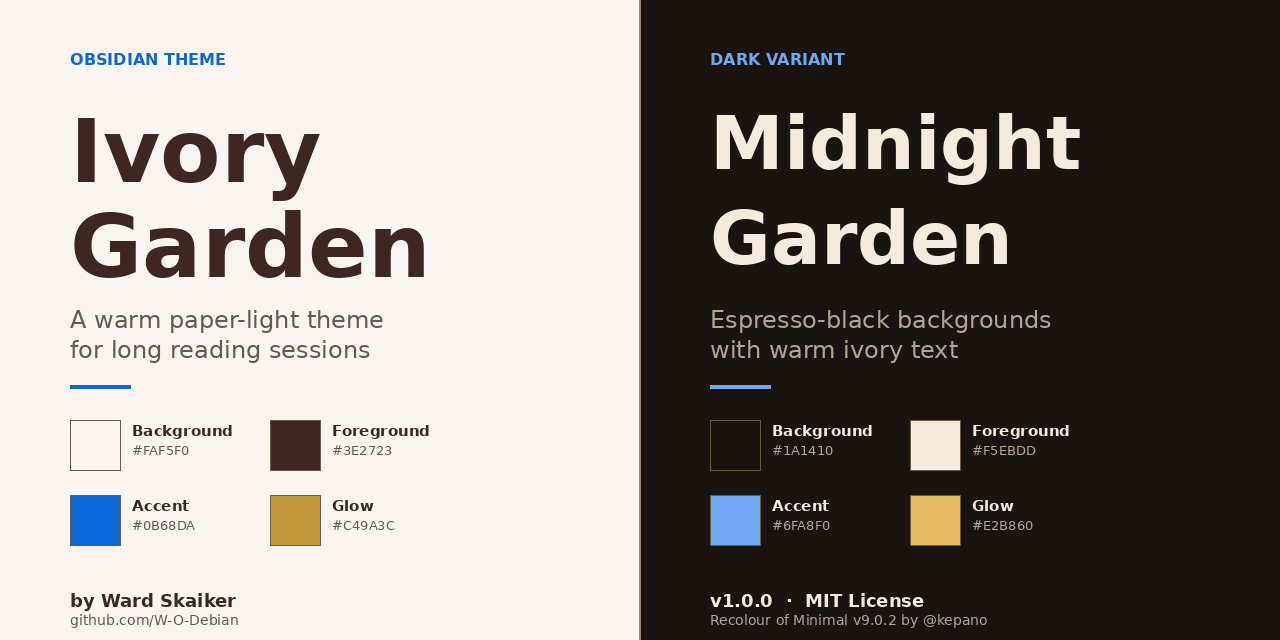
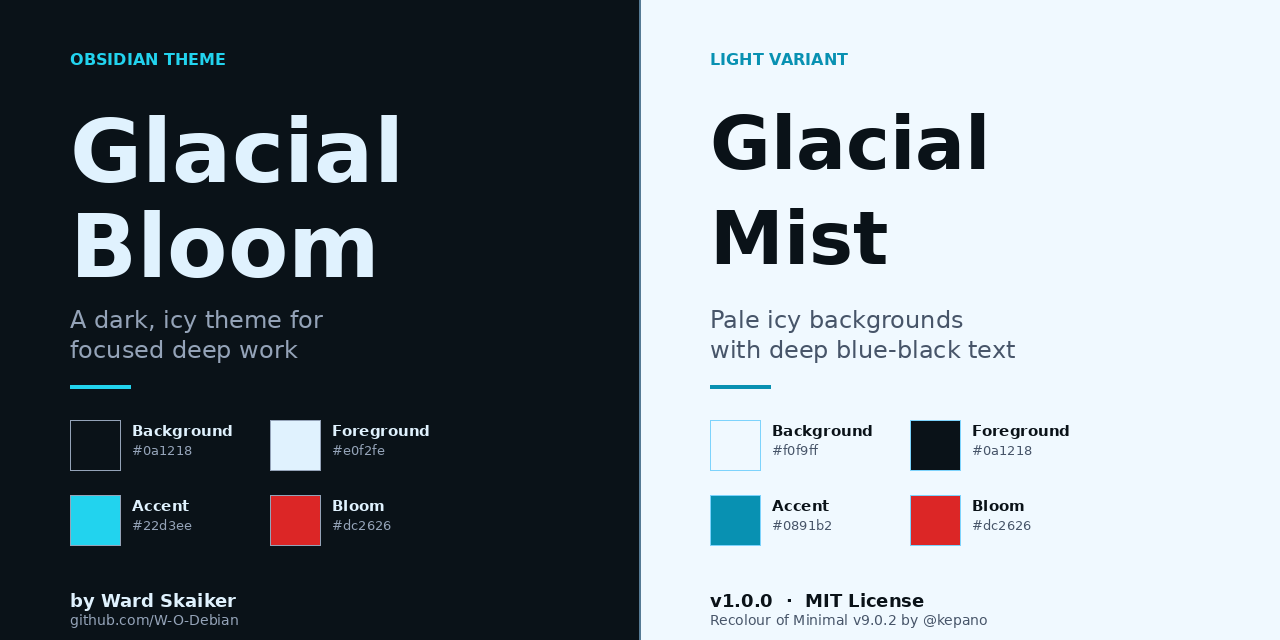
1. Ivory Garden
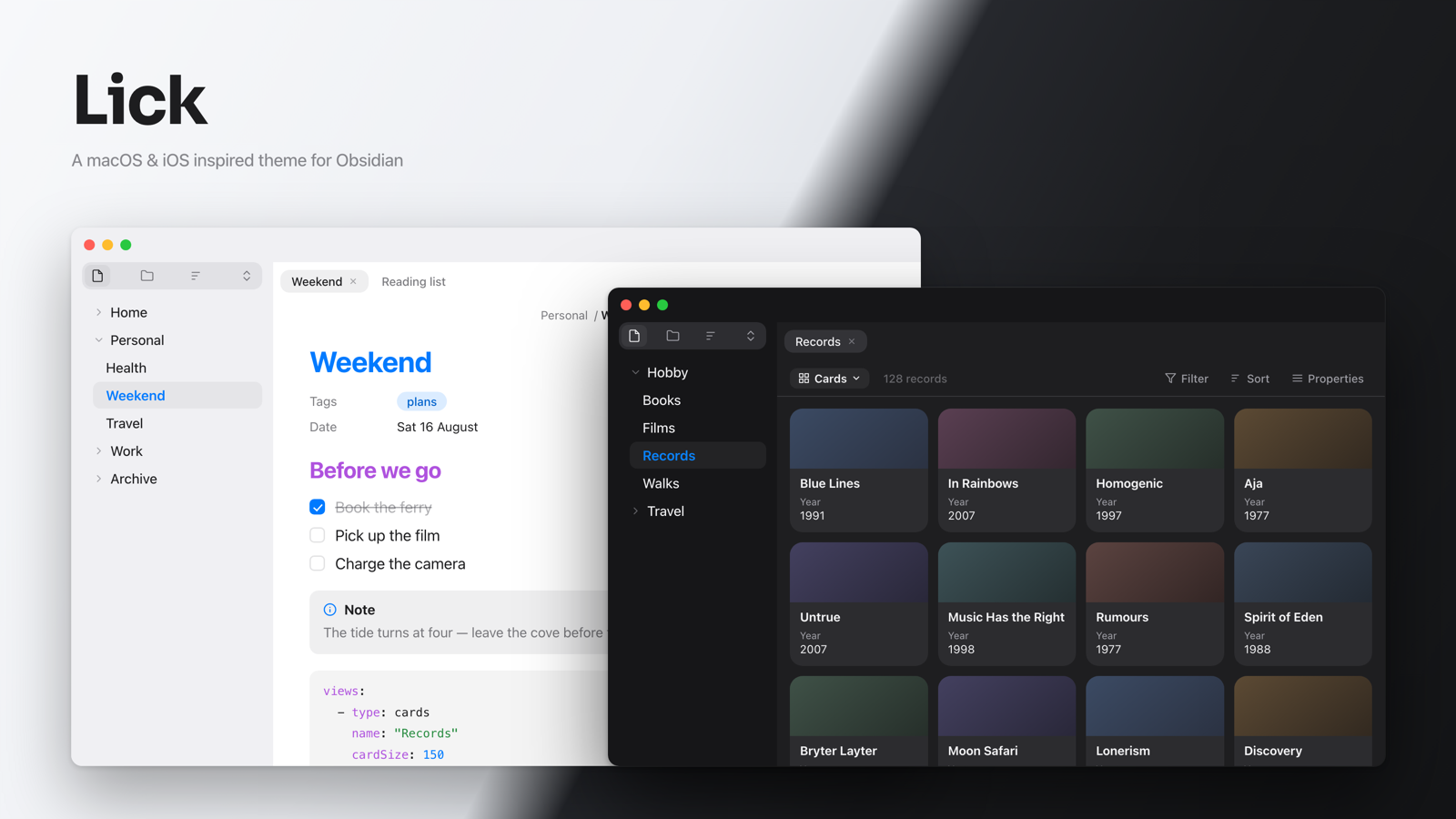
3. Lick
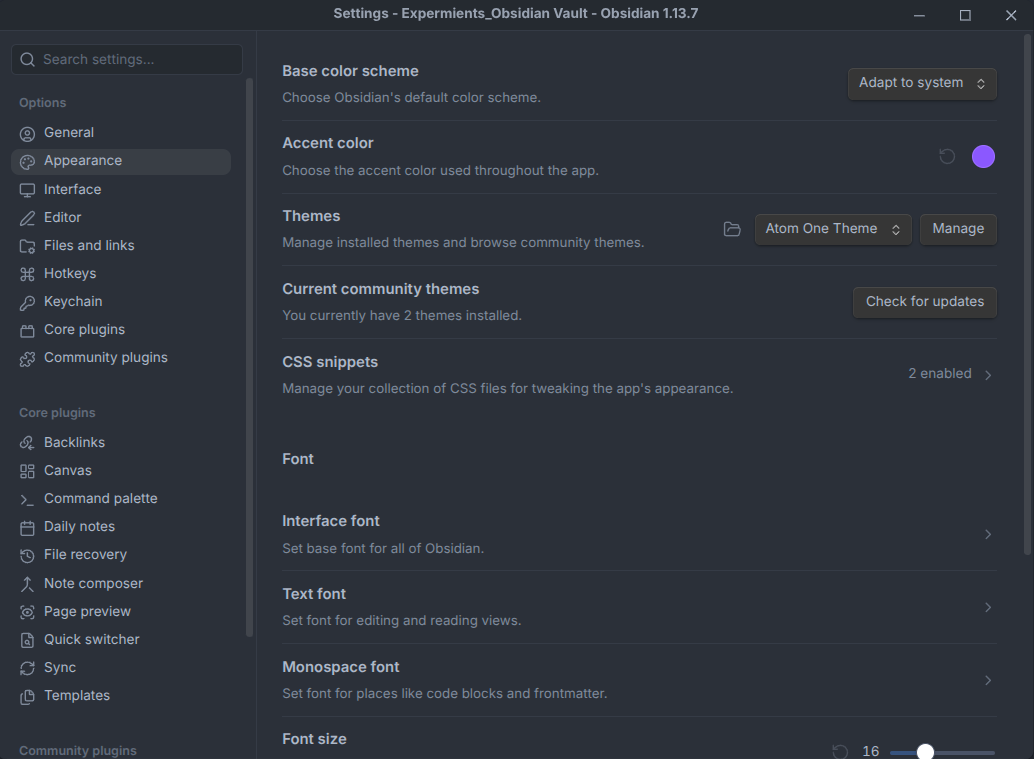
4. Atom One Pro
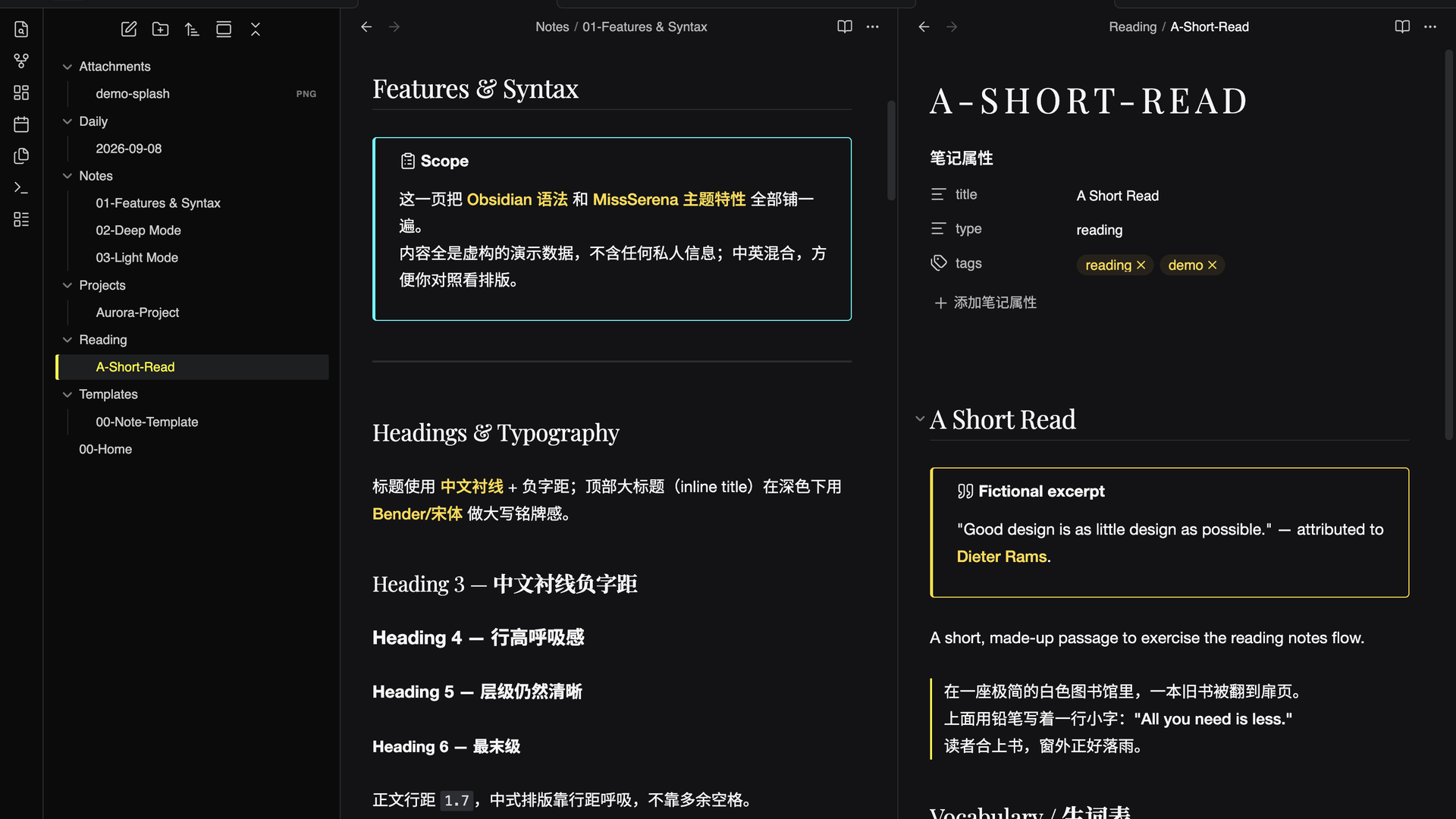
5. Astrum
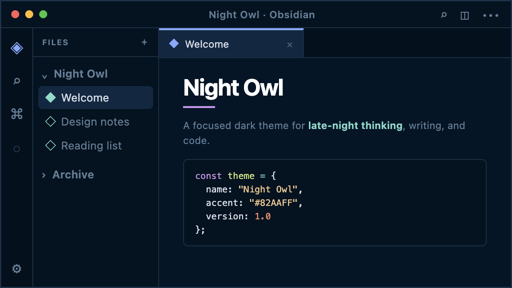
8. HTB HUD

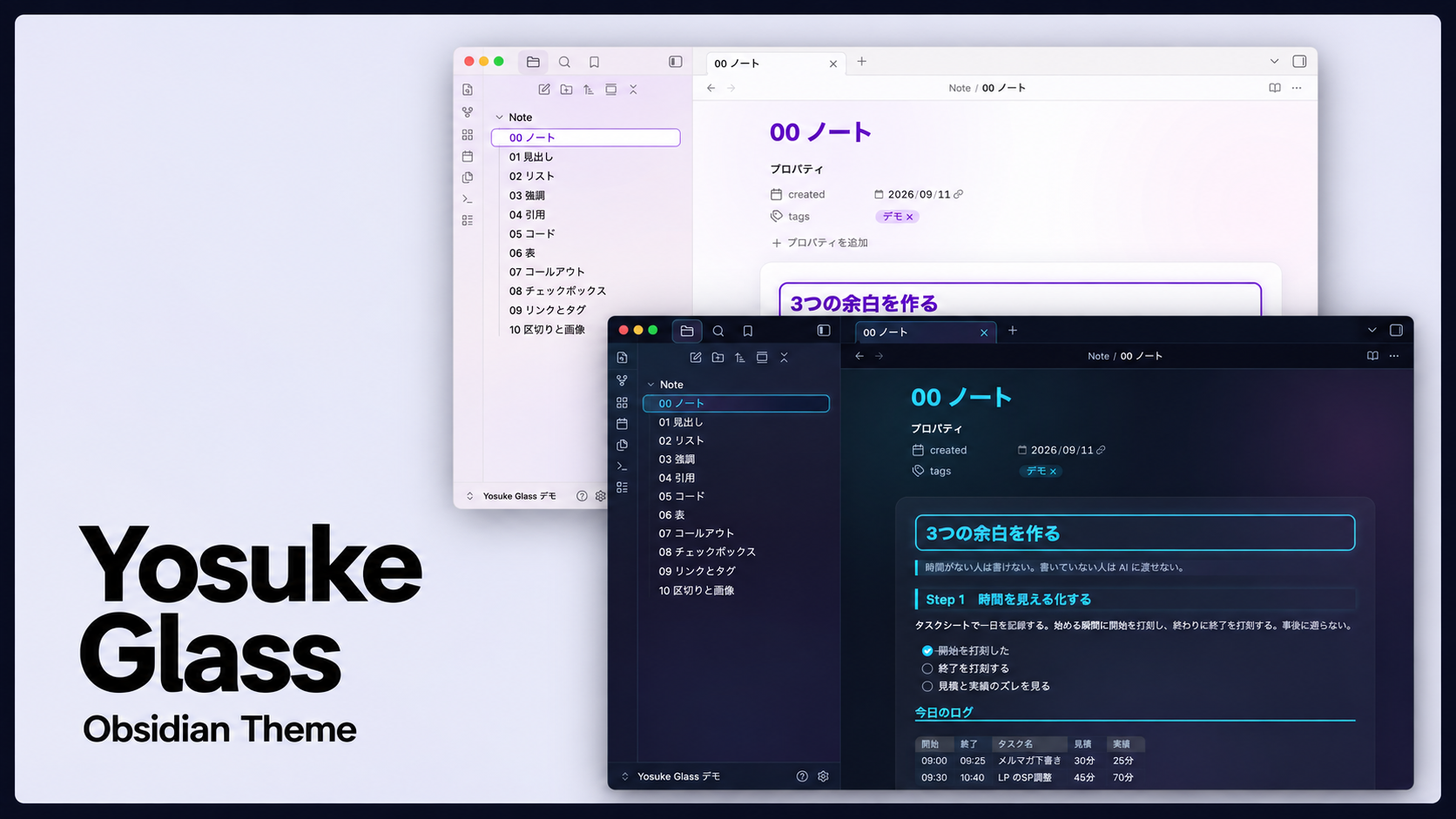
9. Yosuke Glass

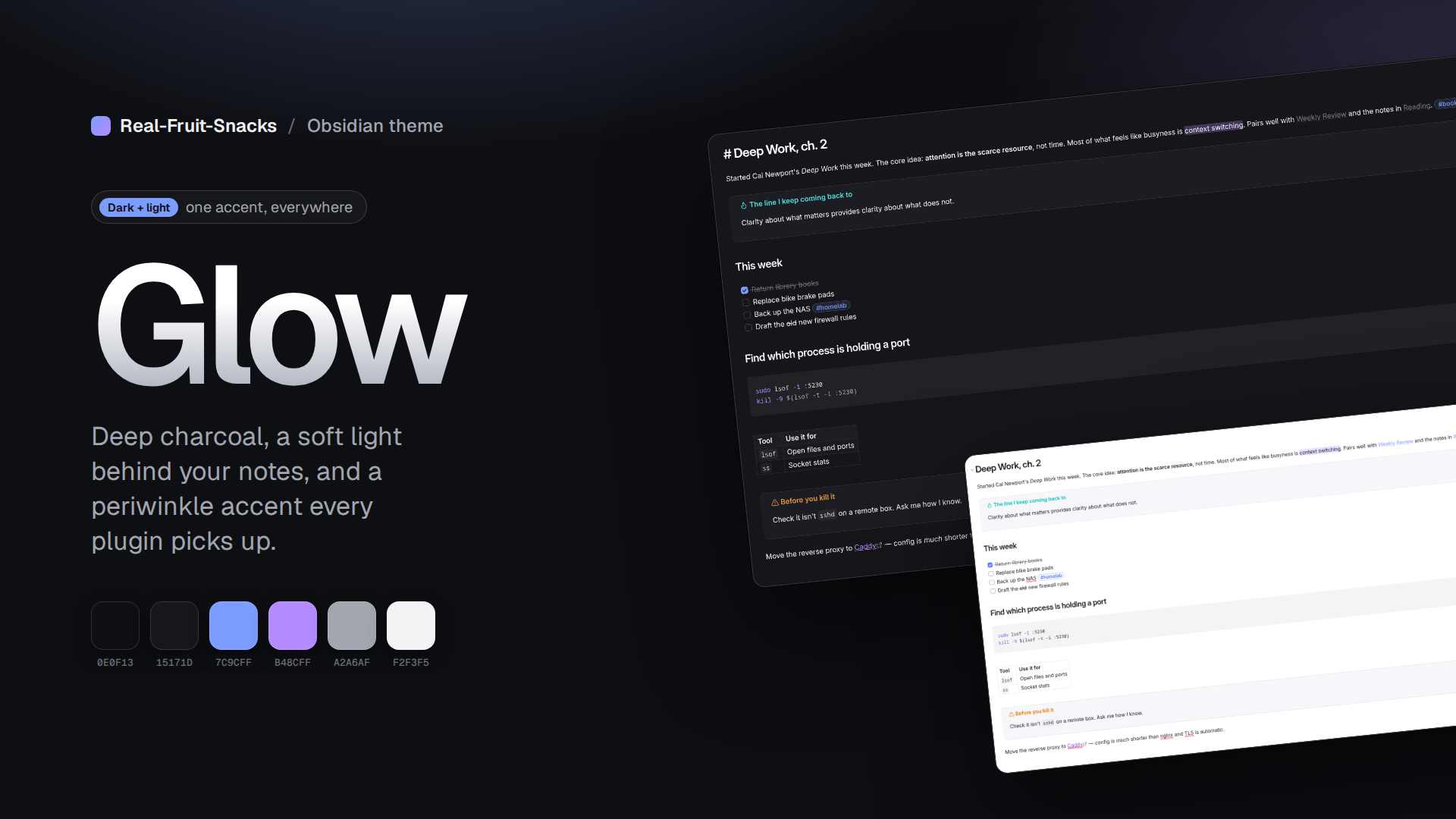
11. Glow
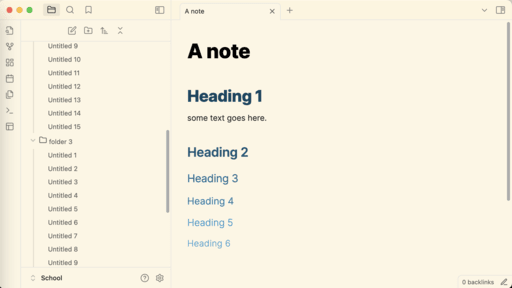
12. Abate
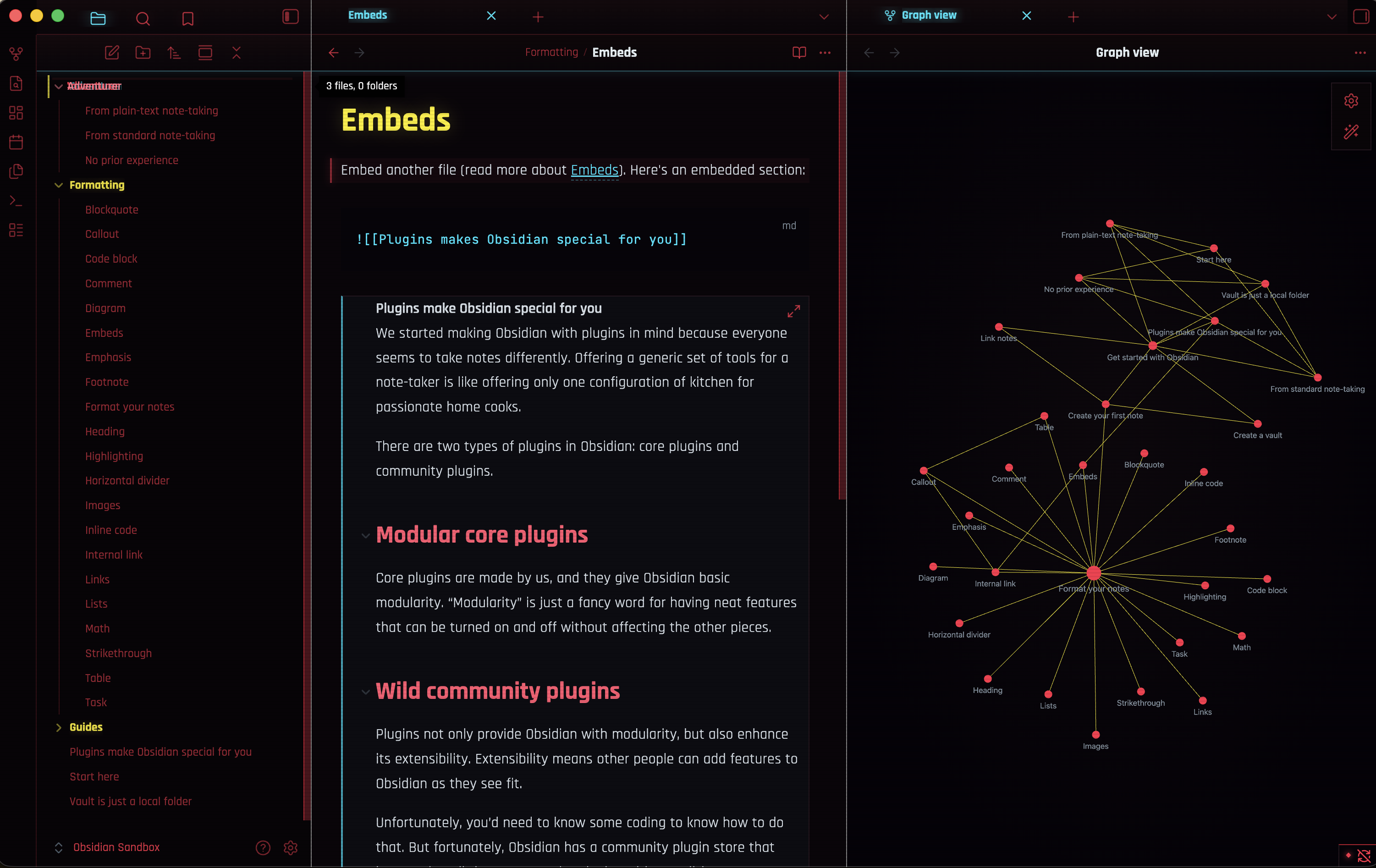
13. Netrunner
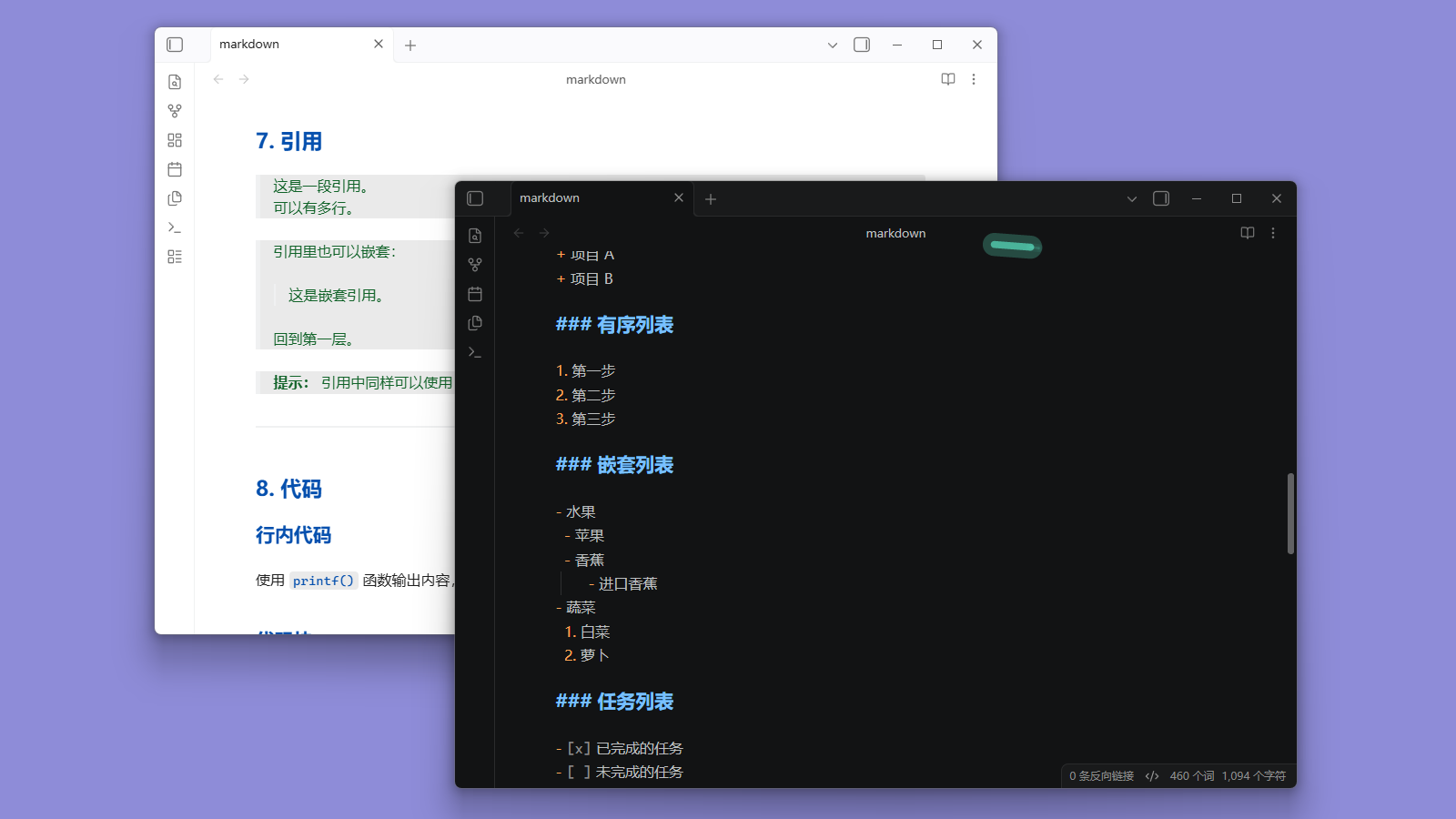
14. VS Code
15. Zeraphim
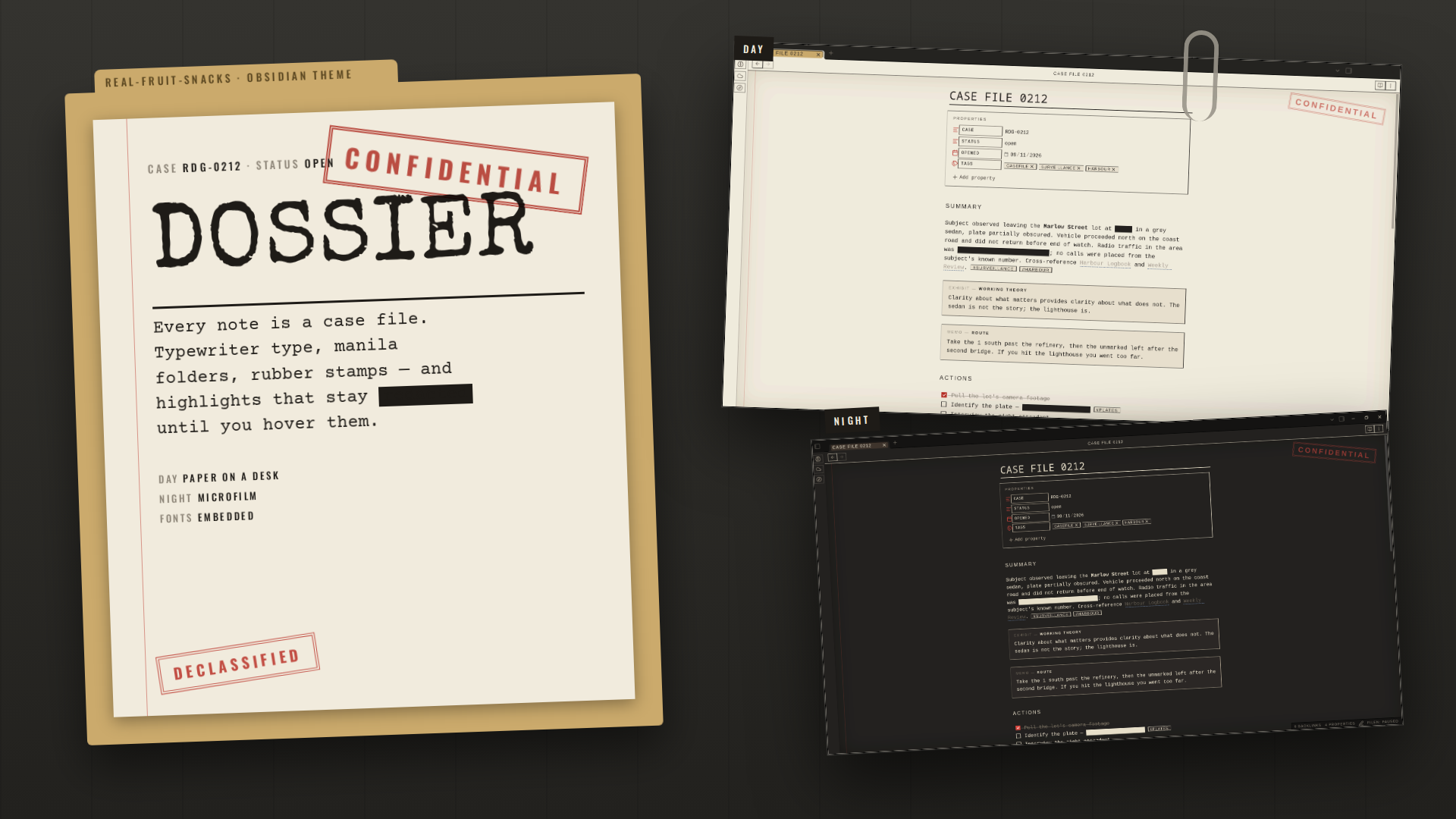
16. Dossier
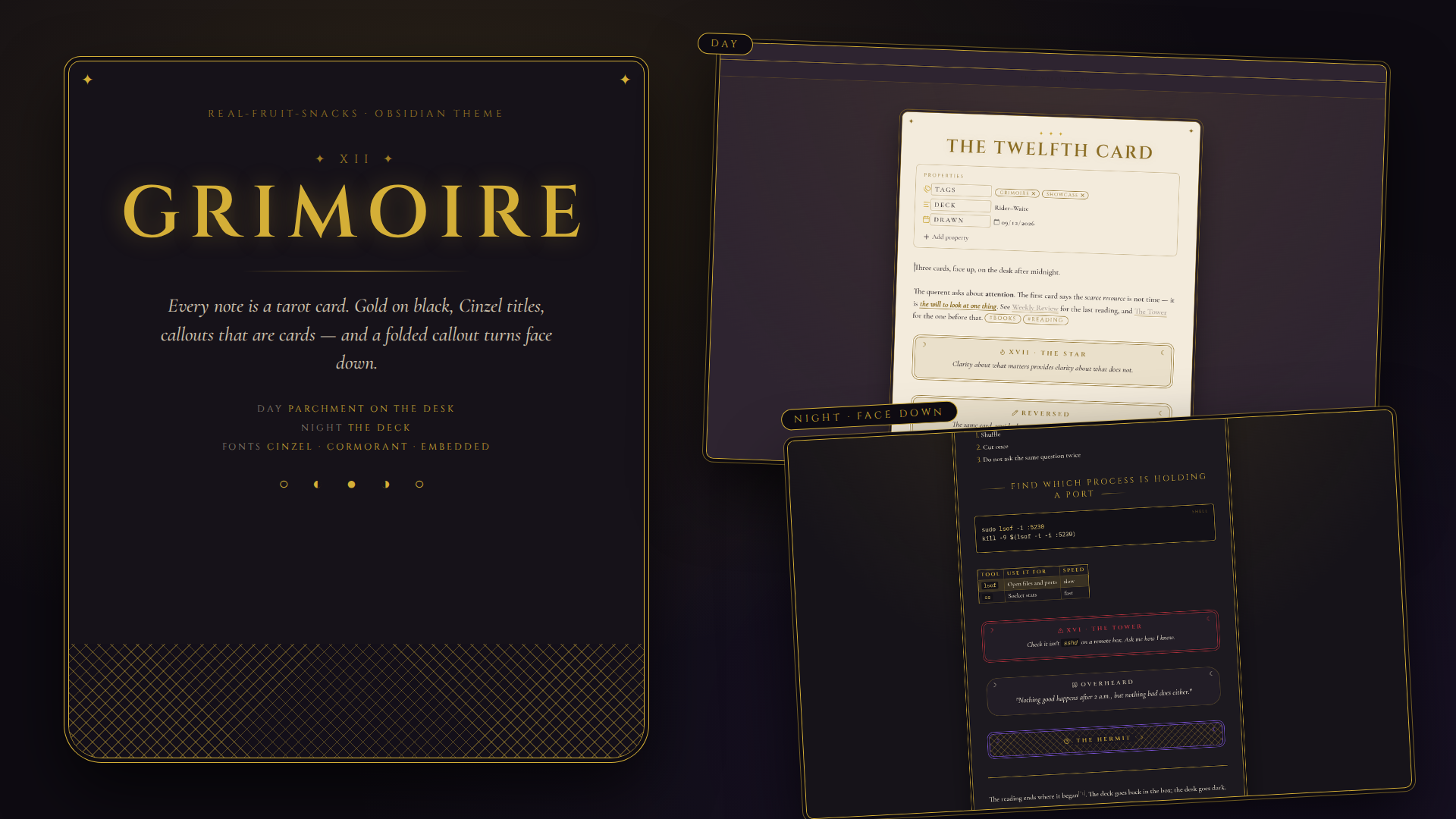
17. Grimoire
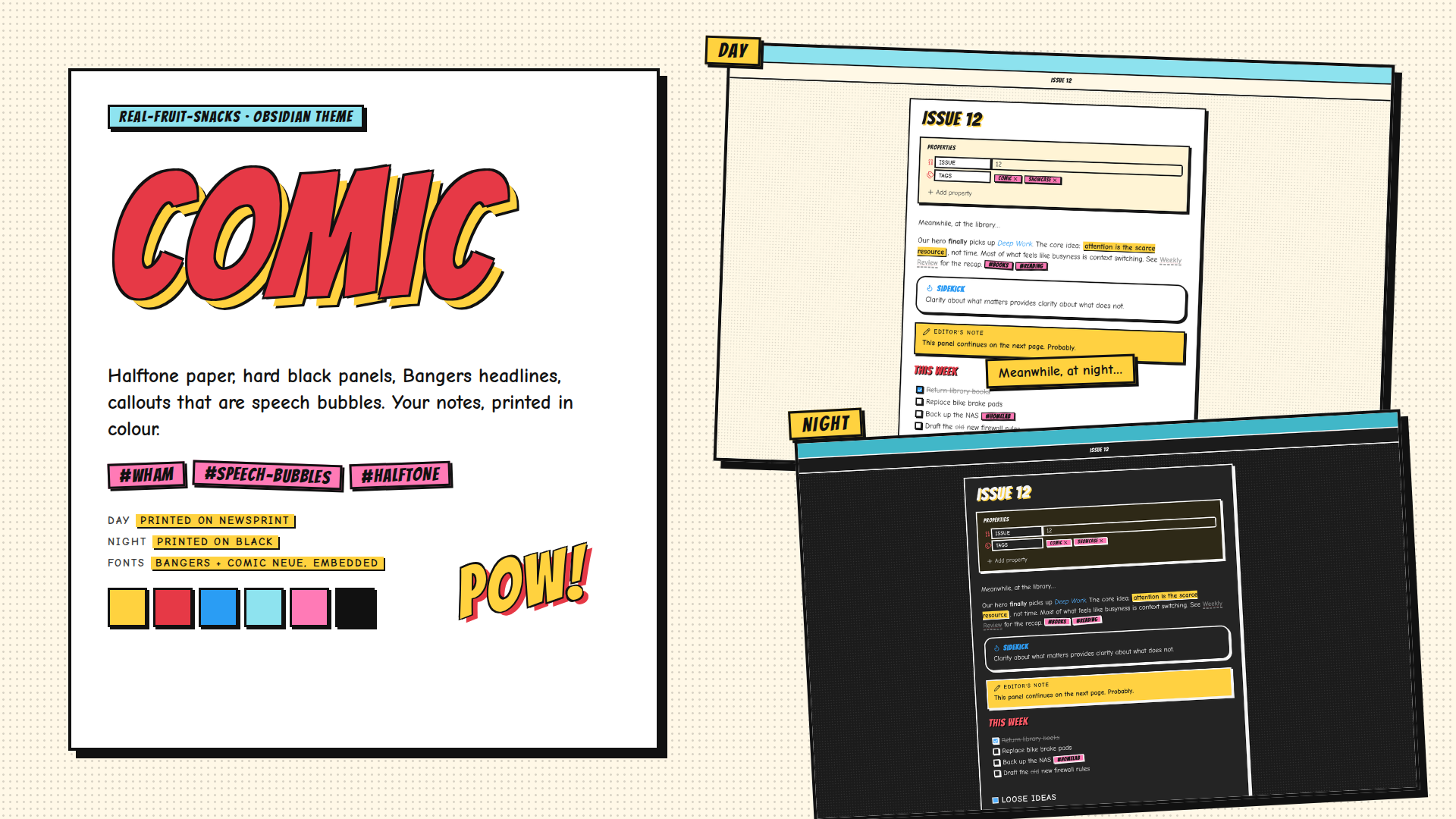
18. Comic
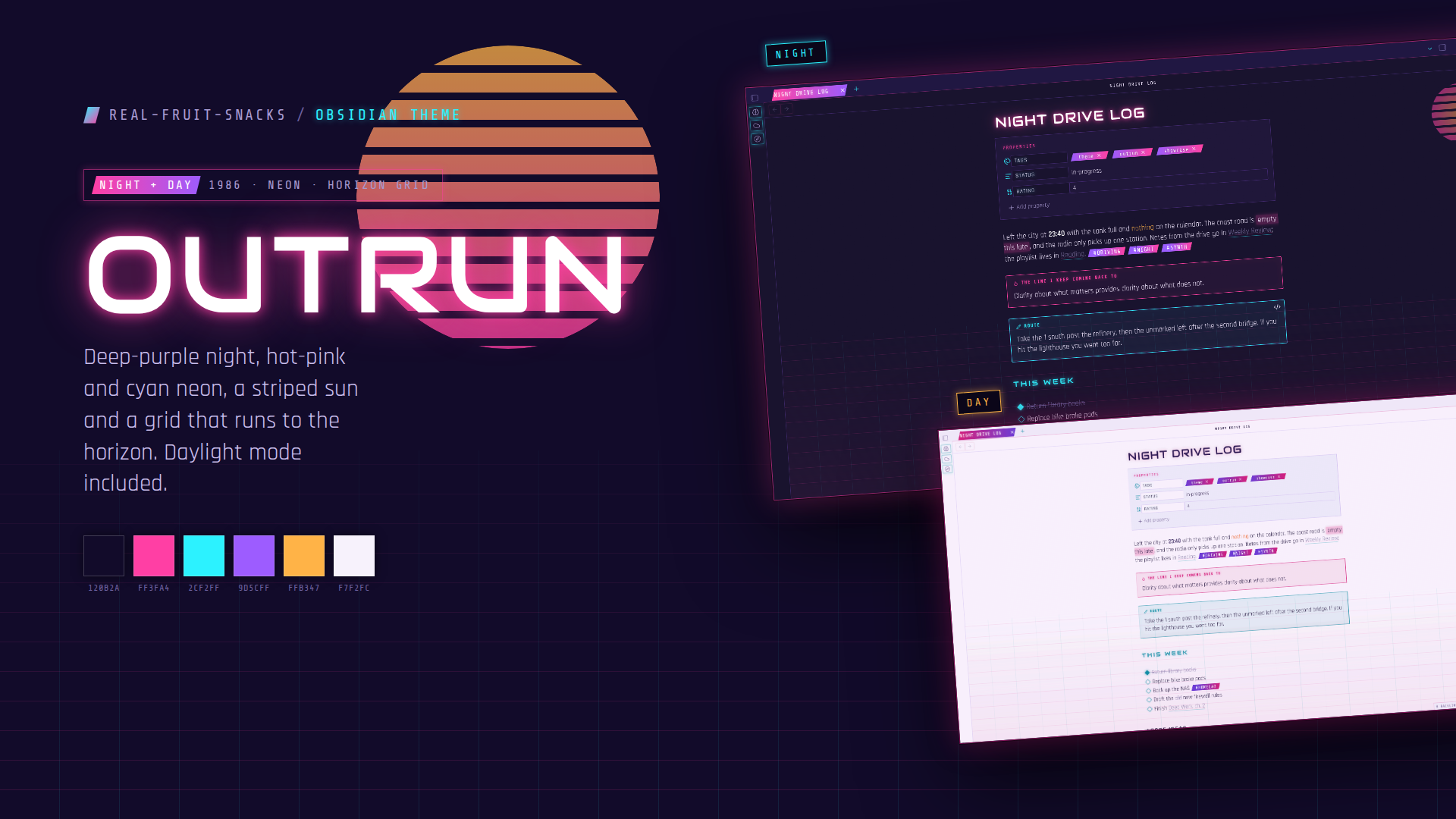
19. Outrun
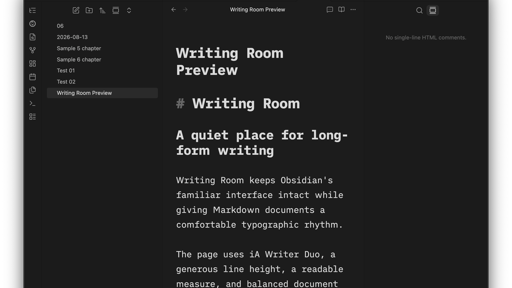
20. Writing Room
That is the roundup for this week. Browse the newest plugins on /new and the latest updates on /updates, then come back next week for another look. Until next week.