
README file from
GithubClaude.md for Obsidian
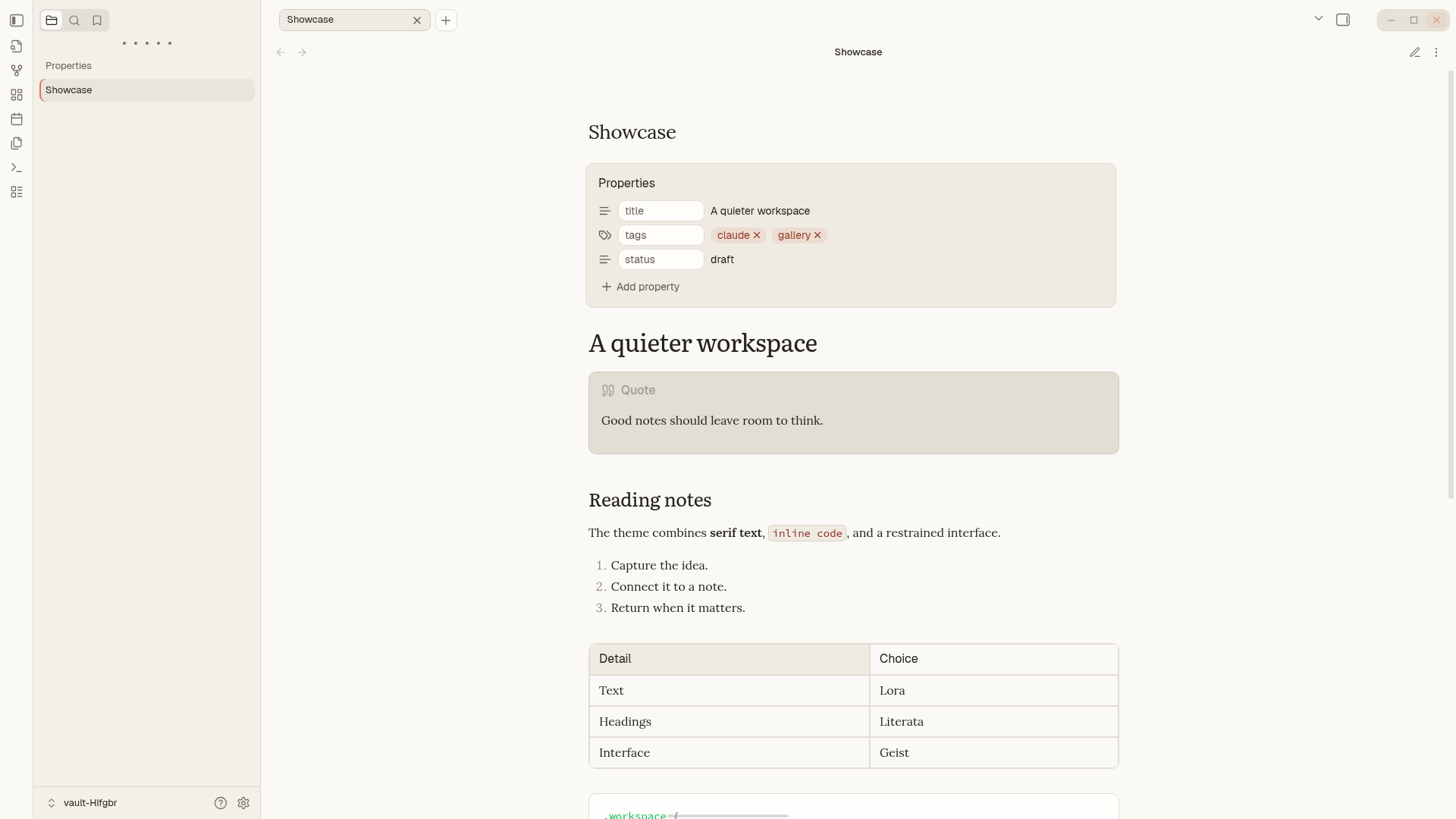
A calmer place to read and write. Claude.md is an unofficial theme inspired by Claude, with soft colors, serif typography, and a little more breathing room.




Install · Customize · Screenshot gallery · Report an issue
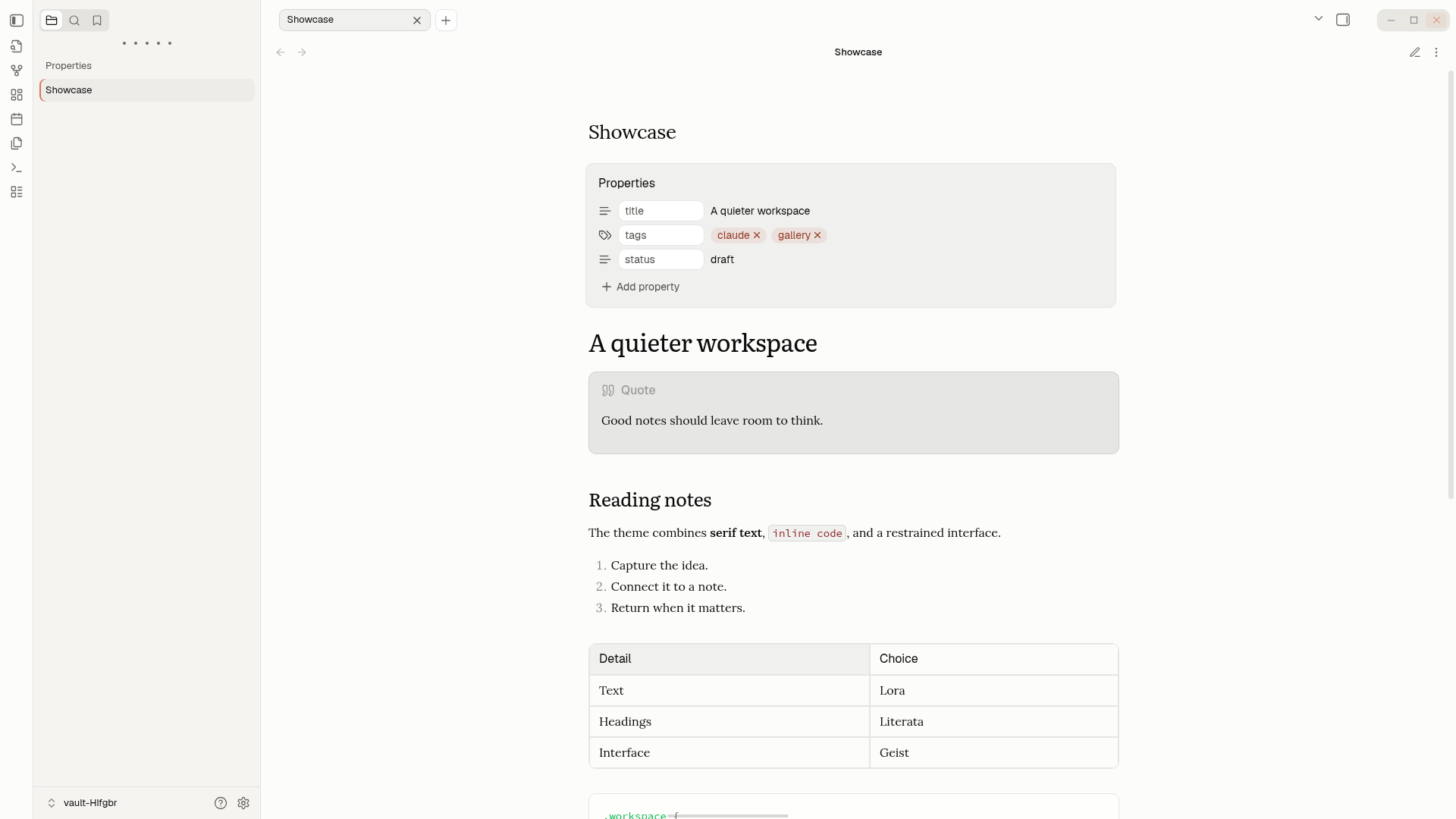
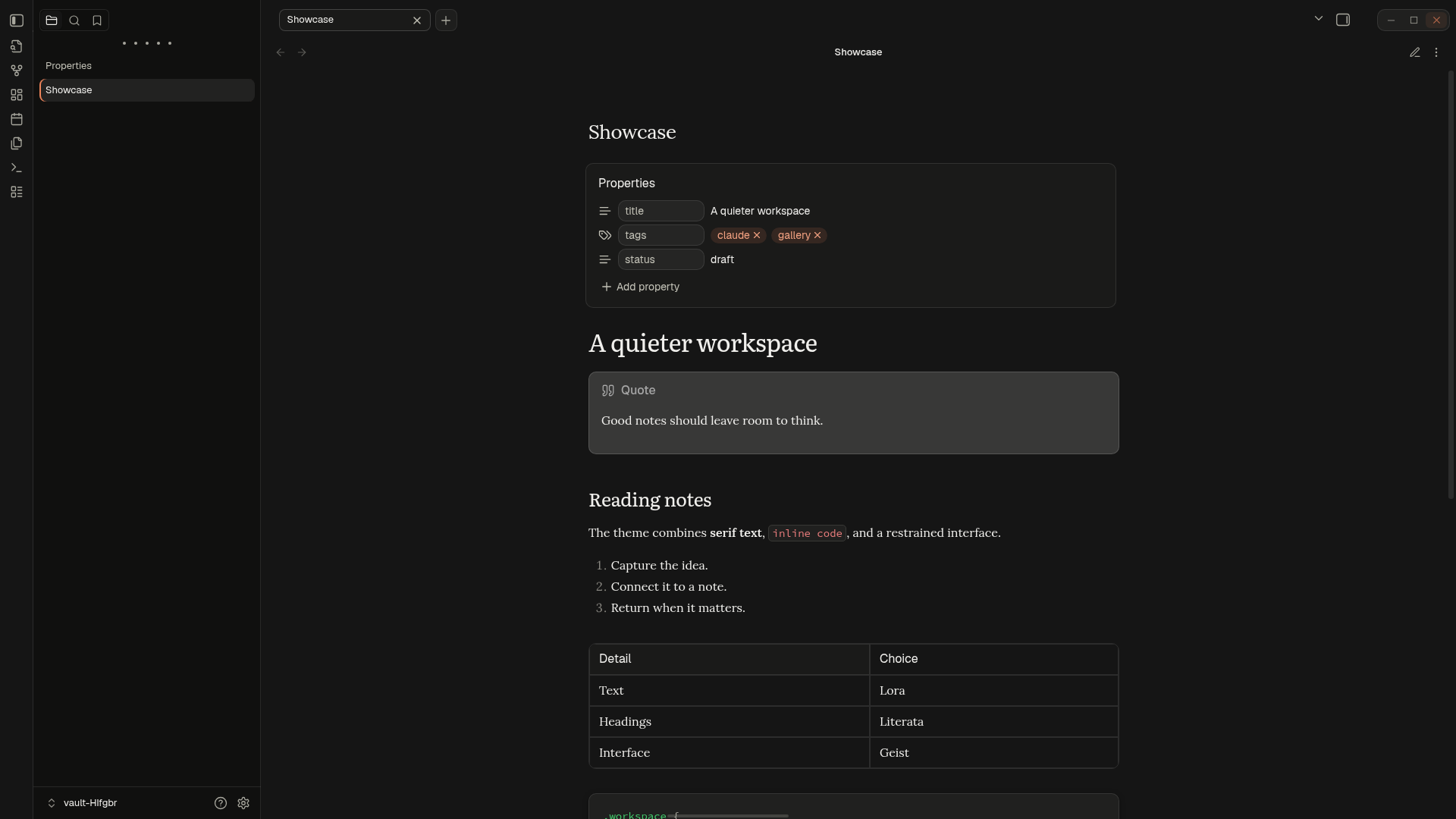
| Light | Dark |
|---|---|
 |
 |
Make yourself at home
- Light, warm, or dark. Choose between two light palettes and a matching dark mode.
- Type with character. Lora for notes, Literata for headings, Geist Sans for the interface, and Source Code Pro for code. Fonts are bundled; no separate installation is needed.
- A quieter workspace. Floating tabs, recessed sidebars, and consistent styling for tables, properties, and dialogs.
Install
Requires Obsidian 1.10.6 or newer.
-
Open Releases and download
theme.cssandmanifest.jsonfrom the latest release's Assets. -
Create a
Claude.mdfolder inside your vault's.obsidian/themes/directory and place both files there:Your vault/ └── .obsidian/ └── themes/ └── Claude.md/ ├── manifest.json └── theme.css -
In Obsidian, open Settings → Appearance → Themes and select Claude.md.
If your vault uses a custom configuration folder, use that in place of .obsidian.
To update a manual installation, replace both files with those from the latest release.
Customize
Choose light or dark mode in Settings → Appearance.
For a few extra controls, install and enable the optional Style Settings community plugin. Open its settings and find Claude.md to:
- Switch the light palette between Default and Warm.
- Automatically hide the status bar until you hover near the bottom center of the window.
- Hide the Obsidian Sync status item.
For a more polished Claude.md experience, install the Claude.md Theme Companion plugin.
Contribute
Found something that looks off? Open an issue with a screenshot, your Obsidian version, and the theme mode you're using. Pull requests are welcome too.
To work on the theme, use Node.js 24 and npm:
npm ci
npm run lint
npm run build
Edit the SCSS in src/; src/theme.scss brings the
theme modules together. The build produces dist/theme.css and
dist/manifest.json, with fonts embedded in the CSS. Copy both files into
your vault's theme folder to try your changes. For visual changes, check
light and dark modes and include screenshots in your pull request.
License & credits
Theme code is released under the MIT License. Bundled fonts use the SIL Open Font License 1.1; see third-party notices for attribution and license details.
Inspired by Claude. Not affiliated with or endorsed by Anthropic or Obsidian.