
README file from
GithubTangerine Neue for Obsidian
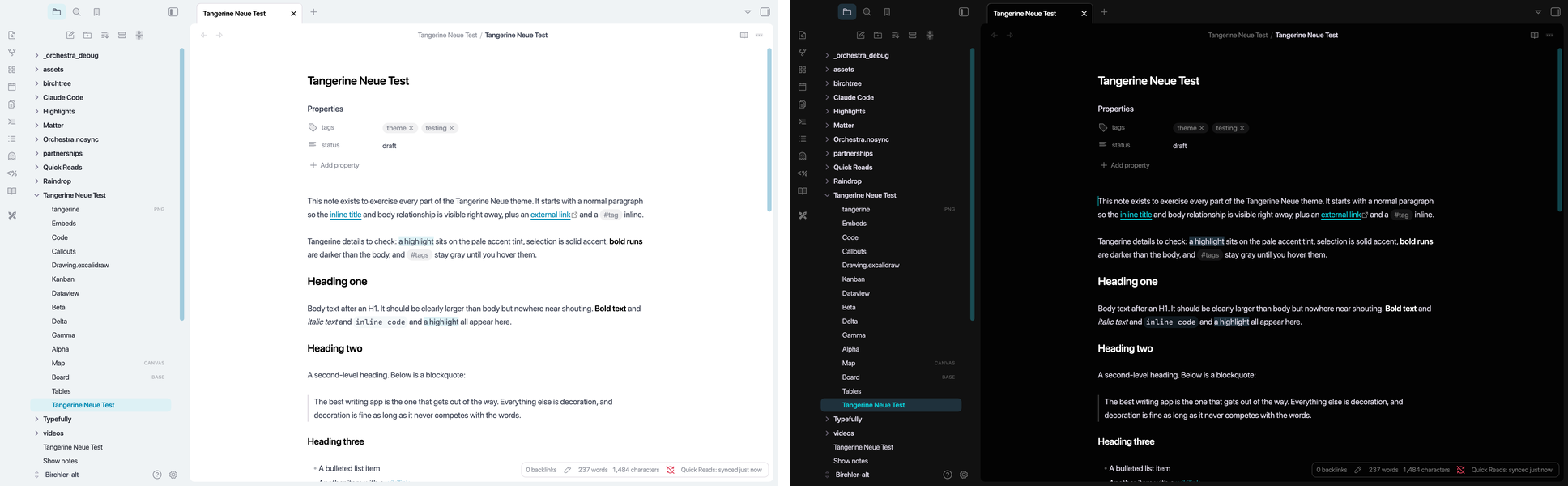
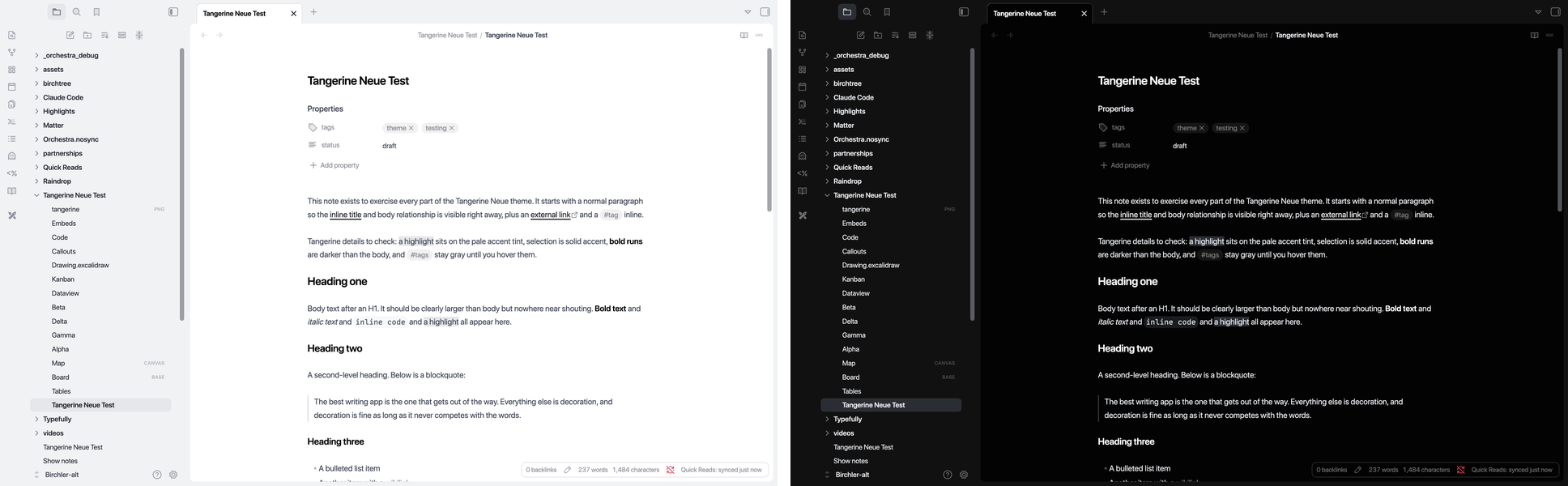
Tangerine Neue brings the look of Tangerine Neue for Mastodon to Obsidian: a white page on a warm tinted background, an orange accent, soft 8px corners, and Phosphor duotone icons.
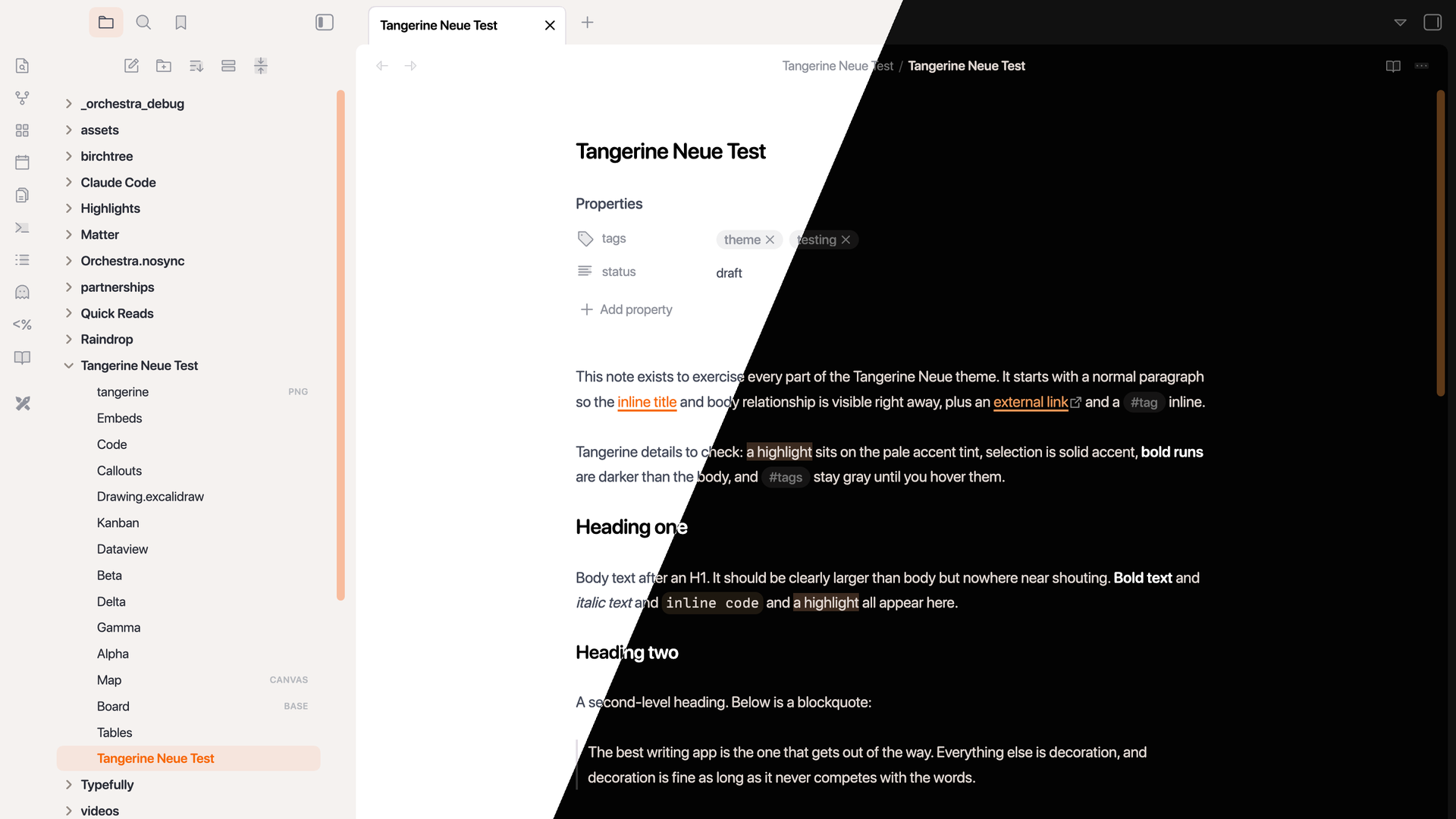
Variants
Tangerine is the default. Four more come along from the Mastodon theme: Purple, Cherry, Lagoon, and Granite. Pick one in the Style Settings plugin under Tangerine Neue > Variant. Without Style Settings you get Tangerine.
The variant sets the accent color, so the accent picker in Settings > Appearance has no effect while this theme is active.
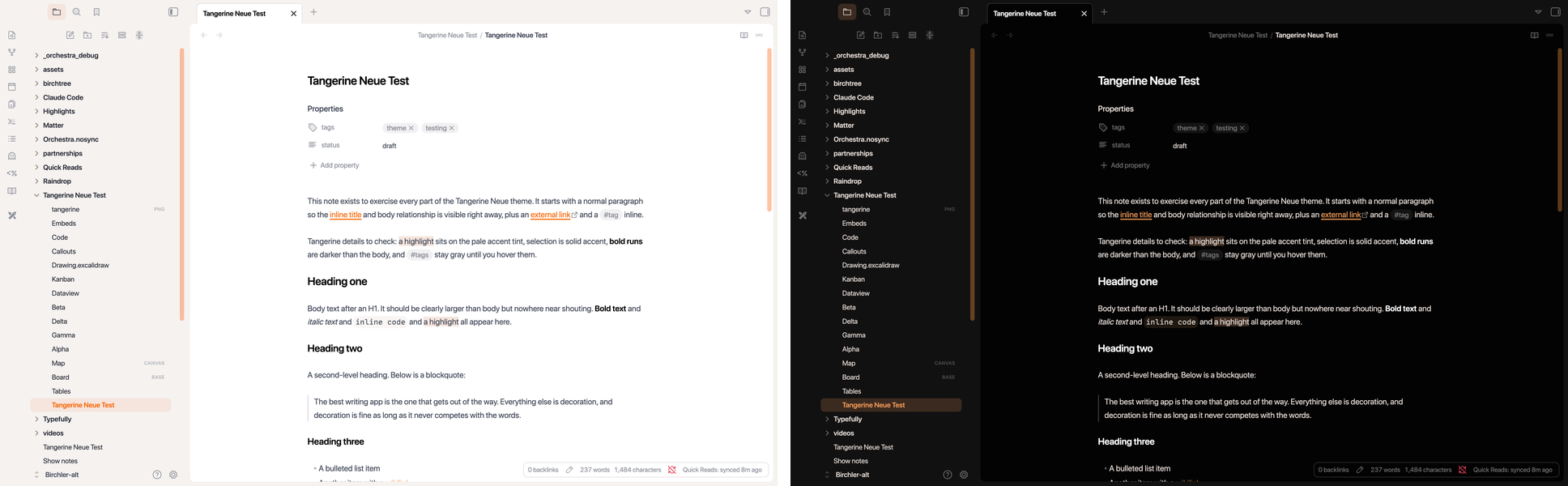 |
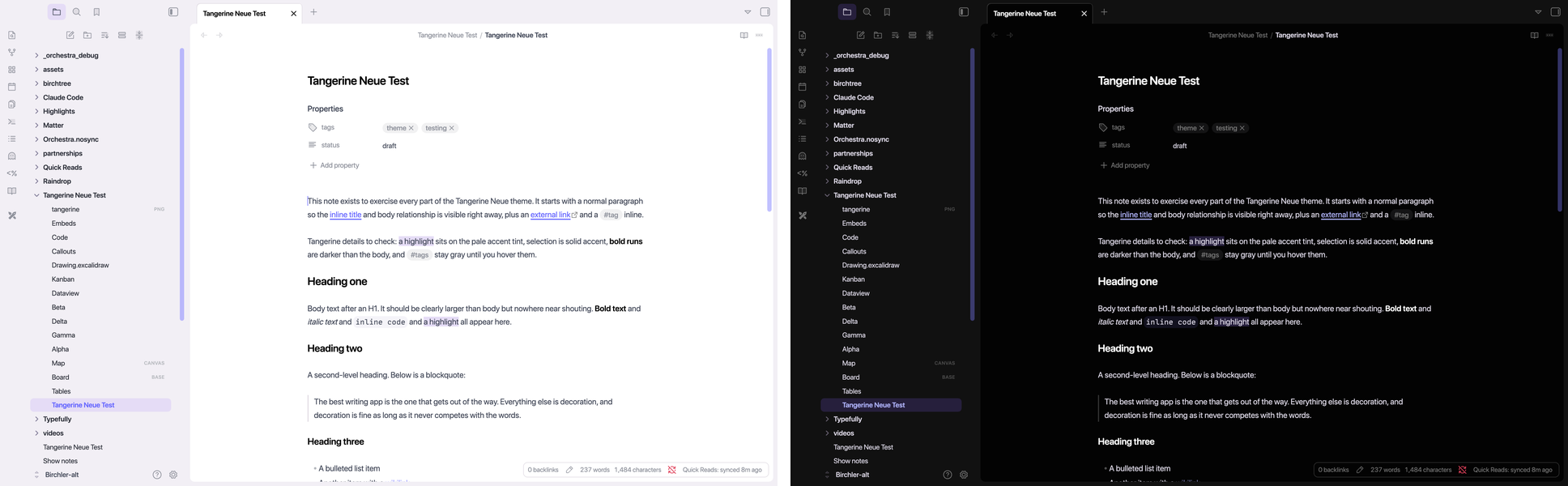 |
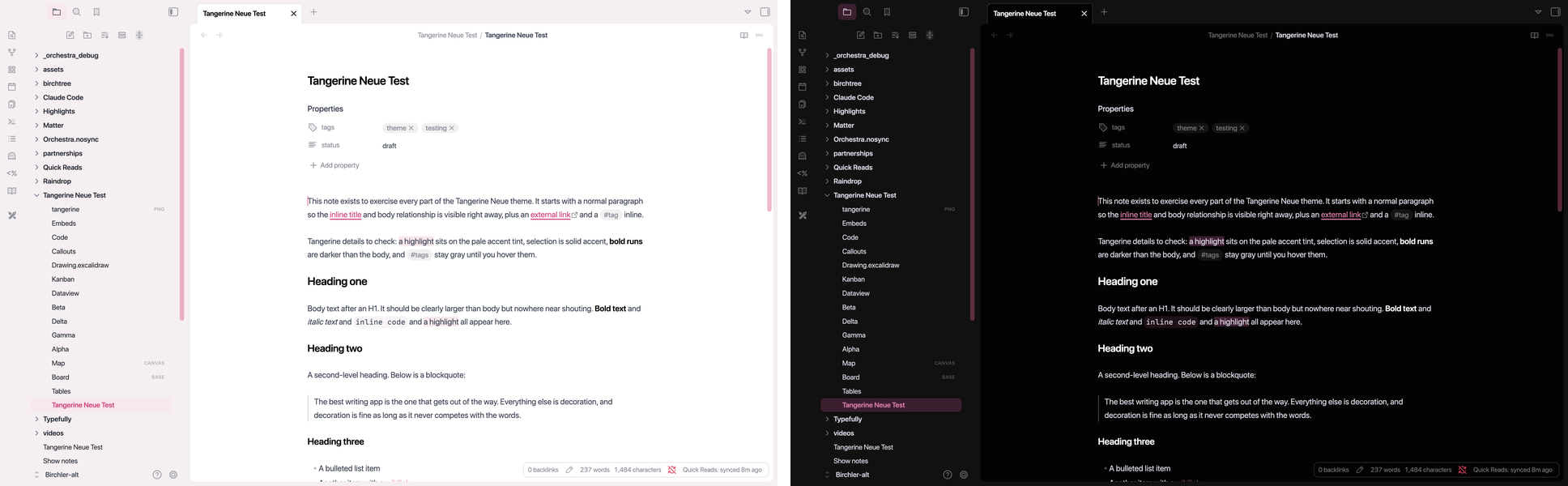 |
 |
 |
Fonts
Like the Mastodon theme, Tangerine Neue uses the system rounded face by default (SF Pro Rounded on macOS and iOS, the regular system font elsewhere). That applies even if you have picked a font in Settings > Appearance.
To use your own fonts instead, open Style Settings > Tangerine Neue > Fonts and turn on "Use my interface font" or "Use my text font". They are separate, so you can keep the rounded chrome and write in your own font, or the other way round.
What is covered
The whole app, not just the note. Every surface below uses the same card, table, and menu language.
Tables as hairline rows, in Reading view and Live Preview 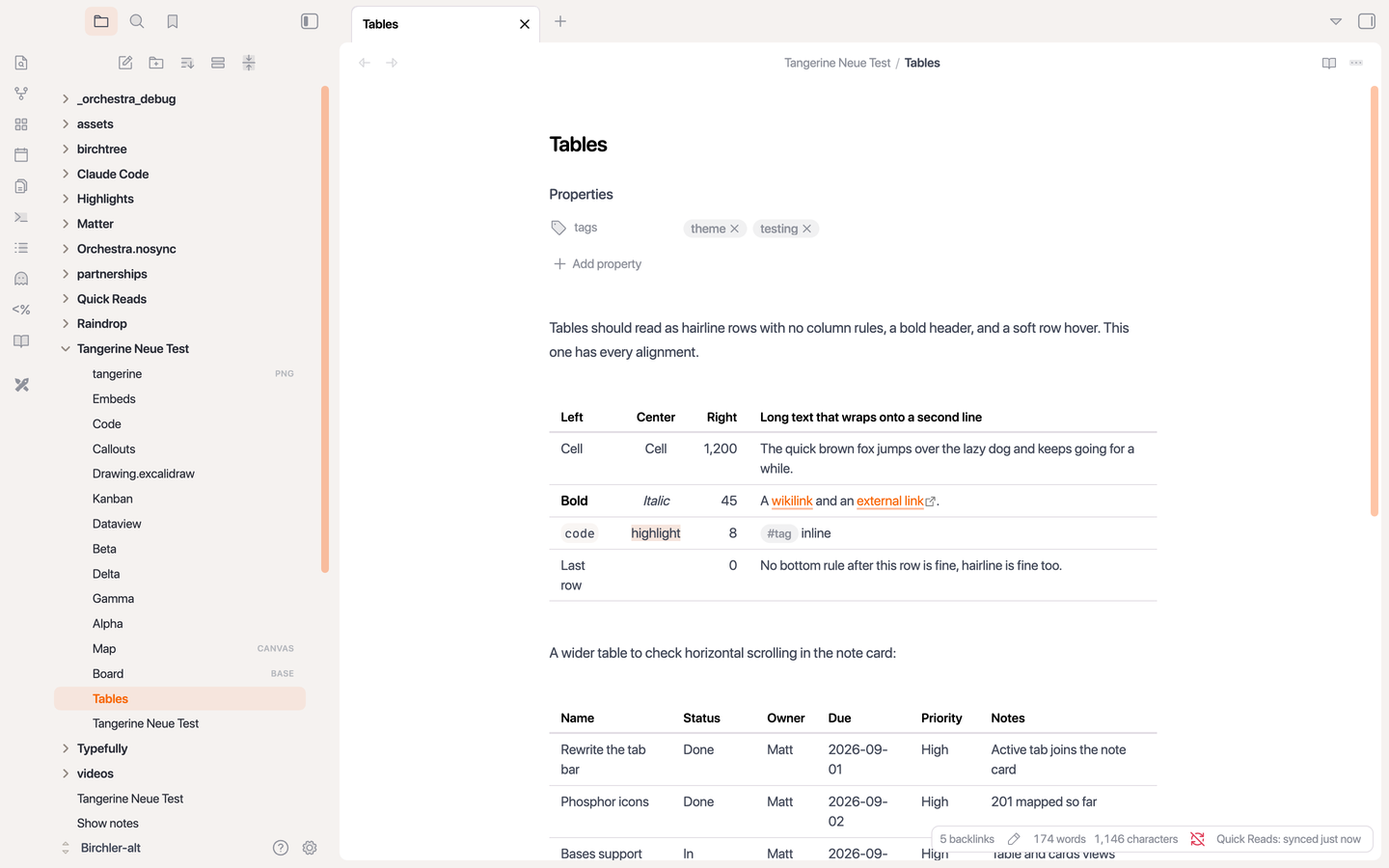 |
Bases with the same table treatment and cards that match the note card 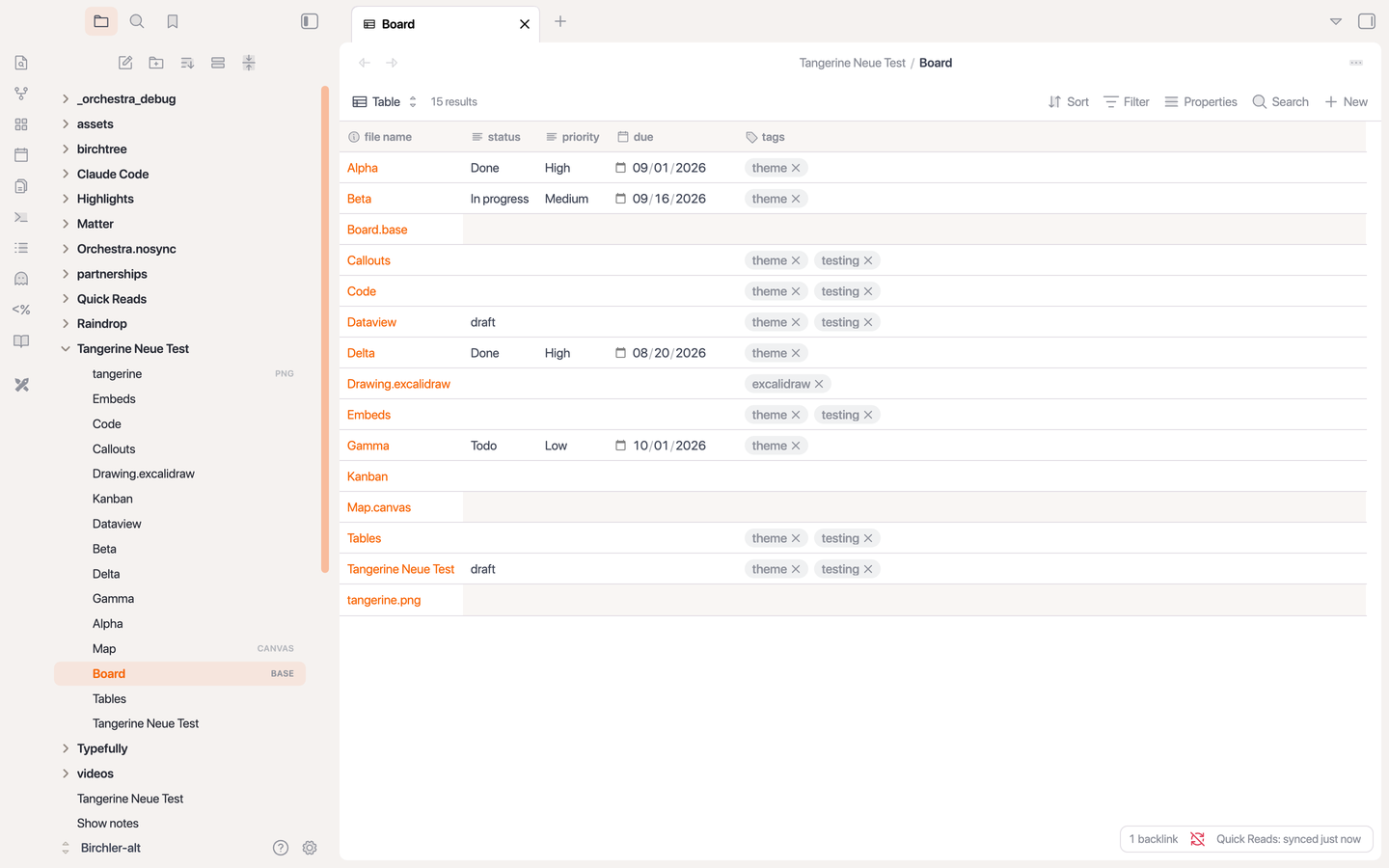 |
Canvas nodes as note cards on the tinted ground 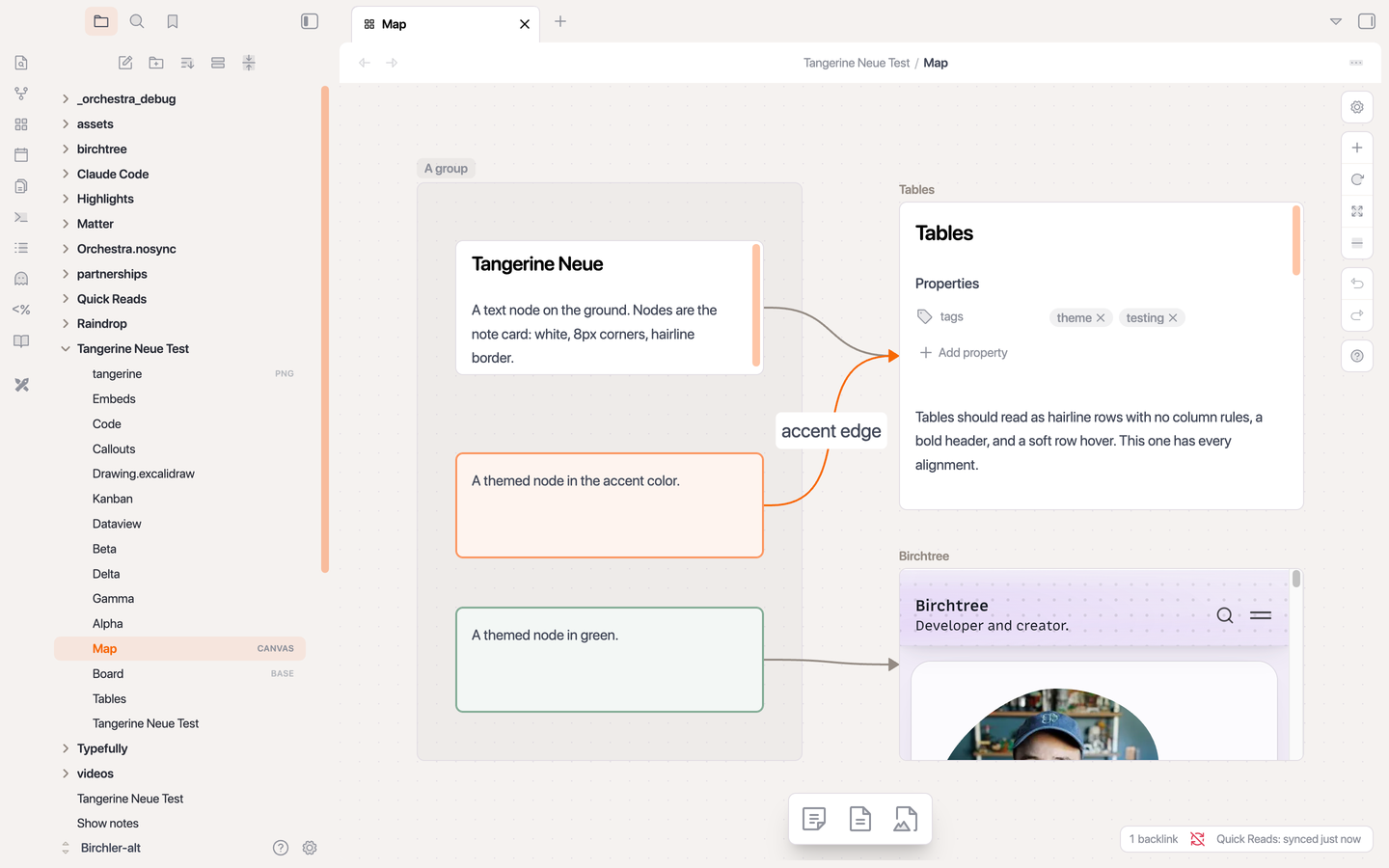 |
Graph nodes in the sidebar gray, accent when focused 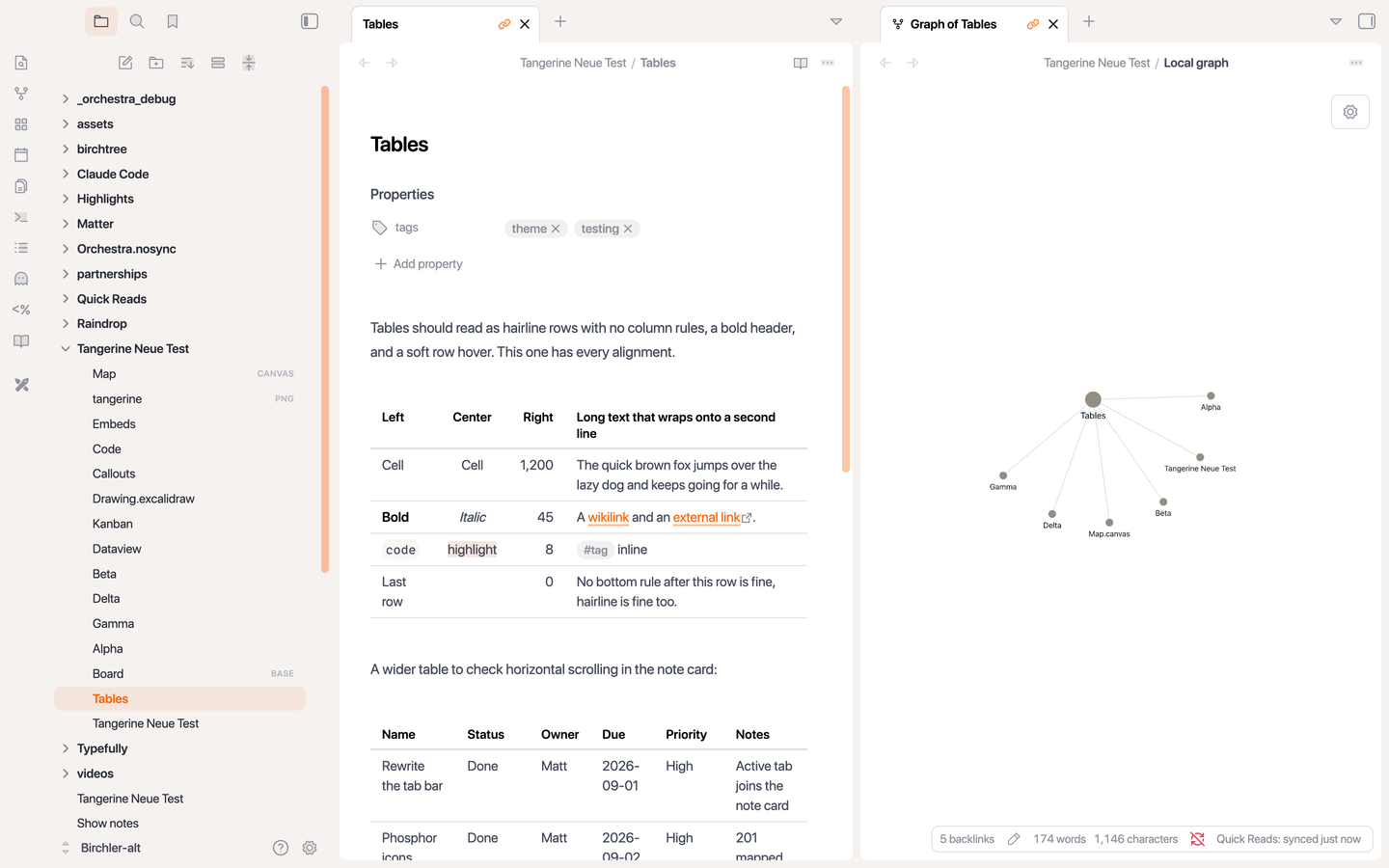 |
Callouts, all thirteen types, collapsible and nested 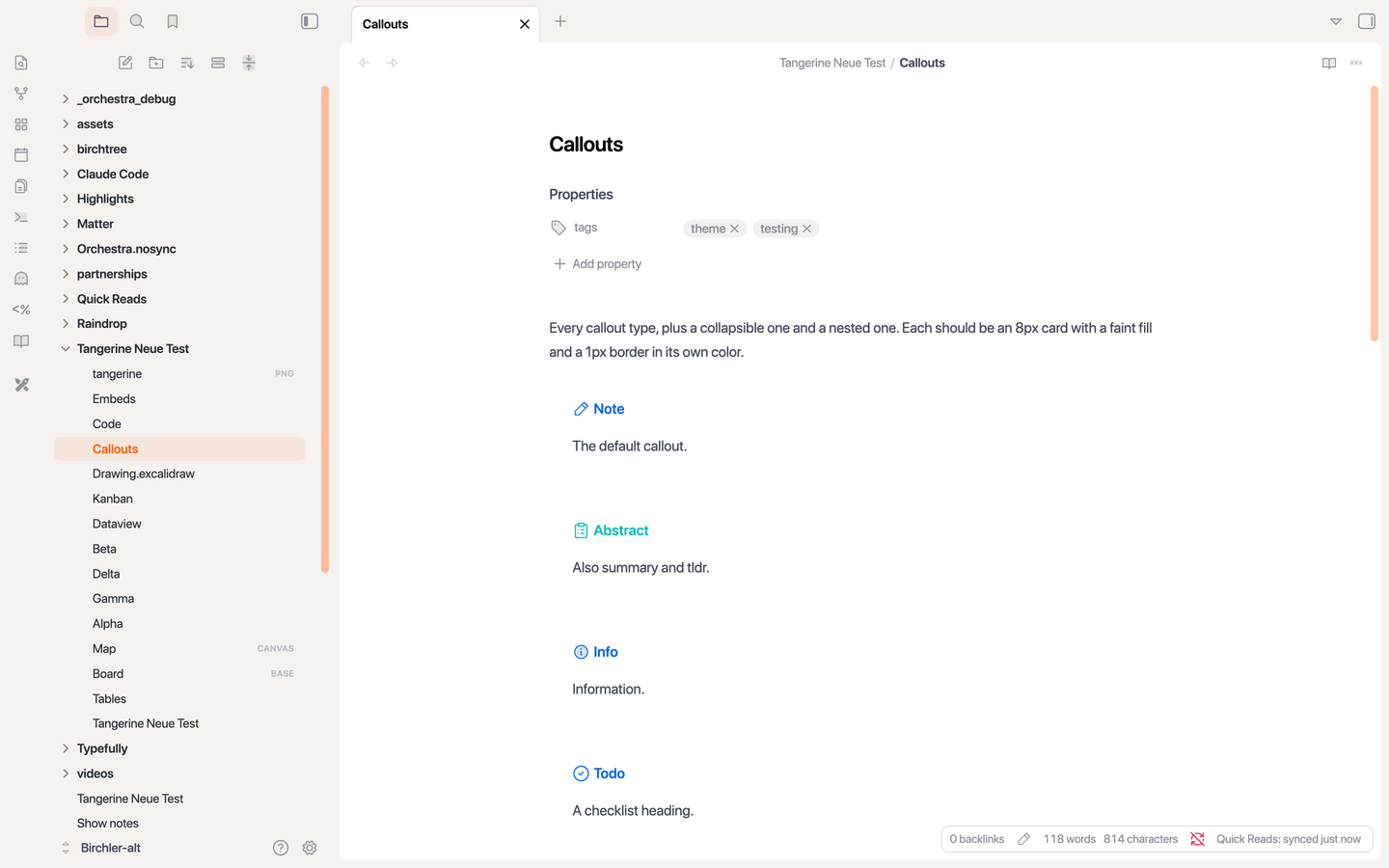 |
Code, math, and Mermaid on the flat secondary fill 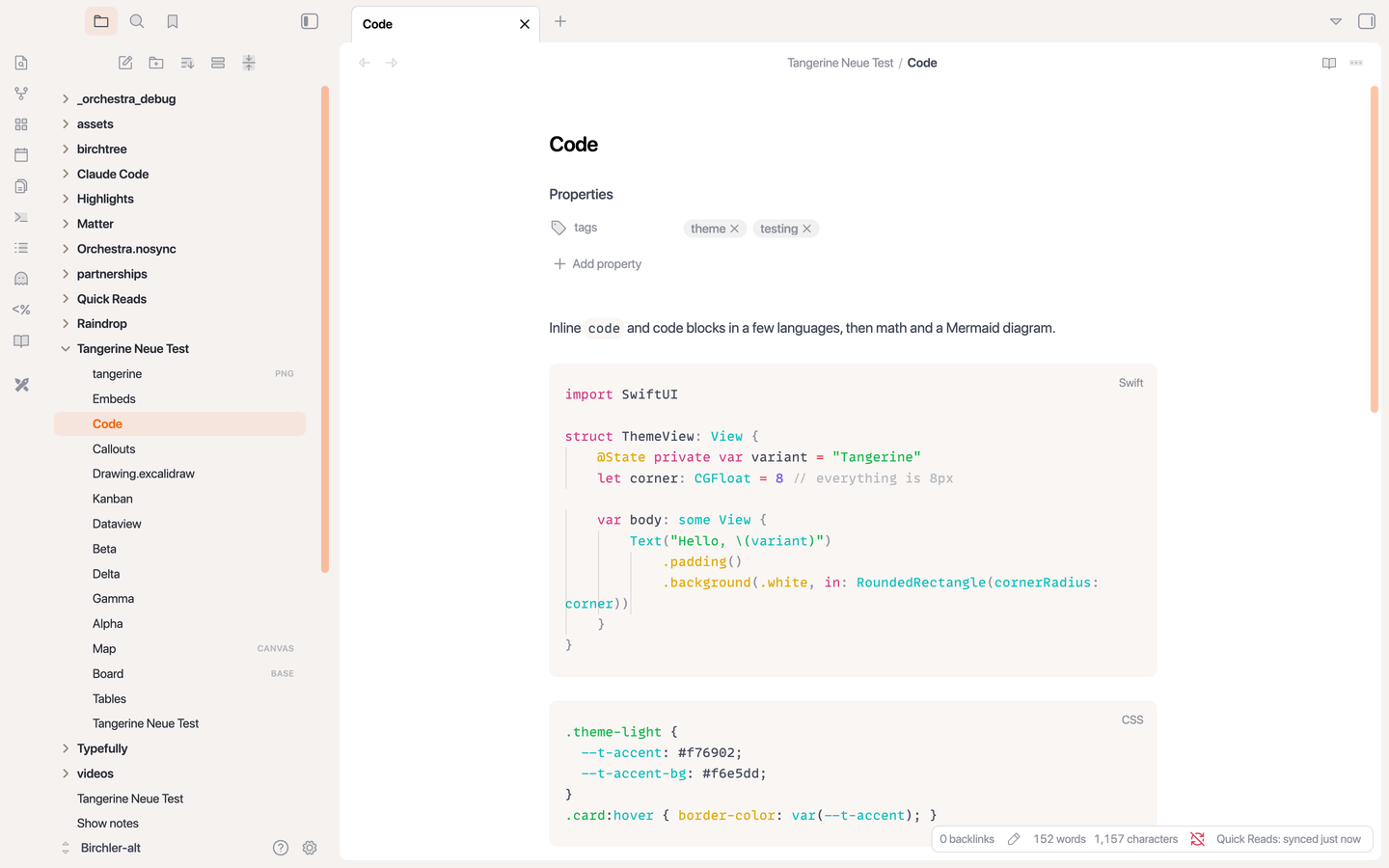 |
Embeds for images, notes, headings, bases, canvases, and footnotes 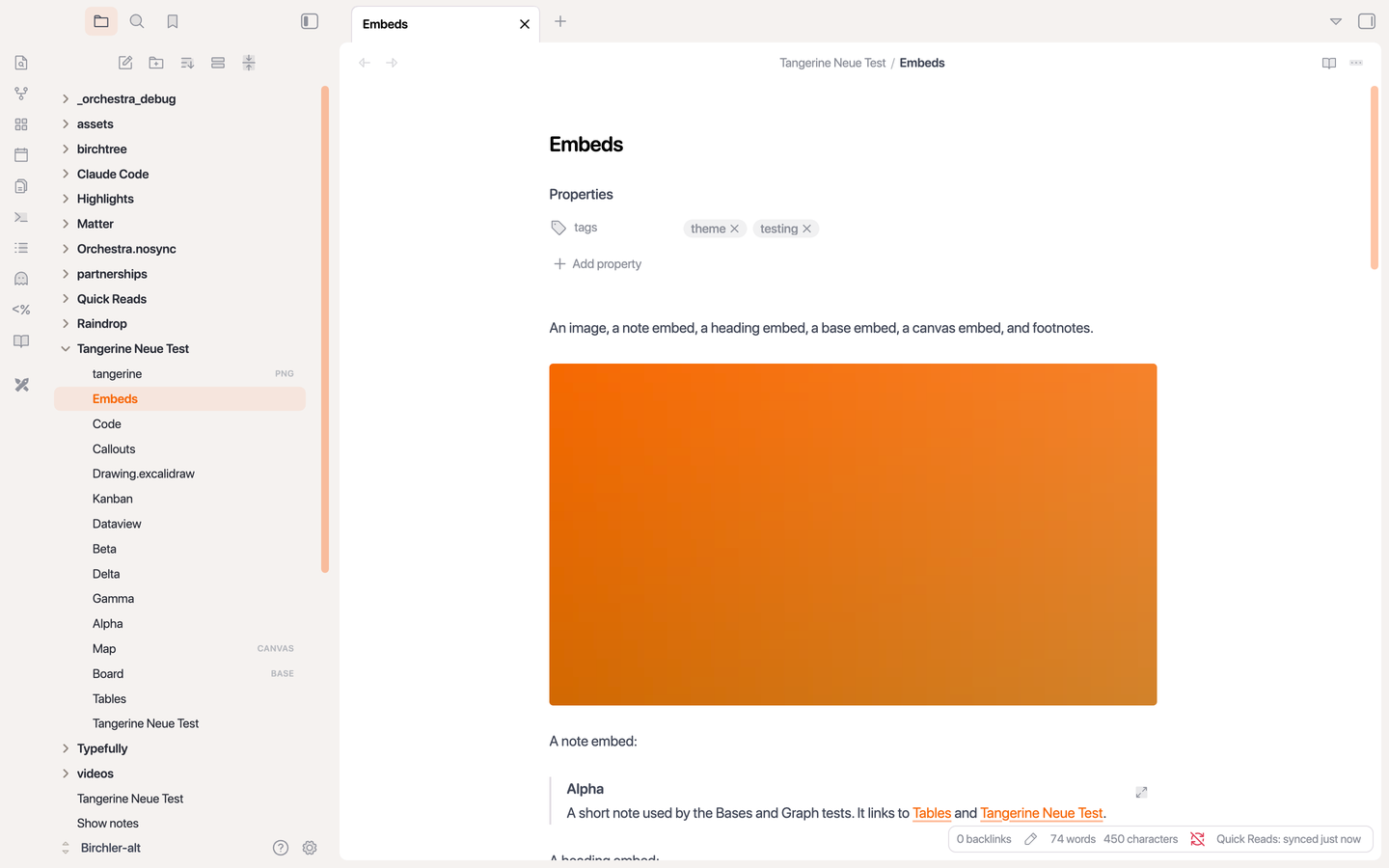 |
Command palette and every other floating panel as a solid card 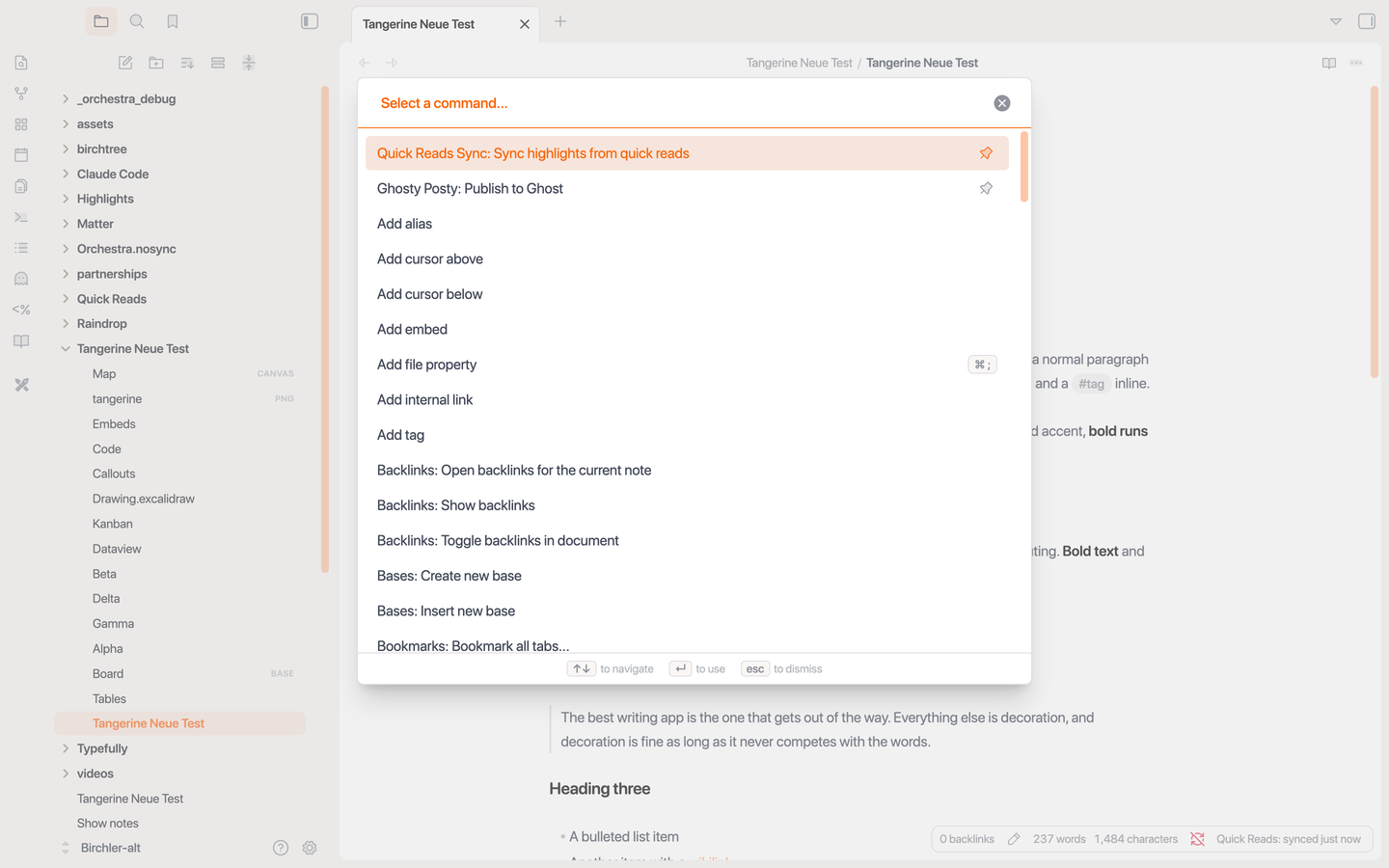 |
Settings with the accent tint on the active tab 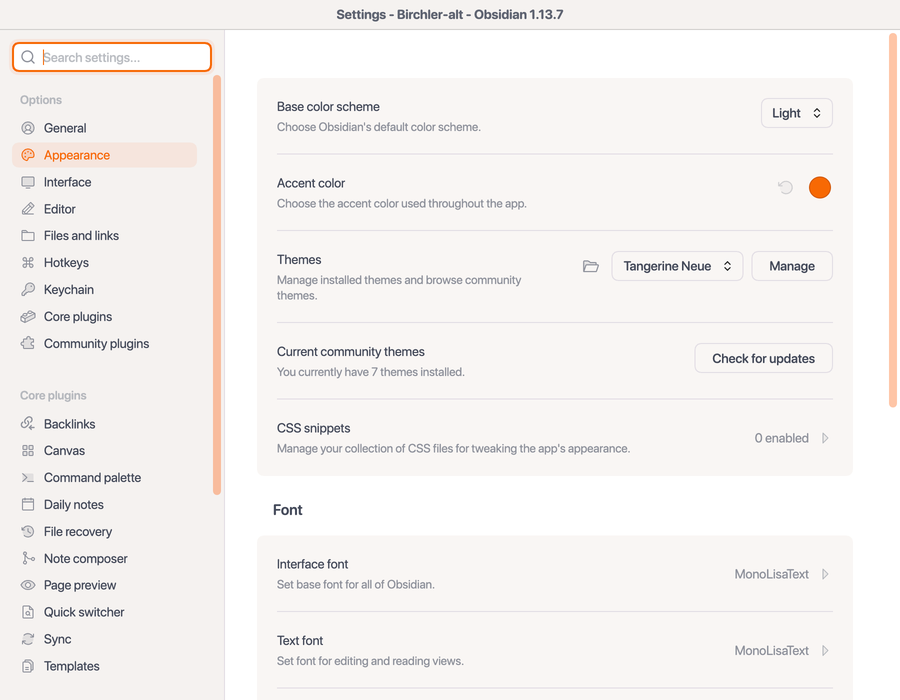 |
Calendar with today in accent 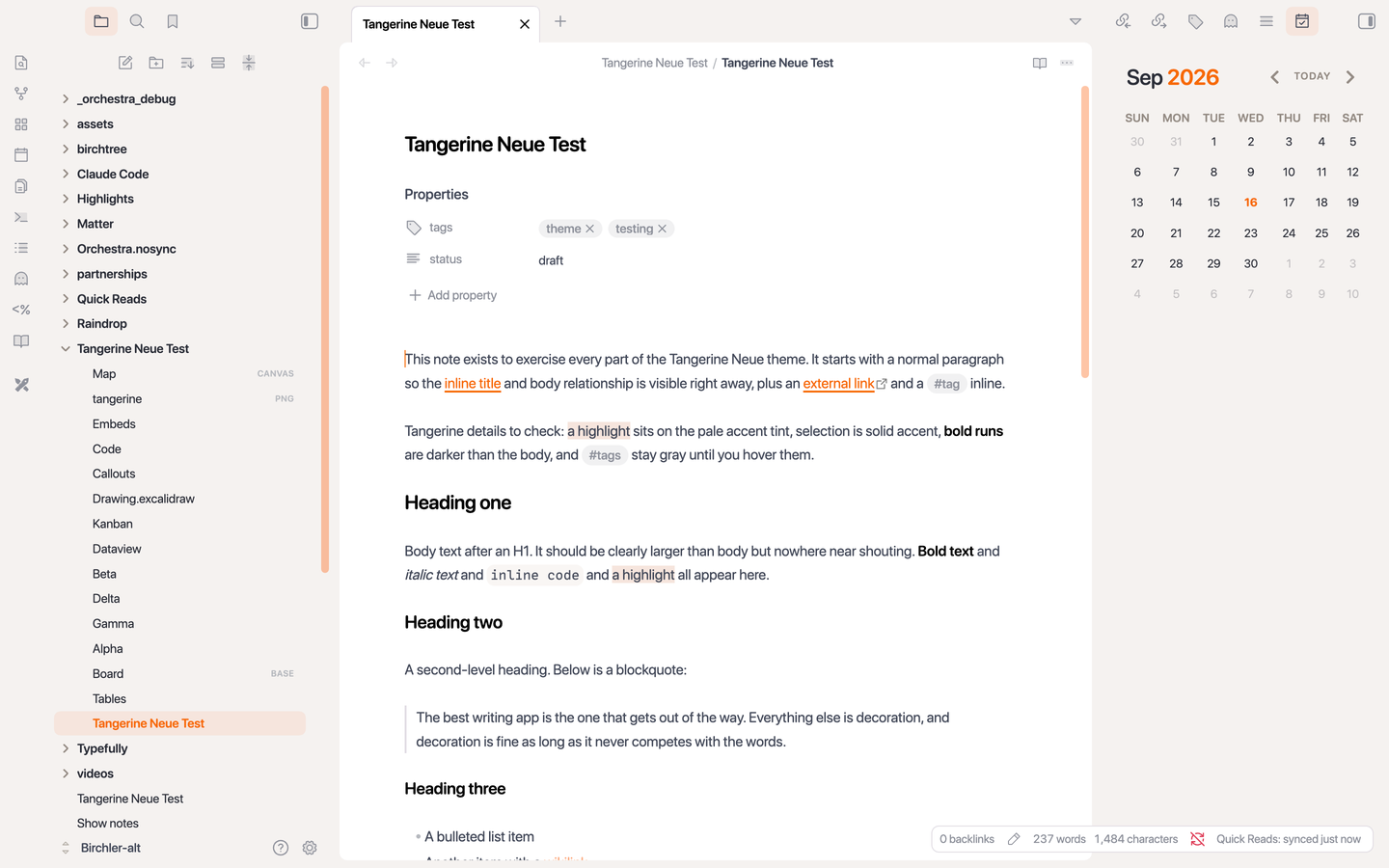 |
Kanban lanes on the ground, cards inside 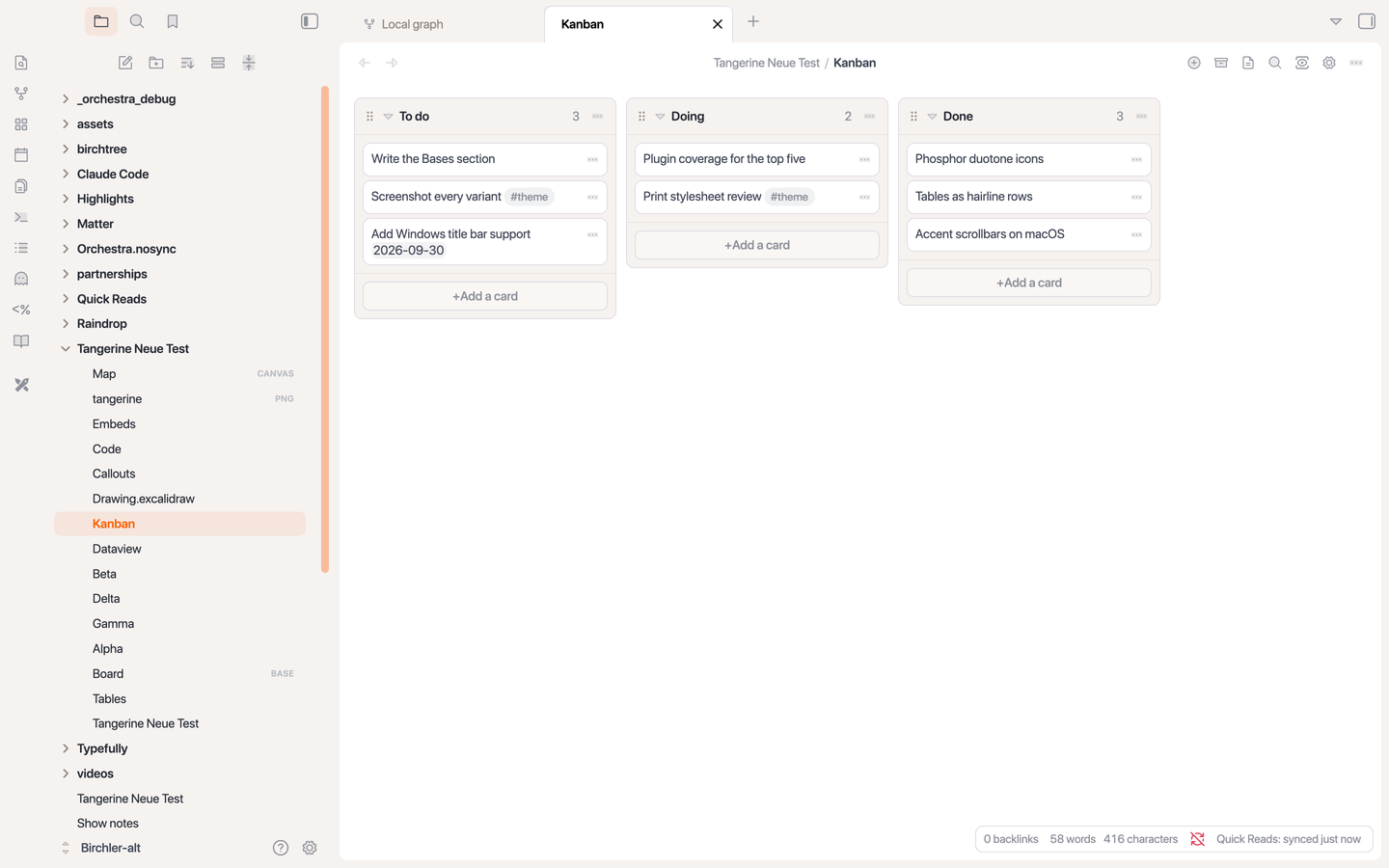 |
Dataview tables and inline fields 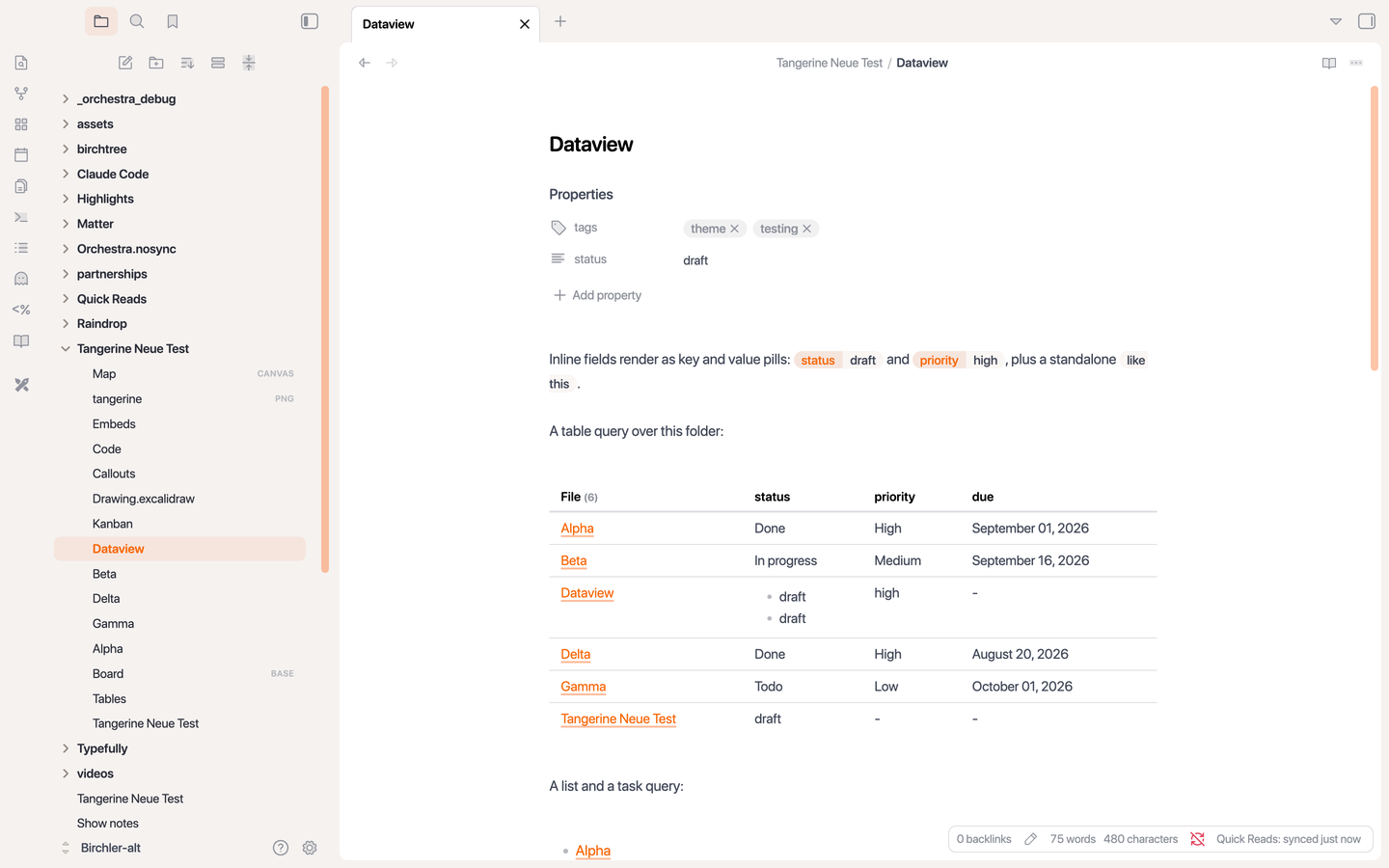 |
Excalidraw with card toolbars and accent controls 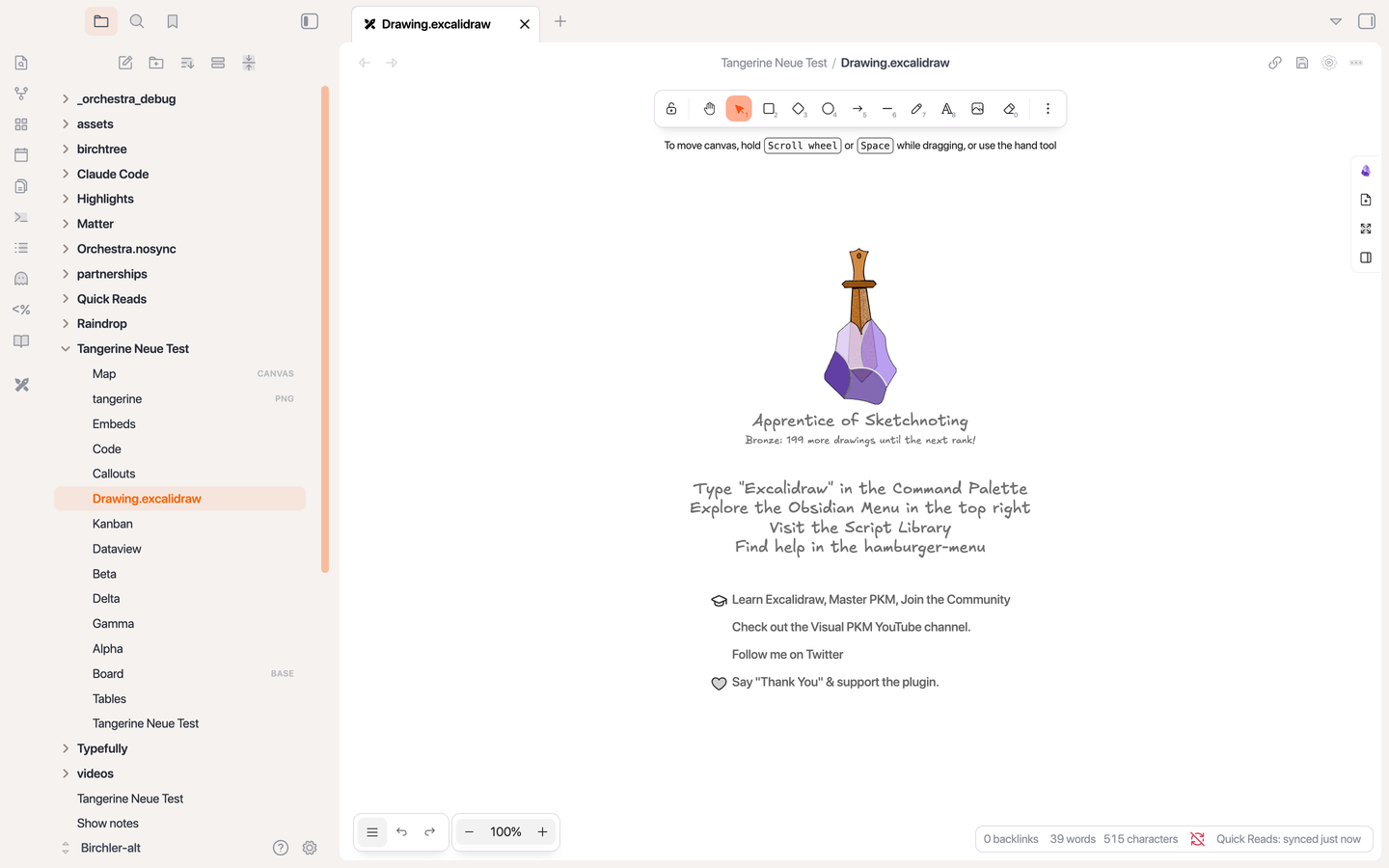 |
Community plugins with dedicated styling: Dataview, Kanban, Calendar, Excalidraw, and Hover Editor. Nothing in the theme runs unless the plugin is installed.
PDF export gets its own treatment: near-black text on a white page, solid link underlines, no shadows, and page breaks kept out of headings, code blocks, tables, callouts, and embeds.
Mobile is covered too: the same note card on a phone-sized ground, solid drawers and bars, nothing blurred.
Development
Obsidian ignores symlinked theme folders, so the install script copies the files into a vault and reloads the theme through the Obsidian CLI.
scripts/install.sh              # installs into ~/Obsidian/Birchler-alt
scripts/install.sh /path/to/vault
scripts/watch.sh                # reinstall on every save
scripts/screenshots.py          # capture the gallery and screenshot.png (needs Pillow)
npm install && npm run lint     # stylelint, the same check CI runs
theme.cssis the whole theme. Tangerine's color tokens sit at the top, variants override them, and one block maps them onto Obsidian's variables. Everything below that reads Obsidian's names only.scripts/icons.jsonandscripts/build-icons.pymap Obsidian's Lucide icons to Phosphor duotone glyphs. Glyphs are vendored inassets/phosphor/; the script fetches any missing ones from the Phosphor repo. CI fails iftheme.cssdoes not match the map.test/Tangerine Neue Test/is a test vault folder with one note per surface, plus a base, a canvas, an Excalidraw drawing, a Kanban board, and a Dataview note. The screenshot script copies it into the vault before capturing. It expects Dataview, Kanban, Calendar, Excalidraw, and Hover Editor to be installed there.- DESIGN.md has the reasoning behind the choices.
Releasing
- Write the release notes as a new section at the top of CHANGELOG.md, headed with the version number.
- Set that version in
manifest.jsonand commit. - Tag the commit with the bare version number (
0.1.1, nov) and push the tag.
The release workflow checks that the tag matches the manifest, pulls the notes from the changelog, and publishes a GitHub release with theme.css and manifest.json attached, which is what the Obsidian theme directory reads.
Credits and license
Tangerine UI was designed by Niléane. Tangerine Neue is Matt Birchler's continuation of it. This theme is MIT licensed. Icons are Phosphor Icons, also MIT licensed.