
README file from
GithubFirelight
A quiet theme for long reading and writing, built on the Firelight palette. Most of it can be adjusted using Style Settings.
Features
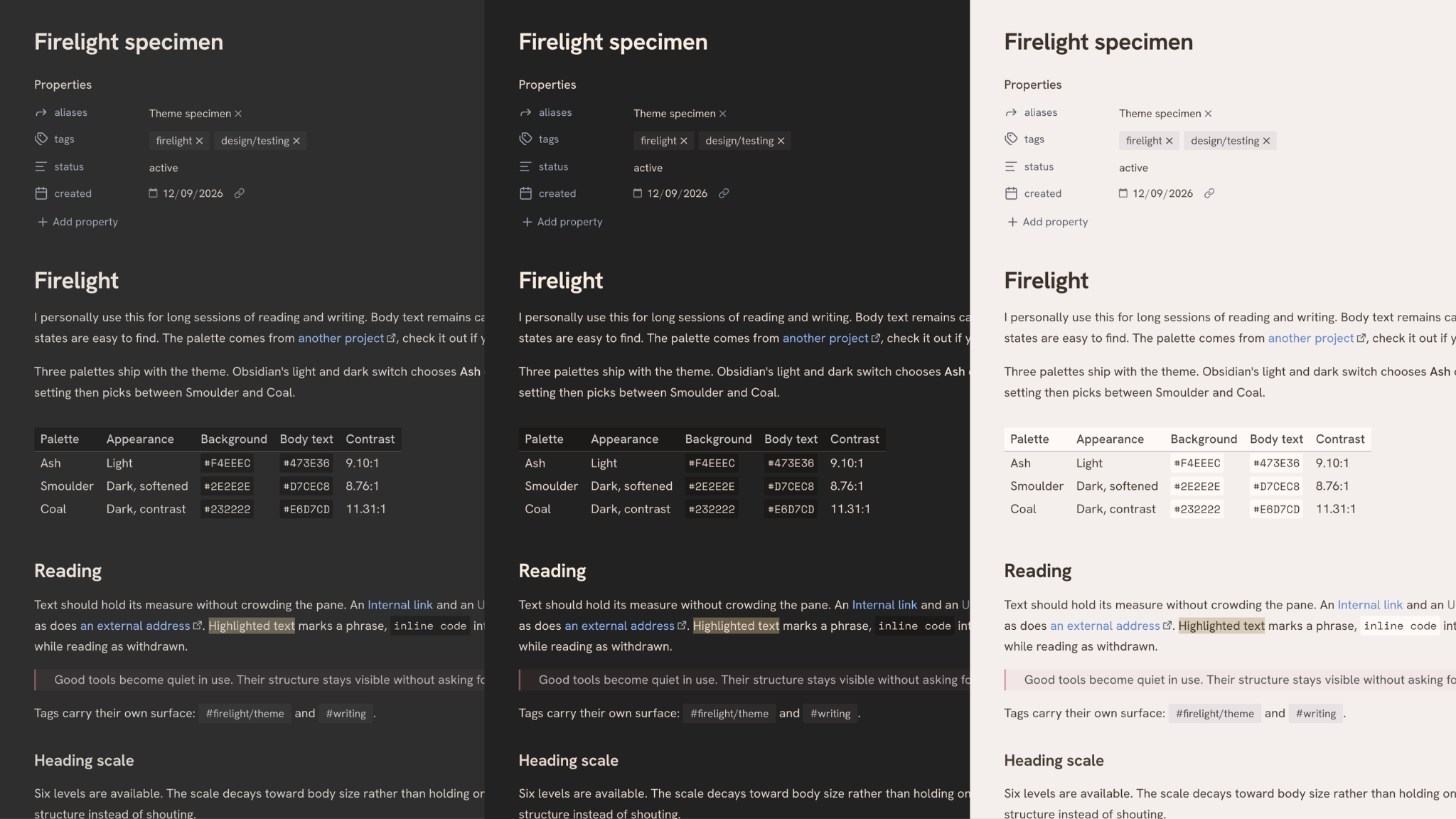
- Three palettes - Ash in light, Smoulder or Coal in dark
- Hanken Grotesk and Space Mono, embedded in the theme, so nothing to install and both work on mobile
- Editor set in either face, whichever suits the writing
- Markdown syntax, lists, callouts, blockquotes, tags and tables with adjustable visuals
- Heading scale, heading colors and optional dividers
- Internal and external links can take separate colors
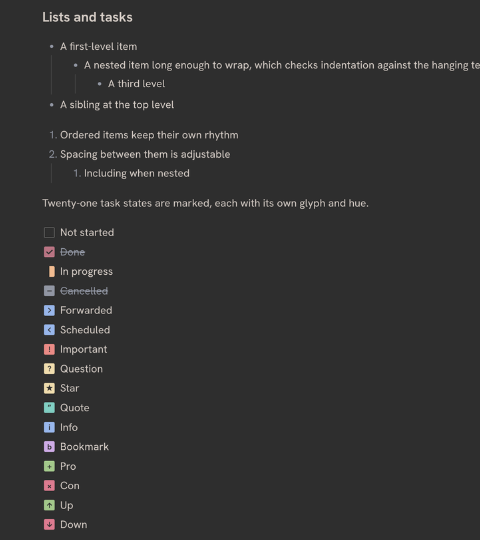
- Twenty-one task states, each with its own glyph and hue
- Focus options that dim inactive panes and fade the interface until you reach for it
Recommended plugins
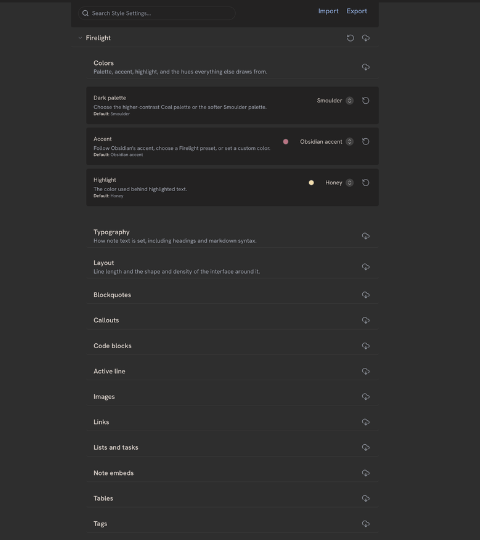
- Style Settings - Firelight looks right without it, but this is how everything above is adjusted.
Installation
From Obsidian
- Open Settings
- Go to Appearance
- Press Manage beside Themes
- Search for Firelight and press Install and use
Manual
- Download
manifest.jsonandtheme.cssfrom the latest release - Create a
Firelightfolder in your vault's.obsidian/themes/directory - Put both files in it, then select Firelight under Appearance
Requires Obsidian 1.13.0 or later, including its updated callout color format.
Development
Issues and pull requests are welcome, see CONTRIBUTING for setup and rules. Releases has what changed between versions.
theme.css is generated - edit src/theme.css and run npm run build, which inlines the fonts. ./scripts/install-local.zsh test-vault symlinks the theme into the bundled test vault for trying changes.
Credits
Colors come from Firelight.
Fonts
Both faces are base64 encoded into the theme, so you don't need to install them and they work on mobile. Their licenses are in licenses/.
- Hanken Grotesk by Alfredo Marco Pradil
- Space Mono by Colophon Foundry