
README file from
GithubObsidian Tea and Coffee
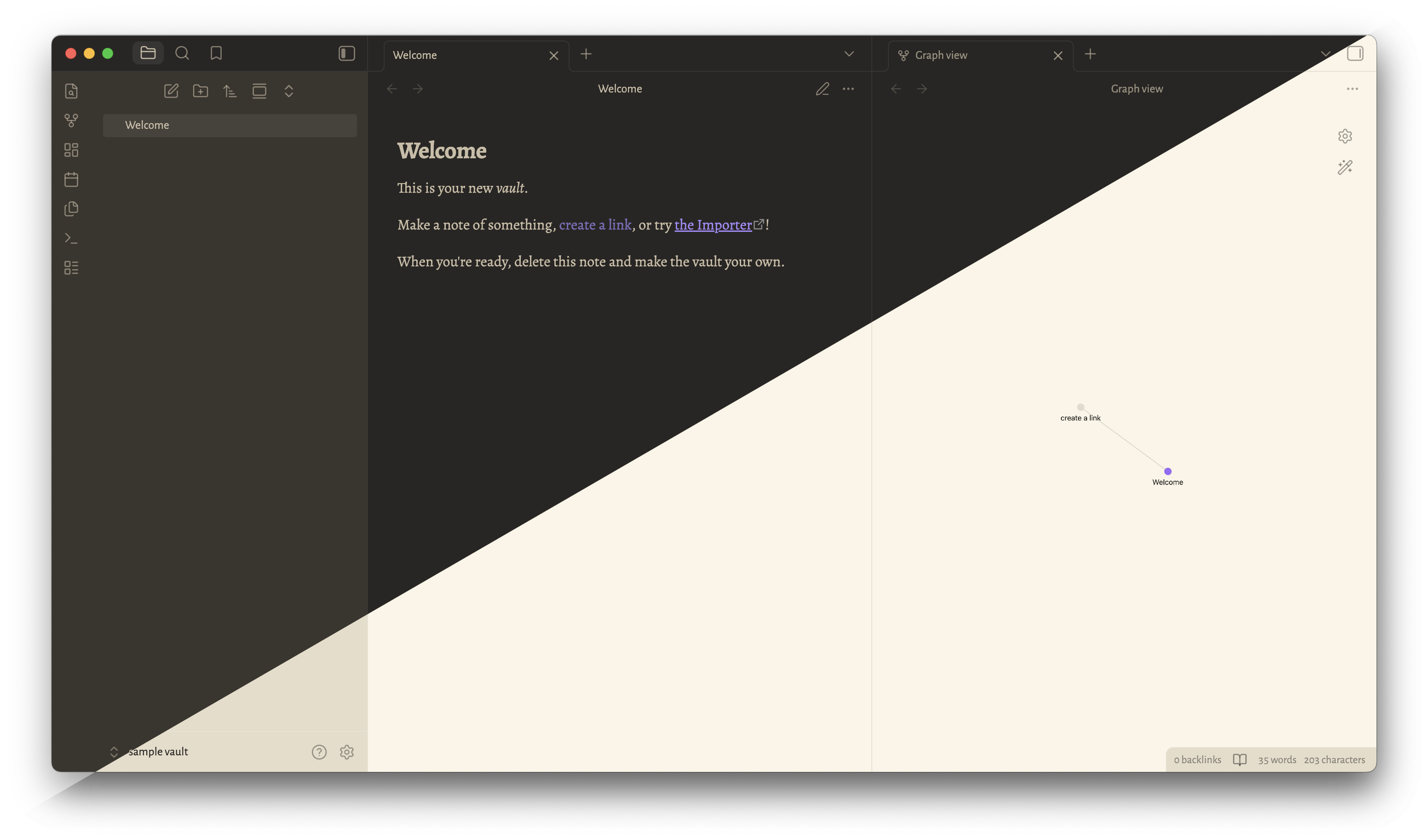
Tea and Coffee is an Obsidian theme forked from Typewriter by crashmoney.
This theme is modified from the original Typewriter theme to suit my personal tastes and as the theme to my personal website. Mainly, colors were converted to OKLCH, typefaces were changed, and flourishes were added here and there.
Development
This theme is currently under development. Issues and pull requests are welcome.
Please see Releases for changes between updates.
Installation
Recommended (Obsidian Theme Manager)
- Open Settings
- Navigate to Appearance
- Press the "Manage" button
- Search for Tea and Coffee and press "Install"
Manual
You can also manually install this theme.
For Obsidian version 0.16.0/1.0.0 and above:
- Download
theme.cssandmanifest.json - In your vault's hidden theme directory (
.obsidian/themes/), create aTea and Coffee/directory - Move
theme.cssandmanifest.jsoninto the.obsidian/themes/Tea and Coffeefolder
Credits
Inspiration and/or some code were taken from the following:
- Typewriter
- Minimal by @kepano
- Yin and Yang by @chetachiezikeuzor
- Deep Work by @nikbrunner
- the Scrivener theme A Midsummer Night for the colors behind Typewriter's dark mode
- Solarized Light for the colors behind Typewriter's light mode
Fonts
Fonts were converted to woff2 format and base64-encoded using https://transfonter.org/. To keep the theme.css file a reasonable size, only Latin and Latin Extended Unicode blocks were encoded. Ligatures will not load, however. The original full fonts were encoded in fonts.css using JAD Apps Automate Font Base64 Build Script and can be added to CSS snippets if needed.
- Interface
- Text
- Alegreya (Google Fonts)
- Times New Roman
- Monospace
- Emoji