
There are 368 new plugins, 1,514 plugins with detected version activity and 33 new themes in the October 25 to 31, 2026 dataset window.
The dataset uses UTC days. Version activity means a version first gained downloads in the recorded history, not necessarily that it was published during these dates.
Highlights
Obsidian Publish's October 27 update adds six highlight colours and renders Mermaid diagrams with Pele, including site colours, fonts, zoom and pan. It also fixes padding around embedded notes. This is a Publish update, not a Desktop or Mobile release.
You have 368 newcomers to browse this week. The list below gives you a starting point, with download rankings and a short update selection alongside it.
New Plugins
There are 368 new plugins. Browse the current new plugin list.
Expensica tracks income and expenses without a bank connection. CountCraft saves note statistics to properties, and its preview lets you inspect counts without changing the note. If you want another way to find notes, Fast Find 10K combines fuzzy search with a preview and weighted fields. D2 Standalone renders D2 blocks without a separate D2 installation, though it does not support TALA layouts.
The 15 newcomers below rank by average downloads per day since listing through each plugin's latest available snapshot. This ranking is not limited to downloads during October 25 to 31.
The Expensica plugin records income, expenses and transfers between accounts while keeping financial data in the vault as ordinary JSON files. Its dashboard brings together balances, transactions, budgets and spending by category. Transaction history can be filtered and descriptions searched. A calendar heatmap shows spending by day, with individual days available for inspection. Categories support custom names, colours and emoji. Transactions can be exported as JSON, CSV or PDF and imported from JSON. It also creates a daily finance review as a Markdown note. Data files travel with vault sync, but there is no bank connection or automatic transaction fetching. Transactions must be entered manually or imported and investment tracking and tax preparation are outside its scope.
2. CountCraft
The CountCraft plugin calculates note statistics on demand and saves the results as numeric properties. It counts words, characters with or without spaces, lines and headings, including headings at a selected level from H1 to H6. Word and character totals use rendered text rather than raw Markdown, while line and heading counts use the source. Frontmatter is excluded. Each calculation can be enabled separately and mapped to a unique property name, with missing number properties created automatically. A preview command displays statistics without changing the note or its properties. Commands and an optional ribbon icon trigger calculations. It works on desktop and mobile and uses the metadata cache where possible. Vault wide batch calculations and automatic calculation after saving are experimental, with a vault backup recommended before use.
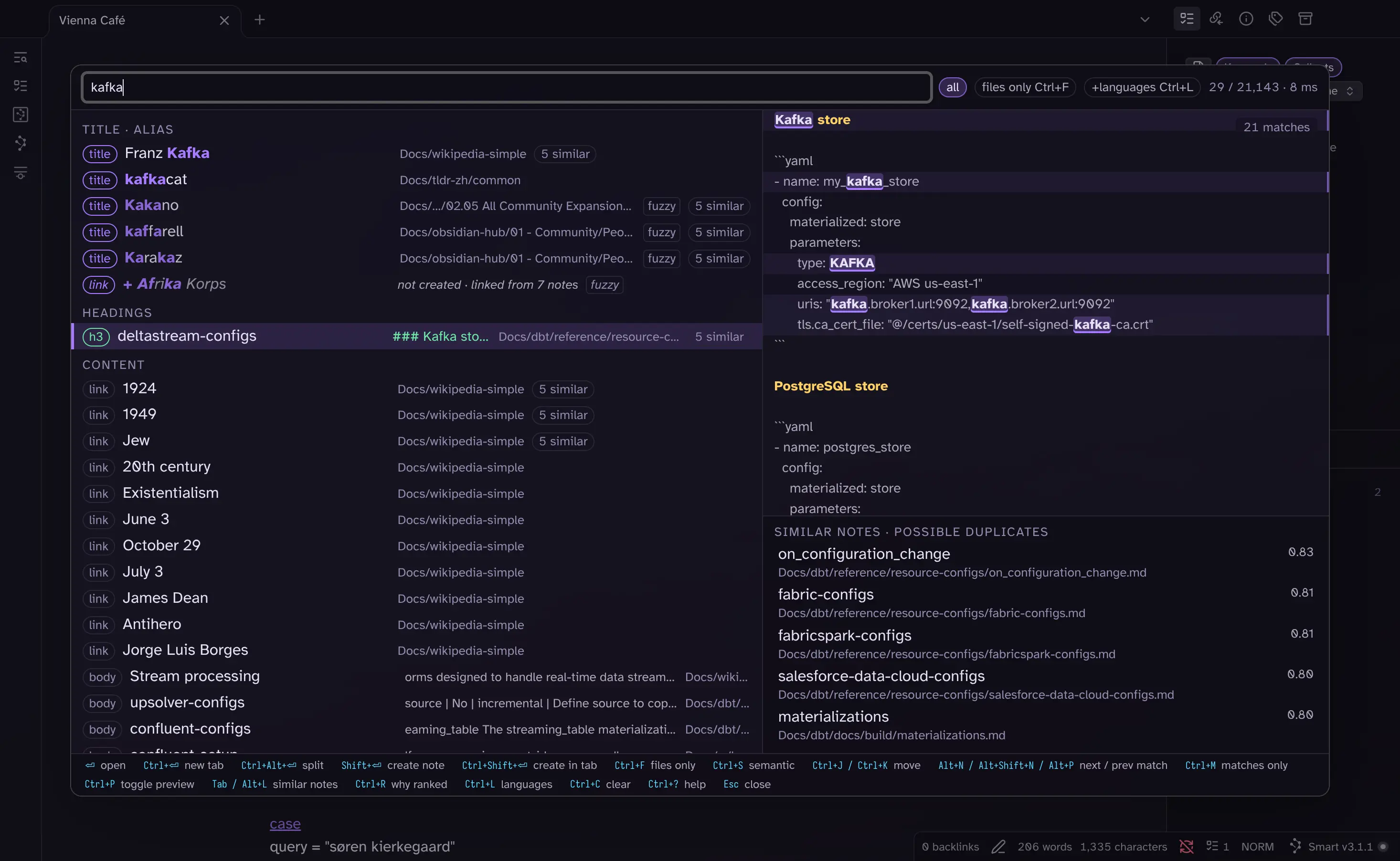
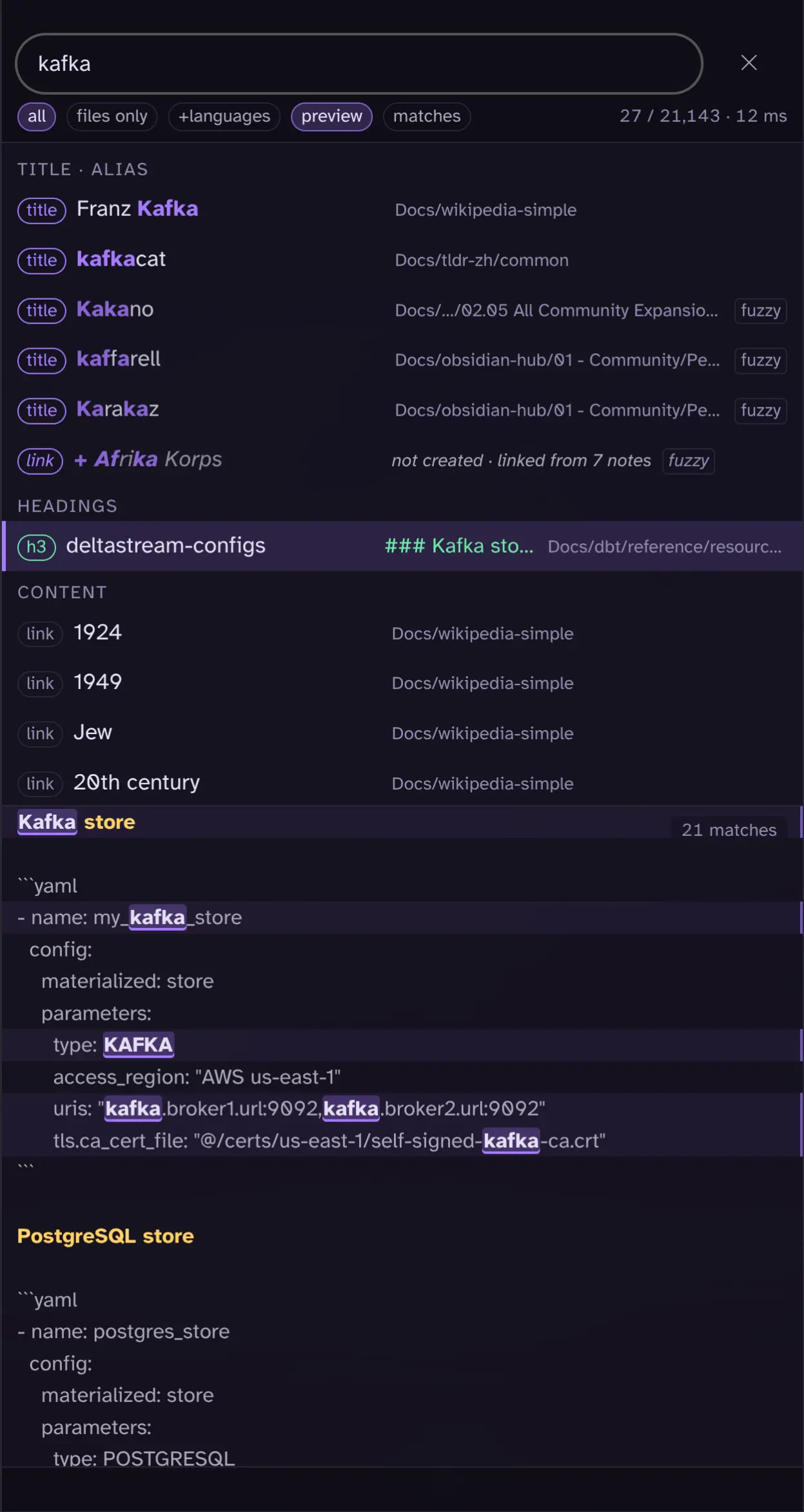
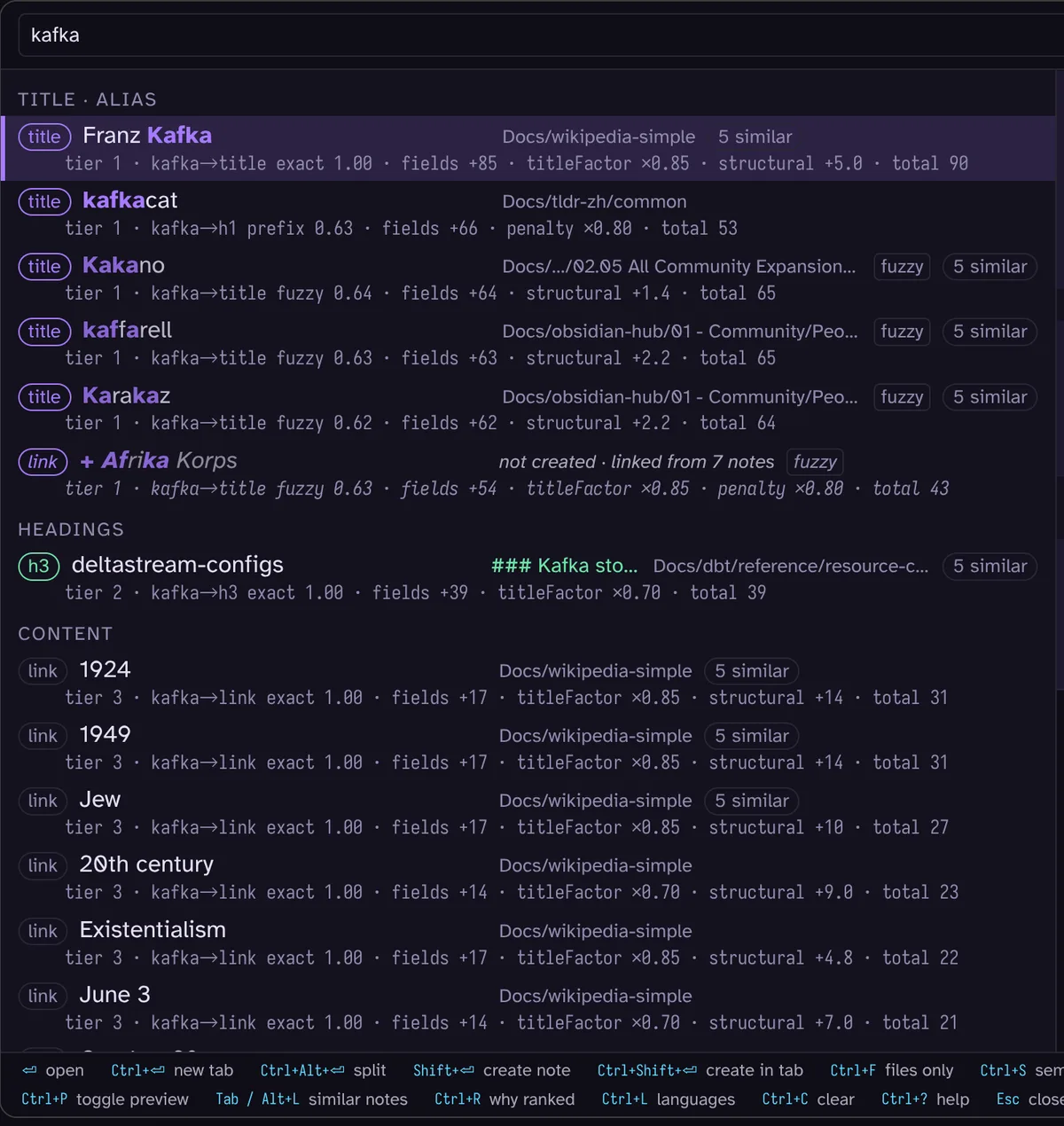
The Fast Find 10K plugin searches titles, aliases, headings, properties and note content through a local Rust engine compiled to WebAssembly. Results are grouped by where the query matches, with title and alias hits ahead of headings and body text. Typo tolerance, configurable field weights and opening history influence ranking. A preview highlights matches alongside a similar notes panel, while a creation guard checks for existing notes before making a new one. Searches support phrases, tags, paths, exclusions and property filters, with a separate files only mode. It also indexes Bases, canvases and Excalidraw text. Desktop and mobile layouts are supported. Optional Smart Connections embeddings add semantic results and note similarity, while title similarity works without that plugin.
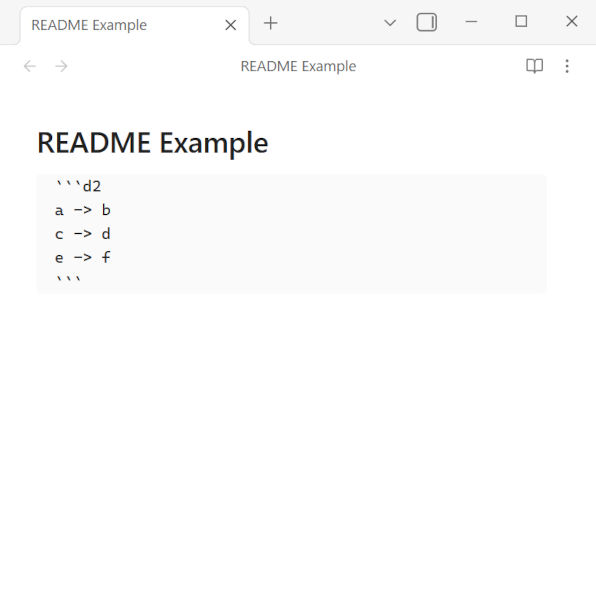
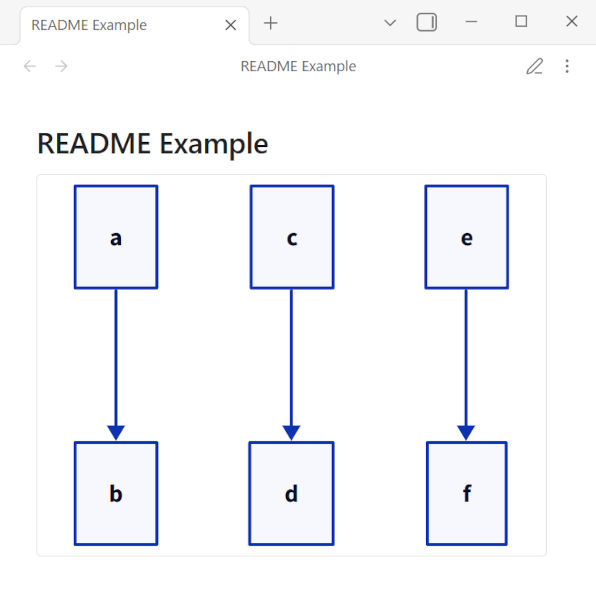
The D2 Standalone plugin renders D2 diagrams directly in your vault using the official D2 JavaScript library. Rendering happens within the app process, without a separate D2 installation or additional setup and works across platforms. Diagrams are written in markdown code blocks marked with the d2 language identifier. A d2-config block inside a diagram lets you select the dagre or elk layout engine, set separate theme IDs for light and dark modes and override theme colours. Sketch options are configured only through the plugin settings. This is an independent community plugin with no affiliation to Terrastruct, the creators of D2. The TALA layout engine is not supported.
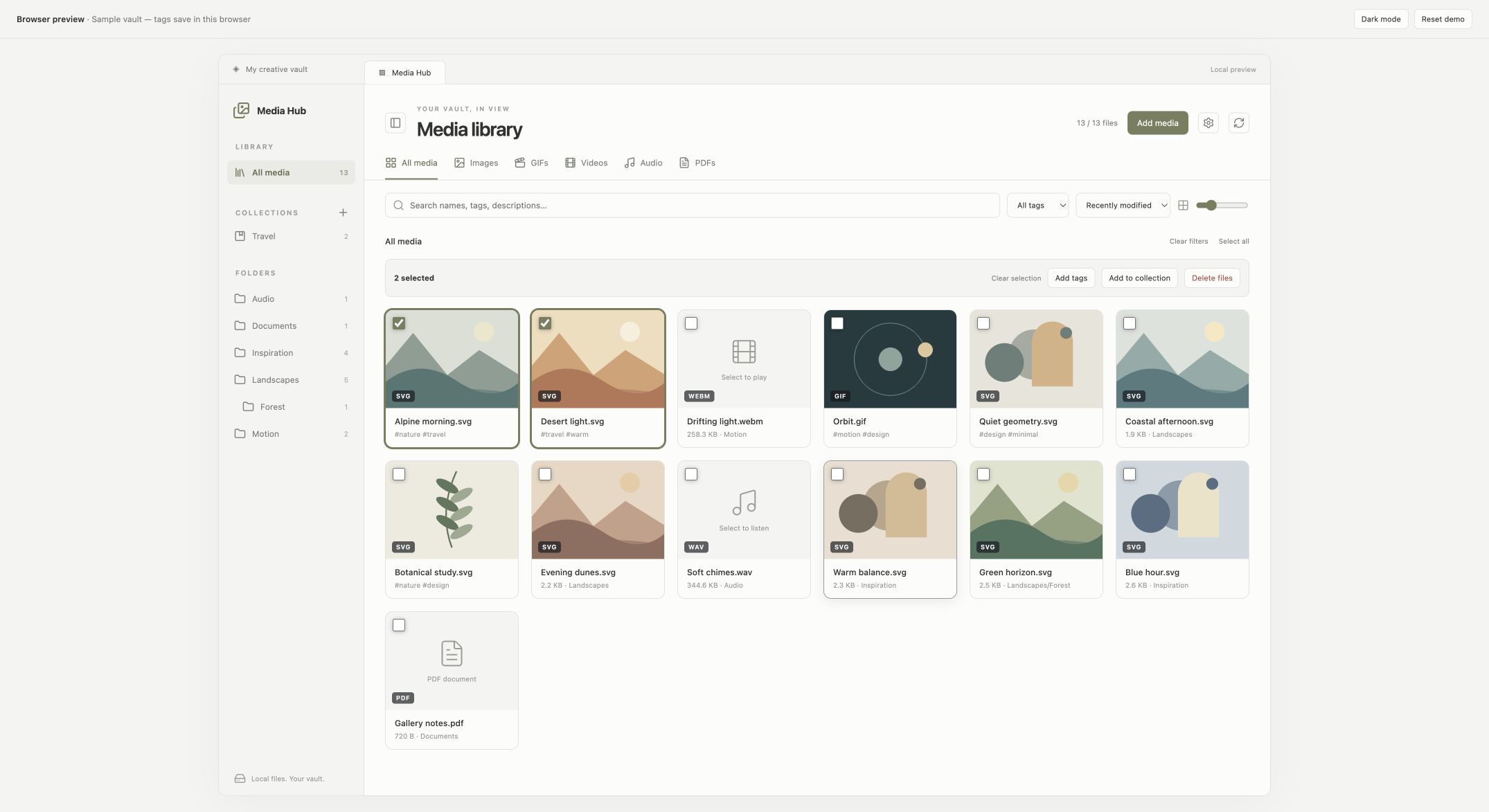
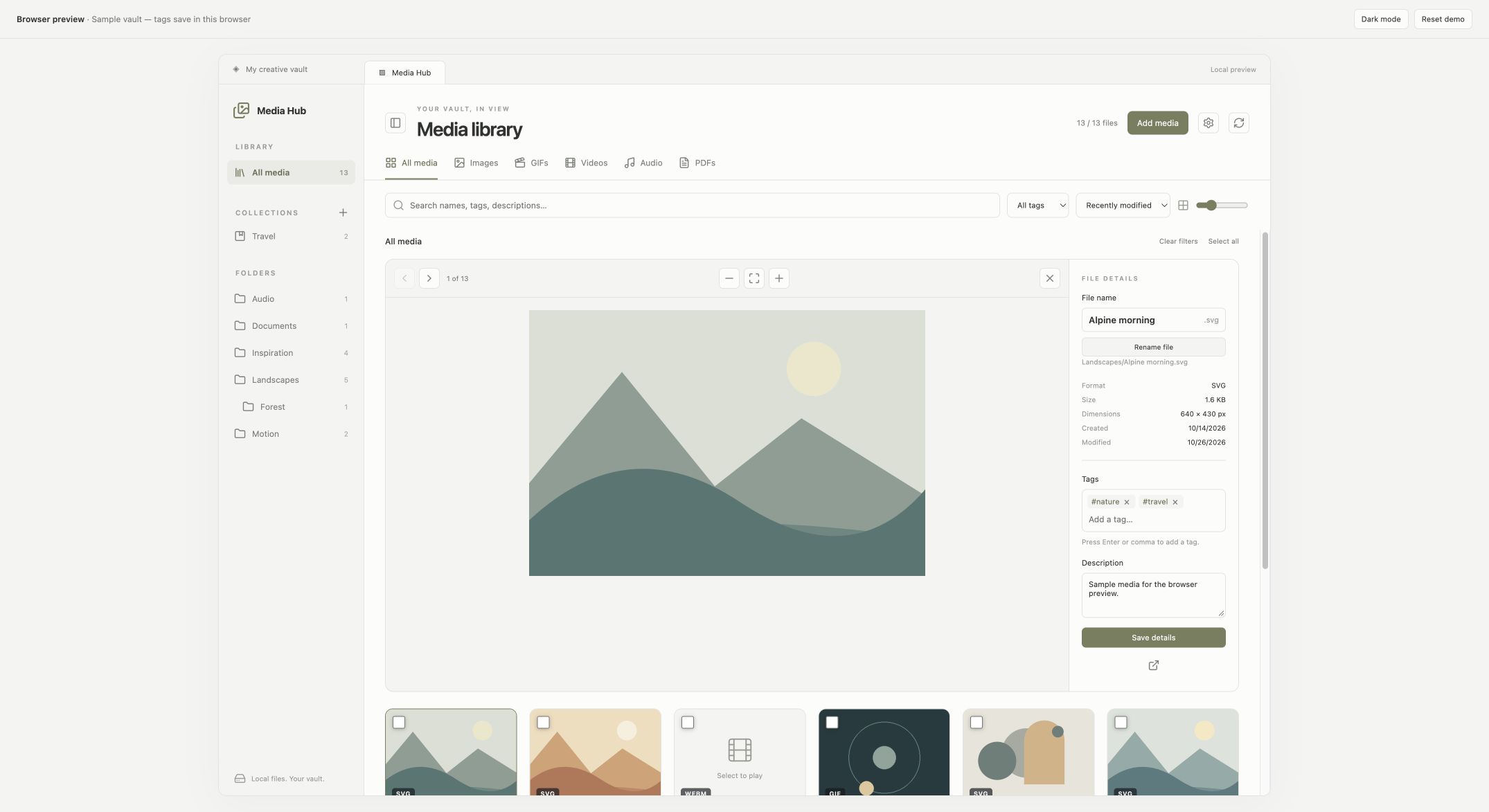
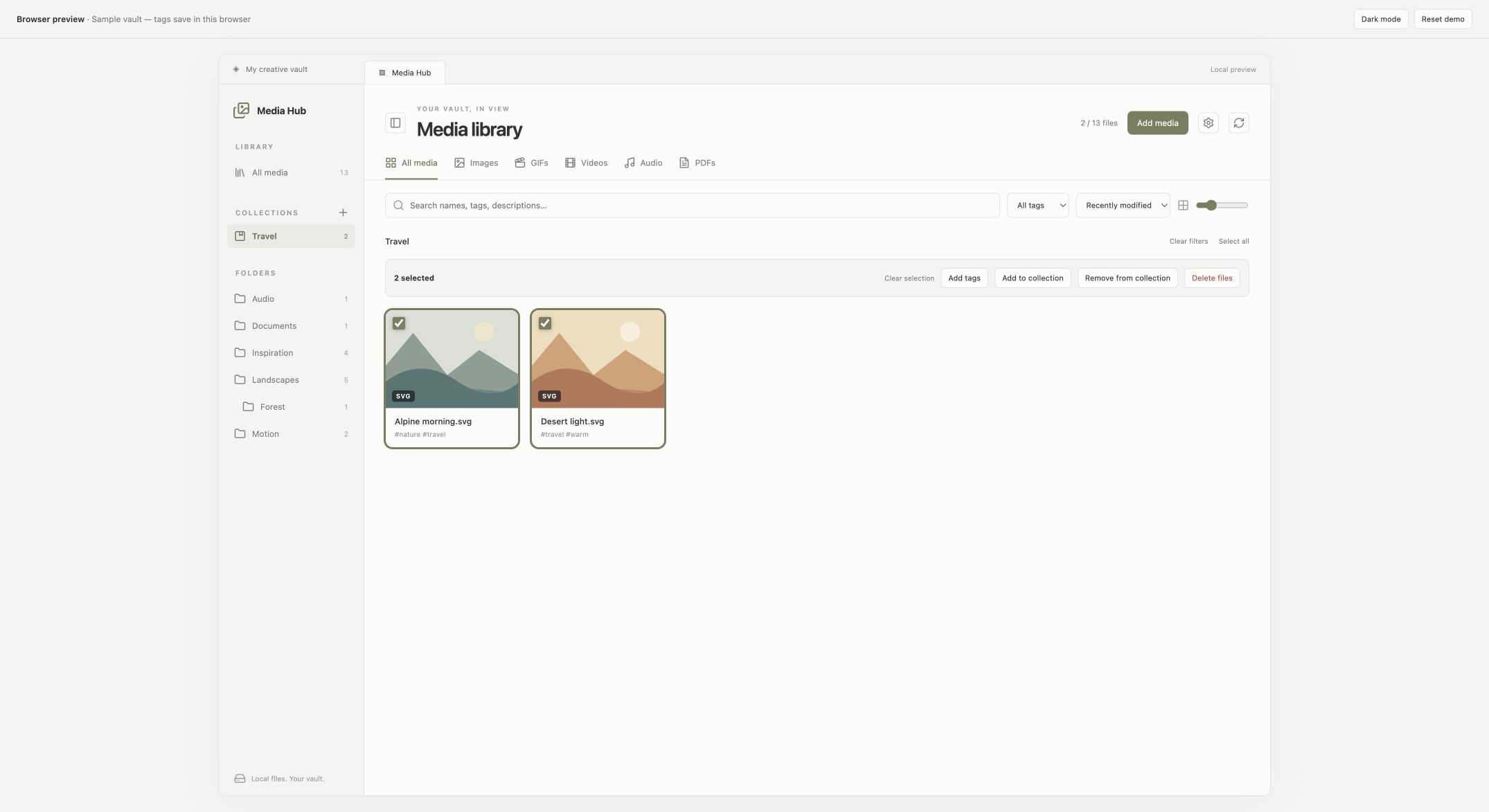
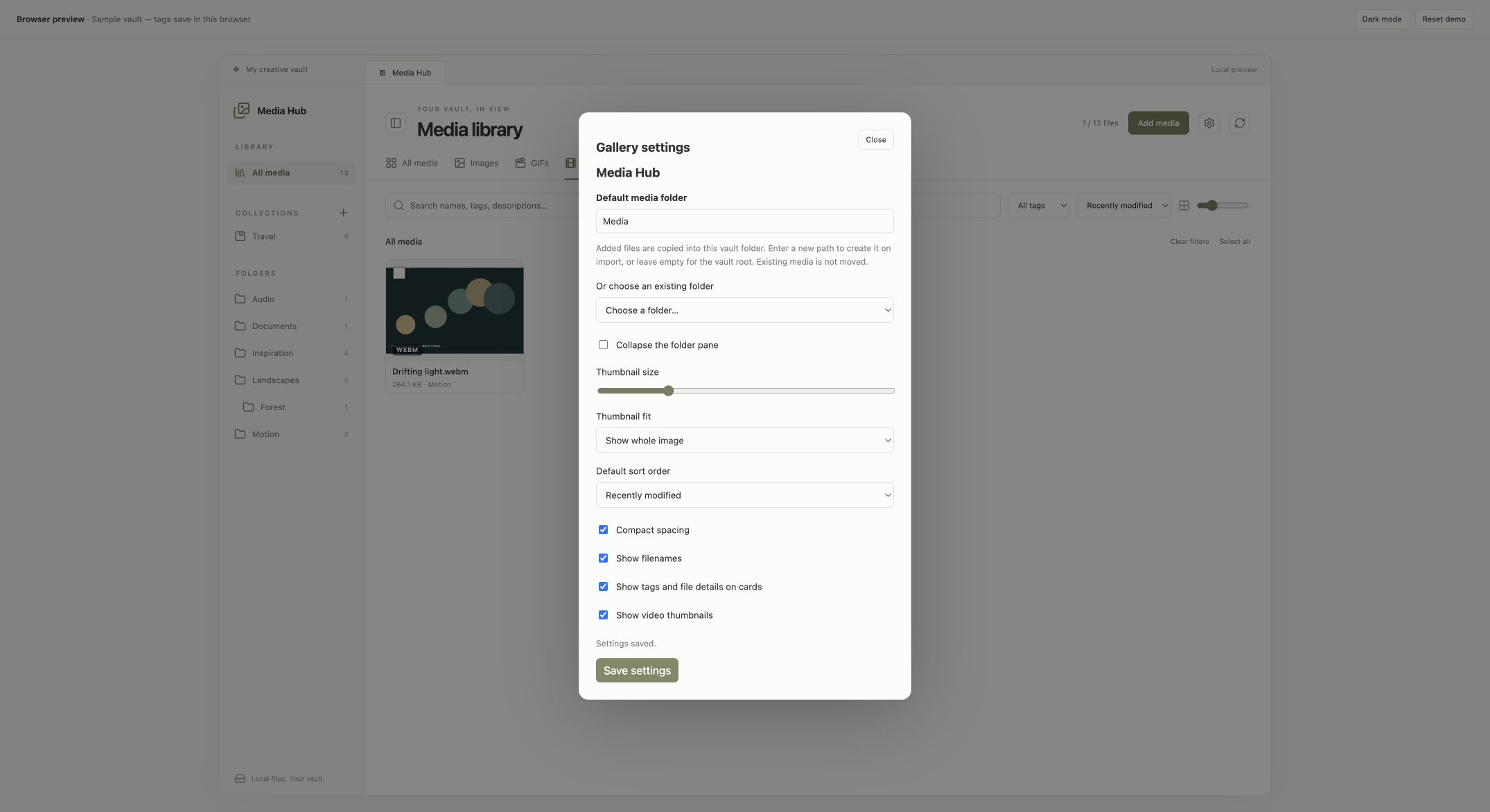
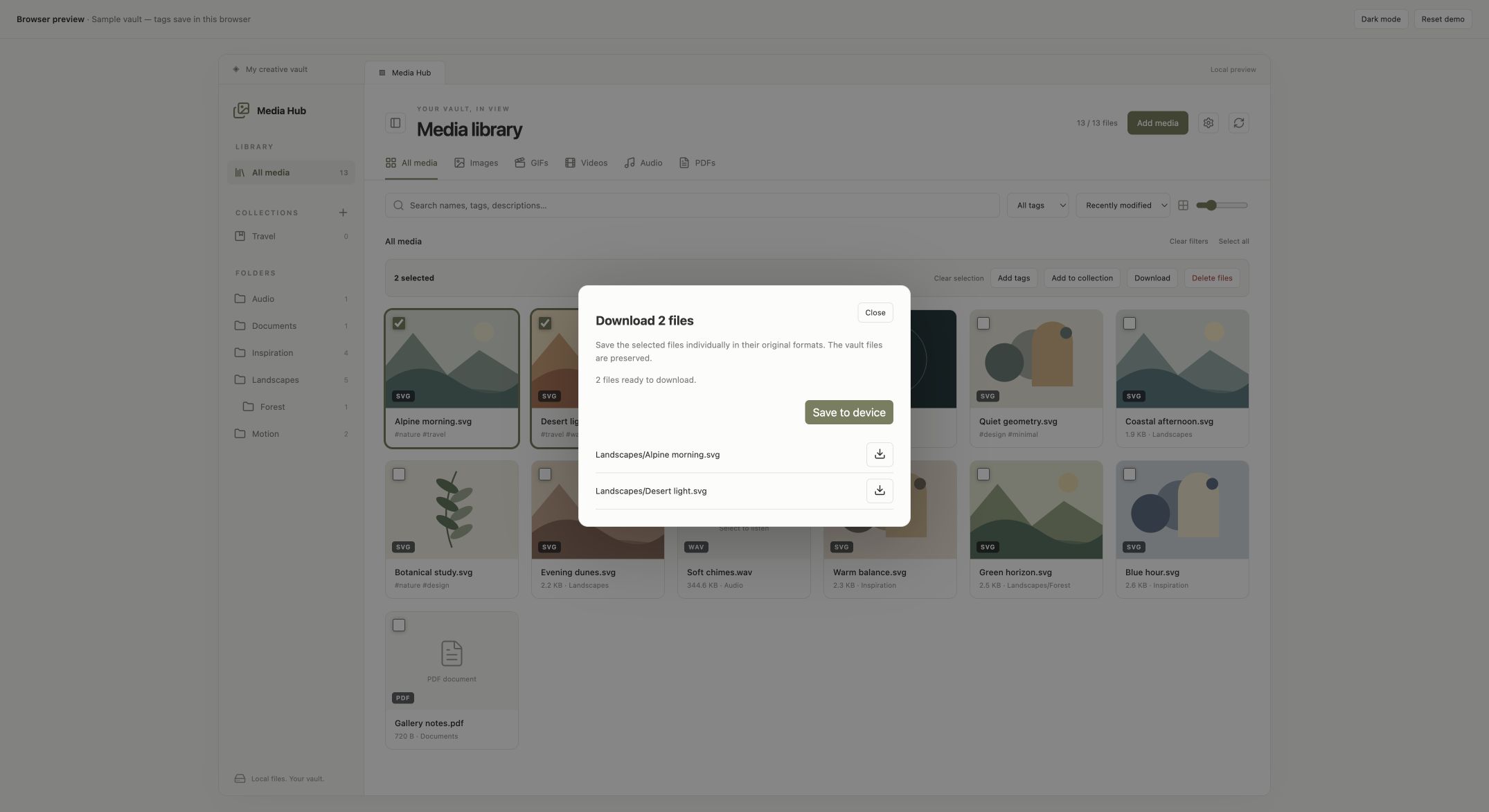
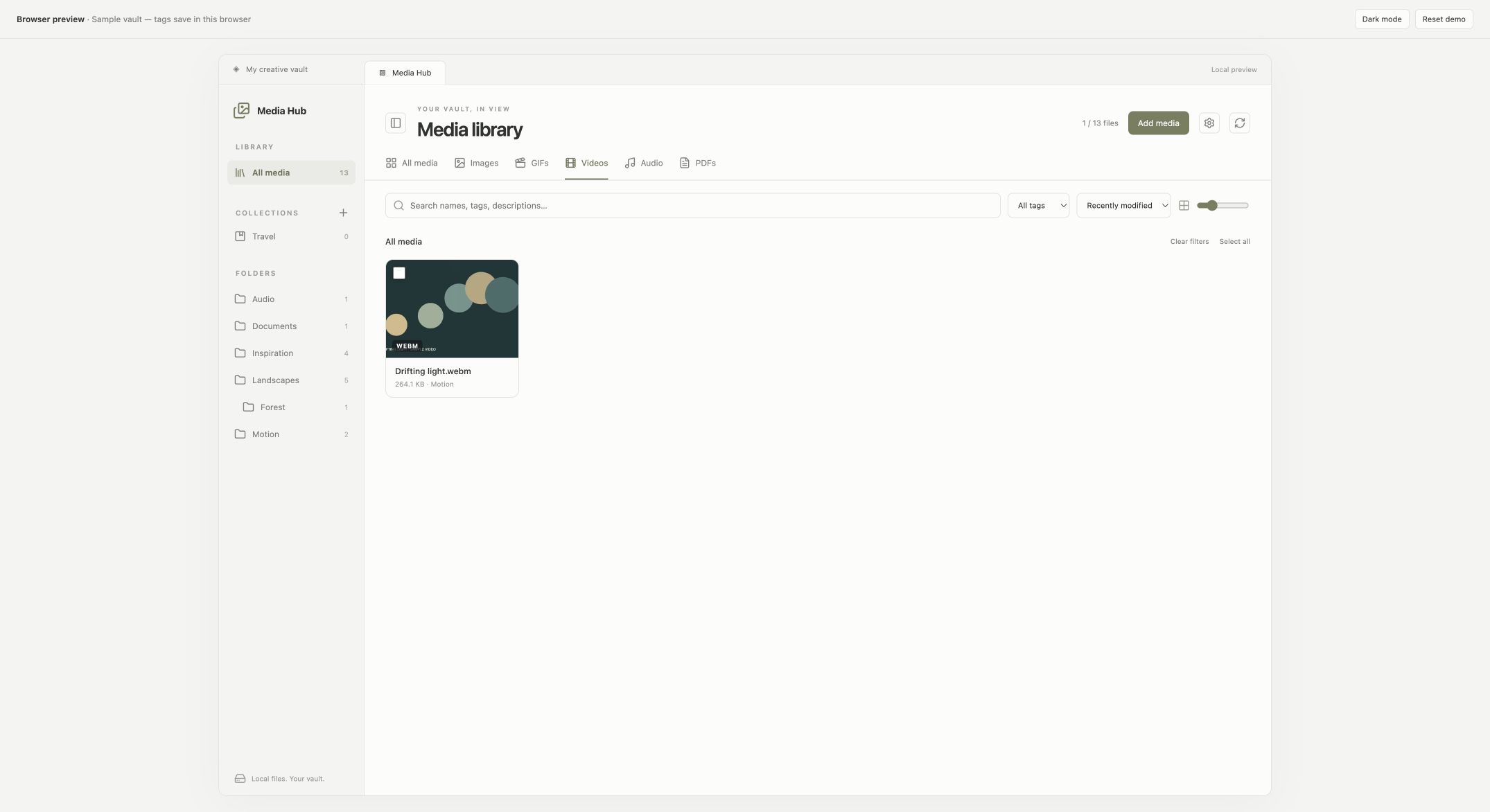
The Media Hub plugin gathers vault images, GIFs, videos, audio and PDFs into a searchable gallery. Folder, type and tag filters work alongside searches across paths, tags and descriptions. The adjustable grid opens files in a full screen viewer with image zoom and audio or video playback. You can rename files, edit descriptions and apply tags to multiple selections. Named collections group files without moving or copying them and removing a collection entry is separate from deleting the original. Imports preserve source files and resolve duplicate names, while downloads retain original formats. Media discovery stays local and does not upload files or paths. Tags and collections live in plugin storage rather than embedded metadata or native tag search. Preview support depends on device codecs and mobile behaviour still needs device testing.
6. InventTasks
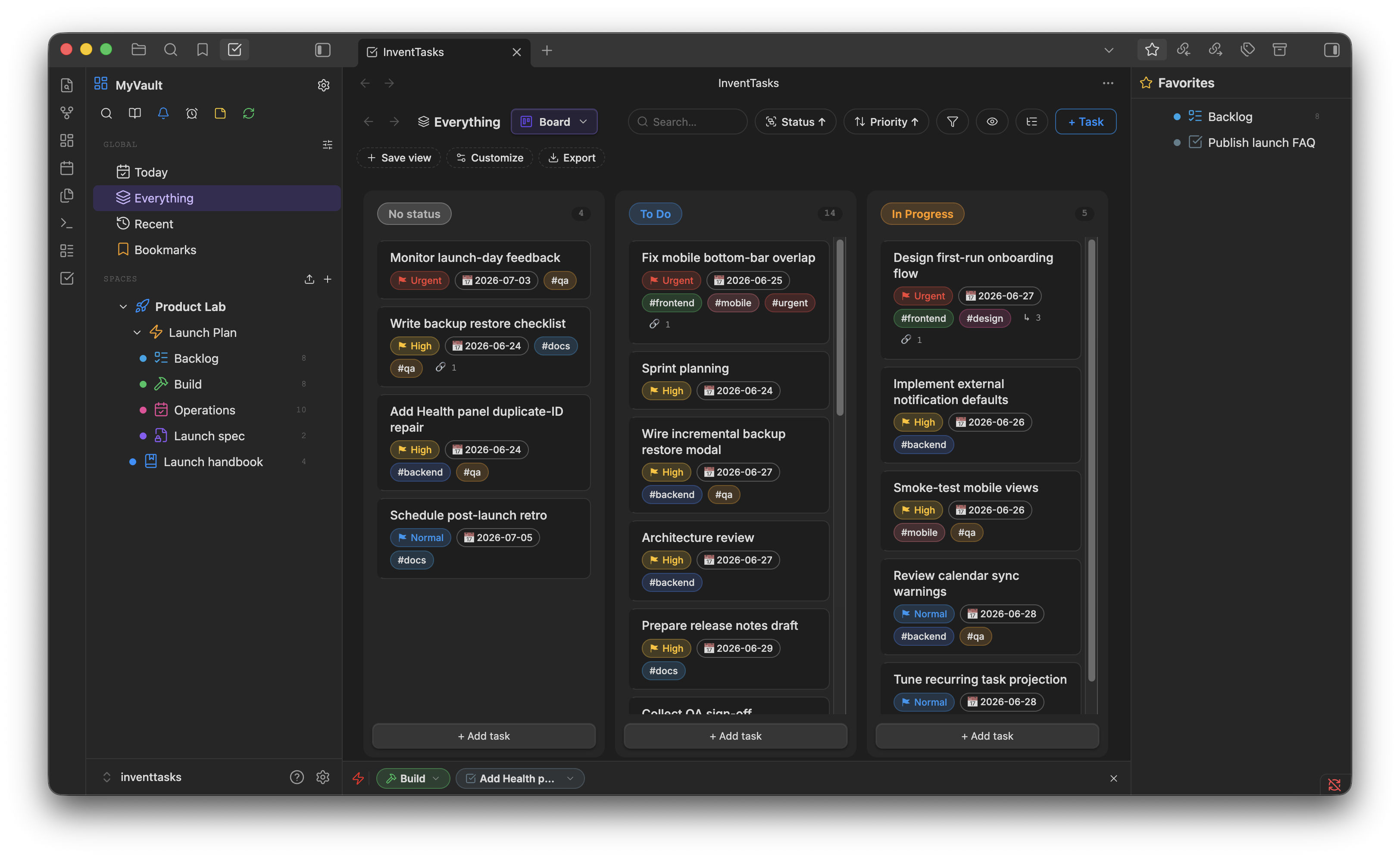
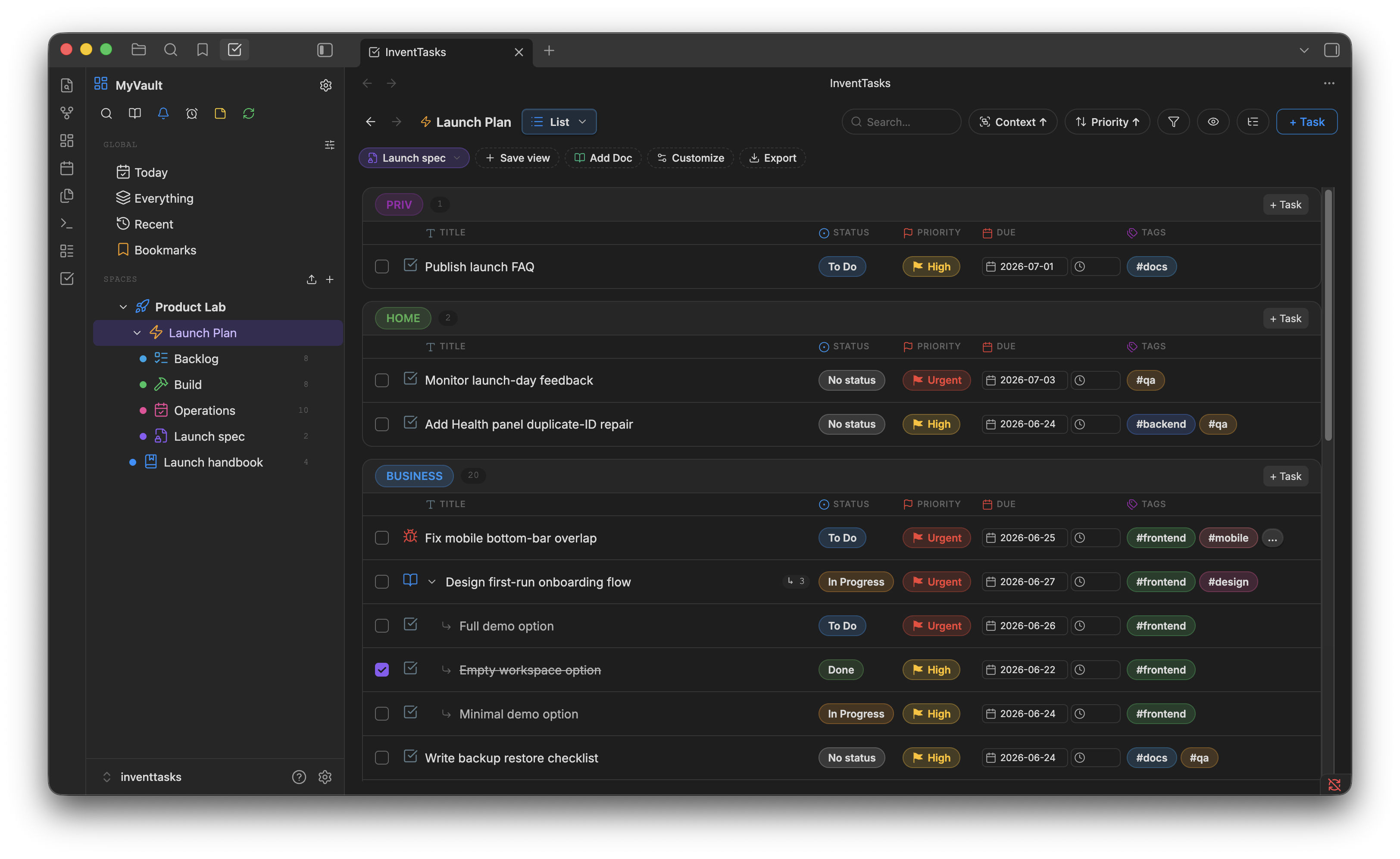
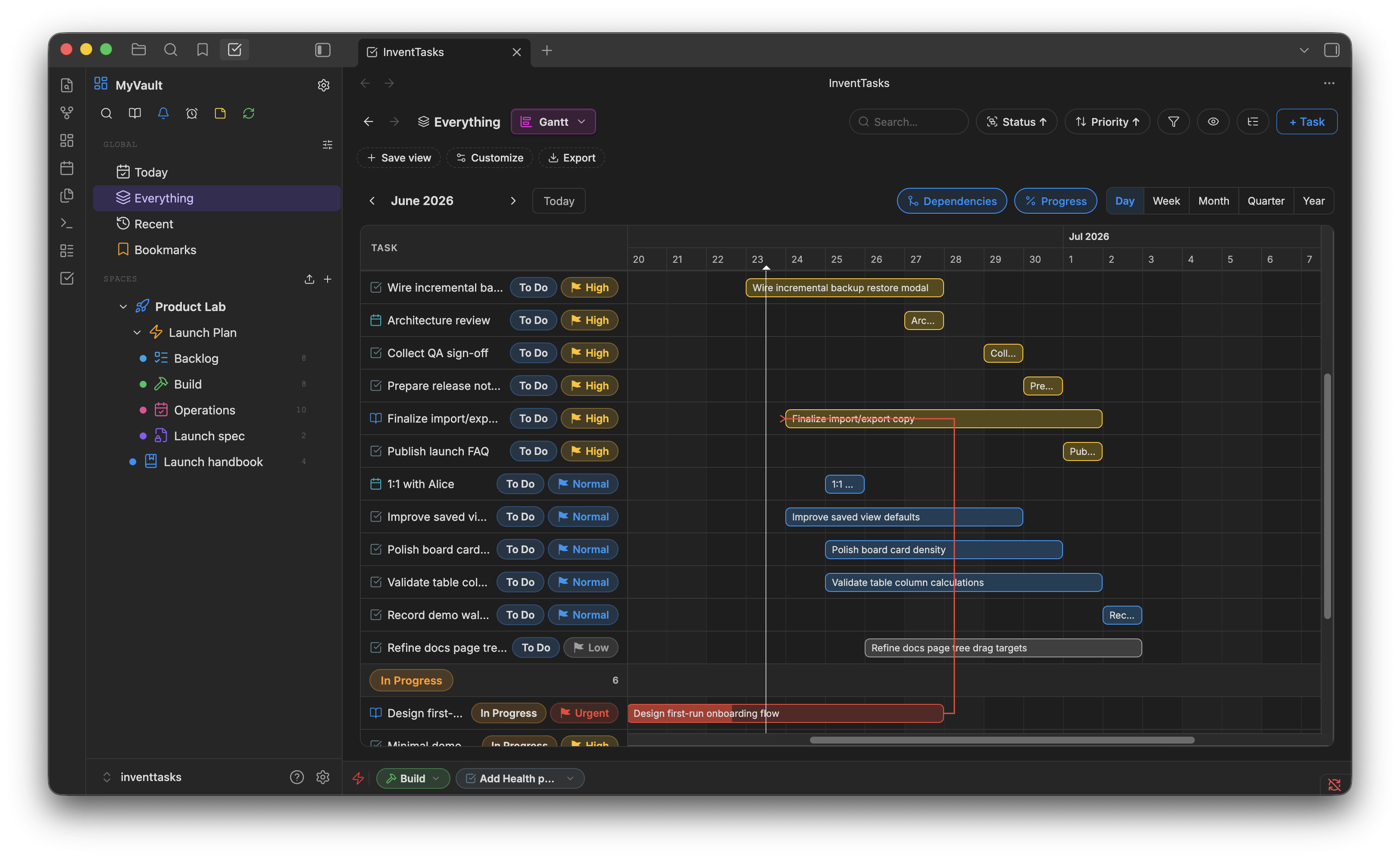
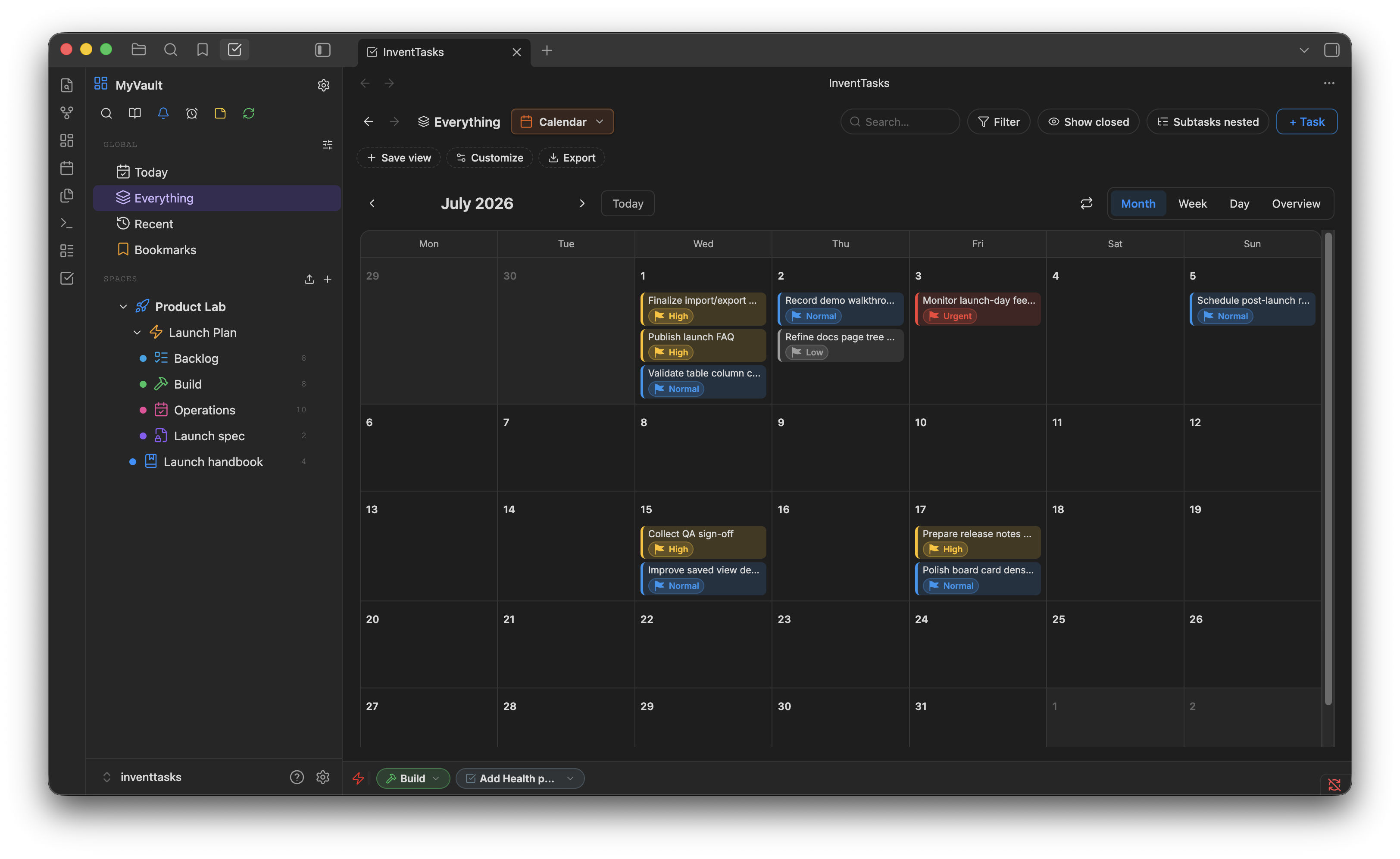
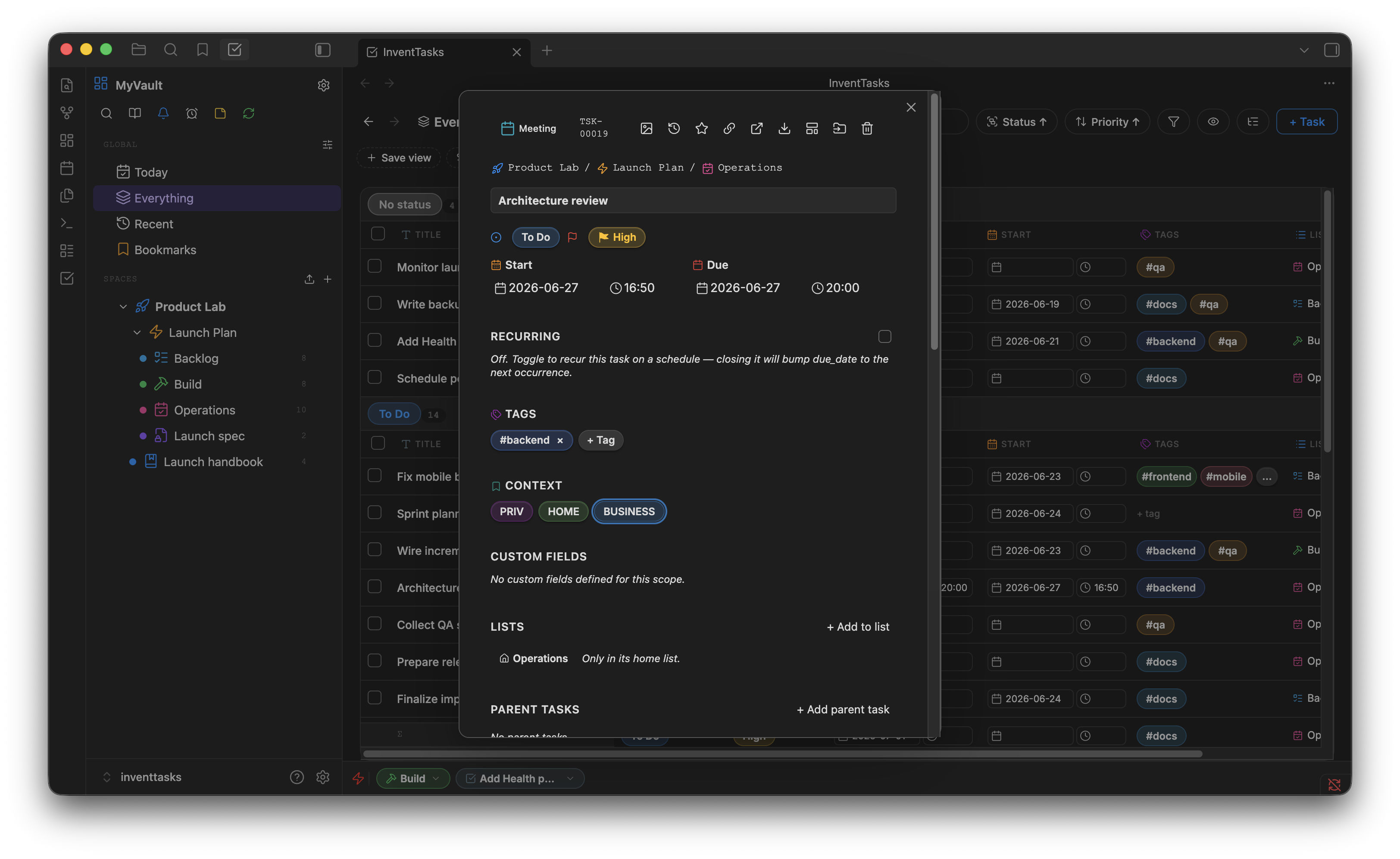
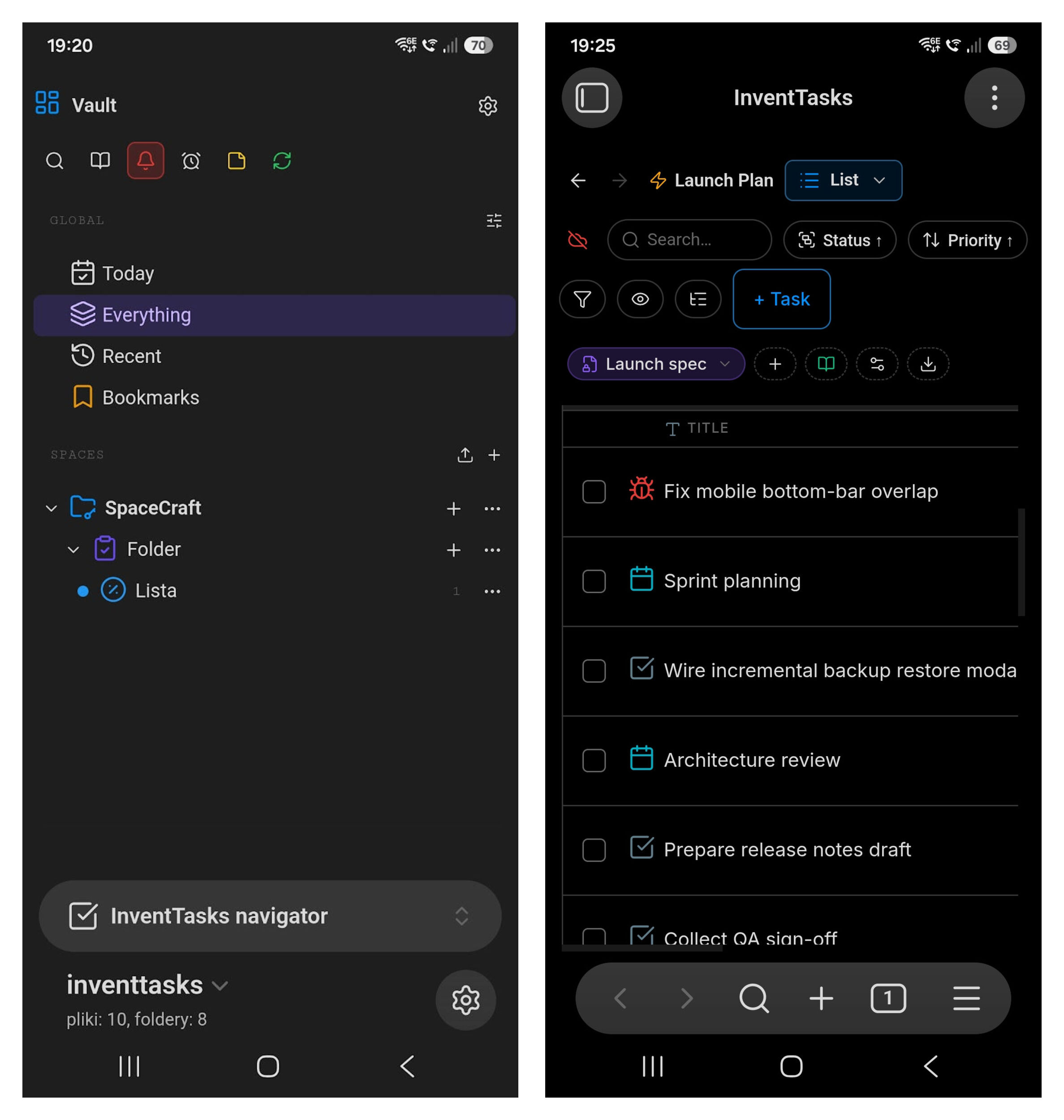
The InventTasks plugin manages projects and tasks through boards, lists, Gantt and calendar views, with custom fields and dependencies. Data stays in the vault as plain Markdown files and the plugin also works on mobile. Optional connections support a sync server you host yourself, CalDAV calendar sync and ntfy push notifications. HTML export downloads embedded images to produce a self contained file. All features and views are available free within limits of one Space, five Lists and fifty open tasks. A single lifetime license removes those capacity limits without a subscription or account. The code is source available under an EULA rather than open source. With no license activated and no connections configured, the plugin makes no network requests.
7. MCQ Tracker
The MCQ Tracker plugin manages exam practice from Markdown question notes on desktop and mobile. It supports multiple choice, short answers, matching and other question formats, with automatic grading where an answer key is available. Timed tests combine several sections and provide score breakdowns, confidence calibration and answer review. Spaced repetition uses an editable interval ladder or optional FSRS scheduling. Mistake tags and local analytics track accuracy, time and weak skills. Optional cards add flashcards, cloze and image occlusion, while the calendar connects review schedules to upcoming exams. Questions and results can be exported as practice sheets or CSV files. AI tutoring and generation are optional and off by default. PDF and Office question conversion requires configured AI.
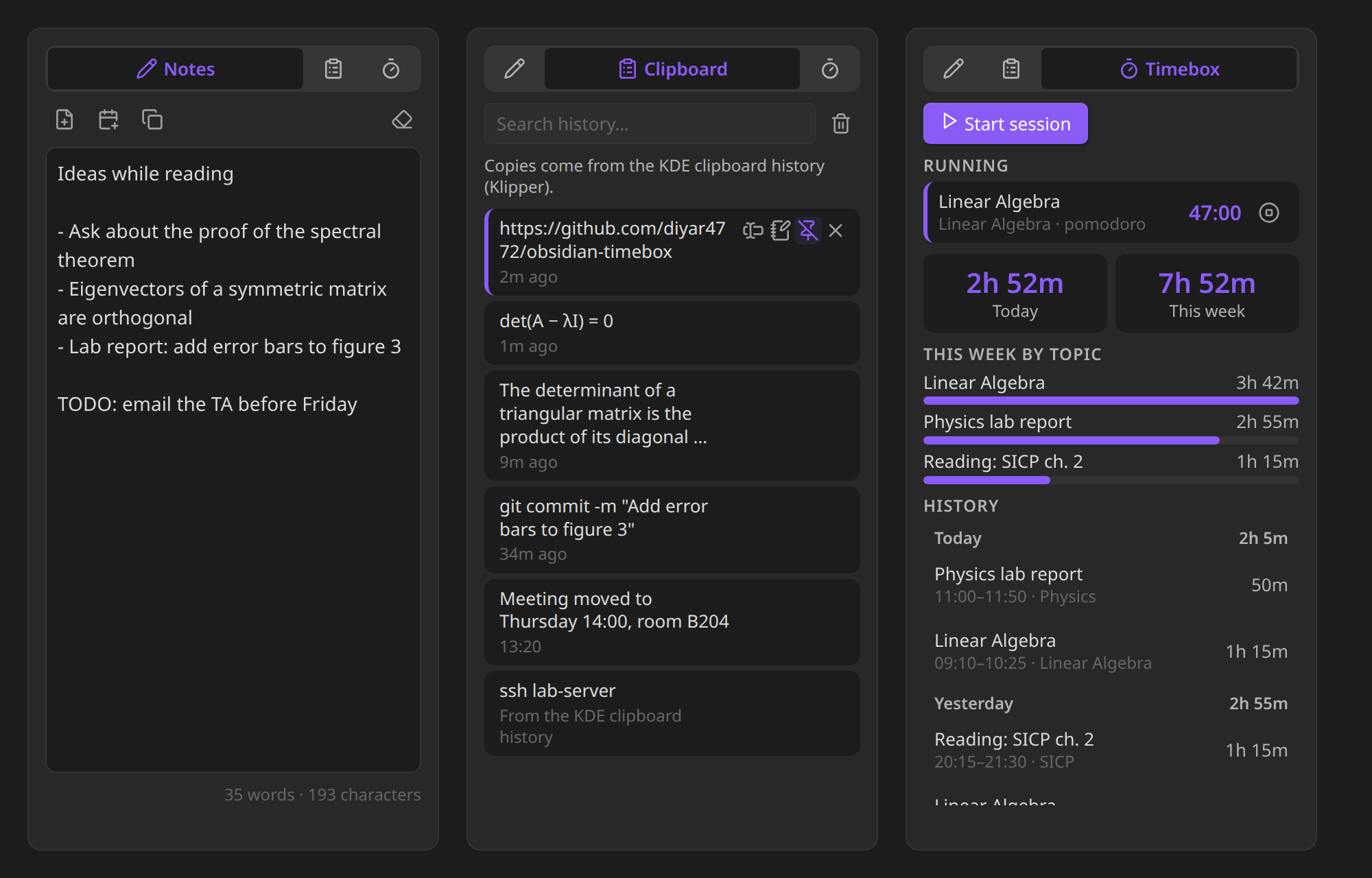
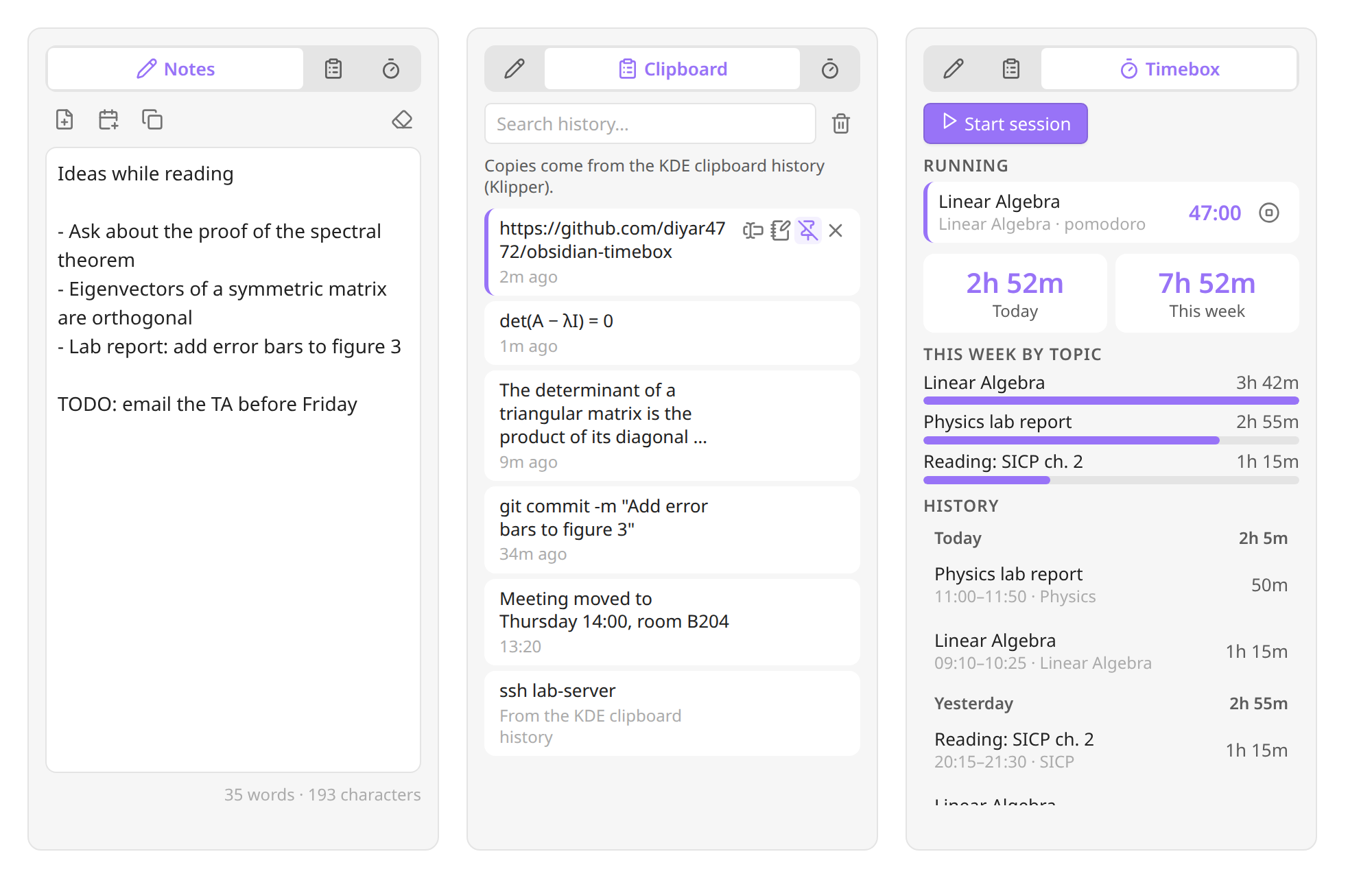
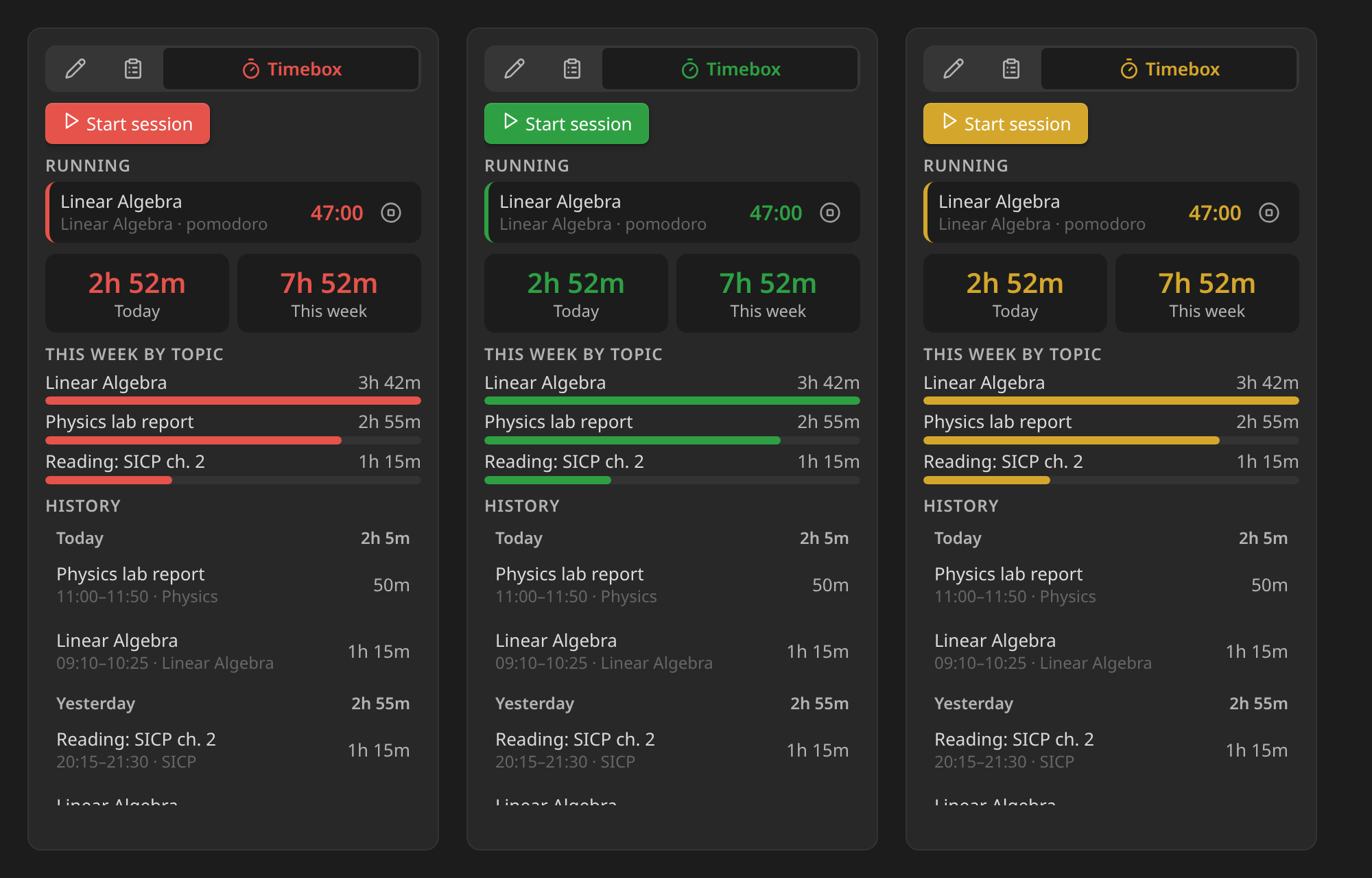
The Notepad plugin combines a scratch page, clipboard history and a Timebox session panel in the sidebar. The scratch page saves as you type and survives restarts. You can turn its contents into a note, append them to today's daily note or collect selected text from other notes. Clipboard entries can be searched, pinned, copied again or inserted at the cursor. Capture behaviour varies by platform, with Klipper integration on KDE and limited background capture on Wayland without Klipper. When the companion Timebox plugin is installed, its tab shows running sessions, daily and weekly totals, time by topic and session history with links to the original blocks. Tabs and colours are configurable. No network requests are made, but clipboard history is stored as plain text in the vault and travels with vault sync.
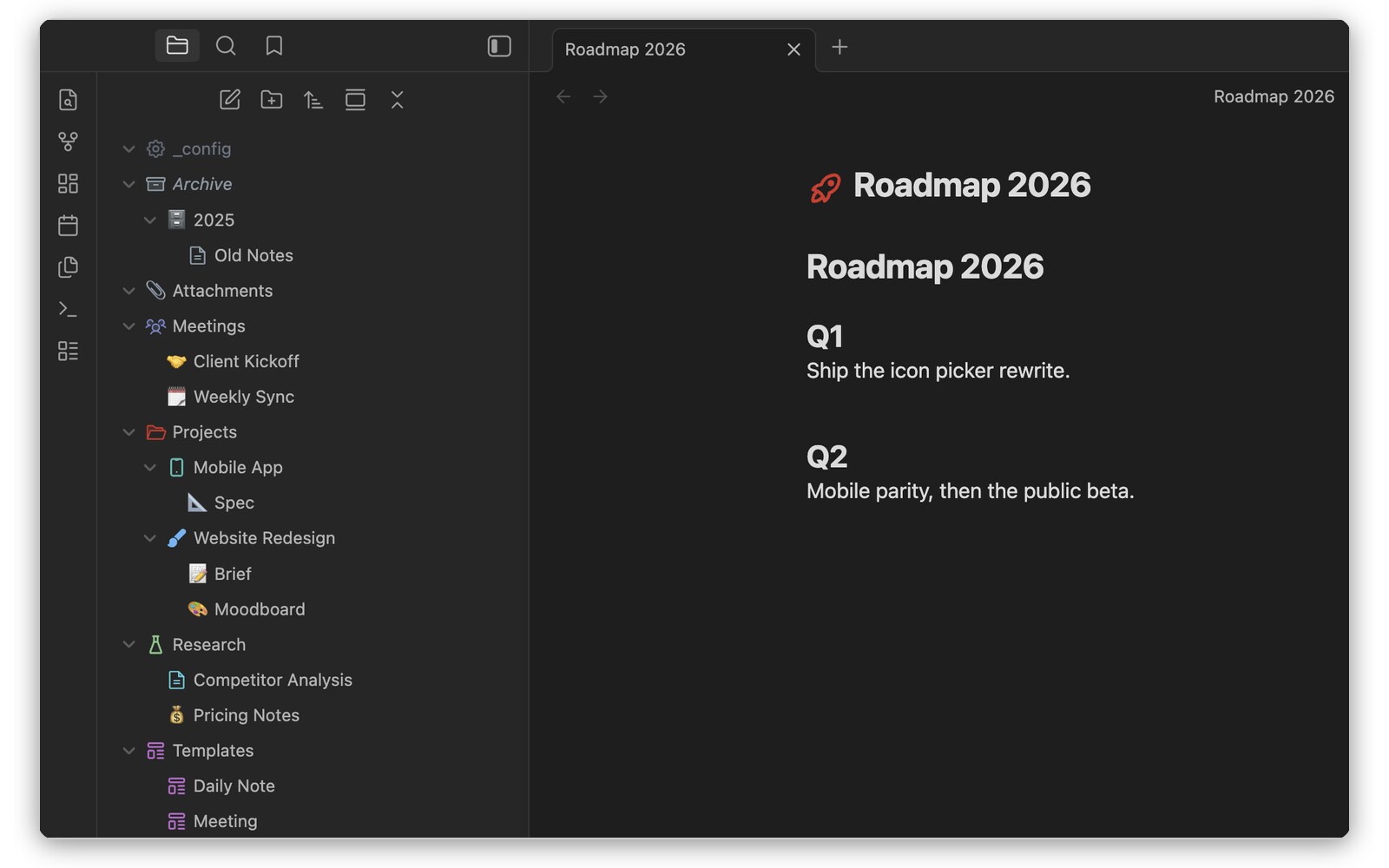
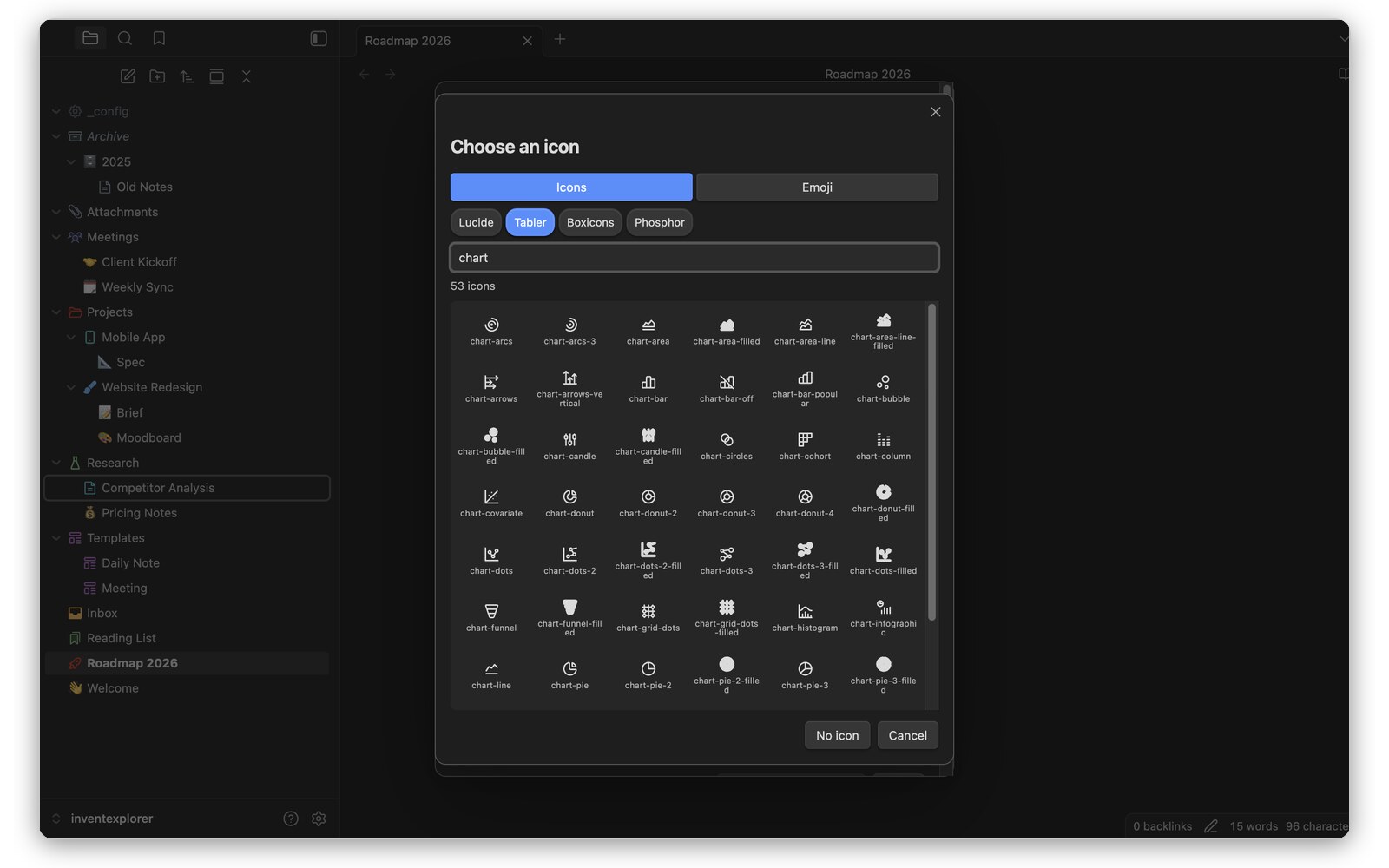
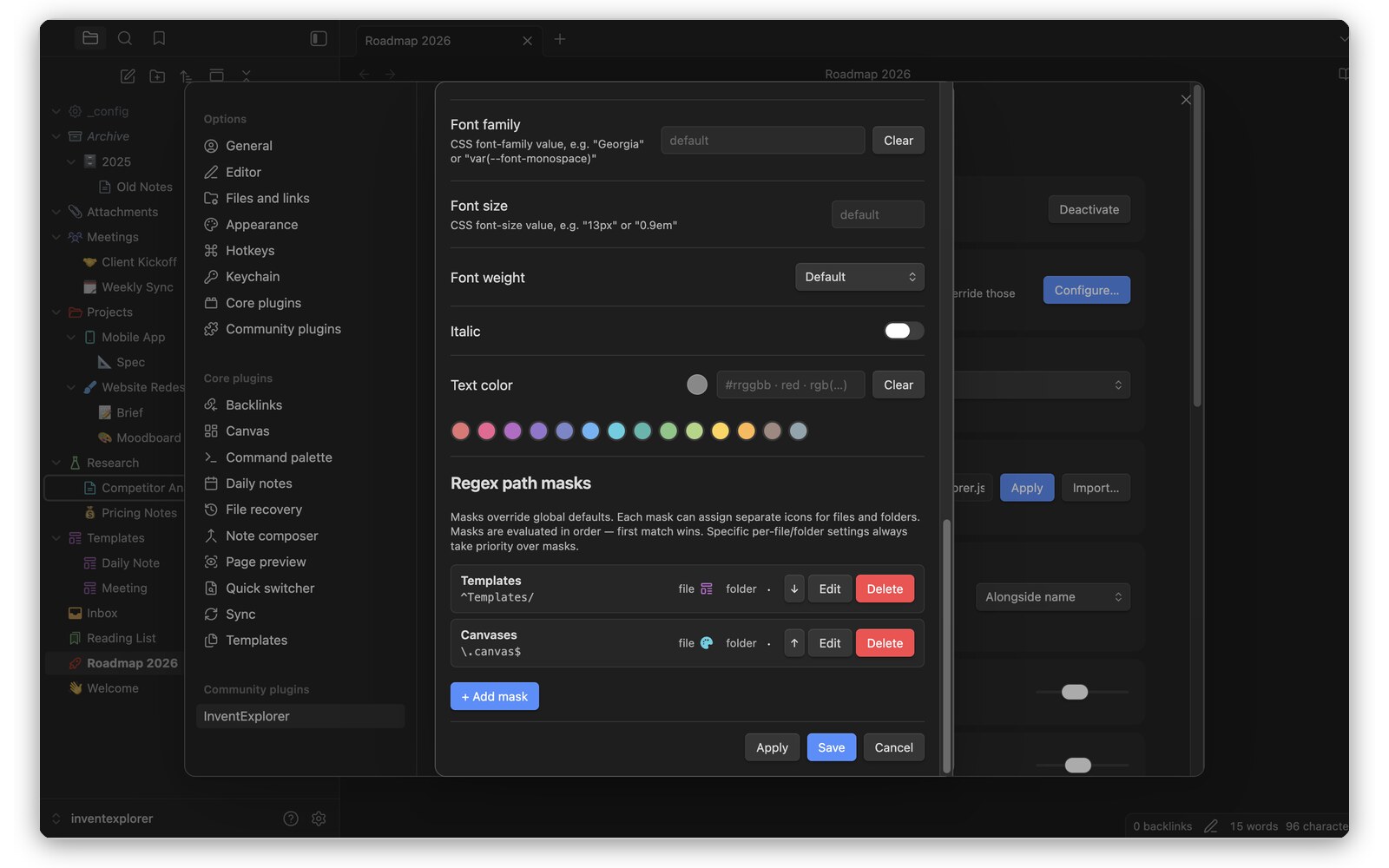
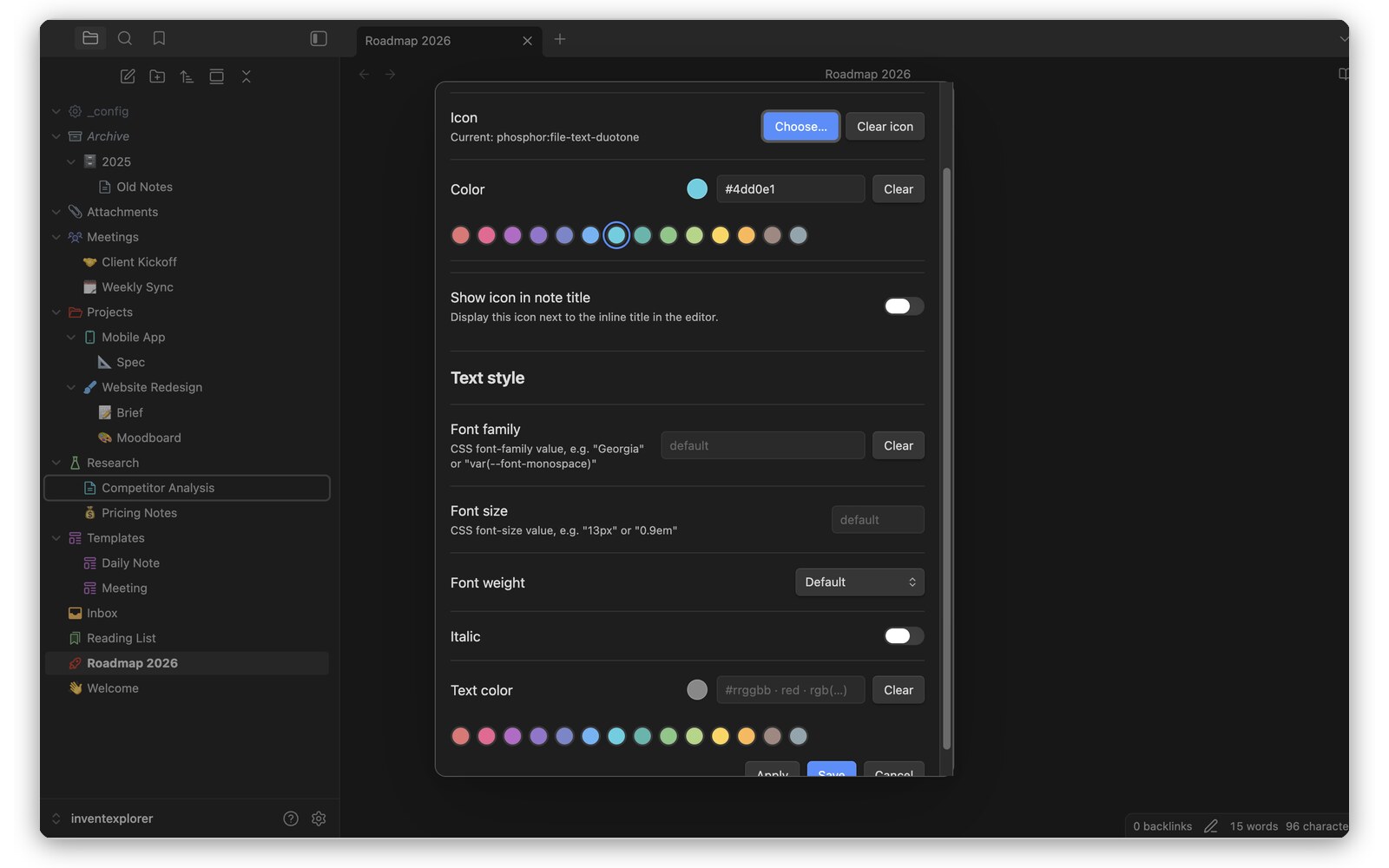
The InventExplorer plugin customises the file explorer with icons, colours and styling for individual files and folders. Regex path masks apply styling across matching paths, while folders can have different icons when collapsed or expanded. Icon choices include Lucide, Tabler, Boxicons, Phosphor and emoji, with access depending on the license tier. The free tier allows icons on 100 files and folders, a 14 colour palette and one regex mask. A lifetime license removes the icon and mask limits and adds global defaults, any CSS colour, text styling and explorer styling across all vaults and devices. No account is required for licensing. Activated licenses are checked daily, but being offline never suspends a license.
10. Note Player
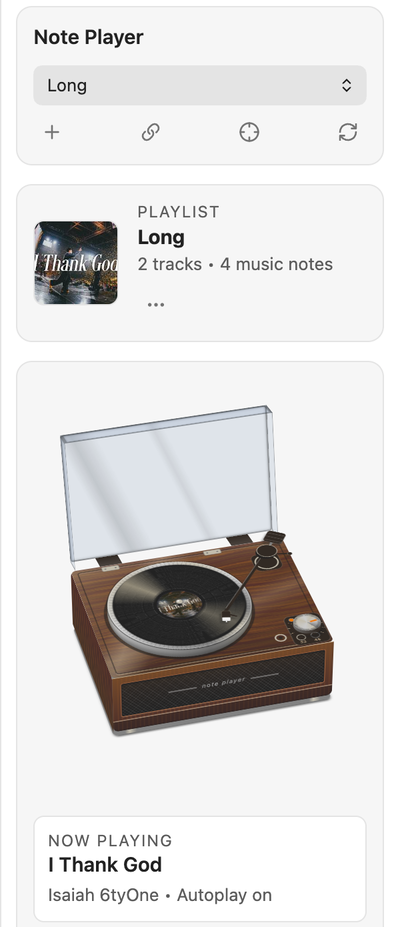
The Note Player plugin plays music from YouTube, cached downloads and local vault audio through a sidebar player. Tracks are Markdown notes with frontmatter, while playlists use Bases files embedded in companion notes. Adding a YouTube link creates a track note with its title, channel and thumbnail, reusing an existing note when the video is already in the library. Playlist links import every video. Queue membership follows playlist links in track properties and playback order follows the base's first view sort. The player includes repeat one, autoplay and a turntable display with optional needle and vinyl sounds. Uncached tracks stream while downloading. Local files play without network access. It requires desktop Obsidian 1.13.0 or later, with yt-dlp and ffmpeg needed for audio downloads.
The Basic AI Tool for Writers plugin combines book planning, drafting and revision in a modular workspace built around vault files. Longform projects organise chapters and nested subchapters, with scene cards, boards, writing goals and manuscript assembly. A compendium stores characters, places and other story entities as Markdown notes, while timelines track events and narrative branches. Smart Spaces collect notes by folder, tag or property and a configurable homepage brings together search, recent notes and writing widgets. Editing tools include typewriter mode, cursor restoration, wording variants and local snapshots. Language assistance covers grammar checks, definitions and translation. Optional AI adds contextual chat, revision and inline completion through configurable providers. Basic writing features need no API key and temporary session drafts disappear when Obsidian closes unless explicitly saved.
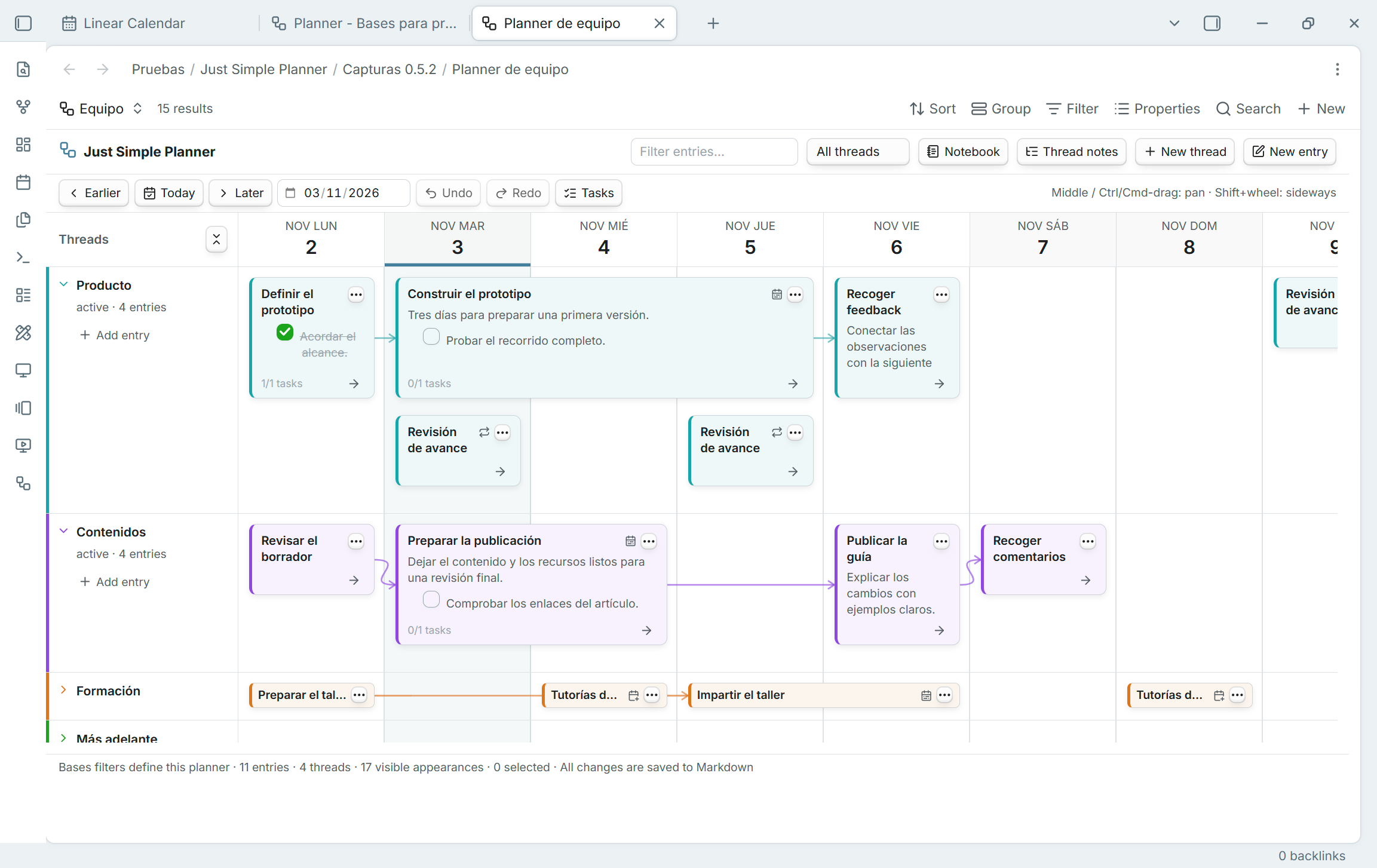
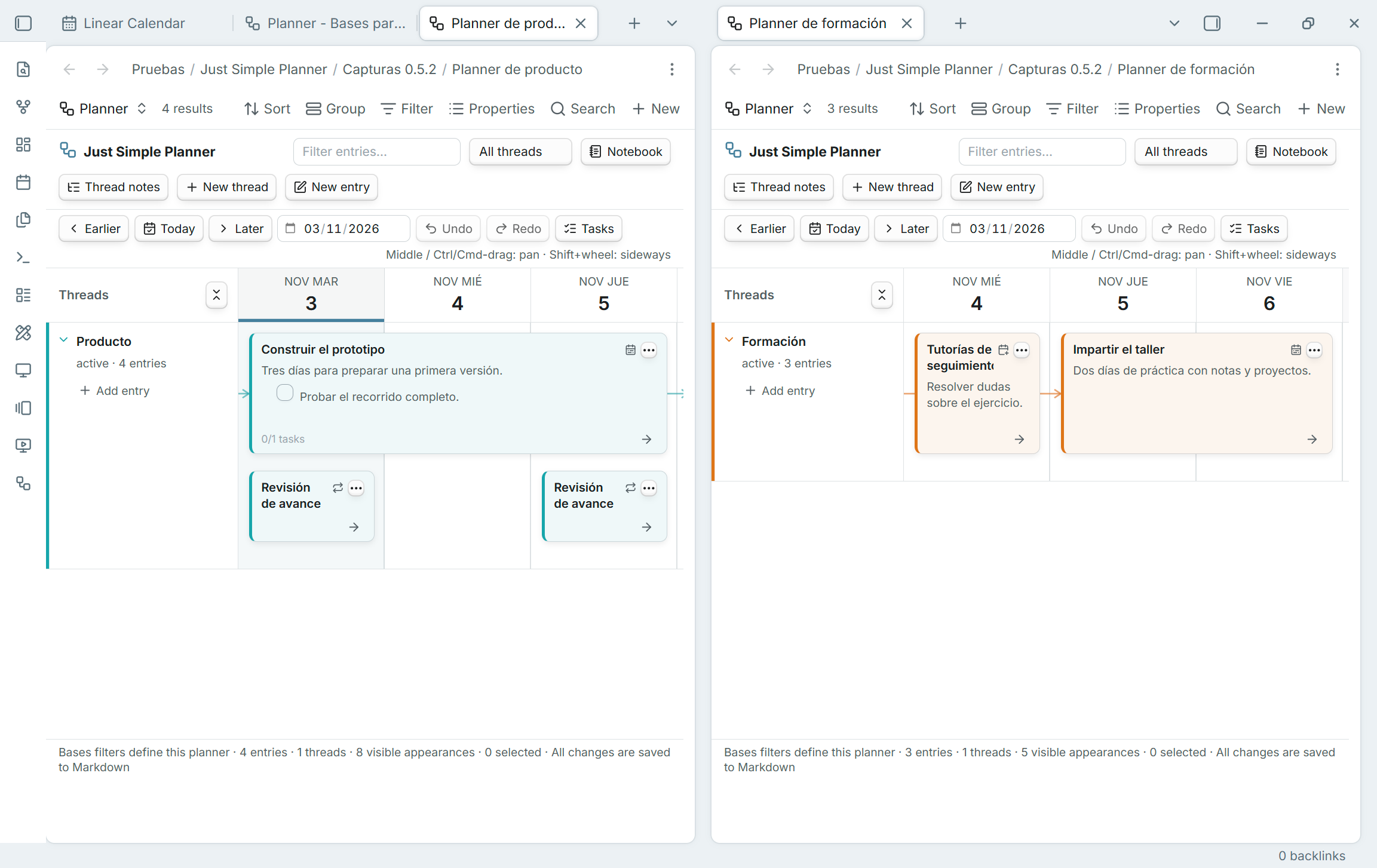
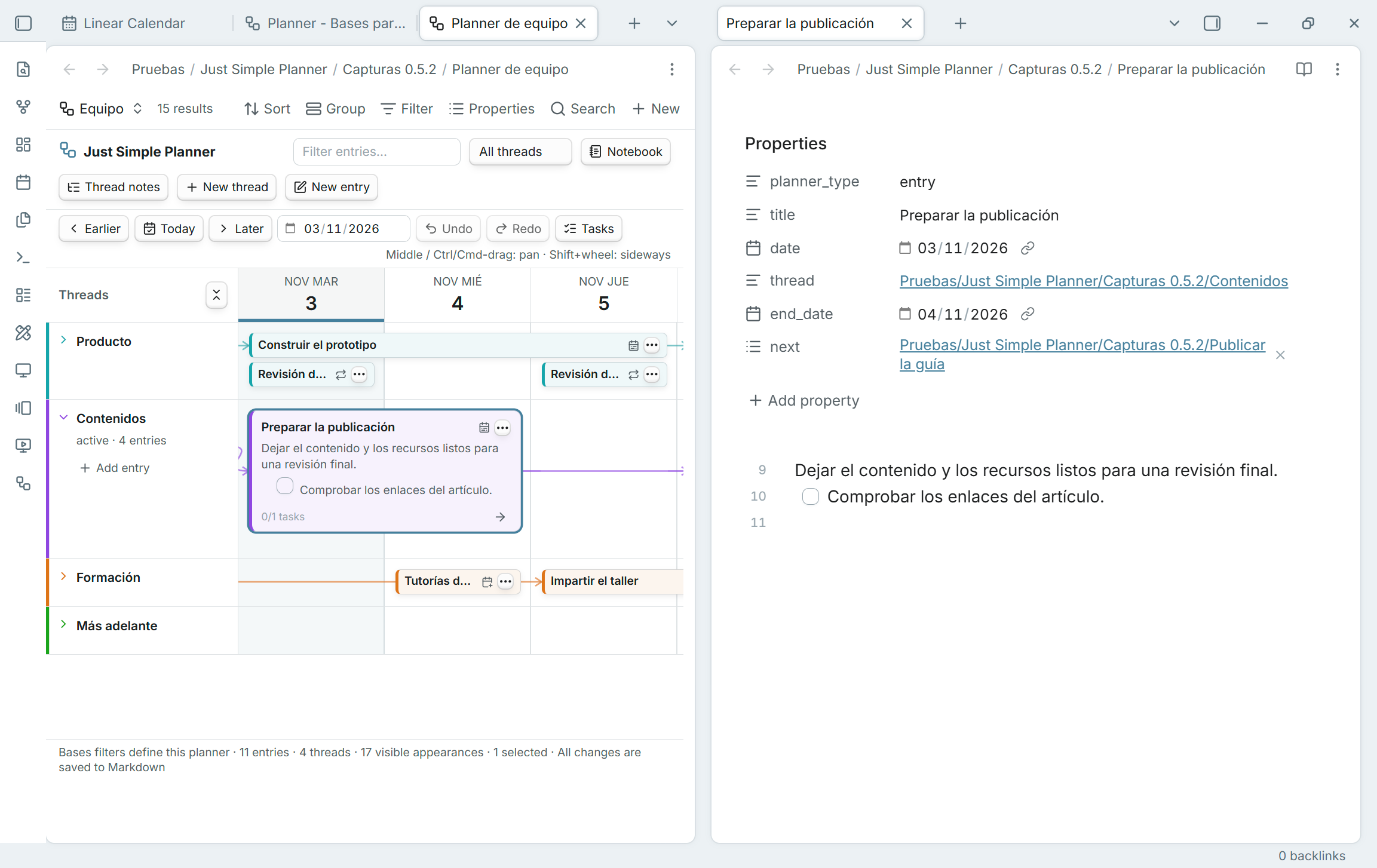
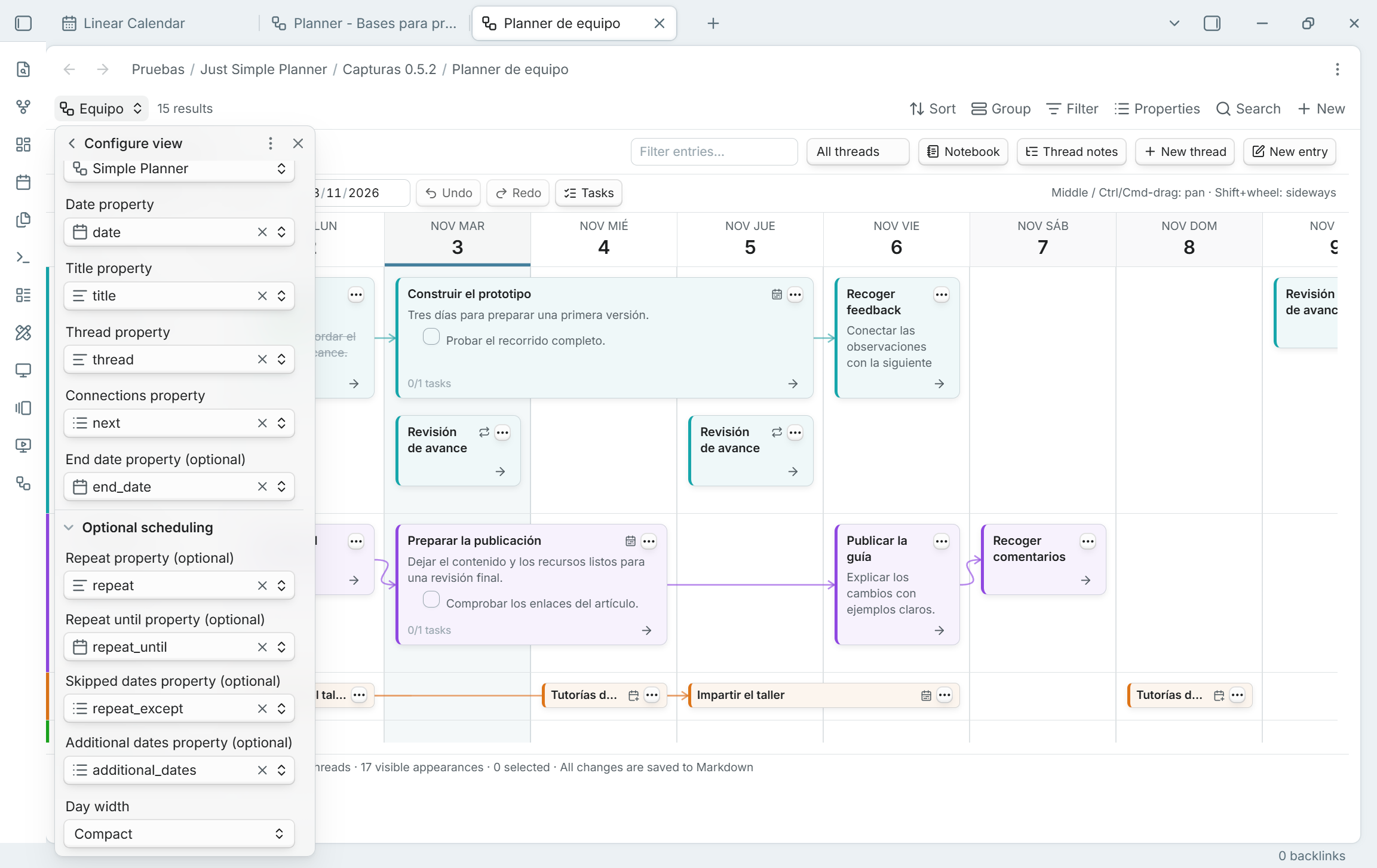
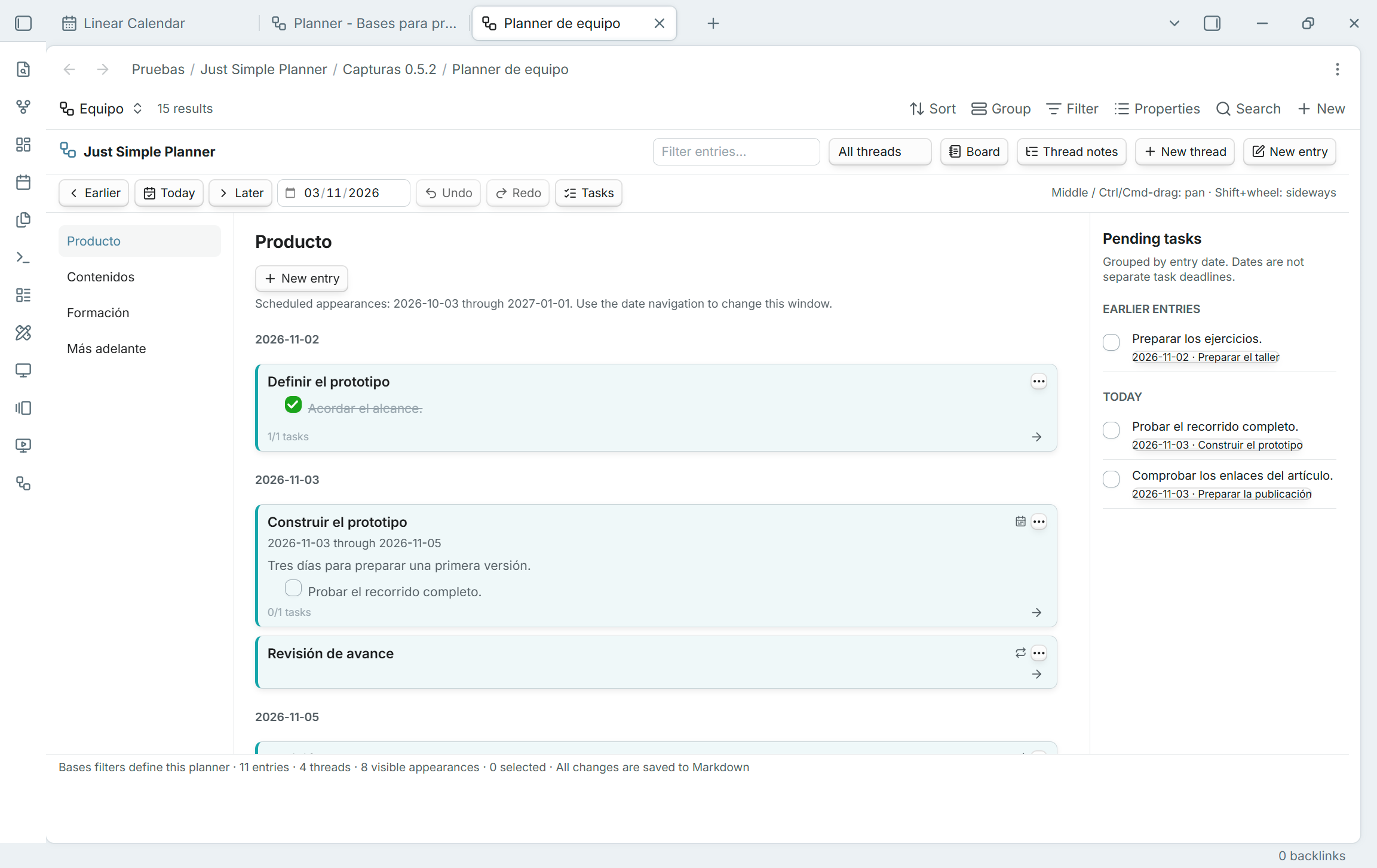
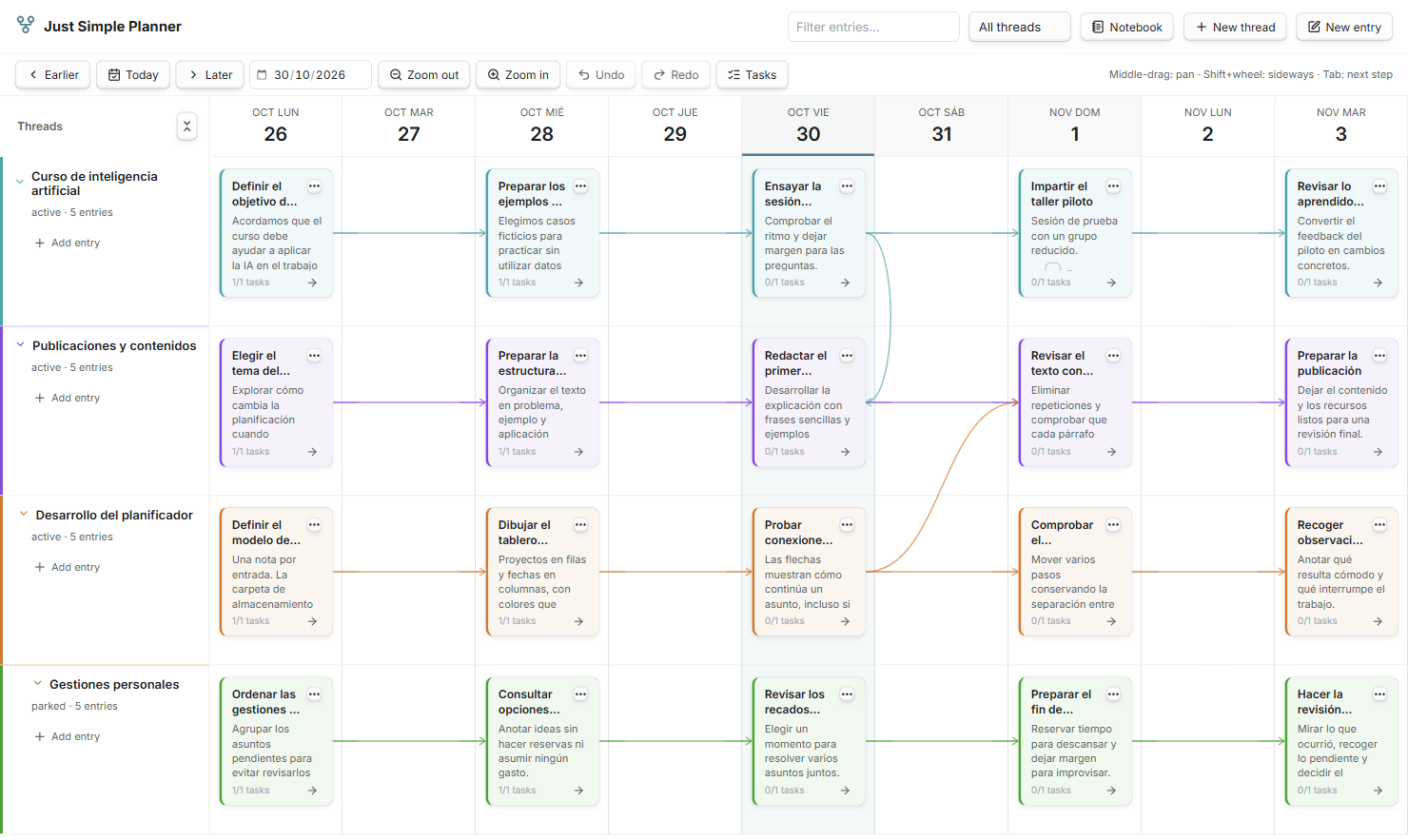
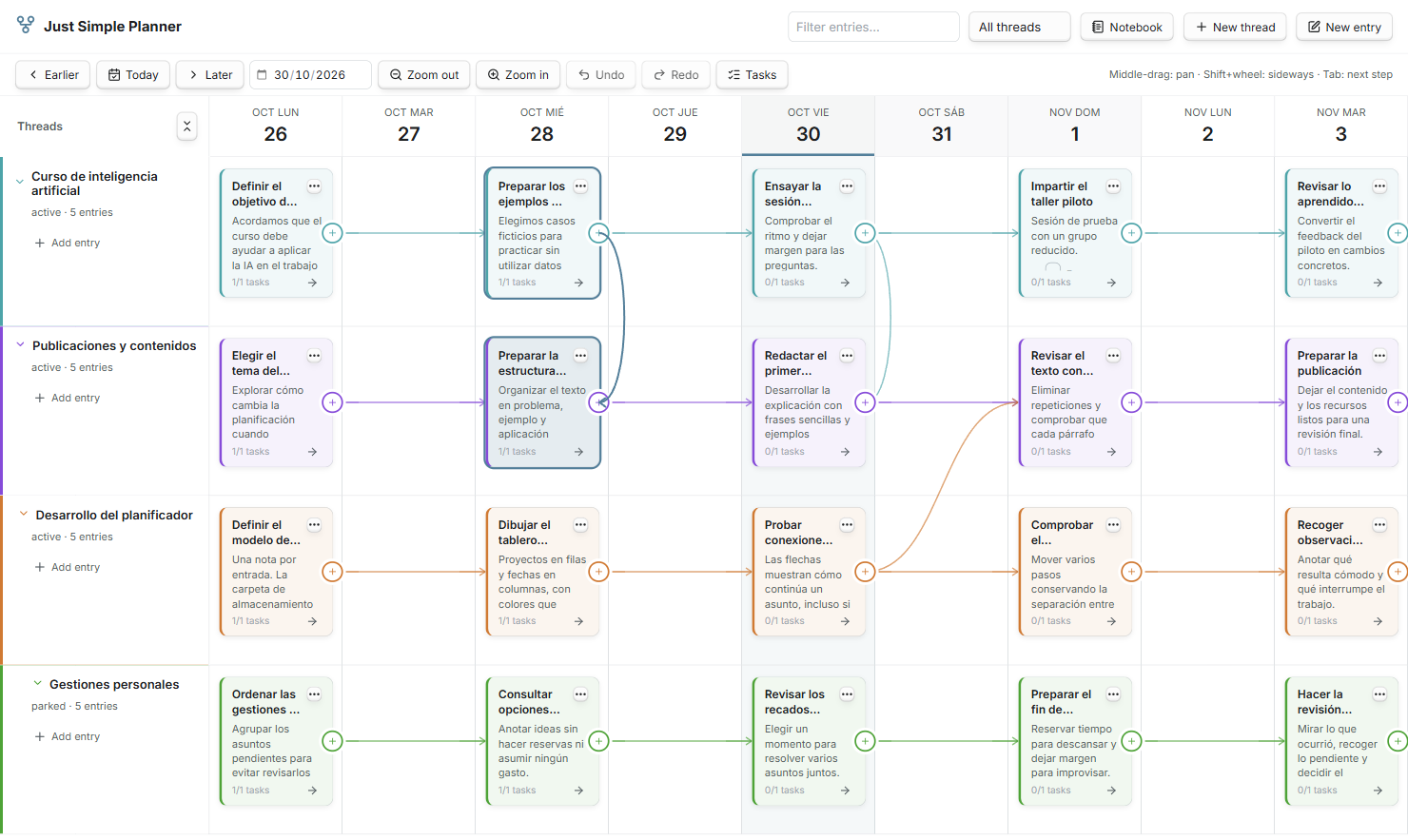
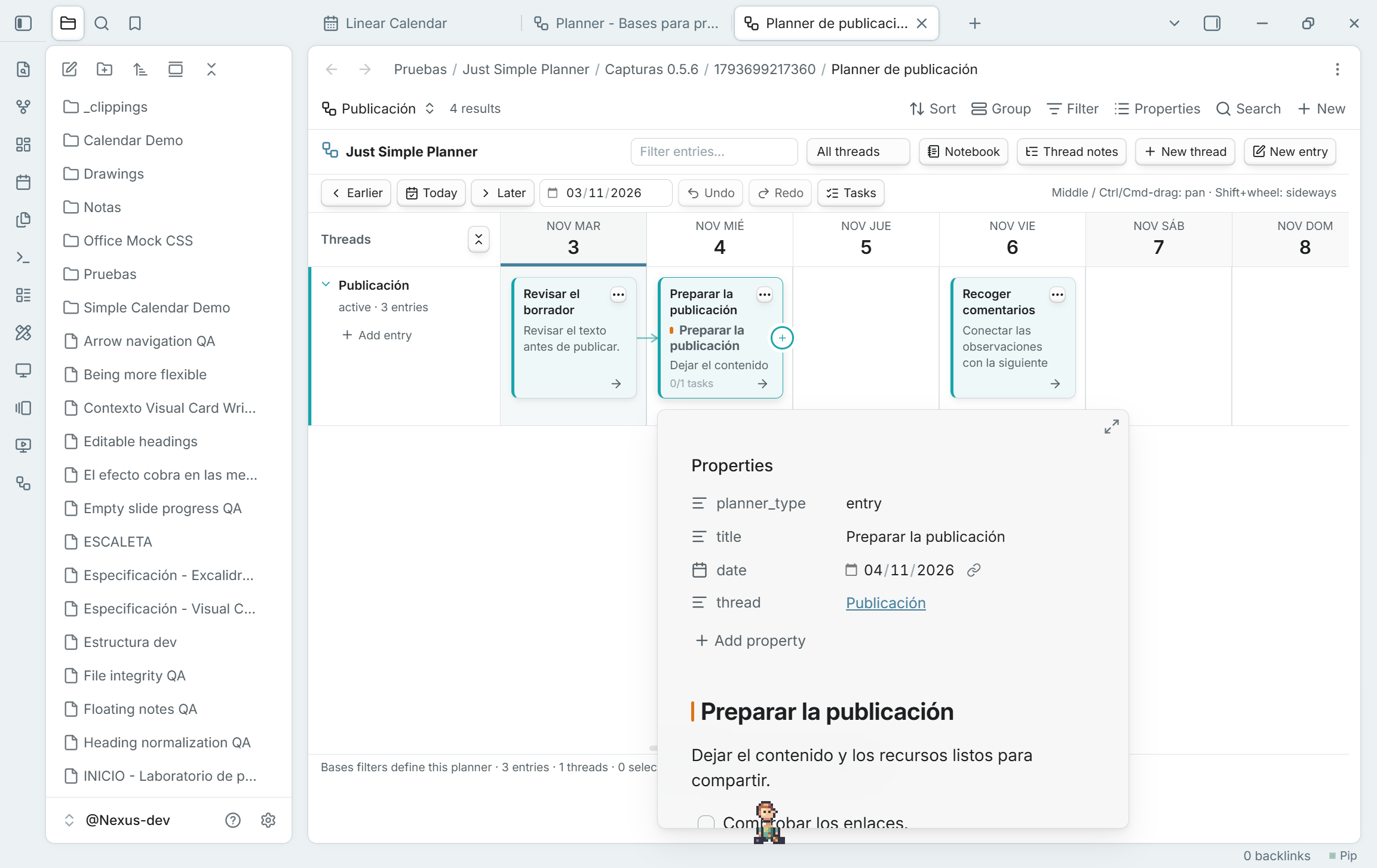
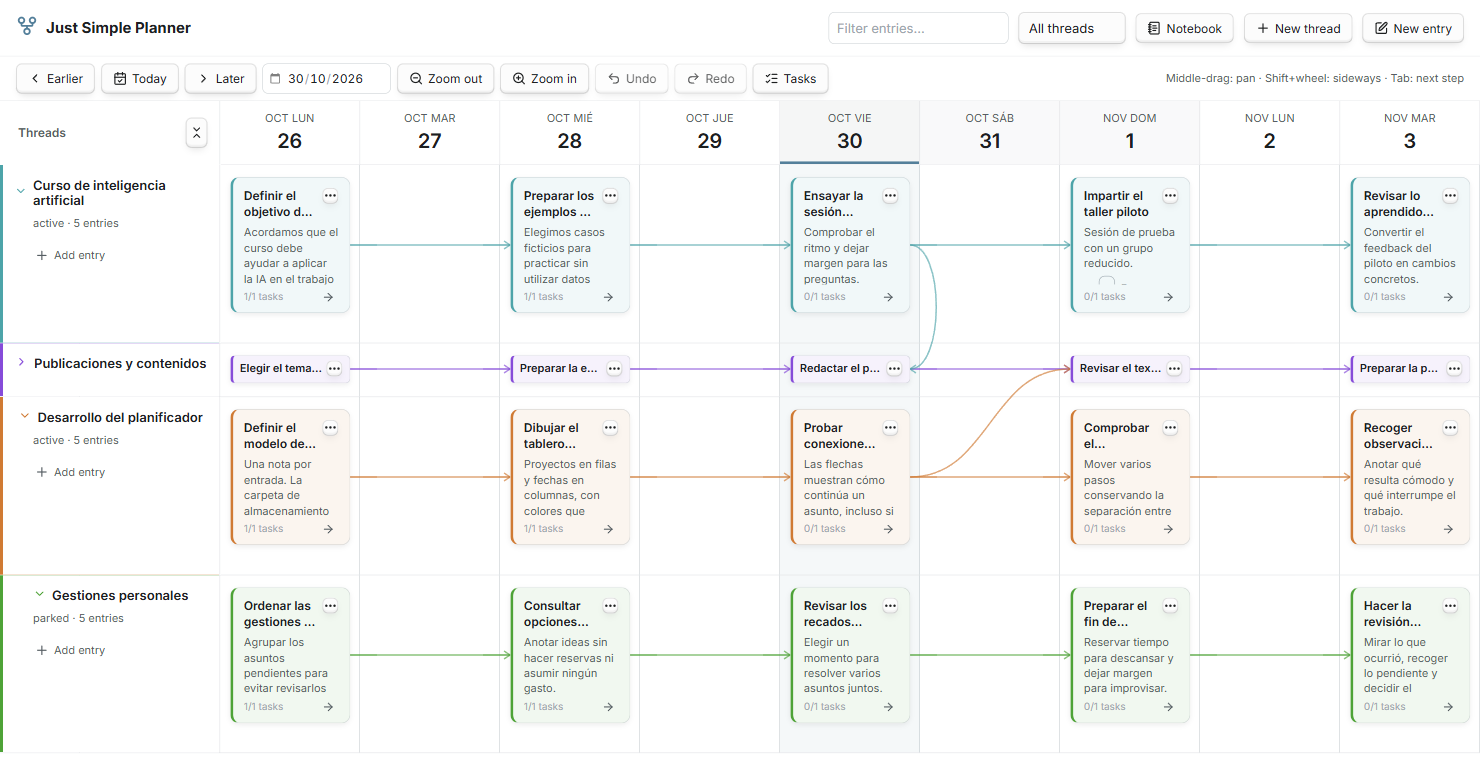
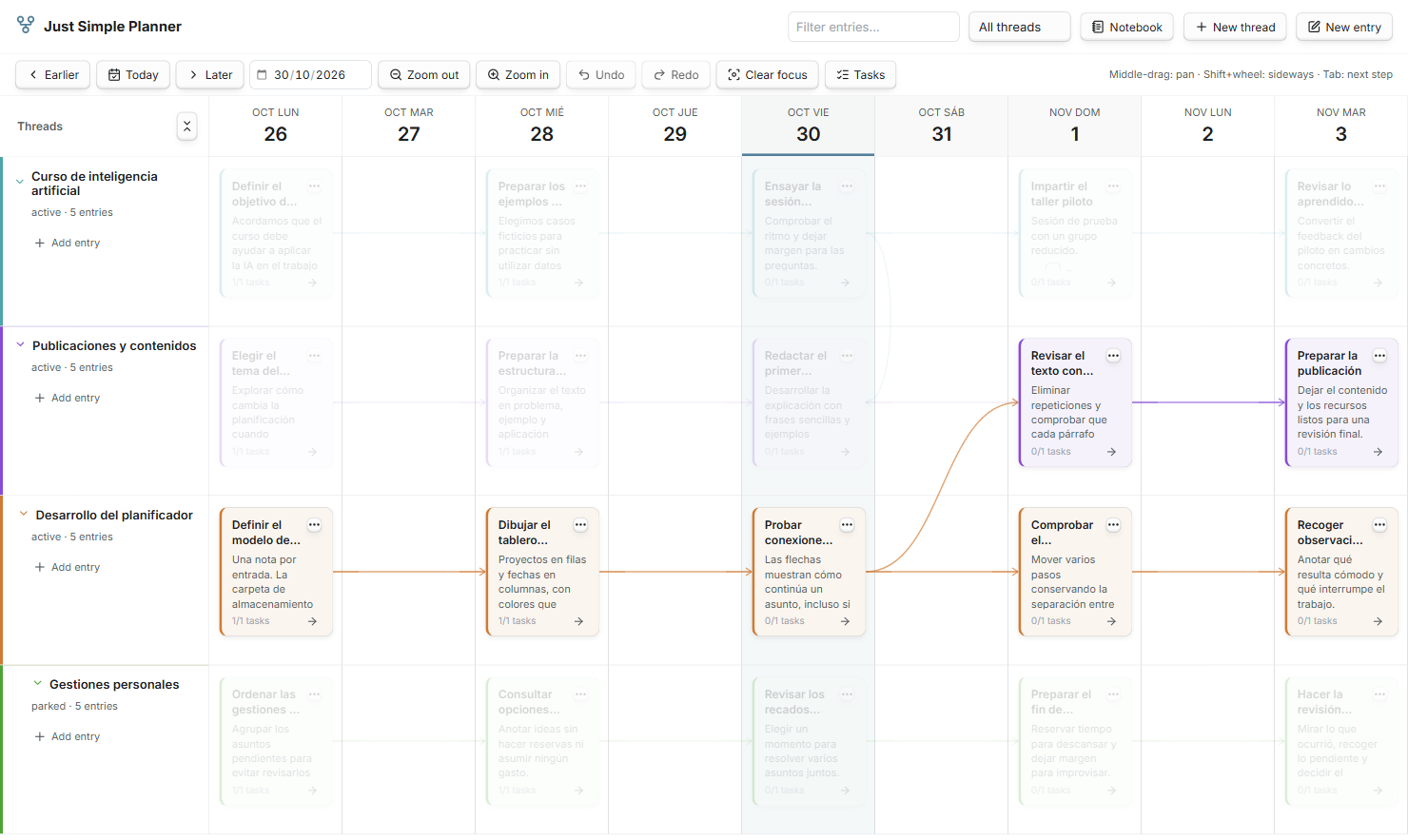
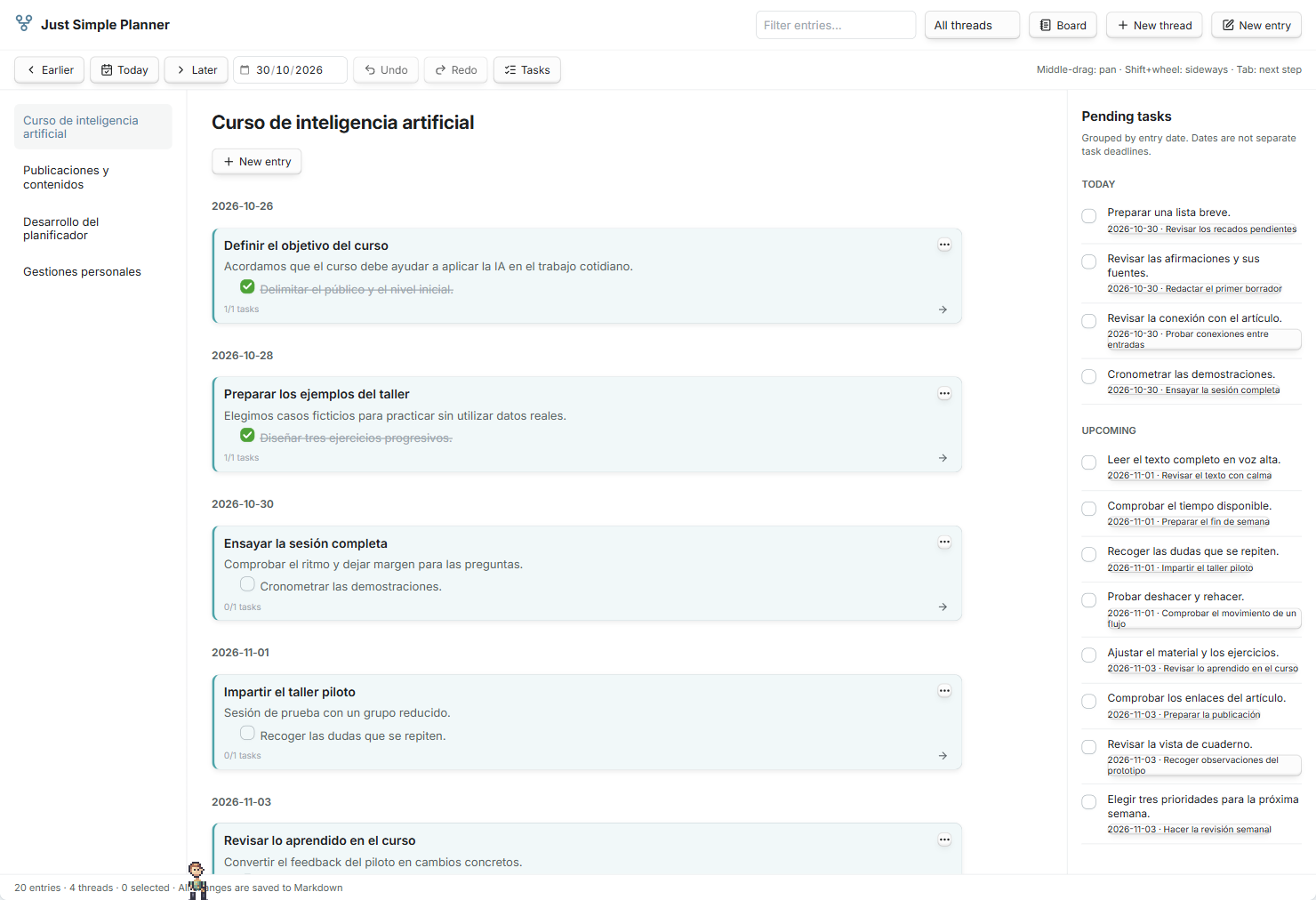
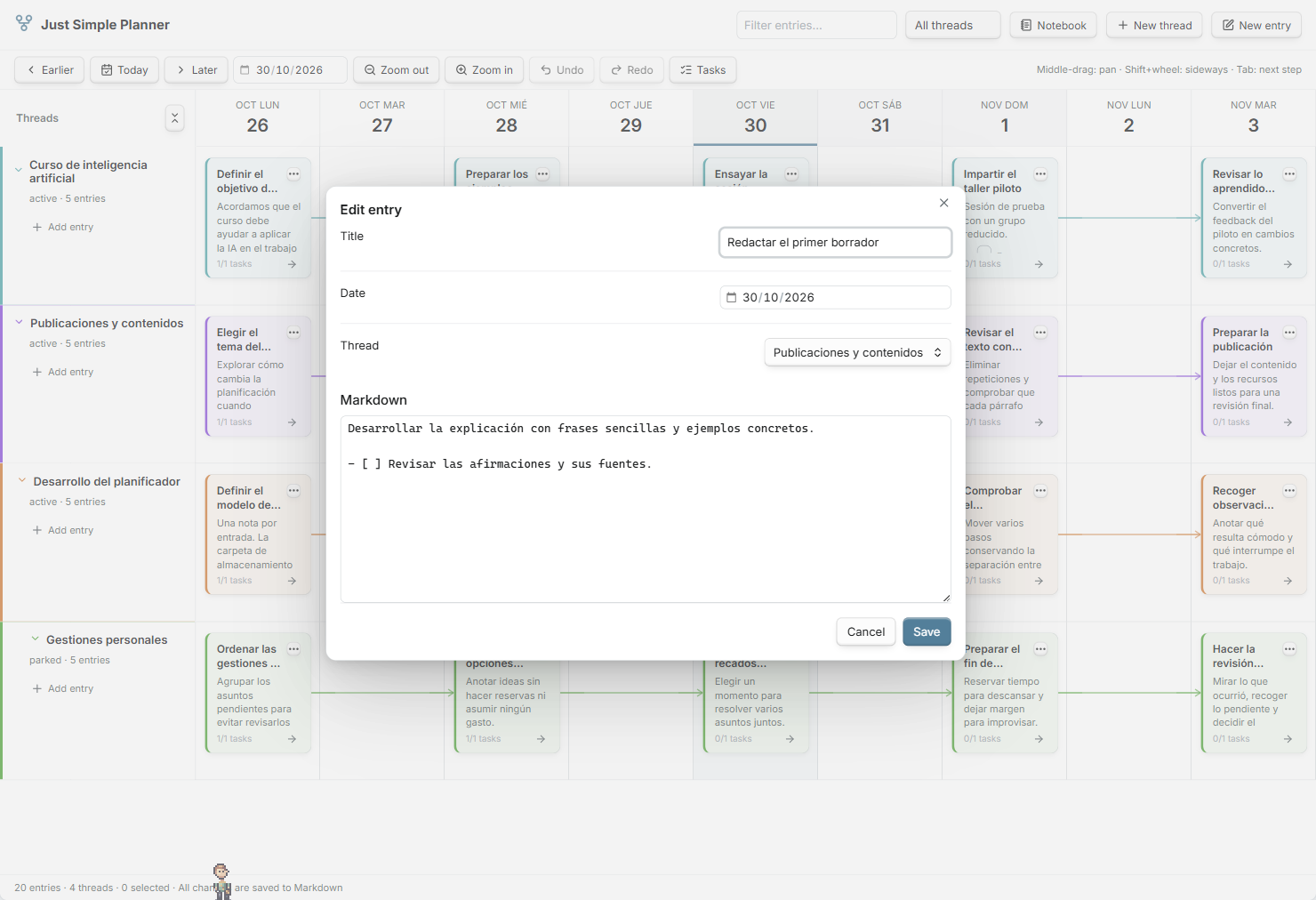
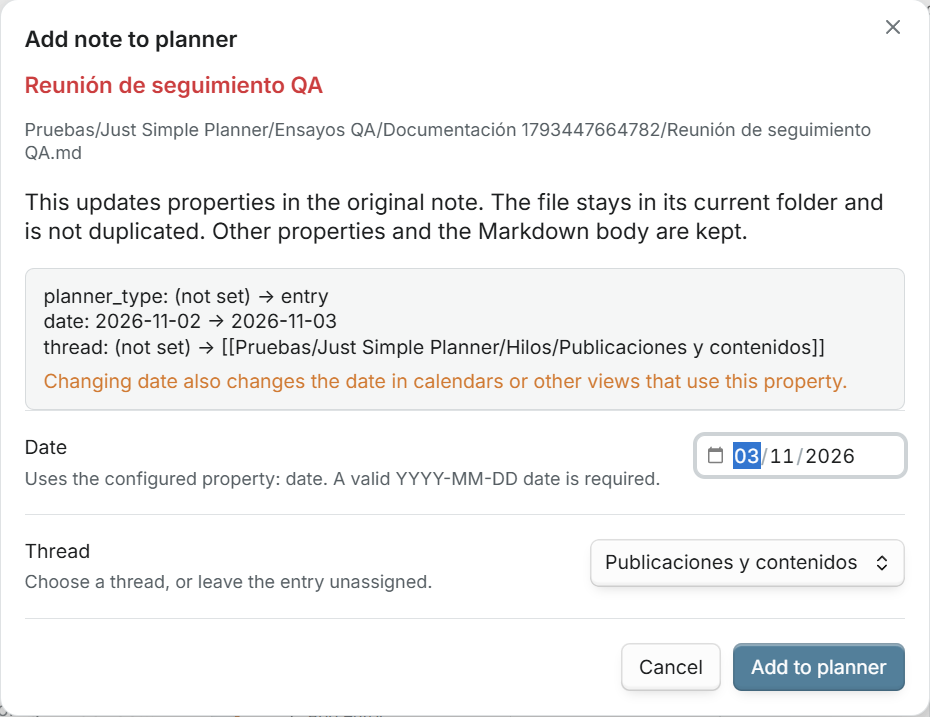
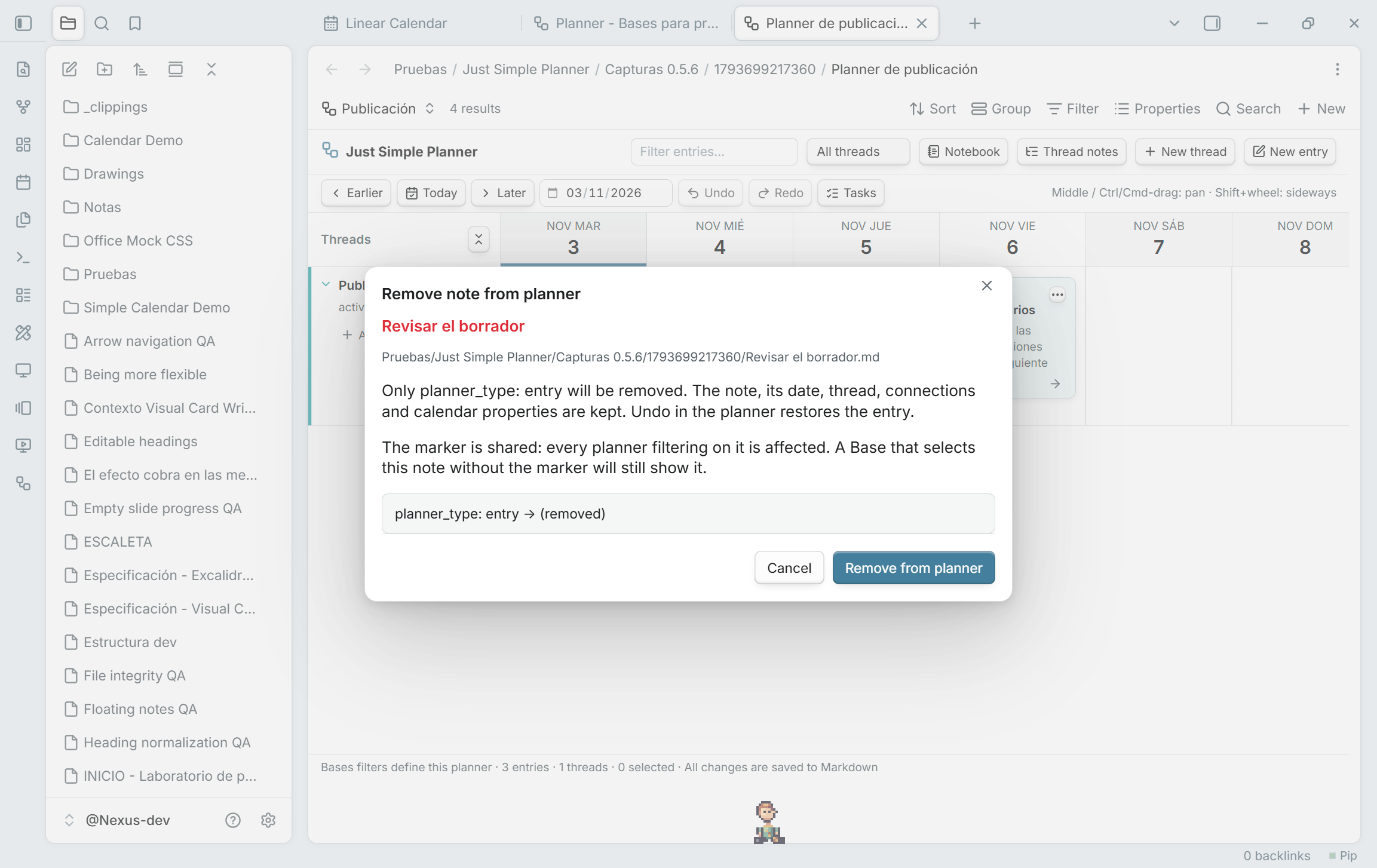
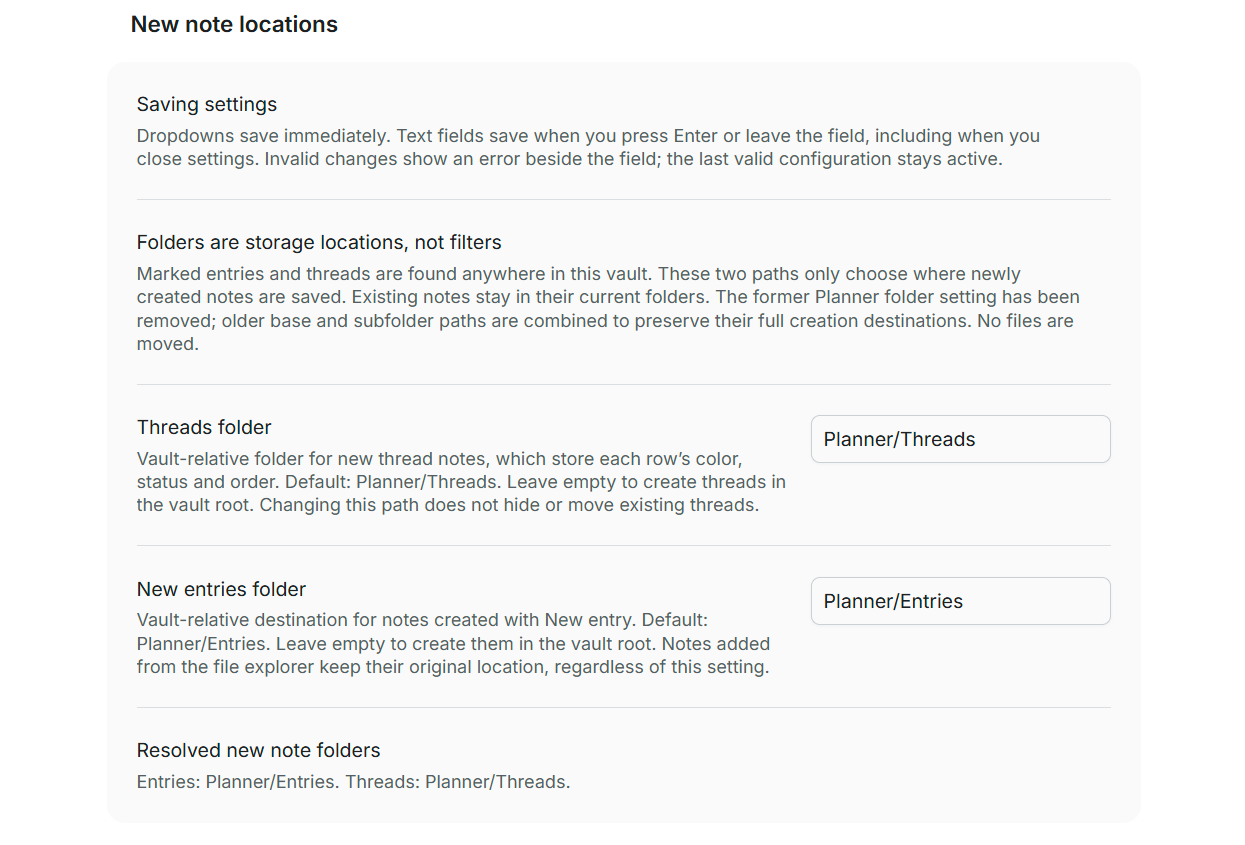
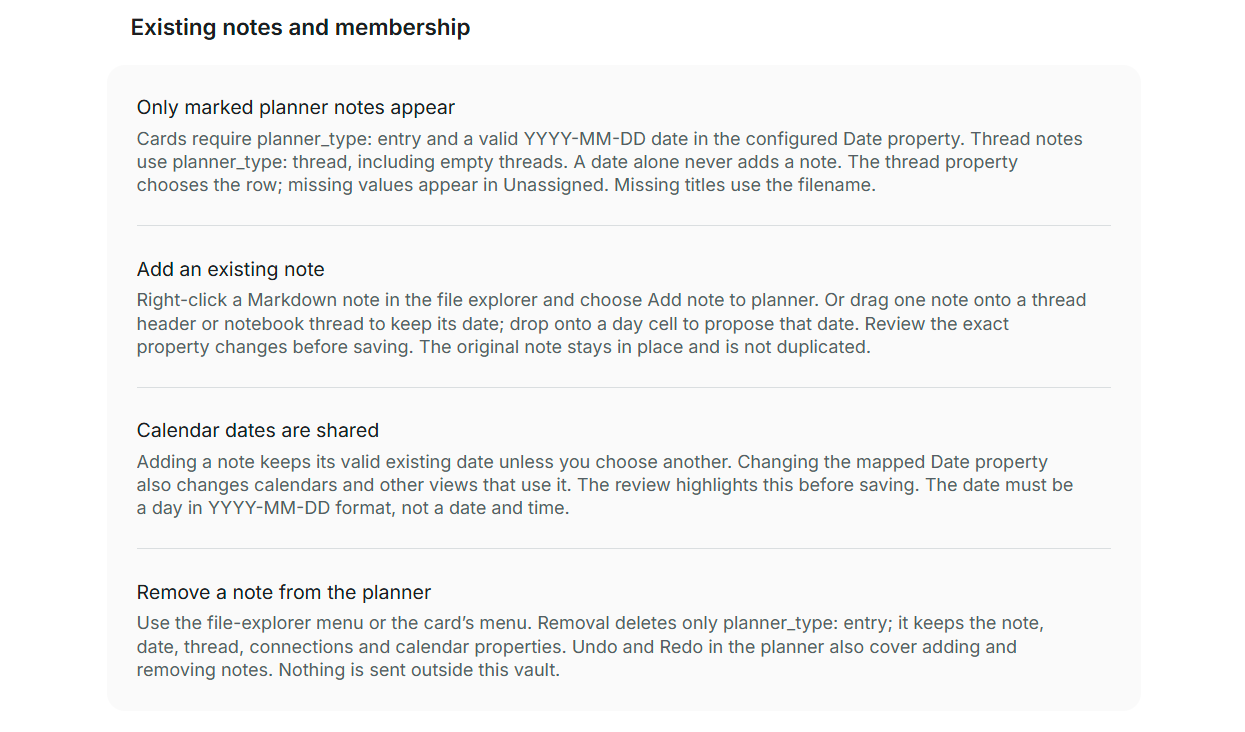
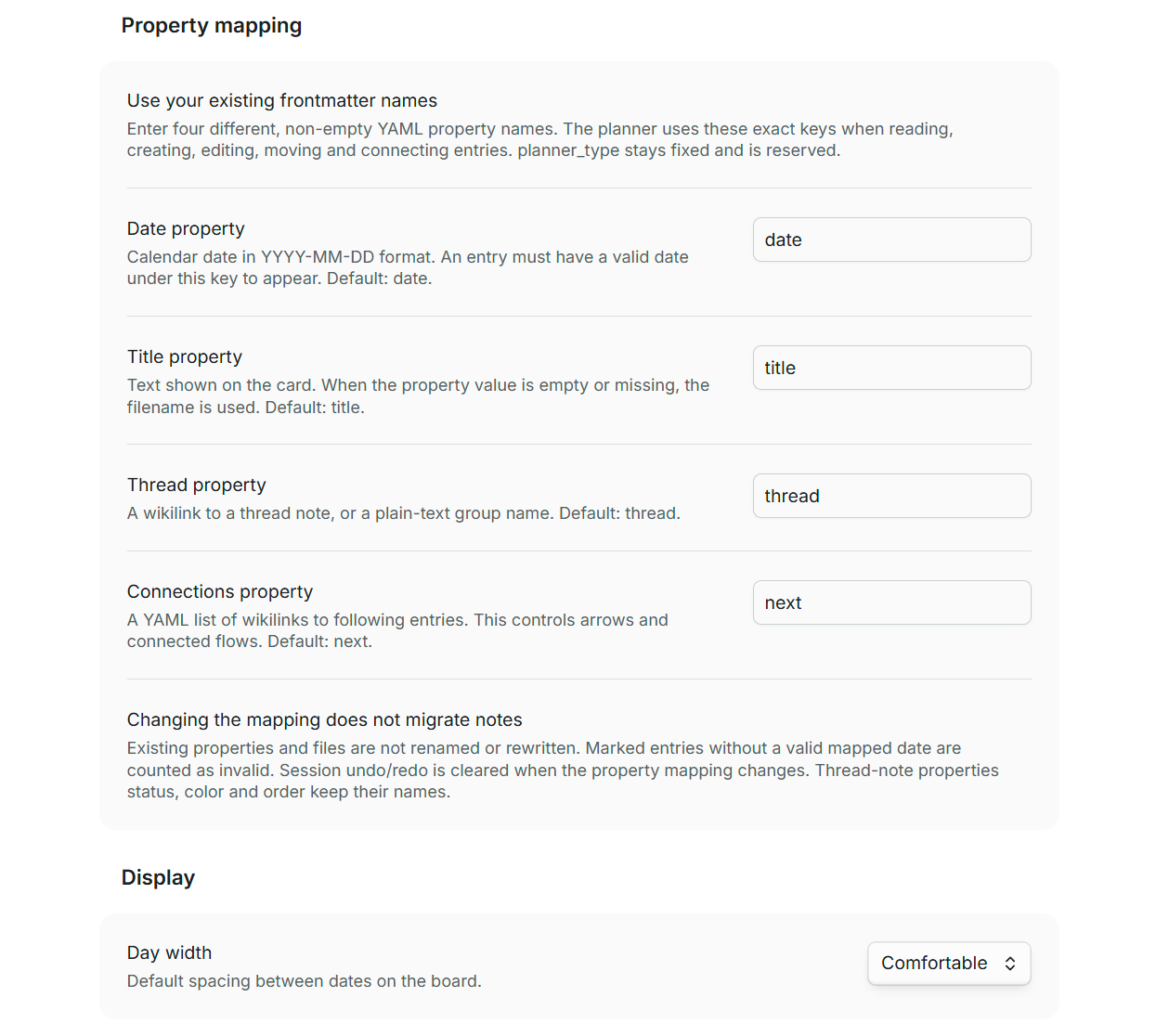
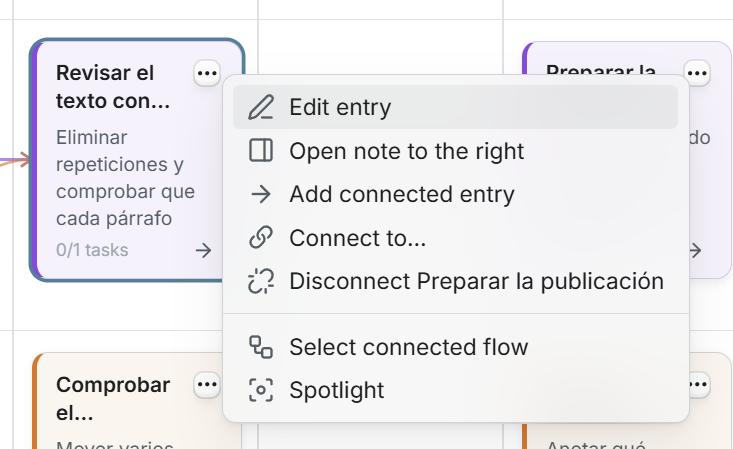
The Just Simple Planner plugin arranges Markdown notes on a timeline with threads as rows and days as columns. Its Bases layout supports separate planners with their own queries and property mappings, alongside a retained deprecated classic view. Cards connect through wikilinks and connected flows can move together while preserving date gaps. Notebook presents a thread chronologically, while a task rail gathers pending checkboxes and writes completion back to the original notes. Bases planners support date ranges, repeating appearances and additional dates without duplicating files. Card editing, thread folding, native hover previews and Spotlight provide different ways to navigate the same content. Changes support undo and conflict checks. Data stays local, with no accounts or network requests. External calendar connections, background reminders and Tasks plugin deadline parsing are not supported.
13. QMD Search
The QMD Search plugin connects your vault to the local QMD search engine, with keyword search using BM25, vector search by meaning, hybrid search and advanced queries. Results appear in a search modal with highlighted snippets and you can insert a result into the current note as a wikilink or drag it into a note. A related notes sidebar shows notes similar to the active one. Automatic syncing reindexes changed notes and displays progress in the status bar. Commands also cover manual syncing, index updates, embedding generation and refreshing related notes. Notes are indexed and searched locally, with no network use or telemetry from the plugin. It requires the QMD CLI and runs only on desktop with Obsidian 1.13.0 or later.
14. Second Reader
The Second Reader plugin imports Zotero papers as structured literature notes with citation details and an APA reference. Highlight sync adds new quotes, comments and selected figures with page numbers while preserving typed text and avoiding duplicate annotations. Checking a permanent note candidate creates a note from a template and replaces the candidate with a link. Syllabus links show whether a literature note is untouched, contains highlights or has original writing. A generated class copy opens each student's own PDF through their literature note and includes links for packaging weekly notes and embedded images into a zip. Course updates add missing notes or replace blank ones without overwriting notes containing writing or synced highlights. It runs only on desktop and requires Zotero 7, Better BibTeX and a PDF utility for highlight sync and PDF import.
The Drag and Drop Lines plugin lets you reorder content using handles in the editor gutter. Dragging a list item carries its nested items and indented content, while a heading moves its section up to the next heading of the same or a higher level. Callouts move as a whole from their first line and dragging either fence moves an entire code block. A drop indicator marks the destination, dragging near editor edges scrolls the note and Esc cancels a move. Each move can be undone as a single edit. Frontmatter cannot be dragged or used as a drop target. It works only on desktop in Live Preview and Source mode. Nested callouts and plain block quotes move one line at a time.
Most Downloaded (2026-10-25 to 2026-10-31)
These are downloads in the UTC dataset window, not unique users or all time totals.
| Rank | Plugin | Downloads | Links |
|---|---|---|---|
| 1 | Copilot | 219,785 | Details / GitHub |
| 2 | TaskNotes | 154,144 | Details / GitHub |
| 3 | Excalidraw | 126,352 | Details / GitHub |
| 4 | Claudian | 65,265 | Details / GitHub |
| 5 | Templater | 60,943 | Details / GitHub |
| 6 | Tasks | 47,081 | Details / GitHub |
| 7 | Omnisearch | 45,679 | Details / GitHub |
| 8 | Dataview | 38,635 | Details / GitHub |
| 9 | Editing Toolbar | 36,757 | Details / GitHub |
| 10 | Git | 36,267 | Details / GitHub |
| 11 | Importer | 27,446 | Details / GitHub |
| 12 | QuickAdd | 27,007 | Details / GitHub |
| 13 | Self-hosted LiveSync | 24,091 | Details / GitHub |
| 14 | Advanced Canvas | 22,972 | Details / GitHub |
| 15 | Linter | 22,023 | Details / GitHub |
Plugin Updates
There are 1,514 plugins with detected version activity in this dataset window. Browse the current update feed. It is a live feed rather than a complete archive for these dates.
Notable Updates
The selection below follows the snapshot order. These are documented changes, not hands on test results.
- Claudian 2.3.36: Loads OpenCode catalogs immediately and updates commands live. Release notes.
- Omnisearch 1.32.0: Prefers body matches over frontmatter in excerpts and fixes Office document indexing. Release notes.
- QuickAdd 2.33.1: Starts saving pending changes when you close Settings or leave its settings tab. Release notes.
- Self-hosted LiveSync 1.0.42: Adds optional batching for rapid edits. Other devices receive changes later, and batching does not prevent concurrent edit conflicts. Release notes.
- Advanced Canvas 7.1.1: The release page links its milestone and full comparison. It does not provide a feature summary. Release notes.
Omnisearch 1.32.0 and QuickAdd 2.33.1 were published on October 24 UTC. They appear here as detected version activity, not releases published during October 25 to 31.
New Themes
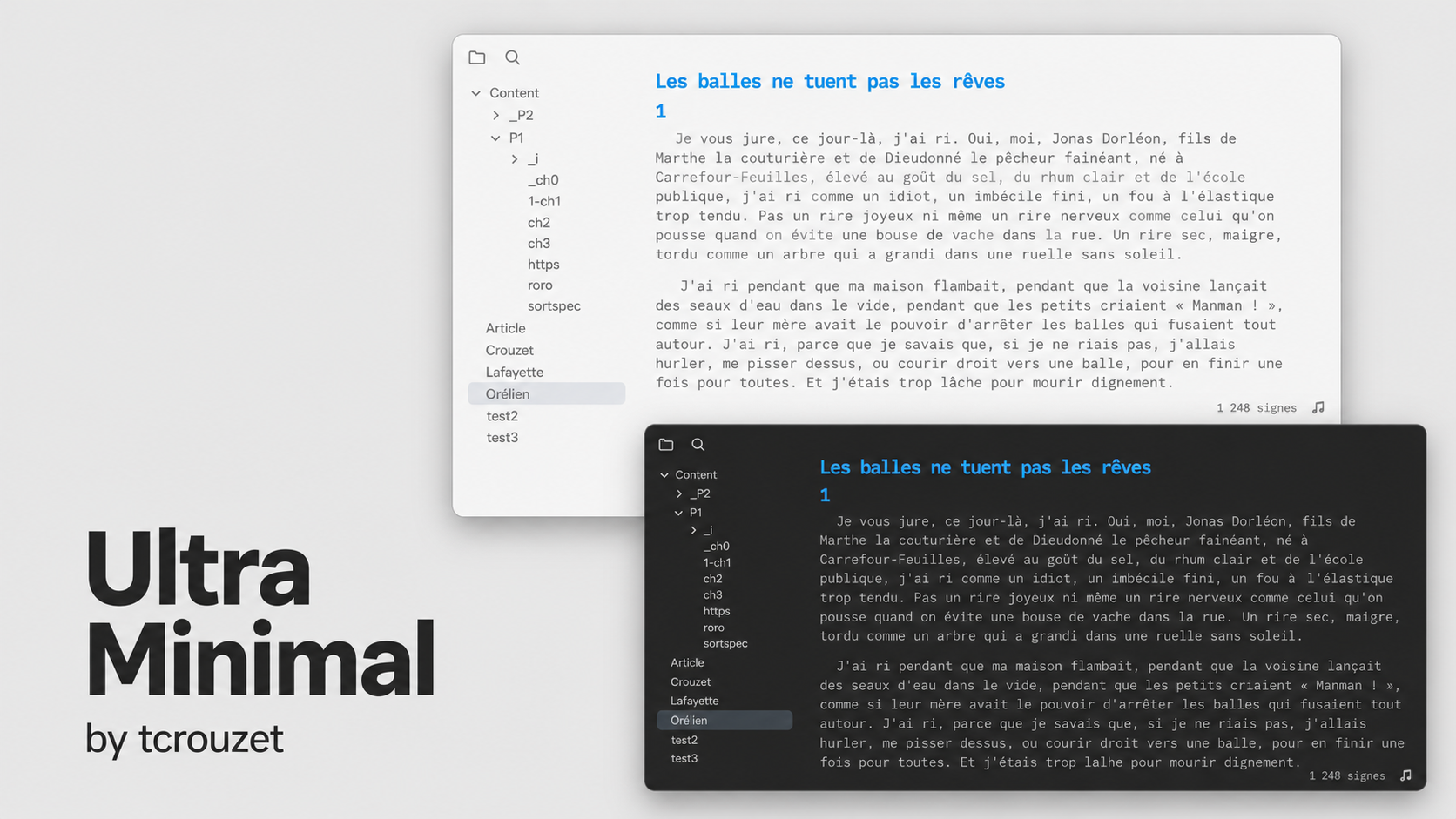
There are 33 new themes in the snapshot. The cards below show those available in the production catalog. Oeconomicus is absent from that catalog, so its card is omitted without changing the total.
1. Stillmark
2. Oboro
4. Vega
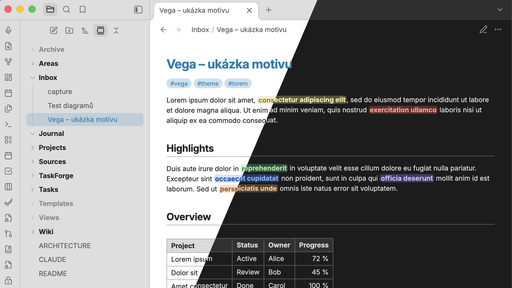
5. Lumen Docs
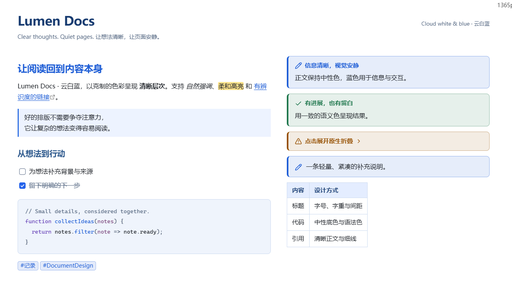
6. Rho Zero
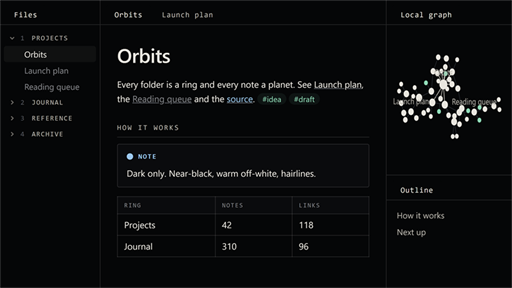
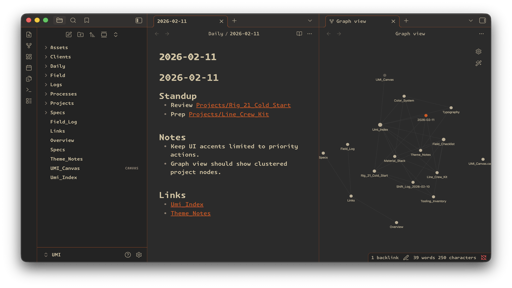
8. Deskmate

9. Zencode
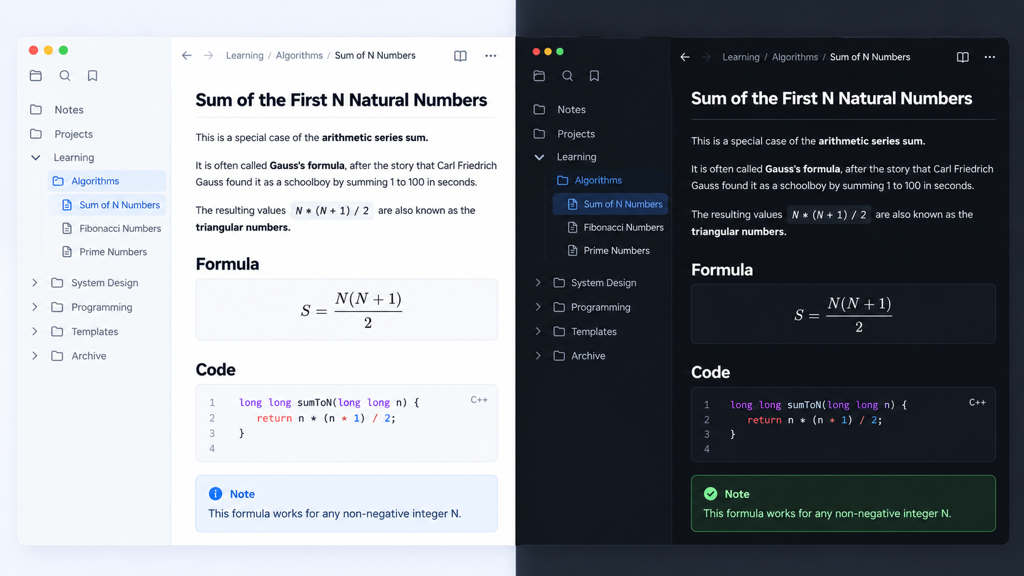
10. Merry Christmas
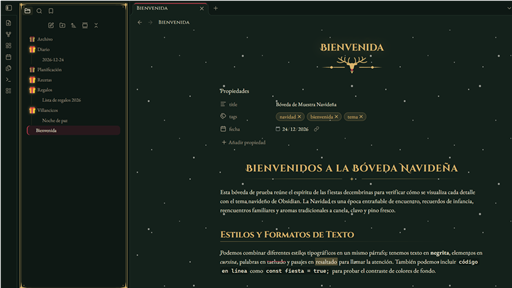
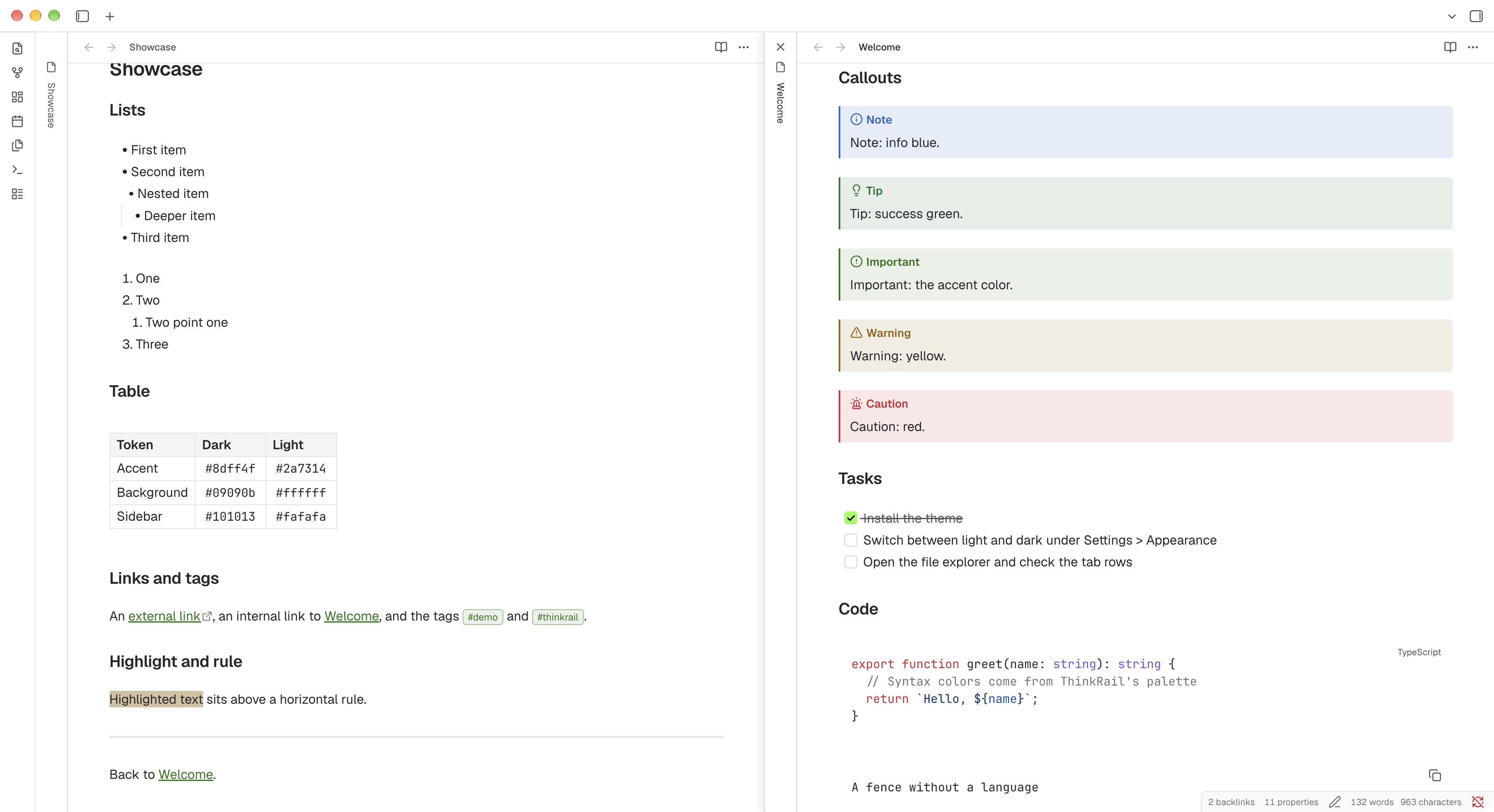
12. Ultra Minimal
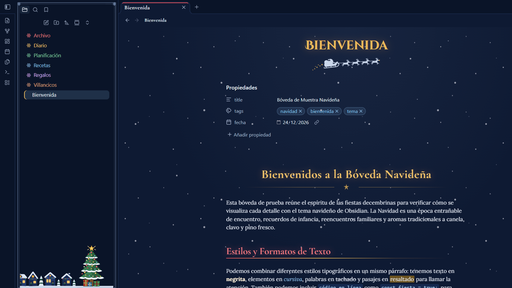
14. Snowy Eve
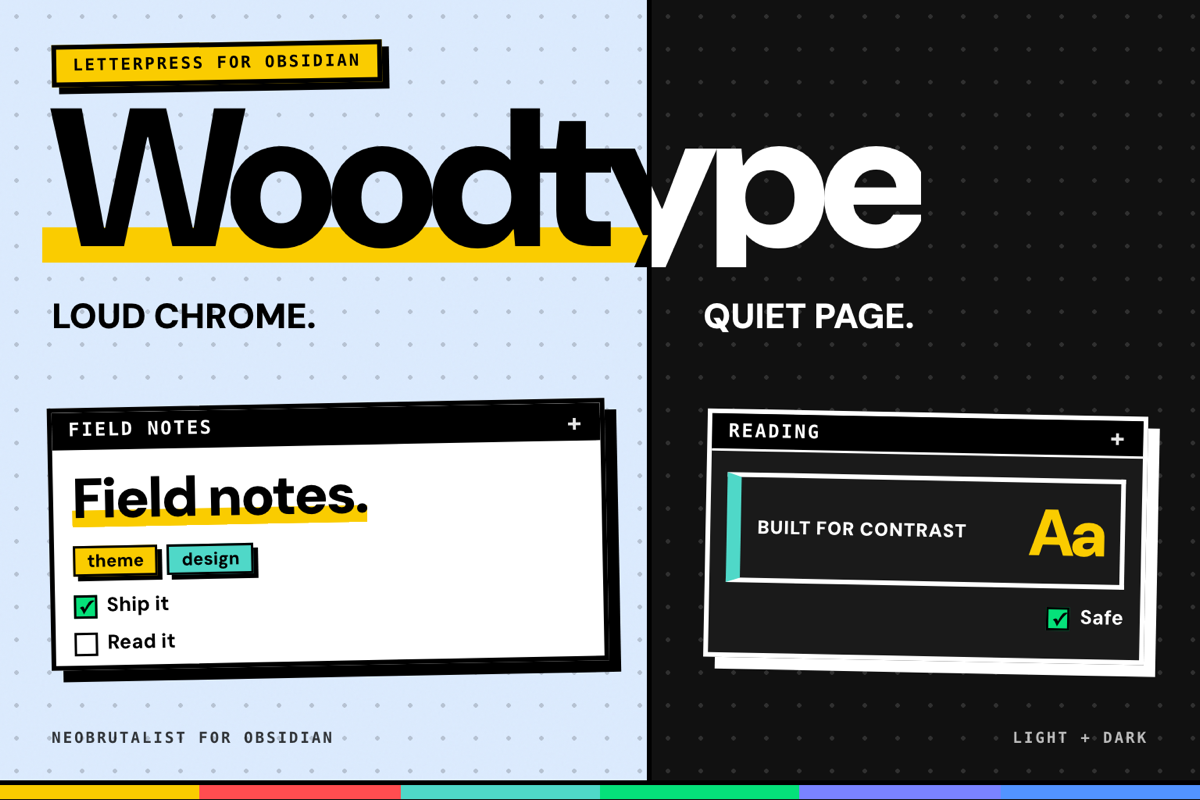
15. Woodtype
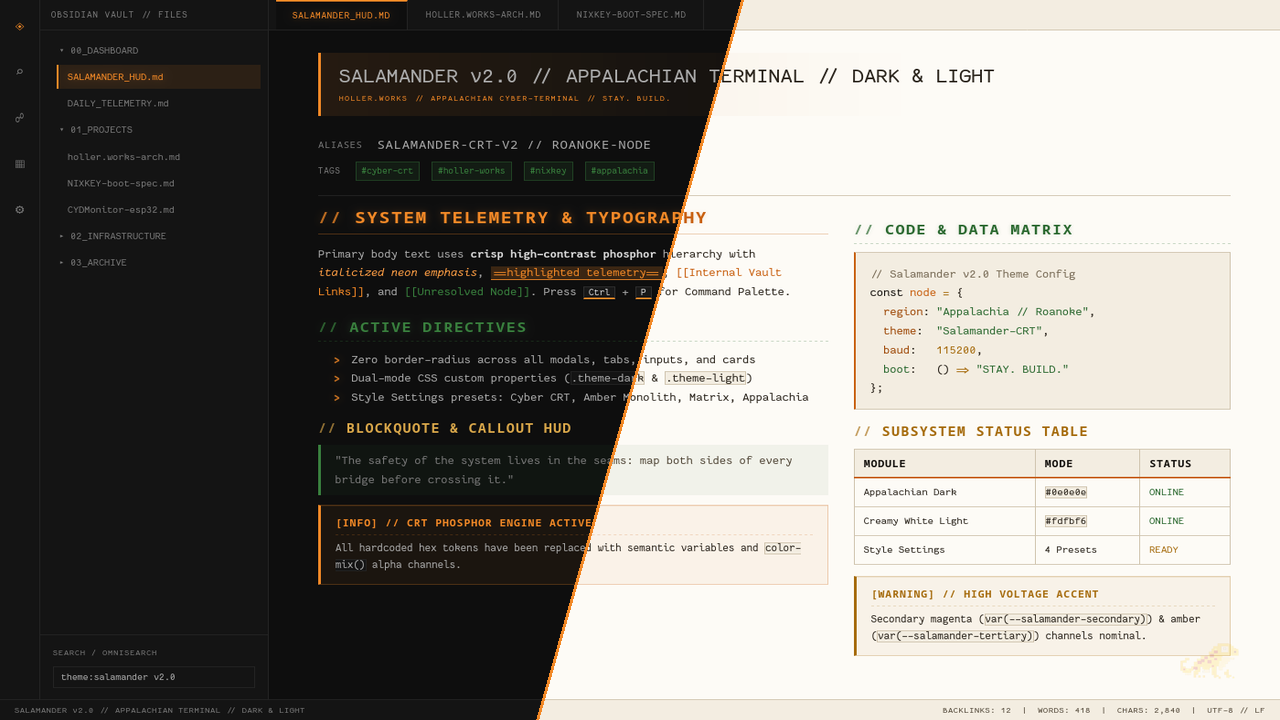
16. Salamander
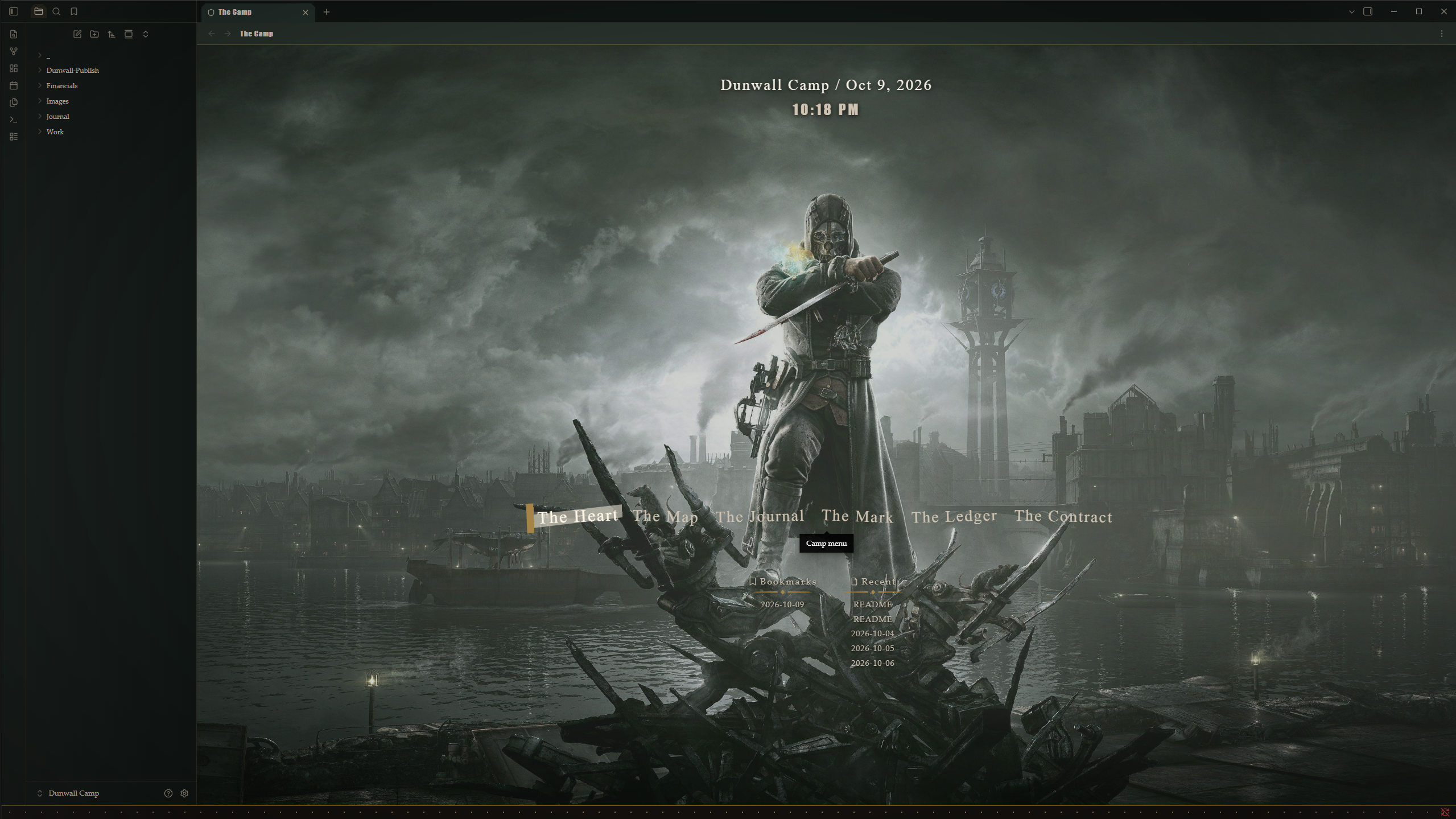
17. Fantasy
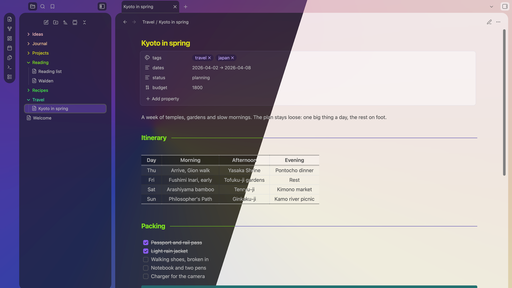
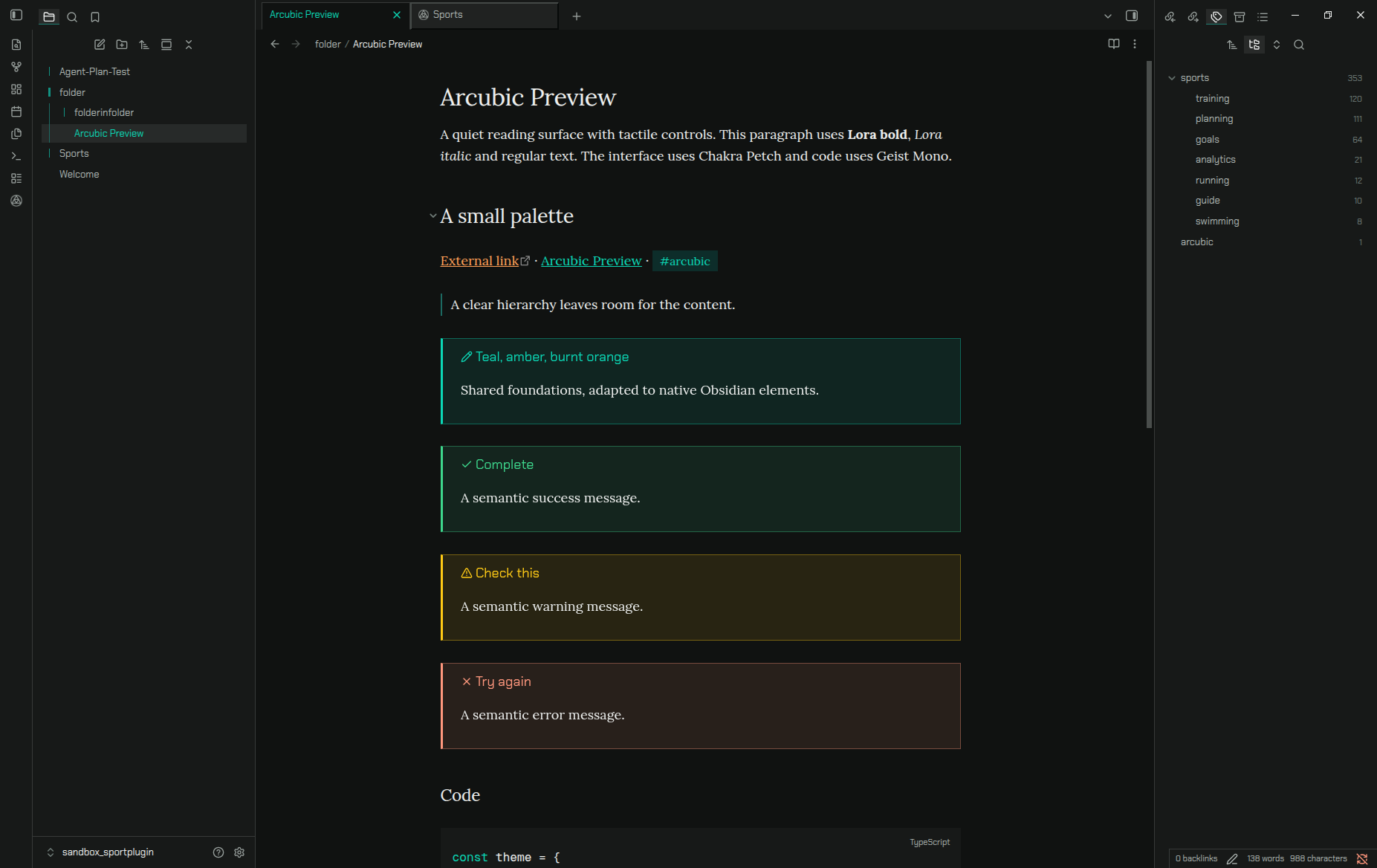
18. Arcubic
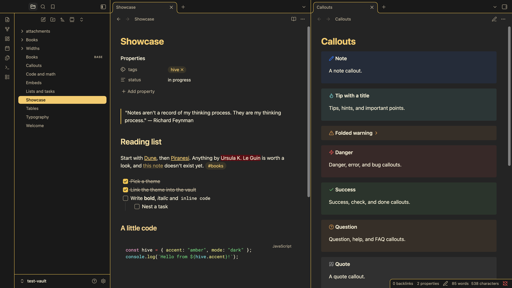
19. Hive
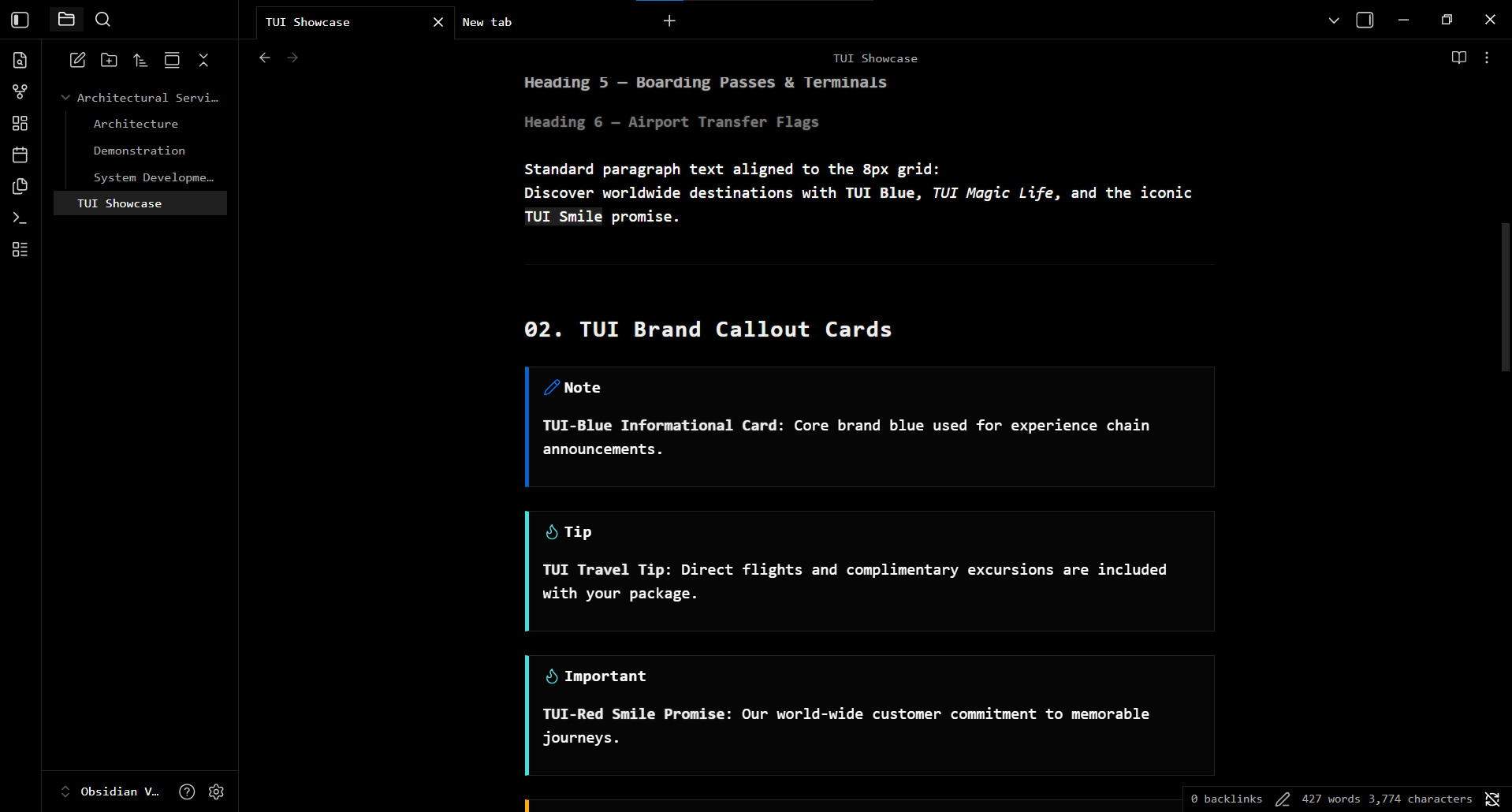
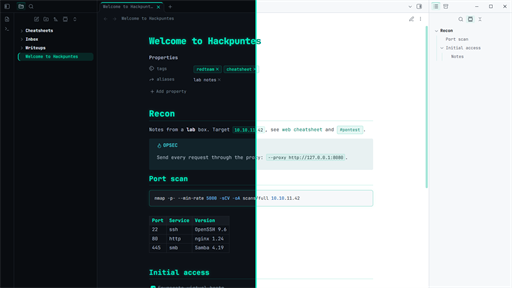
21. Hackpuntes
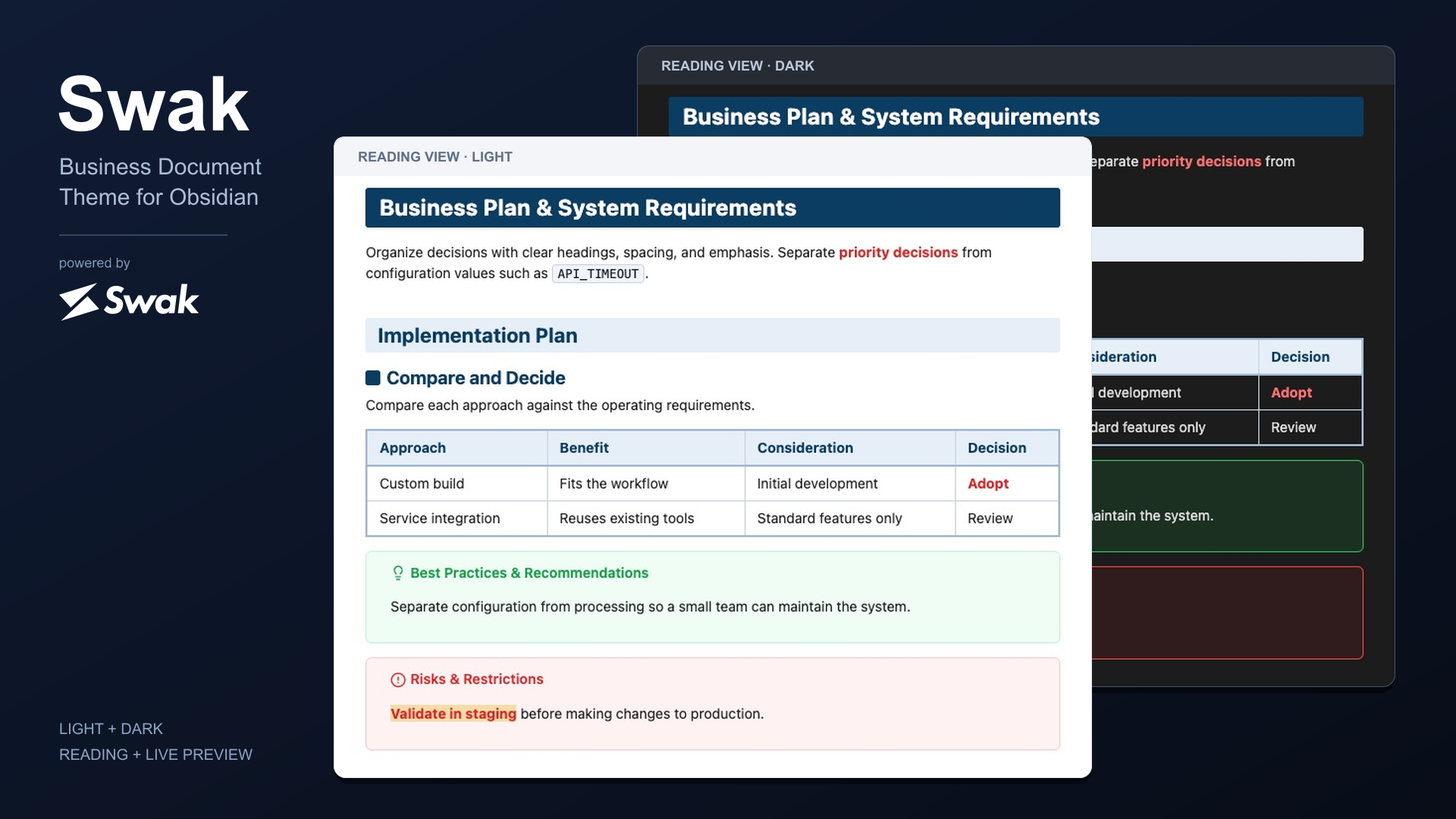
22. Swak
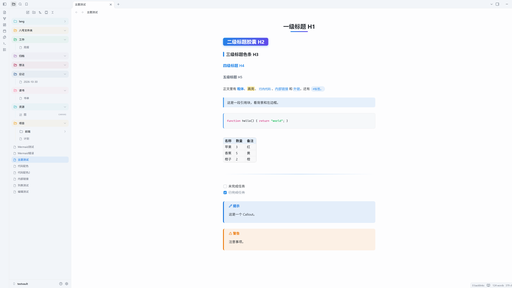
23. Hidontknow
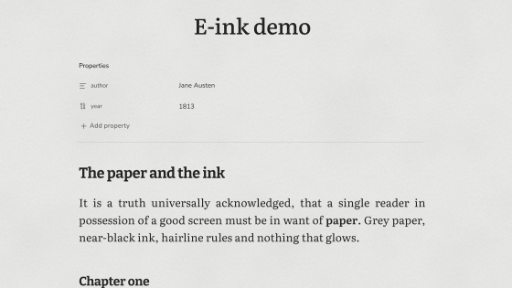
24. E-ink
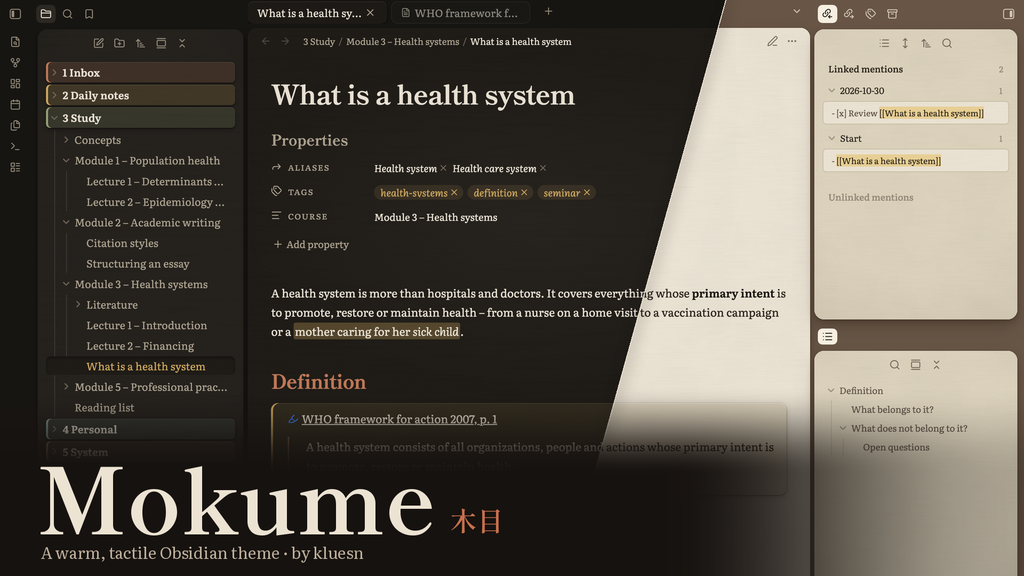
25. Mokume
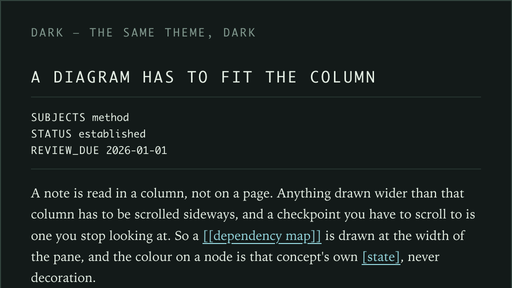
26. Mimir
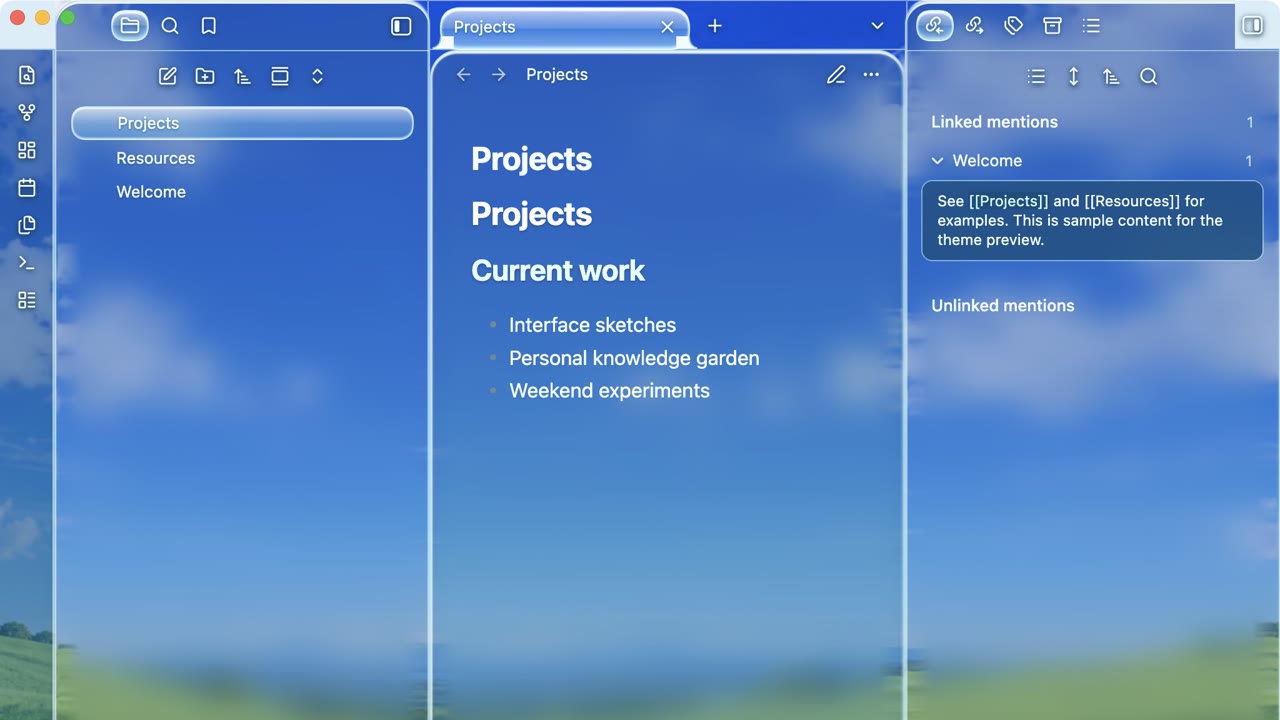
27. Frutiger
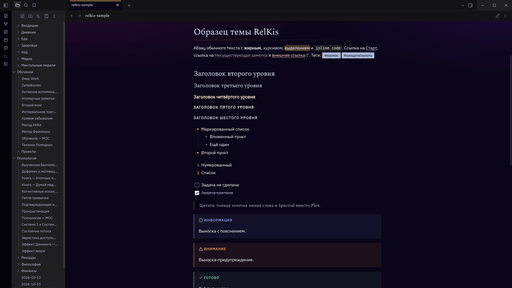
28. RelKis
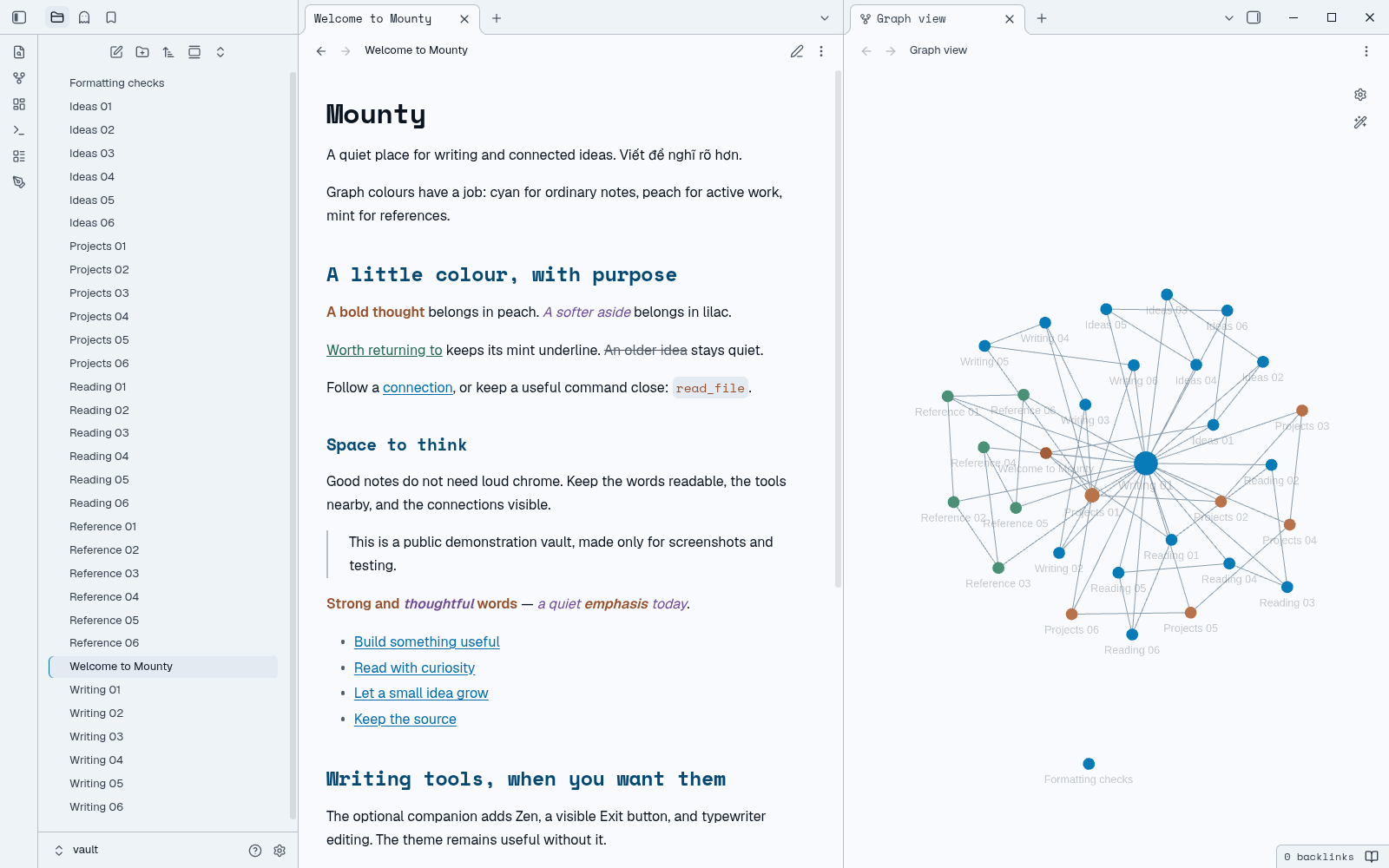
29. Mounty
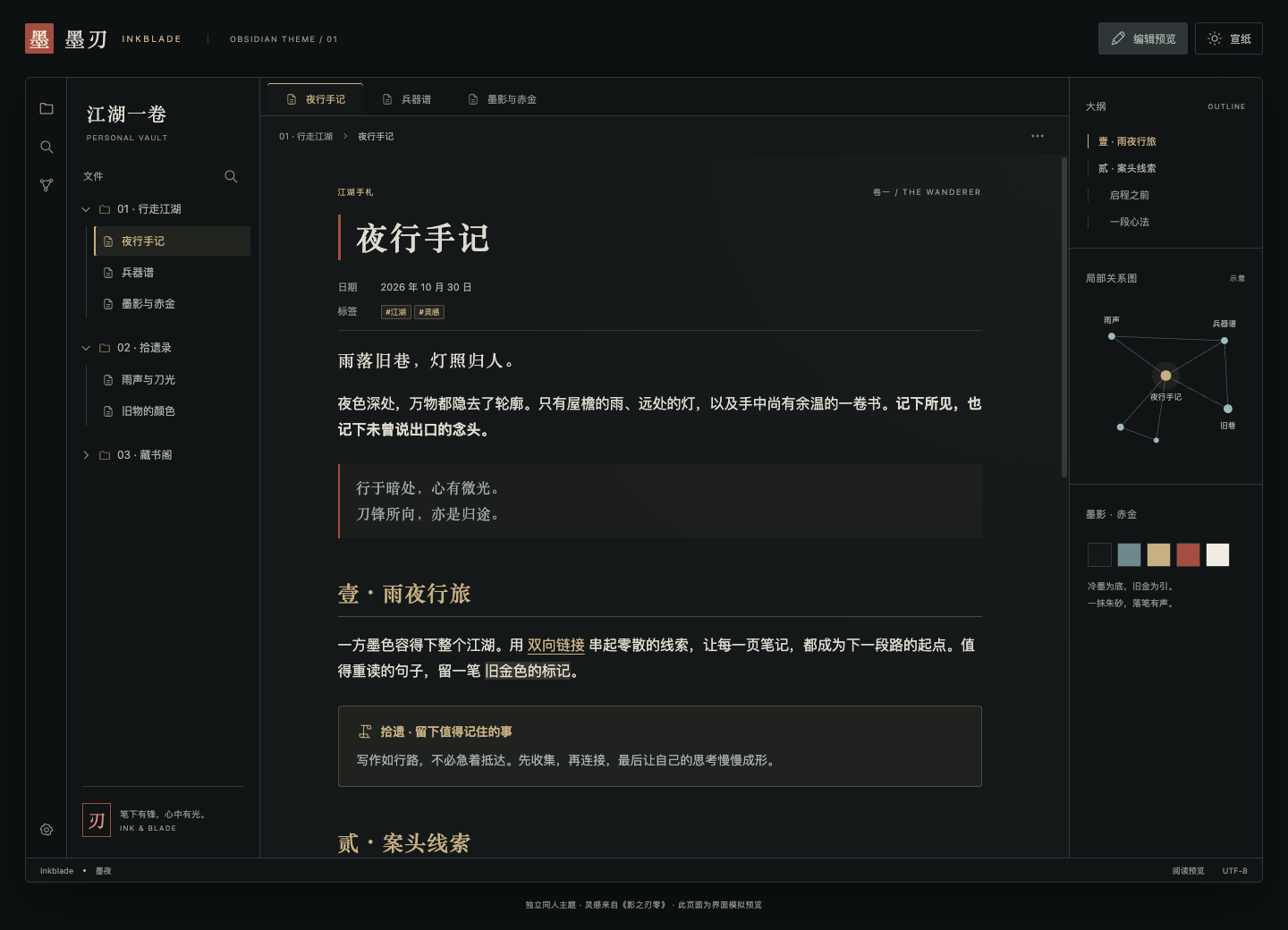
30. Inkblade
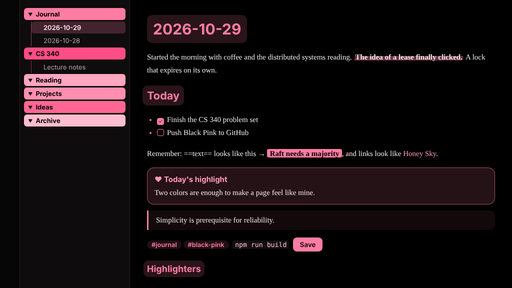
32. Black Pink
If you try one of these plugins, tell me which task it helped you finish. You can keep browsing the current newcomers when you want another option. Enjoy your notes!
Sources
- Snapshot counts and rankings: Obsidian Stats releases analysis, retrieved November 5, 2026 for October 25 to 31 UTC.
- Expensica README at the checked revision.
- CountCraft README at the checked revision.
- Fast Find 10K README at the checked revision.
- D2 Standalone README at the checked revision.
- Release notes and the official Publish changelog are linked beside the claims above.