
README file from
GithubRho Zero
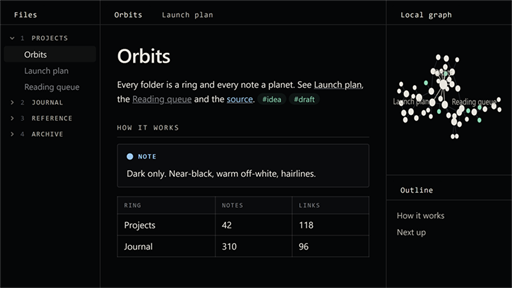
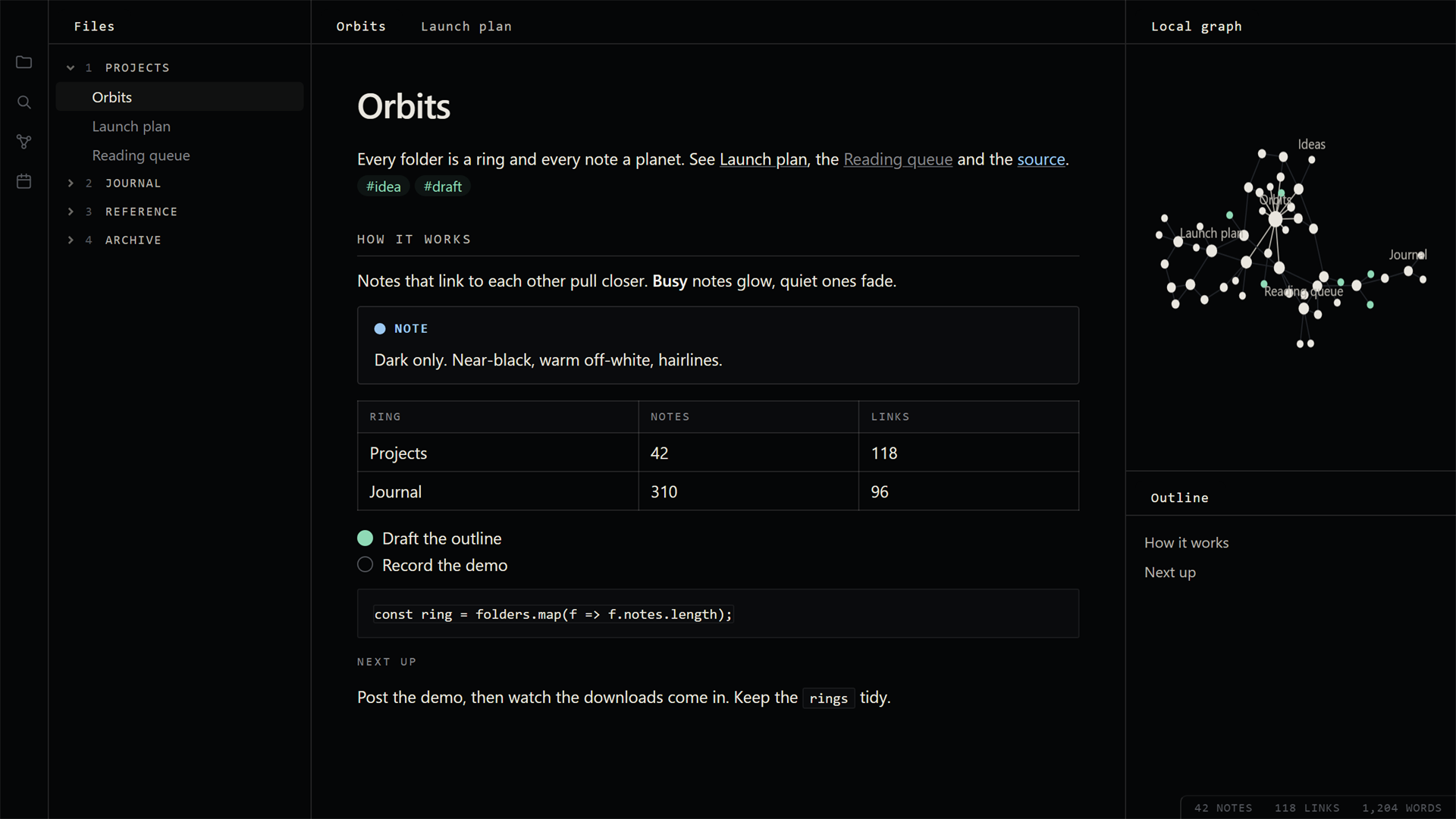
A dark theme for Obsidian: near-black, warm off-white, hairline panels and small spaced-out mono labels. Quiet, flat, no gradients.
What it does
- Colours: near-black
#050607background, warm off-white text, soft greys for everything in between. - Sections as labels:
h2andh3headings become small spaced-out mono capitals, the note title stays plain. - Hairlines: tables, callouts and code sit in thin-bordered boxes with tight corners.
- A menu-like sidebar: top folders are numbered (
1 PROJECTS,2 JOURNAL) in small mono capitals. - Soft status colours for callouts, tags and highlights: mint, salmon, sand, lilac and sky.
- Graph: a dark field, warm white nodes, faint lines, mint tags.
Dark mode only. In Settings > Appearance, set the base colour scheme to Dark.
Install
In Obsidian: Settings > Appearance > Themes > Manage, search for Rho Zero, Install and use.
Or by hand: from the latest release, download manifest.json and theme.css into <your vault>/.obsidian/themes/Rho Zero/, then pick Rho Zero under Settings > Appearance > Themes.
Fonts
It asks for Geist and Geist Mono (free, by Vercel). If they aren't installed it falls back to your system's own sans and mono fonts and still looks fine; the screenshot above is the fallback.
Goes well with
Rho Network, a plugin that turns your vault into a living 3D star system. The two share a look, but neither needs the other.
Licence
PolyForm Strict 1.0.0, see LICENSE. Free to use for yourself and for any other noncommercial purpose. Selling it, passing copies on and publishing changed versions are not allowed. Your own tweaks in a CSS snippet next to the theme are fine.