
README file from
GithubInventTasks
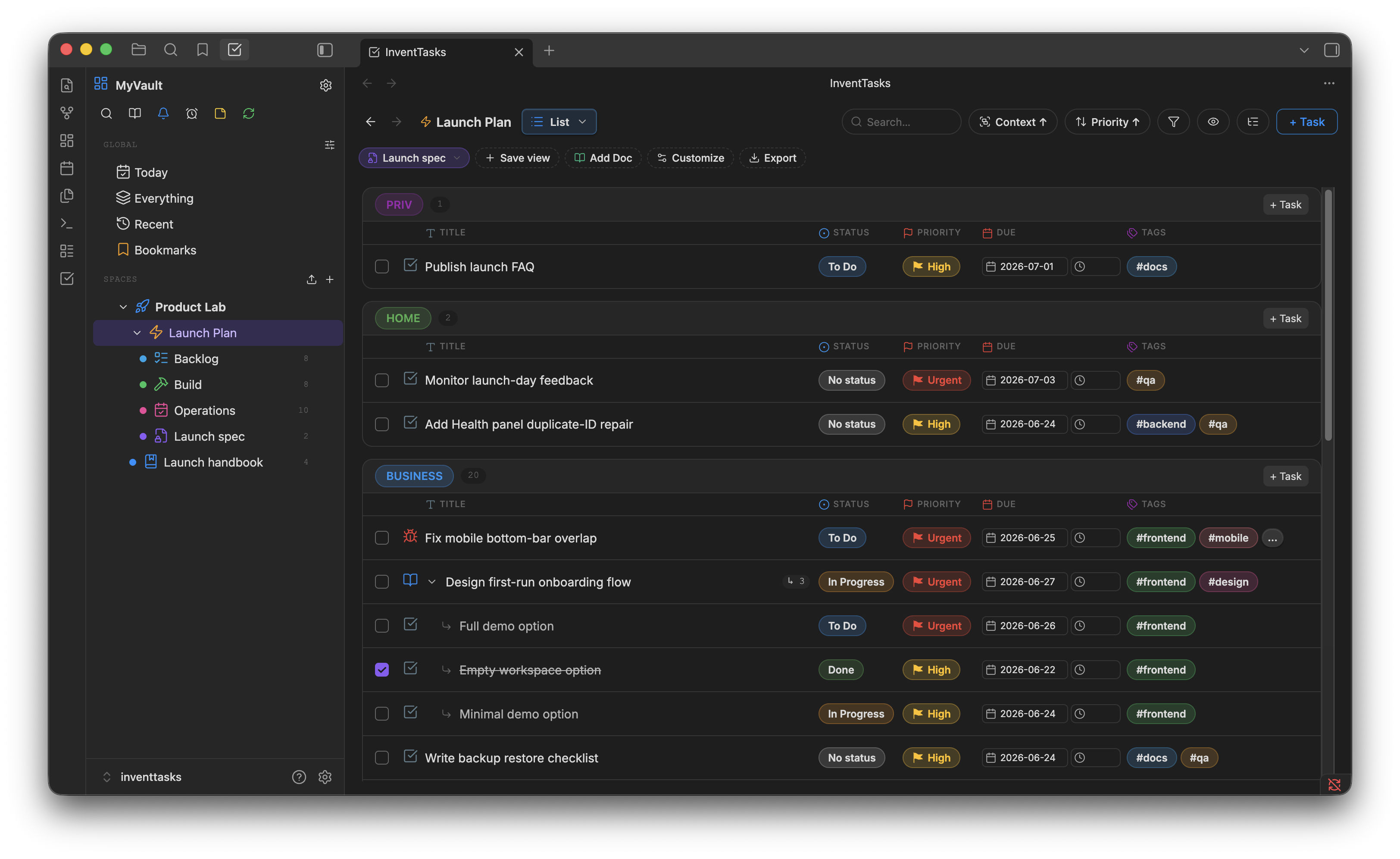
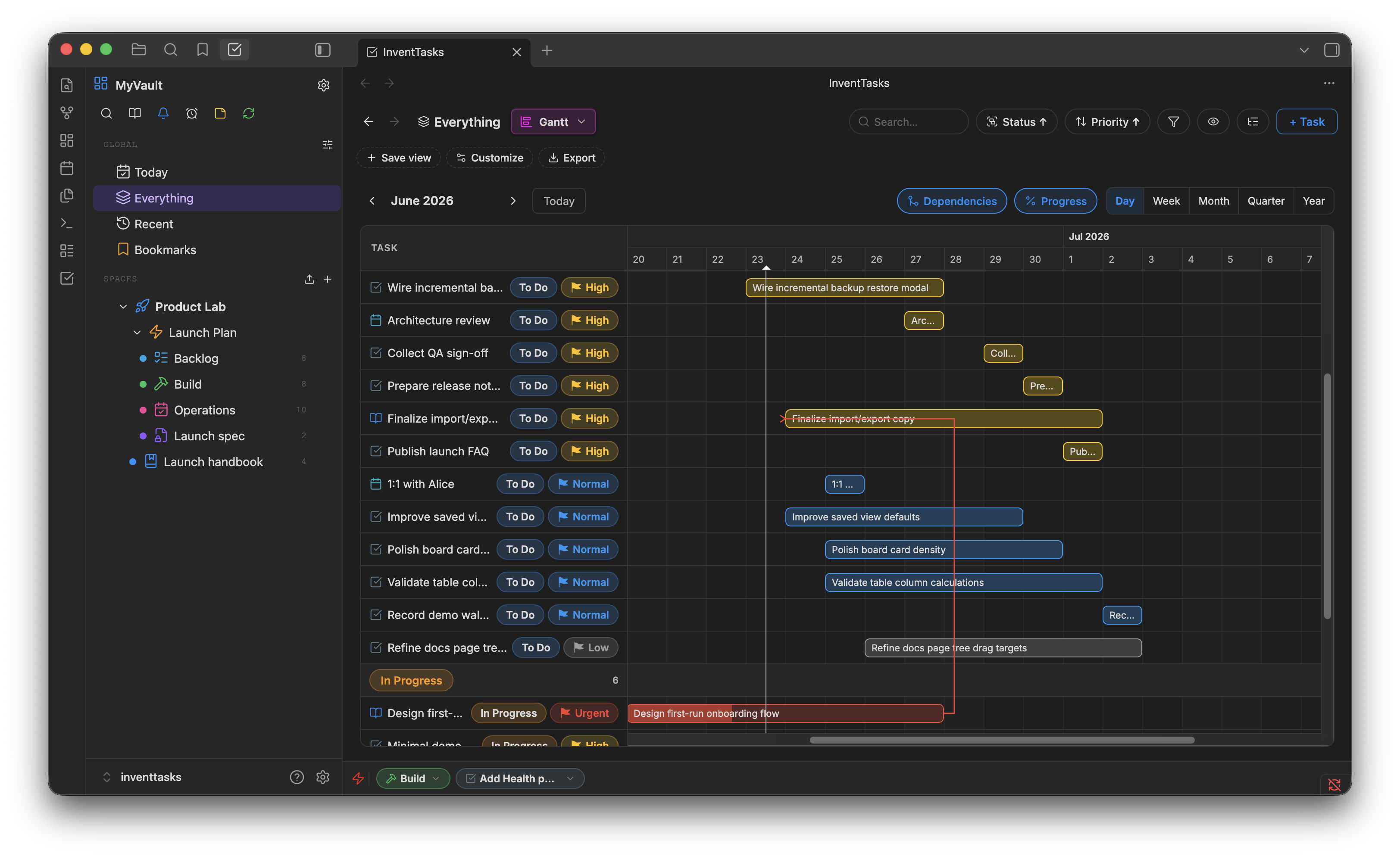
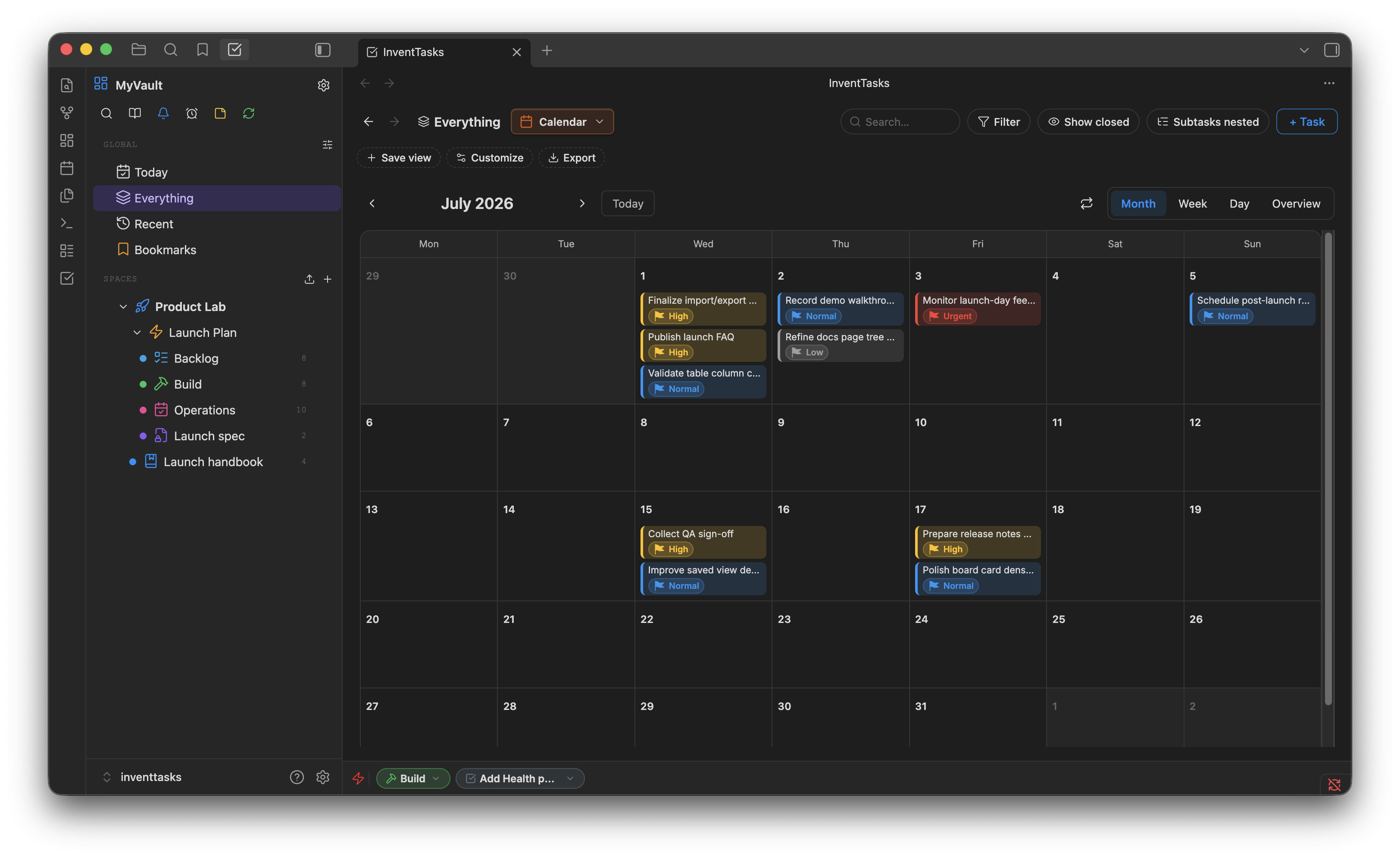
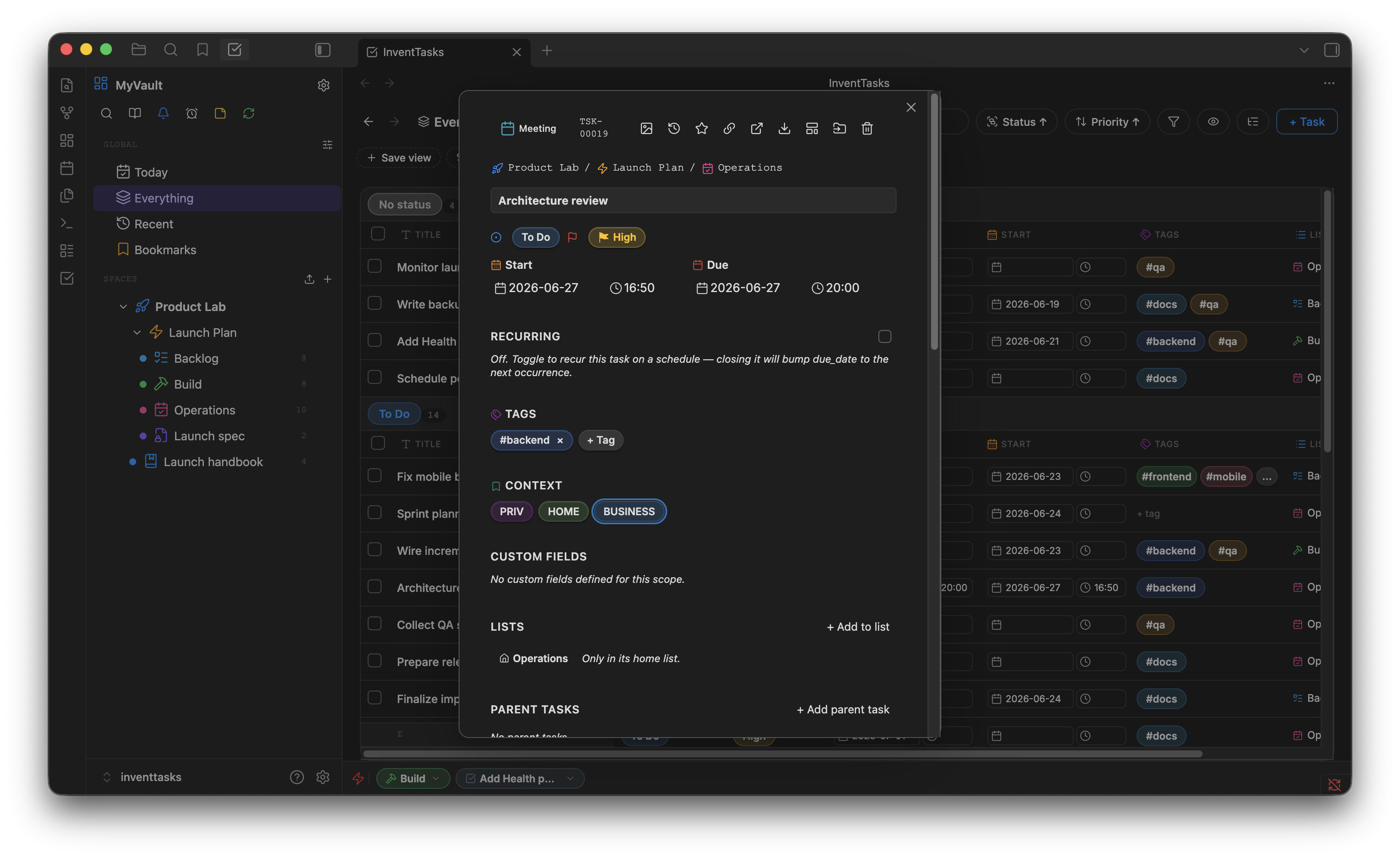
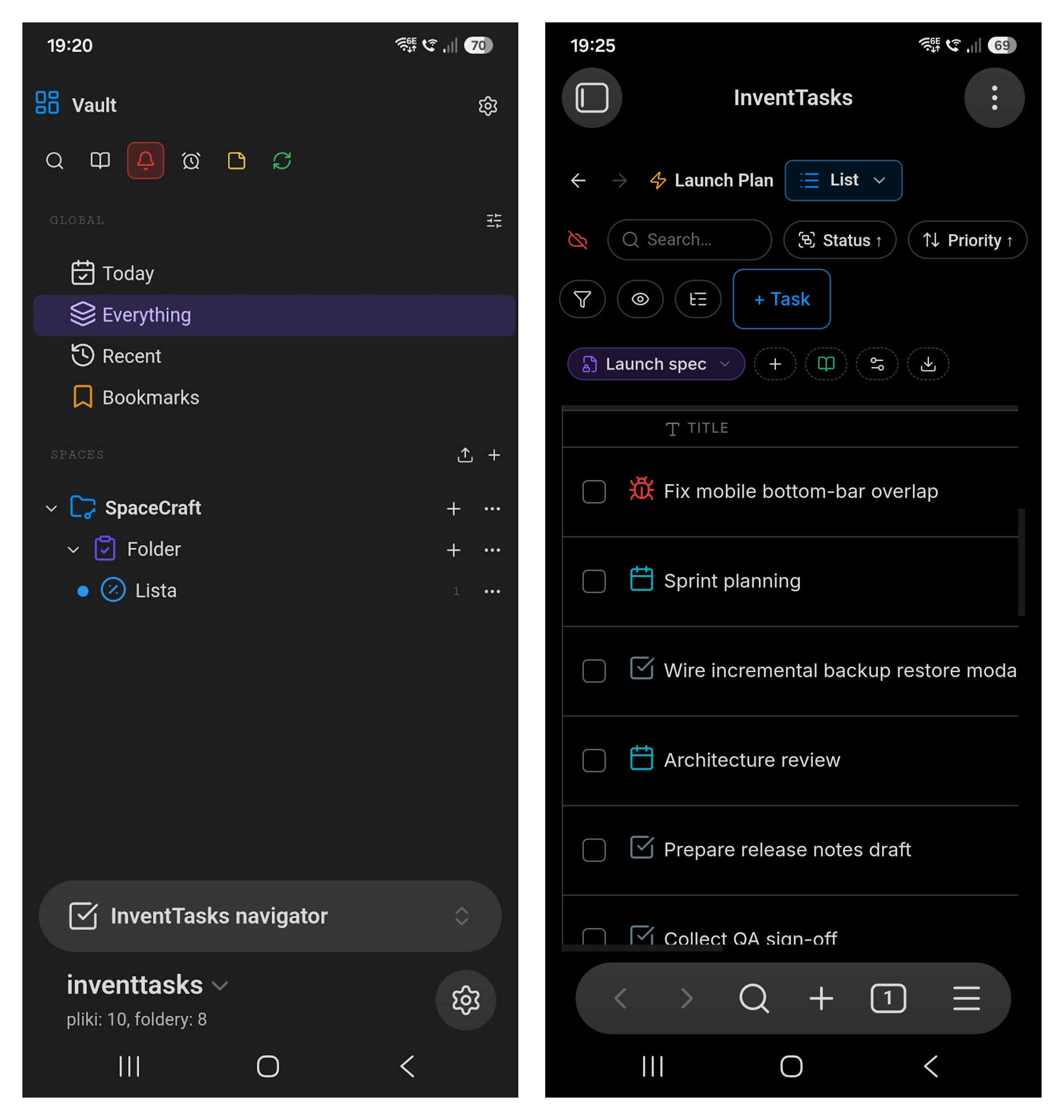
Project and task management inside Obsidian — boards, lists, custom fields, dependencies and an optional self-hosted sync server. Everything lives in your vault as plain Markdown files.
Website and documentation: https://inventtasks.solidinvent.pl
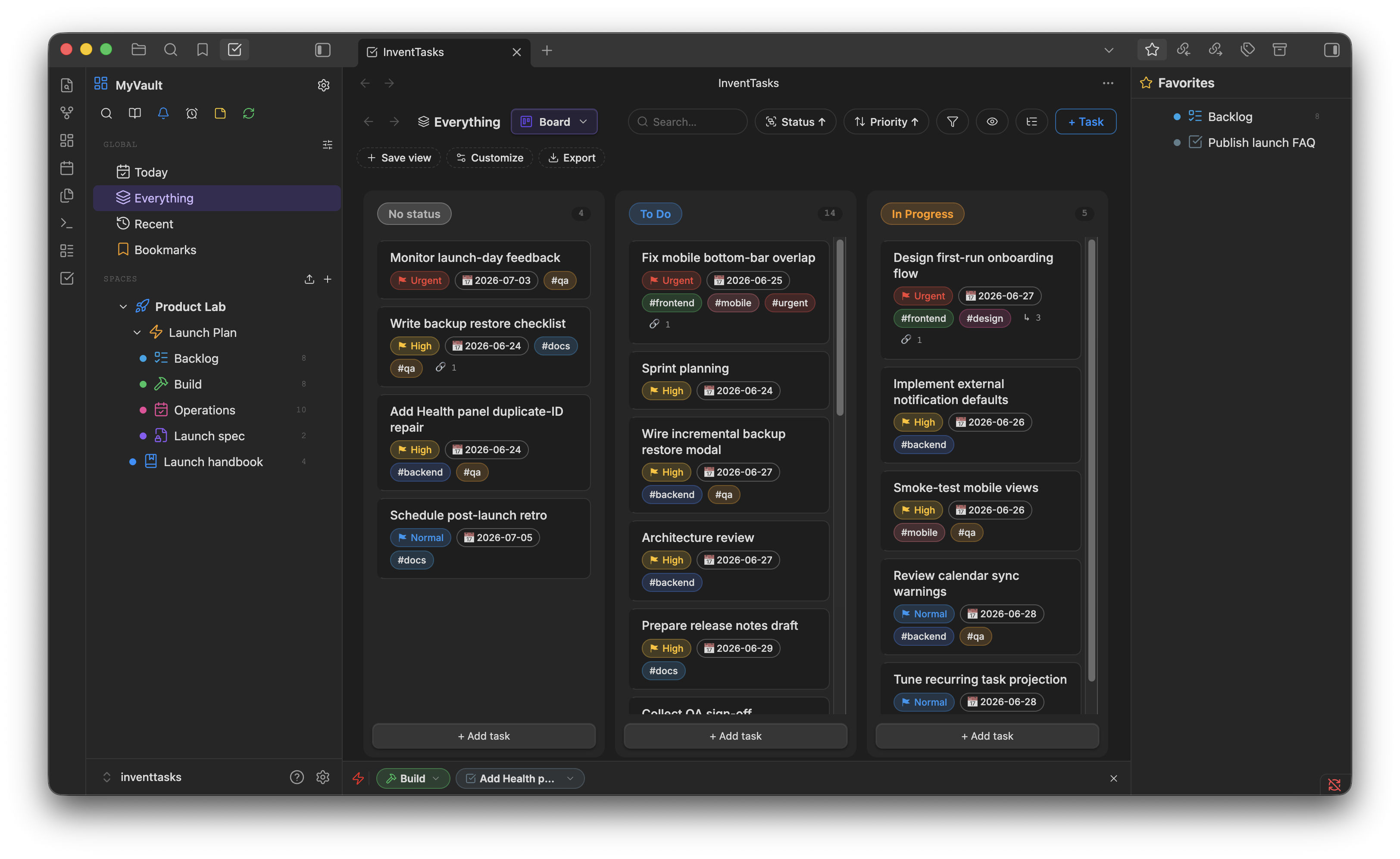
| List | Gantt |
|---|---|
 |
 |
| Calendar | Item |
 |
 |
This repository holds the plugin's source code and its releases. InventTasks is source-available, not open source: you can read the code, audit what it does and build it for your own use, under the EULA. Each release adds one commit with the source it was built from. The same plugin files are also available directly from the website.
Building from source: npm ci && npm run build produces main.js.
Install
From Obsidian
InventTasks is in Obsidian's community directory: Settings → Community plugins → Browse, search for InventTasks, then Install and Enable. Updates come the same way as for any other plugin.
Manual
- Download
inventtasks.zipfrom the latest release. - Unzip it into
<vault>/.obsidian/plugins/— the archive contains theinventtasks/folder. - Restart Obsidian, then enable InventTasks under Settings → Community plugins.
Installing on mobile? INSTALL.md inside the zip covers it.
With BRAT
BRAT installs the plugin from this repository and keeps it updated automatically:
- Install BRAT from Obsidian's community plugins.
- Add beta plugin →
solidinvent-dev/inventtasks.
Each release also carries main.js, manifest.json and styles.css as loose
files, which is what BRAT reads.
Versions
Every release is tagged and stays available, so you can roll back. The latest release is always the current version.
Free, or one lifetime license
- Free — every feature and view works, within capacity limits (one Space, five Lists, fifty open tasks).
- Lifetime license — one payment lifts the limits for good. No subscription, no renewals.
Prices are on the website.
Disclosures
- Payment. Full capacity requires a lifetime license (one payment, sold through Paddle). No account is needed: a license is an email address and a key, checked on your device.
- Network use. Without a license and without anything configured, the
plugin makes no network requests. Each connection below happens only in the
situation described:
- License standing check — once a day, only after a license is activated, the plugin asks SolidInvent's license endpoint whether the license is still valid. It sends the license email encrypted to SolidInvent's key and a proof derived from the key, never the key itself and never vault content. This is how a refunded or leaked license is revoked. Being offline never suspends a license: when you are back online, one check runs, however long you were away.
- Sync server and Vault sync — only if you configure them; they connect to the server you run.
- CalDAV calendar sync — only if you enable it; it connects to the calendar server you enter.
- ntfy push notifications — only if you enable them; they go to the ntfy server you choose (ntfy.sh by default).
- HTML export — images embedded in the exported items are downloaded from where they are hosted, so the exported file is self-contained.
- Server-side telemetry. The license endpoint records a SHA-256 hash of the license email, the request's IP address and the time, to detect a license shared beyond its owner. Nothing else is collected; there is no client-side telemetry, analytics or advertising. Details: Privacy Policy.
- Files outside the vault. None. Backups are written to the plugin folder or inside your workspace.
Support
Open an issue here, or write to [email protected].