
README file from
GithubE-ink
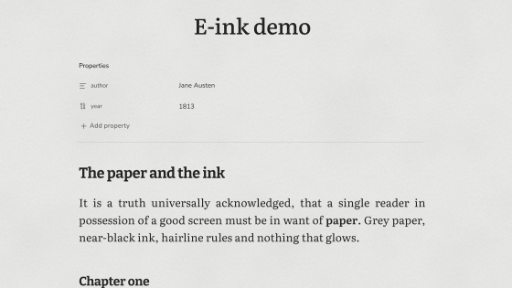
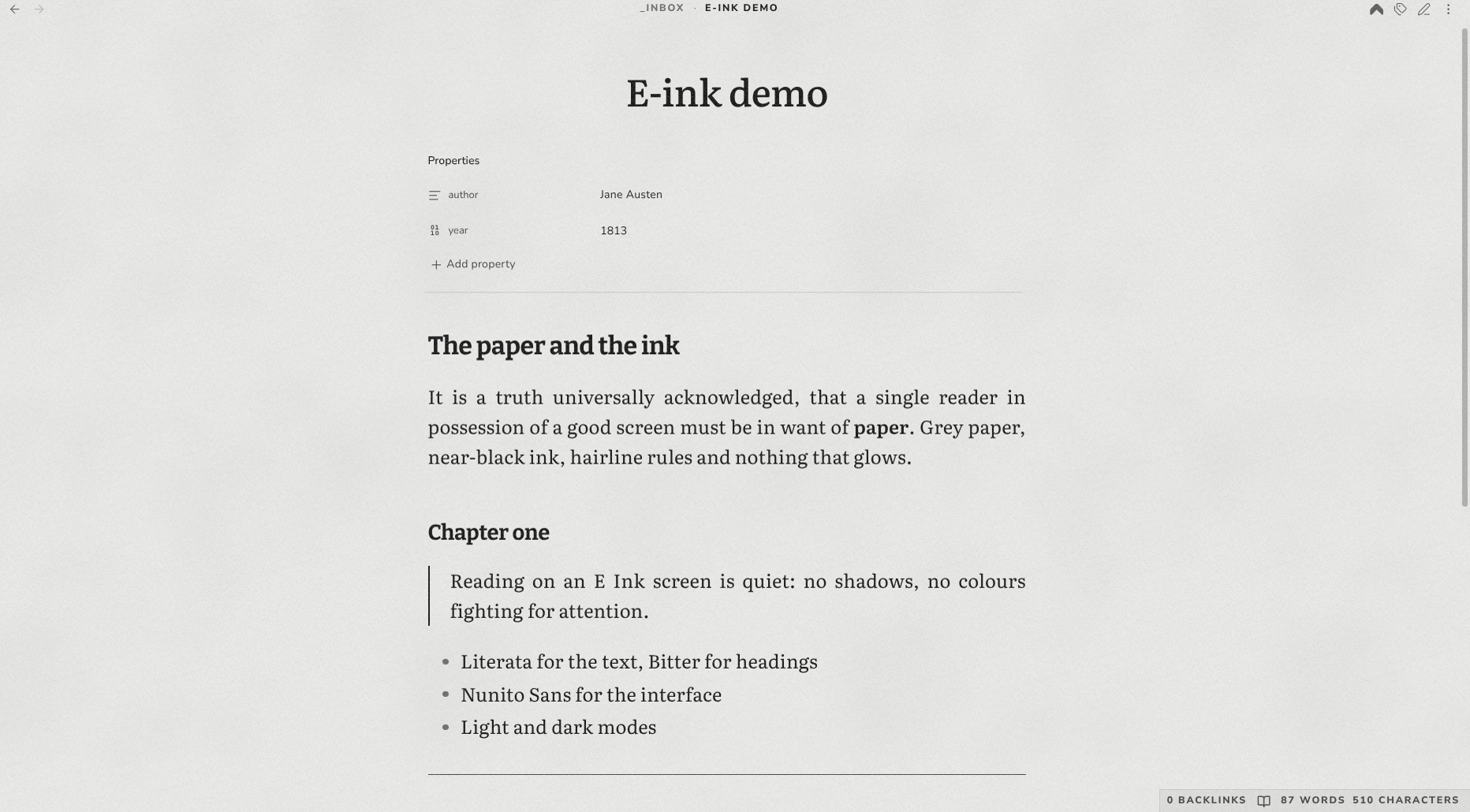
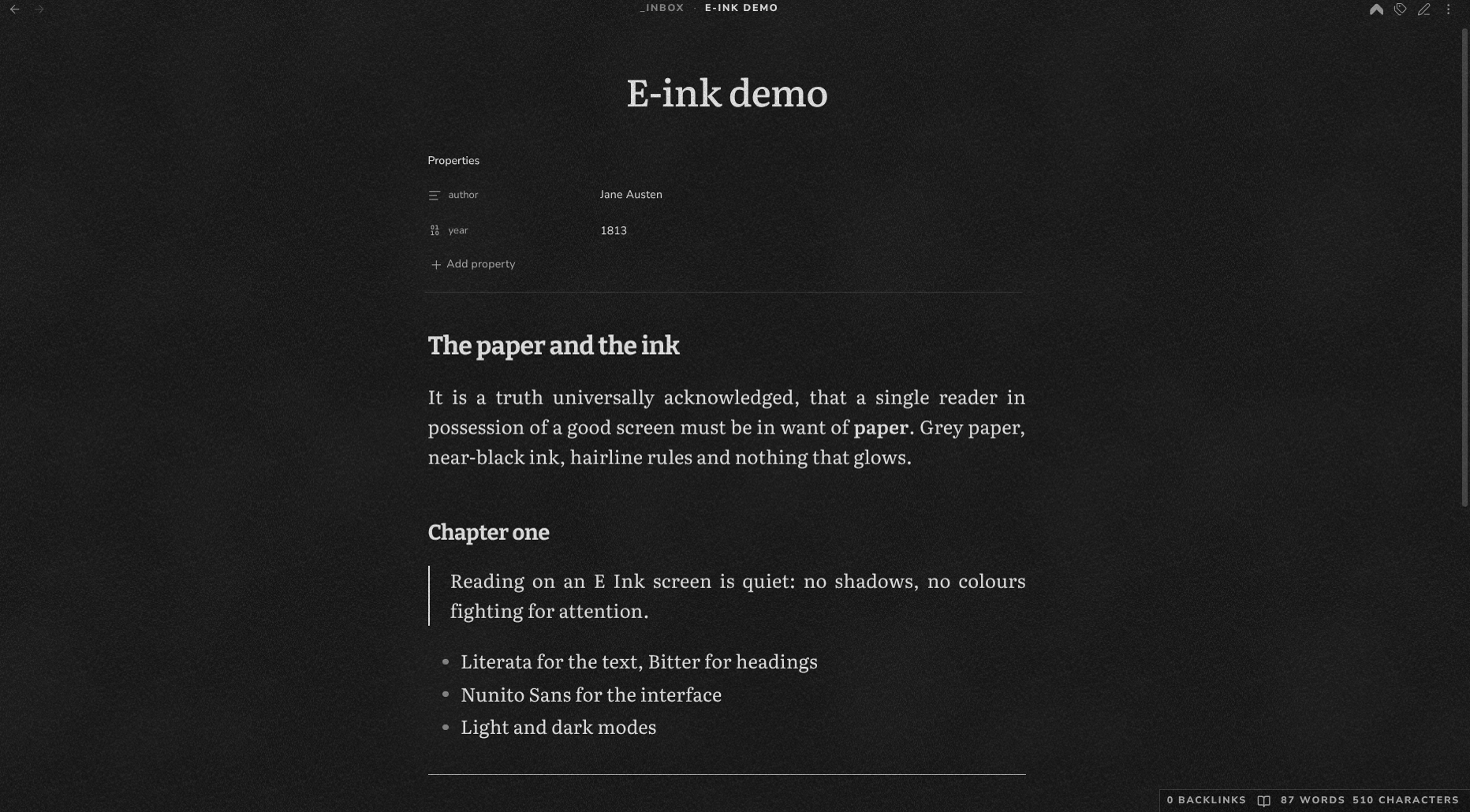
A calm reading theme for Obsidian that looks like an E Ink screen: neutral grey paper, near-black ink, hairline rules instead of shadows, and no animations.
Features
- Light and dark modes.
- Literata for the text (17px, line height 1.6), Bitter for headings, Nunito Sans for the interface.
- No shadows or depth: hairline borders, a plain property list and a hairline thematic break.
- Running header and footer in spaced small caps.
- Paper texture: uneven panel blotches and light ink speckles, like a real E Ink screen. Optional fine grain and paper fibres.
- Instant refresh: transitions are turned off, like turning a page on an e-reader.
- Works offline: the fonts are embedded in the theme, so it makes no network requests.
Installation
In Obsidian, open Settings → Appearance → Themes → Manage, search for E-ink, then select Install and use.
Customise the texture
Install the Style Settings plugin, then open Settings → Style Settings → E-ink. Each layer (Blotches, Ink, Grain, Fibres) can be turned on or off, with its own intensity for light and dark mode, plus one size slider for all of them.
Without Style Settings the theme uses the defaults: Blotches and Ink on, Grain and Fibres off.
License
MIT. The embedded fonts Literata, Nunito Sans and Bitter are licensed under the SIL Open Font License 1.1.