
README file from
Github🖥️ Vintage Computer
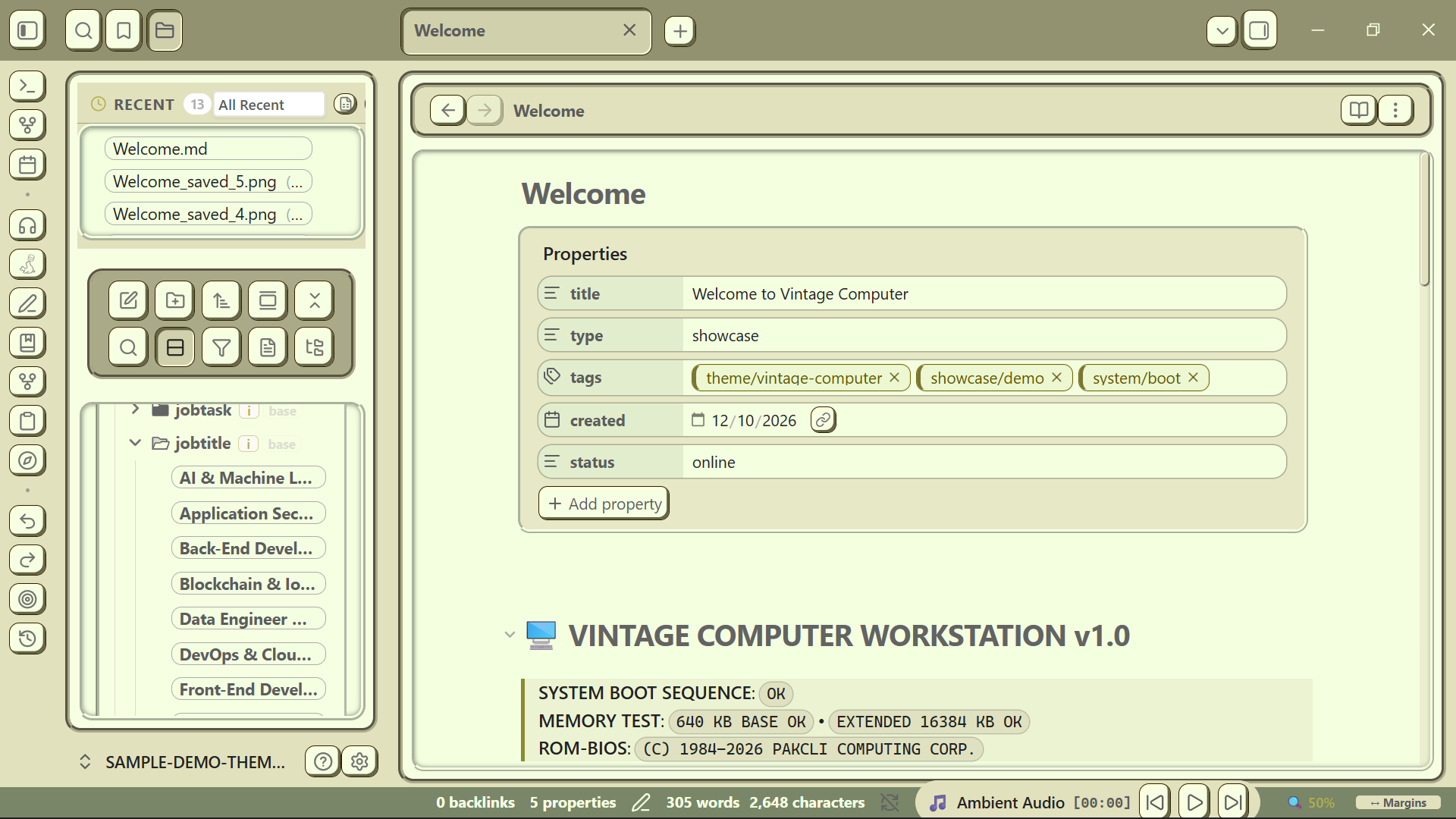
A tactile, retro-computing inspired theme for Obsidian.
Vintage Computer brings back the soul of classic computing, retro workstations, and early graphical user interfaces into modern note-taking. Built with tactile window borders, CRT phosphor tones, mechanical-era typography, and an intelligent adaptive multi-row toolbar for fluid workspace productivity.
✨ Highlights
- 📺 Classic Computing Aesthetic: Tactile window frames, nostalgic UI controls, and authentic retro workstation vibes.
- 🎛️ Adaptive Multi-Row Toolbar: Editing toolbars dynamically wrap across multiple rows without clipping or awkward overflow.
- 🎨 Dynamic OKLCH Color Engine: Pick your primary accent, and the theme automatically computes harmonious vintage palettes.
- 👁️ Distraction-Free Focus: Clean workspace layout, vintage callouts, and retro-inspired typography.
- ⚙️ Style Settings Ready: Deeply configurable toggles for borders, shadows, scanlines, and buttons via the Style Settings plugin.
🚀 Installation
Via Obsidian Community Themes (Recommended)
- In Obsidian, open Settings > Appearance > Themes.
- Click Manage and search for
Vintage Computer. - Click Install and use.
Via Obsidian Community Themes (Recommended)
- In Obsidian, open Settings > Appearance > Themes.
- Click Manage and search for
Vintage Computer. - Click Install and use.
Manual Installation
- Download
manifest.jsonandtheme.cssfrom the Latest Release. - In your Obsidian vault, navigate to
.obsidian/themes/. - Create a new folder named
Vintage Computer. - Place
manifest.jsonandtheme.cssinside that folder. - In Obsidian, go to Settings > Appearance > Themes and select Vintage Computer.
📄 Attribution & Acknowledgments
Vintage Computer is maintained by pakcli and was originally forked from Retroma by emarpiee.
Special thanks to the original creator emarpiee for the foundational architecture and styling system.
📜 License
This project is licensed under the MIT License.