
README file from
Githubminilite
An Apple-inspired, minimal Obsidian theme.
Install
- Copy this folder (
minilite) into<Vault>/.obsidian/themes/. - In Obsidian, open Settings → Appearance → Themes and choose minilite.
Light and dark mode
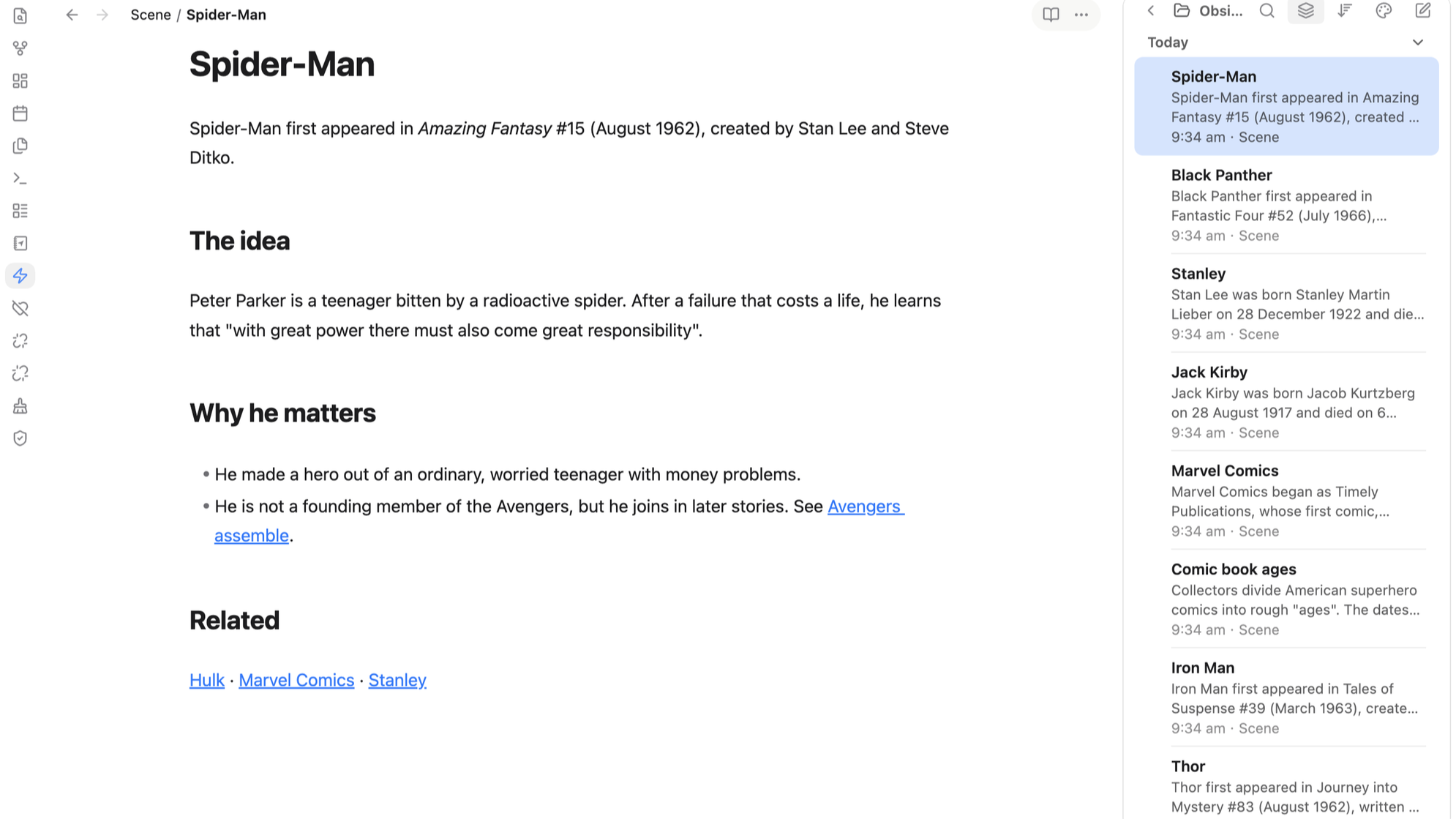
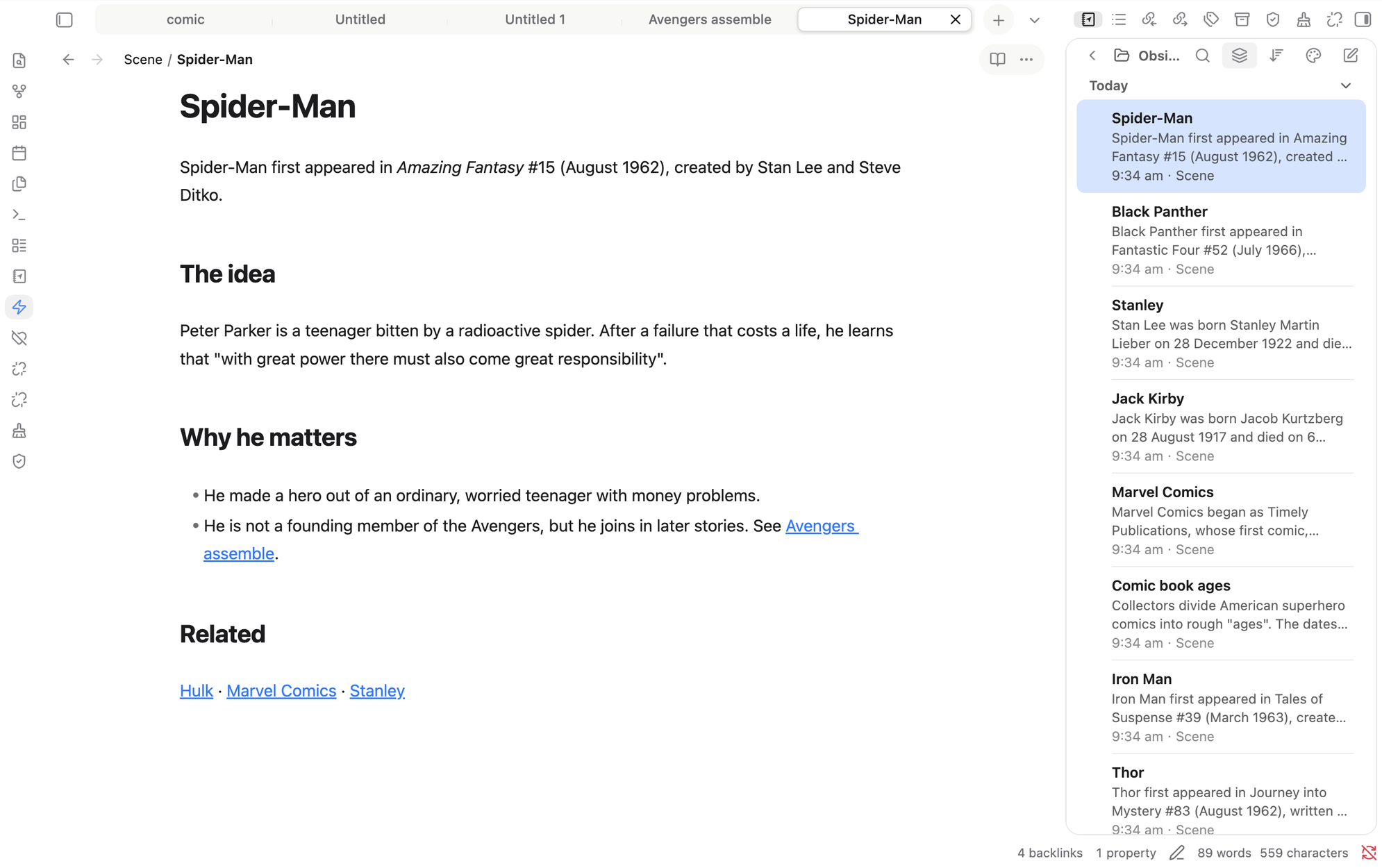
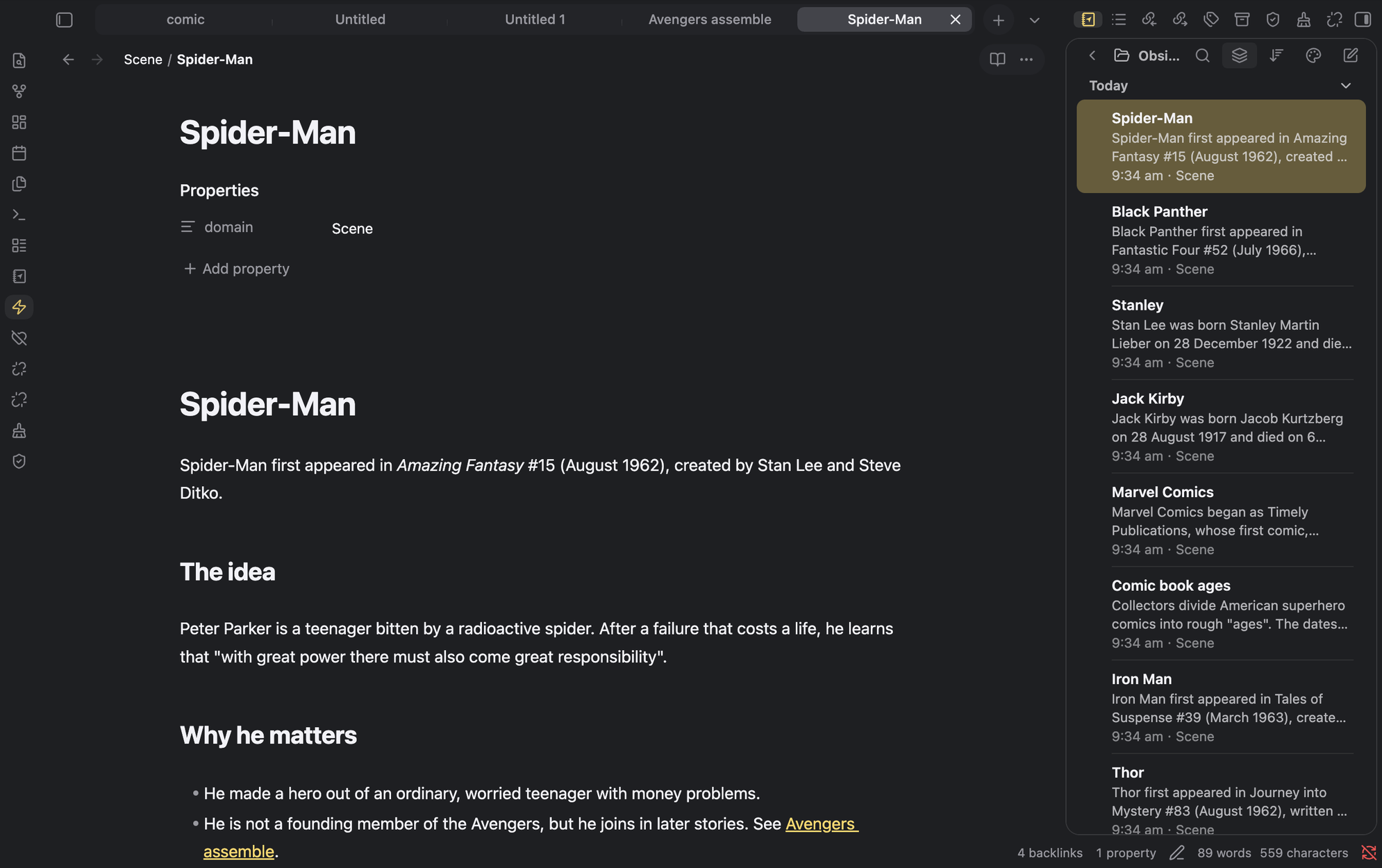
Settings → Appearance → Base color scheme: choose Light, Dark, or Adapt to system.
- Light: Finder blue (
#007aff) accent, transparent sidebar panels, milk-white tab strip. - Dark: Notes yellow (
#ffd75e) accent, transparent sidebar panels.
Accent colours (optional)
Install the Style Settings community plugin, then open Settings → Style Settings → minilite. You can choose the default, yellow in both modes, yellow with blue links, blue, green or purple. Without the plugin the default applies.
Customising
Colours are CSS custom properties at the top of theme.css. The side panel (--ans-side-*), tabs (--ans-tab-*), breadcrumb path (--ans-crumb-*) and the reading-mode and three-dots capsule (--ans-actions-*) each have their own hover and selected colours.