
There are 349 new plugins, 1106 plugin updates and 44 new themes during the week 2026-10-04 to 2026-10-10.
You have plenty to browse. Between October 4 and October 10, the community added 349 plugins and 44 themes, alongside 1106 plugin updates. Below, you can browse newcomers ranked by daily download velocity and compare the most downloaded plugins for that week, rather than their all-time totals.
New Plugins
There are 349 new plugins: see them all at /new.
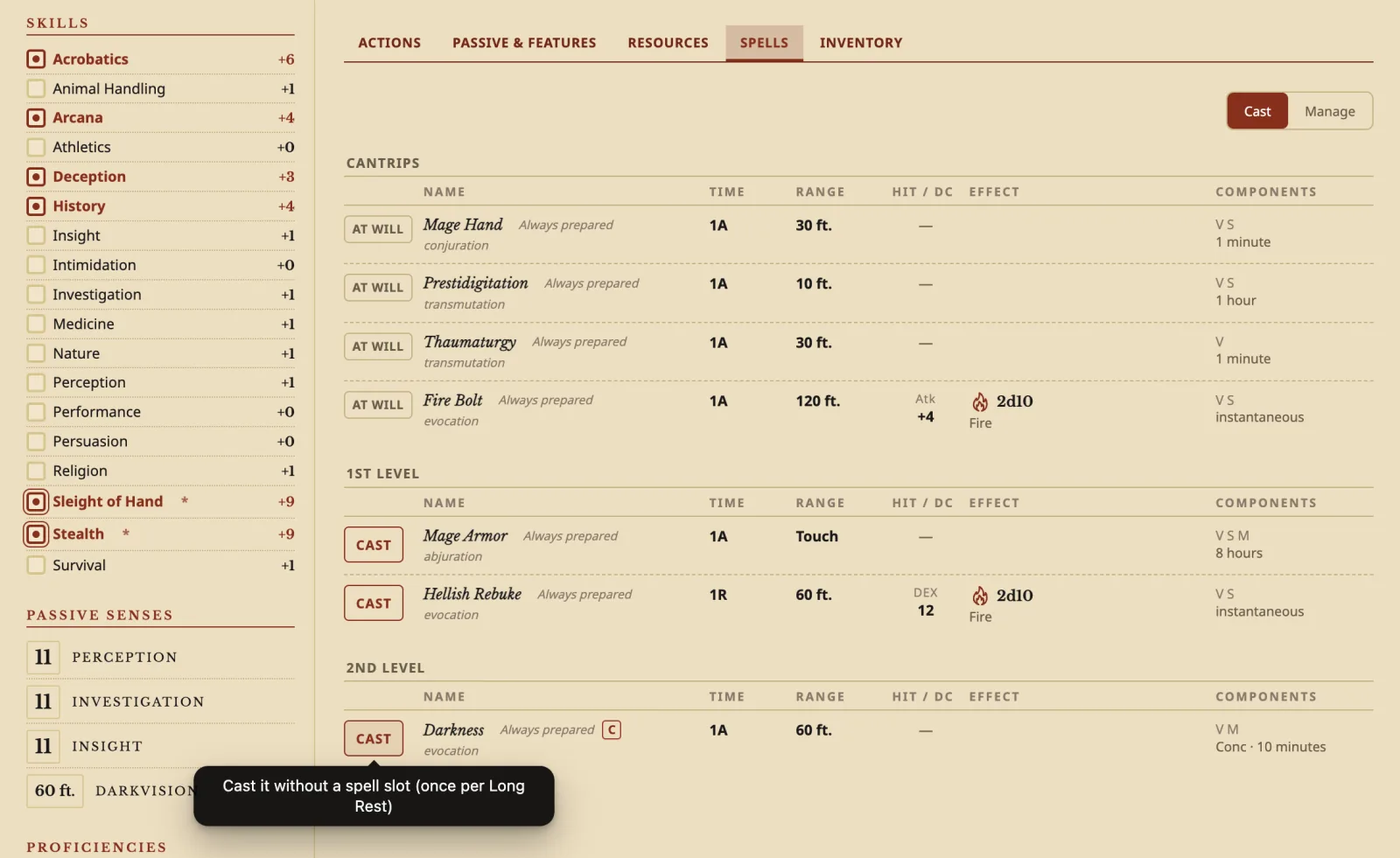
Start with what you need. Abyss Tasks keeps tasks in Markdown while adding calendar planning and time tracking, useful if you want to review where your working time went. Archivist GG brings D&D character sheets with automatic calculations into your vault, so you can keep character records alongside campaign notes. For music practice, Andante puts a metronome with timed sessions in the sidebar, letting you set a practice duration without leaving Obsidian.
1. Abyss Tasks
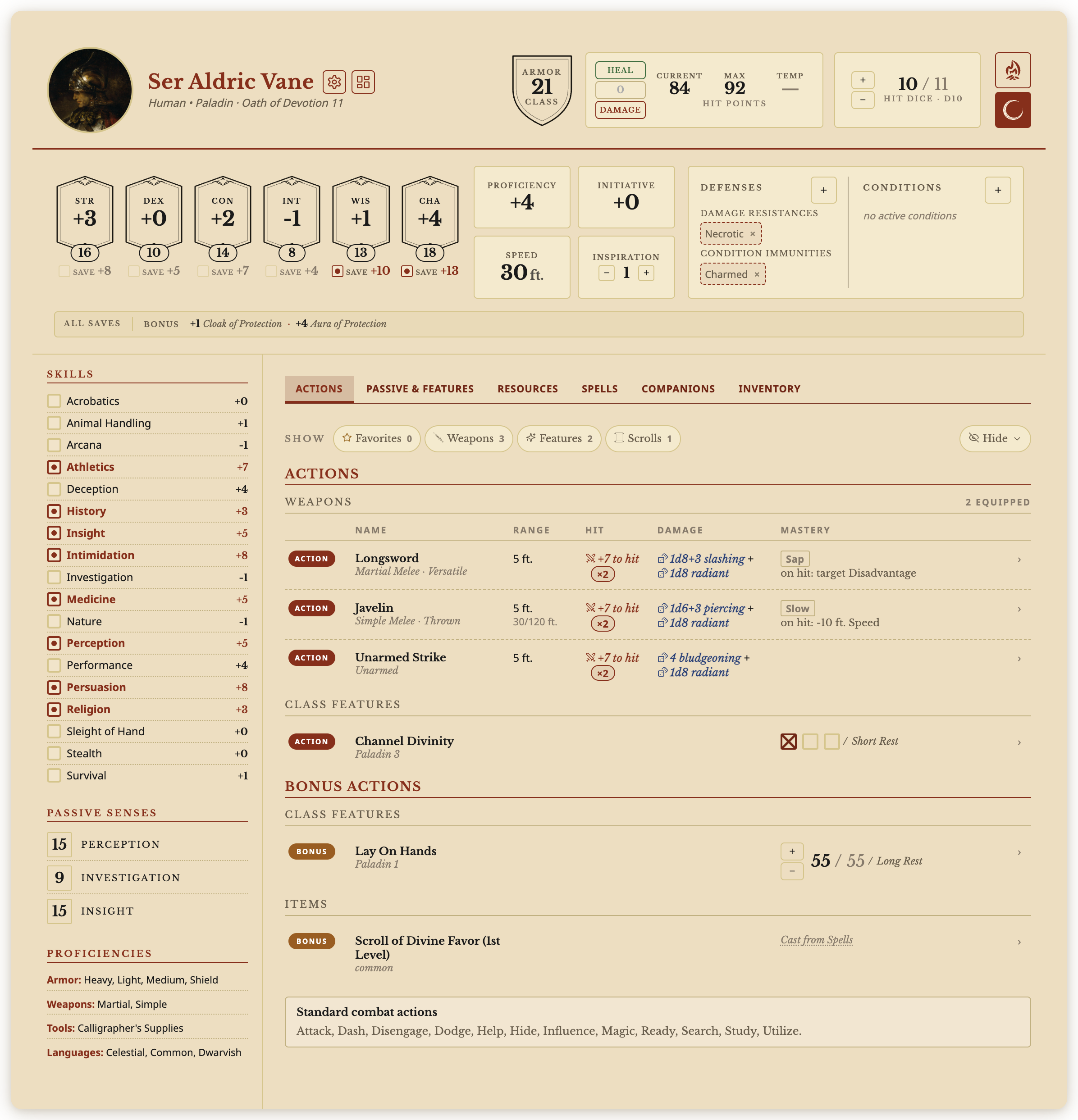
The Abyss Tasks plugin manages Markdown tasks with syntax compatible with Tasks, nested tags and projects stored as notes. A task inspector handles dates, priorities, subtasks, comments and links to notes or external references. Recurring tasks support repeat rules, while custom statuses have their own checkbox symbols and icons. Lists can be filtered, sorted and grouped by priority, date or tag, with each list retaining its view settings. Day, week and month calendars let you drag tasks into time slots and resize their blocks. Projects offer table, kanban and timeline views. Dependencies show blocked tasks and work that becomes available after prerequisites are completed. Fuzzy search includes descriptions and subtasks. A task timer records sessions, with analysis views showing daily timelines, weekly totals, time allocation and weekday and hour heatmaps.
2. Archivist GG
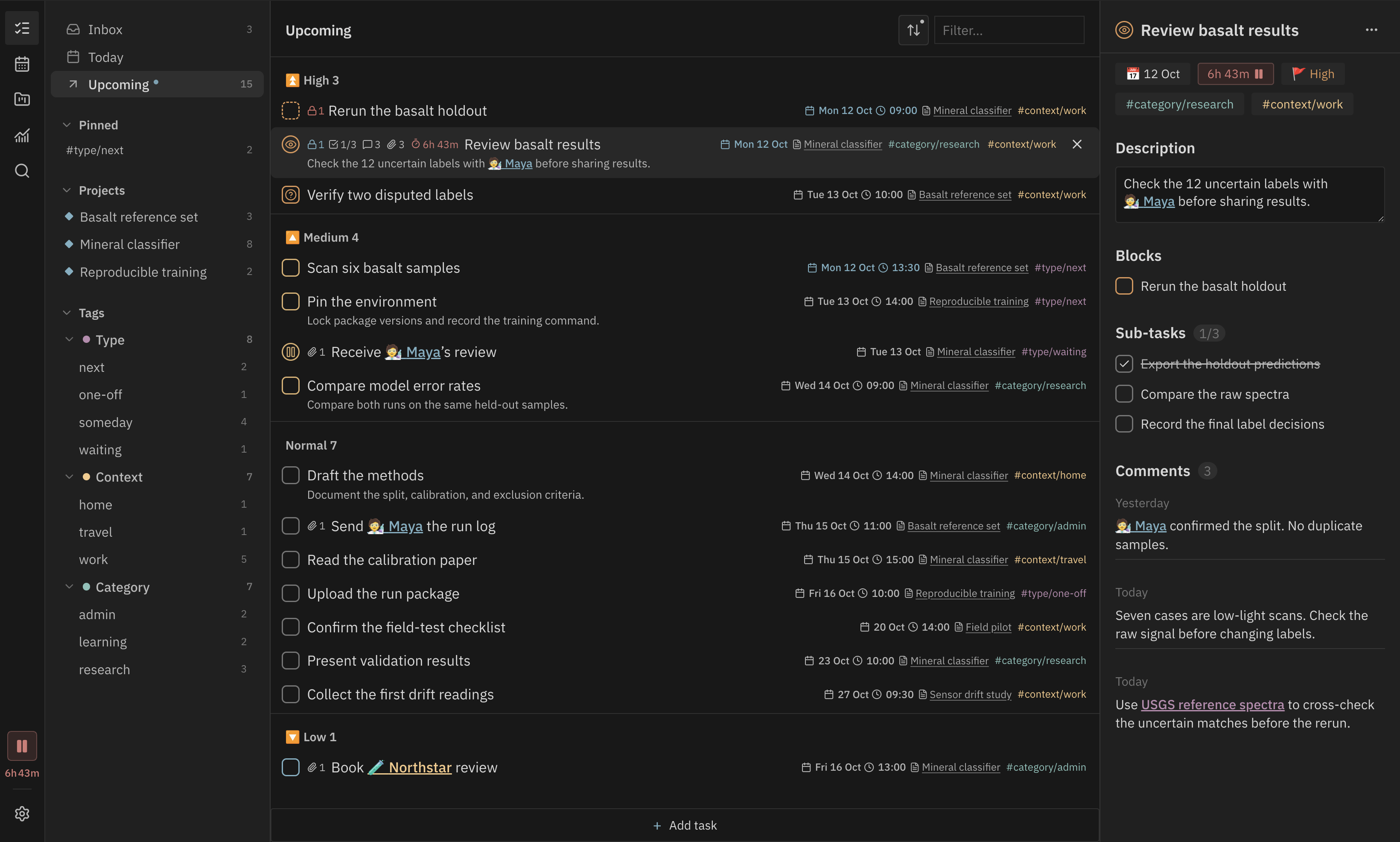
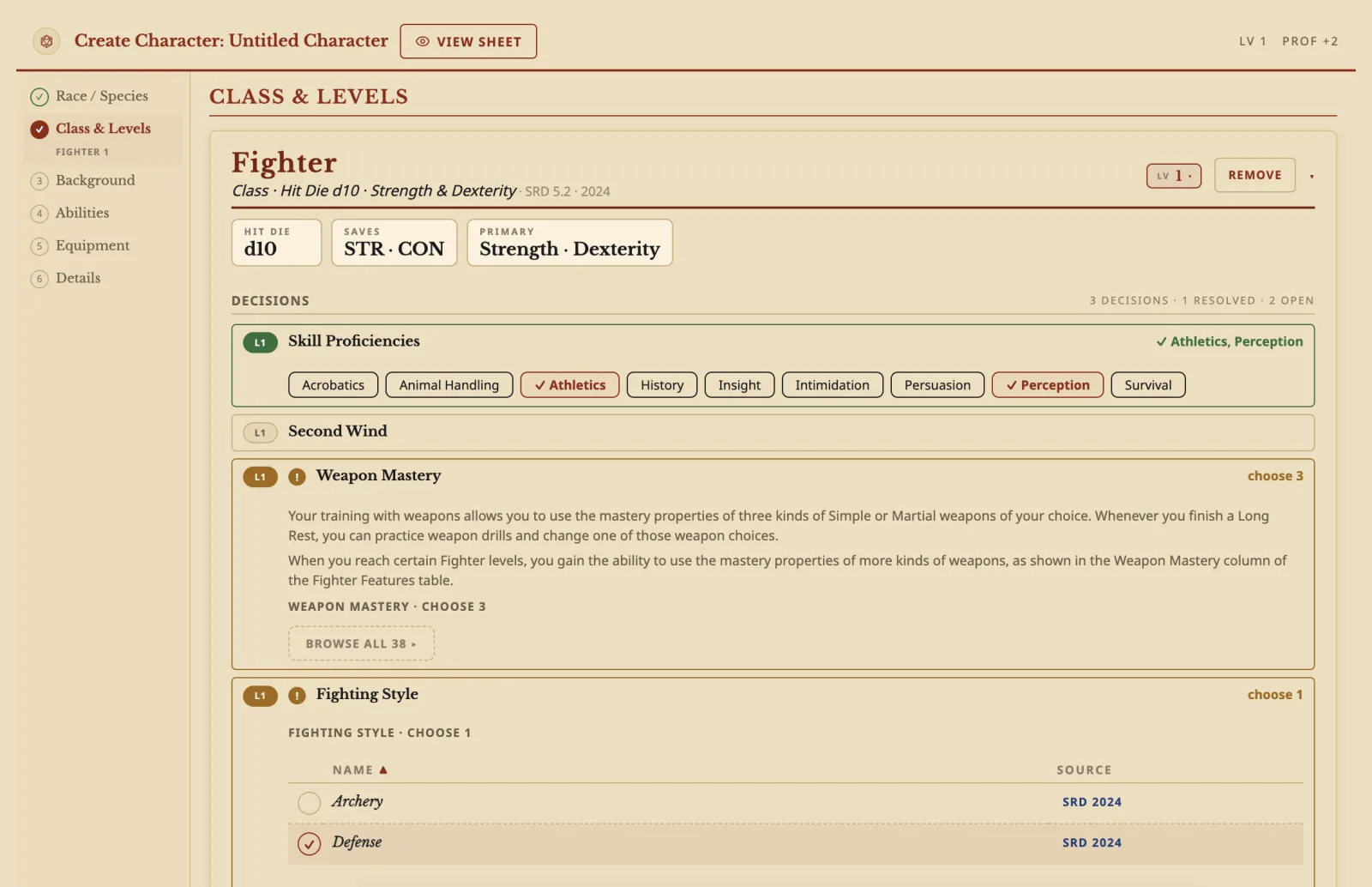
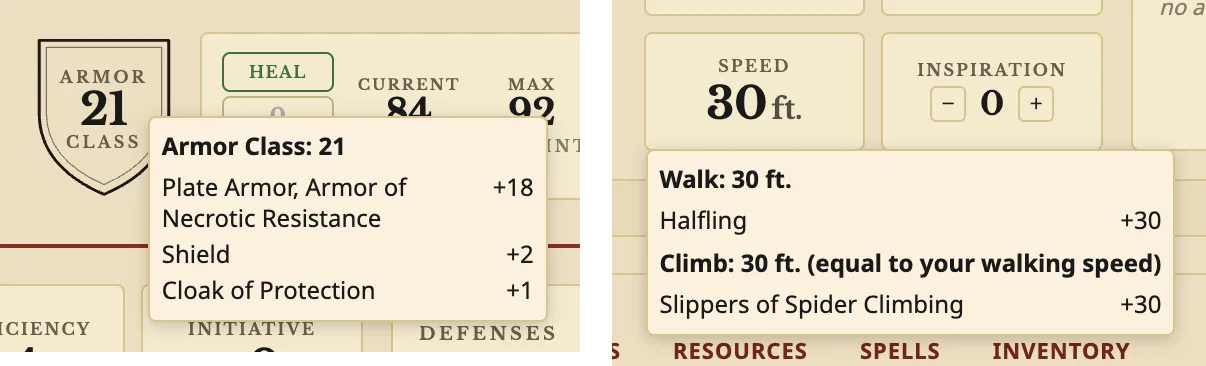
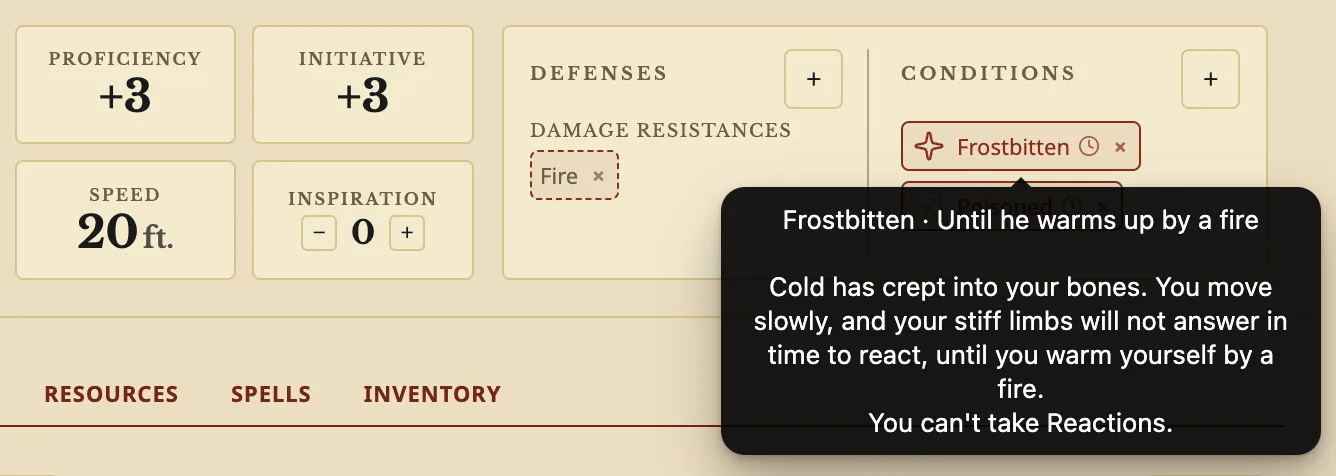
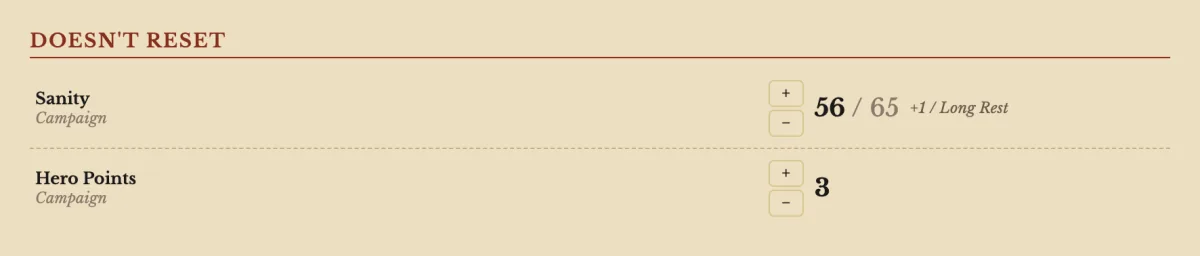
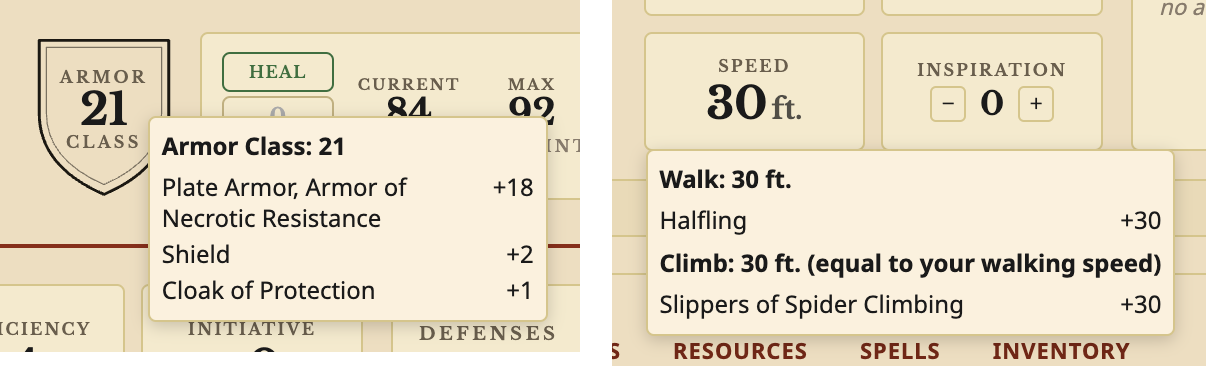
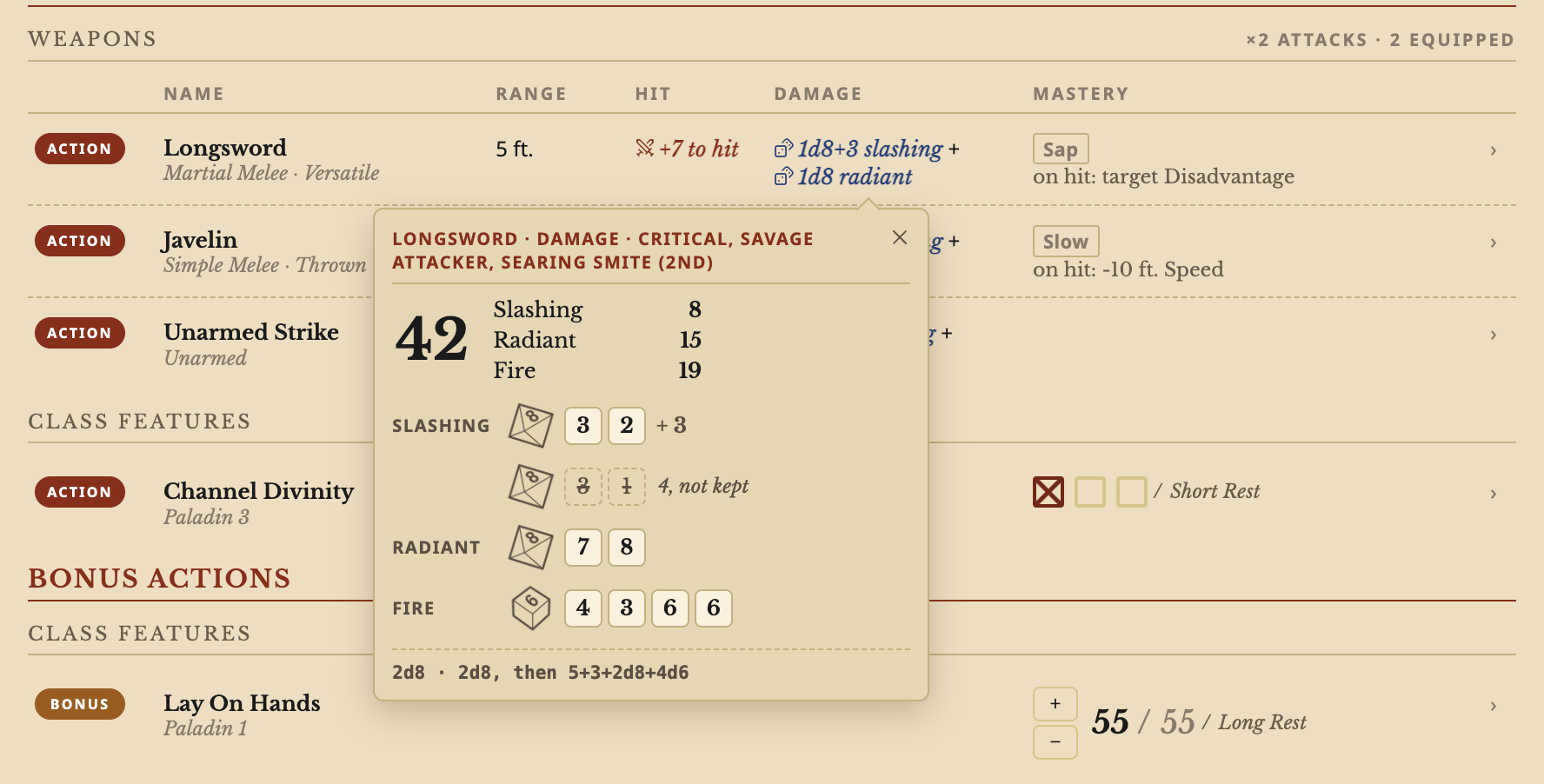
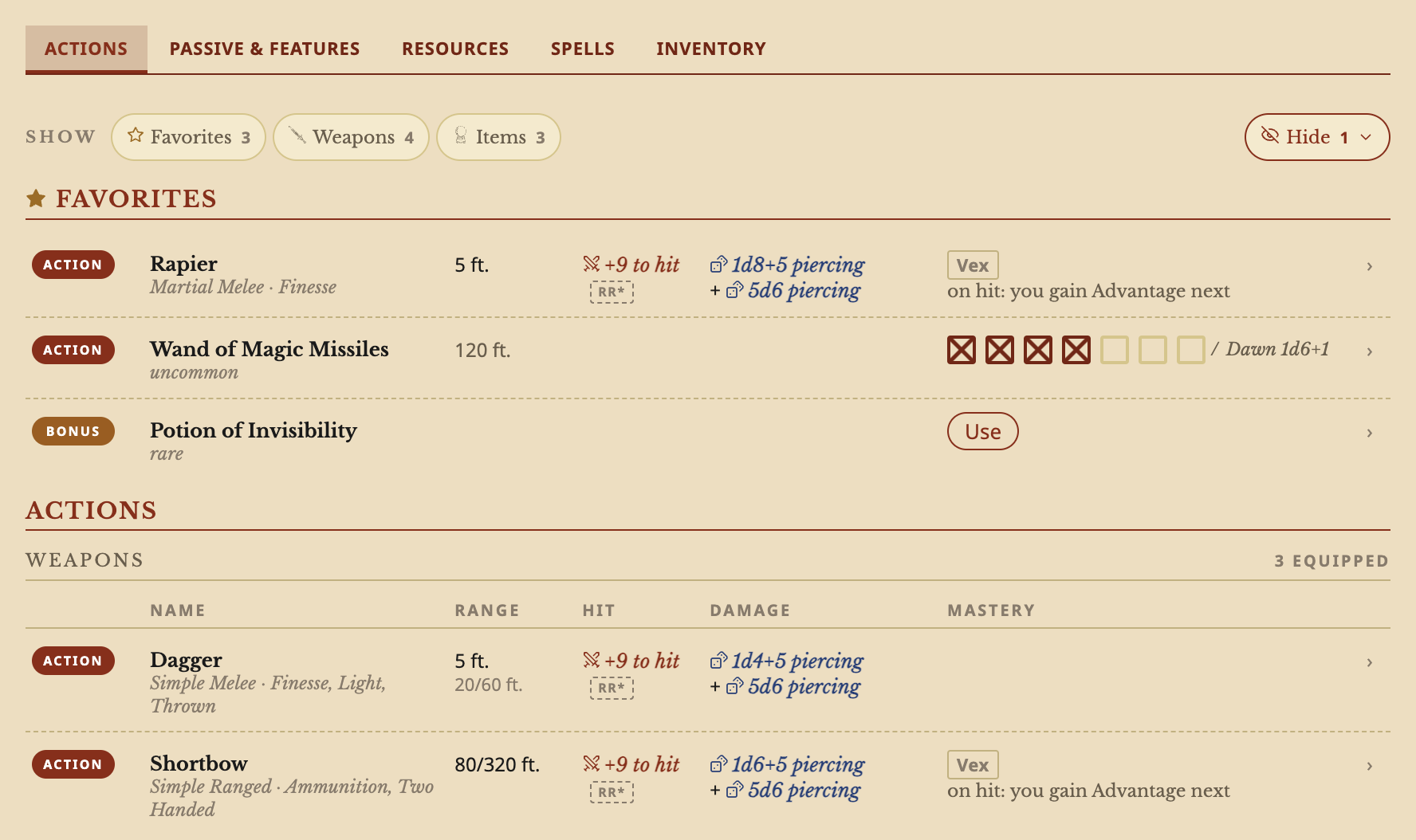
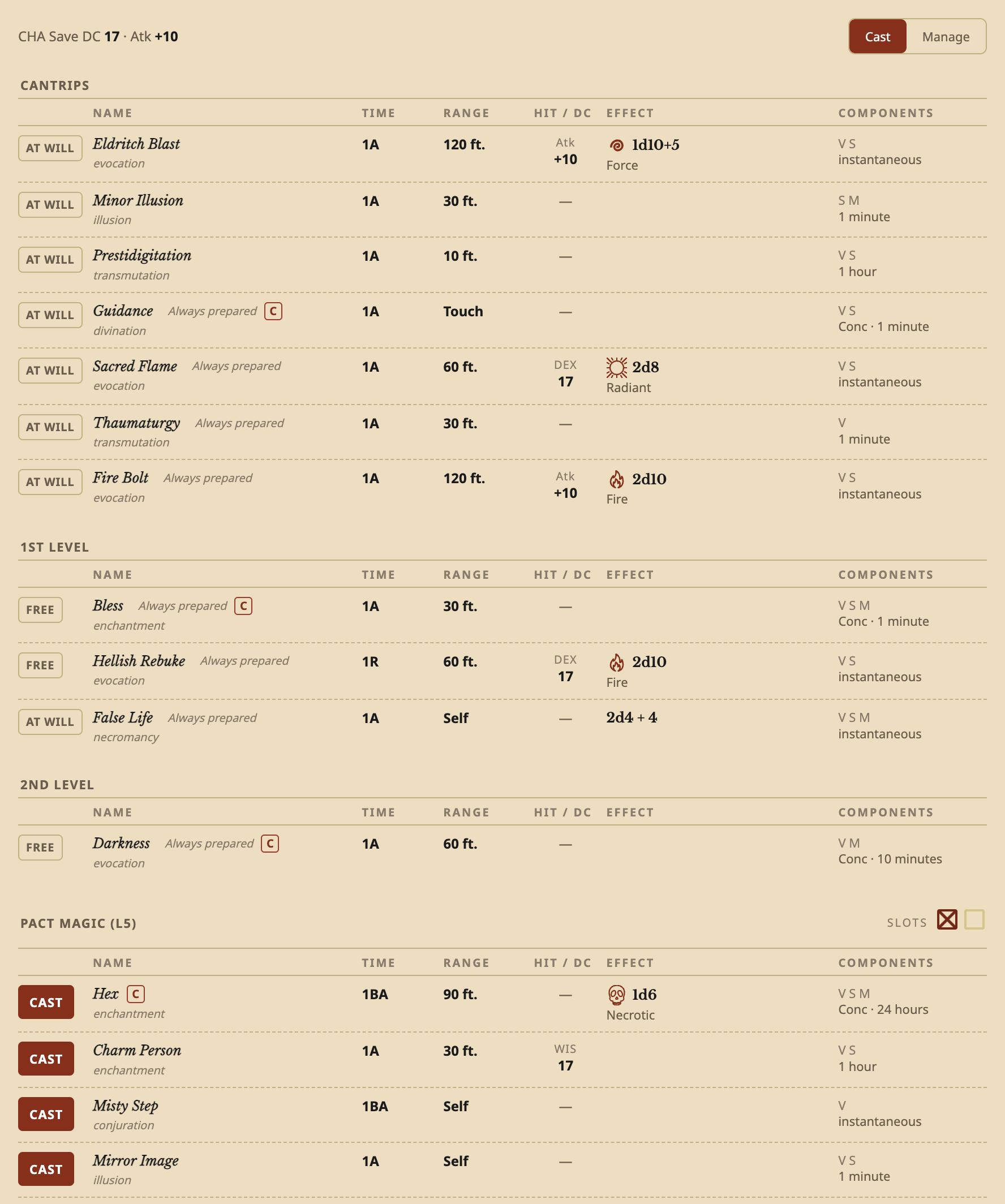
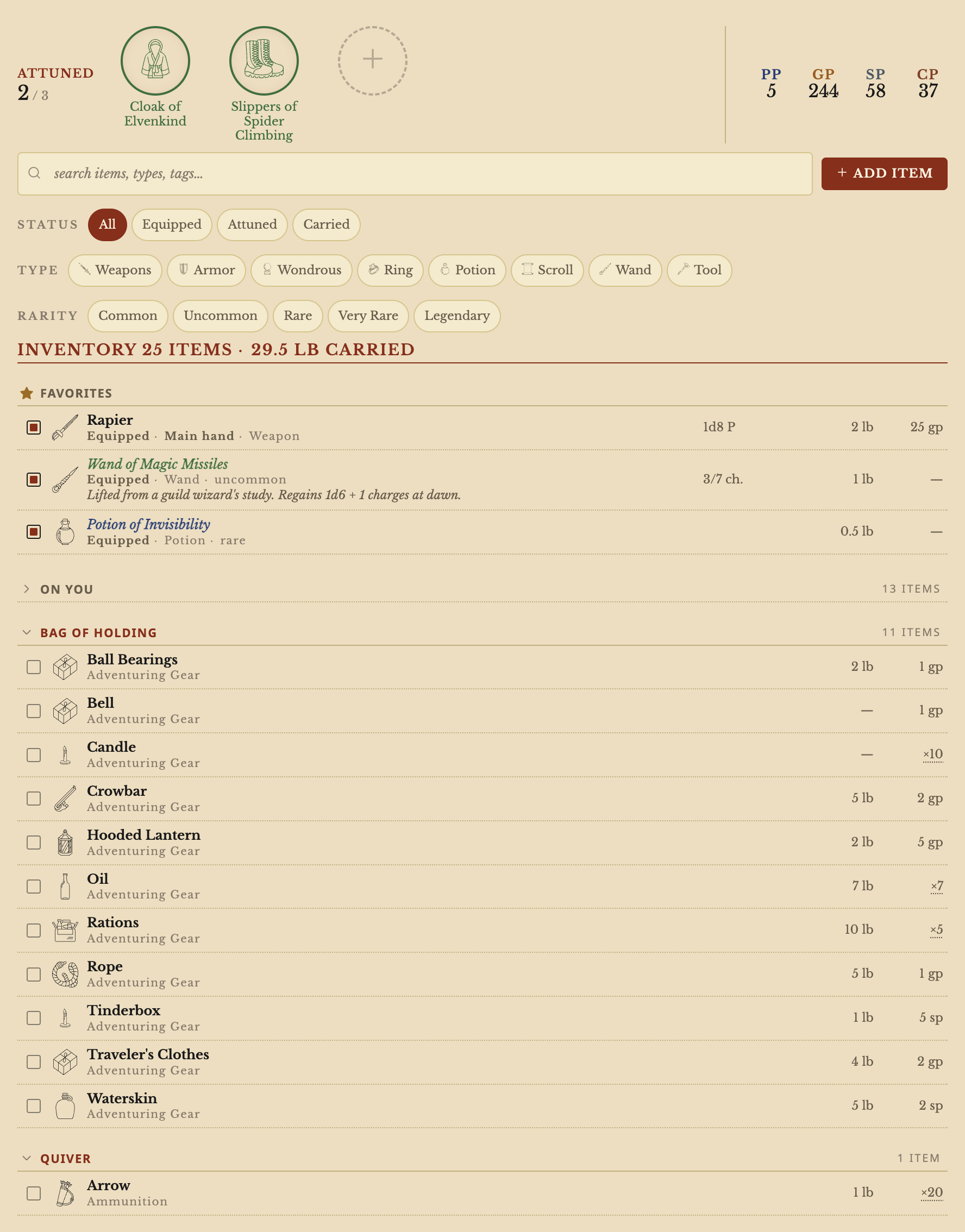
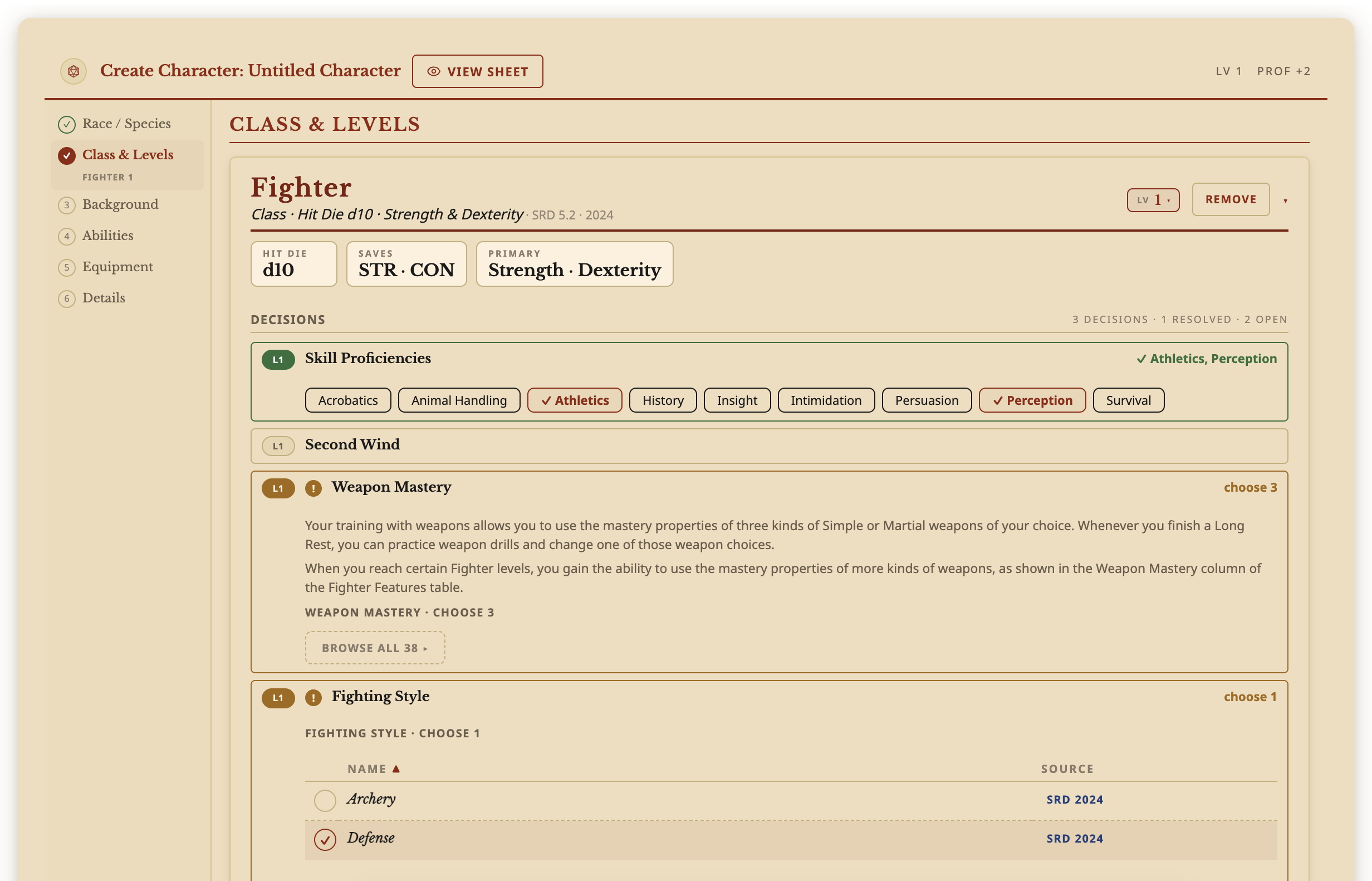
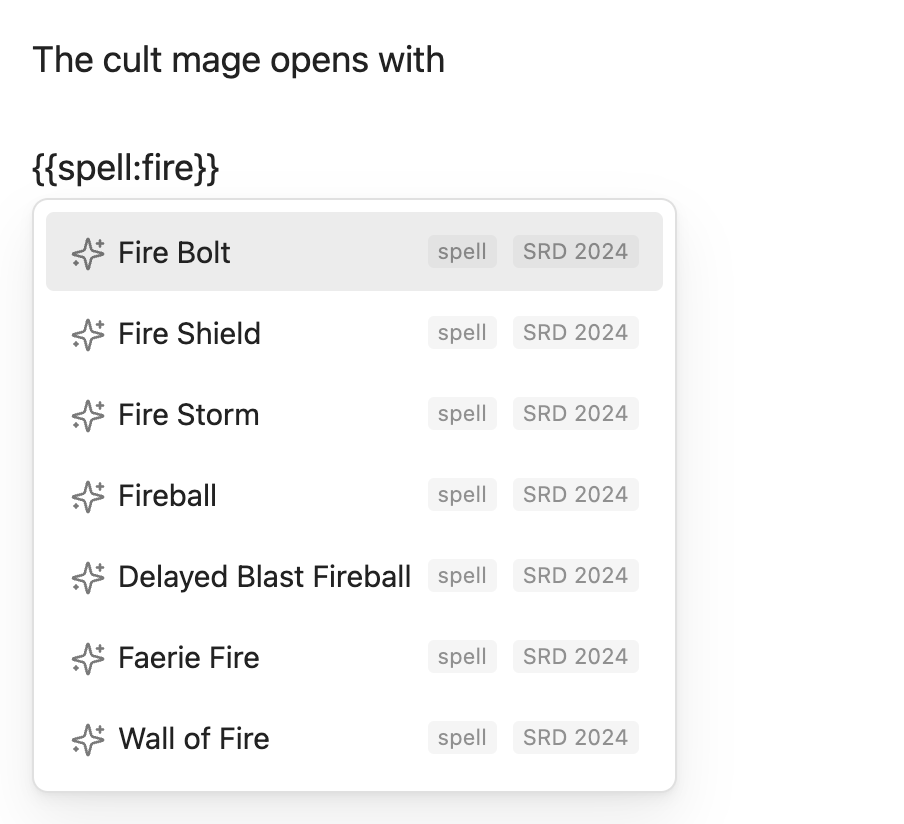
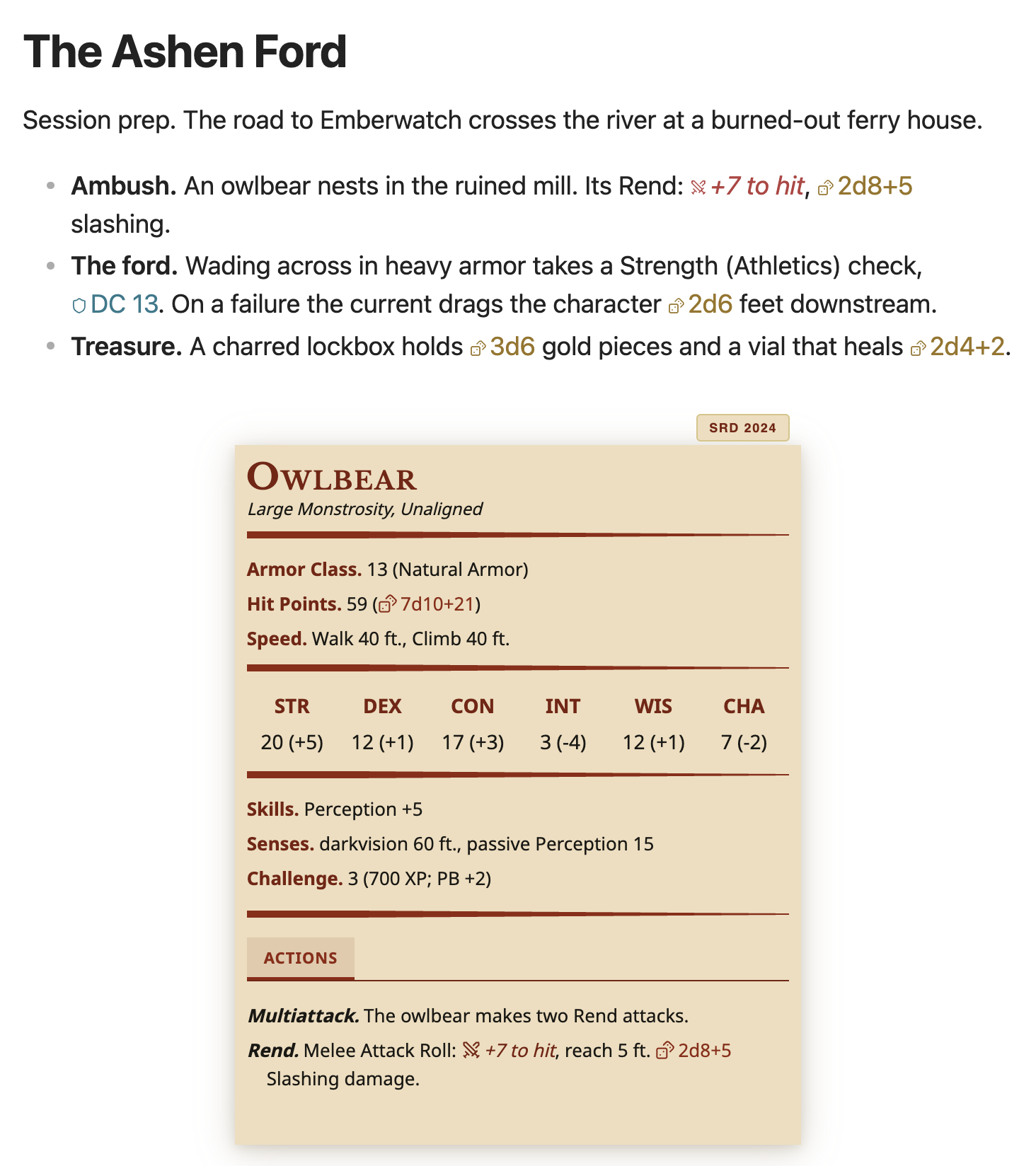
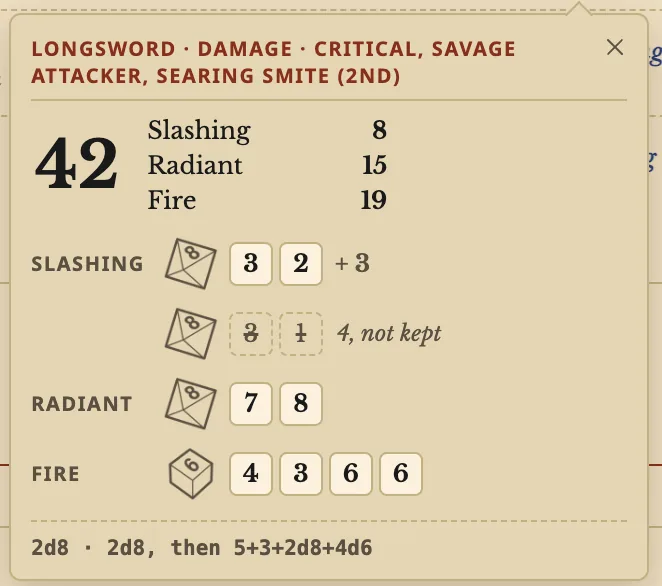
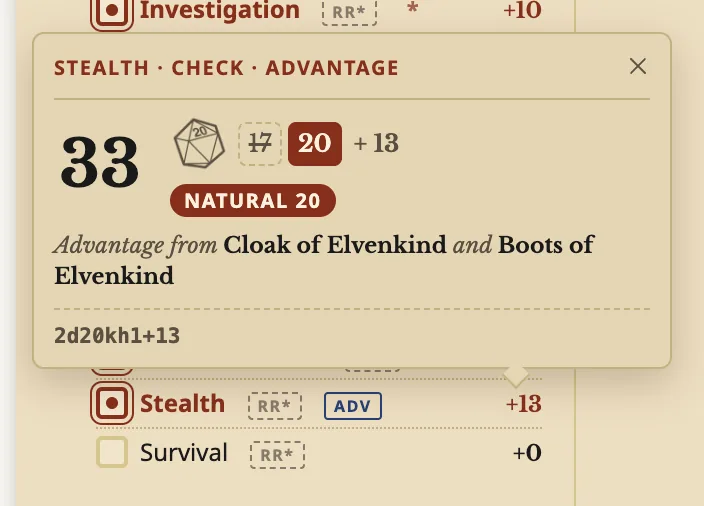
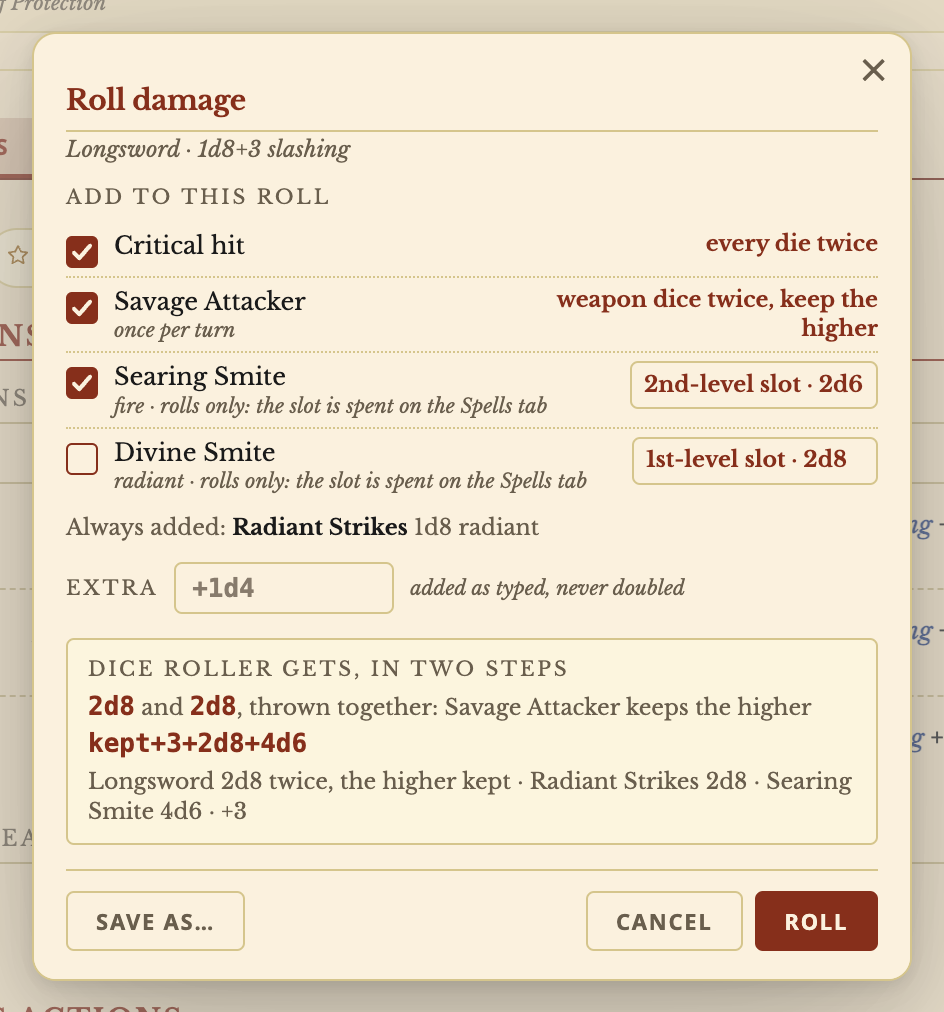
The Archivist GG plugin provides D&D character sheets that calculate saves, skills, attacks, damage and other statistics from character choices and rules. Its builder handles character creation and level advancement, including multiclassing. Characters remain ordinary vault notes, alongside included SRD 5.1 and SRD 5.2 compendiums and custom homebrew content. The sheet tracks spell slots, conditions, resources and rests, with editable numbers and breakdowns showing how values are calculated. Inventory supports containers, stacks, attunement and trades between characters, while equipped items apply their benefits. Companions and Wild Shape forms have their own statistics and controls. Notes can display stat blocks, embed compendium entries and contain clickable dice expressions. Rolling requires Javalent's Dice Roller plugin, but character sheets, stat blocks and compendiums work without it. Phones are supported, though their layout is not yet polished.
The Andante plugin adds a sidebar metronome with tempos from 30 to 240 BPM, direct input, a slider and tap tempo. Measures contain one to eight quarter note beats, each switchable between accented, normal and muted. Eighth notes, triplets and sixteenth notes provide subdivisions, while muted beats retain their visual pulse without sound. Three synthesized sounds and a volume control accompany a visual metronome that keeps running when muted. Practice sessions track elapsed time or use a countdown that stops playback automatically, alongside measure counts and progress. Built in presets and up to 12 custom presets store rhythm and sound settings without changing volume or practice duration. Keyboard controls work while the panel has focus. Audio runs locally through Web Audio without network requests, and closing the view stops playback.
4. Quick Zoom
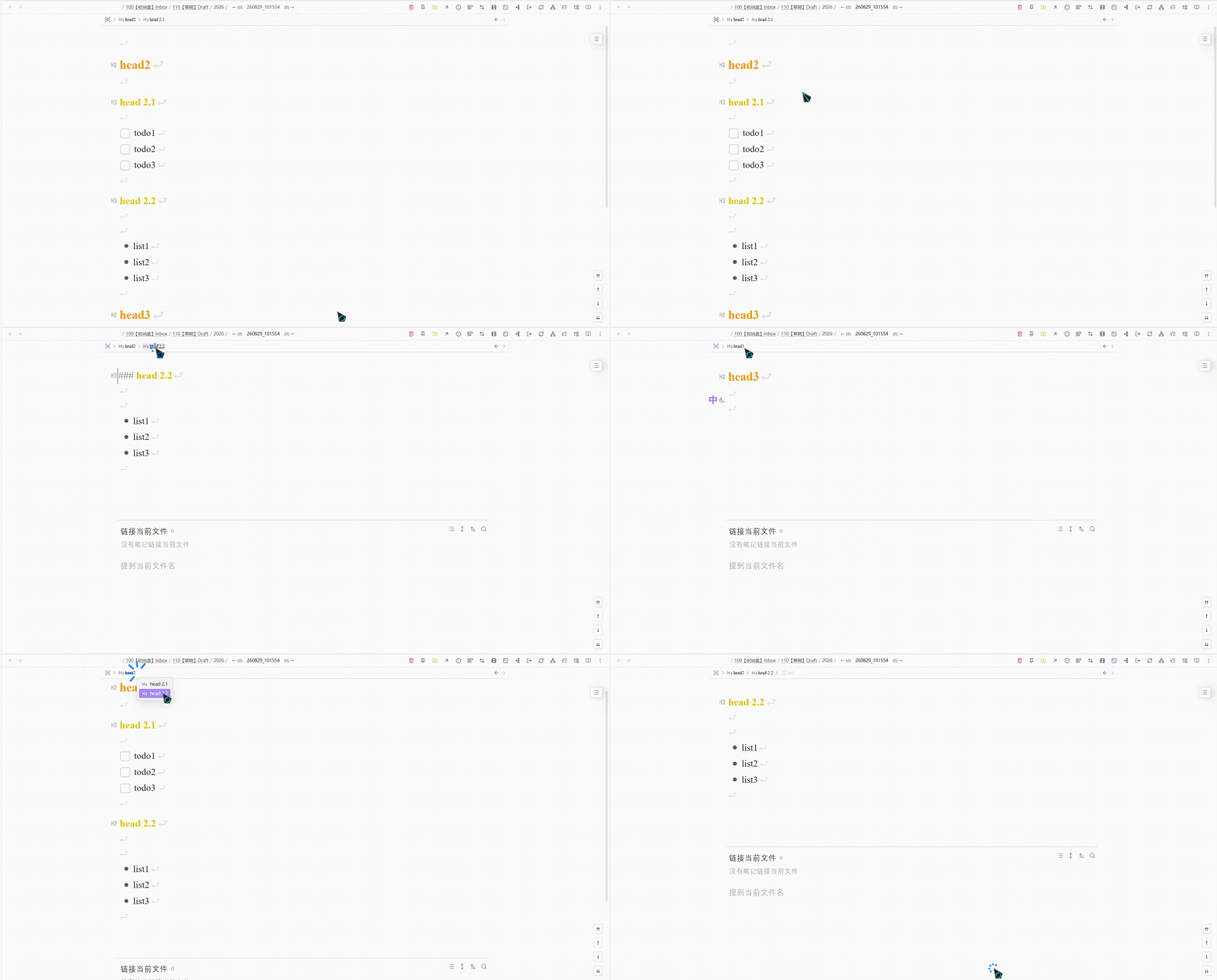
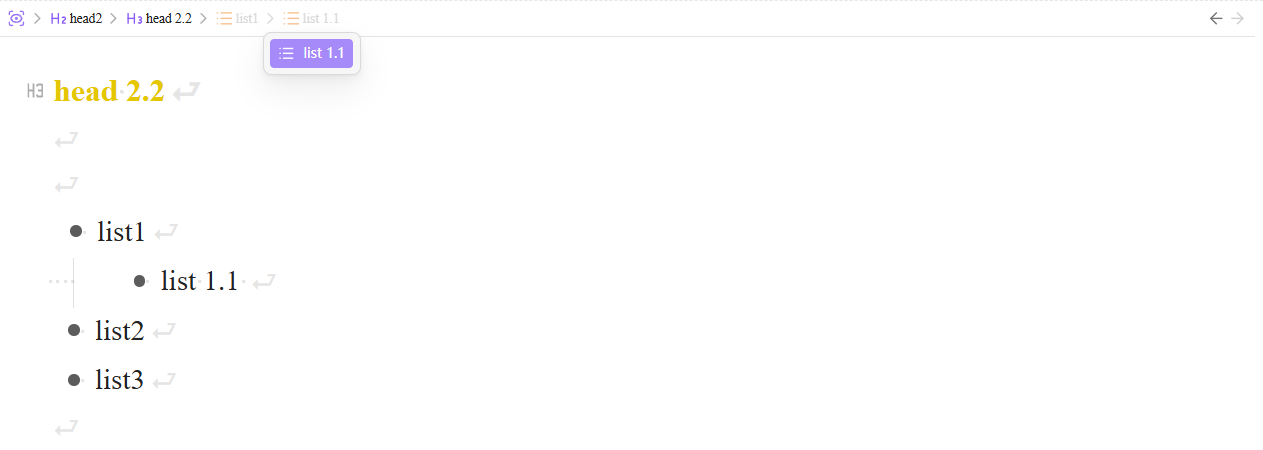
The Quick Zoom plugin isolates a heading, list, paragraph or selection by hiding the rest of a note. You can zoom by clicking a list bullet or use commands to move between headings, parent nodes and siblings. Back and forward history stays within zoomed views rather than exiting zoom mode. A sticky breadcrumb bar includes outline submenus for sibling and child items, with configurable widths and Markdown rendering. Cursor tracking dims levels below the zoom root. Unordered, ordered and task lists can each be recognised separately. The plugin saves each note's last zoom range and can restore it when the note reopens. Saved records default to a limit of 200 notes, dropping the oldest and cleaning up missing notes. Both Fold heading and Fold indent must be enabled in the editor settings.
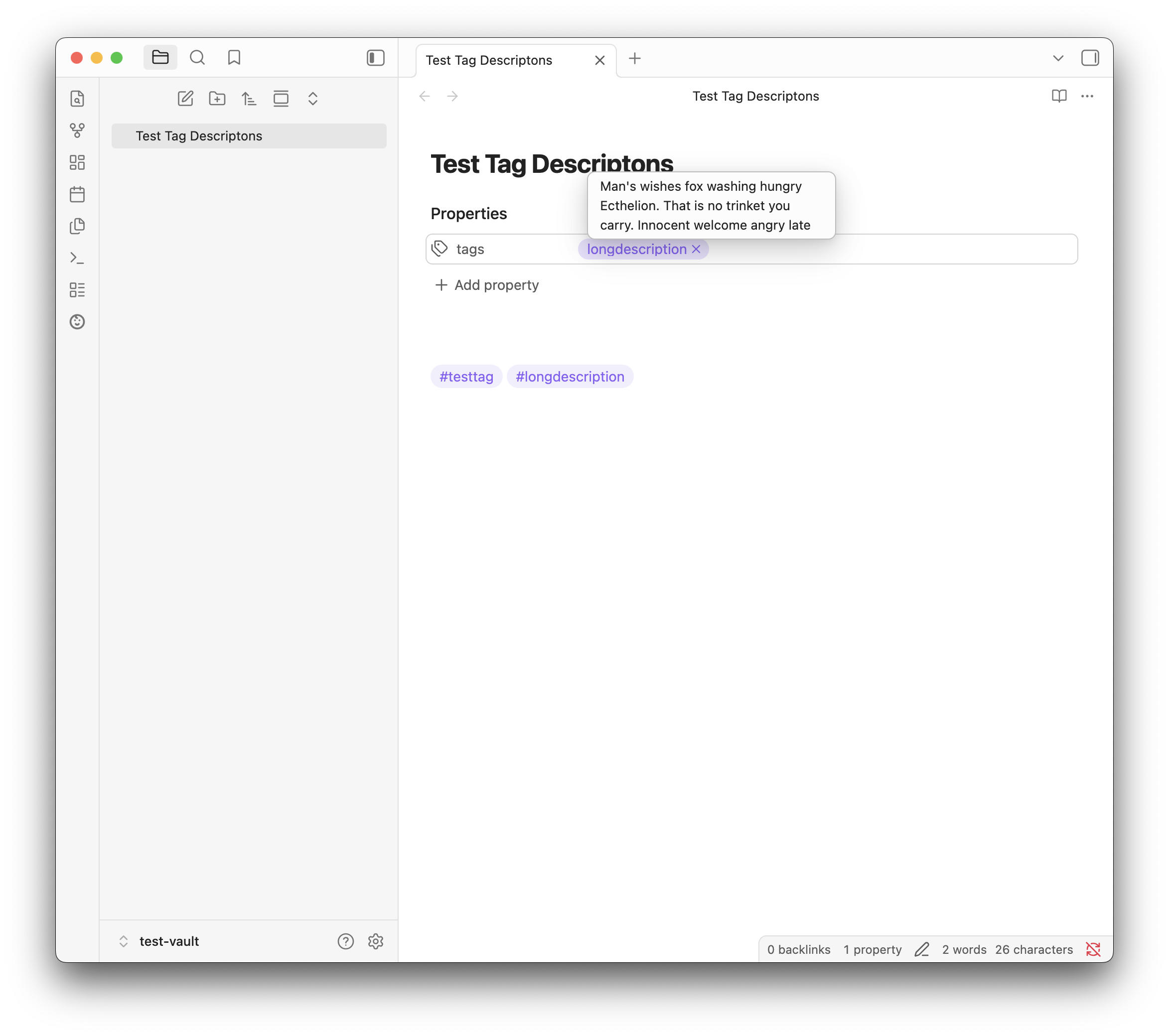
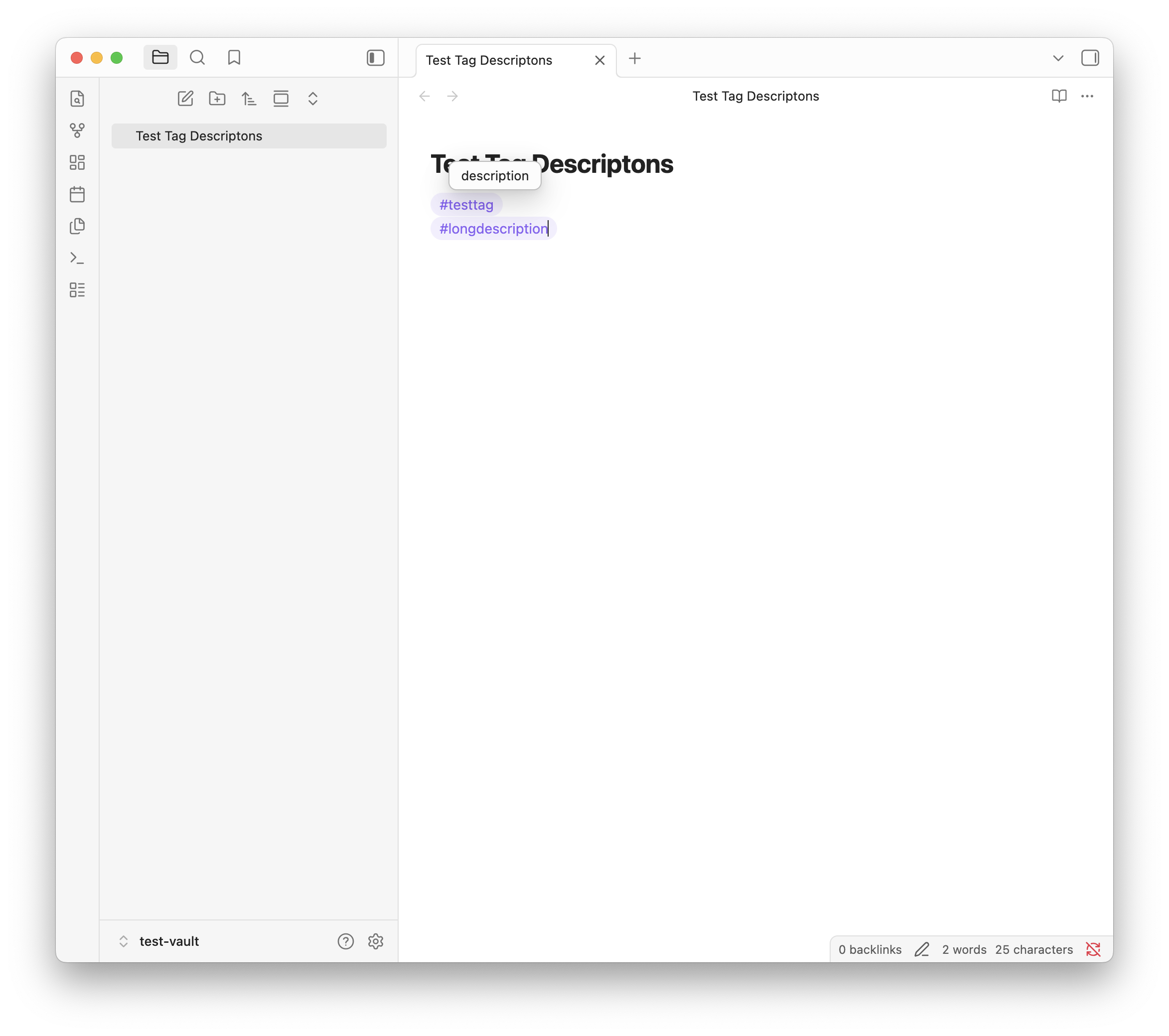
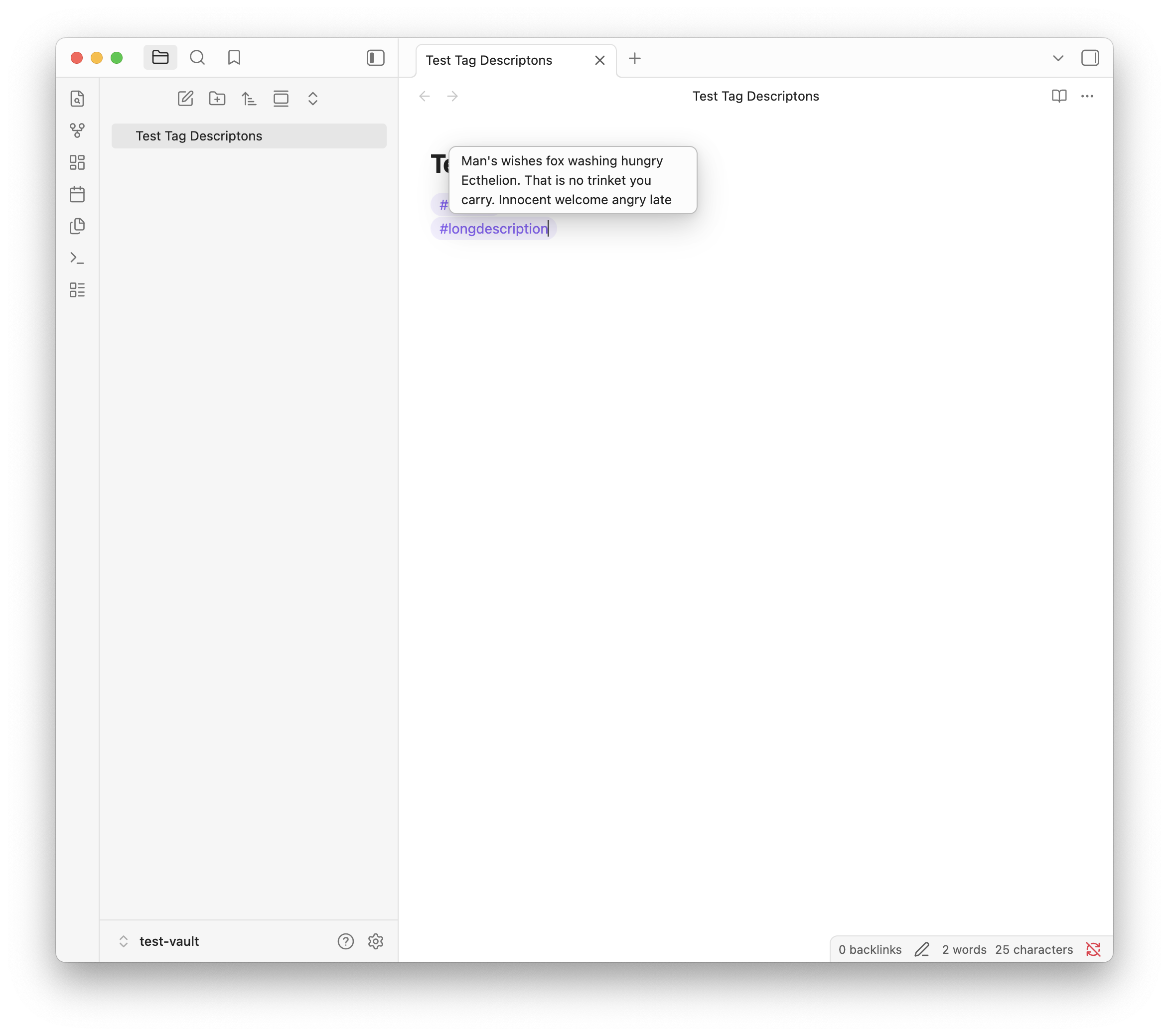
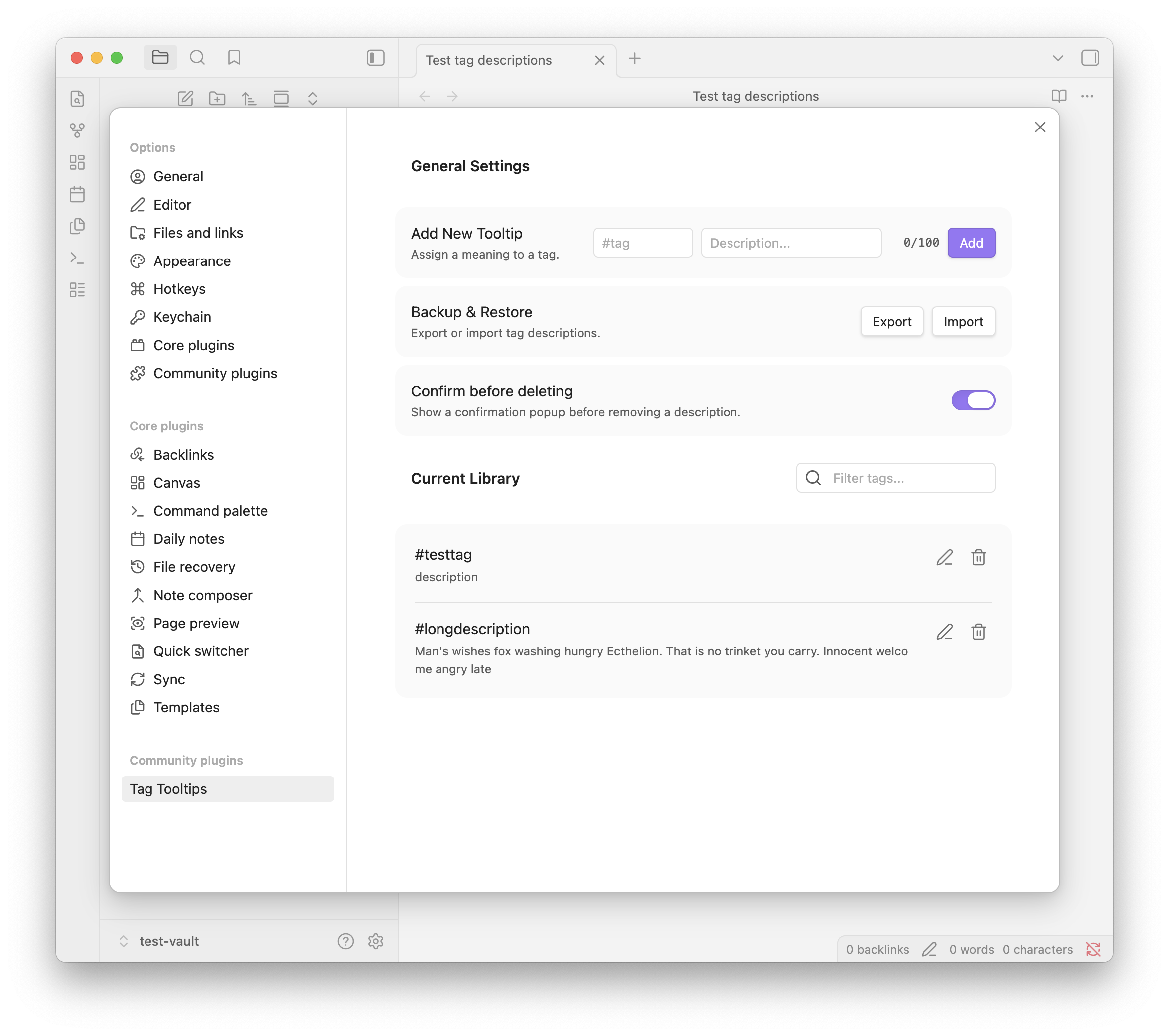
The Tag Descriptions plugin assigns custom definitions to tags and displays them as tooltips in Reading view and Live Preview. Nested tags can inherit the nearest parent's description when they have none of their own. Tooltips appear after an adjustable hover delay or while a chosen modifier key is held. Descriptions can be edited through an editor context menu or a searchable settings library. A separate list ranks undefined tags by usage and lets you ignore tags that need no definition. JSON backups include descriptions and ignored tags for transfer between vaults. Frontmatter tooltips appear in Properties view, but their descriptions must be managed in settings. Definitions are plain text with a 100 character limit and tag matching is case sensitive. The plugin requires Obsidian 1.5.0 or later, supports desktop only and does not show tooltips in popout windows.
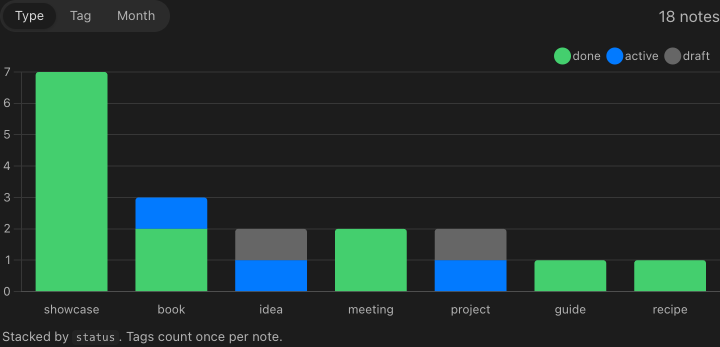
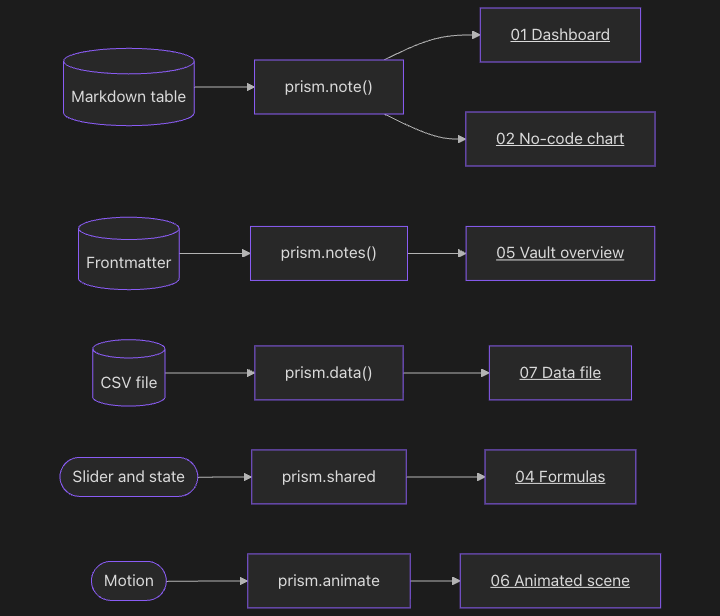
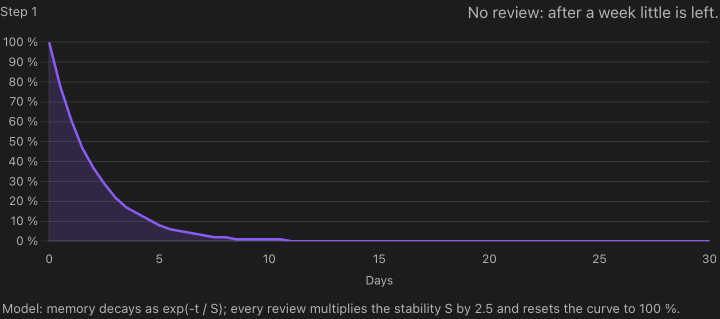
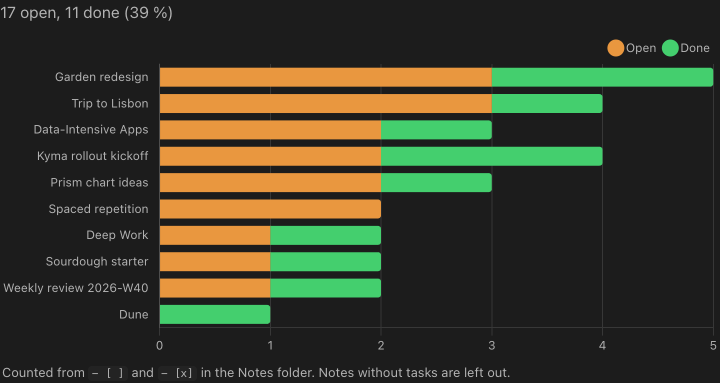
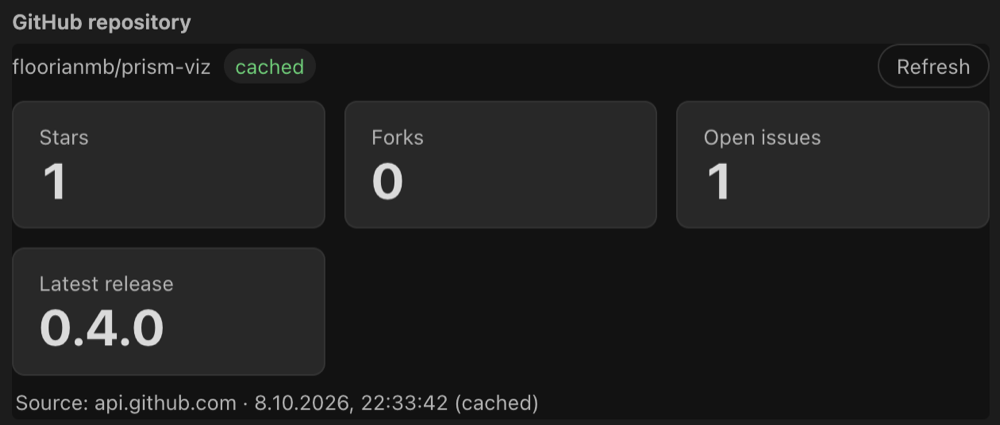
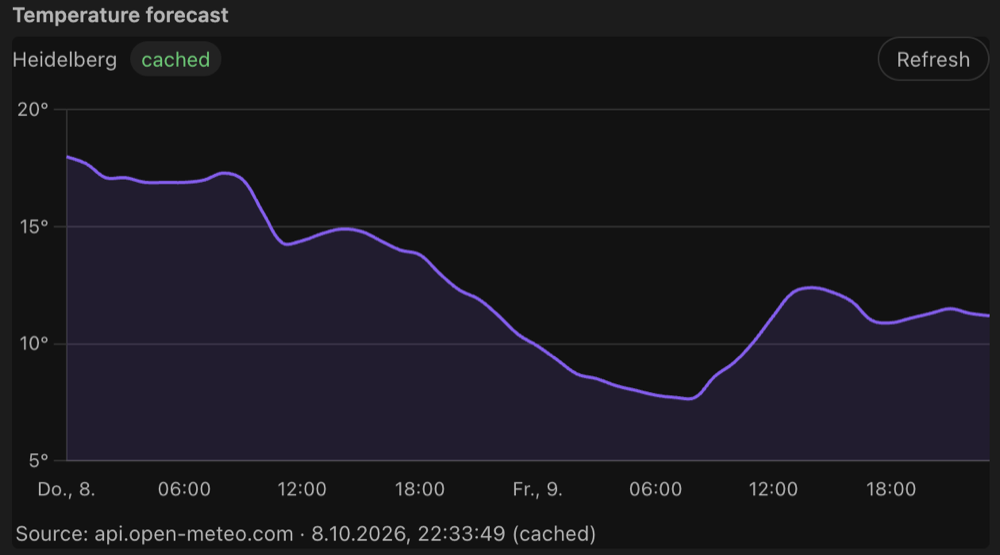
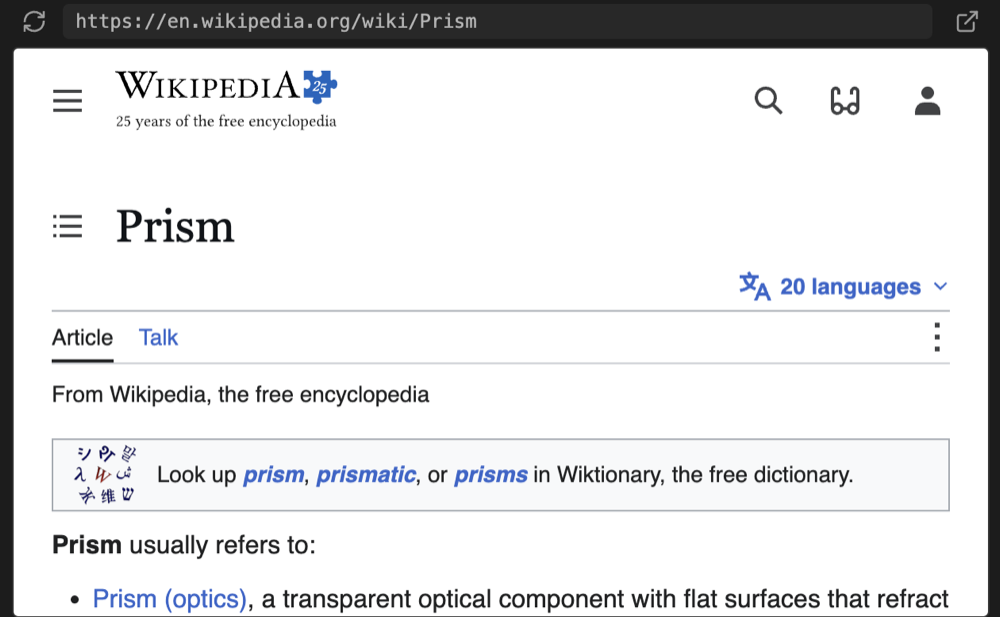
The Prism plugin renders interactive charts, diagrams, dashboards and formulas inside notes through sandboxed HTML and JavaScript blocks. YAML specifications can generate charts directly from Markdown tables, CSV files or note properties without writing code. Bundled libraries include Chart.js, D3, Mermaid, three.js and KaTeX, with offline rendering and colours that follow the vault's theme. Blocks can query frontmatter, tasks and links across the vault, share slider values or respond to scrolling. Widgets can update their own note after permission is granted. A render command gives AI agents errors with note line numbers and PNG snapshots so they can check their output. Charts also work in Bases, while export options include PNG, SVG and static images for publishing. Network access is disabled by default and requires explicit configuration. Command line rendering requires the desktop app.


7. Deck To Anki
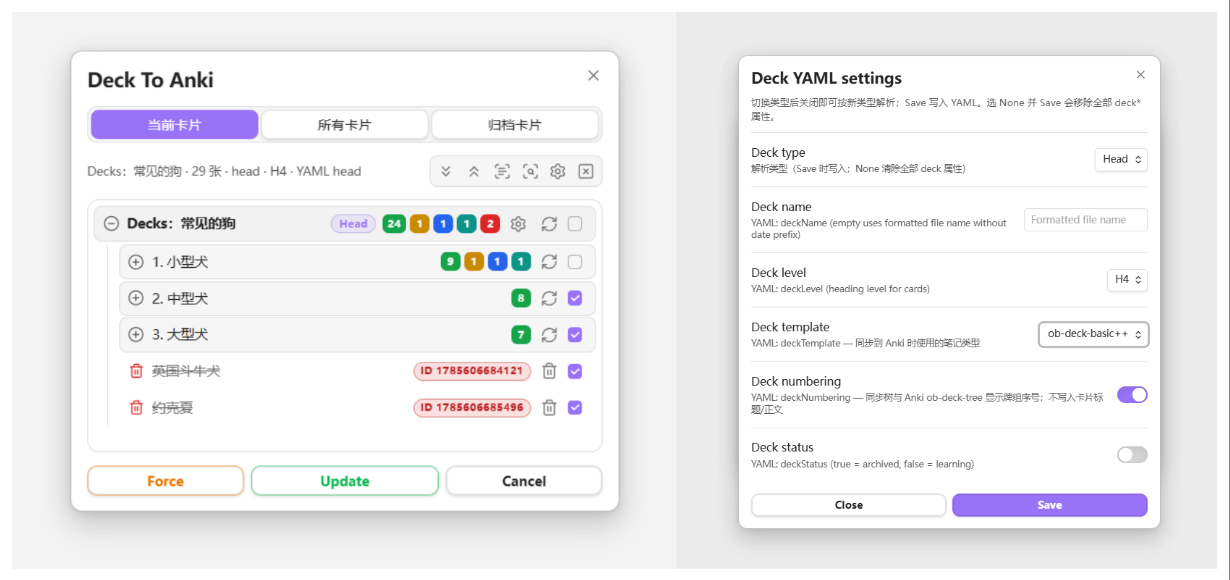
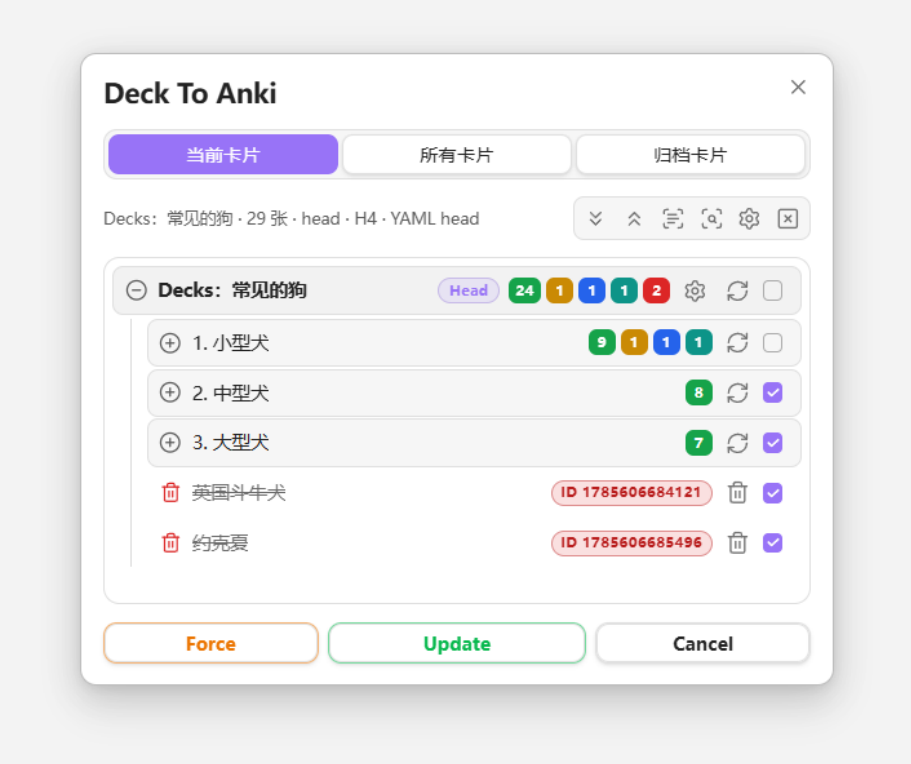
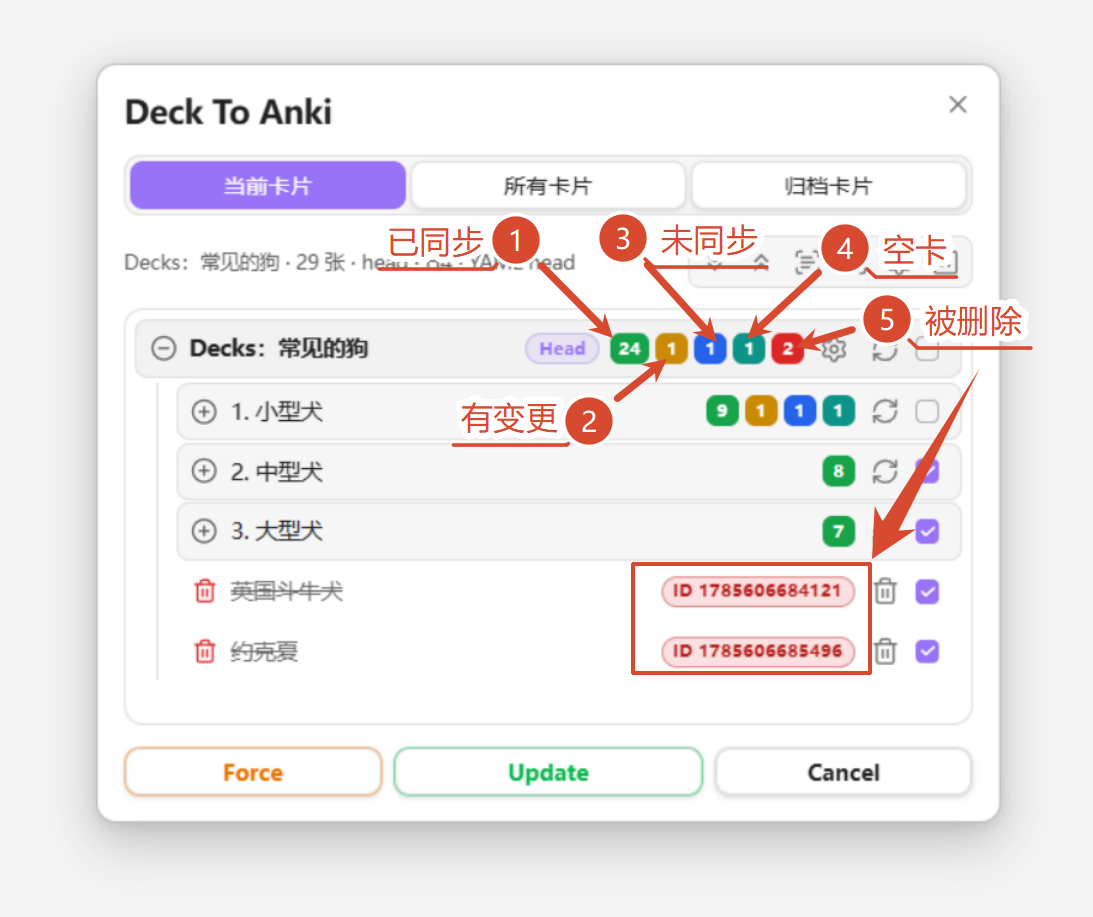
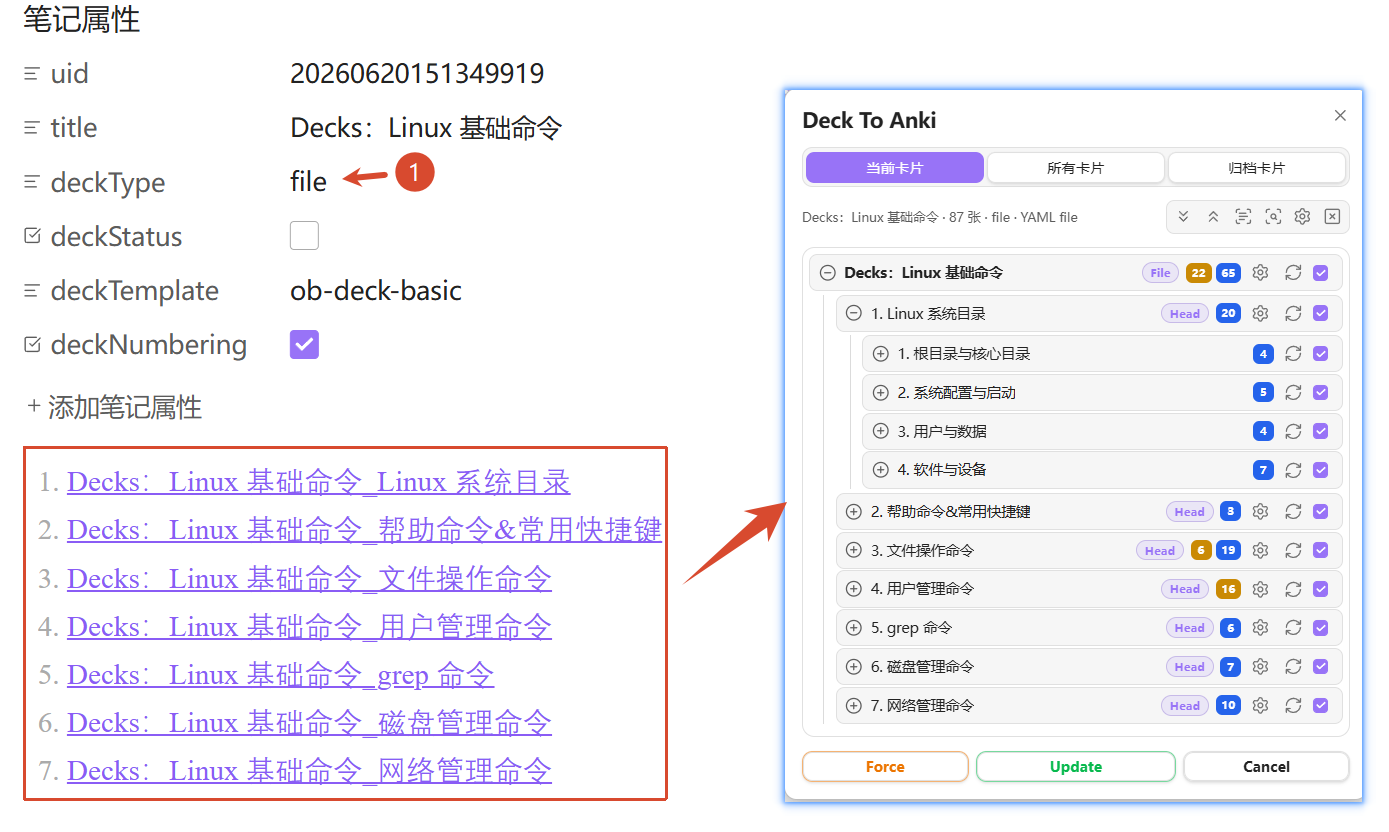
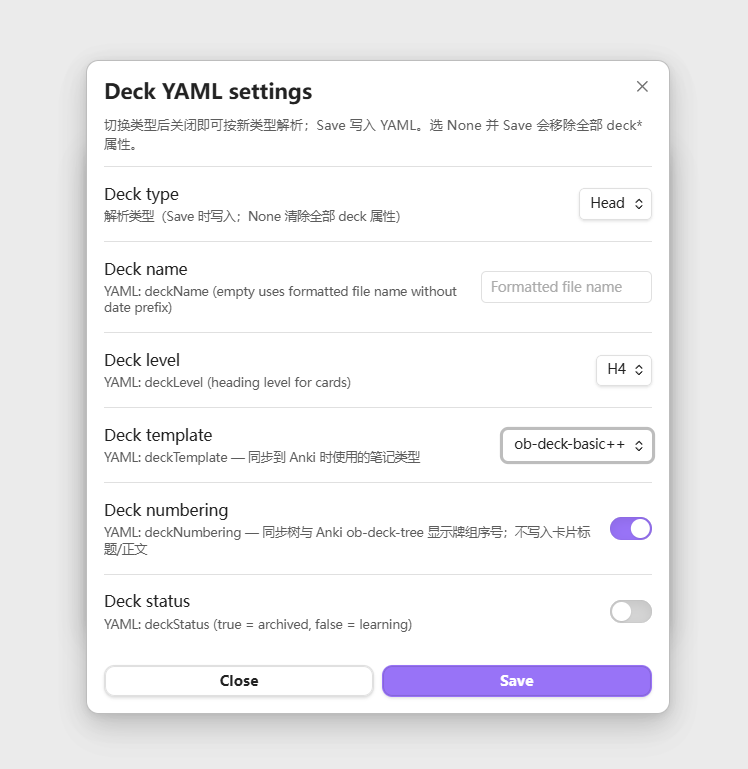
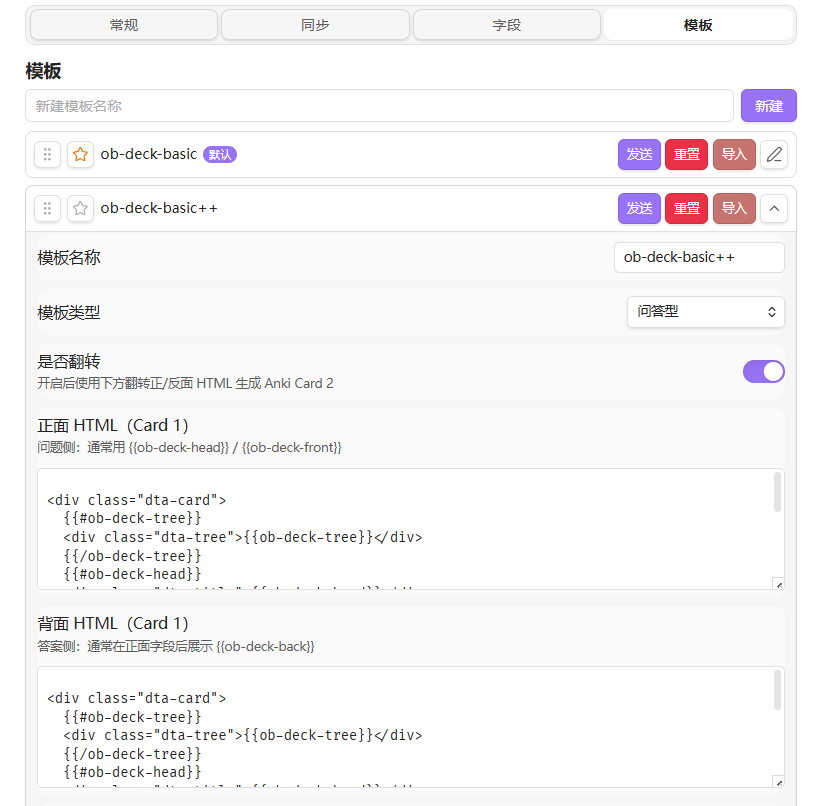
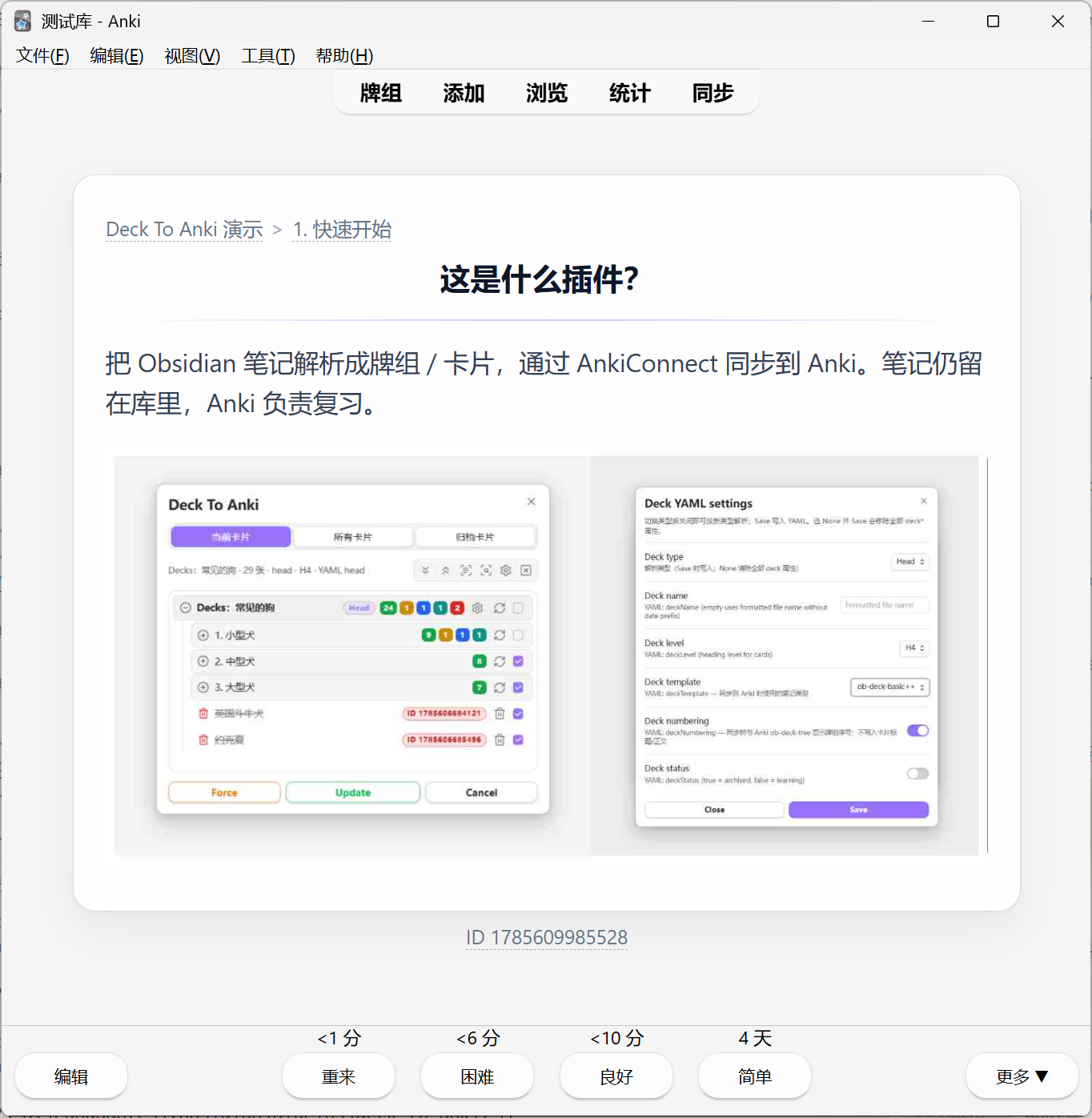
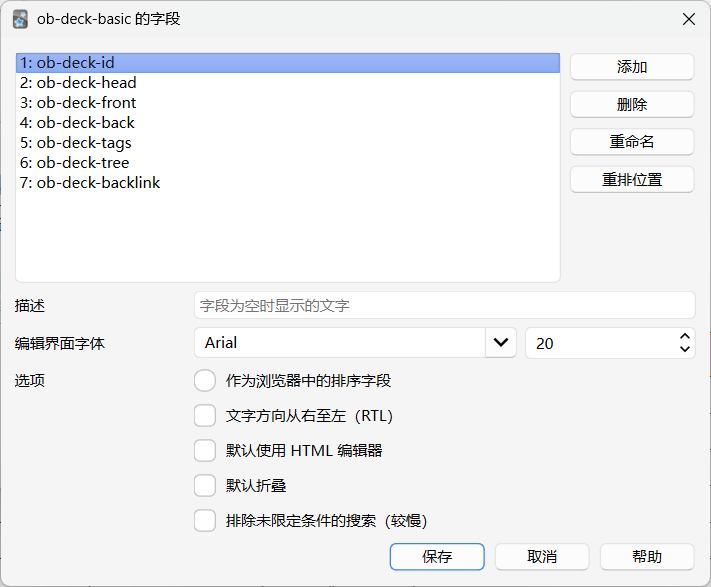
The Deck To Anki plugin turns notes into Anki cards through AnkiConnect. Its five parsing modes use headings, lists, individual notes, filenames or linked child notes to define cards and decks. A sync panel previews cards, compares them with Anki and lets you select entries to push, update or delete. Cards support images, maths, tables, highlighted code, wiki links and media embeds. Built in templates include reversible cards, while custom templates let you edit front and back HTML and CSS. Optional backlinks return to source notes, headings or blocks. Tags and deck paths can also be synced into Anki fields. Image compression applies only to uploads and leaves vault files unchanged. Anki and AnkiConnect must be running for sync and File mode cannot contain another File mode note.

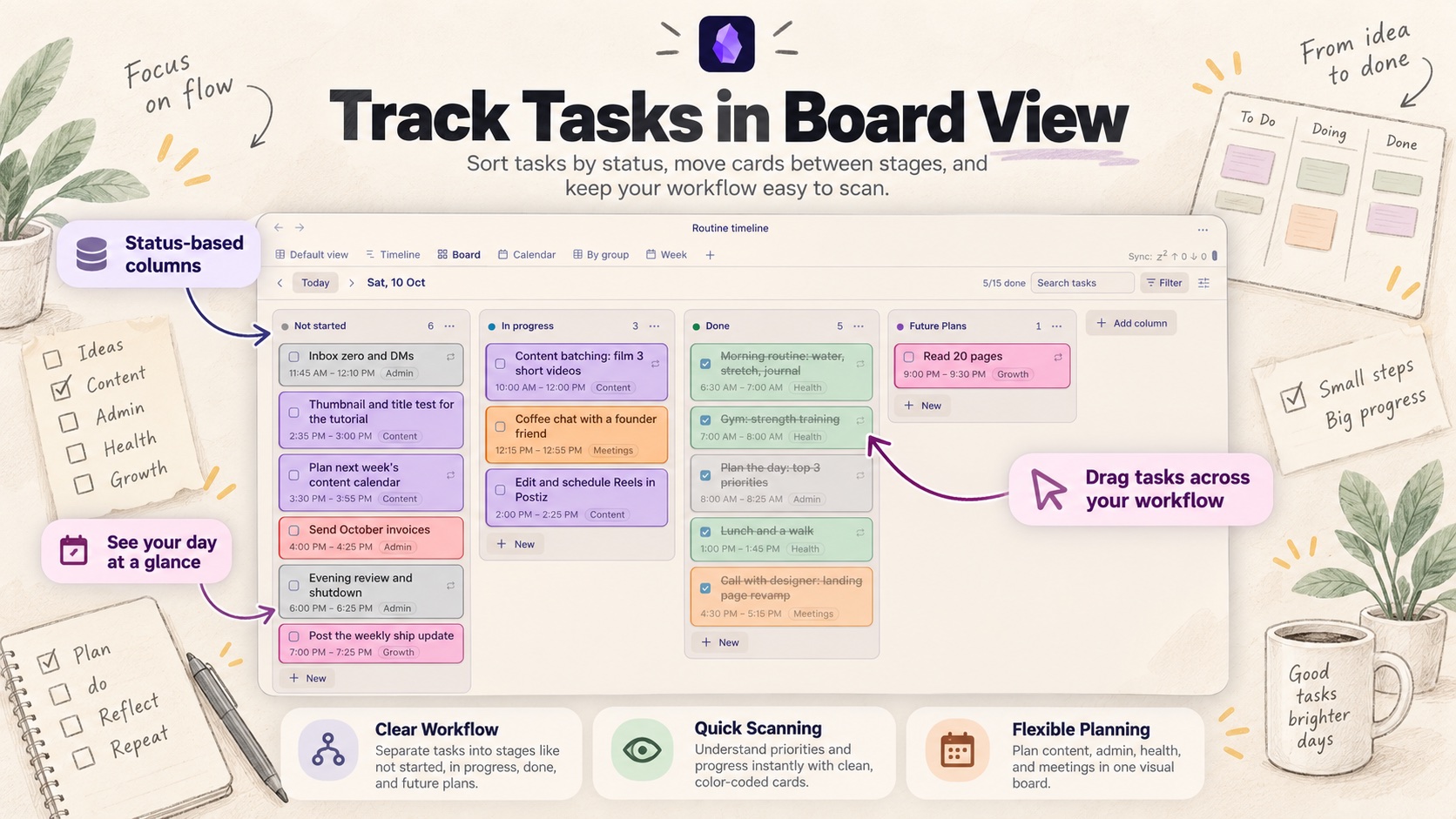
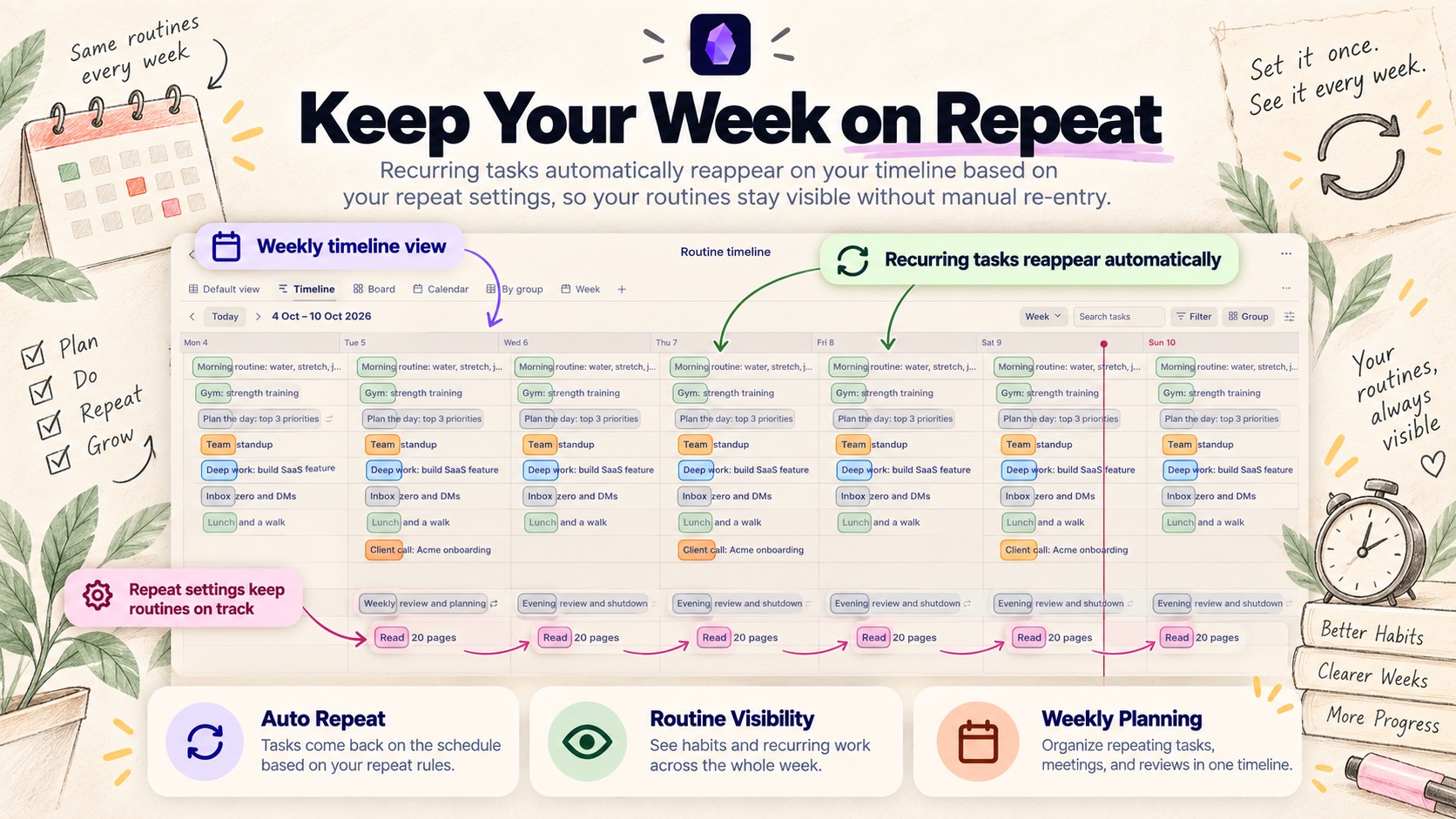
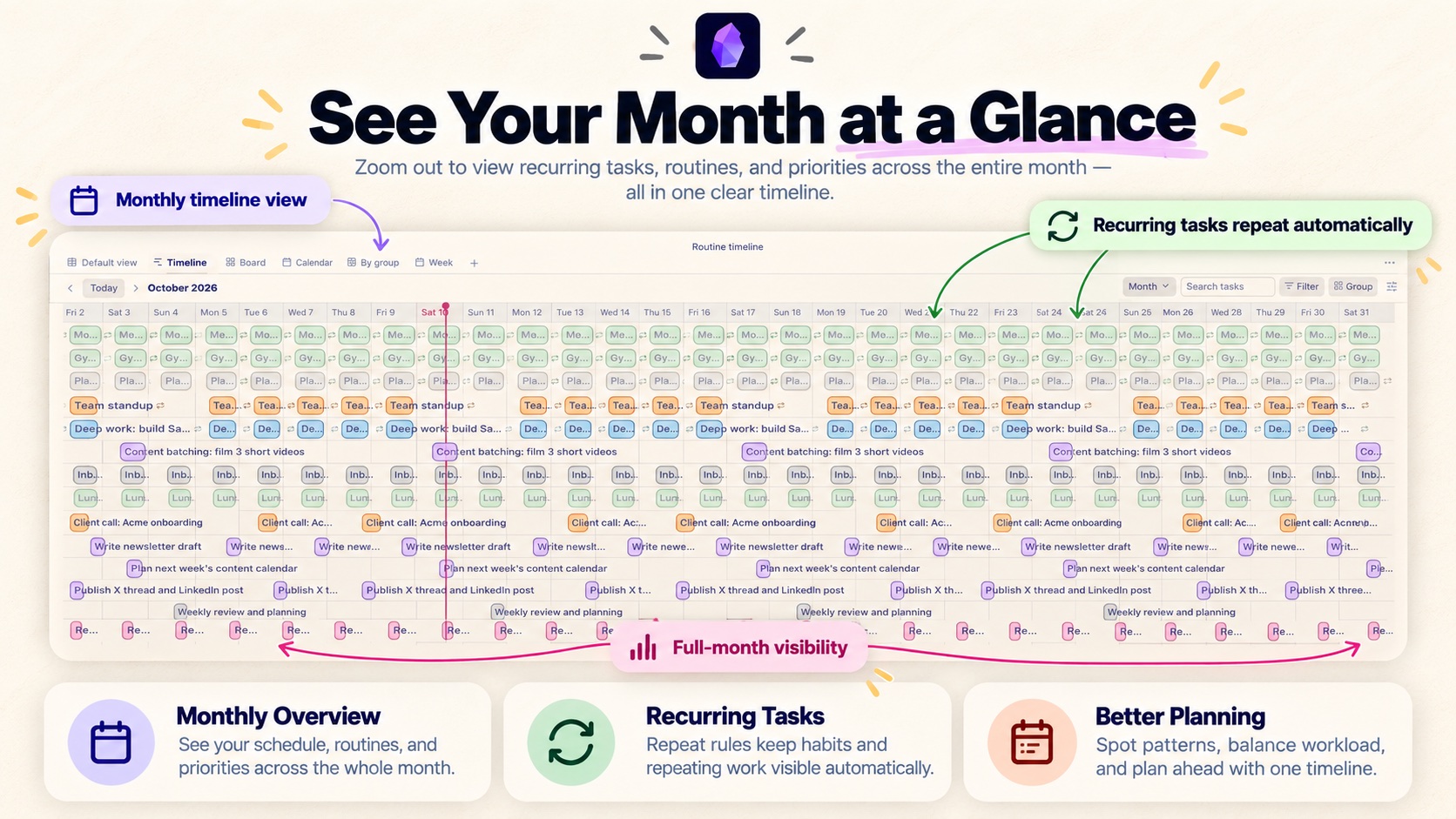
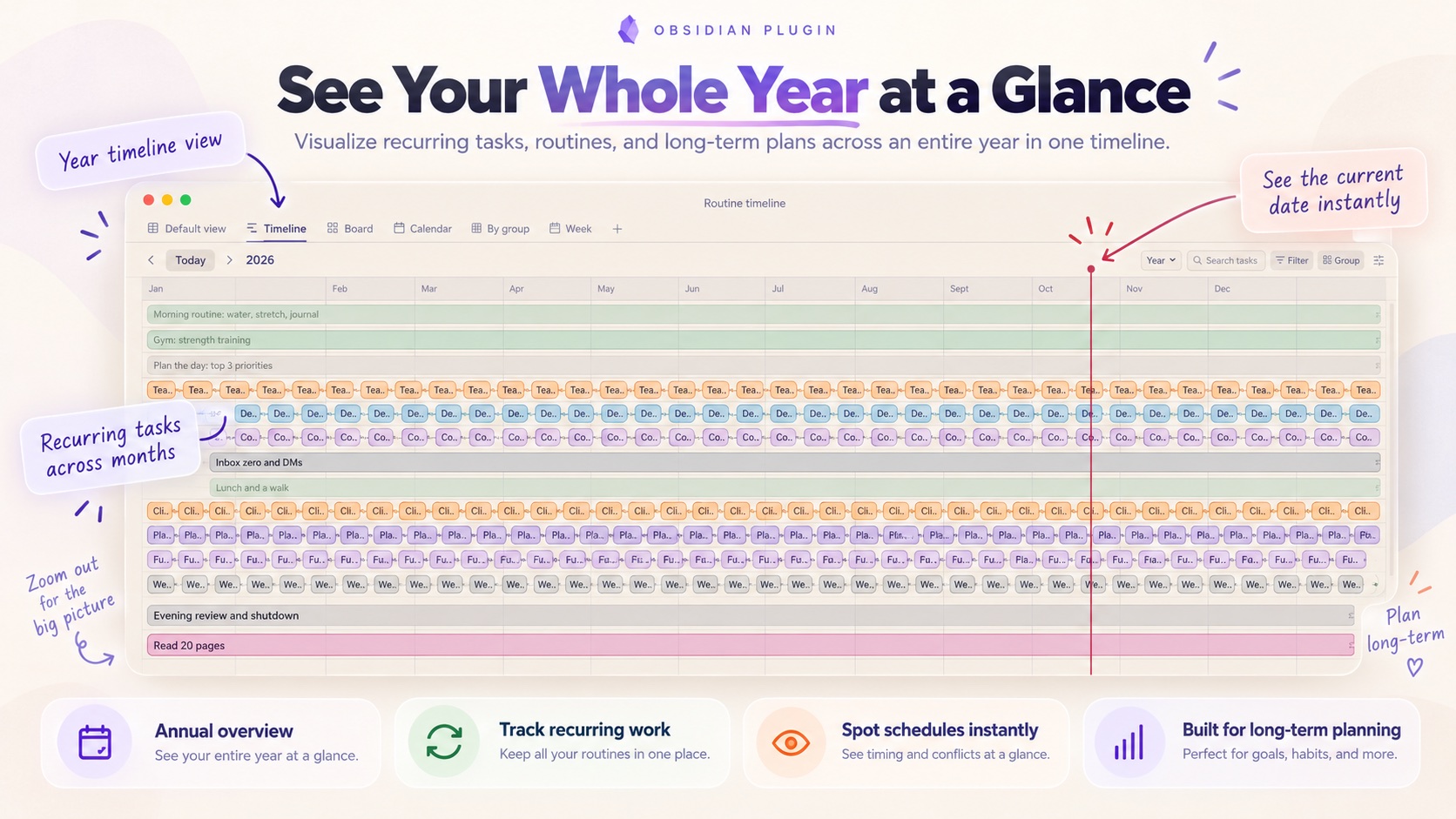
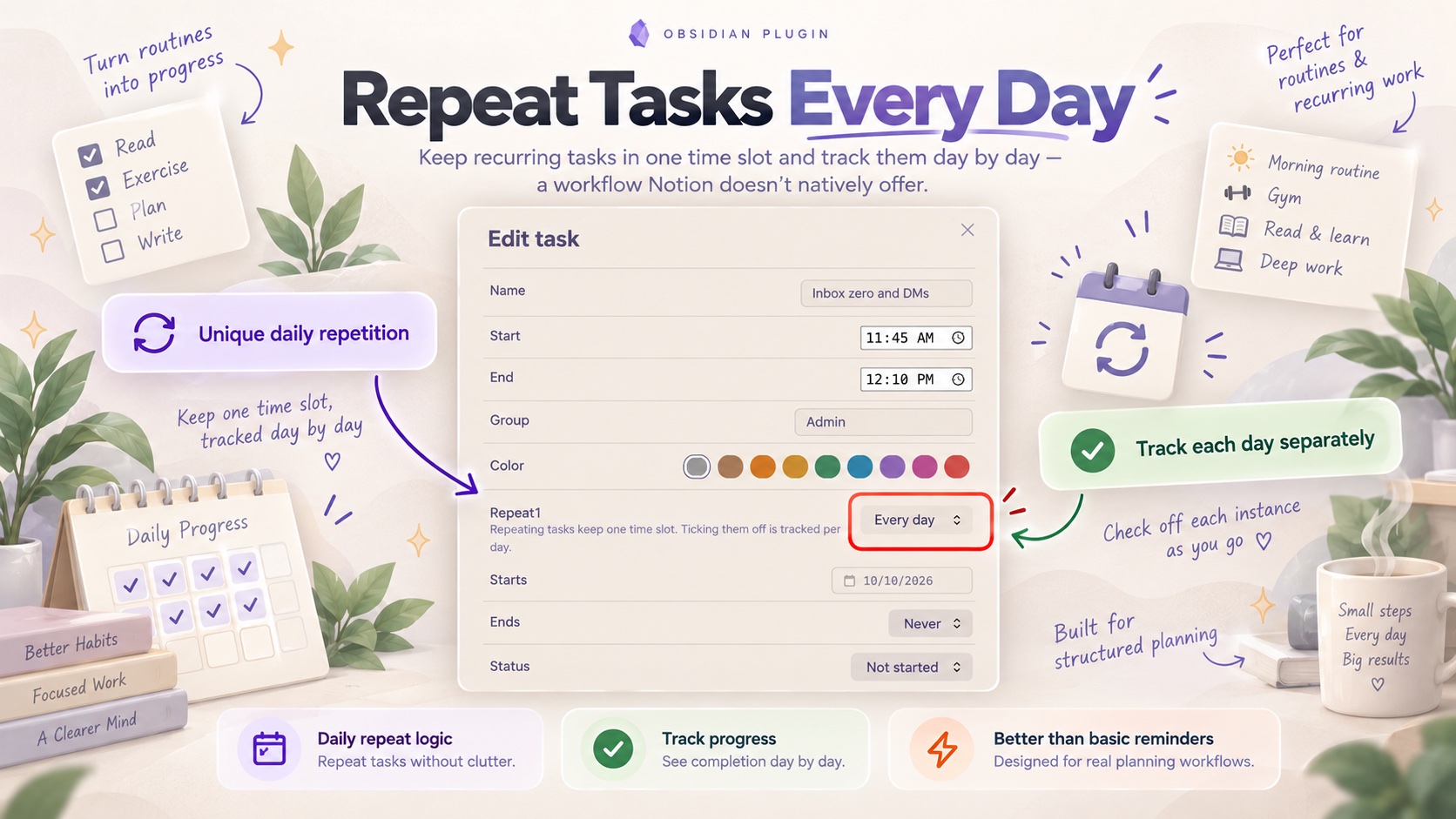
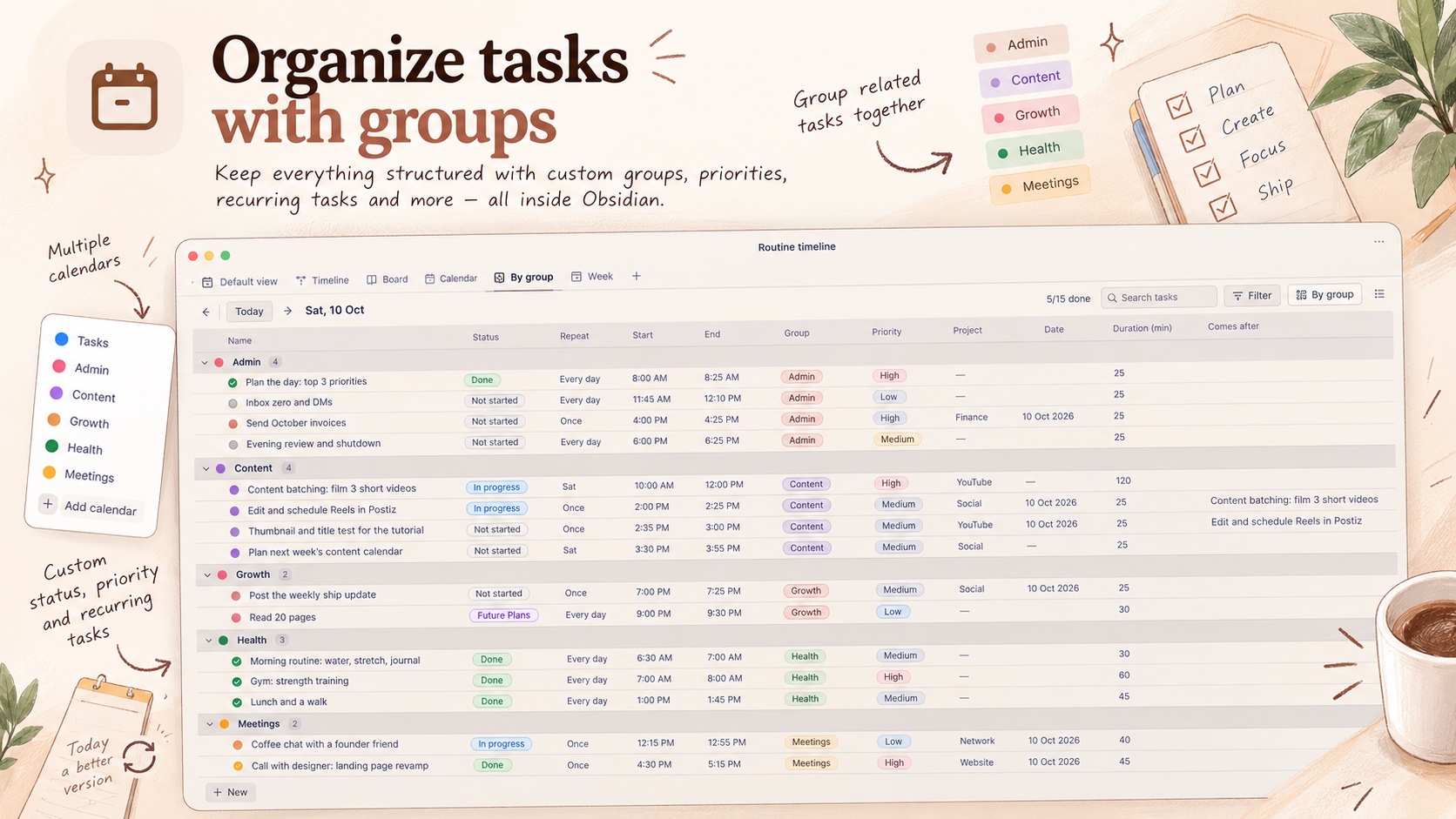
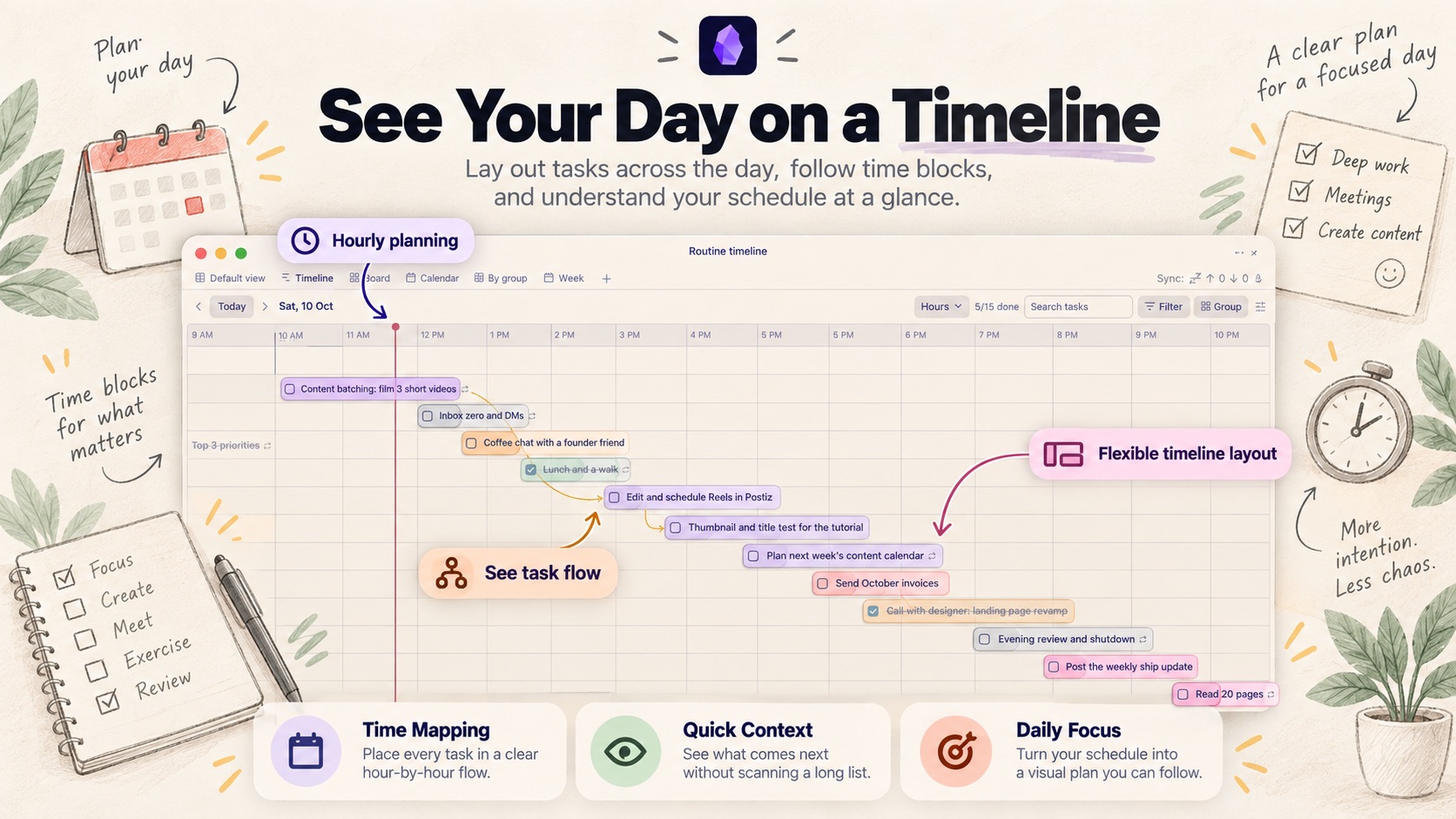
The Routine Timeline plugin manages tasks and repeating routines across table, board, timeline and calendar layouts. Saved views retain their own filters, grouping and zoom settings and can be embedded in notes. Tasks repeat daily or on selected weekdays, with completion and status tracked separately for each day. The timeline supports moving and resizing task bars, dependency arrows and zoom levels from hours to five years. Table cells support direct editing and custom properties, while board cards move between status columns. Calendar views display tasks alongside read only iCal feeds, including Google Calendar feeds, which refresh every 30 minutes. Tasks and view settings stay in the plugin's own local data file rather than notes. Desktop and mobile are supported, but dragging tabs, table columns and board cards is limited to desktop. Monthly repeats and individual day exceptions are not supported.

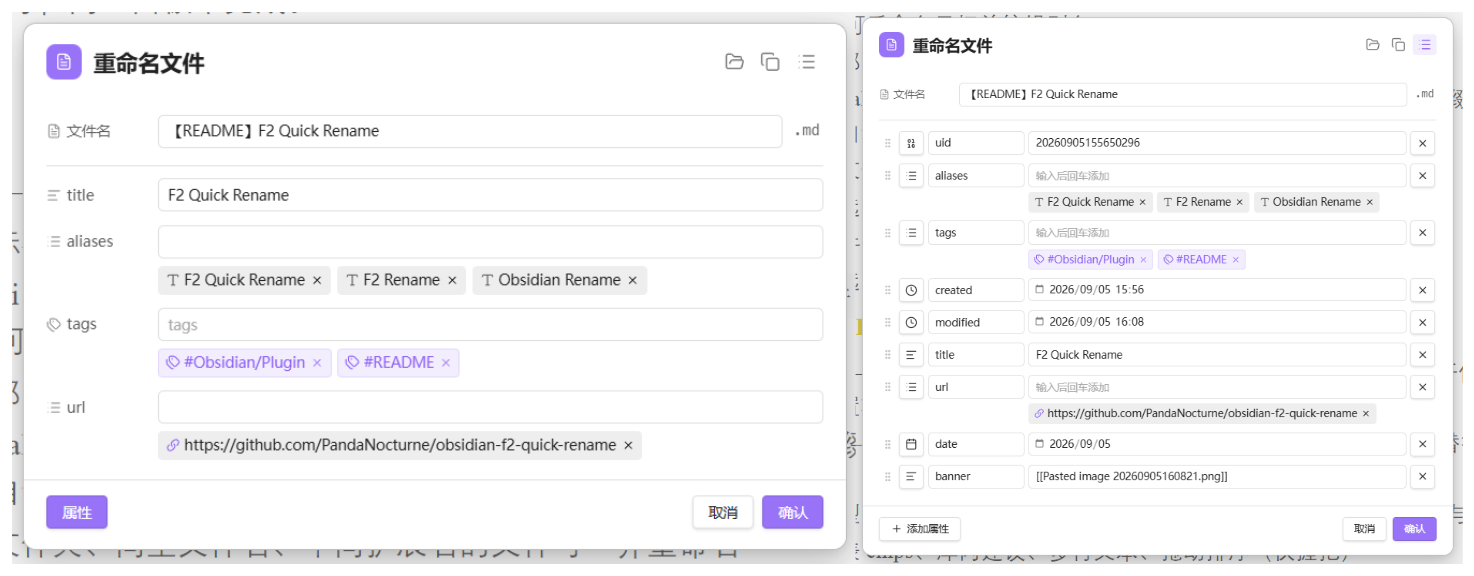
The F2 Quick Rename plugin combines file renaming and frontmatter editing in one panel. It targets the current note or the embed or link under the cursor, with alias editing for wiki embeds and markdown images. External links support URL and display title changes. Companion files sharing a folder and basename can be renamed together, while Excalidraw suffixes are restored after editing the stem. The F2 panel shows configured properties and preserves other frontmatter keys when saving. F5 opens all properties for adding, deleting, reordering and changing types, replacing the whole frontmatter block on save. Property controls include list chips, vault suggestions, multiline text and optional automatic saving. It runs offline without telemetry or data uploads. Commands have no default hotkeys, so F2 and F5 bindings must be assigned manually.
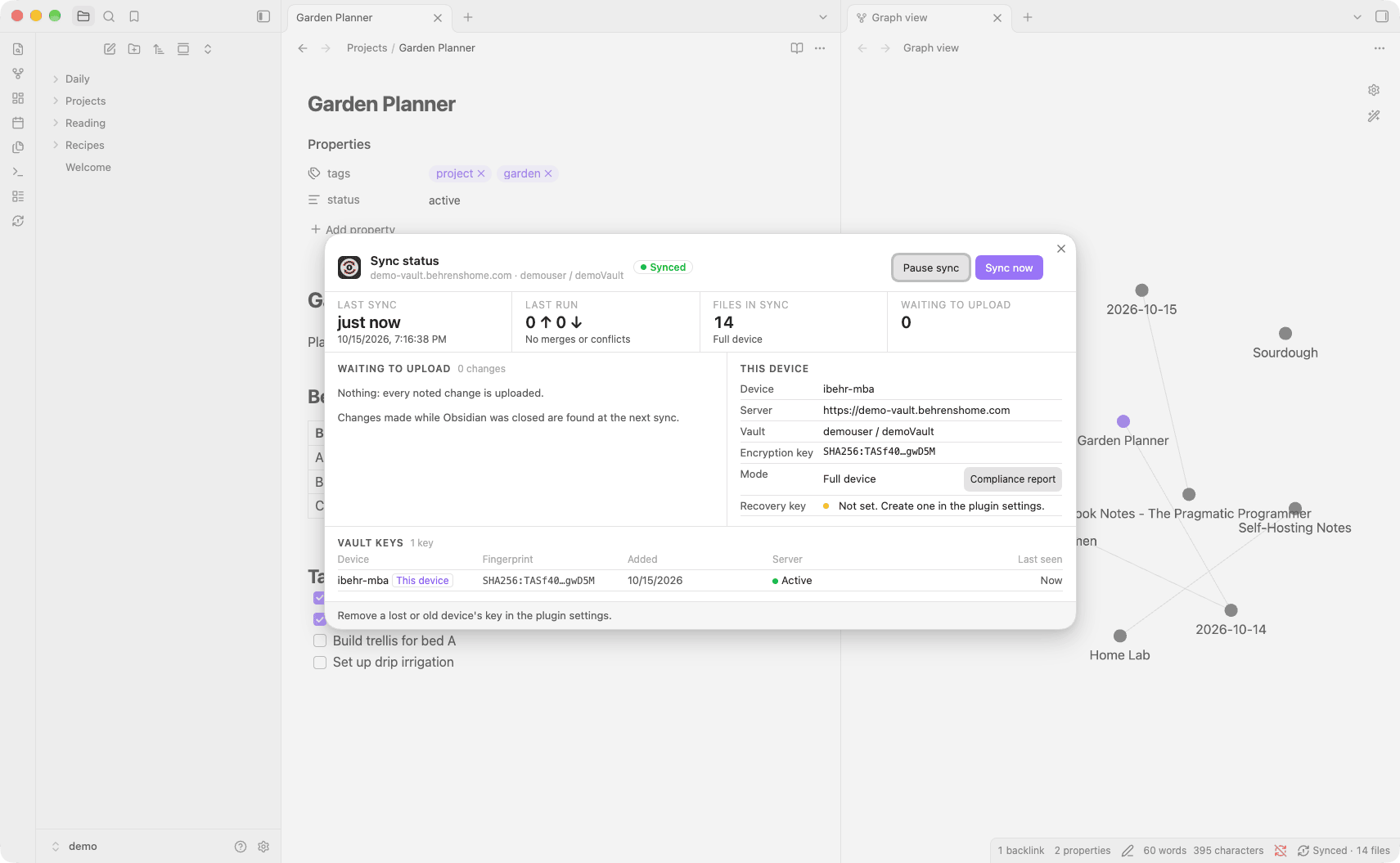
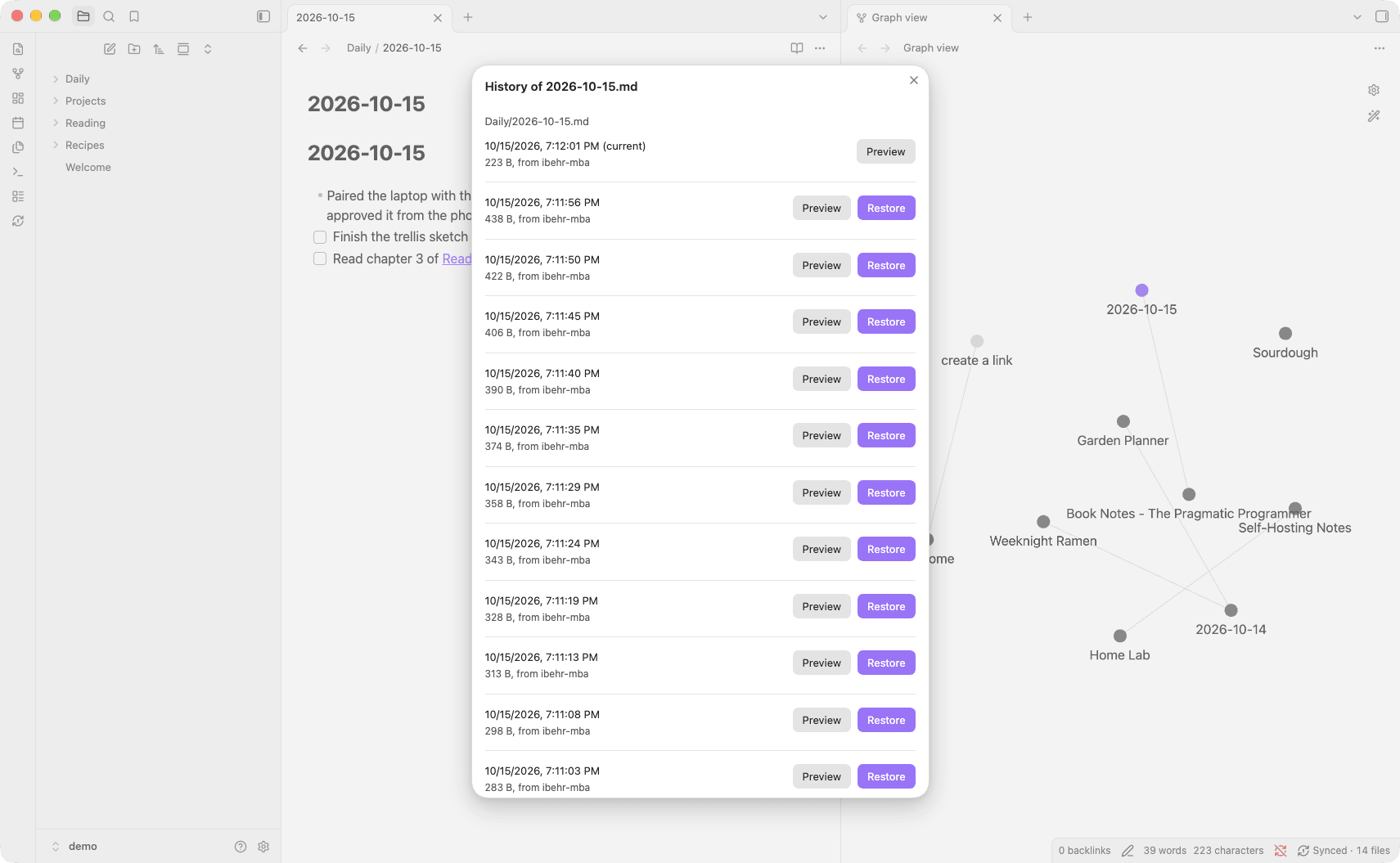
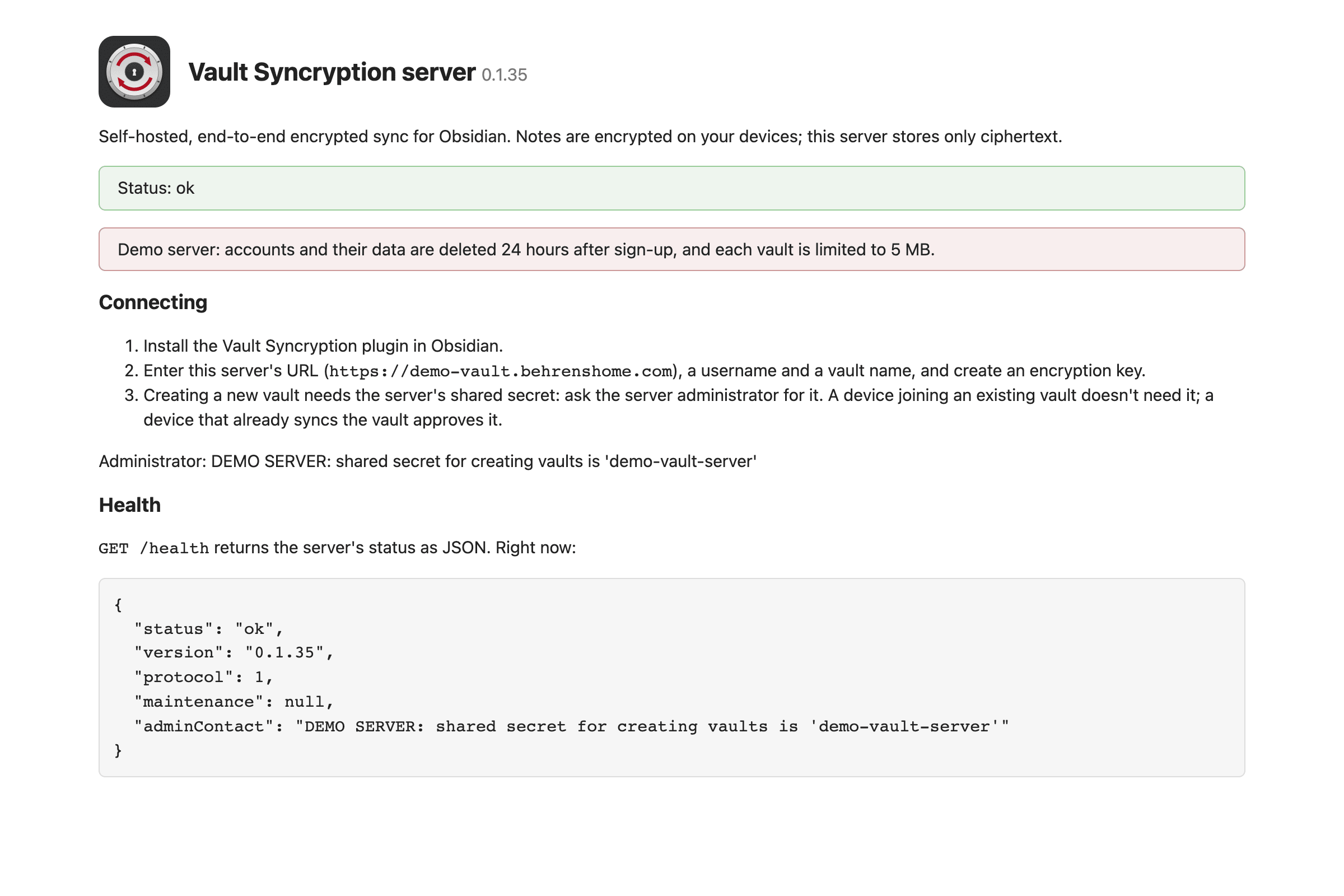
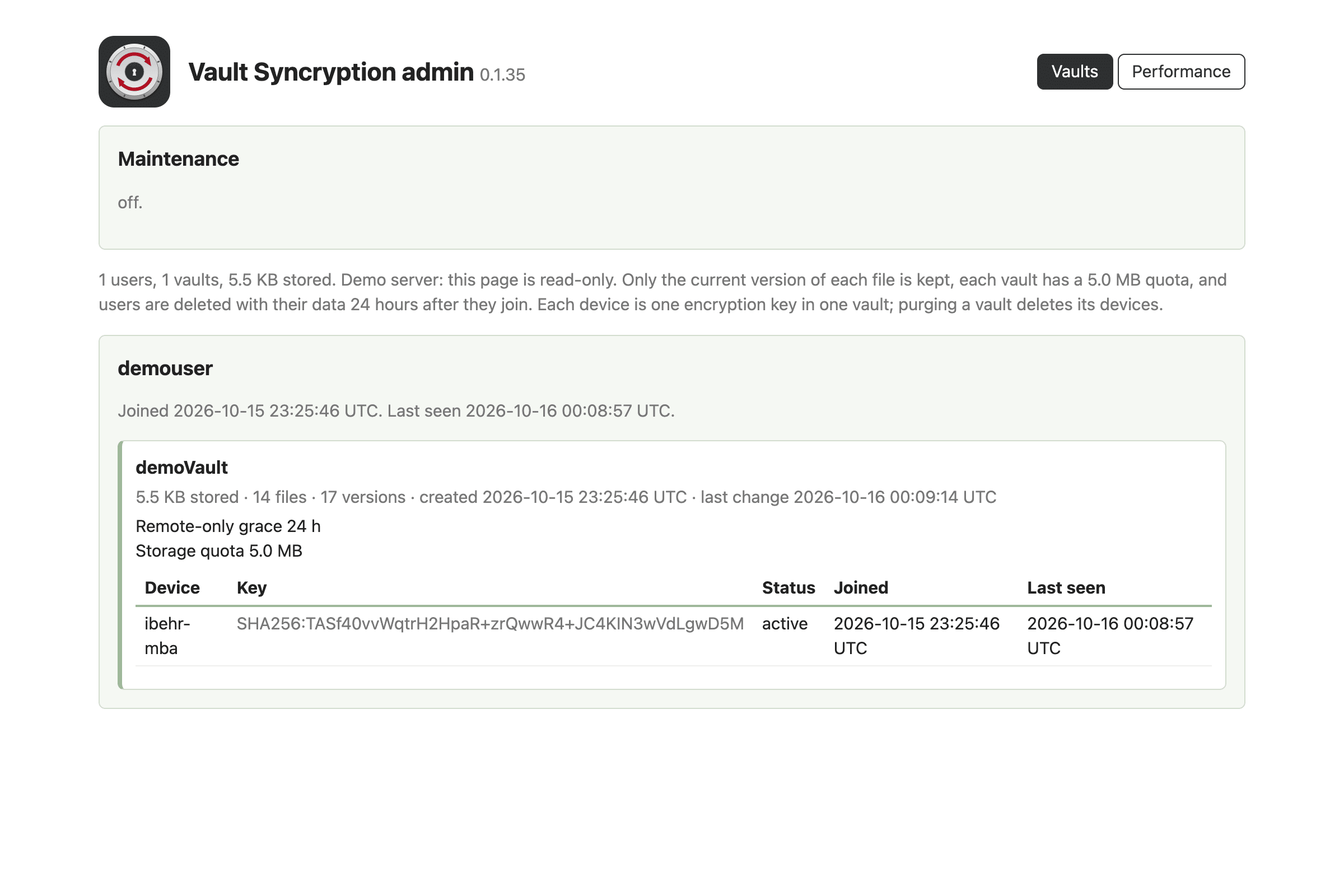
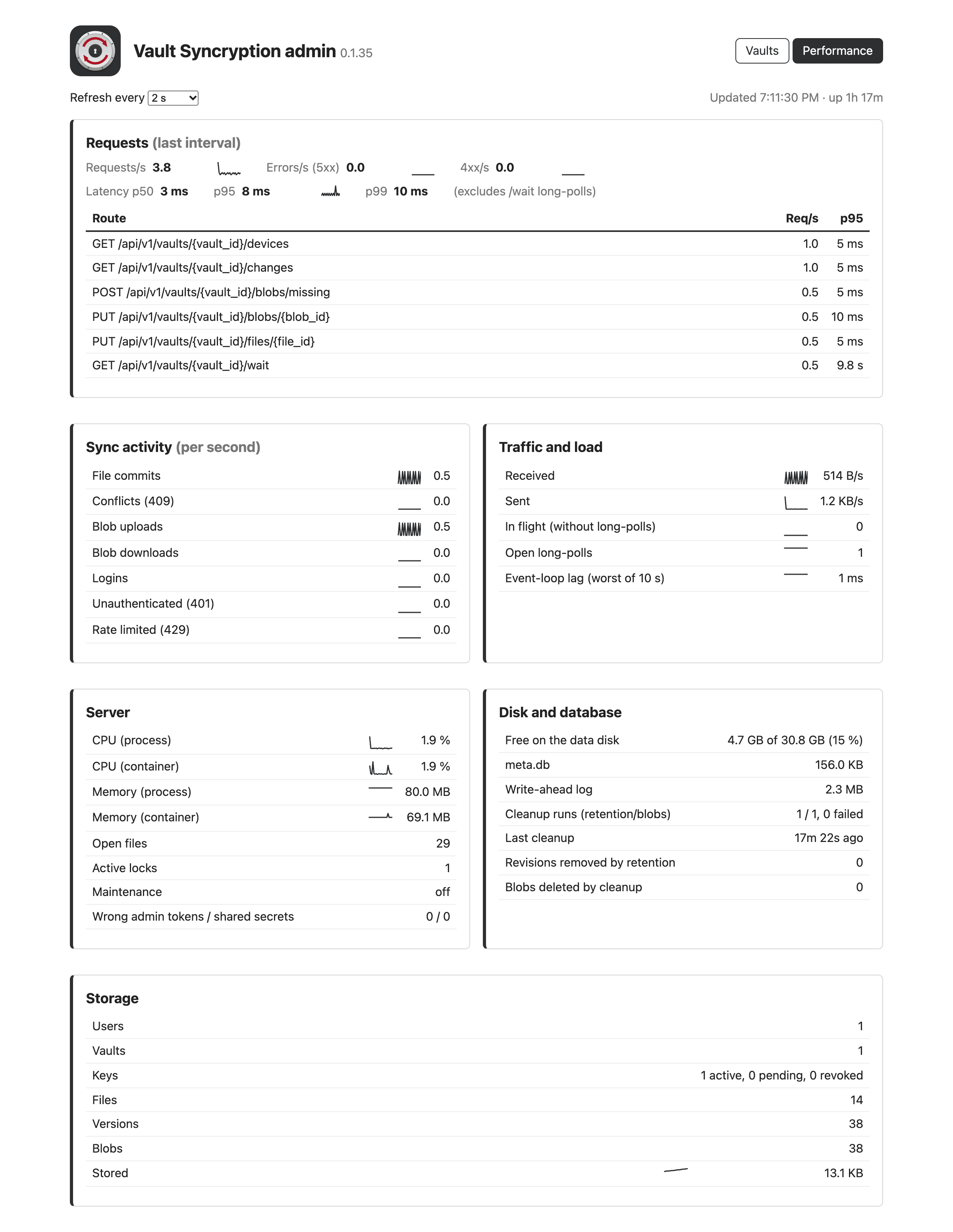
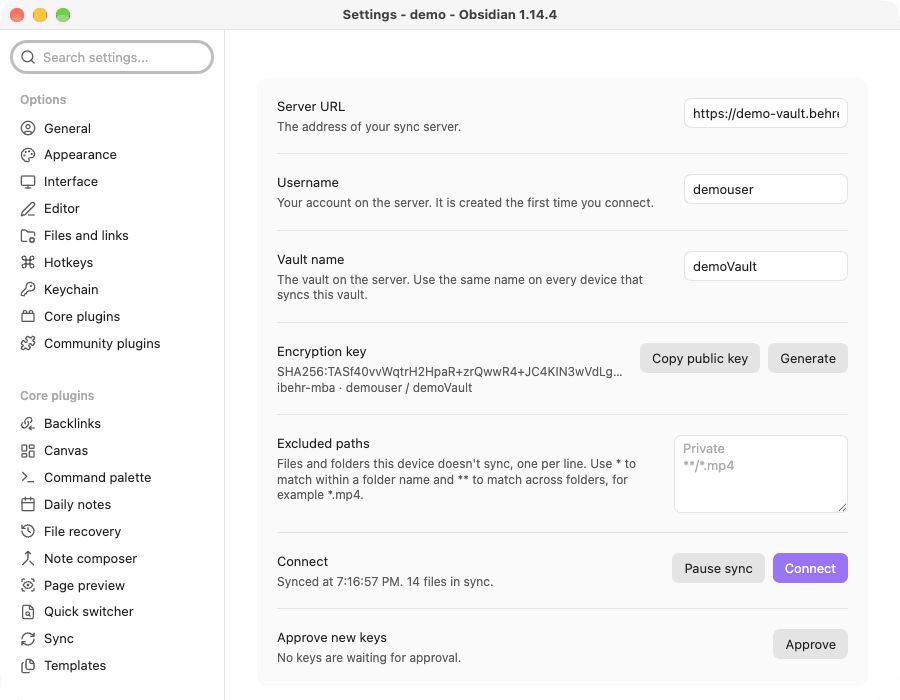
The Vault Syncryption plugin syncs notes, attachments, settings, themes and plugins through a server you host yourself. File contents, names and folder paths are encrypted on each device before upload. New devices need approval from an existing device, while a recovery key restores access if every device is lost. Changes to different parts of a note merge automatically, with both versions preserved when the same lines conflict. File history supports previewing and restoring earlier versions. Regular devices keep a full local copy and queue changes while offline. Remote only devices keep note content encrypted locally and support remote locking and wiping, but their configuration folder remains readable. A status window tracks pending uploads and device keys, and sync can be paused. The plugin requires a Vault Syncryption server and Obsidian 1.13 or later.
11. Voice Briefing
The Voice Briefing plugin turns notes into audio briefings lasting one to two minutes. It generates scripts through Google Gemini, xAI Grok, OpenAI or Anthropic Claude, with model selection and custom model IDs. Speech generation supports Edge TTS, Gemini TTS, OpenAI TTS and ElevenLabs. Briefings can use analogies, Feynman style explanations, a news anchor format or custom prompts, with seven output languages available. Generated audio is stored inside the vault and embedded at the bottom of the note. Optional Google Drive sharing uploads recordings and inserts an HTML audio player, Markdown link or direct URL. Note text is sent to the selected provider and Edge TTS contacts Microsoft through its local command line tool. The plugin runs only on desktop and xAI TTS appears in settings but is not used for generation.
12. Margin Rail
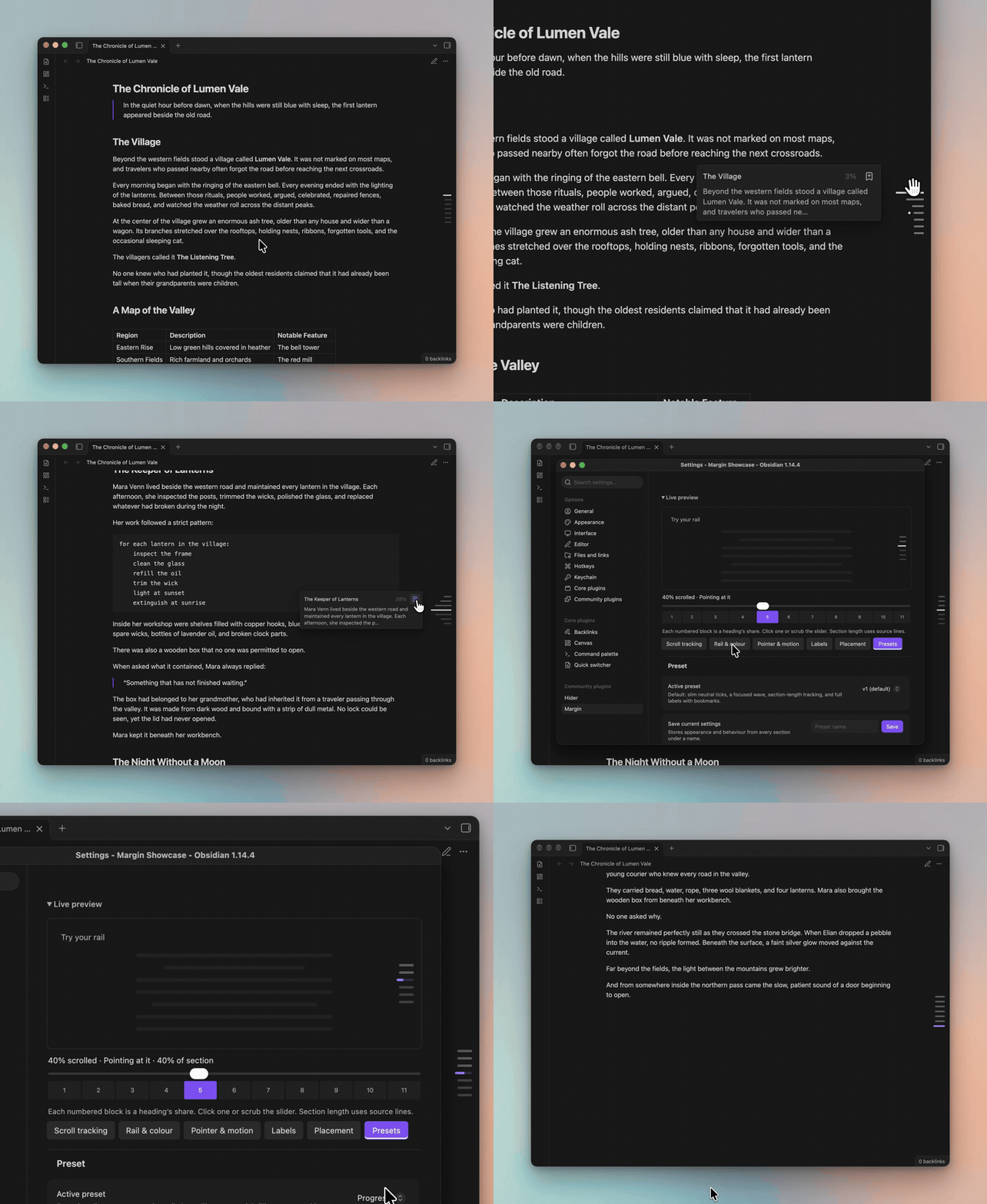
The Margin Rail plugin places heading markers along the edge of a note and highlights the current section while reading or editing. Hovering reveals heading labels with optional text previews and position information. Clicking jumps to a heading, dragging scrolls through the note and keyboard controls reach nested headings. Tracking can follow heading positions, divide scrolling by section length, give every heading an equal share or remain off. Presets and detailed settings control marker appearance, placement, hover effects and label animations. Section progress fills and fading for sections already passed provide further position cues. Heading bookmarks use the Bookmarks core plugin, which must be enabled for that feature. The rail works locally without network requests or usage tracking. It is hidden on phones by default, with options to show it in landscape or both orientations.
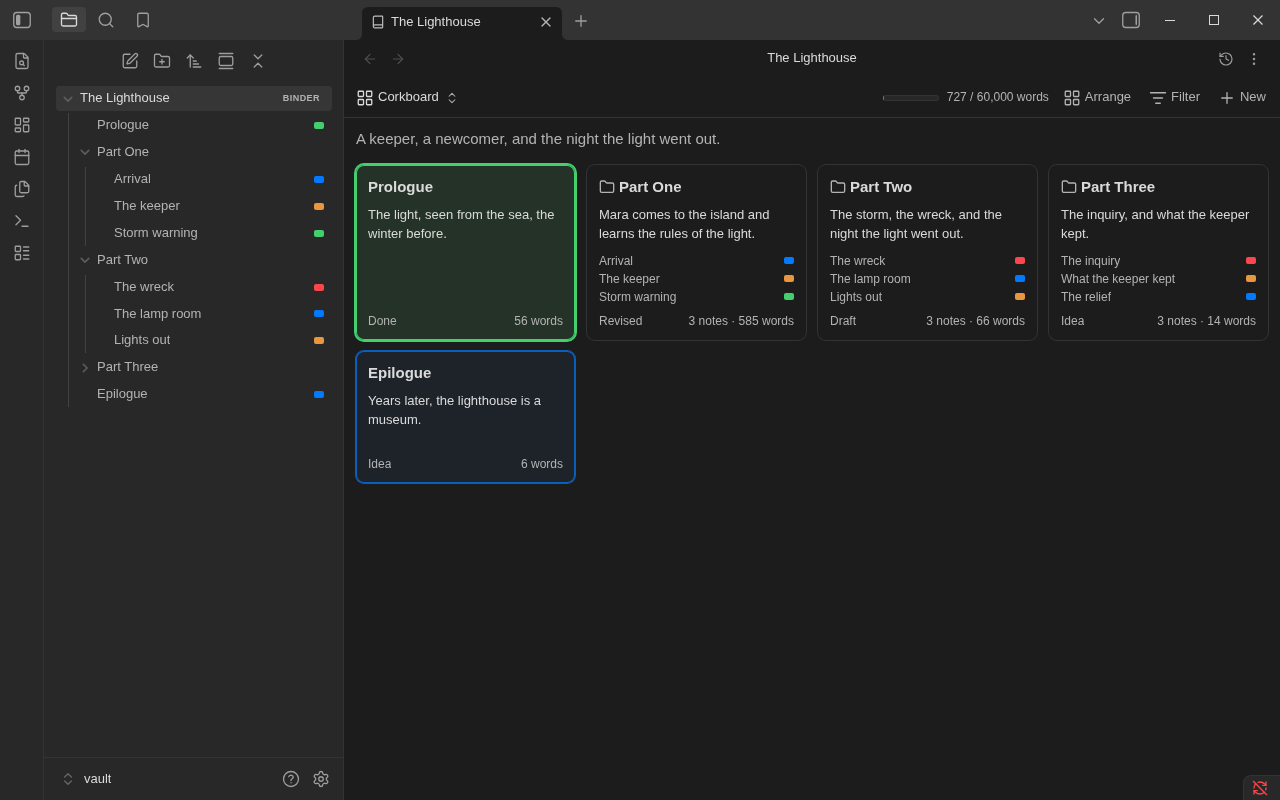
The Binders plugin turns folders into ordered writing projects, keeping chapters and scenes in your chosen sequence in the file explorer. Each binder offers a corkboard, an outliner with configurable columns, an editable continuous manuscript and a timeline arranged by story date. Scene details stay in note properties, while a separate note stores the binder's order. Labels, saved filters and templates support planning. Word targets, deadlines and progress history track writing, while snapshots and revision tasks sit alongside scene splitting, merging and bookwide find and replace. It imports Scrivener 3 projects and manuscript files, opens Longform projects and exports Word, EPUB, PDF or Scrivener formats. Notes remain plain Markdown when the plugin is disabled. Phone and tablet support is in public beta with limited device testing and PDF creation requires a computer.
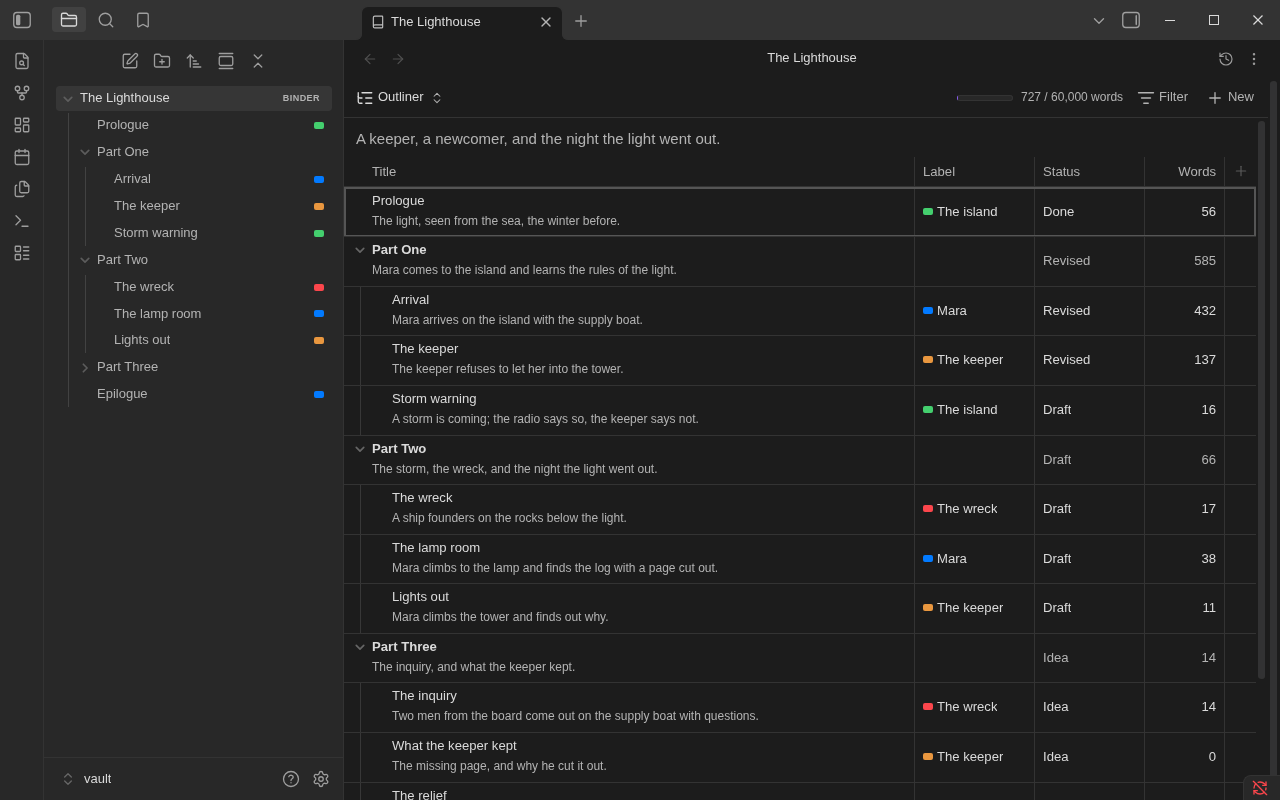
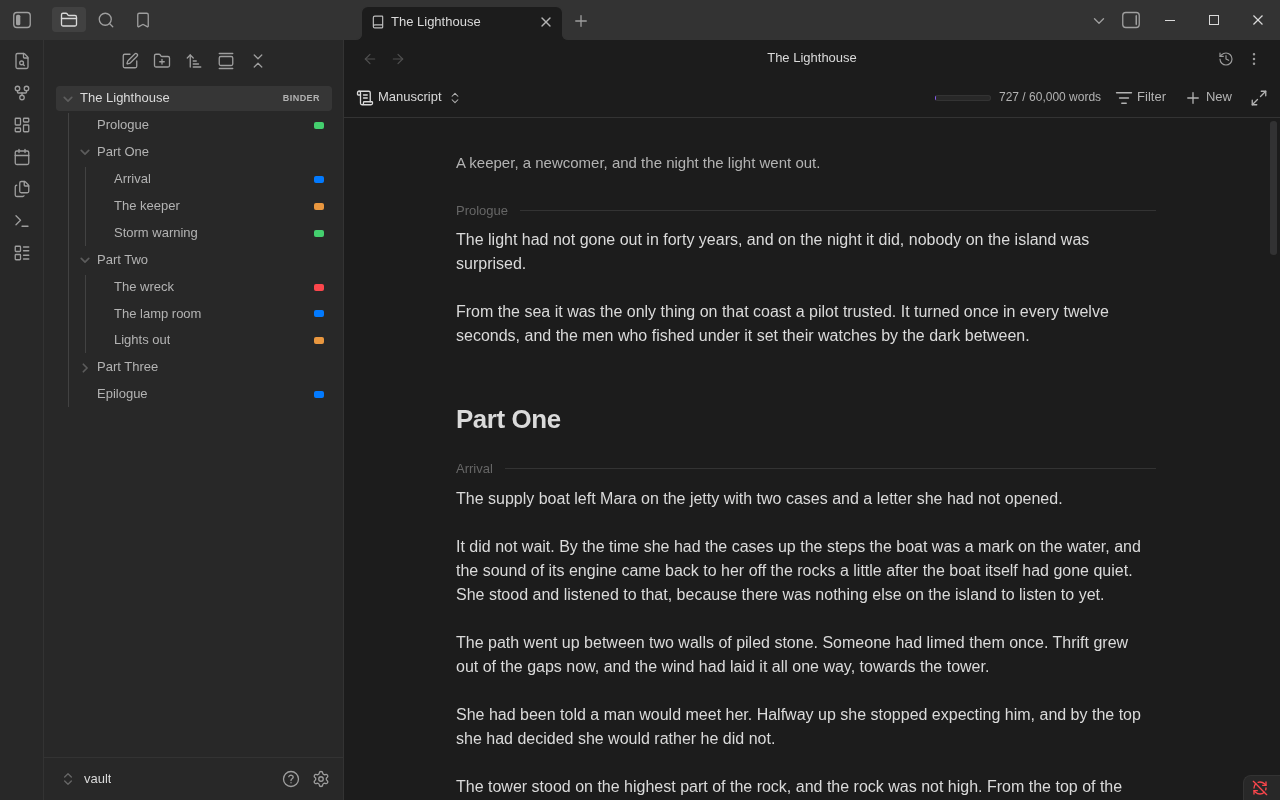
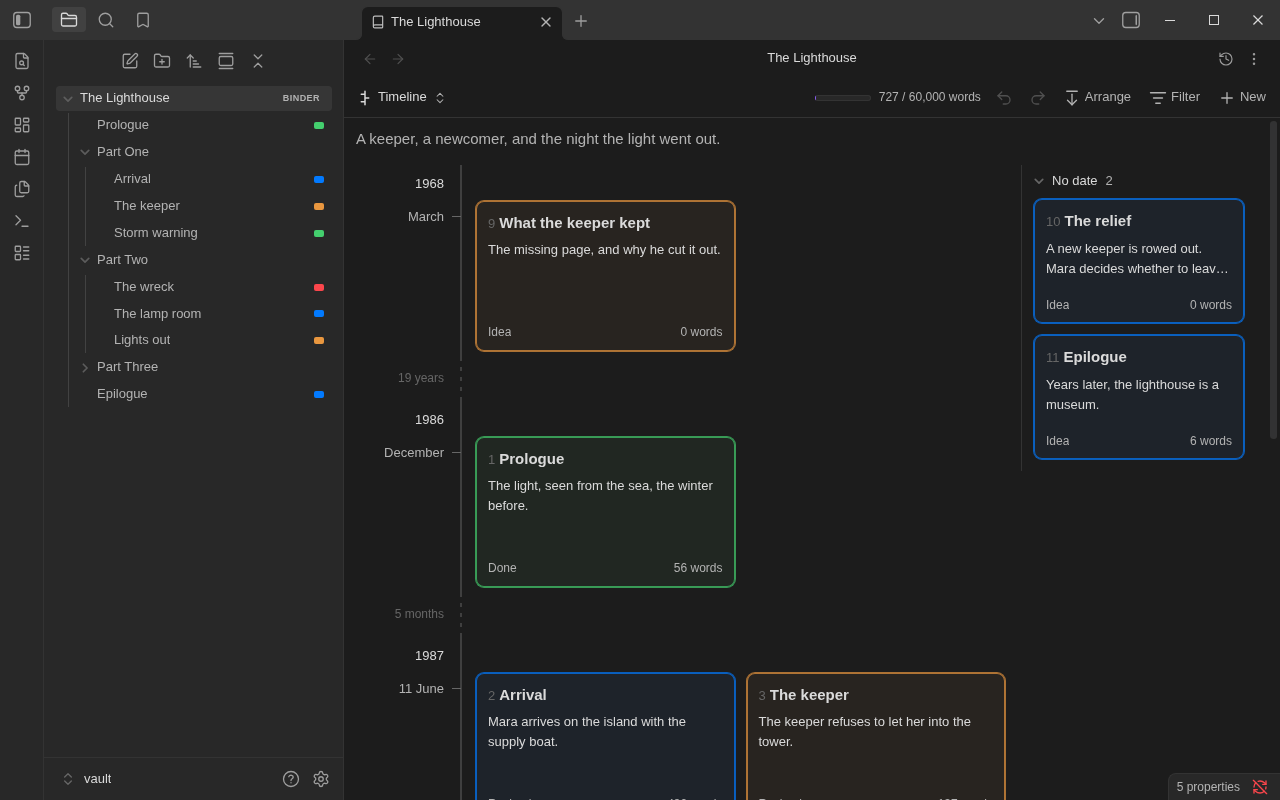

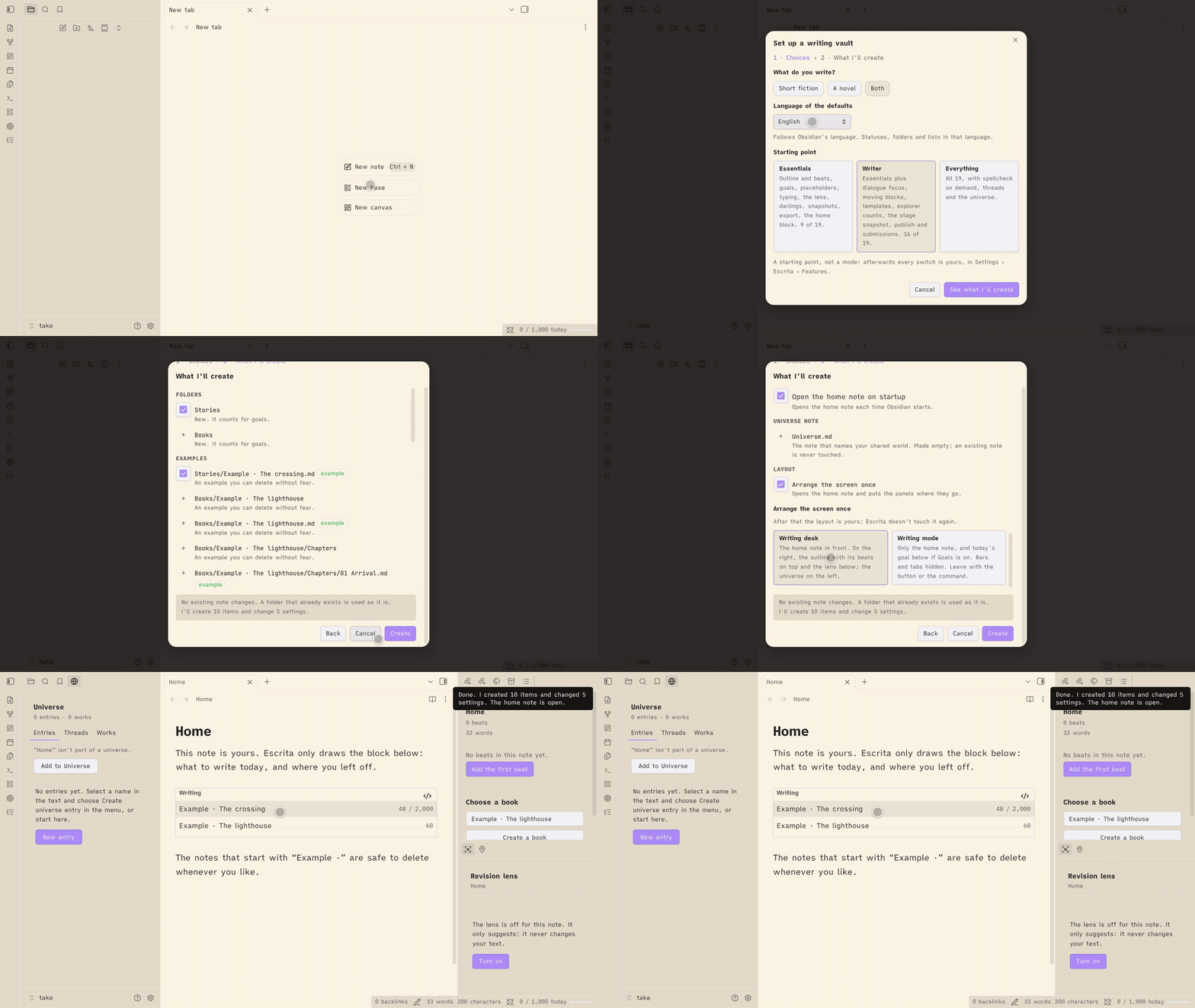
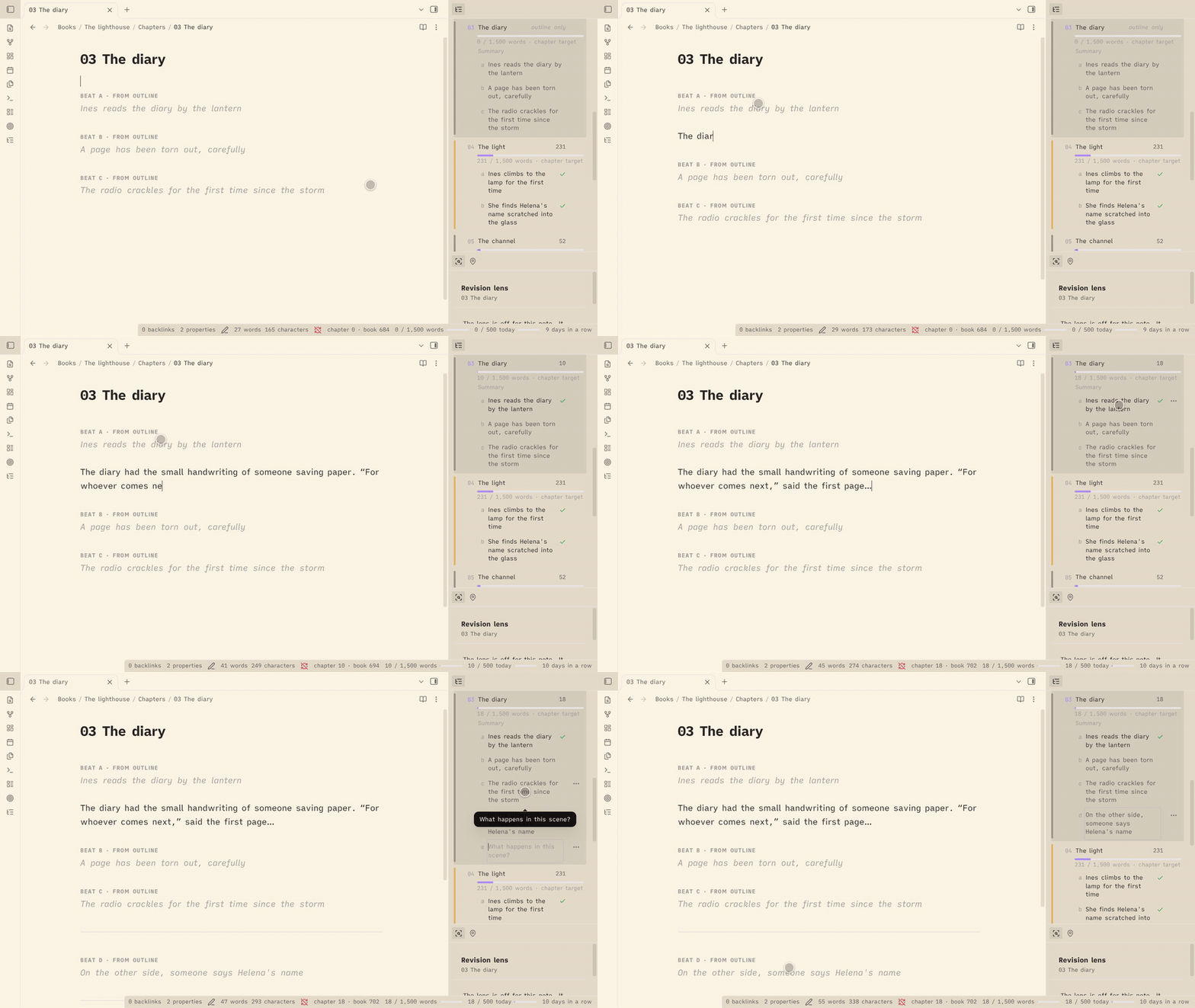
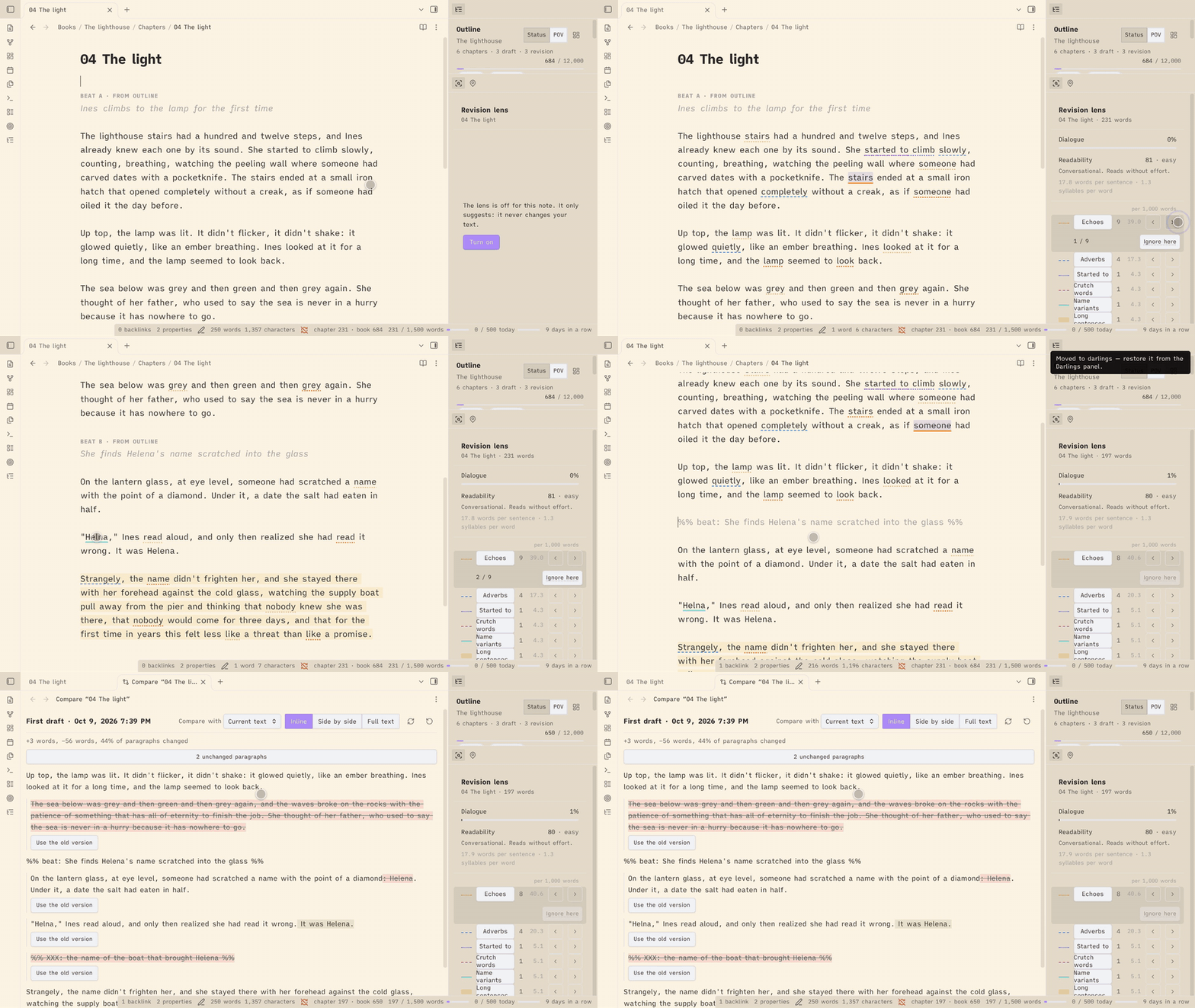
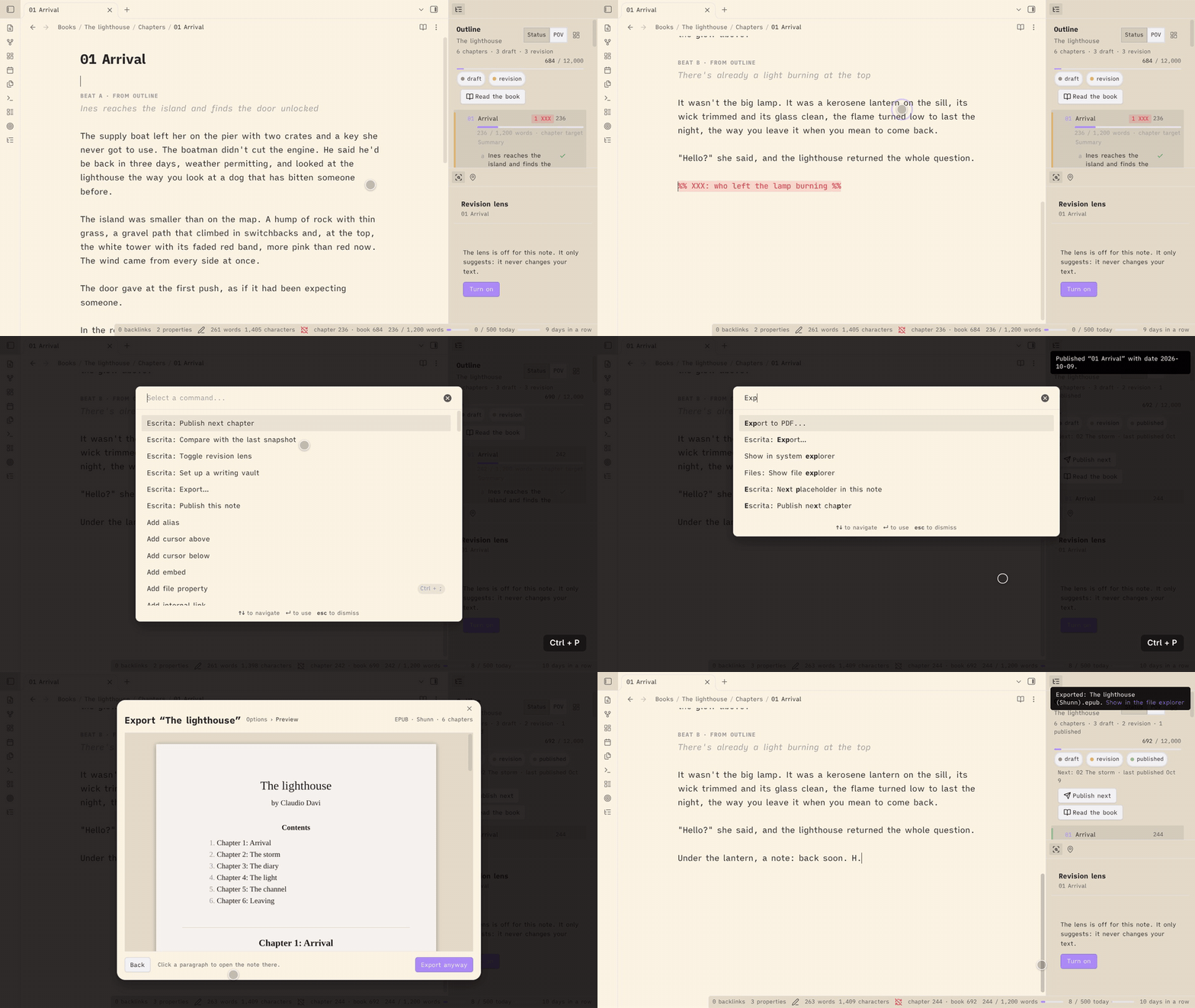
The Escrita plugin brings fiction planning, drafting and revision into plain Markdown notes. A sidebar outline organises chapters and story beats, while word goals, pacing and timed sprints track writing progress. Works move through five stages from idea to published, with snapshots taken when stages change. Its revision lens flags repeated wording, adverbs, name variants and long sentences without editing the text. Saved snapshots support word by word comparison and restoration, and cut passages can be kept with their original locations. A shared universe connects characters and places across stories, tracks unresolved threads and finds unlinked mentions. Publishing checks catch placeholders and unwritten beats before export to Markdown, DOCX or EPUB. Individual features can be switched off without deleting their data. It runs on desktop and mobile without network access, AI or telemetry.
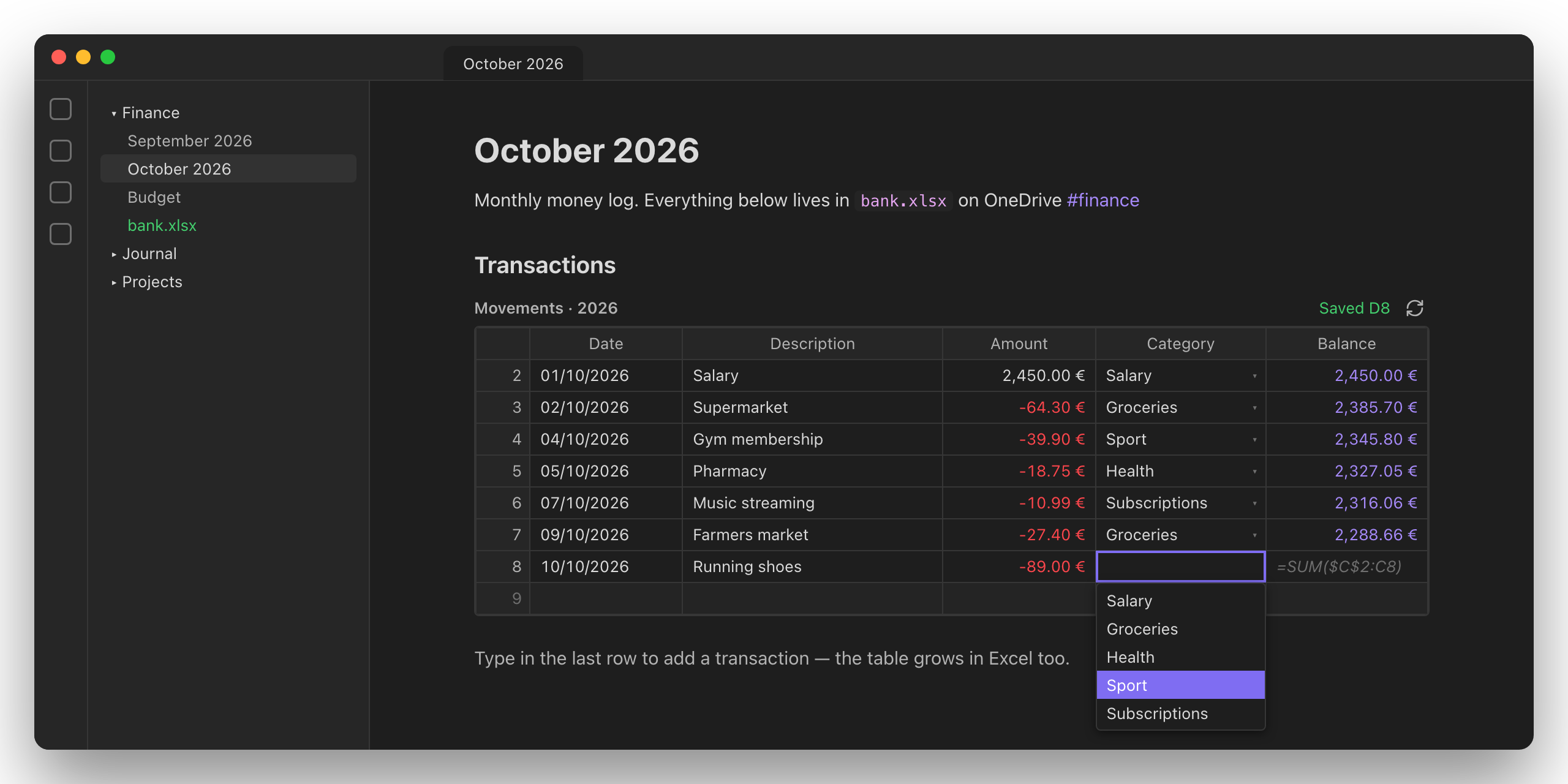
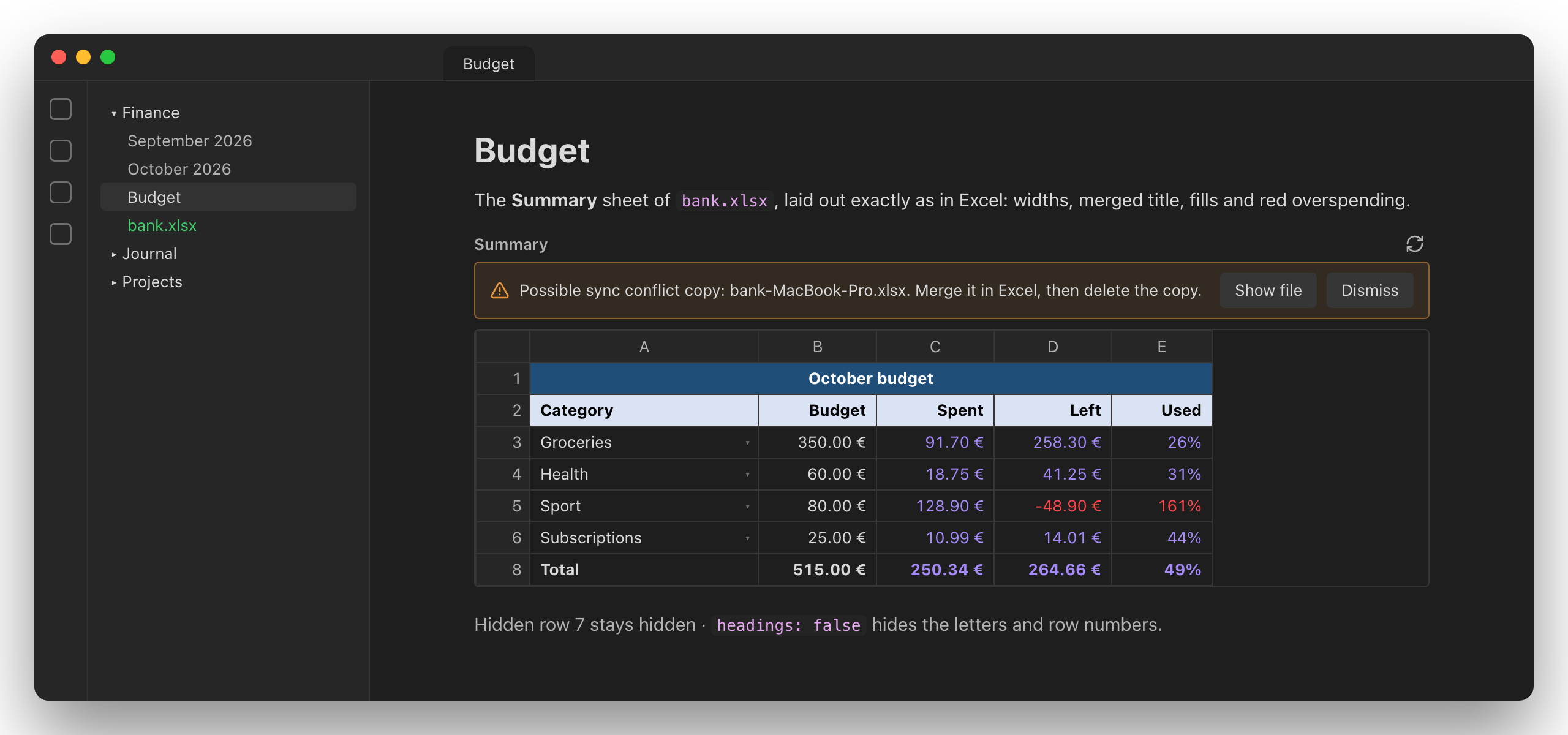
The Excidian plugin embeds Excel tables and sheets in notes and saves cell edits directly to the original .xlsx workbook. Tables expand when you add entries, carrying over calculated columns and formatting. Sheet views retain column widths, merged cells, hidden rows and colours, with controls to display selected ranges or columns. Excel validation rules provide searchable dropdowns and checks for numbers, dates and text length. It reloads workbooks when files change, flags possible sync conflict copies and creates a backup on the first save of each session. Desktop can access workbooks outside the vault and resolve OneDrive paths across computers, while mobile is limited to files inside the vault. Only edited cells change and other workbook content is preserved. Formulas are stored but not calculated until Excel opens the file.
Most Downloaded (2026-10-04 to 2026-10-10)
| Rank | Plugin | Downloads | Links |
|---|---|---|---|
| 1 | Copilot | 174,878 | Details / GitHub |
| 2 | TaskNotes | 150,716 | Details / GitHub |
| 3 | Excalidraw | 116,612 | Details / GitHub |
| 4 | Templater | 65,765 | Details / GitHub |
| 5 | Claudian | 59,426 | Details / GitHub |
| 6 | Editing Toolbar | 42,297 | Details / GitHub |
| 7 | Dataview | 38,387 | Details / GitHub |
| 8 | Git | 37,922 | Details / GitHub |
| 9 | Tasks | 34,464 | Details / GitHub |
| 10 | QuickAdd | 33,364 | Details / GitHub |
| 11 | Importer | 29,830 | Details / GitHub |
| 12 | Omnisearch | 26,710 | Details / GitHub |
| 13 | Advanced Canvas | 22,794 | Details / GitHub |
| 14 | Advanced Tables | 20,753 | Details / GitHub |
| 15 | Style Settings | 20,128 | Details / GitHub |
Plugin Updates
There are 1106 plugin updates this week. You can see all the plugin updates on Obsidian Plugin Stats webapp.
Notable Updates
These are the updated plugins with the most downloads during the week, with the latest version released in the window shown for each:
- Copilot - v4.0.14 - Changelog
- TaskNotes - v4.13.8 - Changelog
- Claudian - v2.3.16 - Changelog
- Editing Toolbar - v4.1.9 - Changelog
- Git - v2.41.1 - Changelog
New Themes
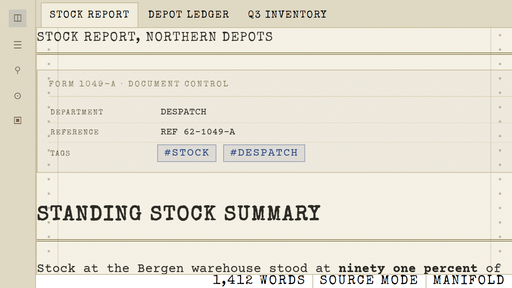
1. Manifold
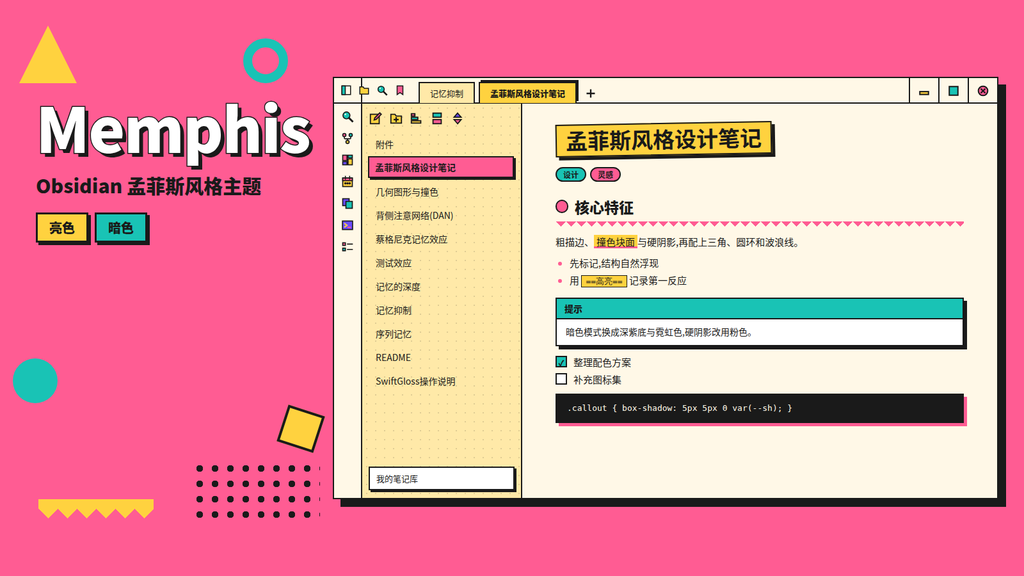
2. Memphis
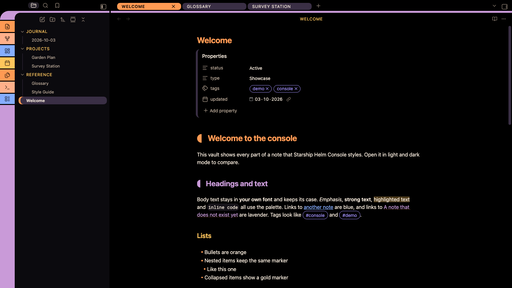
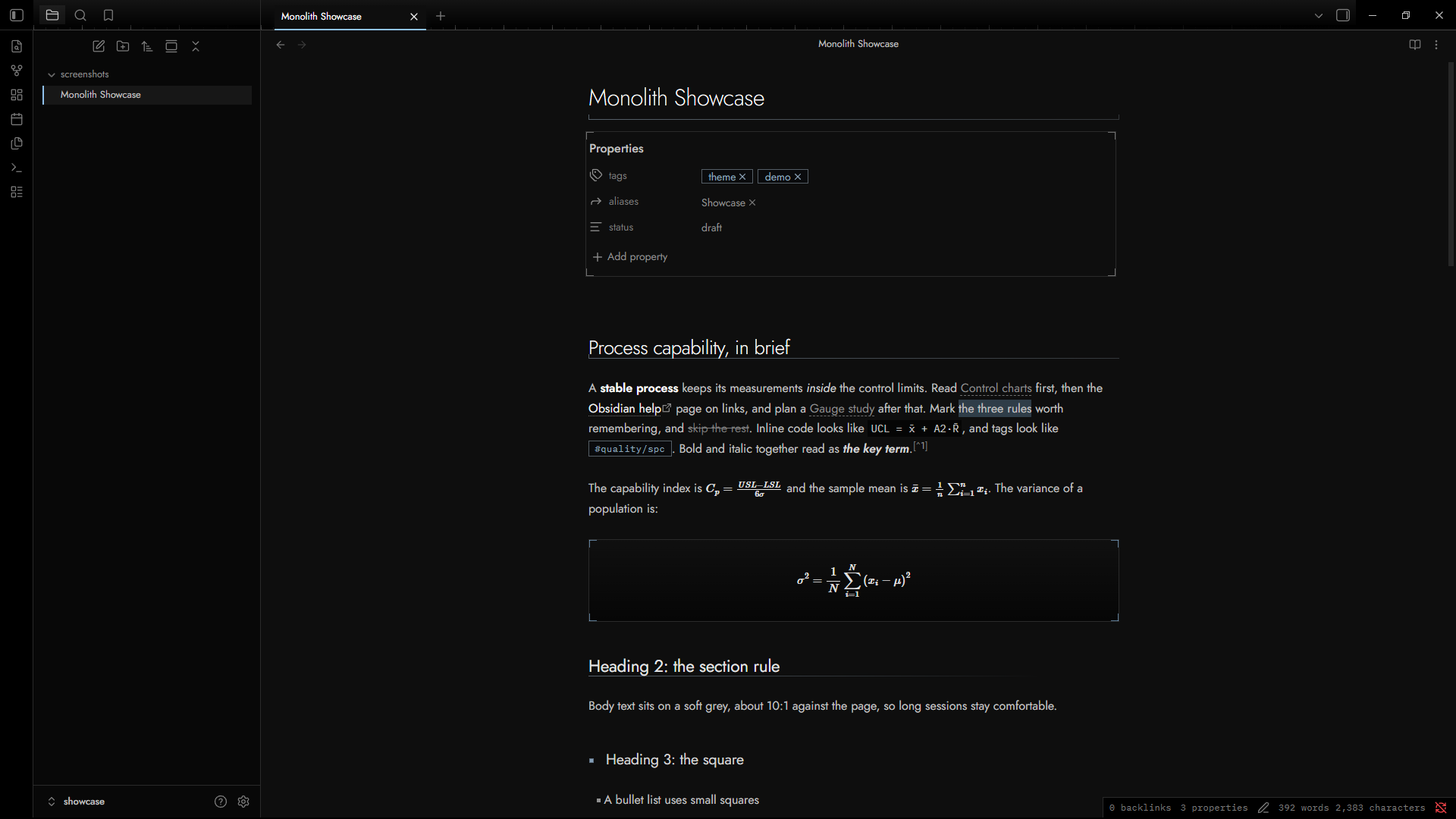
4. Monolith
5. Glassive
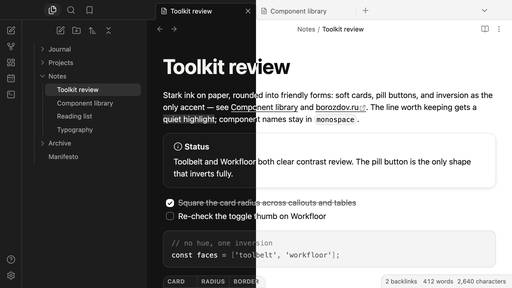
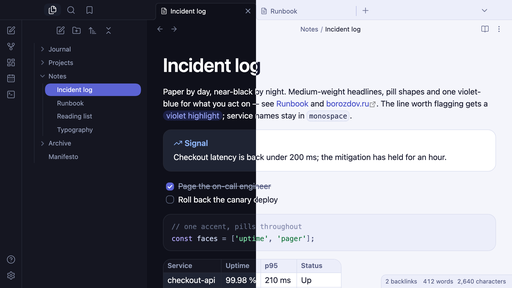
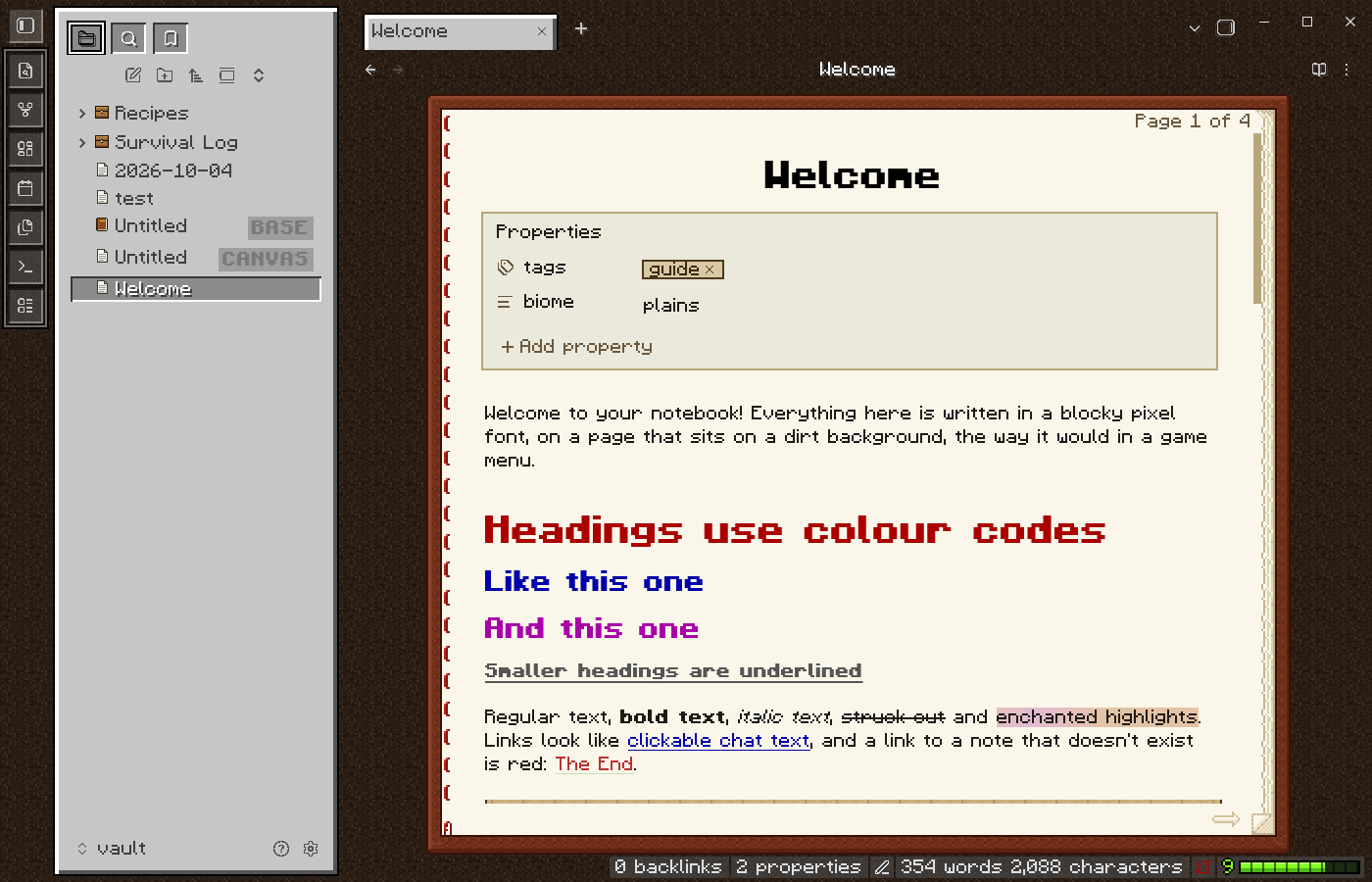
9. Hyperion
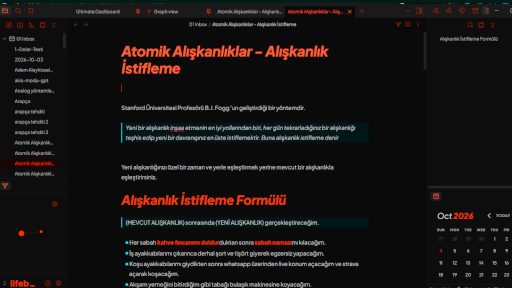
10. Pastello
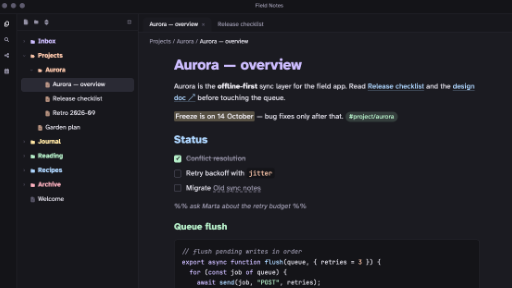
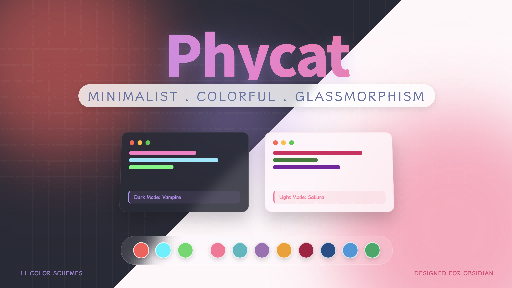
11. Phycat
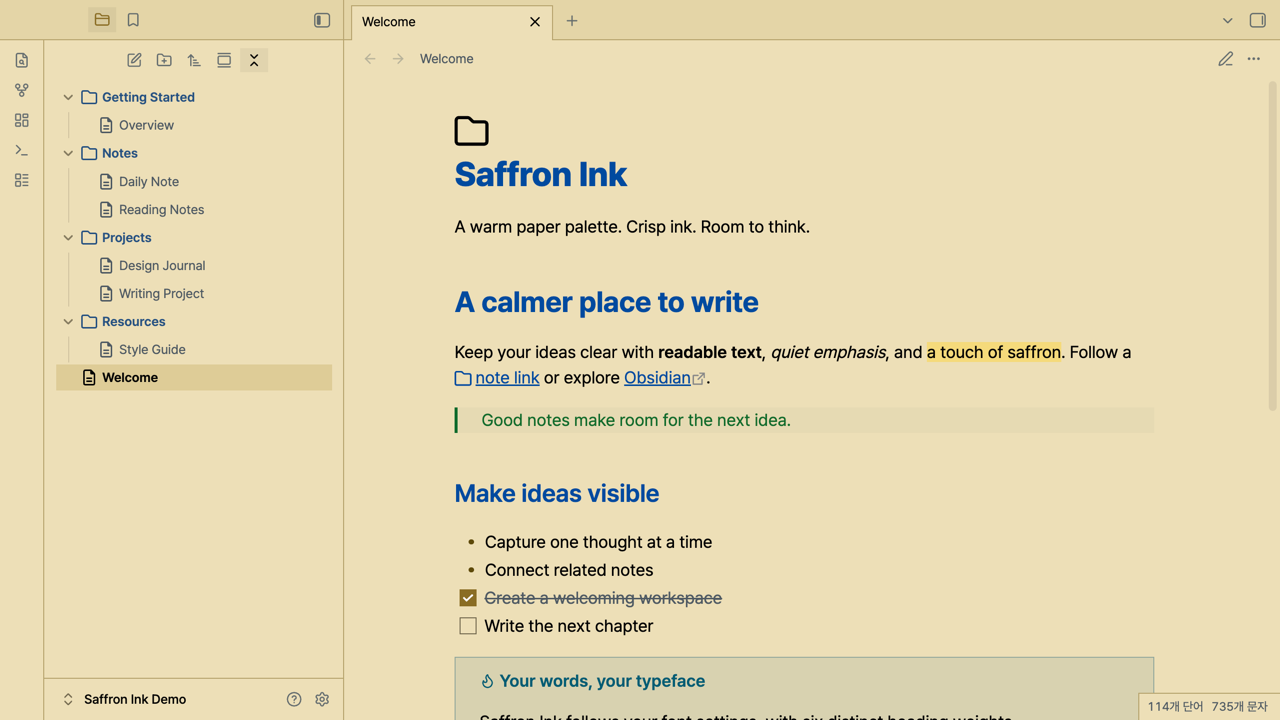
12. Saffron Ink
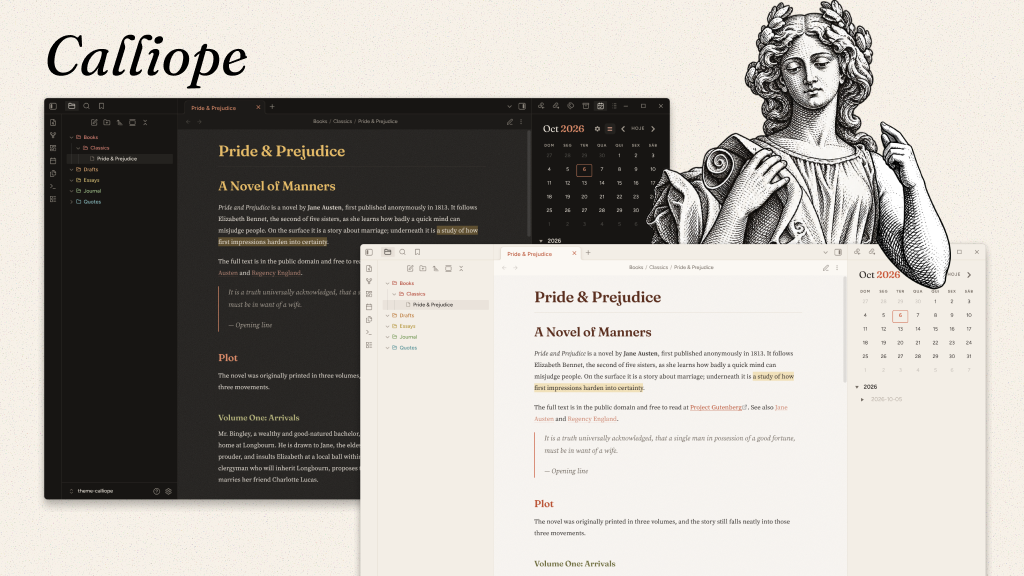
13. Calliope
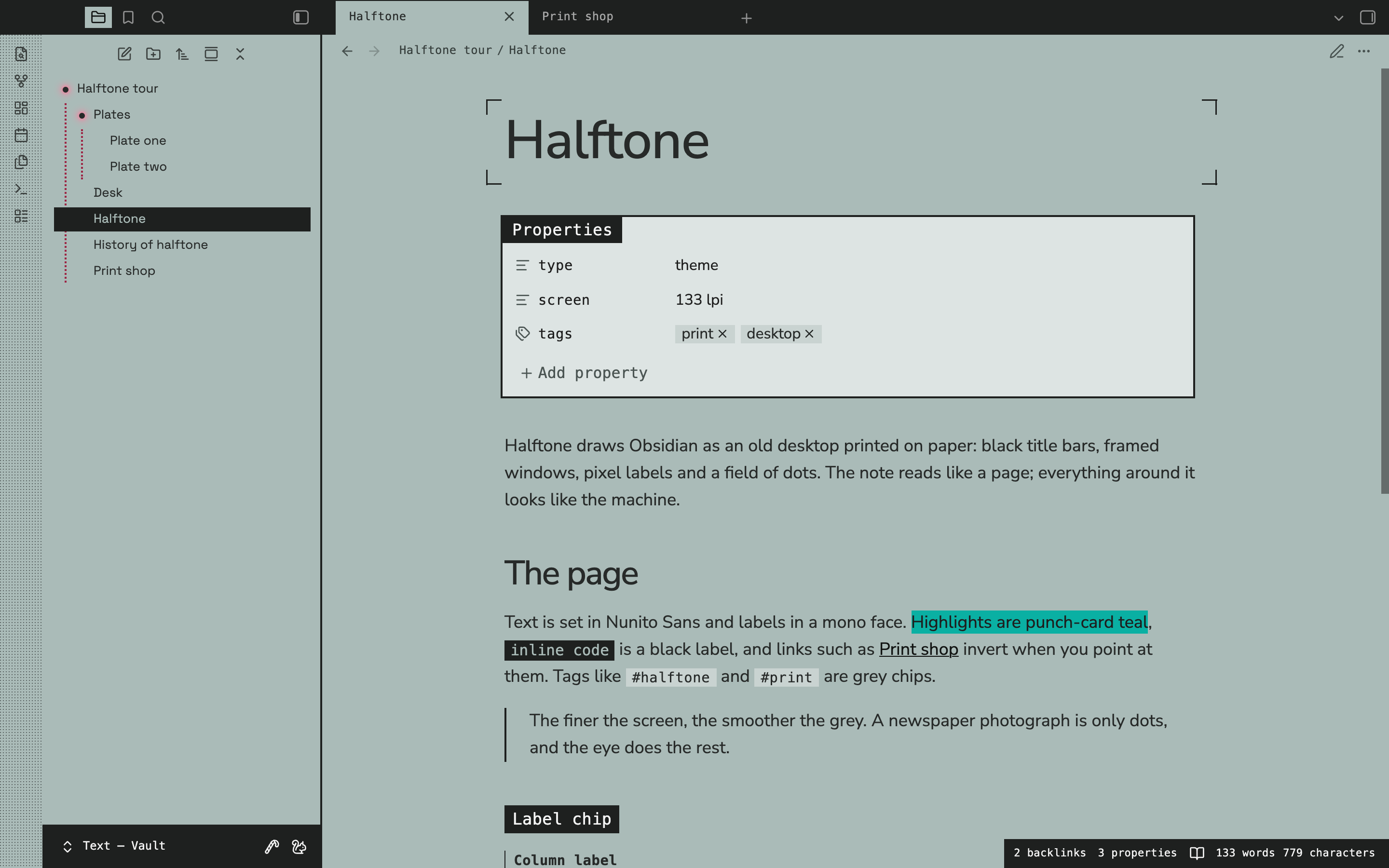
14. Halftone
15. Bliss
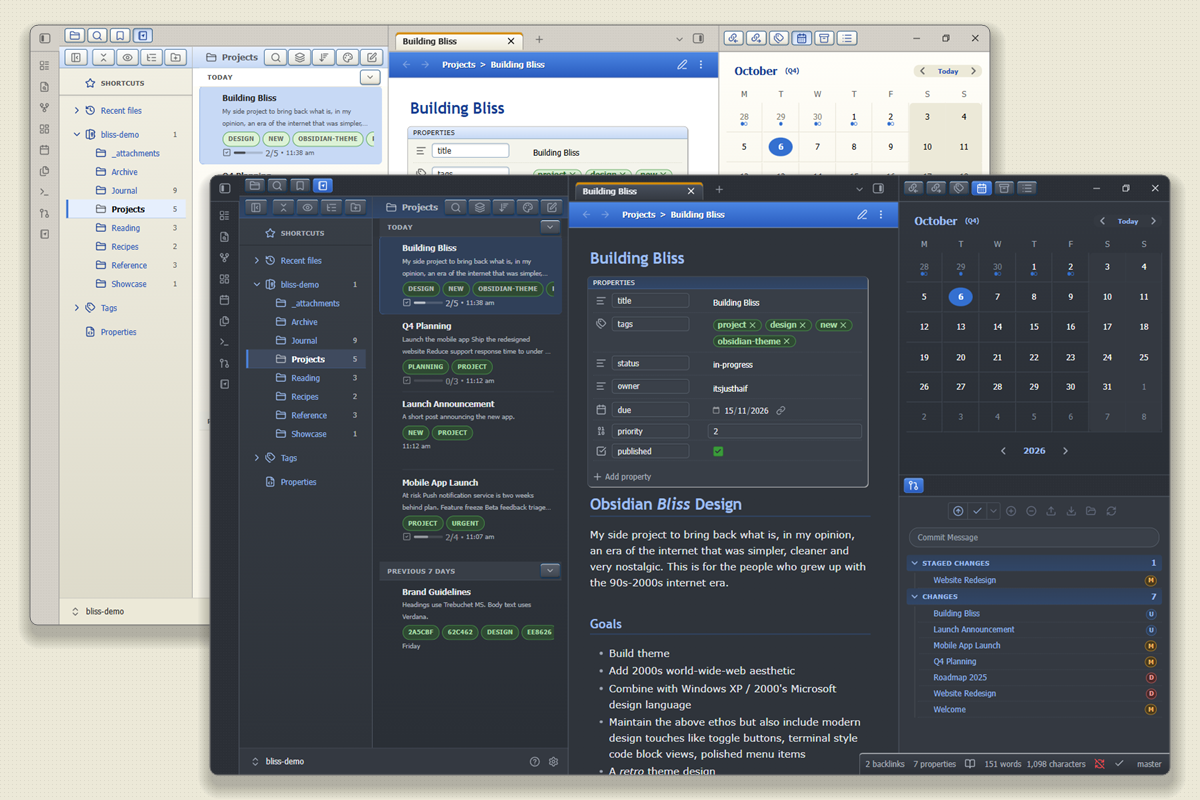
16. Lexmechanic
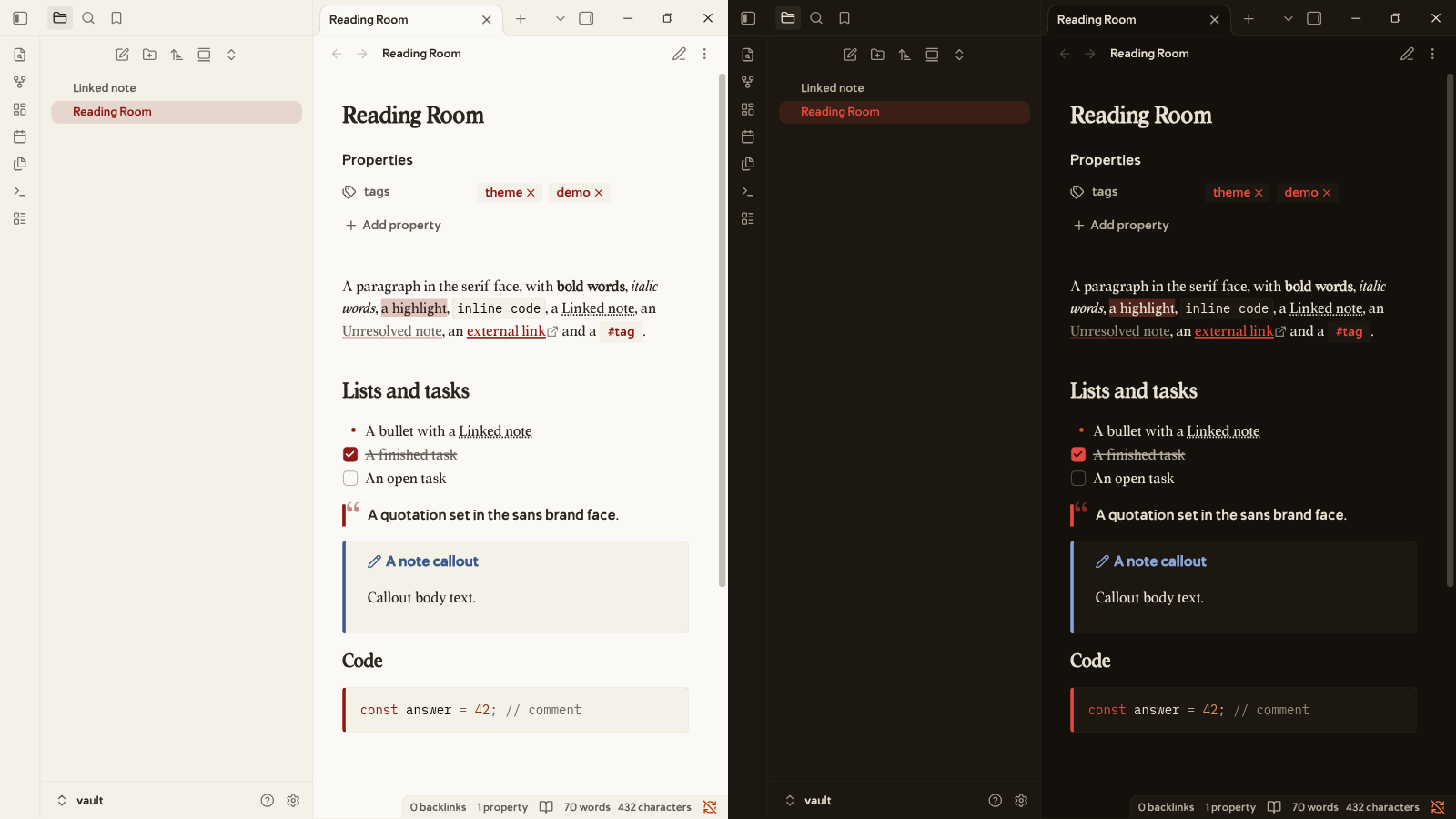
17. Harvest
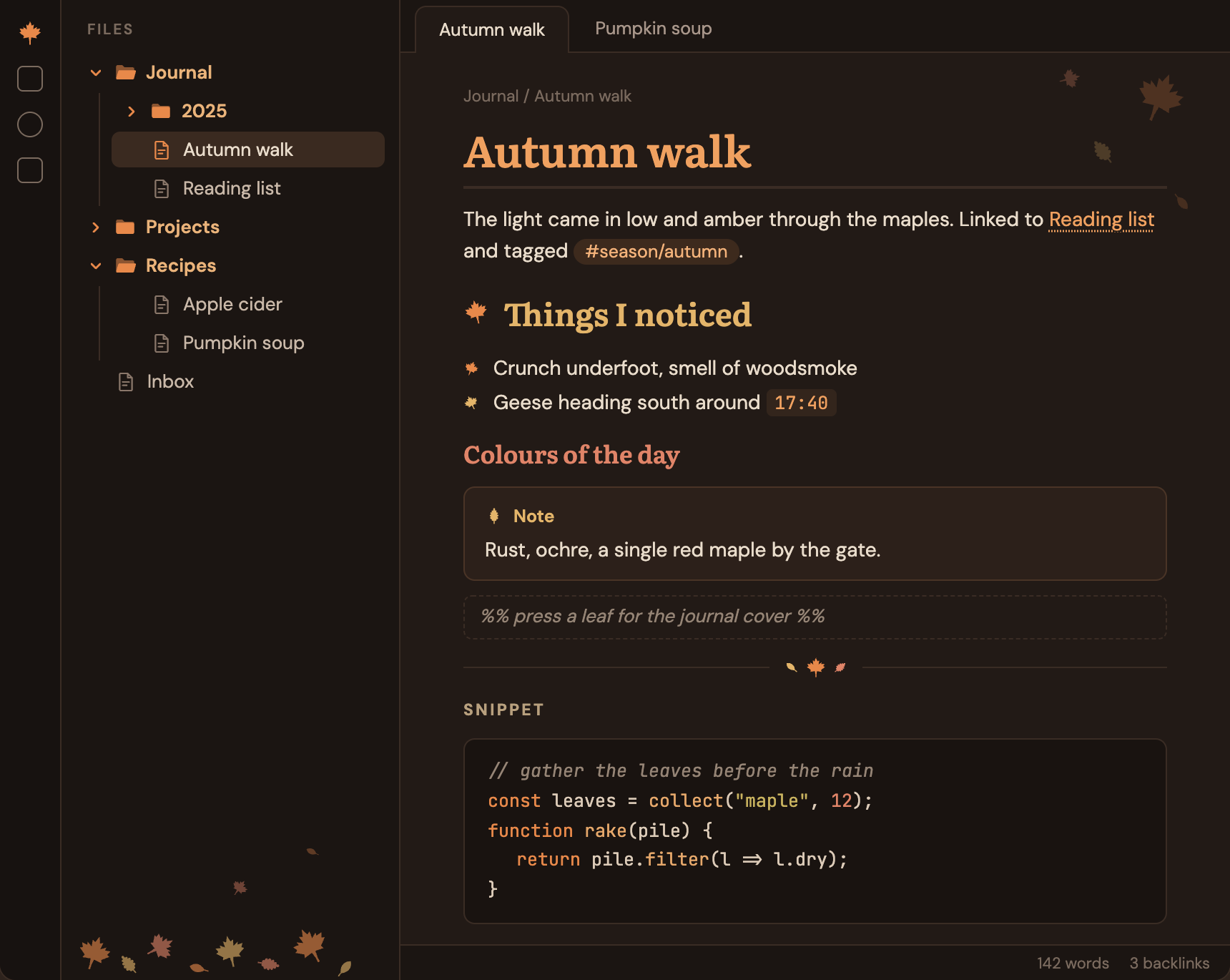
18. Inlay
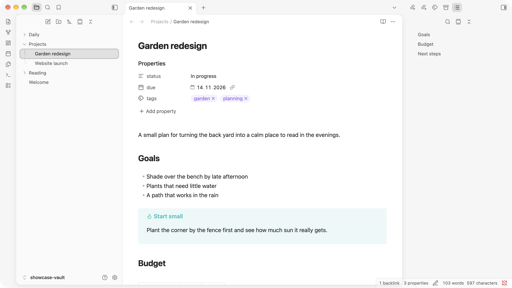
19. Khazaf
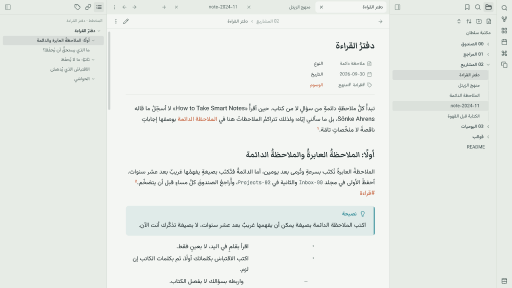
20. DDLC
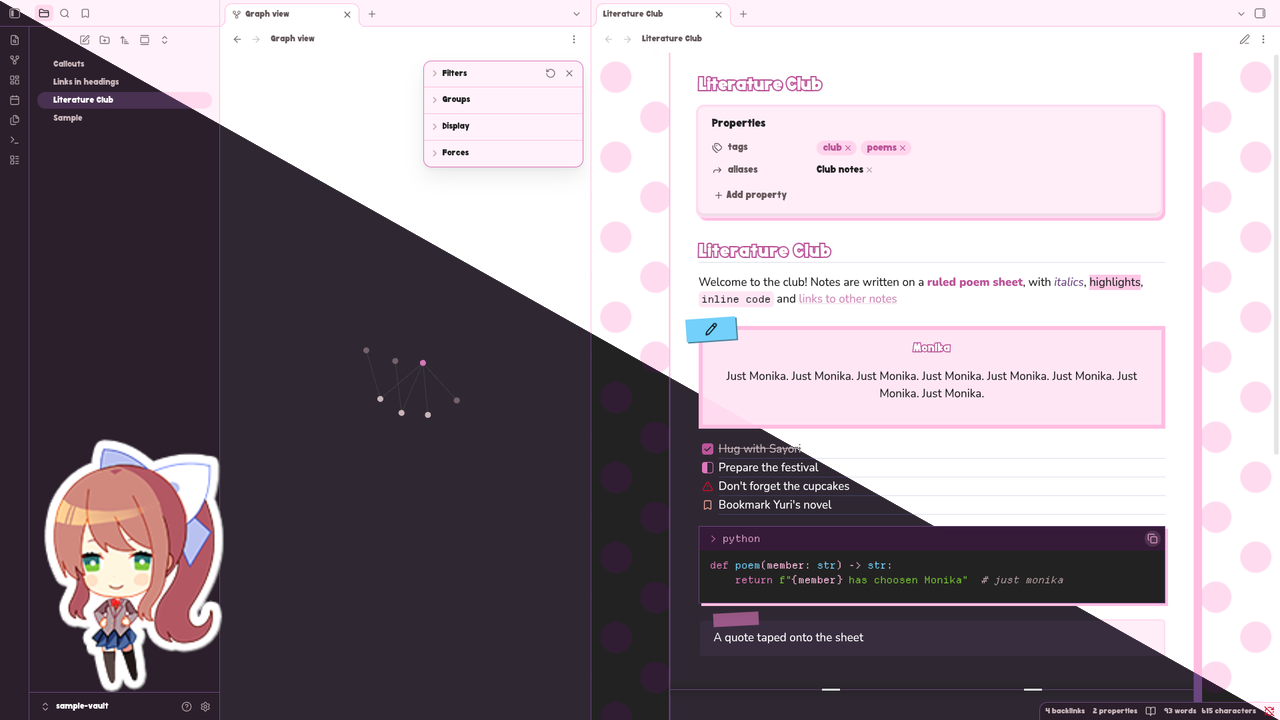
21. Foggy Sage Glass
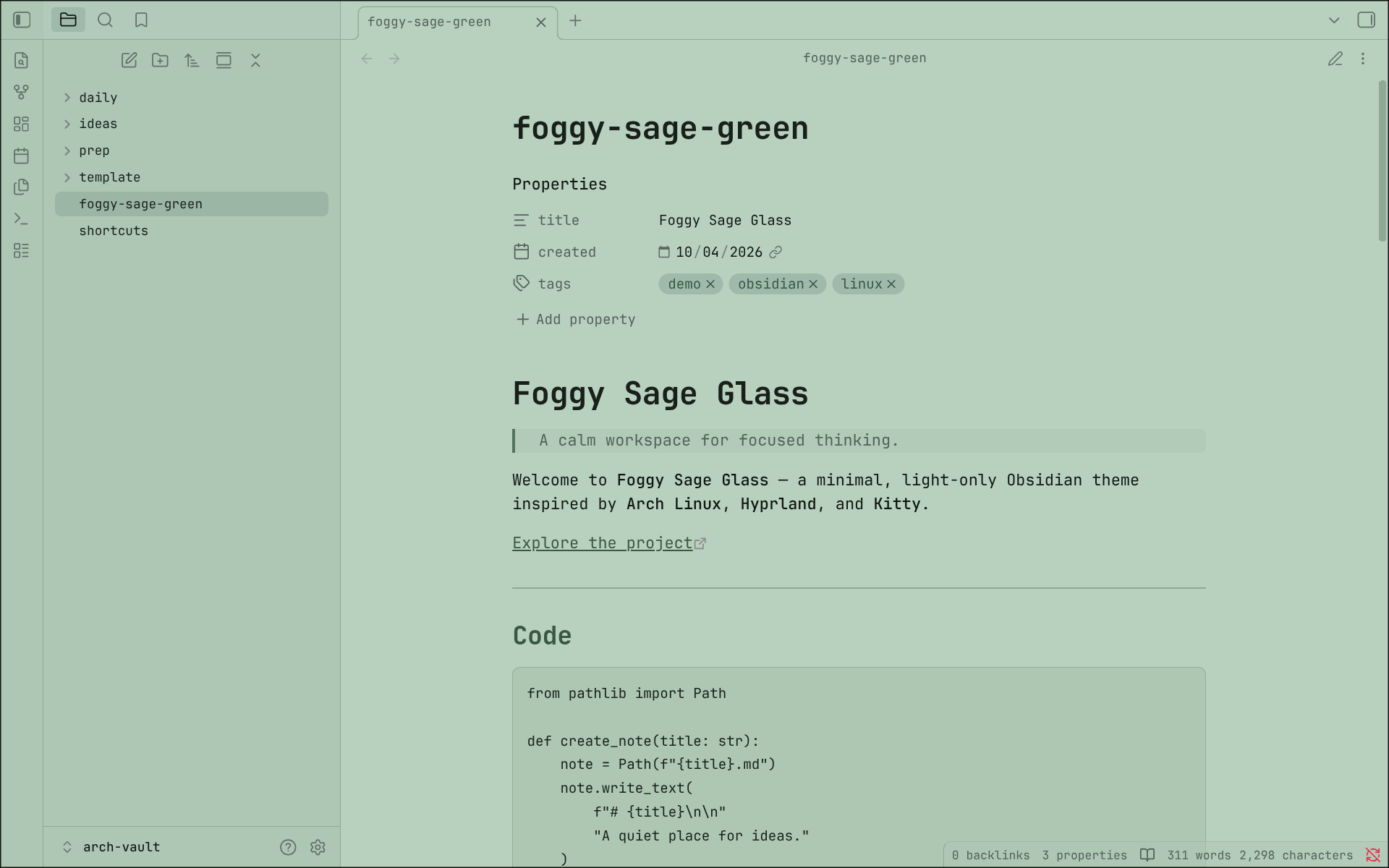
22. Midnight Store
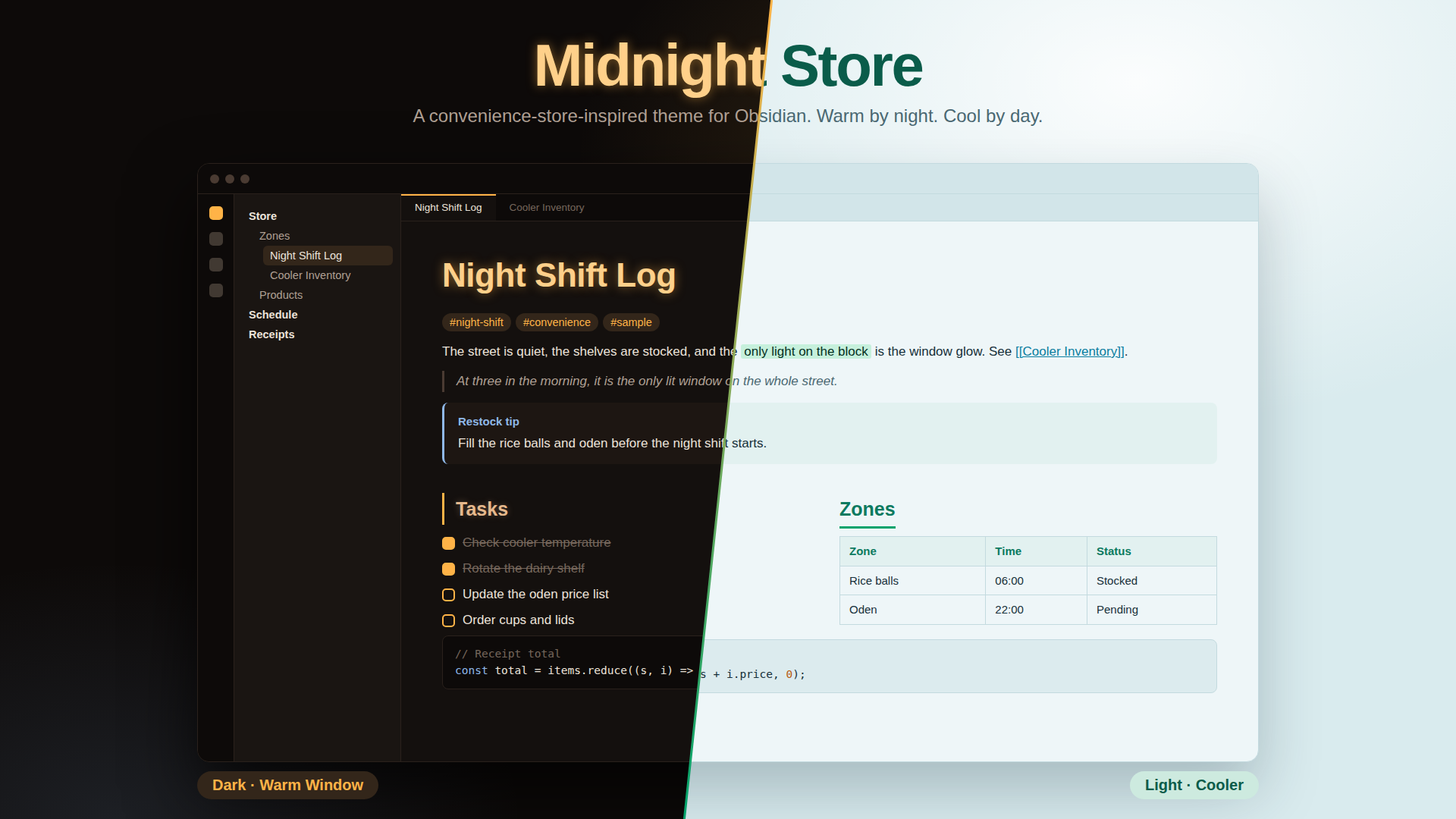
23. Memphis Suite
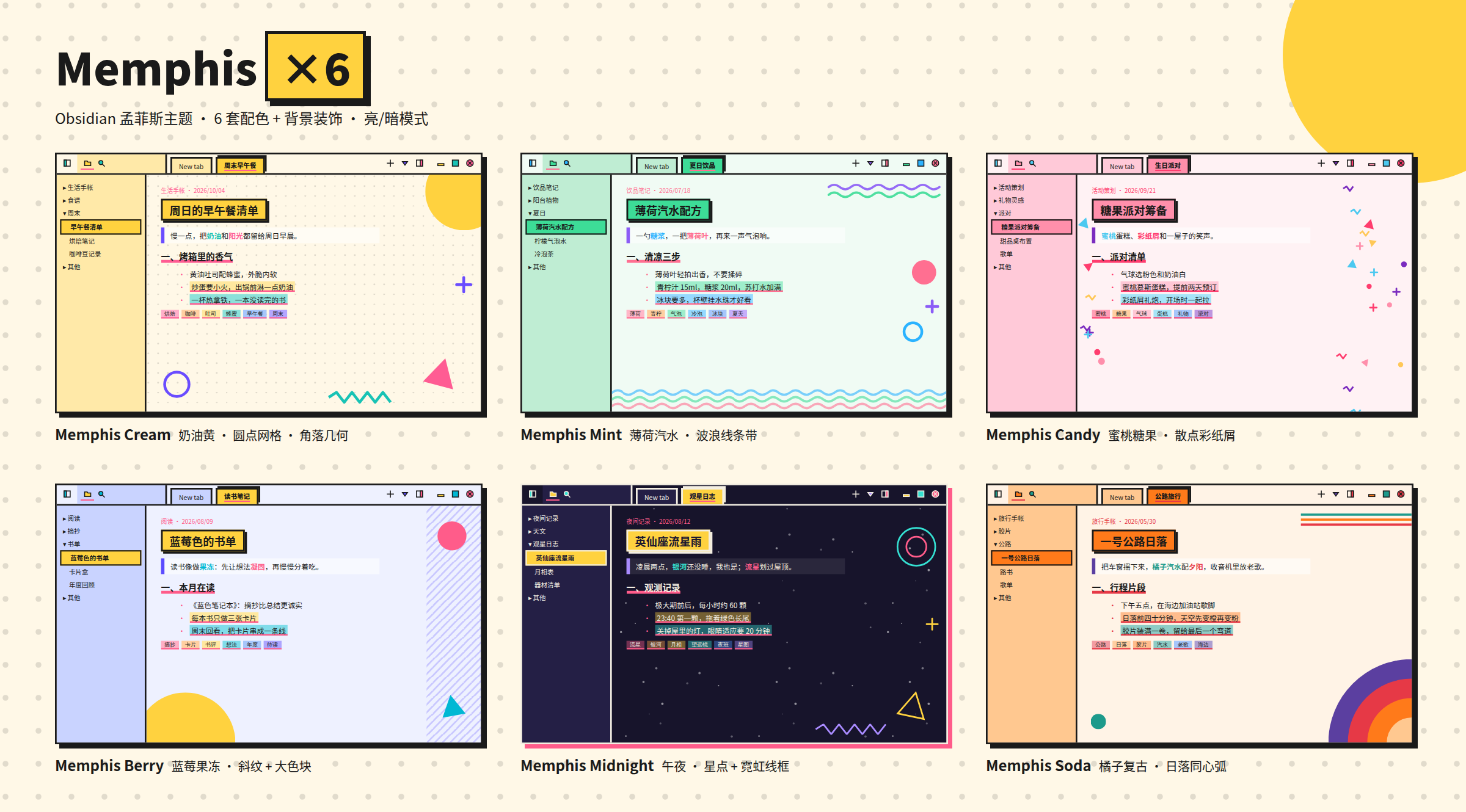
24. Glass Shelf
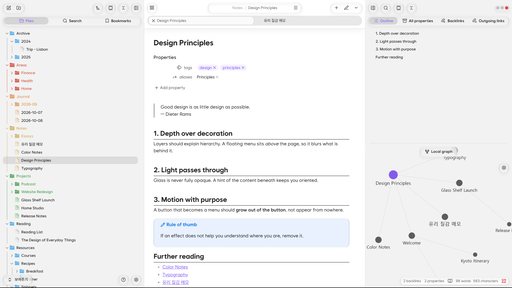
25. Arkfield
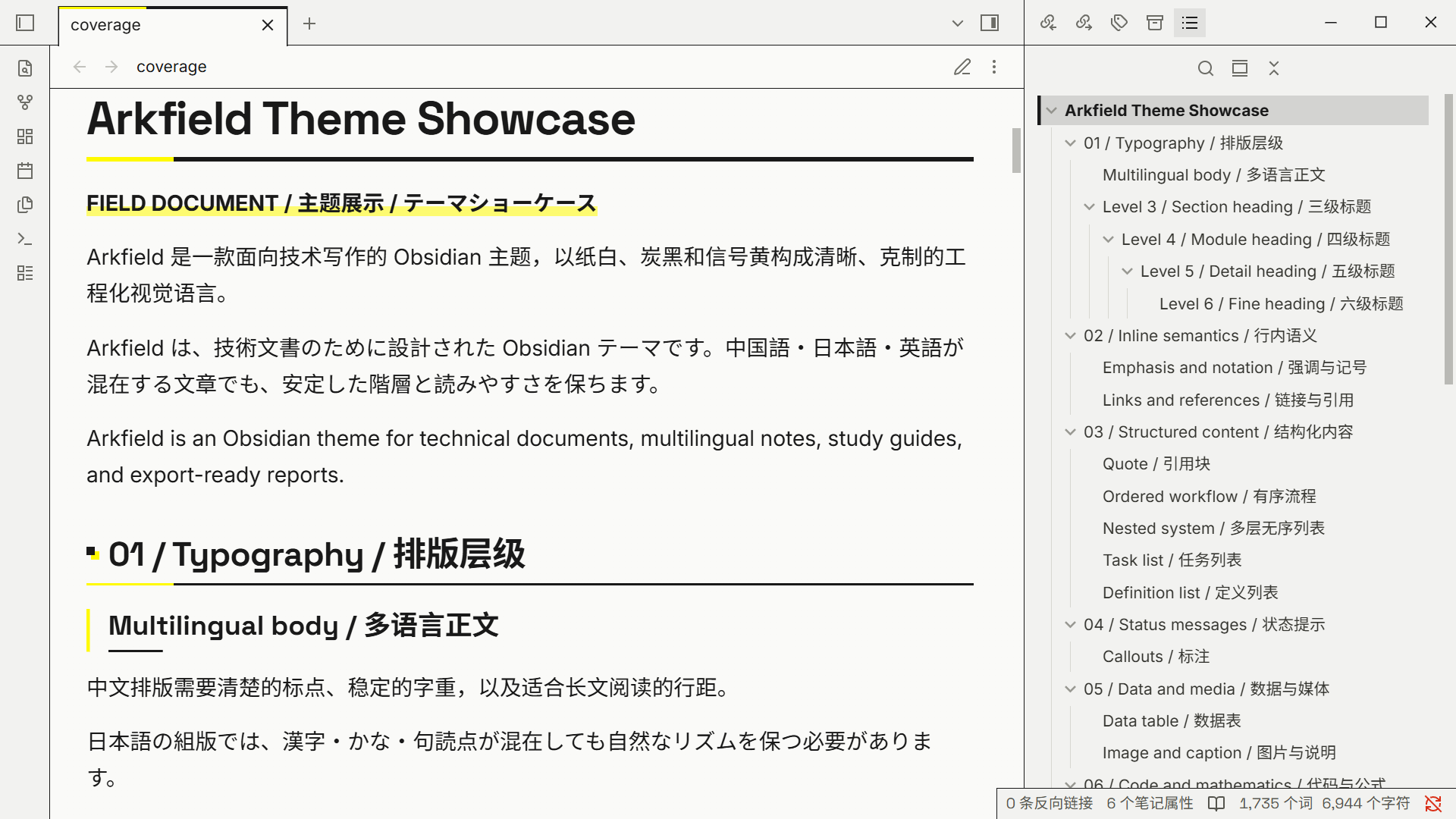
26. Tela
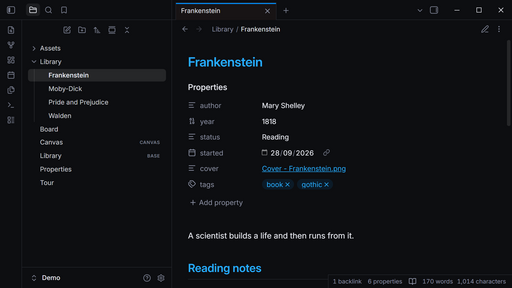
27. Liquid Glass
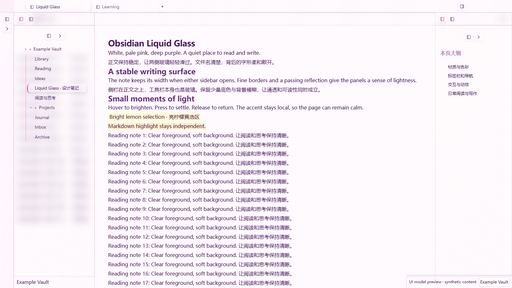
28. Paper Blue


30. Grill
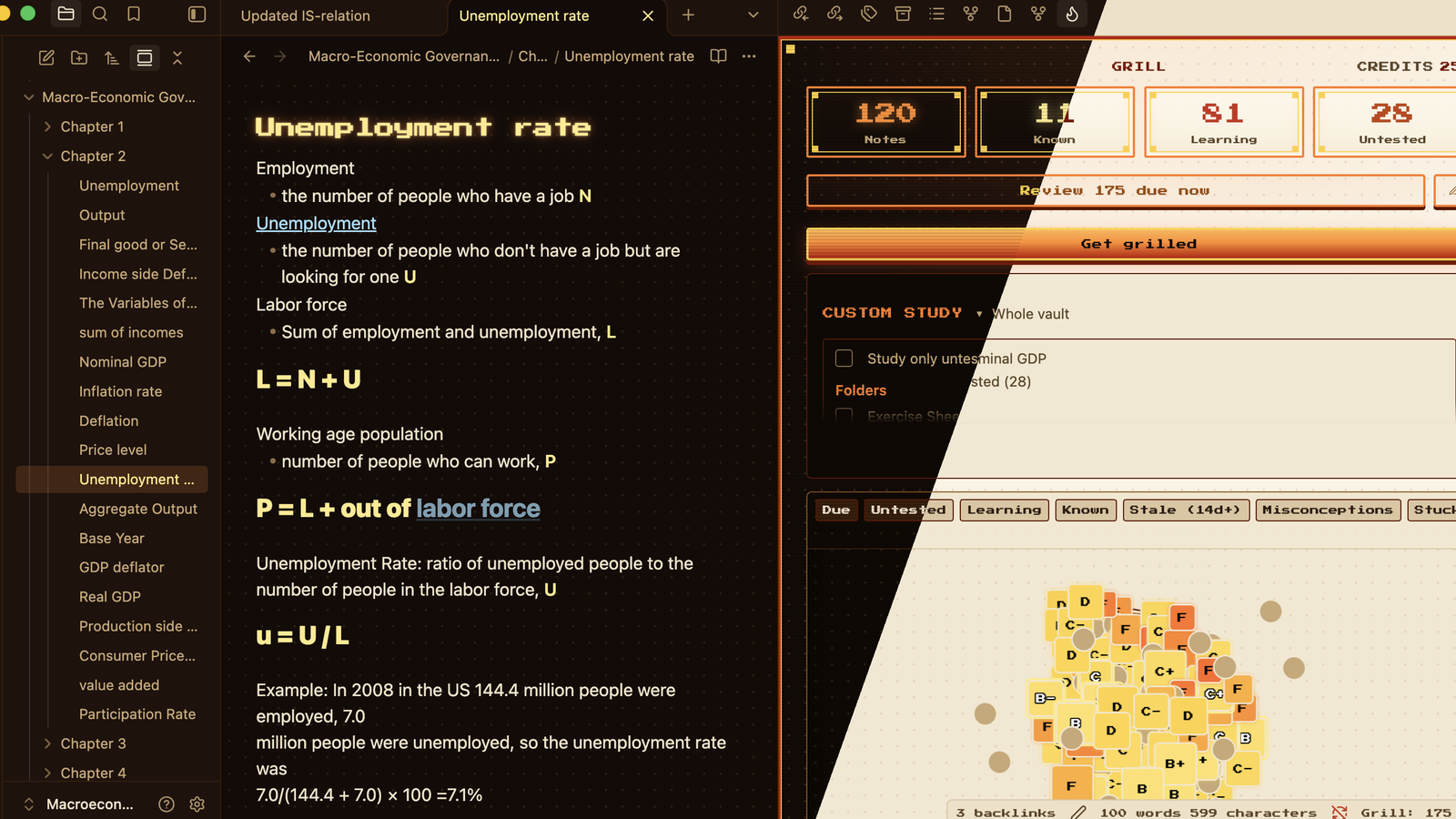
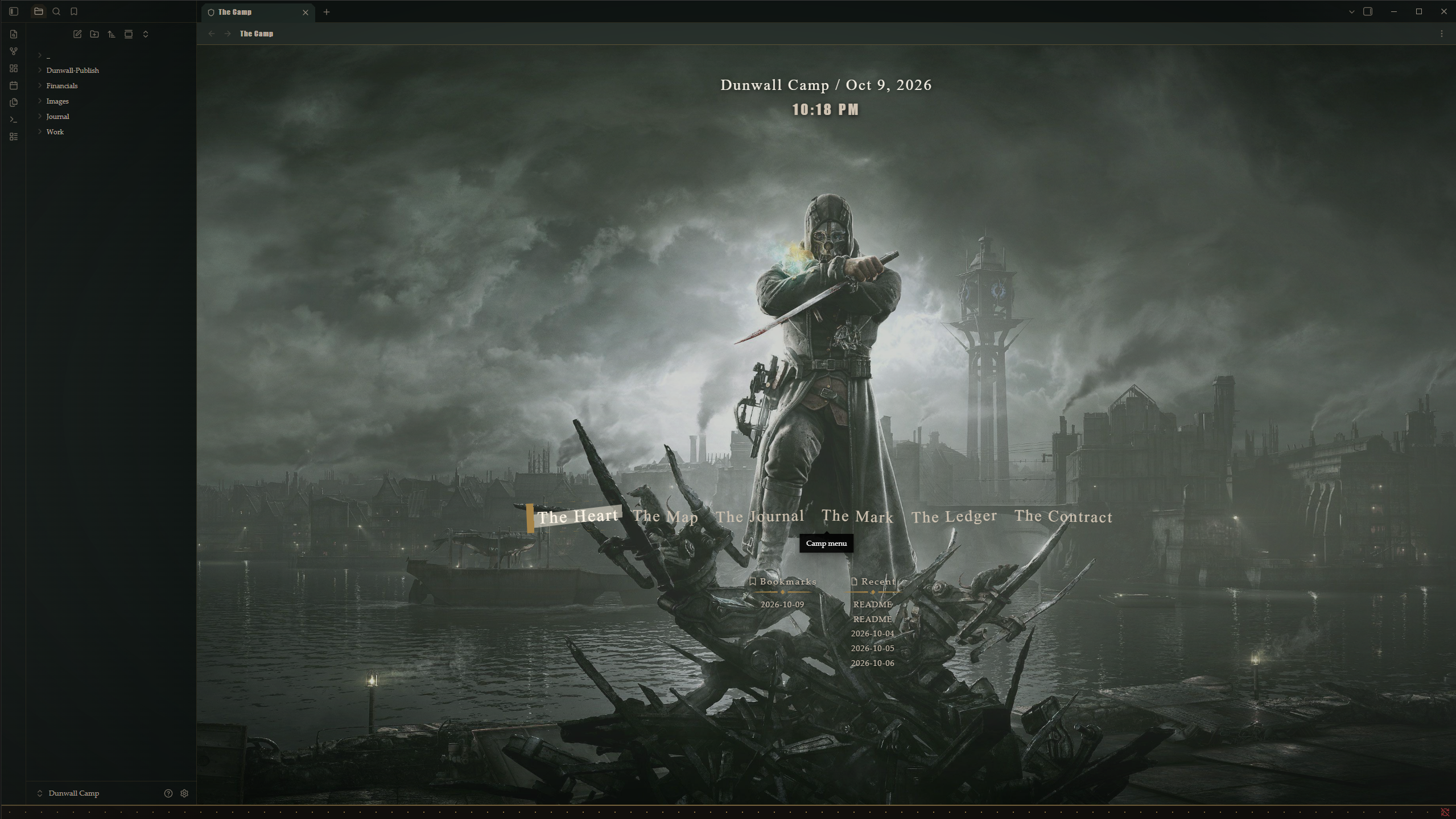
32. Retro TTY
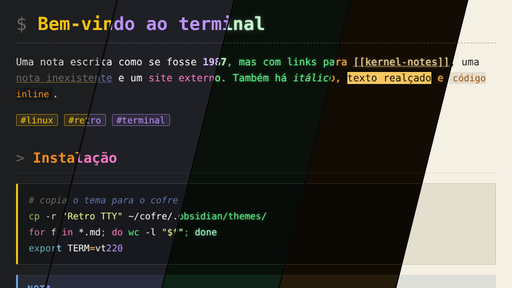
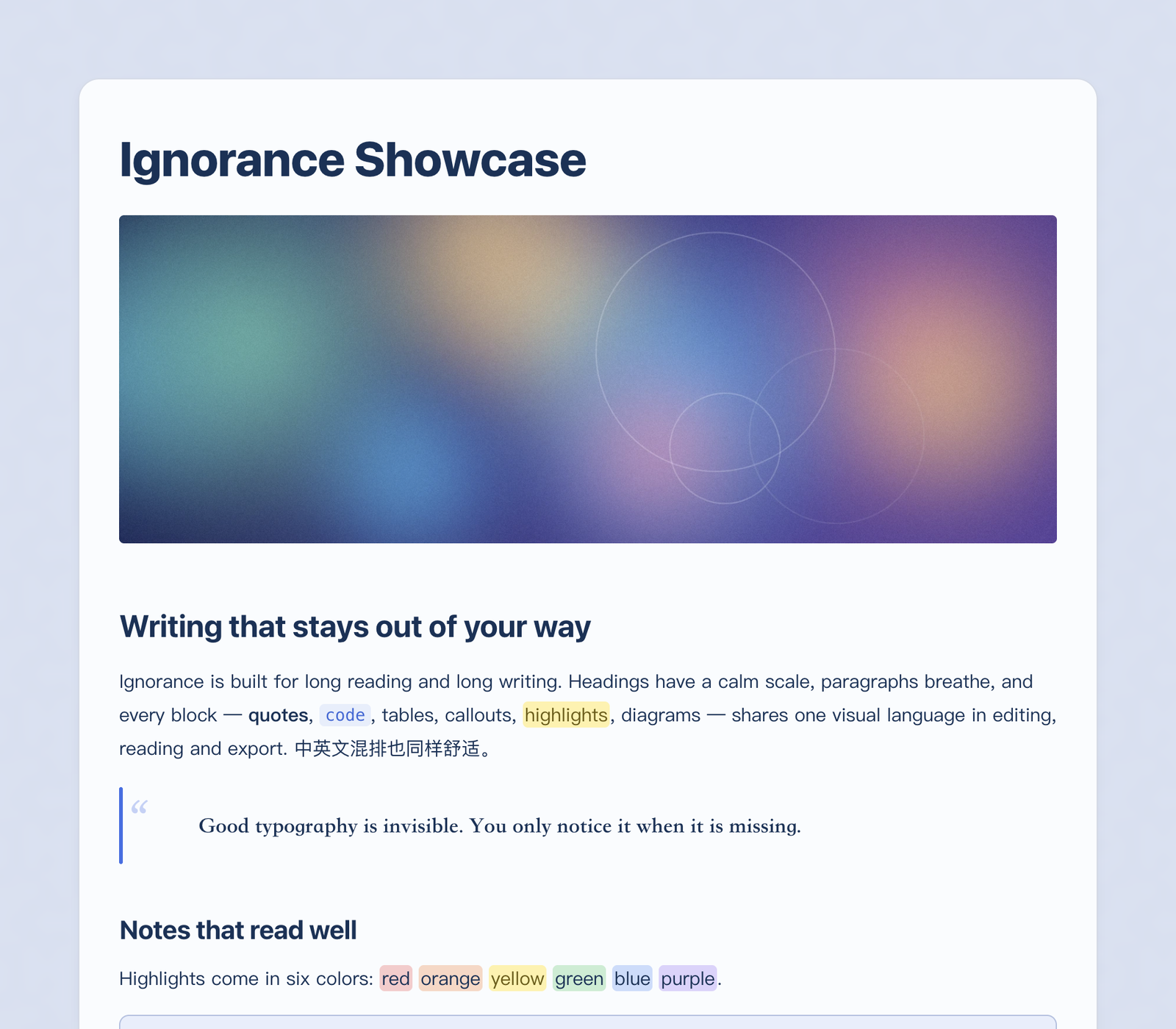
33. Ignorance
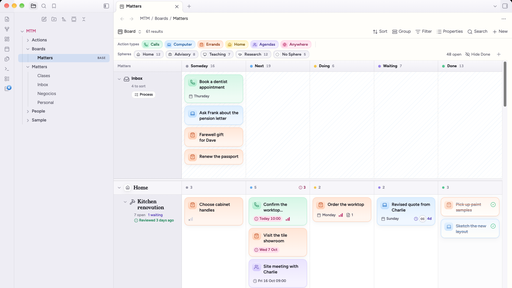
34. Calm Matters
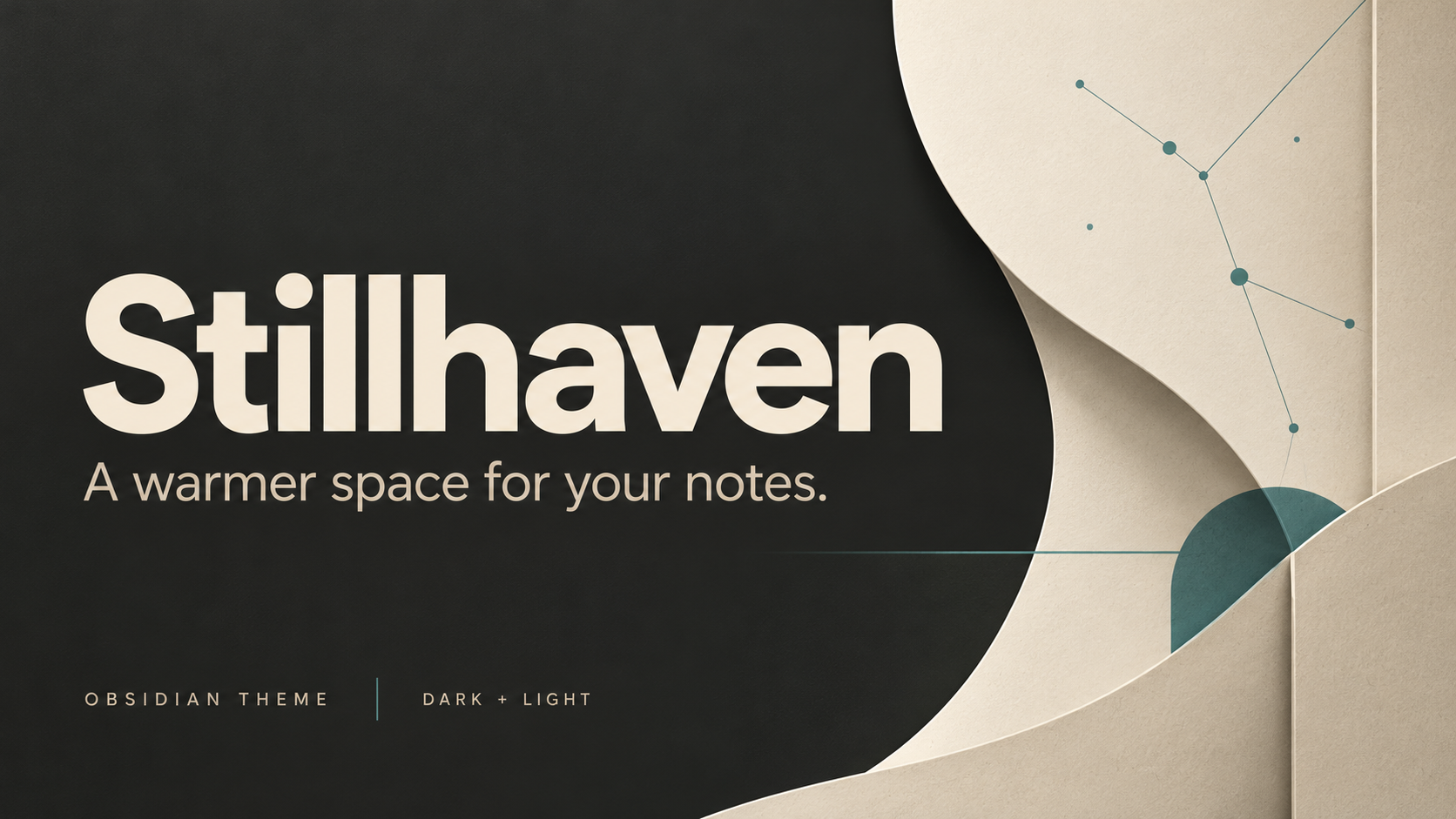
35. Stillhaven
Take your time with the list. If something fits your notes, you can explore it further on /new or check /updates for releases to plugins you already use.
See you in the next roundup!