
README file from
GithubMemphis Suite
An Obsidian theme merging 6 Memphis variants into one — switch color schemes, icons, code highlighting, and decorative patterns on the fly.
将 6 个 Memphis 变体主题合并为一个,通过 @settings 配色方案切换:配色、图标、代码高亮、装饰图案四维同步切换。

配色方案
| 方案 | 亮色配色 | 装饰图案 |
|---|---|---|
| 糖果(默认) | #FF5C93 #19C3B5 #FFD23F #6A4CFF |
圆圈·三角·波浪线·点状底纹 |
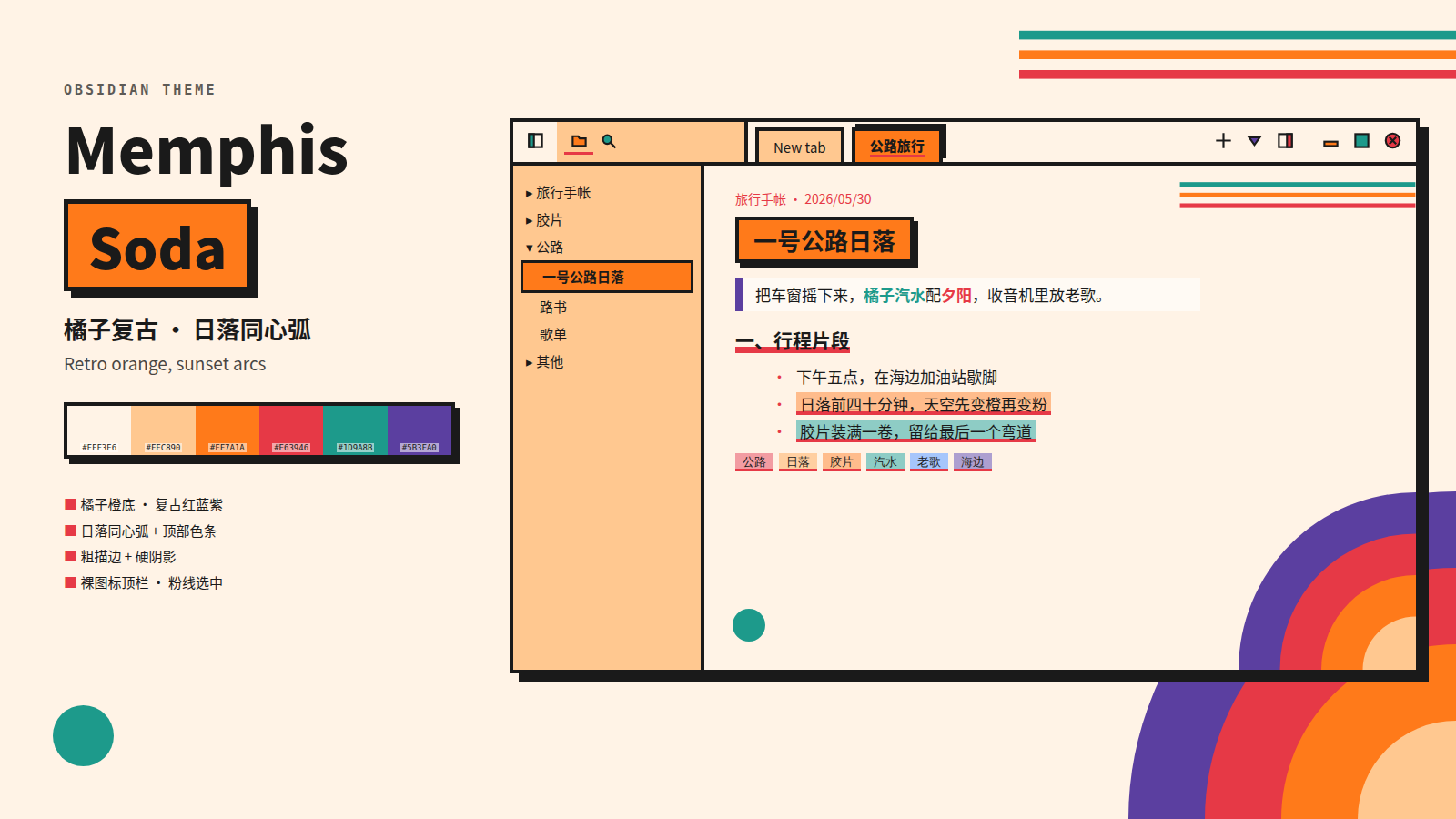
| 橘子复古 | #E63946 #1D9A8B #FF7A1A #5B3FA0 |
同心圆·条纹·小圆 |
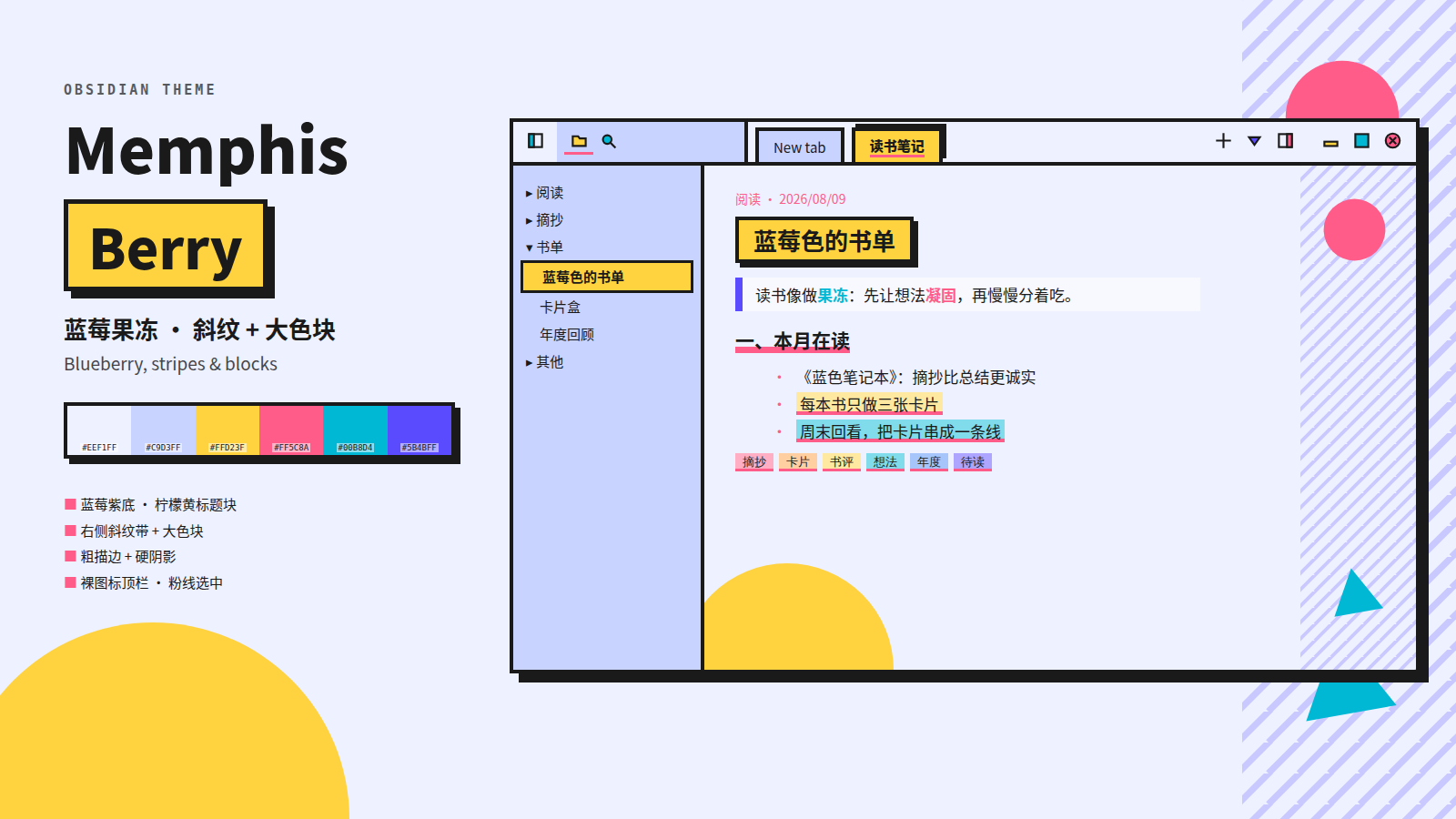
| 蓝莓果冻 | #FF5C8A #00B8D4 #FFD23F #5B4BFF |
波浪线·圆环·十字 |
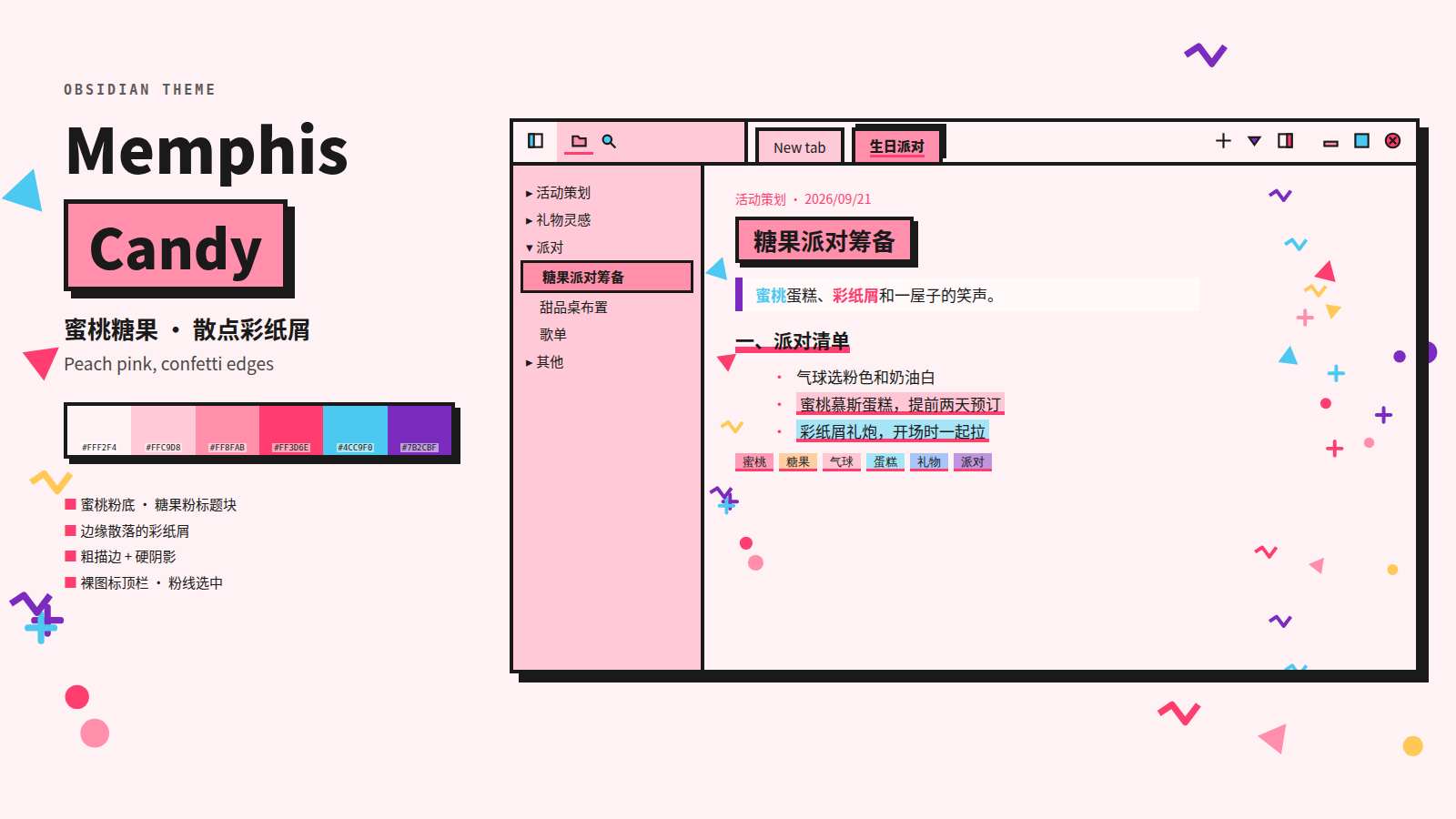
| 蜜桃糖果 | #FF3D6E #4CC9F0 #FF8FAB #7B2CBF |
圆点·胶带·波浪 |
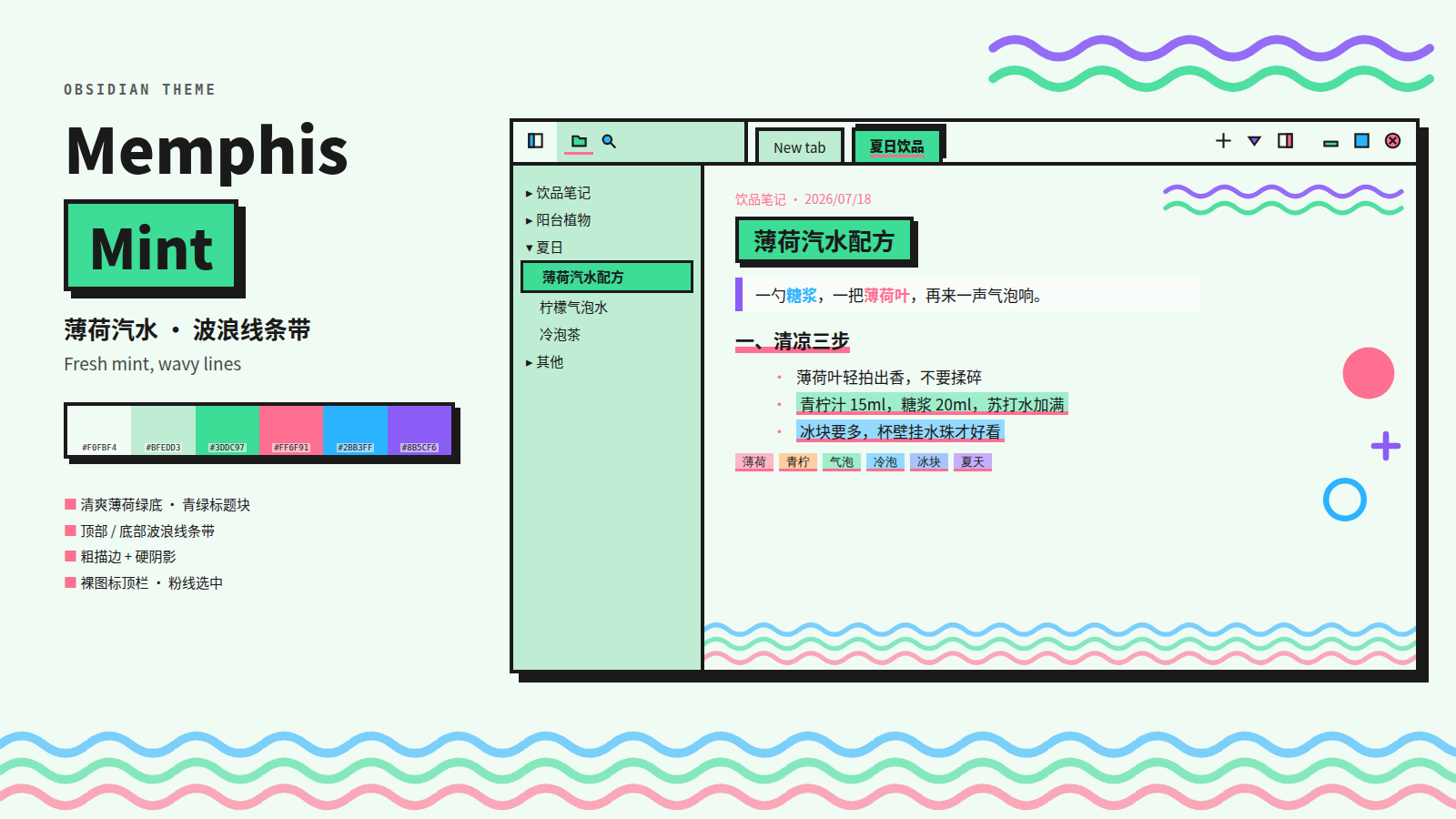
| 薄荷汽水 | #FF6F91 #2BB3FF #3DDC97 #8B5CF6 |
双波浪·实心圆·圆环 |
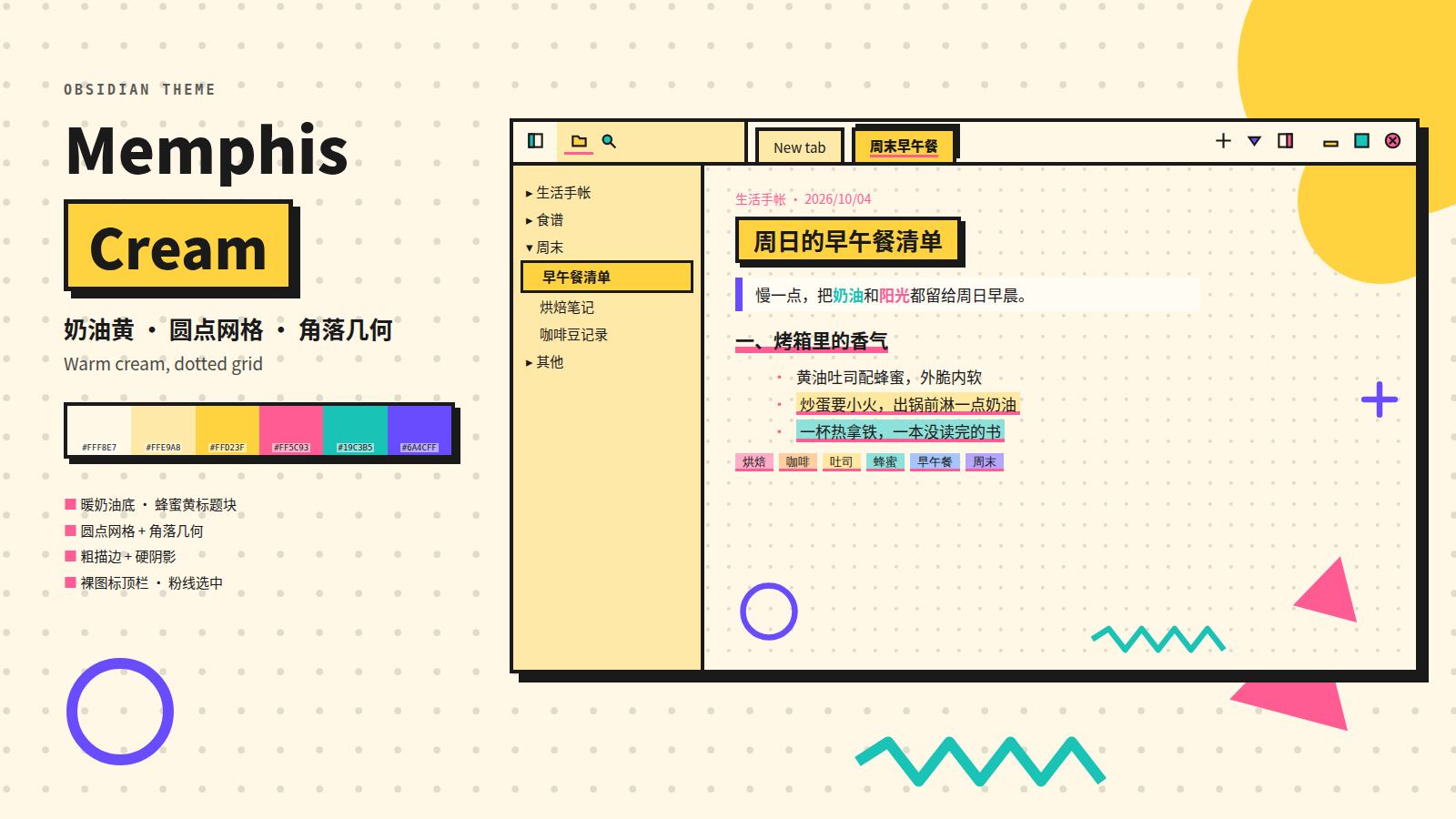
| 奶油黄 | 同糖果配色 | 圆圈·三角·波浪线·十字·圆环 |
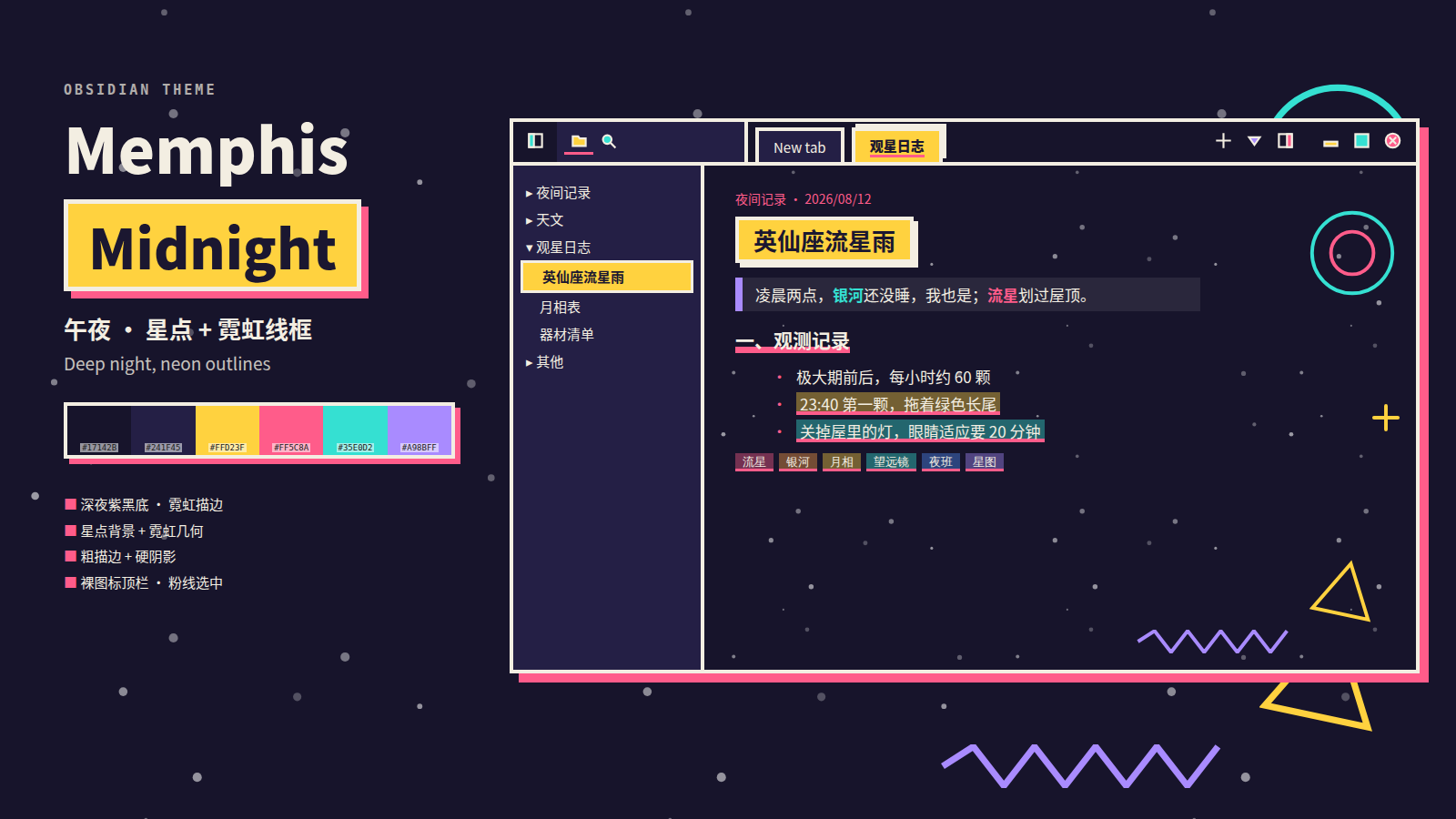
| 午夜 | #FF5C8A #35E0D2 #FFD23F #A98BFF |
星空点状(亮暗都生效) |
7 schemes in one theme — candy (default), soda, berry, candy-pink, mint, cream, midnight — each with matching icons, code colors, and Memphis-style decorations.
方案预览
 |
 |
 |
 |
 |
 |
切换方案
安装 SwiftSwitch 插件后,在编辑区 Shift + 滚轮 即可弹出方案列表切换:
- 配色变量
--m-*即时切换 - 自定义图标(20+ SVG)同步换色
- 代码高亮配色同步切换
- 页面背景装饰图案同步切换
Install SwiftSwitch, then Shift + scroll in the editor to cycle schemes. Colors, icons, code highlighting, and background decorations all switch together.
安装
- 下载
theme.css+manifest.json放入.obsidian/themes/Memphis Suite/ - Obsidian → 设置 → 外观 → 主题 → Memphis Suite
Download
theme.css+manifest.jsoninto.obsidian/themes/Memphis Suite/, then select in Settings → Appearance → Themes.
MIT License