
README file from
Github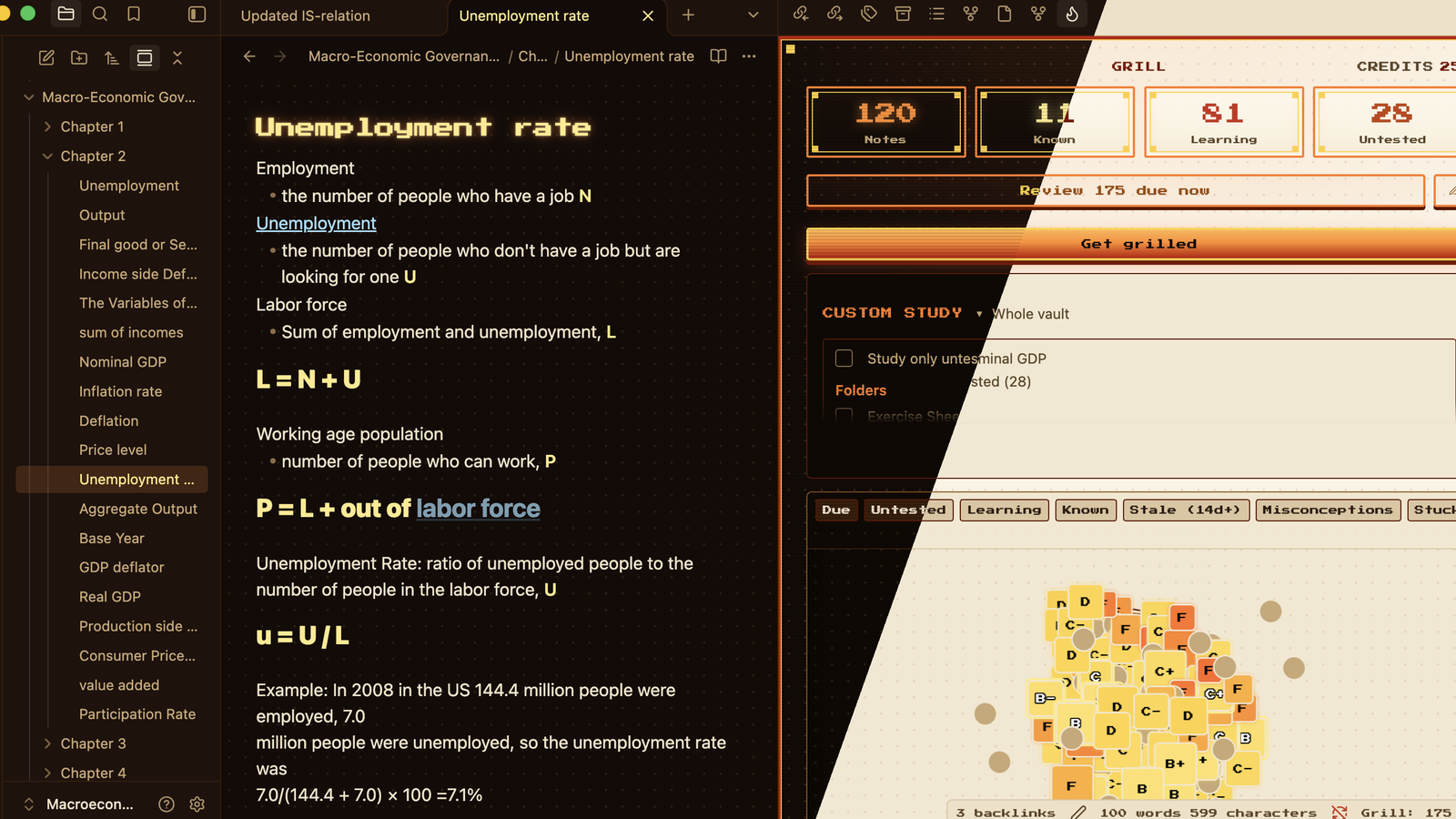
Grill is an Obsidian theme. It's a minimal extension of the arcade look of the Grill plugin, which quizzes you on your own notes.
I made it to complement the plugin. The note you study from and the pane that grills you on it sit together as one thing. It comes in dark and light, and it works without the plugin too.
Screenshots
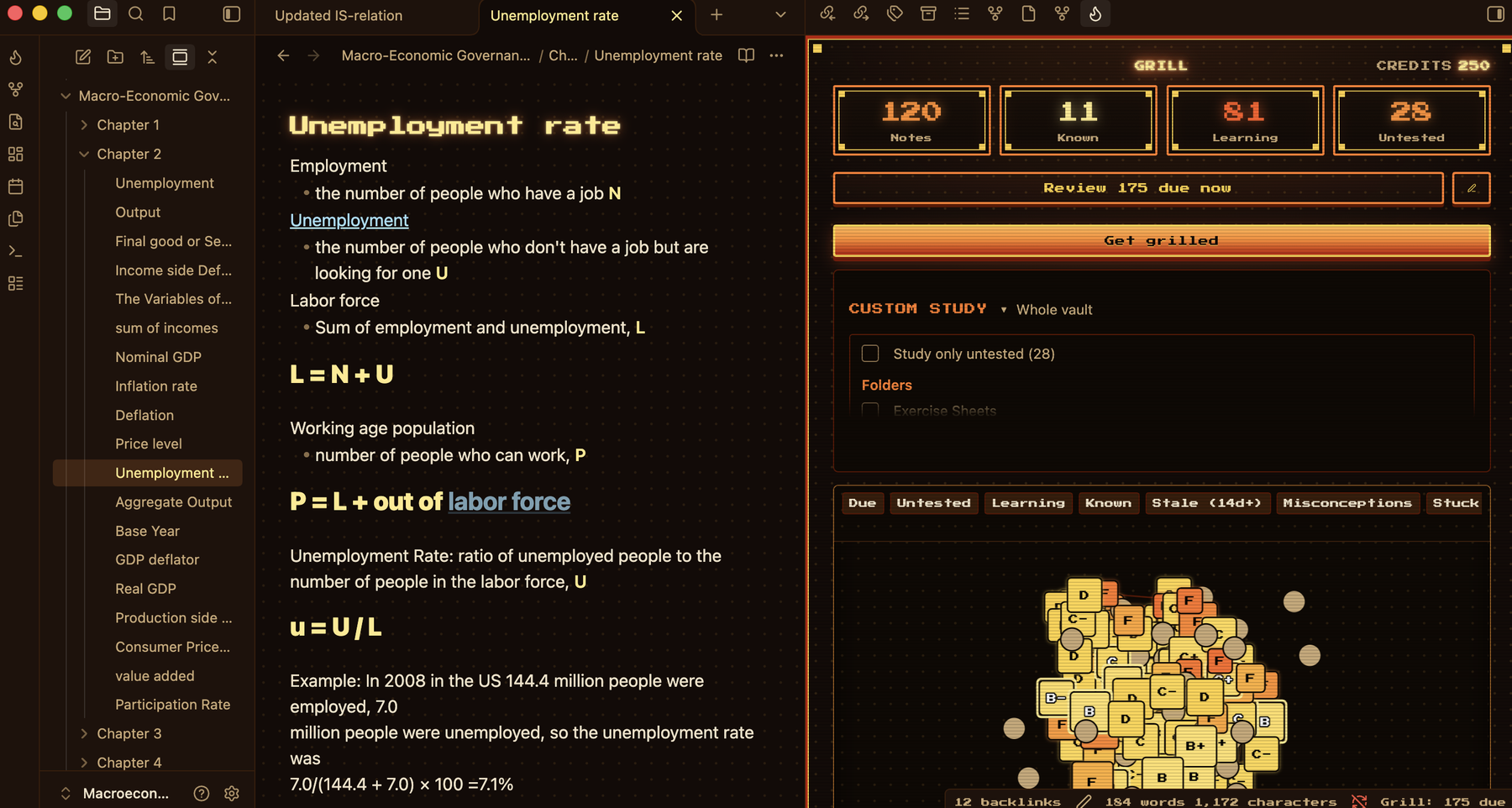
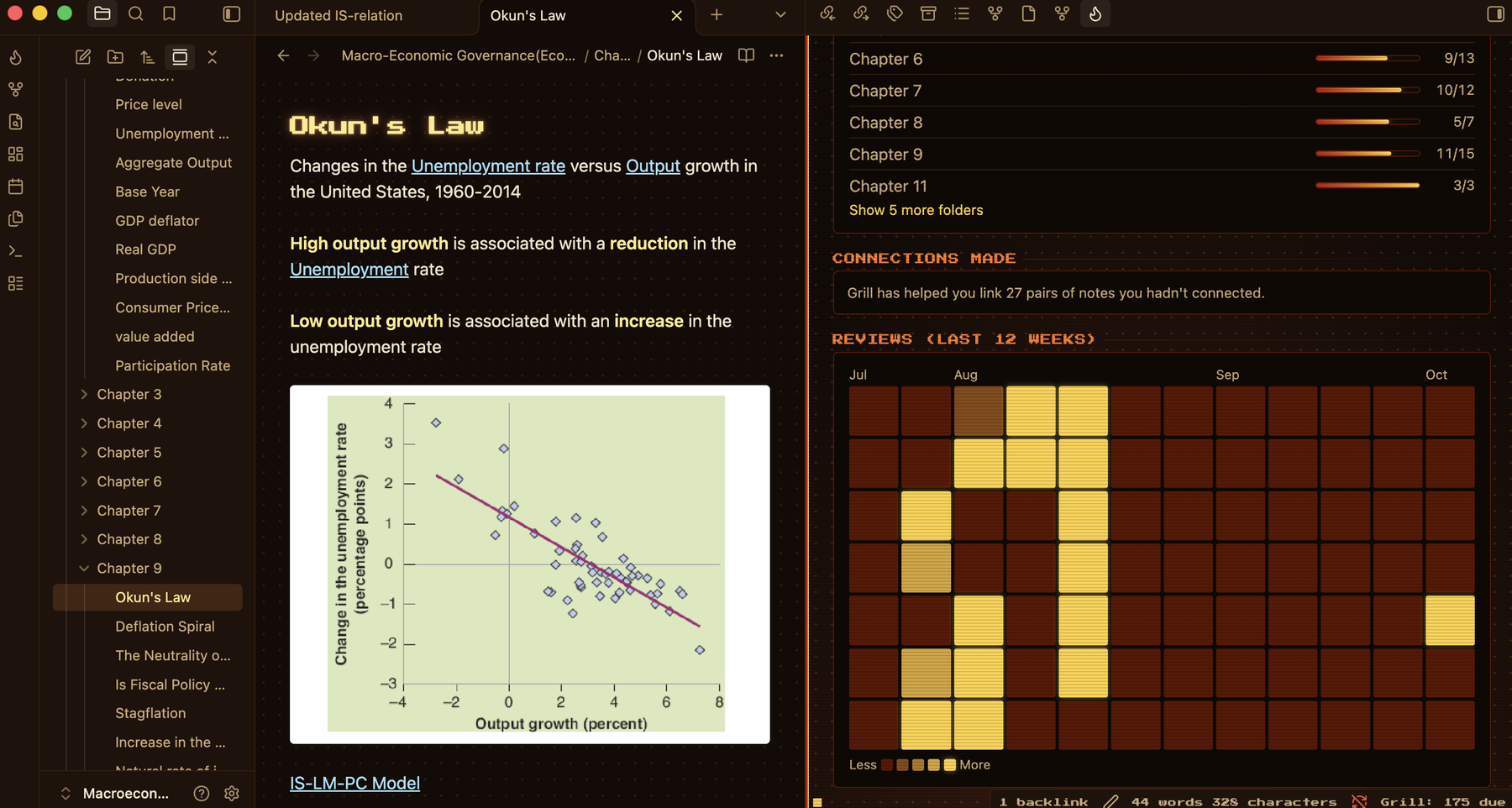
Dark is the cabinet: near-black, ember orange and gold.
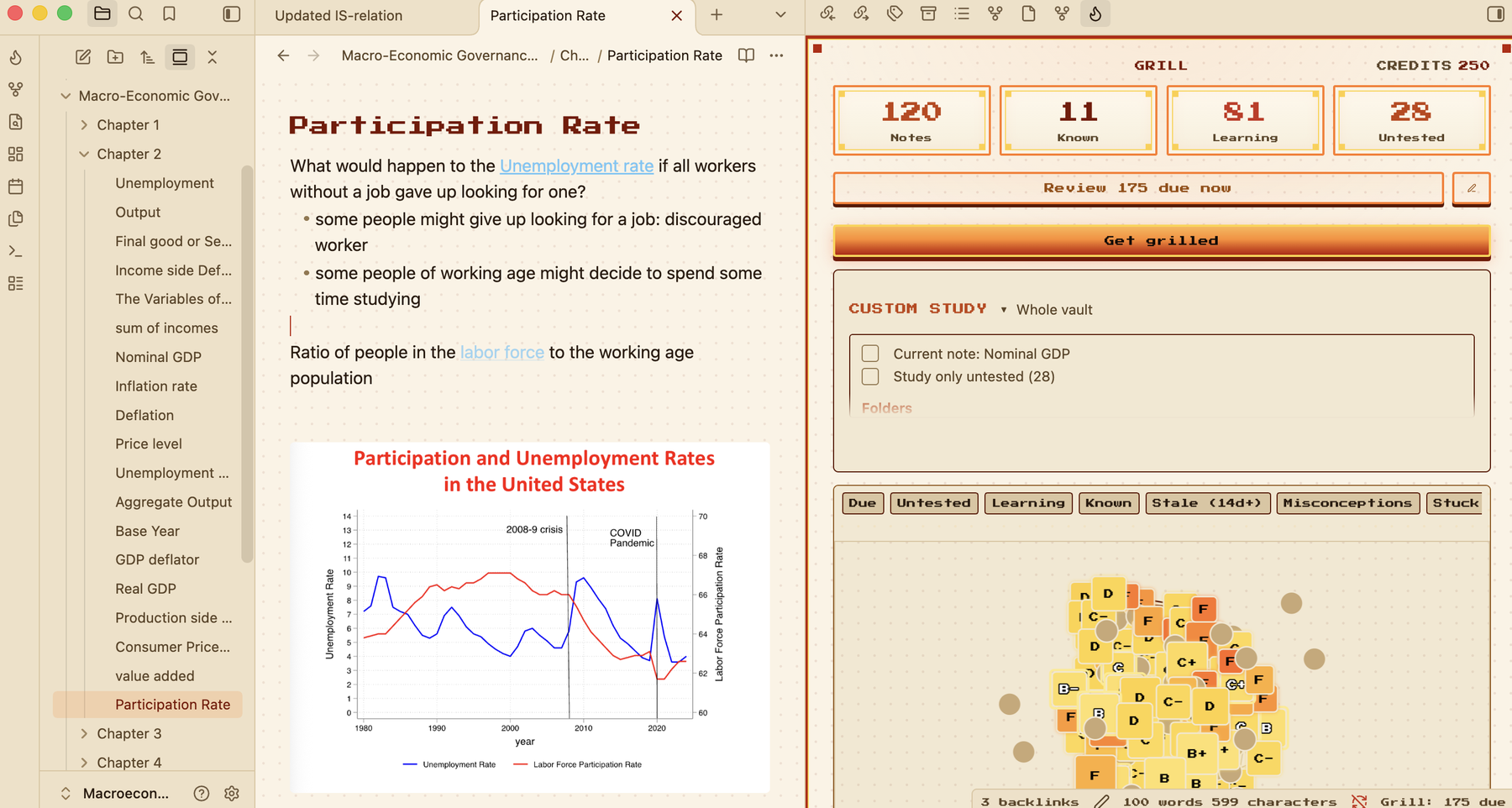
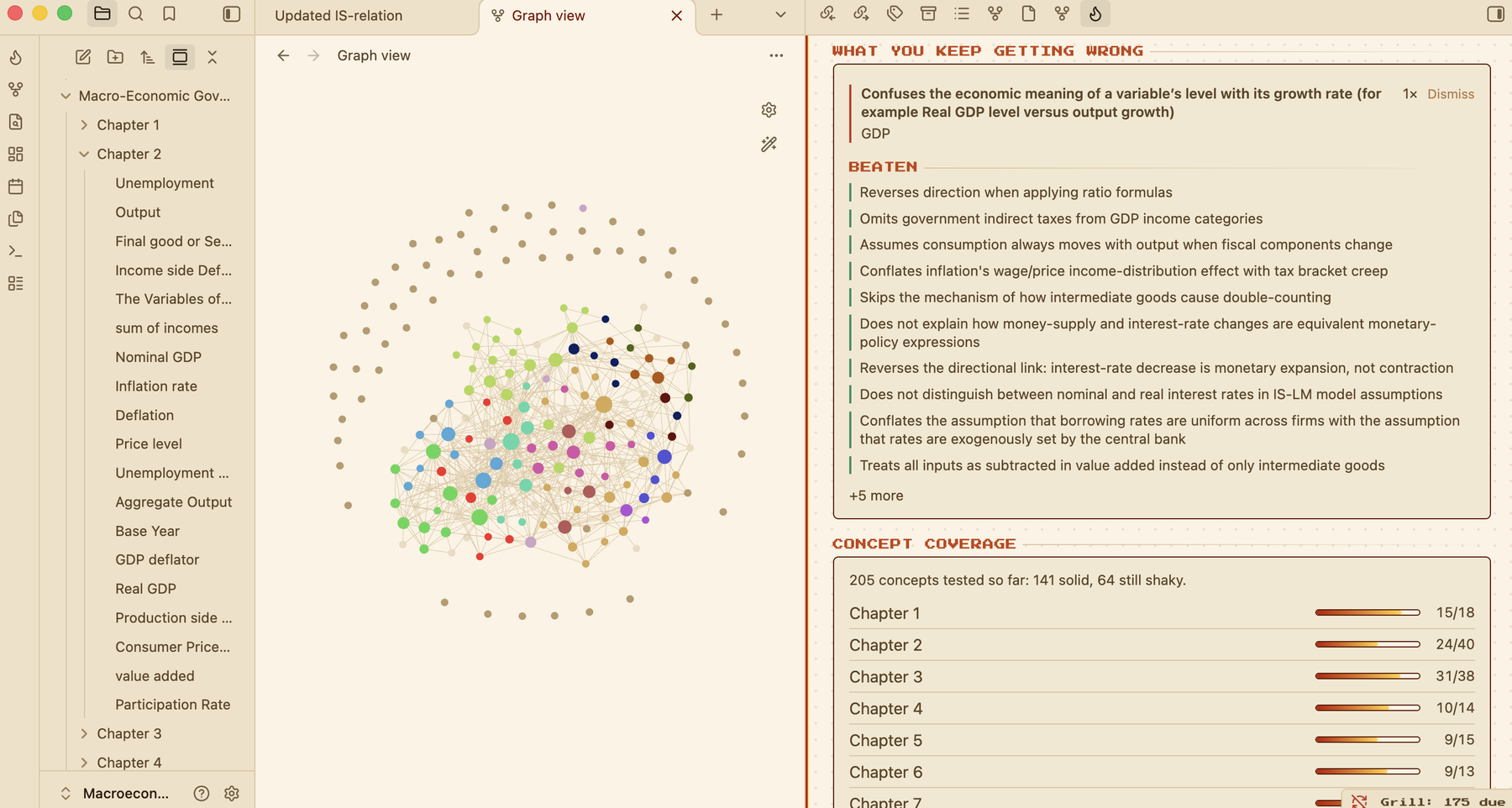
Light is the same cabinet with the lights on. Plain paper, dark ink, and ember where something is lit.
Obsidian's graph sits on the same ground as Grill's progress screen, in both modes.
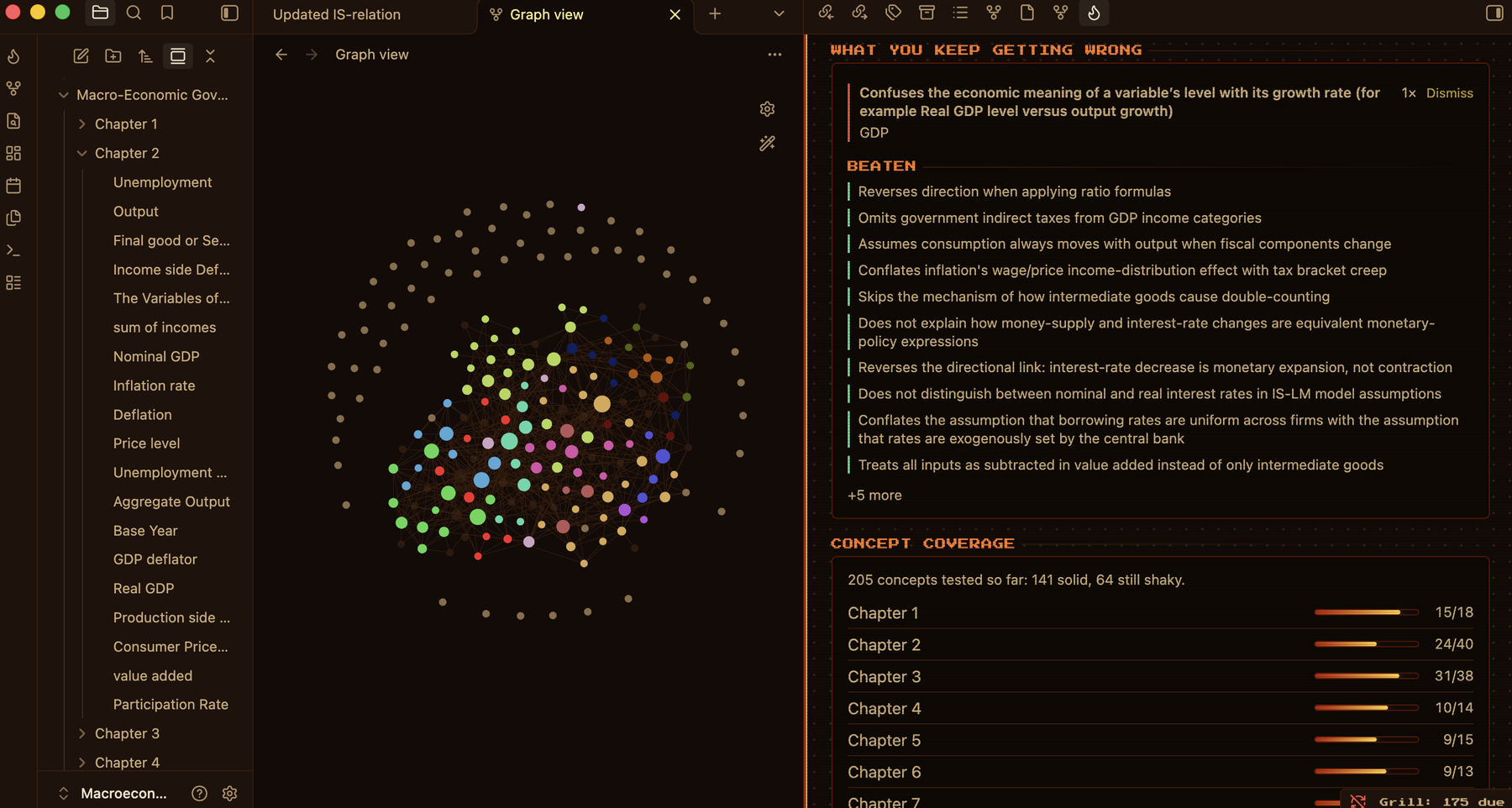
Your review history is drawn in the colours of your notes.
Installation
To install the theme
- Open Obsidian Settings
- Go to Appearance and press Manage
- Search for Grill and press Install and use
To install the plugin
- Go to Community plugins and turn off Restricted mode
- Press Browse and search for Grill
- Press Install, then Enable
To install the theme by hand, download theme.css and manifest.json from the latest release into .obsidian/themes/Grill/ in your vault, then pick Grill under Appearance.
The Grill plugin
Grill writes questions from your notes, marks what you type back, and colours in a map of what you know. You can start free, with no API key and no sign-up. I recommend it to anyone who uses this theme, because the theme was drawn around it.
With this theme on, Grill follows your light or dark mode. On every other theme its screens stay dark. That needs Grill 7.1.1 or later.
What it changes
Your notes stay in the font you chose. A note's title and its top-level headings are set in pixel lettering. Headings are gold, links and buttons are orange, and bold text is lit.
Most of the theme is Obsidian's own colour, font and corner settings. Four small things are styled by name: the dot grid under a note, the glow on a title, the status bar and the main button of a dialog. Other plugins are left as they are. If you pick your own accent colour in Appearance, that wins.
Feedback
Bugs go to issues. If you like the theme, you can buy me a coffee.
Credits
The pixel font is Press Start 2P by CodeMan38, under the SIL Open Font License. The theme is under the MIT License.