
README file from
Github[!TIP] For the theme to display correctly, please download and install the latest Obsidian installer.
Glassive
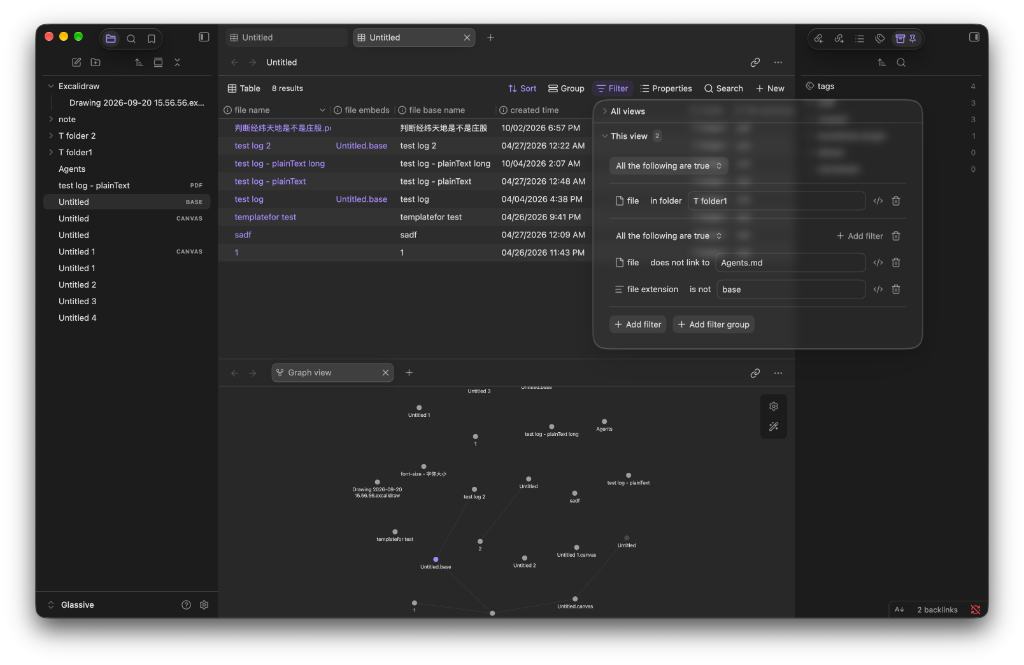
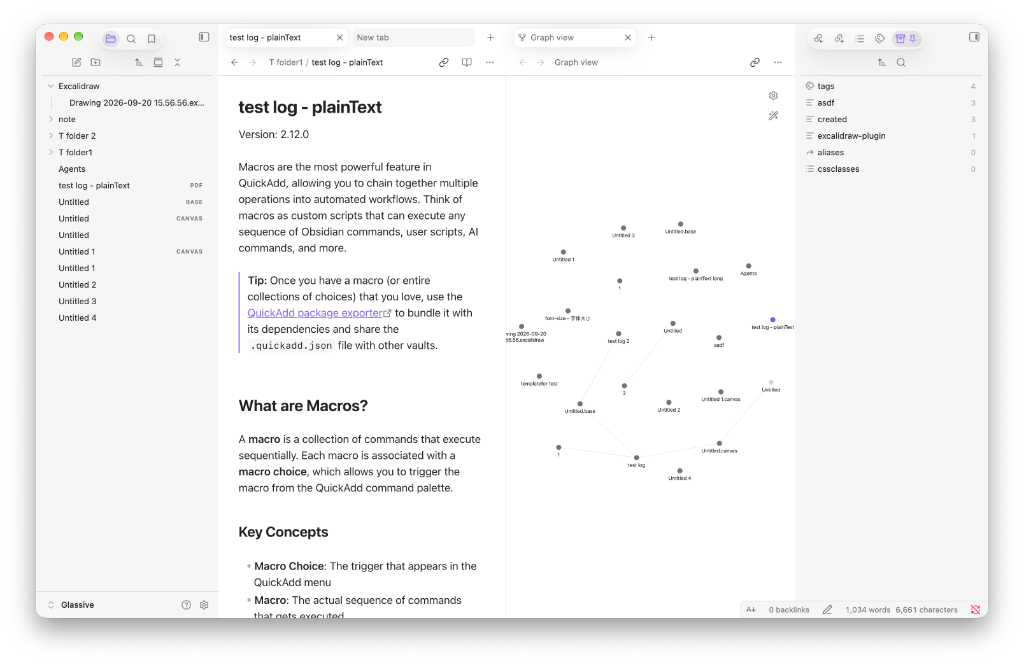
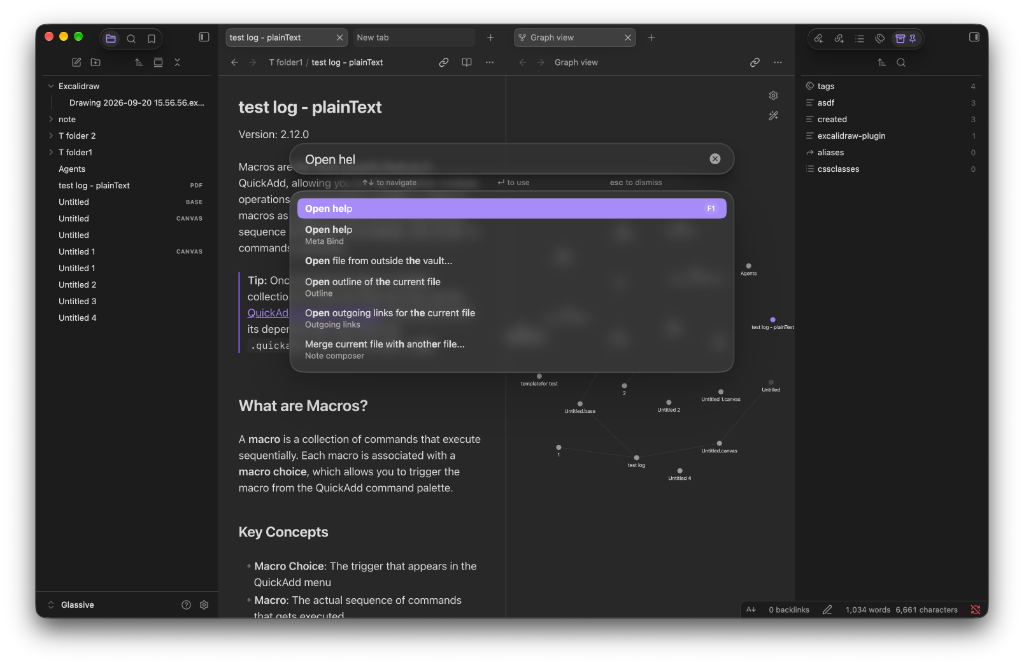
A theme for Obsidian that blends macOS Liquid Glass with classic macOS design: restrained texture, subtle highlights, and nothing more than it needs.
Features
- Hand-tuned motion: animated split panes, popovers, menus, and modals.
- Redesigned tab bar and sidebars: a cleaner, quieter layout.
- Progressive blur: applied when the window gets small, so cramped layouts stay calm.
- Custom palettes: separate color sets tuned for light and dark mode.
Compatibility
- Tested on macOS only. I don't have Windows or Linux devices, so the theme hasn't been tested there.
- Not designed for mobile devices yet.
Found a bug or something that looks off on your platform? Please open an issue, screenshots help a lot.
Plugin support
Styled for the core Bases, Canvas, and File Recovery plugins, plus QuickAdd, Commander, Iconic, Modal Form, PDF++, Better Export PDF, and Another Callout Suggestions.
Installation
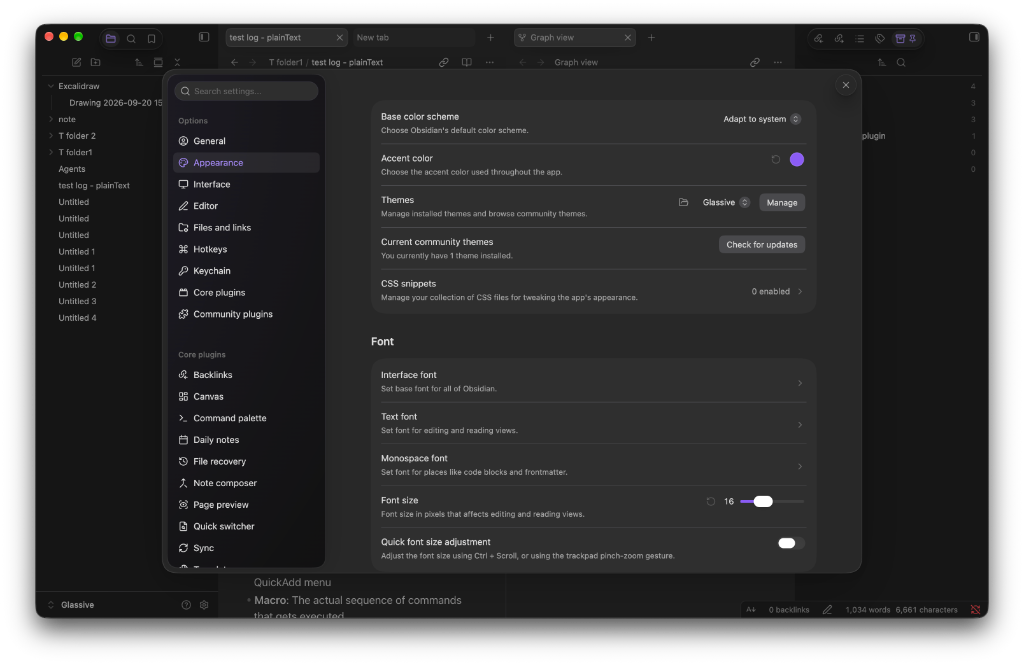
In Obsidian, open Settings → Appearance → Themes → Manage, search for Glassive, then select Install and use.
To install manually, download theme.css and manifest.json from the latest release and put them in <vault>/.obsidian/themes/Glassive/.
Development
npm install
npm run dev -- --init "/path/to/MyVault"   # first run: live-reload into a vault
npm run dev                                # afterwards
npm run build                              # compile main1.scss to theme.css