
README file from
Githubddlc-obsidian-theme
An Obsidian theme that looks like Doki Doki Literature Club: polka dots, poem sheets and the "Just Monika." pop-up, light and dark (´ω`♡%)





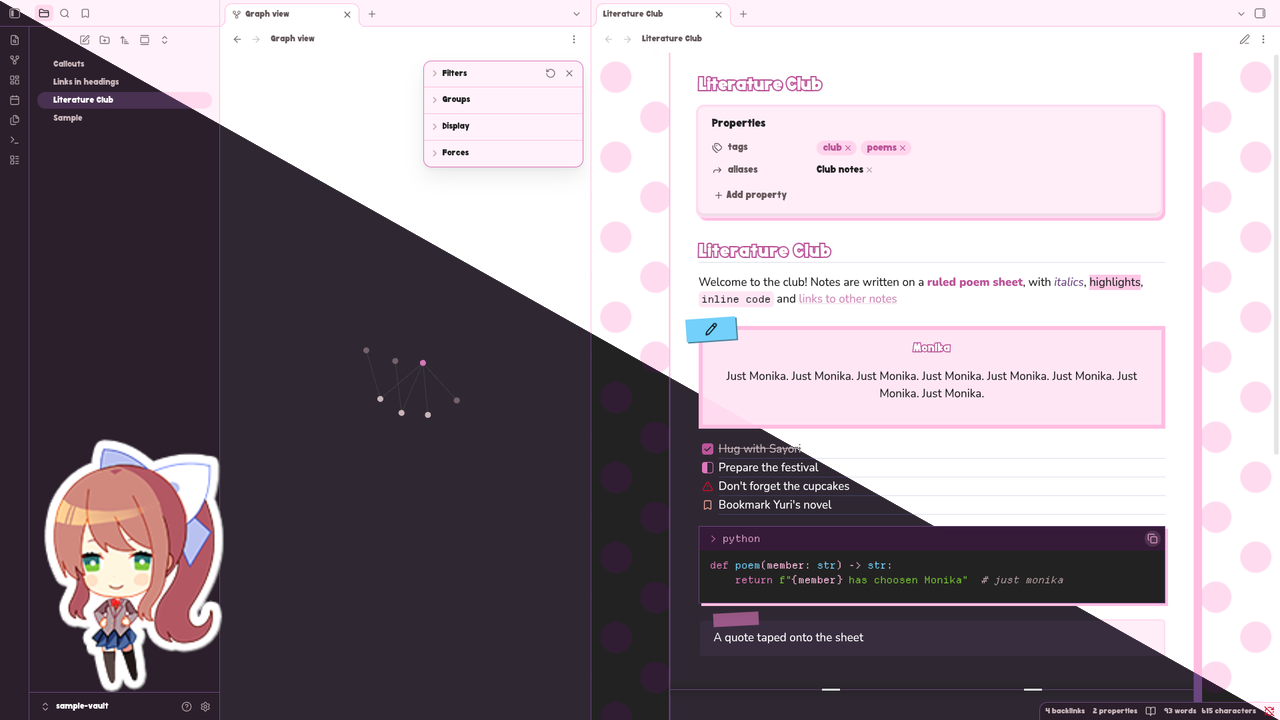
The theme is called DDLC inside Obsidian. Its colours come from ddlc-palette parsed from ddlc.moe, and the roles they play, from muted text to the code window's syntax, come from ddlc-themes. So a note reads in the same colours as the kitty, btop and web themes there and ddlc.nvim
 |
 |
|---|
What it looks like
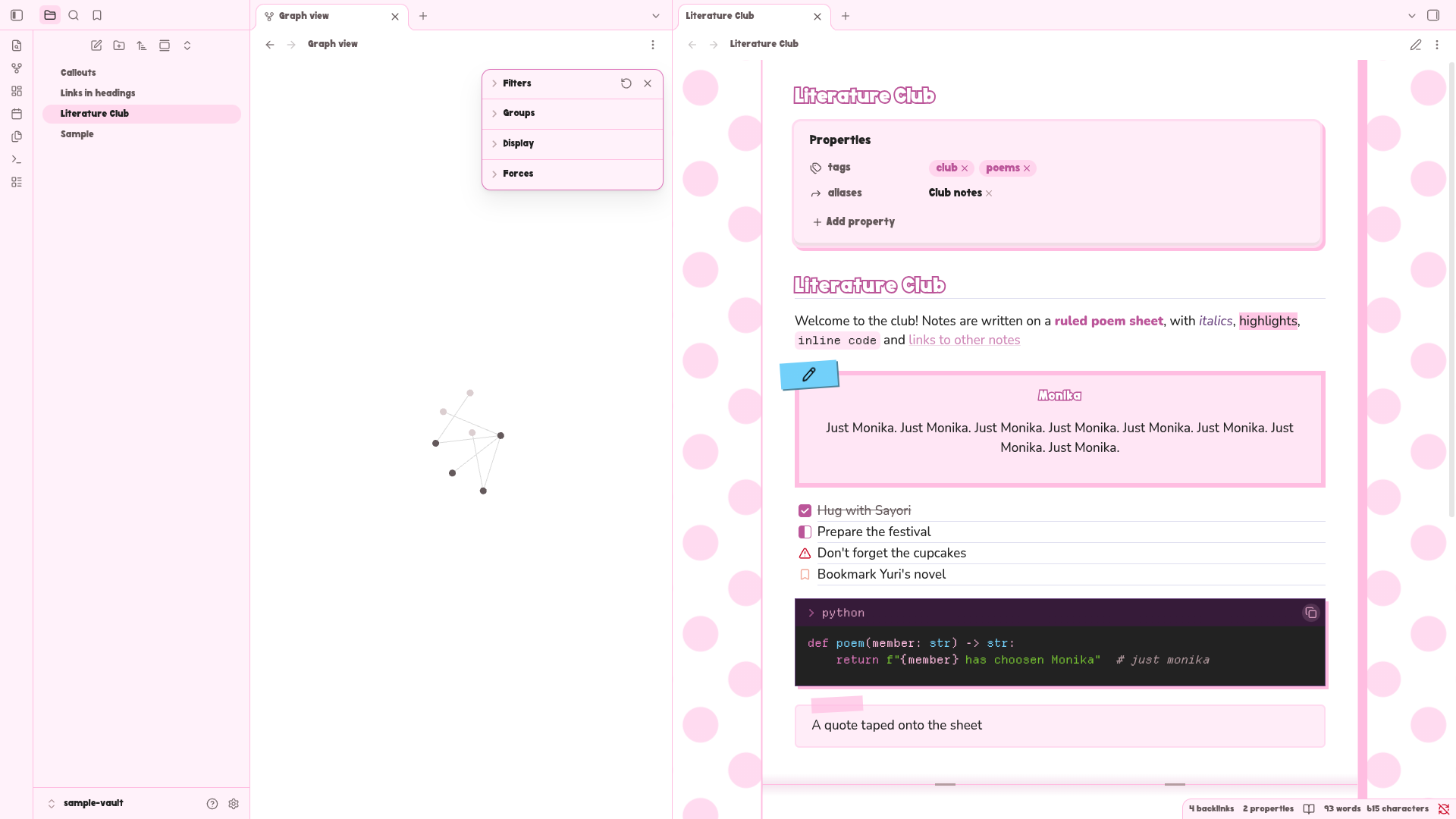
- A pink polka-dot background that slowly drifts, as on the game's menu, under a white poem sheet with faint ruled lines
- Headings lettered like the game's menu, white inside an outline
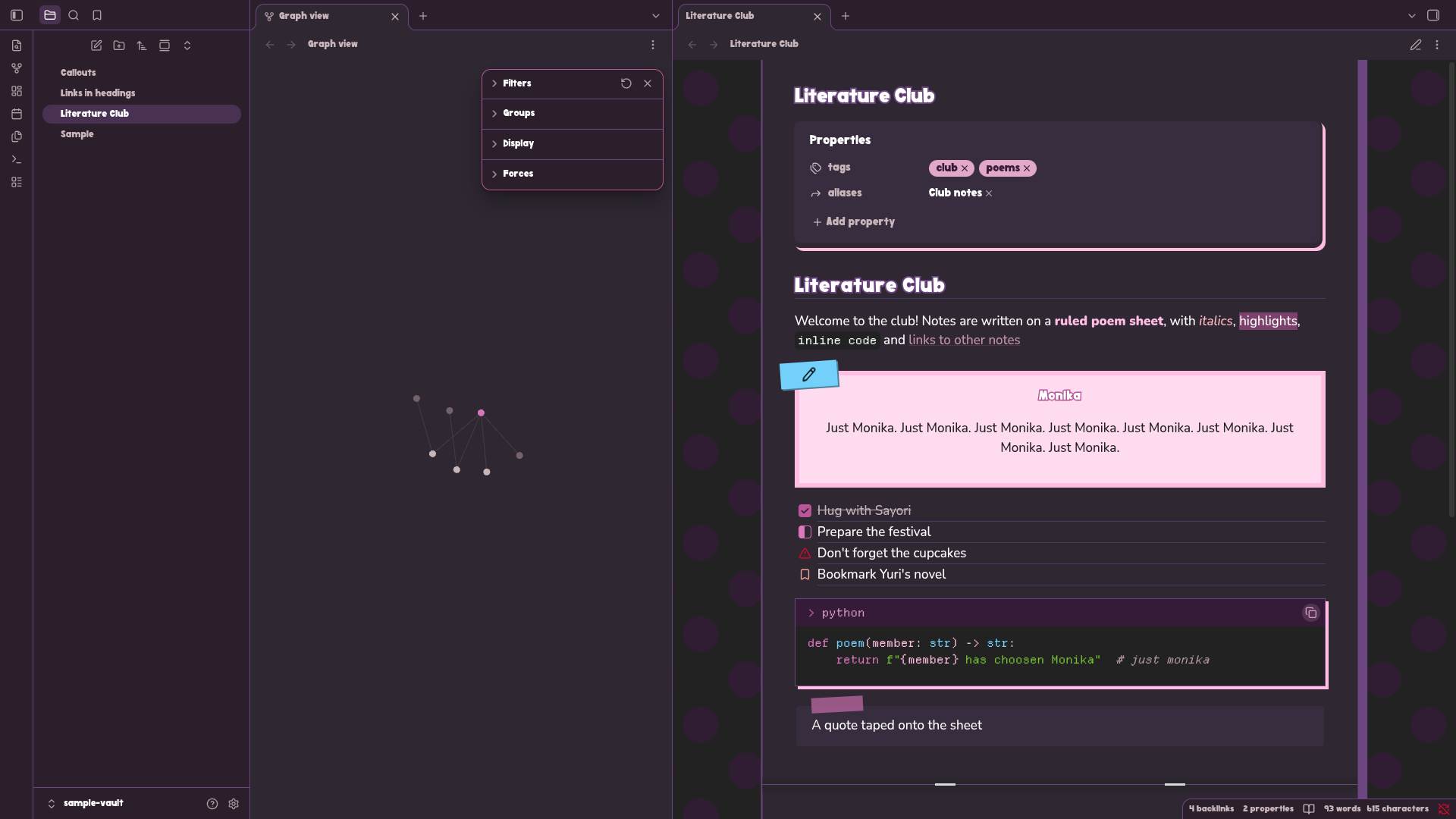
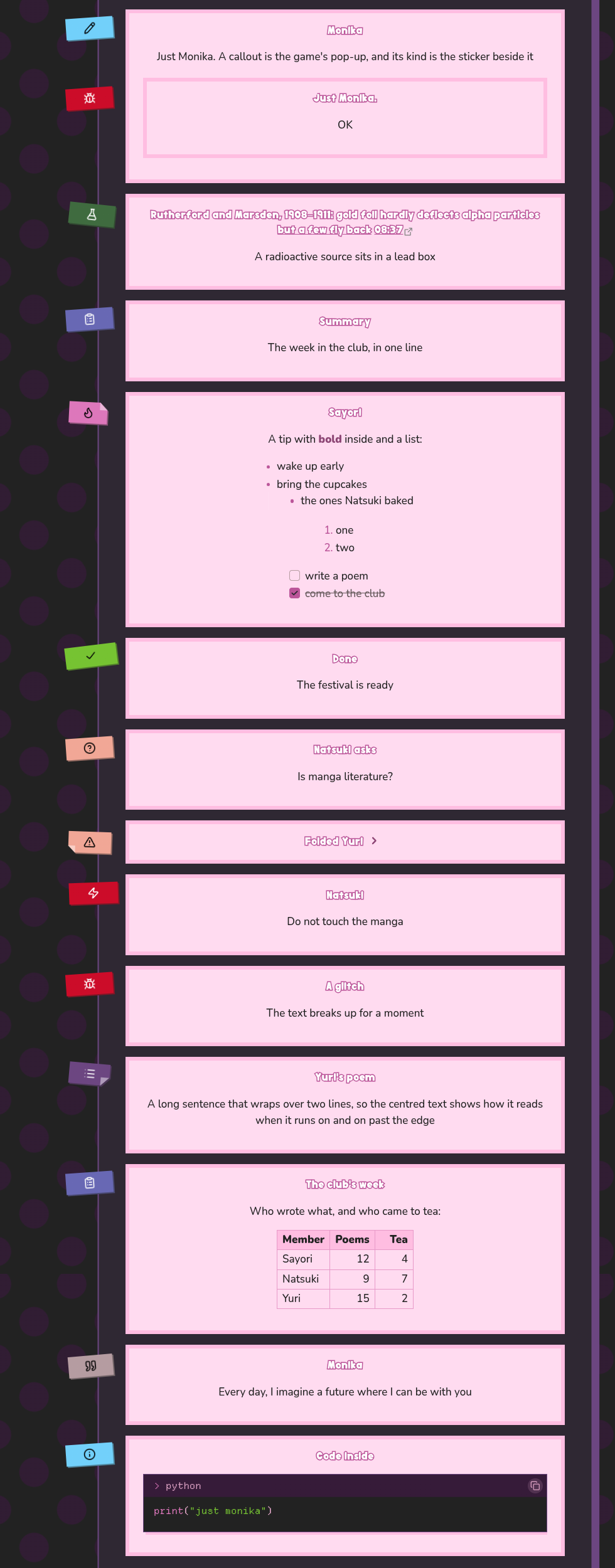
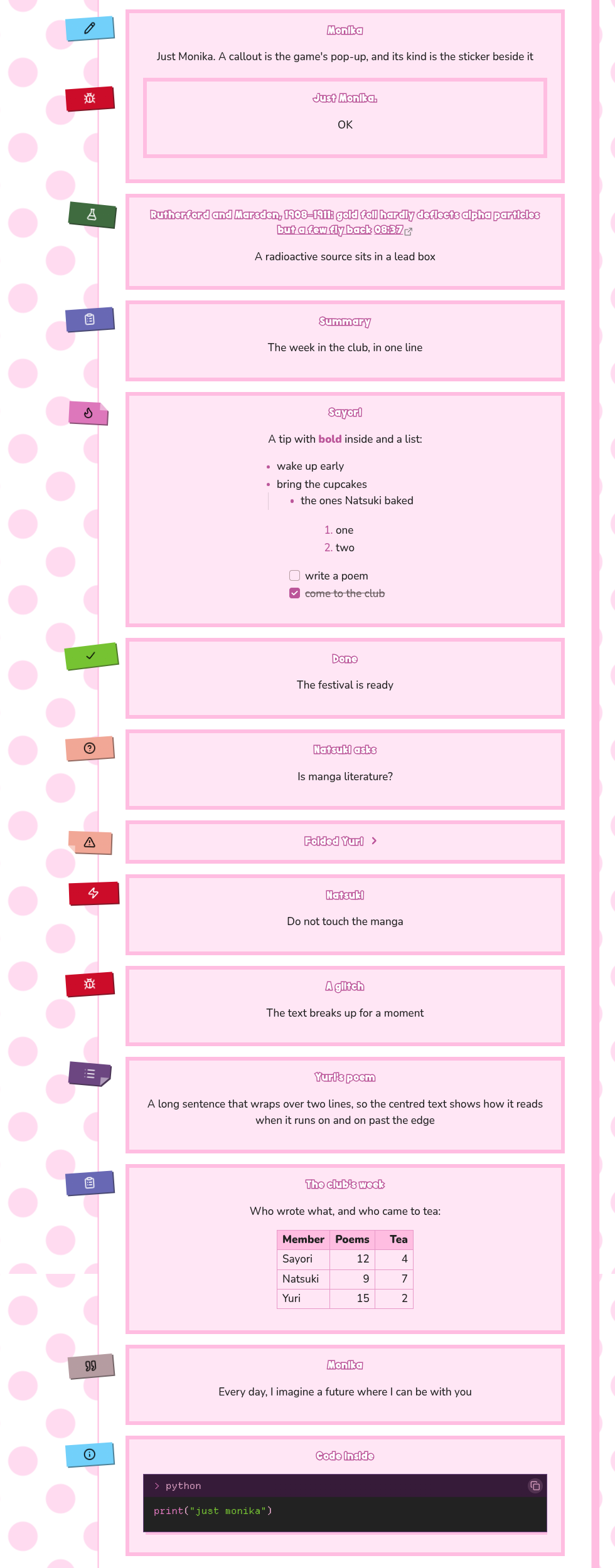
- Callouts drawn as the "Just Monika." pop-up with everything centred, and a sticker in the type's colour on the margin carries its icon, see Callouts
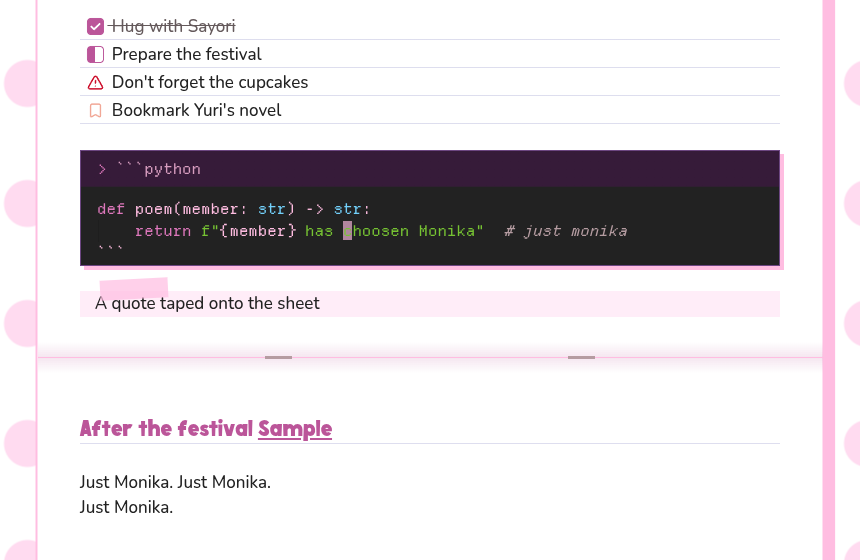
- Properties on a signboard of their own, quotes as notes taped onto the sheet, and
---as the fold of an exercise book - Code blocks as small terminal windows in the colours of the kitty and nvim themes, with the language and a copy button in the title bar
- Icons for the task states most themes share, such as
[/],[!],[?]and[b] - The dark variant keeps the same club on a muted violet sheet, and the pop-ups stay pale on it
- Motion stops when the system asks for reduced motion
- Prose in Nunito Medium with bold in Black, and code in Departure Mono, both carried by the theme
[!NOTE] Headings use
Doki, a rounded display font by 538Fonts, where it is installed, and Nunito Black otherwise. Doki is free for personal use only, so the theme may not pass it on: install it yourself if you want it, and the theme picks it up. Nunito and Departure Mono are under the SIL Open Font License, so the theme carries them and they need no installing, on a phone too. A font you choose in Obsidian's settings still takes their place. See ASSETS.md
Callouts
 |
 |
|---|
Every callout type has its own sticker colour, cut and tilt. The theme adds one type of its own, experiment, with a flask icon, for an experiment or a real case in a study note:
> [!experiment] Rutherford and Marsden, 1908–1911
> A radioactive source sits in a lead box
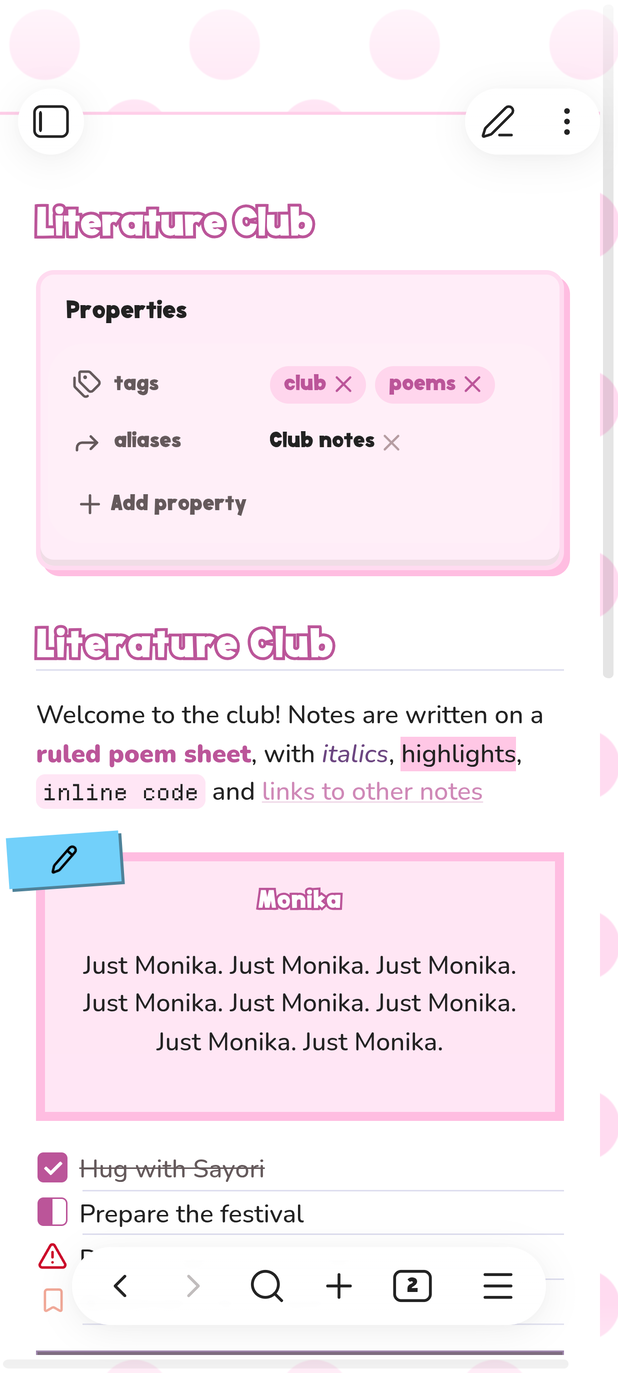
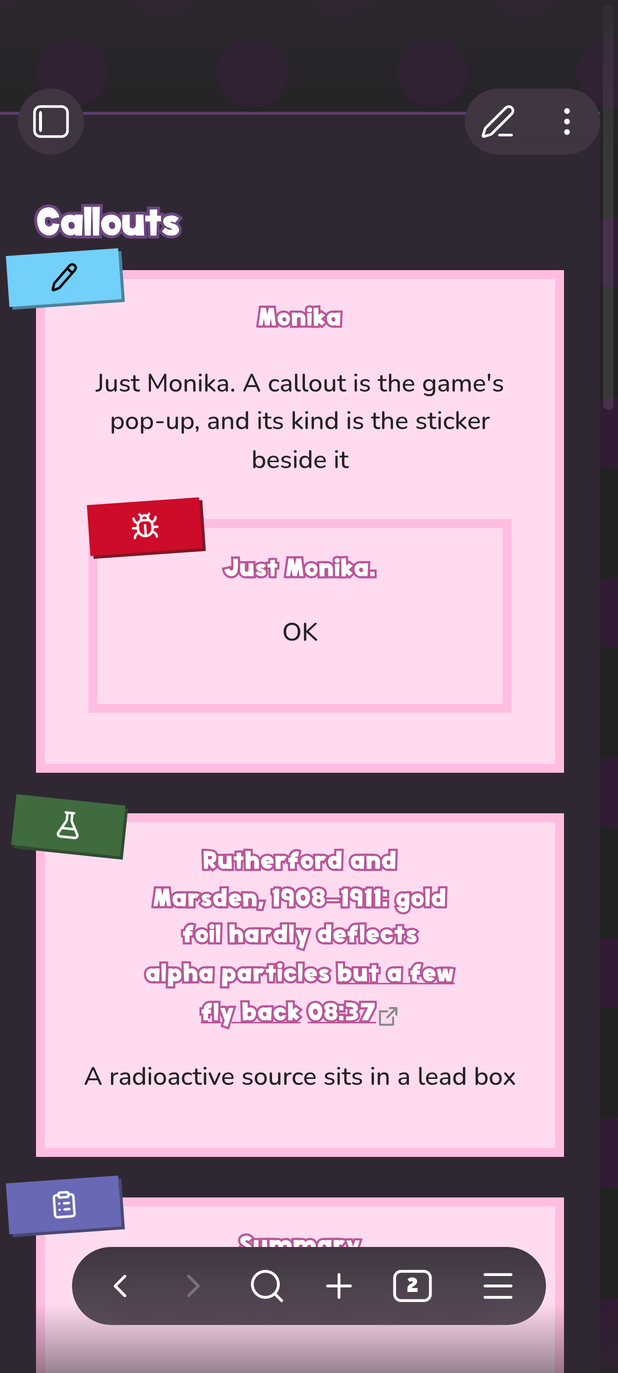
On a phone
The theme works in the Obsidian app on a phone too. There is no margin there, so a callout's sticker sits on its frame
 |
 |
|---|
Install
Download theme.css and manifest.json from the latest release into .obsidian/themes/DDLC/ inside your vault, then pick DDLC under Settings → Appearance → Themes
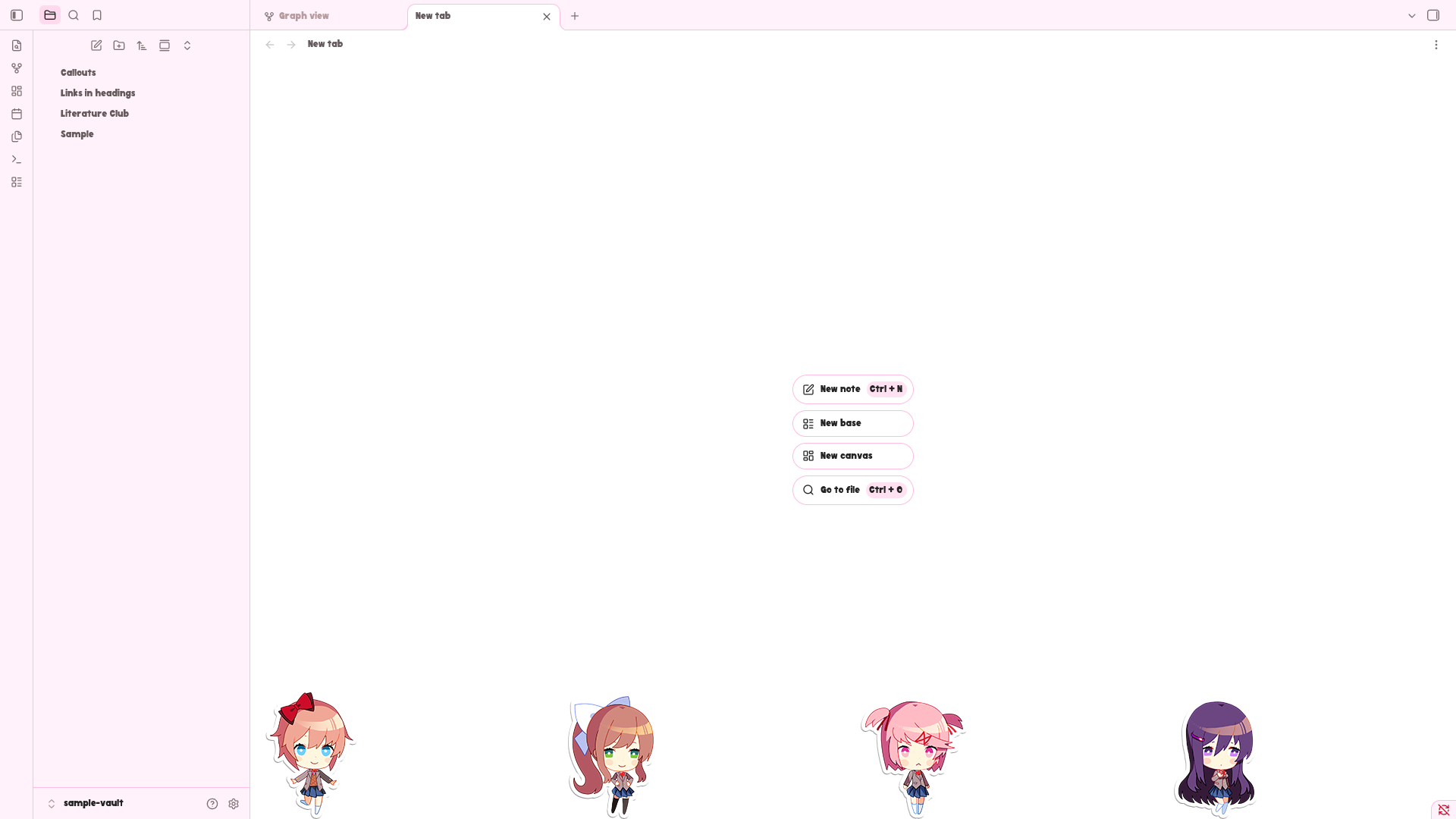
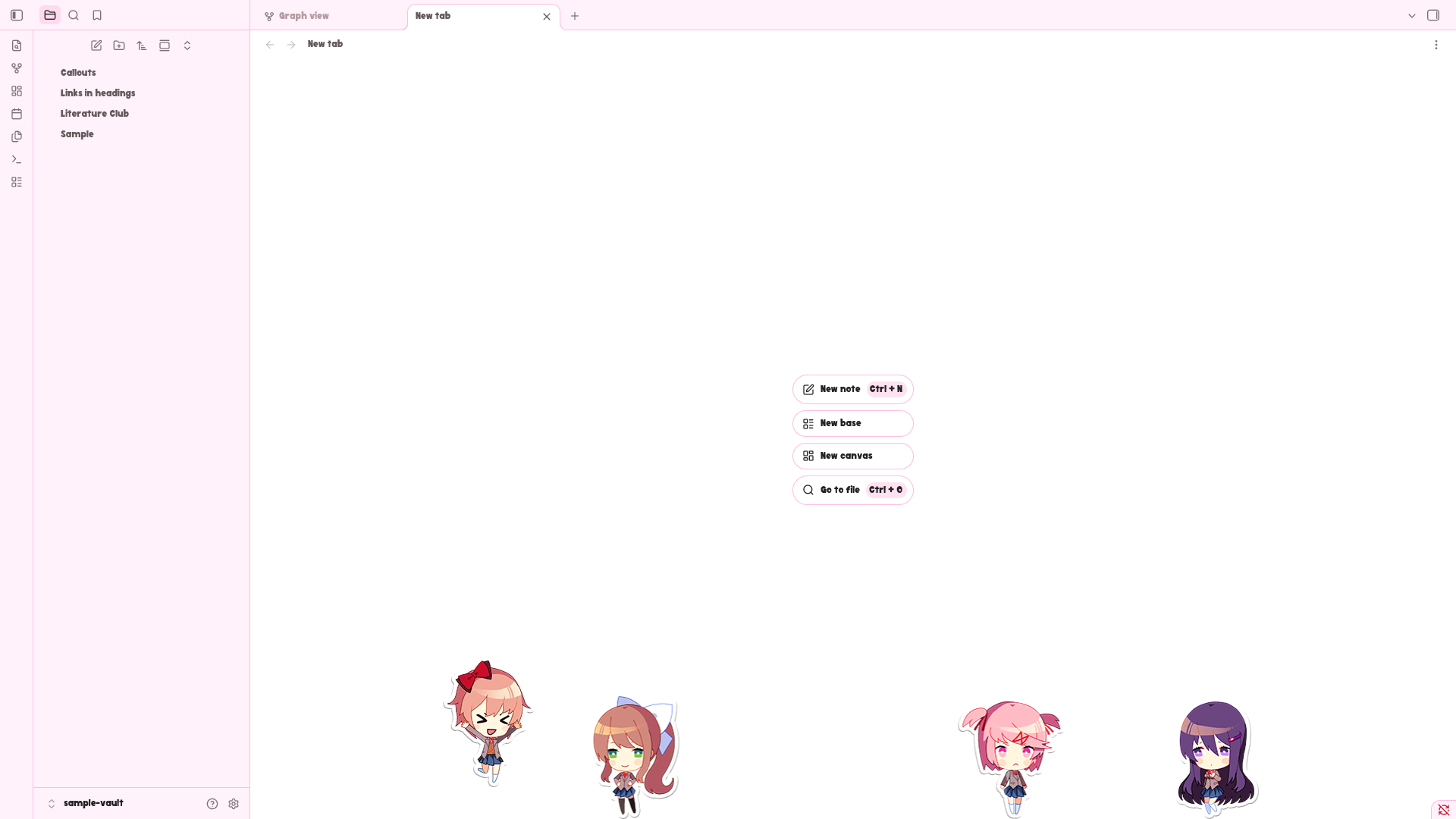
The club on an empty tab
 |
 |
|---|
An optional snippet puts the four girls at the foot of every empty tab, as on the ddlc-sddm-theme login screen. They walk to and fro, hop now and then, and hop when the cursor touches them
To turn it on, download ddlc-stickers.css from the same release into .obsidian/snippets/ inside your vault, then enable it under Settings → Appearance → CSS snippets. It works with the DDLC theme and with any other
It is a snippet and not a part of the theme for these reasons:
- The stickers are Team Salvato's artwork, while the theme itself draws everything in CSS and carries no official image. Keeping them apart lets the theme in the community directory stay free of game assets, and lets you choose whether you want them, see ASSETS.md
- The girls move all the time, and not everybody wants motion on an empty tab
- The pictures are embedded in the file, so the snippet is several times larger than the theme
A still background
The drifting dots keep Obsidian drawing a new frame on every screen refresh while a note is on screen, which costs some battery on a laptop. The optional ddlc-still.css snippet from the same release stops the drift and leaves the dots in place. Install it the same way as the stickers. It has an effect only with the DDLC theme
Icons in code
A prompt, a file tree or a status line copied from a terminal often holds Nerd Fonts icons, which an ordinary font shows as empty boxes. The optional ddlc-nerd.css snippet from the same release draws code in Departure Mono with the Nerd Fonts icons. It carries the font itself, so the icons show on a phone too. Install it the same way as the stickers. It works with the DDLC theme and with any other, and a font you choose for code in Obsidian's settings still takes its place
Build
theme.css is generated, and each release carries one built from its own sources. Its colours and icons come from copies of other repositories kept in vendor/, and only src/ddlc.css is written by hand
./generate.sh build           # render theme.css
nix develop -c ./check.sh     # the gate CI runs
./generate.sh help and ./check.sh help describe the rest