

There are 238 new plugins, 899 plugin updates and 20 new themes during the week 2026-08-02 to 2026-08-08.
This week did not slow down. Between 2026-08-02 and 2026-08-08, the community released 238 new plugins and 20 new themes alongside 899 plugin updates. I would start with the newcomers below, then check which familiar tools shipped another release.
One quick note before the roundup: I shipped a new plugin called Dayframe. It keeps reusable Markdown around a daily note without writing that frame into every file. If you try it, I am looking for early feedback.
New Plugins
There are 238 new plugins. See them all at /new. Four stood out from their store descriptions: Sync Engine supports WebDAV and S3, RavenHogwarts Toolkit collects several note-taking utilities, Telegram Sidebar embeds Telegram Web and Community Install Manager installs and configures plugins from JSON files. Review that JSON before enabling automatic installation because it controls which community plugins enter the vault.
1. Sync Engine
The Sync Engine plugin handles bidirectional vault syncing through a small core that loads backends and extra features as modules. It supports startup, periodic and save on change sync, several conflict resolution strategies, rate and memory controls, and custom headers for remote services. The plugin ships with module discovery and management inside the app, while keeping backend support such as WebDAV and S3 outside the core. It also exposes an SDK and hooks for custom backends, triggers, optimizers, file processing and sync decisions, so behaviour can be extended without modifying the main code.
The RavenHogwarts Toolkit plugin bundles a small set of personal utilities into one package instead of splitting them across separate add ons. It is presented as a general purpose toolkit aimed at improving day to day note taking, but the available documentation stays high level and does not break down the individual tools or workflows in detail. That makes the plugin easier to place as a broad utility collection rather than a single feature focused extension. It also provides Chinese and English documentation.
The Telegram Sidebar plugin embeds Telegram Web inside the sidebar, so chats stay beside your notes instead of in a separate window. It keeps the login session across restarts, lets you choose the Web K or Web A client, and can place the panel on either side of the workspace. You can set a default bot, user, channel or group to open on launch, then use commands to open the panel, reload it or jump straight to that chat. The plugin is desktop only because it depends on an Electron webview, and it stores only local plugin settings while Telegram handles messages and session data through its own web client.
The Community Install Manager plugin automates plugin setup from JSON files stored inside the vault's .obsidian folder. It reads a list of community plugin IDs, installs anything missing, can enable those plugins after installation and writes saved settings into each plugin's data.json. The plugin can run on startup or through a manual command, so the same setup can be repeated across devices or shared with a team without rebuilding it by hand. It resolves plugin releases through the community registry and GitHub, refreshes the interface after changes and keeps the flow centred on a simple file based configuration. It is marked as desktop only and uses local Node.js APIs for file access and download work.
5. Journal View
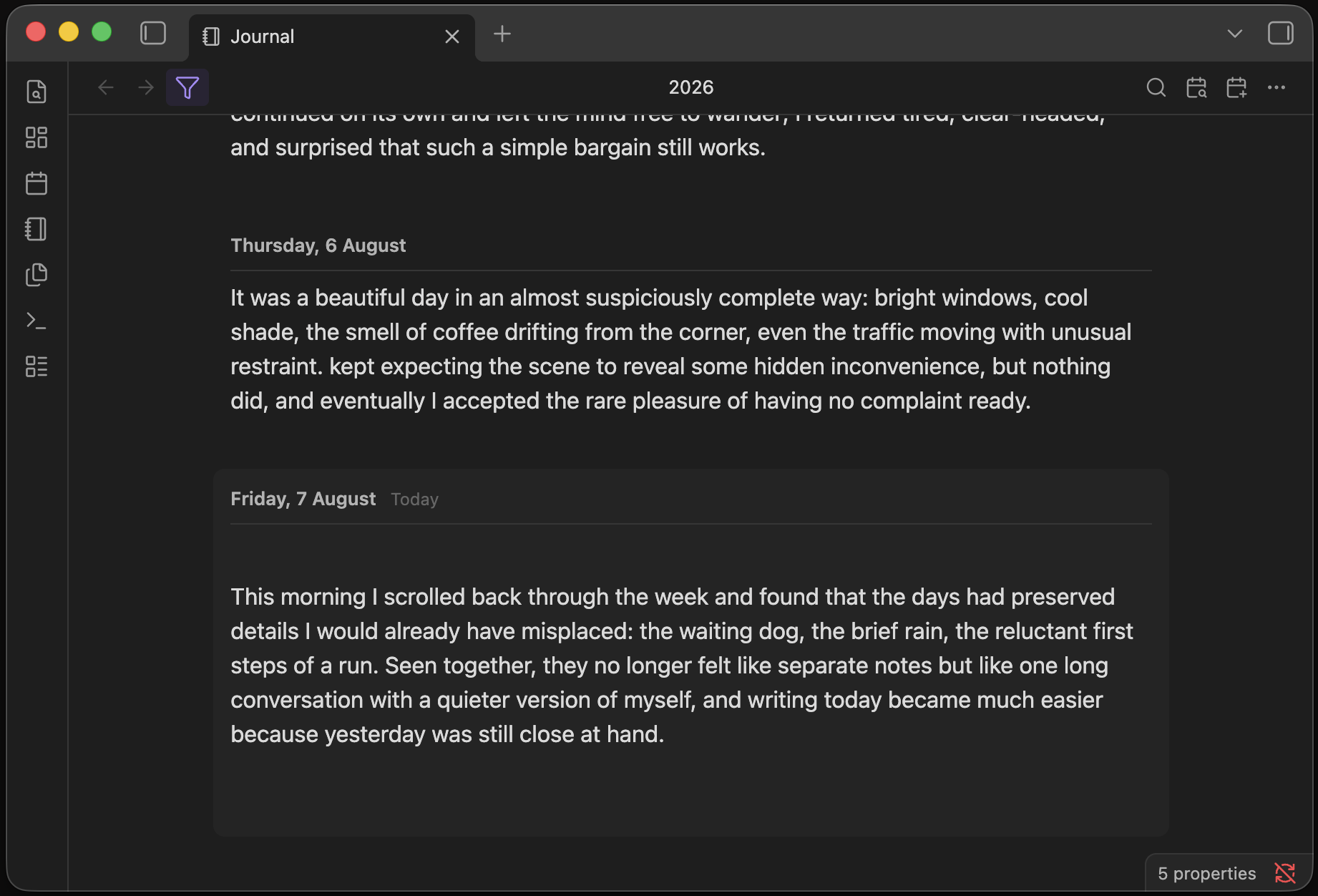
The Journal View plugin turns daily notes into one continuous timeline inside the vault. It works with the daily notes and settings already present, so it does not force a separate journal format or extra files. You can scroll through entries, jump to any date from a calendar, return to today quickly and open nearby days from a note. The timeline stays editable, which means reading and writing happen in the same place without switching views or modes. It can create a daily note only when you start typing on an empty day, search across past entries and stay responsive even with years of notes.
The inBox Sync plugin syncs notes from the inBox app into your vault and keeps that mirror organised as normal Markdown files. It supports WebDAV and S3 compatible storage, so the plugin can pull content from a configured remote source instead of relying on a direct local export. Sync is incremental, using ETag and modified time checks to avoid reprocessing unchanged items. It also carries over attachments such as images, videos, audio, and other files, preserves tag style like nested tags, and lets you choose the destination folder structure inside the vault.
The Floating Notes plugin opens a separate floating editor window that can be shown or hidden on demand for quick note capture. It keeps the popout state intact, can stay above other apps and supports three ways to choose what appears in the window: the current note, one fixed note or a new timestamped note each time. The plugin also exposes more than one trigger path. You can run it from an in app command, an obsidian URI or a local HTTP endpoint, which makes external launchers and shell based shortcuts possible. It is built for desktop use.
8. Note Types
The Note Types plugin lets you define custom note types with their own templates, save locations, and frontmatter fields, then use those definitions across file creation and lookup flows. It adds commands to create typed notes from a modal, insert wikilinks from the editor, and open fuzzy pickers limited to files that match frontmatter rules. A selection can become a new note with the chosen text used as the title. The plugin also supports a trigger character for quick note creation, styled wikilinks with custom CSS classes, hover cards that show chosen frontmatter fields, and a sidebar widget with collapsible filtered sections, sorting, drag reordering, and result limits.
The Store plugin reorganises a vault so notes can be managed from one main folder instead of being spread across the usual structure. It makes deep changes to the vault layout, so the shift is not something you casually undo later. That warning matters because the plugin is built around changing how files are stored, not around light surface tweaks. The project documentation is positioned as essential reading before use, which suggests the workflow has important details and edge cases beyond a quick setup. In short, this is a structural file management plugin that changes where notes live and how the vault is arranged.
10. Power Tables
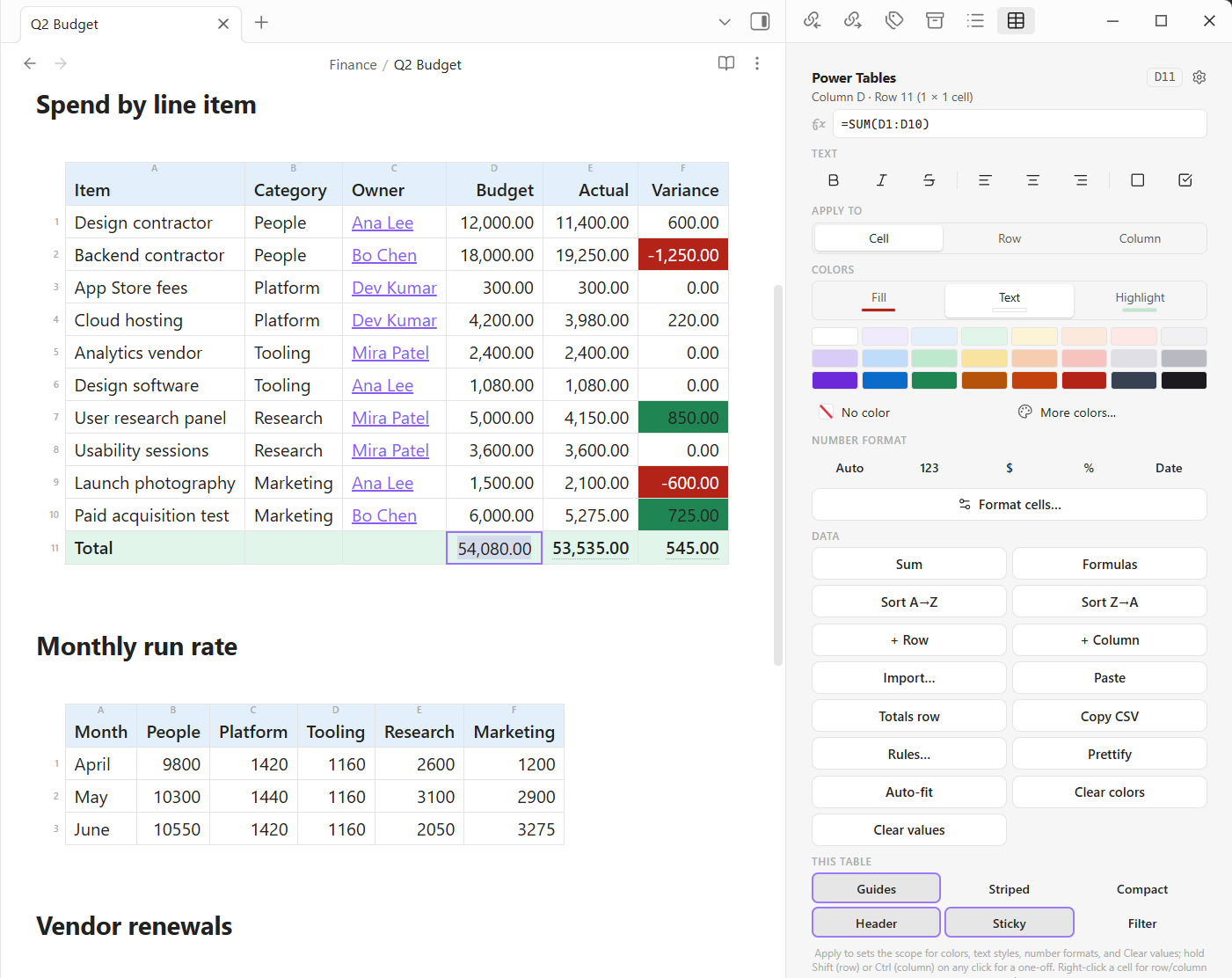
The Power Tables plugin turns Markdown tables into editable spreadsheets inside a note, while keeping the stored content as plain Markdown. It adds cell colors, conditional rules, data bars, icon sets, live formulas, live totals and a formula bar with click based references. Tables can be sorted, filtered and reshaped with fill handle, copy and paste, paste special, row and column moves, text to columns, transpose and duplicate cleanup. Number formats, column level validation lists, sparklines, checkboxes, borders and width controls are built in. It also imports and exports Excel and CSV data, preserves references when rows move and keeps filter state in the note so views remain consistent across devices.
11. Power Editor
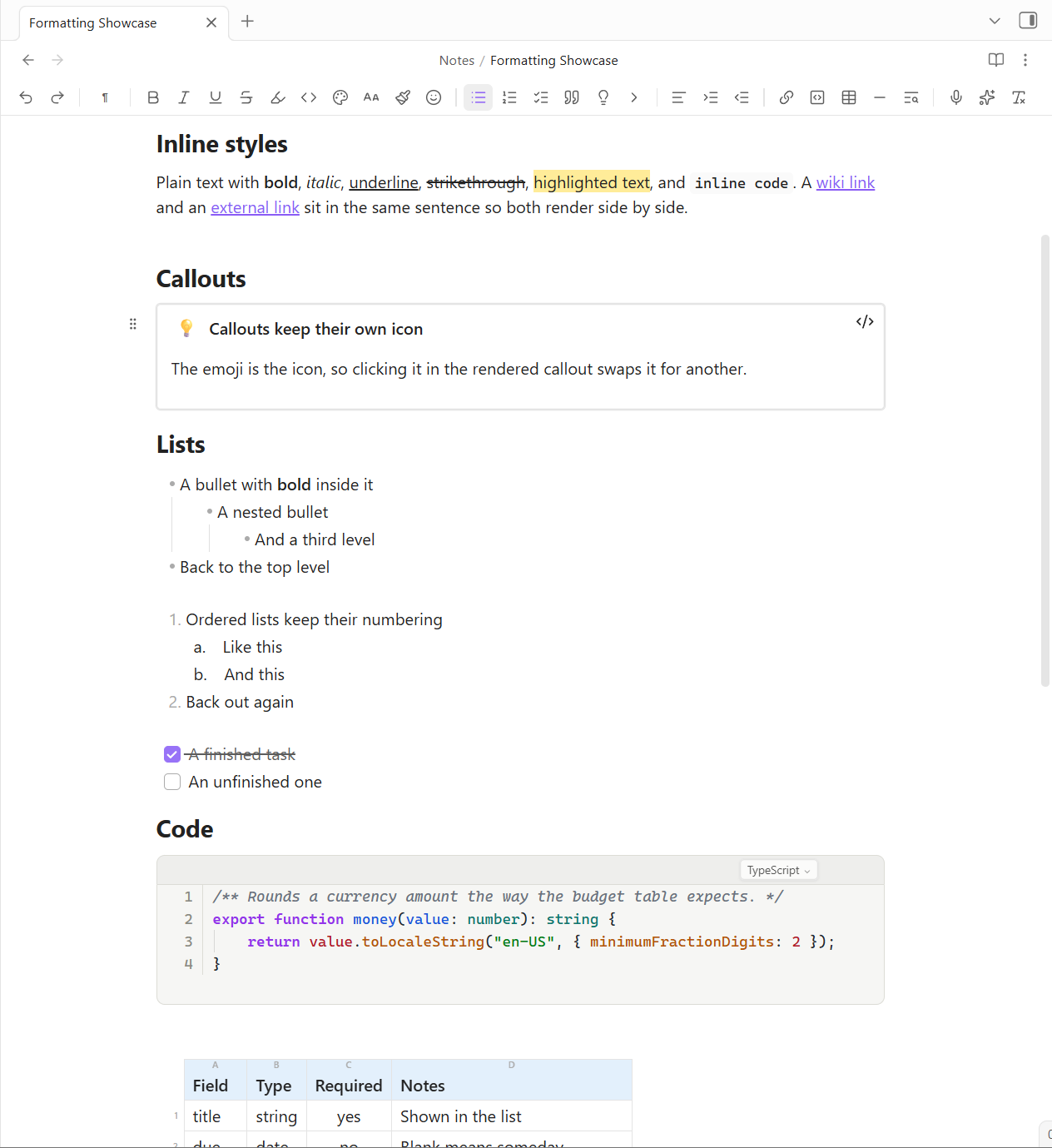
The Power Editor plugin turns Markdown editing into a visual, block aware workflow without changing the file format underneath. It adds a configurable toolbar, inline selection bubble and slash commands for styling text, lists, callouts, links, tables and more. Blocks can be dragged, duplicated or converted from a handle menu, while toggle blocks and upgraded callouts make long notes easier to shape. Paste handling is a big part of it: rich content from email, the web or AI chats is cleaned into tidy Markdown, and copied content keeps its formatting when pasted into apps like Outlook or Gmail. It also includes image controls, table insertion, format painter, last edited indicators, dictation and optional AI rewrite actions.
面向中文用户的 Obsidian 社区插件搜索工具:输入关键词即可检索并展示翻译后的插件卡片,支持 AI 语义 / 名称 / 作者搜索。
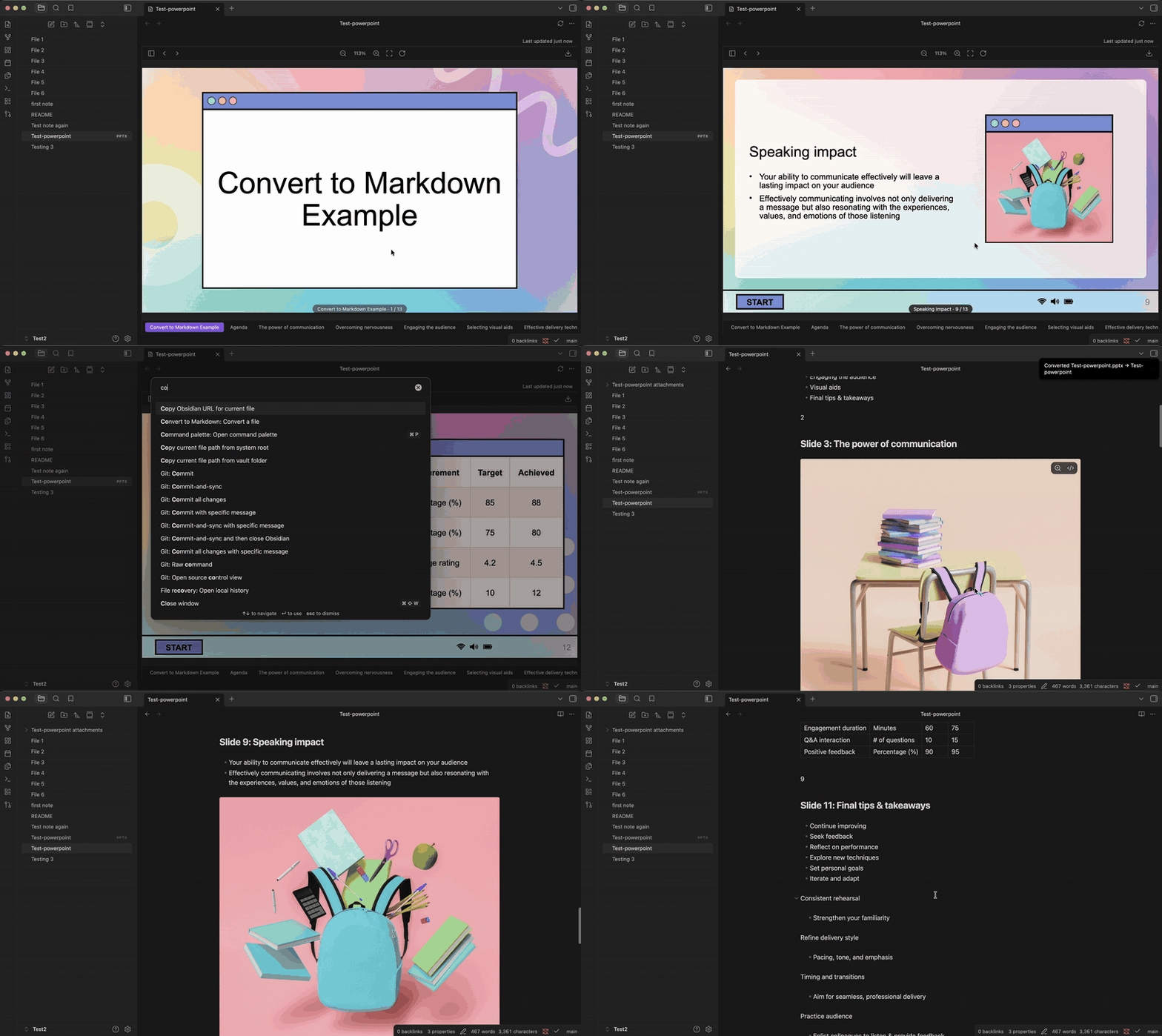
The Convert to Markdown plugin converts a wide range of files in your vault into Markdown notes while preserving the source material's structure, tables, images and ordering. It handles PDFs, Office and OpenDocument files, ebooks, saved web pages, email, notebooks, subtitle tracks, spreadsheets and common image formats. Conversion stays local and deterministic, with no cloud service or API key involved. For scanned PDFs and image files it uses local OCR, reports confidence and notes which pages needed recognition. The plugin also resolves multi column PDFs, rebuilds paragraphs, extracts images beside the note and records skipped items instead of hiding them. Notes are written next to the original file and existing notes are left untouched.
14. Yuhanbo Task
The Yuhanbo Task plugin manages one time and recurring tasks as Markdown files stored in configurable vault folders. It tracks progress, due dates, execution dates and subtasks, and it can archive completed tasks as separate Markdown files. Task creation and review are exposed through commands, and folder shortcuts open the generated task files directly. The plugin also includes a configurable Pomodoro timer with work and break sessions, cycle intervals and optional sound notifications. An optional AI task splitting feature can send the task title, description and a chosen prompt file to DeepSeek so it can propose subtasks before saving.
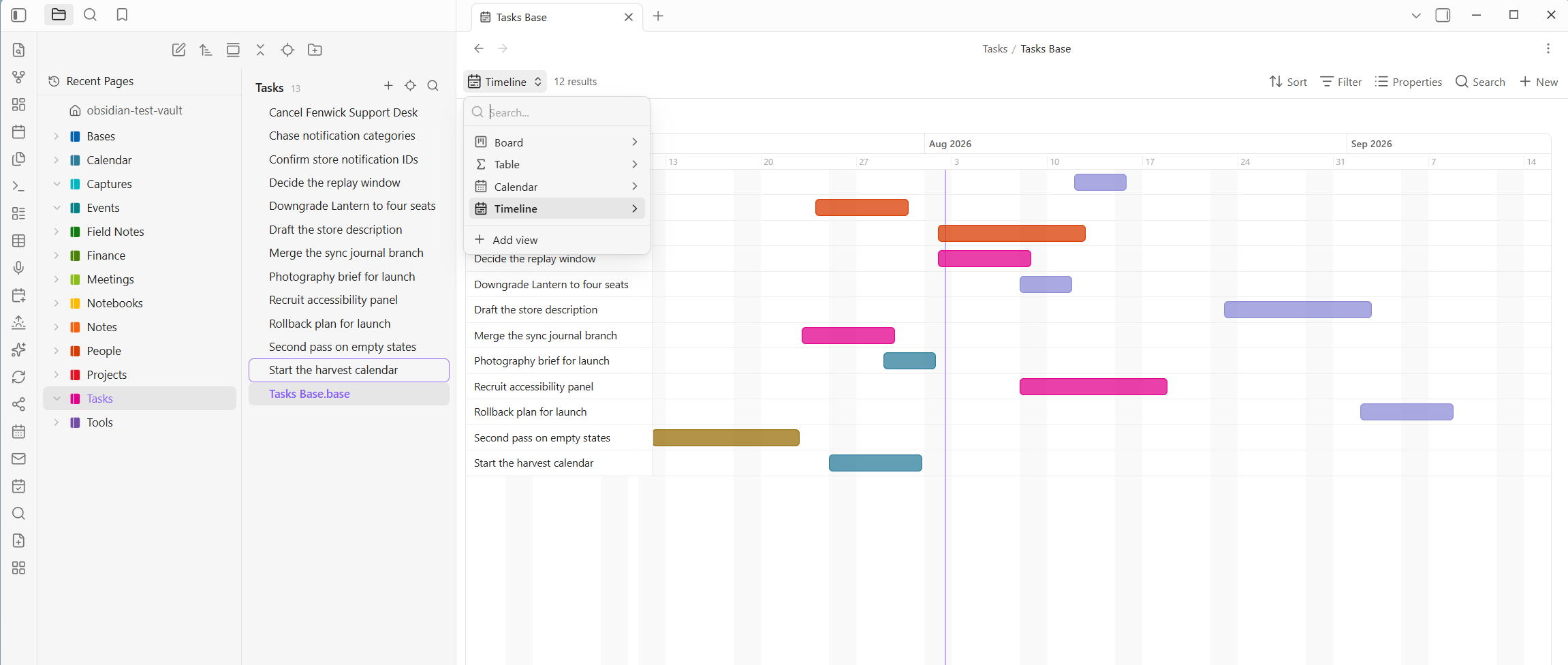
The Power Bases plugin extends the core Bases feature with six extra views: board, calendar, timeline, chart, gallery, and a much deeper table. It keeps rows as normal notes with frontmatter, so data stays portable and sync friendly across devices. The board supports drag moves, swimlanes, WIP limits and bulk actions. Calendar and timeline views write schedule changes back to notes, while charts render grouped data as plain SVG. The table adds more field types, rollups, summaries, formatting, CSV import and formula editing with live preview. Every edit is grouped into undoable batches, and most features work fully offline. Its only network use is optional address autocomplete for Place fields.
Most Downloaded (2026-08-02 to 2026-08-08)
| Rank | Plugin | Downloads | Links |
|---|---|---|---|
| 1 | Excalidraw | 167,375 | Details / GitHub |
| 2 | Templater | 116,613 | Details / GitHub |
| 3 | TaskNotes | 98,550 | Details / GitHub |
| 4 | Claudian | 90,967 | Details / GitHub |
| 5 | Dataview | 56,104 | Details / GitHub |
| 6 | Tasks | 52,400 | Details / GitHub |
| 7 | Omnisearch | 47,062 | Details / GitHub |
| 8 | Copilot | 36,673 | Details / GitHub |
| 9 | Git | 34,553 | Details / GitHub |
| 10 | Ink | 32,824 | Details / GitHub |
| 11 | QuickAdd | 30,525 | Details / GitHub |
| 12 | Calendar | 30,407 | Details / GitHub |
| 13 | Editing Toolbar | 30,348 | Details / GitHub |
| 14 | Kanban | 29,795 | Details / GitHub |
| 15 | Notebook Navigator | 28,713 | Details / GitHub |
Plugin Updates
There were 899 plugin updates in the last one week's time. You can see all the plugin updates on Obsidian Plugin Stats webapp.
Notable Updates
- Excalidraw - v2.26.4 - Changelog
- Templater - v2.25.0 - Changelog
- Claudian - v2.1.2 - Changelog
- QuickAdd - v2.21.0 - Changelog
- Notebook Navigator - v3.3.2 - Changelog
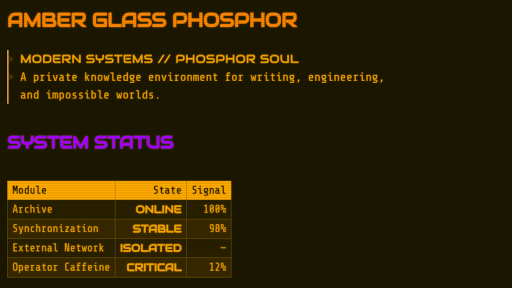
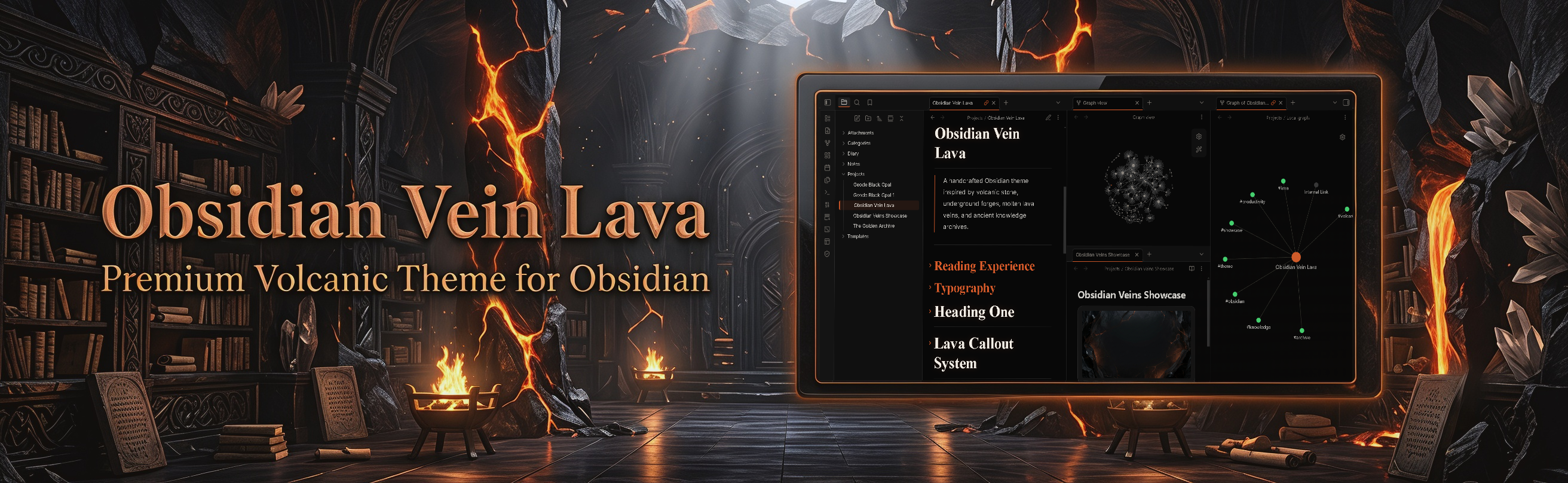
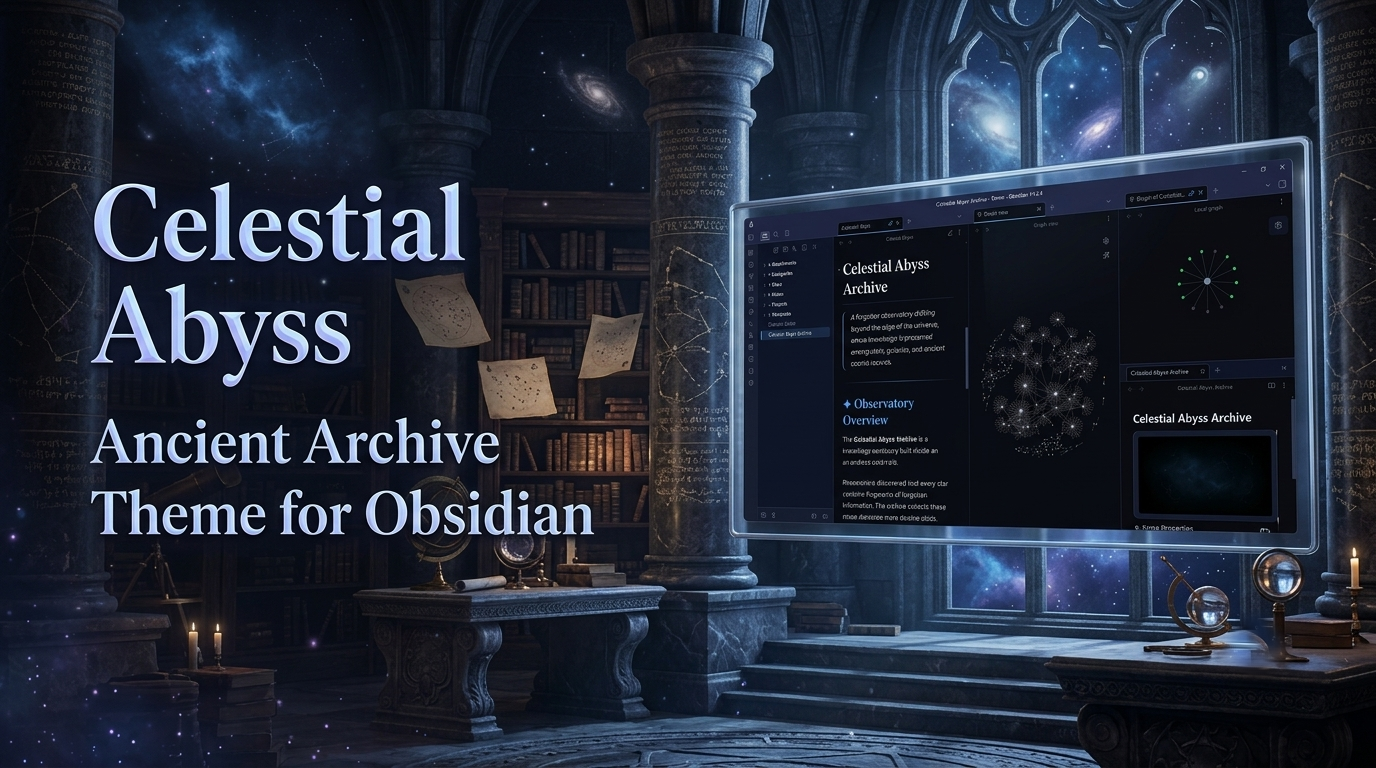
New Themes
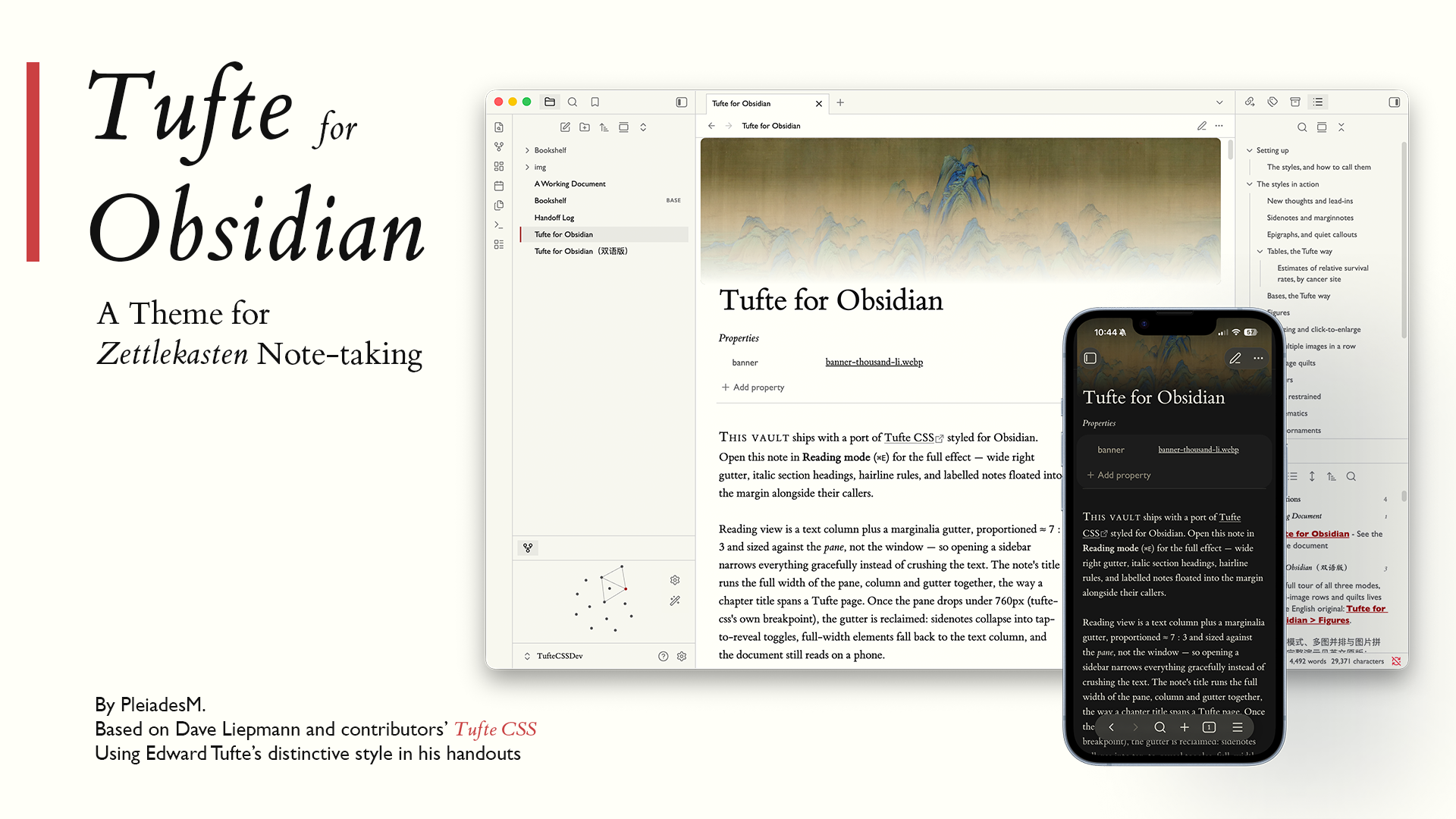
1. Tufte
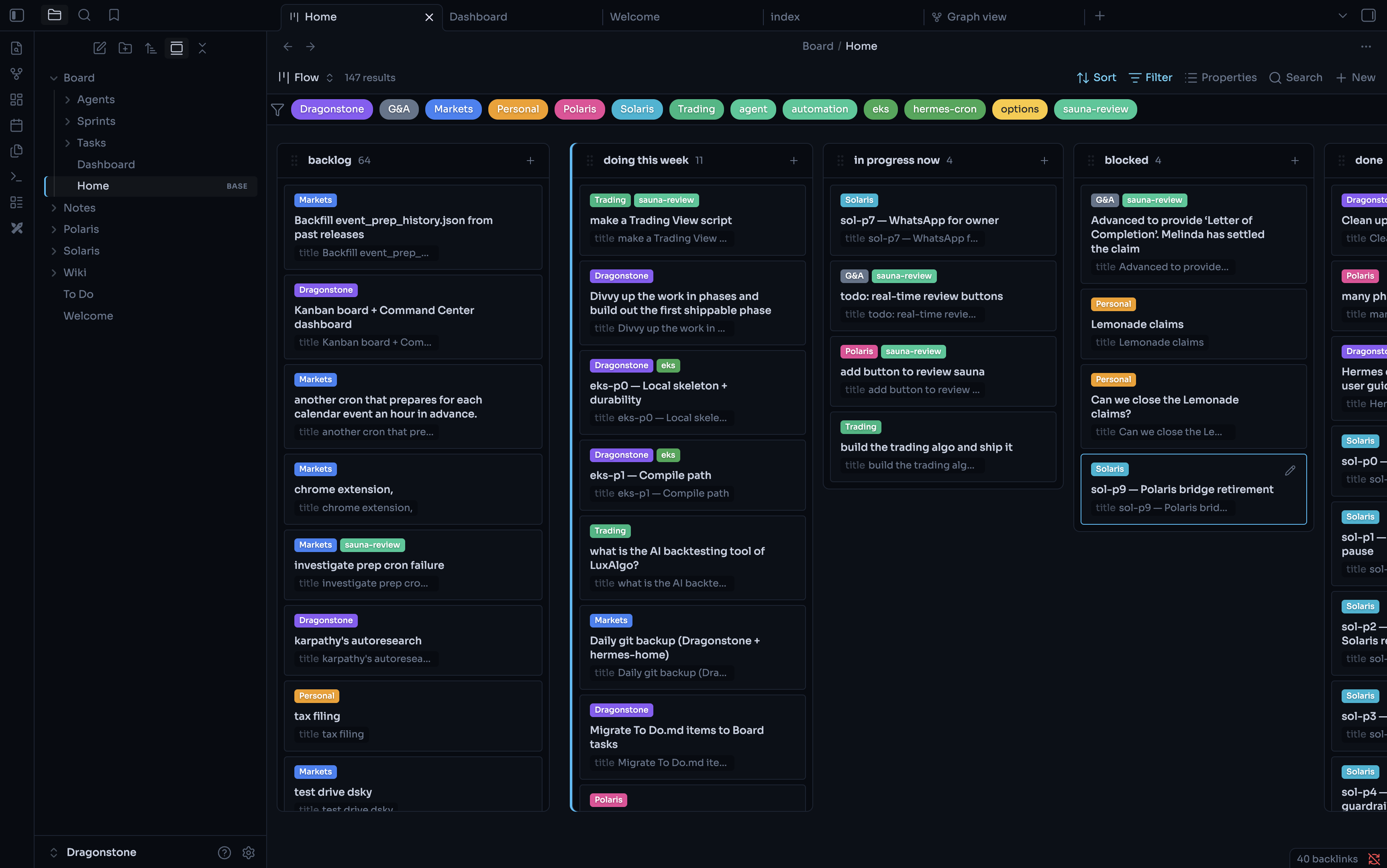
2. Nebula
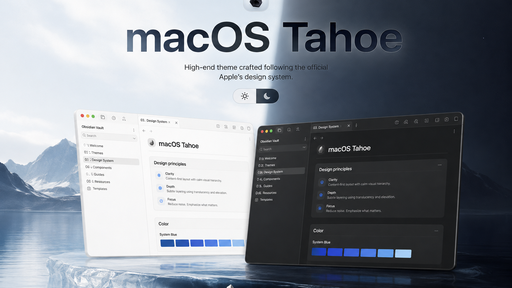
4. macOS Tahoe
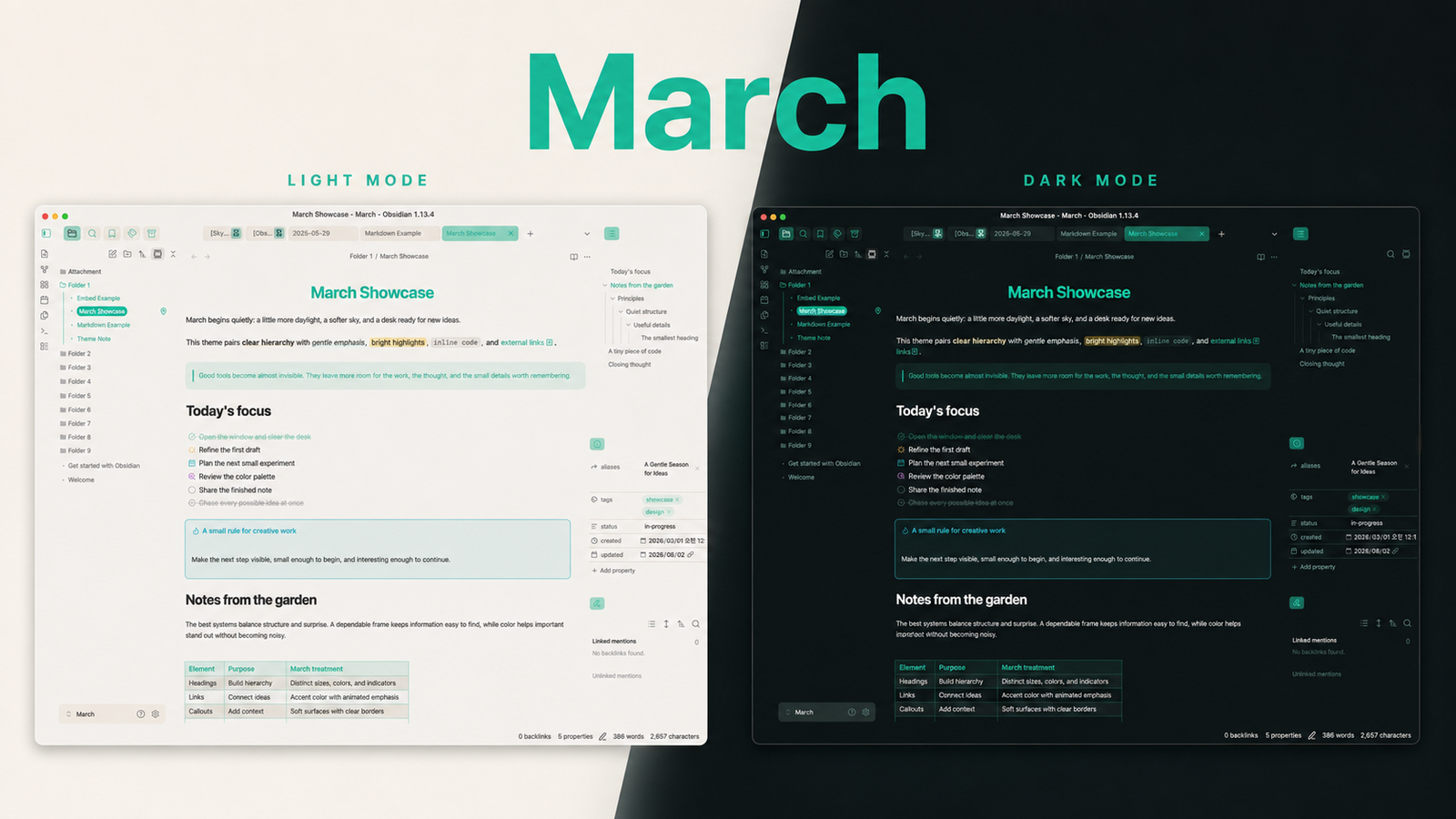
5. March
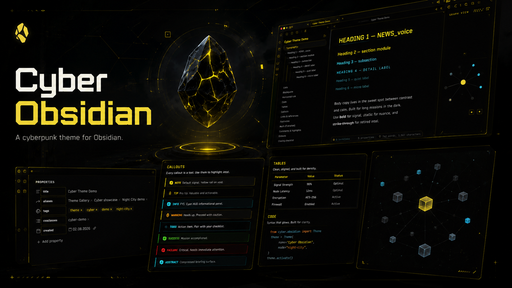
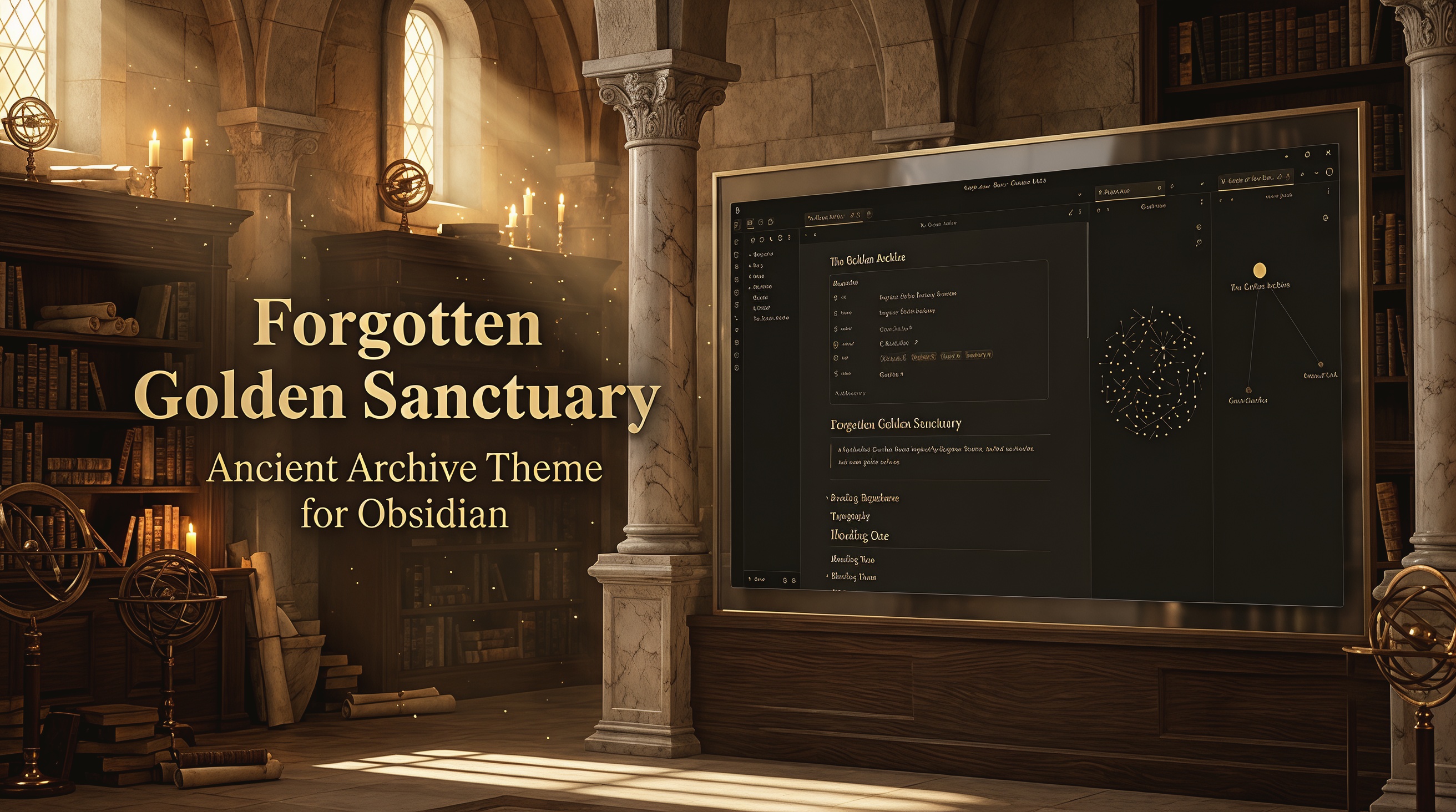
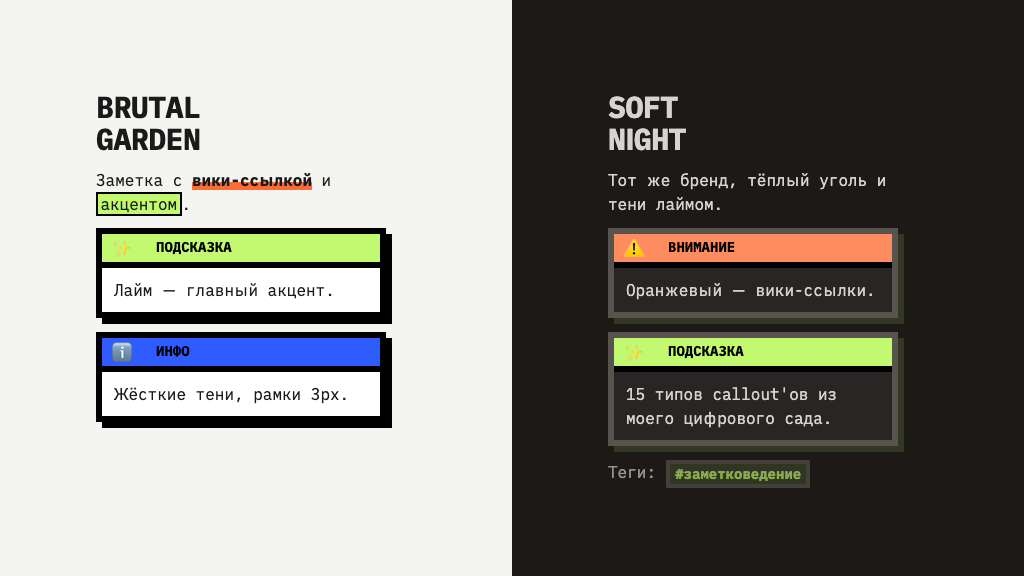
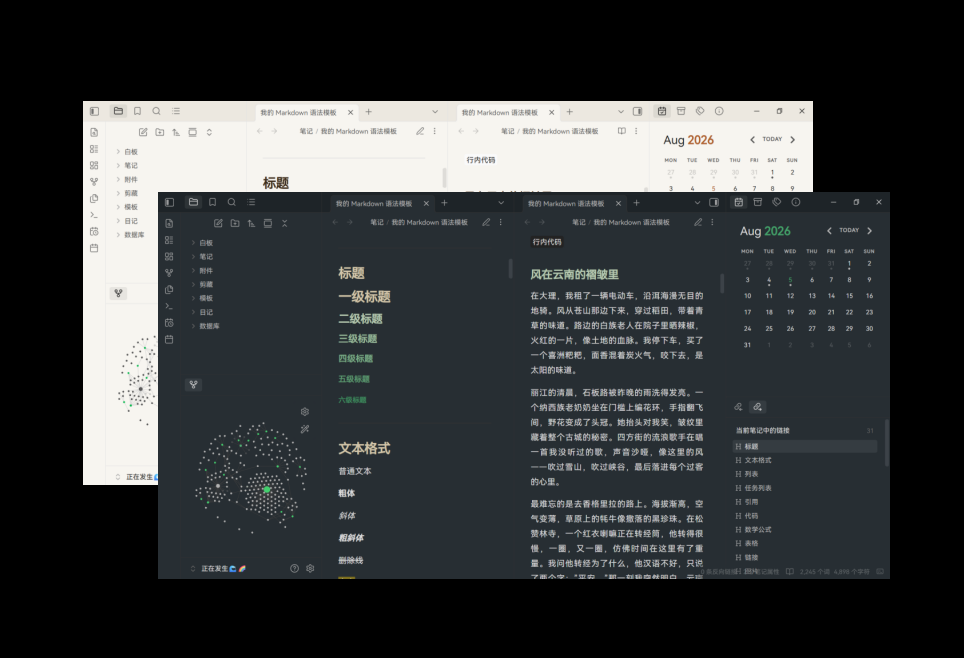
10. Geode Black Opal

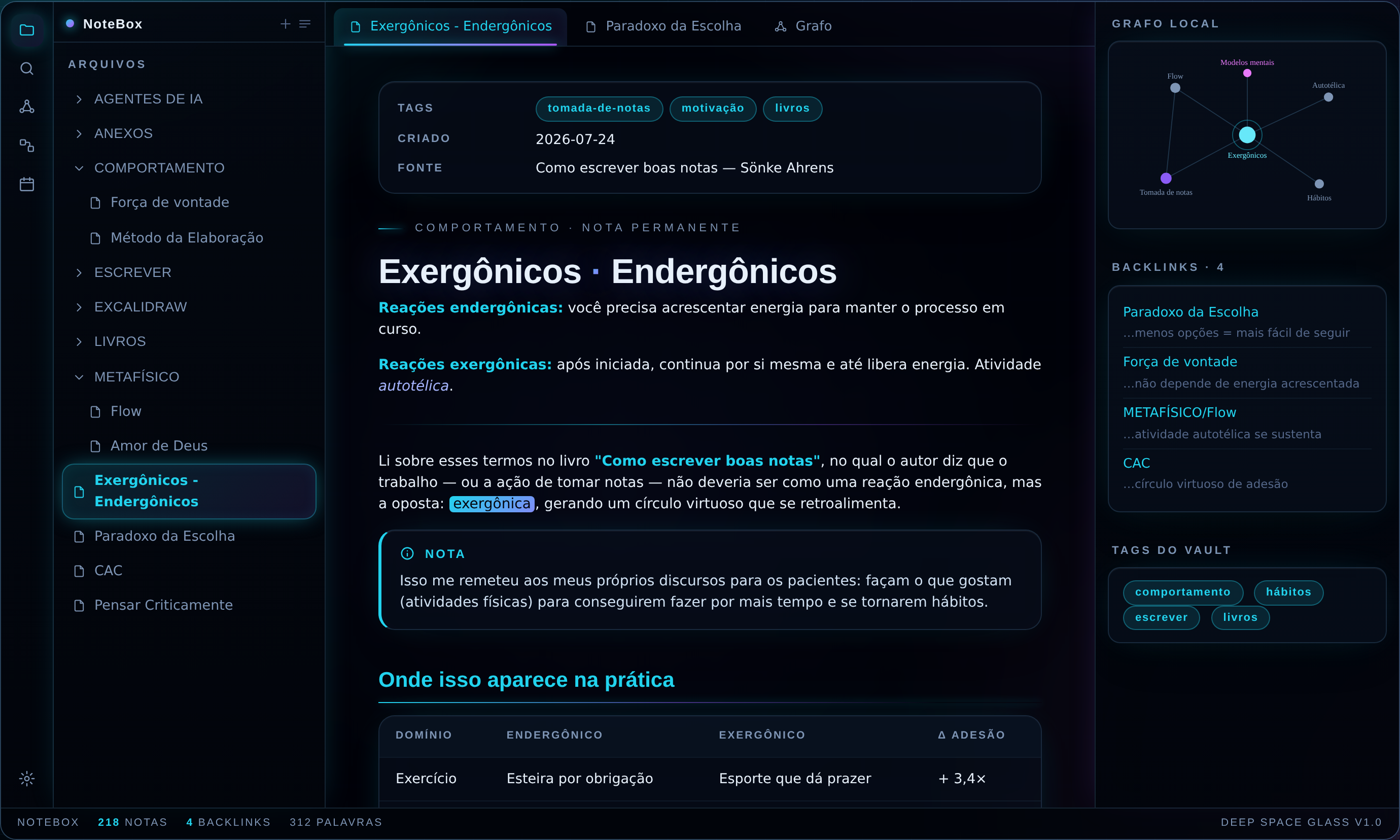
11. Deep Space Glass
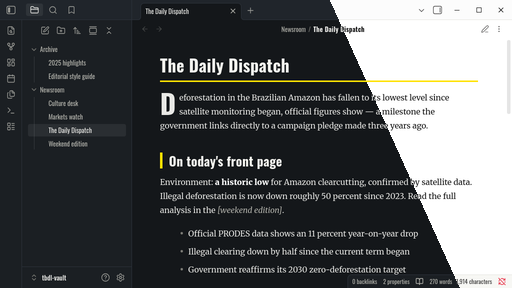
12. tbdl
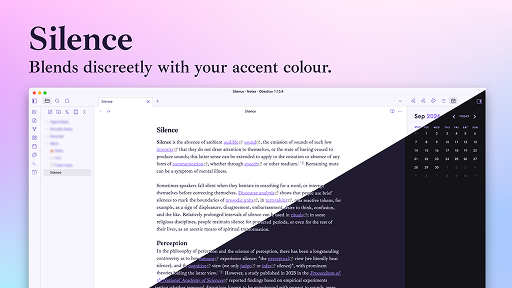
15. Silence
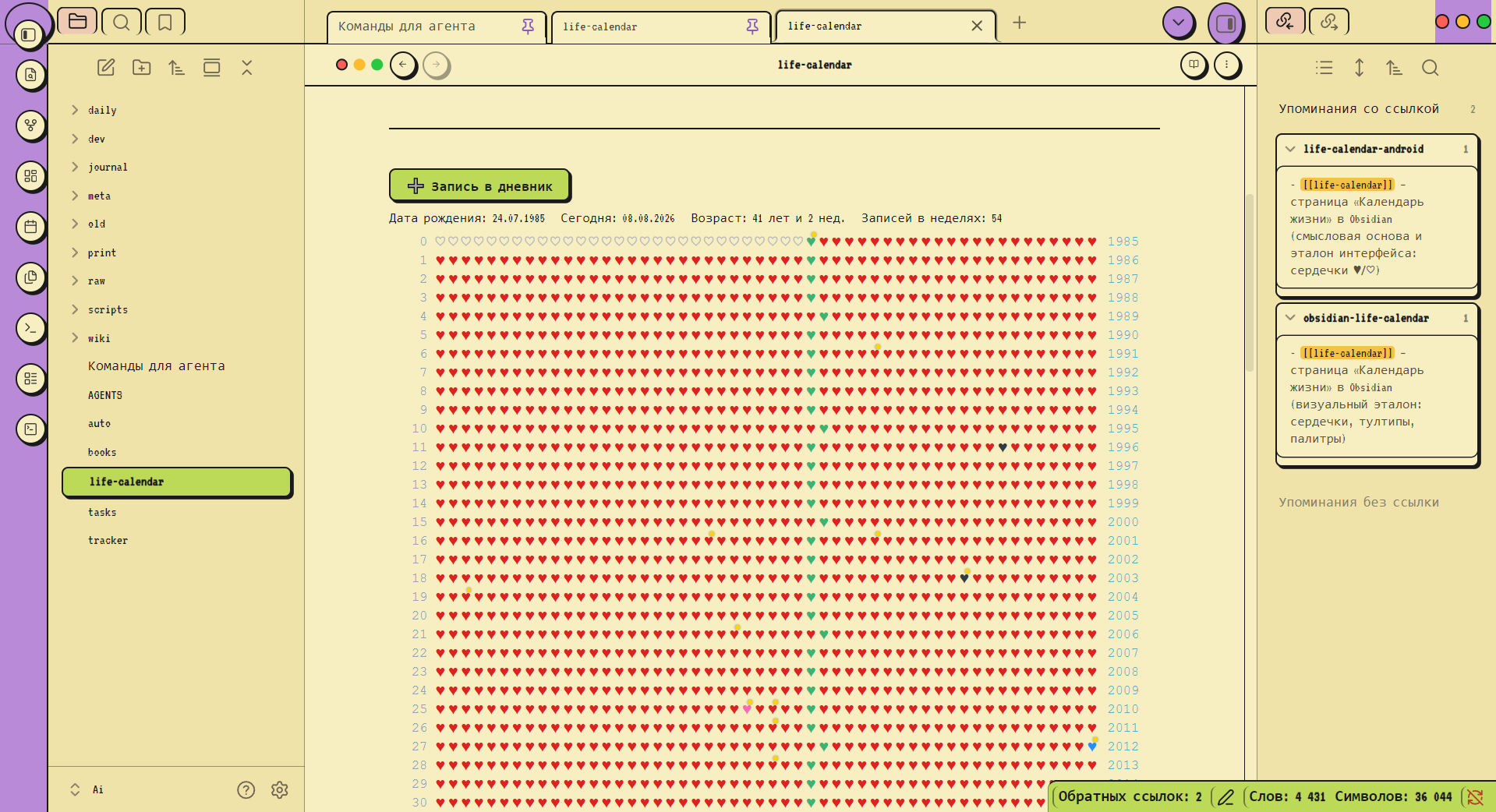
17. Retro OS
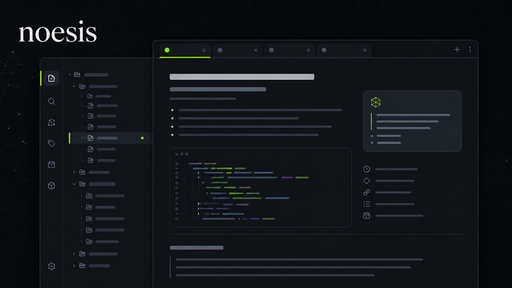
18. noesis
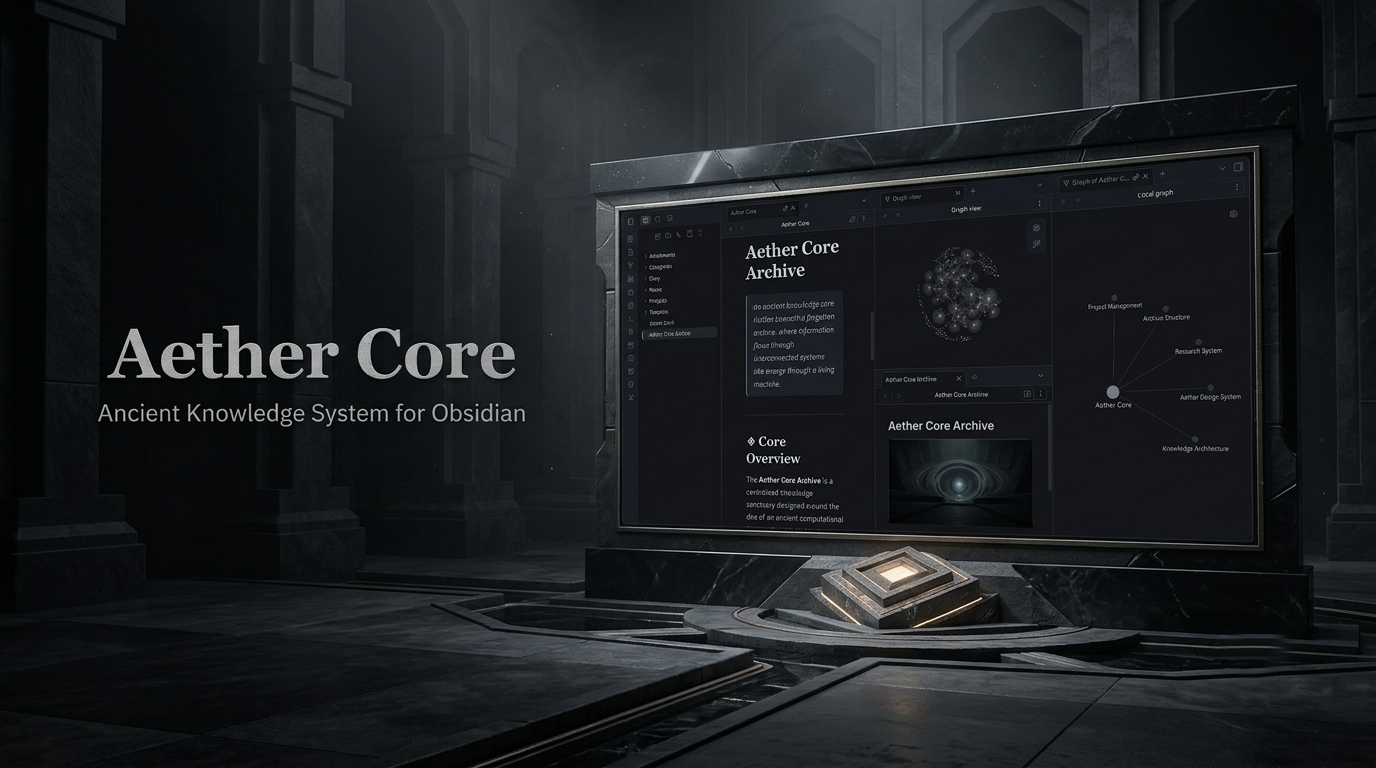
19. Aether Core
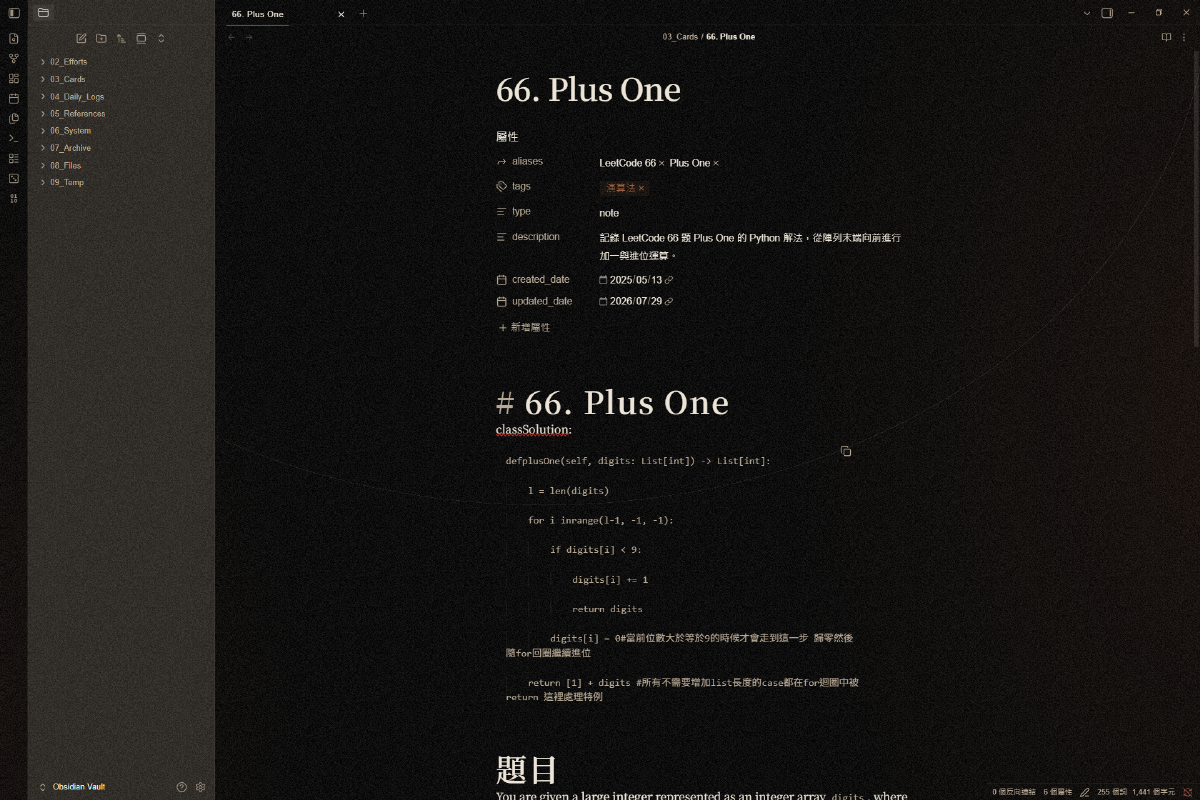
20. Kage
That is the week covered. Browse the newest plugins on /new and the latest releases on /updates, then pick one change worth testing in a spare vault. Happy note-taking!