
README file from
GithubNebula — an Obsidian theme
A cool, techy theme for Obsidian. Run the mission with Solaris — free, open source, markdown-native, local-first boards for you and your agents.
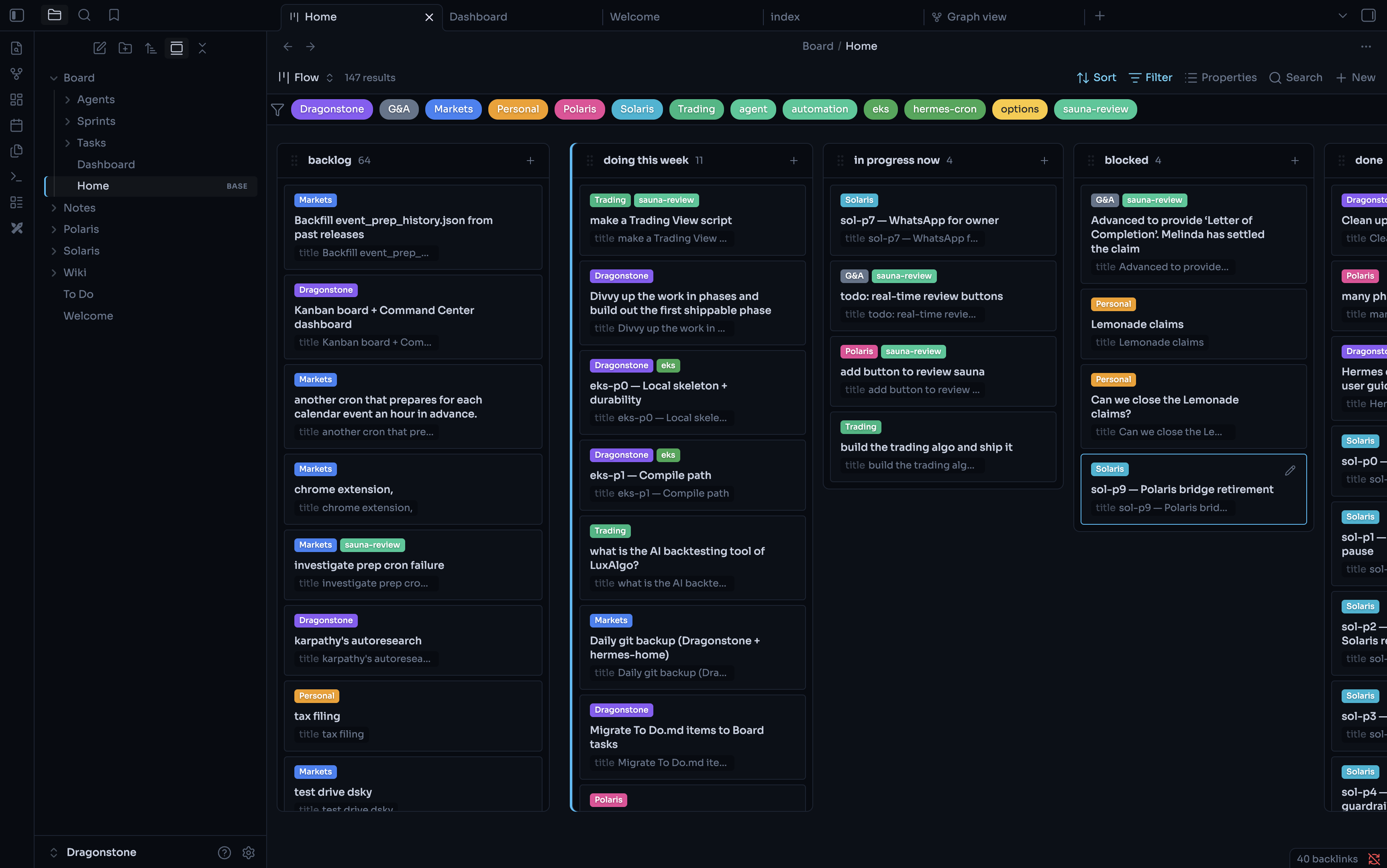
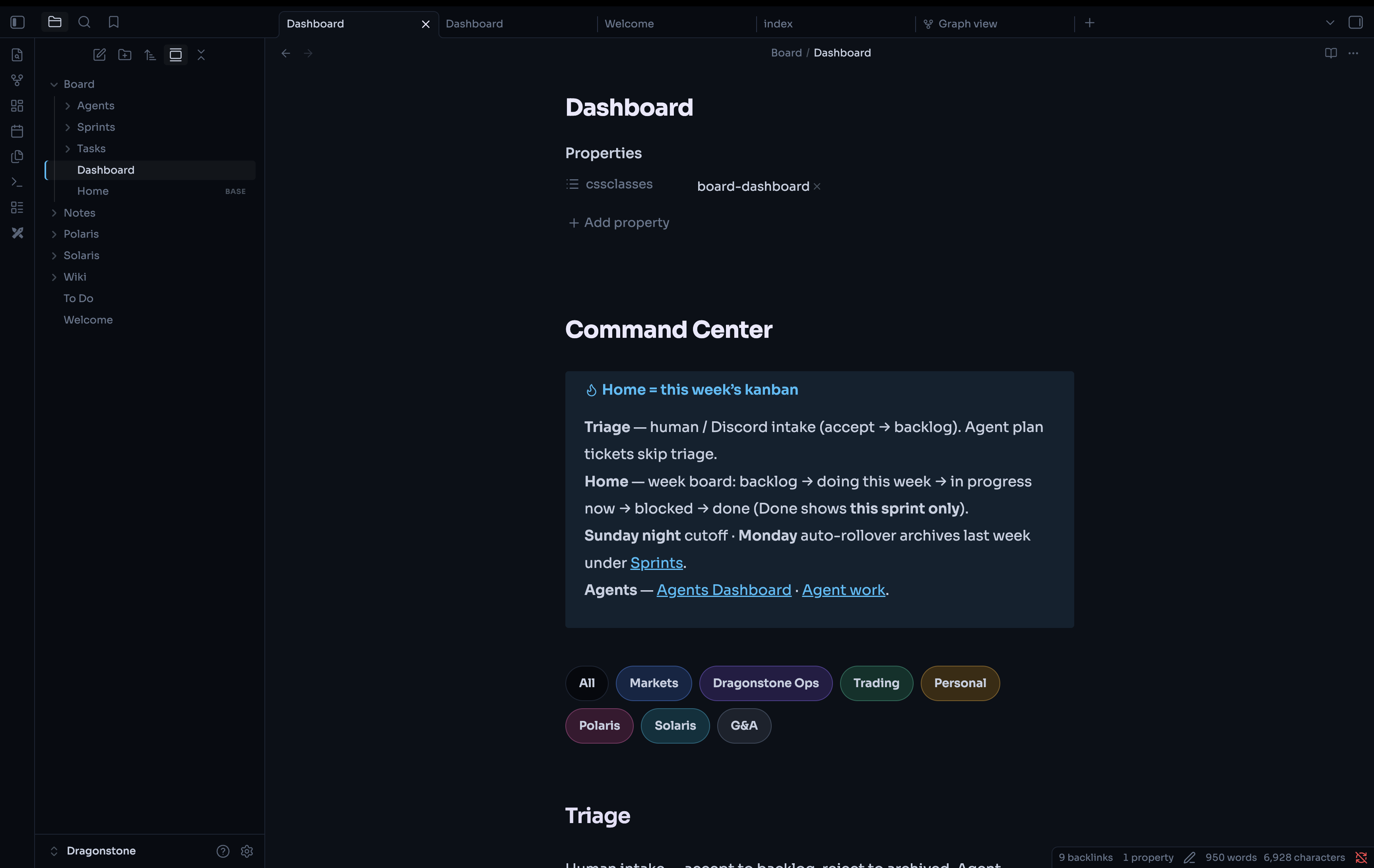
Dark mode: cyan + violet on a blue-black canvas
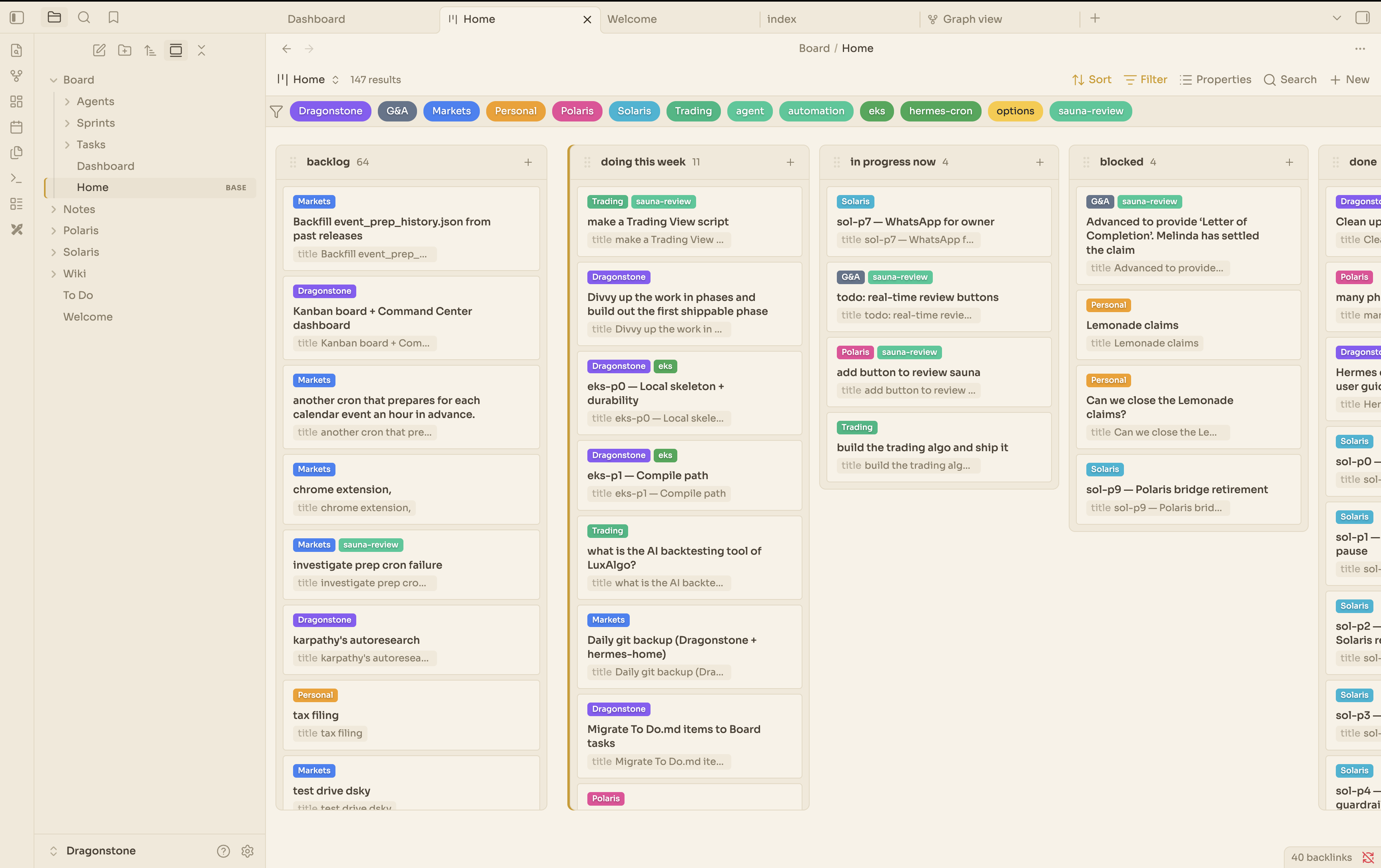
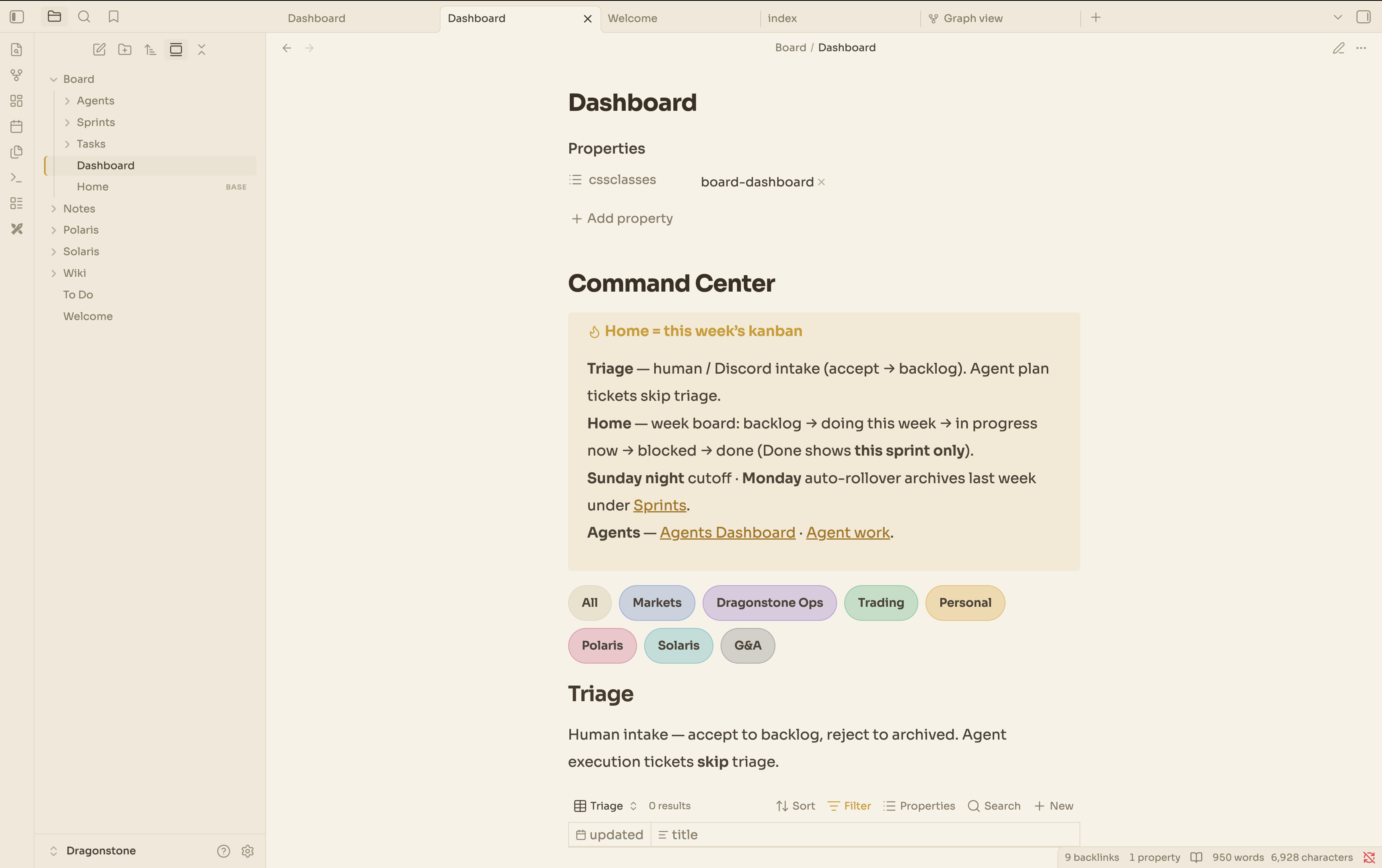
Light mode: warm turmeric accents on cool paper
Interface and editor text use Sora; code uses JetBrains Mono.
| Dark | Light |
|---|---|
 |
 |
 |
 |
Install
Community themes (recommended)
Once published: Settings → Appearance → Themes → Manage → search for Nebula.
Manual
- Copy
manifest.jsonandtheme.cssinto:<your-vault>/.obsidian/themes/Nebula/ - In Obsidian: Settings → Appearance → Themes → select Nebula.
- Toggle Settings → Appearance → Base color scheme between Dark and Light.
Customize
- Accent / colors: edit the CSS variables at the top of each
.theme-dark/.theme-lightblock intheme.css. - Fonts: change
--font-interface-theme,--font-text-theme, and--font-monospace-themenear the top oftheme.css. - Reading width: edit
--file-line-width(default640px).
Notes
- Fonts load from Google Fonts via
@import, so they need an internet connection. To go fully offline, download the font.woff2files into this folder and swap the@importfor@font-facerules. - Also bundled with Solaris via
solaris init --obsidian.
License
MIT