
README file from
GithubMarch
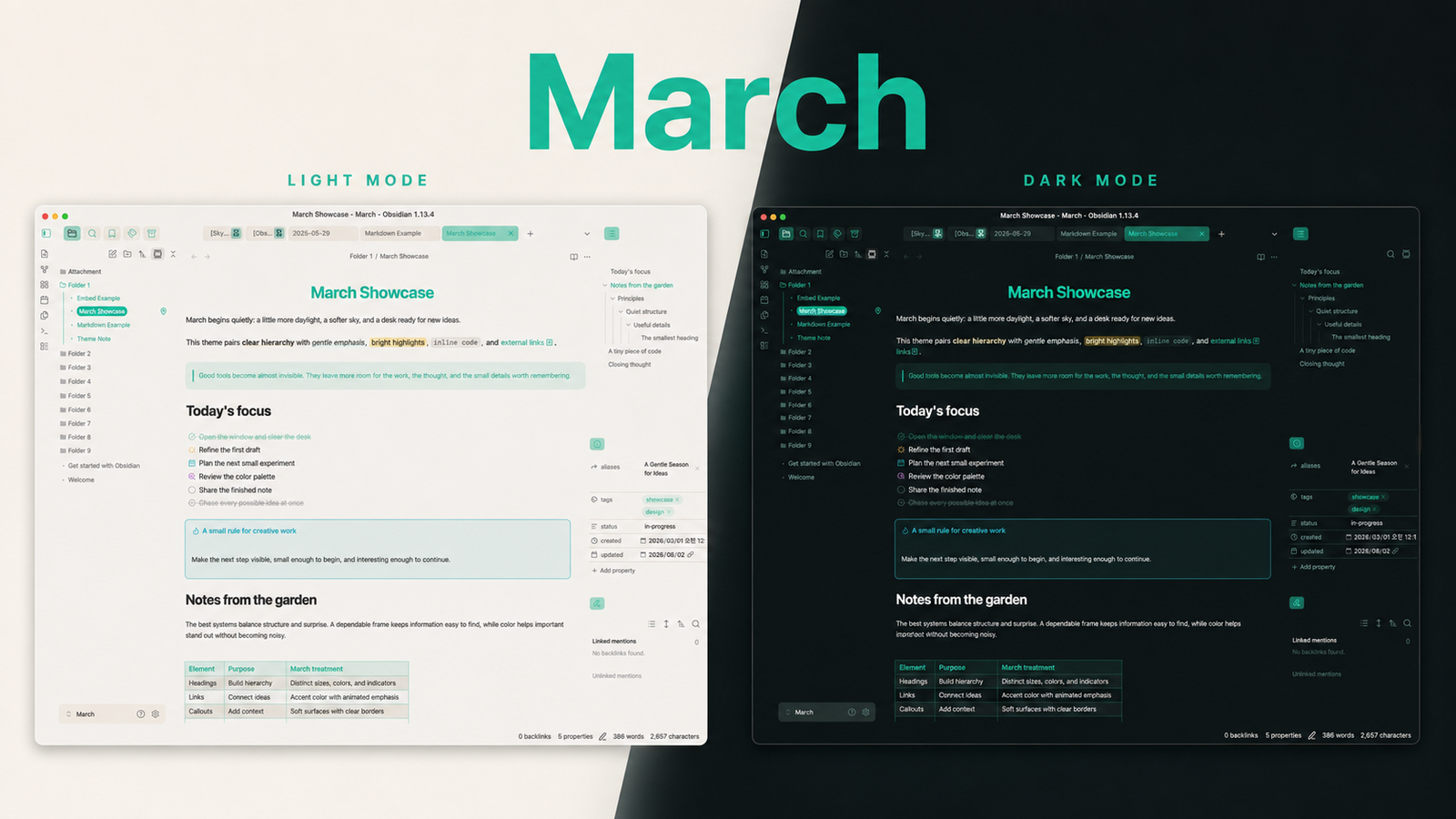
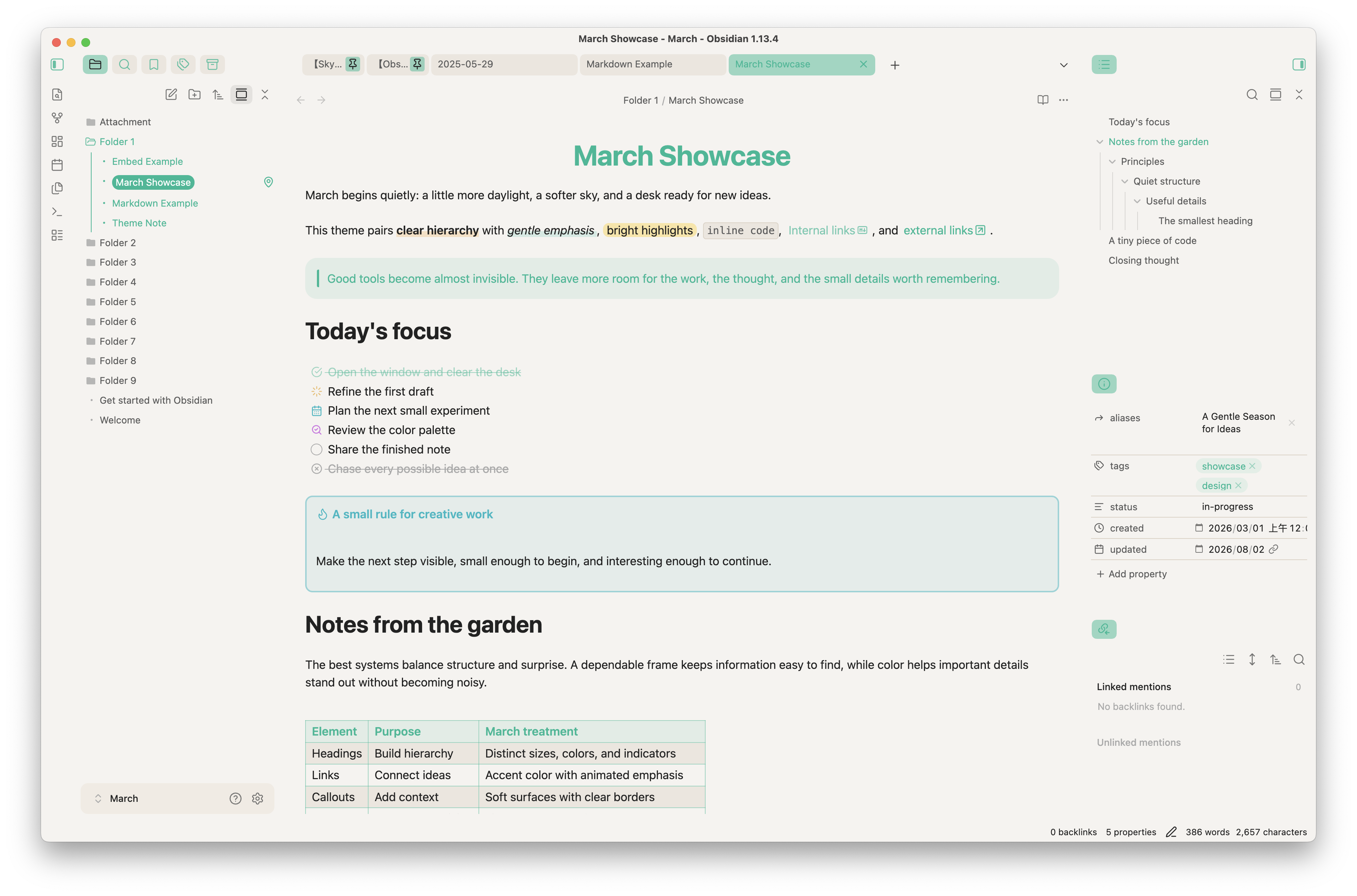
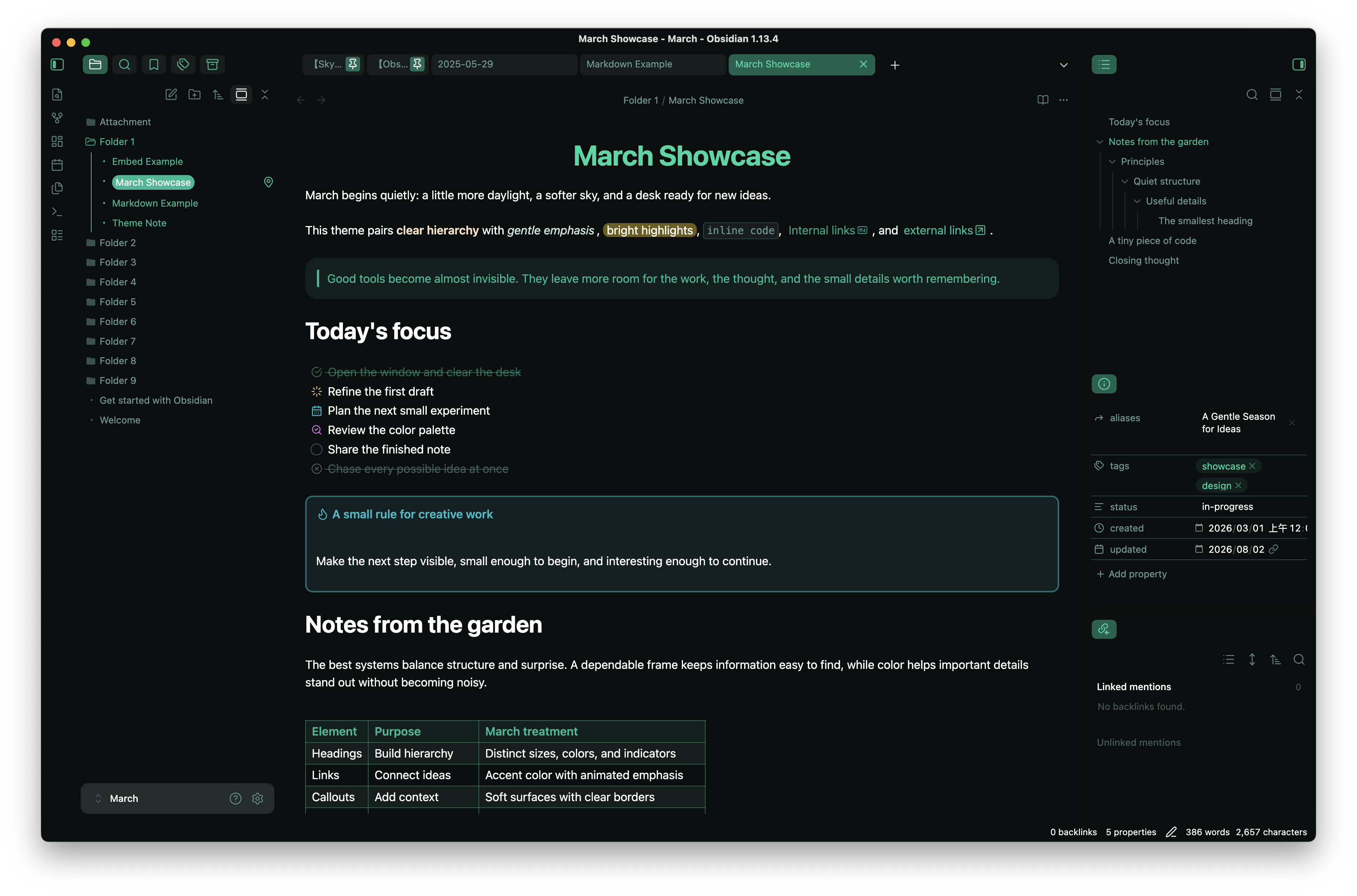
March is a colorful, accent-aware theme for Obsidian with soft surfaces, playful typography, and a focused writing experience. It supports both light and dark mode and stays close to Obsidian's native behavior while giving notes and the surrounding interface a distinct visual rhythm.
Features
- Warm light and accent-tinted dark appearances
- Optional Catppuccin and Nord color schemes
- Color-coded headings with configurable size, alignment, color, and indicators
- Refined links, highlights, bold and italic text, blockquotes, callouts, embeds, tables, and horizontal rules
- Code blocks with line numbers and configurable colors
- Alternate task states for done, canceled, in progress, planned, and review
- An optional colorful frame layout, compact pinned tabs, and file-type icons
- Styling for Obsidian Bases and small compatibility refinements for selected community plugins
- Extensive customization through the Style Settings plugin
Installation
Community Themes
Once March is available in the Obsidian Community Themes gallery:
- Open Settings → Appearance.
- Next to Themes, select Manage.
- Search for March.
- Select Install and use.
BRAT
You can install the latest version directly from GitHub with BRAT:
- Install and enable BRAT from Settings → Community plugins.
- Open Settings → BRAT → Beta Themes List.
- Select Add Beta Theme.
- Enter
https://github.com/sakurastral/obsidian-march-theme. - Select Add Theme, then enable March from Settings → Appearance.
BRAT follows the repository's latest theme files, so beta builds may change more frequently than Community Themes releases.
Manual installation
- Download
manifest.jsonandtheme.cssfrom the latest release. - Create
<vault>/.obsidian/themes/March/. - Place both files in that folder.
- Reload Obsidian and select March in Settings → Appearance.
Style Settings
March works without additional plugins, but the Style Settings community plugin unlocks its customization controls.
- Install and enable Style Settings from Settings → Community plugins.
- Open Settings → Style Settings.
- Expand one of the March sections.
| Section | Available controls |
|---|---|
| March Theme - Color Scheme | Default, Catppuccin, and Nord schemes; palette, surface, text, and formatted-text colors |
| March Theme - Editor | Headings, links, checkboxes, code blocks, blockquotes, callouts, embeds, and horizontal rules |
| March Theme - Layout | Frame style, title bar and tab colors, scrollbar width, spacing, pinned tabs, and font ligatures |
Alternate checkboxes
March includes visual states for the following task markers:
| Markdown | State |
|---|---|
- [ ] |
To do |
- [/] |
In progress |
- [p] |
Planned |
- [r] |
Review |
- [x] |
Done |
- [-] |
Canceled |
The planned and review icons can be enabled or disabled in Style Settings.
Image helpers
Add a fragment to an Obsidian image embed to apply these built-in helpers:
| Effect | Markdown |
|---|---|
| Center an image | ![[image.png#center]] |
| Crop an image to a circle | ![[image.png#circle]] |
Integrations
March includes targeted styles or css helper classes for:
- Style Settings
- Pretty Properties
- Note Toolbar
- Obsidian Bases
These integrations are optional and are not bundled with the theme.
Development
npm ci
npm run build
Use npm run watch while editing files in src/ to rebuild theme.css automatically.
Feedback
If you find a styling issue or have a suggestion, please open an issue. When reporting a problem, include your Obsidian version, operating system, enabled CSS snippets, and steps to reproduce it.
Credits
March includes ideas or adapted techniques from the following projects and communities:
- Minimal
- AnuPpuccin
- Border
- Primary
- Cupertino
- Maple
- Catppuccin and Nord color palettes
- Lucide icons
- The Obsidian Forum and Obsidian Discord community
See the comments in src/ for more specific source references.
License
March is released under the MIT License.