
README file from
GithubmacOS Tahoe
Get a branded theme for your company or yourself made by me!
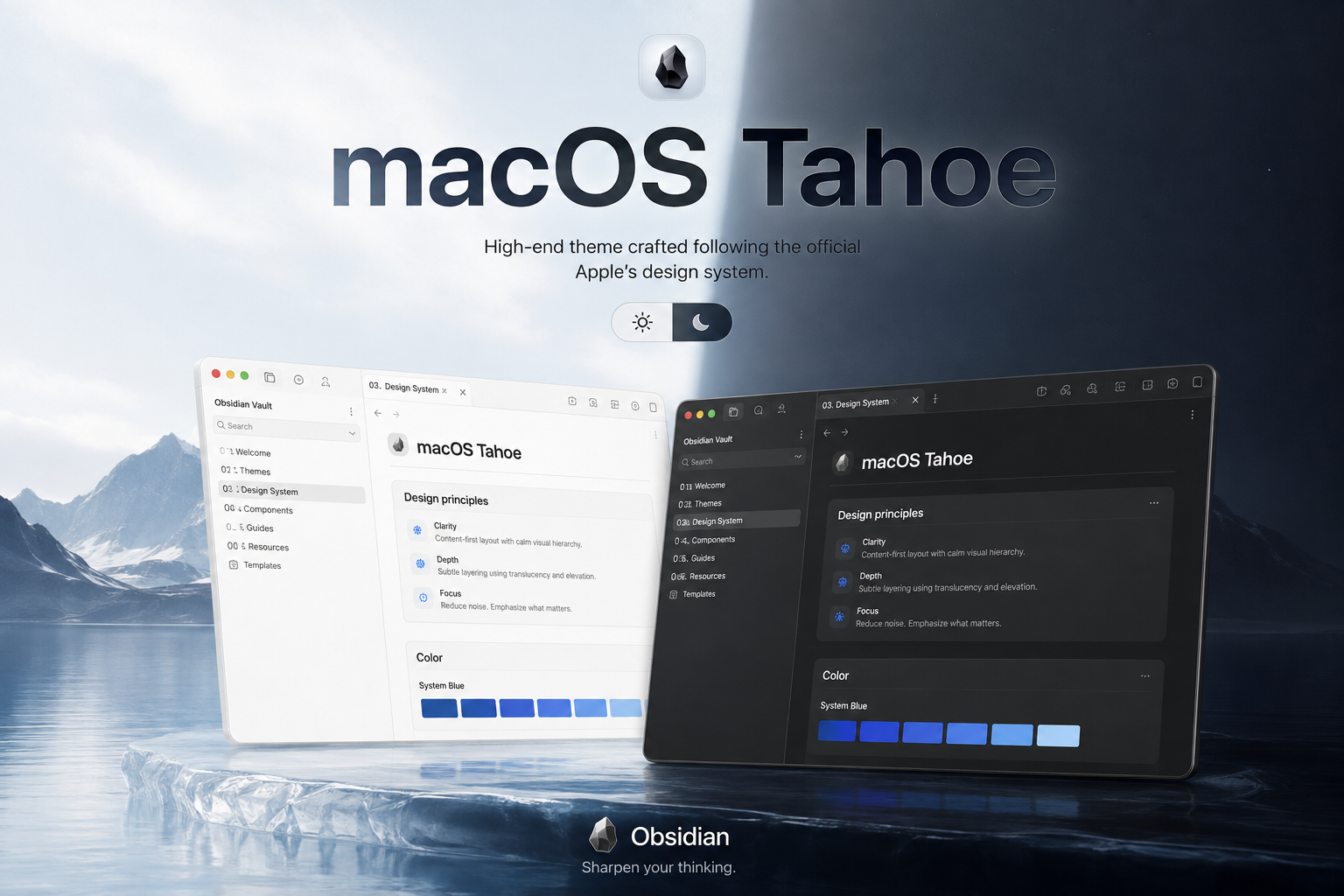
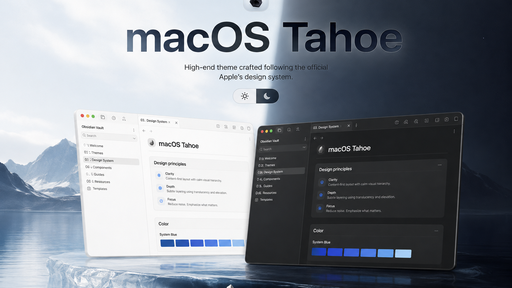
An Obsidian theme inspired by native macOS UI — system materials, SF Pro chrome, traffic-light window language, and System Blue accents — mapped from a MacOS Design System.
Light and dark modes via Obsidian’s base color scheme.
Features
- Dual-mode palette (
.theme-light/.theme-dark) with macOS system colors and materials - System Blue accents (
#0088FF/ preferred#0D6FFF), selection and focus rings - Frosted materials, soft radii, and native-feeling shadows on chrome and overlays
- Sidebar, ribbon, titlebar, menus, dialogs, and form controls tuned to macOS patterns
- Properties / metadata fields without heavy form chrome
- Text sizes left Obsidian-native (no font-size overrides)
Installation
Community themes (recommended)
Once published to the Obsidian community directory:
- Open Settings → Appearance
- Click Manage next to Themes
- Search for macOS Tahoe
- Click Install, then Use
Manual install
- Download or clone this repository
- Copy the theme folder into your vault at
.obsidian/themes/macOS Tahoe/ - Open Settings → Appearance → Themes
- Select macOS Tahoe
Requirements
- Obsidian
1.5.0or newer
Look
Use Obsidian’s light (moonstone) or dark (obsidian) base theme to switch modes. Interface fonts follow the system SF Pro stack when available.
License
Theme code and styles are released under the MIT License.