
There are 295 new plugins, 1,079 plugin updates and 74 new themes during the week 2026-09-27 to 2026-10-03.
Where do you start with 295 new plugins? I would begin with the project, timeline and reading tools near the top. The same week also brought 74 new themes and 1,079 plugin updates.
New Plugins
There are 295 new plugins - see them all at /new. Four are worth a closer look. Projects Plus keeps project records as Markdown files while adding table, board, calendar and dashboard views. Bases Timeline View plots notes on a timeline and can group them by note fields. yh-InkLight reads and annotates Markdown, PDF and EPUB files while keeping annotations in separate sidecar JSON files. Settings Navigator adds Back and Forward navigation to Obsidian settings and remembers searches and expanded sections.
The Projects Plus plugin turns Markdown notes into project records while keeping their fields in YAML properties. It provides table, board, calendar and gallery views for comparing records, arranging draggable cards, browsing dated events and scanning notes by cover image. Dashboards combine these views with configurable blocks, charts and metrics. Projects can draw notes from folders, tags, built in filtered queries or Dataview. Relations support rollups and reverse links, while charts can compare several series, data from another project and a second axis. Editing a writable field updates the underlying note. The plugin also includes demo projects with linked data and stores project and view settings in the vault. It makes no network requests and supports desktop and mobile on Obsidian 1.8.7 or newer.
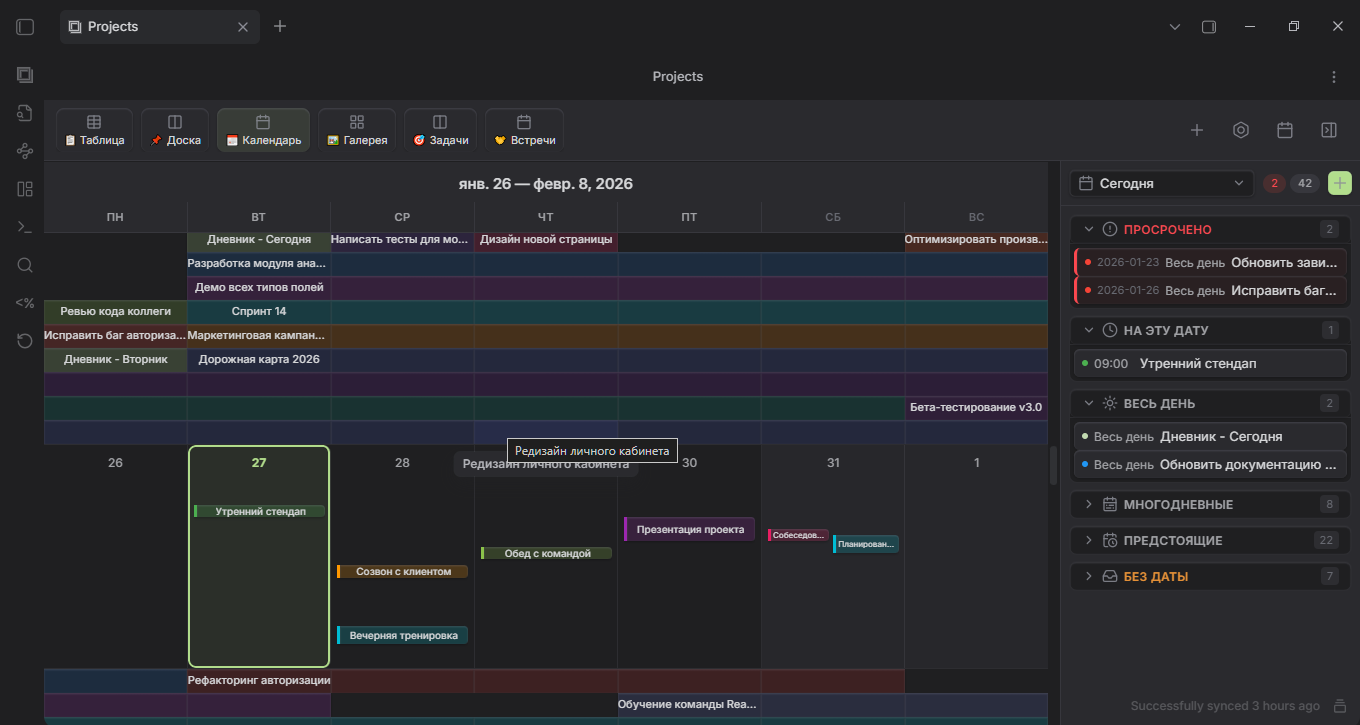
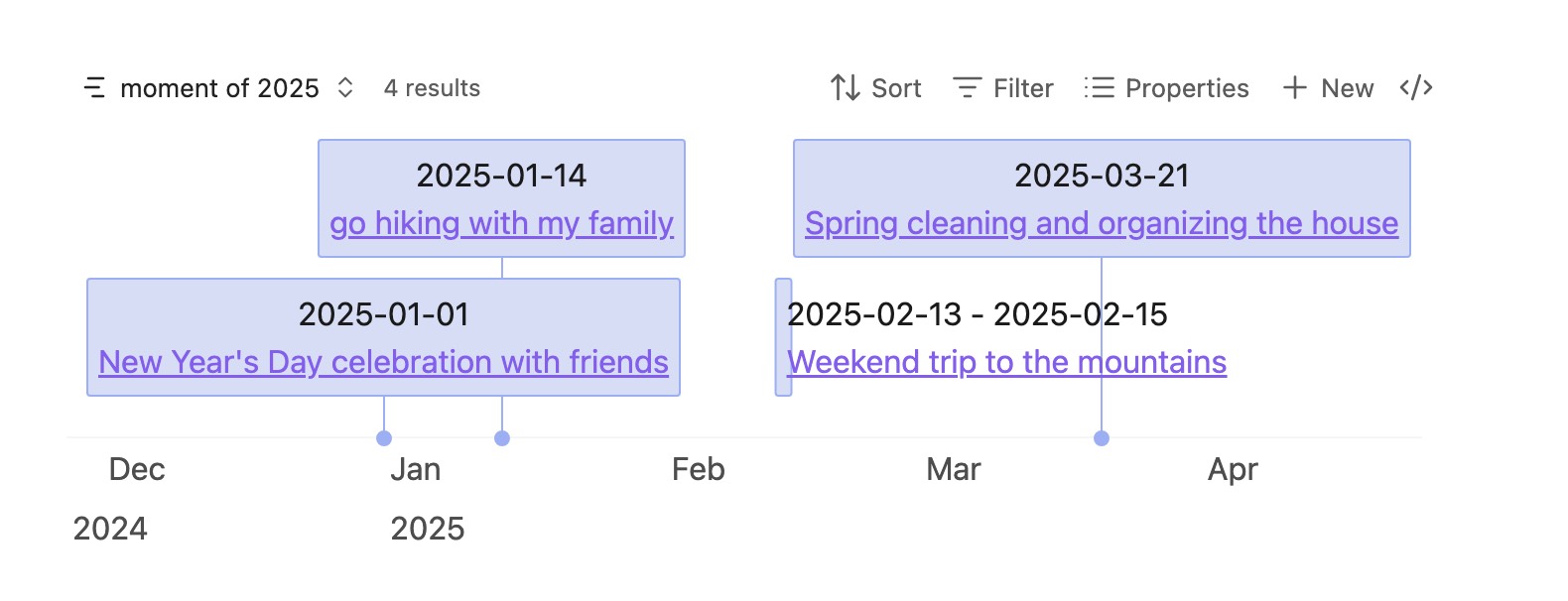
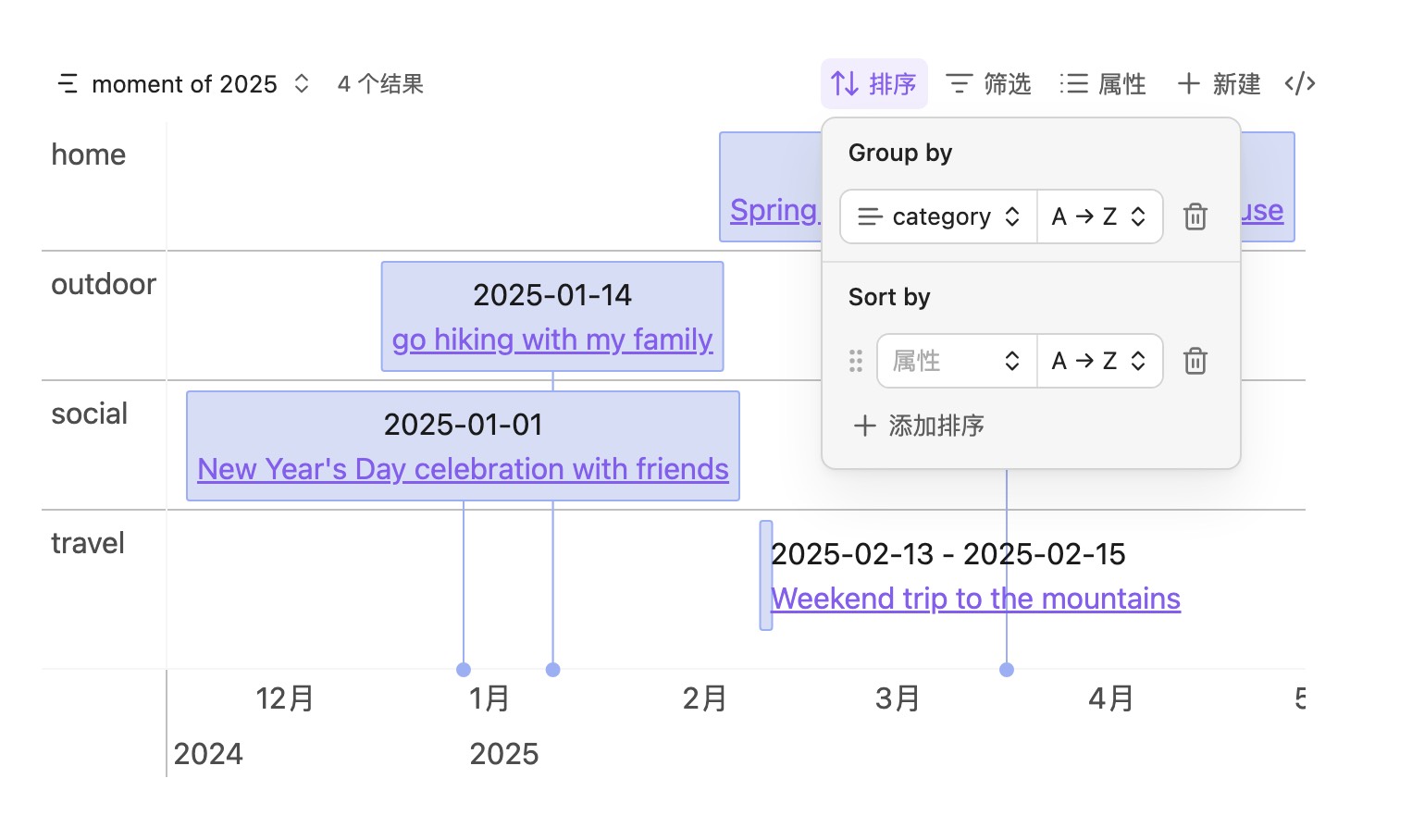
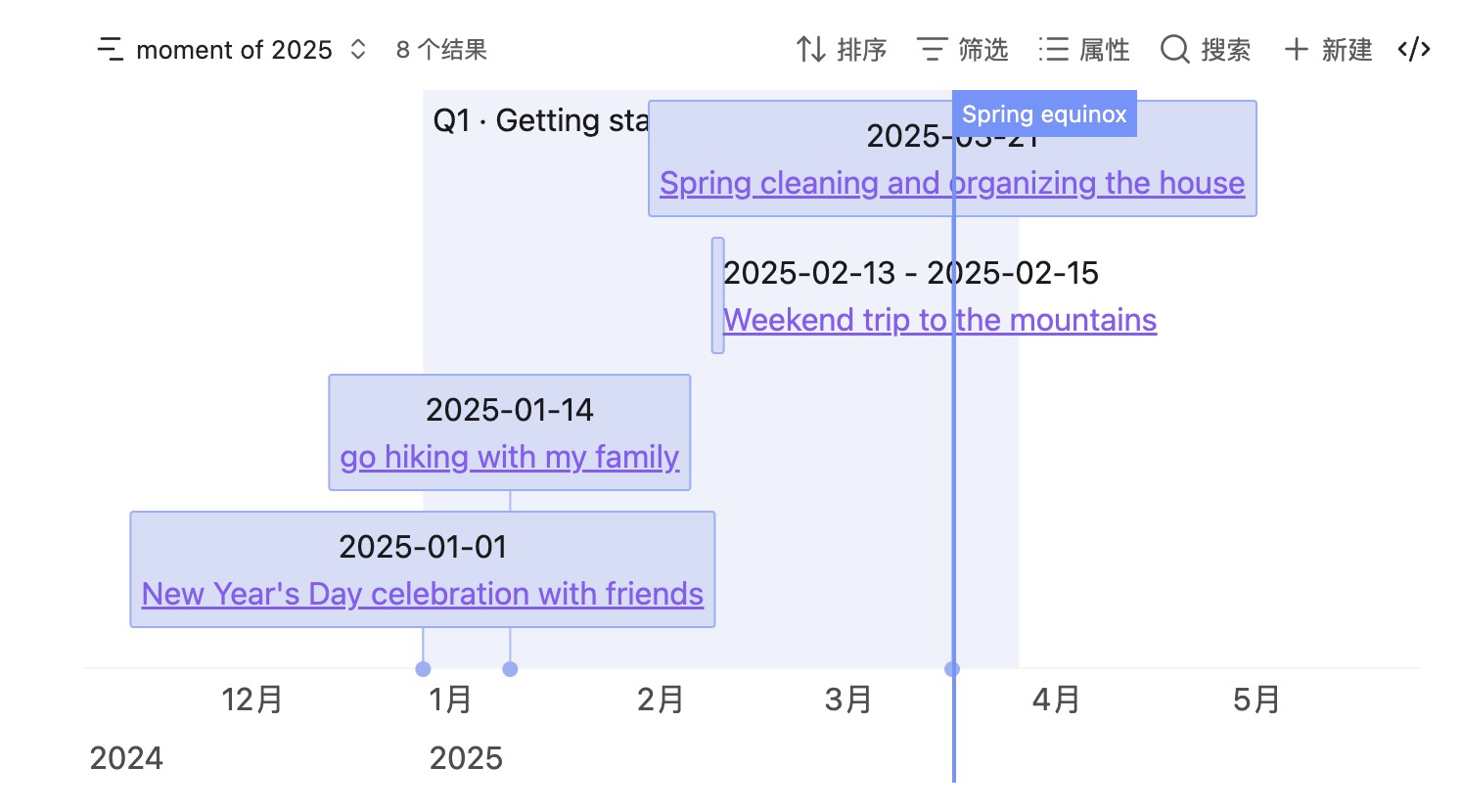
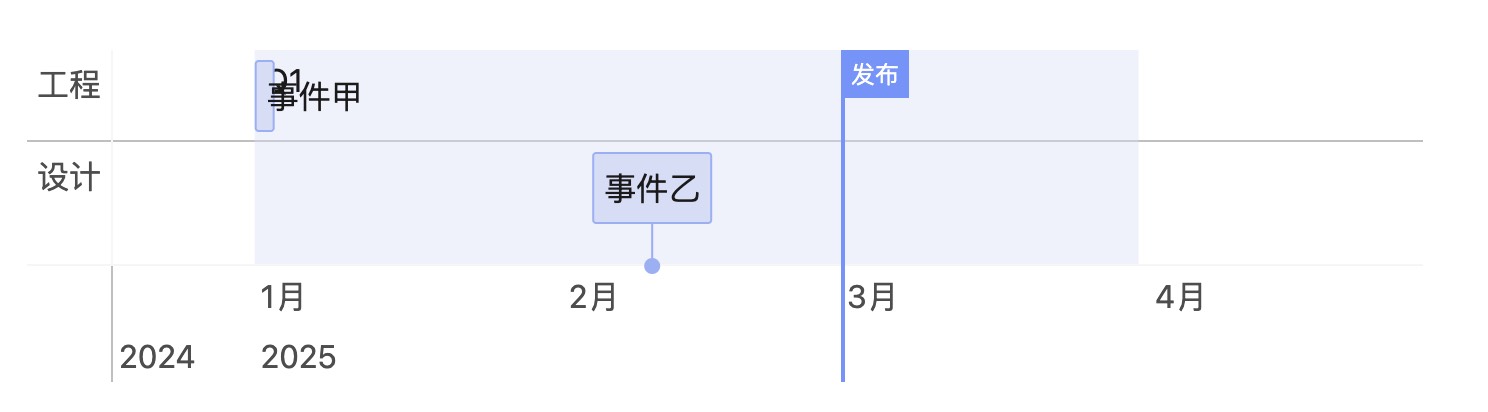
The Bases Timeline View plugin plots notes as timeline items using dates and content from frontmatter, with custom field mappings when vault properties use different names. It groups entries by note fields in Obsidian 1.10 or later and can render notes as regular items, time span backgrounds or vertical markers. Marker, background and item roles follow a fixed priority when conditions overlap. Timeline items support built in hover previews, CSS classes and data attributes for styling from tags or frontmatter. An exposed API accepts generic data structures, while its Dataview helper maps page lists into items, backgrounds and markers. Dates supplied as strings, Date values or numbers are normalised to YYYY-MM-DD and incomplete year or month values are completed into full dates.
3. yh-InkLight
The yh-InkLight plugin provides a shared reading and annotation system for Markdown, PDF and EPUB files. It highlights text in Live Preview and Reading View, attaches comments and returns to the source location. PDF highlights appear as overlays with notes and page navigation, while the bundled foliate-js engine supports EPUB pagination, scrolling, search and display controls. A unified sidebar filters annotations by colour, type and tag, edits comments and exports Markdown summaries with return links. The reading library tracks progress and recent reading, with search, status filters and cover browsing. Generated reading notes synchronise only a marked managed section, leaving handwritten content untouched. Annotations and progress remain separate from source documents in sidecar JSON files and EPUB layout preferences can vary by device.
The Settings Navigator plugin adds Back and Forward controls to the settings interface, with support for floating arrows, mouse side buttons and keyboard shortcuts. It records each settings visit with its search text, remembers separate filters for installed plugins and hotkeys and restores scroll positions during the current session. Sidebar controls can disable, reload or uninstall plugins, open the community plugin browser and optionally open plugin repositories on GitHub. First letter navigation cycles matching entries, while focus can move between settings content and the sidebar. CSS snippet names can open in the default desktop app. It also preserves nested Style Settings fold states across plugin reloads when that plugin is present. Navigation data stays in the vault's plugin data file. Settings and plugin management require internal interfaces and Obsidian 1.12.7 or later.
5. Home Pages
The Home Pages plugin turns the workspace into a modular dashboard built on a responsive 12 column grid. It provides configurable widgets for recent notes, quick access, countdowns, Pomodoro sessions, habits, tasks, vault statistics, note embeds, feeds and other information. Cards can be dragged, resized, duplicated or removed, while separate pages support distinct layouts and tab reordering. Dashboard layouts can be imported or exported as JSON. A host API lets other plugins register widgets and views, and JavaScript files in a chosen vault folder can define custom widgets with automatic reload after edits. Layouts, widget state and settings stay in local data without telemetry. Desktop and mobile are supported, with narrow screens adapting the grid for touch controls. The plugin requires Obsidian 1.7.2 or later.
6. AXXA Agent
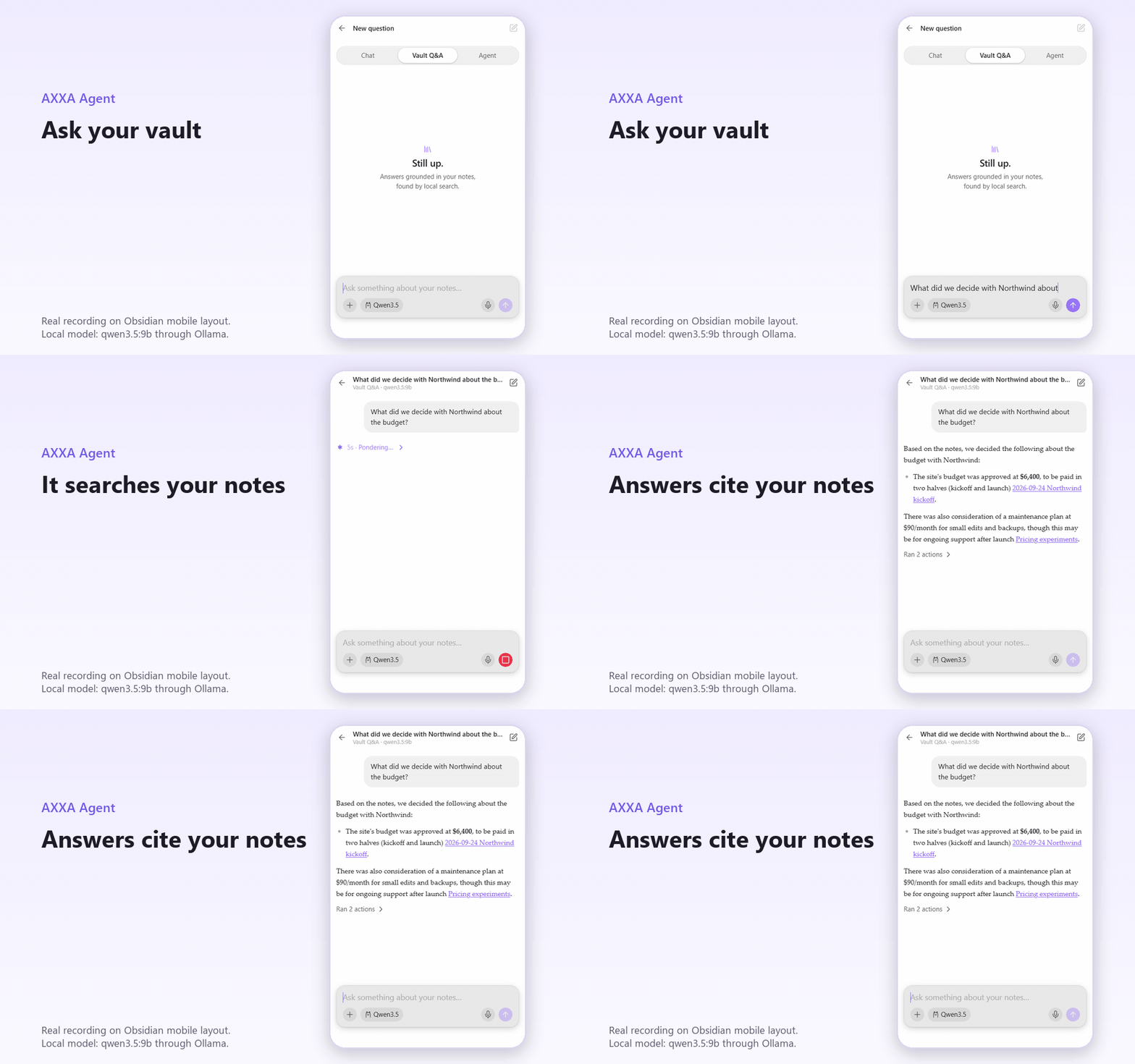
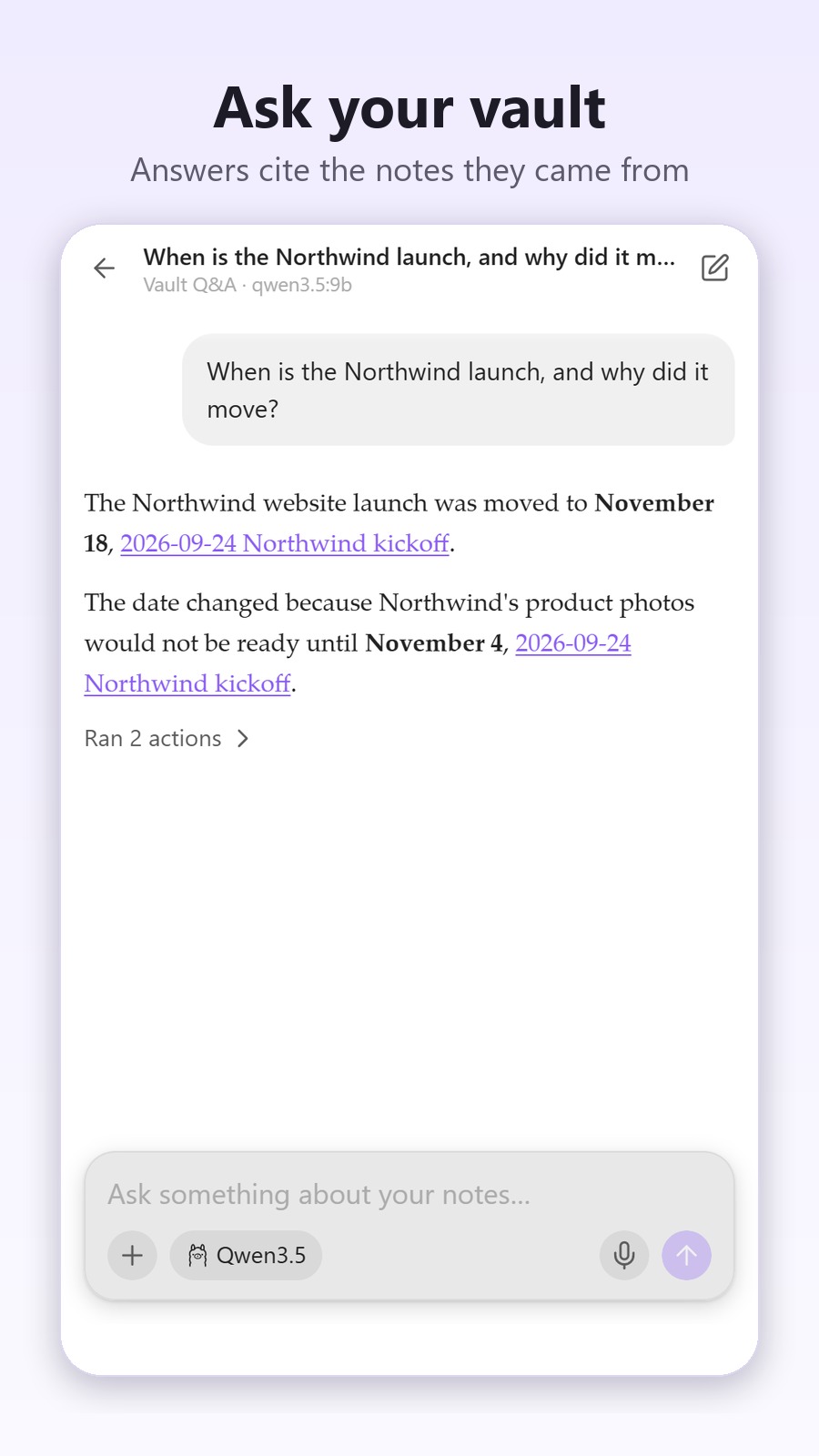
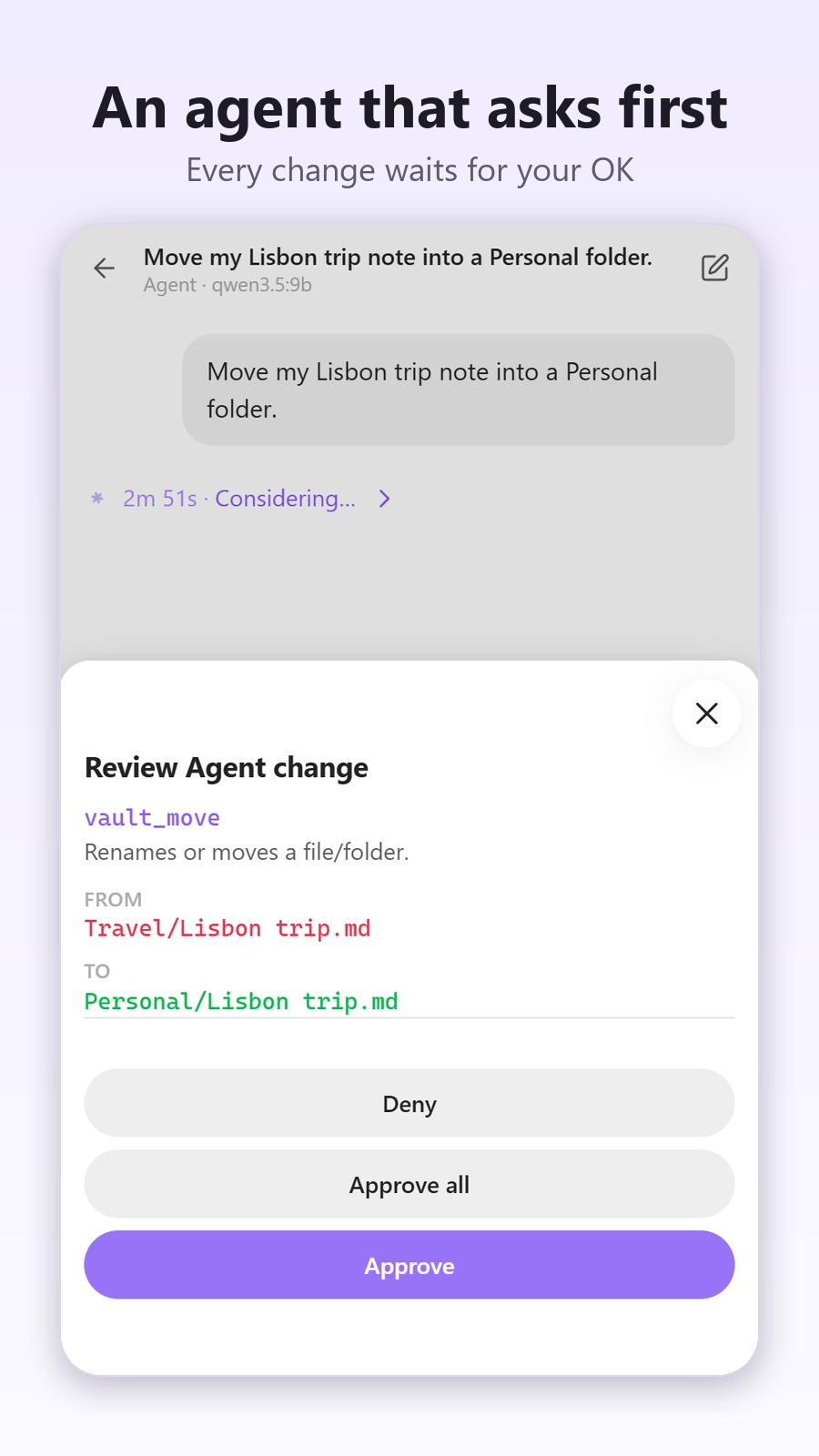
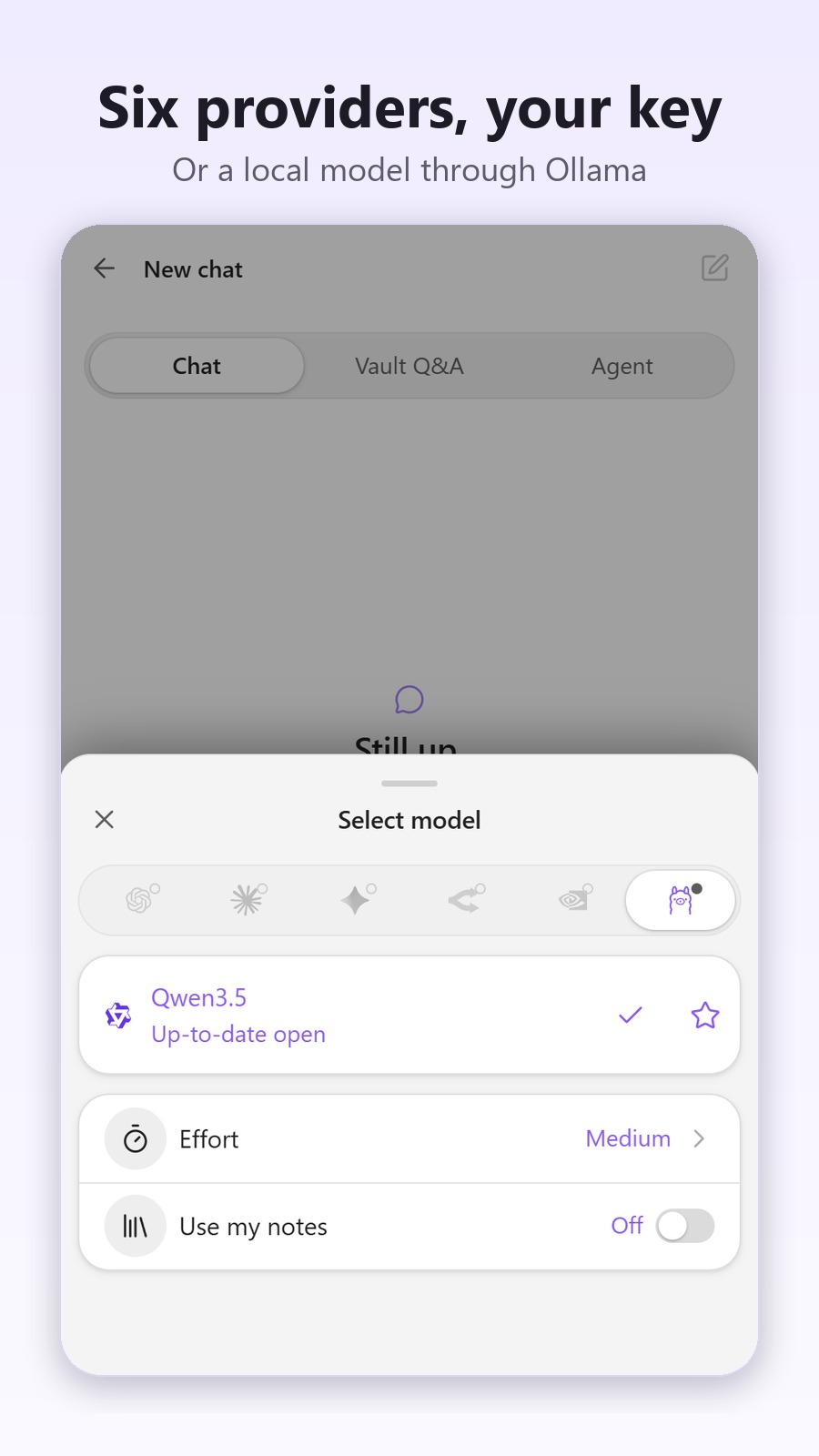
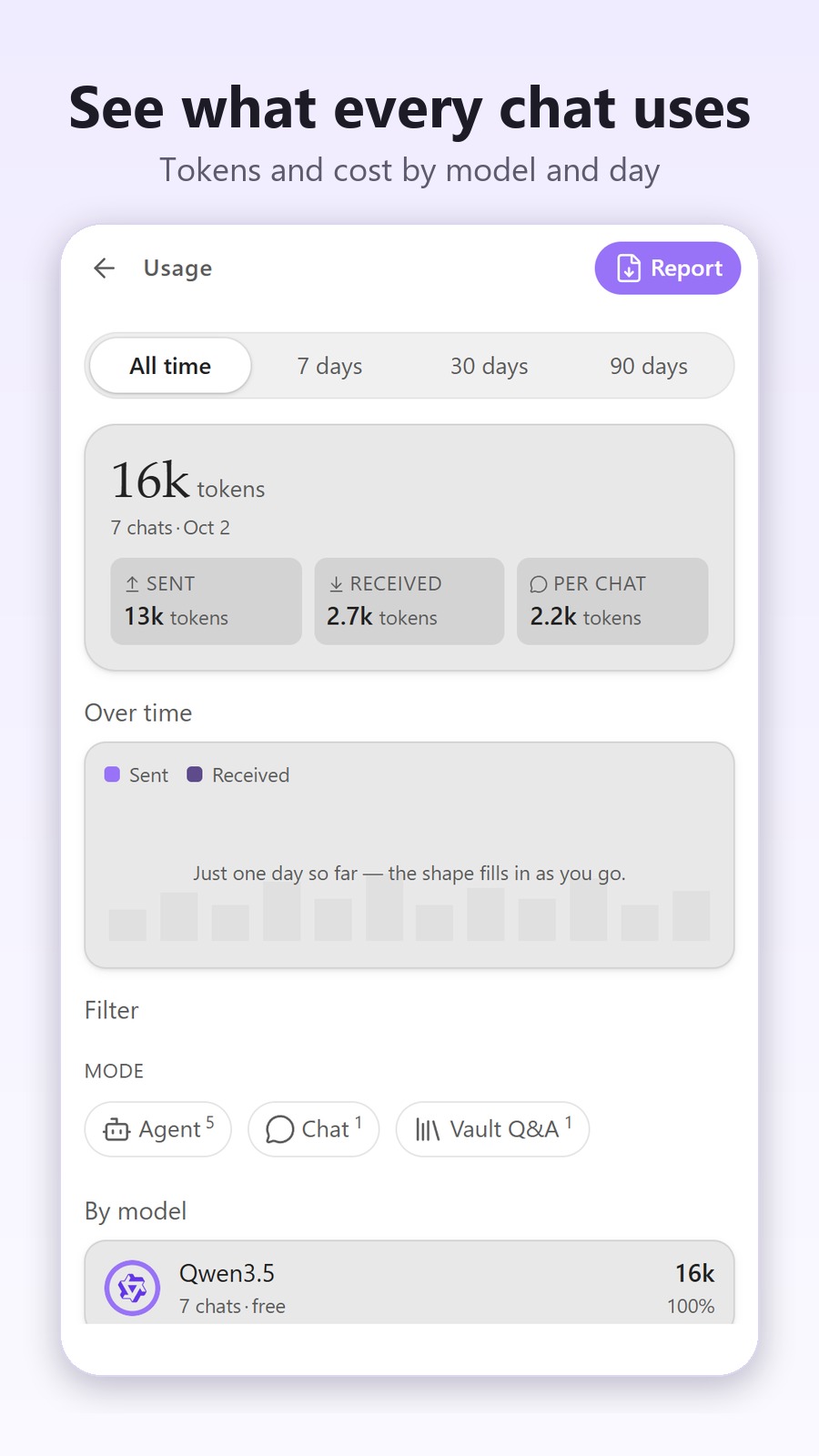
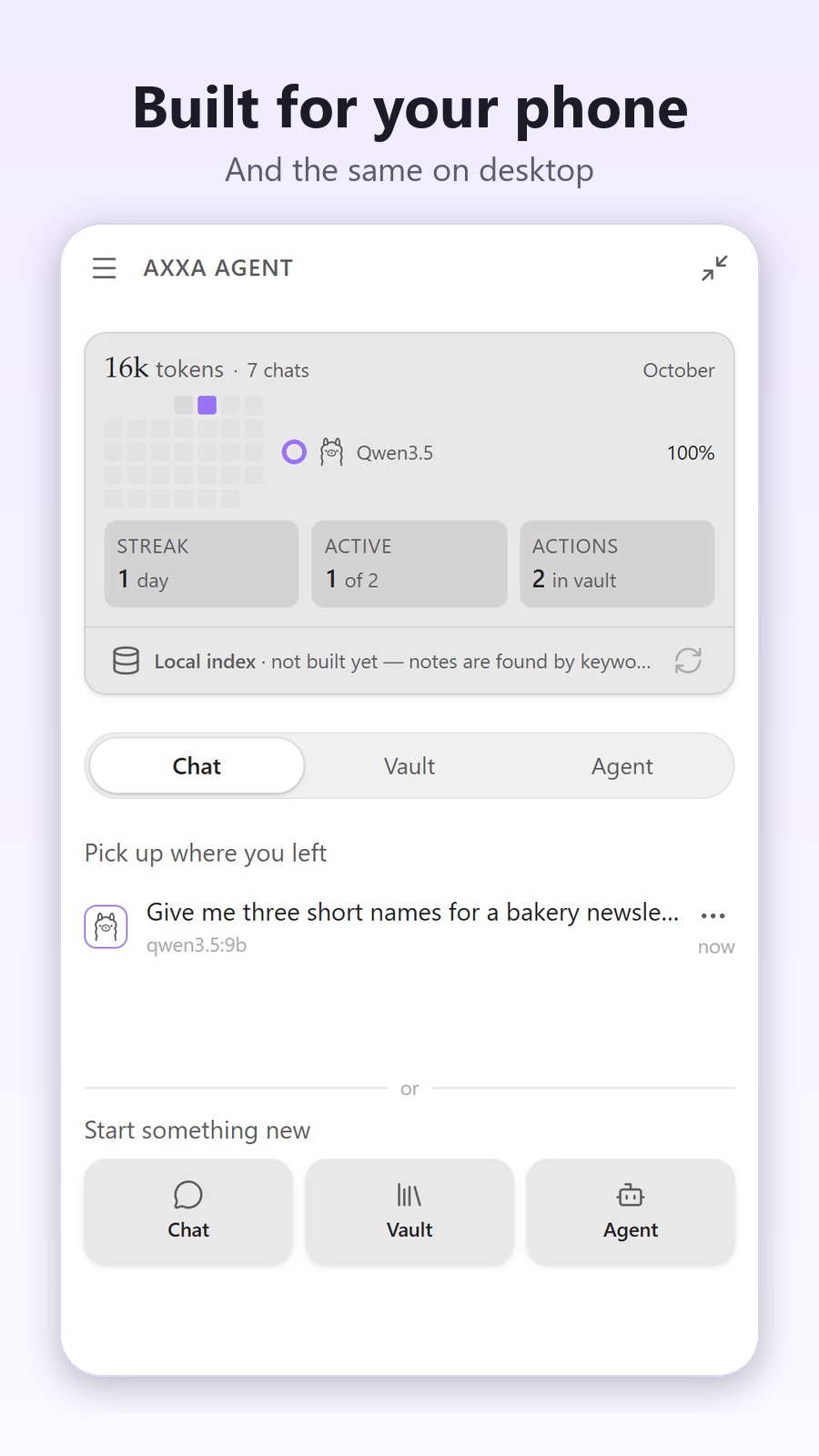
The AXXA Agent plugin brings chat, vault grounded Q&A and an agent that can search, read, create, edit, move and delete notes from one panel on desktop and mobile. Vault Q&A combines semantic and keyword search, reranks results using vault links and cites source notes as wikilinks. Agent changes wait for approval by default, support per action undo and follow configured trash behaviour. It connects to OpenAI, Anthropic, Google Gemini, OpenRouter, NVIDIA NIM or local Ollama, with API keys stored in the operating system keychain. Conversations, skills, usage reports and the incremental search index remain as files inside the vault. A usage dashboard tracks estimated provider and model costs, while offline operation is available through Ollama with suitable chat and embedding models.
The yh-mp-preview plugin provides a local typesetting workbench for preparing WeChat Official Account articles. It converts Markdown into rich text for previewing, adjusting and copying into the WeChat editor without rewriting the source note. The workbench includes 14 curated themes across seven writing scenarios, five recoverable historical themes, font and background controls and a phone width preview. Articles can be exported as HTML, one complete long image or segmented images. Optional note layout effects are disabled by default and have separate settings. It supports callouts, image captions, galleries, mobile table scrolling, Chinese and English spacing and smart quote conversion. The plugin is free, desktop only and requires Obsidian 1.7.2 or later. It runs locally without telemetry, accounts, payment, AI services or automatic publishing.
8. Quran Life
The Quran Life plugin manages daily Qur'an review, visual mindmap memorization and Anki card export. It calculates an approximate daily verse target and review cycle from a selected Quran part and time goal, with reading and audio listening modes. Its editor stores surah and part mindmaps as individual files, alongside linked notes and verse groups, while import and export tools package selected material as shareable ZIP files. The Anki deck view creates APKG files and supports reimporting updated cards without losing review progress. Plugin data, recitation caches and downloaded offline audio remain in a fixed data folder that can be synchronised through vault file sync. The plugin is still under development, with rough edges, breaking changes and possible one time data migrations between versions.
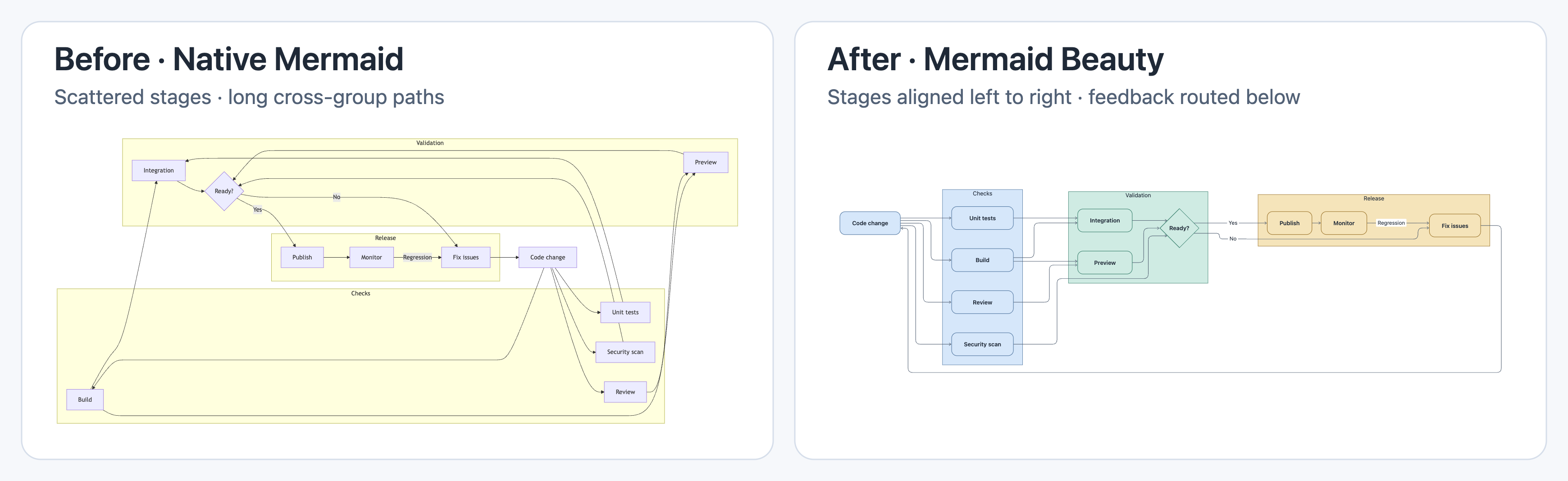
The Mermaid Beauty plugin restyles existing Mermaid blocks without requiring changes to diagram source. It provides coordinated colour palettes, single hue presets and custom colours that follow the current light or dark theme. Settings cover text size, connector width, corner shape, spacing and fit to width. Styling can share defaults across diagrams, use separate options by diagram type or retain native rendering. Supported formats include flowcharts, sequence diagrams, class diagrams, mind maps and charts. Explicit styles in source take precedence, while conflicting Mermaid renderer plugins should not run together. Rendering stays local, though externally linked images may require a network connection. The bundled renderer is about 5.9 MB, exceeds the 5 MB Obsidian Sync Standard limit and has not been tested on mobile devices.
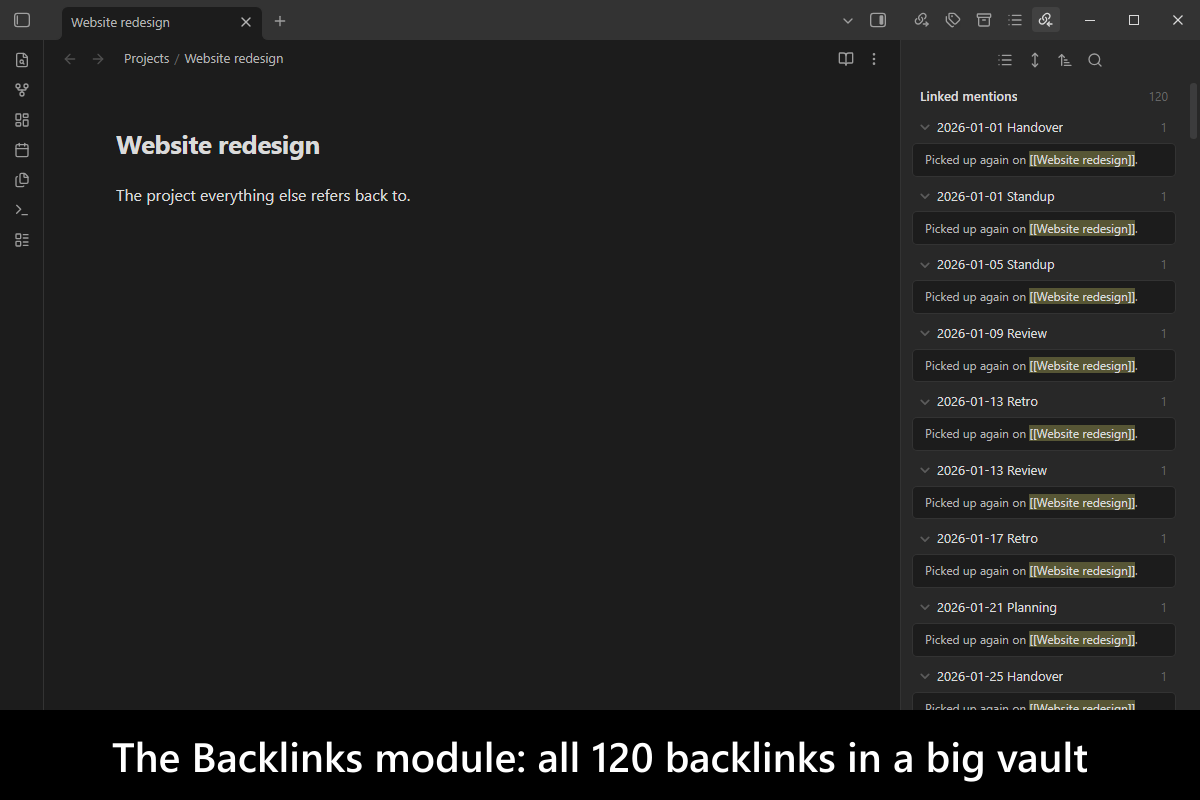
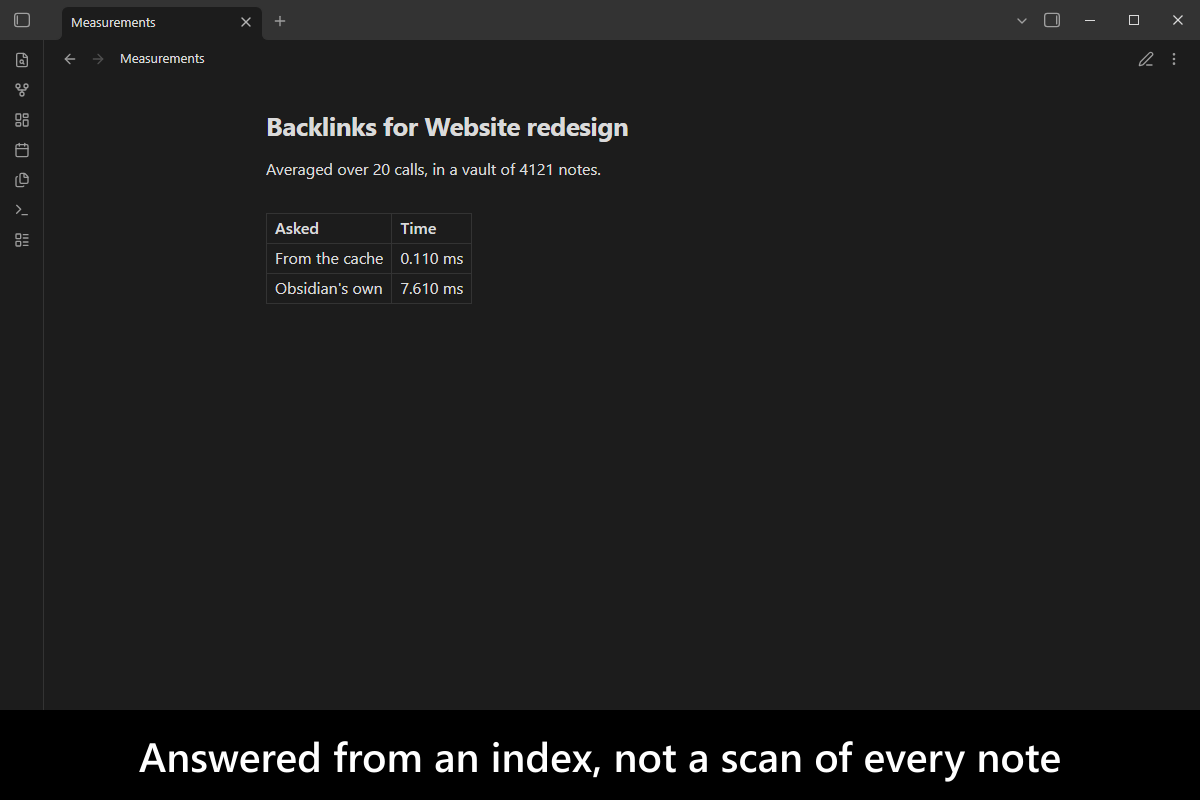
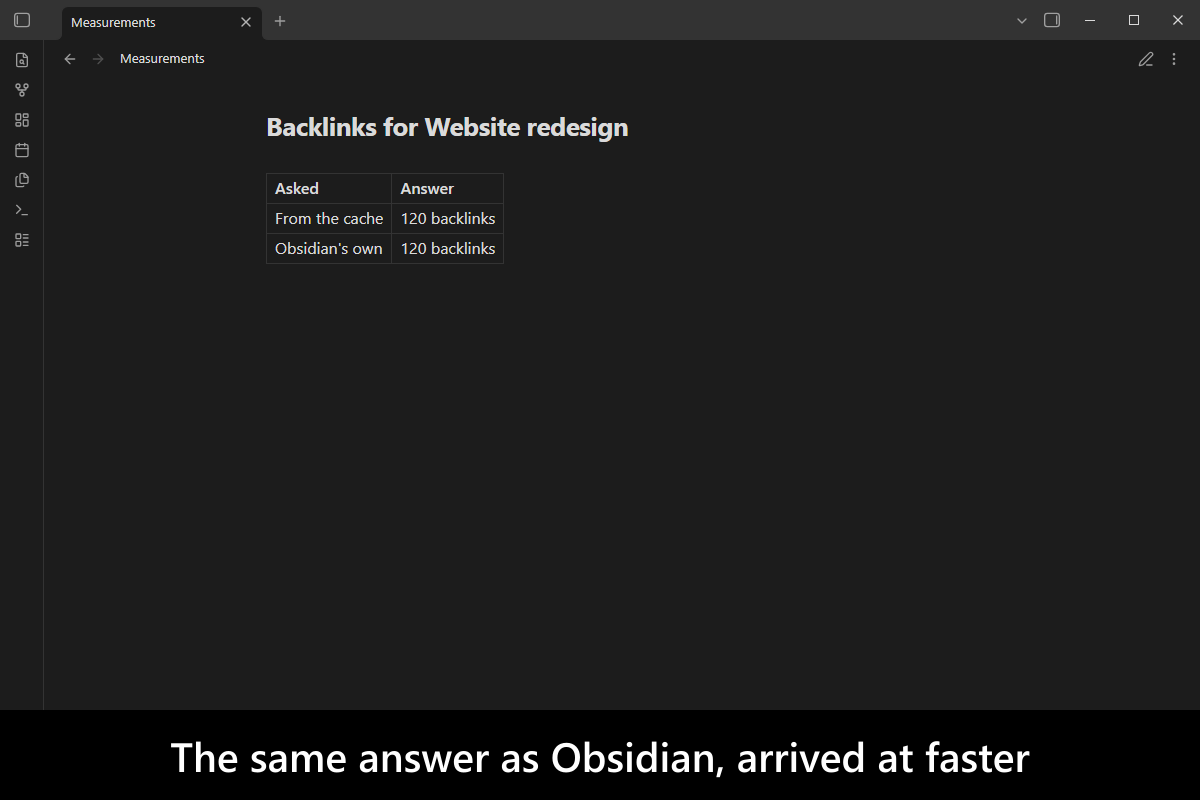
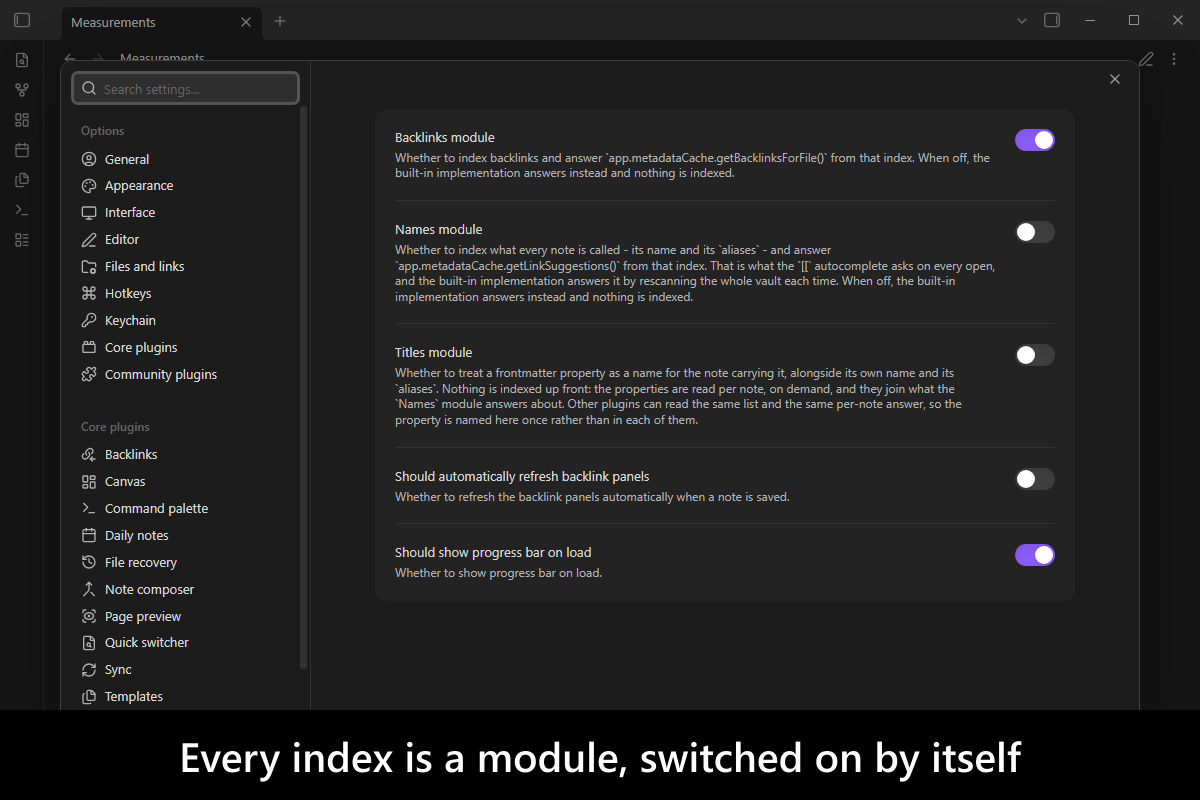
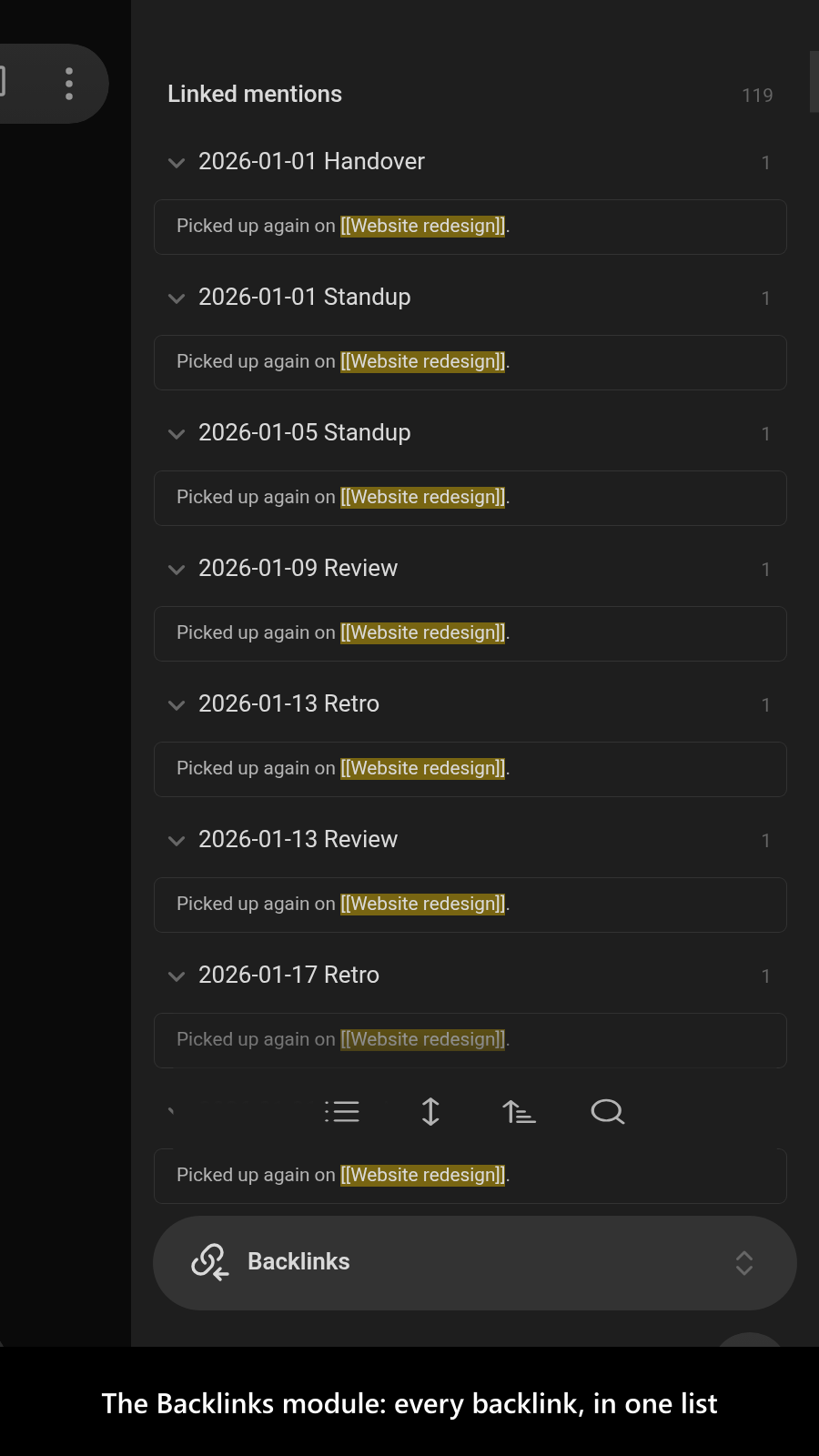
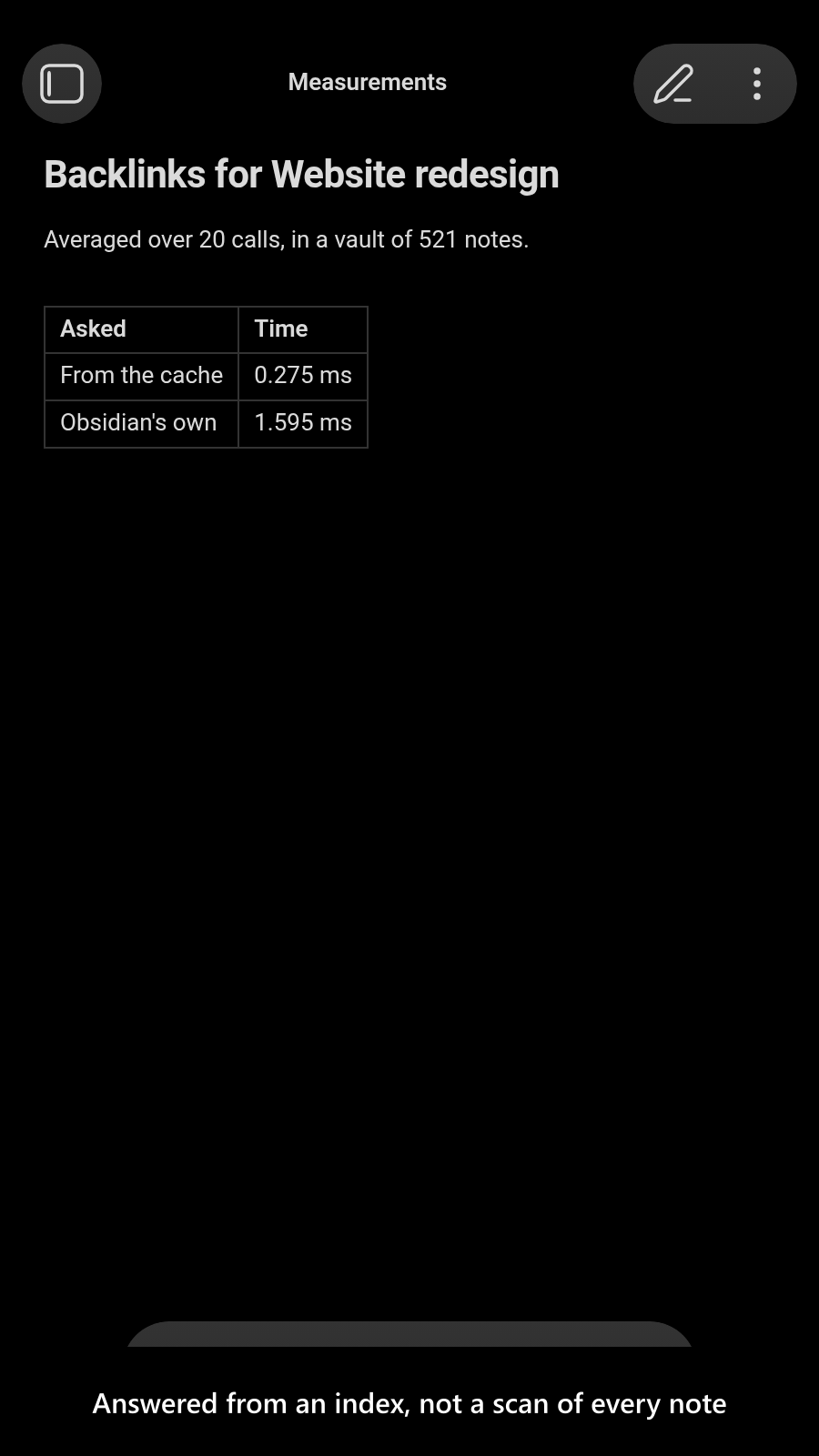
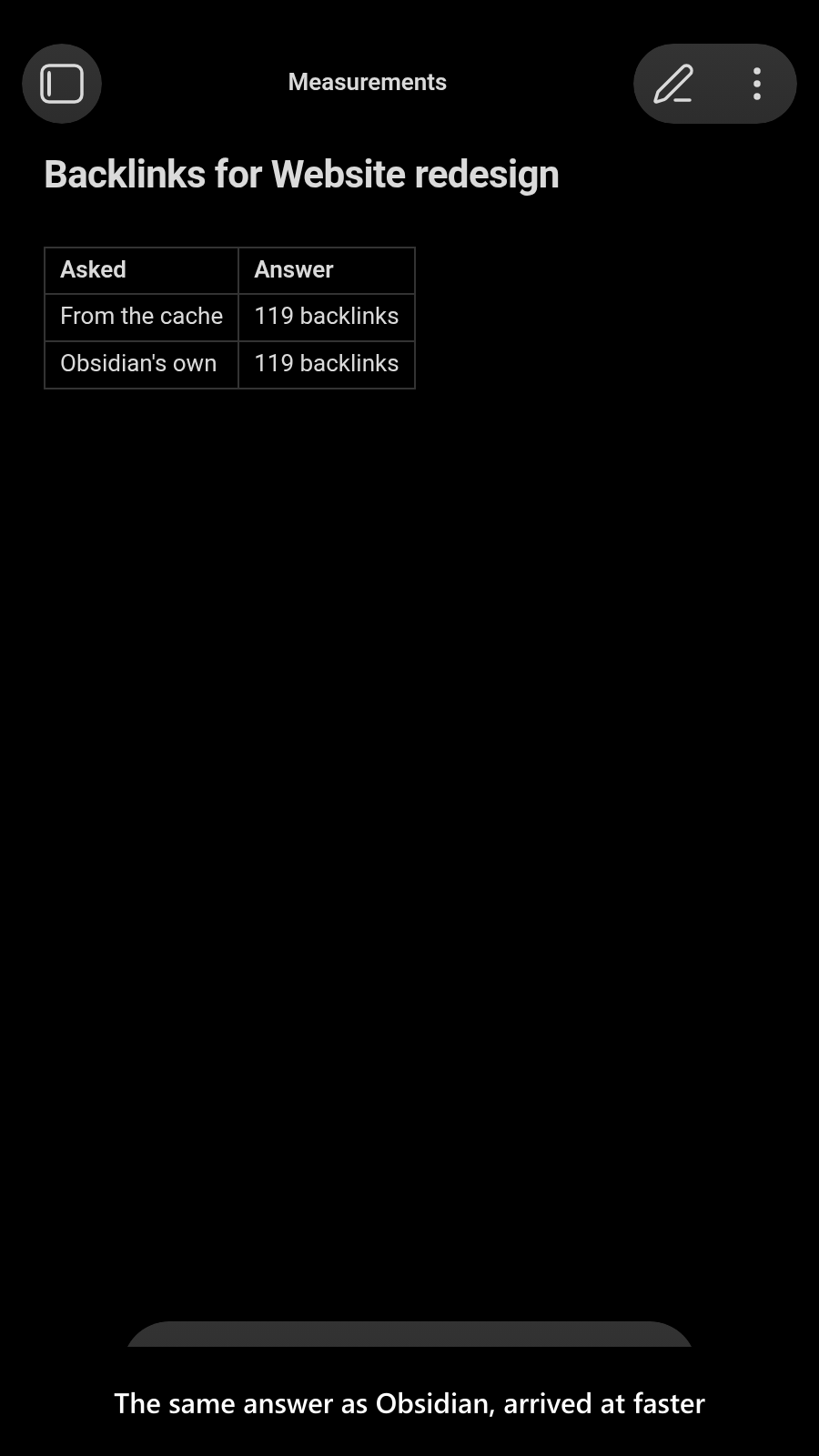
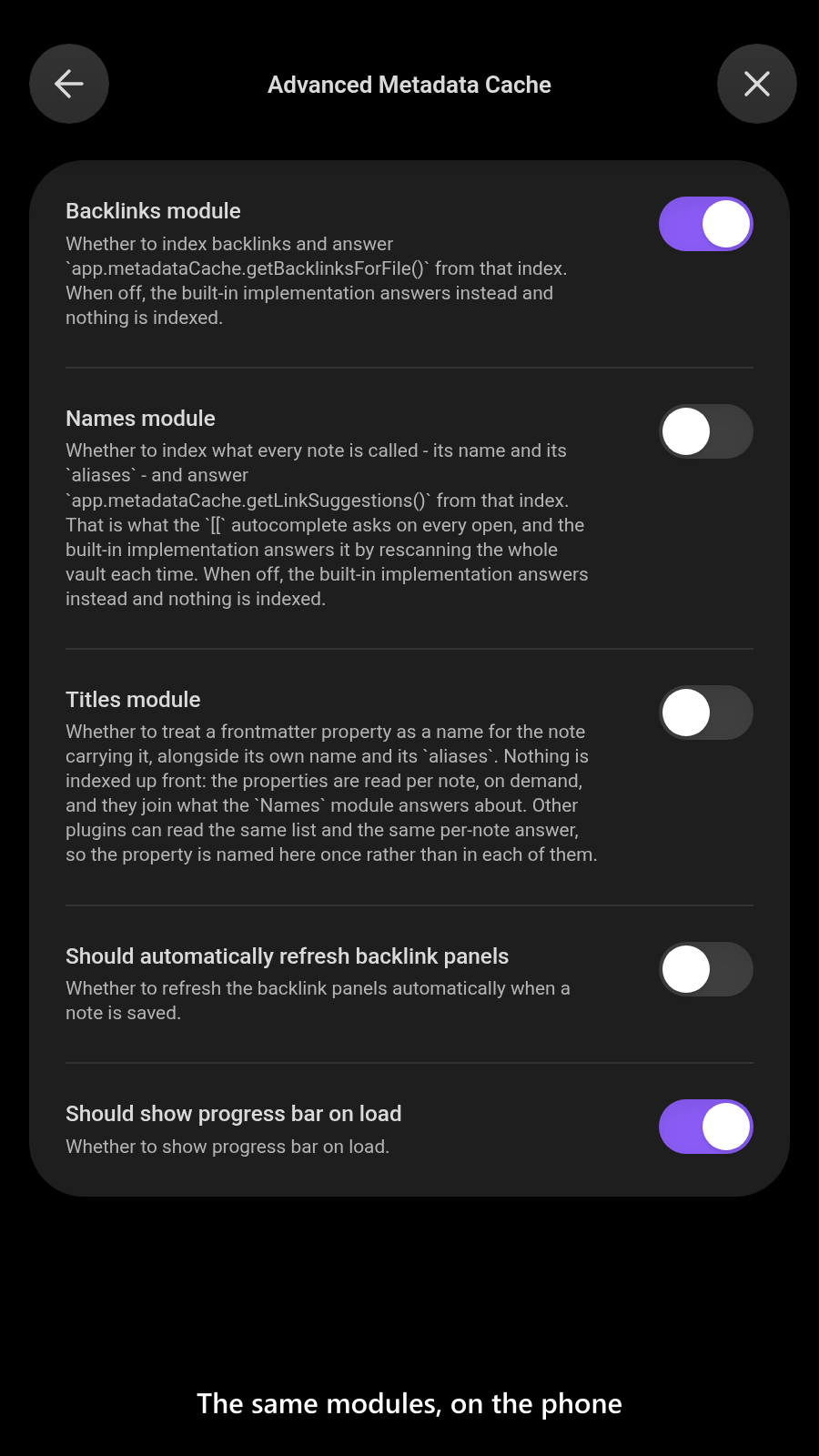
The Advanced Metadata Cache plugin maintains optional indexes for backlinks, note names, frontmatter titles and heading history to avoid repeated full vault scans. Its Backlinks module replaces the core lookup while retaining fast, safe and original calls for compatibility. The Names module accelerates link suggestions and supports reverse lookup by note name or alias. Titles can expose configured frontmatter properties as names and optionally append them to wikilink autocomplete. Canvas links are indexed, with frontmatter markdown links supported when the related plugin is installed. The Headings module records created, modified and seen times without changing note content, then exposes them through a published API. Each module can be enabled independently, unloads its listeners and commands when disabled and rebuilds its index when switched on.
The Base Source Editor plugin adds a Base Source mode view for editing the YAML behind Base files directly as plain text. It keeps the work inside the app while exposing the source for direct changes. Search and replace follows the native Markdown note behaviour and includes case sensitive matching, with its command available from the command palette or file menu. YAML syntax highlighting adapts to the active theme through built in CSS variables. The view works on mobile as well as desktop. You can switch between Source mode and Base mode with the Toggle source mode command or the dedicated toggle shown whenever a Base is open.
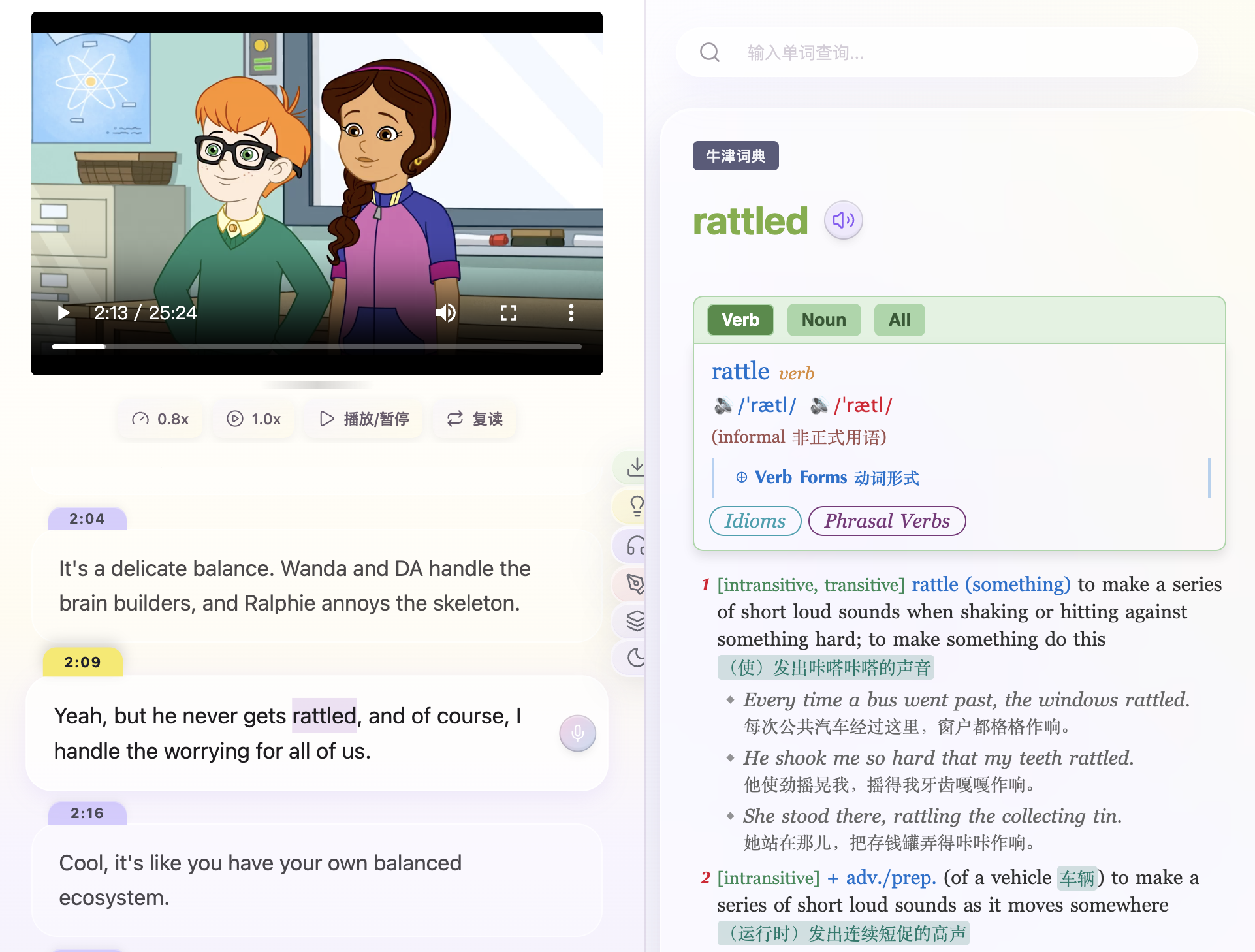
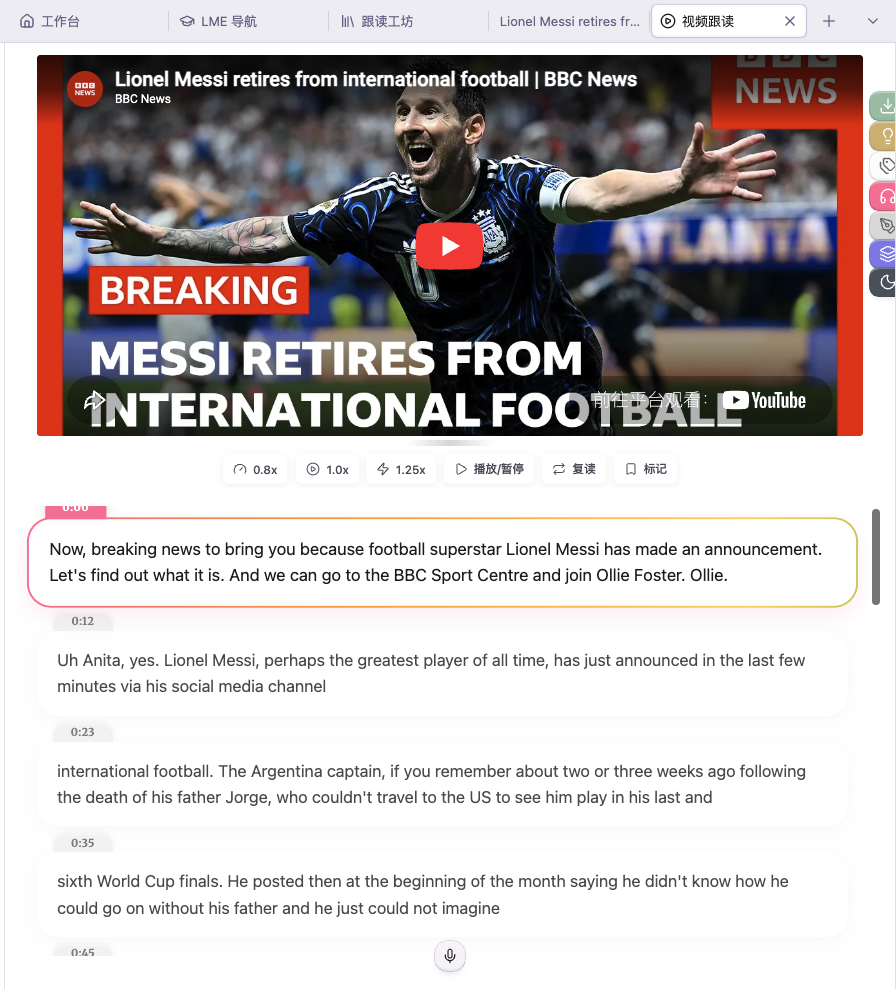
The Language Made Easy plugin turns a vault into a language study workspace with dictionary lookup, FSRS flashcards and video based practice. Ctrl or Cmd double click opens definitions, captures the surrounding sentence and can save vocabulary to IndexedDB and a Markdown file. It creates structured subtitle notes from YouTube and Bilibili links, then supports synced playback, shadowing, dictation and speed controls. Flashcard review includes scheduling, statistics, reminders and inline card management. Optional AI tools analyse videos, assess recorded pronunciation and complete missing card fields through a configured provider. Local MDX dictionaries work on desktop, while online dictionary services provide automatic fallback without an API key. The free edition covers the core lookup, review and video workflow. More languages, mobile dictionary import, data sync and batch processing require the paid edition.

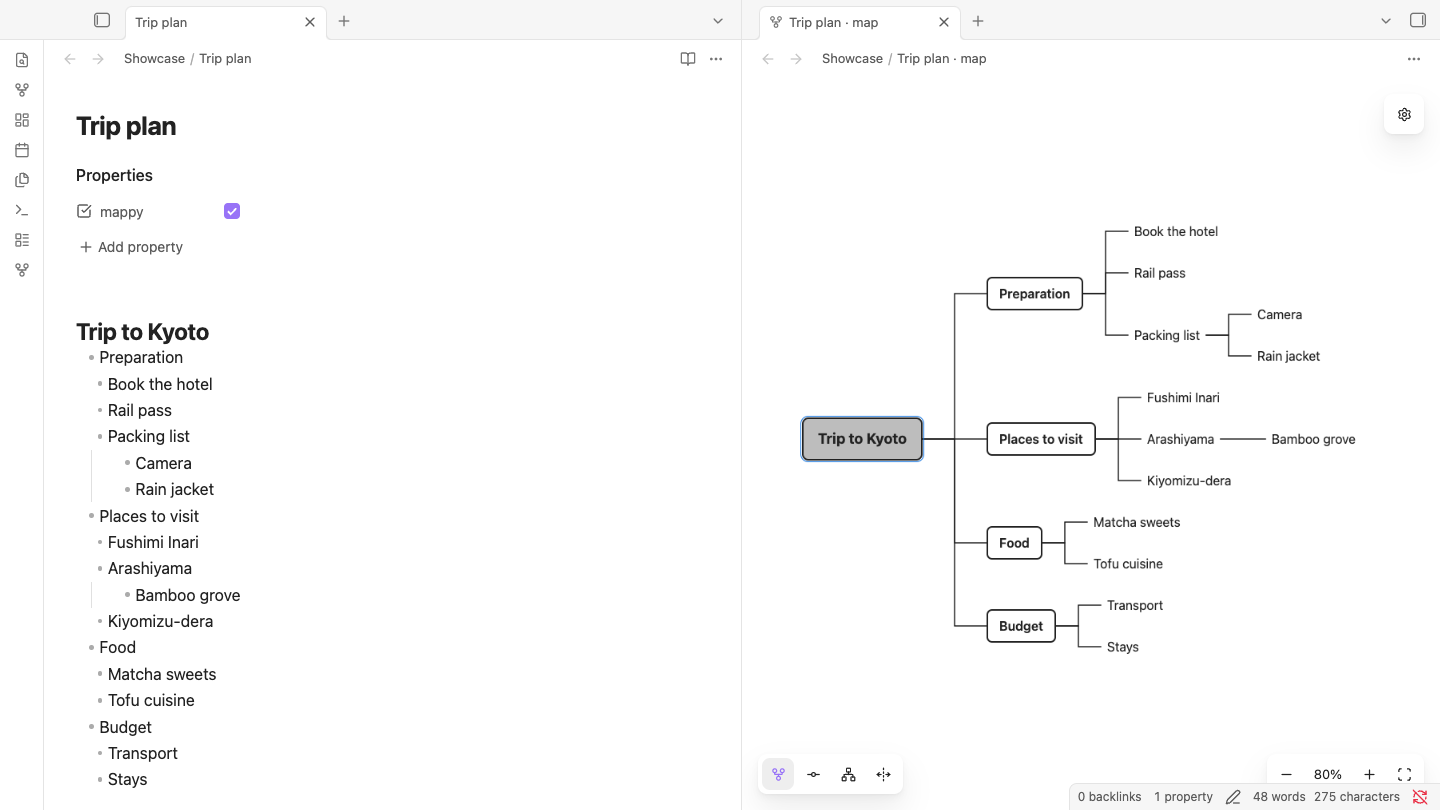
The Mappy plugin turns Markdown notes built from H2 headings and bullet lists into editable mind maps without introducing a separate file format or database. It provides standard map, timeline, hierarchy and balanced layouts, with changes to nodes written back to the source note. Nodes can be added, edited, reordered, reparented, collapsed and linked to notes, attachments or external pages. Maps can appear beside Markdown, open as read only embeds in other notes and export to SVG or PNG. It also supports free topics, map branches drawn from other notes and insertion into Excalidraw drawings. The plugin is desktop only, remains in beta and has been verified primarily on macOS with Obsidian 1.14, while Windows, Linux and non Japanese input methods remain untested.
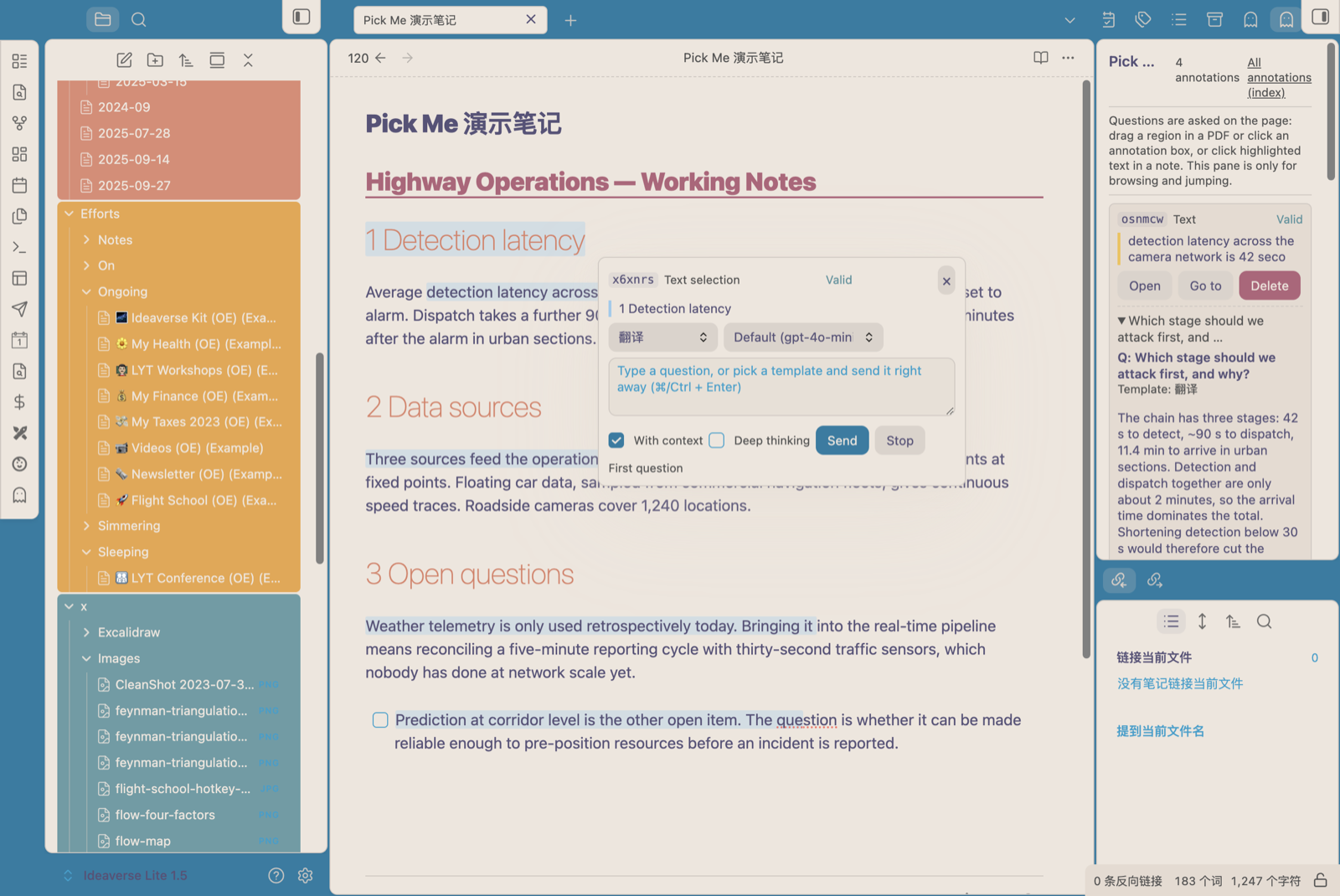
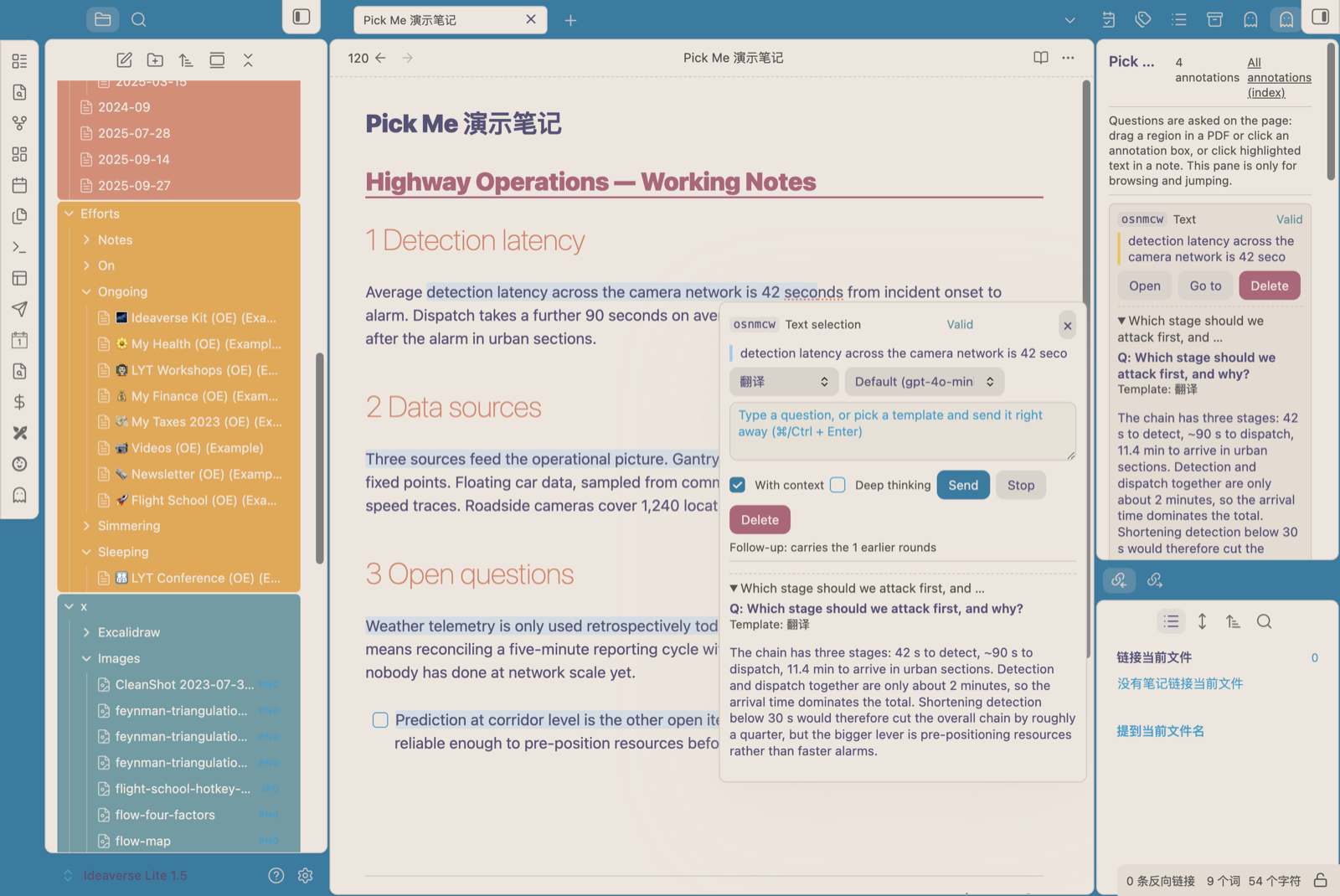
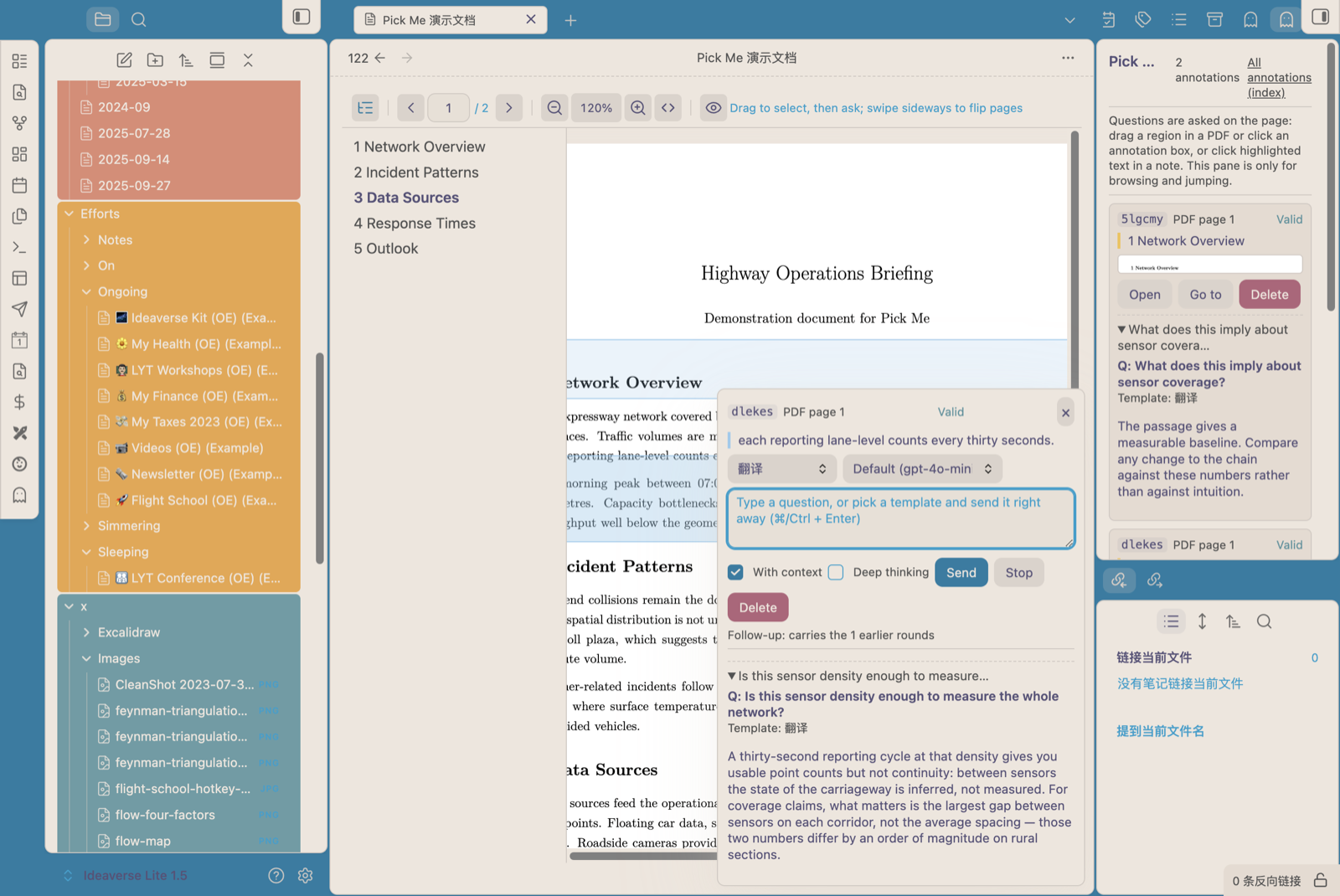
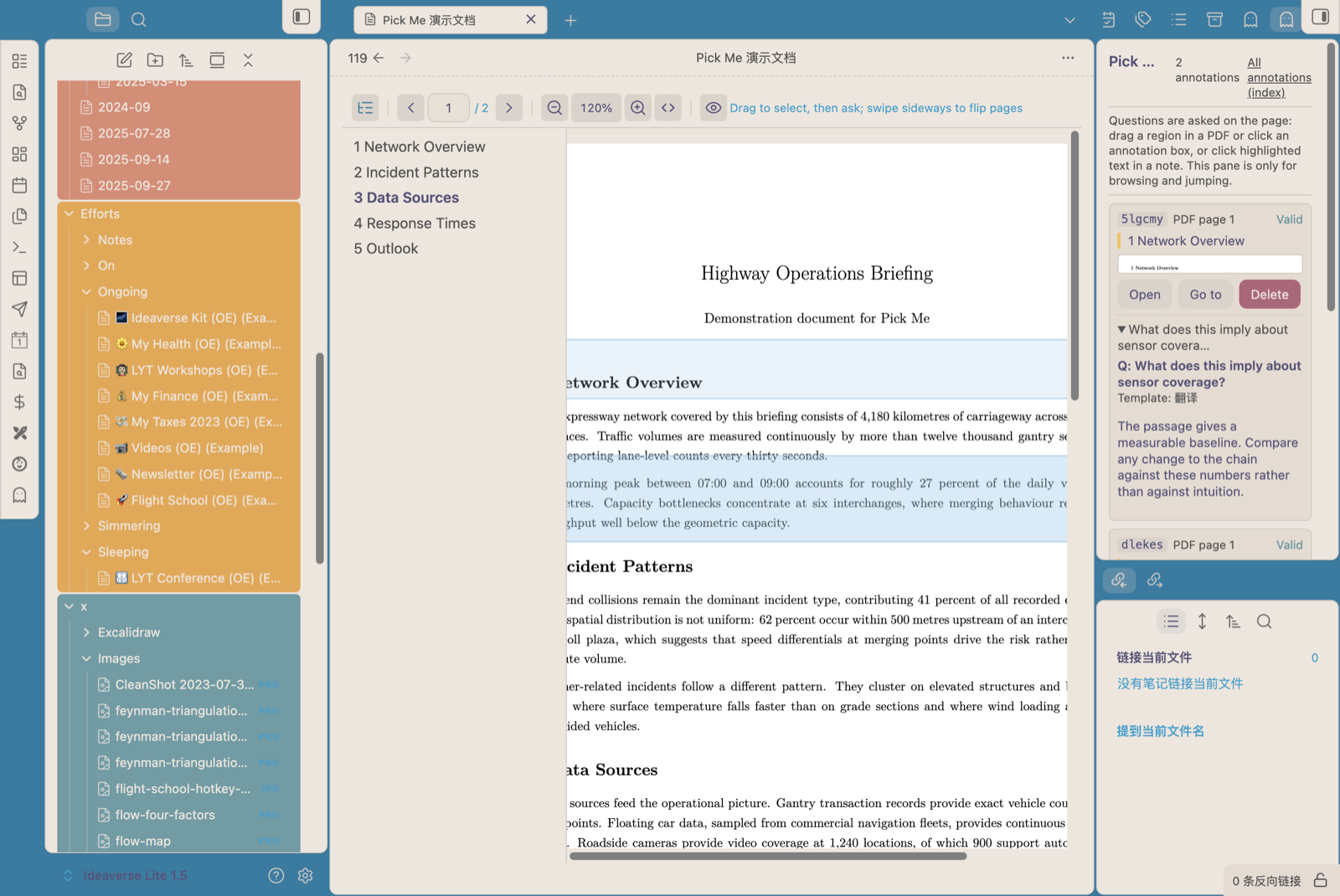
The Pick Me plugin annotates selected note text and PDF regions without modifying the source document. Each annotation is stored in a separate Markdown file linked back to its source. Note selections receive hidden anchor tags, while the built in PDF viewer supports rectangle captures that send extracted text and a screenshot to the configured model. Its highlighter snaps strokes to text lines and can merge adjacent highlights. An inline panel accepts templates or custom questions, preserves follow up history and reopens from an existing annotation. A vault wide index groups annotations by document, filters entries and separates stale anchors for rebinding. It can use any OpenAI compatible endpoint, keeps annotations and PDF rendering local and has no telemetry. The plugin is desktop only, and its API key is stored as plain text in the plugin settings file.
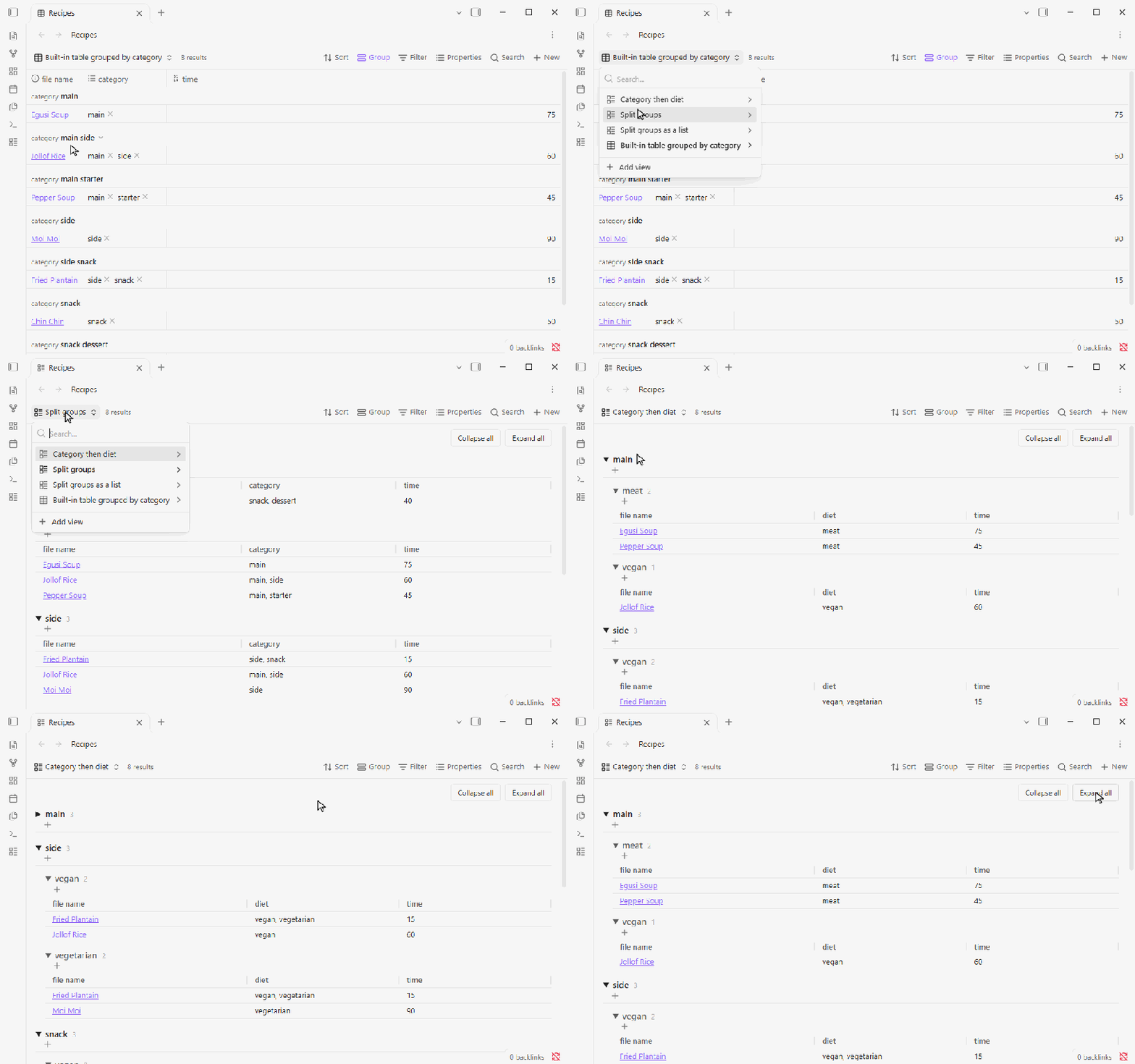
15. Split Groups
The Split Groups plugin adds a custom Bases view that places a note in every group named by its list property rather than combining multiple values into one group. It supports Table and List layouts, with an optional second property for nested splitting. Values are matched without case or surrounding space differences, links resolve by their target and duplicate values count once. Empty properties can appear in a final no value group. Groups support alphabetical or note count sorting, natural number order and persistent folding, while notes retain the Base's own sort. Heading controls create notes with the relevant group values, collapse or expand every group and preserve separate fold states for each view. Disabling the plugin leaves notes unchanged but Split groups views remain unavailable until the plugin is restored or changed to Table.
Most Downloaded (2026-09-27 to 2026-10-03)
| Rank | Plugin | Downloads | Links |
|---|---|---|---|
| 1 | Copilot | 163,201 | Details / GitHub |
| 2 | TaskNotes | 137,300 | Details / GitHub |
| 3 | Excalidraw | 120,649 | Details / GitHub |
| 4 | Templater | 73,548 | Details / GitHub |
| 5 | Claudian | 66,496 | Details / GitHub |
| 6 | Dataview | 40,108 | Details / GitHub |
| 7 | Tasks | 35,758 | Details / GitHub |
| 8 | Importer | 33,984 | Details / GitHub |
| 9 | Git | 32,328 | Details / GitHub |
| 10 | Omnisearch | 30,332 | Details / GitHub |
| 11 | QuickAdd | 28,748 | Details / GitHub |
| 12 | Advanced Canvas | 26,299 | Details / GitHub |
| 13 | Editing Toolbar | 23,818 | Details / GitHub |
| 14 | Notebook Navigator | 23,709 | Details / GitHub |
| 15 | Advanced Tables | 20,728 | Details / GitHub |
Plugin Updates
We got 1,079 plugin updates in the last one week's time. You can see all the plugin updates on Obsidian Plugin Stats webapp.
Notable Updates
- Copilot - v4.0.12 - Changelog
- TaskNotes - v4.13.7 - Changelog
- Excalidraw - v2.28.1 - Changelog
- Claudian - v2.3.11 - Changelog
- Importer - v3.1.9 - Changelog
New Themes
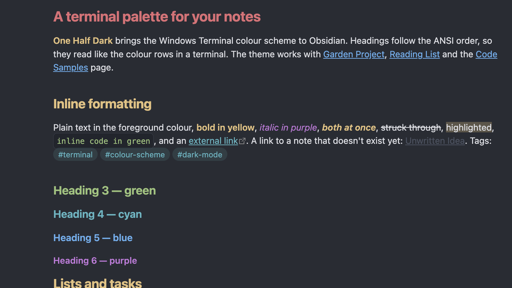
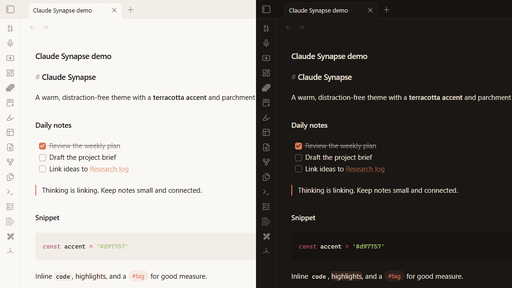
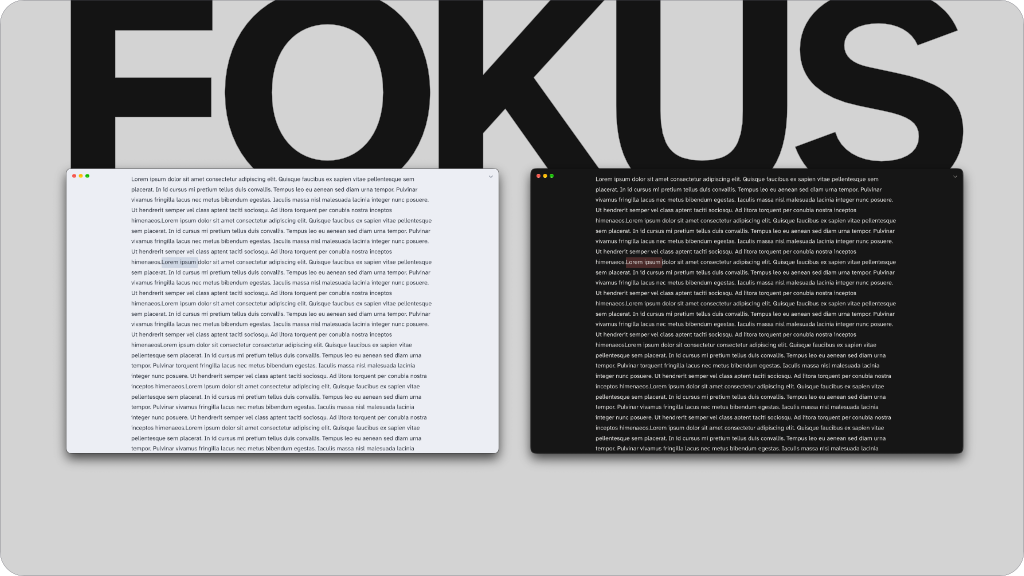
3. Fokus
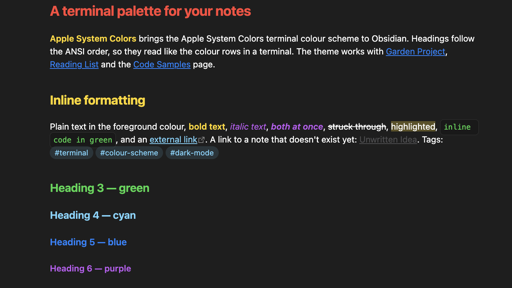
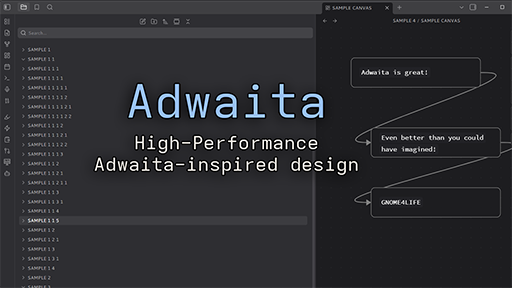
6. Sea Slug
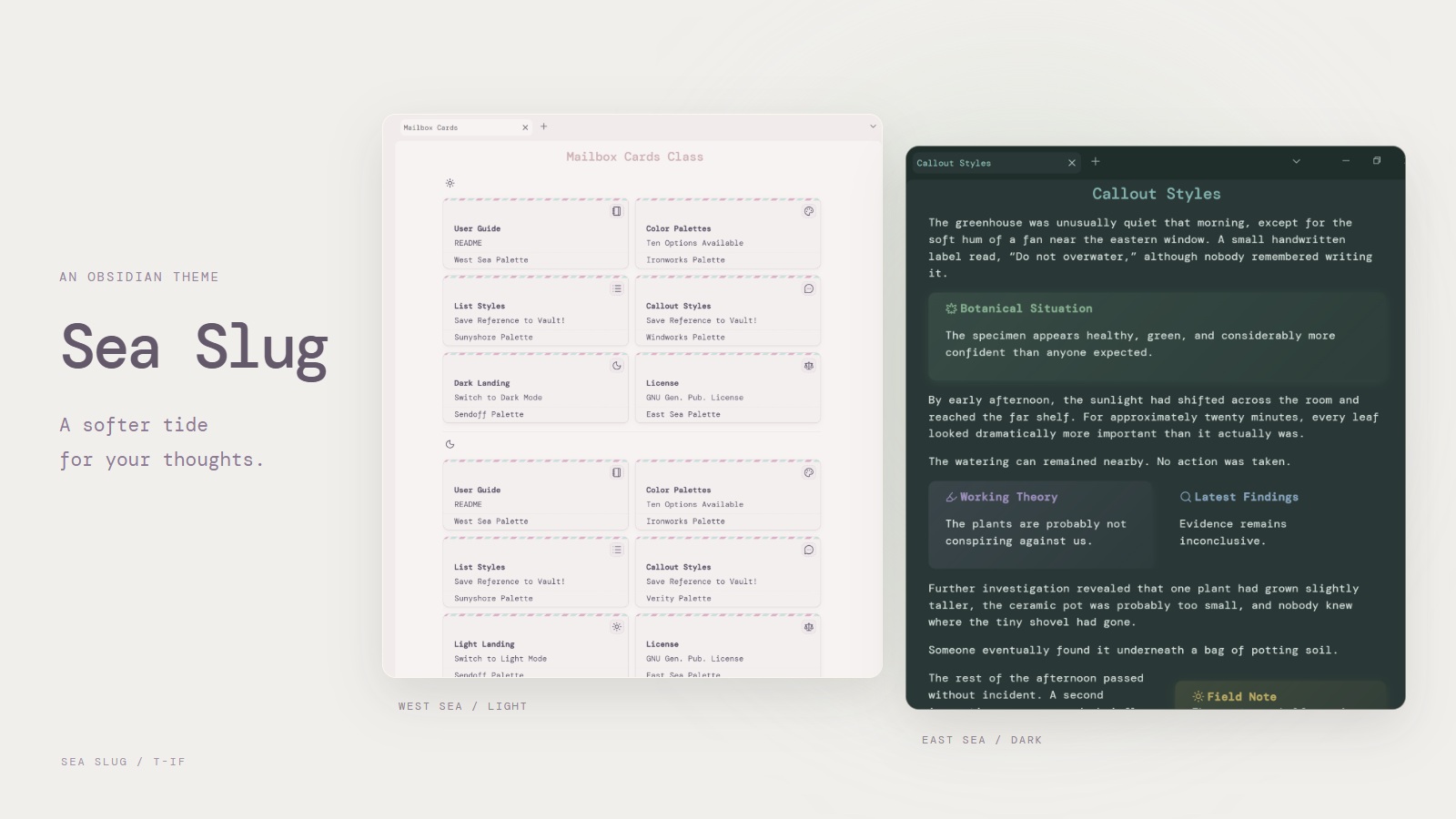
7. Safi-V2
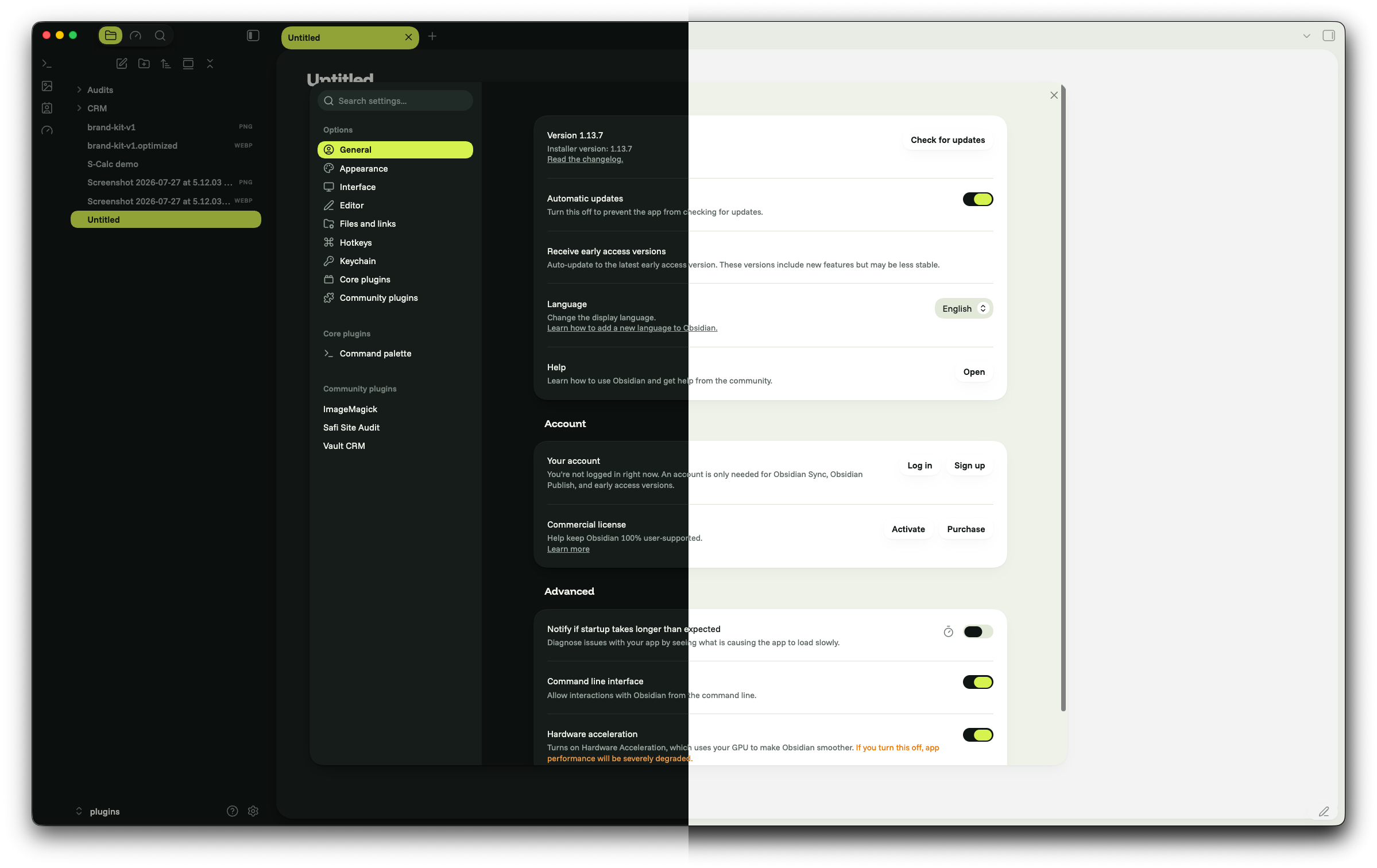
8. Quiet Paper
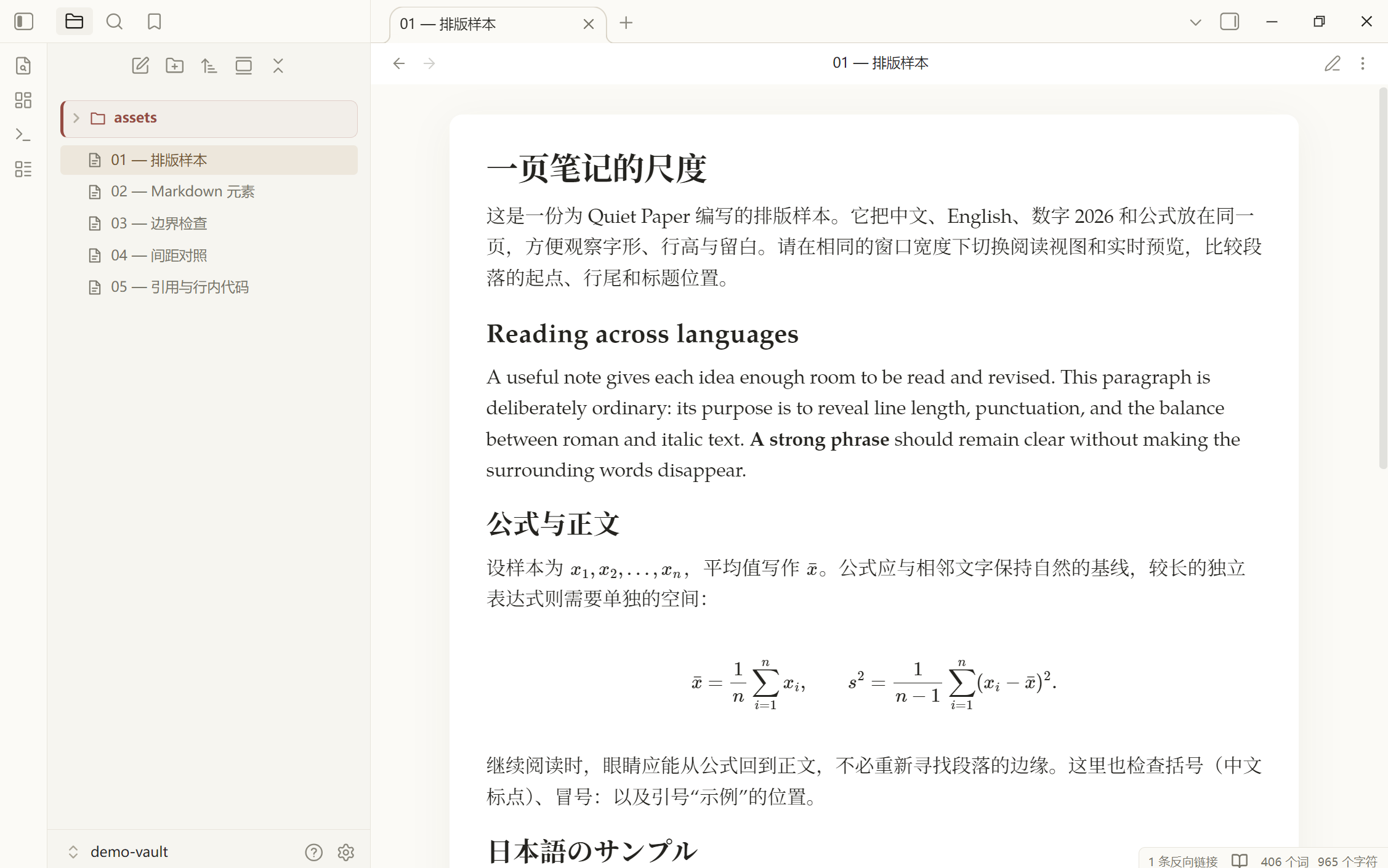
9. Hyperspace
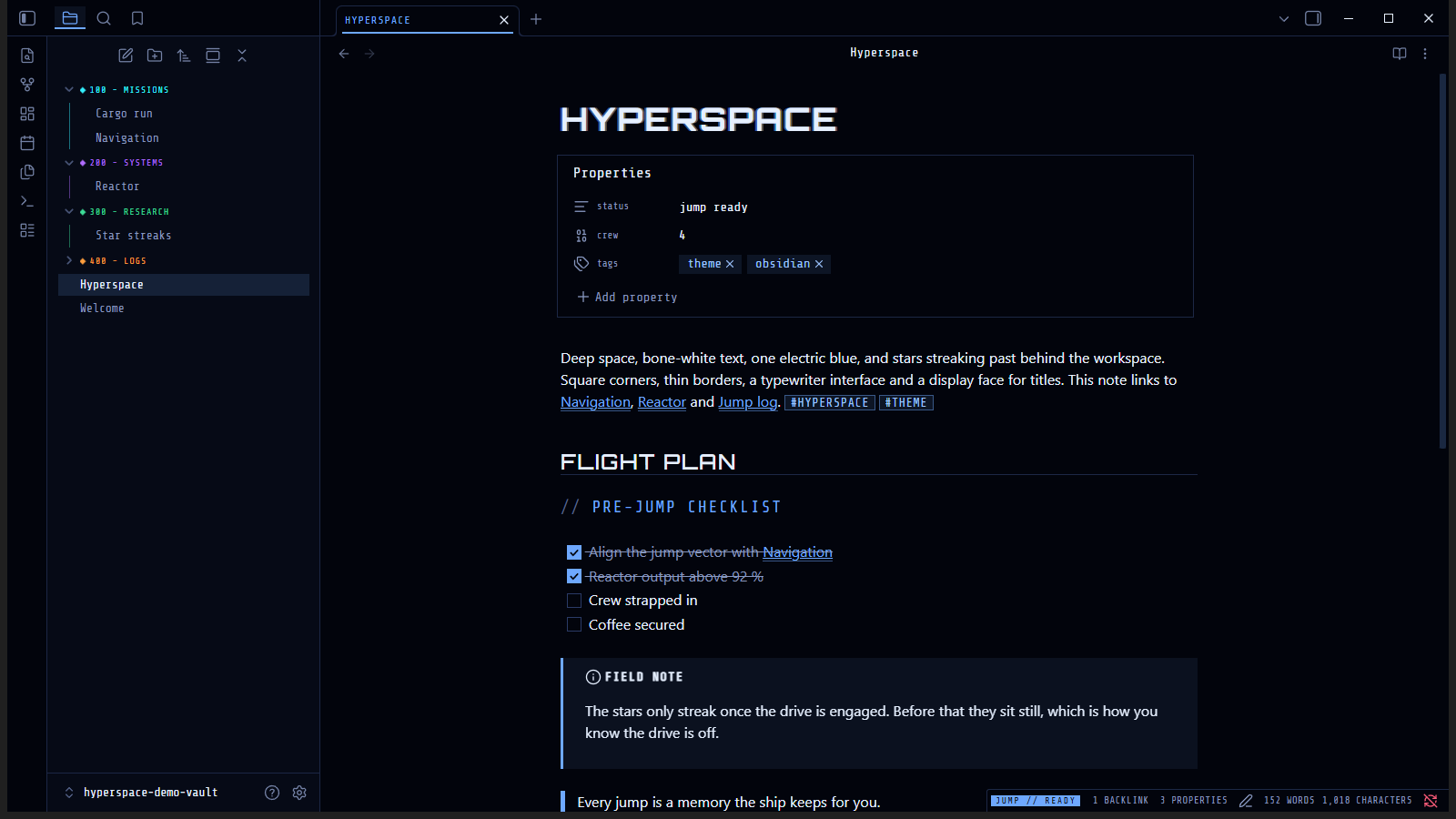
10. Void Teal
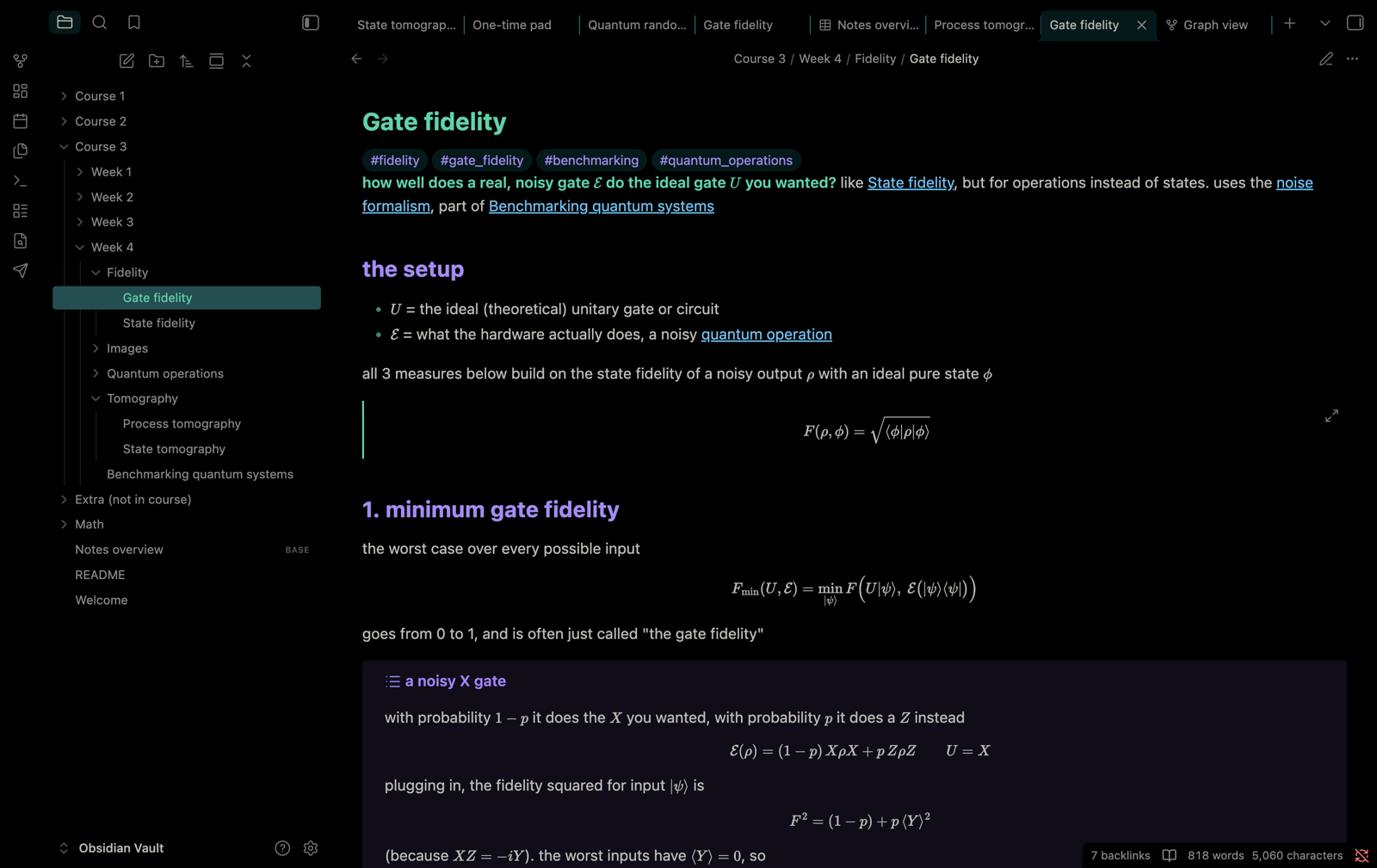
11. Et Cetera
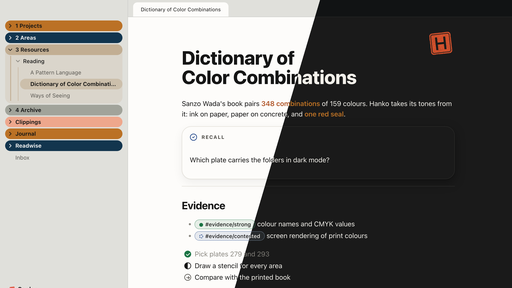
12. Hanko
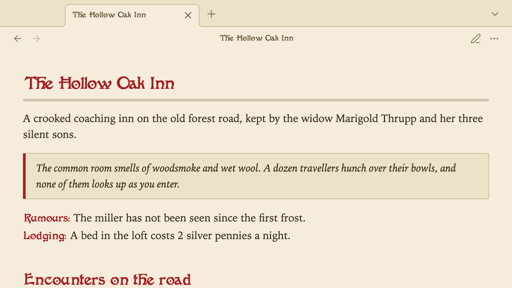
13. Atlas VTT
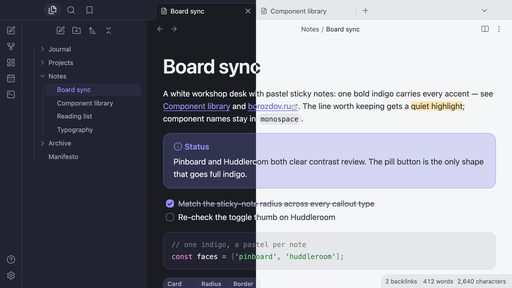
14. Borozdov Palette
15. Borozdov Trellis
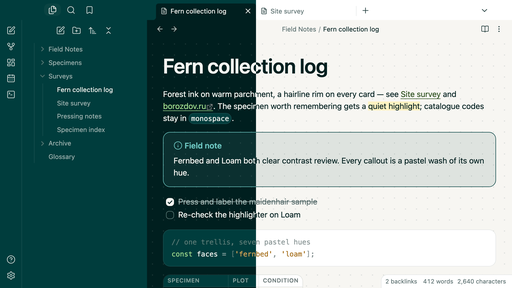
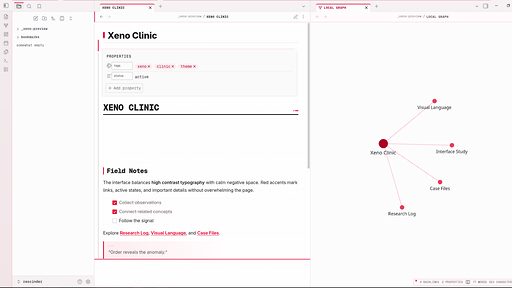
16. Xeno Clinic
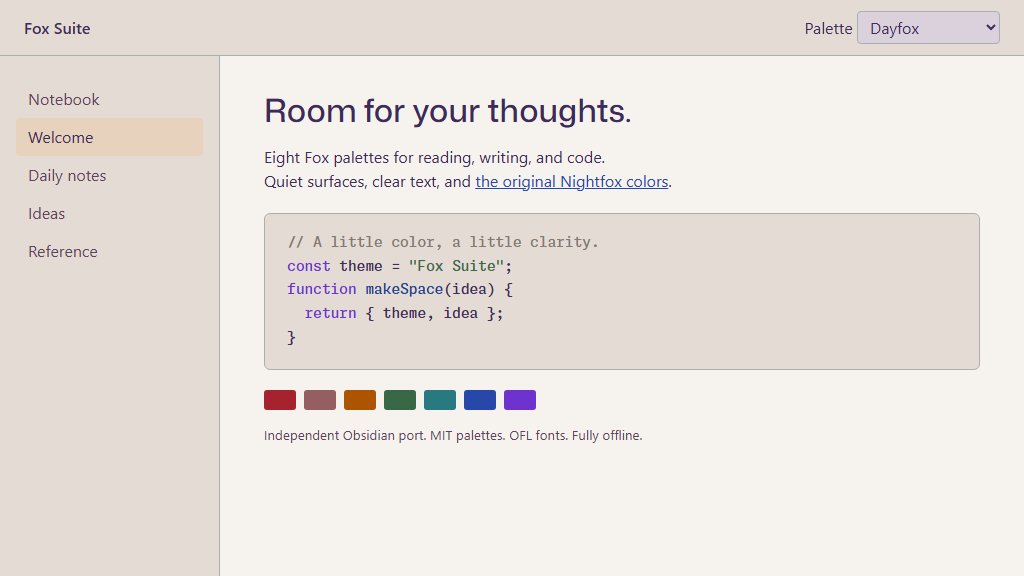
17. Fox Suite
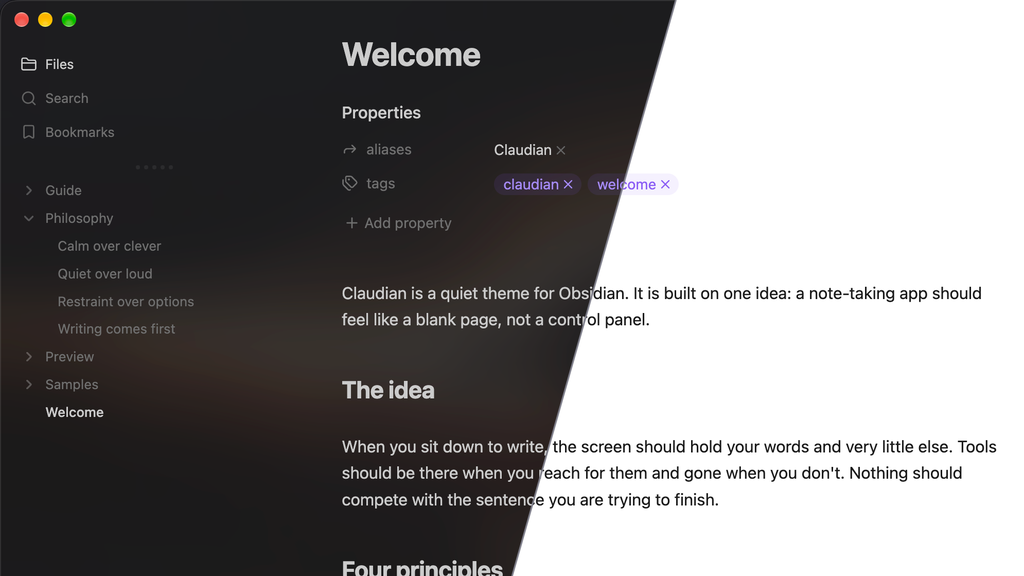
18. Claudian
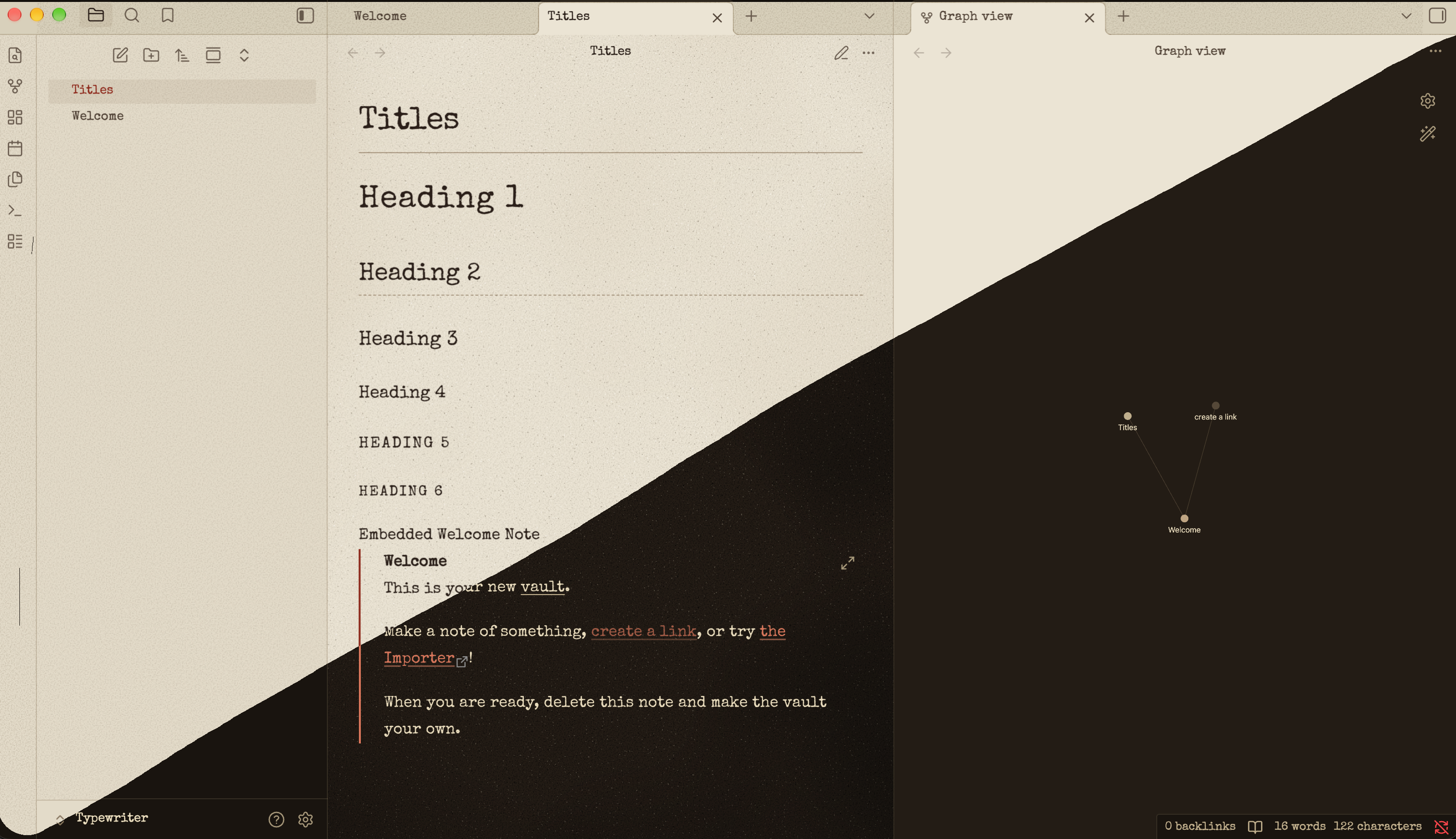
19. Typewriter-Vin
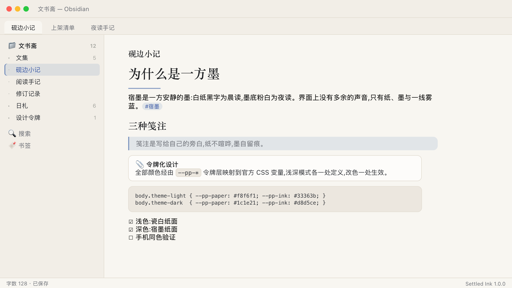
21. Settled Ink
Start with the newest plugins on /new, then check the latest releases on /updates. I will be back with the next roundup. Enjoy exploring!