
README file from
Github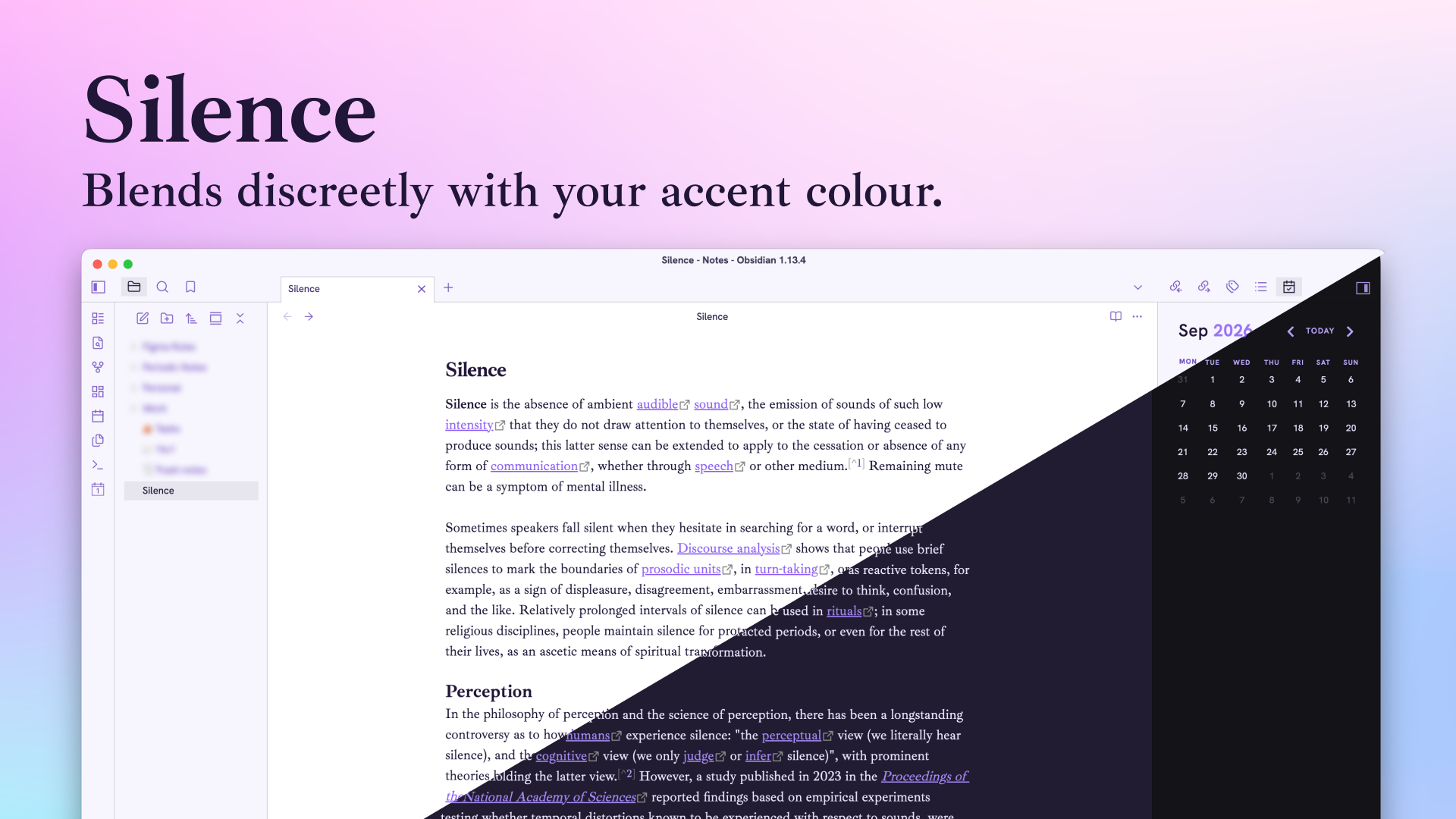
Silence
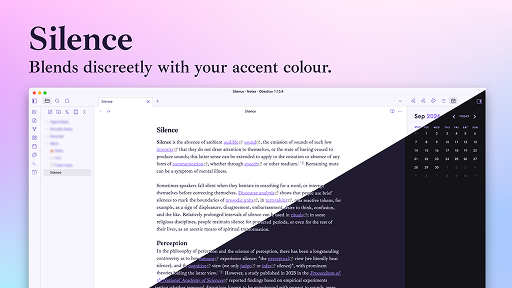
A clean and quiet theme which adapts to the accent color defined in Obsidian
Fonts
- UI : Hanken Grotesk
- Notes : Ibarra Real Nova
Font sizes harmony is based on 1.06 — Minor Second. This scale is based on serie inspired by musical intervals which help to create a harmonious and balanced type.
Basically, font-size and line-height are multiple of 1.06.
Installation from Obsidian Marketplace
- Open the
Settingsin Obsidian - Navigate to
Appearancestab under Options - Under the
Themessection, click on theManagebutton across fromThemes - Search for
Silencein the Filter text input - Click Use and then you're done
Style Settings
Keeping light, no option here.
Be kind, this is my first theme.