
There are 262 new plugins, 885 plugin updates and 18 new themes during the week 2026-08-23 to 2026-08-29.
The release list grew fast this week. Between 2026-08-23 and 2026-08-29 the community shipped 262 new plugins and 18 new themes, alongside 885 plugin updates. You can start with the releases below.
New Plugins
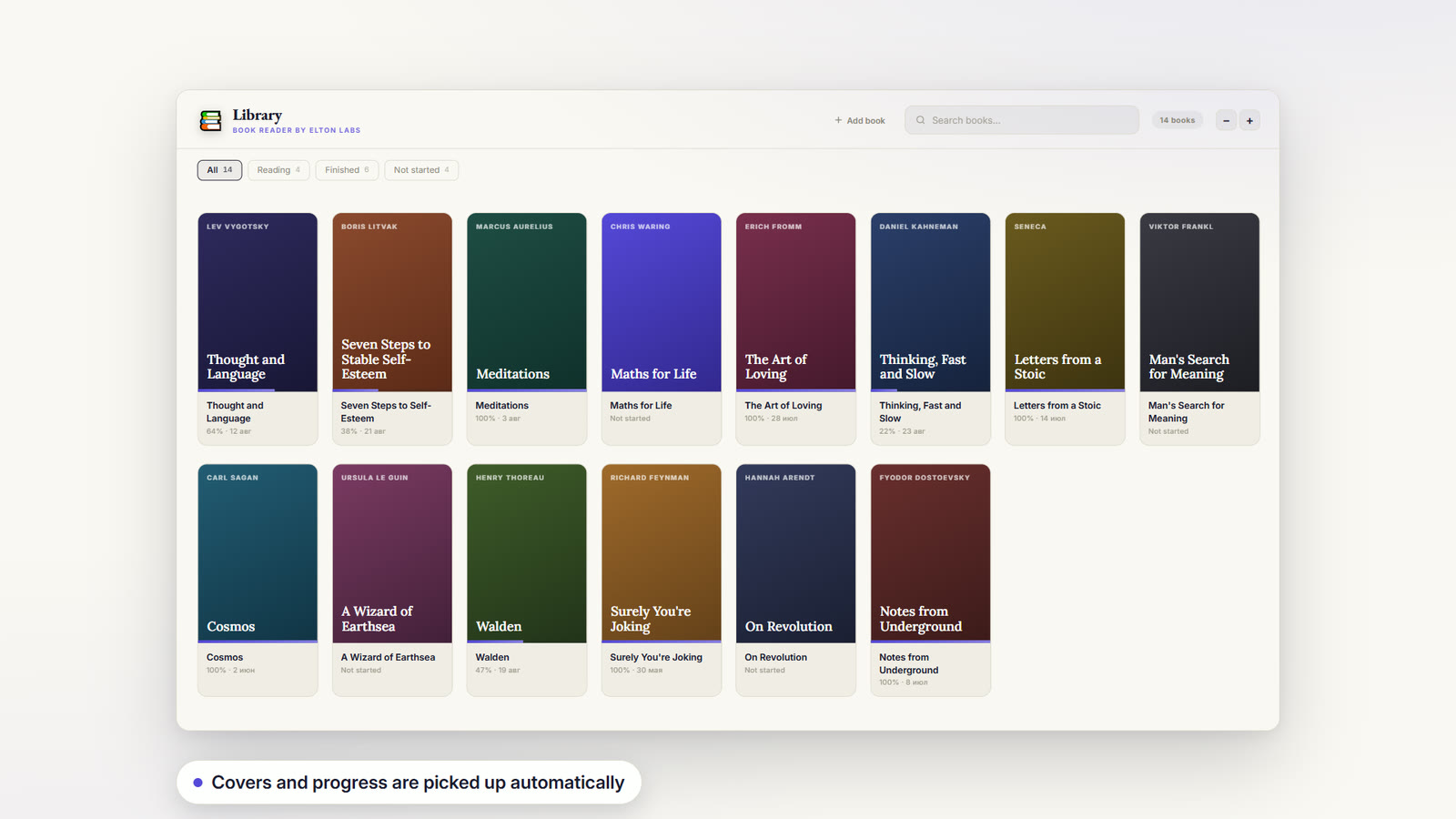
There are 262 new plugins - see them all at /new. If you use Bases, Dynamic Views adds grid and masonry card views. Unhide reveals hidden files such as dotfiles inside Obsidian, while Book Reader keeps EPUB, FB2 and PDF reading, highlights, notes and progress inside the vault.
The Dynamic Views plugin changes card based note browsing with richer media and layout controls. It can display note images as thumbnails, covers, posters or backdrops, let you slide through images or open them full screen, and show text previews from note content. Titles can wrap, long properties can scroll horizontally and menus can hide while scrolling on phone. View layout is highly configurable, including image position, property label display, stacked or side by side properties, collapsible grouped sections, interactive checkboxes and keyboard navigation. It also adds card buttons for opening URLs, random files and shuffled views, supports default view settings, reveals files, folders and tags in Notebook Navigator, shows YouTube thumbnails and applies CSS snippets to individual views.
The Unhide plugin reveals files and folders that Obsidian normally keeps hidden, including dotfiles and lets you toggle their visibility from inside the app. Once shown, those files can be opened and handled like regular vault files, which also makes dot directories such as `.assets` or Nextcloud Notes `.attachments*` usable in normal workflows. The plugin ships with default exclusions for `.git` and `.venv` to avoid scanning large hidden folders and its rules can be adjusted when a vault contains other heavy dot directories. It also includes a Protect Obsidian Sync safeguard that skips hiding while Sync is active because synced hidden files can otherwise be deleted across devices. It requires `Files & links > Detect all file extensions` to work properly.
3. Book Reader
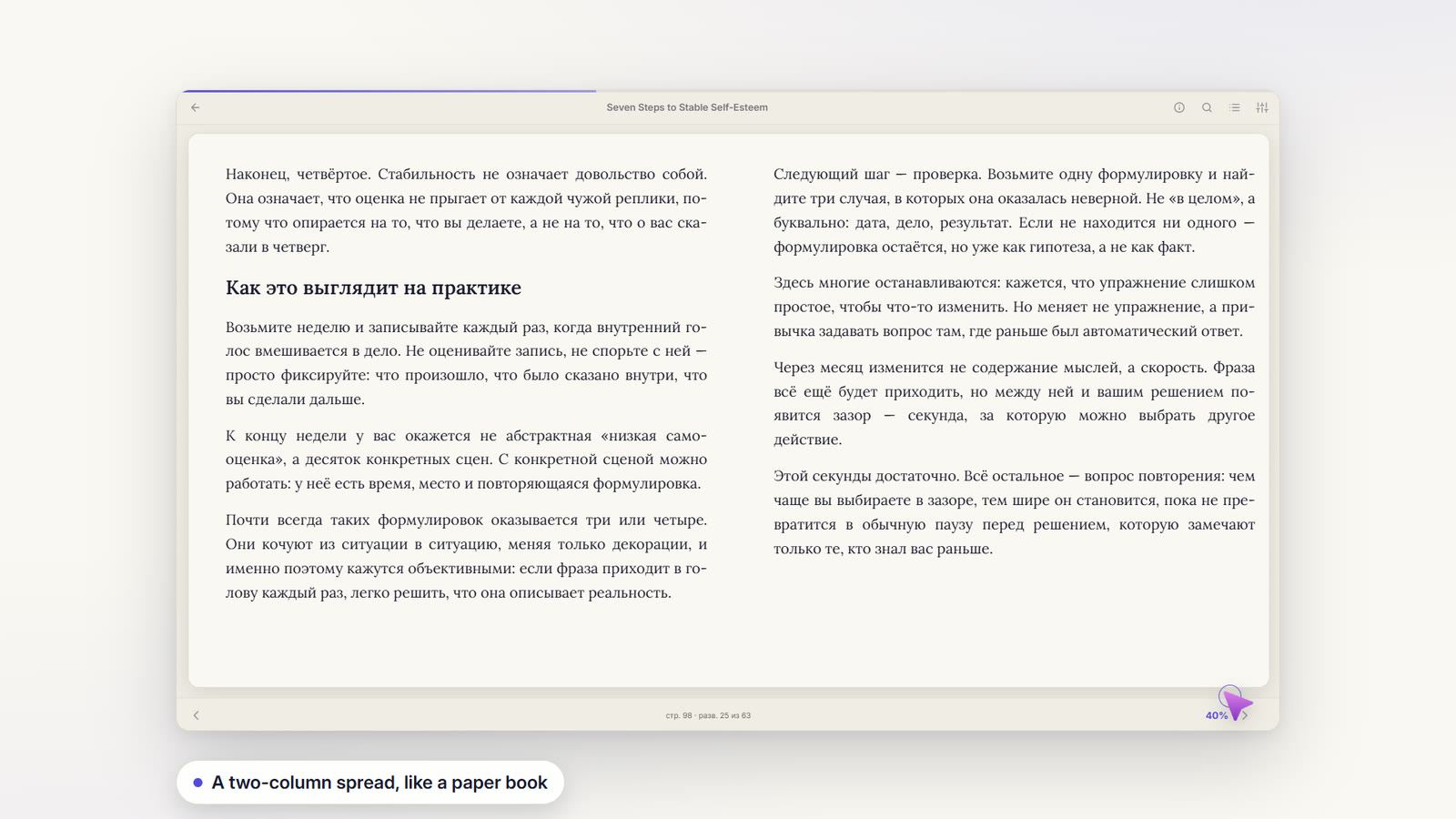
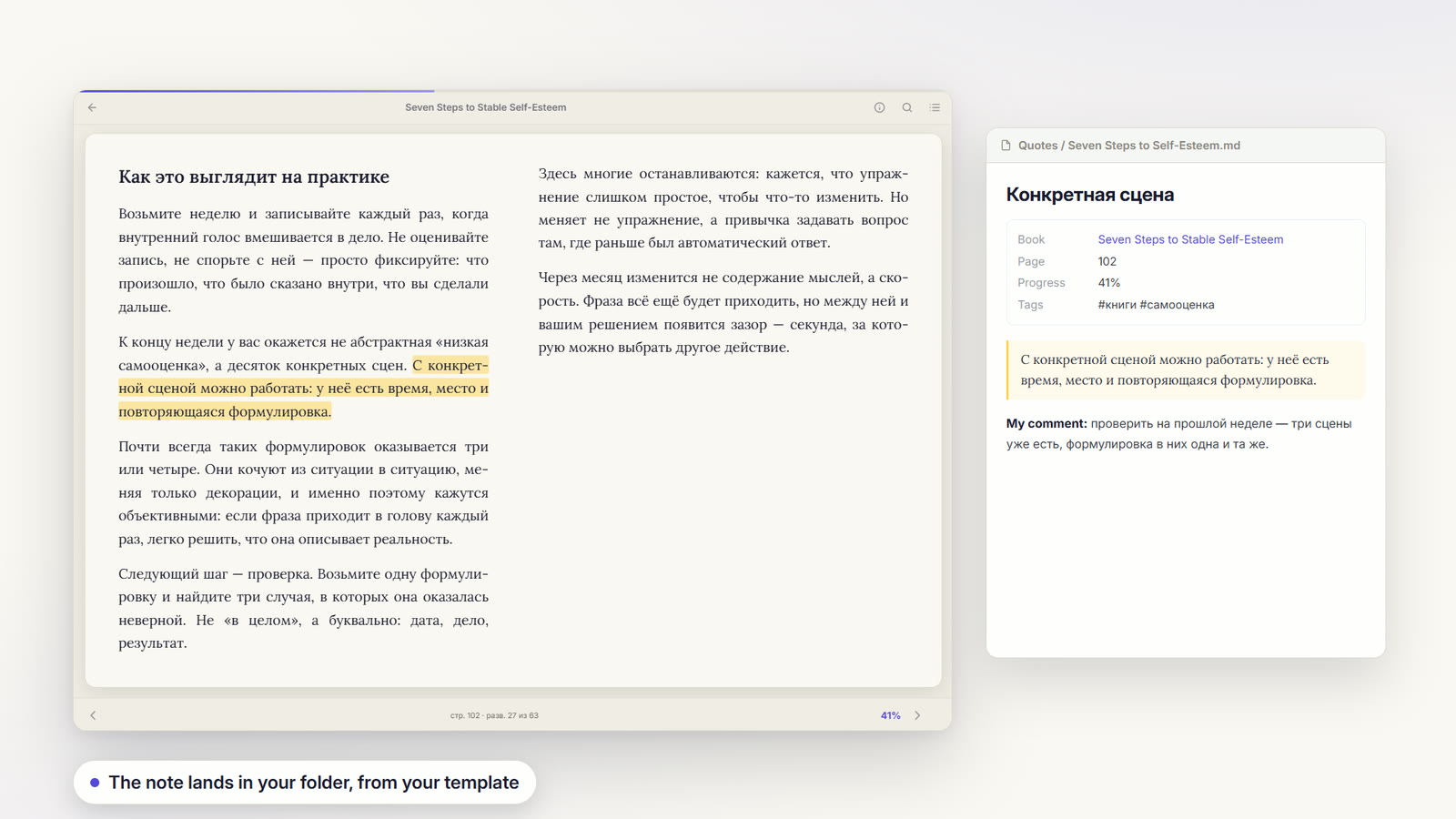
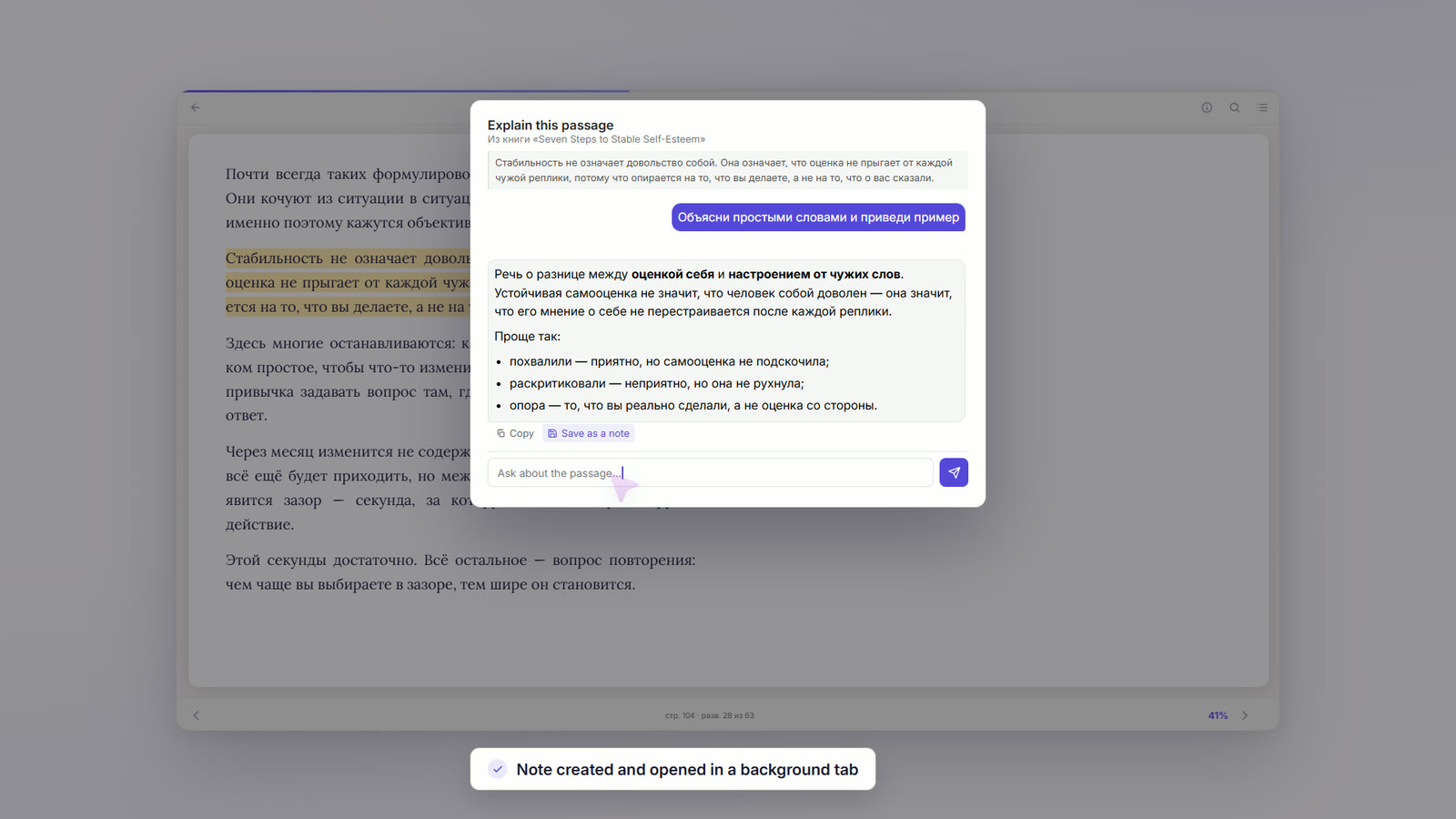
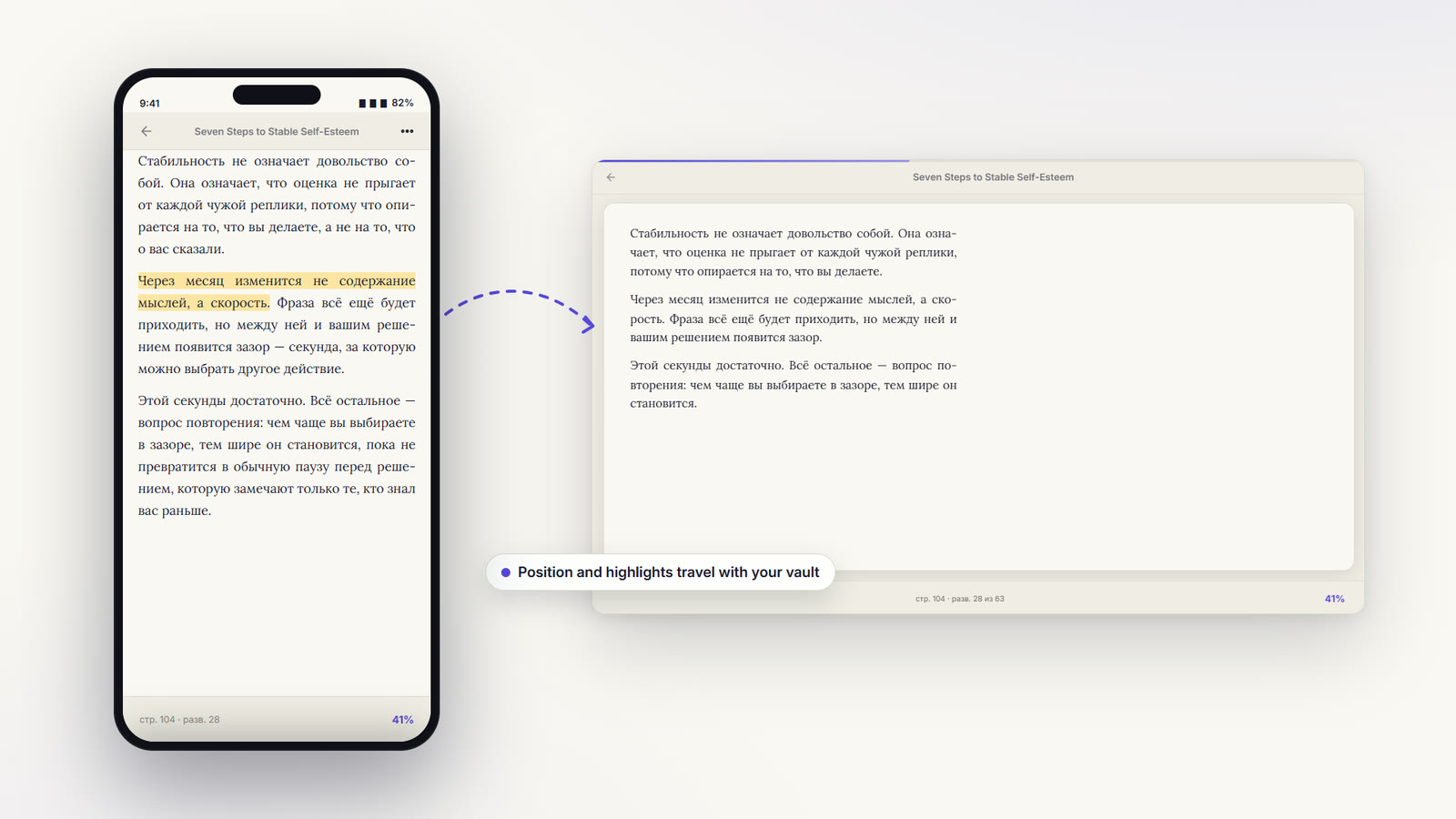
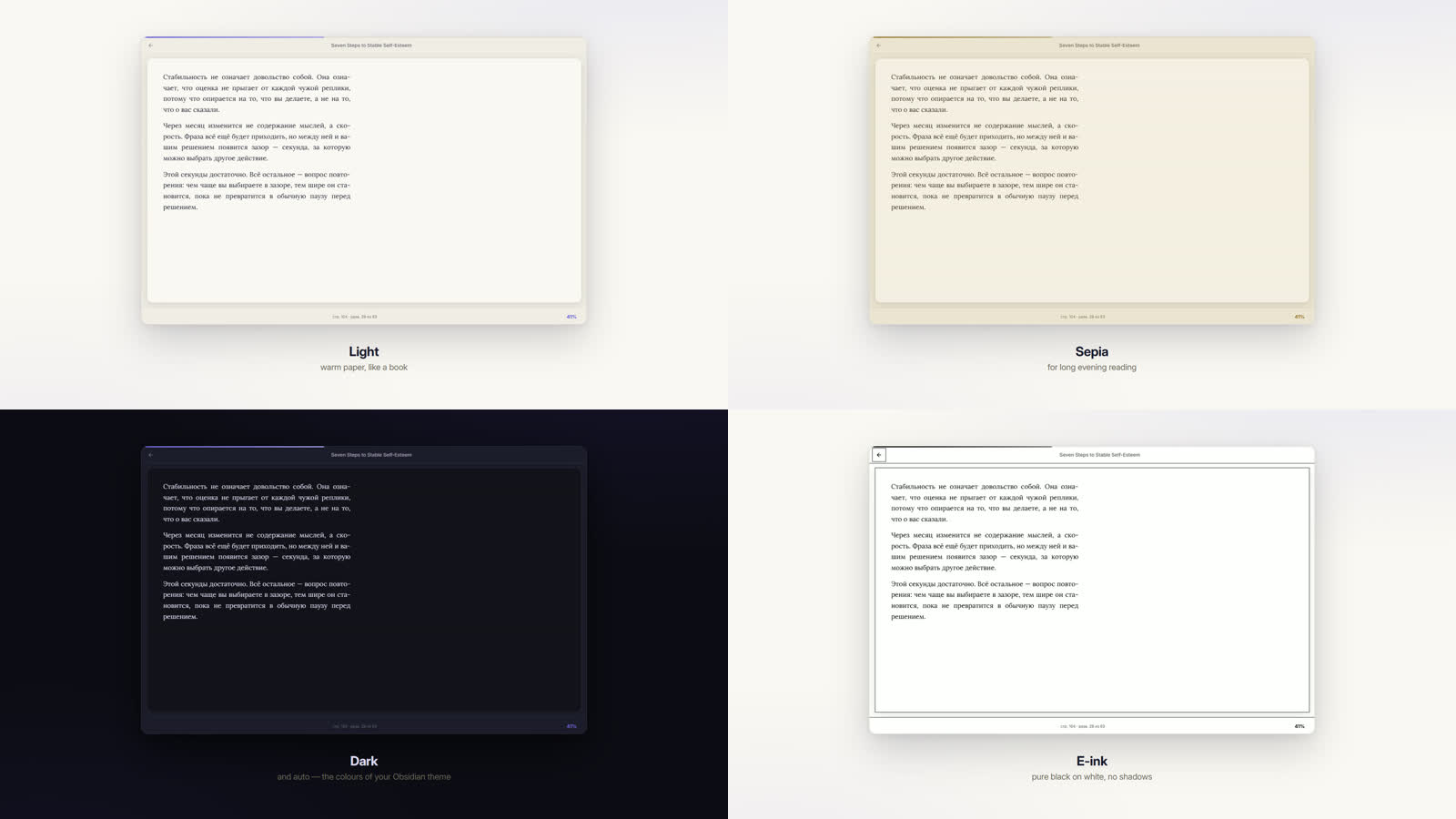
The Book Reader plugin opens EPUB, FB2 and PDF books inside the vault and keeps reading progress, highlights, comments and note exports tied to those files. It supports paged or scrolling reading, one or two columns, adjustable font settings, line spacing, alignment, line width, full text search and a table of contents built from bookmarks, headings or a printed contents page. Highlights come in four colours, can carry comments, and can be turned into notes individually or exported for a whole book with chapter grouping and page numbers. The library view shows covers, progress and categories, while progress files sync through the vault. Optional translation and AI passage breakdown stay off until configured, with local Ollama or LM Studio support.

4. Bases Board
The Bases Board plugin adds Kanban and gallery views for Bases, turning grouped notes into cards arranged by column and optional row properties. Moving a card updates the original property values, while label mappings only change what the board displays. Cards can show note images, Lucide icons and an ID that can be copied or edited and clicking the title opens the note in a new tab while the rest of the card stays available for dragging. Each base can define a folder and template for new notes, then assign the current column and row values after creation. It also preserves Bases link markup for Supercharged Links styling, runs Templater commands before property assignment and throws an error for invalid folder or template paths.
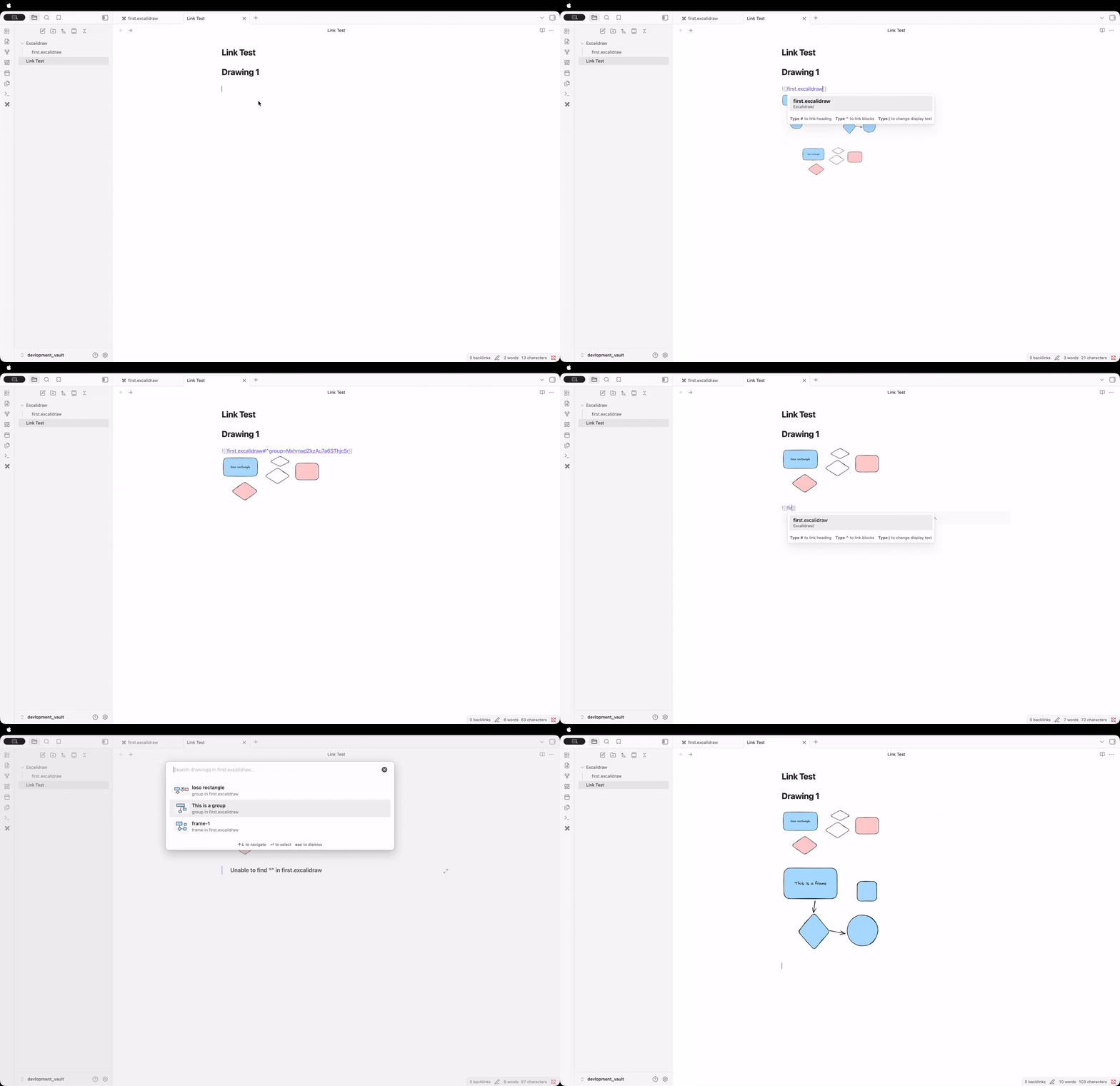
The Excalink plugin suggests and links named frames and groups inside Excalidraw drawings while you type `[[filename#` in the editor. It detects that pattern, opens a fuzzy search picker for every frame and group in the selected drawing, then completes the link using Excalidraw's block reference formats for frames and groups so embeds and navigation work correctly. Unnamed groups still appear in the picker because the plugin uses a text element inside the group as the label, or falls back to a generic Group name when none is found. Its settings let you enable or disable suggestions, choose whether frames or groups appear, sort recent items first, limit the number of suggestions, show file context and rescan the vault when drawings change.
The Metadata Validator plugin validates note metadata against manifest driven schemas. It looks for `manifest.md` files inside a `schemes/` folder and applies the closest manifest above each note as that note's schema. Nested manifests inherit from the parent tree, so a base schema can be extended for narrower folders like sources, books or people without repeating every rule. The plugin's model is entirely folder based and depends on keeping those manifest files in the schemes hierarchy.
7. Sectionals
The Sectionals plugin adds commands that edit whole Markdown structures instead of line selections. It can delete a section, heading block, fenced code block, callout or plain blockquote, move a section within its sibling group, and repeat the last successful movement across notes during the current session. Extraction commands move the deepest eligible section into a new note, either leaving a wikilink behind or opening the new note in the same tab. Extracted notes use the original section heading as the top level heading and follow the configured new note location. The plugin preserves relative links and embeds when it can resolve them safely, leaves the source note unchanged when shared references would break, and undo after extraction does not remove the note it created.
8. Handwriting
The Handwriting plugin adds pen based writing, highlighting, erasing, lasso selection and insert space tools directly on notes and PDFs while keeping the note itself as Markdown. It draws on a CodeMirror overlay, supports pressure sensitivity, palm rejection, pinch zoom, shape snap, undo and redo across ink and text, PDF flattening for export, PDF snipping, mouse input and lined or grid paper backgrounds. Ink is stored separately as one JSON sidecar per note inside the vault's .handwriting folder, linked by a single handwriting-page-id property when a note is first inked. Text content stays unchanged unless that one property line is added and hidden folders may need compatibility mode for some sync services.
The Xove Dashboard plugin turns the home view into a personal control panel that combines tasks, projects, inspiration boards, note activity and countdowns in one layout. It stores tasks, projects and boards as Markdown files with frontmatter, so changes stay local and editable. The home screen includes quick capture, today's tasks, progress rings, weekly and overdue cards, project stages, a 52 week heatmap and up to five countdowns. Projects can be managed in Gantt, list, calendar and Kanban views, with drag actions writing date and status changes back to Markdown in real time. Task handling covers four priority levels, repeating schedules, parent and child tasks, reminders and per day check ins for multi day work. The interface supports English and Chinese, follows the active theme and runs on desktop only.
The PixNote plugin imports image files into the vault and creates a matching metadata note for each file. It can capture tags, source URLs and free text descriptions during import, then writes them into YAML frontmatter so the note stays easy to query later. When EXIF extraction is enabled, the plugin also pulls date, GPS coordinates and a derived location string from the file metadata. You can keep files organised by setting separate folders for images and metadata notes. Each generated note links back to the imported file and can store your description below the frontmatter. The plugin also supports PDF files in the saved file workflow, while its EXIF setting applies to image imports.
11. Canvas Folding
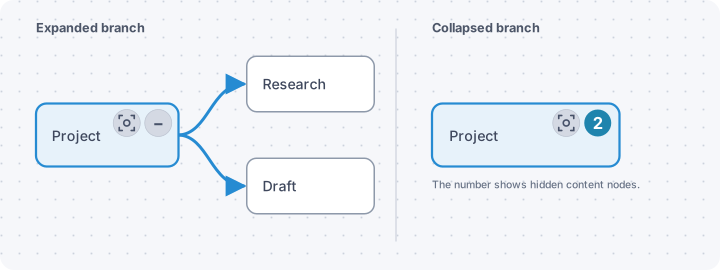
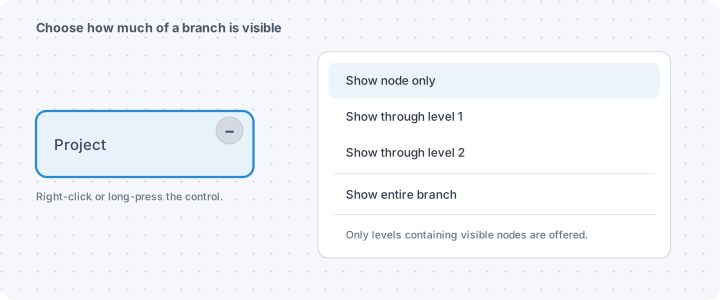
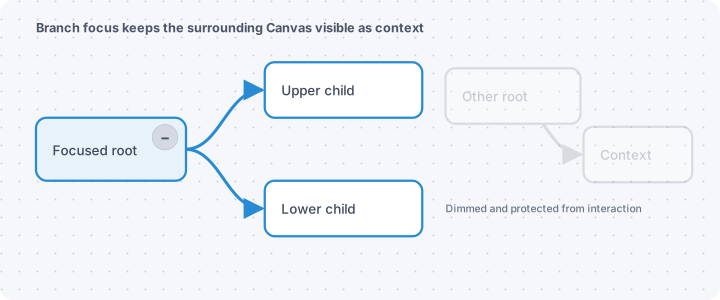
The Canvas Folding plugin adds hierarchical folding, global level views and branch focus to Canvas without changing nodes, edges, positions or the .canvas file. It treats directed edges as parent to child relationships, supports graphs with multiple parents, shared descendants and cycles and can collapse one branch, collapse all rooted branches or reveal the canvas through a chosen level. Parent nodes get folding controls with hidden item counts, while visible expanded nodes and groups can show focus controls and a movable toolbar. State is kept per open Canvas tab, with optional persistence in the plugin's local data.json. It works on desktop and mobile, requires Obsidian 1.13.0 or later and can run alongside Advanced Canvas without changing its separate group state.

The OpenPlug plugin adds an alternate installation path for official community plugins and themes when direct access to GitHub or the community flow is blocked. It can open from a toolbar button, command, settings page or the Add to Obsidian link on the community site, then search official plugin and theme indexes by name, author or ID. Before install it shows version, author, ID, compatibility and a translated description, lets you choose a release and downloads files through multiple GitHub mirror endpoints with timeout handling and SHA256 cross checks. It also lists available updates for installed official plugins and keeps updates manual so the current enabled state stays unchanged. Desktop and mobile are supported on Obsidian 1.11.4 or later.
The TableTune plugin lets you resize table columns and row heights by dragging borders in Edit and Live Preview mode, then keeps those sizes tied to each table instead of applying one shared layout. It preserves the same widths in Reading view, adds a single horizontal scrollbar when needed and avoids clipped or double scroll behaviour across different vaults and themes. Tables without saved sizes start with content fitted column widths, capped so wider text stays readable. The plugin does not rewrite note source. It stores widths and row heights in `data.json` by note and table, assigns distinct IDs for duplicate headers and migrates legacy single array data from older versions automatically.
The Gym Vault plugin keeps training plans, workout logs, goals, running stats and body measurements as plain notes inside your vault, with no account or server and offline support on desktop and mobile. It shows today's session, starts guided workouts in reps or timed circuit mode, and lets you switch to a plain log screen without losing the session. Exercises have searchable muscle group filters, best set tracking, markdown how to notes and media from frontmatter paths or URLs. Weekly plans, goal tracking, history heatmaps, personal records, progress photos and custom voice count ins are built in. Shared plans can be browsed from a configured library and optional music links open Spotify or Apple Music only when tapped. It requires Obsidian 1.8.0 or newer.
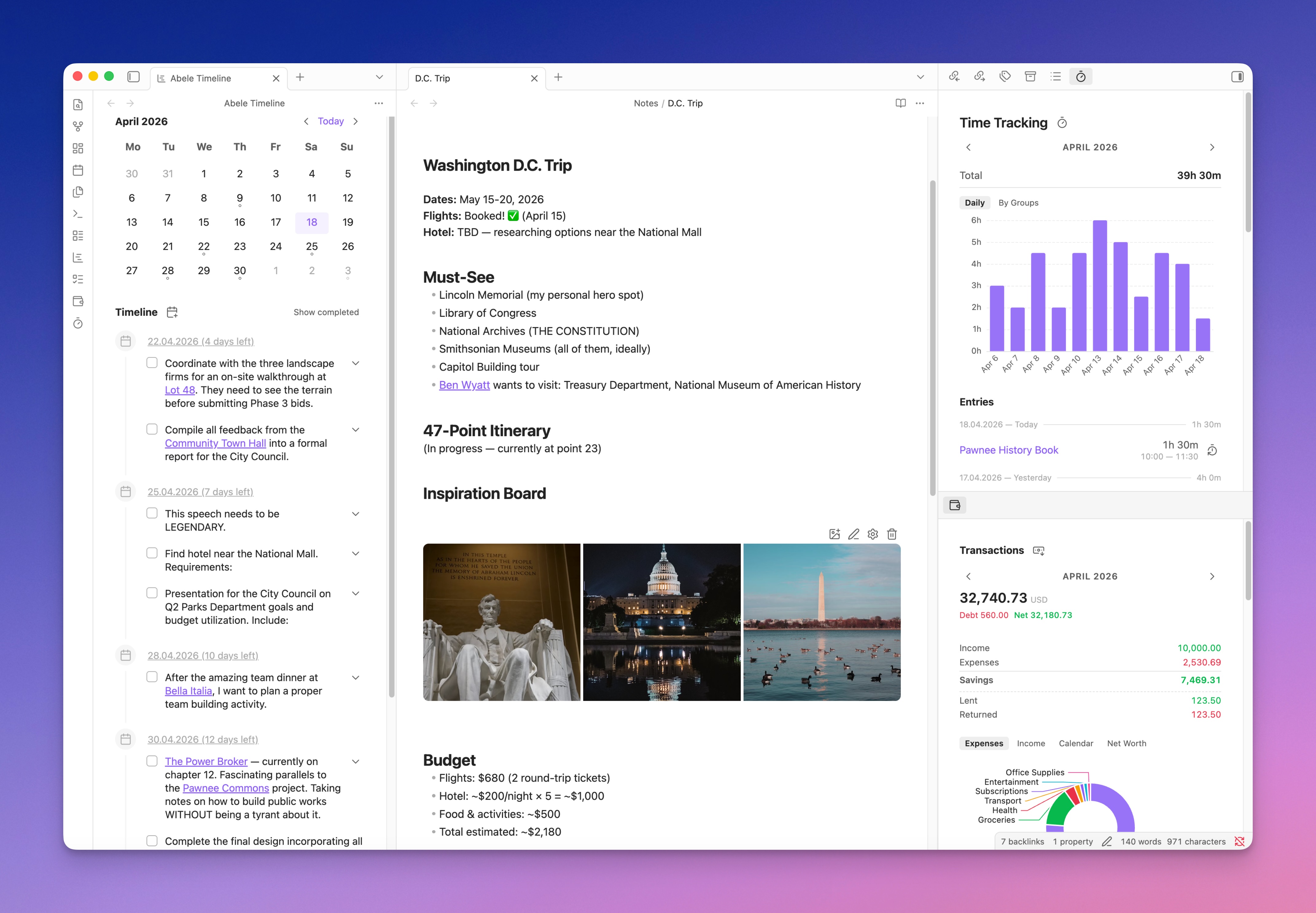
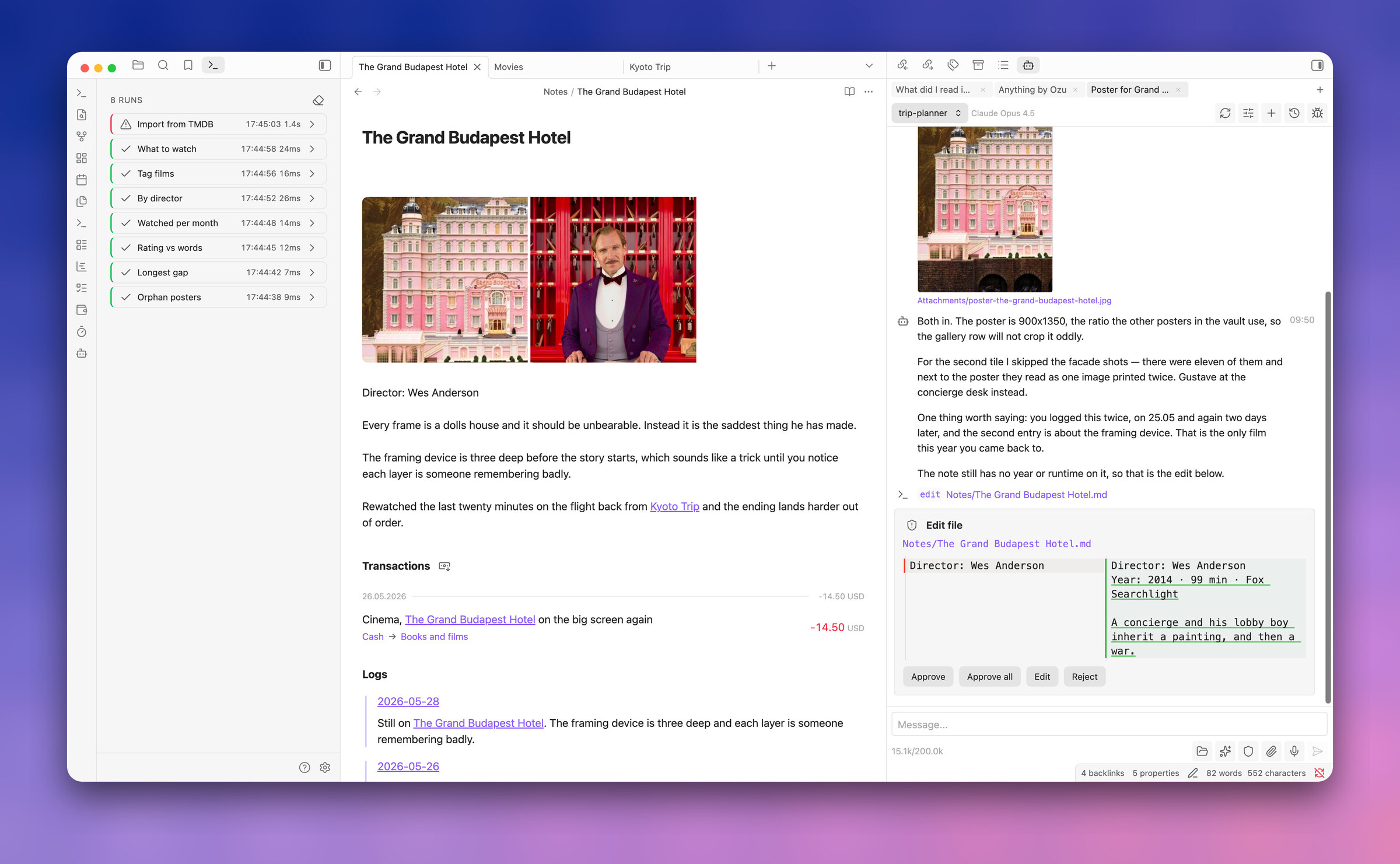
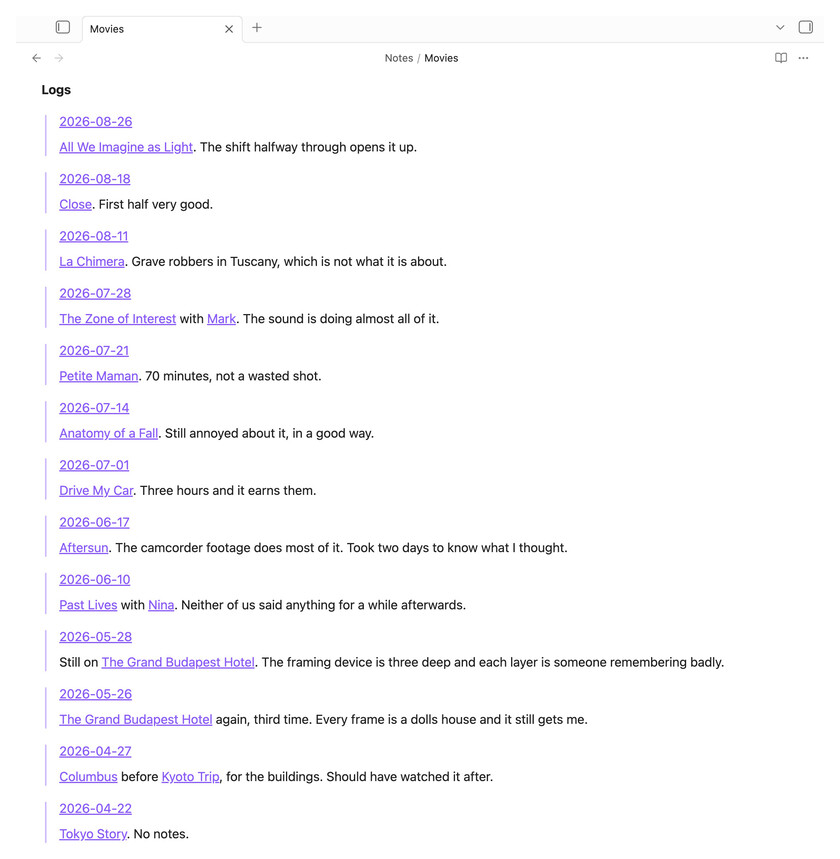
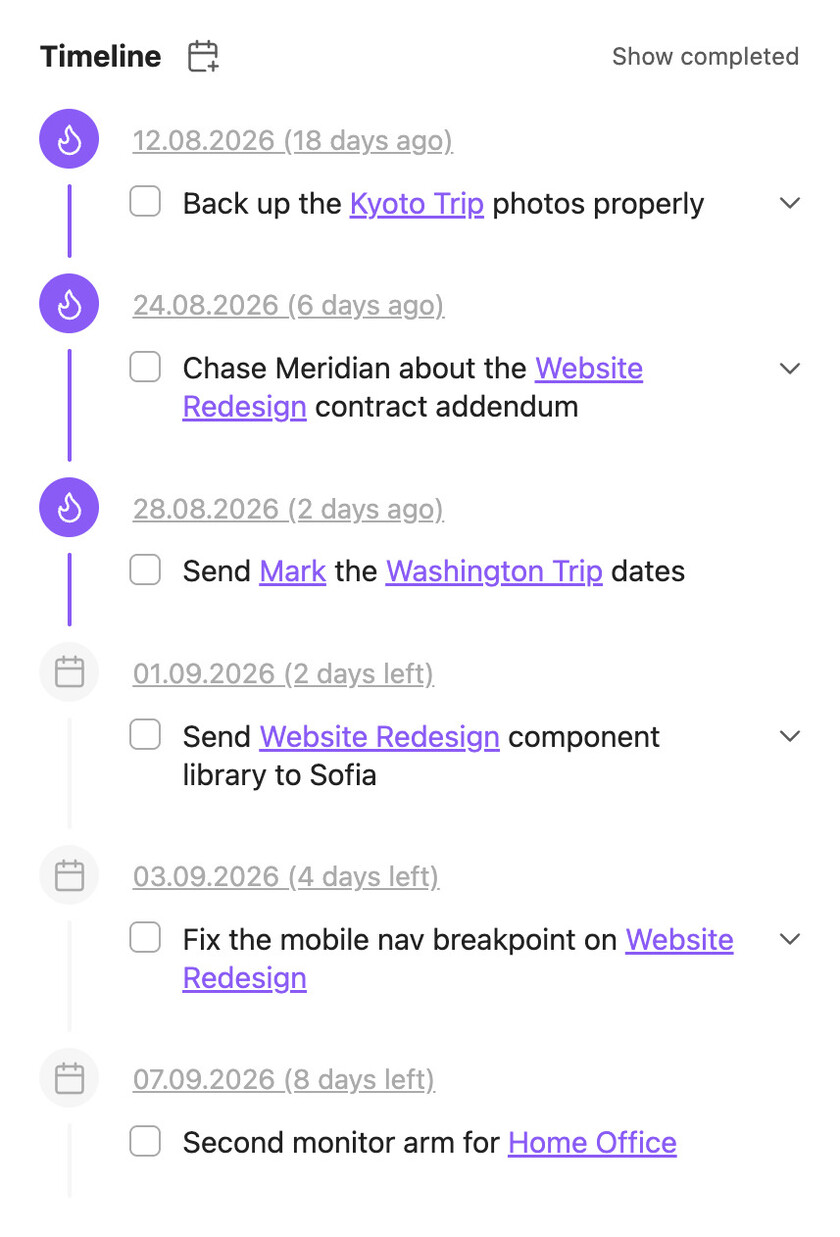
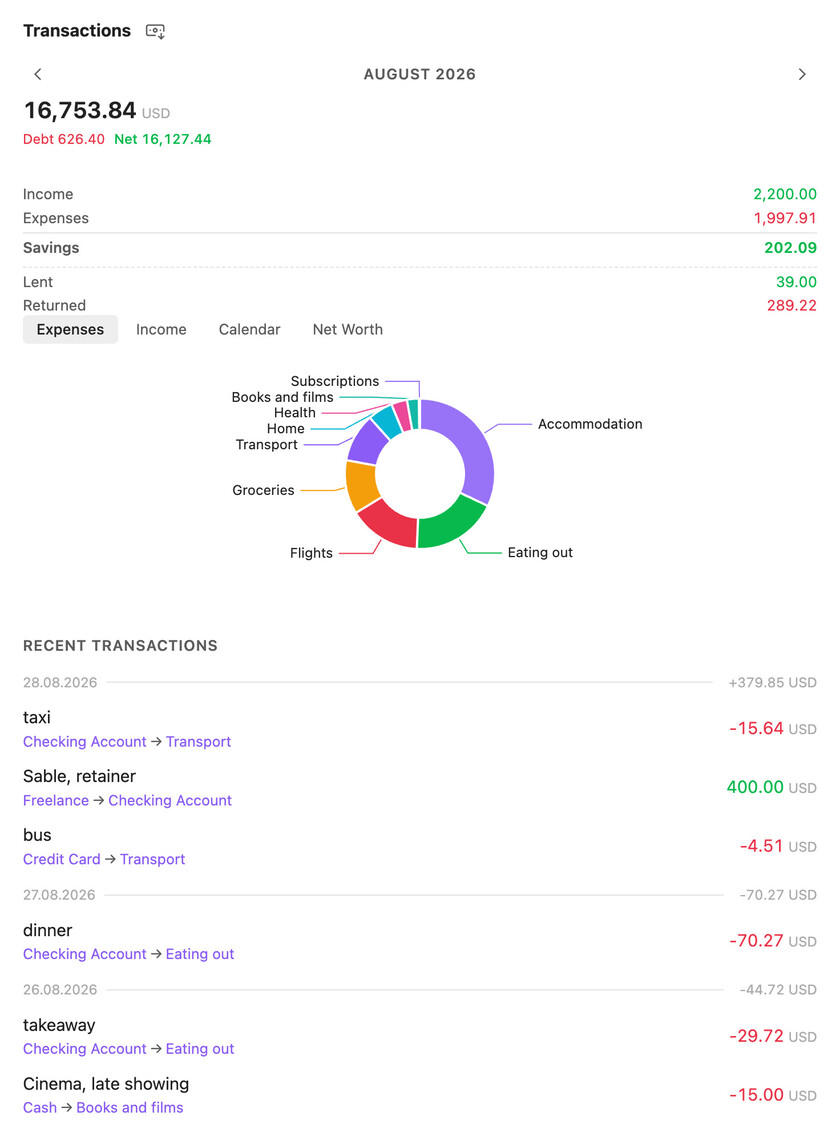
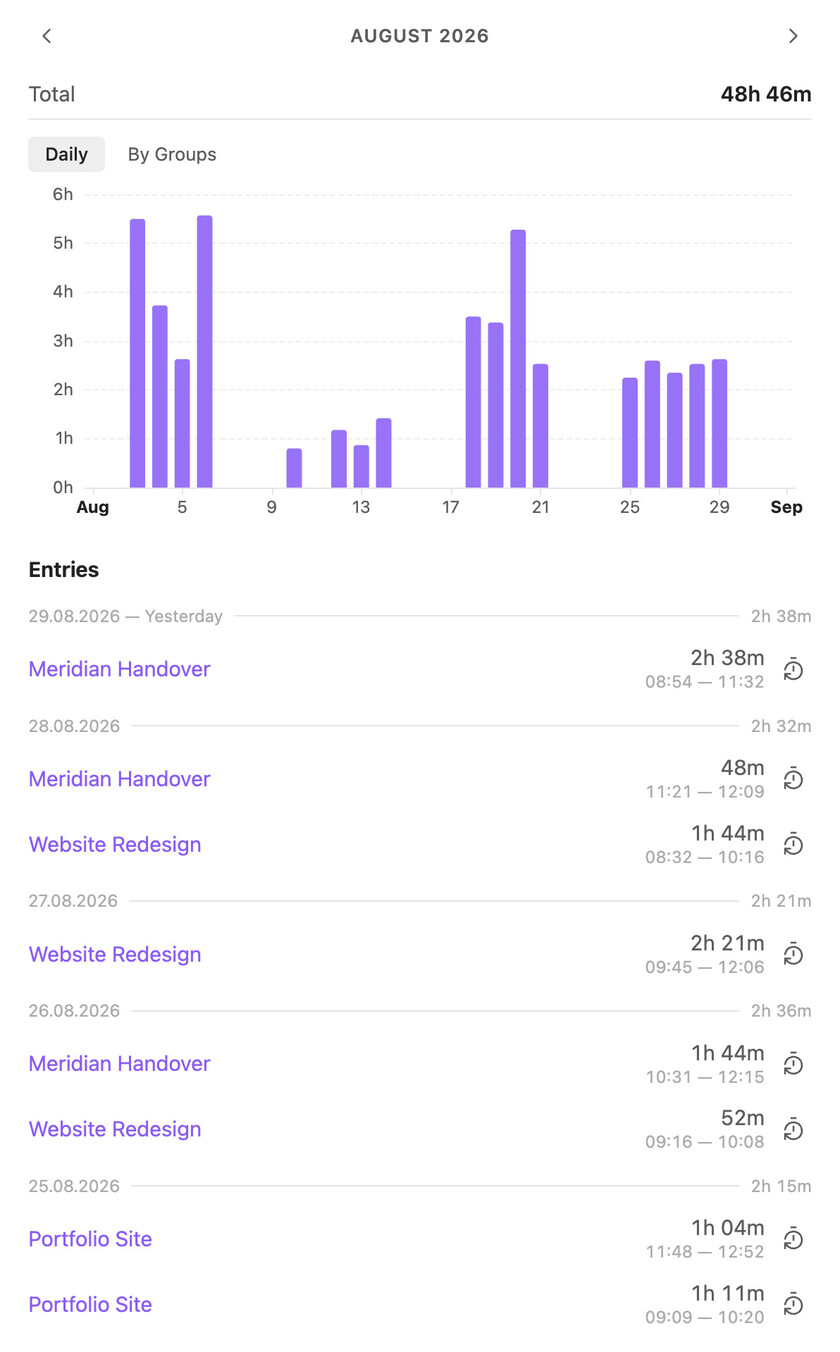
The Ābele plugin turns most personal workflow items into linked notes and uses a `groups` graph instead of folders to connect them. It brings logs, task tracking, journals, calendars, finance records, time tracking, image galleries, charts and templates into one system, with each item able to surface in related notes and timelines. Tasks, transactions and time entries are stored as notes with properties, so they can carry long descriptions, attachments and rollups through related groups. The plugin also adds configurable AI agents with scoped file access, delegation, web and vault tools, plus JavaScript scripts that run from the command palette, note headers, deep links or agents. It has been tested on desktop and iOS with a vault of more than 16k notes.
Most Downloaded (2026-08-23 to 2026-08-29)
| Rank | Plugin | Downloads | Links |
|---|---|---|---|
| 1 | Excalidraw | 193,785 | Details / GitHub |
| 2 | TaskNotes | 118,467 | Details / GitHub |
| 3 | Templater | 82,738 | Details / GitHub |
| 4 | Claudian | 73,435 | Details / GitHub |
| 5 | Tasks | 49,412 | Details / GitHub |
| 6 | Copilot | 45,102 | Details / GitHub |
| 7 | Dataview | 44,518 | Details / GitHub |
| 8 | Git | 32,705 | Details / GitHub |
| 9 | Importer | 32,622 | Details / GitHub |
| 10 | Omnisearch | 31,204 | Details / GitHub |
| 11 | Unhide | 30,002 | Details / GitHub |
| 12 | Editing Toolbar | 28,638 | Details / GitHub |
| 13 | Kanban | 27,914 | Details / GitHub |
| 14 | Notebook Navigator | 27,193 | Details / GitHub |
| 15 | QuickAdd | 25,485 | Details / GitHub |
Plugin Updates
We got 885 plugin updates in the last one week's time. You can see all the plugin updates on Obsidian Plugin Stats webapp.
Notable Updates
- TaskNotes - v4.12.4 - Changelog
- Claudian - v2.2.4 - Changelog
- Tasks - v8.4.0 - Changelog
- Copilot - v4.0.3 - Changelog
- Importer - v3.1.3 - Changelog
New Themes
There are 18 new themes this week.
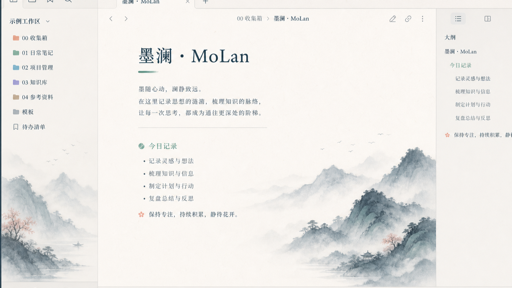
1. MoLan
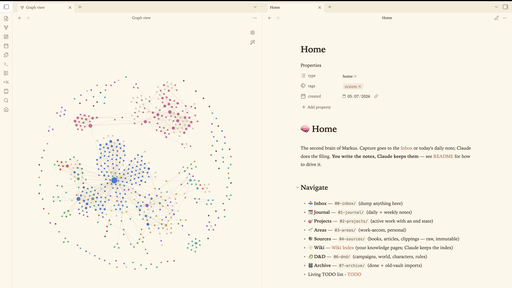
2. Warm Press
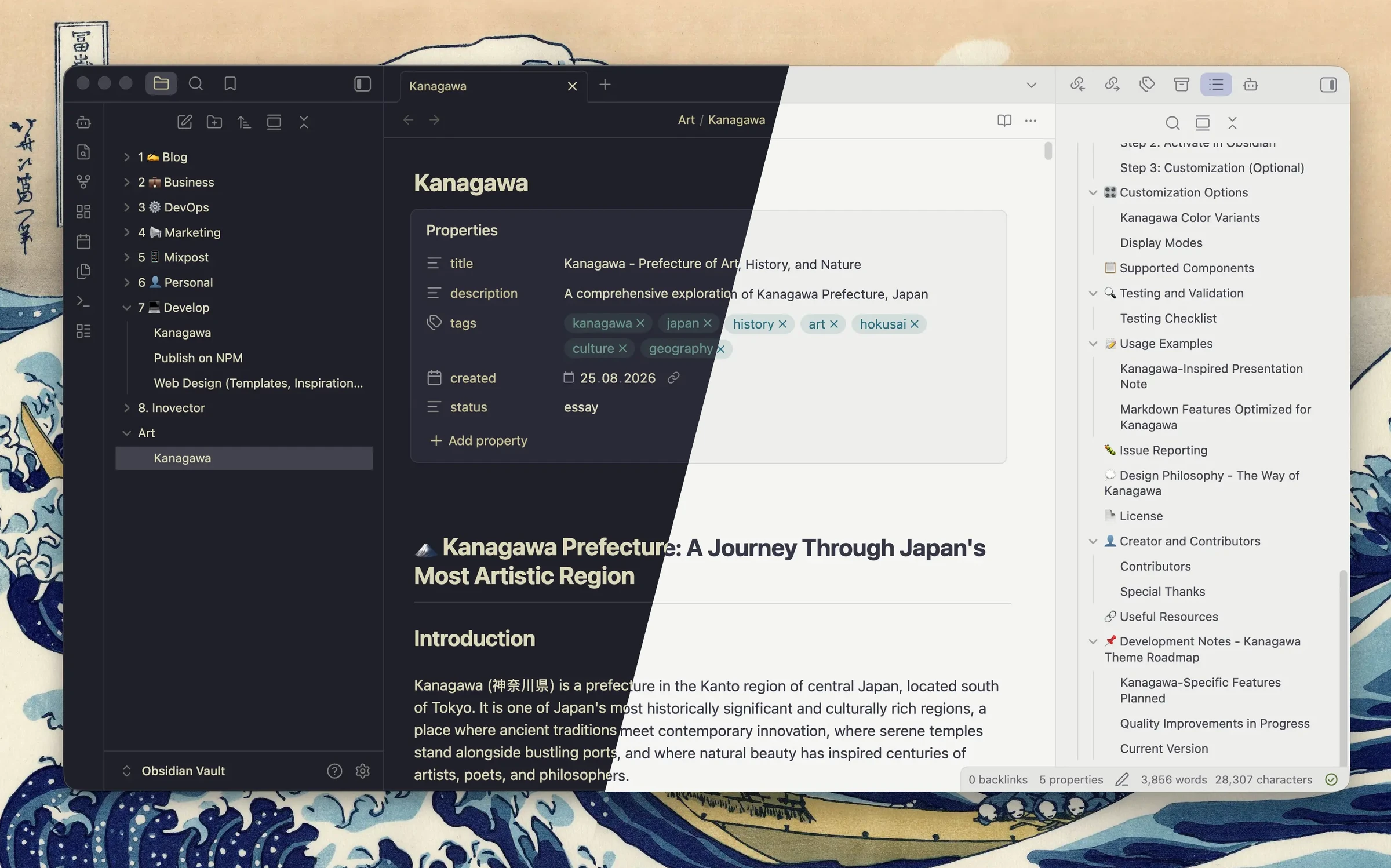
5. H2 OS
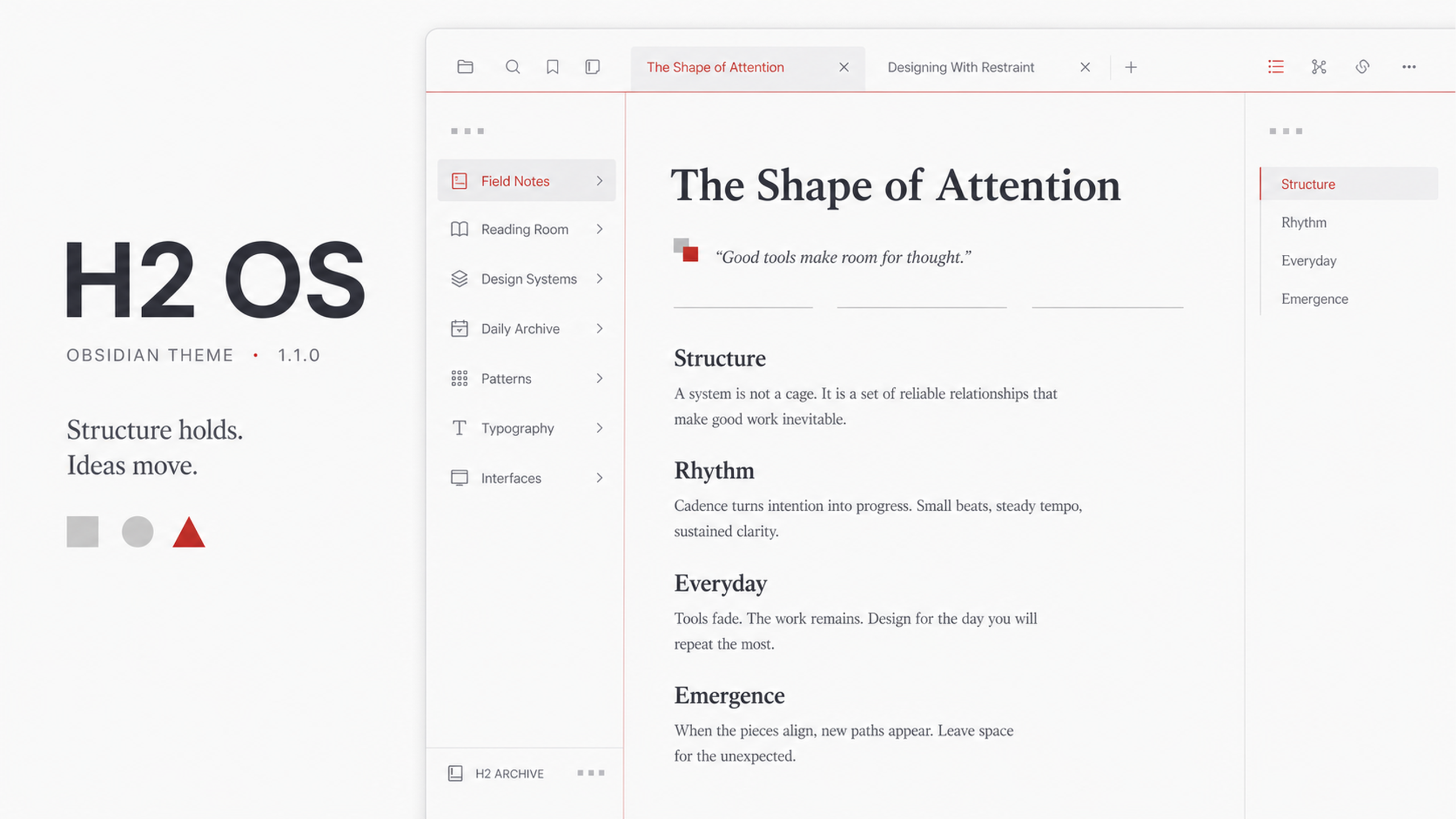
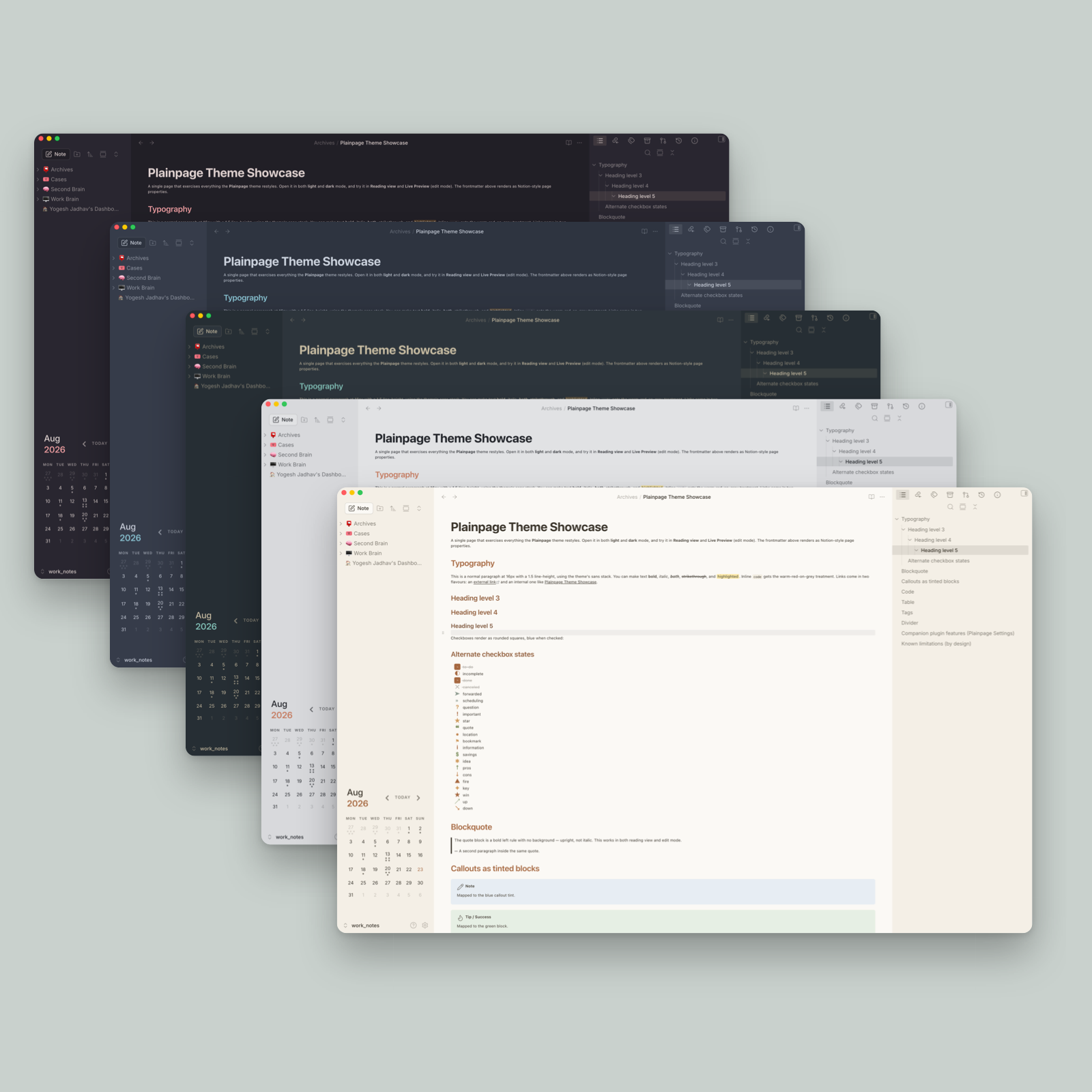
7. Plainpage
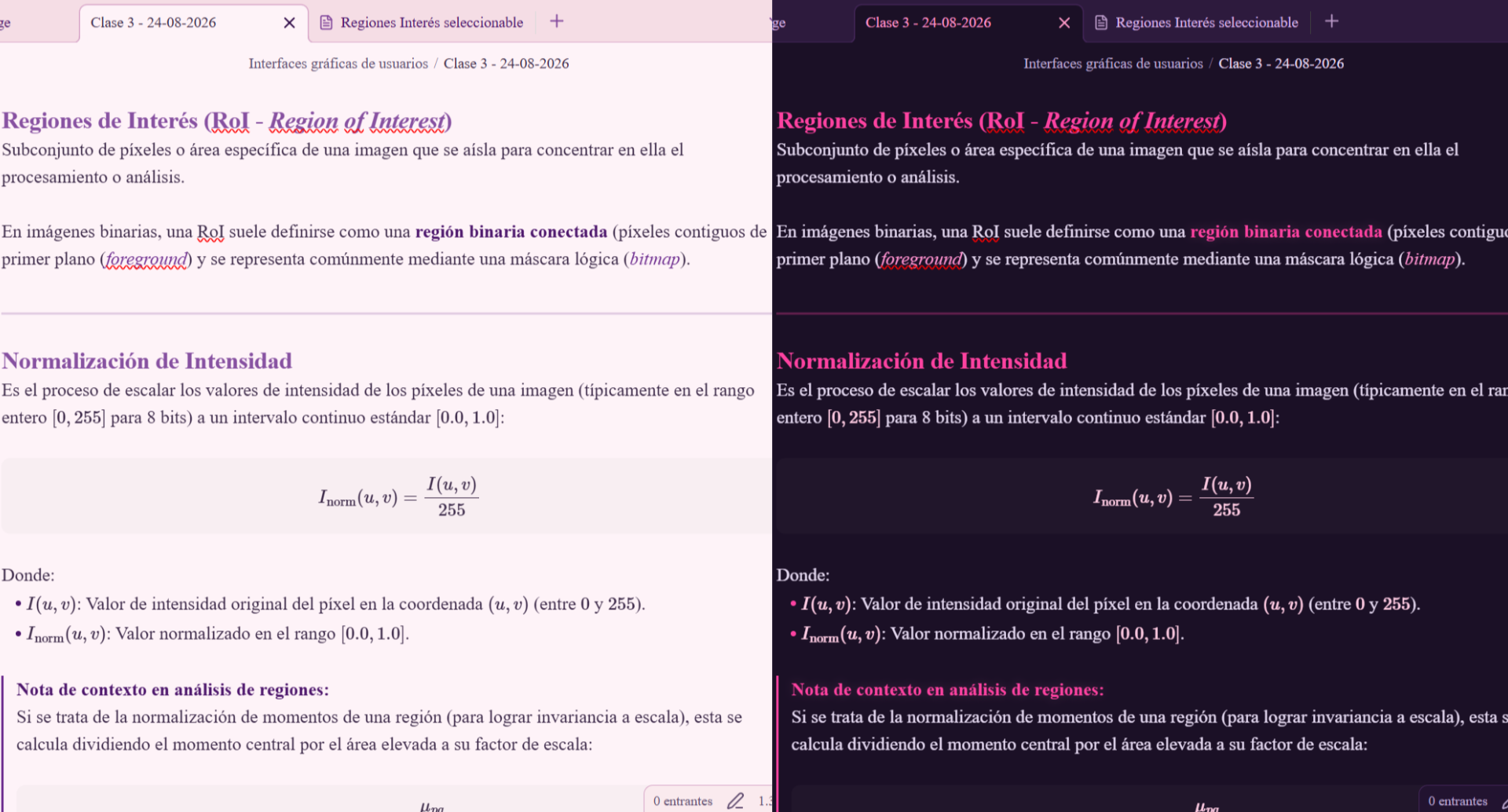
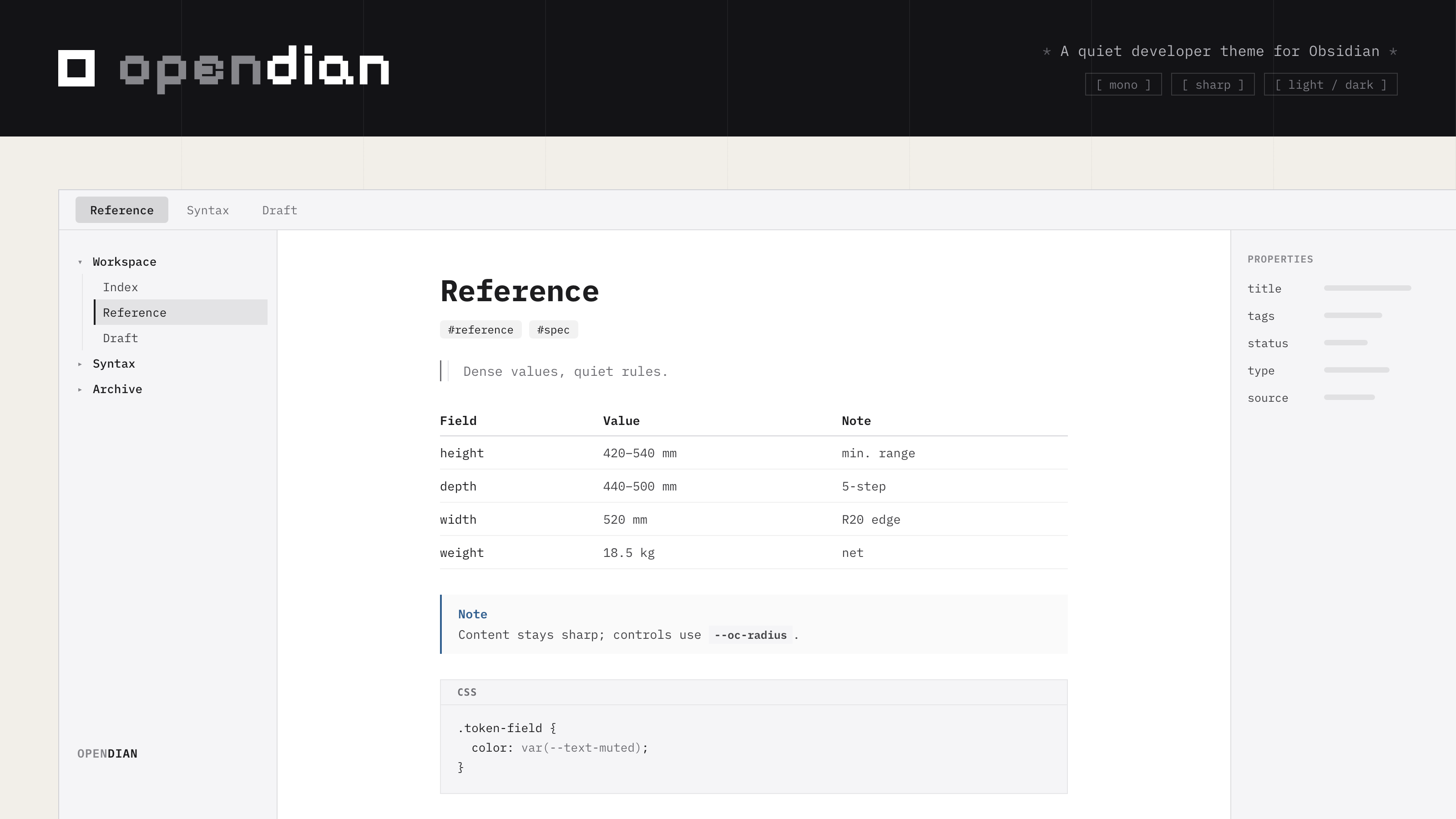
10. Opendian
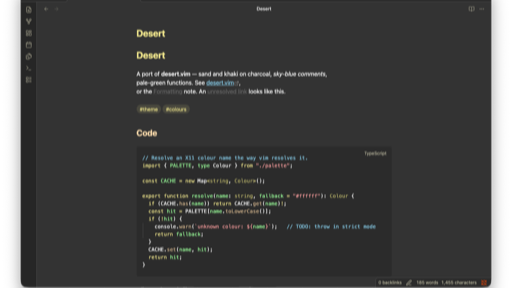
11. Desert
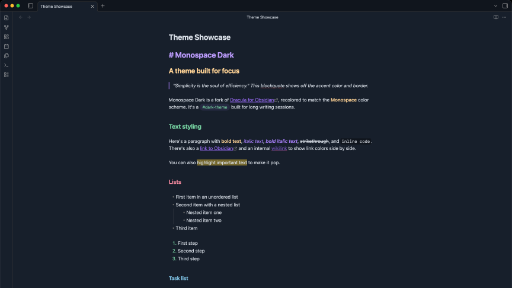
12. Monospace Dark
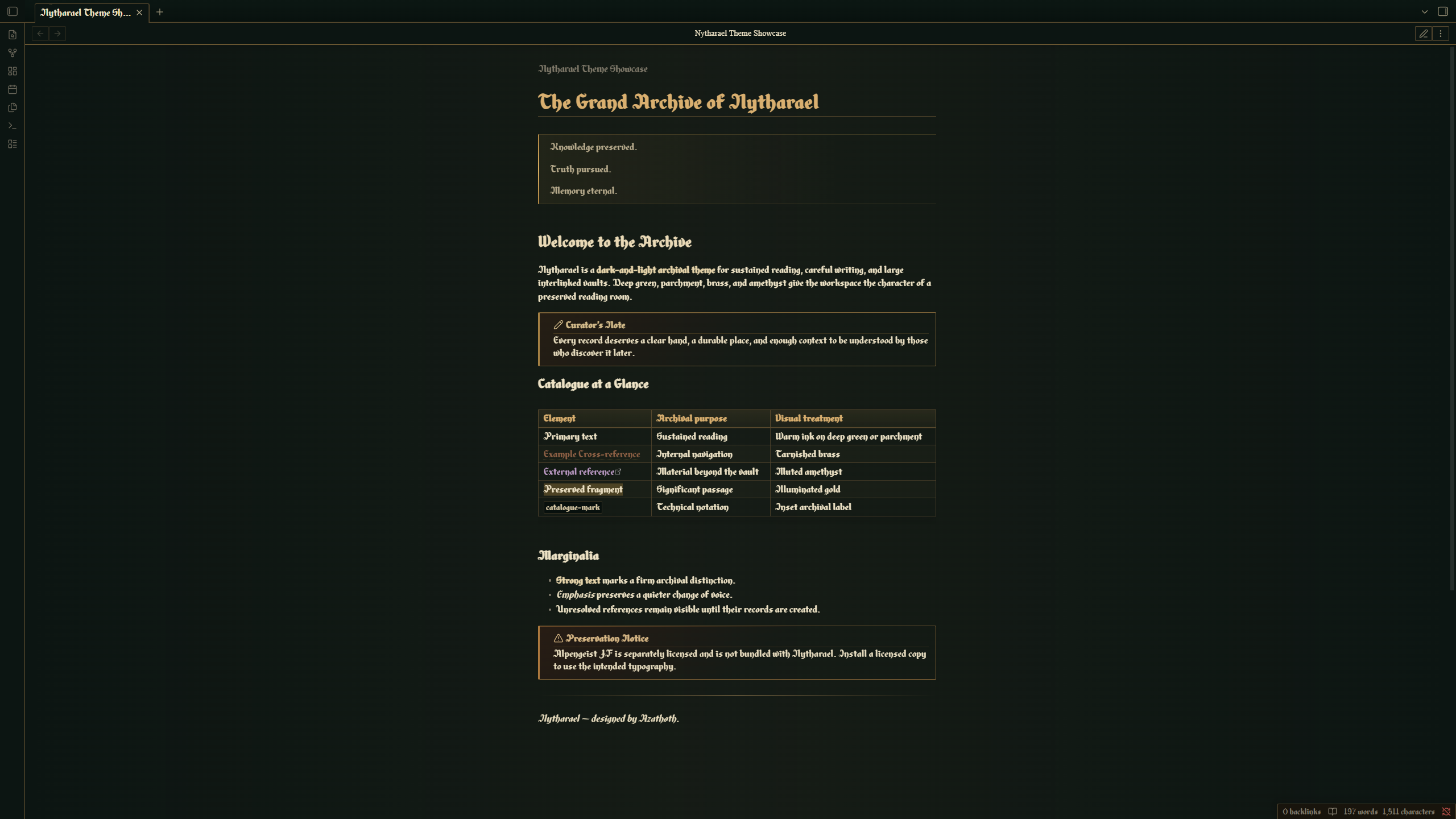
13. Nytharael
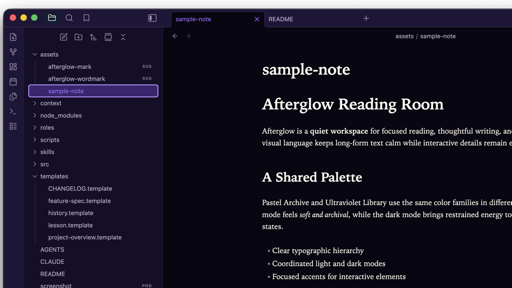
14. Afterglow

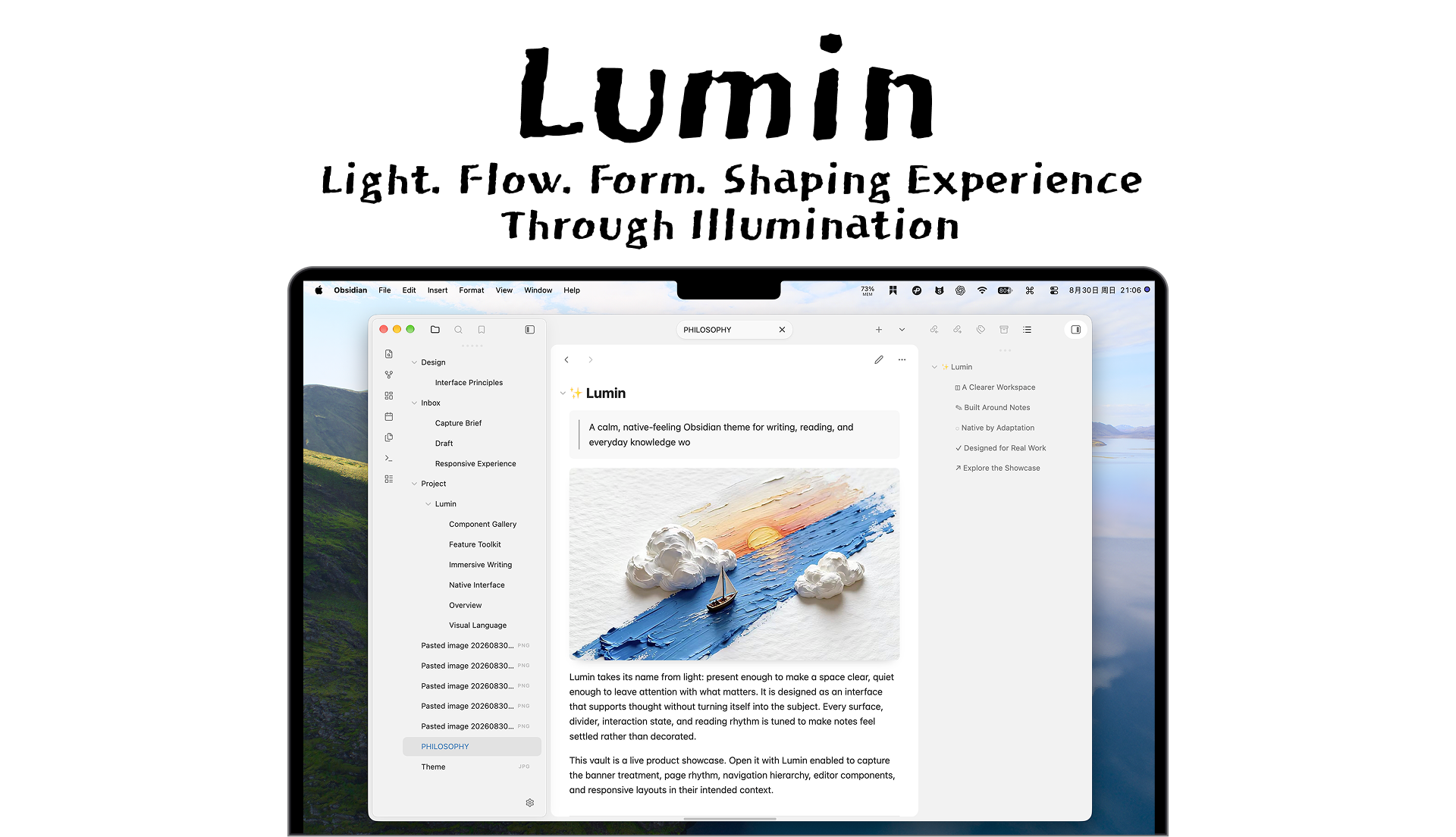
16. Lumin
17. FlipArt86
That is the roundup for this week. Browse the newest plugins on /new, check the latest releases on /updates and see what fits your vault. Enjoy exploring.