
README file from
GithubMidnight Prism
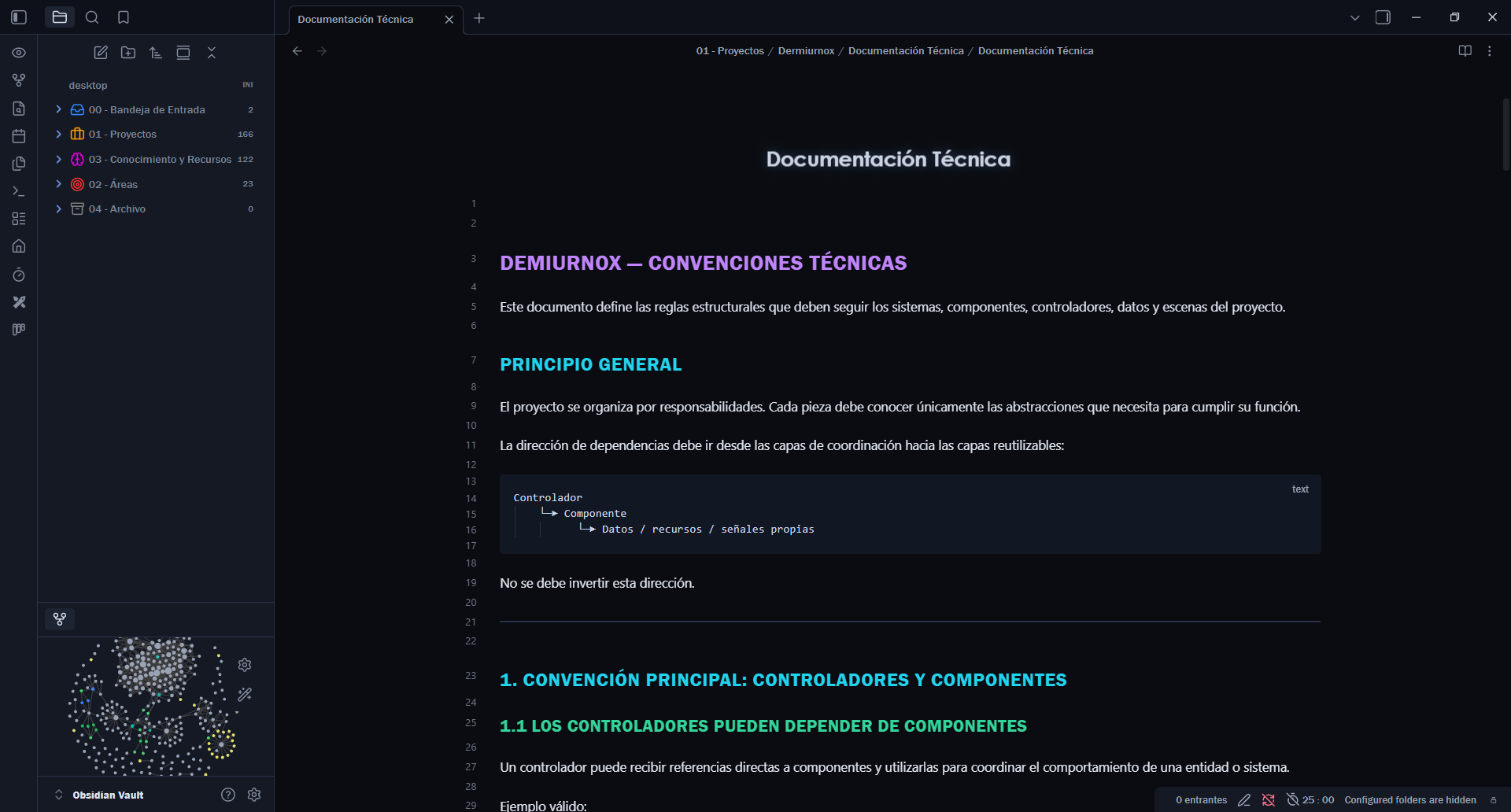
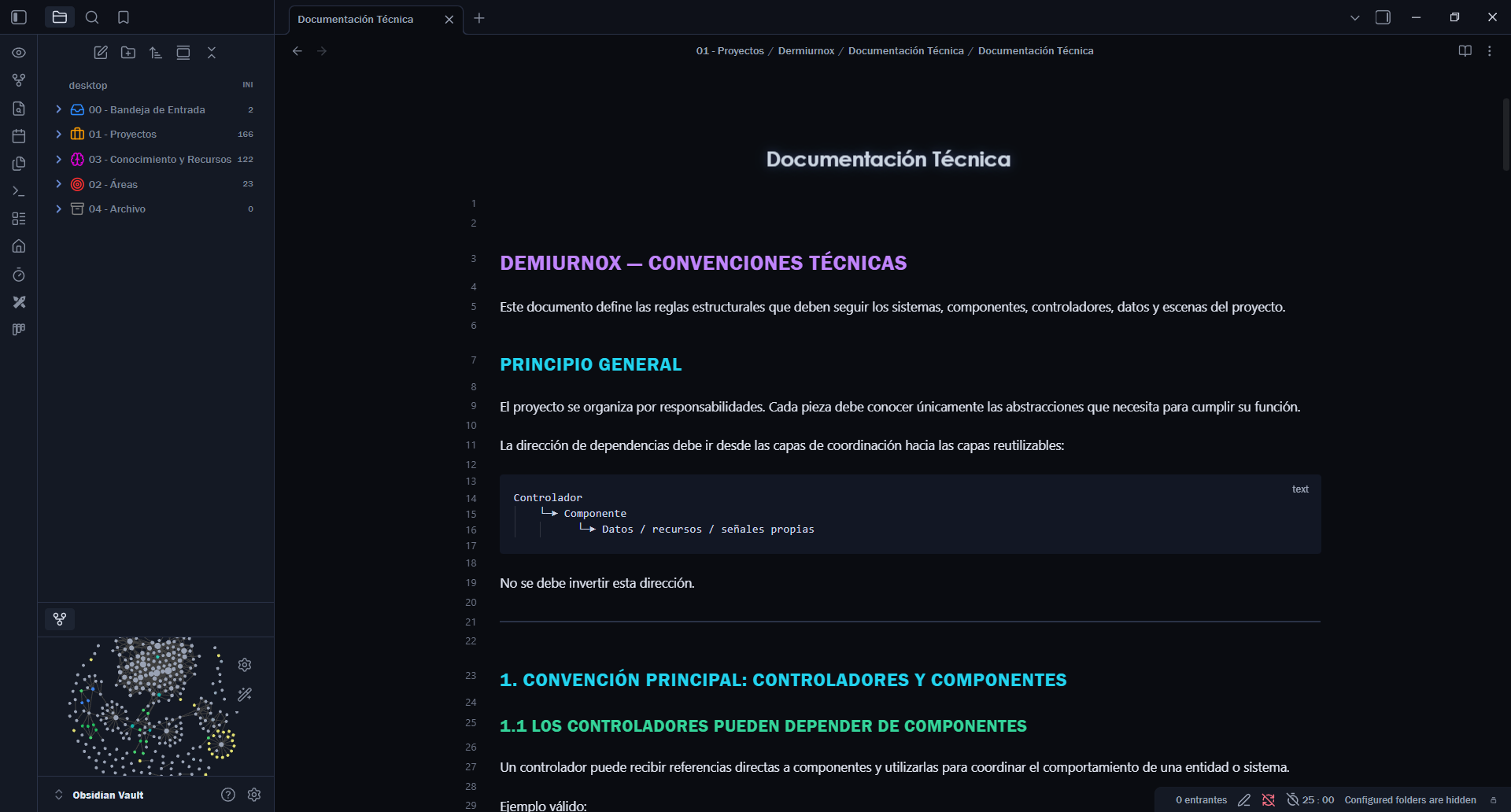
Midnight Prism is an Obsidian theme with a deep blue-black dark mode and a cool, high-contrast light mode. Its visual identity is built around a spectral heading scale, electric violet accents, lavender links, lilac code, and teal blockquotes.
Highlights
- Dark and light modes with clearly separated canvas, panel, and hover surfaces.
- Distinct colors for H1–H6 in both Reading view and Live Preview.
- System-font stack with no external network requests.
- Comfortable readable line width and consistent code-block styling.
- Subtle animated inline titles, automatically disabled when reduced motion is preferred.
Installation
- Open Settings → Appearance → Themes in Obsidian.
- Select Manage and search for Midnight Prism.
- Install and enable the theme.
For manual installation, download theme.css and place it in your vault at .obsidian/themes/Midnight Prism/theme.css.
Screenshots
Compatibility
Midnight Prism supports desktop and mobile Obsidian. It uses system fonts and does not load remote assets.
License
Released under the MIT License. See LICENSE.
Feedback
Bug reports and suggestions are welcome through the repository issue tracker.