

There are 266 new plugins, 861 plugin updates and 19 new themes during the week 2026-08-30 to 2026-09-05.
This week moved fast. Between 2026-08-30 and 2026-09-05 the community added 266 new plugins and 19 new themes, alongside 861 plugin updates. Here are the releases worth a closer look.
New Plugins
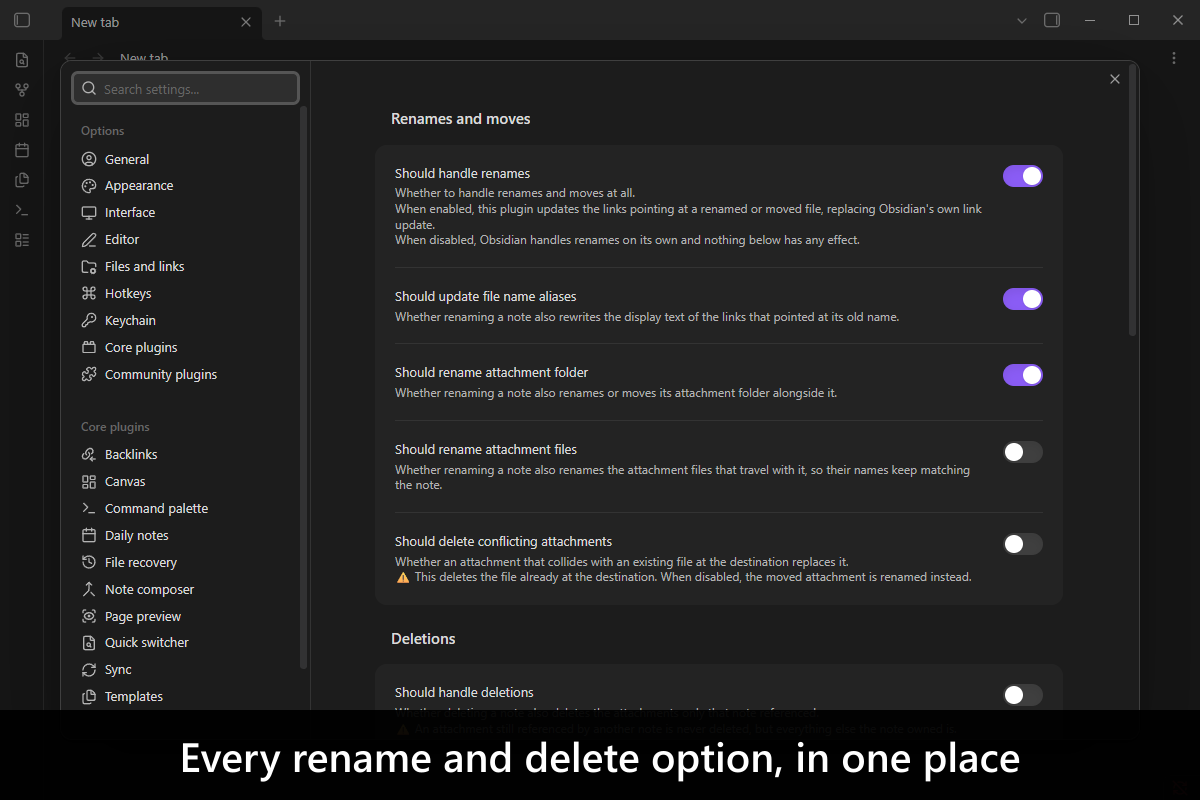
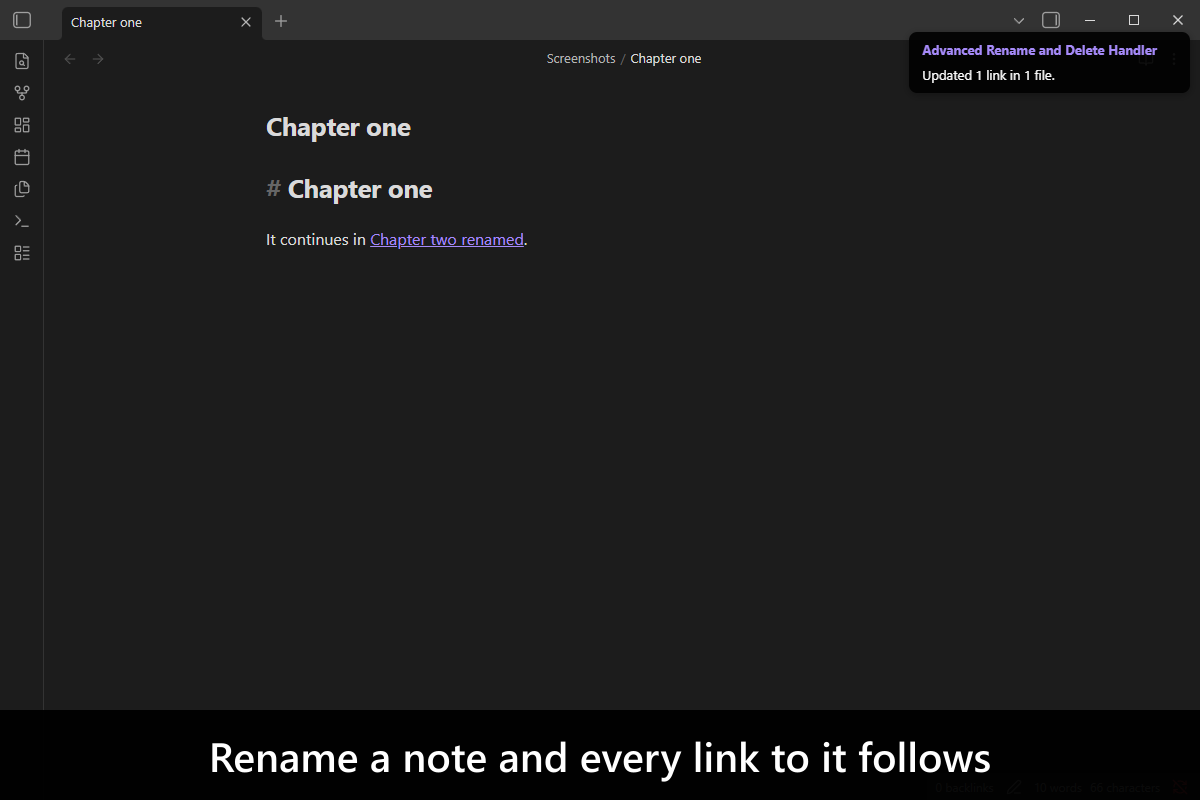
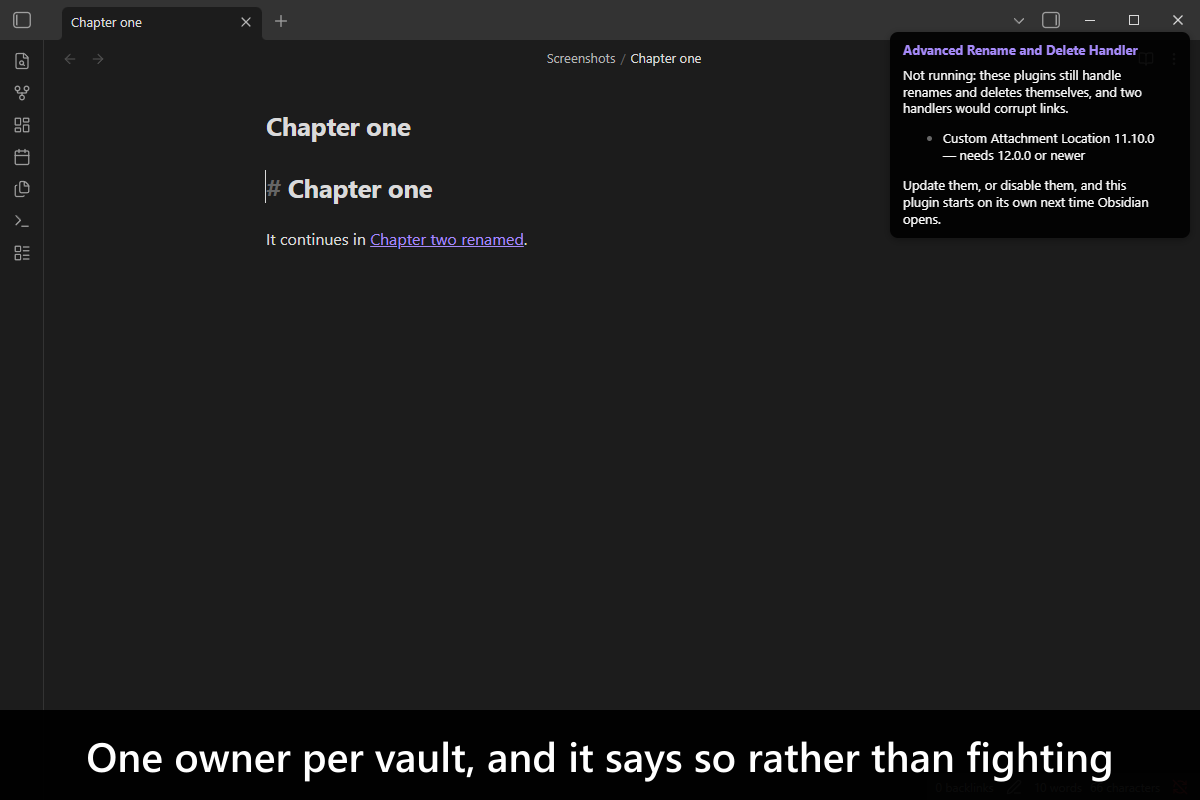
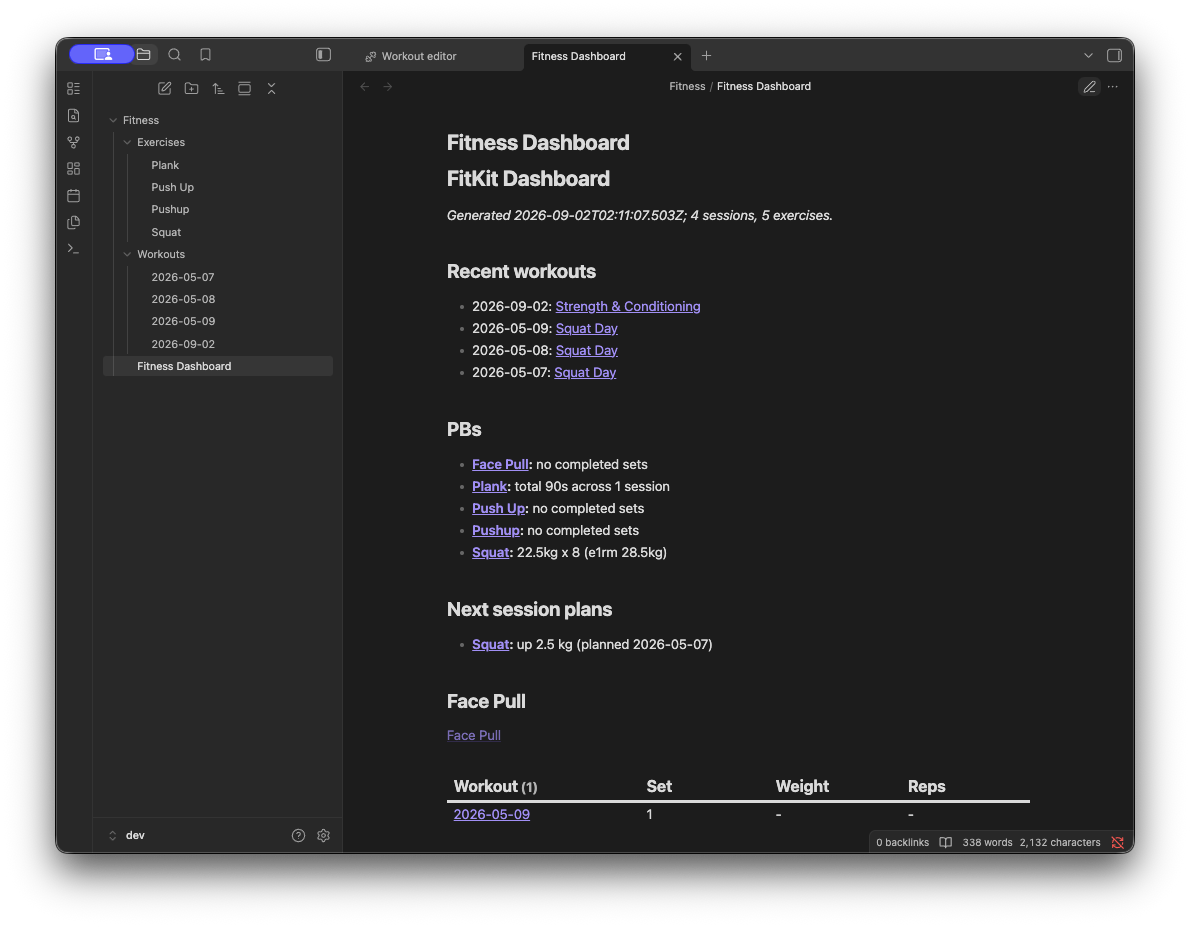
There are 266 new plugins - see them all at /new. Three standouts cover very different jobs. Advanced Rename and Delete Handler keeps renamed links, attachment moves and deletion cleanup under one handler. Live Share brings real-time collaborative editing to Obsidian. FitKit records workouts as plain Markdown with a structured set, rep and weight editor plus exercise charts.
The Advanced Rename and Delete Handler plugin takes over rename and delete handling across a vault so links, attachment files and attachment folders stay in sync when notes move or change names. It updates link display text when that text still matches the old file name, leaves custom link text alone and can remove attachments or empty folders left behind after deletion when you enable those options. Shared attachments are never deleted with one note and can be reassigned to another note, with a prompt when priorities do not settle the owner. You can treat endings like `.excalidraw.md` as attachments instead of notes, limit handling with include and exclude paths and migrate or read settings through a versioned cross plugin API.
2. Live Share
The Live Share plugin adds real time collaborative editing with character level sync, live cursors and selections across shared files. It keeps text, renamed files and binary assets in step, syncs `.canvas` files and buffers file operations while disconnected before replaying them on reconnect. Sessions include a collaborators panel with presence, follow, summon and kick controls, host transfer, guest approval, per file read only overrides and optional presentation mode that broadcasts navigation. Content is protected with end to end encryption using AES-256-GCM and PBKDF2, while the host vault remains the source of truth on a stateless relay server. Setup requires a reachable Live Share server URL, with GitHub OAuth settings only when that authentication mode is enabled.
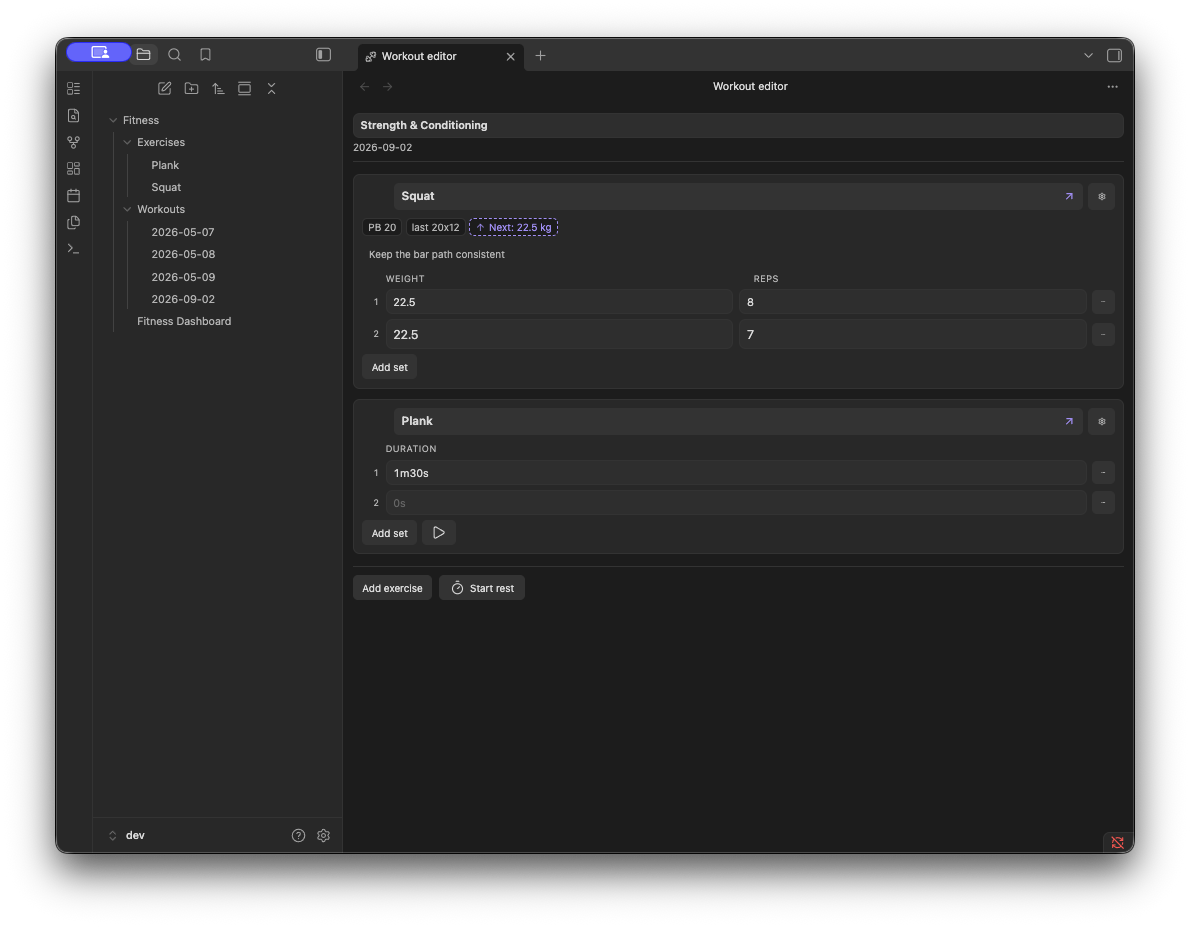
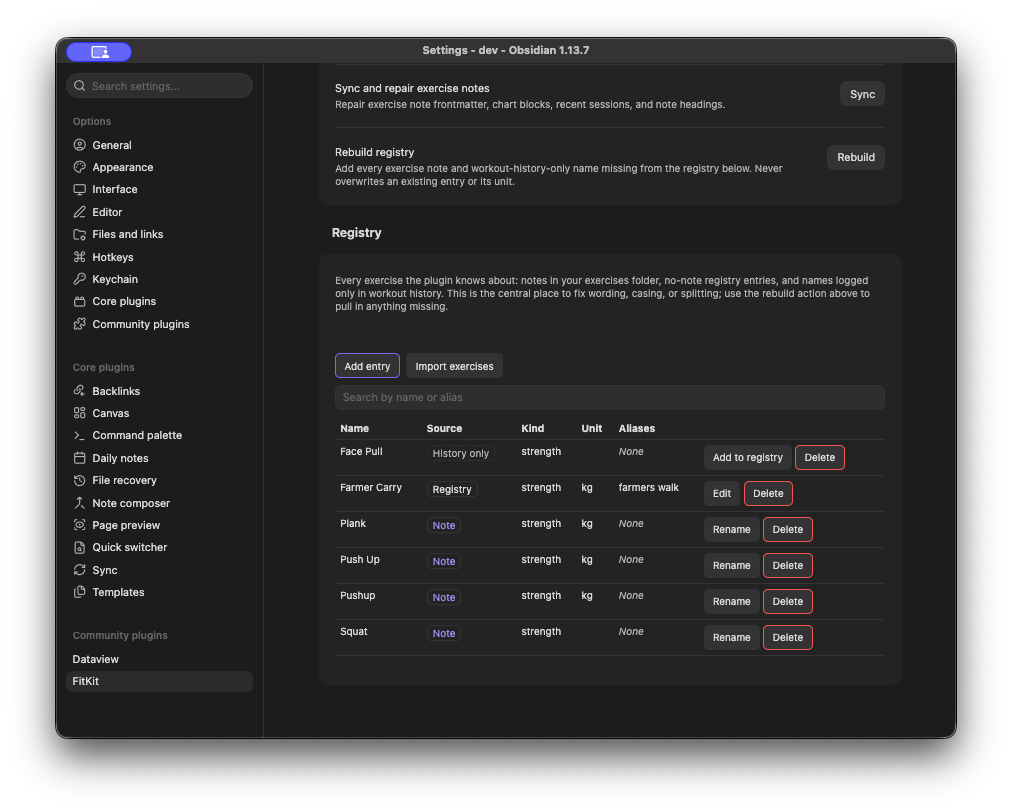
The FitKit plugin tracks workouts in normal Markdown notes using Dataview inline fields for sets, reps, weight and duration. It opens a form based editor for logging during a session, supports a rest timer, autosaves changes and keeps the saved note readable if the plugin is removed. New workouts can be created from a command, exercise notes can be created on first use, and each card can store a next session plan with increase, keep or decrease options and an optional weight step. It also generates a dashboard with recent sessions, personal bests, next session plans and per exercise progression charts. The exercise registry can rename or consolidate exercise names across workout history, and Dataview is required for history tables and recent session views.
The ICOR for Life - AI Chat plugin adds a dedicated chat pane that runs AI conversations inside the vault while keeping the session tied to the note and selection you already have open. It can open multiple chat tabs, queue follow up turns, pin important prompts and let you mention notes, folders, tags or property groups as context. Conversations can move between the chat view and the companion terminal view without losing history and archived sessions can be reopened from notes stored in the vault. The plugin also shows tool activity in readable rows, surfaces agent participation and usage insights and renders structured replies as native cards and blocks. It requires desktop Obsidian 1.4.0 or newer and a signed in Claude Code CLI on the same machine.
The ICOR for Life - Connect plugin brings myICOR data into your vault through a sidebar dashboard, knowledge base search, course progress views and room level dashboards computed from local files. It shows journey stages, milestones, reflections, streaks and category rollups, adds AI Team and room dashboards for file activity, and deep links lessons or search results using the Web Viewer setting. It can sync growth assignment reflections into markdown notes as create only files with structured frontmatter, and it registers the myICOR MCP server in `.mcp.json` so Claude sessions in the vault can query lessons, resources and recordings. Authentication uses browser based OAuth with PKCE, tokens stay in the plugin data file and the one time connect flow requires the desktop app.
The Weekday Commands plugin opens daily notes for upcoming weekdays or a chosen date without leaving the command palette. It can create a missing daily note from the Daily Notes template, and includes commands for the next Sunday through Saturday as well as a date picker for direct navigation. The date picker accepts calendar dates, natural language dates when the Natural Language Dates plugin is installed and shortcuts to the three most recently edited daily notes while leaving out today, yesterday and tomorrow. Plain weekday commands always target the upcoming occurrence. An optional Journal View integration sends navigation through Journal View while keeping note creation, and a separate setting can override the Daily Notes folder used by the plugin. It works locally with no network services or telemetry.
The ICOR for Life - Planner plugin brings weekly planning into a single board backed by plain markdown notes in your vault. It lets you add manual tasks from the tray, place cards into morning or afternoon lanes and keep plans in sync with frontmatter changes. The plugin can pull open tasks from Todoist and ClickUp, sync starred or flagged email from IMAP and Outlook and add events from multiple iCal feeds or an Outlook calendar while deduplicating shared events and isolating feed failures. It also adds planner owned routines, habits, weekly goals, recurring task handling and a calendar cache for faster reloads. Mobile support keeps the board usable, but starred email sync still needs the desktop app because IMAP requires a raw TLS socket.
The Simple Meeting Sidebar plugin shows today's Apple Calendar events in a right sidebar on macOS and lets you turn them into tasks or meeting notes with single click actions. You can choose which calendars are included, limit the list to events with `meet.google.com` links and set folders for meeting notes and linked people notes. Commands can refresh meetings, reopen the sidebar, add the next meeting as a task, create the next meeting note or open a floating window with today's and yesterday's events. The plugin only reads Apple Calendar data, processes it locally and remembers handled events until the next manual refresh. Person matching only indexes Markdown notes in `People` that use the exact `#Person` tag.
The Simple Editorial plugin adds lightweight editorial commenting tools for manuscript editing on iPhone and macOS using plain Markdown and native comment syntax. It has a persistent Comment Mode that turns the first text typed at an empty cursor into a `%% comment %%` block and keeps that mode active while you move between Markdown notes, until Obsidian or the plugin reloads. The Toggle comment command can insert empty comment markers, wrap a selection or remove markers when the cursor is already inside a comment. It also colours comments and native strikethrough in `#C64A3D` inside the editor, while normal editing actions like paste, undo, redo and drag and drop stay unchanged.
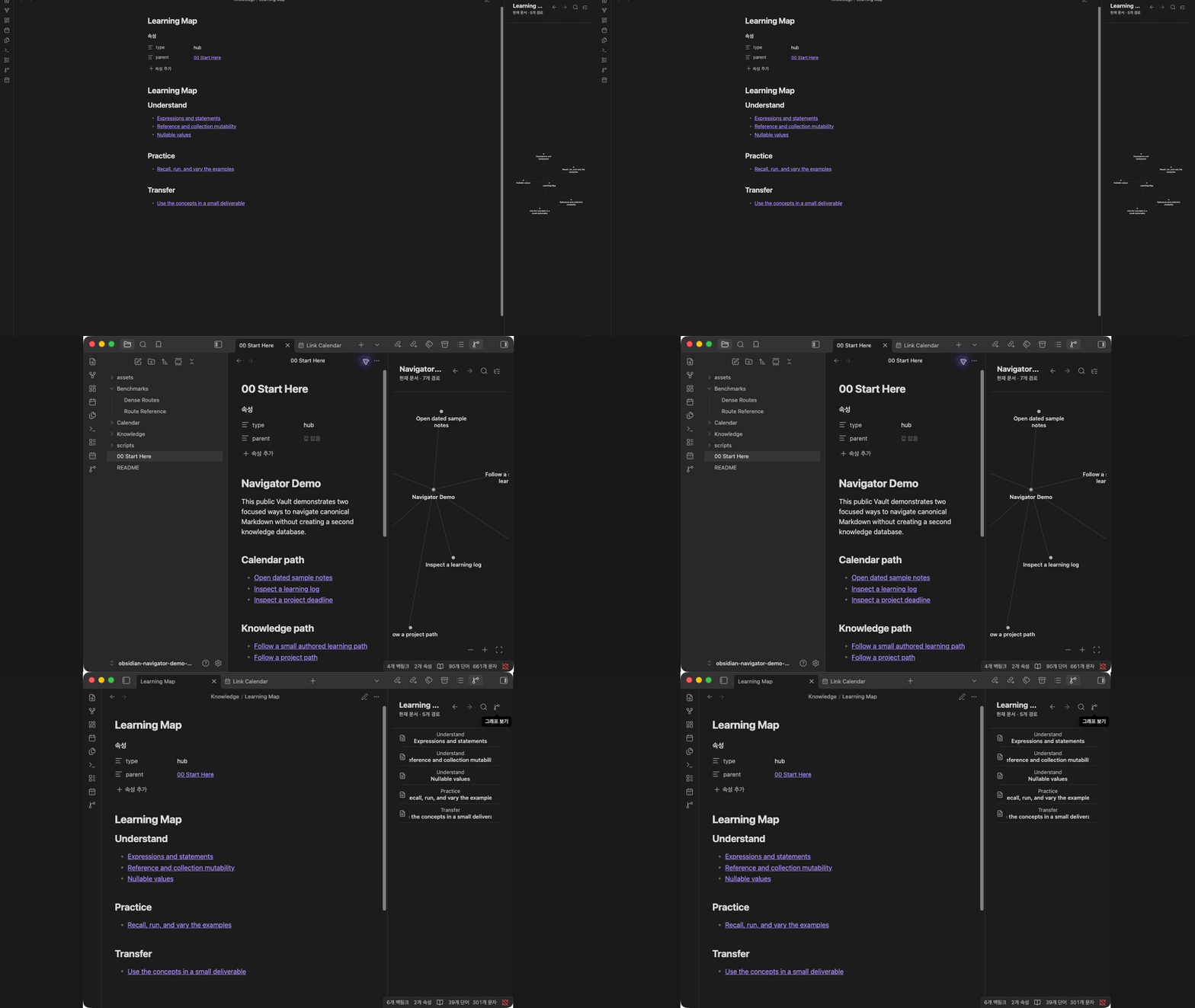
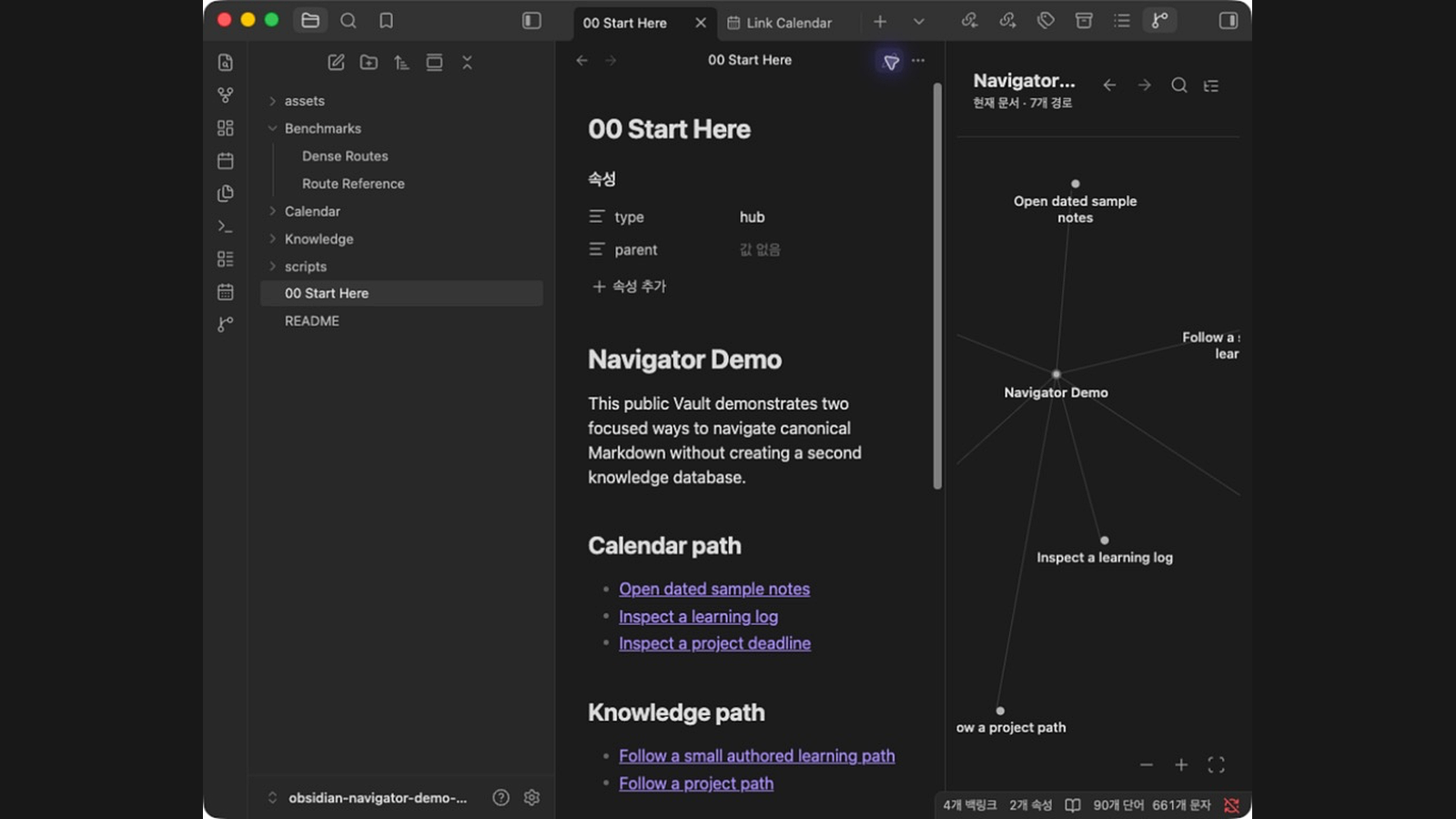
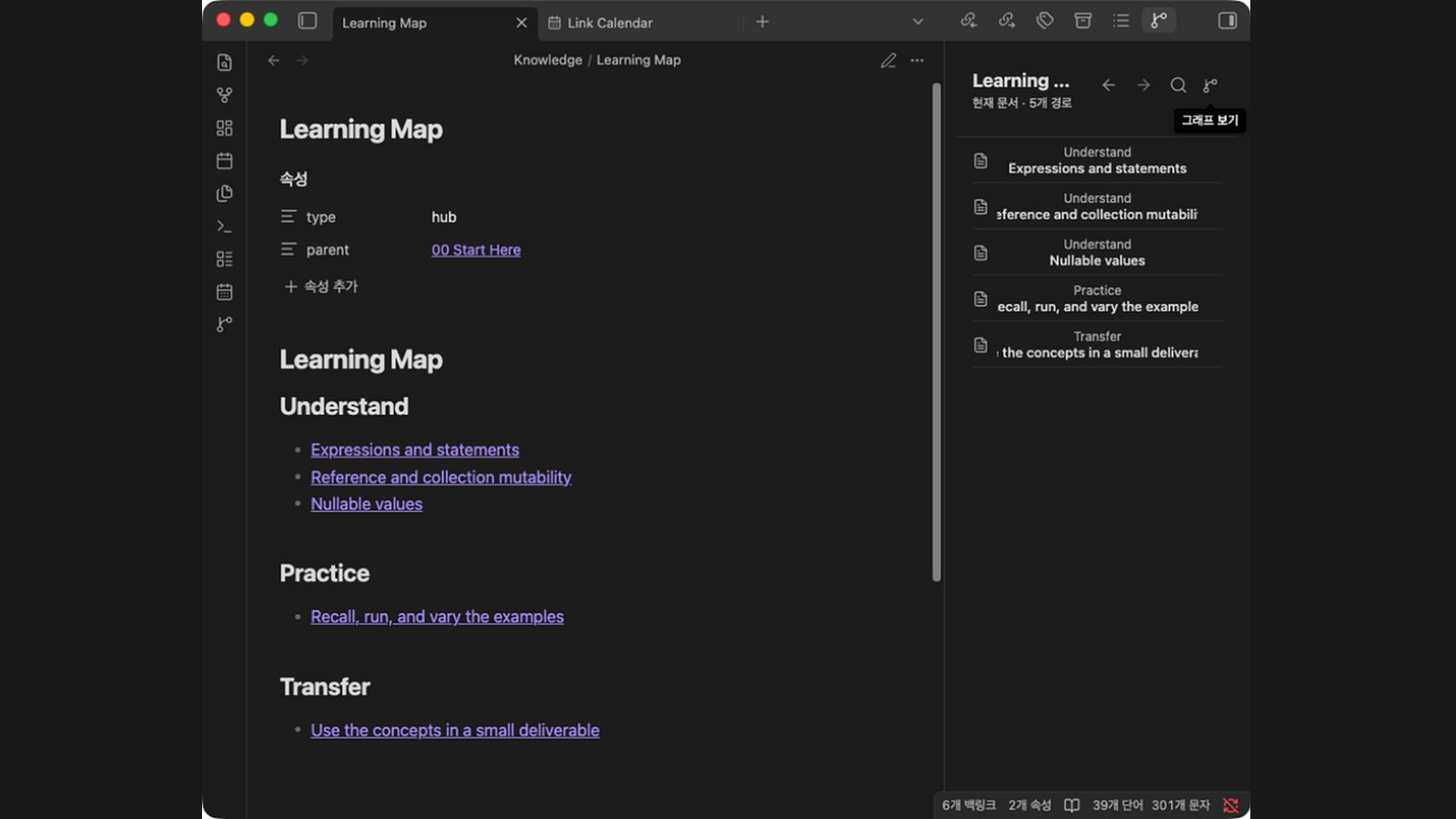
The Linked Graph Navigator plugin turns links in the active Markdown note into a sidebar map that follows the current editor instead of the whole vault. It keeps authored link order and section context, shows the same routes as a direct graph or an outline, and previews one next step when you hover or focus a route. Clicking a route opens the canonical note, while the root can follow a configured parent link. The graph supports dragging, panning, zoom controls, session only node positions and bounded hover previews. The outline keeps grouped sections searchable and can show routes that the graph omits when space is tight. It stays local and read only, makes no network requests, writes nothing to the vault and supports Obsidian 1.8.0 or later on desktop and mobile.
11. Rollover Plus
The Rollover Plus plugin moves unfinished tasks between daily notes with three commands that roll tasks to today, roll them to tomorrow or send one selected task from any Markdown note to tomorrow's note. It uses the folder, filename format and template from Daily Notes or Periodic Notes, with an optional folder override. Bulk rollover can move or copy tasks, limit collection to one heading section and include indented child lines. Placement prefers a chosen destination heading, falls back to the first heading containing task or tasks and replaces an empty placeholder when present. It also keeps a two minute undo state for the last rollover and saves the destination before removing source text. Daily Notes or Periodic Notes daily notes support must be enabled.
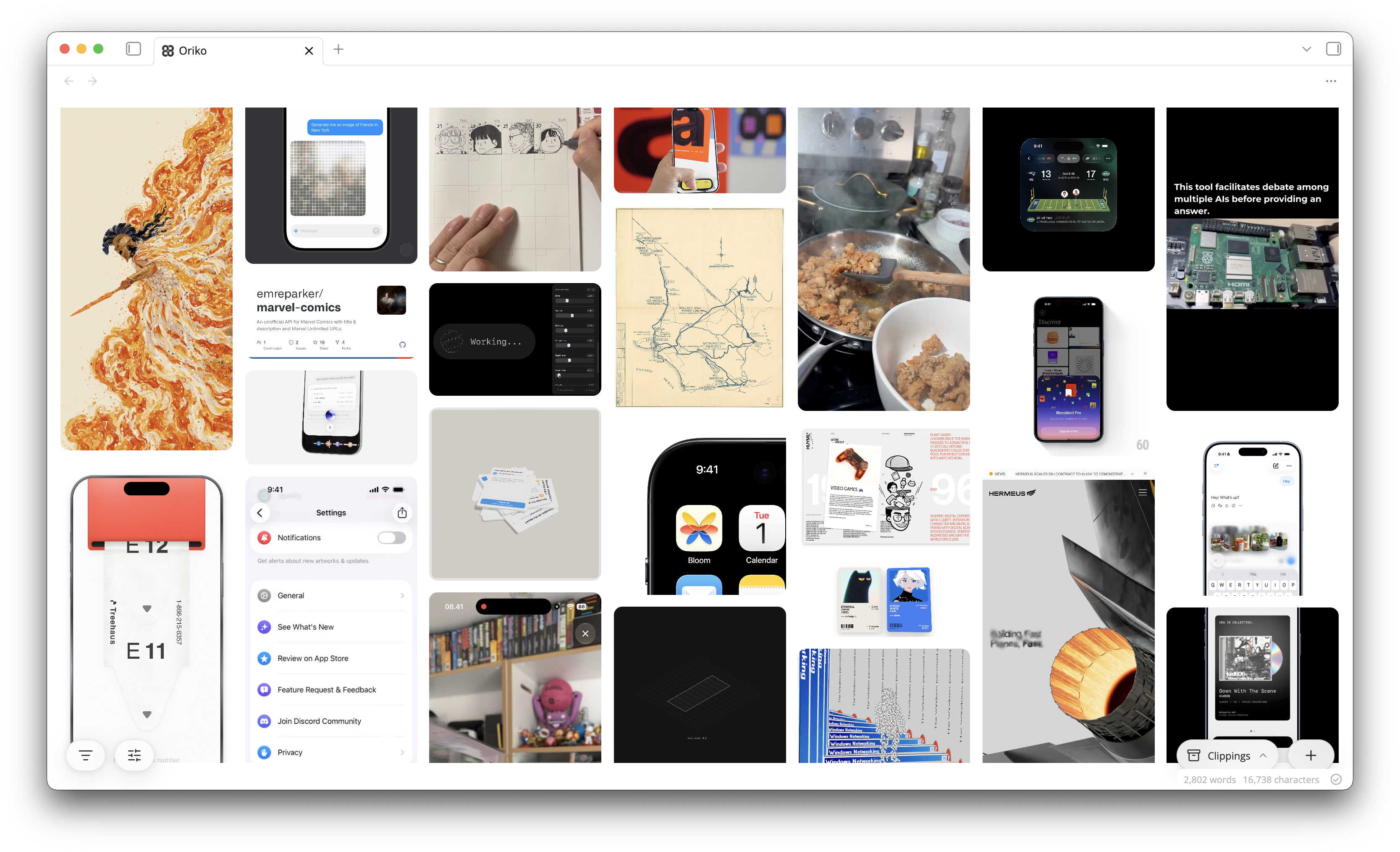
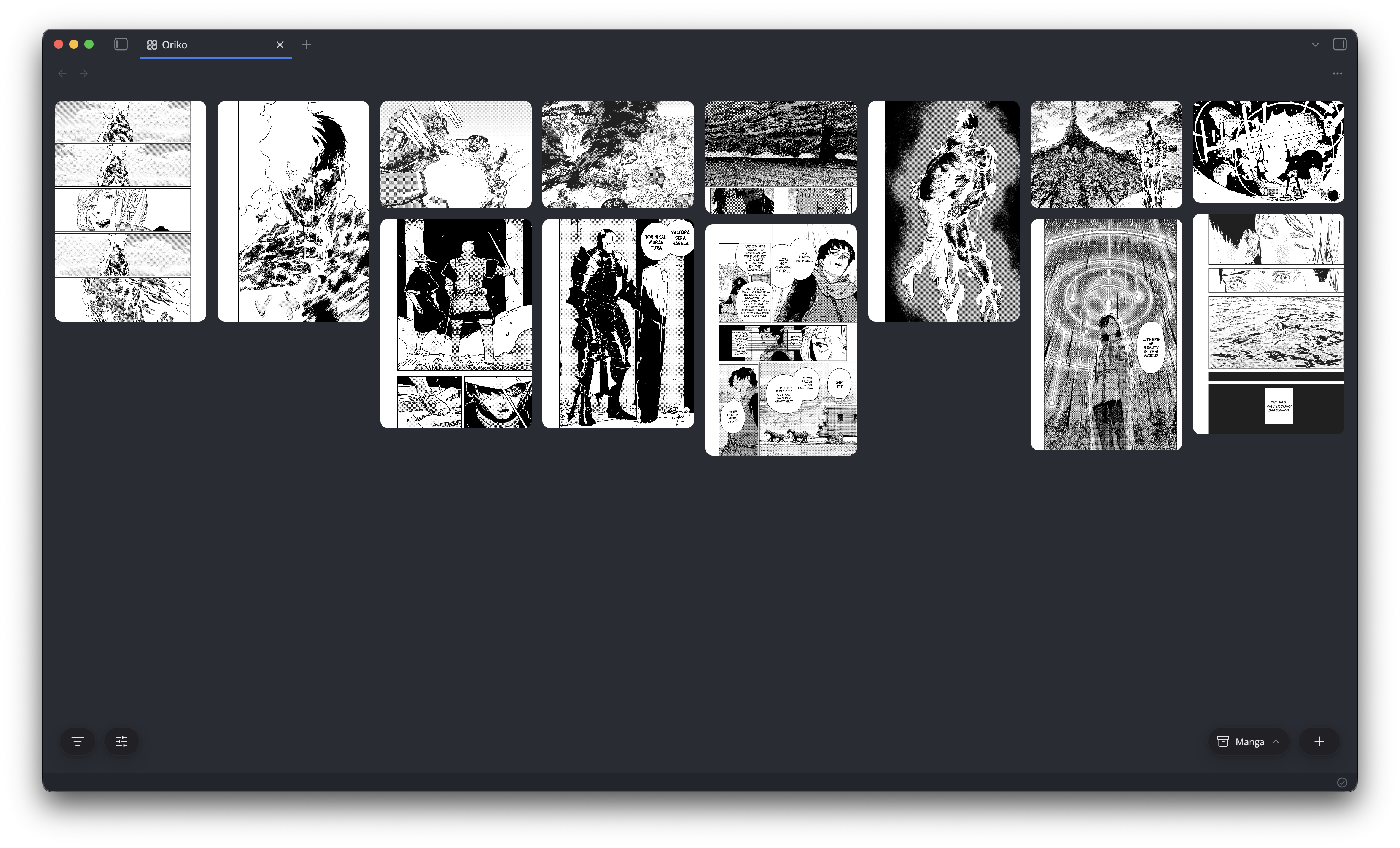
The Oriko plugin turns saved links, images and videos into a pannable masonry wall backed by plain markdown notes. It clips pages from the clipboard, drag and drop or the iOS share sheet, downloads local copies of remote media, and falls back to scanning the page when a direct preview cannot be scraped. Each clipping opens in a full screen viewer with zoom, color palette, source link, note access and property editing. The wall supports multi select, folders, smart views, property based filters, keyboard shortcuts and undo or redo for moves and edits. Grid and folder membership is stored in frontmatter so layouts sync across devices, while the note body stays untouched after creation.
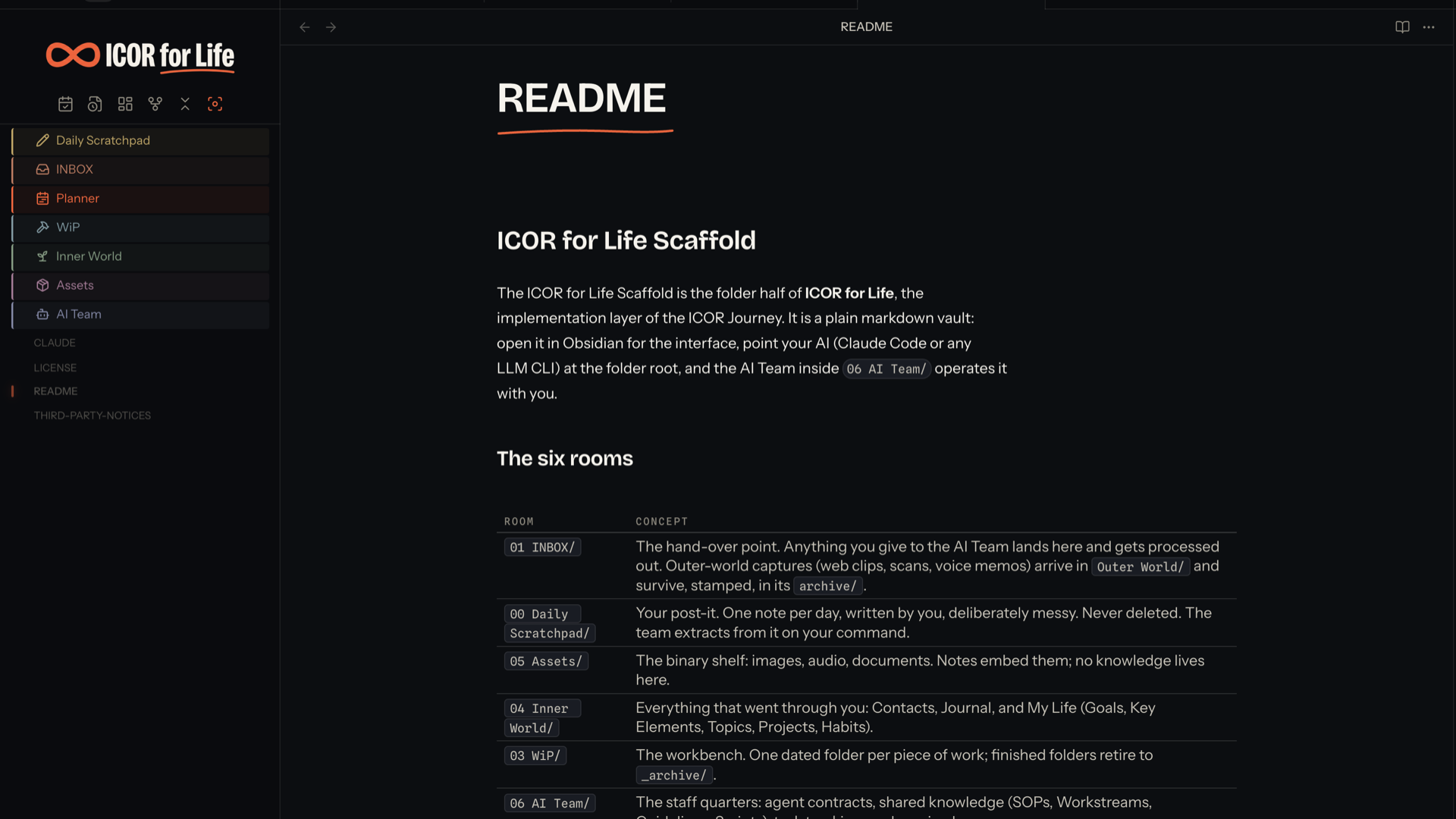
The ICOR for Life - Interface plugin controls interface elements and folder presentation for the ICOR for Life setup while leaving theme owned CSS to the companion INKLINE theme. It can show or hide the left ribbon, file tree controls, the ICOR banner, room icons and colours and the handwritten layer through simple on or off settings, and it steps aside when Style Settings manages the same classes. The plugin also adds Outline depth control for the core Outline pane and folds the former Diagrams plugin into the same package, giving Mermaid diagrams a fullscreen view with zoom, pan, reset and keyboard controls. Folder settings cover room, family and plain states with colours, Lucide icons and optional labels, and the INKLINE theme is required for the chrome and folder styling to take effect.
14. Wiki Companion
The Bureau plugin turns tagged notes into a connected planning system with calendar, task, reminder, finance, time tracking, posts and contacts views. It reads frontmatter and tags from ordinary markdown notes, projects repeating meetings, events, reminders and tasks from a single source note, and lets you edit dates, times, status, priority, client and reminder lead time from shared dialogs. The calendar supports month, week and day layouts with drag based rescheduling and duration resizing on desktop, while the task board supports column moves and bulk actions. Finance tracks subscriptions, one off expenses, income and invoices, and time tracking covers running timers, manual entries, reports and unbilled work. It also renders a companion dashboard code block inside notes and keeps invoices, clients and service packages tied to their configured folders.
15. Office Suite
The Office Suite plugin opens and edits `.docx`, `.xlsx`, `.csv` and `.tsv` files inside your vault without converting them to Markdown or relying on external apps. It includes a Word editor with rich text styling, headings, tables, image handling, alignment controls, page breaks and preservation for unedited OOXML parts such as headers, footers, styles, numbering, themes and page margins. Its spreadsheet editor supports multi sheet workbooks, formula entry, number formatting, cell styling, row and column actions, keyboard navigation and undo or redo history. The plugin also adds light and dark paper themes and writes changes back to disk with debounced autosave, while keeping all processing local and preserving document formatting.


Most Downloaded (2026-08-30 to 2026-09-05)
| Rank | Plugin | Downloads | Links |
|---|---|---|---|
| 1 | Excalidraw | 130,074 | Details / GitHub |
| 2 | TaskNotes | 103,824 | Details / GitHub |
| 3 | Claudian | 73,713 | Details / GitHub |
| 4 | Dynamic Views | 72,911 | Details / GitHub |
| 5 | Templater | 59,636 | Details / GitHub |
| 6 | Tasks | 46,057 | Details / GitHub |
| 7 | Dataview | 37,423 | Details / GitHub |
| 8 | Copilot | 37,210 | Details / GitHub |
| 9 | Git | 26,725 | Details / GitHub |
| 10 | Importer | 24,000 | Details / GitHub |
| 11 | QuickAdd | 23,402 | Details / GitHub |
| 12 | Kanban | 23,248 | Details / GitHub |
| 13 | Editing Toolbar | 22,509 | Details / GitHub |
| 14 | Omnisearch | 21,616 | Details / GitHub |
| 15 | Notebook Navigator | 19,981 | Details / GitHub |
Plugin Updates
There were 861 plugin updates in the last one week's time. You can see all the plugin updates on Obsidian Plugin Stats webapp.
Notable Updates
- Excalidraw - v2.27.0 - Changelog
- TaskNotes - v4.12.5 - Changelog
- Claudian - v2.2.5 - Changelog
- Dynamic Views - v0.9.1 - Changelog
- Copilot - v4.0.5 - Changelog
New Themes
2. SpeedPpuccin

3. Paper Source
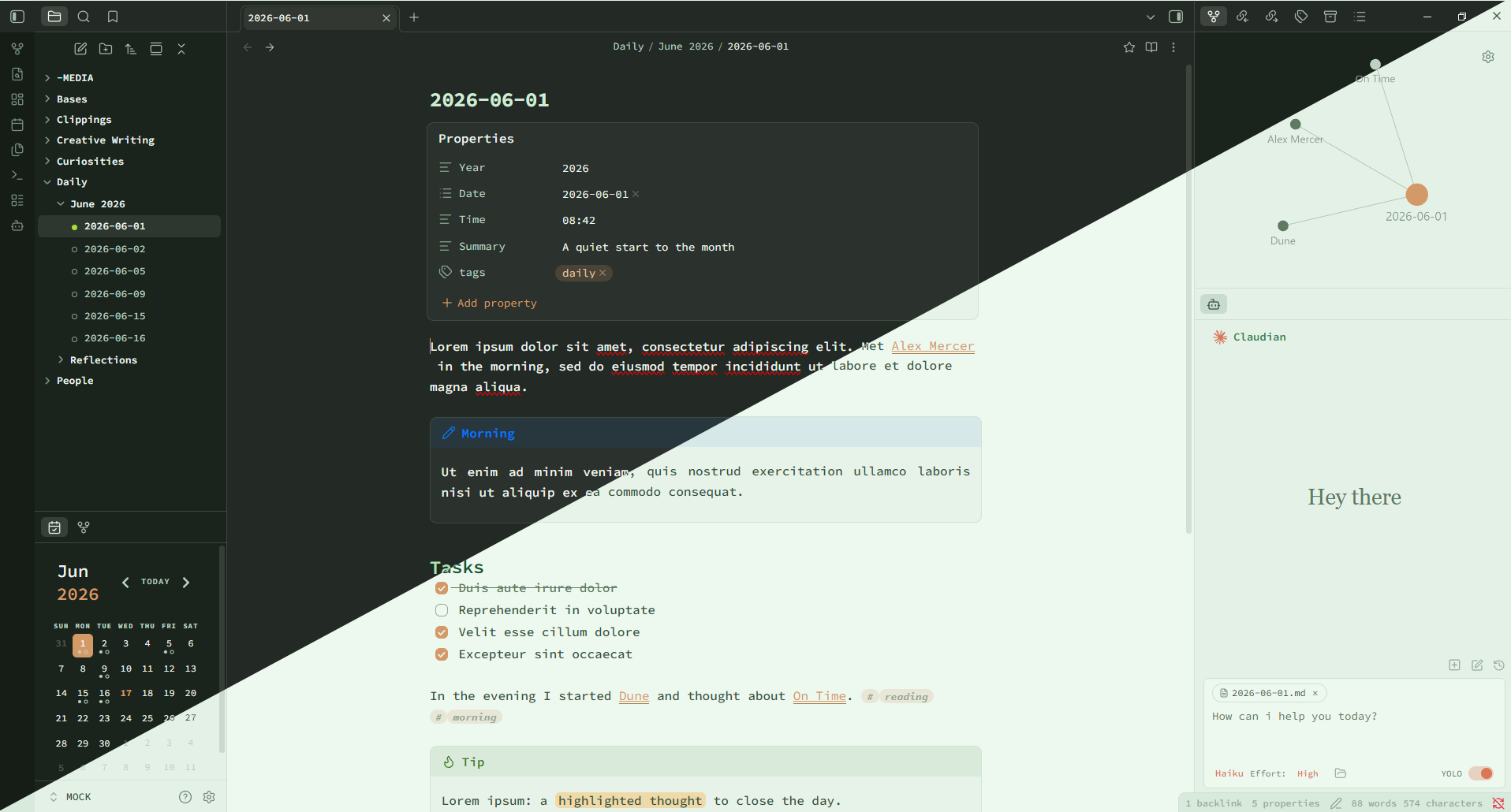
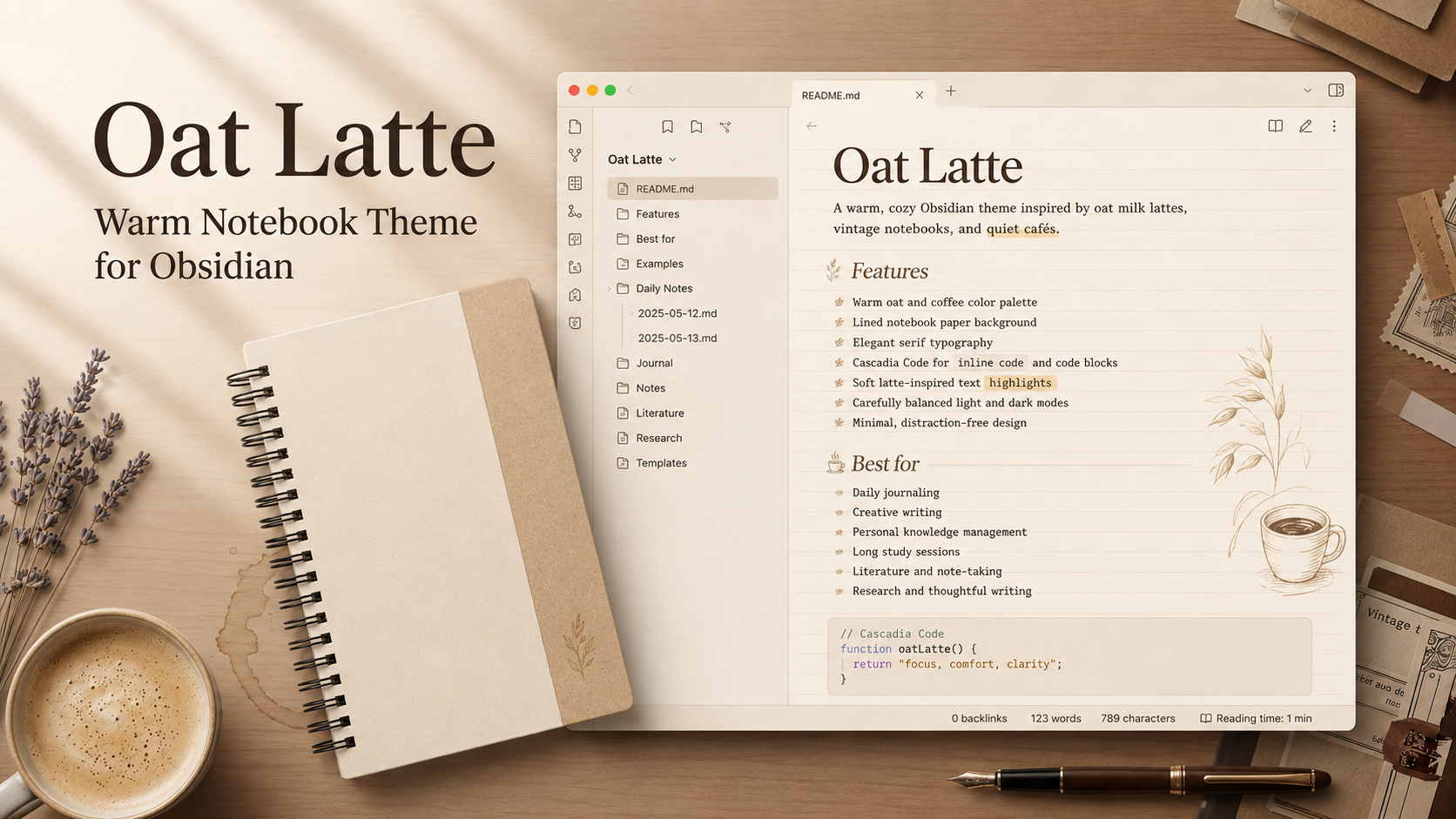
4. Oat Latte
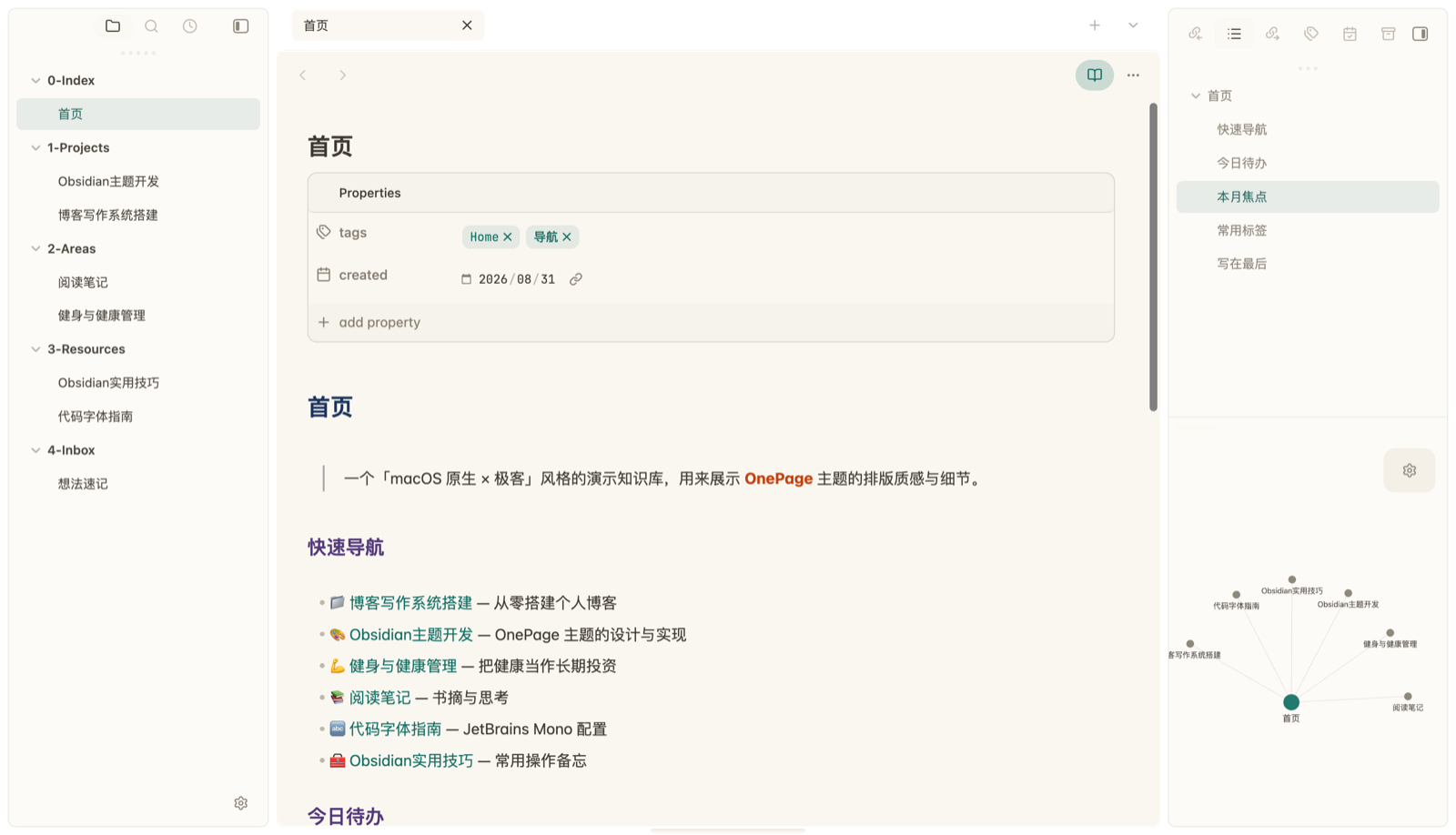
5. OnePage
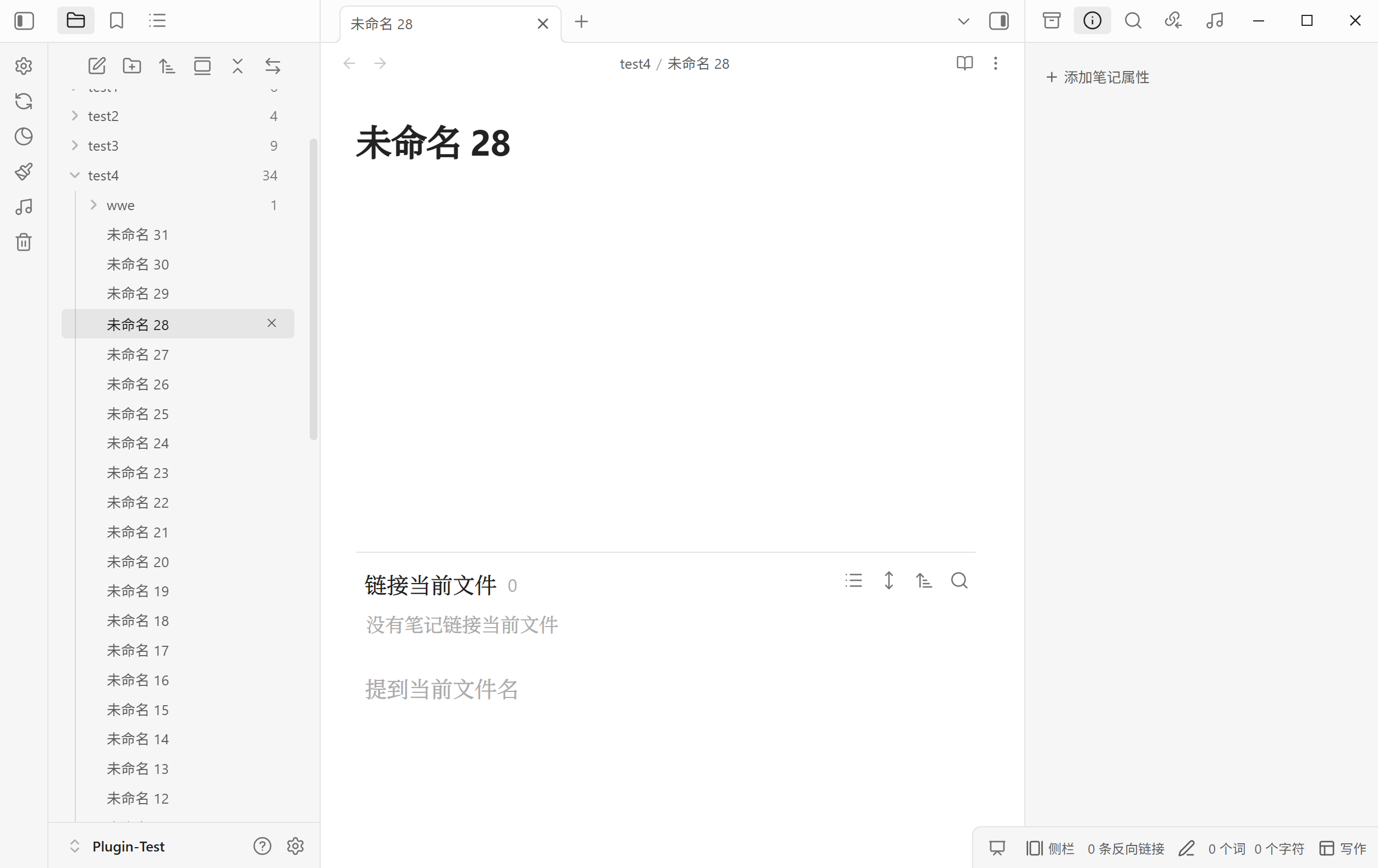
6. Ethereal
7. Sagewood
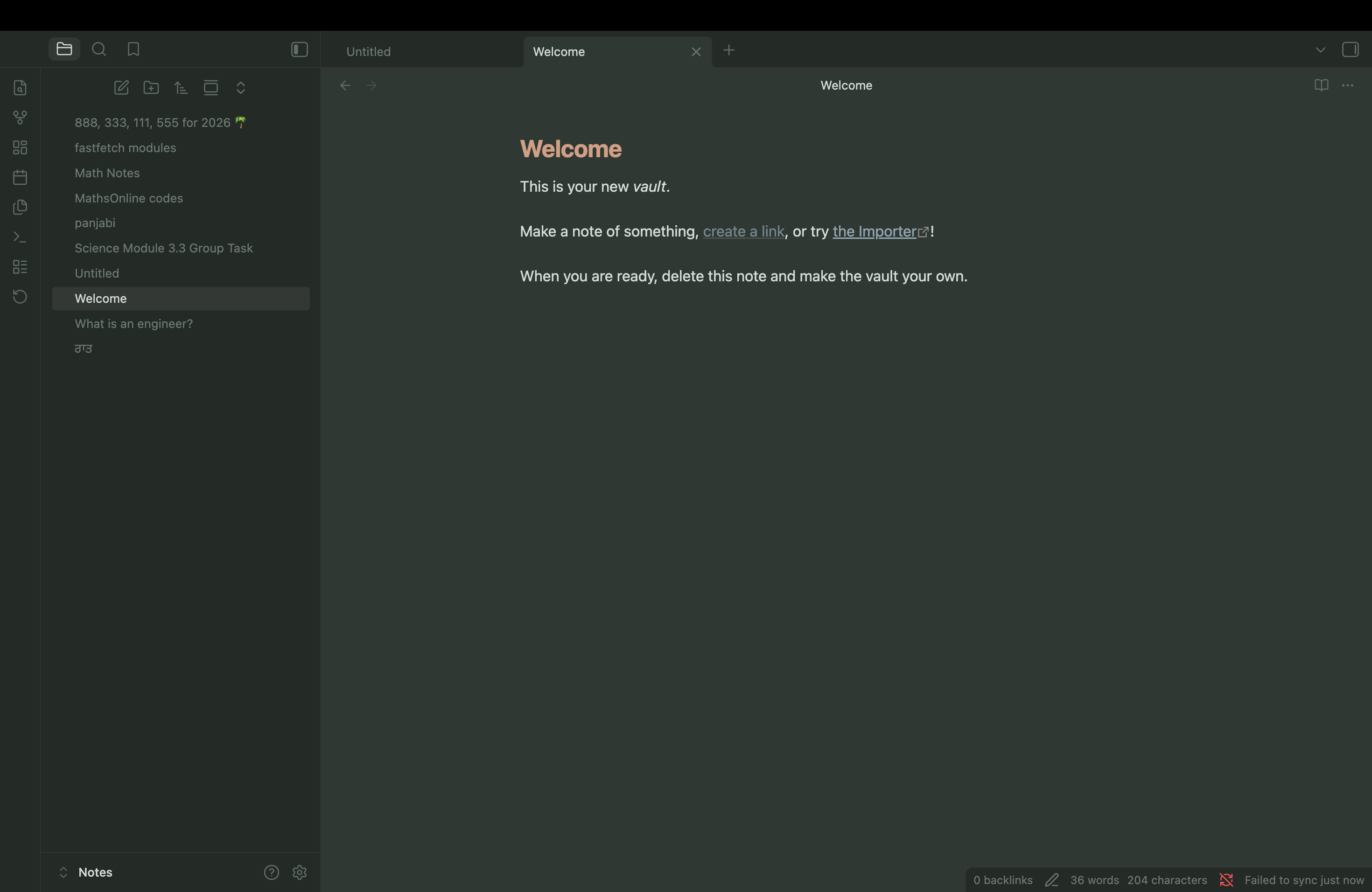
8. Cinderpaper
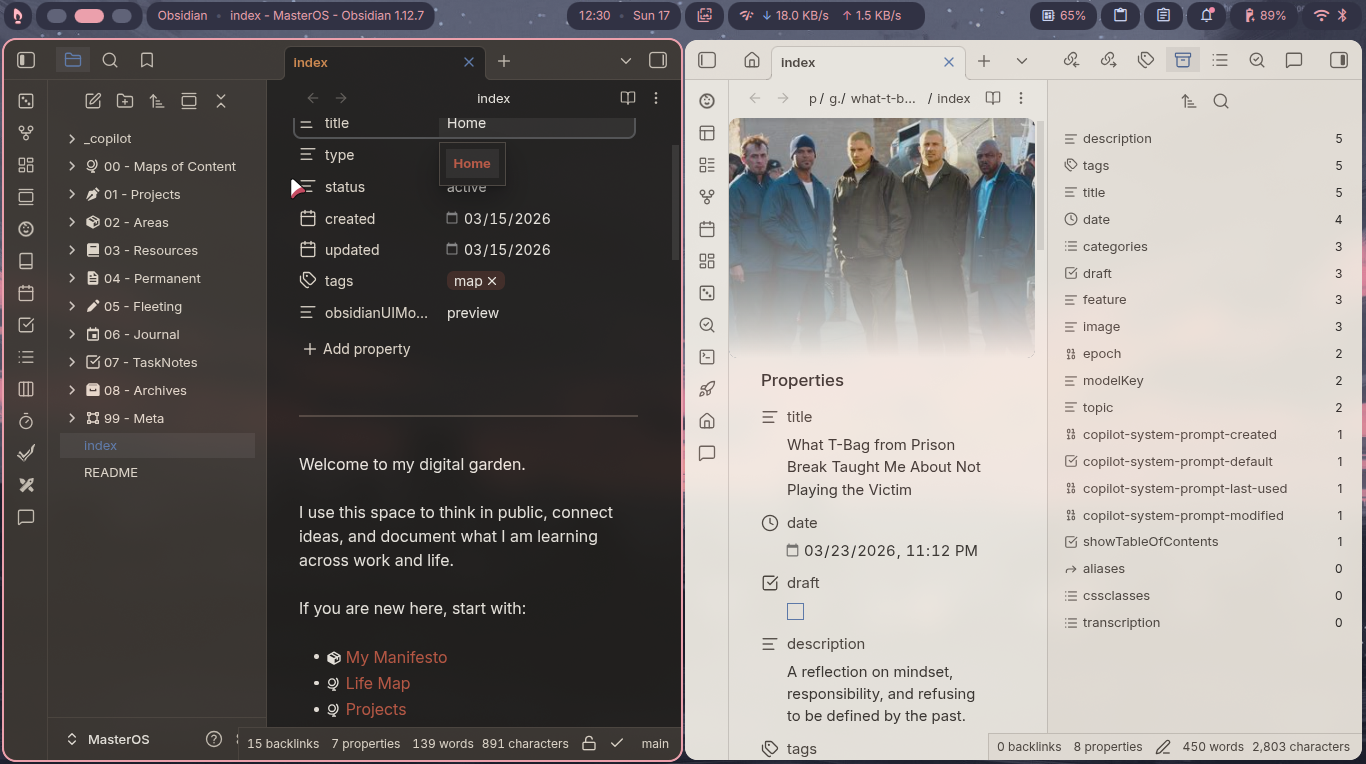
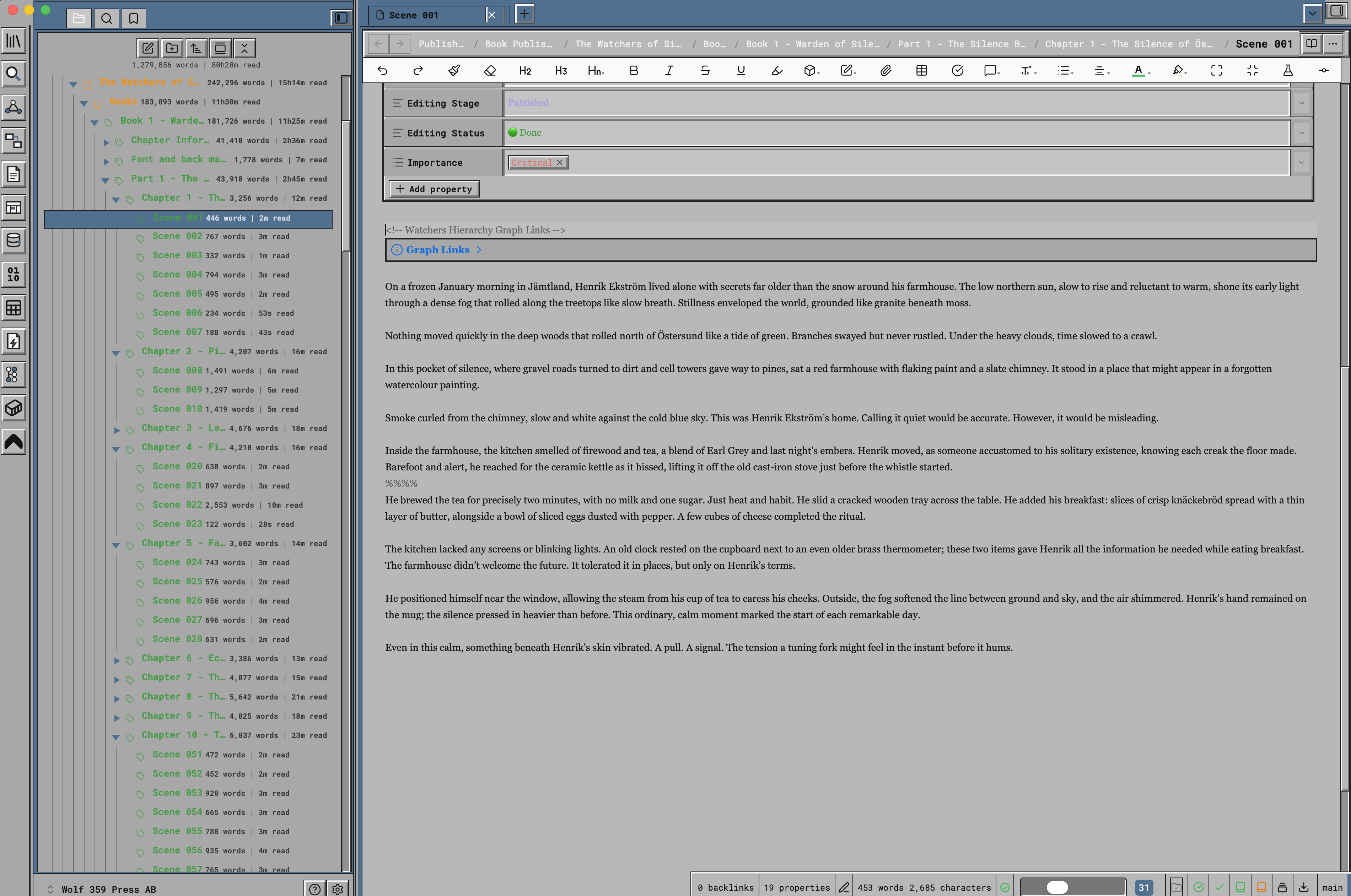
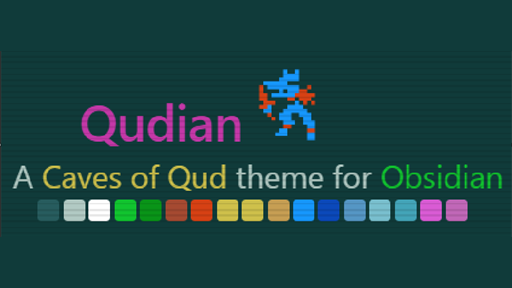
10. Qudian
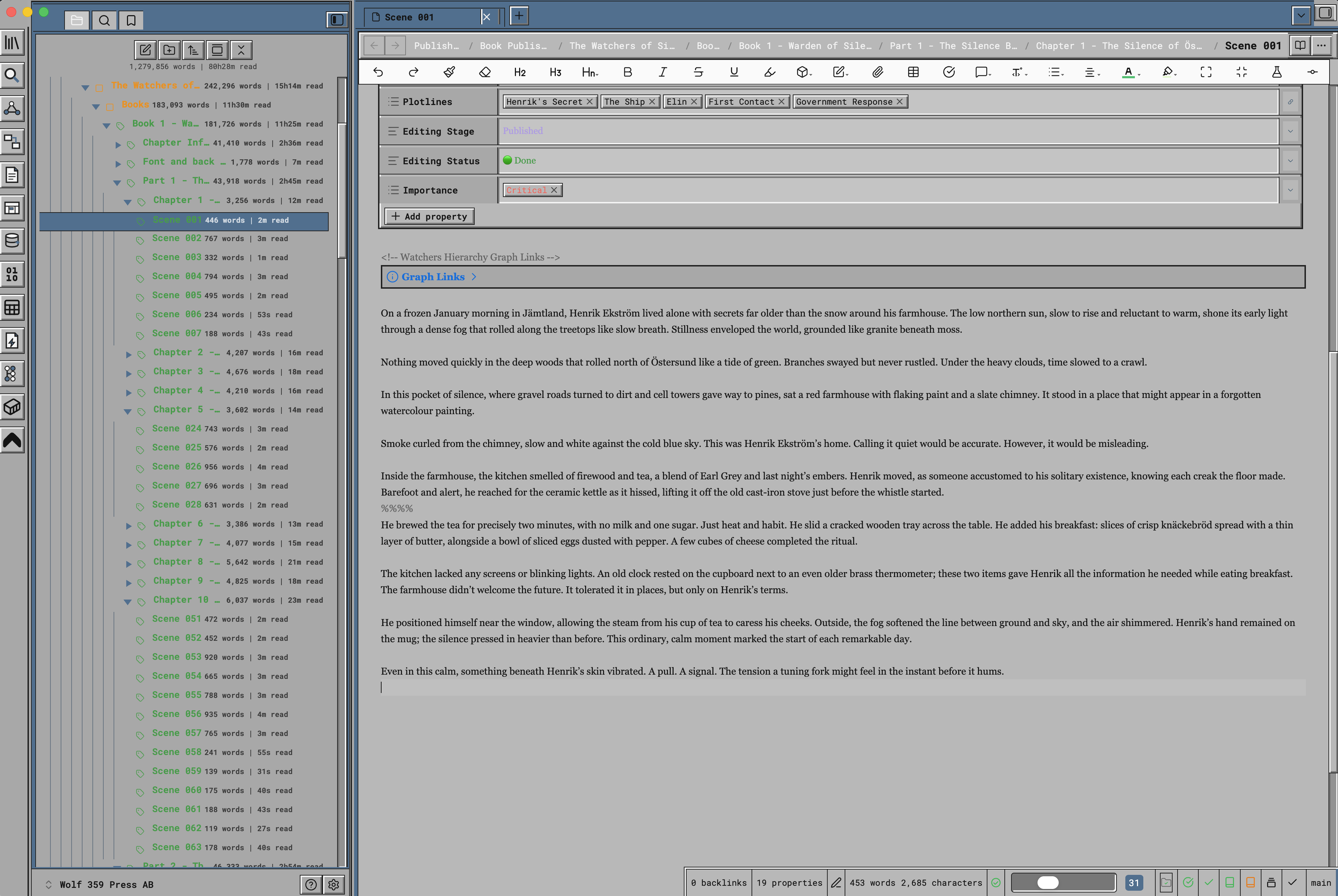
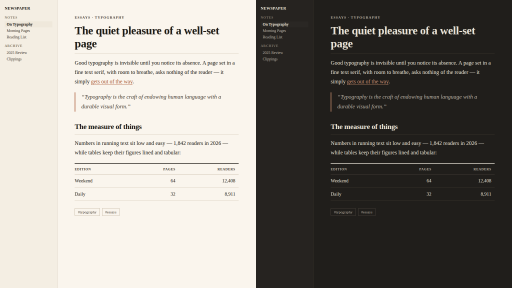
12. Newspaper
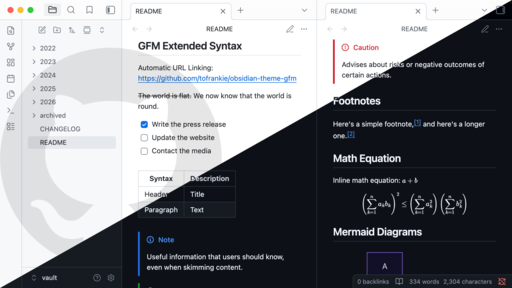
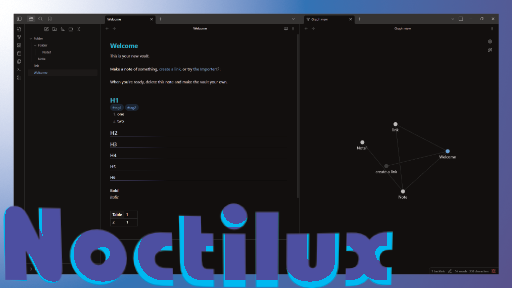
14. Noctilux
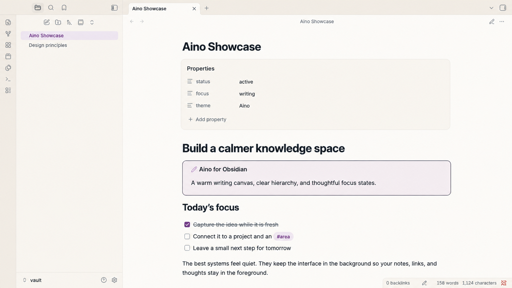
16. Aino
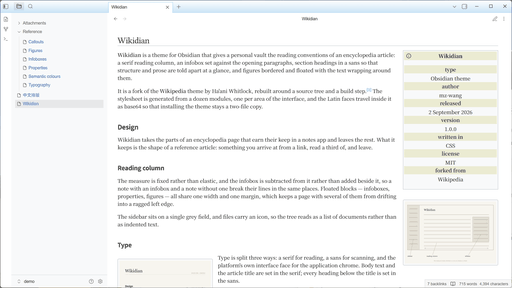
17. Wikidian
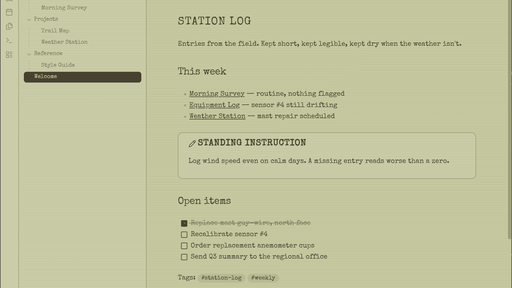
18. Report Writer
That is the roundup for this week. Browse the newest plugins on /new and the latest updates on /updates, then come back next week for another look. Happy note-taking!