
README file from
GithubHanko
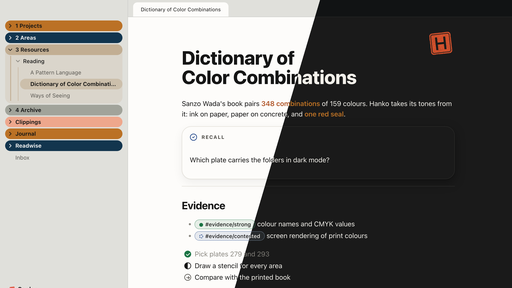
Ink on paper, paper on concrete, and exactly one red mark: the seal.
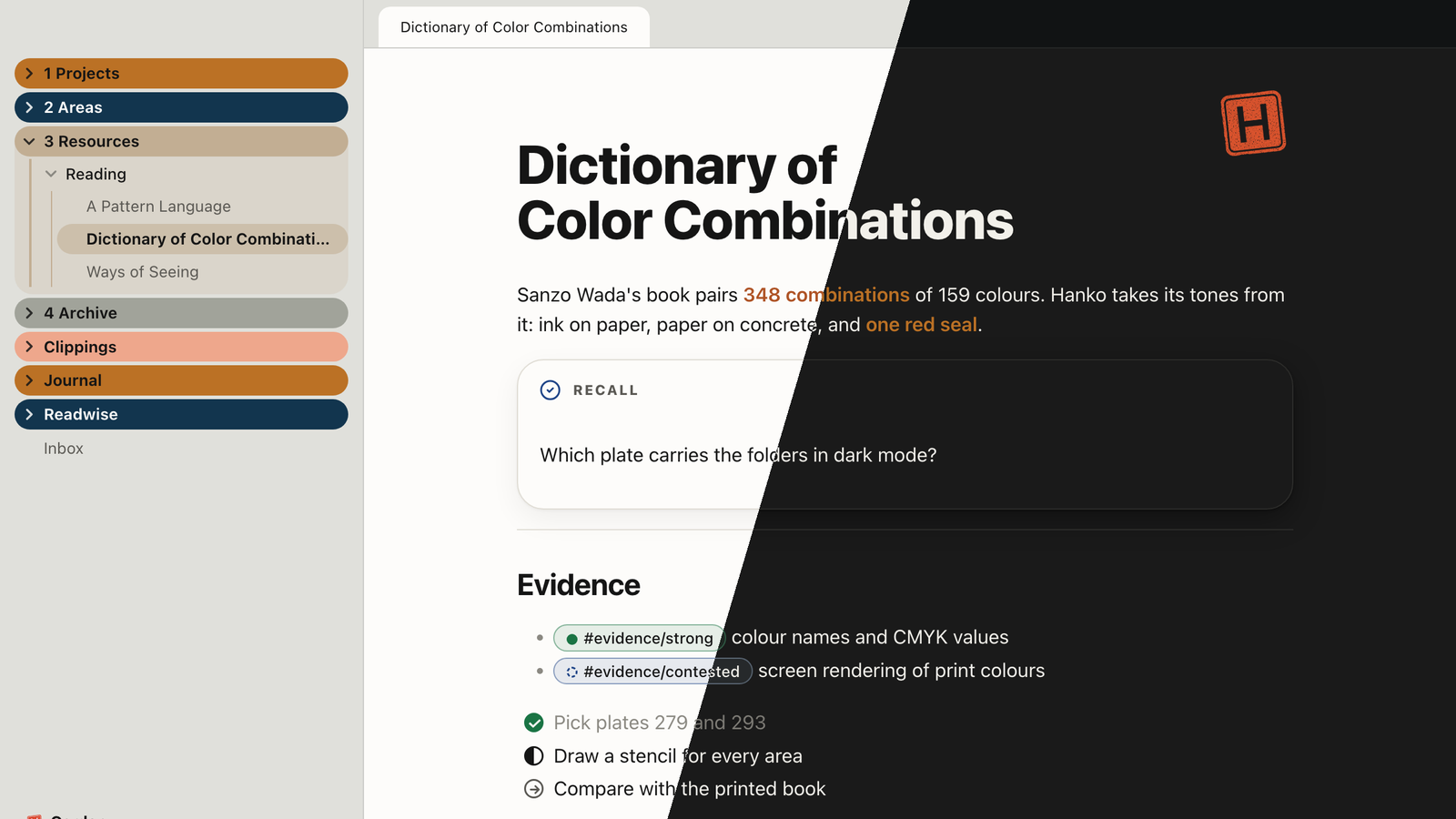
Hanko is an Obsidian theme named after the Japanese name seal. Almost everything is ink on paper; colour has a job or it stays away. The tones come from Sanzo Wada's A Dictionary of Color Combinations.
What it does
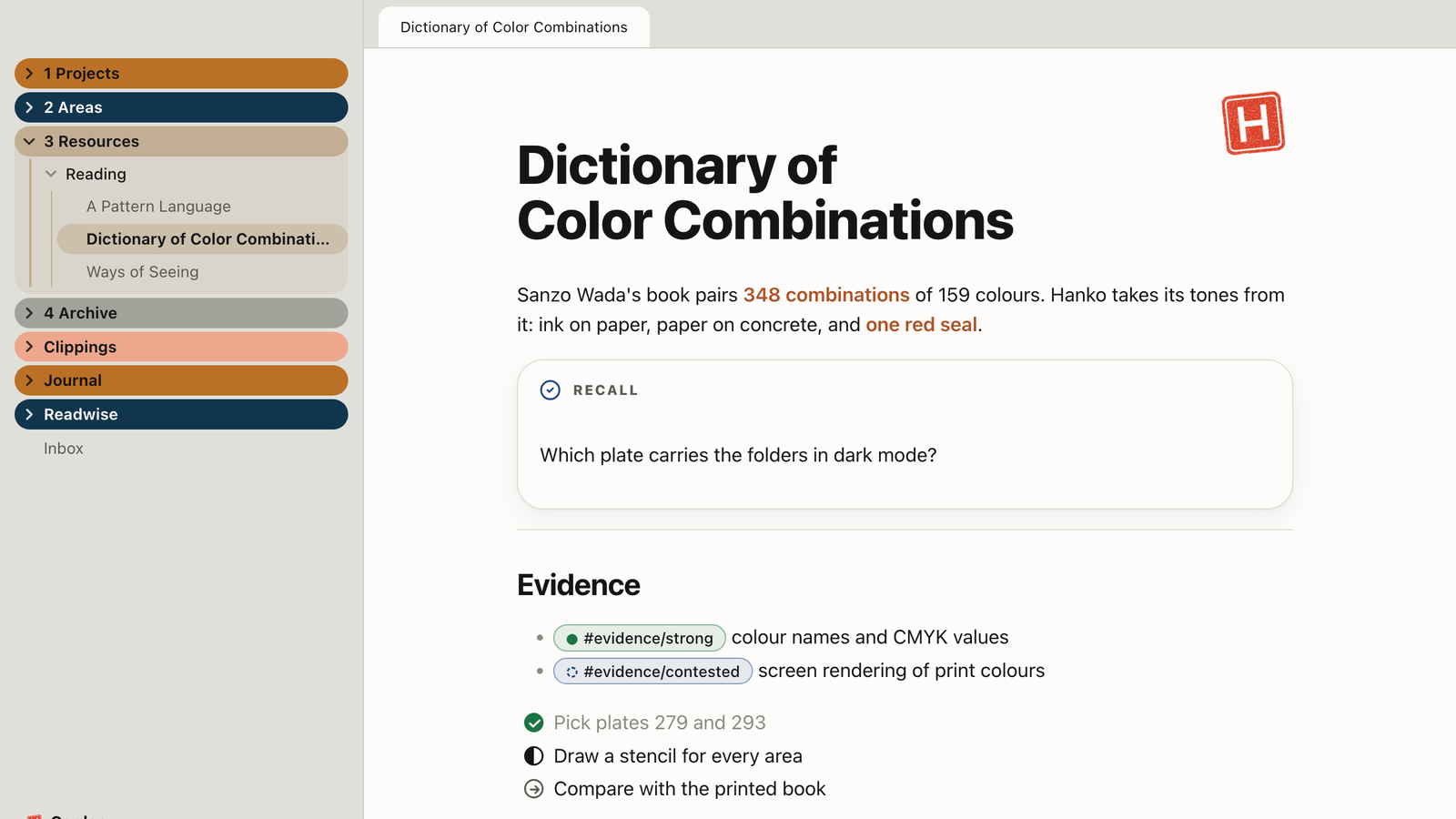
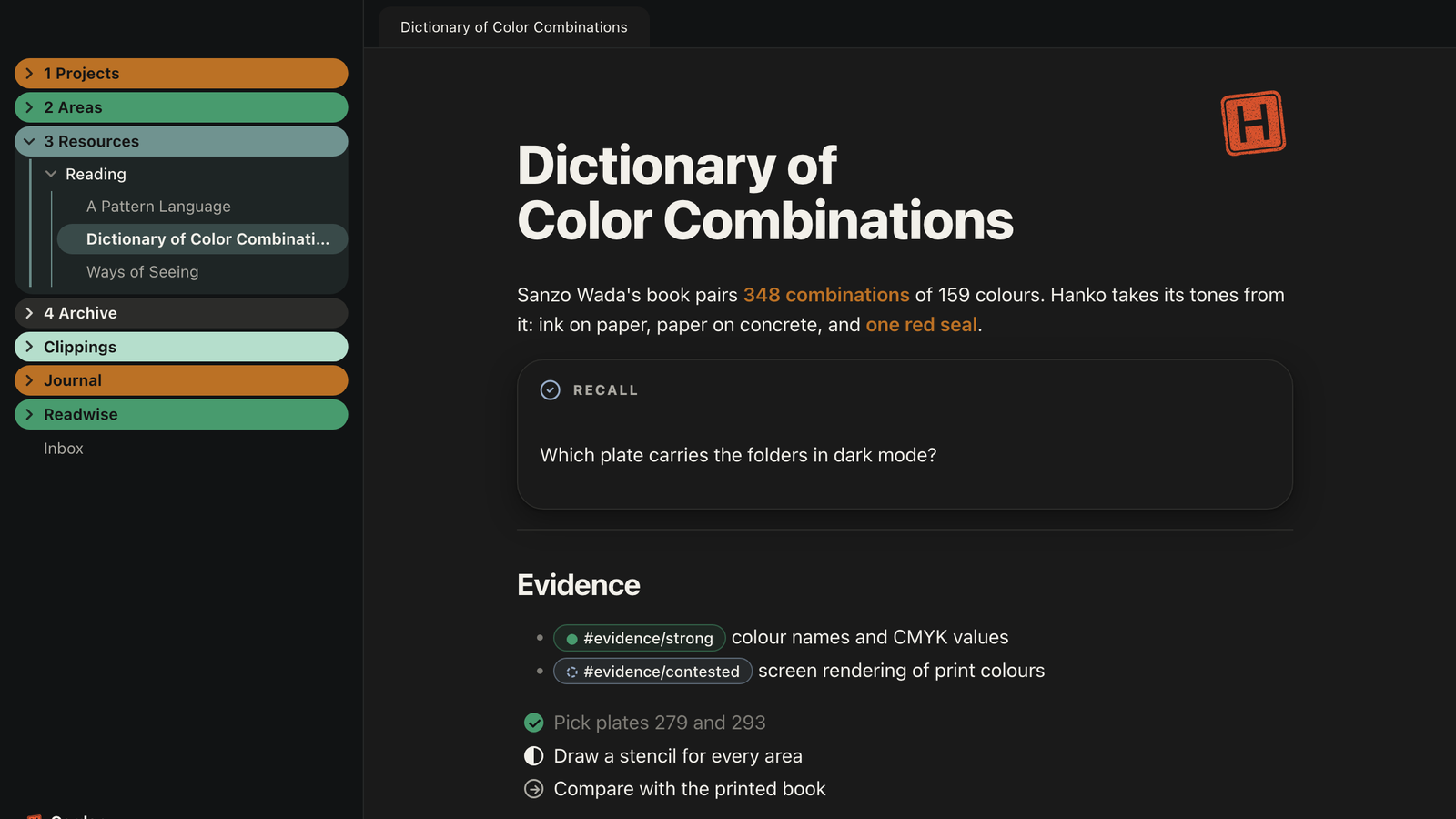
- Paper on concrete. Notes sit on paper, everything around them on a concrete ground (light) or Wada's Black (dark).
- Folders on a Wada plate. Top-level folders become solid pills in the colours of plate No. 279 (light) and No. 293 (dark). Raw Sienna is the anchor and always comes first. The colour follows the first character of the folder name, so it stays put while you scroll. Folders whose name contains "archive" turn grey.
- The seal. A stamped name seal with uneven ink. It appears on notes you sign off with
cssclasses: seal, on the empty tab and next to the vault name. Swap--hanko-siegelin a snippet to use your own mark. - Bold in the anchor colour. Bold text is Burnt Sienna in light mode and Raw Sienna in dark mode. Indigo, red, umber, plum, green and plain ink are available.
- Readable everywhere. Every text and background pair reaches at least 4.5:1, in light and dark.
- No network requests. Everything, including the seal, is embedded.
- Light on the app. No
:has()selectors, which can slow Obsidian down in large vaults.
Note building blocks
| You write | You get |
|---|---|
cssclasses: seal |
the seal at the top right of the note |
cssclasses: focus |
focus mode: only the paragraph with the cursor stays in full ink |
cssclasses: daily-page, weekly-page, monthly-page |
the note title large, with a small label and a red dot above it |
> [!days] with a list of links |
the days of a week as a row of cards |
#evidence/strong, partial, contested, untestable, refuted |
evidence levels as pills: full circle, half circle, dashed ring, dotted ring, slashed ring |
#status/active, waiting, someday, done |
status pills: full circle, clock, dotted ring, check |
- [>] - [<] - [/] - [-] - [?] - [!] |
Bullet Journal task states: migrated, scheduled, in progress, cancelled (grey, never struck through), question, now |
- [*] - ["] - [i] - [I] - [b] - [l] - [p] - [c] - [k] - [f] - [w] - [u] - [d] - [S] |
the Minimal set: star, quote, info, idea, bookmark, location, pro, con, key, urgent, win, up, down, amount. Line glyphs in ink; pro is green, urgent red, star in the anchor tone, con in ink |
> [!recall], [!review], [!opinion], [!ask], [!correct], [!upfront], [!answer], [!exercise] |
role callouts; recall, upfront and exercise are raised cards because you answer them |
> [!note|no-title], |no-icon, |plain |
callout modifiers: without title line, without icon, or flat with only a line in the role colour |
![[image.png|A caption]] |
with "Image captions from alt text" on, the alias appears as a small grey caption in reading view. File names and sizes are never shown |
Footnotes turn into a "Sources" list with hairlines and a red bar on the entry you jumped to. Every image grows while you click and hold it (switch to turn off).
Helper classes
Set them in the note's properties under cssclasses. The names follow Minimal, so templates from the community work.
| Class | Effect |
|---|---|
wide |
text column 50 rem instead of 42 |
max |
text column as wide as the pane |
table-wide, img-wide, wide-dataview |
only tables, images or Dataview blocks at 50 rem, centred over the text column |
table-small |
smaller tables |
row-alt |
every second table row on the second surface |
img-grid, img-grid-2, img-grid-4 |
images on one line as a grid of three, two or four columns |
Sample notes: docs/Sample.md and docs/Sample-Helpers.md.
Plugin support
Bases (tables and cards), Dataview (tables, lists and inline fields like Bases), Kanban (lanes carry the Wada plate by position, cards raised), Calendar (days in ink, today as a ring in the anchor tone), Tasks (dates, backlinks and tools small and grey), Canvas, Keep the Rhythm (heatmap in the plate of the mode), Home Tab (the seal replaces the logo), Readwise (small cover, "View Highlight" as a quiet grey source), Iconize, Style Settings.
Style Settings
Install Style Settings to change:
- Seal: on every note, hidden everywhere, without the stamping motion
- Colour: bold text colour, folder plate in light mode (No. 279 or No. 327), no colours on folders and lanes, soft folder colours, neutral surfaces
- Focus: one task in view, note header appears on hover, bars step back, fade Markdown syntax, mark the active line. Hover features are desktop only: on iPad and iPhone the header and bars stay visible
- Form: hairline above H2, callout titles, glass, status bar, scrollbars
- Content: image captions from alt text, no image zoom, seamless embeds
Colour
Light mode is Wada's plate No. 279, dark mode No. 293, with Raw Sienna first in both. The plate shows where you are: top-level folders, Kanban lanes, the Calendar's ring for today. State surfaces (hover, selection, the second surface) take a whisper of the plate instead of grey. Role tones show meaning: red for the seal and signals, Dark Tyrian Blue (light) and Salvia Blue (dark) for checking, Raw Sienna and Yellow Ocher for opinion, plum for questions, green for confirmation. Text stays ink. Every text and background pair reaches at least 4.5:1.
Tests
python3 tests/test_theme.py
Standard-library Python. Checks the review rules of the Obsidian directory, the structure and the Style Settings block, the Wada plate values and contrast ratios, and renders a fixture in headless Chrome with Obsidian's own app.css when both are installed.
Screenshots
| Light | Dark |
|---|---|
 |
 |
Credits
- Colours: Sanzo Wada, A Dictionary of Color Combinations (Seigensha), via the digital data set by Matt DesLauriers: mattdesl/dictionary-of-colour-combinations. Hex values are converted from the book's CMYK values, so printed colours look different.
- Folder colours inspired by the Soft Paper theme.
License
MIT © 2026 Michael Doroszewski