
README file from
GithubAtlas VTT
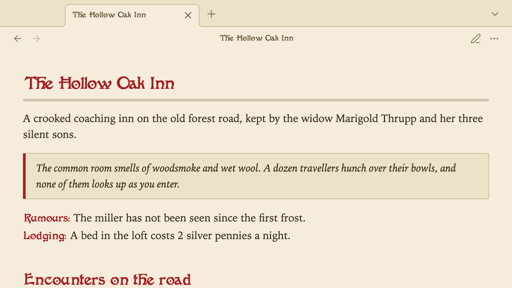
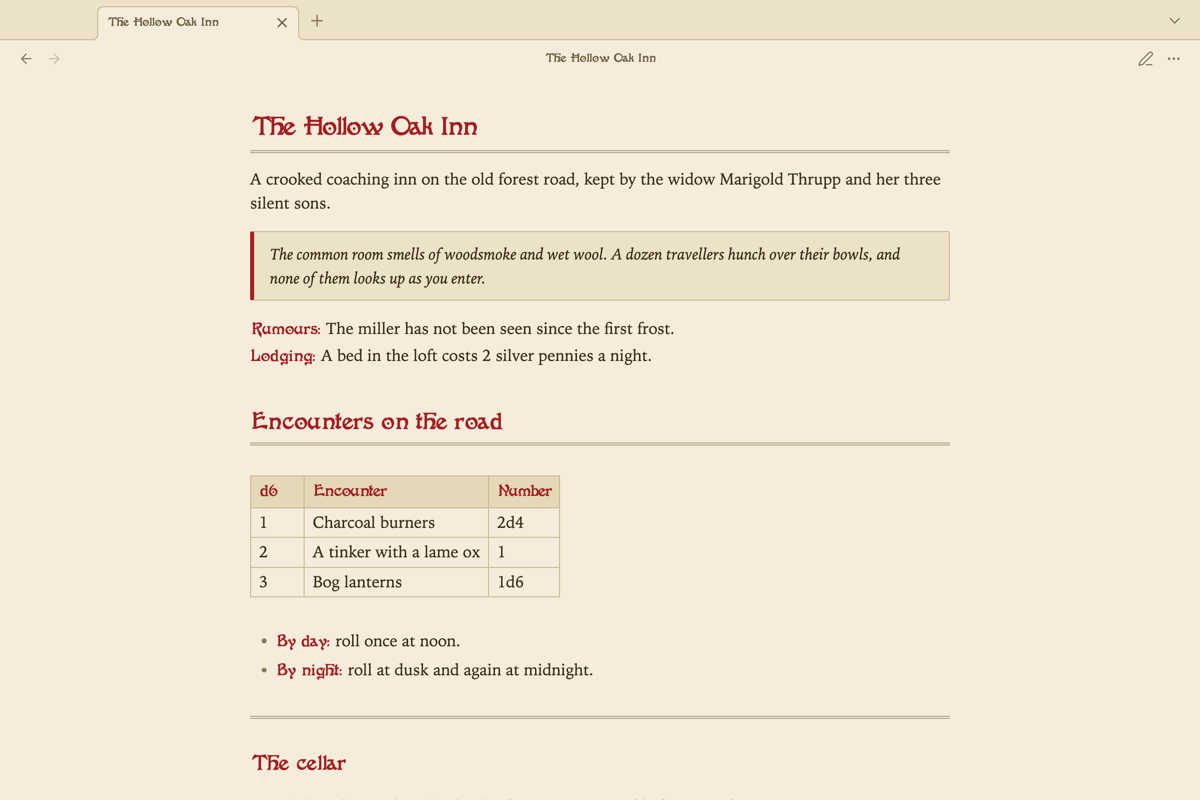
A theme for Obsidian that makes notes look like the pages of an old adventure module: parchment, red display headings, ruled tables and boxed read-aloud text. It is the companion theme of the Atlas VTT plugin and works just as well without it.
What your notes get
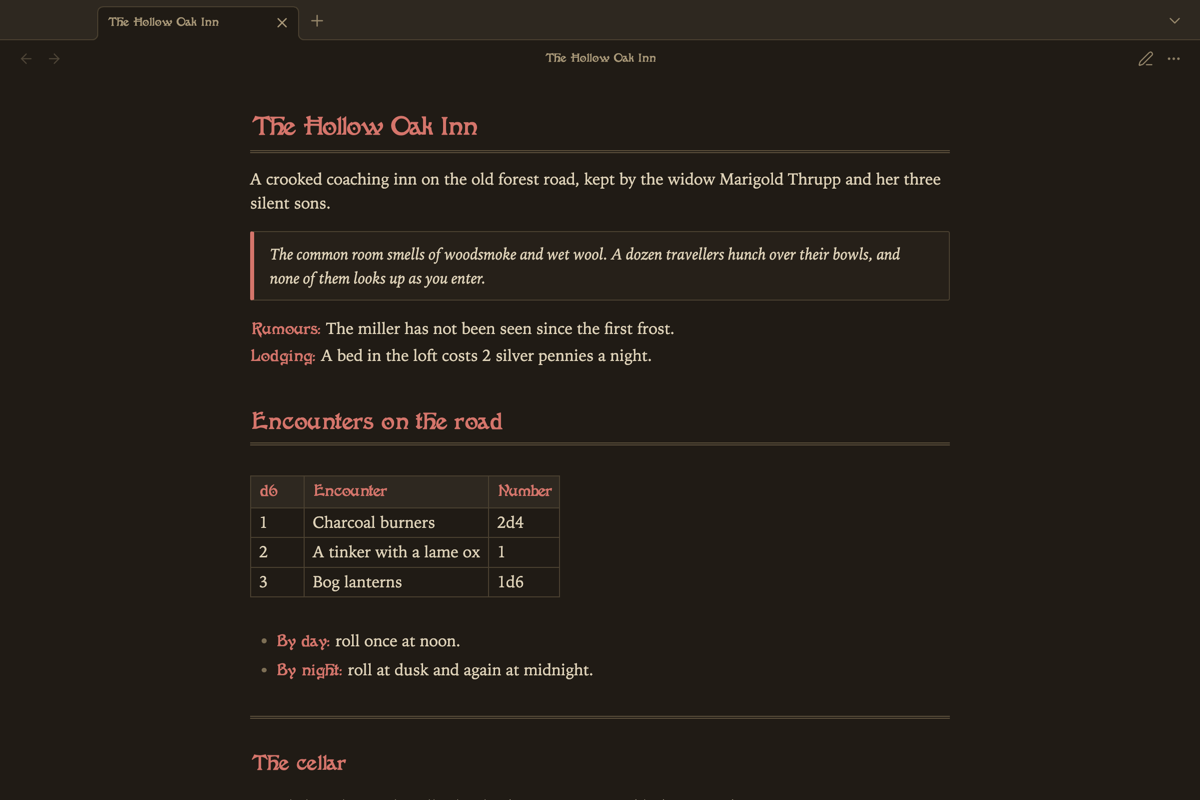
- A parchment light scheme and a warm, candle-lit dark scheme.
- Sidebars, menus, dialogs, buttons and input fields in the same tones, so Obsidian's settings and the panels of Atlas VTT belong to the page.
- Ivy on Atlas VTT's asset manager, statblock previews and command palette, the ivy of the Atlas sword. It grows nowhere else in Obsidian.
- In Atlas VTT's statblocks, creature names and section headings are set in the heading font, as is the name of a roll on the dice.
- Headings, file names, table headers and callout titles in Fantaisie Artistique. The font is part of the theme, so there is nothing to install.
- Note text in Libron, a book serif. It is part of the theme too.
- A double rule under the note title, under first and second level headings, and for
---. - Block quotes as boxed text to read aloud at the table.
- Labels: bold text that opens a line, as in
**Lodging:** A bed in the loft costs 2 silver pennies, is set in the heading font and in red.
The text font and the accent colour you choose under Settings → Appearance replace the theme's.
Cards drawn by the Fantasy Statblocks plugin keep the look of their own layout.
Install
Open Settings → Appearance, select Manage next to Themes, search for "Atlas VTT" and select Install and use.
To install by hand, download manifest.json and theme.css from the latest release and put them in .obsidian/themes/Atlas VTT/ inside your vault.
Licences
The theme is released under the MIT License.
Fantaisie Artistique was digitised by George Williams and is embedded in theme.css under the SIL Open Font License 1.1. Libron is by Nico Verbruggen and is embedded under the same licence. The font files are in fonts/.