

There are 236 new plugins, 862 plugin updates and 19 new themes during the week 2026-08-09 to 2026-08-15.
Image tooling ran away with the velocity chart this week. Between 2026-08-09 and 2026-08-15 the community landed 236 new plugins and 19 new themes, alongside 862 plugin updates. Here are the ones I would open first.
New Plugins
There are 236 new plugins. See them all at /new. Four caught my eye. Imagine is a comprehensive image manager for inserting, resizing and batch-processing images, and it topped the velocity chart at more than 8,000 downloads a day. NanoBanana PRO turns your notes into AI knowledge posters and speaks to OpenAI, Gemini, Anthropic or xAI. Composition Mode offers a distraction-free writing surface with paper container, book page sizes and point-size type controls. Immich Picker pulls images straight from a self-hosted Immich photo server.
The Imagine plugin combines image management and image editing inside the vault. It opens a virtualized manager for browsing images, searching by file name, filtering by folder or reference status, sorting by file and reference data and checking which notes link to each file through the metadata cache. From the same workspace tab it can preview, rename, move, open and trash files, including batch actions and safer cleanup for unreferenced images. It also inserts single embeds or grid callouts, applies layout and dark inversion parameters, edits captions in place, supports drag resizing in Live Preview and opens a full window viewer with zoom and pan. It can pair custom source files with cover images and runs locally on desktop only.
The NanoBanana PRO plugin adds in-note image generation powered by DALL-E 3 and Imagen 3 through OpenAI, Google, Anthropic and xAI integrations. It includes a real time progress modal that shows each generation step, a prompt preview screen for editing prompts before submission and style controls with preset looks such as photorealistic, fantasy, anime and comic book, plus support for custom styles. Generated files are saved cleanly in the vault and embedded at the cursor position, while settings let you choose default provider, model, style, output names and image folder. The interface is localized in English and Korean, and API keys are masked in settings. It requires an API key for at least one supported provider such as OpenAI or Google AI Studio.
The Composition Mode plugin turns the editor into a paginated page with a paper like layout and reduced interface chrome. It renders notes as stacked pages with configurable trim sizes, side and top margins, type size, image width, page gaps, background shade and stable zoom that does not reflow page breaks. Long prose paragraphs can split at word boundaries, manual page break markers are supported and each note remembers its zoom level. A bottom control bar exposes the main layout controls while active, and the plugin can hide tab headers and the status bar. It is still experimental, mainly tested with the Minimal theme on desktop, and complex elements such as Mermaid diagrams, tables and callouts may not paginate cleanly.
The Immich Picker plugin connects your notes to an Immich photo server and inserts images directly from recent uploads, albums, search results or pasted Immich links. It can search photos with Immich's CLIP based search, detect dates from note titles or frontmatter to surface matching images and browse albums with support for inserting one photo or a full album. The plugin can save images as local thumbnails, remote links or shared links, and it includes bulk conversion between those modes. It also supports named output templates, folder rules, mobile access through a ribbon command and local or public server URLs. API keys are stored in the OS credential manager and album browsing needs the `album.read` permission.
The Ctrl Click Links plugin restores traditional link opening in edit mode by requiring Ctrl plus Click, or Cmd plus Click on macOS, before a link is followed. A normal click keeps the cursor on the link text so you can edit it without navigating away from the note. It works with internal links written as [[note]], markdown external links and plain URLs. Modifier combinations expand how links open: Ctrl or Cmd plus Click opens in the current tab, adding Shift opens in a new tab and adding Alt plus Shift opens in a new window. The plugin changes link handling automatically when enabled and does not expose any configuration options.
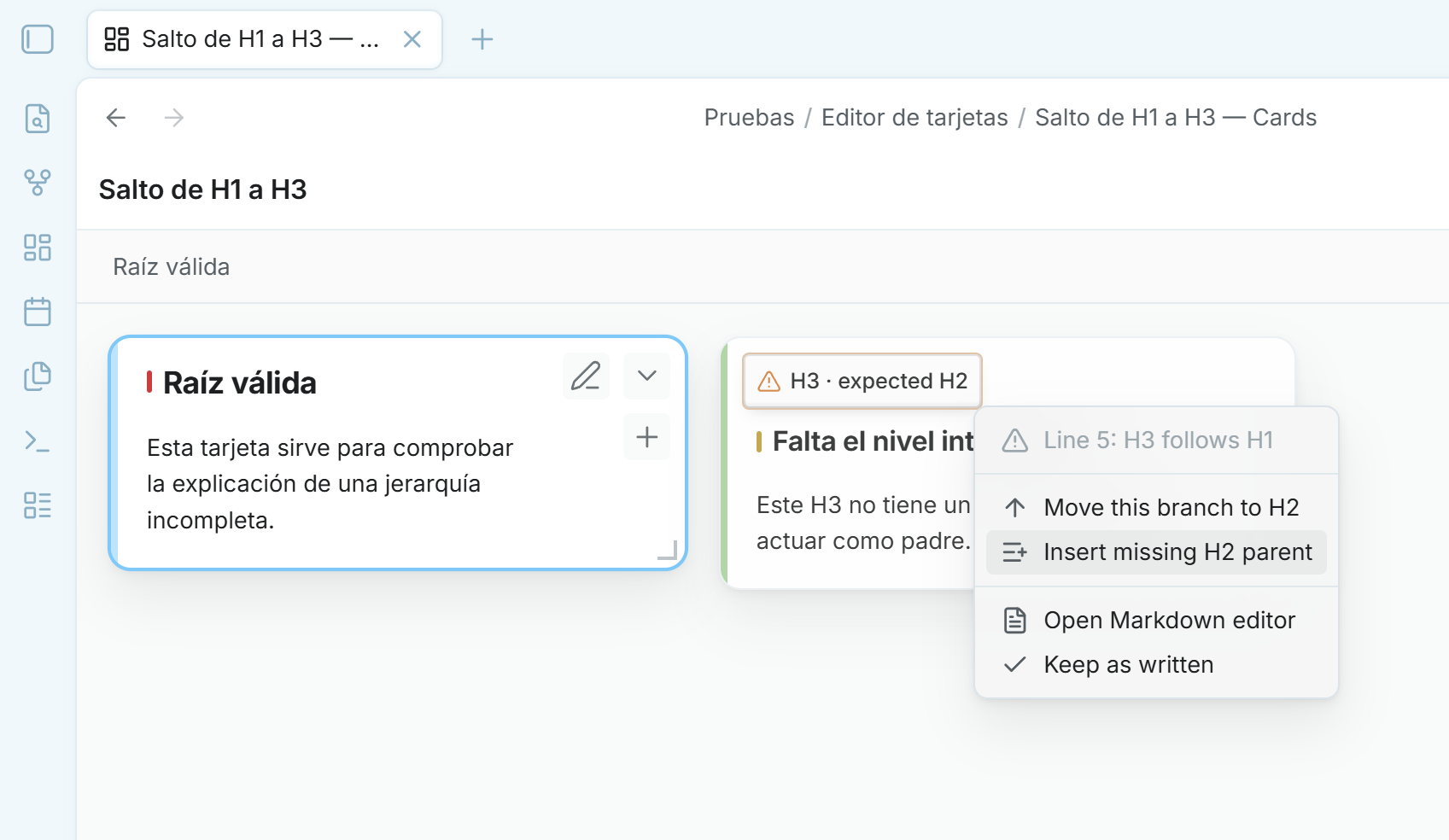
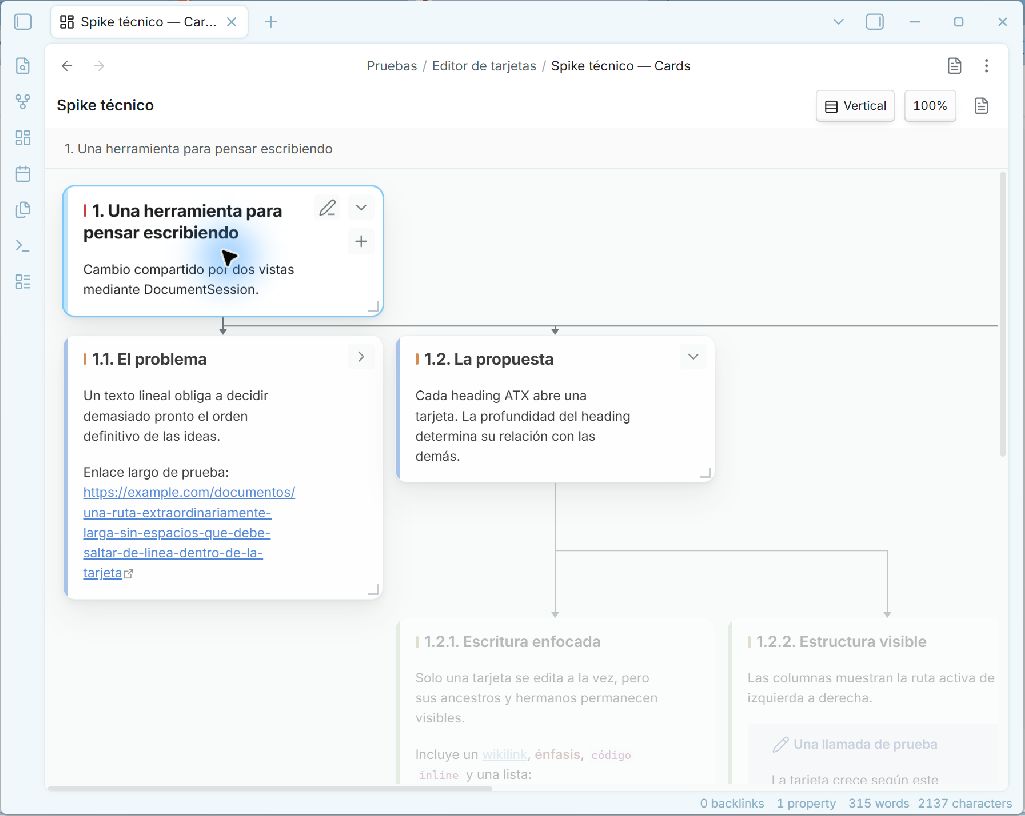
The Visual Card Writer plugin turns a Markdown note into a spatial card editor where ATX headings define a hierarchy of cards tied to the same source file. It lets you navigate the outline as horizontal or vertical trees, drag cards to reorder branches or change depth, create child and sibling cards and edit content in an embedded CodeMirror 6 view with essential Live Preview. It also supports MARP slide decks as flat draggable cards when `marp: true` is set, while preserving ordinary thematic breaks in regular notes. The editor adds branch focus, folding, resize controls, pan, scroll, zoom and automatic heading level updates when structure changes. It is desktop only and images, embeds, callouts and complex block widgets remain source Markdown while editing.
The Bi Ji Tong Bu plugin syncs content collected through the WeChat official account '笔记同步助手' into your vault, including articles from WeChat Official Accounts, Xiaohongshu, Dedao, Yuanbao and Zhihu, along with forwarded chat messages, images and file attachments. It works as a client for the Note Sync Helper service and pulls processed notes manually, at startup or on a schedule you configure. The plugin also supports template driven note generation, front matter and file naming customisation, merge modes, diary links and localisation of remote images or attachments into your vault. It does not read or upload your existing notes, stores its API key locally in data.json and requires the service issued API key before it does anything.
The Excalidraw Math Plotter plugin adds function graph plotting inside Excalidraw drawings. It lets you enter expressions that use x, preview the curve while adjusting optimization and insert the result with configurable stroke colour, width and graph styling. You can control tick marks, grid lines, arrows and numeric labels, and use quick presets for common functions such as sine, cosine and parabolas. The parser is based on mathjs, so it supports basic, trigonometric, logarithmic and combined expressions. It also handles discontinuities such as tan(x) and 1/x, and uses the Ramer Douglas Peucker algorithm to reduce points efficiently. The command runs from an open Excalidraw drawing and requires the Excalidraw plugin to be installed and enabled.
9. Today Alias
The Today Alias plugin changes how date prefixed note titles appear in the file explorer and tab bar without renaming any files. It hides the configured date prefix from regular notes, shows custom labels for notes that match today's or yesterday's date and keeps the underlying filename intact so sort order and links stay unchanged. It uses Moment.js format strings instead of regex, supports ignore patterns with wildcard matching, adds separate prefix rules for pattern matched notes and shows live previews for every format field. The display refreshes on rename, on window focus, during background checks and at midnight, and older {TOKEN} settings are migrated automatically on first load. It remains a visual layer only, restoring plain text titles when the plugin is unloaded.
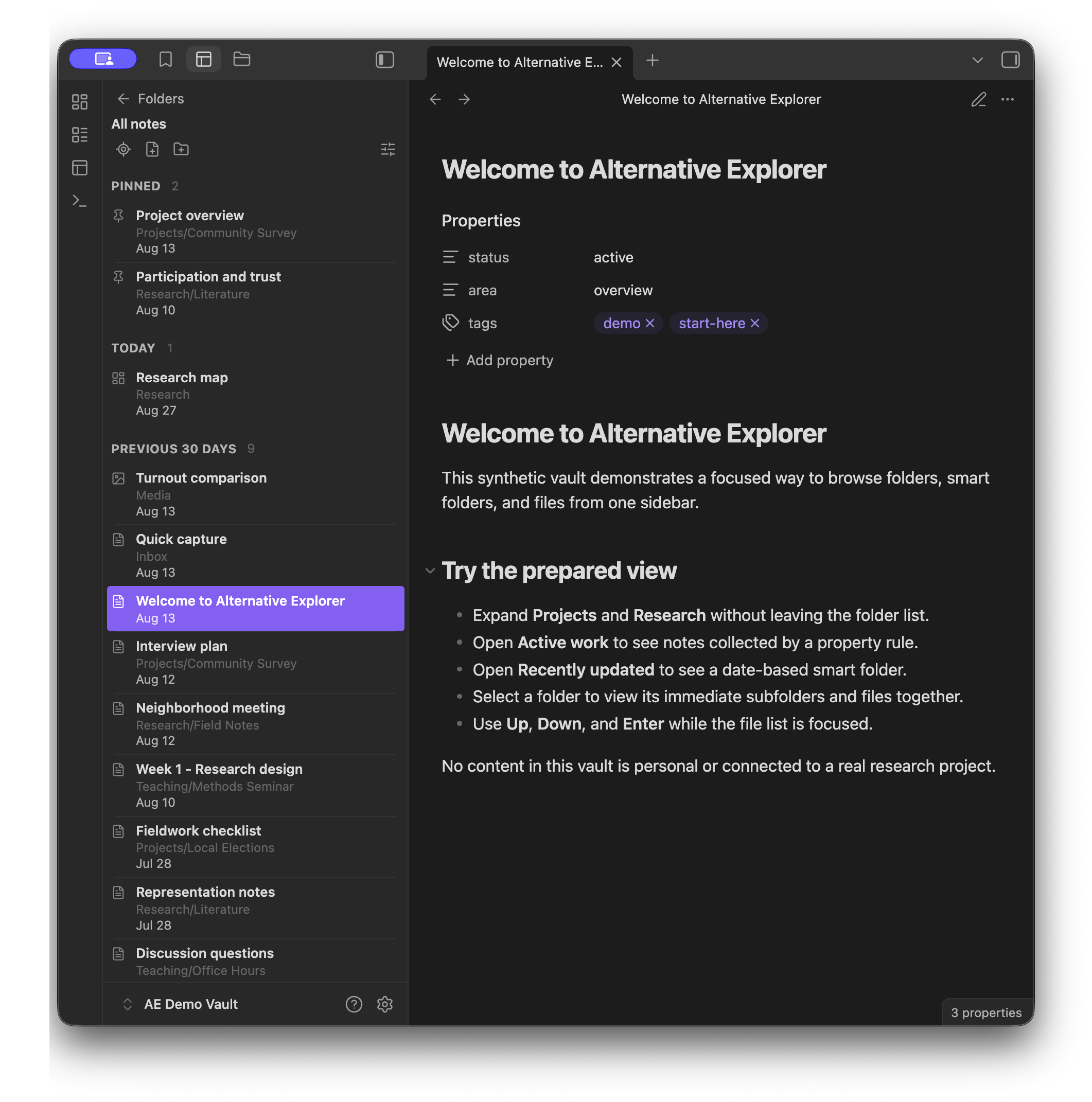
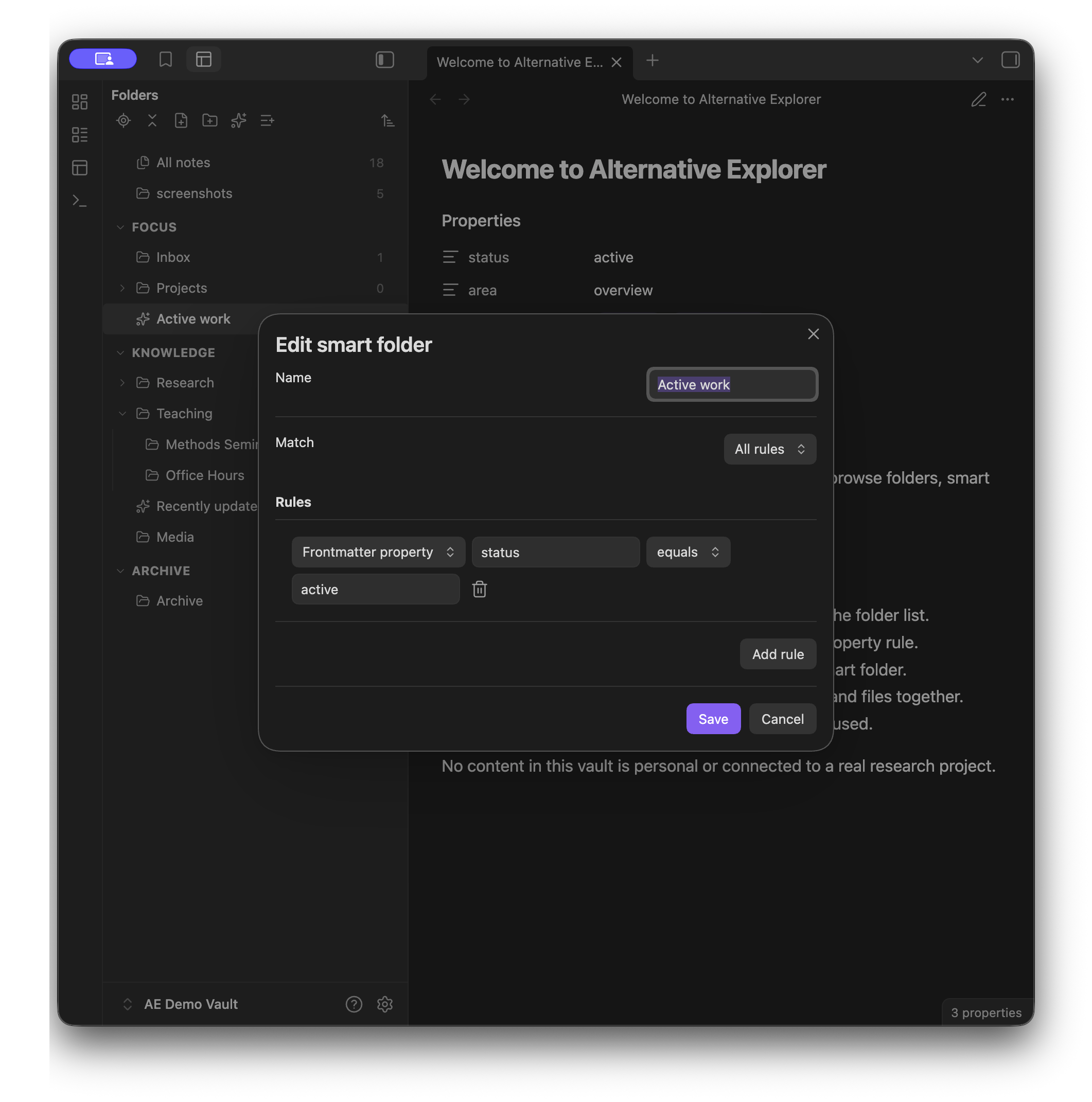
The Alternative Explorer plugin replaces the default file pane with an Apple Notes style sidebar that switches between a folder tree and a notes list. It can show all notes across the vault, reveal the current note's location, expand or fold the tree in one action and organise root folders into collapsible sections that exist only inside this view. Folders can be reordered, nested and sorted by name or timestamps, while notes can stay scoped to one folder or include everything below it, with grouping by created or modified date and an optional pinned group. It also adds smart folders built from rules for tags, properties, paths, dates and pinned status, supports keyboard navigation and leaves renaming, deletion and note content search out of scope.
11. Gantt this
The Gantt this plugin displays notes and events as an interactive Gantt chart across multiple fantasy calendars. It reads event data from YAML frontmatter in Markdown files, where each note can define a start date, optional end date, name, group, calendar type, colour, icon and symbol style. Timelines can be structured by groups and custom calendars, with controls to filter, sort and hide specific groups, calendars, spans or points. Hover shows event metadata on desktop, clicking an event opens the source note and can jump to a chosen heading, and navigation supports drag and zoom on desktop and touch gestures on mobile. It can also generate or insert the timeline code block from a guided modal and it makes no network connections.

12. Tabula Rasa
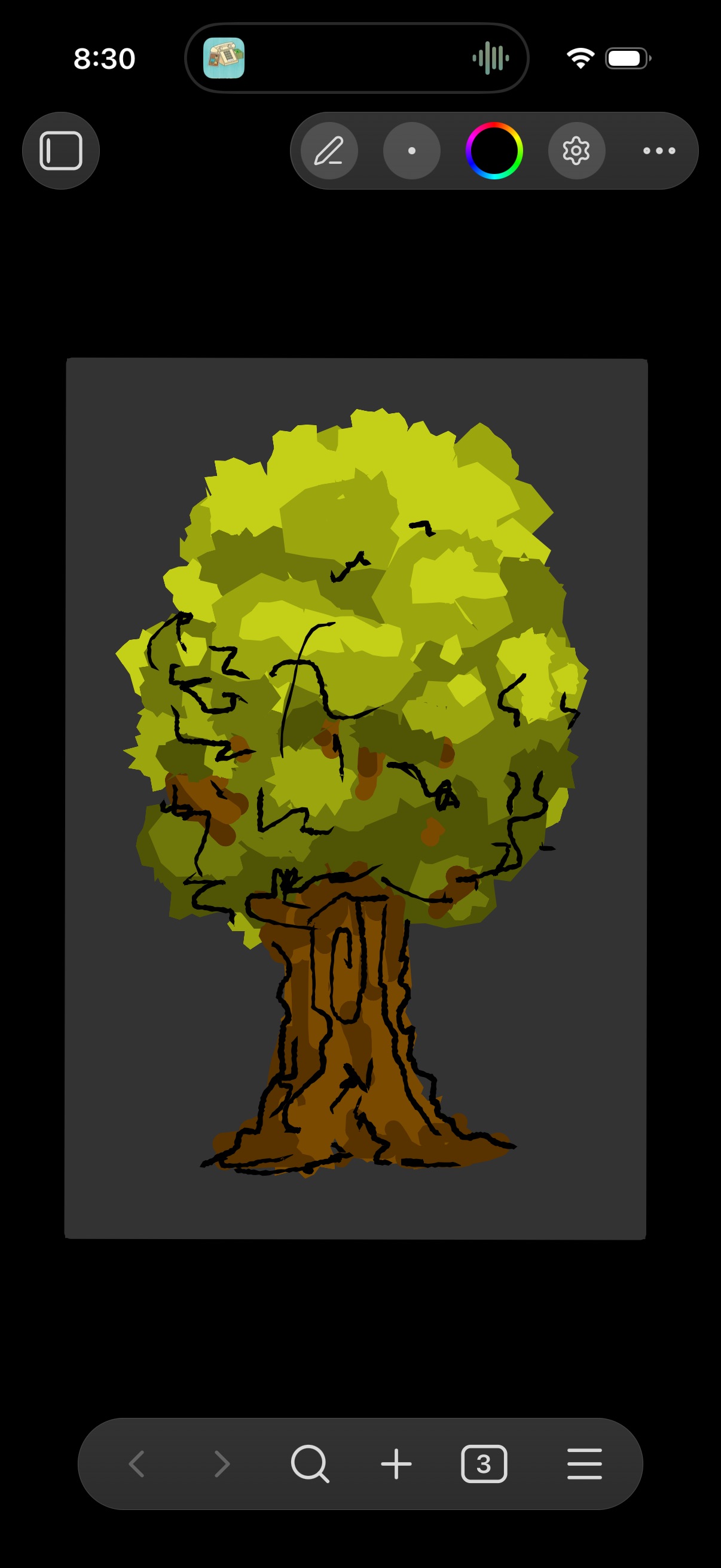
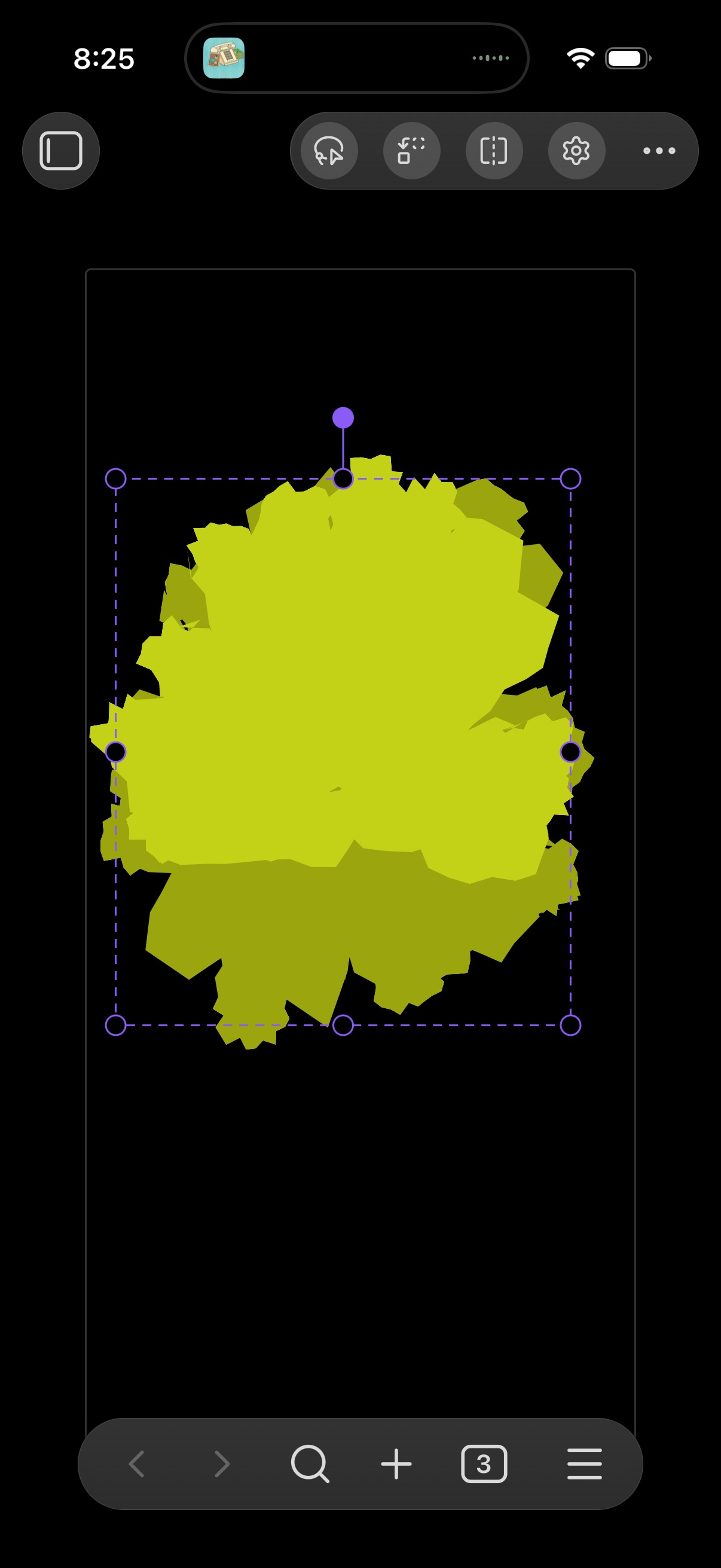
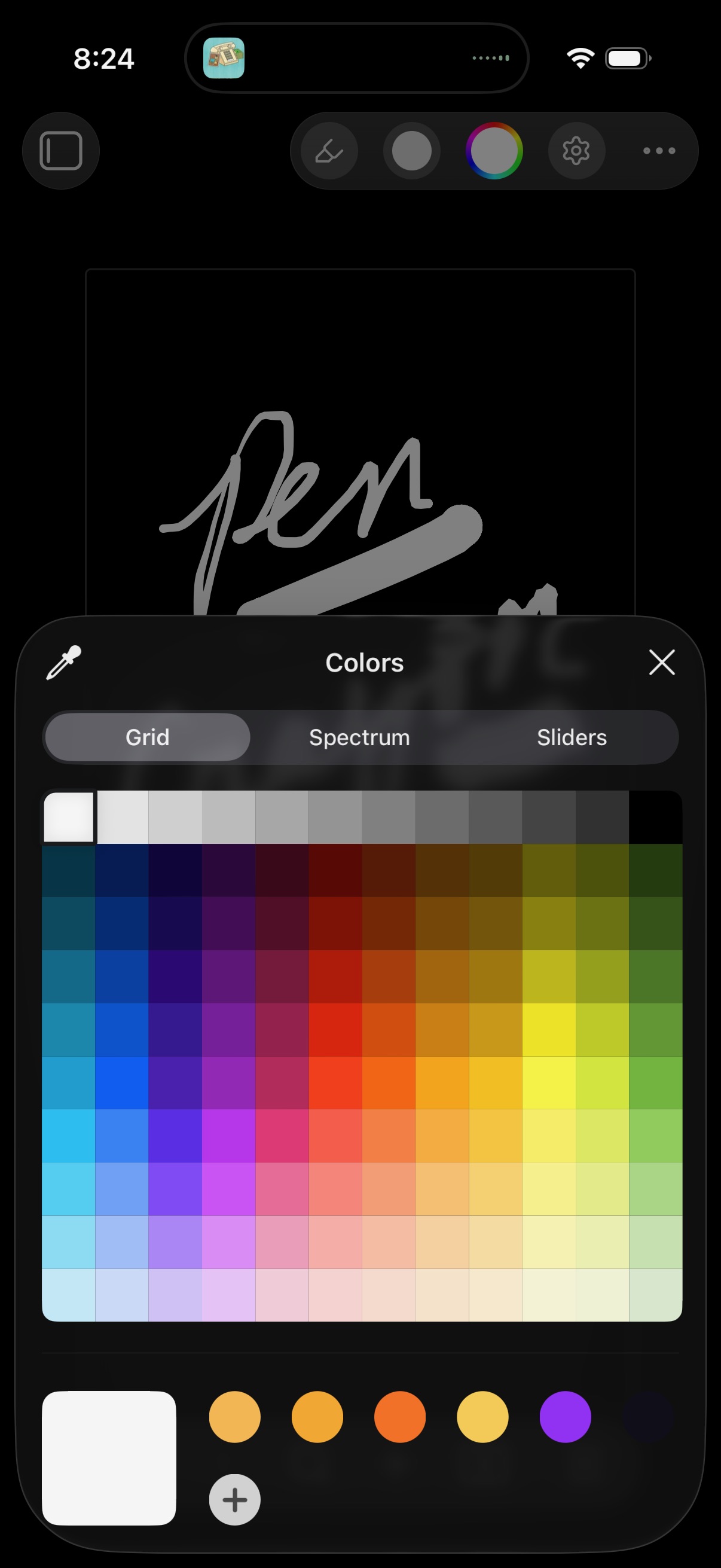
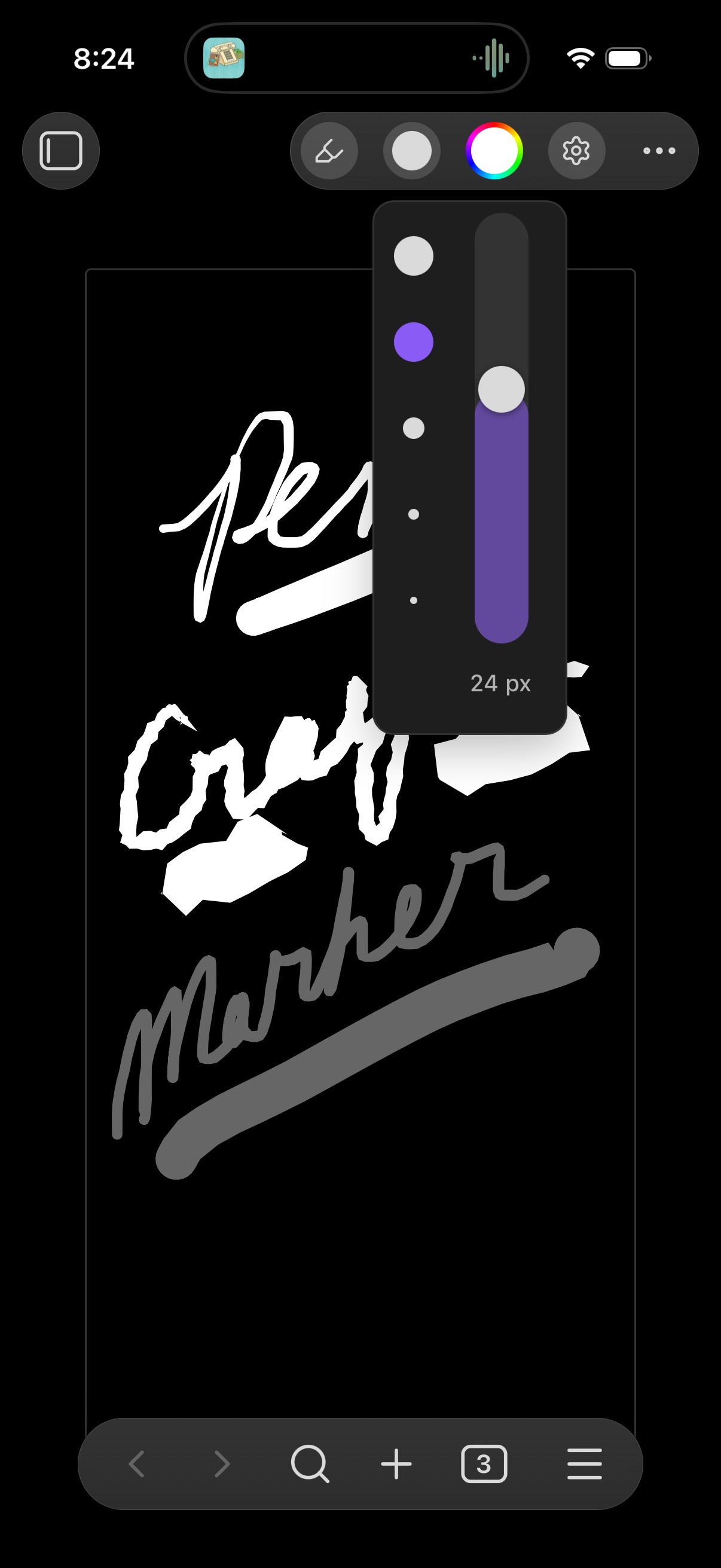
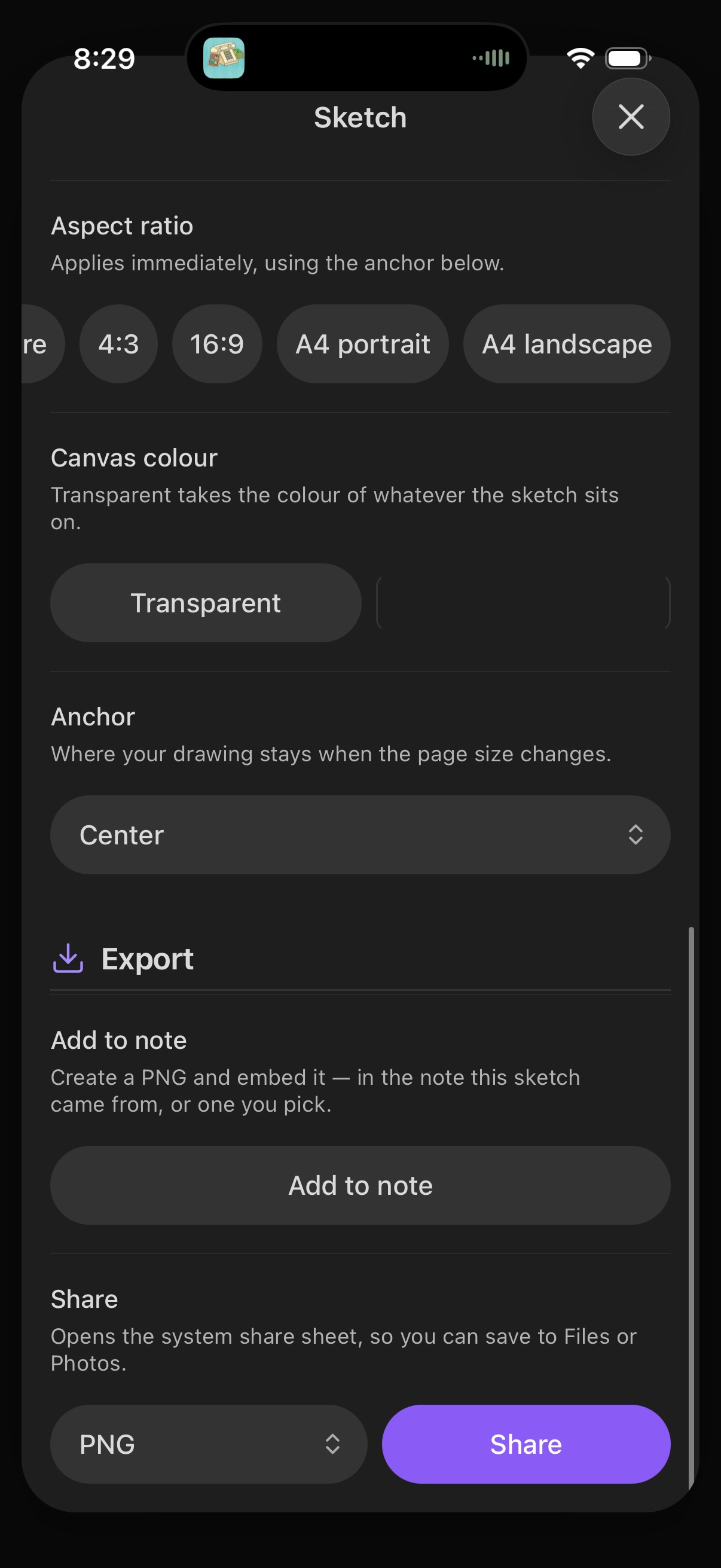
The Tabula Rasa plugin turns sketches into first class vault files with a minimal drawing workspace that sits in the view header instead of adding a separate toolbar. It supports pressure tapered pen and brush strokes, a highlighter, object and pixel erasers, lasso selection with move, scale, rotate and flip actions, and a hold gesture that snaps rough lines, circles, rectangles and triangles into clean shapes. The canvas can be zoomed, panned, rotated, resized and fit to the drawing, with per sketch page colour and a theme aware default pen colour. Sketches autosave as compact `.sketch` files, reopen for further editing, render as live inline previews in notes and export to PNG or SVG only when you ask for an image.
13. Inline TikZ
The Inline TikZ plugin renders TikZ, CircuiTikZ and PGFPlots diagrams from `tikz` code blocks inside notes, so drawings, circuit schematics and plotted figures can sit beside the text they belong to instead of being managed as separate files. It supports LaTeX package declarations within the block, which allows notes to load extras such as CircuitikZ before the diagram is compiled. Rendered output is stored in a `.tikz-cache/` folder in the vault, and desktop handles compilation and cache generation automatically. That cache can sync through the vault's sync service, including Obsidian Sync. On mobile, diagrams display from the existing cache, so uncached diagrams need to be opened on desktop first.
The Xboard plugin turns a vault into a local first dashboard that brings capture tools, knowledge checks, task planning, calendar views, focus timing and external updates into one adjustable workspace. It can create journal, project log and inbox notes, append dated idea entries, inspect orphaned notes, empty files, broken links and missing YAML properties, and show a yearly note heatmap with inbox file counts. Tasks are stored in a chosen Markdown file with priority, deadline, completion and sorting support. It also includes quick note templates, theme and layout controls, persistent cover and avatar images, RSS or Atom source caching and desktop AI workflows that save results in a separate Xboard data area before copying them into the vault. The interface is currently mainly in Chinese.
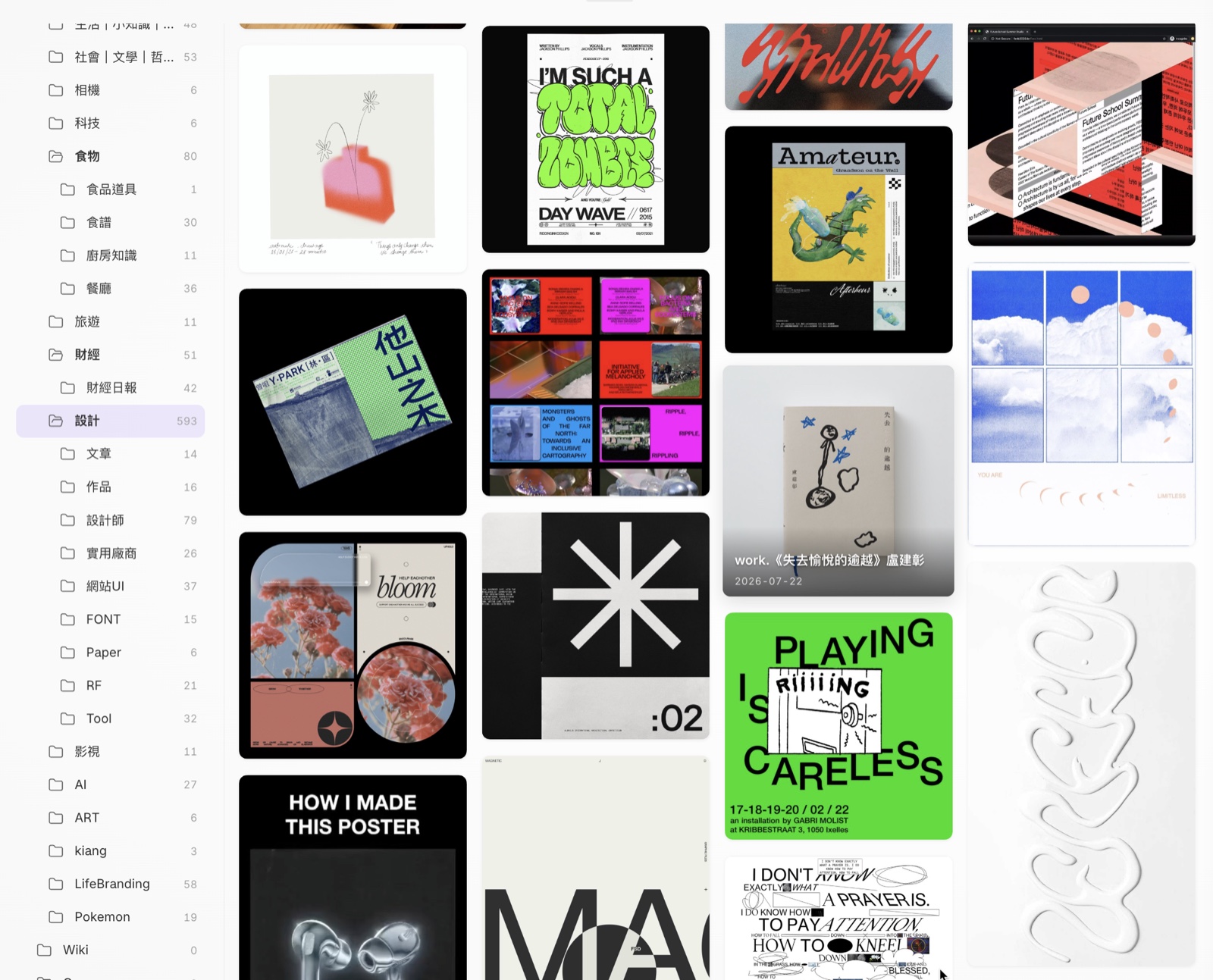
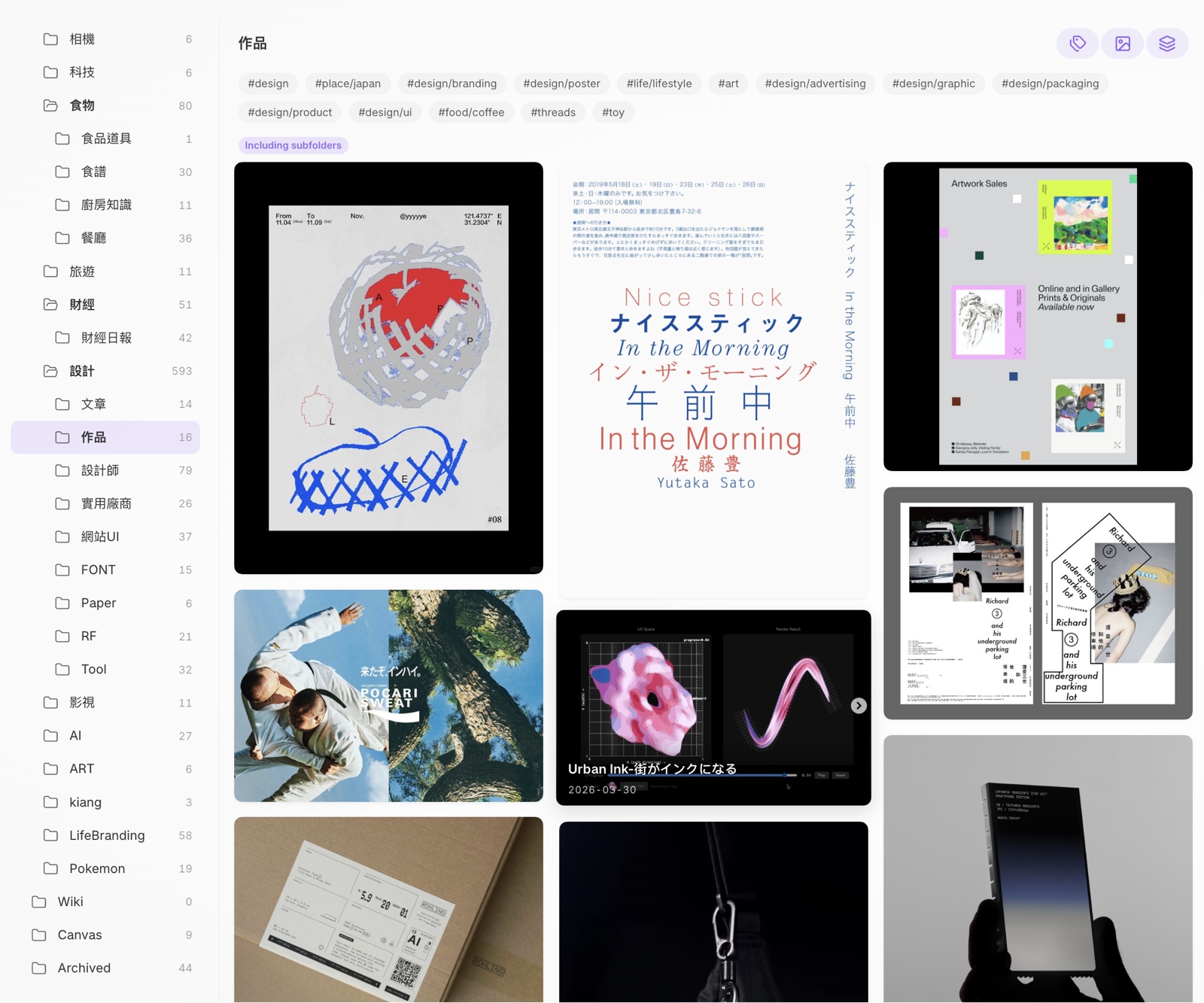
The Gallery Navigator plugin turns the vault into a visual browser with a folder and tag tree on the left and a masonry wall of cover cards on the right. It pulls covers from frontmatter, embedded images, image files, PDF first pages and link note metadata, and it can render Canvas and Base files as cards too. The wall supports pinning, per card colours, multi select actions, inline rename, favourites and follow mode so the current note stays visible in the tree and card wall. Search uses a built in BM25 index across notes and PDFs, shows thumbnails, highlights and context snippets, and can send results back to the card wall. Optional modules add image preview, rich link cards and URL cleanup, while PDF text search reads Text Extractor's cache when available.

Most Downloaded (2026-08-09 to 2026-08-15)
| Rank | Plugin | Downloads | Links |
|---|---|---|---|
| 1 | Excalidraw | 148,007 | Details / GitHub |
| 2 | TaskNotes | 92,066 | Details / GitHub |
| 3 | Claudian | 91,743 | Details / GitHub |
| 4 | Templater | 85,224 | Details / GitHub |
| 5 | Tasks | 43,114 | Details / GitHub |
| 6 | Dataview | 41,910 | Details / GitHub |
| 7 | Importer | 33,816 | Details / GitHub |
| 8 | Copilot | 33,587 | Details / GitHub |
| 9 | Sync Engine | 28,421 | Details / GitHub |
| 10 | Omnisearch | 26,410 | Details / GitHub |
| 11 | Git | 25,841 | Details / GitHub |
| 12 | QuickAdd | 24,370 | Details / GitHub |
| 13 | Kanban | 23,943 | Details / GitHub |
| 14 | Notebook Navigator | 23,132 | Details / GitHub |
| 15 | PDF++ | 22,386 | Details / GitHub |
Plugin Updates
We got 862 plugin updates in the last one week's time. You can see all the plugin updates on Obsidian Plugin Stats webapp.
Notable Updates
- TaskNotes - v4.12.3 - Changelog
- Claudian - v2.1.3 - Changelog
- Importer - v2.6.0 - Changelog
- Copilot - v4.0.0 - Changelog
New Themes
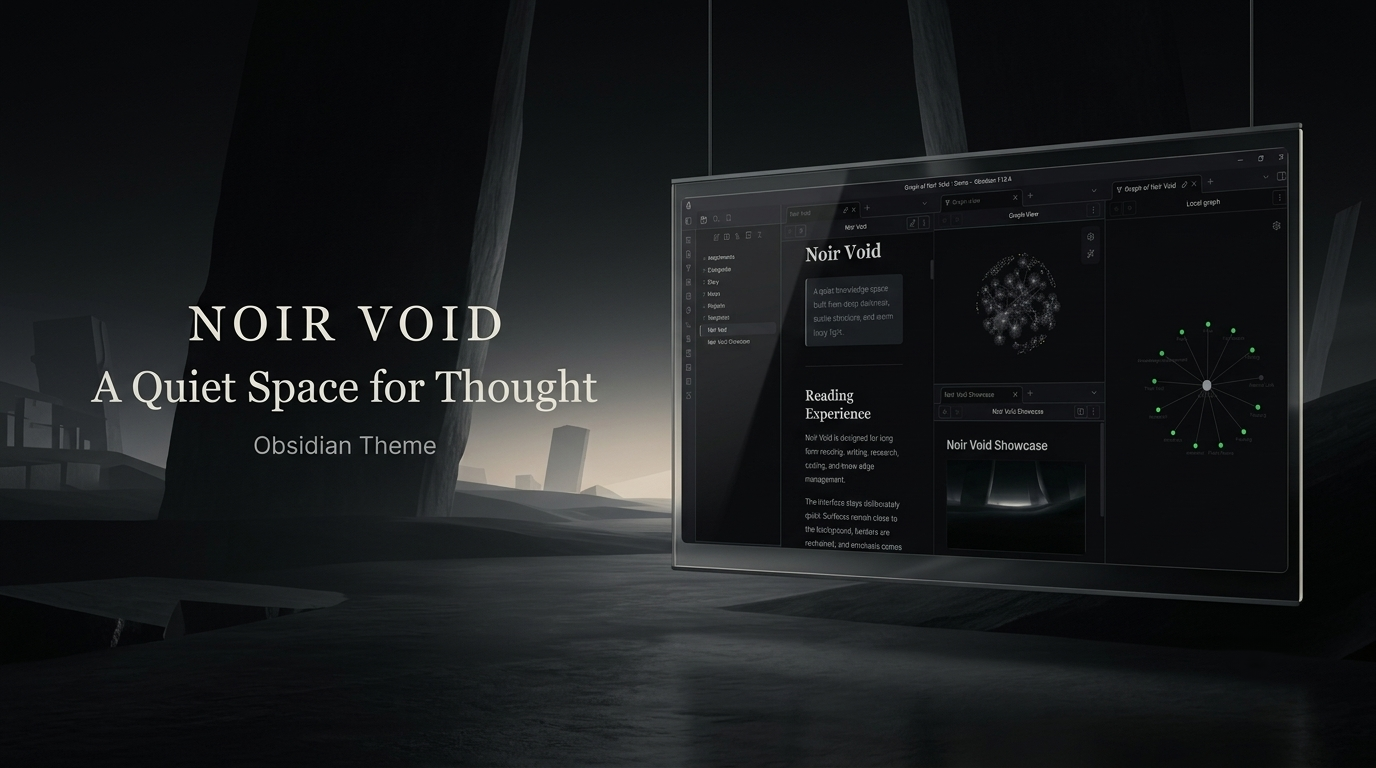
1. Noir Void
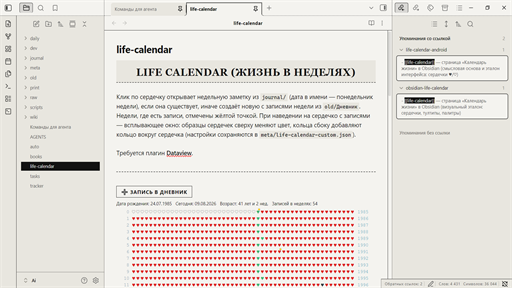
2. Daily Press
3. Lancer-OS
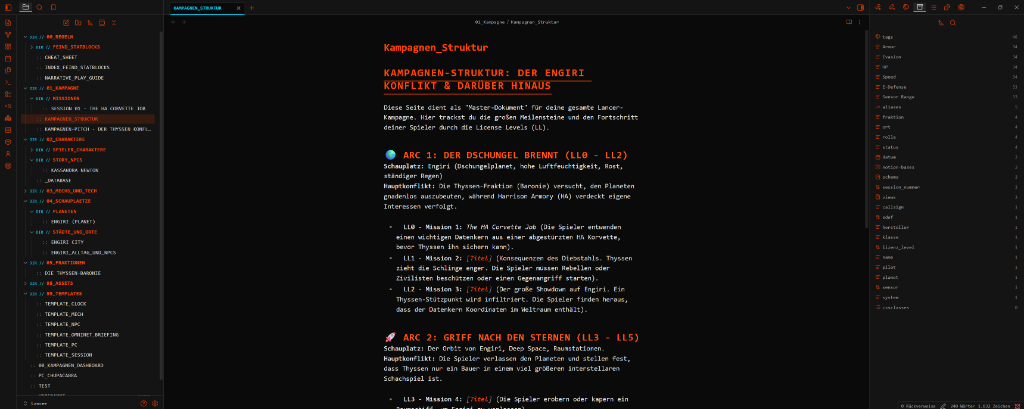
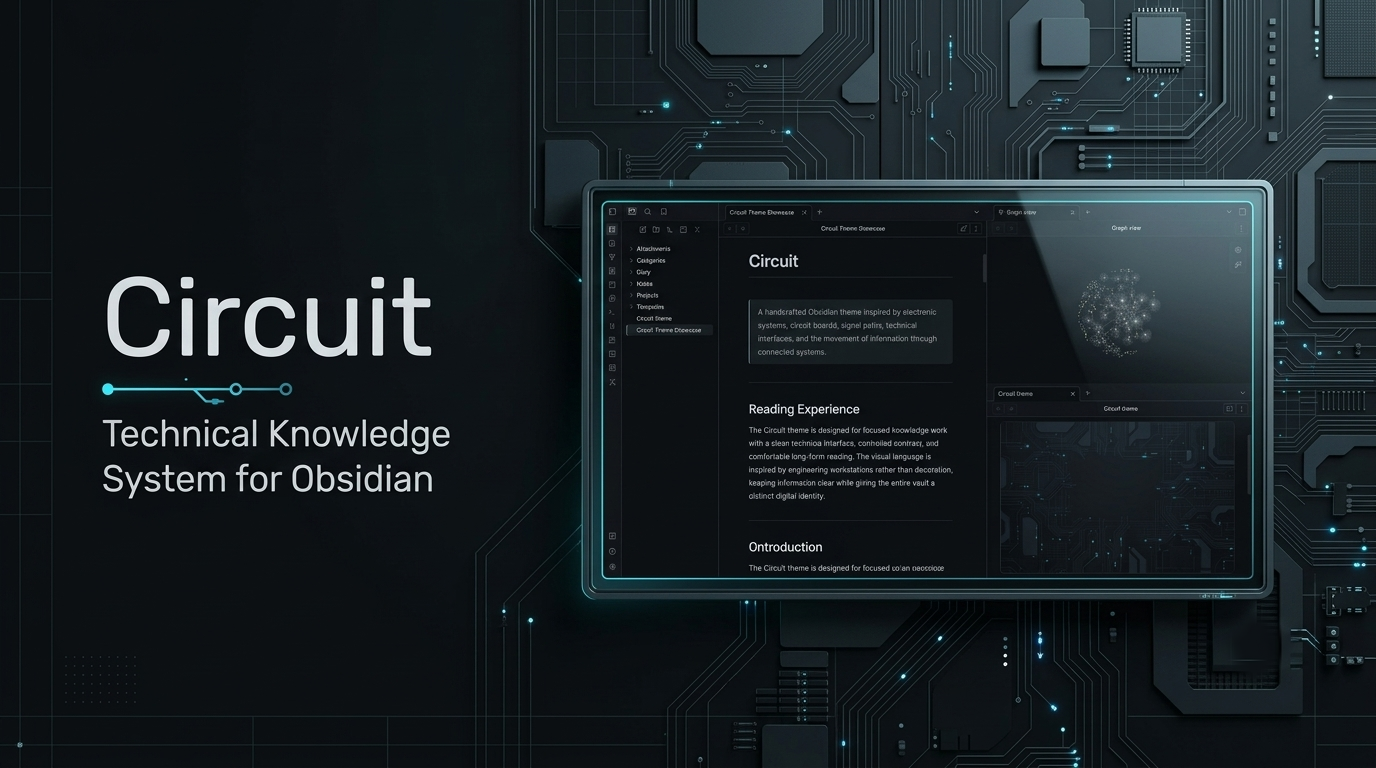
4. Circuit
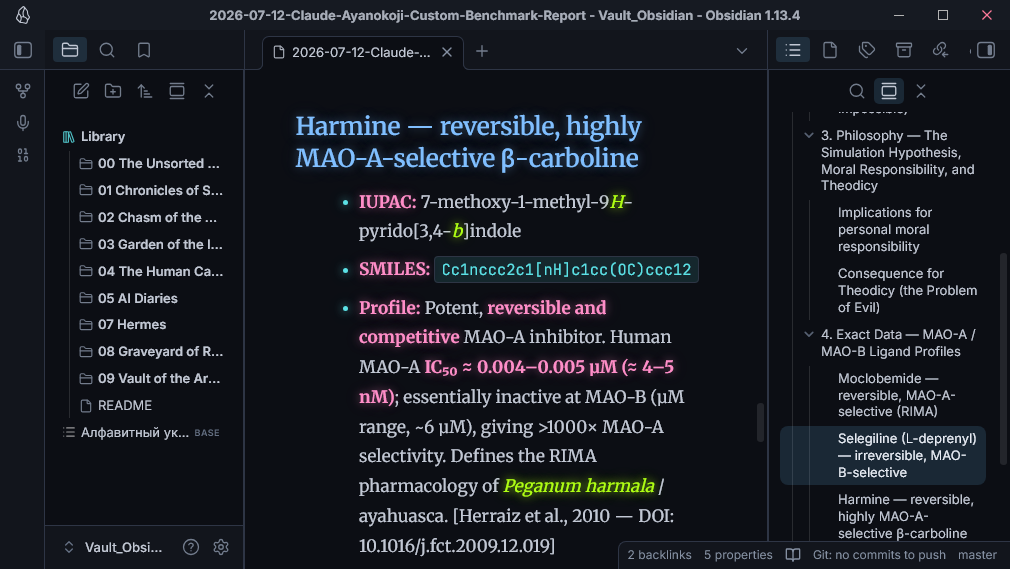
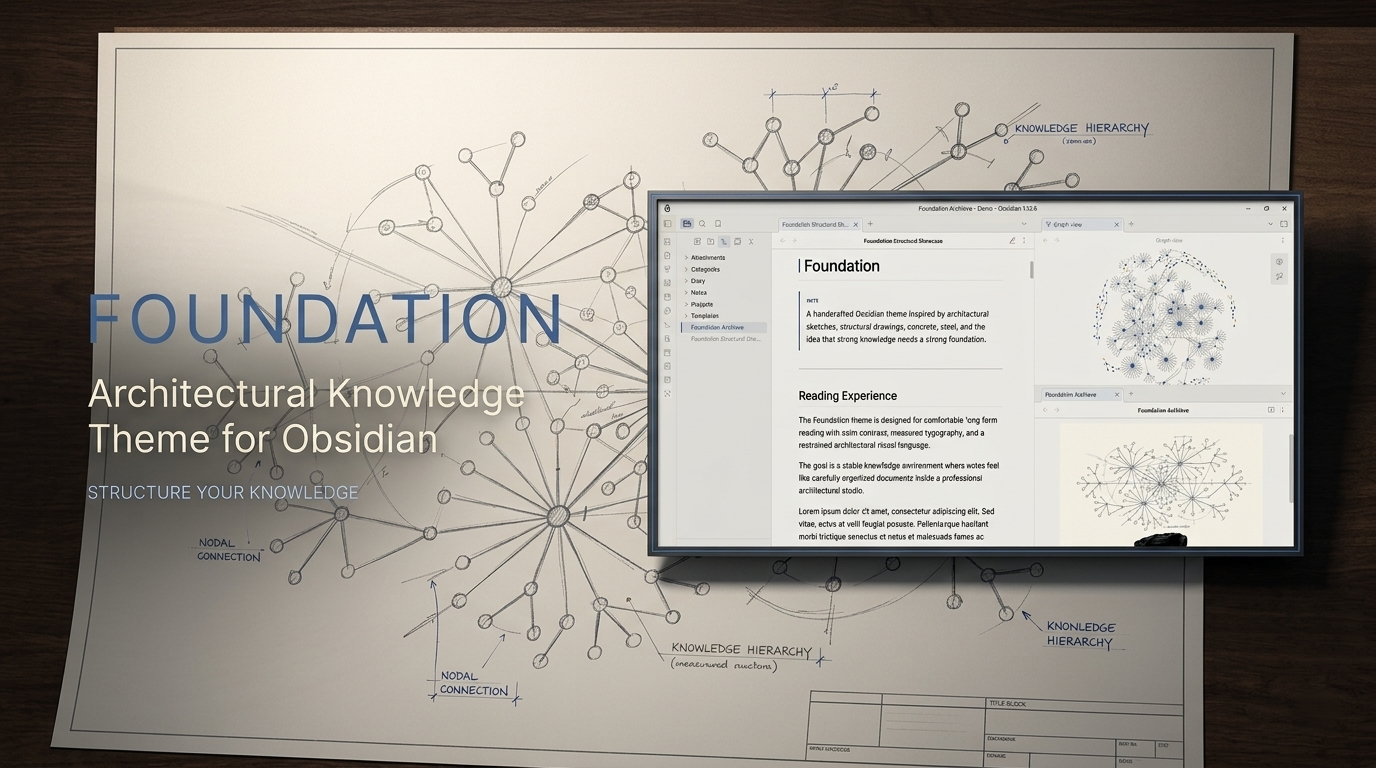
6. Foundation
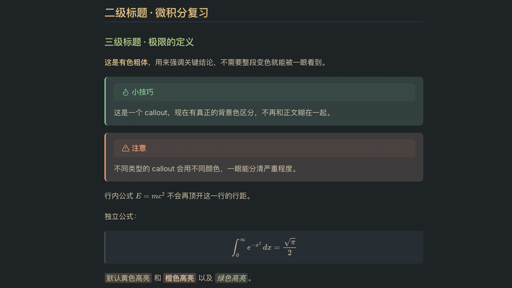
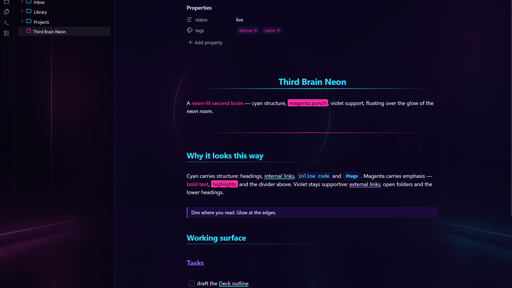
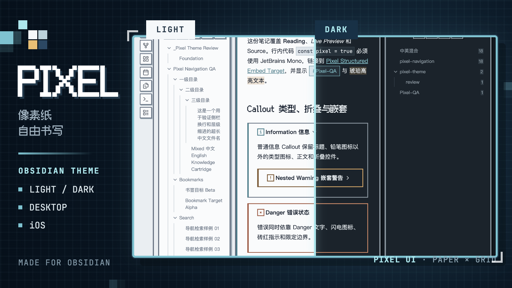
9. Pixel
10. Cosmic

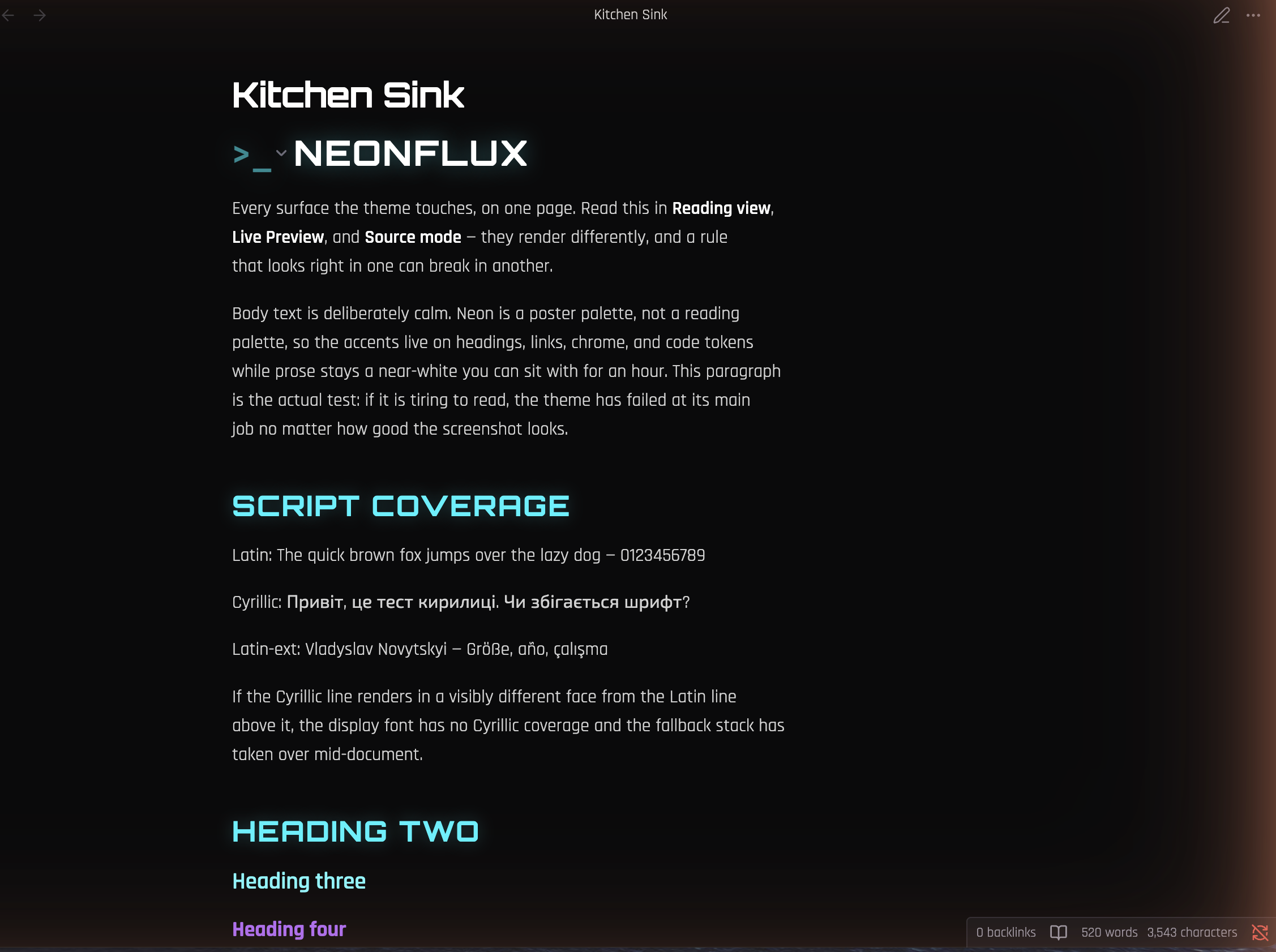
11. Neonflux
12. Canvas And Cargo
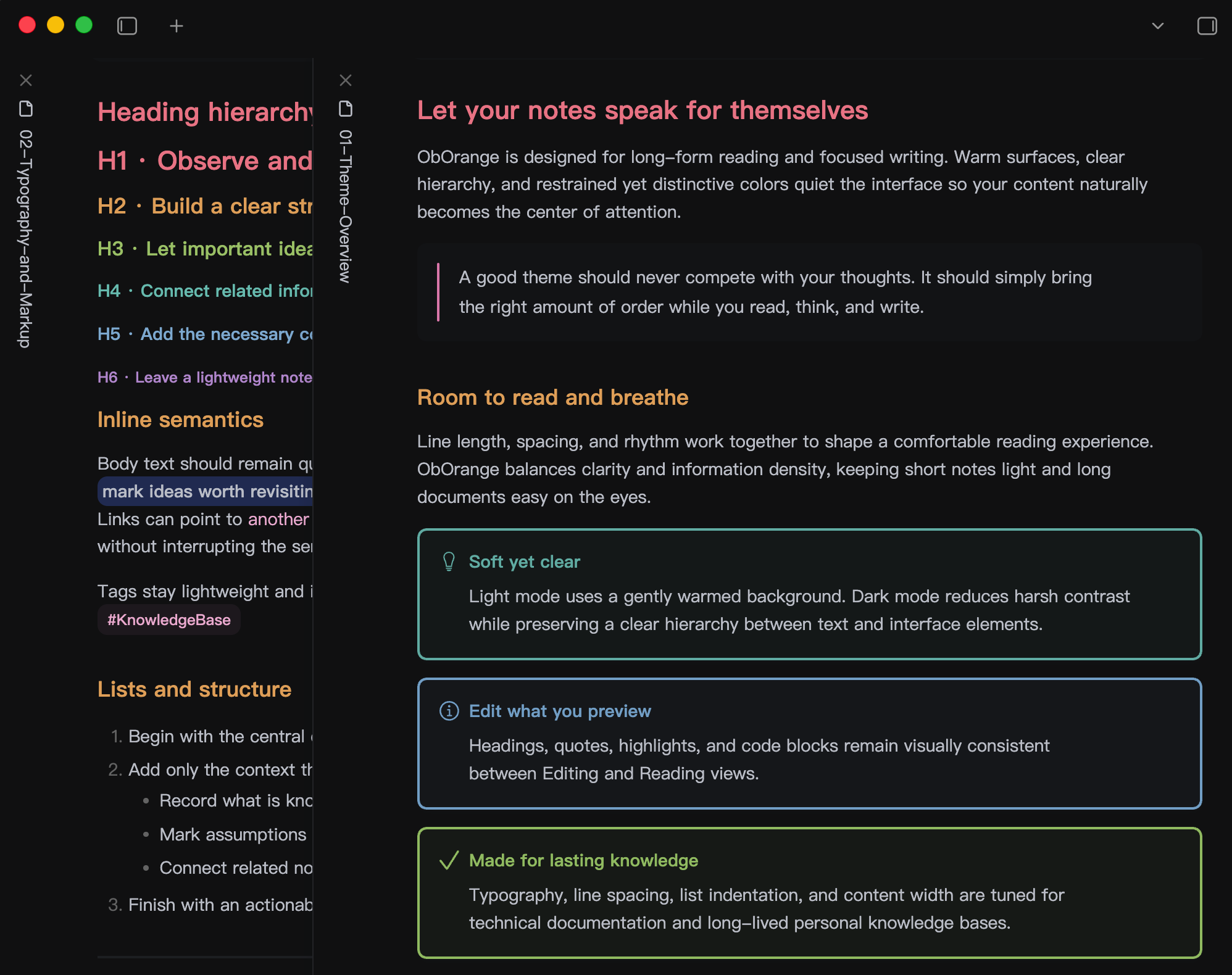
13. ObOrange
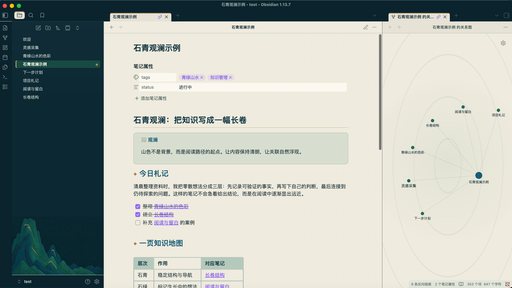
14. Shiqing Guanlan
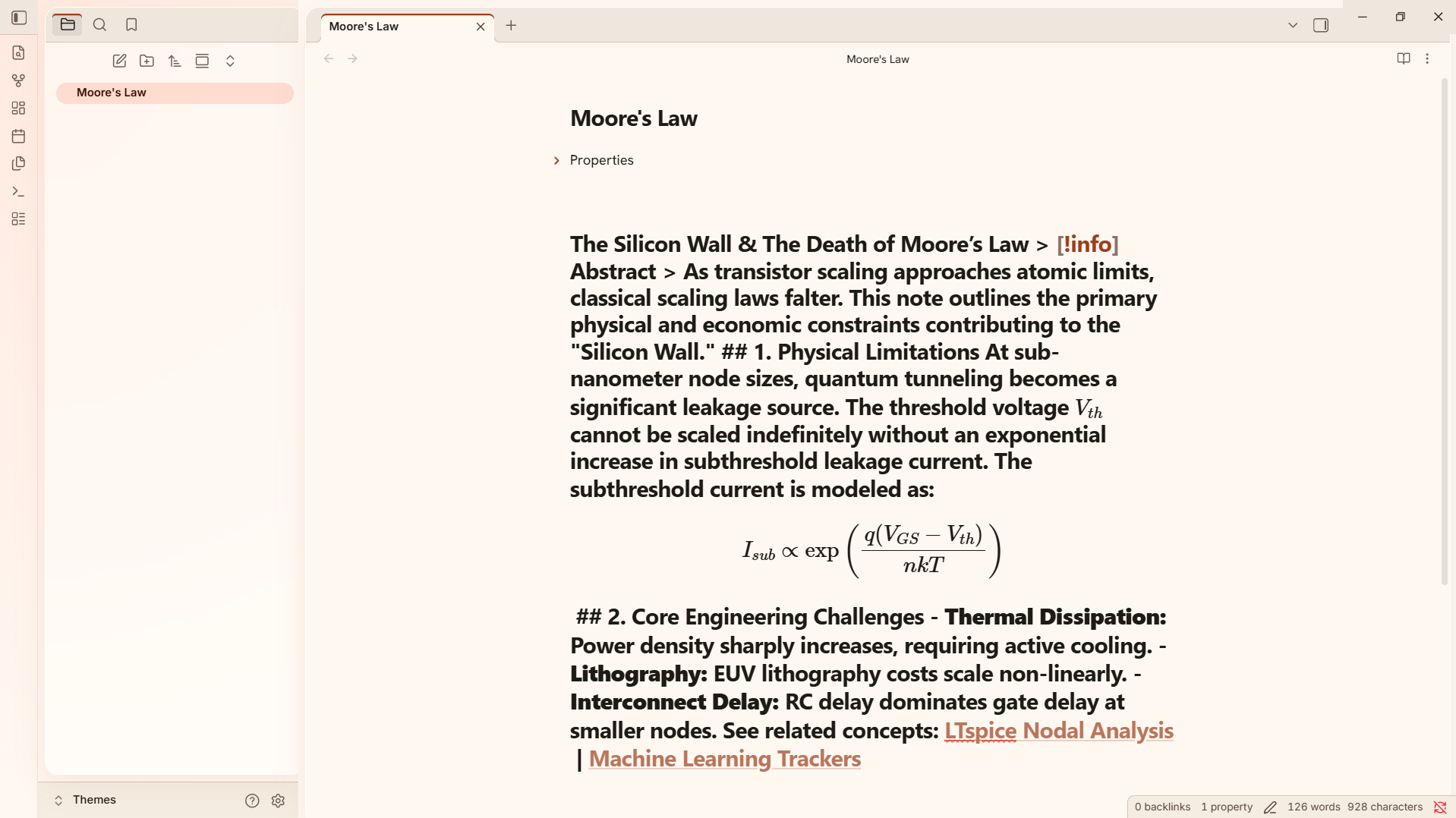
15. Engineering

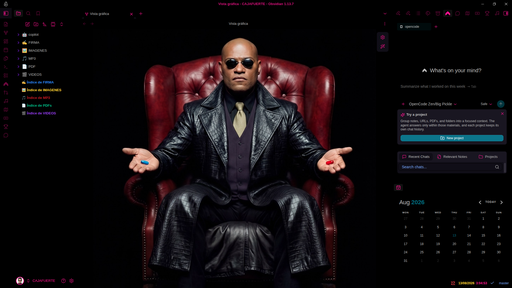
16. Cajafuerte
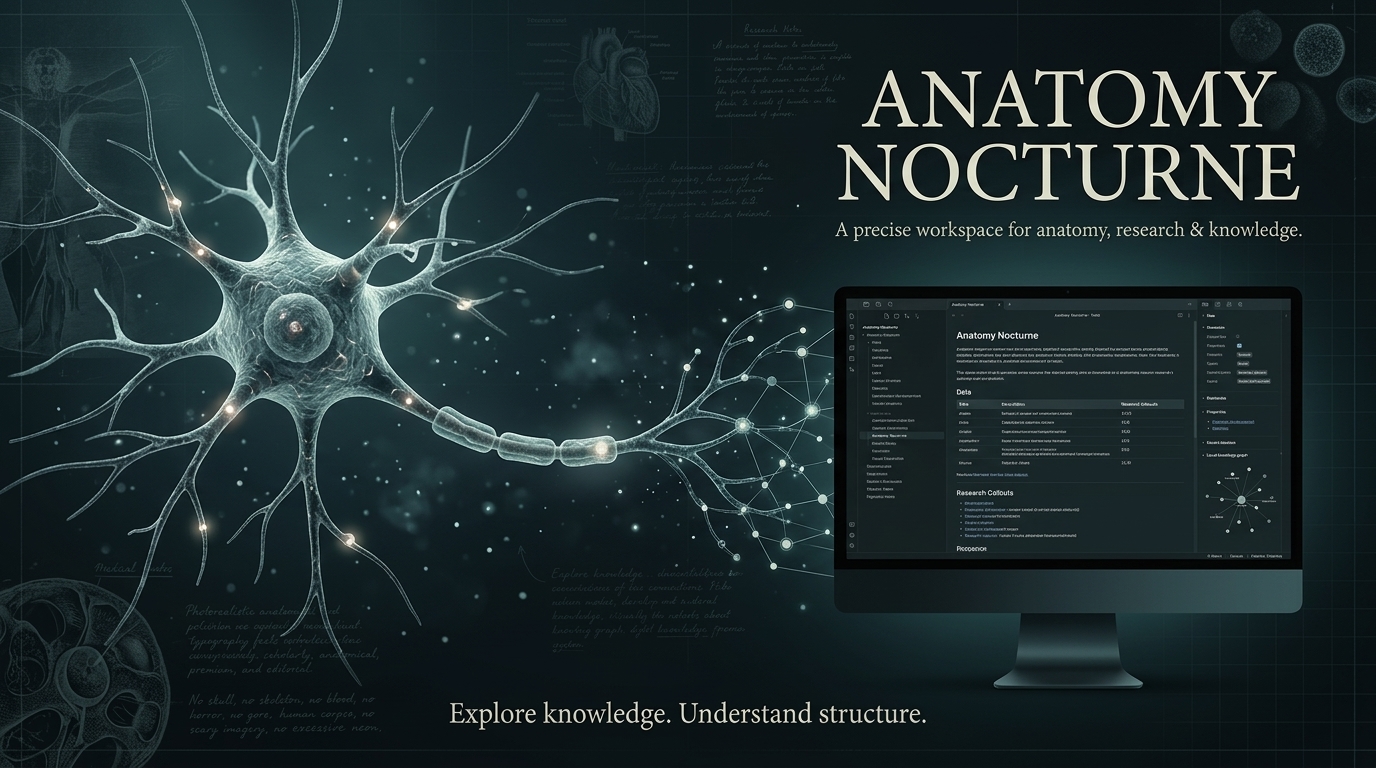
17. Anatomy Nocturne
That closes out another week. Skim the freshest arrivals on /new, scan what shipped on /updates and try one against a scratch vault before you touch your main one. See you next week!