
README file from
GithubNoir Void




A quiet, monochrome Obsidian theme built around depth, familiarity, and restrained contrast.
Noir Void is made to feel like a place you naturally return to — calm, familiar, and comfortable for everyday use.
It avoids excessive glow, bright colors, and unnecessary visual effects, keeping the interface focused on your notes and ideas.
Preview
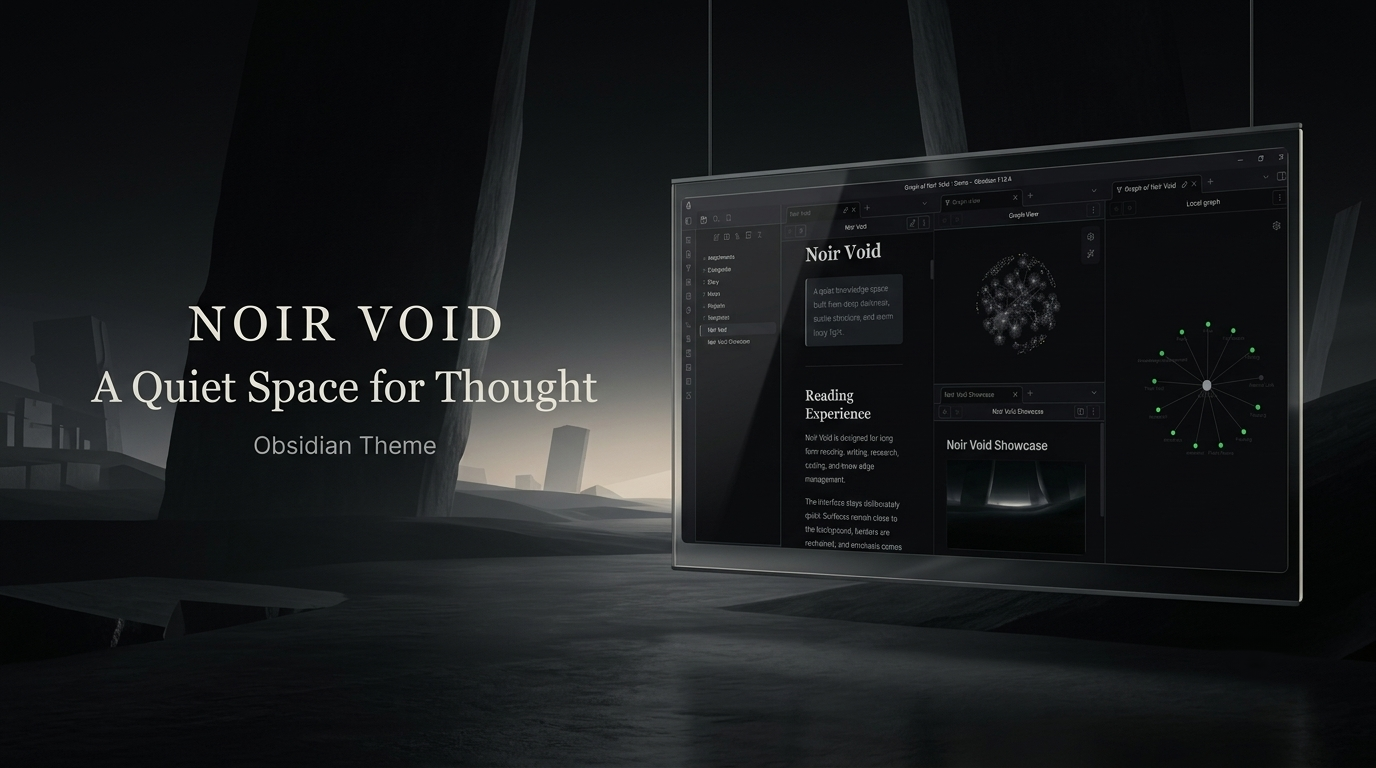
A familiar place for your thoughts.
Noir Void uses layered charcoal surfaces, soft typography, subtle borders, and controlled contrast to create a comfortable workspace for long sessions.
Screenshots
Dark Mode
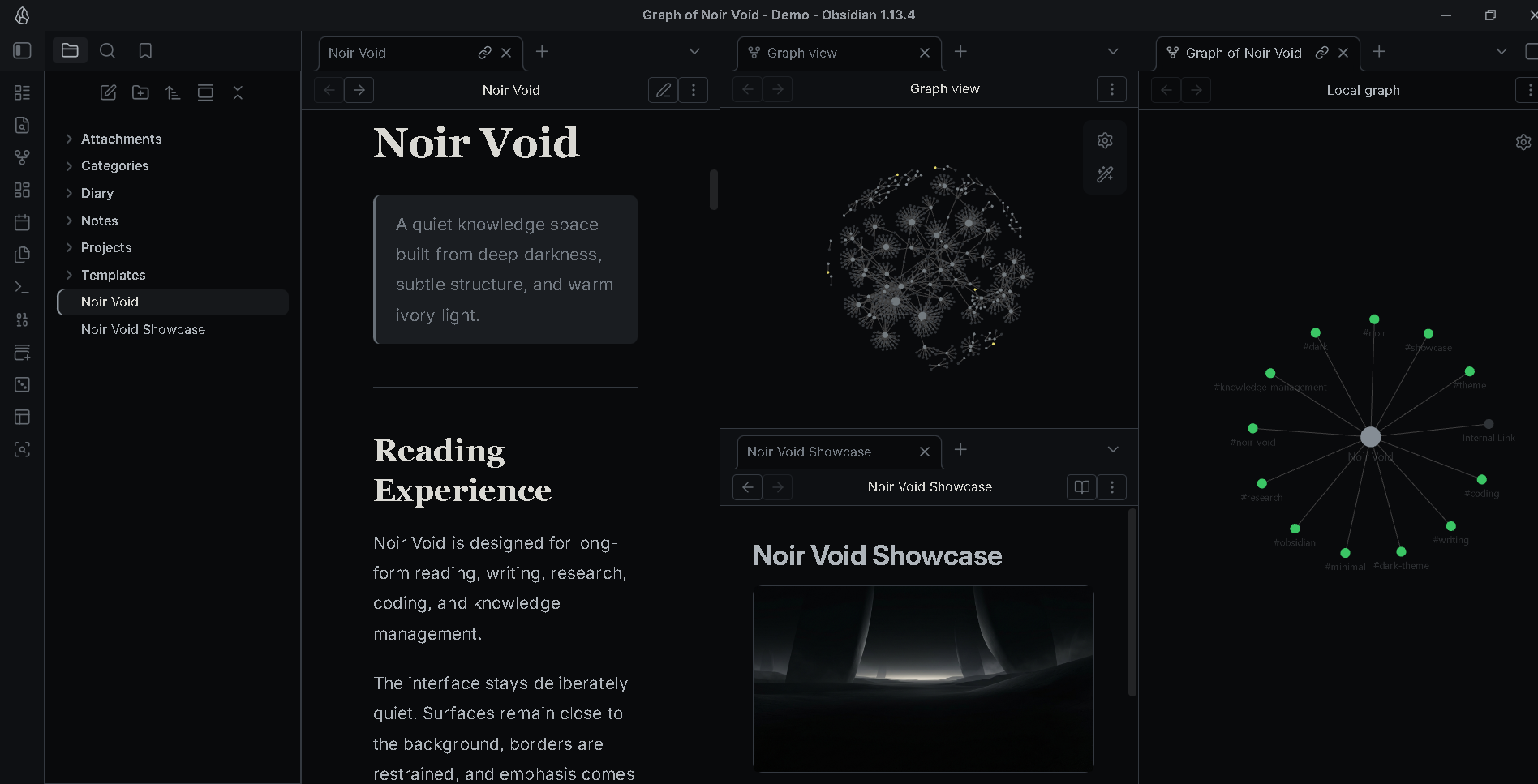
Deep charcoal surfaces with soft text and restrained contrast for a quiet workspace.
Light Mode
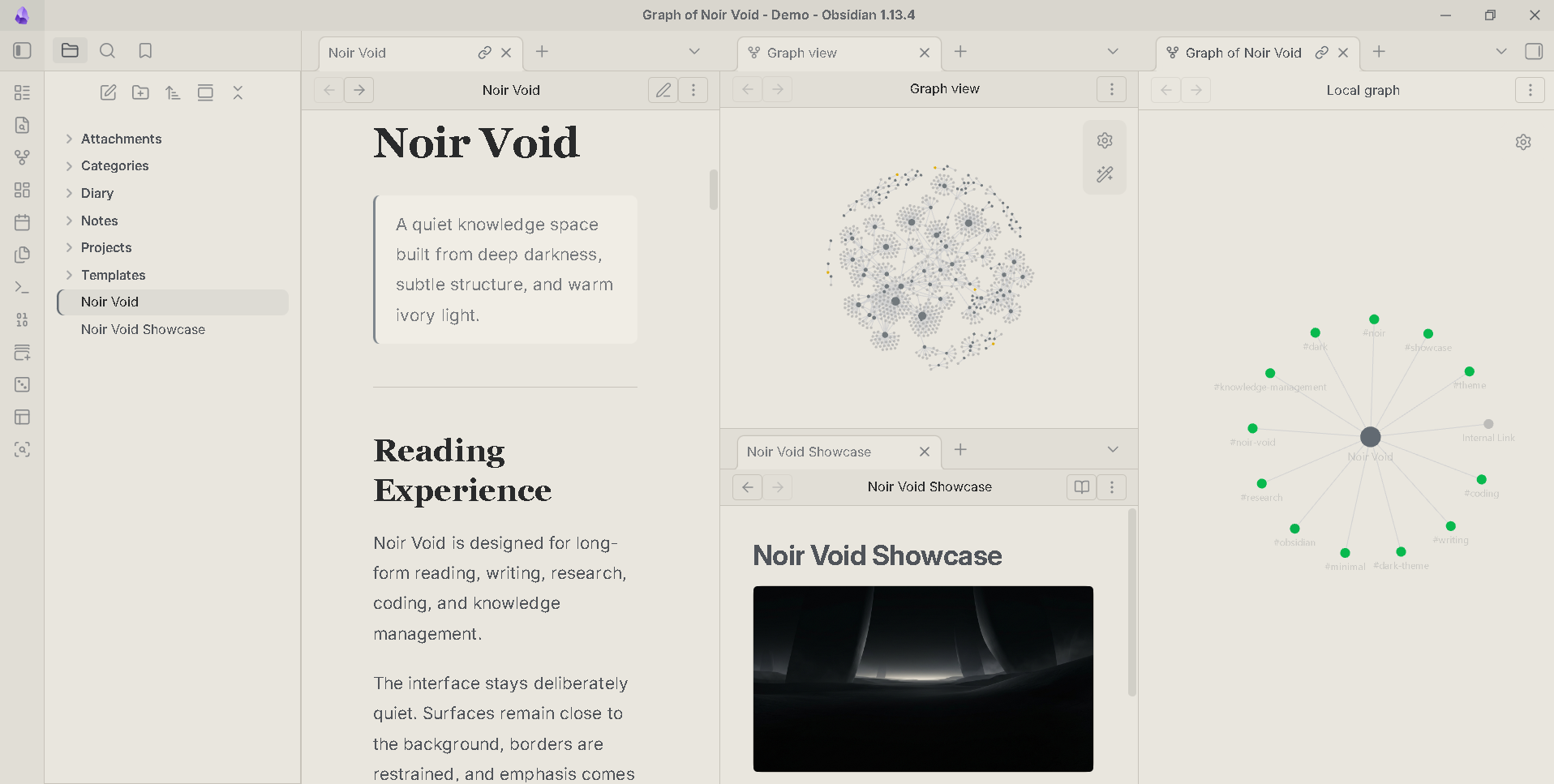
A warm, neutral interpretation of Noir Void designed for comfortable daytime use.
Reading Mode
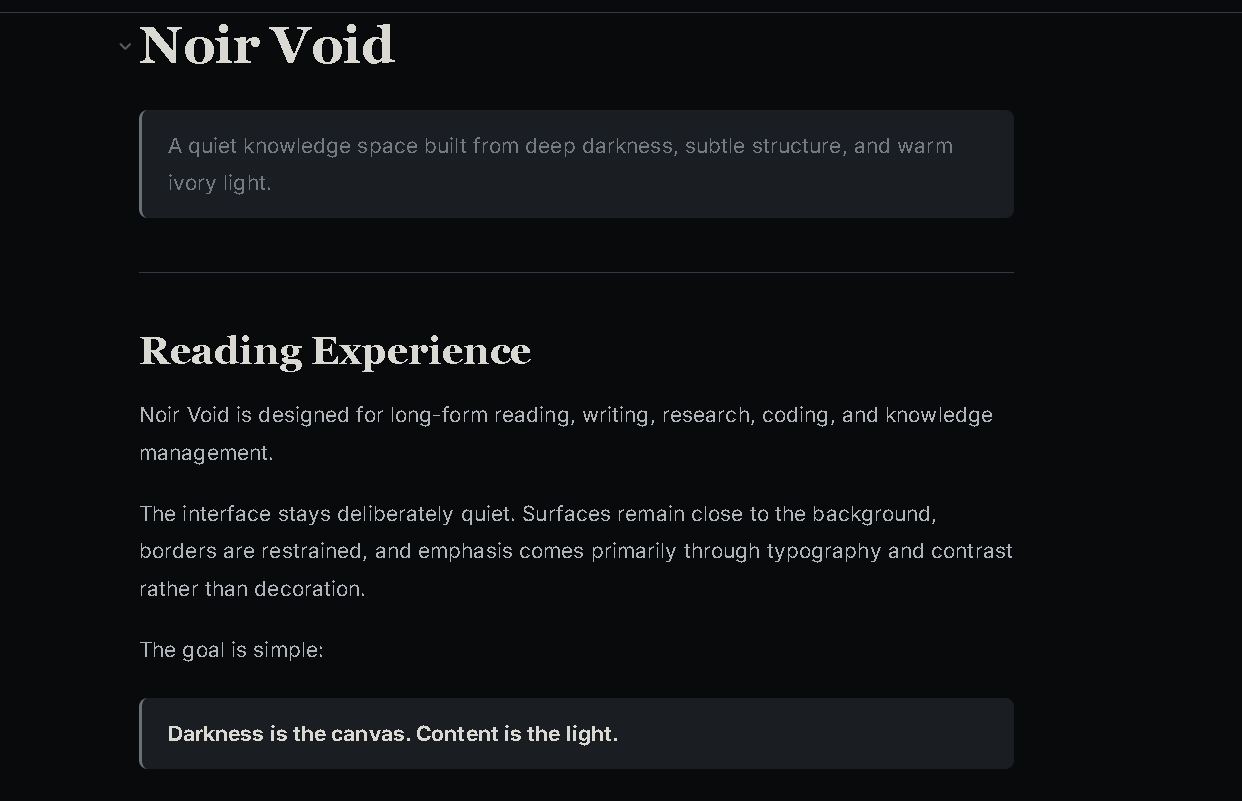
Focused on long-form reading with comfortable typography and reduced visual noise.
Source Mode
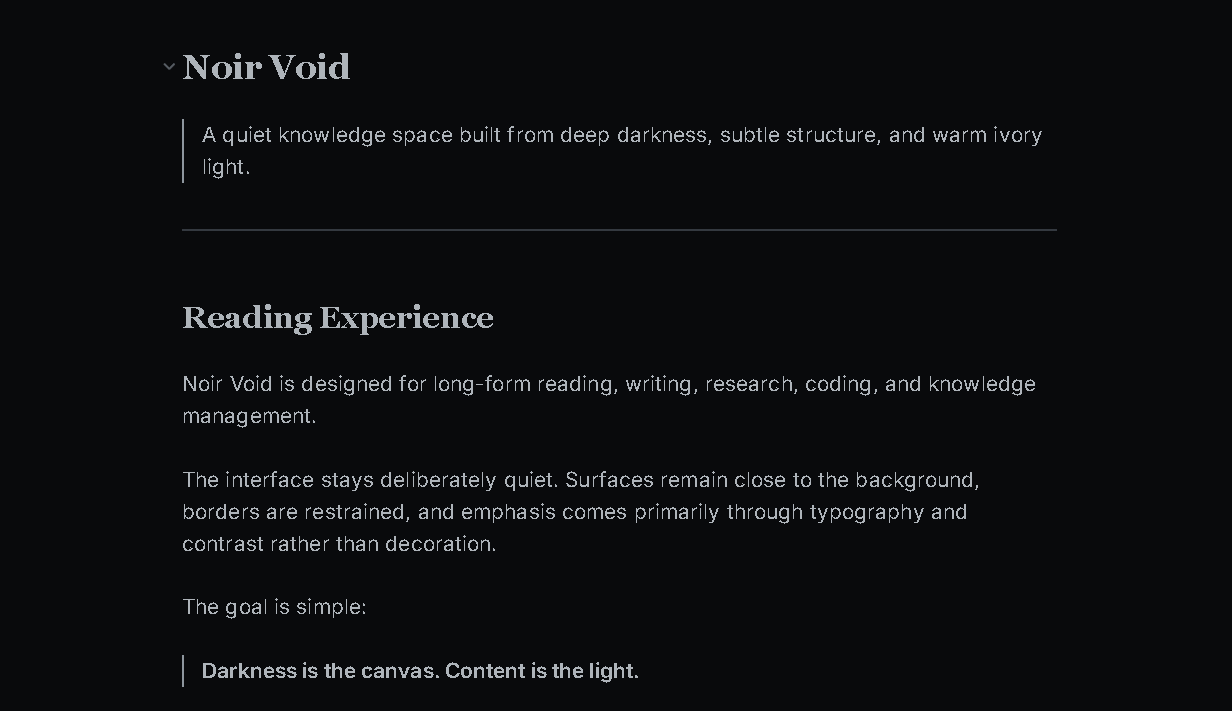
A clean editing environment for Markdown, writing, CSS, YAML, and code.
Tables
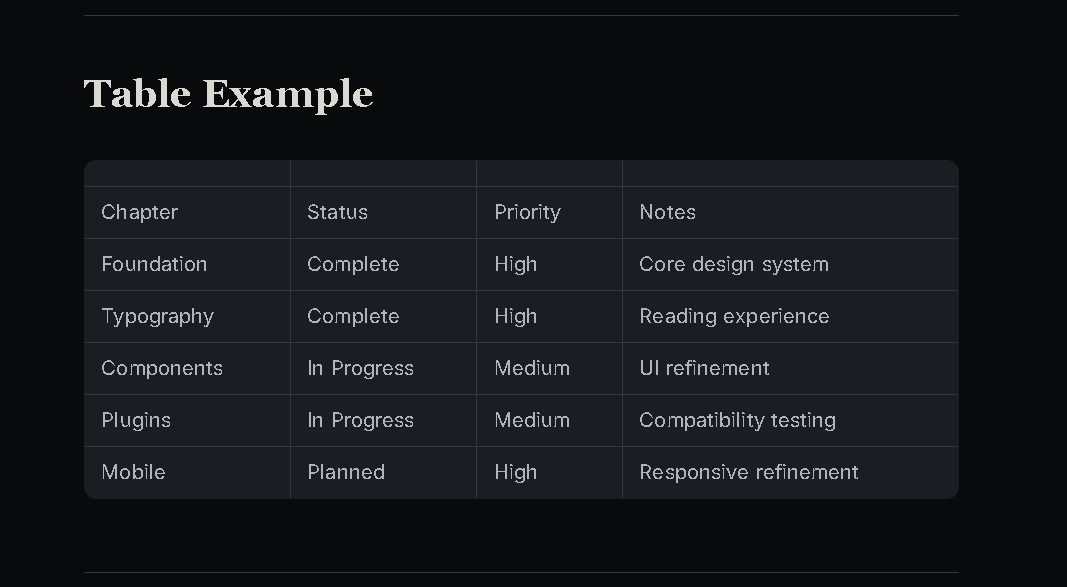
Tables use a continuous surface with subtle borders instead of heavy spreadsheet-style striping.
Graph View
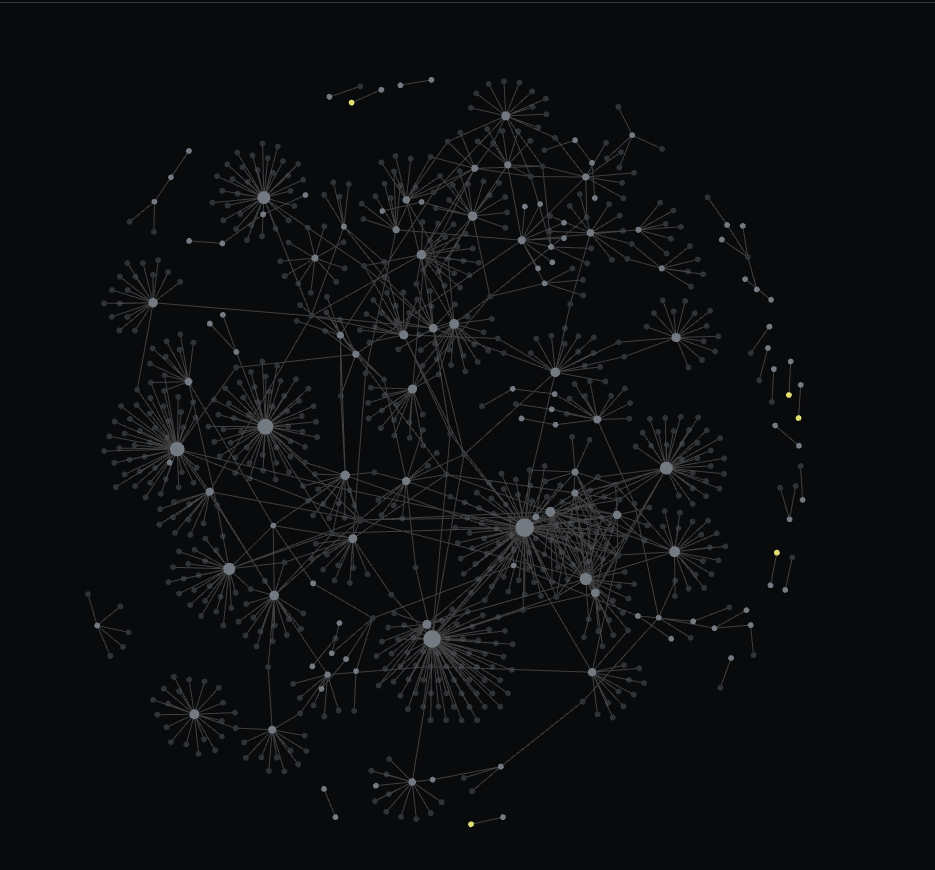
A restrained graph experience that keeps the same visual language as the main workspace.
Properties
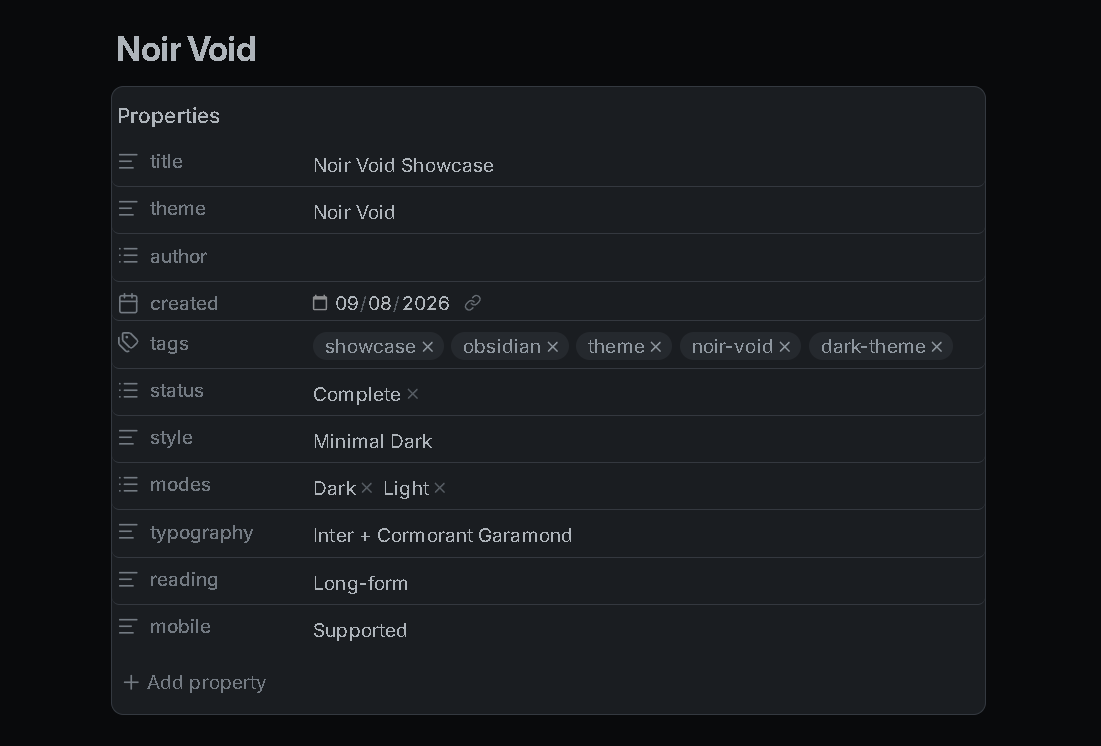
Properties are integrated naturally into the surrounding interface.
Code
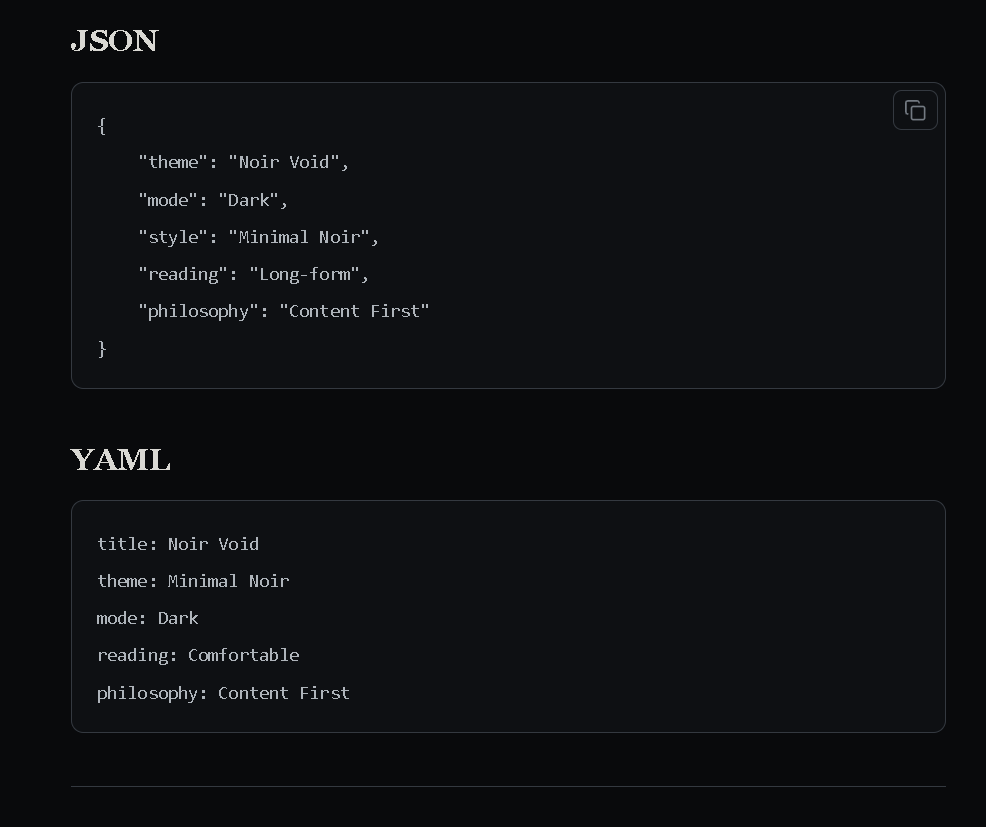
Clean code blocks with controlled contrast for comfortable technical work.
Callouts
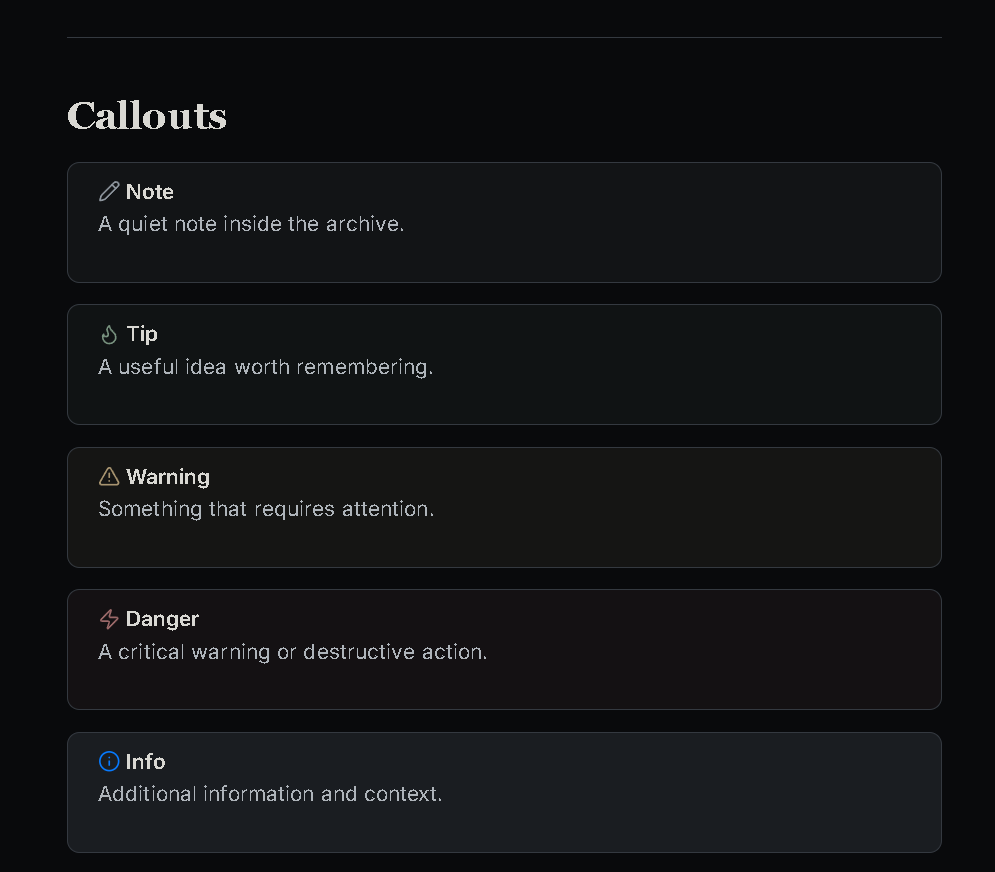
Subtle callouts provide structure without overwhelming the note.
Features
| Feature | Description |
|---|---|
| 🌑 Dark Mode | Deep charcoal workspace |
| ☀️ Light Mode | Warm ivory workspace |
| 📖 Reading Mode | Comfortable long-form reading |
| ✍️ Source Mode | Focused editing |
| 🪨 Material System | Layered monochrome surfaces |
| 🎨 Restrained Accent | Subtle interaction color |
| 📊 Tables | Continuous surface design |
| 💻 Code Blocks | Clean technical styling |
| 🗂 Properties | Integrated metadata |
| 🕸 Graph View | Refined knowledge network |
| 🏷 Tags | Subtle styling |
| ☑ Tasks | Clear task states |
| 📱 Mobile | Responsive layout |
Design Philosophy
Noir Void is built around a simple idea:
The interface should become familiar, not demanding.
The theme keeps decoration restrained so that your notes remain the focus.
- Soft contrast instead of harsh black and white
- Layered surfaces instead of excessive effects
- Subtle interaction states instead of bright accents
- Comfortable typography for long sessions
- Consistent styling across Obsidian
The goal is a theme that feels natural after using it every day.
Typography
- Body: Inter
- Headings: Cormorant Garamond
- Code: JetBrains Mono
Installation
- Download the repository.
- Copy the theme folder to:
YourVault/.obsidian/themes/
- Open Obsidian → Settings → Appearance.
- Select Noir Void.
Compatibility
| Feature | Status |
|---|---|
| Desktop | ✅ |
| Mobile | ✅ |
| Reading Mode | ✅ |
| Live Preview | ✅ |
| Graph View | ✅ |
| Properties | ✅ |
| Tables | ✅ |
| Callouts | ✅ |
| Code Blocks | ✅ |
| Dataview | ✅ |
| Tasks | ✅ |
| Canvas | ✅ |
| Excalidraw | ✅ |
Support ☕
If you enjoy Noir Void and want to support development:
Credits
Fonts
- Inter
- Cormorant Garamond
- JetBrains Mono
Made for the Obsidian community.
License
MIT License
Noir Void — A familiar place for your thoughts.