
README file from
GithubThird Brain Neon
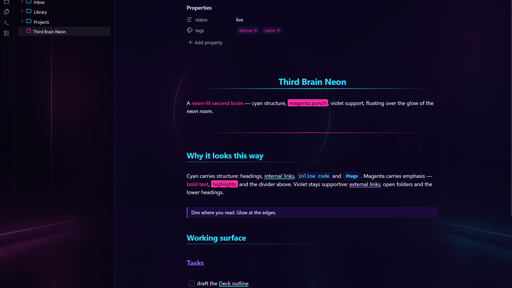
A dark, neon cyan/magenta theme for Obsidian — glass panes floating over an embedded neon room.
Screenshots
Features
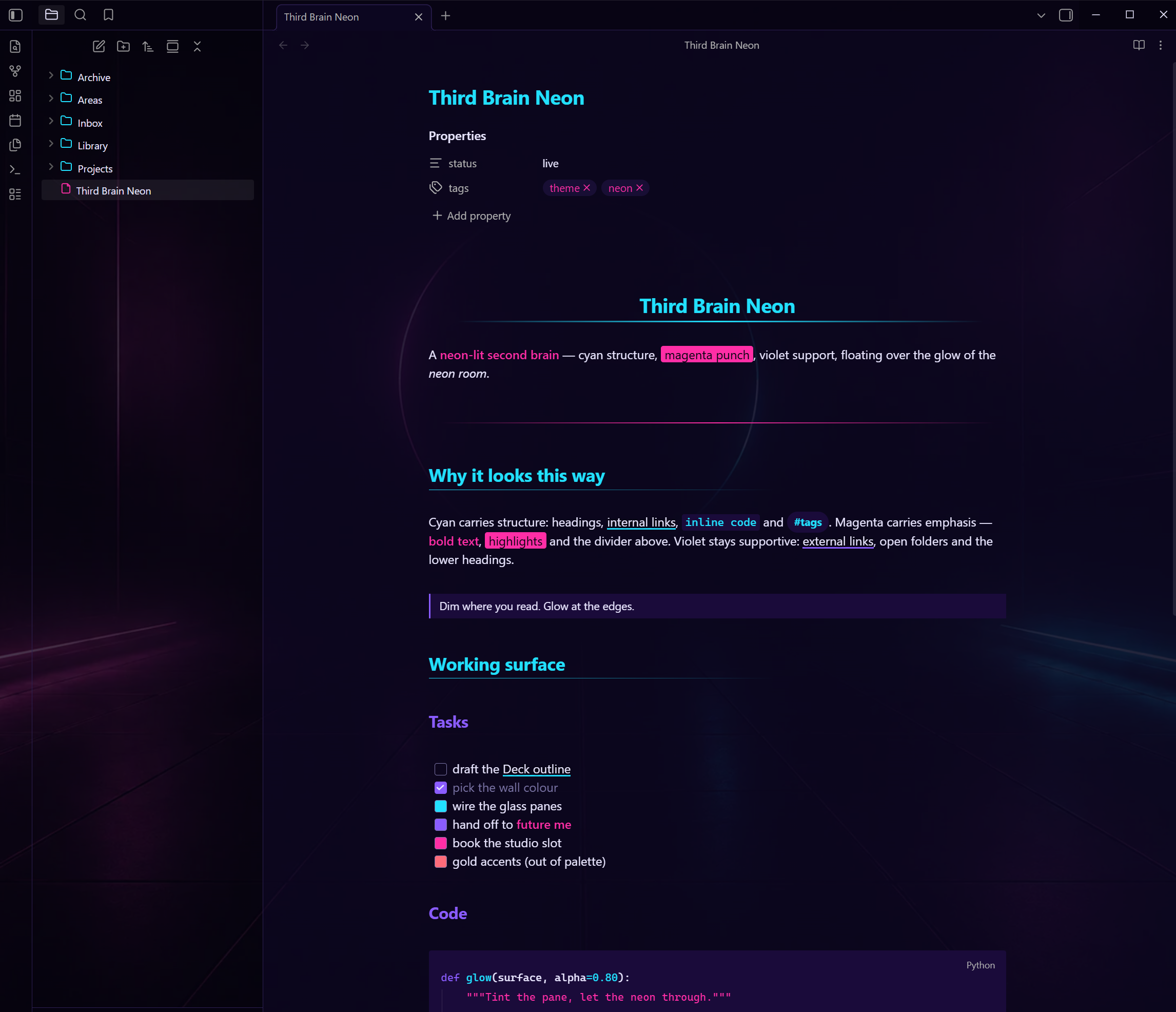
- Neon palette with clear roles — cyan
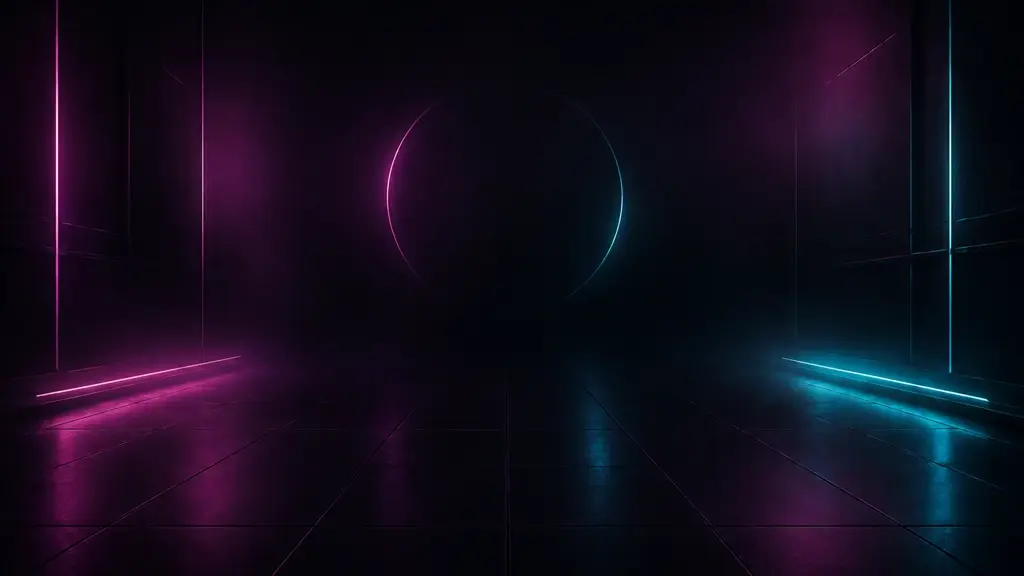
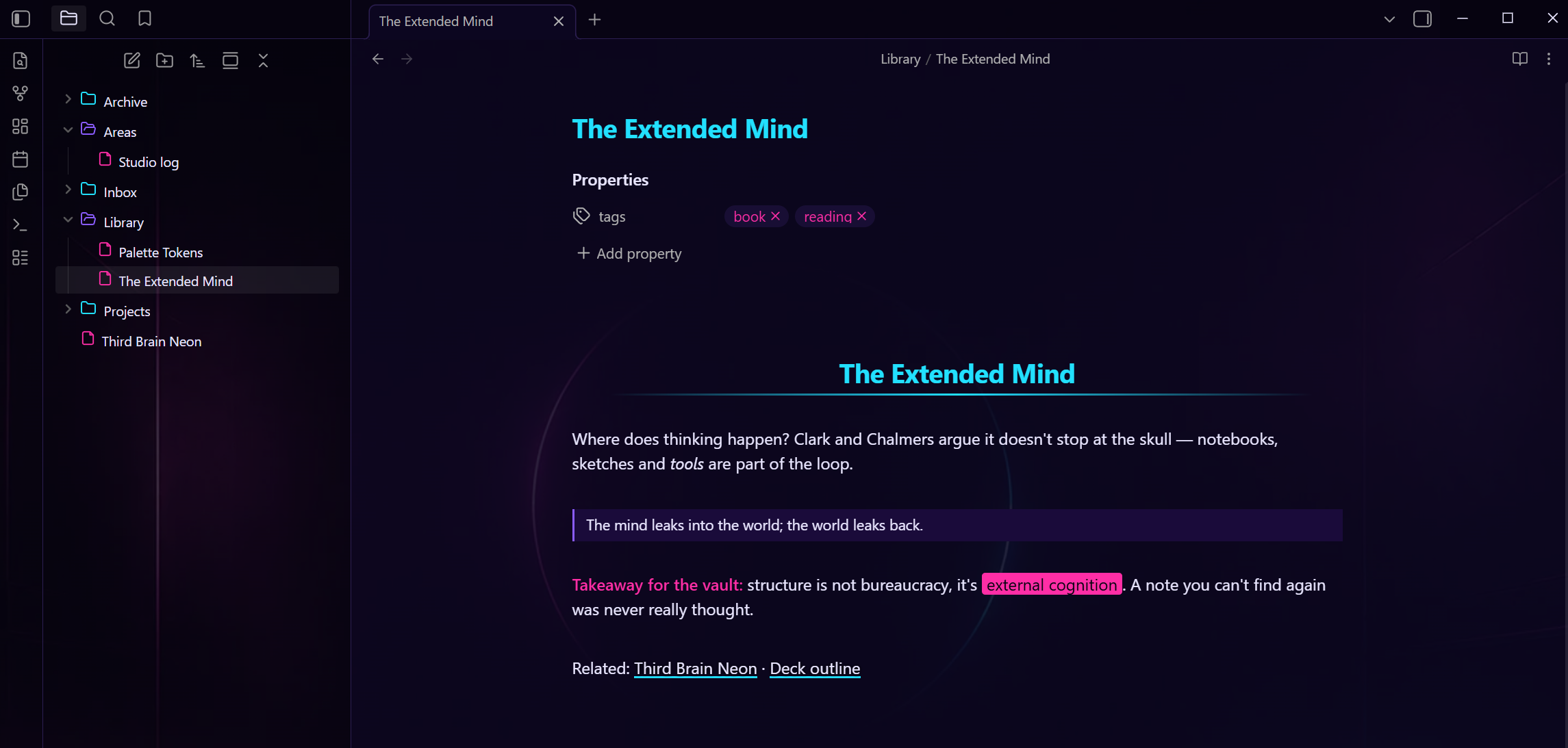
#22E0FFcarries structure (H1/H2 with gradient underlines, internal links, inline code, tags), magenta#FF2EA6carries emphasis (bold, highlights, horizontal-rule gradients), violet#8A5CFFsupports (H3–H6, external links, interactive accents). Body text is a soft lavender on deep violet-black grounds. - The neon room — an original AI-generated wallpaper is embedded directly in the theme (a single 50 KB WebP data URI; no external assets, works fully offline). Workspace surfaces are tinted glass: dimmest where you read, more transparent at the sidebars so the neon glows through the file tree.
- State-coloured explorer icons — Lucide glyphs baked into the CSS: magenta files, cyan closed folders, violet open folders, so expanded branches read at a glance.
- Click-accurate editor spacing — heading and divider spacing in the editor is padding-only. CodeMirror 6 ignores vertical margins on line elements when mapping clicks and arrow-key motion to text positions; themes that use margins there make clicks land on the wrong line. This theme deliberately doesn't.
- Dark mode only — the theme forces its night look in both Obsidian appearance modes.
Install
Community themes: Settings → Appearance → Themes → Manage → search "Third Brain Neon".
Manual: copy theme.css and manifest.json into <your vault>/.obsidian/themes/Third Brain Neon/, then select it under Settings → Appearance.
Customisation
All palette tokens live in the :root block at the top of theme.css (--neon-cyan, --neon-rose, --neon-violet, grounds, text). The wallpaper treatment lives in the Neon Room Background section at the bottom — raise the rgba(...) alphas for more text contrast, lower them for more neon. Delete that whole section if you want the palette without the wallpaper.
Credits
- Structure forked from Sparkling Night by Isacco Stiaccini (MIT License).
- File-explorer icons derived from Lucide (ISC License, © Lucide Contributors).
- Background artwork: original AI-generated image by the theme author, distributed under the repository's MIT terms.