
There are 254 new plugins, 800 plugin updates and 13 new themes during the week 2026-07-19 to 2026-07-25.
The weekly updates are back!! But there are some changes to it. Since the Obsidian Community page and automated plugin review went live, new releases have climbed fast enough that listing every plugin in one post stopped being useful. I still wanted a weekly cut that surfaces the entries worth your time, so I rank the 254 new plugins by download velocity - total downloads divided by the number of days since release. That gives me a simple signal for early traction and the top 15 from that list are the plugins I am highlighting here.
New Plugins
There are 254 new plugins - see them all at /new. A few earned a closer look. Sidebar Keyboard Navigation led every newcomer on download velocity and it does one thing well: move through the native File Explorer with the keyboard alone, Vim style. Voice capture was a theme this week. Resojot, the second fastest newcomer, turns spoken notes into Markdown and transcribes them with a local or cloud provider. On the AI side, LLM Hub brings chat, workflow automation and semantic search together, and it can run against local LLMs. Claudian Plus forks Claudian, this week's most downloaded plugin and aims it at local first knowledge work. Looks like a lot of AI integrations are coming to Obsidian plugins ecosystem.
The Obsidian Sidebar Keyboard Navigation plugin brings keyboard driven control to the file explorer and search panes, mainly for people who prefer Vim style movement outside the editor. It lets you move through files and folders, open items in tabs or splits, preview files, rename or clone nodes, create notes and folders, manage selection and use context menus without leaving the keyboard. The plugin also tweaks a few native behaviours, such as avoiding duplicate tabs, supporting background opening and keeping focus on nearby items after deletion.
The Resojot plugin brings audio capture, transcription and note processing into one workflow for spoken notes. It saves recordings inside the vault, turns them into Markdown notes and supports different writing modes such as new notes, append flows and journal oriented placement. The plugin can route speech through local or cloud ASR providers, then pass the result through custom LLM polishing steps to extract todos or generate short summaries. It also handles imported audio, long recordings, task recovery and fallback provider switching when a service fails.
The LLM Hub plugin brings several AI workflows into one place, letting you chat with different providers, switch between API, local and CLI backed models, and use vault aware tools with configurable limits. It includes prompt based slash commands, reusable agent skills, a workflow builder, RAG search over local notes, optional MCP server connections and a Discord bot bridge for remote conversations. The plugin also adds edit history, encrypted chat and workflow logs, and controls for safer file changes. Its scope is broad: note assistance, automation, external tool calls and model orchestration all sit in the same interface.

The Discourse Graphs plugin turns research notes into structured discourse objects so questions, claims, evidence and sources can be created, linked and revisited as part of a larger argument. It lets you define custom node types, relation types and saved relations, then use those structures inside notes or on a dedicated canvas view for mapping connections. Text can be converted into nodes from a shortcut, context menu or command palette, while relations can be added from a sidebar panel or drawn directly between cards on a canvas. This makes it suited to academic workflows where people need clearer reasoning trails, reusable evidence chains and a more deliberate way to build knowledge over time.
The Dynamic Theme Background plugin lets you turn the app background into a rotating wallpaper layer drawn from local folders, online image providers, gradients, solid colours or a custom JSON API. It is built for people who want visual variety without giving up control, since you can tune blur, brightness, saturation and hue to match different themes and reading conditions. The plugin also supports timed background changes, quick switching from the status bar or command palette and saving a remote image into a chosen vault folder.
The Contexts plugin lets you capture the tabs you currently have open and restore them later as named contexts. It is built for people who move between different working setups and want to switch without rebuilding the same view each time. The plugin handles markdown notes, PDFs, canvases and images, and it stores only relative vault paths, which helps saved contexts load more consistently across desktop and mobile. You can save a new context, overwrite an existing one with confirmation, switch to another context from a command, and manage saved entries from settings.
The Copy Contents plugin copies or exports the contents of a note or folder as markdown, plain text, or JSON, which makes it useful when you need a clean bundle of material outside the vault. It can preserve nested folder paths, add separators or headings, and open a selection dialog for larger folders so you can choose what gets included. Filters for file extensions and maximum file size help keep big exports under control. The plugin also covers privacy well. Clipboard access happens only when you trigger a copy action, it never reads existing clipboard data, and it does not make network requests or collect analytics. If you want to avoid the clipboard, the same content can be exported directly to a file.
The Pretext Optimizer plugin reduces rendering overhead in large notes by computing text height ahead of time and applying `min-height` before the browser measures each block. It works in both preview and edit mode, hooking into markdown rendering and CodeMirror lines so long callouts, blockquotes and tables open with less layout churn. A smart cache reuses results for identical text and font combinations, which cuts repeated work across similar content. Recent changes also narrow scanning to visible content, throttle mutation handling with animation frames and batch heavier processing when the browser is idle.
The Square plugin turns recurring personal projects into clickable cards on a simple dashboard inside your vault. Each card points to one Markdown note and acts as a quick entry point for daily records, so you can log completion, counts, short text, date changes and attachments without leaving your notes. It is aimed at people who want habit and routine tracking to stay close to journals, reviews and project notes instead of sitting in a separate app. The plugin also adds weekly, monthly and ranking views for looking back on patterns, and it lets you archive projects once they move out of daily use. Records stay in normal Markdown files and the plugin states that it does not include client telemetry.
10. Budget Planner
The Budget Planner plugin lets you keep a working budget inside notes with a plain `budget` code block instead of a separate interface or external sheet. It groups rows into categories, tracks paid and unpaid items, shows counts and totals and lets you edit names, amounts and comments directly in place. Comments can render markdown, so links, tags and wiki references stay useful while you plan. You can drag rows between categories, reorder sections and sort entries by key columns when the list gets messy. Every change rewrites the block into aligned markdown, which keeps the note readable even if you later edit the text by hand.

The Obsidian Offline Whisper Transcription plugin adds local voice transcription to notes using Whisper models, with a setup that changes by device so it can stay usable across desktop and mobile. On Windows, macOS, and Linux it downloads a matching `whisper.cpp` binary on first use, while on Android and iOS it runs a bundled transformers.js build through WebAssembly. You can pick the model in settings, then start or stop capture from the ribbon or command palette when you want to dictate into a note. Audio stays on the device and is not sent to remote servers.
The Vaultend plugin helps keep a vault tidy by mixing AI assisted note organisation with local maintenance tools. It can analyse the current note or a whole folder, suggest tags and links, summarise content and let you review every change before applying it. It also merges duplicate tags, scans for broken links, empty notes, orphans and similar files, then gives archive, delete, dismiss and undo actions from the same workflow. You can exclude folders, tags or properties, redact patterns before anything is sent out and track every change in an activity log with restore support. Cost display after each AI call is another useful touch, especially if you organise notes in batches.

13. Open in Marked
The Open in Marked plugin sends the current note or the whole vault to Marked 3 on macOS for a live Markdown preview outside the editor. It can open the active note directly, or keep Marked pointed at the most recently changed file in the vault, which makes it useful if you want a separate reading view while writing. The plugin works through Marked's custom URL handler and the macOS open command, so the setup stays simple but it is tied to desktop use. It also reads absolute file paths from your vault so Marked can load the right file.
14. ReverySky Map
The ReverySky 3D Graph plugin turns a vault into an interactive 3D map where notes, tags and links can be explored from different angles. It offers force based and scalable link layouts, plus a date driven view for browsing notes along a timeline. You can filter the graph by path, tag and date, hide tag structure when needed, switch between detailed and simplified rendering and jump straight from a node to the note it represents. The view can also follow the active note inside the editor. It is built for large vaults too, with support for dense graphs and note sets that can reach 10,000 items. Vault structure stays local and the runtime uses a loopback server only to load bundled WebGL files on the same device.

Most Downloaded (from 2026-07-19 to 2026-07-25)
| Rank | Plugin | Downloads | Links |
|---|---|---|---|
| 1 | Claudian | 111,094 | Details / GitHub |
| 2 | Excalidraw | 101,689 | Details / GitHub |
| 3 | TaskNotes | 86,308 | Details / GitHub |
| 4 | Templater | 83,079 | Details / GitHub |
| 5 | Dataview | 47,855 | Details / GitHub |
| 6 | Tasks | 42,716 | Details / GitHub |
| 7 | Git | 33,535 | Details / GitHub |
| 8 | Editing Toolbar | 31,050 | Details / GitHub |
| 9 | Copilot | 27,566 | Details / GitHub |
| 10 | Calendar | 27,392 | Details / GitHub |
| 11 | Notebook Navigator | 23,016 | Details / GitHub |
| 12 | Omnisearch | 22,892 | Details / GitHub |
| 13 | Style Settings | 22,241 | Details / GitHub |
| 14 | Kanban | 20,964 | Details / GitHub |
| 15 | Importer | 20,030 | Details / GitHub |
Plugin Updates
We got 800 plugin updates in the last one week's time. You can see all the plugin updates on Obsidian Plugin Stats webapp.
Notable Updates
- Claudian - v2.0.40 - Changelog
- Templater - v2.24.0 - Changelog
- Notebook Navigator - v3.2.4 - Changelog
- Note Toolbar - v1.34.11 - Changelog
- Terminal - v3.27.1 - Changelog
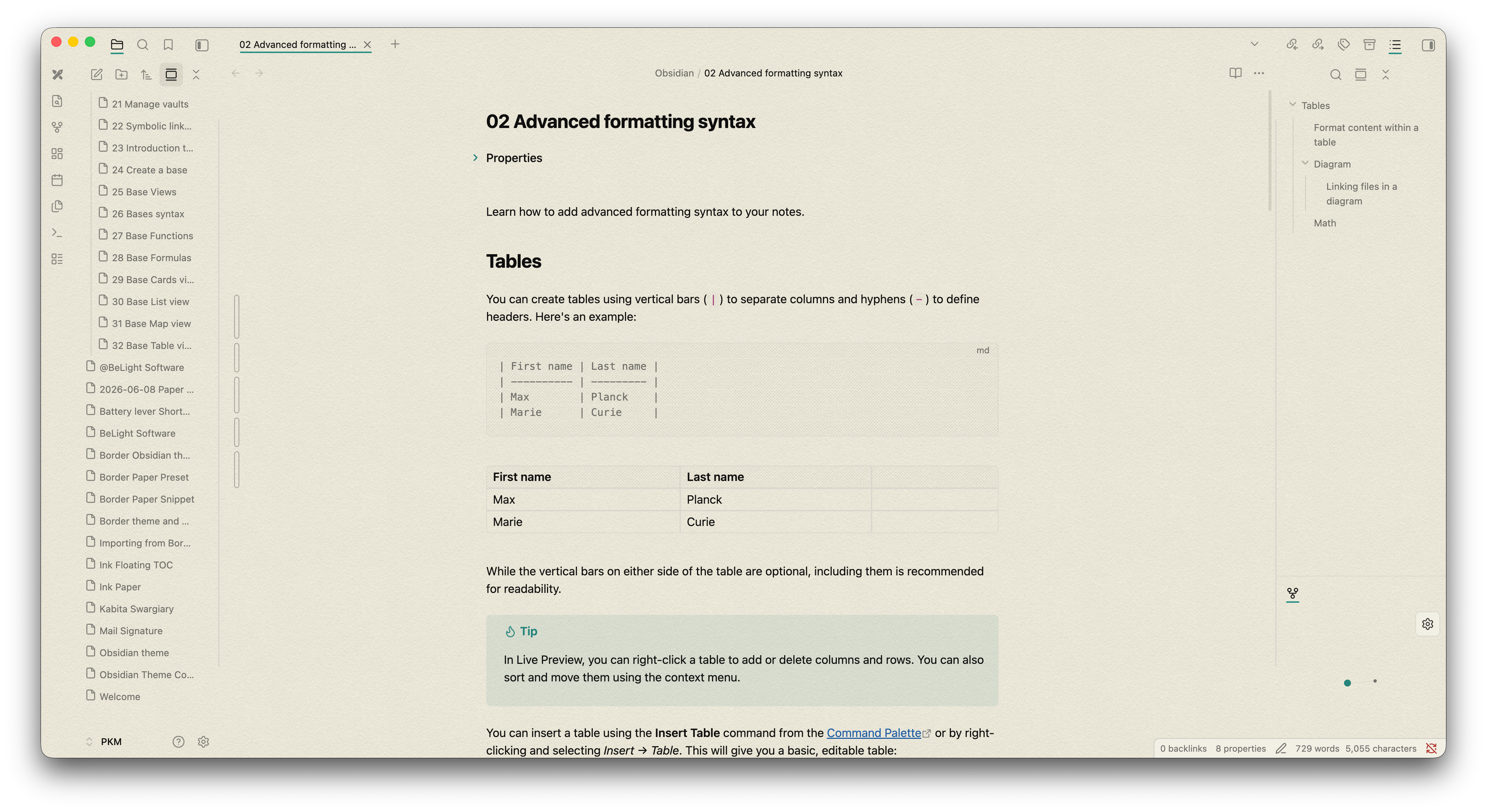
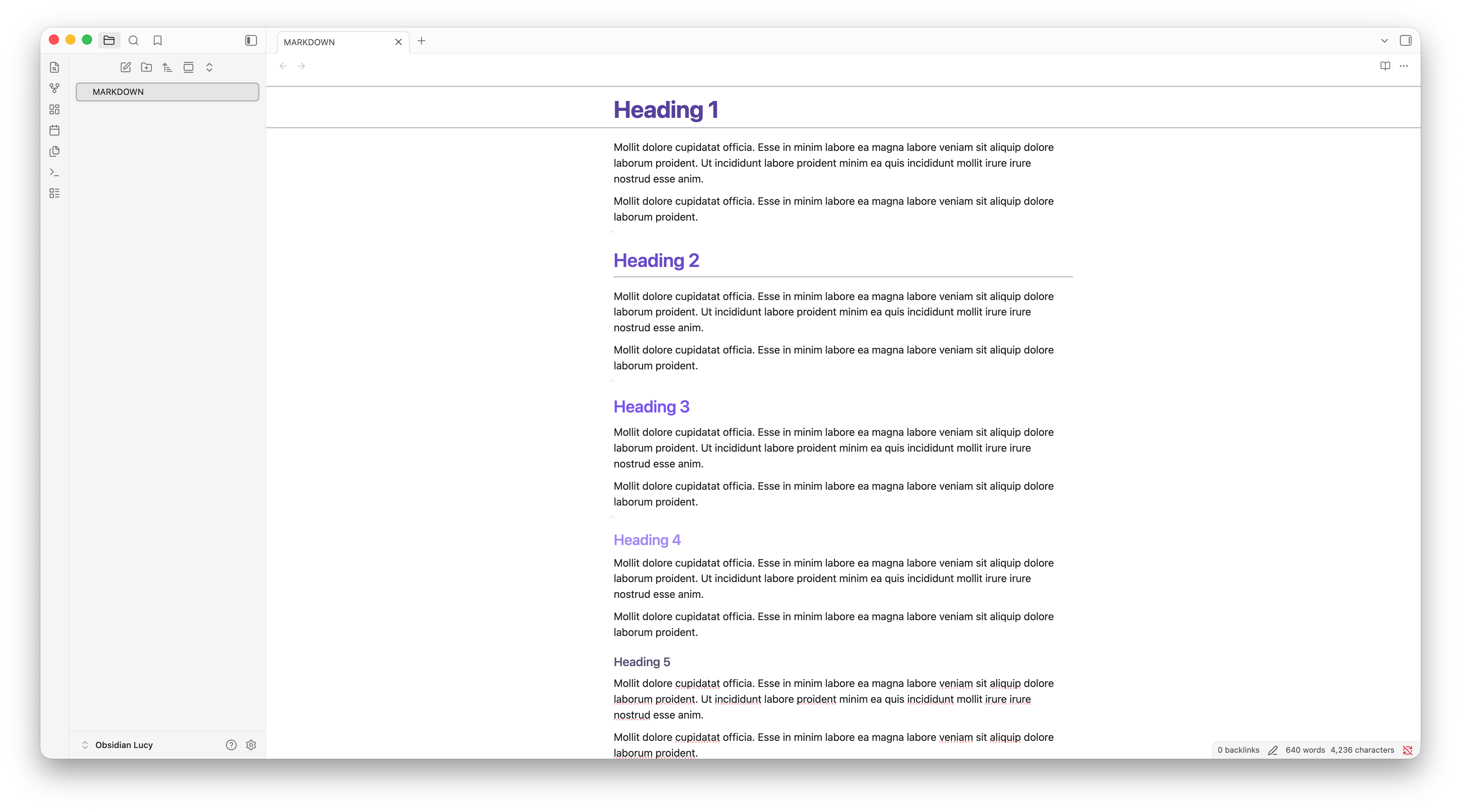
New Themes
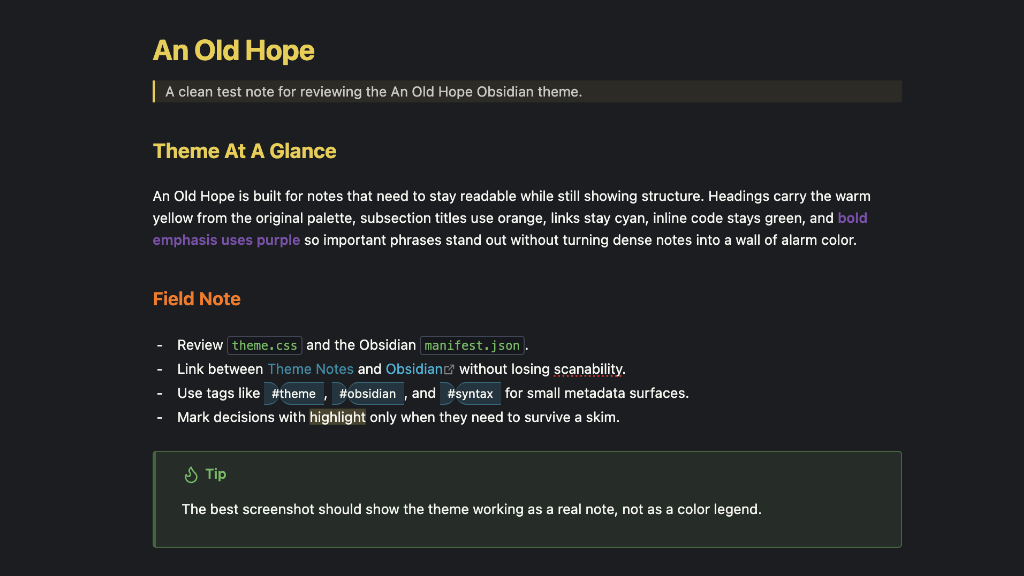
1. An Old Hope
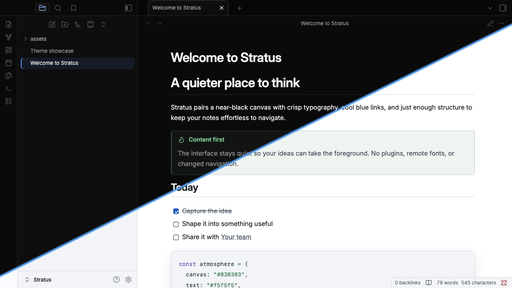
2. Stratus
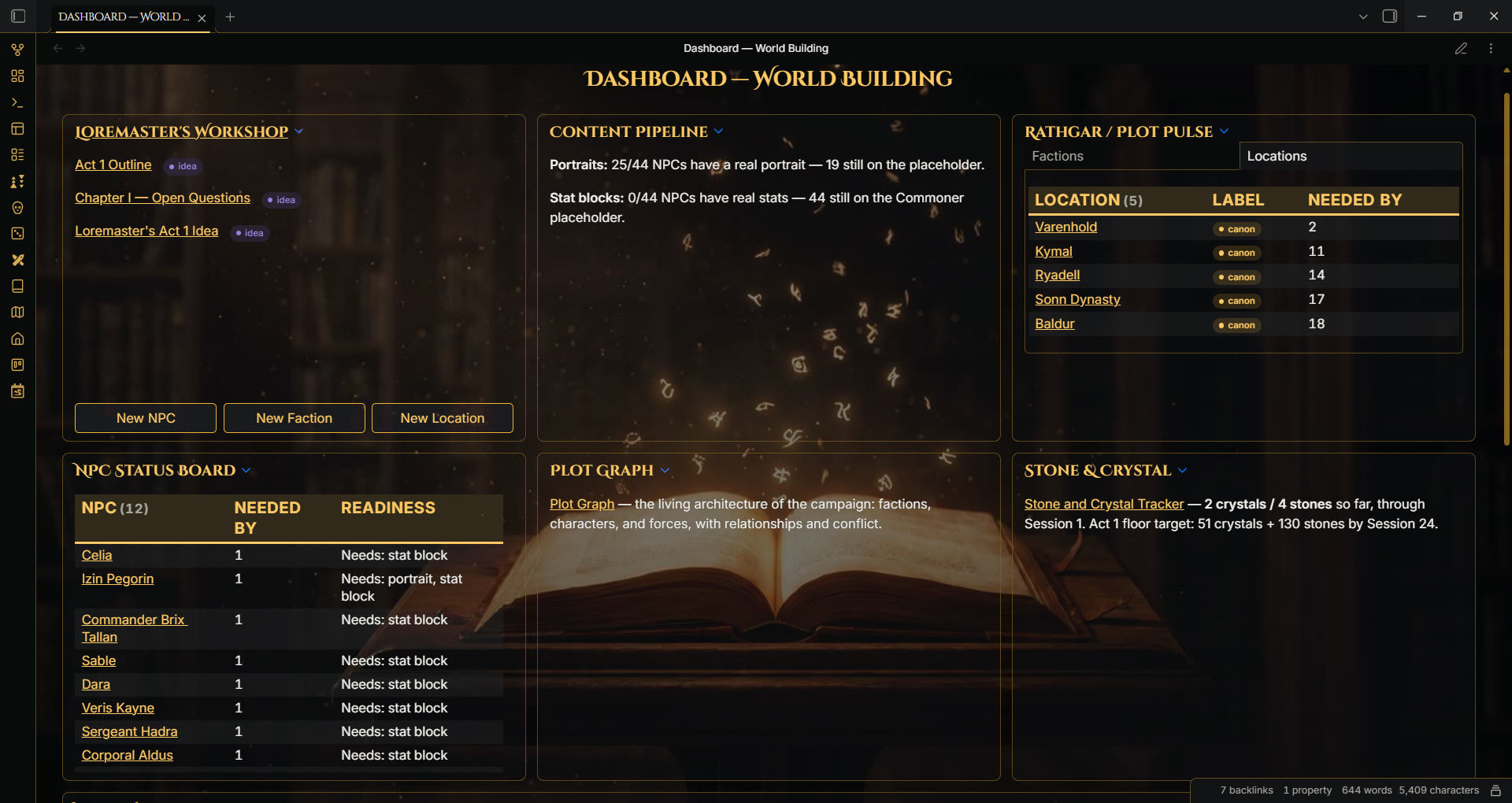
5. LCARS
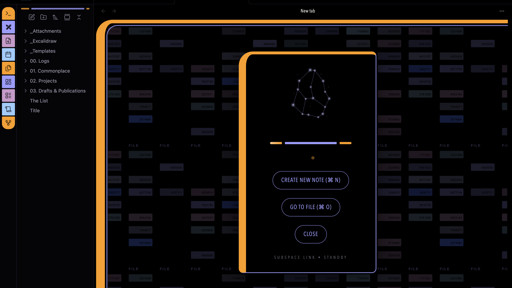
6. Ink Paper
7. Lucy
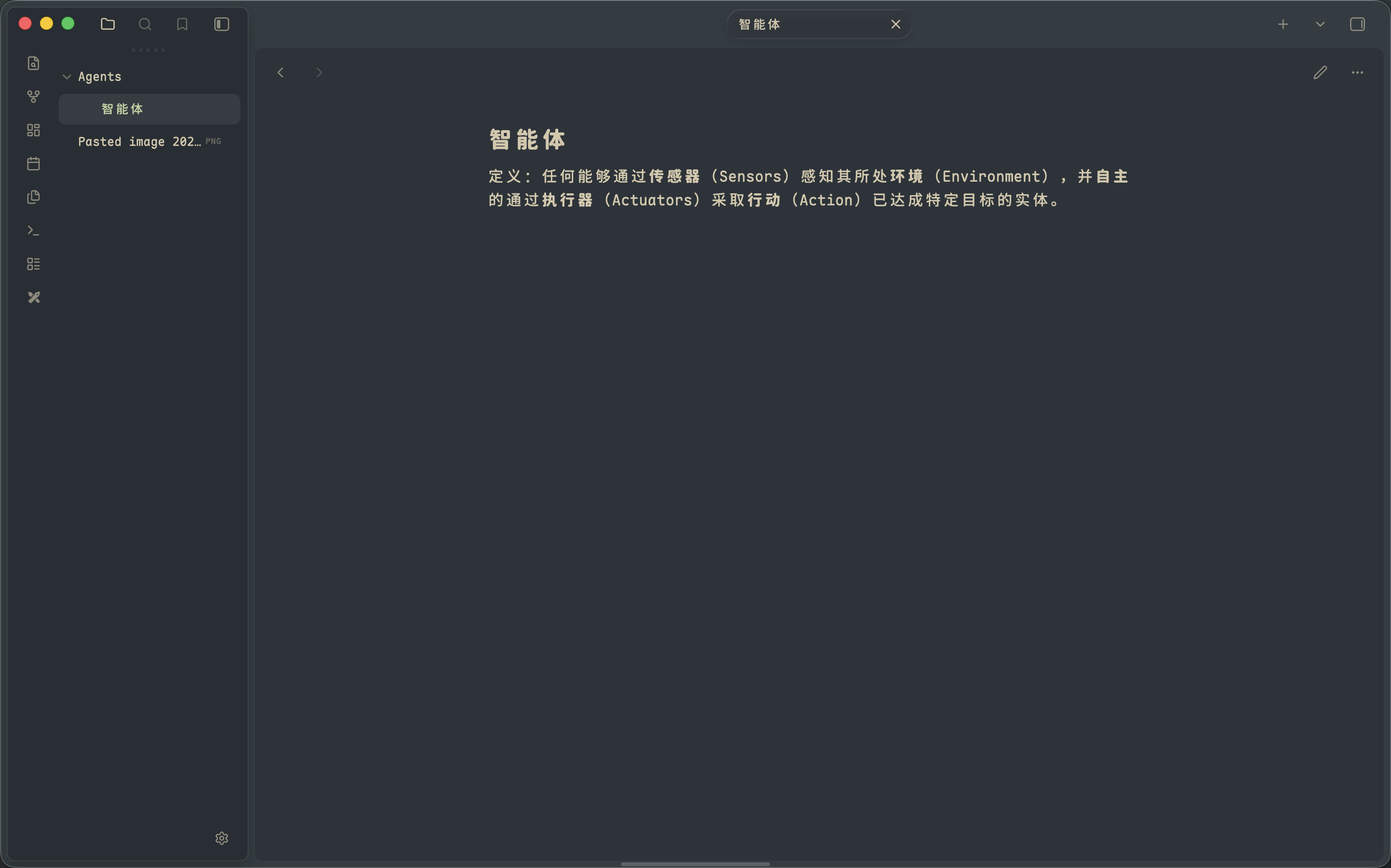
9. Perch
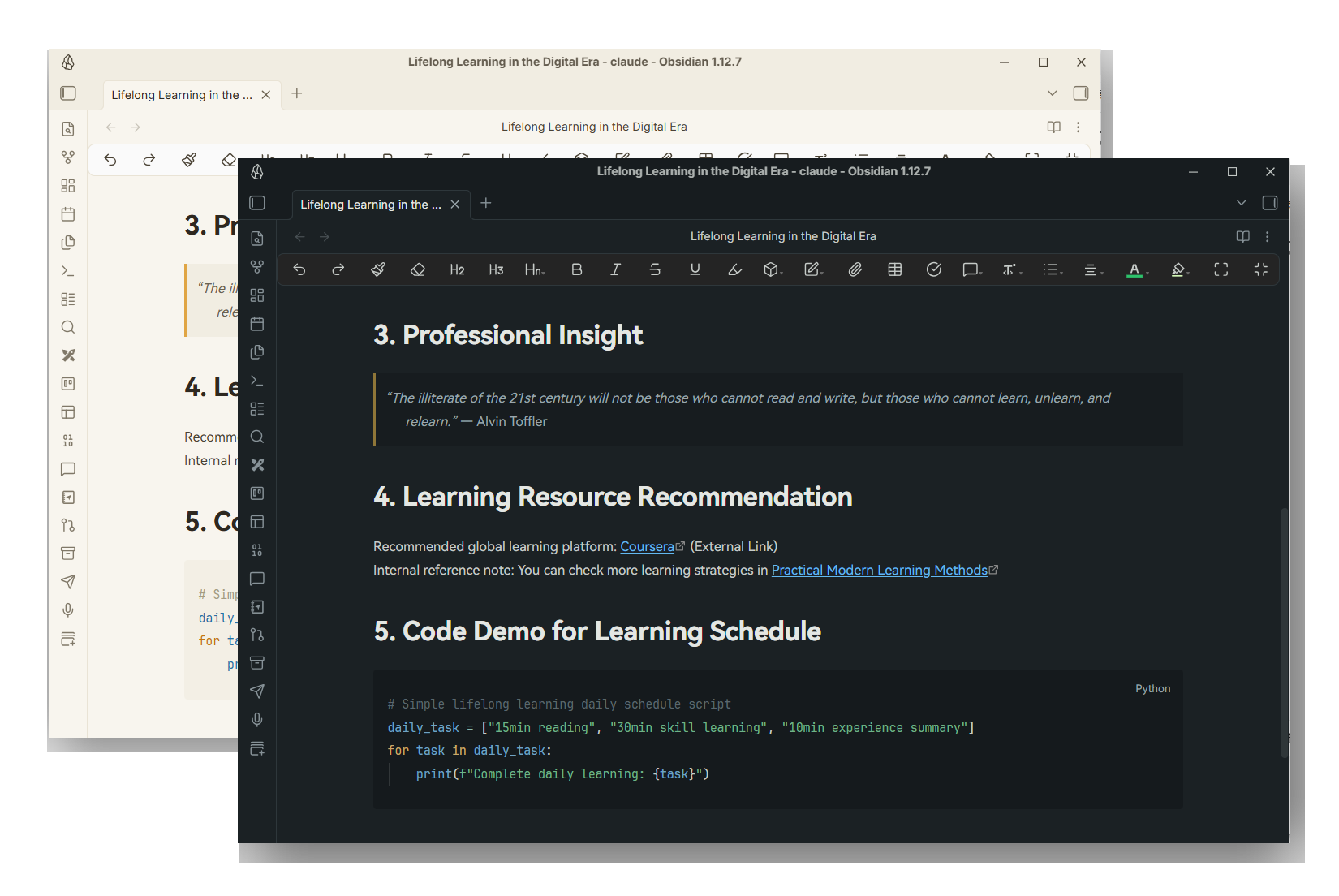
10. Red
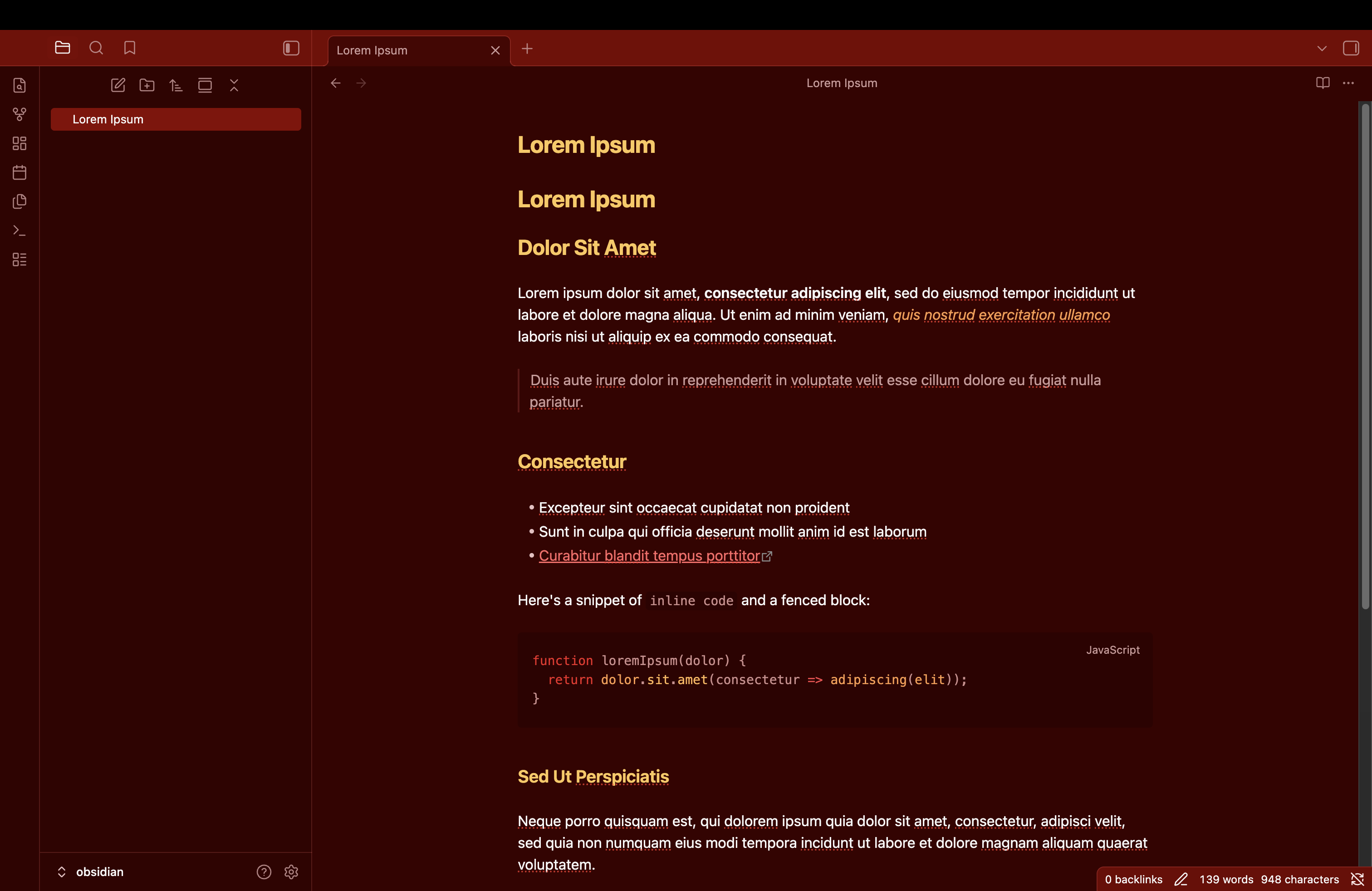
11. WarmRice
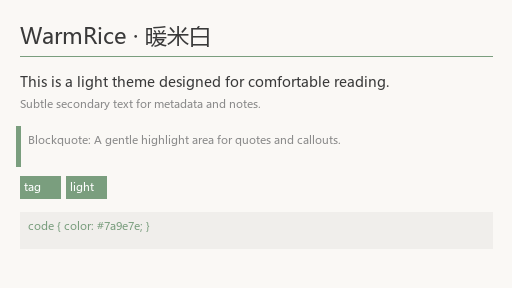
12. MonoGray
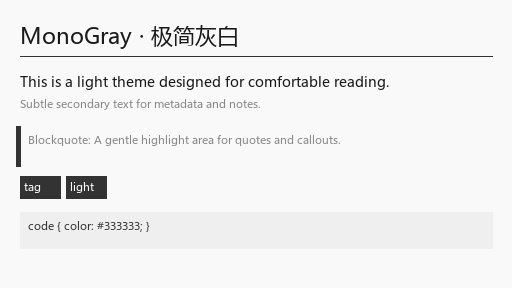
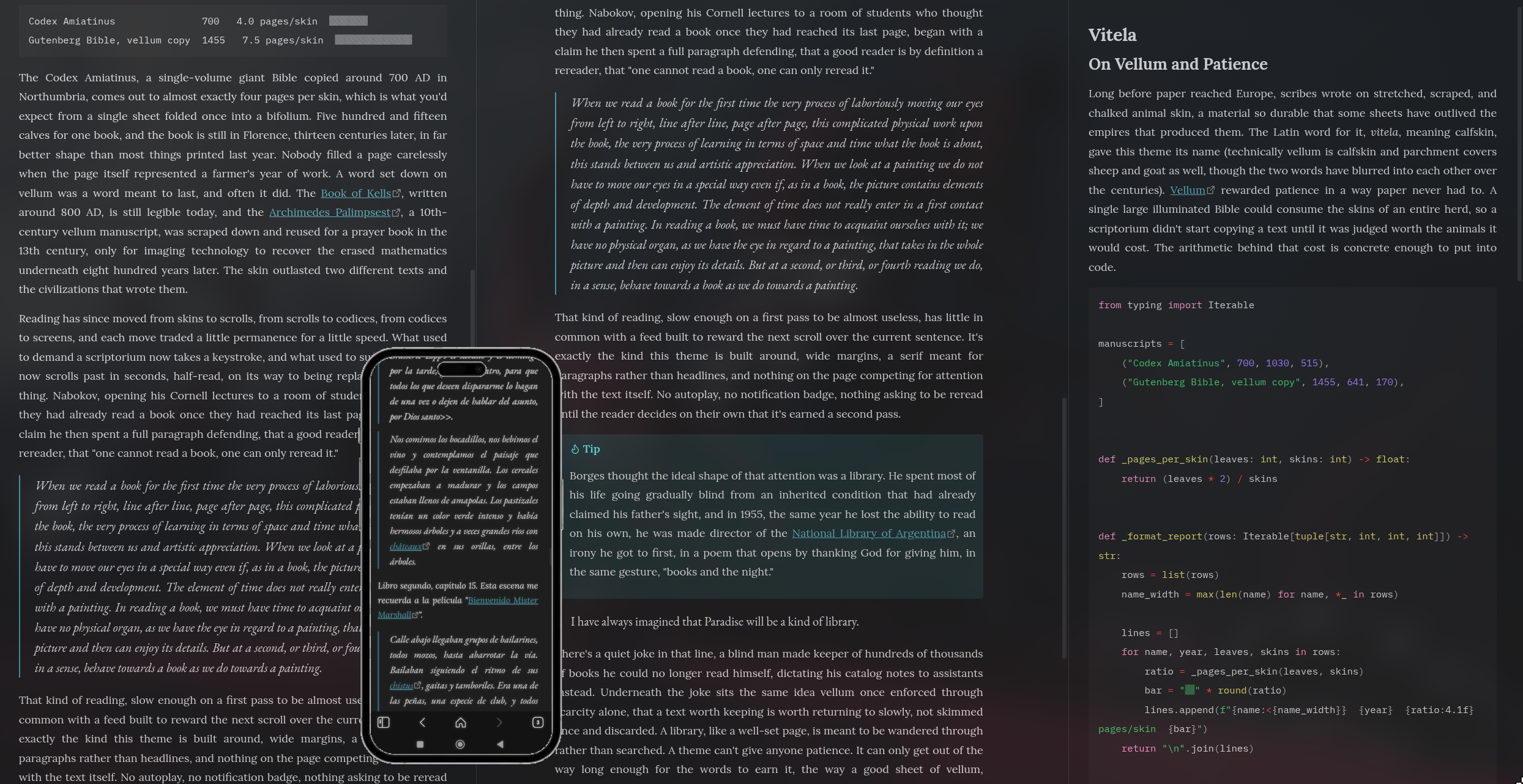
13. Vitela
No plugins and themes got removed in the past week. Remember to visit the /new and /updates pages to see all the new plugins, themes and plugin updates.