
README file from
GithubOB Everforest
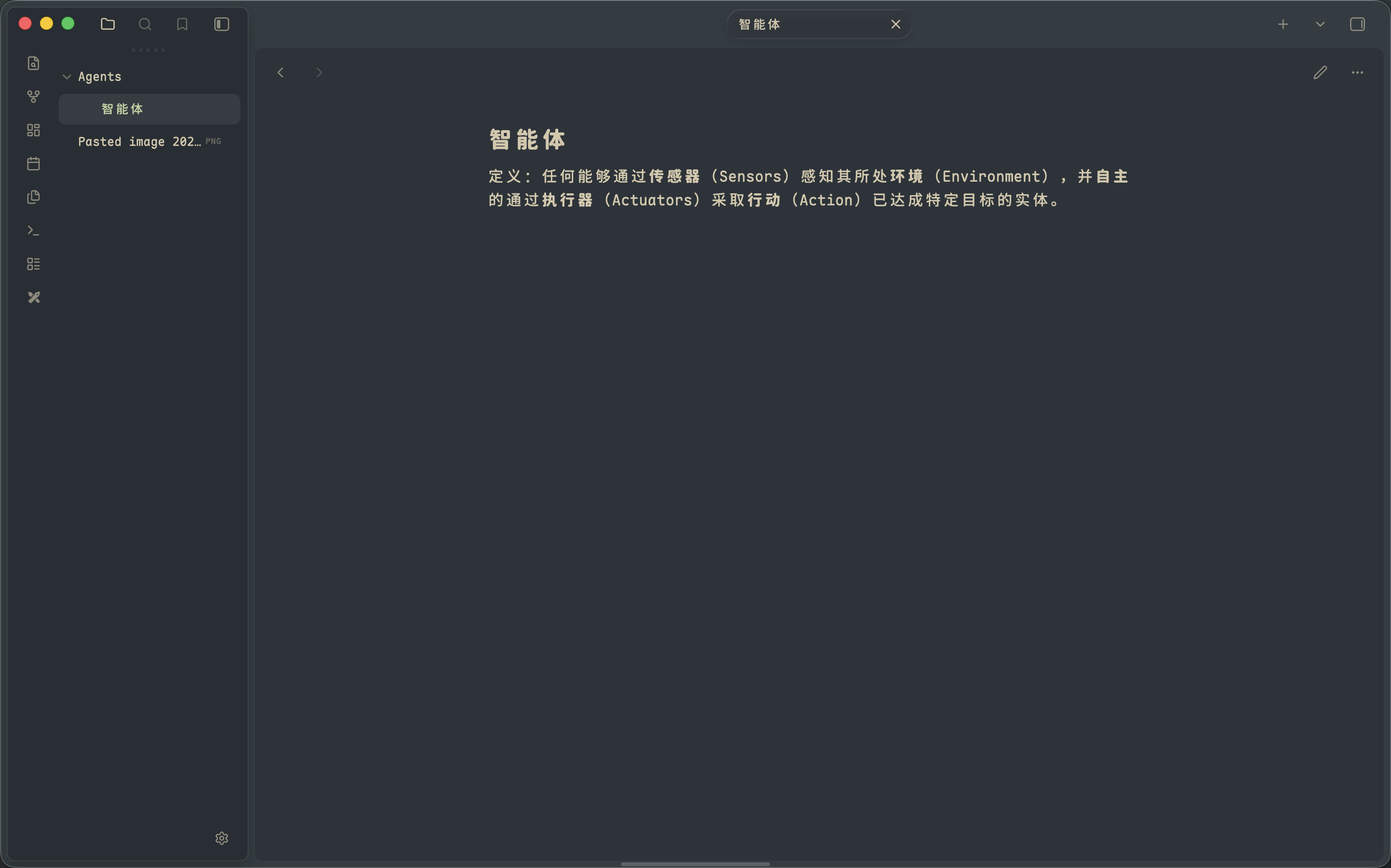
An Obsidian theme with the soothing green palette of Everforest, built on top of the native-style UI of Baseline.
Colors are fully replaced with the Everforest palette (light & dark), while the interface keeps its platform-adaptive element styling — controls look native on macOS, Windows, Linux and Android.
Features
- Everforest color scheme in both light and dark mode
- Platform-adaptive, native-looking UI elements inherited from Baseline
- Customizable via the Style Settings plugin
Installation
This theme is not published to the community theme store. To install manually:
- Download
theme.cssandmanifest.jsonfrom this repository - Place them in
<your-vault>/.obsidian/themes/Everforest/ - In Obsidian, go to Settings → Appearance → Themes and select Everforest
Build
The compiled theme.css is included. To rebuild from source after modifying files in src/:
npx sass --style=compressed --no-source-map src/theme.scss theme.css
Credits
- Baseline by aaaaalexis — the original theme this project is forked from (formerly known as Cupertino)
- Everforest by sainnhe — the color palette
License
MIT. See LICENSE.txt.