
README file from
GithubObsidian Poker Range
Easily create, view, and interact with poker hand ranges in your notes.
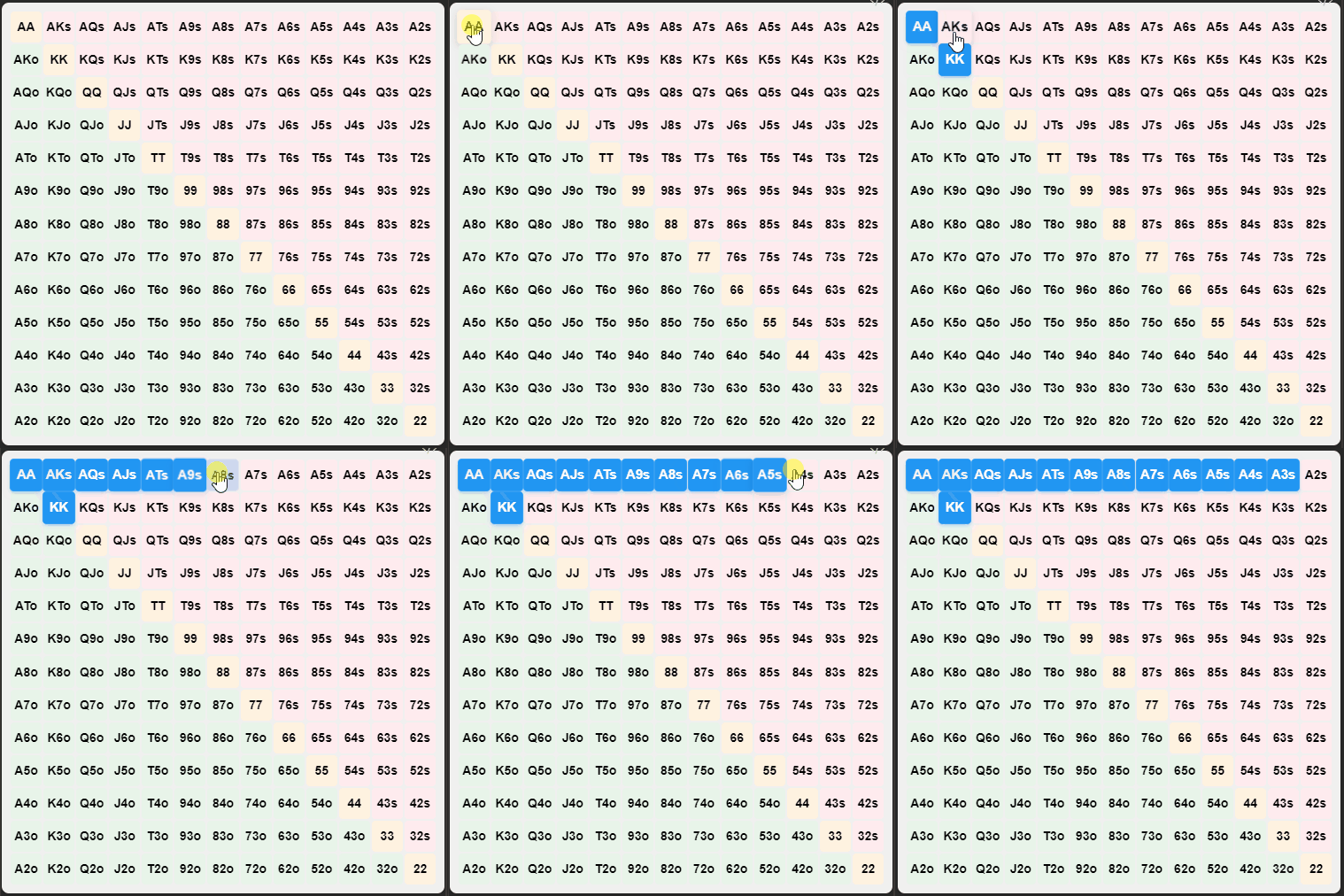
Screenshot
How to Install
In Obsidian go to Settings > Third-party plugins > Community Plugins > Browse and search for Poker Range.
Manual installation
Unzip the latest release into your <vault>/.obsidian/plugins/ folder.
How to Configure
The plugin allows you to customize the default range for new grids. Go to Settings -> Poker Range to set your preferred default range.
How to Use
Creating a Poker Range Grid
-
Manually create a code block:
Use the following code block structure:
<!-- grid-id: grid-[enter random alphanumeric string]-[enter random alphanumeric string] -->
AA,87o
Note: Replace [enter random alphanumeric string] with any random alphanumeric string of your choice.
Ex:
<!-- grid-id: grid-1725446018704-29wjpy1f1 -->
AA,KK,AKs,AQs,AJs,ATs,A9s,A8s,A7s,A6s,A5s,A4s,A3s
-
Use the command palette:
- Press
Ctrl+P(orCmd+Pon Mac) to open the command palette - Type "Insert Range Table" and select the command
This will insert a new poker range grid at your cursor position.
- Press
Both methods will create an interactive poker range grid in your note.
Interacting with the Grid
- Click on individual cells to select or deselect hands
- Click and drag to select multiple hands at once
- The first click determines whether you're selecting or deselecting hands
- Release the mouse button or move out of the grid to end the selection
- The plugin will automatically update the range information in your note