
There are 227 new plugins, 892 plugin updates and 13 new themes during the week 2026-08-16 to 2026-08-22.
If you blinked this week, you missed a lot. Between 2026-08-16 and 2026-08-22 the community shipped 227 new plugins and 13 new themes, plus 892 plugin updates. Let me walk you through the ones worth a look.
New Plugins
There are 227 new plugins - see them all at /new. A few deserve a closer look. rumdl is the fastest-growing newcomer this week, with a markdown linting workflow that matches the plugin's store description, while Link Structure turns Bases into a hierarchical tree with drag-and-drop reorganization and automatic link updates. WorkLife Calendar bundles calendar, tasks, habits, time tracking and planning into one place, and Wechatian brings a WeChat-to-vault bridge for messages and media.
The rumdl plugin adds markdown linting to notes with inline diagnostics as you type, hover actions to inspect issues, one click fixes and optional format on save. It surfaces the current issue count in the status bar and links rule documentation from tooltips and settings. The plugin ships with more than 50 lint rules, supports a `.rumdl.toml` file for shared configuration and `extends`, and enables an Obsidian aware flavor that handles tags, callouts, highlights, comments, extended checkboxes, Dataview fields, Templater syntax, wikilinks and block references. It works on desktop and mobile on Obsidian 1.13.1 or newer, but config targets outside the vault can only be read on desktop.
The Link Structure plugin adds a Structure view for Bases that turns notes linked through an up property into a draggable tree. It visualizes link based hierarchies instead of folder paths, so one note can appear under multiple parents and files can stay connected without folder notes. Moving items in the tree updates links automatically, and holding Ctrl copies a note to another branch without removing it from the old one. You can move several notes together with Shift, reveal the active file in each matching branch, filter the view through standard Bases filters and create subnotes from the context menu. It also follows existing link format settings and optional Templater templates can conflict when files are renamed or moved from a template.
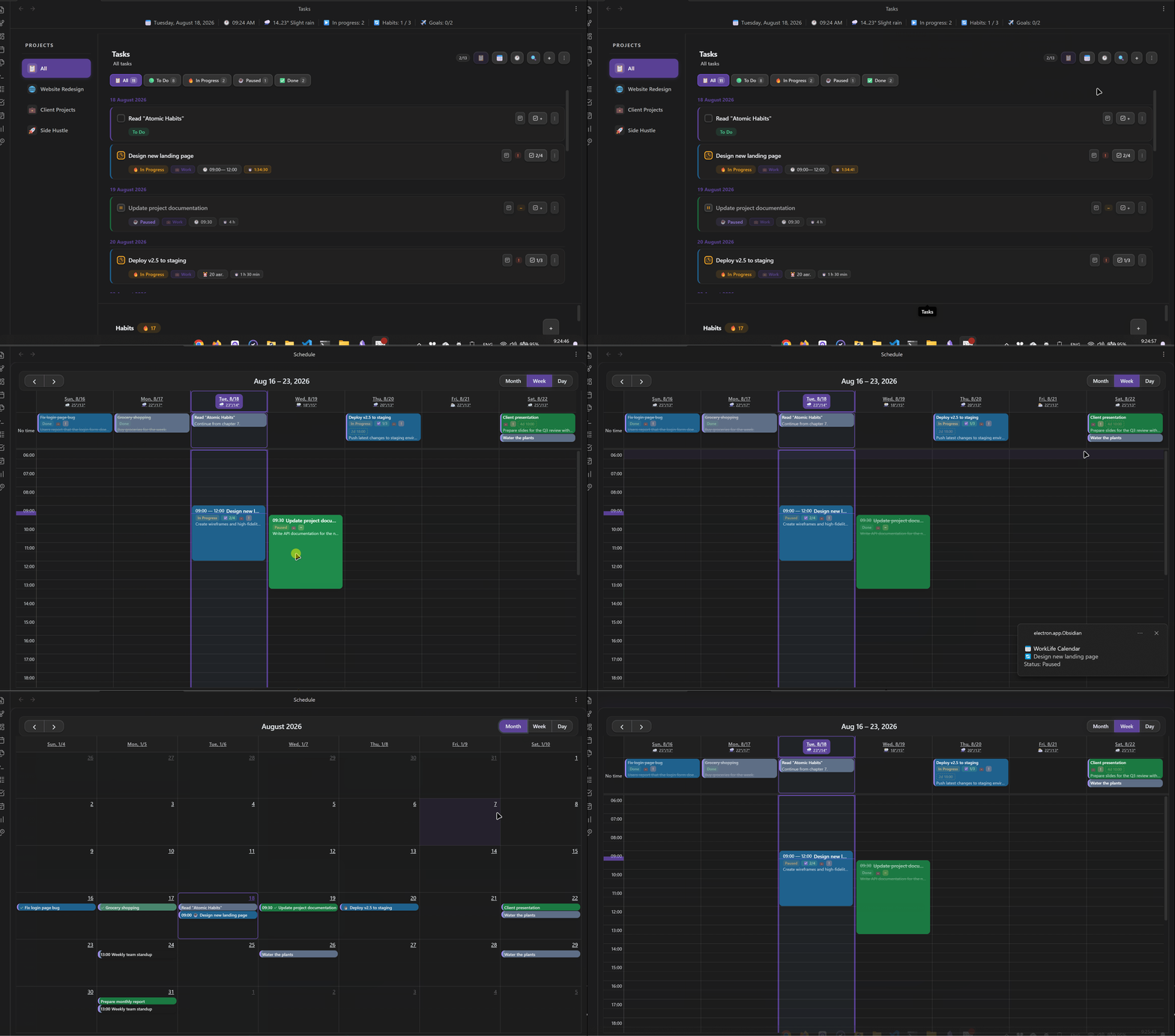
The WorkLife Calendar plugin combines a day, week and month calendar with task scheduling, time tracking, habit tracking and financial planning. Tasks support four statuses, recurring schedules, projects, checklists, deadlines and comparisons between planned and recorded time. Calendar entries can be created by clicking or dragging, while an integrated timer resumes after Obsidian restarts. Habit goals track frequency, quantities and streaks. Income can be calculated from task rates, alongside expense budgets, savings goals and project analytics. Data can be stored as JSON in the vault and optionally synced through common cloud services. It also supports optional Tasks and Dataview markdown synchronisation, external calendar subscriptions through a GitHub Gist, local and ntfy.sh notifications and mobile layouts.
The Japanese Novel Tool plugin supports Japanese novel writing with correct paragraph indentation across Reading view, Live Preview and Source mode. It renders ruby text and emphasis dots written in Kakuyomu, Aozora Bunko and Narou notation, with commands for inserting or removing that markup. Optional editor marks reveal full width spaces, tabs and line breaks. Character counts appear in the status bar and can also be shown beside headings for their sections. The counter can exclude whitespace, line breaks, ruby and emphasis control characters, callouts, Markdown comments, headings and Markdown control characters through configurable settings. Two commands copy the current heading section with or without its heading, including nested subsections, while files without headings can be copied in full.
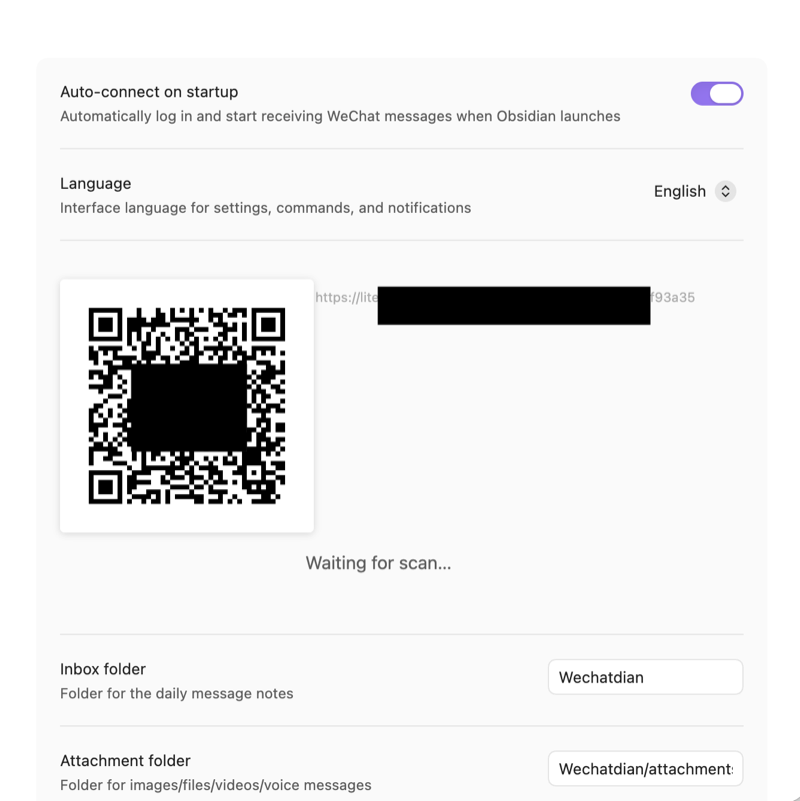
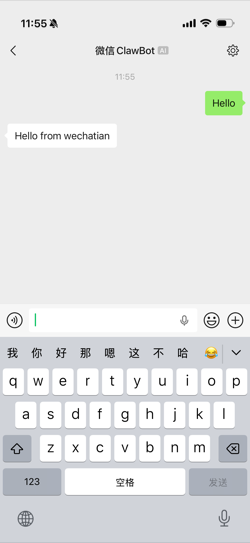
The Wechatian plugin connects WeChat to your vault through Tencent's official ilink bot gateway and turns messages into local Markdown notes. Incoming chats are written to daily conversation files, photos, videos, voice messages and documents are decrypted into an attachments folder, and article links are fetched into full text notes under an articles folder. For outbound messages, it watches an outbox folder and sends Markdown files as text or sends images, videos and documents as attachments up to 100 MB. It also maintains an Agent.md file that explains the file based send flow to AI assistants. Paths are configurable, the interface is bilingual, sending unlocks only after the bound account messages the bot once, and the plugin runs on desktop only.
6. Xyls Starmap
The Xyl's Starmap plugin creates interactive star system maps from YAML blocks inside notes. Maps can connect notes and represent planets, moons, rings, asteroid belts and objects placed within those belts. Each mapped object can carry a label, while colours and object sizes can be customised. Ring thickness and 3D rotation are configurable as well. Positioning uses percentages so planets keep the same relative location when a map's width or height changes. A command inserts a preformatted Starmap template with comments, and another version provides one instance of every object without comments. The map renders when the cursor is outside the YAML code block or when the note is shown in reading mode.
7. Heading View
The Heading View plugin replaces a Markdown note's file name in the file explorer with its first heading, making timestamp or ID based names easier to recognise from the sidebar. It reads the heading from the metadata cache and accepts headings at any level. This changes only the label displayed in the sidebar: neither the stored file name nor the heading is modified on disk. Notes without a heading continue to show their file name, while non Markdown files are left unchanged. Disabling the plugin immediately restores the original file names throughout the explorer.
The WorkBuddy plugin brings Tencent's desktop AI agent into a sidebar chat with streaming Markdown replies, collapsible thinking details and tool activity. It can send the current note or selected text as context, then copy a response or insert it at the cursor. Conversations support multiple tabs, persisted history and resumed WorkBuddy sessions. Three permission modes control whether the agent can only read and search notes, edit vault content or receive full access. Model and reasoning effort controls sit in the chat footer, while the vault root is the default working folder. The interface follows the configured English or Chinese language. It requires the WorkBuddy desktop app to be installed and signed in, runs only on desktop and has verified support on Windows with macOS and Linux provided on a best effort basis.
The MD Butler plugin automatically manages YAML frontmatter through file open, modify, rename and bulk events. It provides eight built in fields plus custom text and select fields, with templates for dates, file properties, existing frontmatter and chained text functions. Each field can use its own event bindings and conditions based on frontmatter, path, filename or folder, while include and exclude filters control processing scope. Metadata can be limited to new notes or applied across all files. Commands support force applying fields, repairing metadata, cleaning orphaned keys and checking vault consistency. Protected keys prevent selected values from being deleted or overwritten, and renamed field keys can be migrated automatically.
The PDF to Markdown Native plugin converts text based PDFs in the vault into plain Markdown using Obsidian's PDF engine and Vault APIs, with no external service or network access. It extracts text, detects simple tables and can save tables as editable Markdown, compact SVG or both. Embedded images can be extracted, resized and compressed as WebP, JPEG or PNG, while scanned or image only pages are preserved as compressed page images. A preview covers the PDF, rendered Markdown, source Markdown and output files before saving. Source PDFs can remain in place, move to Obsidian Trash or move to another vault folder, with resolving links updated while aliases stay intact. It does not use OCR or guarantee perfect recovery for complex layouts and never reads or writes outside the vault.
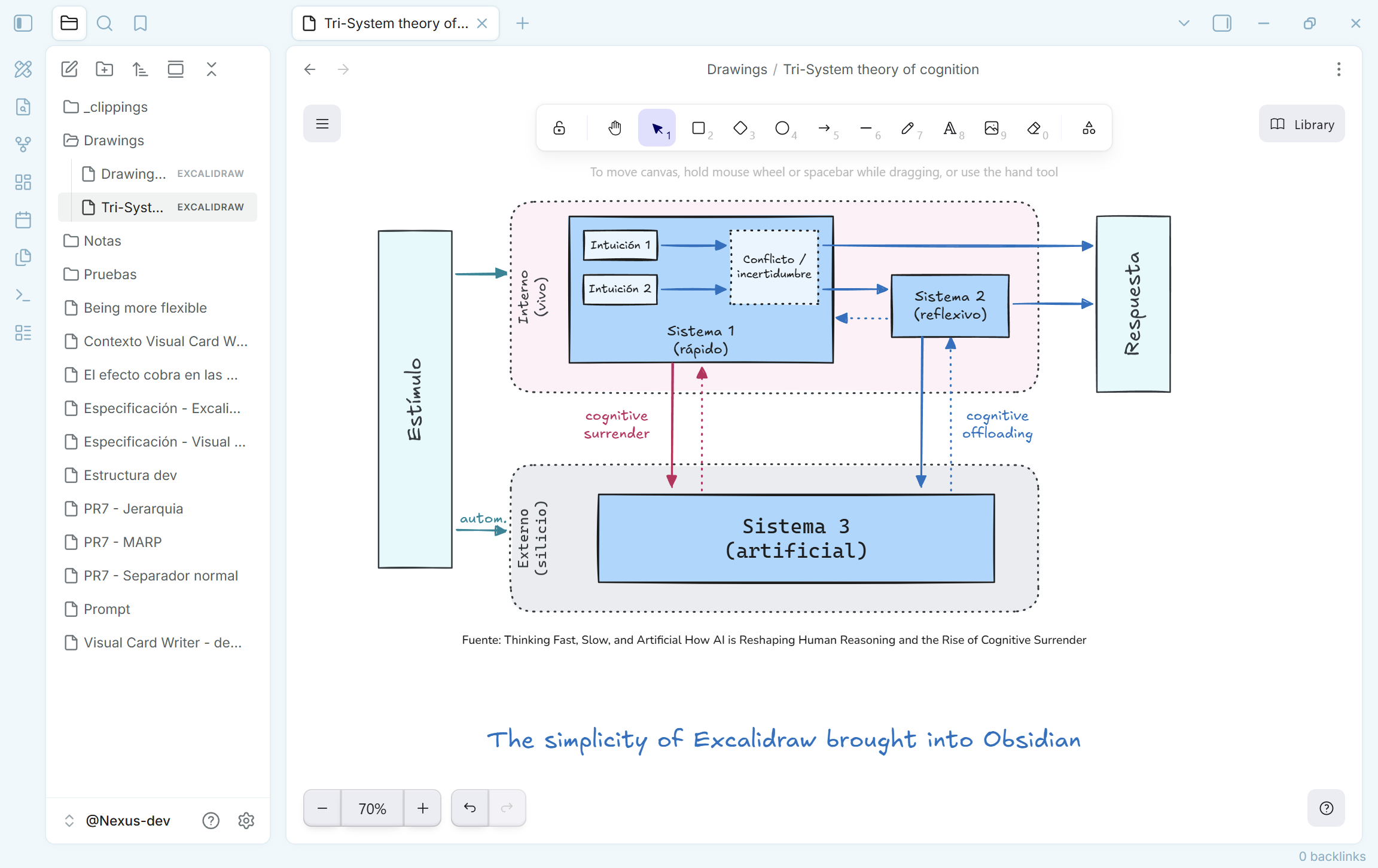
The Just Simple Excalidraw plugin provides a focused Excalidraw editor that reads and writes portable `.excalidraw` JSON files directly in the vault. It creates drawings from the command palette or ribbon, uses the official editor and saves changes automatically after a short pause. Pasted or selected images are embedded into each drawing so the file remains self contained. Autosave stops when the file changes outside the open editor, while malformed drawings are reported without altering the original. The plugin follows the active light or dark theme and makes no runtime network requests. It keeps one editor open per drawing to prevent competing saves, focuses an existing tab when the same file is reopened and closes temporary duplicate panes created by Obsidian's split commands.
The FleurPDF plugin adds PDF highlighting, underlining and comments with text selection tuned for Chinese and other CJK content. Highlights appear at the selected position and can use custom colours, while underlines support solid, dashed, dotted or wavy styles. A sidebar lists annotations for inline editing, deletion and export to a note organised by PDF page number. Optional AI actions can explain selected passages, translate between Chinese and English, answer questions and generate annotations for highlights through DeepSeek, OpenAI or another OpenAI compatible API. Provider settings include an API key and custom base URL, with the key stored locally except when API calls are made. Text selection can fail while the PDF text layer is loading or when a selection crosses multiple pages.
The DeepSeek Harness Native plugin embeds the local DeepSeek Harness panel in the note sidebar, keeping its agent conversations, code execution and document retrieval within the workspace. It connects only to a DSH service on 127.0.0.1 and can start that service automatically when the panel opens. Notes or selected content can be sent to DSH, while generated results can be written back into the vault. The panel supports new, existing and historical sessions, streams DSH responses with reasoning content and provides controls for switching between DeepSeek V4 Flash and Pro models. Queue and steer execution modes are available from the panel. Its settings cover the service port, startup command, automatic launch, vault workspace path and sending mode, with DSH listening on port 3080 by default.
14. China BRAT
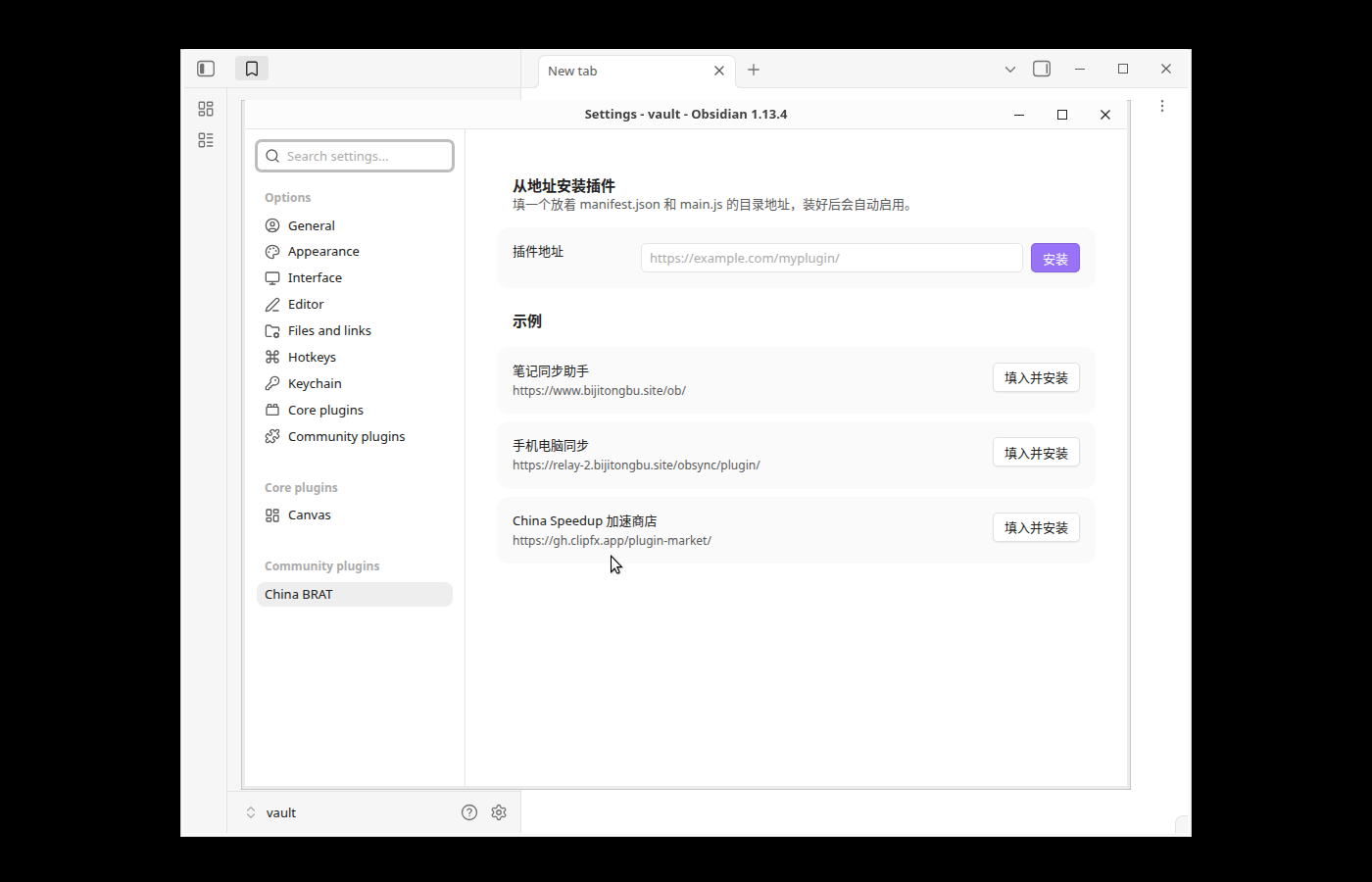
The China BRAT plugin installs another plugin from a directory URL by fetching `manifest.json`, `main.js` and an optional `styles.css` without using ZIP archives. It accepts HTTPS endpoints, with plain HTTP allowed only for localhost, and can derive the parent directory when a manifest URL is pasted. Before writing files, it checks the manifest ID and version, restricts unsafe ID characters, compares `minAppVersion` with the running app and rejects an empty main script. A missing stylesheet is accepted only after a 404 or 410 response, while other server errors stop the install. It writes the fetched files into the target plugin directory, loads and enables the plugin, then confirms that loading succeeded. Hosts must expose unpacked plugin files at stable paths because ready made ZIP links are not supported.
15. HandLayers
The HandLayers plugin adds editable handwriting and drawing layers to Markdown and PDF files without changing source content. Apple Pencil or mouse input creates ink while touch remains available for page navigation. Its tools cover pens, highlighters, text, shapes, lasso selection and temporary whiteboards, with controls for moving, resizing, rotating, recolouring and arranging annotations. Layers can be named, reordered, hidden and given individual opacity, and their JSON data stays inside the local vault. PDF workflows support visible annotation merging and ZIP exports containing source files, saved layer SVGs, JSON and a manifest. It also provides non destructive image processing for PDF regions and Markdown images, including colour selection, cleanup, cropping, rotation and perspective correction.
Most Downloaded (2026-08-16 to 2026-08-22)
| Rank | Plugin | Downloads | Links |
|---|---|---|---|
| 1 | Excalidraw | 166,115 | Details / GitHub |
| 2 | TaskNotes | 127,806 | Details / GitHub |
| 3 | Templater | 100,039 | Details / GitHub |
| 4 | Claudian | 87,779 | Details / GitHub |
| 5 | Dataview | 51,832 | Details / GitHub |
| 6 | Tasks | 50,237 | Details / GitHub |
| 7 | Copilot | 49,715 | Details / GitHub |
| 8 | Git | 44,384 | Details / GitHub |
| 9 | Editing Toolbar | 43,161 | Details / GitHub |
| 10 | Kanban | 40,550 | Details / GitHub |
| 11 | Importer | 31,934 | Details / GitHub |
| 12 | PDF++ | 30,360 | Details / GitHub |
| 13 | Omnisearch | 30,149 | Details / GitHub |
| 14 | Notebook Navigator | 28,393 | Details / GitHub |
| 15 | Imagine | 27,461 | Details / GitHub |
Plugin Updates
We got 892 plugin updates in the last one week's time. You can see all the plugin updates on Obsidian Plugin Stats webapp.
Notable Updates
- Claudian - v2.2.3 - Changelog
- Copilot - v4.0.2 - Changelog
- Editing Toolbar - v4.1.1 - Changelog
- Importer - v3.0.0 - Changelog
- Notebook Navigator - v3.3.4 - Changelog
New Themes
2. Elementra

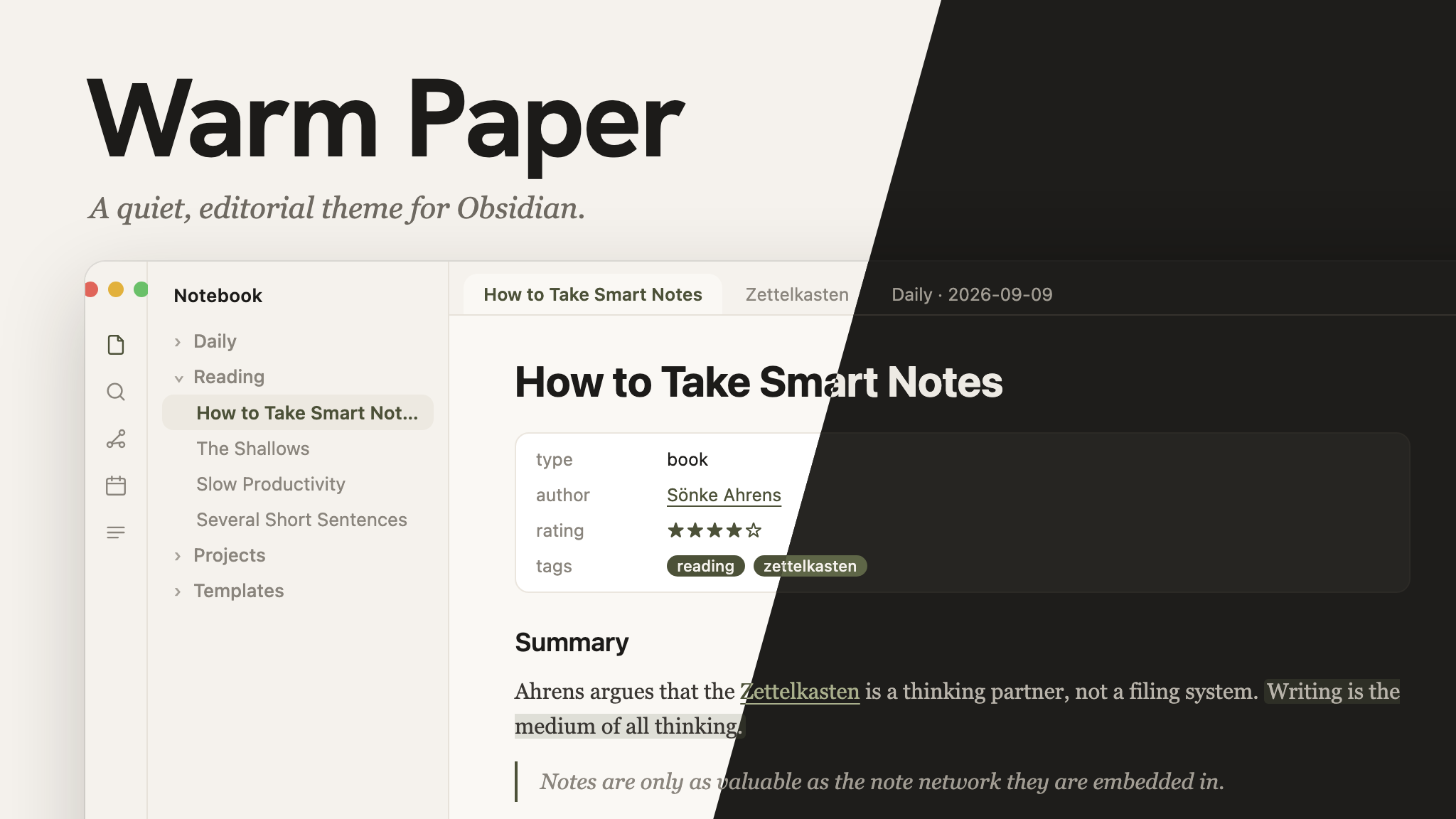
3. Warm Paper
4. MultiMuse
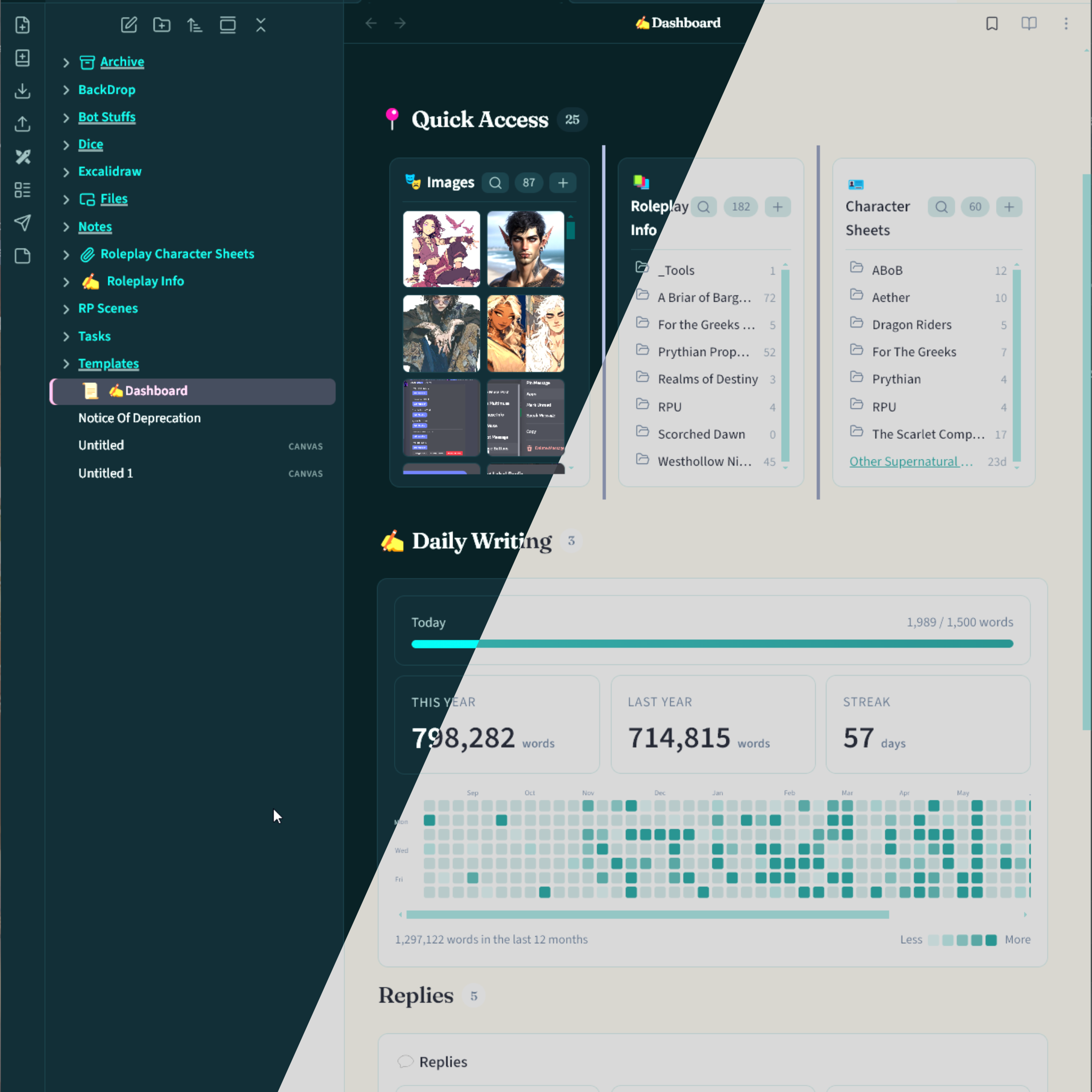
5. Danxia
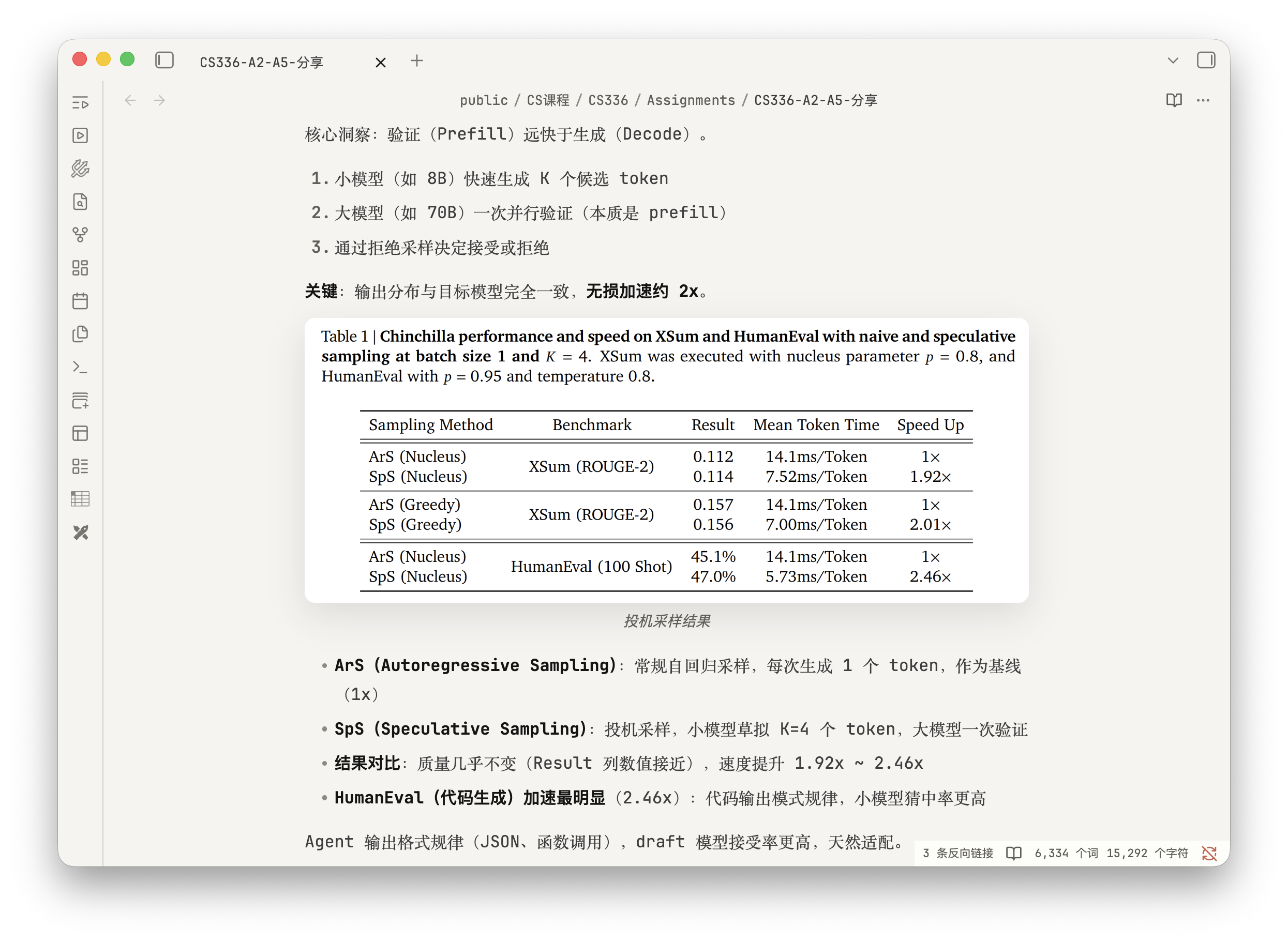
7. Ember Glazz
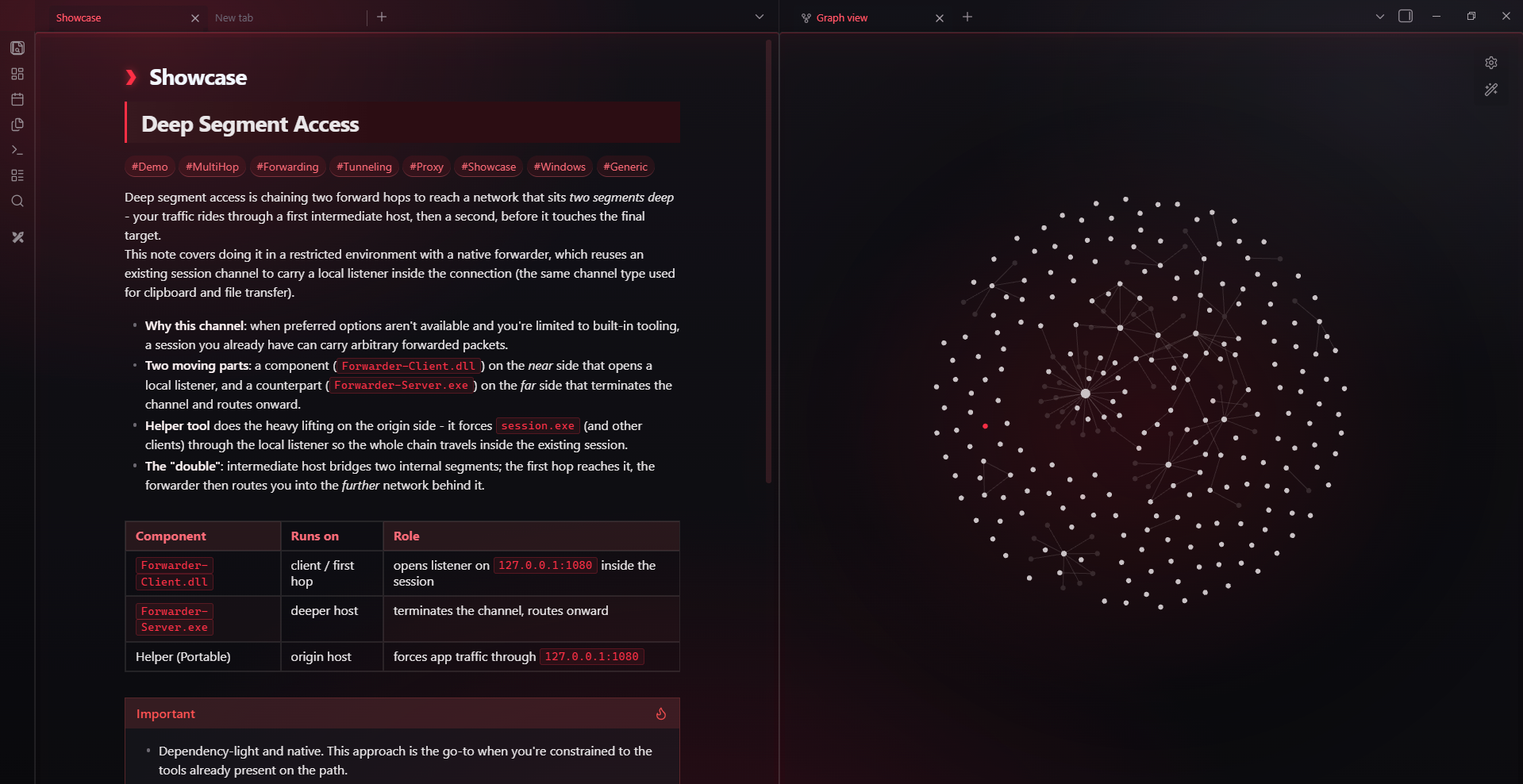
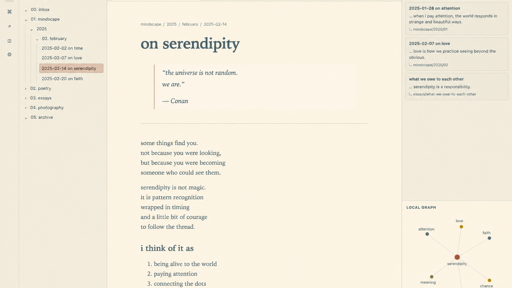
8. Cephi
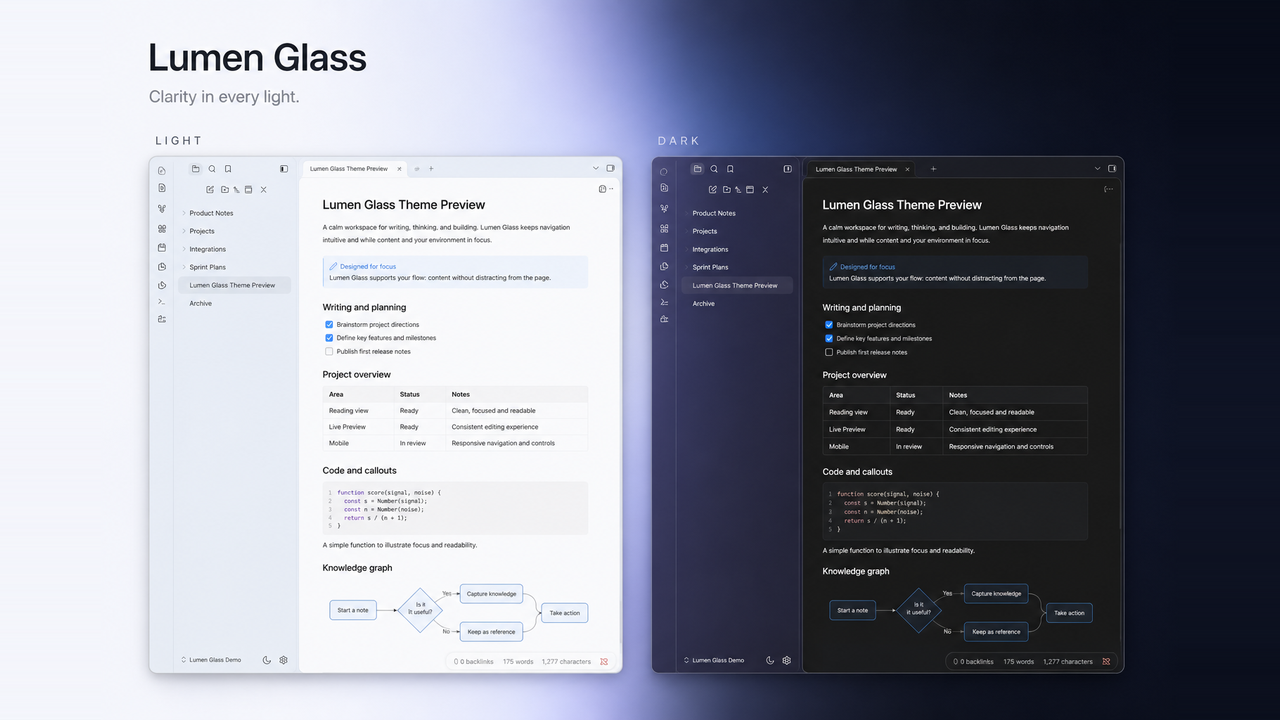
9. Lumen Glass
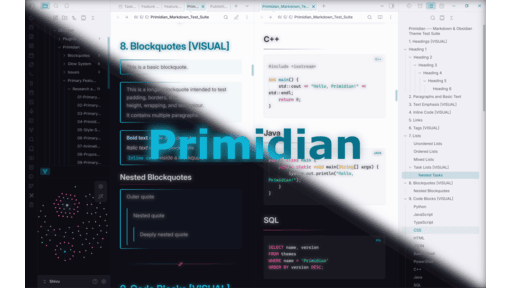
10. Primidian
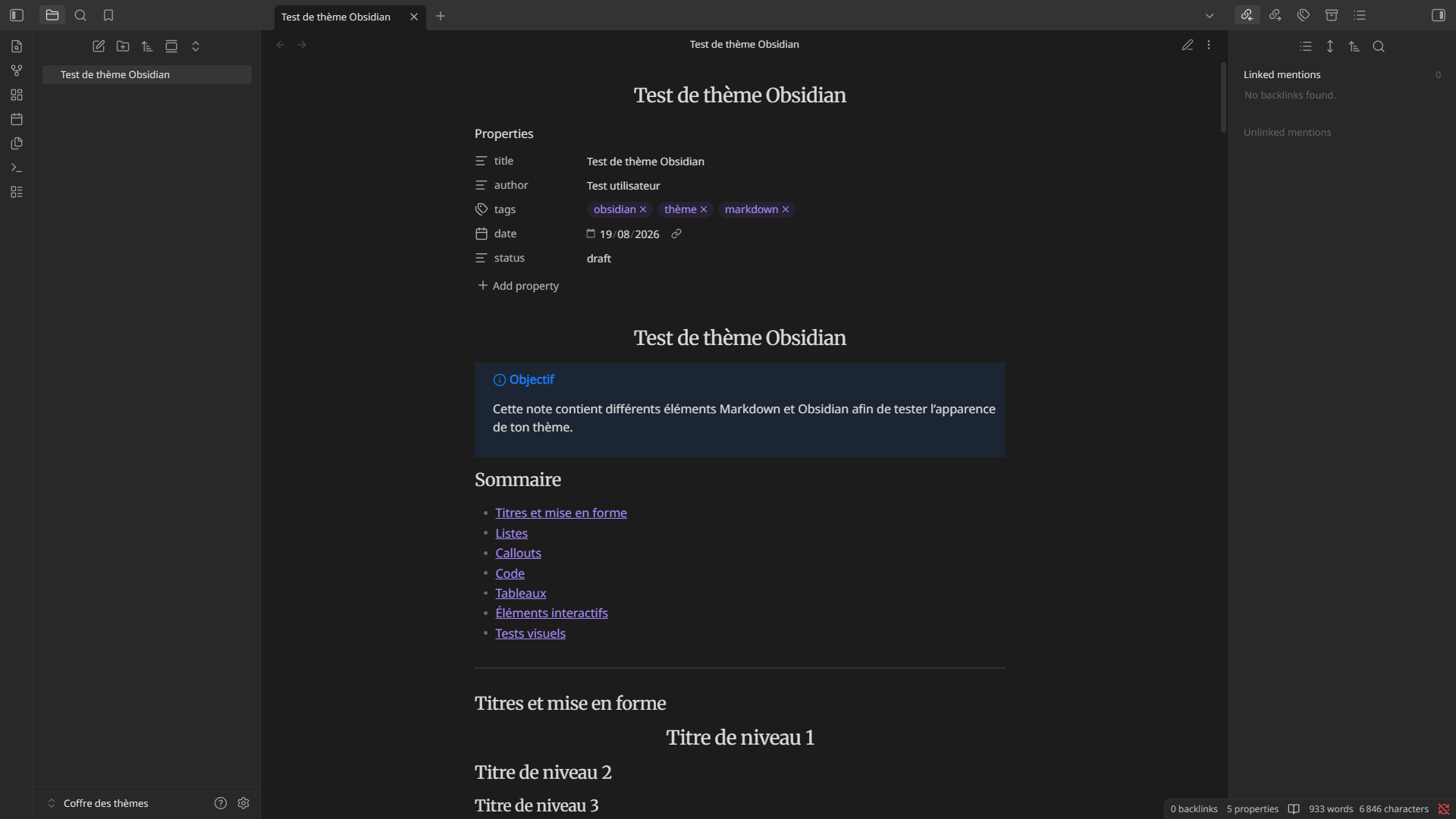
11. Elegance froide
12. Verso
That is a wrap for this week. Browse the newest plugins on /new and the latest updates on /updates, and I will see you in the next roundup. Happy note-taking!