
README file from
GithubLumen
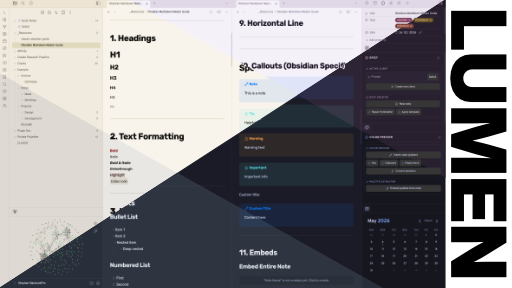
A collection of six refined color schemes for Obsidian — three light, three dark. Each scheme has its own personality while sharing a consistent foundation: clean sans-serif typography, gradient underline links, strong heading hierarchy, and accent-tinted blockquotes.
Color Schemes
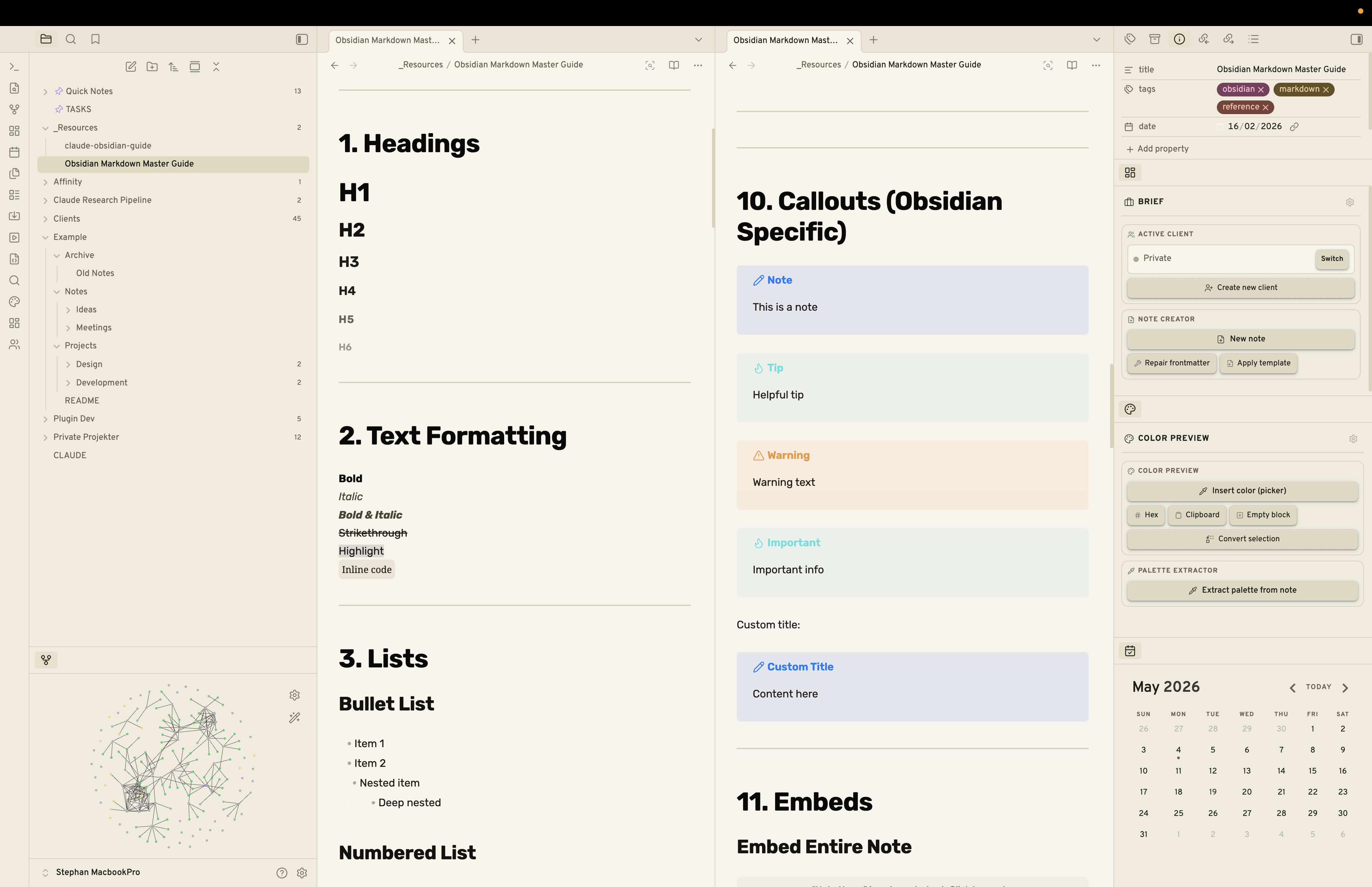
Paper & Ink — Light
Warm off-white with near-black ink. Minimal and print-inspired.
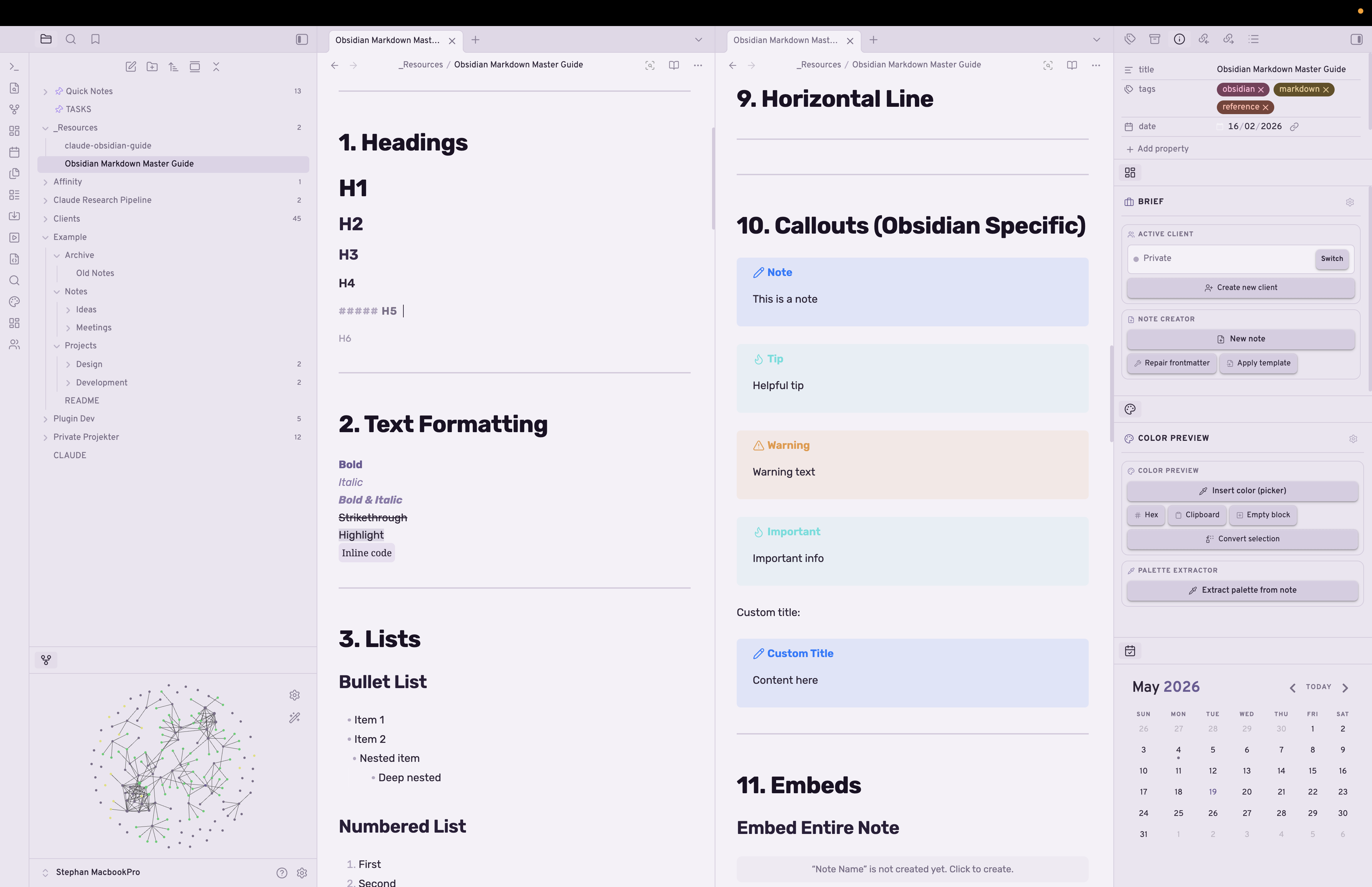
Lavender Fog — Light
Desaturated purple-white with deep plum and soft violet accents.
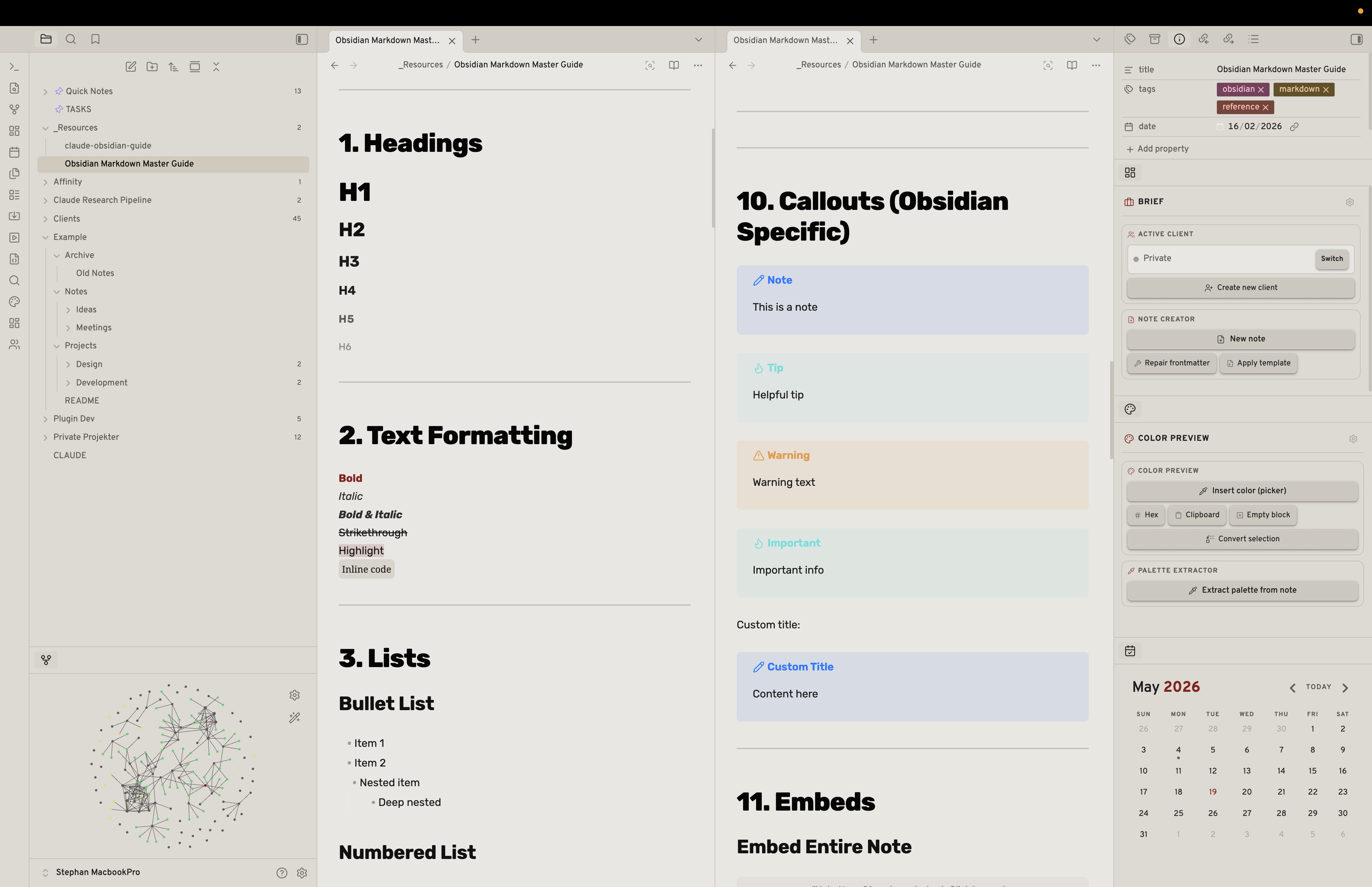
Iron Press — Light
Newsprint grey with a single crimson accent. Editorial and structured.
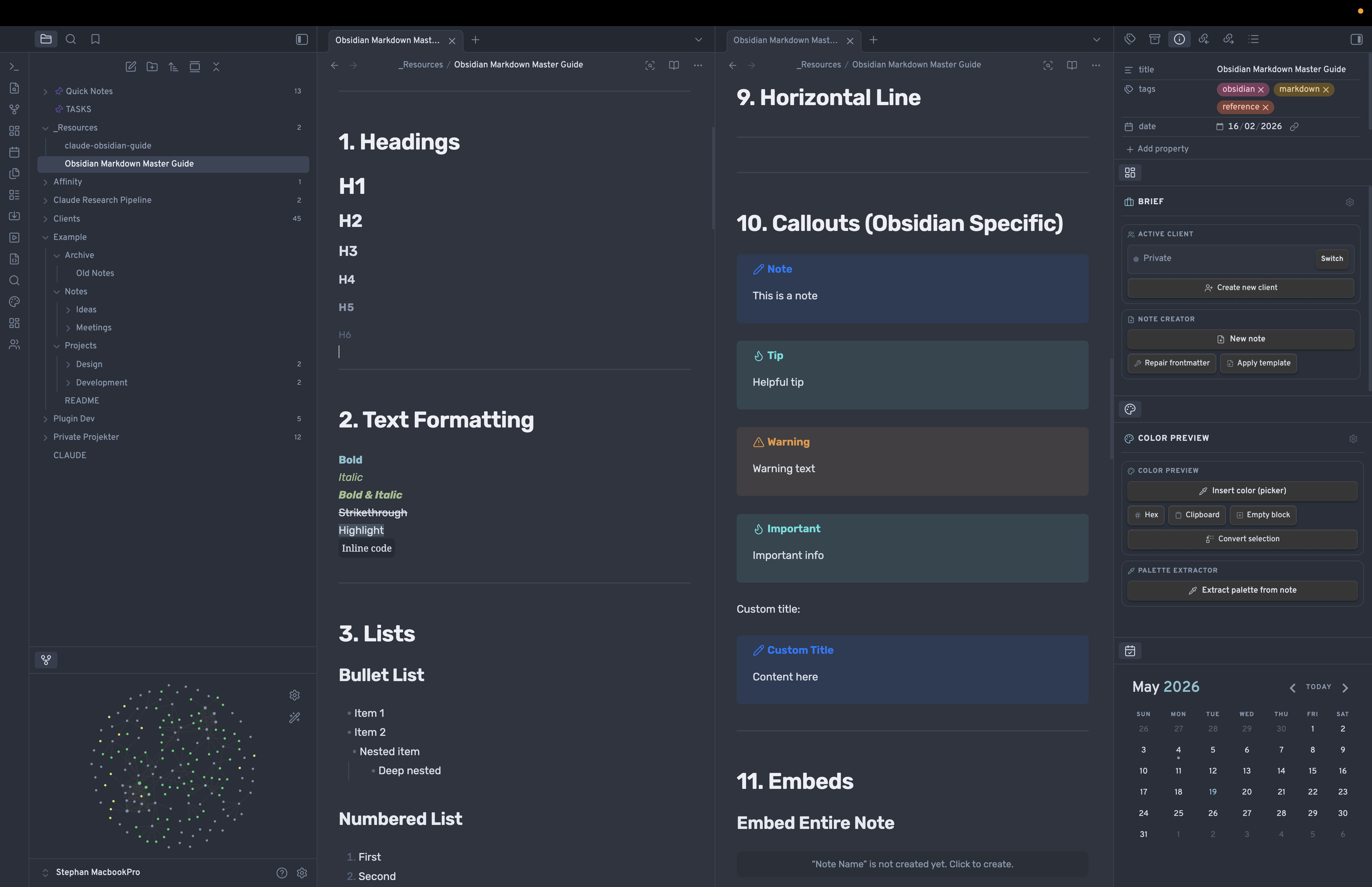
Nordic Slate — Dark
Desaturated blue-grey with ice-blue accents. Calm and clean.
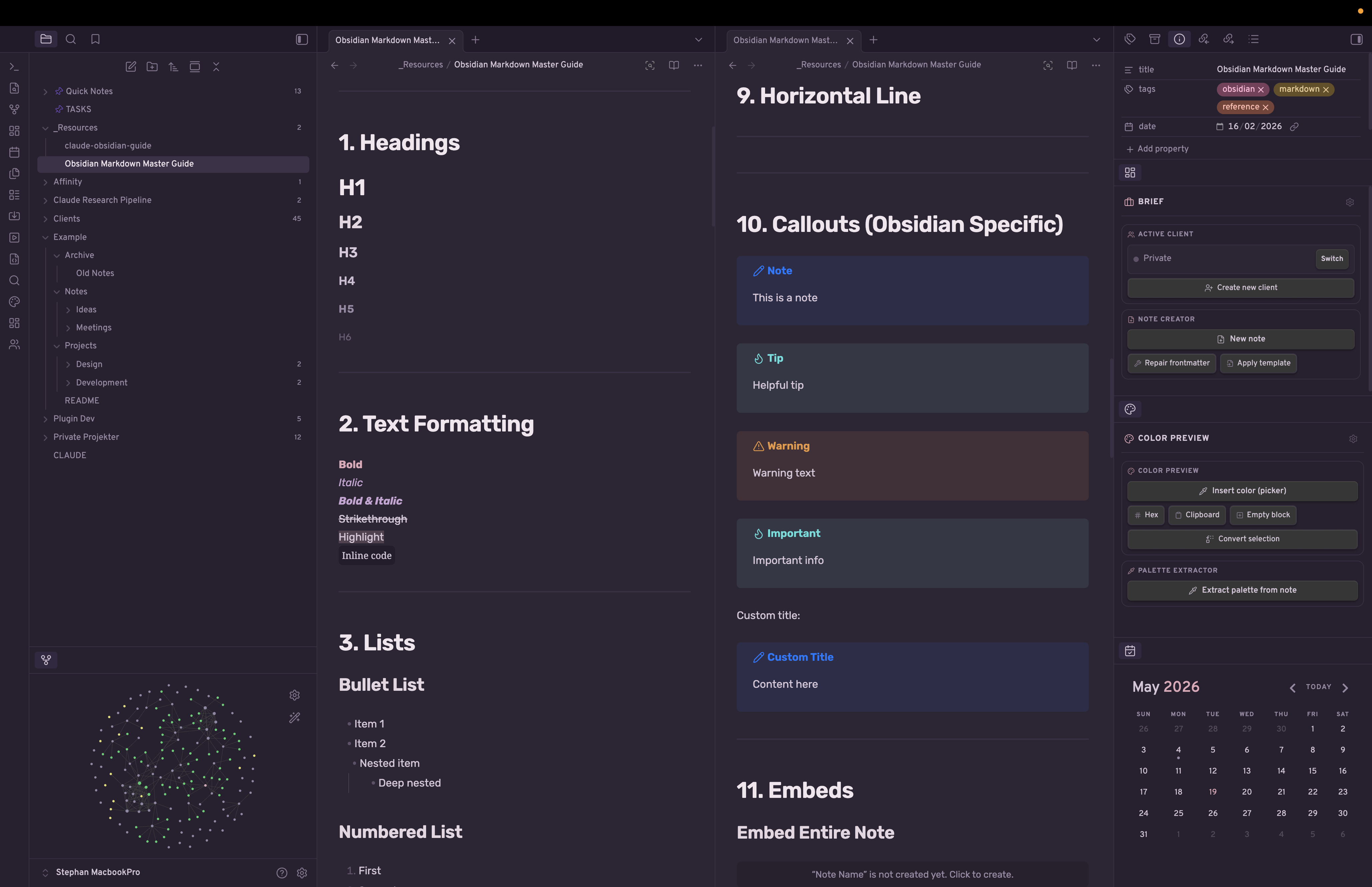
Soft Dusk — Dark
Mauve-purple with dusty rose and lavender. Warm and editorial.
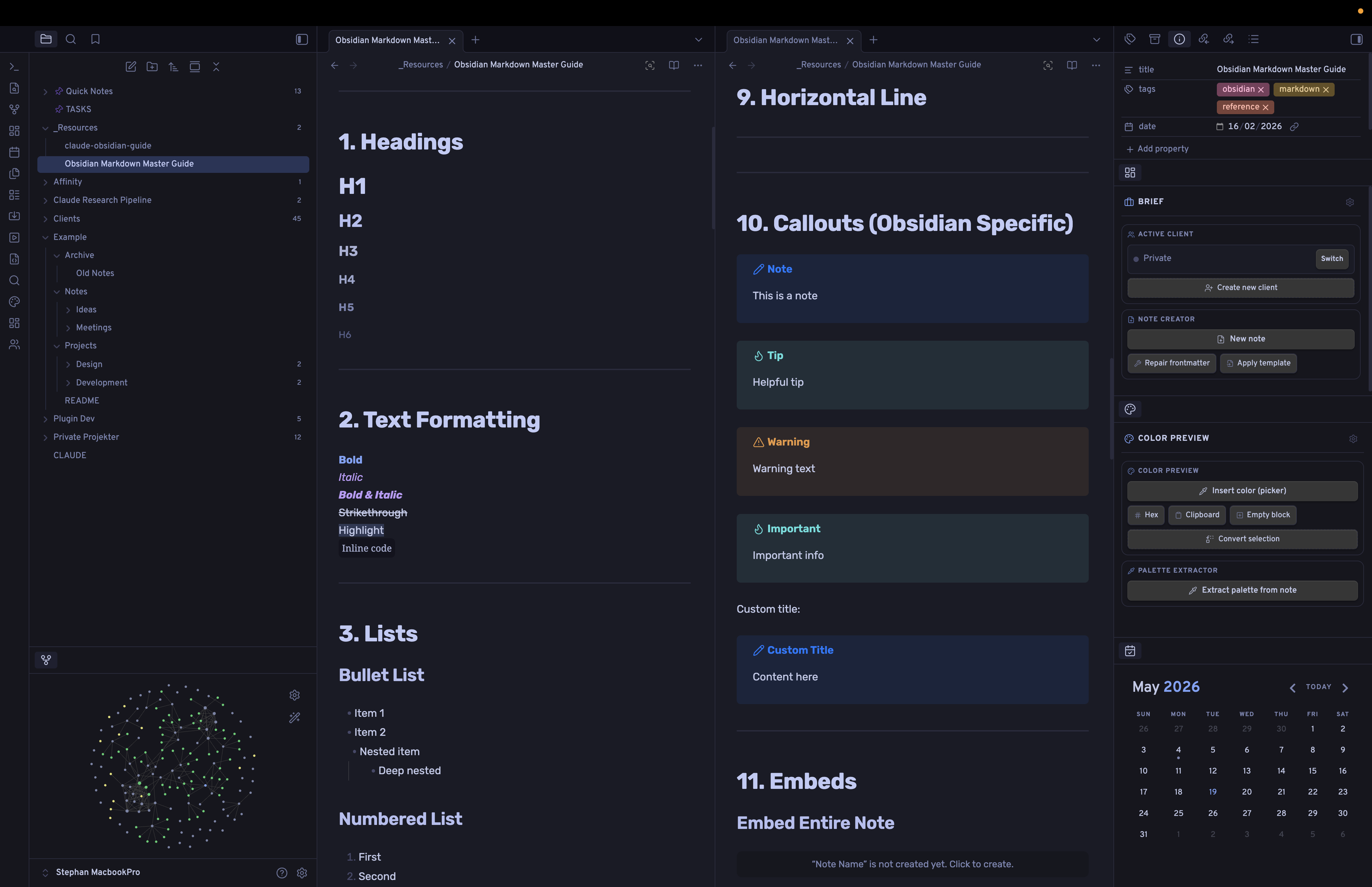
Tokyo Night — Dark
Deep indigo with electric blue and violet syntax. Developer-focused.
Features
- Six distinct color schemes — three light, three dark, all switchable from a single setting
- Strong heading hierarchy — six levels with explicit size, weight, and color at every step; H5 styled as a small-caps section label
- Gradient underline links — internal and external links reveal a color underline on hover
- Accent-tinted blockquotes — left border with a subtle background fill matching each scheme's accent
- Styled bold and italic — each scheme colors
**bold**and*italic*independently for emphasis that reads clearly - Tag pills — rounded, accent-tinted tags with smooth hover transitions
- Fade-in status bar — opacity 45% at rest, full on hover, keeping the UI uncluttered
- Slim scrollbars — 5px rounded thumbs throughout
Requirements
Style Settings is required to switch between color schemes. Without it, the theme defaults to dark mode.
If you want to use a light scheme (Paper & Ink, Lavender Fog, or Iron Press), go to Settings → Style Settings → Lumen → Color scheme and select it there. The theme itself does not follow Obsidian's light/dark toggle — all switching is done through Style Settings.
Installation
From the Community Themes browser
- Open Settings → Appearance → Themes
- Search for Lumen
- Click Install and use
Manual
- Download
theme.cssandmanifest.json - Create a folder called
Lumenin.obsidian/themes/ - Place both files inside it
- Go to Settings → Appearance and select Lumen
Switching schemes
- Install the Style Settings plugin
- Open Settings → Style Settings → Lumen
- Choose a color scheme from the Color scheme dropdown
Author
Made by Stephan Teig