
README file from
GithubLocal-first trading journal for Obsidian.



Installation · Supported brokers · Privacy
Installation
Install Journalit from Obsidian Community Plugins:
- Open Settings → Community Plugins → Browse
- Search for
Journalit - Click Install, then Enable
Community page: https://community.obsidian.md/plugins/journalit
Highlights
- Local-first: core journaling stays inside your Obsidian vault.
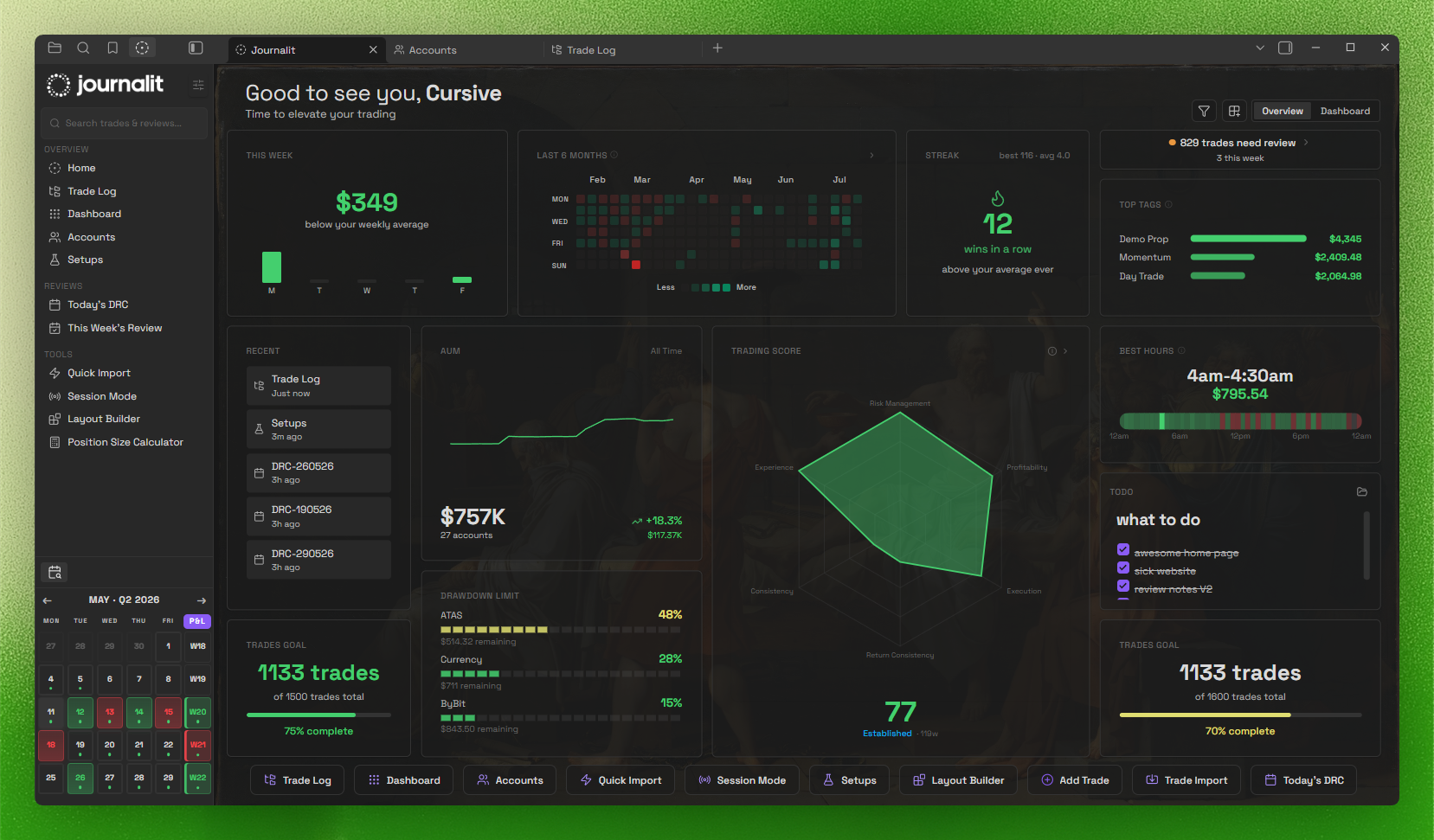
- Home View dashboard: draggable widgets + trading heatmap.
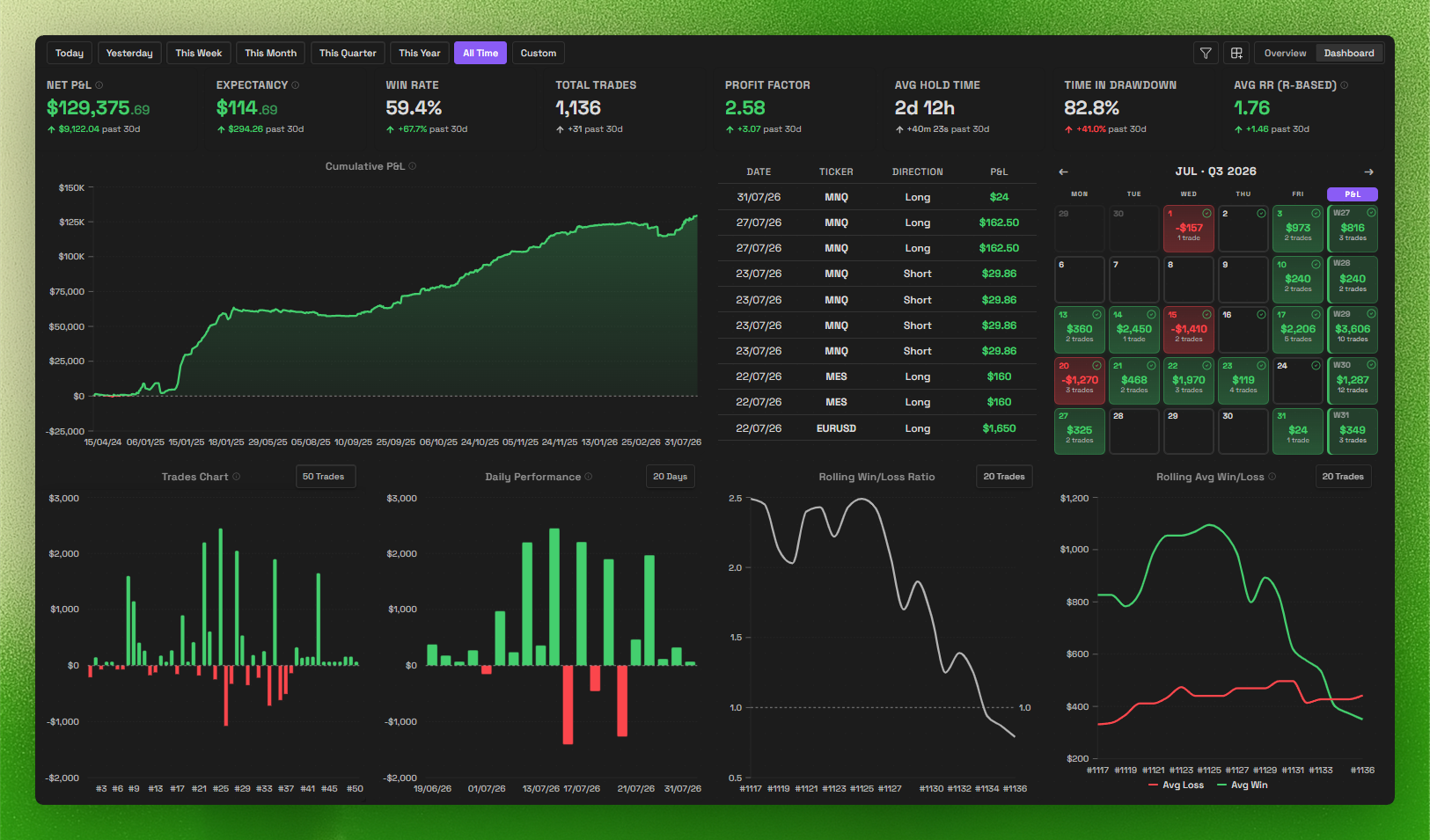
- Trading dashboard: track performance and patterns at a glance.
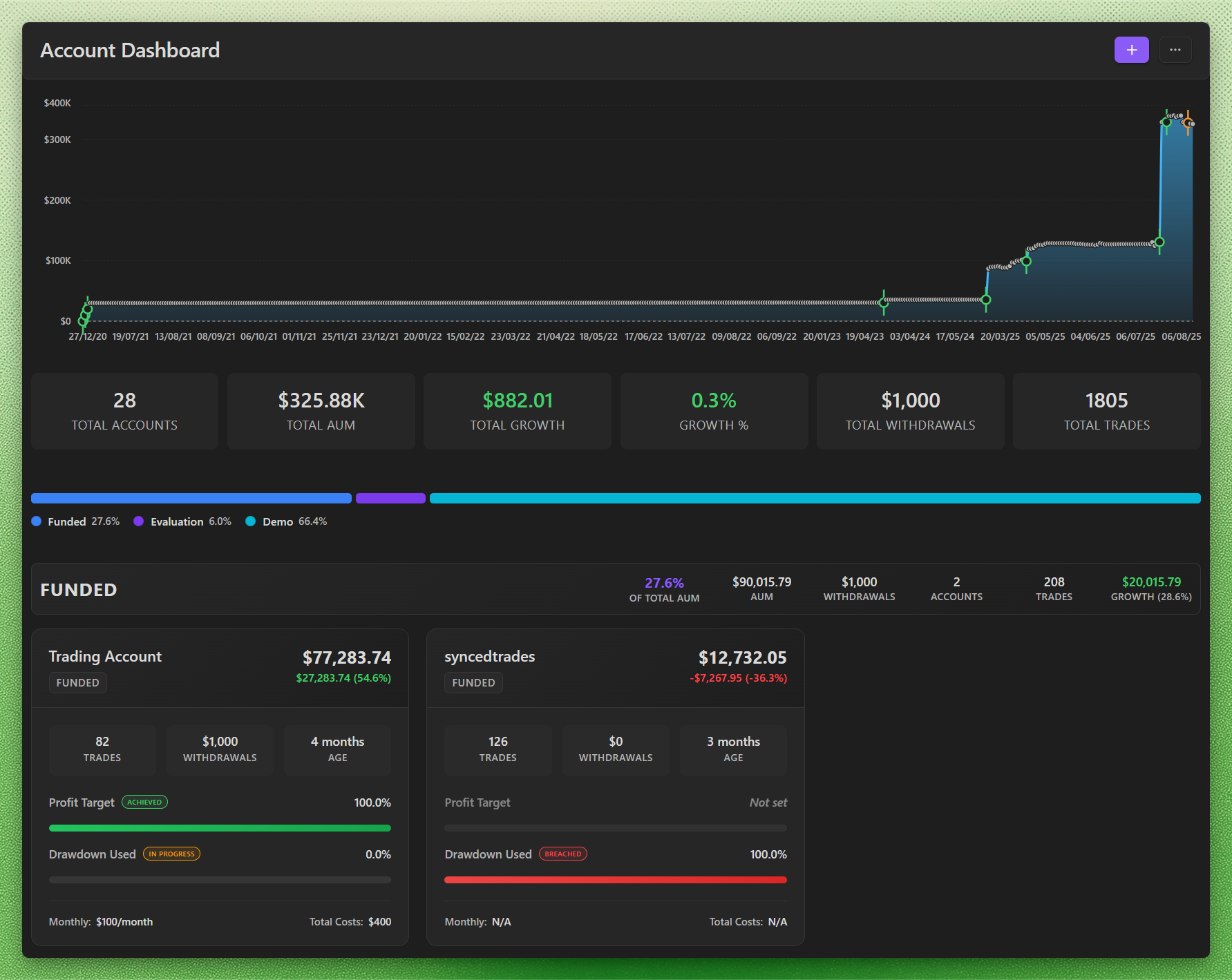
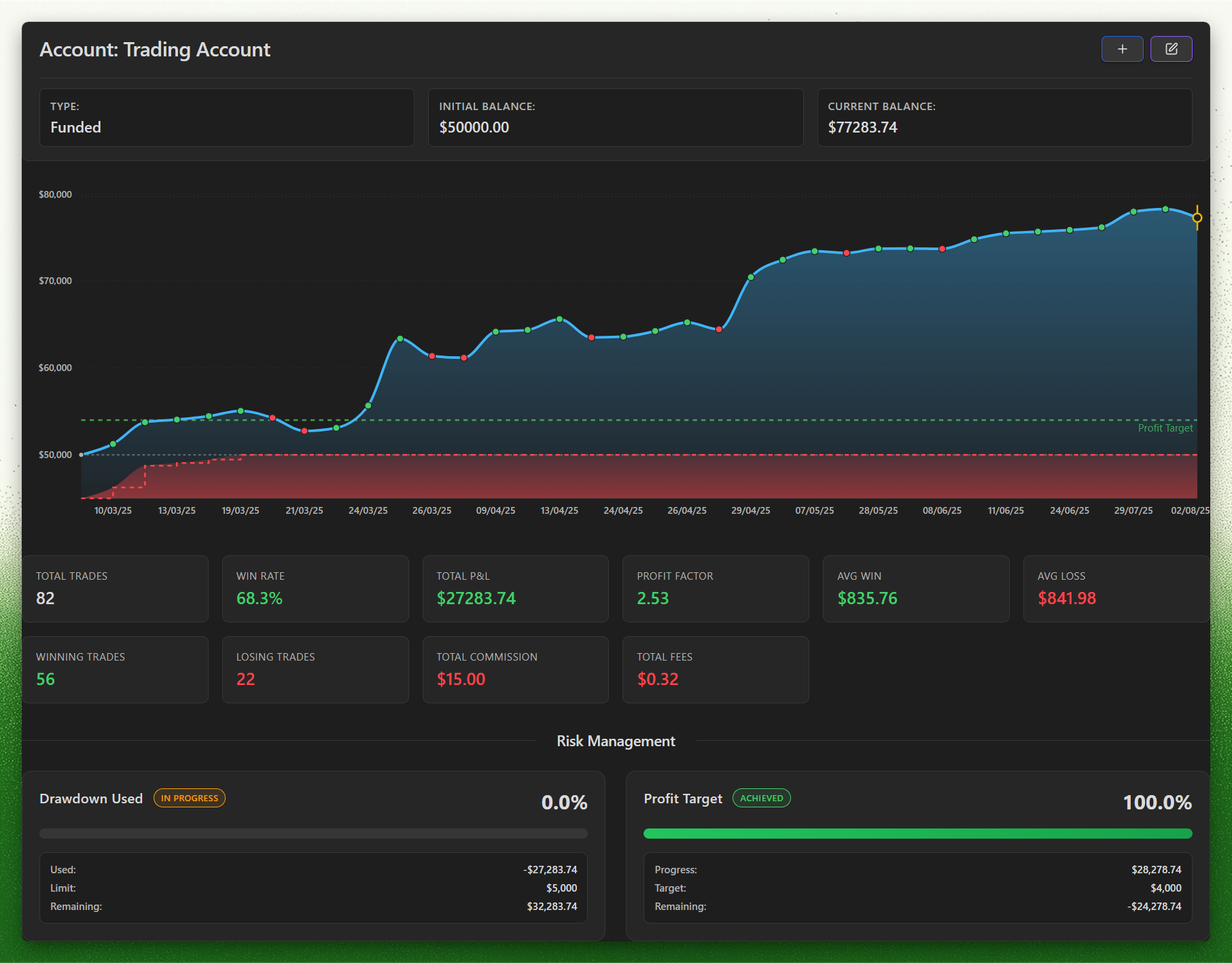
- Prop challenges: track evaluation and funded phases, drawdown, daily loss, profit targets, and payout rules, with firm profiles to set them up.
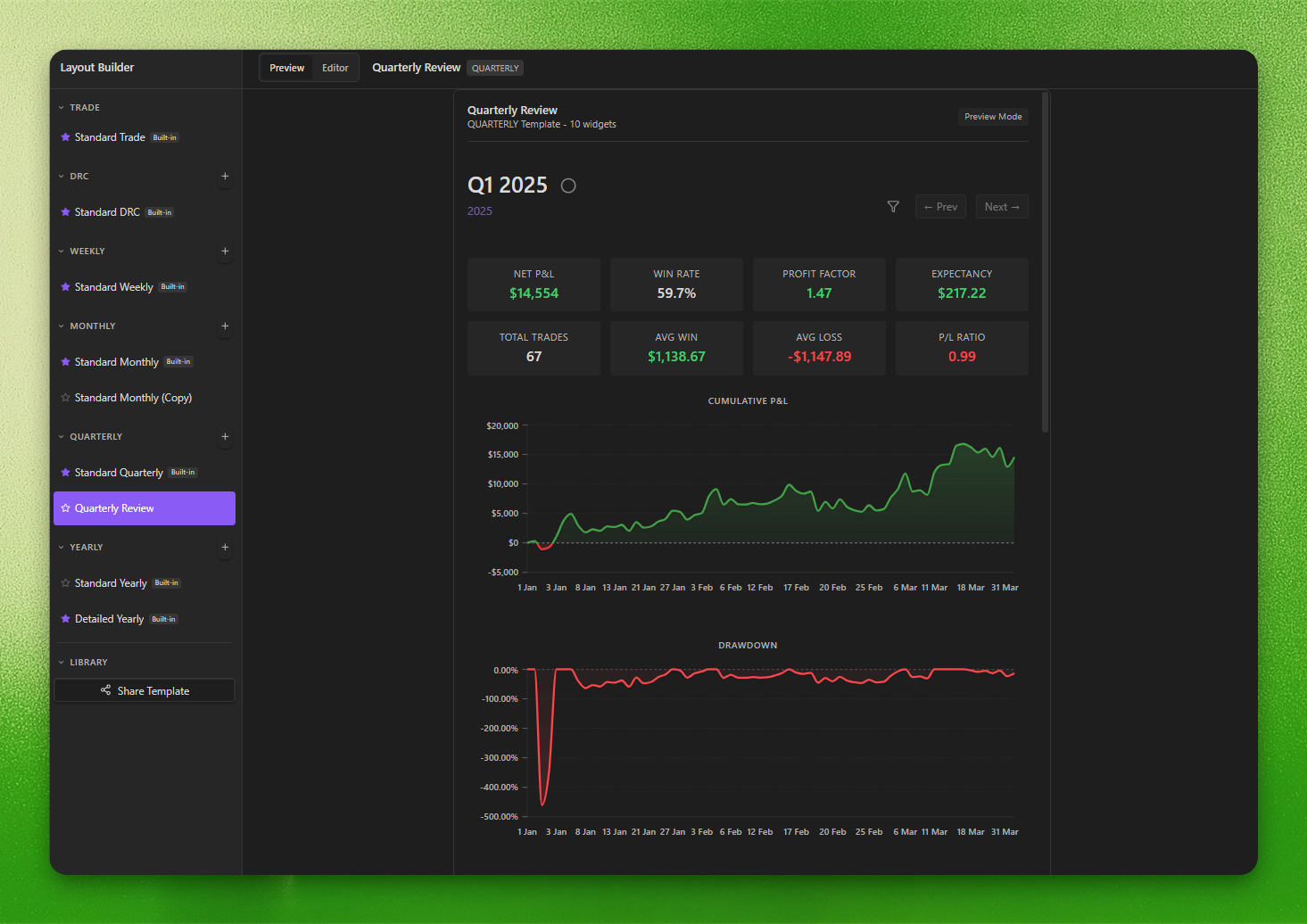
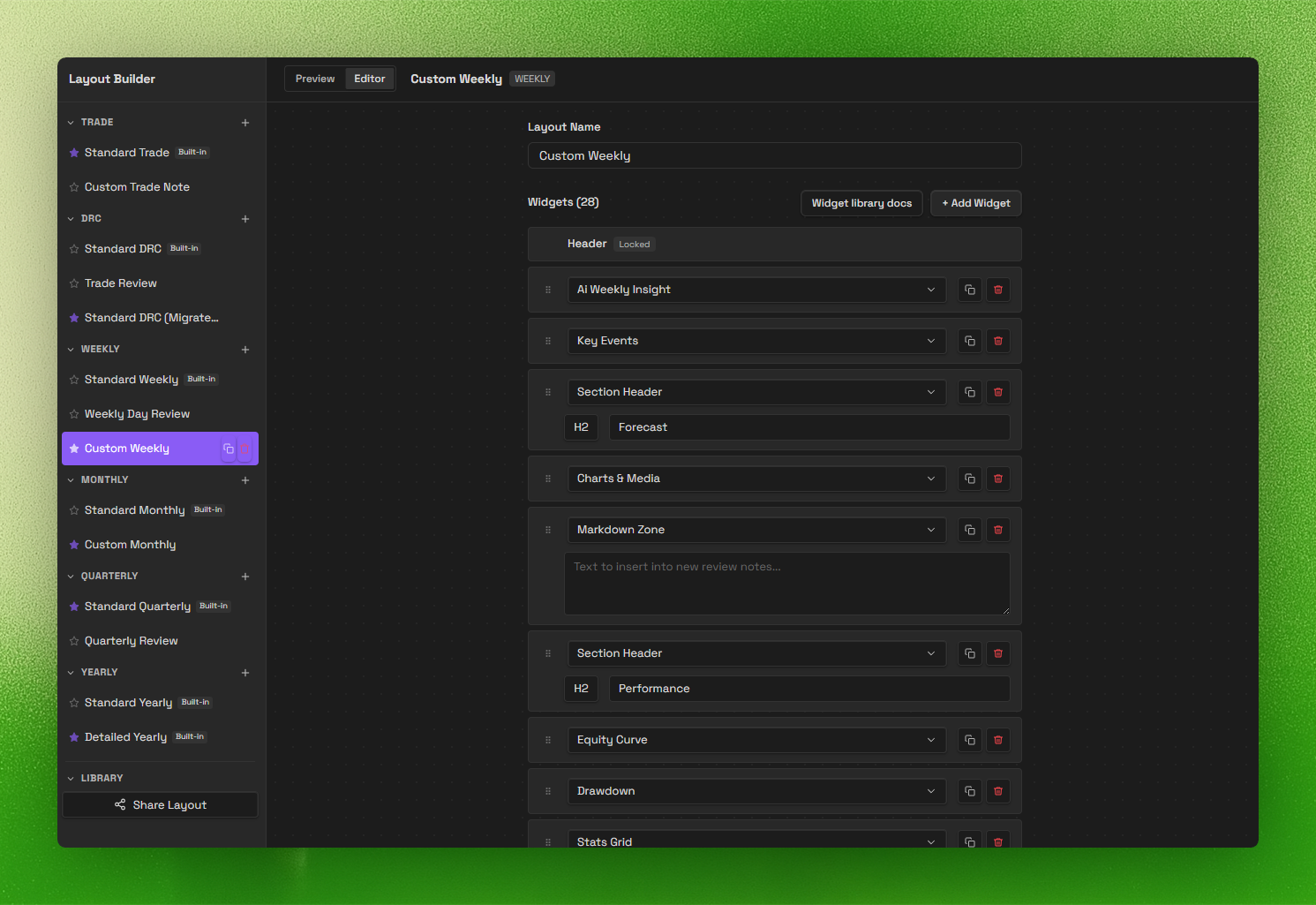
- Review system (V2): daily → yearly templates with a layout builder.
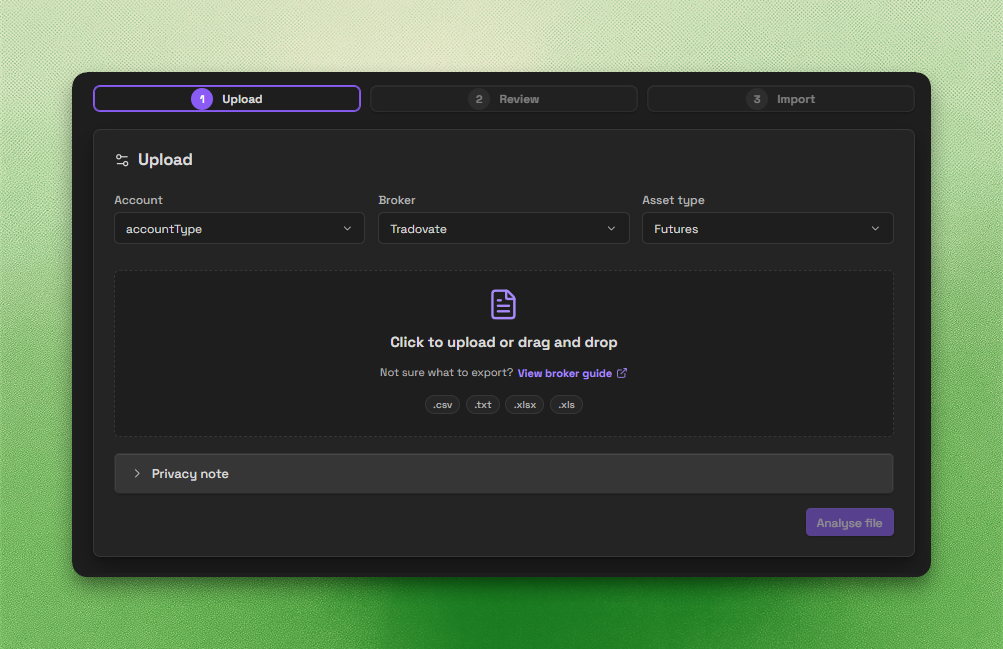
- Trade Import: backend-powered imports for CSV, spreadsheets, HTML, and broker statements.
- Trade Sync: automatic trade sync for supported brokers.
Important disclosures
- Local-first core: core journaling works offline and stores your notes and trades inside your Obsidian vault.
- Account required for full access: a Journalit account is required for authentication-backed and subscription-gated features.
- Paid features: a paid Pro subscription is required for full access to Pro features such as Trade Sync, Trade Import, the Economic Calendar, and prefilled prop-firm profiles.
- Network use: Journalit checks public GitHub release metadata for updates by default without sending vault or account data. Signed-in features may use Journalit services; MT4 sync uses managed FTP, and currency conversion may use a third-party exchange-rate service. See PRIVACY.md.
- No client-side telemetry: the plugin collects no usage data from inside Obsidian. Upgrade buttons open journalit.co in your browser when you click them, carrying fixed campaign parameters (no identifiers) so upgrades can be attributed server-side; see PRIVACY.md.
- Source available, proprietary license: the plugin is proprietary software with reviewable source.
- Privacy details: see PRIVACY.md for data handling, retention, and infrastructure details.
Screenshots
Trading Dashboard
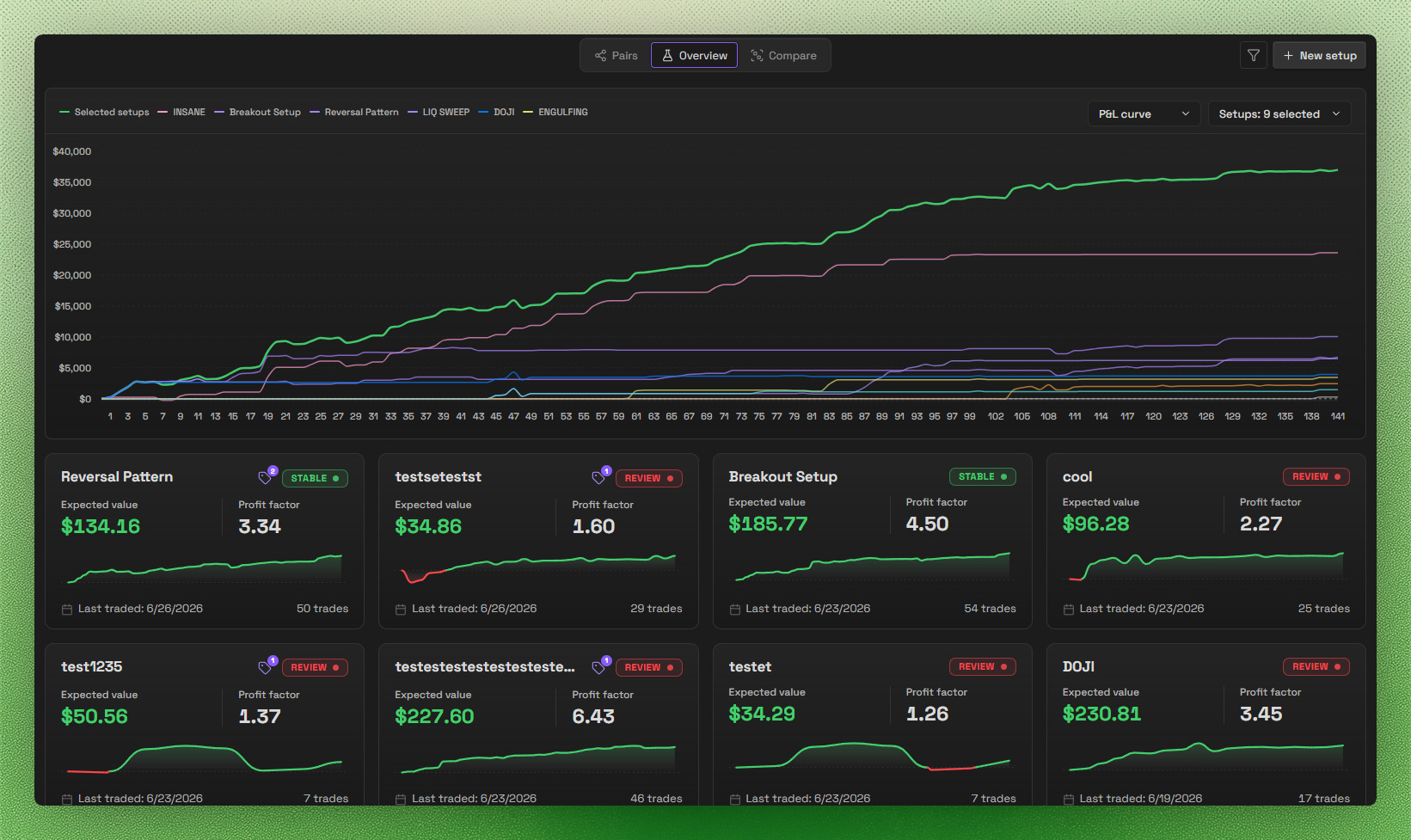
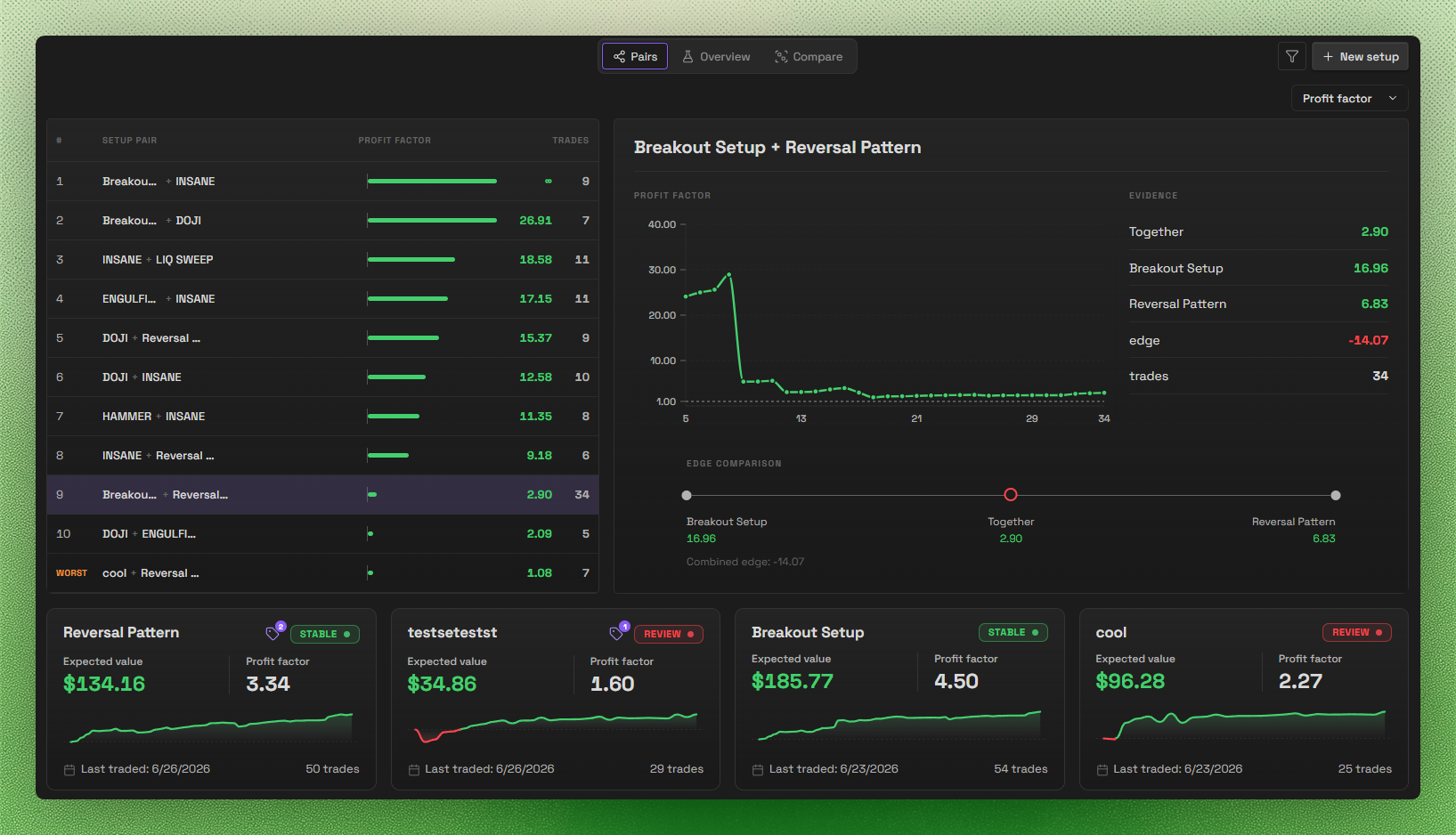
Setups
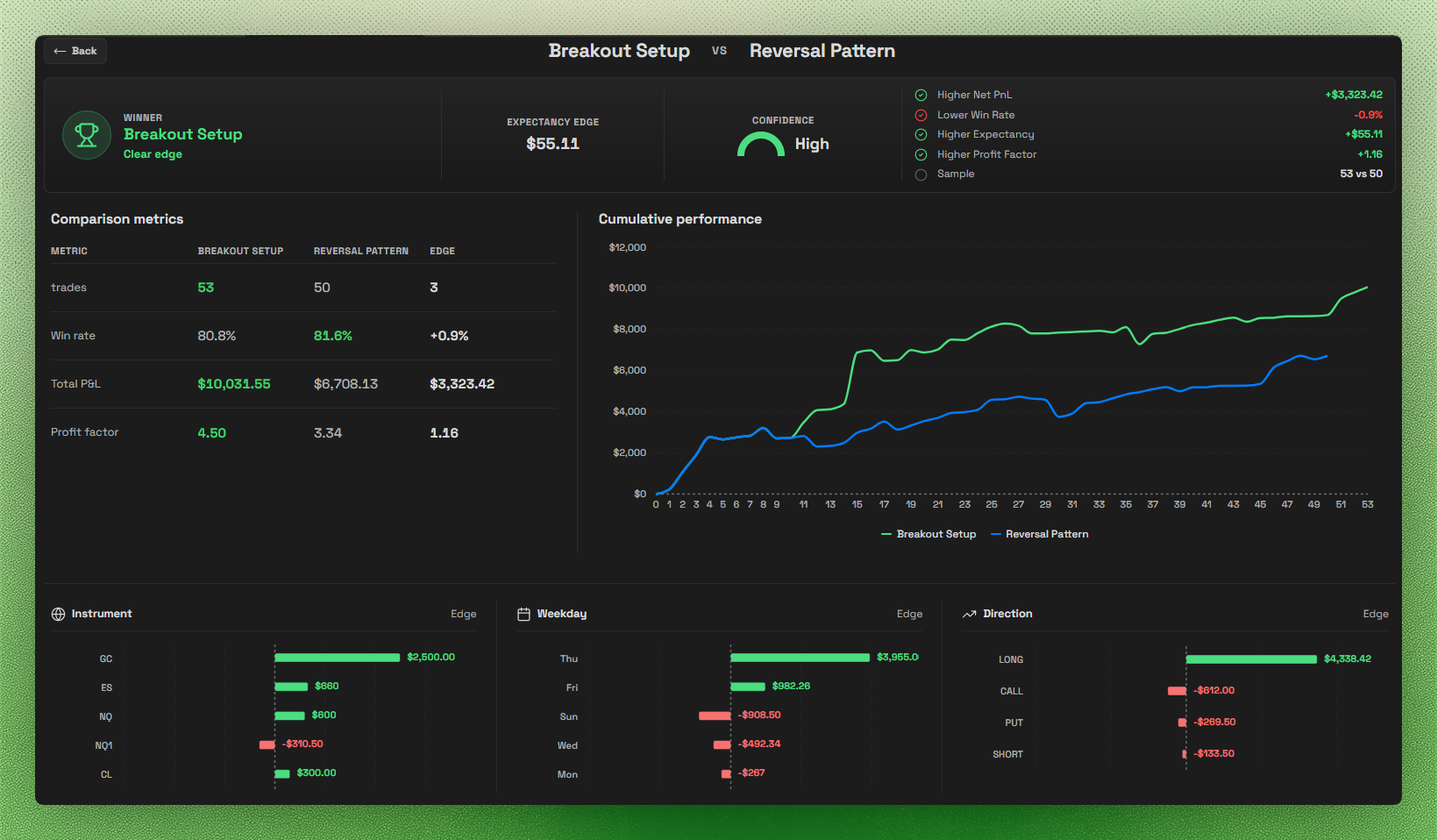
Accounts & Prop Challenges
Layout Builder
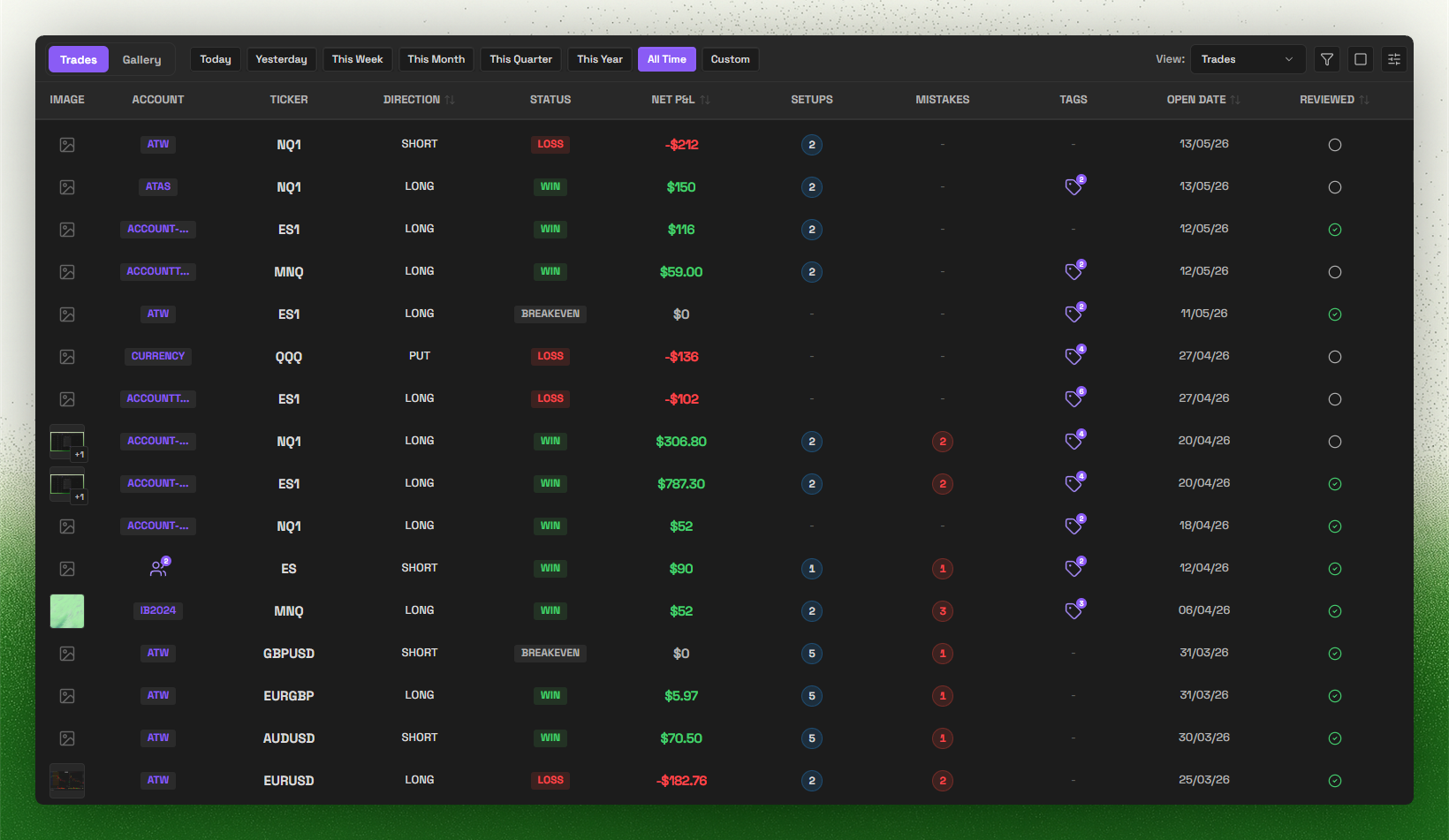
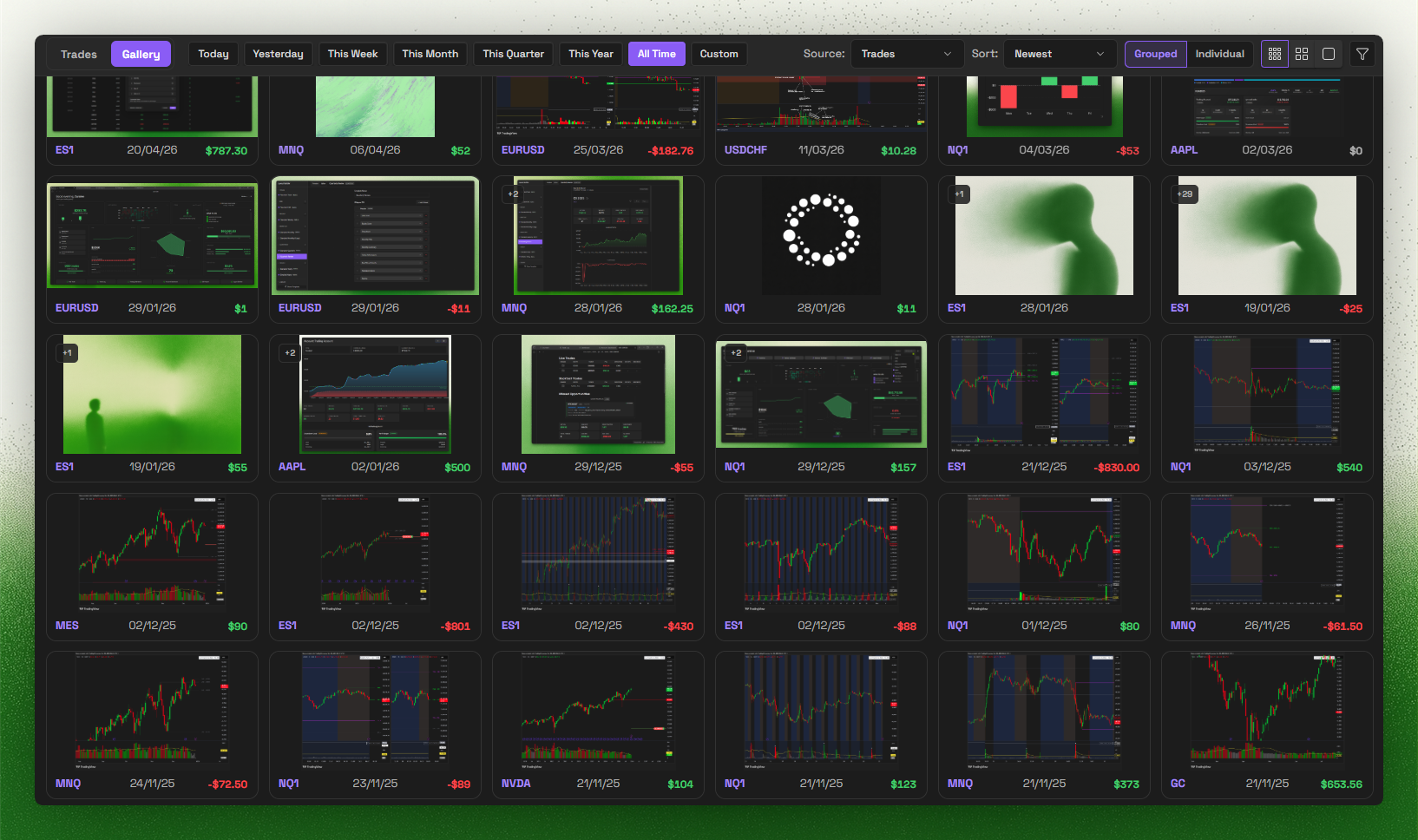
Trade Log & Gallery
Trade Import
Supported brokers
Supported broker import formats:
- IBKR
- Tradovate
- TopStepX
- TradeZero
- TradingView
- Bybit
- BloFin
- Hyperliquid
- Sierra Chart
- MotiveWave
- FX Replay
- ATAS
- Trading Technologies (TT)
- Rithmic
- MetaTrader 4/5
Missing your broker? Join Discord and tell us what you want next.
Keywords: obsidian trading journal, trading plugin, trade tracker, obsidian trading template, trading analytics, MetaTrader, MT4 sync, MT5 sync, Trade Import, prop firm, prop firms, funded account, profit target, trailing drawdown, max drawdown, prop challenge, evaluation, funded phase, payout rules, daily loss limit
- How it works (local-first)
- Trade Import overview
- MetaTrader sync overview
- Compare with other journals
- Prop challenges guide
License
This plugin is source-available proprietary software. Source is published for Obsidian review and user inspection, but it is not licensed as open source. See LICENSE for permitted use.